
Best email marketing software for churches (2026)
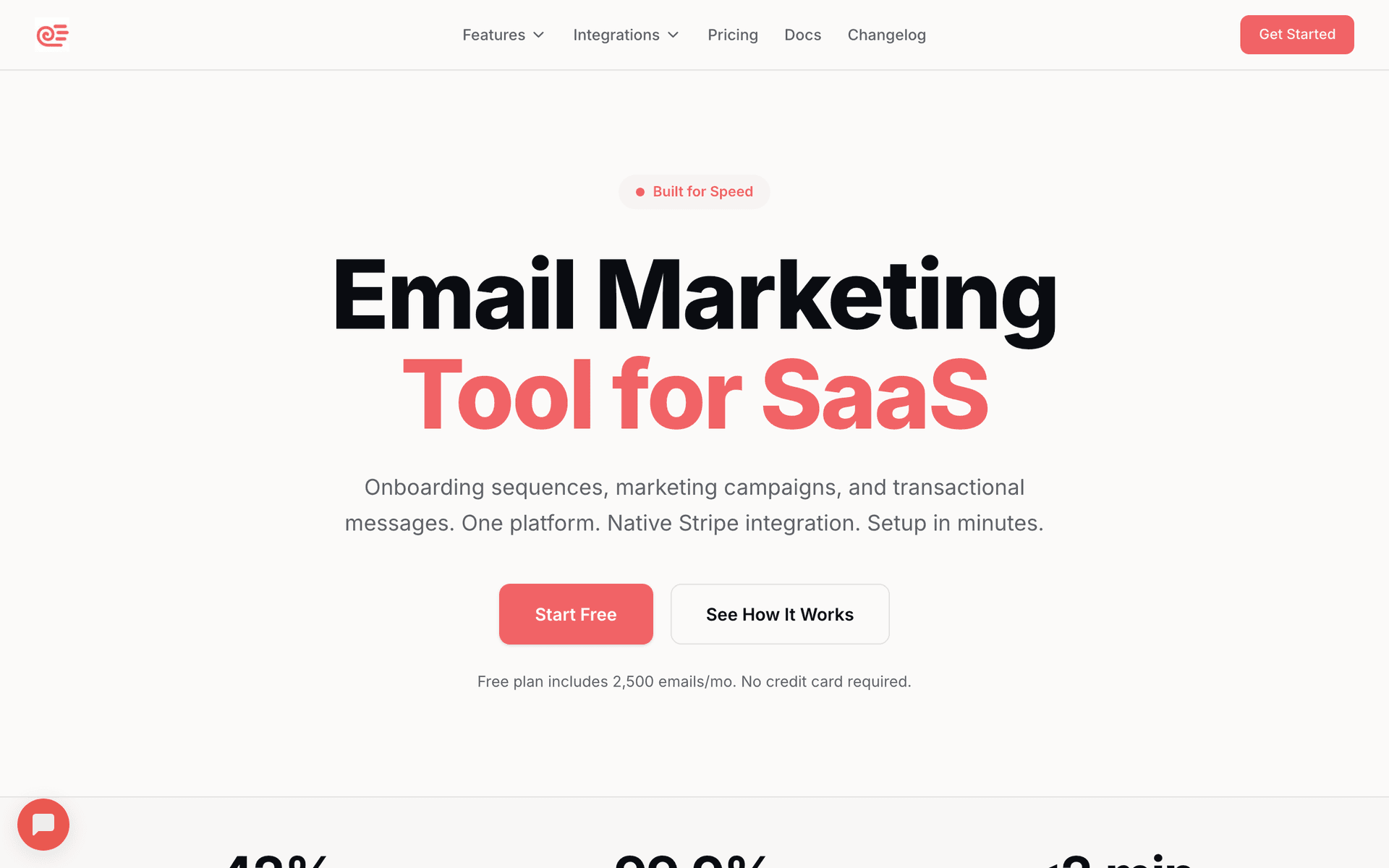
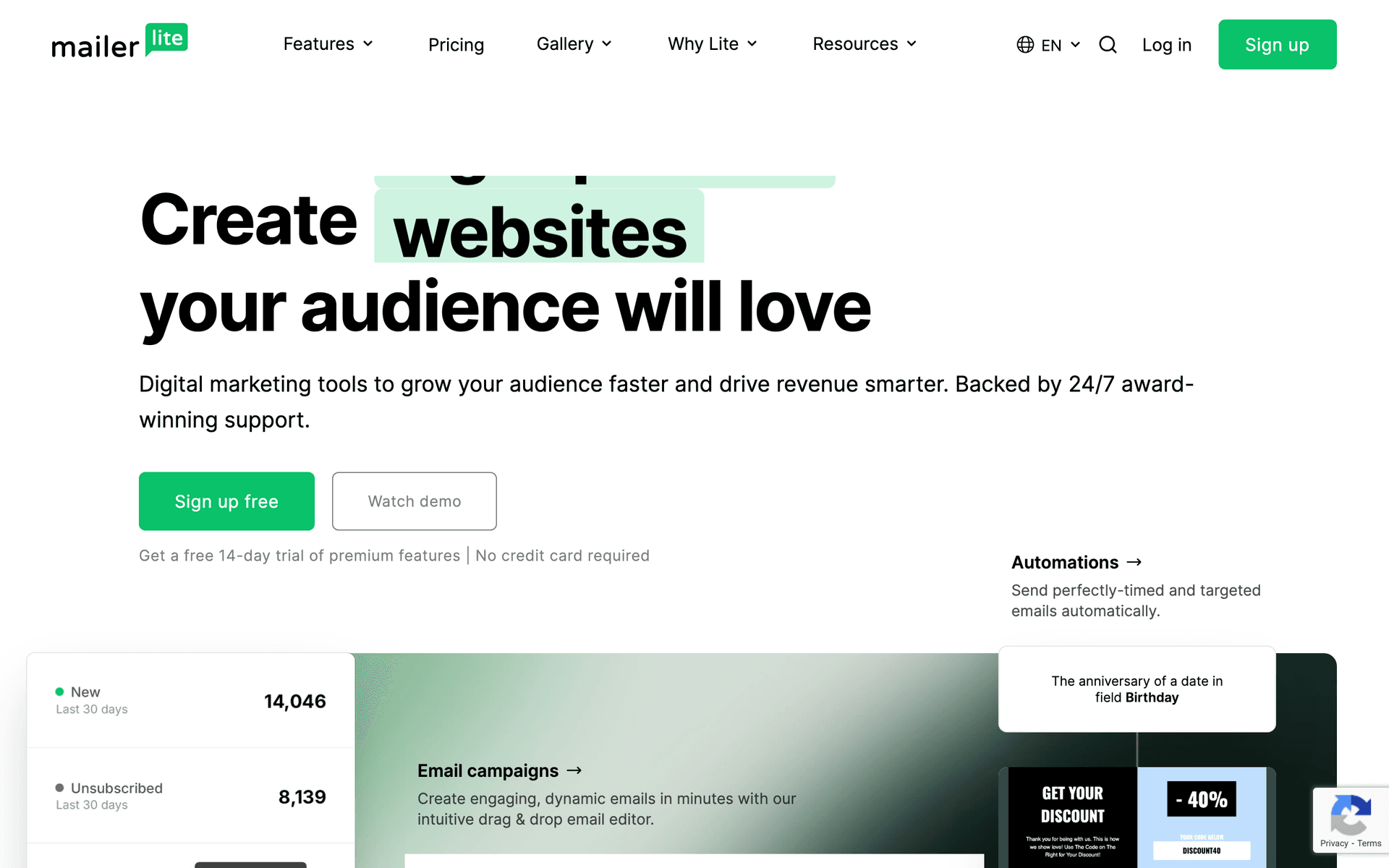
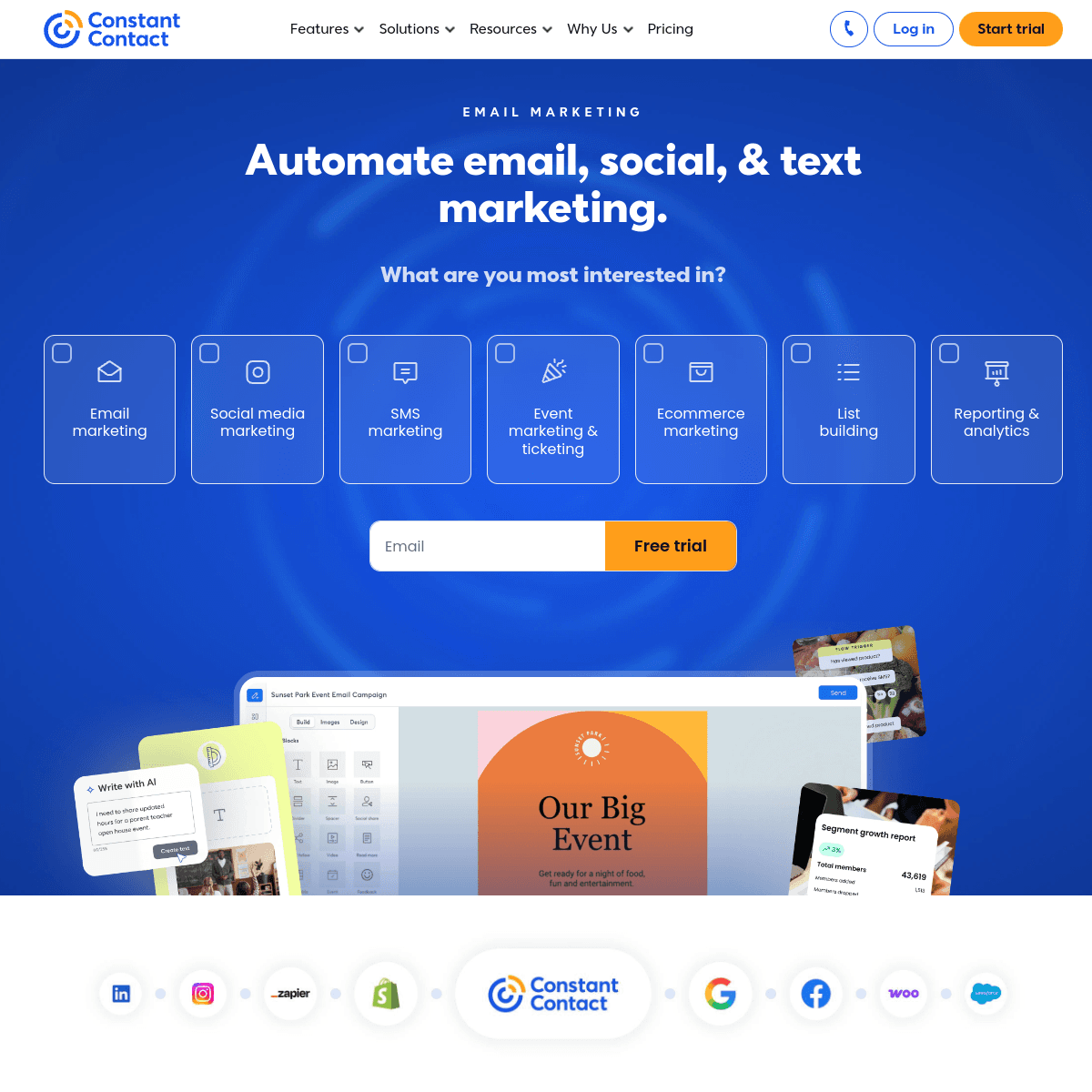
For most churches the answer is Sequenzy: the free tier sends 2,500 emails a month, which covers a 200-member congregation's weekly newsletter outright, unlimited contacts means a decade of visitor records costs nothing to keep, and tags and custom attributes give you member, visitor, volunteer and donor segments with automations that fire when a tag changes. Paid plans start at $19/mo. If a published nonprofit discount is the deciding factor, MailerLite is the cleanest of the mainstream options, from $12/mo at 500 subscribers. If your congregation data already lives in Planning Center, Tithe.ly or Breeze, their built-in messaging is often the right choice for announcements. If a volunteer needs to phone someone on a Friday, Constant Contact from $12/mo.
| If you are | Pick | Because |
|---|---|---|
| A church under about 300 people with a volunteer communicator | Sequenzy | The free tier covers your weekly newsletter and you never pay to store old visitor records |
| A church that needs a nonprofit discount on the invoice | MailerLite | The most straightforward published nonprofit pricing here, with the simplest editor |
| Already running Planning Center, Tithe.ly or Breeze | Your church management system | Announcements from live congregation data with no export step |
| Running a capital campaign or serious annual appeal | Bloomerang | Giving history and engagement scoring drive the stewardship messaging |
| Relying on a rotating volunteer who will need help | Constant Contact | Phone support and built-in event registration, in exchange for basic automation |
How to choose email marketing software for a church
Seven criteria decide this. Ease of use appears on every generic list; the version that matters for a church is narrower and it is criterion three.
1. Where the congregation data lives, and how it gets out. Your people records are already in a church management system or a spreadsheet. The question is not whether the email tool is good but whether it will ever be populated. What good looks like: a documented weekly sync - native, Zapier or API - that runs whether or not anyone remembers. Planning Center, Tithe.ly and Breeze avoid the problem by sending email themselves. Dedicated platforms including Sequenzy, MailerLite and Mailchimp need a sync set up on day one.
2. Congregation segmentation that survives a volunteer handover. You need four to six segments: members, regular attenders, first-time visitors, volunteers, donors and parents. What good looks like: segments defined by a tag or attribute rather than by separate lists, so someone can be a volunteer and a donor without being in the system twice, and so a sequence can start the moment a tag is added. Sequenzy uses tags and custom attributes for this, with tag-added and segment-entered triggers; Mailchimp uses tags and segments; MailerLite uses groups; Constant Contact uses lists, which is the weakest of the four.
3. An editor a volunteer can use in an afternoon. Not general ease of use - specifically, can someone who has never sent a marketing email build the Thursday newsletter without help, and can the next volunteer do the same in eighteen months. MailerLite and Sequenzy are the simplest here, Constant Contact is close behind and has phone support as a backstop, and anything with a full automation canvas will become a one-person bottleneck.
4. Event registration and reminders. VBS, retreats, potlucks, membership classes and Christmas services all need a page, a confirmation and a reminder. What good looks like: a registration page you can publish on your own domain, feeding a segment that automatically receives the confirmation and the day-before reminder. Constant Contact has purpose-built event tools; Sequenzy and MailerLite do it with landing pages plus an automation; the church management systems do it with forms.
5. SMS for weather cancellations. The one message email cannot deliver in time. A service cancelled at 7am needs to reach people while they are deciding whether to get in the car. What good looks like: a text channel with separate consent, quiet hours and STOP handling that you use two or three times a year. Sequenzy offers it as an add-on from $16/mo including 1,000 credits; Constant Contact, Brevo and the church management systems also text. MailerLite does not.
6. Giving receipts and year-end statements. These are transactional email and they belong wherever the donation records are. What good looks like: statements generated from actual giving data with no manual reconciliation. Tithe.ly, Planning Center Giving, Breeze, Bloomerang, DonorPerfect and Little Green Light all do this natively. If you send from an email platform instead, use a transactional send with per-recipient data.
7. What it costs when your list is mostly people you rarely email. A church list is a decade-long archive. Contact-based pricing bills you monthly for the visitor card from 2021. Email-volume pricing bills you for the newsletter you actually sent. Sequenzy and Brevo use the second model; MailerLite, Mailchimp and Constant Contact use the first. At 2,500 contacts and a weekly newsletter that difference is roughly the cost of a paid plan versus the cost of the entry plan of a platform that charges for storage.
Church management software integration
Your congregation data already exists. The question is how it reaches the email tool, and whether anyone will keep doing it in six months.
| Your ChMS | Sends email itself? | Path to a dedicated email platform |
|---|---|---|
| Planning Center | Yes, from People, plus text | CSV export, Zapier or API |
| Tithe.ly | Yes, email and text | CSV export or API |
| Breeze | Yes, basic email and text | CSV export or Zapier |
| Church Community Builder | Basic sending | CSV export or API |
| Subsplash | Yes, app, push and email | CSV export |
| Pushpay | Yes, with giving data attached | CSV export |
| Spreadsheet or paper | No | Import directly, and build the segments properly this time |
The decision is simple. If your ChMS messaging is good enough for a weekly newsletter and announcements, and you do not want sequences, use it and buy nothing. If you want a real visitor follow-up sequence, event registration pages, volunteer reminders that fire on a schedule and segmentation you can act on, use a dedicated platform and set up the sync on day one. What does not work is buying an email platform and never populating it, which is exactly where most church email programs die - usually in month three, when the segments have drifted and nobody trusts them any more.
Two practical notes. First, export the segment field, not just names and addresses: a CSV of name, email, member status, ministry involvement and last-giving-date is enough to run everything on this page. Second, decide who owns the sync and write it in their role description, because a sync that belongs to everybody belongs to nobody.
The church email playbook
Five programs. Each one names the trigger, the segment, the timing, the emails and the metric that tells you whether it worked. If you build nothing else, build the first one.
Program 1: the first-time visitor sequence
Trigger: connection card entered, or the visitor tag added in your ChMS and synced. Segment: first-time visitors only, excluded from the weekly newsletter for the first three weeks so their inbox is not competing with itself. Timing: same afternoon, day 3, day 7, week 3.
- Same afternoon - "Thanks for visiting today". Confirms they were noticed. Service times, what happens next, a photo of the actual building. No ask, no giving link, no ministry list.
- Day 3 - "Who we are and what we believe". The question every visitor has and nobody asks out loud. Short and plain, with a link for anyone who wants the longer version.
- Day 7 - "One next step". Exactly one invitation: a small group, a newcomers class, coffee with a staff member. A list of nine ministries produces zero next steps.
- Week 3 - "A note from [pastor]". Short, personal, from a real person with a real reply address. This is the email that gets replies, and replies are how a visitor becomes a member.
Metric to watch: second-visit rate among sequence recipients versus visitors from before you built it. If your attendance system cannot tell you that, use reply rate on the week-3 email, which is the only email in the sequence designed to be answered.
Why it works: it removes the dependency on someone remembering. The two weekends of the year when visitors show up in volume - Easter and Christmas - are the two weekends the staff are least able to follow up manually, which is precisely when an automation earns its keep. Build it before Easter, not after.
Program 2: the weekly newsletter people open
Trigger: the calendar, every Thursday, at the same time. Segment: everyone except first-time visitors in their first three weeks. Timing: Thursday 10am or 5pm, weekly, without exception.
The structure is one main thing, two short things, one action:
- A short pastoral note, three or four sentences, from a named person.
- Sunday's topic or series, one line.
- The week's key announcement, with the detail on a linked page rather than in the email.
- One story of something that actually happened - a group that met, a repair that got done, someone who got baptised.
- One clear next step, as a button.
Keep it under 300 words. Most people give a church newsletter thirty to sixty seconds. Churches that list every ministry every week train the congregation to skim, and the ministries at the bottom of the list gain nothing from being there.
Metric to watch: open rate week over week, and the trend rather than any single number. A church list should sit in the 30-45% range. A steady decline usually means frequency or relevance, not subject lines.
Why consistency beats polish: a plain email that always arrives on Thursday builds a habit. A beautiful one that arrives when someone has time does not, and the gaps are what kill open rates. Pick a cadence the team can sustain in a busy month, not in an ideal one.
Program 3: ministry segmentation
Trigger: a tag being added to a person record, or that person entering a segment. Segment: four to six, no more. Timing: ongoing, reviewed once a term.
The model that survives a volunteer handover:
| Segment | How someone enters it | What they get that others do not |
|---|---|---|
| First-time visitor | Connection card | The four-email welcome sequence, then nothing else for three weeks |
| Regular attender | Third recorded attendance, or self-identified | The weekly newsletter and general invitations |
| Member | Membership class completed | Congregational meeting notices, member-only decisions, giving appeals |
| Volunteer | Serving team assignment | Rota reminders, team-specific updates, quarterly appreciation |
| Donor | First recorded gift | Receipts, the giving-impact email, year-end statement |
| Parent | Child registered in kids or youth | Program updates, term dates, safeguarding notices, camp registration |
Two rules make this survivable. First, tags rather than lists, so a person can be a member, a volunteer and a donor without existing three times and receiving the newsletter three times. Second, sequences that start on a tag being added rather than on manual enrolment - adding the volunteer tag should start the onboarding sequence without anyone remembering to do it. Sequenzy's automations support tag-added and segment-entered triggers for exactly this reason. Note that writing a custom attribute on its own does not start a sequence in Sequenzy: build a segment on the attribute and trigger on segment entry, which is the pattern to use for anything keyed on giving history or attendance counts.
Metric to watch: unsubscribe rate per send. Under 0.3% is healthy. A spike almost always means someone sent a segmented message to the whole list.
Program 4: volunteer coordination
Trigger: volunteer tag added, then each rota slot. Segment: the volunteer segment, sliced by team. Timing: on sign-up, before the first serve, 48 hours before each slot, quarterly.
Volunteers do not stop serving because they lost enthusiasm. They stop because they were unclear about what was expected, or because they were not thanked, or because nobody reminded them and the awkwardness of missing one turned into missing all of them.
- On sign-up - "Thanks for saying yes". Names the team, names the coordinator, gives one contact for questions, links the safeguarding requirement if there is one.
- Before the first serve - "What to expect on your first Sunday". Arrival time, where to go, what to wear, who to find. Removes every reason a first-time volunteer quietly does not show up.
- 48 hours before each slot - "You are serving this Sunday". Role, time, location, and a one-click way to say they cannot make it. This single email does more for Sunday morning staffing than any recruitment campaign, because the coordinator finds out on Friday rather than at 8:45am.
- Quarterly - "Thank you for serving this term". Specific, with a number attached: how many Sundays, how many children, how many meals served. Generic appreciation does not land.
Metric to watch: no-show rate on rota slots, before and after the 48-hour reminder is introduced. It is the most immediately visible improvement in this entire guide.
Program 5: giving, receipts and year-end statements
Trigger: a donation recorded, and the calendar in December and January. Segment: donors, and separately first-time donors. Timing: immediate receipt, day 5, day 30, then annually.
Receipts and year-end giving statements are transactional. They go to every donor regardless of newsletter preferences, they must never contain a fundraising ask, and they should come from wherever the donation records live because reconciliation is the hard part, not the sending. Tithe.ly, Planning Center Giving, Breeze, Bloomerang, DonorPerfect and Little Green Light all generate them from real giving data. If you send from an email platform, use a transactional send with per-recipient data.
The first-time giver flow is the part most churches skip, and it is the giving equivalent of the visitor sequence:
- Immediately - the receipt. Amount, date, tax information. Clean.
- Day 5 - "Here is what your giving did". One specific outcome, not a budget pie chart. The meals, the repair, the family helped.
- Day 30 - "How giving works here". Explains recurring giving and how the church handles money, with a link to set up a regular gift. Asked once, plainly, and not again for a year.
Fundraising appeals are a separate program with a separate consent basis and a separate calendar. Mixing them into receipts is the fastest way to make a donor distrust both.
Metric to watch: the conversion of one-time givers to recurring givers within 90 days. This is the number that changes a church budget, and almost nobody measures it.
What church email costs at 200, 800 and 2,500 contacts
Assumptions for every row: a weekly newsletter to the full list, roughly 4.3 sends a month, plus a small allowance for event and sequence emails. That is about 900 emails a month at 200 contacts, 3,500 at 800, and 11,000 at 2,500.
| Platform | Billing model | 200 contacts | 800 contacts | 2,500 contacts |
|---|---|---|---|---|
| Sequenzy | Per email sent, unlimited contacts | Free, inside the 2,500-email tier | $19/mo | $19/mo |
| Brevo | Per email volume, unlimited contacts | Free, inside 300 emails a day | Free or Starter from $9/mo | Starter from $9/mo at the 5,000-email volume, next volume band above |
| MailerLite | Per subscriber | Comfort from $12/mo at 500 subscribers | Priced by the subscriber band above 500 | Priced by the subscriber band; Power is $39/mo at 1,000 subscribers |
| Mailchimp | Per contact, tiered | Free tier or Essentials from about $13/mo | Essentials or Standard from about $20/mo, by contact band | Standard, by contact band |
| Constant Contact | Per contact with a send multiple | Lite from $12/mo, 10x send allowance | Lite or Standard from $35/mo | Standard by contact band; Lite's send multiple gets tight |
Sequenzy's figures are exact because they come off a published tier table: the free tier includes 2,500 emails, and the first paid tier at $19/mo includes 15,000 emails, which covers a weekly newsletter to 2,500 people with room for event and sequence traffic. Unlimited contacts on every plan means the archive of old visitor records adds nothing. The competitor rows are expressed as models plus published anchor points rather than invented totals, because none of those vendors publishes a rate for every band and a made-up figure would be worse than an honest one. Nonprofit discounts apply on MailerLite, Mailchimp, Constant Contact and Brevo and will move those numbers down; confirm the current terms with each vendor. The full detail is in the MailerLite, Mailchimp, Constant Contact and Brevo pricing breakdowns, and Sequenzy's tiers are on the pricing page.
One thing that does not show up in a table: a church list grows in one direction. In five years the 800-contact church is the 2,500-contact church, and on subscriber-based pricing that growth is a recurring cost even though the sending volume barely changed.
The church communication calendar
Build this in January in one sitting. The lead times are the part that gets missed.
| Season | Email priority | Segment | Lead time |
|---|---|---|---|
| January | New year vision, small groups, ministry team recruitment | Members and regular attenders | 2 weeks |
| February to March | Lent, membership class, giving statements | Full list, donors separately | 3 weeks |
| March to April | Easter services and Holy Week | Full list, plus lapsed attenders and visitors | 6 weeks |
| May | Mother's Day, graduations, summer schedule preview | Parents and full list | 3 weeks |
| June to July | VBS and summer camp registration | Parents | 8 weeks |
| August | Back to school, autumn series preview, volunteer recruitment | Full list, volunteers | 4 weeks |
| September | Autumn kickoff, small group launch, ministry fair | Full list | 4 weeks |
| October to November | Outreach, Thanksgiving, Advent promotion begins | Full list and community | 4 weeks |
| December | Christmas services, year-end giving | Full list, donors separately | 6 weeks for services, 3 for giving |
Easter and Christmas are the two weekends when first-time visitors arrive in volume. The visitor sequence has to be live before those services, not built afterwards from a stack of connection cards. Year-end giving is the single highest-yield campaign of the church year and it should go out in the first week of December, not on the 29th.
Building and growing your church email list
Every touchpoint should collect an address, and the ones churches usually miss are the highest yield.
- Connection cards, paper or digital, at every service. The baseline.
- Event registration forms. Anyone who signs up for a retreat, a class or a meal has already chosen to engage. This is the most under-used source in most churches.
- Small-group and volunteer signups. Capture the address at the point of commitment.
- Website signup with something concrete attached - a devotional guide, the sermon notes, a family discussion sheet. A bare "subscribe to our newsletter" box converts poorly. A form or landing page with a specific offer converts several times better.
- Baptism, membership and marriage preparation classes. Small numbers, extremely high engagement.
- QR codes in the foyer, on the bulletin and on printed material, pointing at a landing page rather than a homepage.
A healthy church list has 60-80% of regular attenders on it and grows by 5-15 addresses per weekend. If you are below 60%, the problem is almost always collection rather than interest.
Getting started: first 30 days
Week 1 - set up and import. Choose the platform. Create the account under a church email address, never a personal one, and give a second person access immediately. Import your member and visitor records, and clean them on the way in rather than after the first send. Build the six segments from the segmentation table as tags, not lists. Set up the ChMS export or sync and put it in someone's role description.
Week 2 - build the two things that matter. Build the four-email visitor welcome sequence and trigger it on the visitor tag. Build one reusable weekly newsletter template with the sections fixed, so the volunteer's job each Thursday is filling in five boxes rather than designing an email. Send the first newsletter this week even if the template is imperfect - starting the habit matters more than the design.
Week 3 - volunteers and events. Build the volunteer 48-hour serving reminder and the two-email onboarding for new volunteers. Build one event landing page with the confirmation and day-before reminder attached, and use it for the next thing on the calendar. If you have taken the SMS add-on, register the number now rather than the week you need it, because carrier verification takes time.
Week 4 - giving and calendar. Set up the first-time giver flow, or confirm that your giving platform already handles receipts and statements properly. Write the communication calendar for the next quarter with dates and lead times. Review the first three weeks of numbers: open rate, click rate, unsubscribes, and how many visitor cards actually made it into the system, which is usually the thing that turns out to be broken.
Do not build lapsed-attender re-engagement, appeal campaigns or anything with branching logic in the first month. Visitor sequence, weekly newsletter, volunteer reminder. Everything else is an optimisation on a program that does not exist yet.
Church email benchmarks
Typical healthy ranges rather than guarantees. Church lists run well above cross-industry averages because the relationship is real, so do not benchmark yourself against retail figures.
| Metric | Healthy benchmark | Notes |
|---|---|---|
| Newsletter open rate | 30-45% | Church lists run well above commercial averages |
| Visitor sequence open rate | 50-70% | They just met you and they are curious |
| Visitor return rate with a sequence | Meaningfully higher than without | The clearest return in church communication |
| Event registration conversion | 15-30% of opens | With a real registration page rather than a reply-to-book |
| Volunteer rota no-show rate | Falls noticeably with a 48-hour reminder | The fastest visible win in this guide |
| One-time to recurring giver conversion | Measured at 90 days | Almost nobody tracks this and it moves the budget |
| Unsubscribe per send | Under 0.3% | Spikes if you over-text or send segmented content to everyone |
| List growth | 5-15 new contacts per weekend | From connection cards and event forms |
Where to go next
- Newsletter ideas for churches - what to write each week
- Email marketing for nonprofits, charities and community organisations
- Email marketing for fundraising - appeals as a separate program
- Email marketing for summer camps - if you run VBS or a camp
- Fundraising email templates and nonprofit email templates
- Event and webinar email templates - confirmation and reminder copy
- SMS - weather cancellations and event-day reminders
- Landing pages - event registration on your own domain
- Automations - sequences that fire when a tag changes
- Localization - one campaign, multiple languages for a bilingual congregation
- MailerLite compared and Mailchimp compared
- Email segmentation examples - if the six-segment model above needs adapting
Start free - 2,500 emails a month and unlimited contacts, which covers most small churches indefinitely, or see the pricing tiers against your congregation size.