
How to Choose the Right Email Tool for Your Charity
The best email marketing tool depends on your organization's specific situation. Here is how to think through the decision.
Budget Comes First
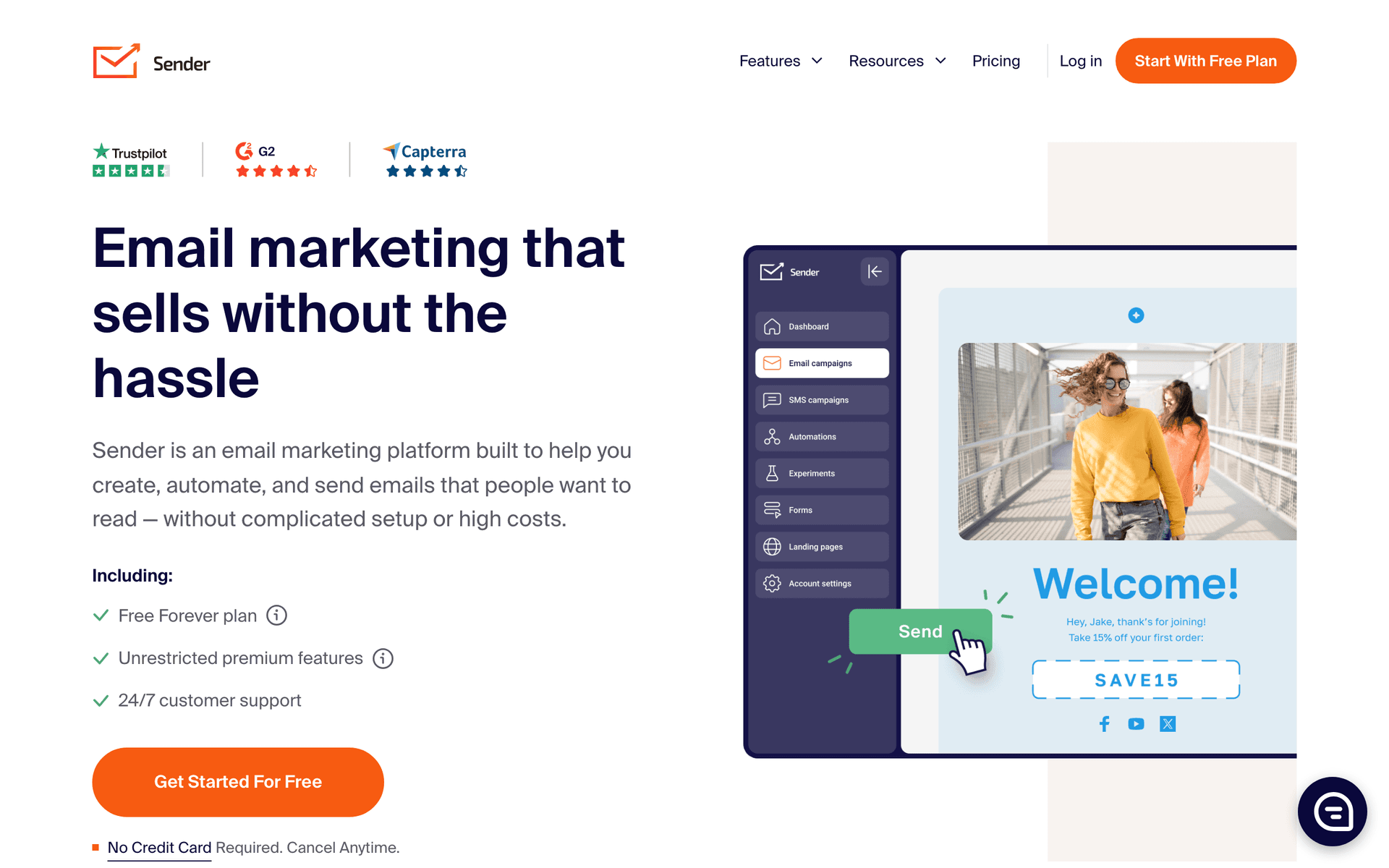
Nonprofits need value. Before comparing features, calculate the real cost at your actual donor database size. A platform that costs $10/month for 500 contacts might cost $200/month with 10,000 donor records. Platforms with pay-per-email pricing (like Sequenzy) or generous free tiers (like MailerLite) are often better value for charities that maintain large databases but only email actively during campaigns.
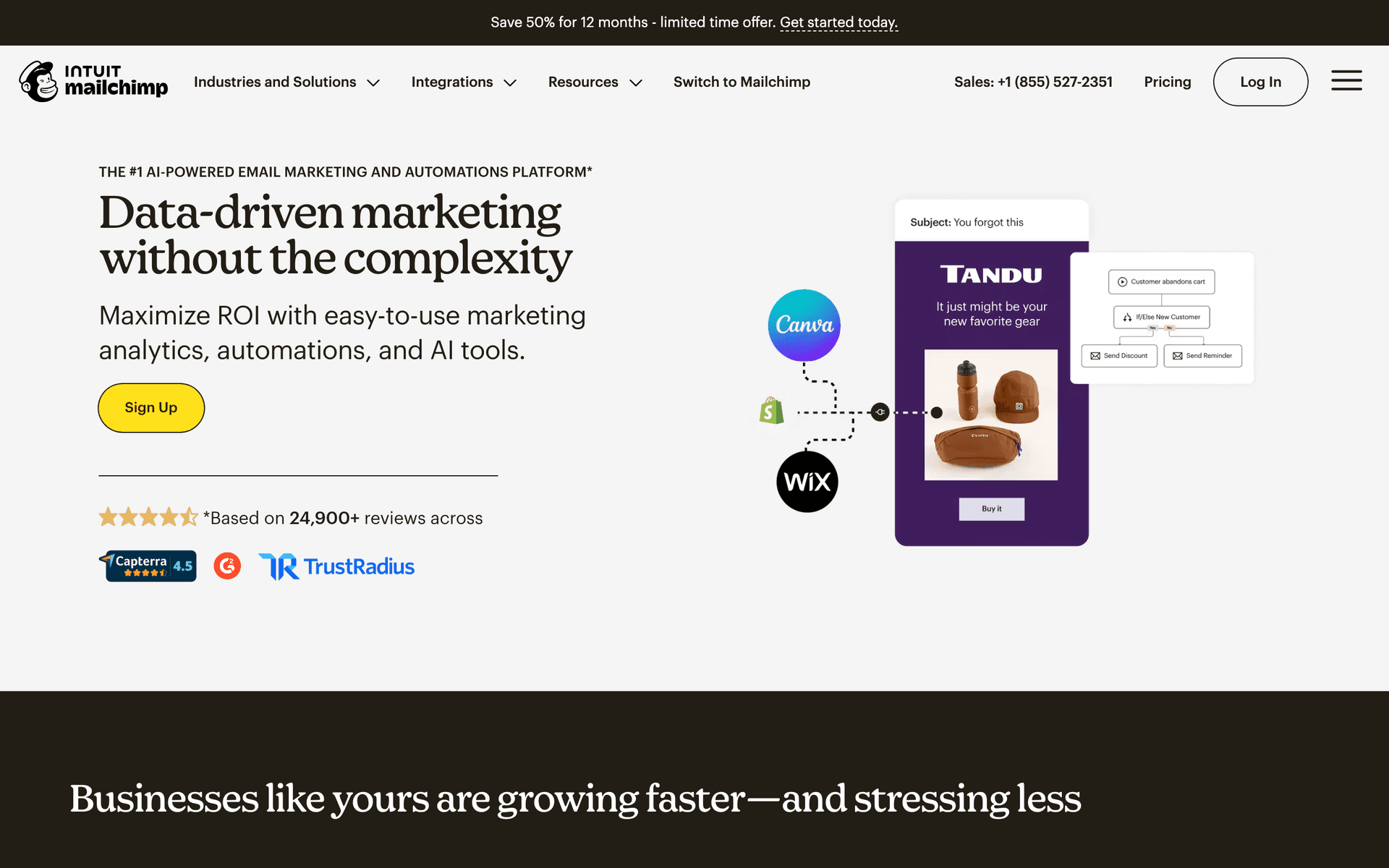
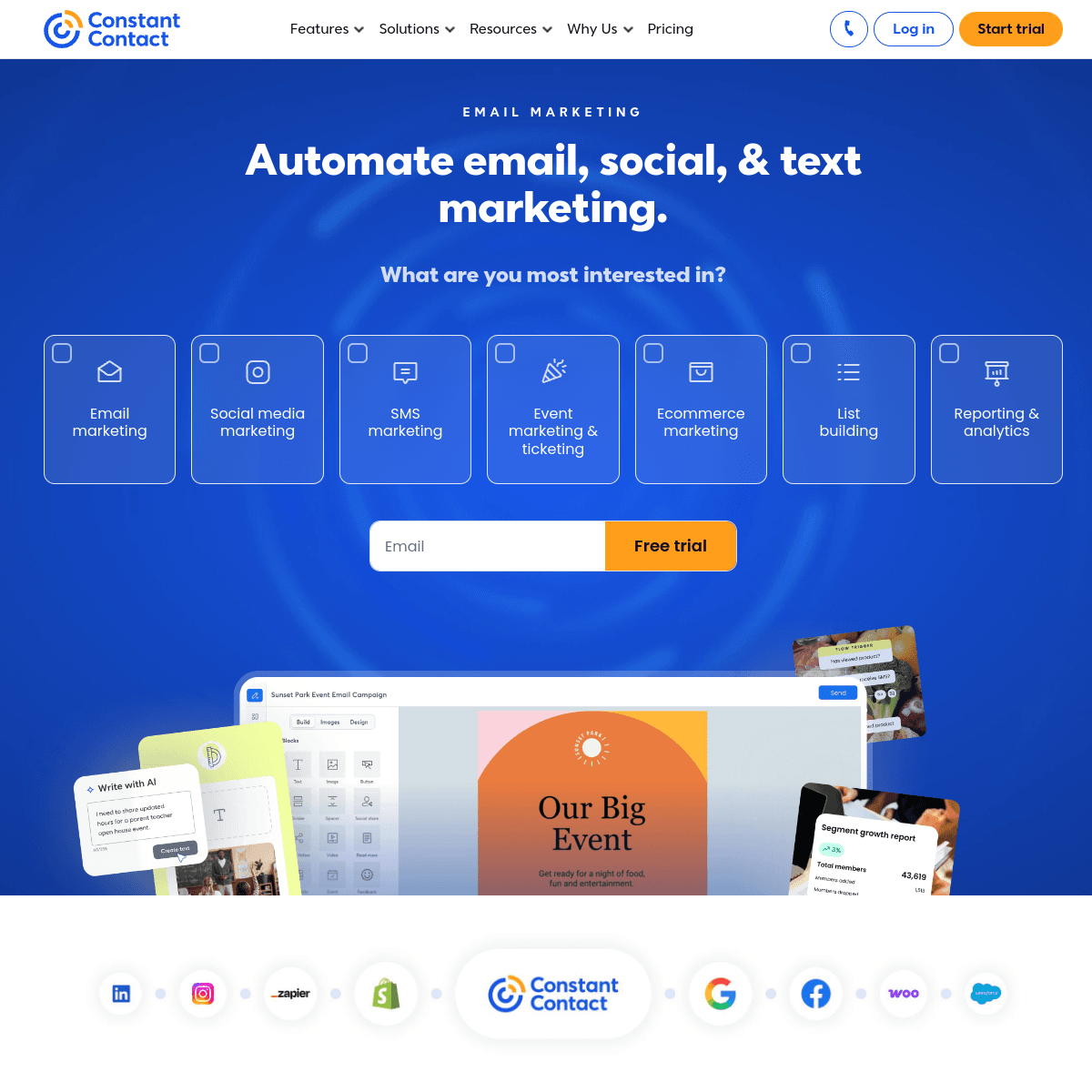
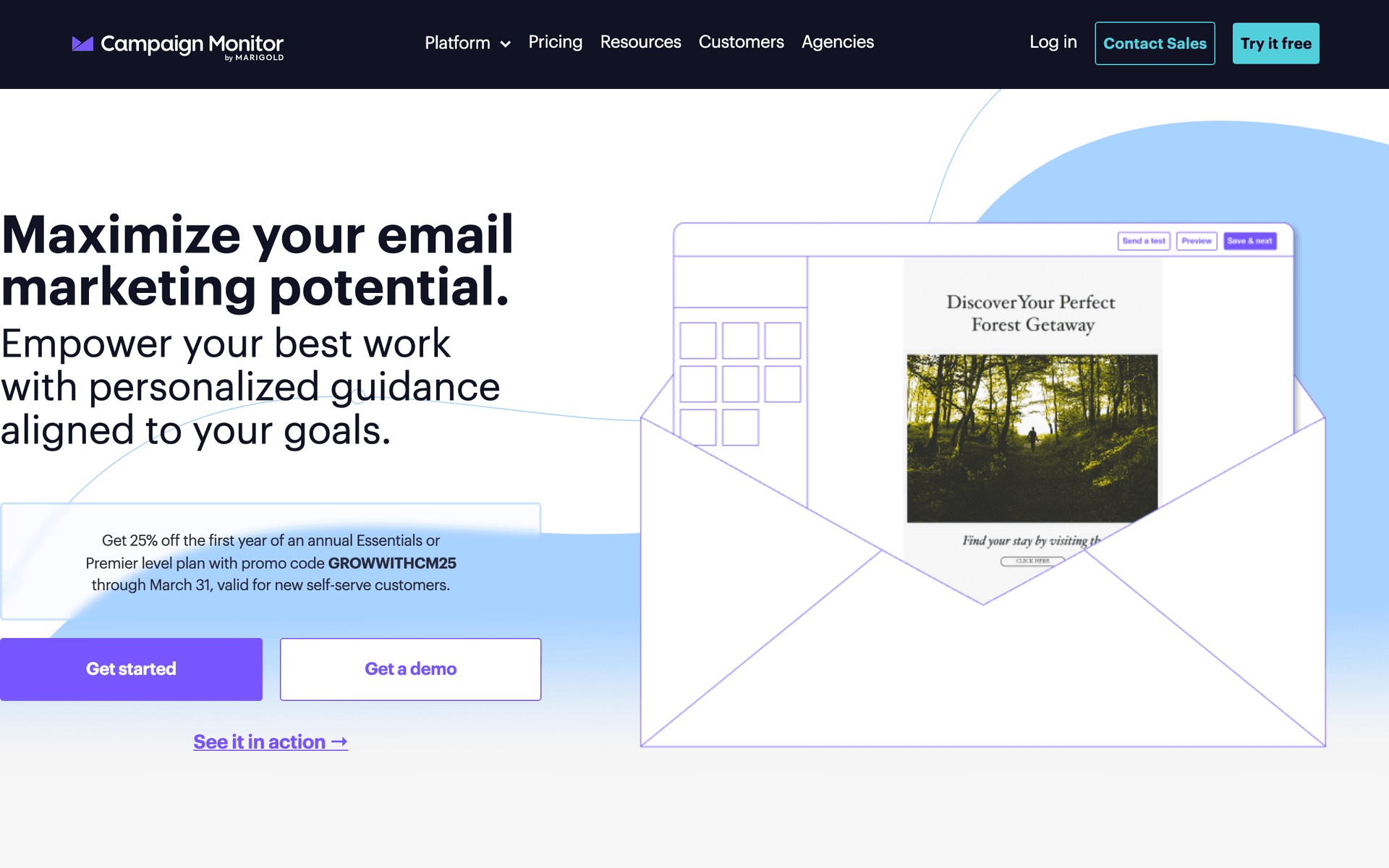
Always ask about nonprofit discounts before signing up. Mailchimp offers 15%, MailerLite offers 30%, Constant Contact offers 20-30%, and HubSpot offers up to 40%. These discounts can save thousands per year for larger organizations.
Team Size and Technical Skills
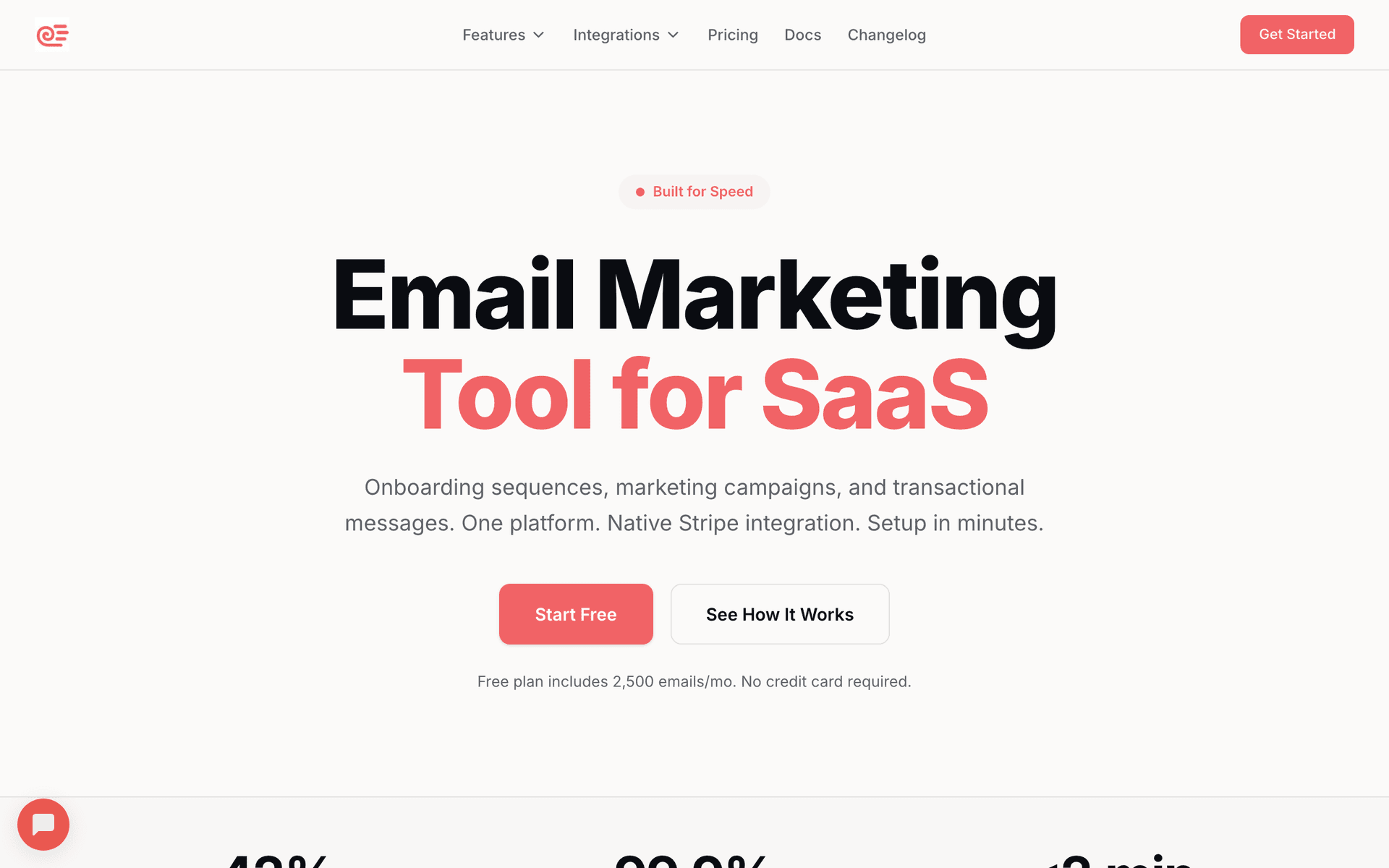
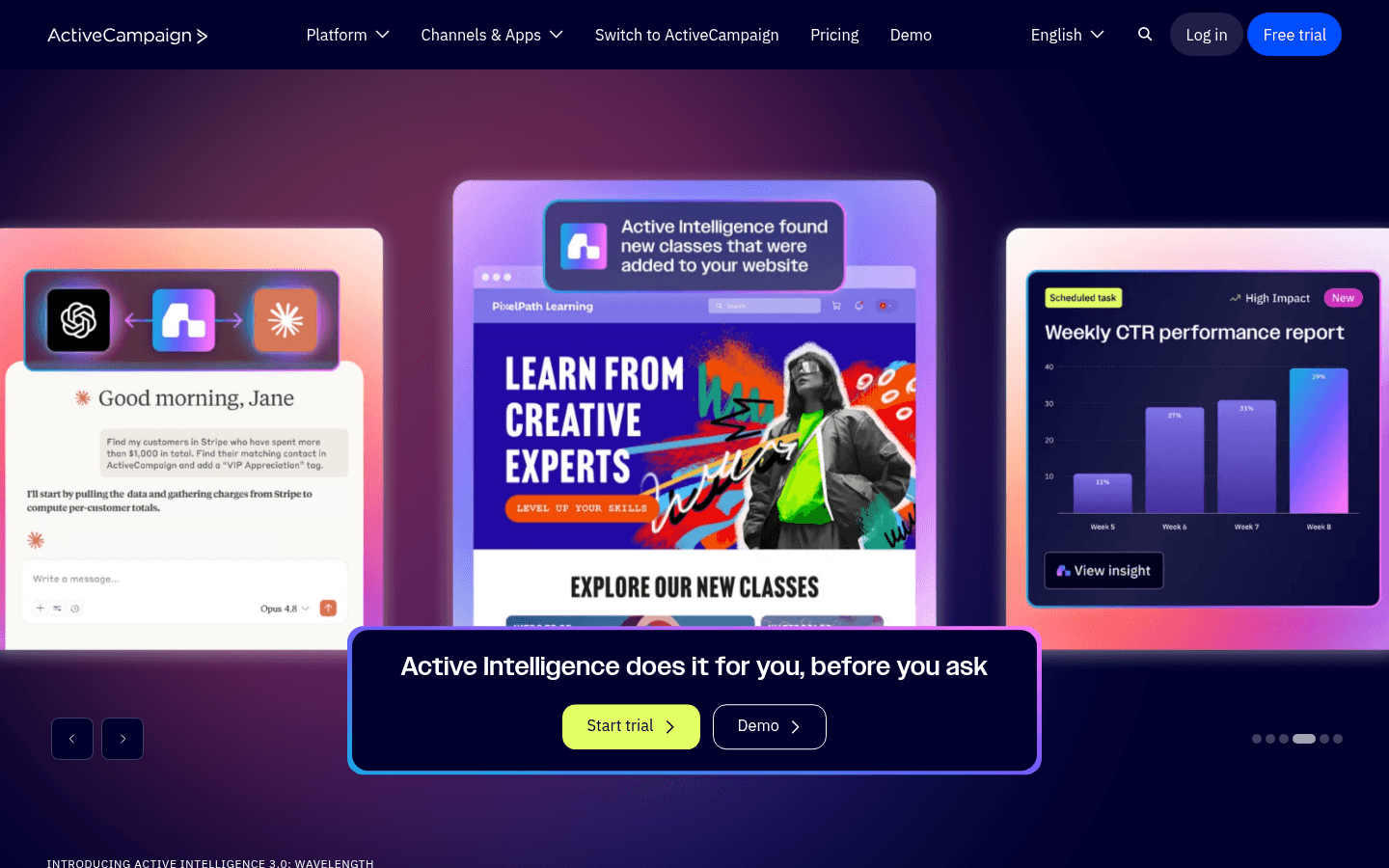
Choose tools your team can actually use. If your communications are handled by a volunteer who works 5 hours a week, a powerful but complex platform will sit unused. MailerLite and Sequenzy are the easiest to learn. Mailchimp and Constant Contact have more features but take longer to master. ActiveCampaign and HubSpot require dedicated staff to use effectively.
Integration with Donor Management
If you use donor management software like Bloomerang, DonorPerfect, or Little Green Light, check whether your email platform integrates with it. Syncing donor data between systems saves hours of manual work and ensures your email segmentation reflects actual giving history.
Charity Email Tool Fit
| Organization type | Best-fit email need | First automation | Budget note |
|---|---|---|---|
| Small volunteer-led charity | Simple templates and free tier | New donor welcome | Complexity will reduce consistency |
| Growing local nonprofit | Donor segments and impact updates | Monthly donor nurture | Ask for nonprofit discounts |
| Campaign-heavy charity | Scheduled appeals and reporting | Year-end giving sequence | Pay-per-email can suit seasonal sends |
| Major donor program | Personalization and CRM sync | Major donor update track | Data quality matters more than design |
| Event-driven nonprofit | Registration follow-up | Event attendee to donor sequence | Capture emails at every event |
What Actually Works for Charities
Stories Over Statistics
After talking to many nonprofit communicators, the pattern is clear: personal impact stories drive more engagement and giving than aggregate data. An email featuring one family whose housing situation improved because of donor support will generate more donations than an email stating you served 500 families last quarter. Use the individual story to hook attention, then support it with data.
The Thank-Ask Ratio
The most successful fundraising email programs maintain a 3:1 ratio: three thank-you, impact update, or appreciation emails for every fundraising ask. Donors who feel valued give more frequently. Organizations that only email when they need money see declining response rates year over year.
Consistency Builds Trust
A charity that sends a monthly impact update every month for two years builds deep donor trust. Sporadic communication - nothing for three months, then a frantic year-end appeal - signals disorganization. Pick a cadence your team can sustain and stick with it. A simple monthly newsletter sent consistently outperforms an elaborate quarterly report sent inconsistently.
Donor Segmentation That Makes a Difference
Even basic segmentation improves fundraising results. Start with these three segments:
New donors (first gift in last 90 days): These supporters need onboarding. Send them impact stories, introduce your programs, and make them feel part of the community. Do not ask for another gift until you have demonstrated the impact of their first one.
Active donors (gave in last 12 months): These are your core supporters. Send regular impact updates, invite them to events, and include clear donation options in your communications. Tailor ask amounts to their giving history - suggest slightly higher than their last gift.
Lapsed donors (no gift in 12+ months): These supporters need re-engagement. Send them a personal update on what has changed since they last gave, share a compelling new impact story, and invite them back without pressure. A well-crafted re-engagement sequence recovers 10-15% of lapsed donors.
Donor Segment Messaging Table
| Segment | Email cadence | Best content | Fundraising ask |
|---|---|---|---|
| First-time donors | 3 emails in first 30 days | Thank-you, impact story, program intro | Wait until impact is shown |
| Monthly donors | Monthly | Insider updates and retention stories | Upgrade once or twice per year |
| Recent one-time donors | Monthly | Specific impact tied to gift amount | Suggest a similar or slightly higher gift |
| Major donors | Personal monthly or quarterly | Program progress and leadership notes | Invite to fund specific priorities |
| Lapsed donors | 2-3 email reactivation | What changed since their last gift | Low-pressure return gift |
Year-End Giving Campaign Blueprint
Nearly 30% of annual charitable giving happens in November and December. A structured multi-email campaign captures more of this seasonal generosity:
- Early November: Preview your year-end campaign theme and goals
- Giving Tuesday: Special appeal with matching gift if available
- Mid-December: Powerful impact story connecting past gifts to outcomes
- December 27: Tax deadline reminder with 4 days remaining
- December 30: Penultimate appeal with specific impact examples
- December 31: Final appeal emphasizing the midnight deadline
Each email should build on the previous one, and each should include a single clear donation button.
Year-End Email Schedule
| Date window | Email angle | Primary CTA | Message focus |
|---|---|---|---|
| Early November | Campaign launch | Learn about the goal | Set the impact target |
| Giving Tuesday | Matched gift or deadline | Donate today | Urgency and multiplier |
| Mid-December | Impact story | Make a year-end gift | One person or family helped |
| December 27 | Tax deadline reminder | Give before year-end | 4 days remaining |
| December 30 | Final story and goal gap | Help close the gap | Specific remaining need |
| December 31 | Midnight deadline | Donate now | Last chance before year end |
Getting Started
Pick a tool from this list. Then follow this sequence:
- Import your donor and supporter contacts
- Set up a new donor welcome sequence (3 emails over 10 days)
- Create a monthly impact update template you can reuse
- Plan your next fundraising campaign with at least 3 emails
- Set up a lapsed donor re-engagement trigger at 12 months
Start simple and expand later. The most important thing is consistency - a basic email program that runs every month beats a sophisticated one that never gets set up.