Updated 2026-03-15

Best Email Marketing Tools for Community Organizations

Engage members, coordinate events, and strengthen your community with the right email marketing platform.

Community organizations bring people together. Whether you are a neighborhood association, civic group, or local chapter of a larger organization, email keeps your community informed and engaged. Share events, coordinate volunteers, and build the connections that make community happen. Most email tools are built for businesses trying to sell products, not organizations trying to engage members. Here are 13 email marketing platforms that work for community organizations.

TL;DR

Sequenzy is the best overall choice for community organizations because its AI generates event announcements and member updates instantly, and you only pay per email sent - ideal for organizations with large member rolls. For organizations that qualify for nonprofit discounts, MailerLite offers 30% off and Constant Contact offers 20-30% off. Brevo is the budget pick with SMS included for urgent community alerts.

Why Community Organizations Need Email Marketing

Keep Members Informed

Community news, meeting schedules, and local updates. Email ensures your members know what is happening.

Coordinate Events

Meetings, cleanups, social events, and gatherings need attendance. Email drives participation.

Mobilize for Action

When your community needs to act together, email coordinates the response quickly.

Build Connections

Community is about relationships. Email strengthens the bonds that make your organization matter.

Community Organizations Email Marketing Benchmarks

Know these numbers before you start. They'll help you set realistic goals and pick the right tool.

30-45%
Average Open Rate

Community organization emails enjoy high open rates because the content is relevant to members' local lives. Event announcements and meeting agendas are opened because members need this information. Engaged communities regularly exceed 40%.

4-8%
Average Click Rate

Click rates are strongest when emails include RSVP links, volunteer signup forms, and links to community resources. Making it easy to take action from the email drives high click-through rates.

Tuesday-Wednesday, 6-8 PM
Best Send Time

Evening sends work for community organizations because members are checking personal email after work. Many community members engage with organization content during evening hours when they are not at their jobs.

25-40%
Event Attendance from Email

A well-promoted event with multiple email touchpoints should see 25-40% of invited members attend. The three-reminder approach - one week before, day before, and morning of - consistently improves attendance.

Important Tips Before You Choose

Lessons from community organizationswho've been doing this for years. Save yourself the trial and error.

Send meeting reminders at multiple touchpoints

One email about an upcoming meeting is not enough. Send three: a week before with the agenda, the day before as a reminder, and the morning of for last-minute participants. This three-touch approach significantly increases meeting attendance.

Recognize volunteers publicly in your emails

Public recognition in your newsletter is one of the most effective ways to retain volunteers and attract new ones. Highlight specific contributions, name volunteers, and share the impact of their work. People want to feel valued.

Make RSVP and signup frictionless

Every event invitation should include a one-click RSVP link. Every volunteer opportunity should have a simple signup button. The more friction you add between the email and the action, the fewer people participate.

Segment by interest areas and committees

Not every member cares about every topic. If your organization has committees, interest groups, or program areas, tag members accordingly and send relevant content. A parks committee member wants parks updates, not necessarily budget meeting details.

Create an annual email calendar tied to your event schedule

Plan your email sends around your annual event calendar. Map out every meeting, event, and campaign for the year and schedule email sends accordingly. This prevents the common pattern of frantic last-minute event promotion.

Use email to mobilize quickly when needed

Community organizations sometimes need to act fast - a local issue, an emergency, or a time-sensitive opportunity. Having a well-maintained, segmented email list lets you mobilize your community within hours when urgent action is needed.

13 Best Email Marketing Tools for Community Organizations

Our Top Pick for Community Organizations
#1
Sequenzy

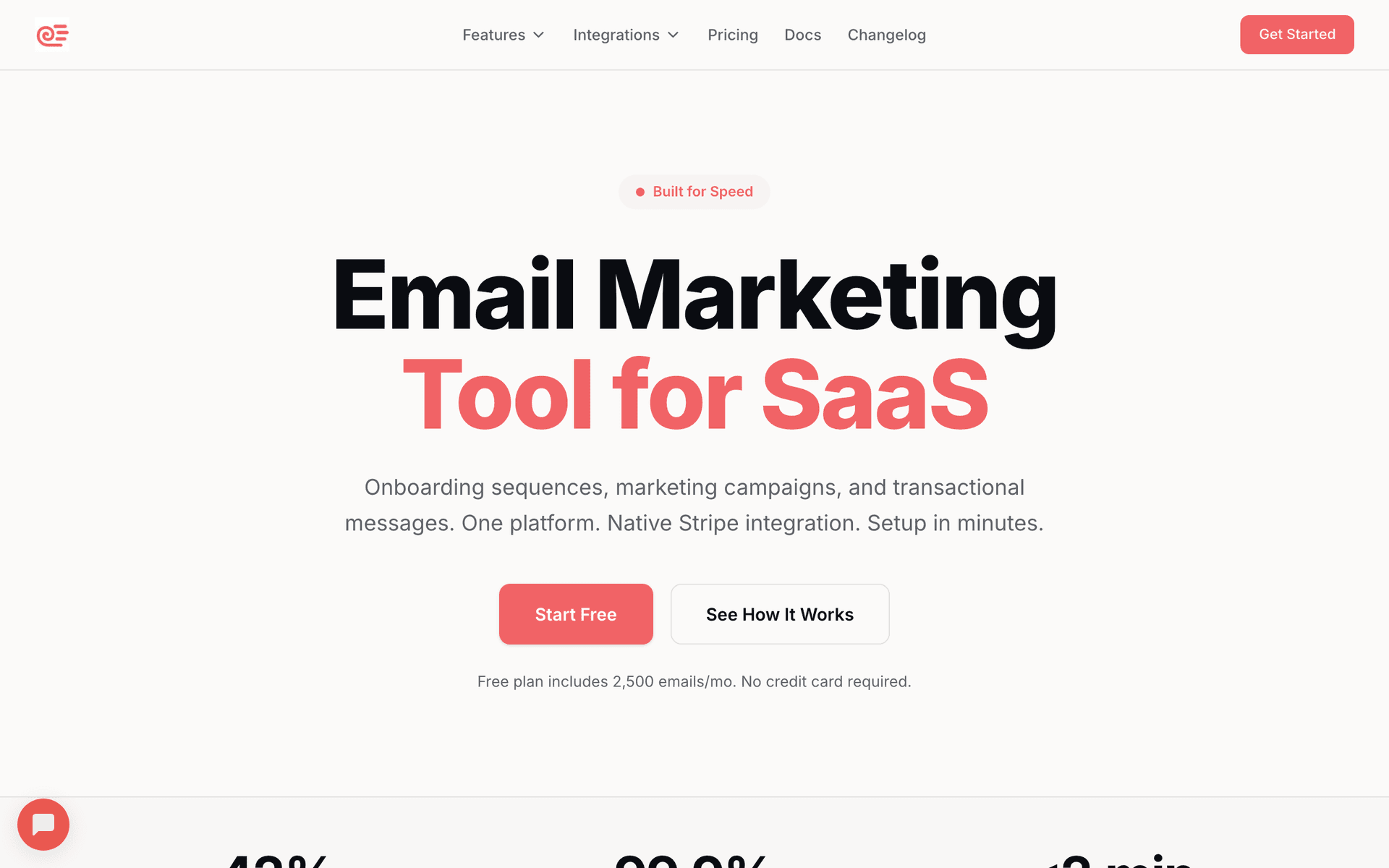
AI-powered email marketing for organizations.

Visit

I built Sequenzy for organizations that need simple tools without marketing complexity. The AI creates event announcements, member updates, and volunteer coordination emails in seconds - describe your organization and it generates the entire communication flow. We offer a free tier up to 2,500 emails per month, and paid plans start at $29 for 50,000 emails. We price by emails sent rather than contacts stored, which is ideal for organizations with large member rolls where not every member receives every email. Simple enough for volunteer coordinators to use without any training.

Best for
Community orgs wanting simple, effective communication
Pricing
Free up to 2,500 emails/mo, then $29/mo for 50K emails (unlimited contacts)

Pros

  • AI writes community sequences
  • Simple interface
  • Pay per emails sent
  • Direct founder support

Cons

  • Launched in 2025, less track record
  • No built-in SMS
  • Fewer templates
#2
Mailchimp

Popular platform with nonprofit discounts.

Visit

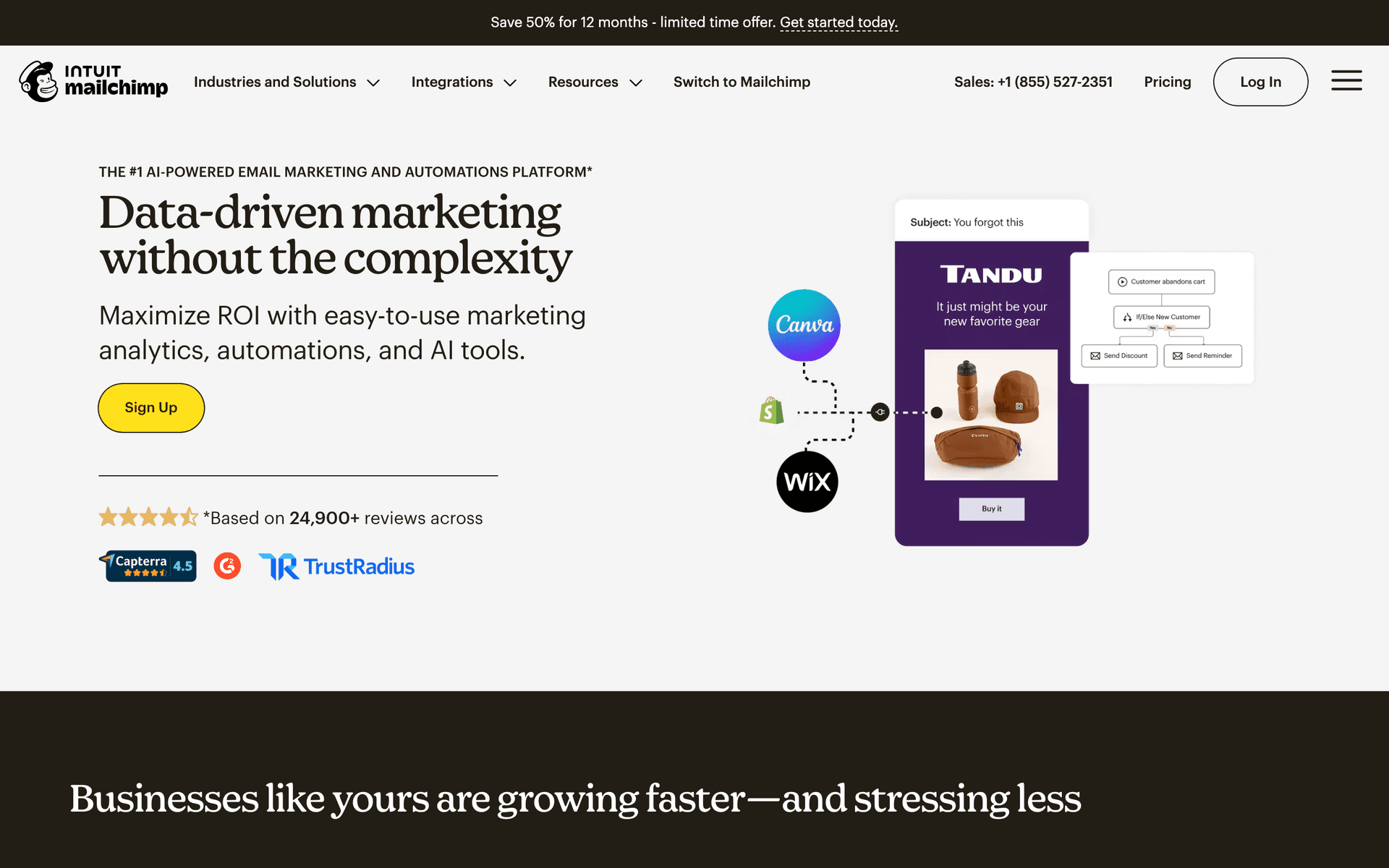
Mailchimp offers a 15% discount for nonprofits. Handles newsletters and event announcements well. The frustration comes when your member list grows and costs climb. Good for getting started.

Best for
Community orgs wanting a well-known platform
Pricing
Free up to 500 contacts, 15% nonprofit discount

Pros

  • Nonprofit discount
  • Many templates
  • Strong deliverability
  • Good analytics

Cons

  • Gets expensive
  • Not community-focused
  • Support declined
  • Interface overwhelming
#3
MailerLite

Affordable with nonprofit pricing.

Visit

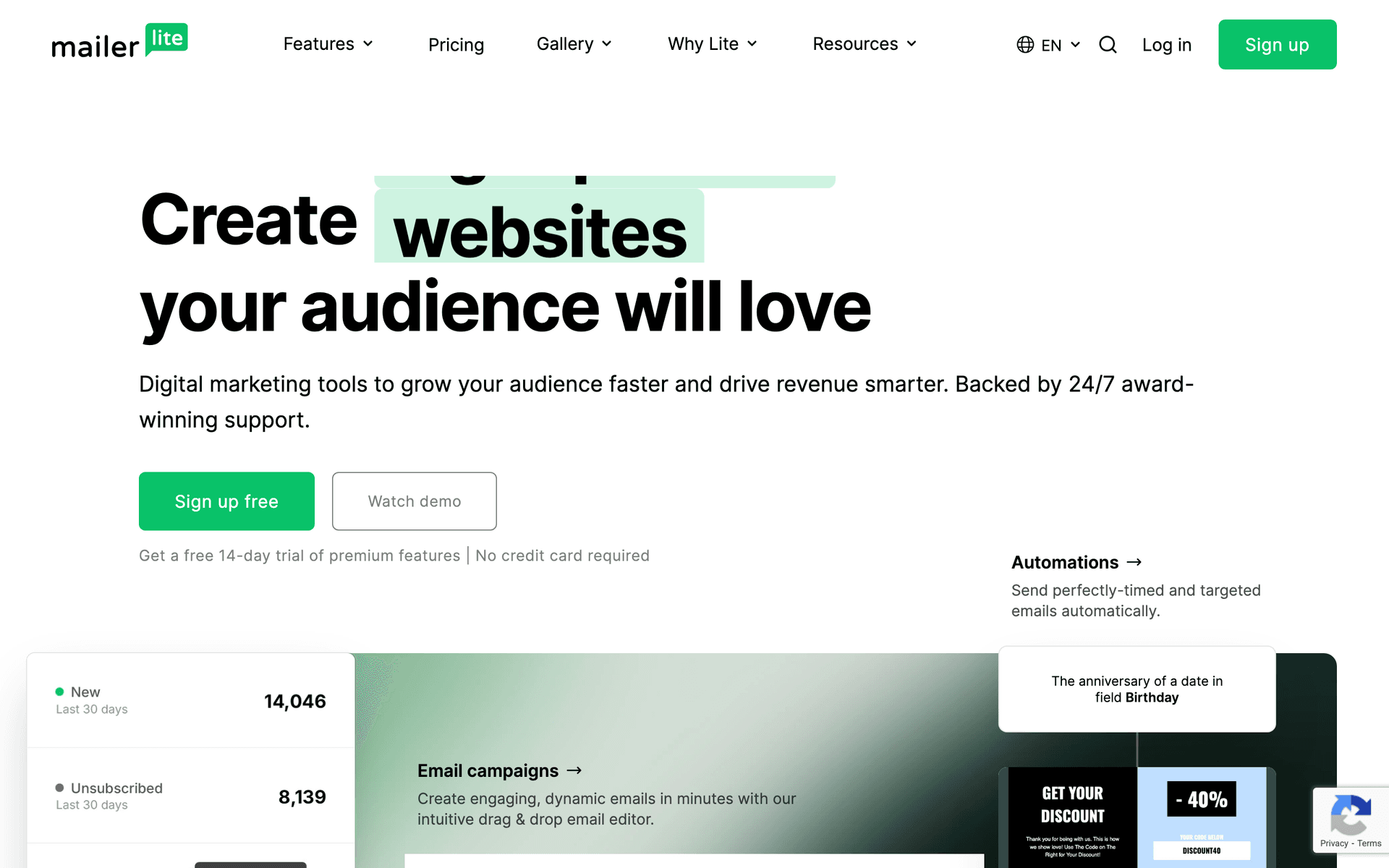
MailerLite offers 30% off for nonprofits. Clean interface for meeting notices and community updates. The landing page builder works great for event registration. Perfect for organizations wanting email to just work.

Best for
Budget-conscious community organizations
Pricing
Free up to 1,000 subscribers, 30% nonprofit discount

Pros

  • Generous nonprofit discount
  • Clean interface
  • Good landing pages
  • Affordable

Cons

  • Strict approval
  • Limited features
  • Basic reporting
  • Approval time
#4
Brevo

Good value with SMS included.

Visit

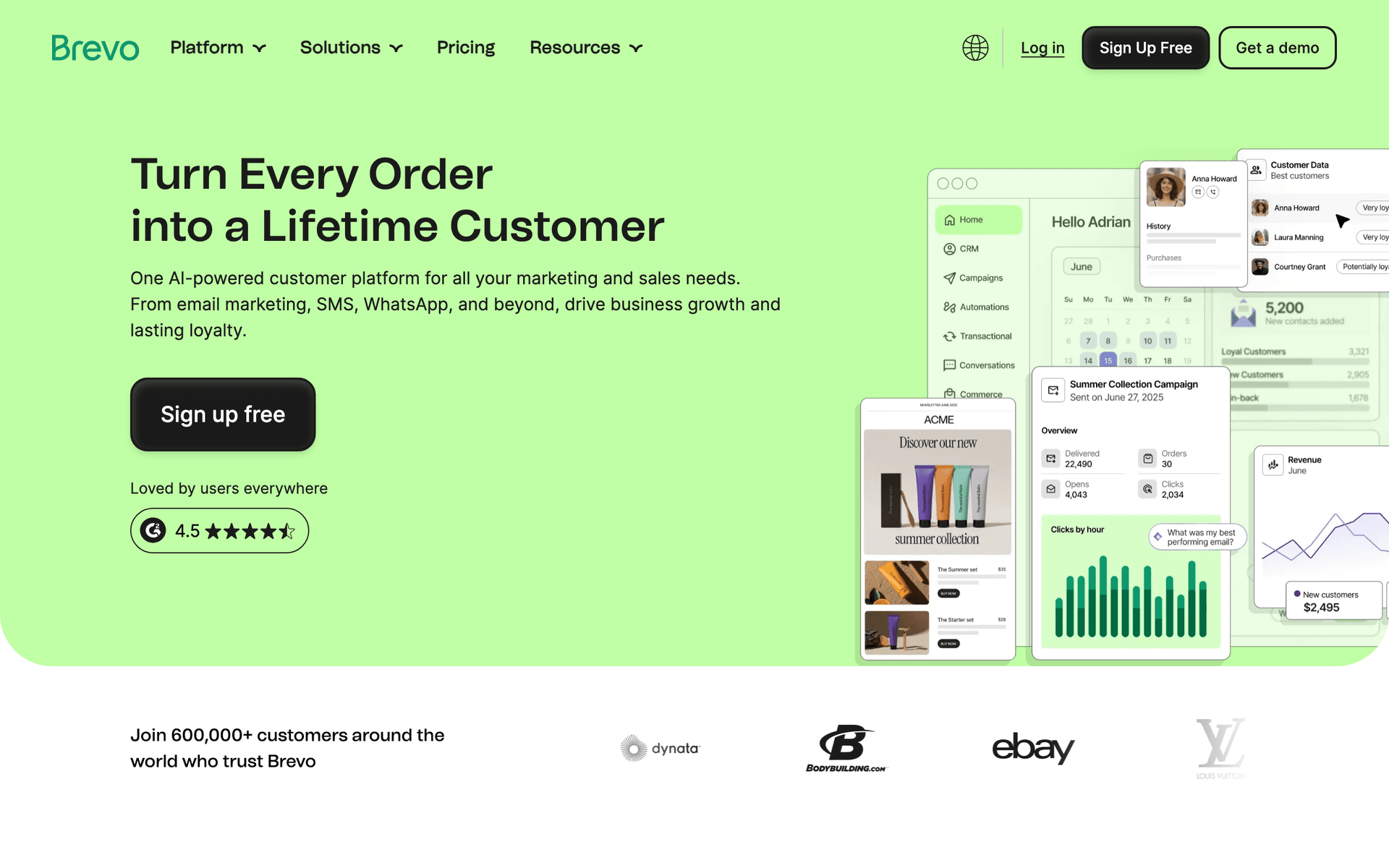
Brevo offers great value for budget-conscious organizations. Free tier gives 300 emails per day. SMS included for urgent community alerts. Solid choice for multi-channel communication.

Best for
Community orgs wanting email and SMS
Pricing
Free up to 300 emails/day, then from $25/month

Pros

  • SMS included
  • Generous free tier
  • Good automation
  • Multi-channel

Cons

  • Daily limits
  • Support slow
  • Limited integrations
  • Branding on free
#5
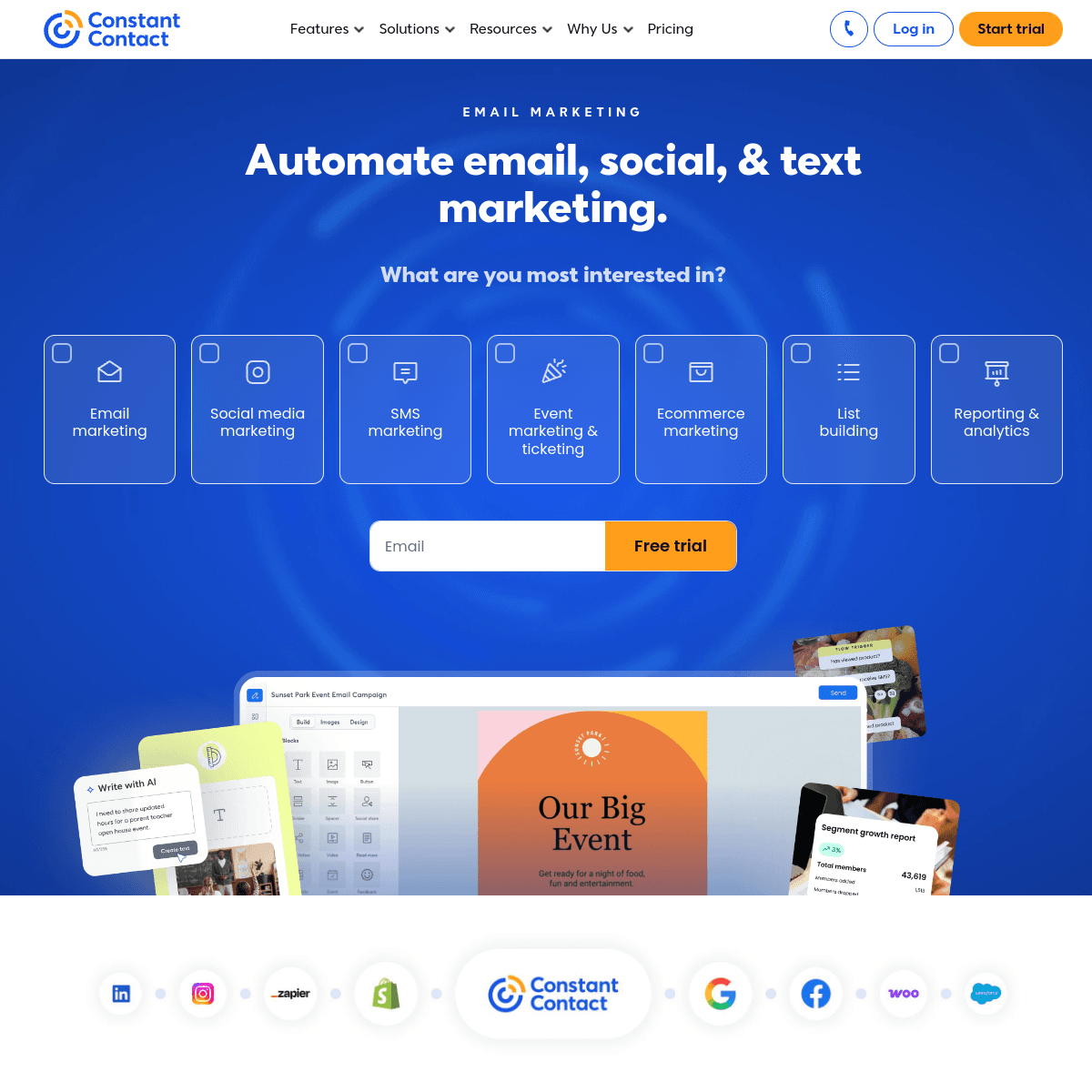
Constant Contact

Reliable with nonprofit rates.

Visit

Constant Contact offers 20-30% nonprofit discounts. Phone support is genuinely helpful for less technical users. Event features work well for community gatherings. Good for organizations that want support.

Best for
Community orgs wanting phone support
Pricing
From $12/month, 20-30% nonprofit discount

Pros

  • Nonprofit discount
  • Phone support
  • Event features
  • Reliable

Cons

  • Limited automation
  • Templates dated
  • Higher prices
  • Not community-specific
#6
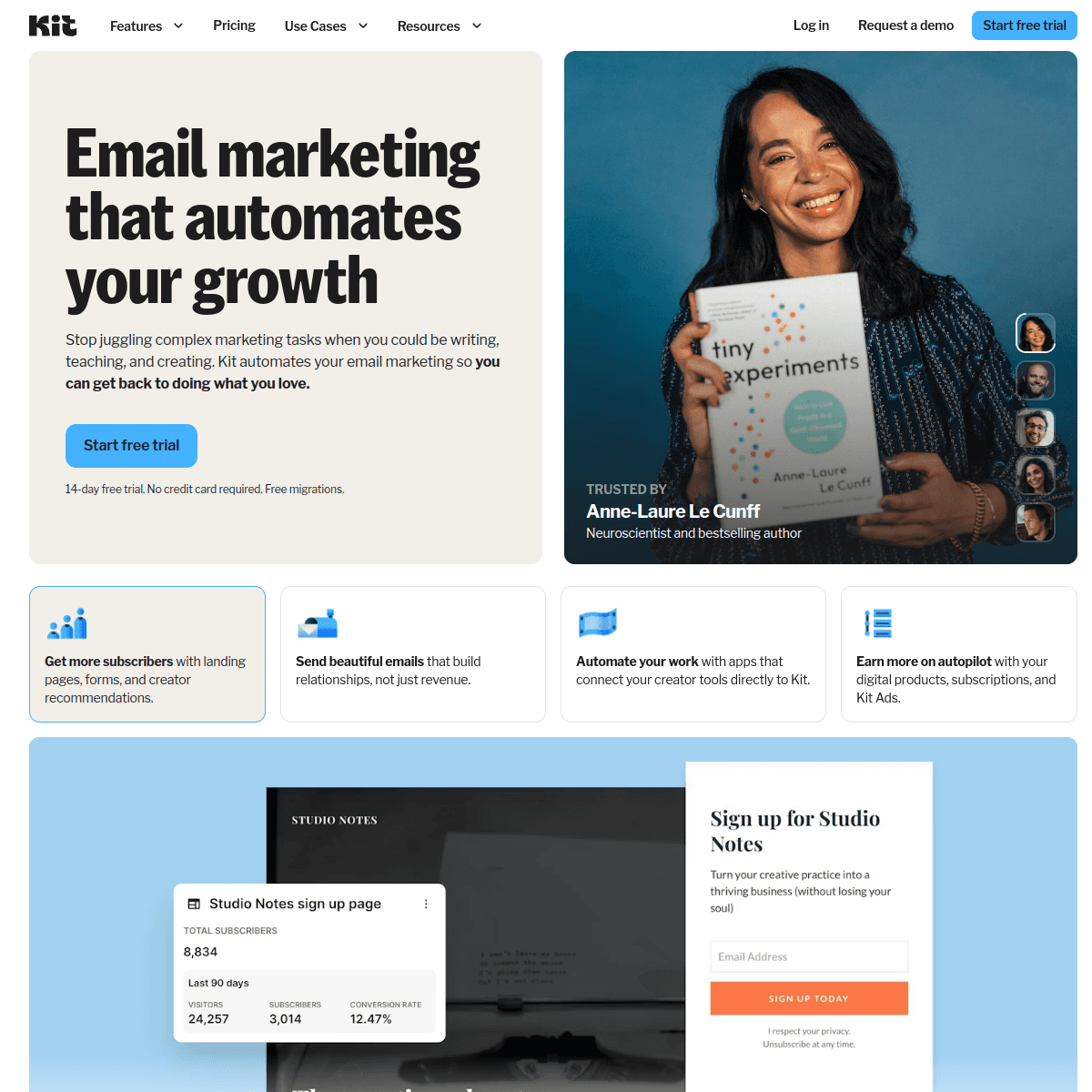
ConvertKit

Built for creators with engaged audiences.

Visit

ConvertKit works well for community leaders who share content and build personal brands. Great for organizations with strong storytelling. Less focused on traditional organizational features.

Best for
Content-focused community leaders
Pricing
Free up to 1,000 subscribers, then from $29/month

Pros

  • Great newsletters
  • Creator-focused
  • Tag automation
  • Clean interface

Cons

  • Minimal design
  • Not org-focused
  • No event features
  • Expensive at scale
#7
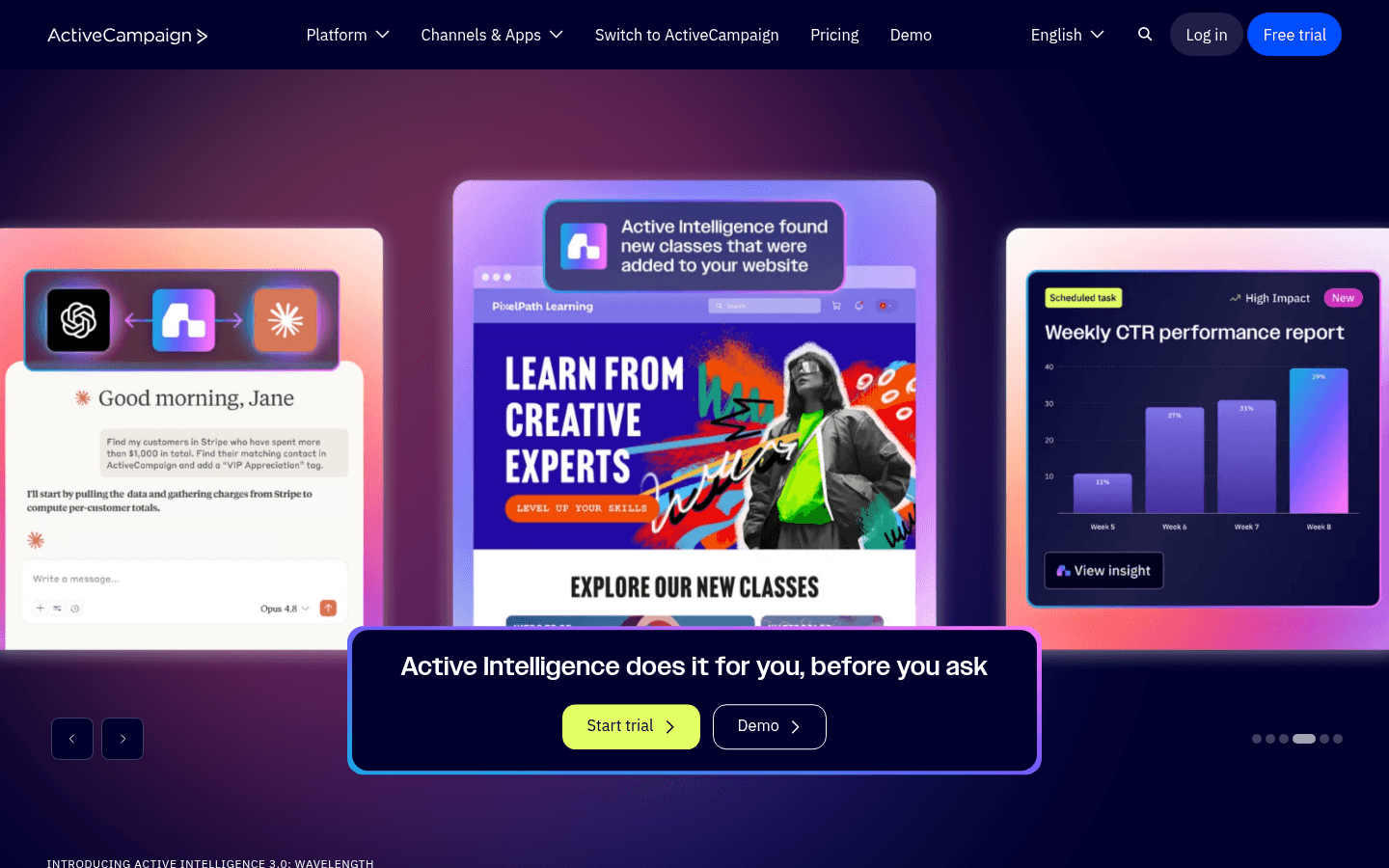
ActiveCampaign

Powerful automation for larger organizations.

Visit

ActiveCampaign offers nonprofit discounts and powerful automation. Segment members by interests, committees, or engagement. Great for larger organizations. For small community groups, probably overkill.

Best for
Large community organizations
Pricing
From $29/month, nonprofit discounts available

Pros

  • Excellent automation
  • CRM included
  • Nonprofit discount
  • Detailed tracking

Cons

  • Steep learning curve
  • Complex interface
  • Overkill for small orgs
  • Price jumps
#8
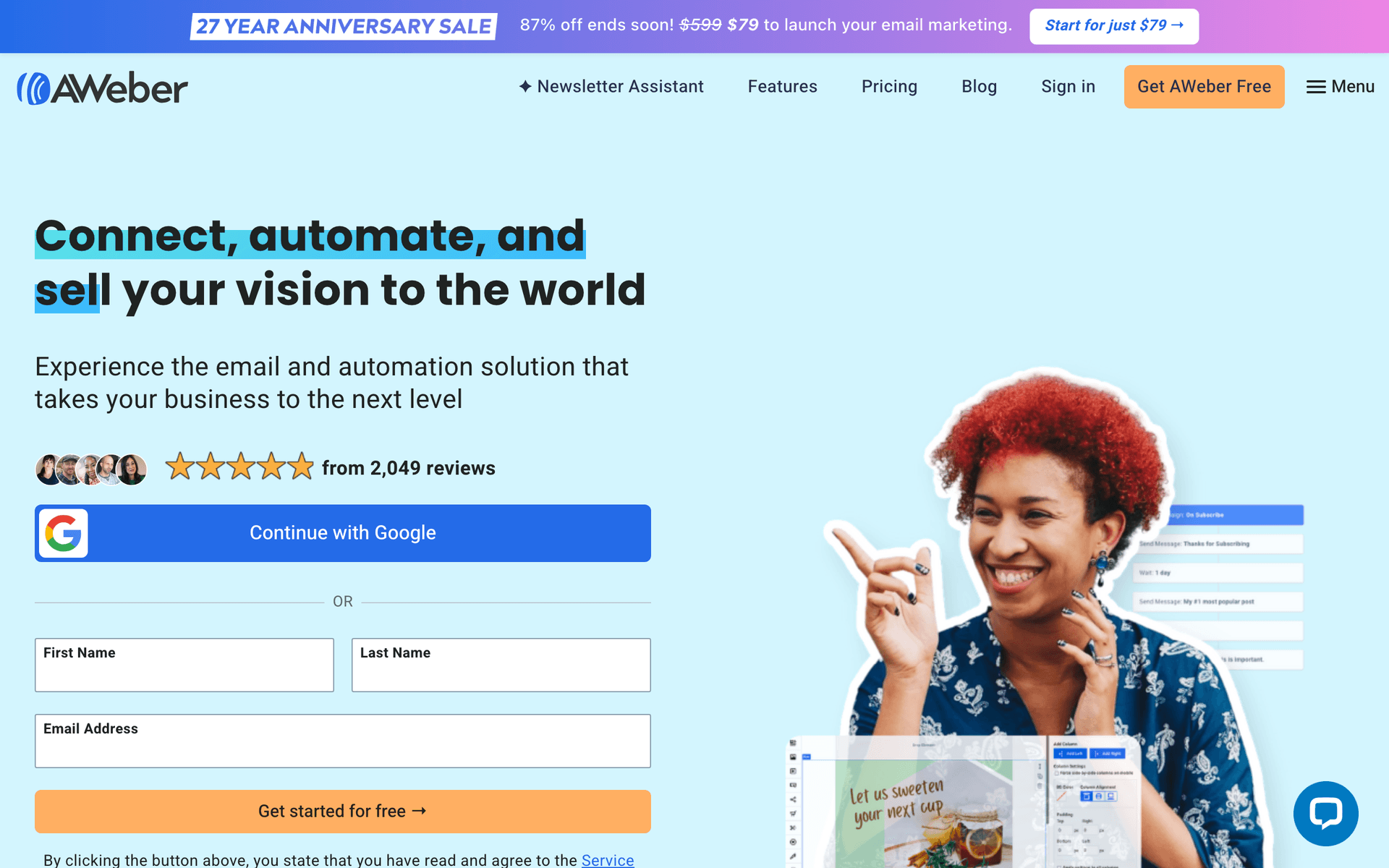
AWeber

Simple and reliable for newsletters.

Visit

AWeber is dated but reliable. Great deliverability. For community organizations wanting simple monthly updates without complexity, it handles basics well.

Best for
Community orgs wanting reliability
Pricing
Free up to 500 subscribers, then from $15/month

Pros

  • Reliable
  • Simple
  • Good support
  • Track record

Cons

  • Dated
  • Limited automation
  • Basic templates
  • Little innovation
#9
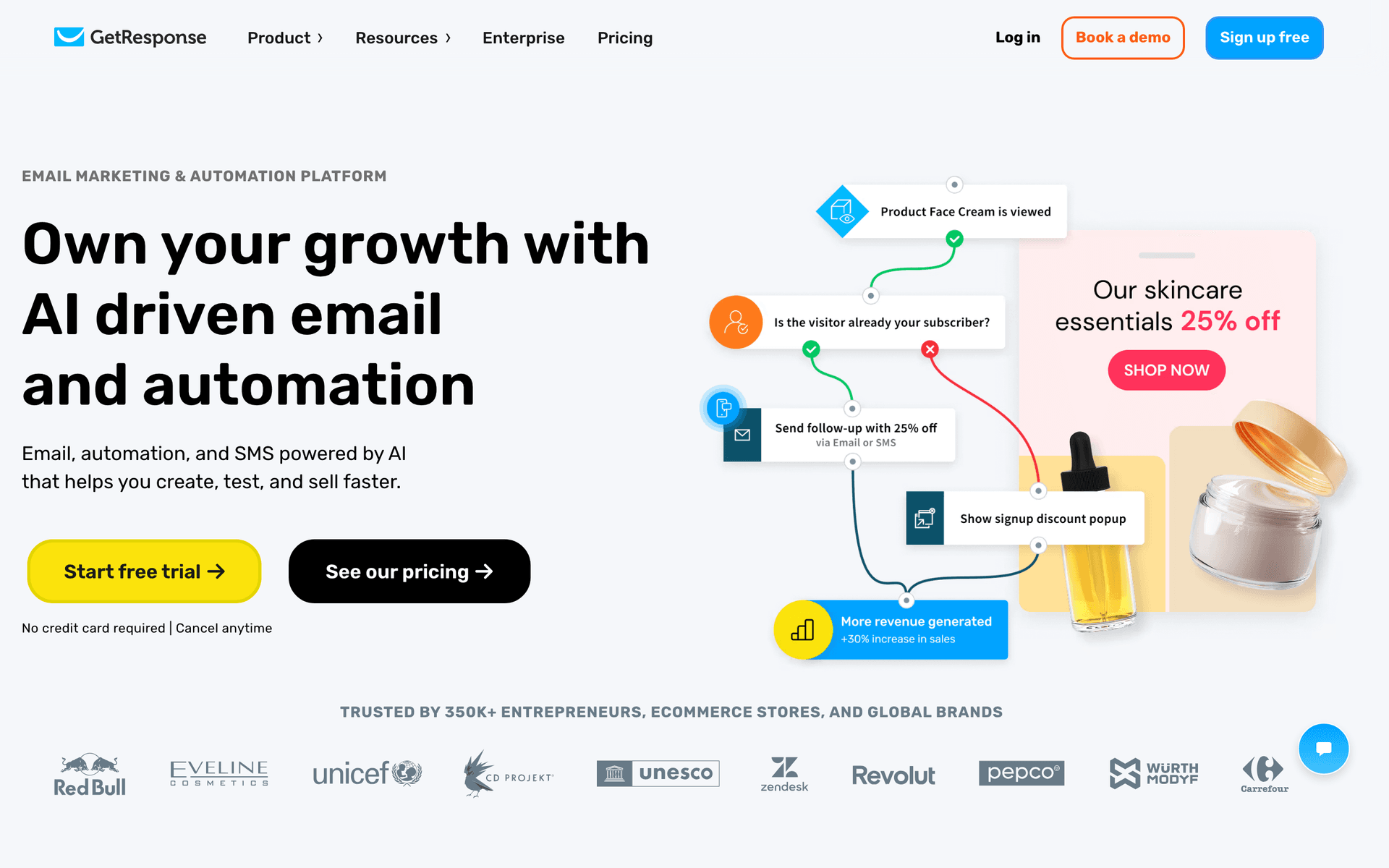
GetResponse

All-in-one with webinar capability.

Visit

GetResponse includes webinars for virtual community meetings and events. Good value for organizations doing online gatherings. Landing pages work well for event registration.

Best for
Community orgs doing virtual events
Pricing
From $19/month, nonprofit pricing available

Pros

  • Webinar hosting
  • Landing pages
  • Automation
  • Competitive pricing

Cons

  • Busy interface
  • Editor basic
  • Support varies
  • Features scattered
#10
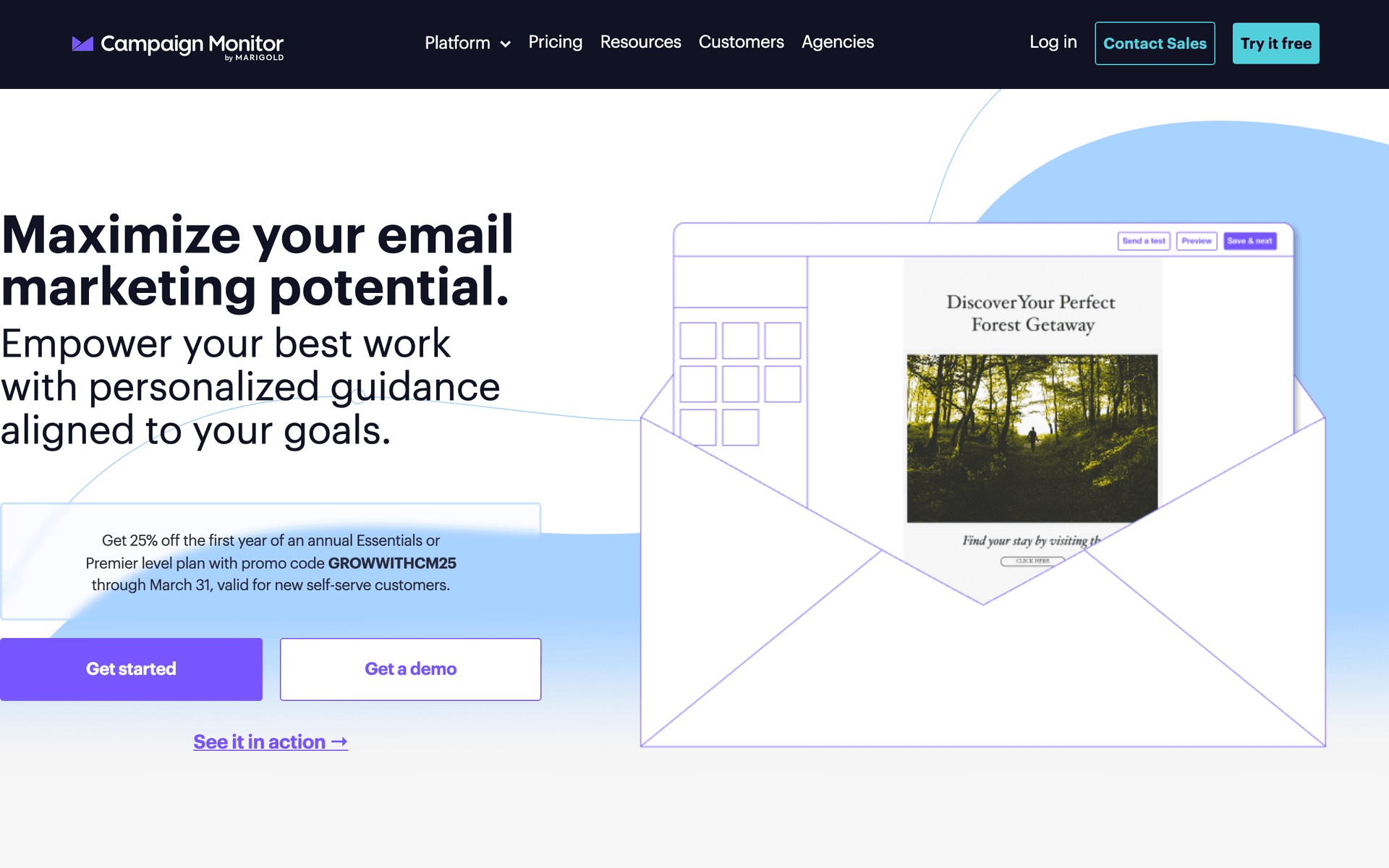
Campaign Monitor

Beautiful templates for professional communication.

Visit

Campaign Monitor has beautiful templates. Good for organizations wanting a professional look in their communications. Limited automation but presentation is excellent.

Best for
Community orgs prioritizing visual quality
Pricing
From $9/month for 500 contacts

Pros

  • Beautiful templates
  • Great for visuals
  • Reliable delivery
  • Professional look

Cons

  • Contact pricing
  • Limited automation
  • Gets expensive
  • No nonprofit discount
#11
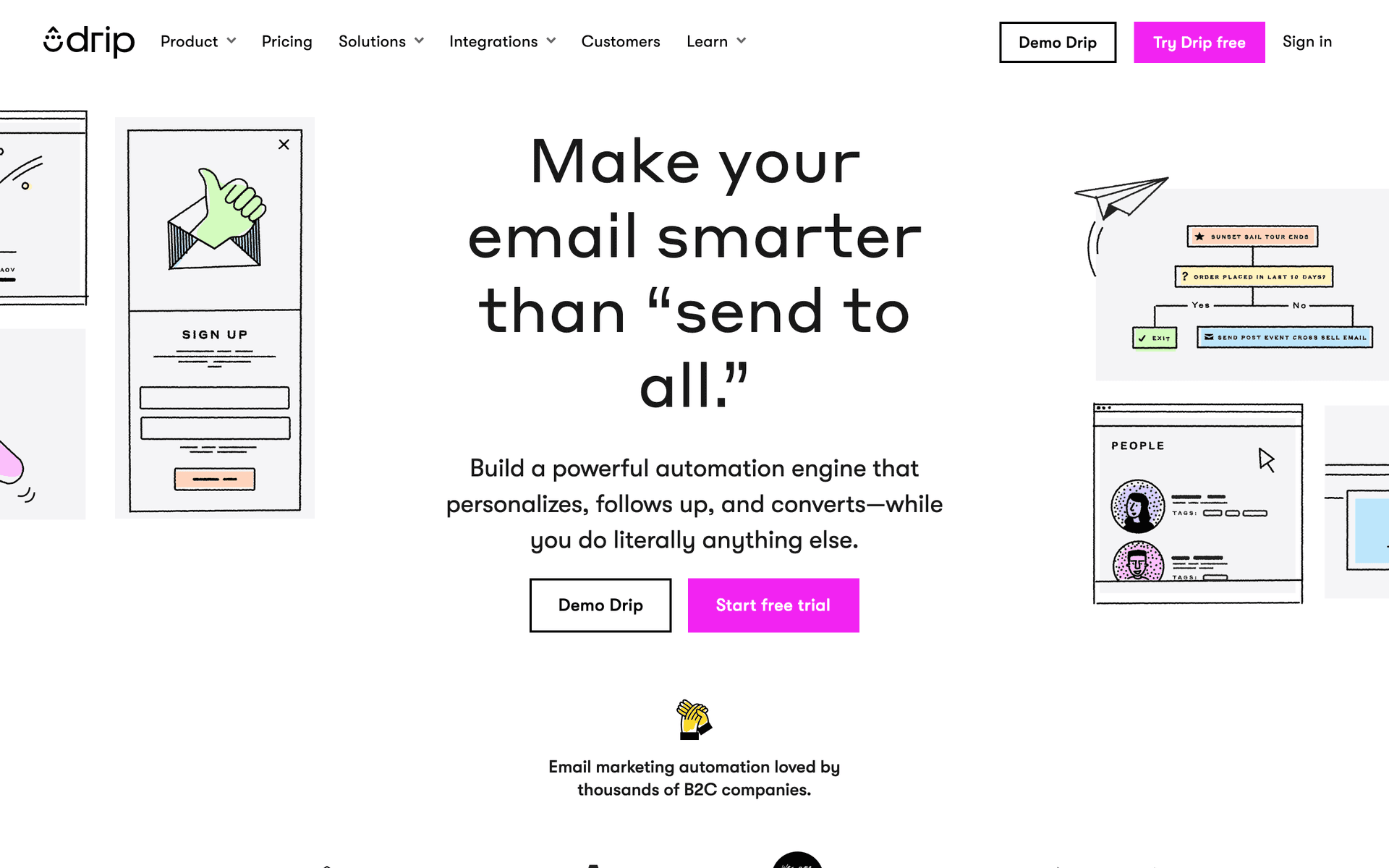
Drip

E-commerce focused for merchandise.

Visit

Drip is built for e-commerce. Not the right fit for most community organizations unless you have significant merchandise or product sales.

Best for
Community orgs with merchandise
Pricing
From $39/month for 2,500 contacts

Pros

  • Revenue tracking
  • Strong automation
  • E-commerce features
  • Analytics

Cons

  • Built for e-commerce
  • Expensive
  • Not for community
  • Overkill
#12
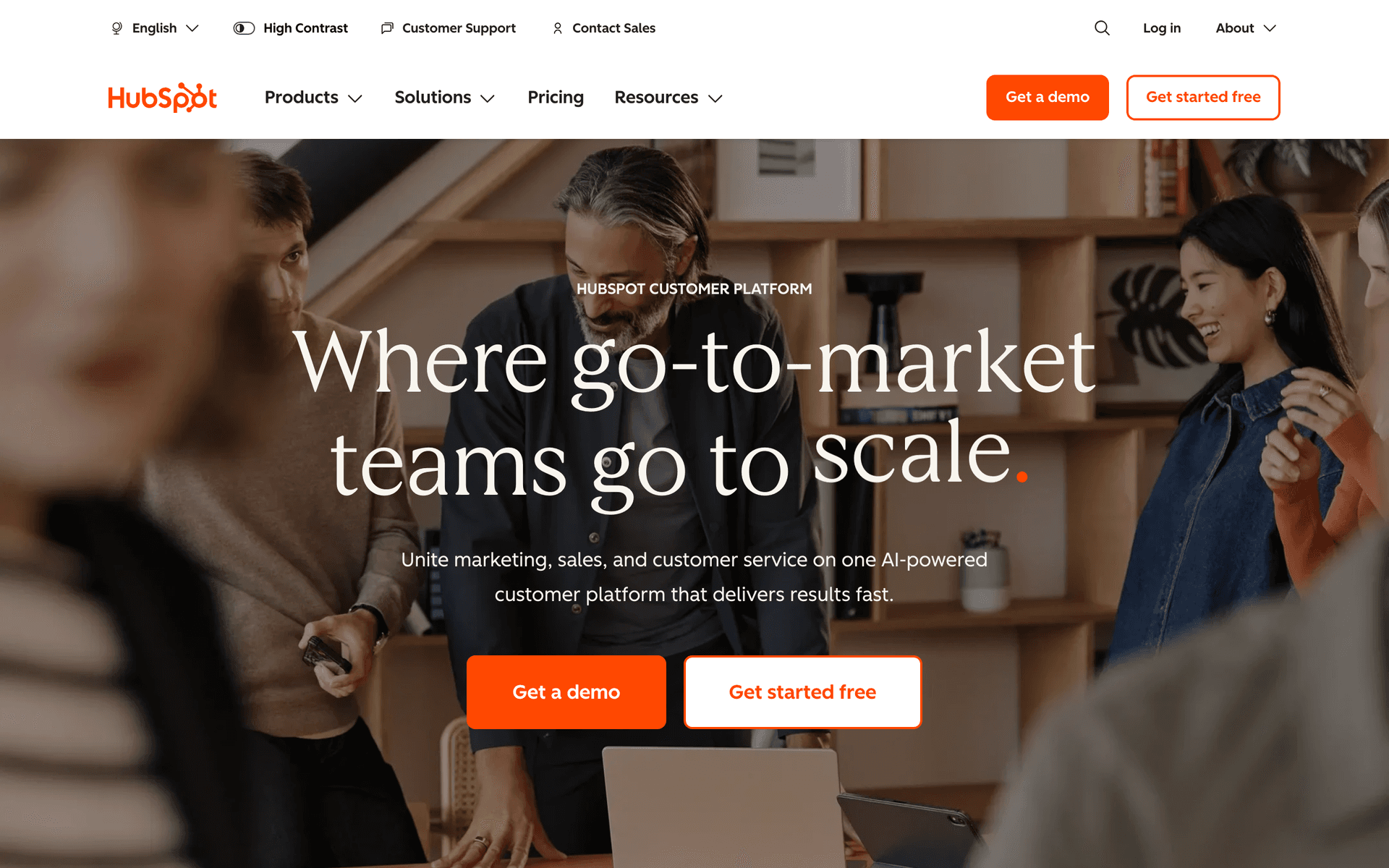
HubSpot

Enterprise solution for large organizations.

Visit

HubSpot is overkill for most community organizations. Only consider for large national organizations with dedicated staff. Way too complex for typical community groups.

Best for
Large national organizations only
Pricing
Free basic, 40% nonprofit discount on paid

Pros

  • Full CRM
  • Great for teams
  • Nonprofit discount
  • Reporting

Cons

  • Overkill
  • Complex
  • Still expensive
  • Lock-in
#13
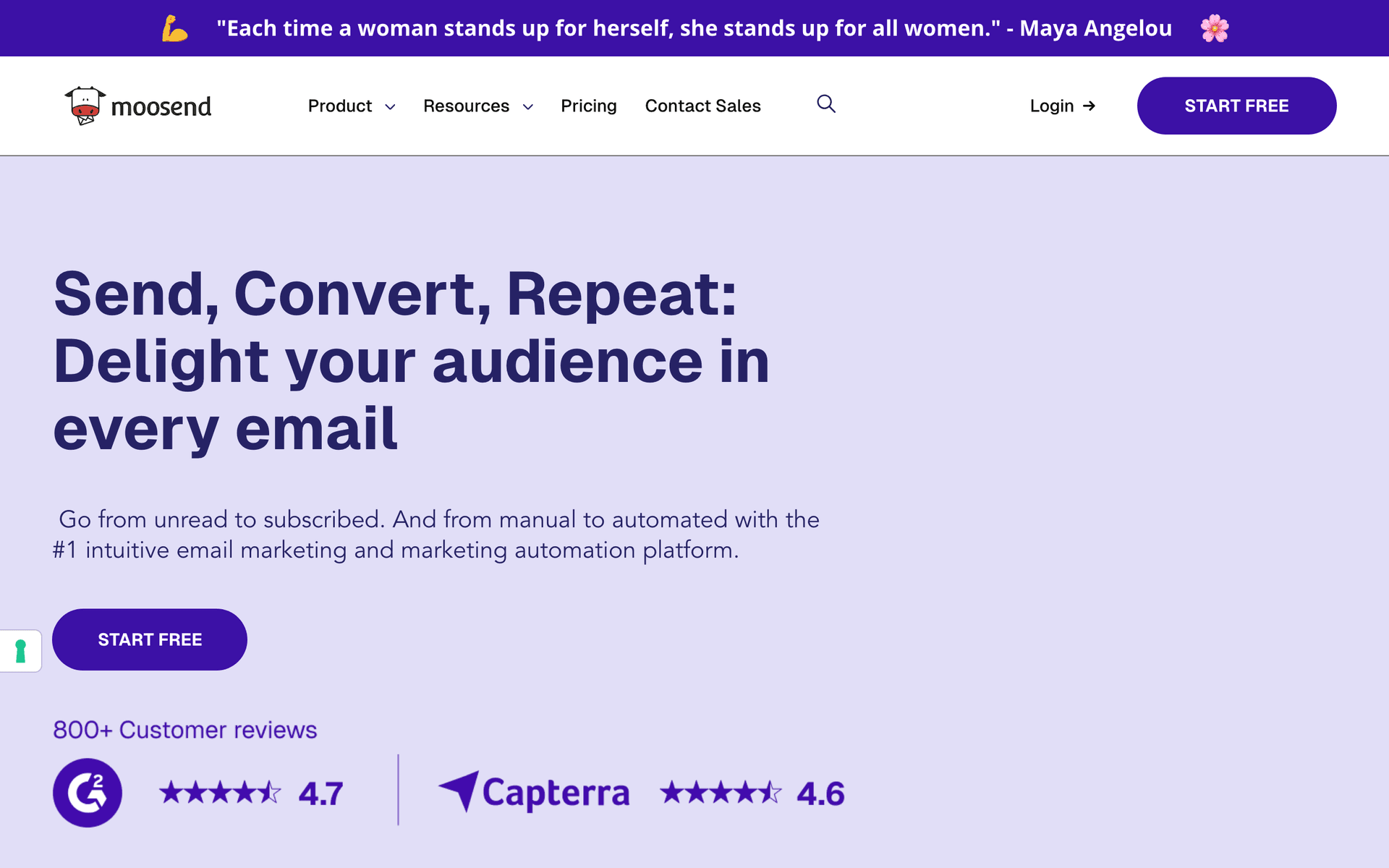
Moosend

Budget-friendly with good features.

Visit

Moosend offers good value at $9/month. Automation and landing pages included. Great for small community organizations with limited budgets.

Best for
Very budget-conscious community orgs
Pricing
From $9/month for 500 subscribers

Pros

  • Very affordable
  • Good automation
  • Responsive support
  • Landing pages

Cons

  • Less known
  • Limited integrations
  • Smaller templates
  • No nonprofit discount

Feature Comparison

FeatureSequenzyMailchimpMailerLiteConstant Contact
Member updates
Event invitations
AI content
Drag-and-drop editor
Automation
Basic
Landing pages
Free tier

Common Mistakes to Avoid

We see these mistakes over and over. Skip the learning curve and avoid these from day one.

Only emailing about meetings

Organizations that only send meeting notices miss the opportunity to build community between gatherings. Share member stories, community wins, volunteer highlights, and local news. Make your emails something members look forward to, not just meeting reminders.

Inconsistent communication

When months go by between emails, members forget about your organization. Commit to at minimum a monthly newsletter and stick to it. Consistency builds the habit of opening your emails and the expectation of regular community connection.

Not welcoming new members properly

When someone joins your organization, their first impression matters. An automated welcome sequence introducing the organization, its mission, and how to get involved makes new members feel included from day one.

Making emails too long and dense

Community organization emails that try to cover every update in detail lose readers after the first paragraph. Keep emails scannable with clear headers, short sections, and links to full details. Make it easy to find what matters to each reader.

Not taking advantage of nonprofit discounts

Many email platforms offer 15-40% discounts for registered nonprofits. MailerLite, Constant Contact, ActiveCampaign, and Mailchimp all offer some form of nonprofit pricing. Apply with your documentation to reduce costs.

Email Sequences Every Community Organization Needs

These are the essential automated email sequences that will help you grow your business and keep clients coming back.

New Member Welcome

When someone joins the organization

Welcome new members and get them involved.

Immediately
Welcome to {{org_name}}, {{first_name}}!

Welcome. Organization overview. How to get involved.

Day 3
Ways to participate

Committees. Events. Volunteer opportunities.

Day 7
Upcoming events you'll want to know about

Next meeting. Upcoming events. Calendar link.

Event Invitation

Before community events

Drive attendance at community gatherings.

3 weeks before
Join us: {{event_name}}

Event details. What to expect. RSVP link.

1 week before
{{event_name}} is next week

Reminder. Final details. What to bring.

Day before
See you tomorrow at {{event_name}}

Final reminder. Location. Time. Contact info.

Meeting Notice

Before regular meetings

Ensure attendance at organizational meetings.

1 week before
{{org_name}} meeting {{date}}: Agenda

Meeting agenda. Key topics. How to participate.

Day before
Reminder: Meeting tomorrow

Quick reminder. Time. Location or link.

Monthly Newsletter

Monthly schedule

Keep members informed of community news.

Monthly
{{month}} update from {{org_name}}

Community news. Upcoming events. Volunteer recognition.

How to Choose the Right Email Tool

Nonprofit pricing can save significantly. MailerLite offers 30% off, Constant Contact offers 20-30% off, ActiveCampaign and HubSpot both offer nonprofit discounts. Apply for these with your nonprofit documentation before committing to a platform. The savings add up substantially over time.

Simplicity is essential for volunteer-run organizations. Many community organizations rely on volunteers for communication tasks. Choose tools that someone with no marketing experience can learn in an afternoon. Sequenzy's AI generation, Constant Contact's phone support, and MailerLite's clean interface all prioritize ease of use.

Event features make a real difference. Community organizations run on events - meetings, cleanups, social gatherings, fundraisers, and volunteer days. Look for platforms with event management, RSVP tracking, and multi-email event promotion sequences. Constant Contact stands out here with built-in event tools.

What Works for Community Organizations

Consistency builds community. Regular communication keeps your organization relevant in members' lives. A monthly newsletter that arrives predictably builds the expectation and habit of engagement. When you skip months, members drift and engagement drops.

Events drive the most meaningful participation. Most community engagement happens at events, not through email. But email is what fills those events. A well-promoted event with multiple email touchpoints gets significantly higher attendance than a single announcement.

Recognition strengthens belonging. Celebrating members and volunteers in your newsletter reinforces the value of participation. When people see others being recognized, they are more likely to volunteer and participate themselves. Make recognition a standard section of every newsletter.

Building Your Organization's Email Program

Start with three essential components:

  1. Monthly newsletter: A consistent update covering community news, upcoming events, volunteer opportunities, and member recognition. This is your foundation.

  2. Event promotion sequence: A three-email series for every event - announcement, reminder, and final details. This replaces the stress of last-minute promotion with a reliable system.

  3. New member welcome: An automated sequence that welcomes new members, introduces the organization, and shows them how to get involved. First impressions matter for long-term engagement.

Growing Your Member Email List

Your email list should mirror your membership. Every new member should automatically receive a welcome email. Every event attendee who is not yet a member should be invited to join. Every community meeting should include an opportunity for attendees to add their email.

Make signup easy with QR codes at events, a simple form on your website, and links in your social media. The larger and more complete your email list, the more effectively you can mobilize your community for events, volunteer opportunities, and collective action.

Engaging Inactive Members

Every organization has members who joined but stopped participating. Before removing them, try a re-engagement email that reminds them what the organization does, highlights recent achievements, and invites them to a specific upcoming event. Many inactive members simply need a reason to reconnect.

If members do not engage after a re-engagement attempt, consider asking directly whether they want to remain on the list. A clean, engaged email list is more valuable than a large, disengaged one.

Getting Started

  1. Import your member list with any available segmentation by interest area or committee
  2. Set up a new member welcome sequence that introduces your organization warmly
  3. Create event announcement templates you can reuse for every gathering
  4. Plan your monthly newsletter schedule and commit to sending consistently
  5. Apply for nonprofit discounts at your chosen platform

Start with the monthly newsletter since it builds the communication habit. Add event sequences and welcome automations as you get comfortable with the platform.

How We Evaluated These Tools

I tested each platform by building four core workflows for community organizations: a new member welcome sequence, a multi-touch event invitation series, a monthly newsletter template, and a meeting notice automation. I evaluated nonprofit discount availability, ease of use for volunteer coordinators without marketing experience, event management features, and real-world cost for organizations with 500-5,000 members.

Frequently Asked Questions

Ready to grow your community organization practice?

Start your free trial today. Set up your first email sequence in minutes with AI-powered content generation.

Related Industries

Sequenzy - Complete Pricing Guide

Pricing Model

Sequenzy uses email-volume-based pricing. You only pay for emails you send. Unlimited contacts on all plans — storing subscribers is always free.

All Pricing Tiers

  • 2.5k emails/month: Free (Free annually)
  • 15k emails/month: $19/month ($205/year annually)
  • 60k emails/month: $29/month ($313/year annually)
  • 120k emails/month: $49/month ($529/year annually)
  • 300k emails/month: $99/month ($1069/year annually)
  • 600k emails/month: $199/month ($2149/year annually)
  • 1.2M emails/month: $349/month ($3769/year annually)
  • Unlimited emails/month: Custom pricing (Custom annually)

Yearly billing: All plans offer a 10% discount when billed annually.

Free Plan Features (2,500 emails/month)

  • Visual automation builder
  • Transactional email API
  • Reply tracking & team inbox
  • Goal tracking & revenue attribution
  • Dynamic segments
  • Payment integrations
  • Full REST API access
  • Custom sending domain

Paid Plan Features (15k - 1.2M emails/month)

  • Visual automation builder
  • Transactional email API
  • Reply tracking & team inbox
  • Goal tracking & revenue attribution
  • Dynamic segments
  • Payment integrations (Stripe, Paddle, Lemon Squeezy)
  • Full REST API access
  • Custom sending domain

Enterprise Plan Features (Unlimited emails)

  • Visual automation builder
  • Transactional email API
  • Reply tracking & team inbox
  • Goal tracking & revenue attribution
  • Dynamic segments
  • Payment integrations
  • Full REST API access
  • Custom sending domain

Important Pricing Notes

  • You only pay for emails you send — unlimited contacts on all plans
  • No hidden fees - all features included in the price
  • No credit card required for free tier

Contact

  • Pricing Page: https://sequenzy.com/pricing
  • Sales: hello@sequenzy.com