
How to Choose the Right Email Tool for Your Cabinet Business
Visual presentation matters most. Your craftsmanship needs to shine in emails. Choose platforms that handle photos well and offer clean, professional templates.
Simplicity wins. Spend time in the shop, not managing marketing software. Look for tools with AI-generated content or simple interfaces that any team member can use.
Designer-friendly features help. If you work with interior designers, you need tools that let you share professional portfolio updates regularly.
Quick Decision Framework
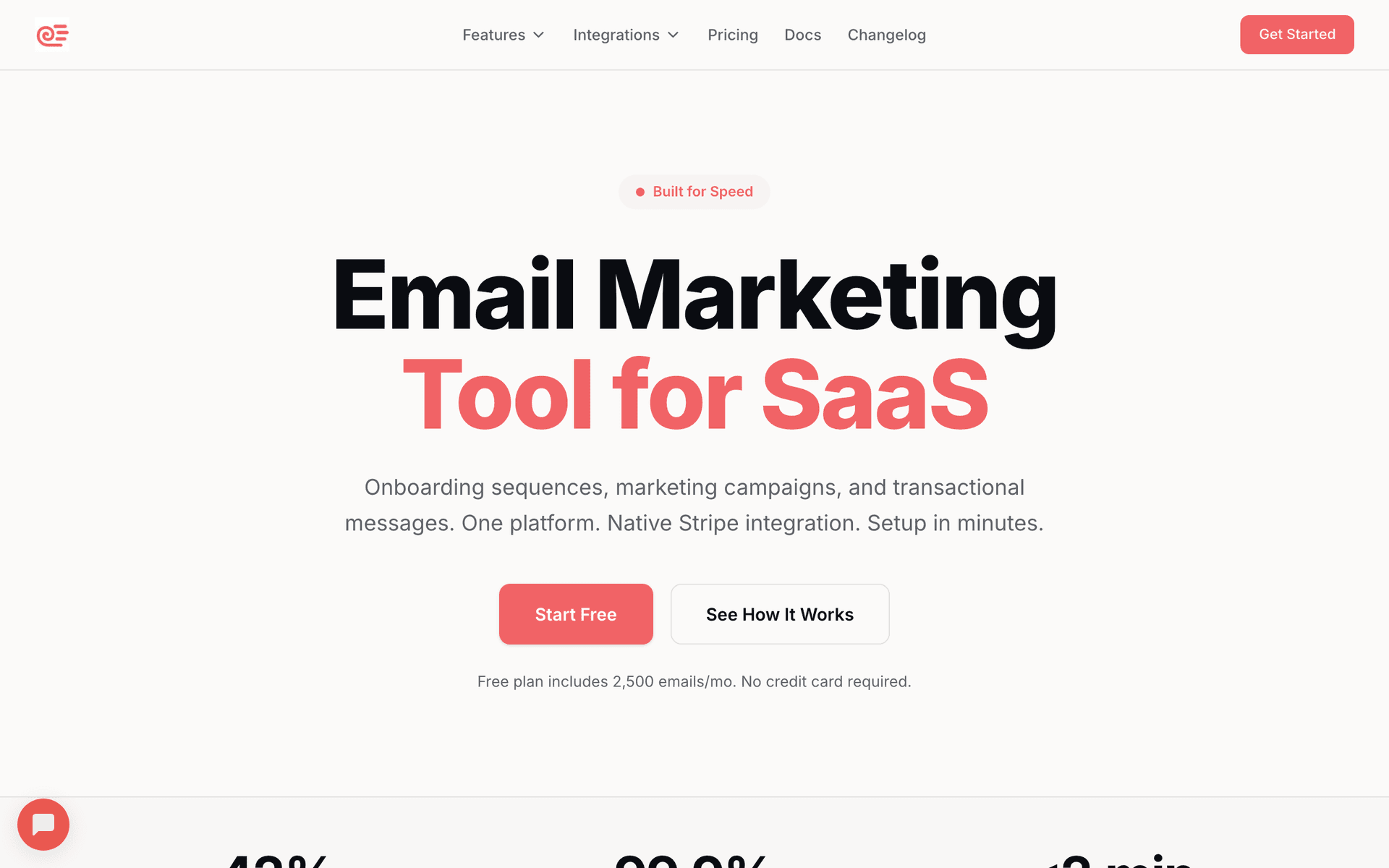
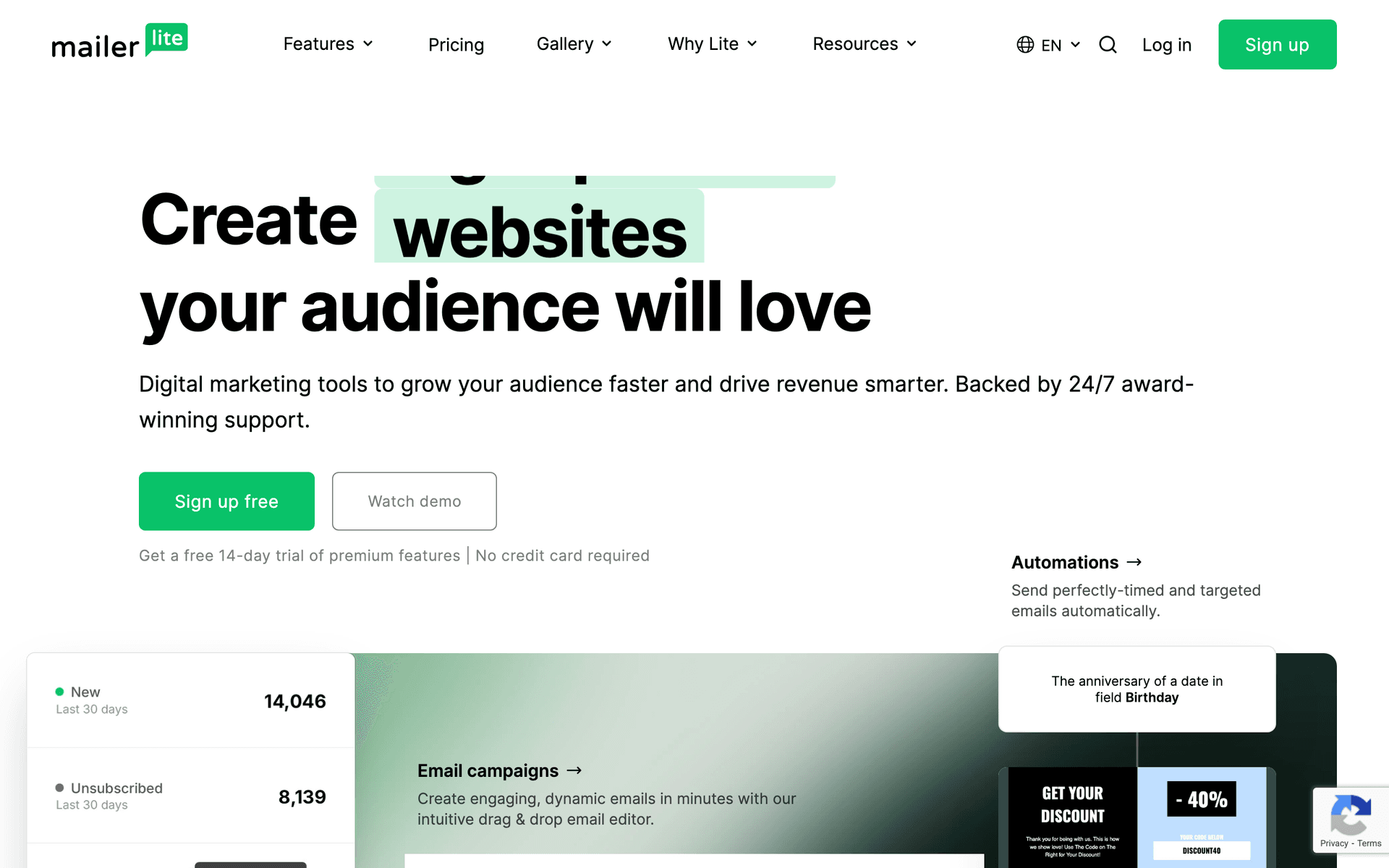
- Just getting started: Sequenzy (free up to 2,500 emails) or MailerLite (free up to 1,000 contacts)
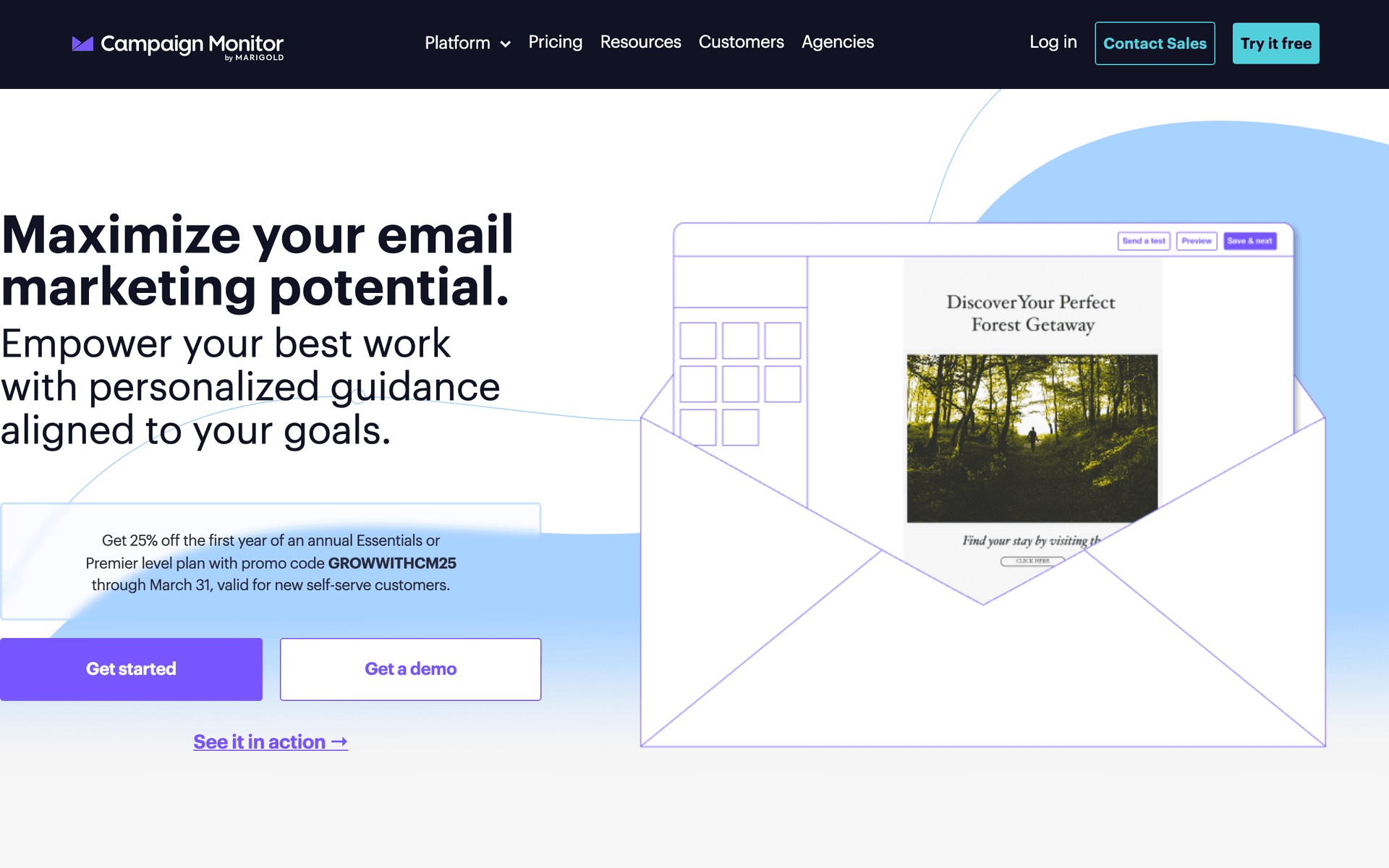
- Visual presentation priority: Campaign Monitor for elegant templates
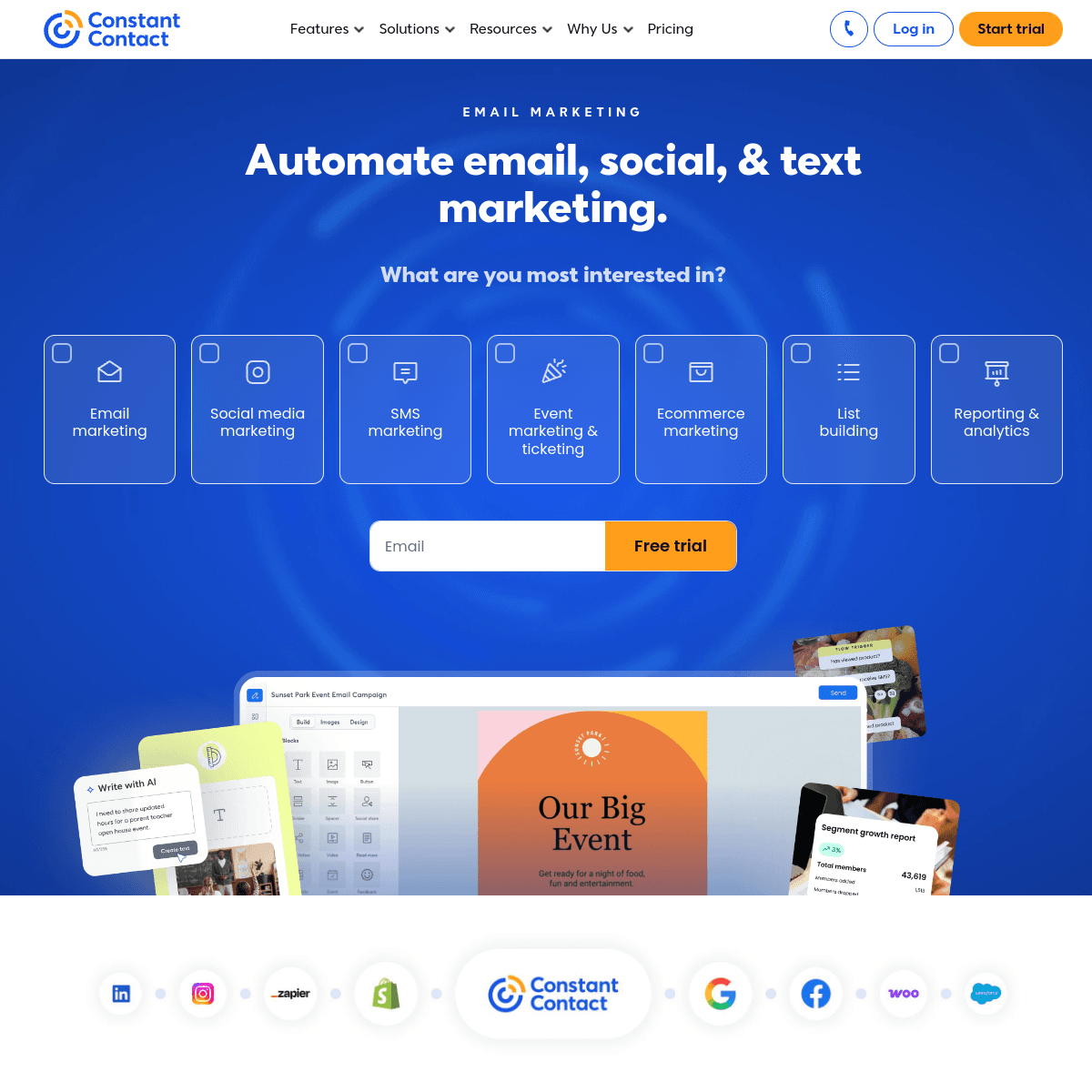
- Want phone support: Constant Contact
- Large operation with office staff: ActiveCampaign for CRM and automation
- Budget is tight: Moosend at $9/month
Cabinet Maker Tool Fit
| Business type | Best-fit platform need | Email to automate first | Why |
|---|---|---|---|
| Solo cabinet maker | Simple follow-up templates | Consultation follow-up | Converts estimates without office help |
| Custom kitchen shop | Visual project showcases | Similar-project inspiration | Buyers need confidence in style and finish |
| Commercial millwork firm | CRM and contact segmentation | Architect/designer updates | Longer relationship-driven pipeline |
| Design-build cabinet company | Lead tracking and proposals | Estimate decision sequence | Keeps complex projects moving |
| Referral-heavy shop | Review and referral automation | Post-project referral ask | Captures demand while clients are happiest |
What Actually Works for Cabinet Makers
Photos Tell Your Story
Beautiful finished cabinets sell better than any sales pitch or description. Invest in good photography for your best projects and use those images in every email. A single stunning kitchen transformation photo will generate more inquiries than a page of text about your experience and qualifications.
Consultation Follow-Up Wins Projects
The number one reason cabinet makers lose projects is not following up. An automated email sequence after every consultation - thanking the prospect, sharing similar project photos, and addressing common concerns - keeps you in consideration during the weeks-long decision process. Cabinet makers who follow up systematically close 30-50% of estimates compared to 15-25% without follow-up.
Designer Relationships Multiply Revenue
One interior designer who trusts your work can send you more projects than $5,000 in advertising. A monthly email to your designer network showcasing recent work and reminding them of your capabilities is one of the highest-ROI investments a cabinet maker can make.
Cabinet Maker Email Benchmarks
| Email type | Healthy open rate | Primary conversion | Business impact |
|---|---|---|---|
| Consultation follow-up | 40-55% | Reply or estimate discussion | Higher close rate |
| Similar project showcase | 28-40% | Project inquiry | New qualified leads |
| Designer monthly update | 30-45% | Referral or collaboration reply | Repeat partner pipeline |
| Review request | 35-50% | Google review click | Local trust and SEO |
| Referral ask | 25-40% | Introductions | Low-cost new projects |
The Cabinet Maker Email System
For Every Consultation
- Day 1: Thank you with project recap and similar photos
- Day 3: Additional design inspiration and material options
- Day 7: FAQ and timeline information
- Day 14: Gentle follow-up with testimonials
Consultation Follow-Up Table
| Timing | Email focus | Content to include | Goal |
|---|---|---|---|
| Day 1 | Project recap | Their goals, next steps, similar photos | Confirm you listened |
| Day 3 | Material options | Wood species, finishes, hardware choices | Help them visualize |
| Day 7 | Budget and timeline | Range, production schedule, FAQs | Reduce decision anxiety |
| Day 14 | Proof and check-in | Testimonials and finished project photos | Restart the conversation |
| Day 30 | Future planning | Availability and referral-friendly note | Keep slow decisions alive |
For Every Completed Project
- Day 7: Satisfaction check-in with care instructions
- Day 14: Review request with direct links
- Day 30: Referral request for friends planning renovations
For Designer Relationships
- Monthly project showcase emails
- New material and finish announcements
- Capacity updates and lead times
Getting Started This Week
- Set up a consultation follow-up sequence with 4 emails over 2 weeks
- Create a post-project review and referral sequence
- Build a designer contact list and plan monthly showcase emails
- Photograph your next 3 completed projects with good lighting from multiple angles
Start with the consultation follow-up - it converts more estimates into projects immediately. Add the other workflows as you build your system.
What Cabinet Makers should prioritize first
For Cabinet Makers, email works when it supports clear communication, consistent follow-up, and measurable customer action. The software matters, but the operating habit matters more: collect the right contacts, send messages at the right moments, and keep the content useful enough that people keep opening.
Start by comparing the ranked tools above around the workflows you will actually run. A good tool for Cabinet Makers should make it easy to segment contacts, write a campaign quickly, automate the obvious follow-ups, and see whether the email produced a booking, sale, reply, renewal, or return visit.
The first workflows to build are usually simple. For this page, the natural starting points are Consultation Follow-Up, Post-Project Follow-Up, Project Showcase, Designer Relationship. Do not build a complicated journey until those basics are working.
A practical rollout looks like this:
| Week | Focus |
|---|---|
| 1 | Import contacts, clean segments, and write the first useful campaign. |
| 2 | Launch the highest-value reminder or follow-up automation. |
| 3 | Add one educational or trust-building email that is not a promotion. |
| 4 | Review opens, clicks, replies, bookings, purchases, or returned customers. |
The most important page-specific ideas are Follow up on every consultation within 24 hours; Build a portfolio showcase email series; Nurture designer and contractor relationships separately. Those should become your first campaigns before you worry about advanced automation.
Choose the tool that makes this cadence realistic. If a platform has more features but makes weekly sending harder, it is the wrong fit. If a simpler platform helps the team communicate consistently and measure the result, it will usually produce more value.