Updated 2026-03-15

Best Email Marketing Tools for Interior Designers

Showcase your portfolio, nurture design clients, and grow your interior design business with the right email marketing platform.

Running an interior design business means balancing creativity with client management. You need to nurture potential clients through long decision cycles, showcase your portfolio, and stay connected with past clients for referrals. Email marketing helps you build relationships at scale. But most email tools are built for tech companies. Here are 13 platforms that actually work for interior designers, ranked by ease of use, automation features, and value for money.

TL;DR

For most interior designers, Sequenzy is the best value - the AI creates portfolio showcase and client nurture sequences in seconds, and the free tier covers up to 2,500 emails/month. Pay-per-email pricing means your years of prospect and client records do not inflate costs. For designers who prioritize beautiful email aesthetics, Campaign Monitor has the best templates. For larger firms, ActiveCampaign offers powerful CRM-driven automation.

Why Interior Designers Need Email Marketing

Showcase Your Portfolio

Beautiful project photos inspire potential clients. Email puts your best work directly in front of interested prospects.

Nurture Long Decision Cycles

Design projects are significant investments. Email keeps you present while clients decide.

Build Referral Networks

Past clients and industry partners refer business. Stay connected to stay remembered.

Share Design Expertise

Design tips and trend updates position you as the expert clients want to hire.

Interior Designers Email Marketing Benchmarks

Know these numbers before you start. They'll help you set realistic goals and pick the right tool.

30-40%
Average Open Rate

Interior designer emails see 30-40% open rates because the audience is specifically interested in design. Portfolio showcase emails and trend content perform at the high end. Generic newsletters trend lower.

3-6%
Average Click Rate

Click rates of 3-6% are typical. Links to project galleries, consultation booking pages, and design trend articles drive the most clicks. Visual-heavy emails consistently outperform text-heavy ones.

Saturday 9-11am, Tuesday 10am
Best Send Time

Homeowners think about their spaces on Saturday mornings. Design professionals and commercial clients respond better during business hours Tuesday through Thursday.

15-25% of nurtured prospects
Inquiry-to-Client Conversion

Designers with active email nurture programs convert 15-25% of initial inquiries to projects, compared to 5-10% for designers who rely only on the initial consultation.

Important Tips Before You Choose

Lessons from interior designerswho've been doing this for years. Save yourself the trial and error.

Use project before-and-after stories as your primary email content

Nothing inspires potential clients like dramatic transformations. Build your emails around before-and-after photo pairs with brief stories about the client's vision and how you brought it to life. These visual stories demonstrate your skill and get shared by subscribers to friends who are also considering design help.

Nurture prospects over 3-6 months because design is a big investment

Interior design projects are significant financial commitments. Prospects rarely hire after a single interaction. Build automated nurture sequences that stay in touch over months with portfolio updates, design tips, and gentle invitations to discuss their project. Patience and consistency win design clients.

Segment prospects by project type and budget level

A client renovating a full home needs different inspiration than someone refreshing a single room. Segment your list by project scope (single room, full home, commercial), budget range, and design style preference. This lets you send relevant portfolio examples and content.

Send seasonal design trend content that positions you as the expert

Monthly or quarterly trend reports - new colors, materials, and design movements - demonstrate that you are actively engaged in the design world. This positions you as a knowledgeable guide rather than just someone who picks furniture. Trend content also gets good engagement from past clients who enjoy following design.

Ask past clients for referrals 60-90 days after project completion

After living in their redesigned space for a couple of months, clients are experiencing the joy of their investment daily. This is the perfect moment to ask for referrals. Send a check-in email, ask how they are enjoying the space, and mention that you would appreciate referrals to friends.

13 Best Email Marketing Tools for Interior Designers

Our Top Pick for Interior Designers
#1
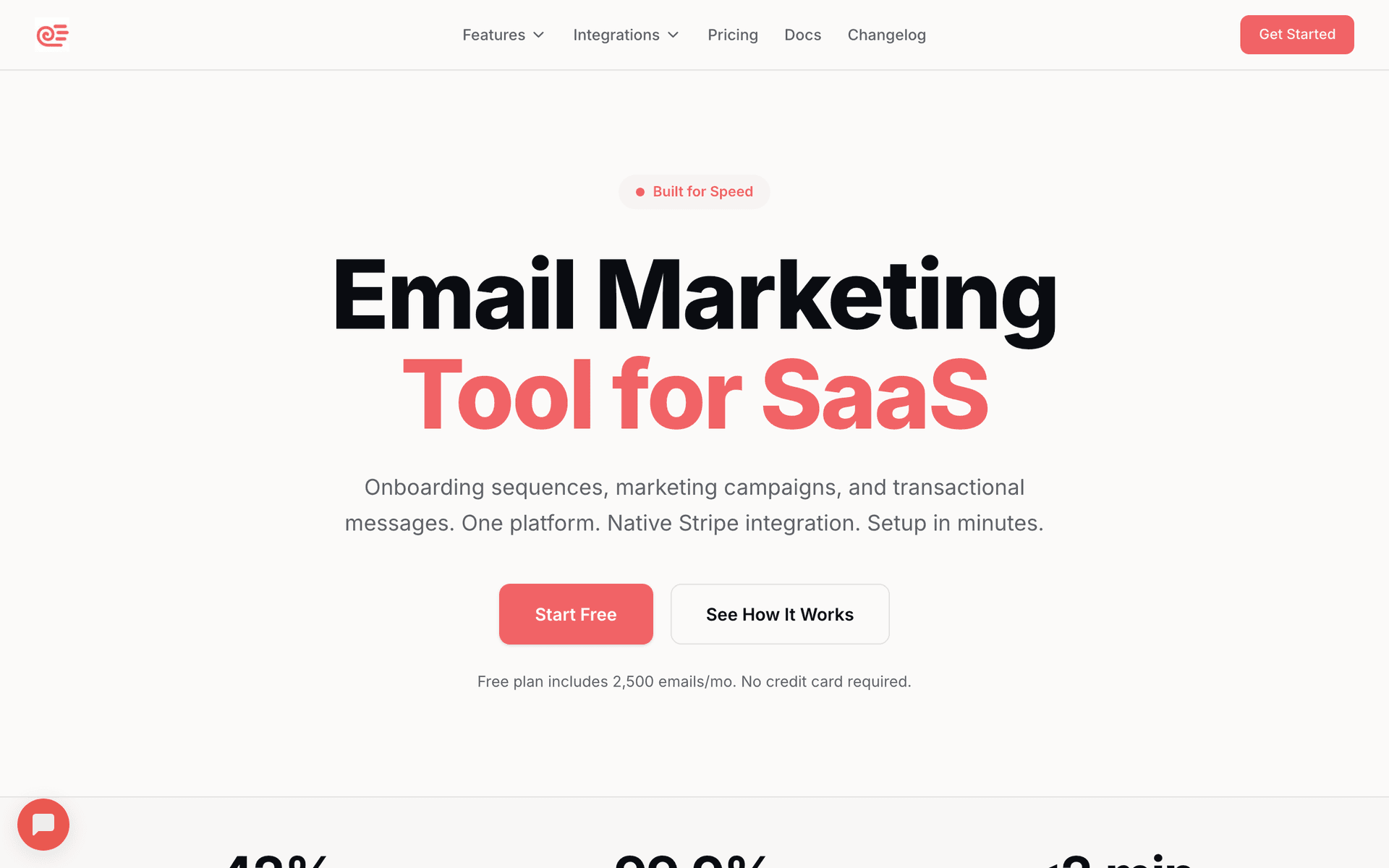
Sequenzy

AI-powered email marketing built for service businesses.

Visit

Sequenzy is the best fit for most interior designers because the AI creates portfolio showcase, client nurture, and referral request sequences in seconds without requiring marketing expertise. Describe your recent project and get a beautifully written email ready to customize with your photography. The free tier covers up to 2,500 emails per month, enough for independent designers to run their entire email program at zero cost. The $29/month plan covers 50,000 emails with unlimited contacts, so your years of prospect and client records do not inflate costs. The interface is simple enough to manage between design projects and client meetings.

Best for
Interior designers wanting automated client communication without complexity
Pricing
Free up to 2,500 emails/mo, then $29/mo for 50K emails (unlimited contacts)

Pros

  • AI writes portfolio and nurturing sequences
  • Simple interface for busy designers
  • Pay for emails sent, not contacts stored
  • Free tier for independent designers
  • Direct founder support

Cons

  • Launched in 2025, less track record
  • No built-in SMS
  • Fewer templates than established competitors
#2
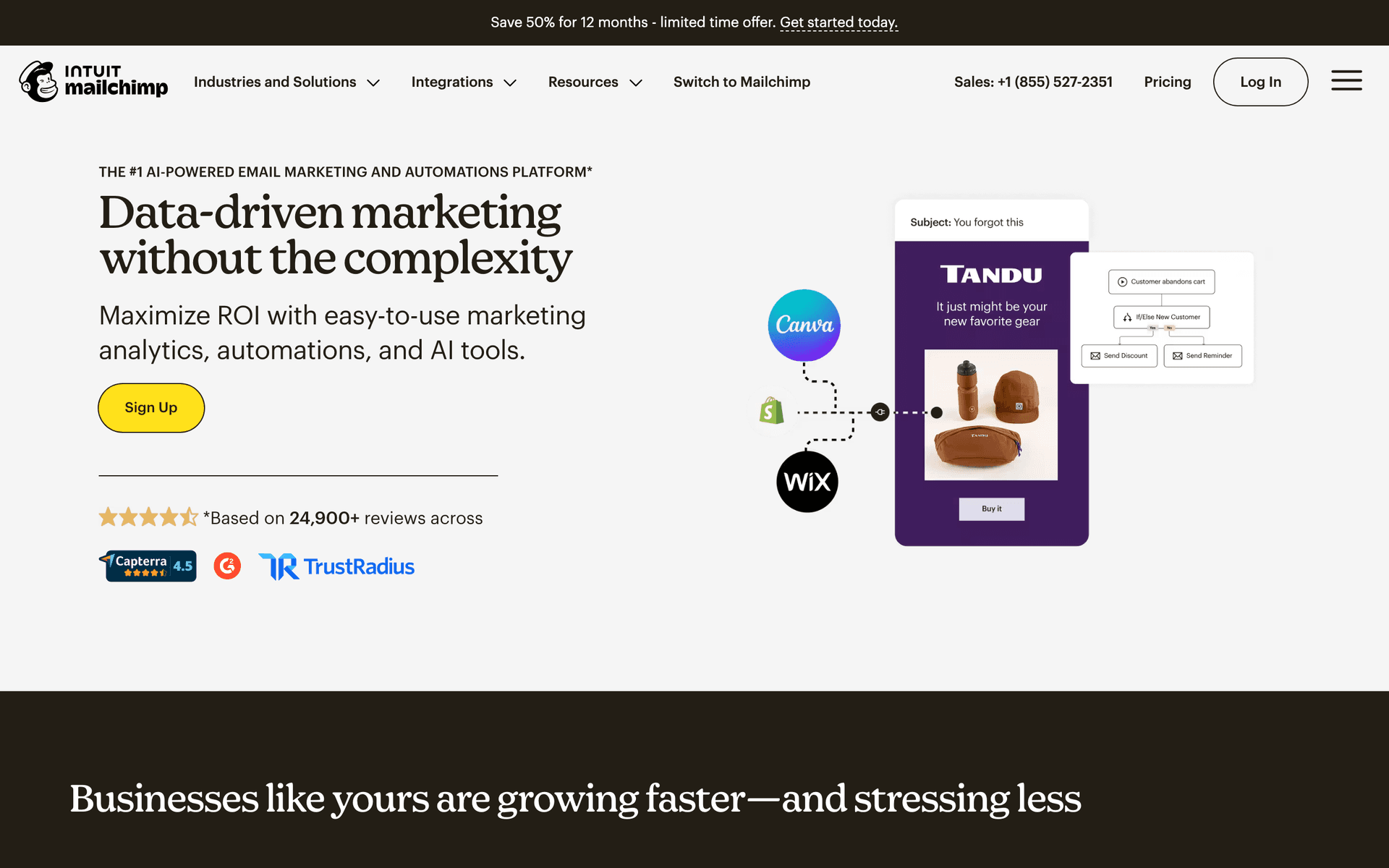
Mailchimp

The most popular email marketing platform.

Visit

Mailchimp has visual templates that work reasonably well for showcasing design projects. The drag-and-drop editor handles image-heavy layouts, and the free tier covers 500 contacts. The brand recognition means most designers are already familiar with the platform. The frustration is per-contact pricing as your list grows and the interface complexity when all you need is to send monthly project showcases. Good for getting started, but many designers find the pricing escalation surprising.

Best for
Designers wanting a well-known platform
Pricing
Free up to 500 contacts, then $13-350/month

Pros

  • Extensive templates
  • Many integrations
  • Strong deliverability
  • Good analytics

Cons

  • Gets expensive fast
  • Interface overwhelming
  • Support has declined
  • Templates can look generic
#3
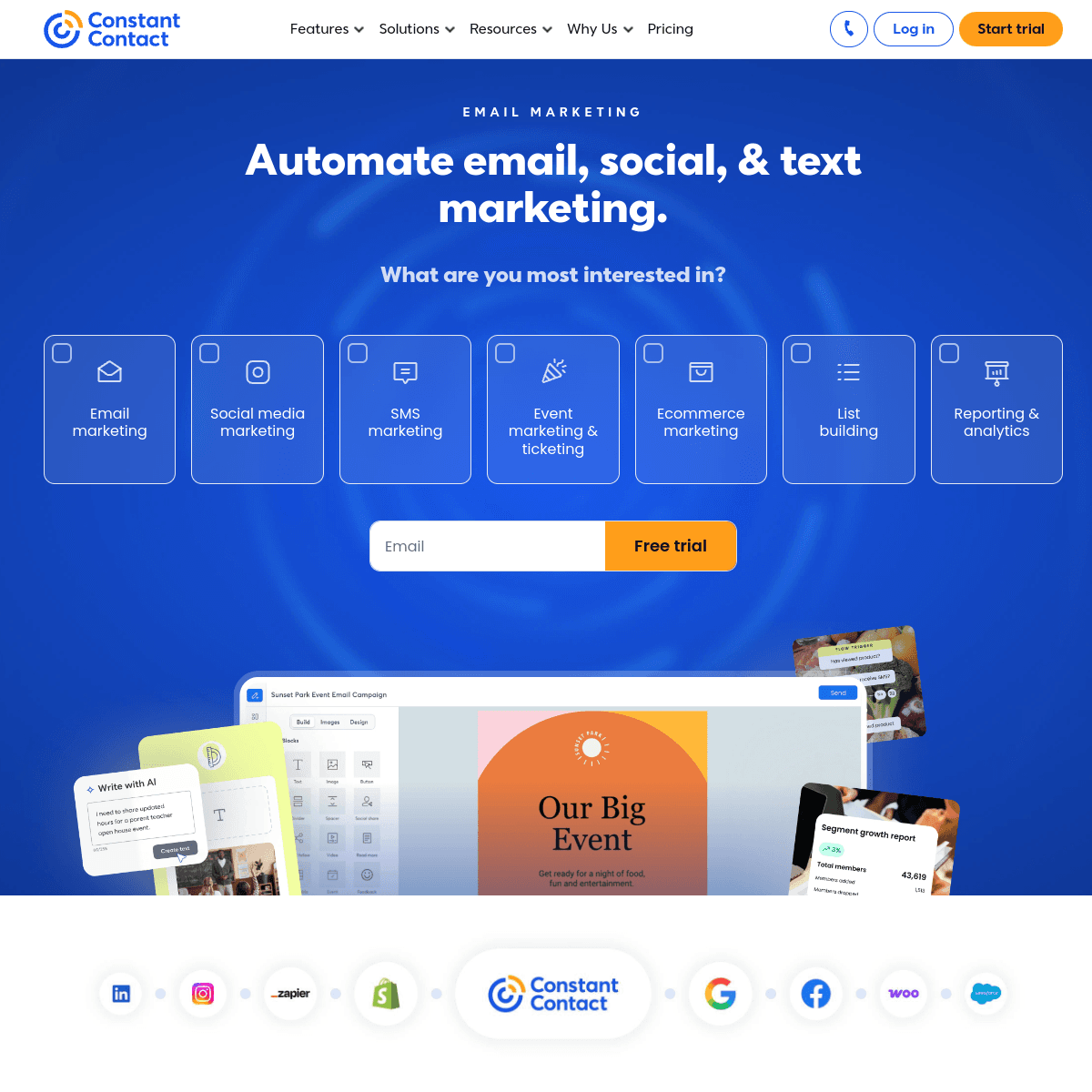
Constant Contact

Long-standing email platform popular with small businesses.

Visit

Constant Contact is reliable and easy with genuinely helpful phone support. Event features work well for open houses, design showcases, and client appreciation events. For designers who want straightforward email with a person to call when they need help, Constant Contact delivers dependability.

Best for
Designers wanting simple email with phone support
Pricing
From $12/month for 500 contacts

Pros

  • Very easy to use
  • Excellent phone support
  • Event management
  • Social integration

Cons

  • Limited automation
  • Dated templates
  • Higher prices
  • Basic segmentation
#4
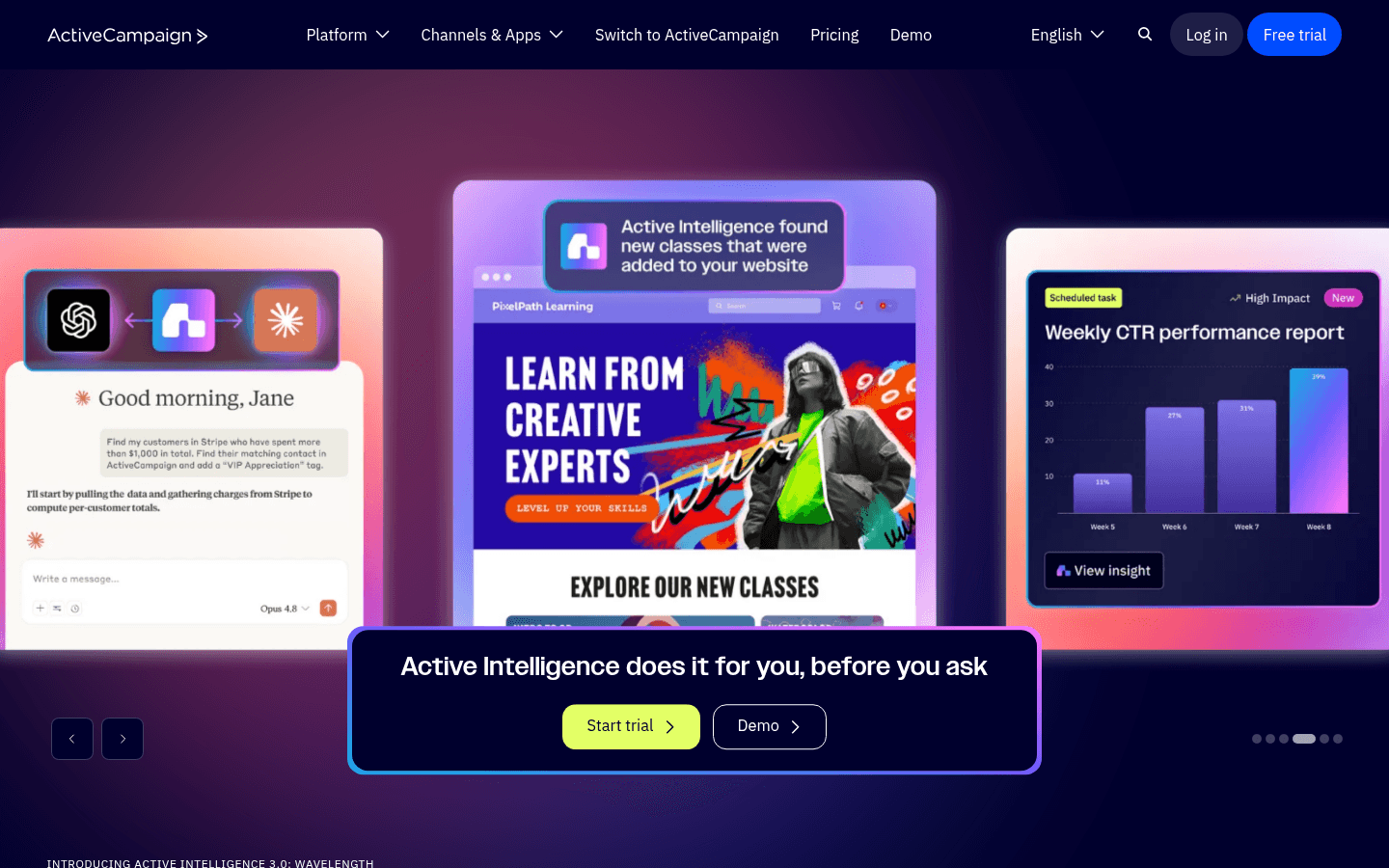
ActiveCampaign

Powerful automation platform with CRM.

Visit

ActiveCampaign provides the most powerful automation for interior design businesses. Build sequences based on project type, budget level, style preference, and inquiry stage. The CRM tracks every prospect interaction from initial inquiry through project completion. For larger design firms with dedicated business development or admin staff, ActiveCampaign provides sophisticated lead management. For solo designers, the complexity is more than most need.

Best for
Larger design firms with staff
Pricing
From $29/month for 1,000 contacts

Pros

  • Excellent automation
  • CRM included
  • Great deliverability
  • Detailed scoring

Cons

  • Steep learning curve
  • Overkill for solo designers
  • Complex interface
  • Price jumps with features
#5
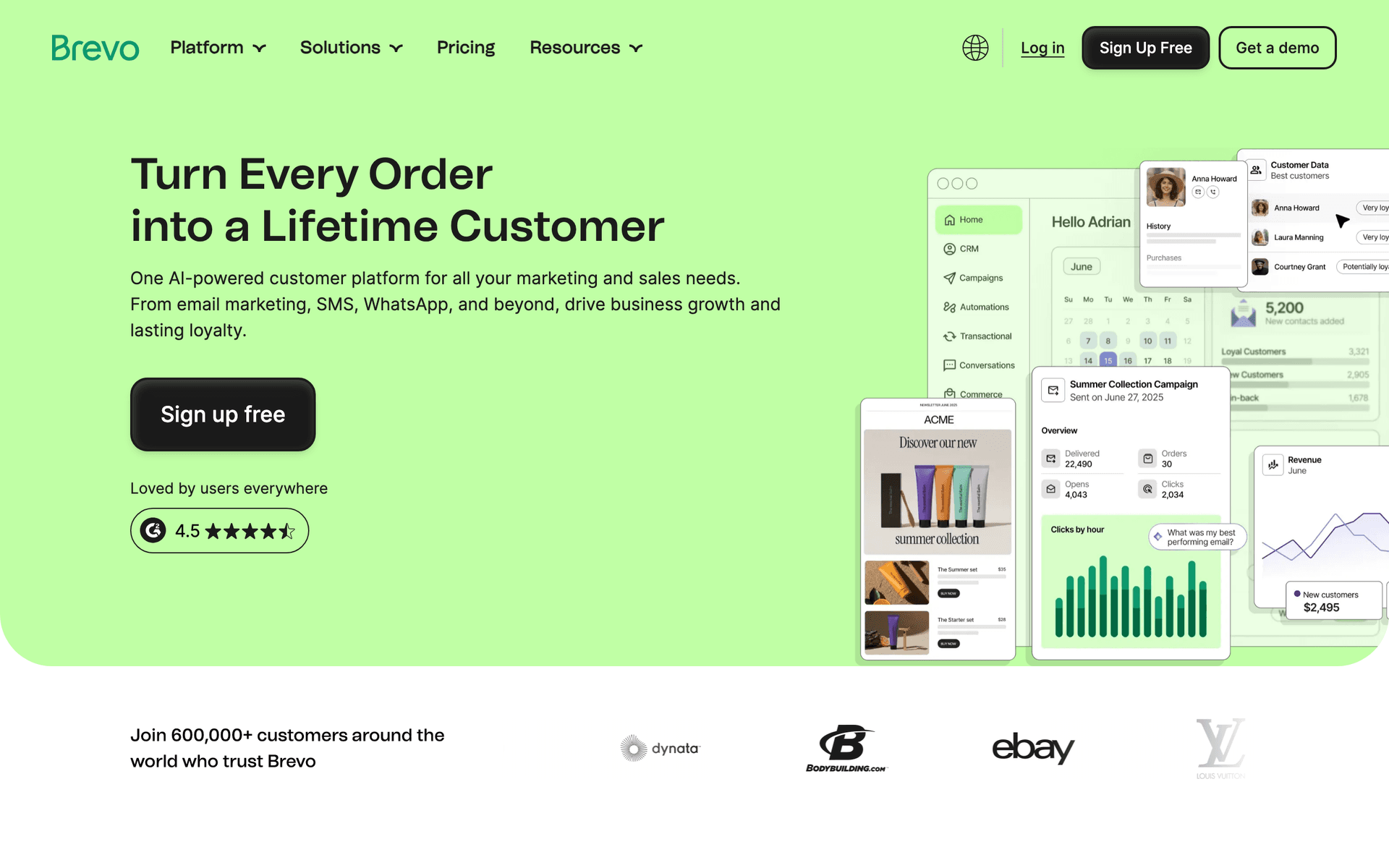
Brevo

Formerly Sendinblue. Good value with email and SMS.

Visit

Brevo offers good value for budget-conscious designers. The free tier covers 300 emails per day, and SMS is included for appointment confirmations and project update reminders. The automation handles basic inquiry follow-up and welcome sequences. For designers wanting both channels affordably, Brevo delivers.

Best for
Budget-conscious designers needing email and SMS
Pricing
Free up to 300 emails/day, then from $25/month

Pros

  • SMS included
  • Generous free tier
  • Good automation
  • Affordable

Cons

  • Daily limits on free
  • Support can be slow
  • Limited integrations
  • Branding on free tier
#6
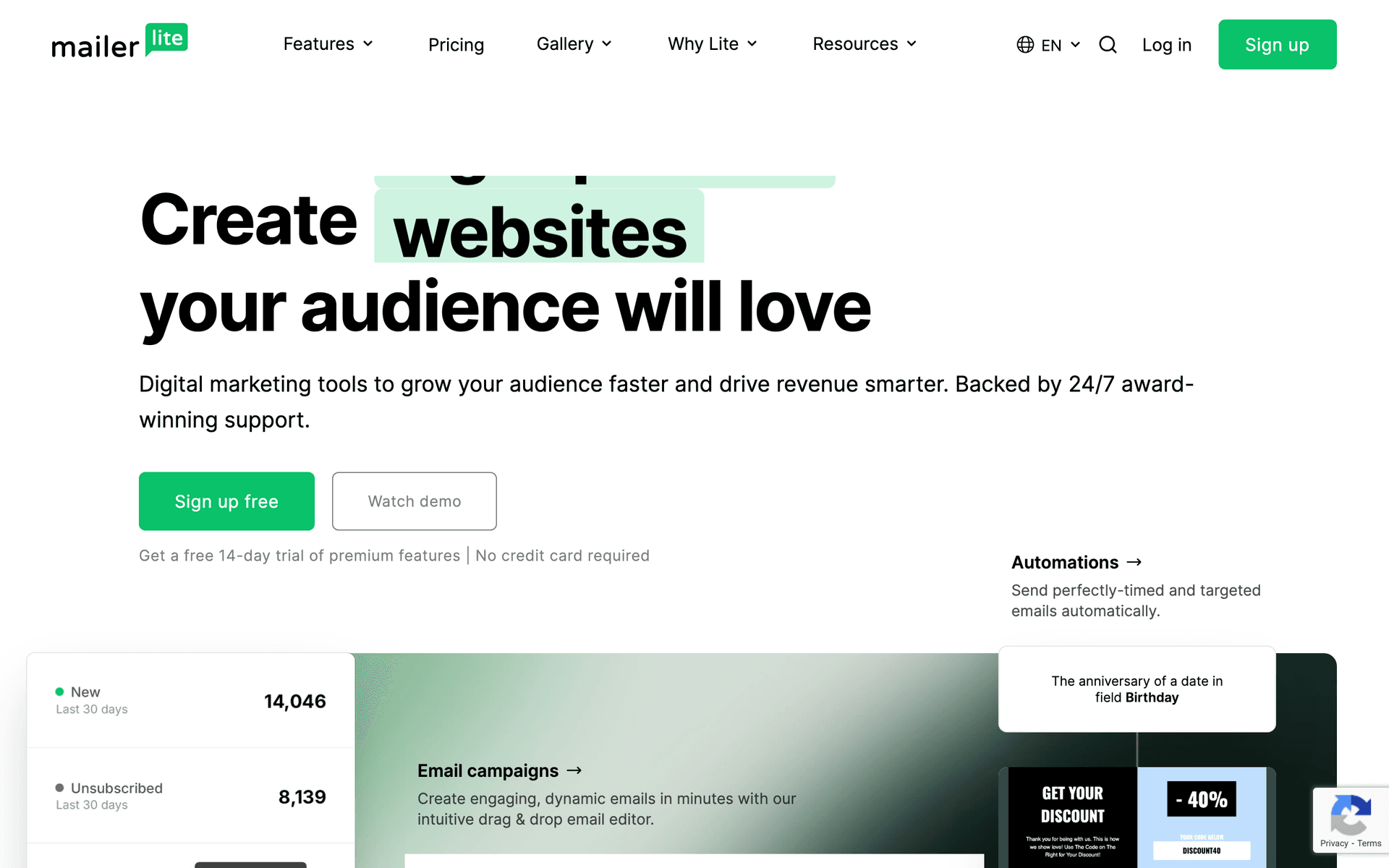
MailerLite

Clean, simple email marketing.

Visit

MailerLite is simple, affordable, and has a clean interface. The free tier covers 1,000 subscribers, and landing pages work for portfolio showcases and consultation booking. For designers wanting email to just work without complexity, MailerLite delivers.

Best for
Designers wanting simplicity and affordability
Pricing
Free up to 1,000 subscribers, then from $10/month

Pros

  • Very affordable
  • Clean interface
  • Good landing pages
  • Generous free tier

Cons

  • Strict approval
  • Limited advanced features
  • Basic reporting
  • Approval can take time
#7
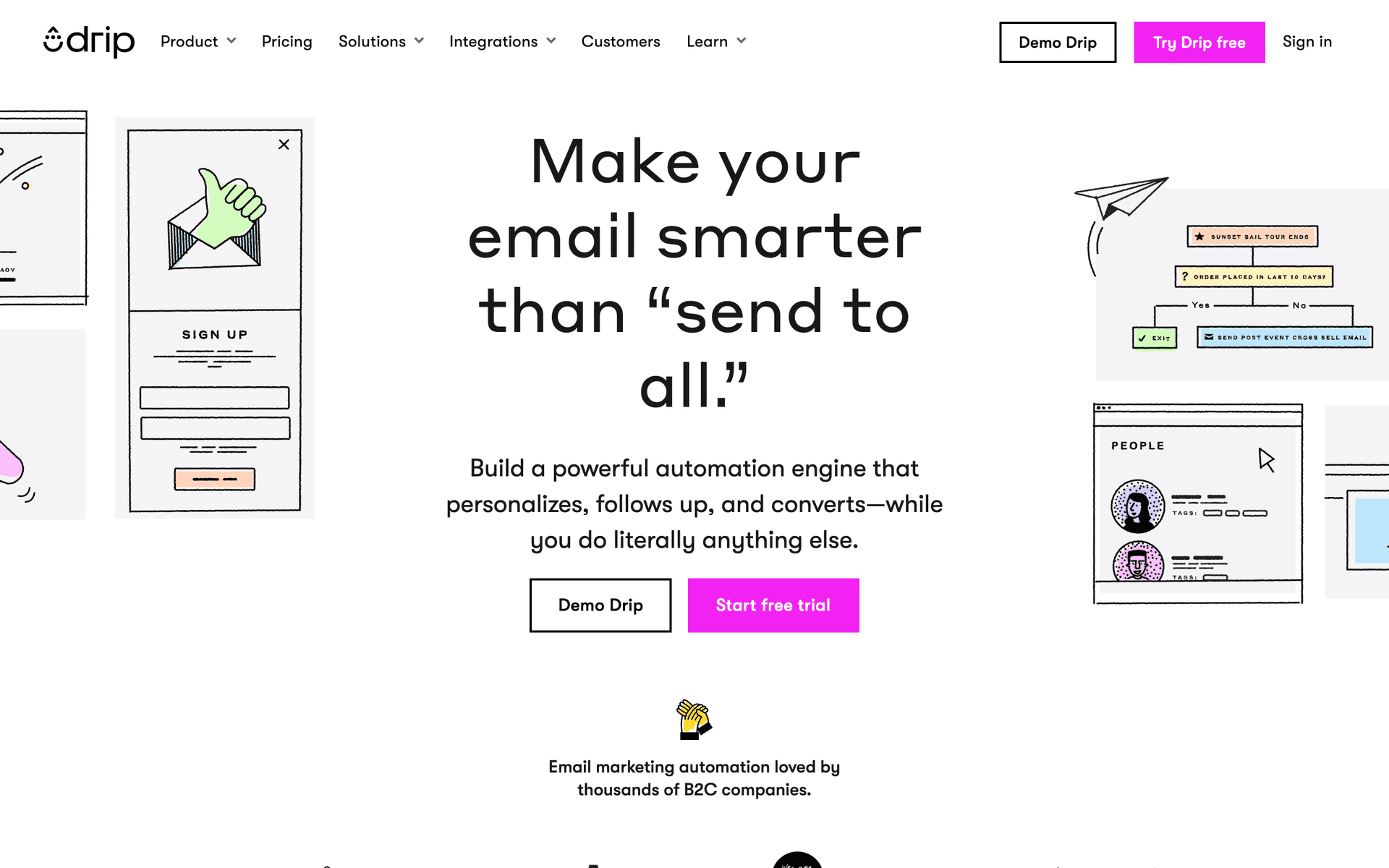
Drip

E-commerce focused but works for selling products.

Visit

Drip works if you sell design products, furniture, or decor online alongside your design services. Revenue tracking shows which emails drive product purchases. For service-only designers, there are simpler and cheaper options.

Best for
Designers with product sales
Pricing
From $39/month for 2,500 contacts

Pros

  • Strong automation
  • Revenue tracking

Cons

  • Built for e-commerce
  • Expensive
  • Overkill for services
#8
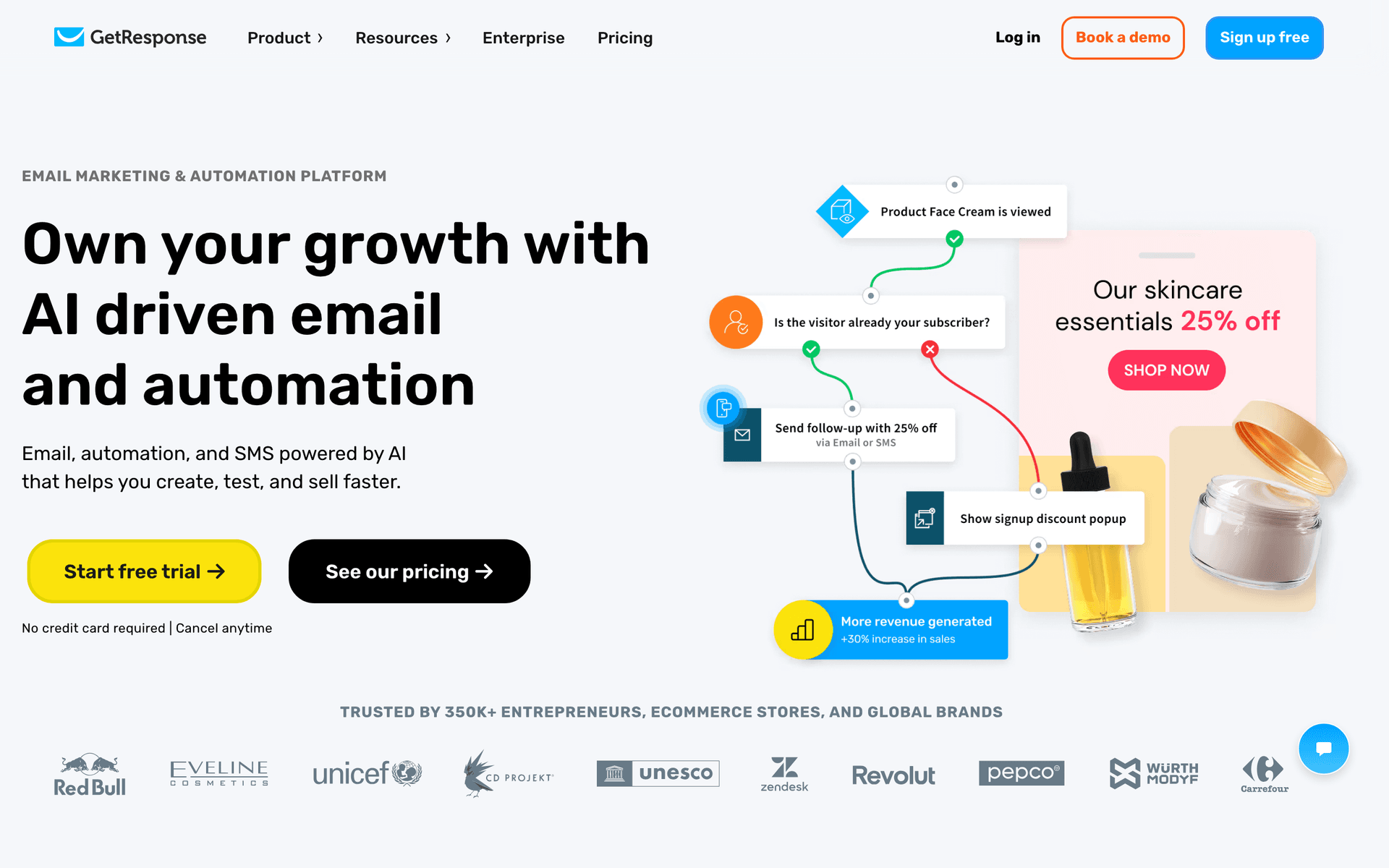
GetResponse

All-in-one with webinars and landing pages.

Visit

GetResponse includes email, landing pages, and webinar hosting. For designers running virtual workshops, design consultations, or community events, the webinar feature adds value. Good if you actively host online events.

Best for
Designers running workshops or webinars
Pricing
From $19/month for 1,000 contacts

Pros

  • Webinar hosting
  • Landing page builder
  • Competitive pricing

Cons

  • Busy interface
  • Email editor could improve
  • Support varies
#9
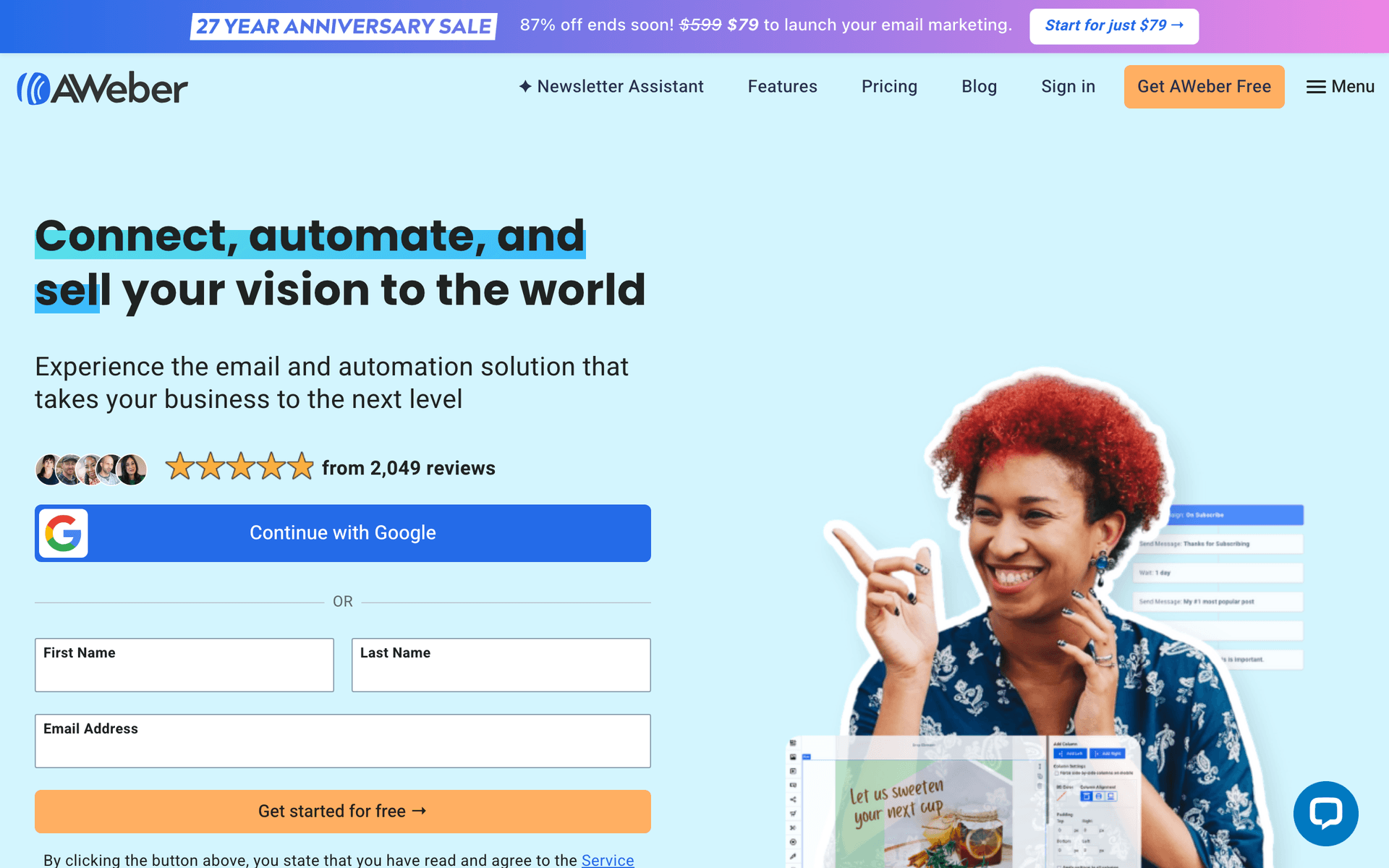
AWeber

One of the original email platforms.

Visit

AWeber is dated but reliable. Great deliverability means your design newsletters consistently reach inboxes. The free tier covers 500 subscribers. For designers wanting simple newsletters without any complexity, AWeber handles the basics.

Best for
Designers wanting no-frills reliability
Pricing
Free up to 500 subscribers, then from $15/month

Pros

  • Reliable
  • Simple
  • Good support

Cons

  • Feels dated
  • Limited automation
  • Basic templates
#10
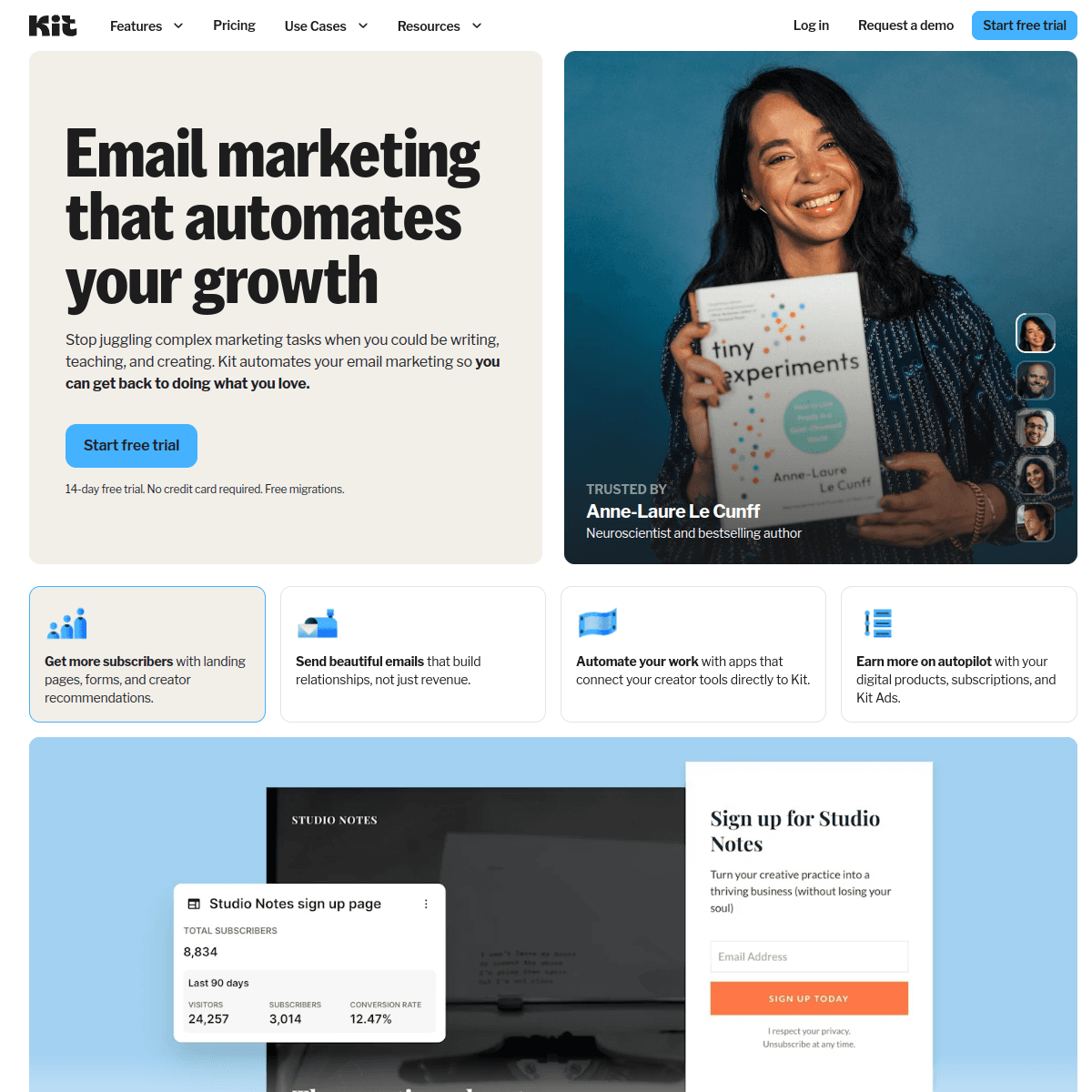
ConvertKit

Built for creators.

Visit

ConvertKit works for designers who actively create content - design blogs, tip newsletters, social media content. The newsletter format suits thought leadership well. For designers not creating regular written content, simpler visual-focused options exist.

Best for
Designers who create content regularly
Pricing
Free up to 1,000 subscribers, then from $29/month

Pros

  • Great for newsletters
  • Tag-based automation

Cons

  • Limited visual design
  • Minimalist templates
  • Not design-focused
#11
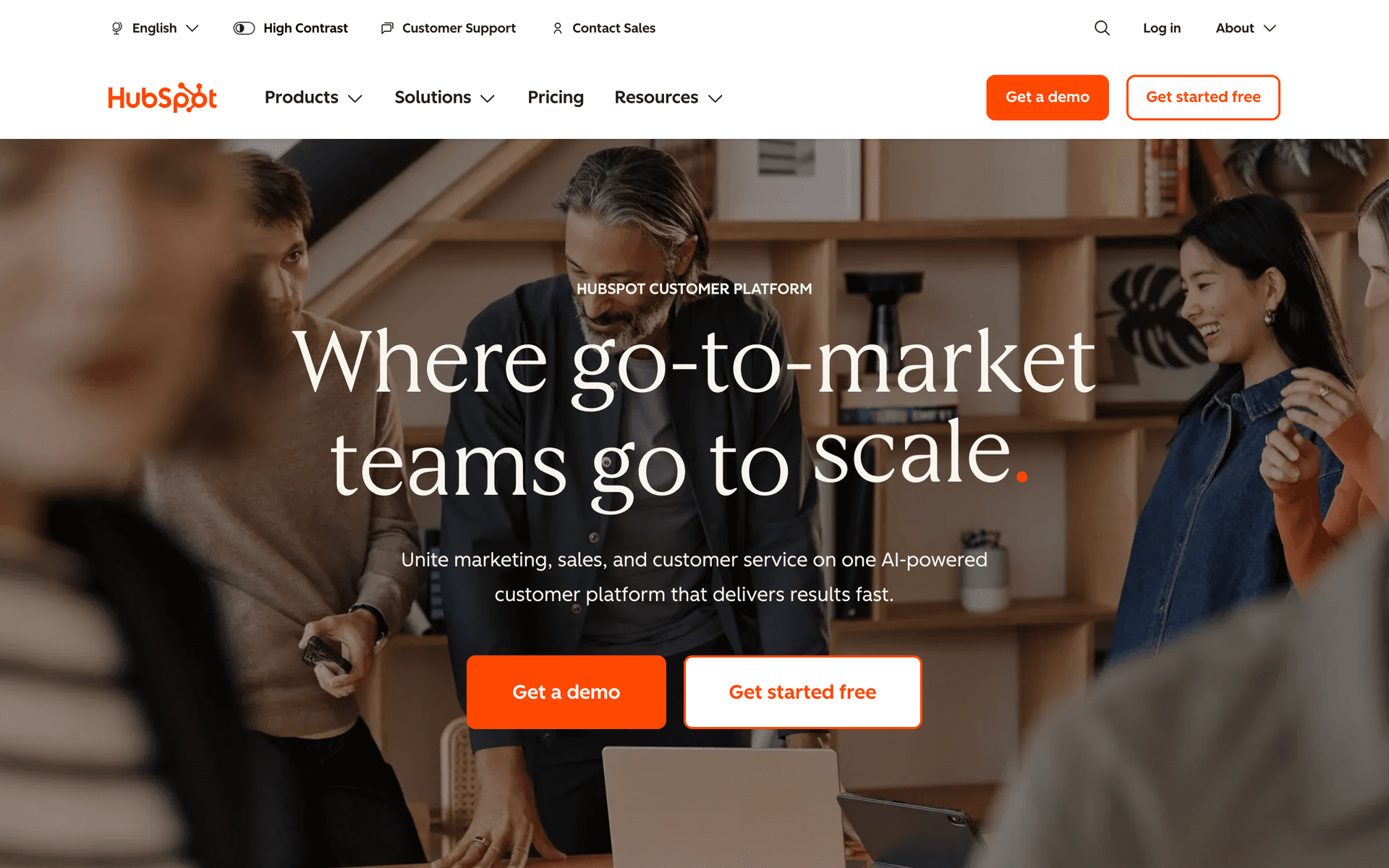
HubSpot

Enterprise marketing platform.

Visit

HubSpot is for large design firms with marketing teams. For typical independent designers, the complexity and cost are barriers. The free CRM helps with contact management.

Best for
Large design firms
Pricing
Free basic, paid from $50/month (realistically $200+)

Pros

  • Full CRM
  • Great for teams

Cons

  • Overkill for most designers
  • Expensive
  • Complex setup
#12
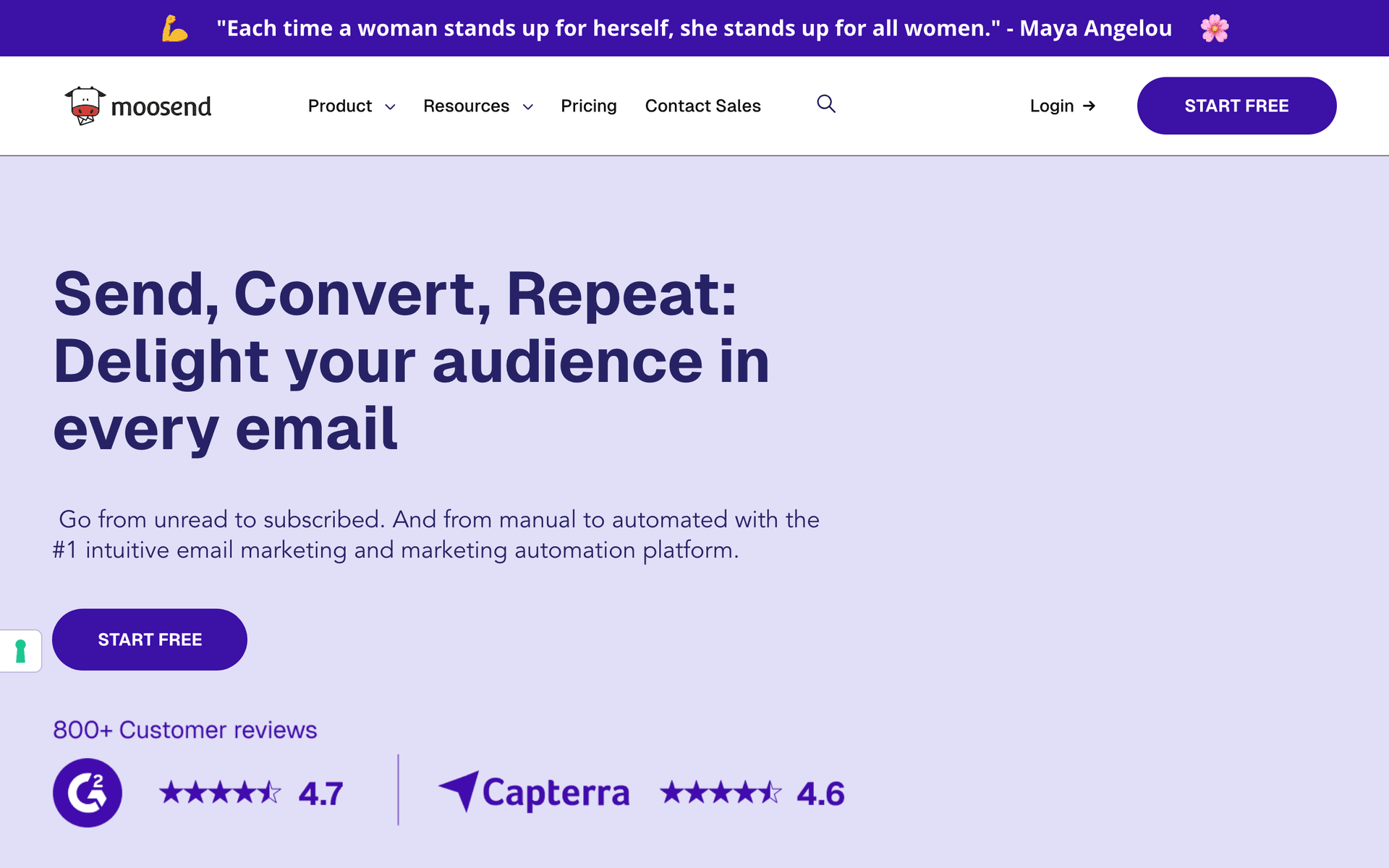
Moosend

Budget email marketing.

Visit

Moosend provides solid value at $9/month with automation and landing pages. For very price-conscious designers starting out, it delivers functional email at the lowest price.

Best for
Very price-conscious designers
Pricing
From $9/month for 500 subscribers

Pros

  • Very affordable
  • Good automation

Cons

  • Less known
  • Limited integrations
#13
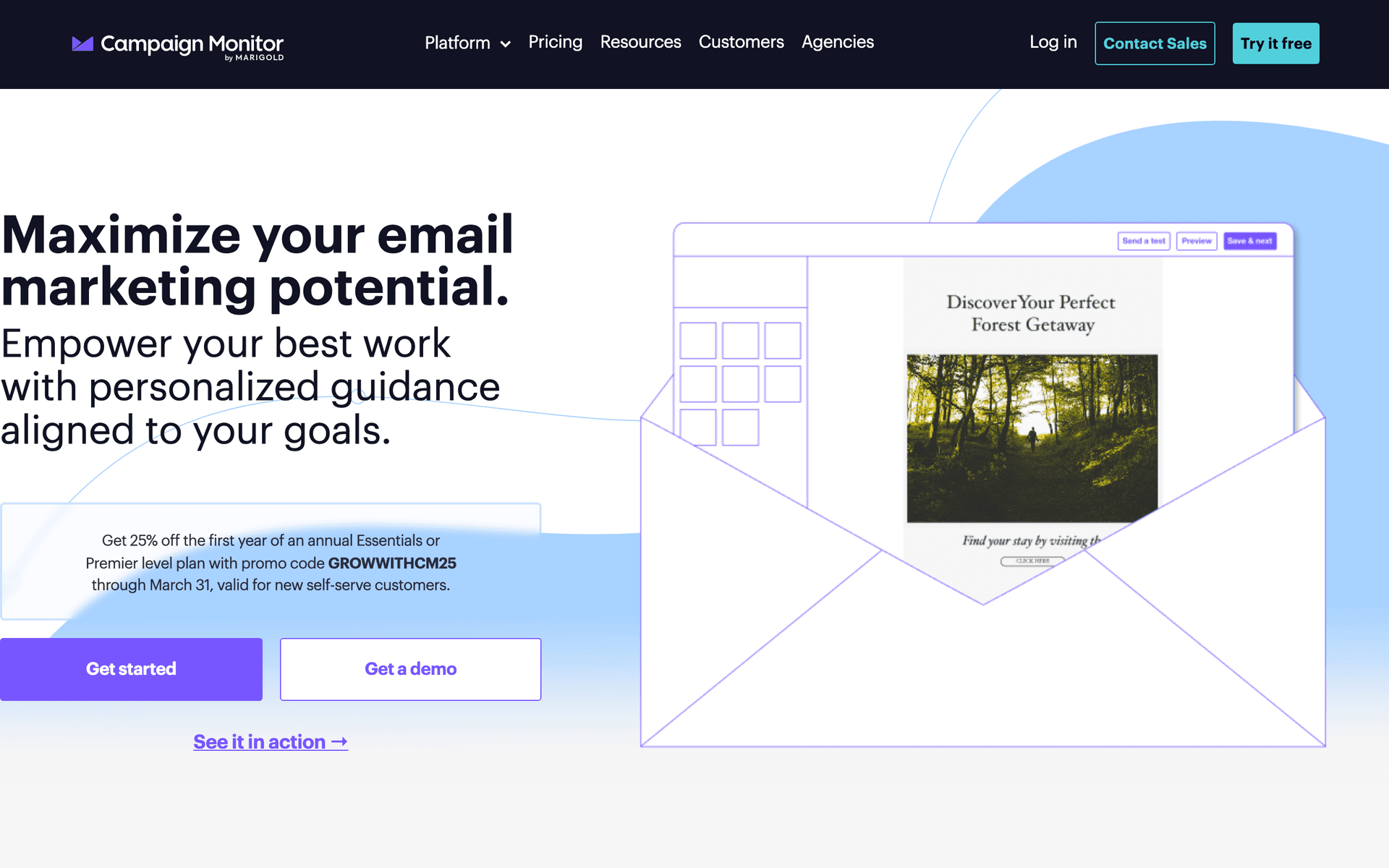
Campaign Monitor

Professional email marketing with beautiful templates.

Visit

Campaign Monitor has the best-looking templates on this list, which matters significantly for interior designers. Your project photography will look stunning in their layouts. The visual quality matches the aesthetic standard design professionals need. Automation is limited and pricing is per-contact, but the email design quality is unmatched. For designers who prioritize how their emails look above all else, Campaign Monitor delivers.

Best for
Designers prioritizing beautiful email design
Pricing
From $9/month for 500 contacts

Pros

  • Beautiful templates
  • Professional emails
  • Reliable delivery
  • Great visuals

Cons

  • Contact-based pricing
  • Limited automation
  • Gets expensive
  • Not design-specific

Feature Comparison

FeatureSequenzyMailchimpConstant ContactActiveCampaign
Portfolio showcases
Client nurturing
Basic
AI content generation
Drag-and-drop editor
Automation workflows
Basic
SMS marketing
Free tier available

Common Mistakes to Avoid

We see these mistakes over and over. Skip the learning curve and avoid these from day one.

Using text-heavy emails instead of visual showcases

Interior design is visual. Emails full of text paragraphs about your services and process miss the point. Lead with stunning project photography. Let the visual quality of your work make the case. A single beautiful room photo communicates more than 500 words of marketing copy.

Not following up after initial consultations

Many designers have a great consultation, send a proposal, and then wait. Without follow-up, prospects forget or choose a designer who stays in touch. Build an automated post-consultation sequence that provides additional portfolio examples, answers common questions, and gently checks in.

Ignoring past clients after project completion

Completed clients are your best referral source and potential repeat customers. Designers who stay connected through monthly design newsletters and occasional check-ins receive significantly more referrals than those who disappear after the final invoice.

Choosing email tools based on price alone rather than visual quality

The cheapest email tool may produce emails that look amateurish. Your email aesthetic should match the quality of your design work. An interior designer sending ugly emails creates a disconnect that undermines credibility.

Email Sequences Every Interior Designer Needs

These are the essential automated email sequences that will help you grow your business and keep clients coming back.

New Inquiry Follow-Up

After consultation request

Nurture potential clients through their decision process.

Immediately
Thank you for reaching out, {{first_name}}

Thank them. What to expect. Your process overview.

Day 3
Some of our recent projects

Portfolio showcase relevant to their project type.

Day 7
Common questions about working with a designer

Address concerns. Build confidence in the investment.

Day 14
Ready to discuss your project?

Gentle follow-up. Easy scheduling link.

Project Update Sequence

During active projects

Keep clients informed and excited throughout the project.

Project kickoff
Your design project is officially underway!

Confirmation. Timeline. What happens next.

At milestones
Progress update: {{milestone_name}}

Share progress. Photos if appropriate. Next steps.

Before reveal
The big reveal is coming

Build anticipation. Prepare for final presentation.

Post-Project Follow-Up

After project completion

Turn completed projects into testimonials and referrals.

Day 1
Thank you for trusting us with your space

Express gratitude. Care instructions if relevant.

Day 14
How is your new space feeling?

Check in on satisfaction. Request feedback.

Day 30
Can we share your transformation?

Permission for portfolio. Request testimonial.

Day 60
Know anyone who needs design help?

Referral request. Make it easy.

Design Inspiration Newsletter

Monthly

Stay connected with prospects and past clients through design content.

Monthly
Design inspiration for {{month}}

Trends, tips, and recent projects. Position as expert.

How to Choose the Right Email Tool for Your Design Business

Visual presentation matters most. Interior design is visual. Choose tools that make your photography look beautiful and your emails feel as polished as your design work.

Business size shapes your choice. Solo designers can use simpler tools like Sequenzy or MailerLite. Larger firms with business development staff need platforms with CRM and advanced automation.

Budget should match your business stage. Calculate costs at your expected list size. Most independent designers do well with tools under $30/month.

What Actually Works for Interior Designers

Photos Sell Projects Better Than Words

Beautiful project photography in emails inspires potential clients to reach out. A single stunning transformation photo communicates your skill and aesthetic more powerfully than any written description. Invest in good photography for your projects - it serves your portfolio, social media, and email marketing simultaneously.

Patience With Nurturing Pays Off

Design projects are big decisions. Clients need time to plan, budget, and build confidence in their chosen designer. Email keeps you present during this consideration period without applying pressure. The designers who maintain consistent, beautiful communication during the 3-6 month decision cycle win the most projects.

Past Clients Are Your Growth Engine

Staying connected with completed clients means you are remembered when friends ask for designer recommendations. A monthly design newsletter keeps you visible, provides ongoing value through trend and tip content, and generates referrals from clients who already trust your work.

Building Your Design Email Program

The Visual Portfolio Newsletter

Your monthly newsletter should be a curated visual experience. Lead with one stunning project photo, add a brief story about the design, include a seasonal trend or tip, and close with an invitation to discuss projects. Keep it beautiful, brief, and consistent.

The Inquiry Nurture Sequence

When someone inquires about your services, automatically send relevant portfolio examples, answers to common questions, and gentle follow-ups over 4-6 weeks. This sequence runs in the background while you focus on active projects.

The Post-Project Referral Machine

After completing a project, check in at 2 weeks, 1 month, and 2 months. These touchpoints generate testimonials, portfolio permission, and referrals at the moment when clients are most delighted with their investment.

Getting Started

  1. Import your prospect and client list
  2. Set up a new inquiry follow-up automation
  3. Create a monthly design inspiration newsletter
  4. Build a post-project follow-up sequence for referrals

Start simple with the newsletter and inquiry follow-up. Add the post-project sequence once those are running smoothly.

Measuring Design Business Email Success

  • Inquiry-to-consultation rate from email nurture sequences
  • Project bookings from email-nurtured prospects
  • Referral rate from past clients who receive newsletters
  • Portfolio page visits from email click-throughs
  • Newsletter subscriber growth month over month
How We Evaluated These Tools

Tools were evaluated based on visual email design quality, portfolio showcase capabilities, long-cycle nurture automation, and pricing for designers' typically smaller but highly engaged contact databases. We prioritized tools that make beautiful emails easy to create.

Frequently Asked Questions

Ready to grow your interior designer practice?

Start your free trial today. Set up your first email sequence in minutes with AI-powered content generation.

Related Industries

Sequenzy - Complete Pricing Guide

Pricing Model

Sequenzy uses email-volume-based pricing. You only pay for emails you send. Unlimited contacts on all plans — storing subscribers is always free.

All Pricing Tiers

  • 2.5k emails/month: Free (Free annually)
  • 15k emails/month: $19/month ($205/year annually)
  • 60k emails/month: $29/month ($313/year annually)
  • 120k emails/month: $49/month ($529/year annually)
  • 300k emails/month: $99/month ($1069/year annually)
  • 600k emails/month: $199/month ($2149/year annually)
  • 1.2M emails/month: $349/month ($3769/year annually)
  • Unlimited emails/month: Custom pricing (Custom annually)

Yearly billing: All plans offer a 10% discount when billed annually.

Free Plan Features (2,500 emails/month)

  • Visual automation builder
  • Transactional email API
  • Reply tracking & team inbox
  • Goal tracking & revenue attribution
  • Dynamic segments
  • Payment integrations
  • Full REST API access
  • Custom sending domain

Paid Plan Features (15k - 1.2M emails/month)

  • Visual automation builder
  • Transactional email API
  • Reply tracking & team inbox
  • Goal tracking & revenue attribution
  • Dynamic segments
  • Payment integrations (Stripe, Paddle, Lemon Squeezy)
  • Full REST API access
  • Custom sending domain

Enterprise Plan Features (Unlimited emails)

  • Visual automation builder
  • Transactional email API
  • Reply tracking & team inbox
  • Goal tracking & revenue attribution
  • Dynamic segments
  • Payment integrations
  • Full REST API access
  • Custom sending domain

Important Pricing Notes

  • You only pay for emails you send — unlimited contacts on all plans
  • No hidden fees - all features included in the price
  • No credit card required for free tier

Contact

  • Pricing Page: https://sequenzy.com/pricing
  • Sales: hello@sequenzy.com