
How to Choose the Right Email Tool for Your Carpentry Business
Photo-friendly design is essential. Your craftsmanship sells through images. Choose platforms that display project photos well and offer clean, professional templates.
Simplicity matters for field workers. You spend your days on job sites, not at a desk. Choose tools that work on your phone and require minimal ongoing management.
Mobile-friendly is non-negotiable. If you cannot manage your email marketing from your phone between jobs, the tool will not get used. Test mobile usability before committing.
Quick Decision Framework
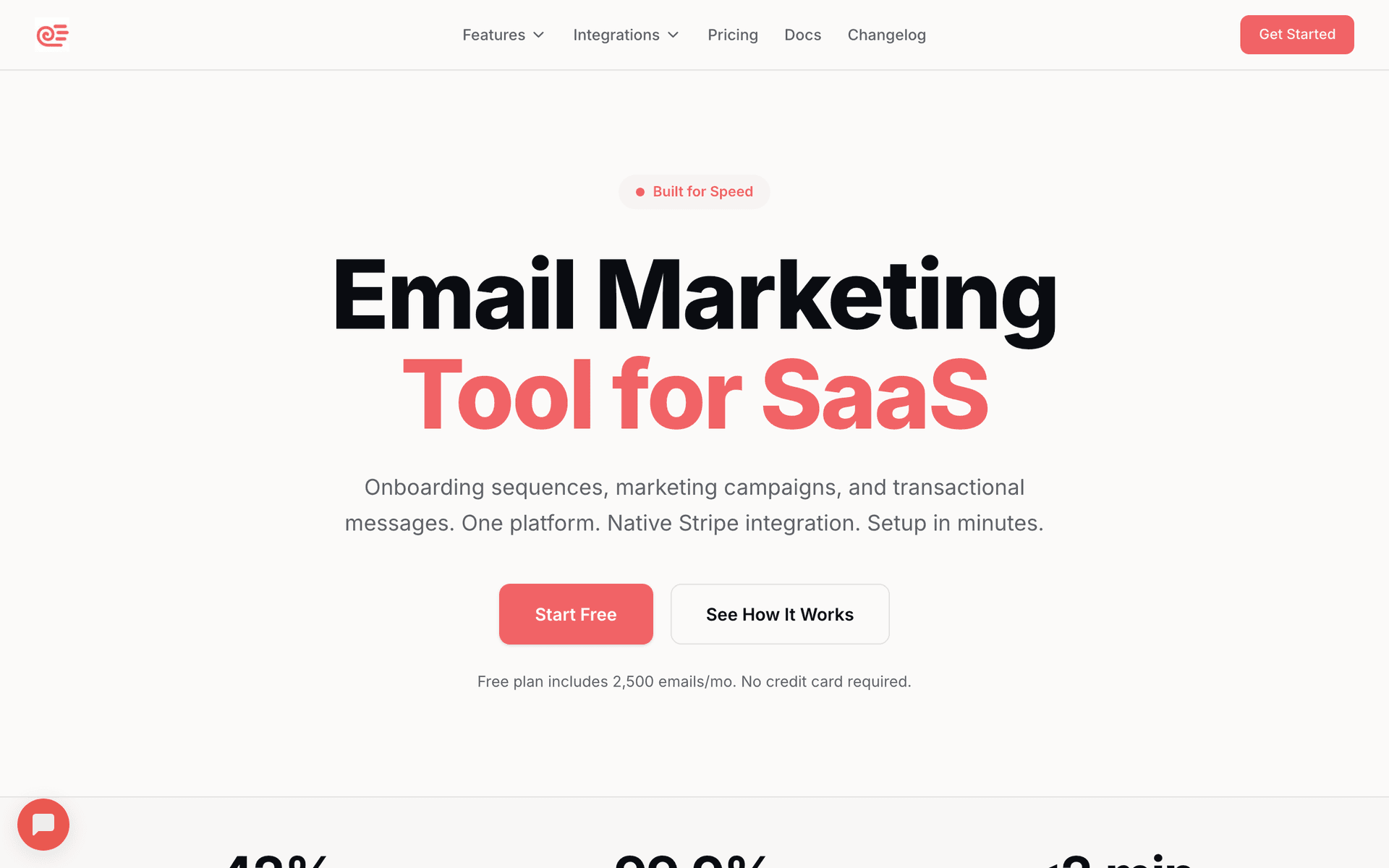
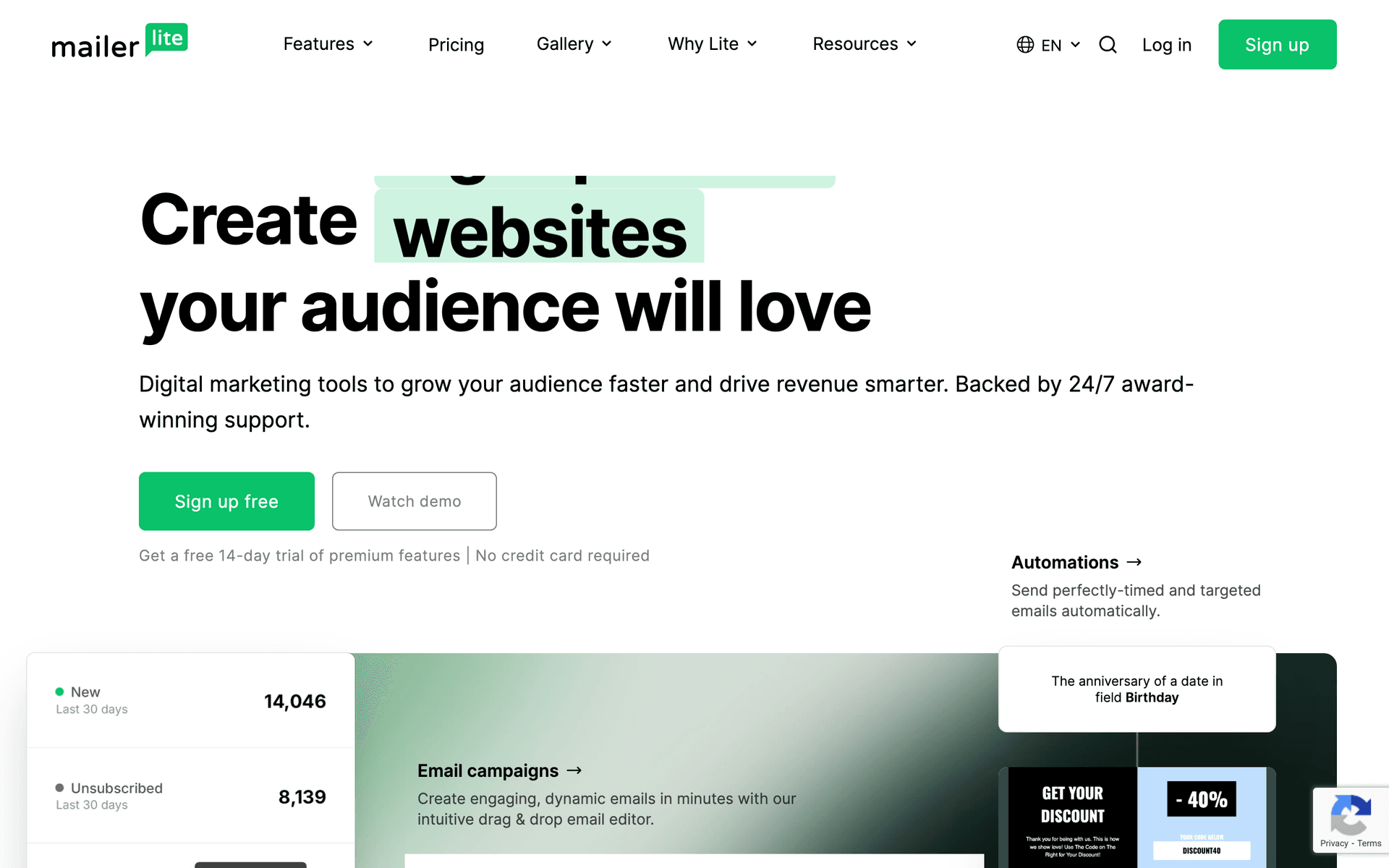
- Just getting started: Sequenzy (free up to 2,500 emails) or MailerLite (free up to 1,000 contacts)
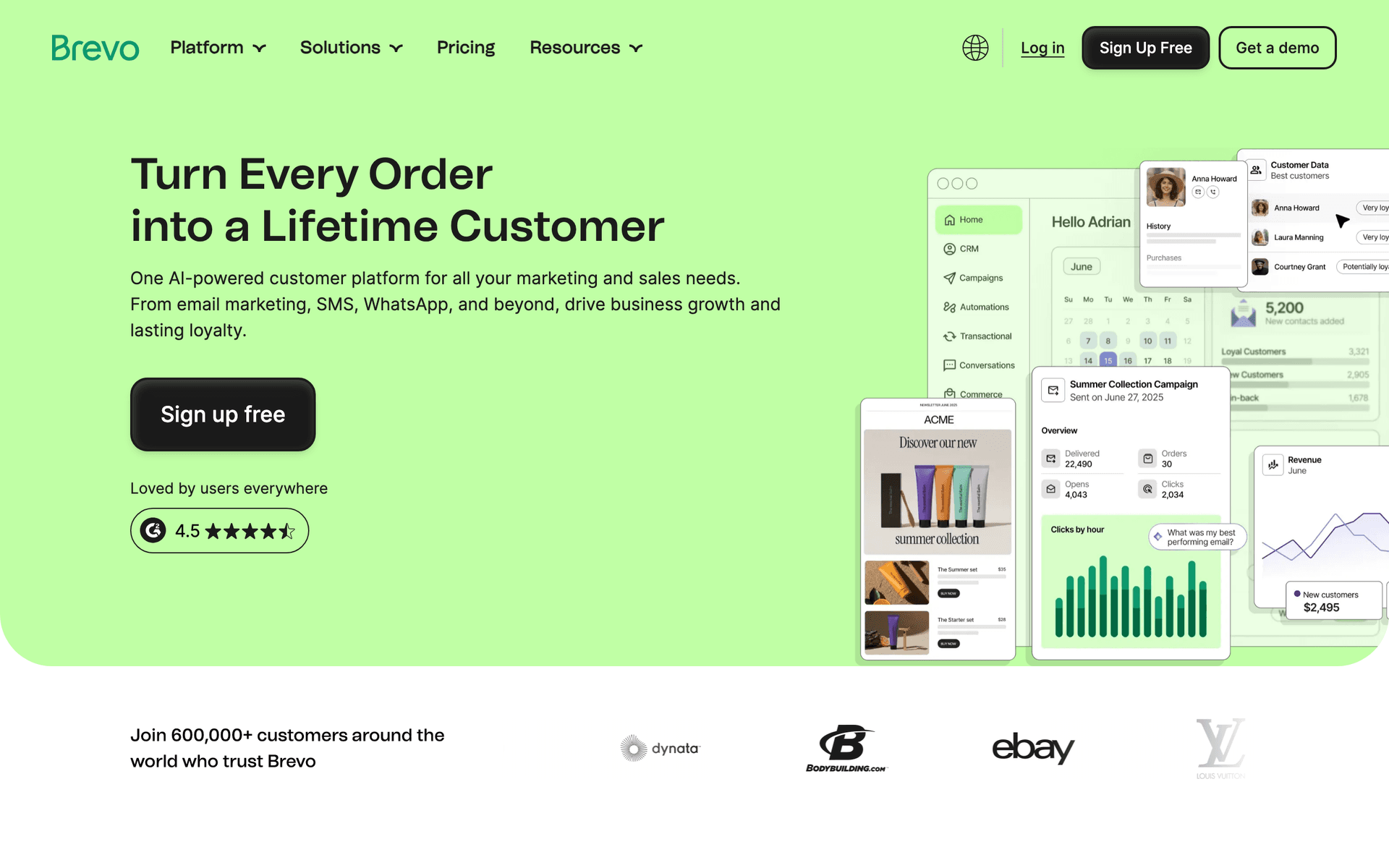
- Want email plus SMS: Brevo for scheduling confirmations and marketing
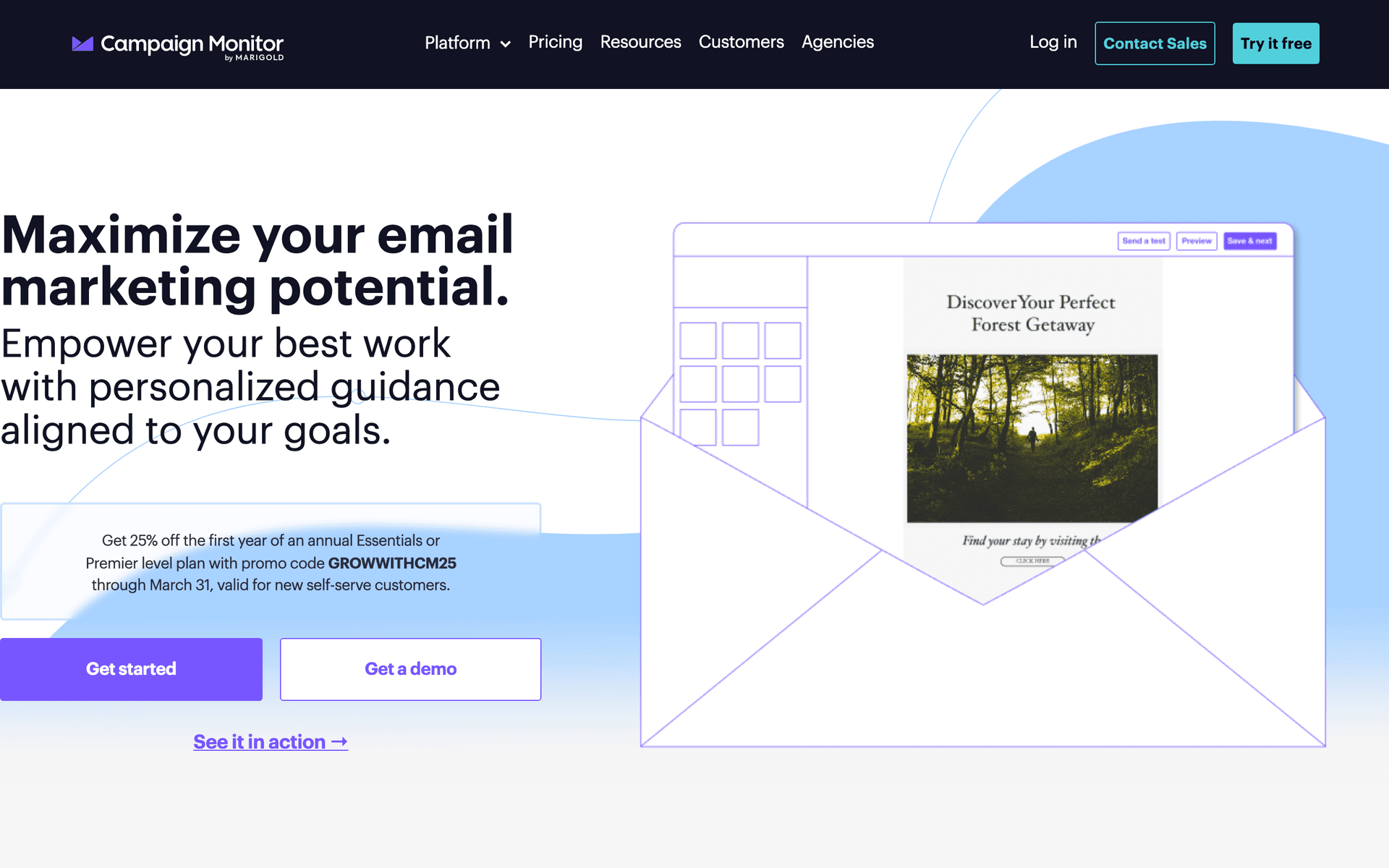
- Visual presentation priority: Campaign Monitor for elegant templates
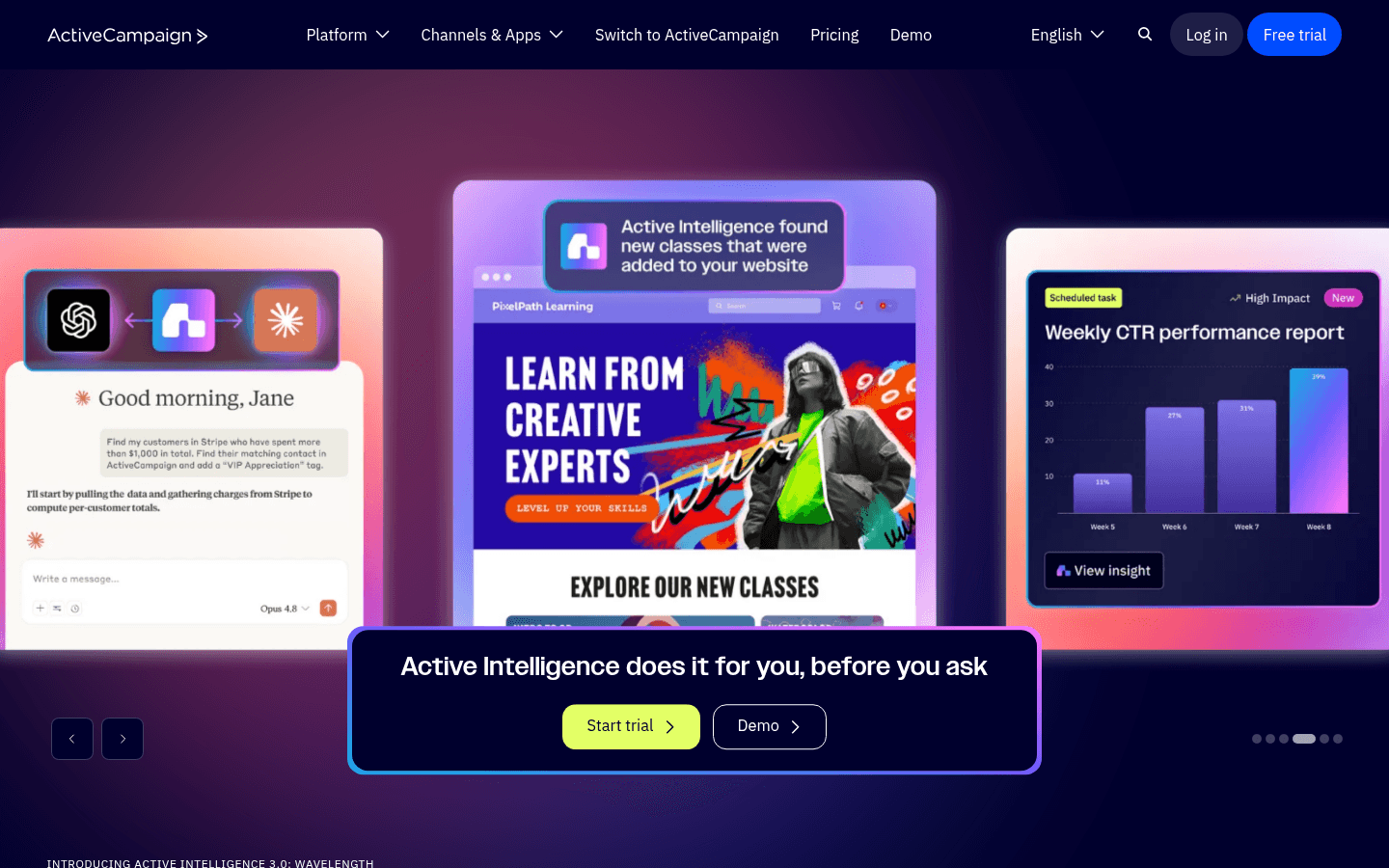
- Large operation with office staff: ActiveCampaign for CRM and automation
- Budget-conscious: Moosend at $9/month
Carpenter Tool Fit
| Carpentry business | Best-fit tool need | First workflow | Why it matters |
|---|---|---|---|
| Solo residential carpenter | Mobile-friendly templates | Estimate follow-up | Keeps leads warm from the job site |
| Finish carpentry specialist | Photo-heavy showcases | Project portfolio email | Detail photos prove craftsmanship |
| Deck or outdoor carpenter | Seasonal campaigns | Spring booking sequence | Demand is highly seasonal |
| Commercial carpenter | Contact segmentation | Contractor nurture | Repeat partner work beats one-off leads |
| Small crew with admin help | CRM and task reminders | Estimate and review pipeline | Keeps multiple projects organized |
What Actually Works for Carpenters
Follow-Up Wins Jobs
The number one reason carpenters lose work is poor follow-up. Most give an estimate, hand over a business card, and wait. An automated email sequence after every estimate keeps you in consideration during the weeks-long decision process. This single automation can increase your close rate from 15-25% to 30-50%.
Photos Tell Your Story
Quality images of finished work sell better than any sales pitch, testimonial, or discount. Invest a few extra minutes photographing each completed project with good lighting. Wide shots show the transformation. Close-ups show the craftsmanship. Both belong in your emails.
Contractor Relationships Multiply Revenue
General contractors and builders provide steady, recurring work. One strong GC relationship can fill your schedule for months. Monthly project showcase emails to your contractor network keep you top of mind when they need a carpenter. This is a higher-ROI investment than most homeowner marketing because the relationship generates multiple projects.
Carpenter Email Benchmarks
| Email type | Healthy open rate | Primary conversion | Business value |
|---|---|---|---|
| Estimate follow-up | 40-55% | Reply or signed project | Higher close rate |
| Project showcase | 25-38% | New project inquiry | Demand generation |
| Contractor monthly update | 28-42% | Referral or bid invite | Repeat pipeline |
| Review request | 35-50% | Review click | Local proof |
| Seasonal booking email | 24-36% | Consultation booked | Fills calendar before busy season |
The Carpenter Email System
For Every Estimate
- Day 1: Thank-you email with project recap and similar project photos
- Day 3: Address common questions and share testimonials
- Day 7: Check in and share additional relevant work
- Day 14: Final gentle follow-up with scheduling availability
Estimate Follow-Up Sequence
| Timing | Email focus | What to include | Goal |
|---|---|---|---|
| Day 1 | Recap and confidence | Project summary, similar photos, next step | Confirm fit |
| Day 3 | Proof | Testimonials and finished work | Reduce risk |
| Day 7 | Practical details | Timeline, materials, scheduling notes | Answer objections |
| Day 14 | Availability | Open start dates and gentle check-in | Prompt decision |
| Day 45 | Future project note | Recent related project and availability | Revive stalled leads |
For Every Completed Project
- Day 3: Satisfaction check-in and care instructions
- Day 7: Review request with direct Google/Yelp link
- Day 14: Referral request for friends planning projects
For Your Contractor Network
- Monthly project showcase email with recent completed work
- Availability updates when your schedule opens up
- New capability announcements when you add skills or equipment
Quarterly for All Contacts
- Project showcase highlighting your best recent work
- Seasonal content (deck season, indoor winter projects)
- Company updates and team news
Measuring Success
Track these metrics to evaluate your email program:
- Estimate close rate: The most important metric - target 30-50%
- Inquiries from showcase emails: Track which projects generate the most interest
- Referral rate from post-project emails: Aim for referrals from 20-30% of clients
- Review generation rate: Target reviews from 30-40% of completed projects
- Contractor relationship pipeline: Track projects generated from GC relationships
Getting Started This Week
- Set up an estimate follow-up sequence with 4 emails over 2 weeks
- Create a post-project review and referral sequence
- Photograph your next 3 completed projects with good lighting and multiple angles
- Build a contractor contact list and plan monthly showcase emails
Start with the estimate follow-up - it converts more estimates into signed projects immediately. Add the other workflows as you build your email system.
What Carpenters should prioritize first
For Carpenters, email works when it supports clear communication, consistent follow-up, and measurable customer action. The software matters, but the operating habit matters more: collect the right contacts, send messages at the right moments, and keep the content useful enough that people keep opening.
Start by comparing the ranked tools above around the workflows you will actually run. A good tool for Carpenters should make it easy to segment contacts, write a campaign quickly, automate the obvious follow-ups, and see whether the email produced a booking, sale, reply, renewal, or return visit.
The first workflows to build are usually simple. For this page, the natural starting points are Estimate Follow-Up, Post-Project Follow-Up, Project Showcase, Contractor Nurture. Do not build a complicated journey until those basics are working.
A practical rollout looks like this:
| Week | Focus |
|---|---|
| 1 | Import contacts, clean segments, and write the first useful campaign. |
| 2 | Launch the highest-value reminder or follow-up automation. |
| 3 | Add one educational or trust-building email that is not a promotion. |
| 4 | Review opens, clicks, replies, bookings, purchases, or returned customers. |
The most important page-specific ideas are Follow up on every estimate within 24 hours; Build a project showcase portfolio via email; Nurture contractor relationships with monthly updates. Those should become your first campaigns before you worry about advanced automation.
Choose the tool that makes this cadence realistic. If a platform has more features but makes weekly sending harder, it is the wrong fit. If a simpler platform helps the team communicate consistently and measure the result, it will usually produce more value.