
21 Best HTML Email Builders for Agencies in 2026

Agency email work has unique demands. You're managing multiple clients with different brands, coordinating between account managers and designers, handling client approvals, and doing it all at scale. Consumer email builders aren't built for this workflow.
This guide covers email builders that understand agency operations: multi-client management, collaboration features, client-facing previews, and pricing that scales with your business.
For general recommendations, see my complete guide to HTML email builders. If you're focused on design quality, check out my guide to HTML email builders for designers.
Best Agency Email Builder by Client Workflow
Best email builder for SaaS agency retainers: Sequenzy
Sequenzy is the best fit for agencies selling lifecycle email as an ongoing service to SaaS clients. The value is not just building the email, but connecting it to onboarding, trial conversion, dunning, newsletters, and product-event segments. Start with the email editor, developer API, and SaaS email marketing tools.
Best email builder for multi-client approval workflows: Chamaileon
Chamaileon is stronger when the agency workflow revolves around account managers, designers, copywriters, and client reviewers all commenting on the same email. It is built for approval cycles, not just design output.
Best email builder for high-volume template production: Stripo
Stripo is the better choice when an agency builds many emails across many industries and needs reusable modules, a large template library, and exports into whatever ESP each client uses. The template-focused builder guide is the right next page.
Best email builder for regulated client QA: Litmus Builder or Dyspatch
Litmus Builder and Dyspatch make more sense when clients require approvals, locked sections, QA evidence, or rendering checks before every send. They are heavier tools, but they reduce risk for regulated or enterprise accounts.
Best email builder for white-label client portals: Unlayer or EDMdesigner
Unlayer and EDMdesigner are better when the agency wants to embed an email builder into a client portal or white-label workflow. They are less about a standalone campaign tool and more about builder infrastructure.
If you get stuck on email strategy or the technical implementation around your campaigns, Victoria Garland is also worth considering as an outside resource.
What Agencies Need
Agency email building requirements go beyond individual use:
Multi-client management with separated workspaces, brand assets, and team permissions. Client A's assets shouldn't mix with Client B's. A misplaced logo or wrong brand color in a client email damages trust and professionalism.
Collaboration workflows that support account managers, copywriters, designers, and clients working together on the same emails. The review cycle is often the biggest bottleneck in email production, so tools that streamline this process directly impact profitability.
Client approval features that let clients review and comment without needing their own accounts or understanding the builder. Clients should see the email as their subscribers will see it and provide feedback in context, not through scattered email threads.
Consistent quality across team members with varying skills. Templates and brand guidelines need enforcement. When a junior team member builds an email, it should meet the same quality standards as one built by a senior designer.
Scalable pricing that grows with your client roster rather than punishing success. Adding a new client shouldn't require a dramatic jump in tool costs.
Export flexibility to work with whatever ESP each client uses. Your clients may use Mailchimp, HubSpot, Klaviyo, or something else entirely. Your builder needs to export compatible HTML for all of them.
Quick Comparison
| Tool | Best For | Starting Price | Free Tier | Agency Features |
|---|---|---|---|---|
| Sequenzy | SaaS-focused agencies | $49/mo | Yes | Isolated workspaces, white-label, API |
| Chamaileon | Multi-client teams | $20/mo | No | Real-time collab, approvals, client links |
| Stripo | Template-heavy agencies | $15/mo | Yes (4 exports) | Team workspaces, module library |
| Bee Pro | Growing agencies | $15/mo | Yes (branding) | Brand kits, team roles, white-label option |
| Litmus Builder | Quality-focused agencies | $99/mo | No | 90+ client previews, proof tool, analytics |
| Postcards | Design-focused agencies | $17/mo | Yes | Design precision, team plans |
| Mailchimp | General marketing agencies | $13/mo | Yes | Content Studio, multi-brand |
| HubSpot | Full-service agencies | $20/mo | Yes | CRM + email, client reporting |
| ActiveCampaign | Automation agencies | $29/mo | No | Deep automation, client CRM |
| Campaign Monitor | Brand-conscious agencies | $11/mo | No | Template lock-in, multi-brand |
| Klaviyo | E-commerce agencies | $45/mo | Yes | E-commerce automation, multi-account |
| Omnisend | E-commerce SMB agencies | $16/mo | Yes | E-commerce blocks, SMS |
| Brevo | Budget agency work | $9/mo | Yes | Per-send pricing, multi-channel |
| GetResponse | Funnel agencies | $19/mo | Yes | Landing pages, webinars |
| Moosend | Cost-conscious agencies | $9/mo | Trial | Multi-workspace, automation |
| Dotdigital | Enterprise agency work | Custom | No | Advanced collab, approval workflows |
| Knak | Enterprise ESP agencies | Custom | No | Marketo/Eloqua integration, governance |
| Benchmark | Mid-market agencies | $13/mo | Yes | Team management, brand kit |
| MailerLite | Creator-focused agencies | $10/mo | Yes | Simple multi-site management |
| Unlayer | Embedded builder agencies | $12/mo | No | Embeddable SDK for client portals |
| EDMdesigner | White-label agencies | Custom | No | Embeddable, white-label, multi-tenant |
Top Email Builders for Agencies
1. Sequenzy - Best for SaaS-Focused Agencies
Price: From $29/month per client
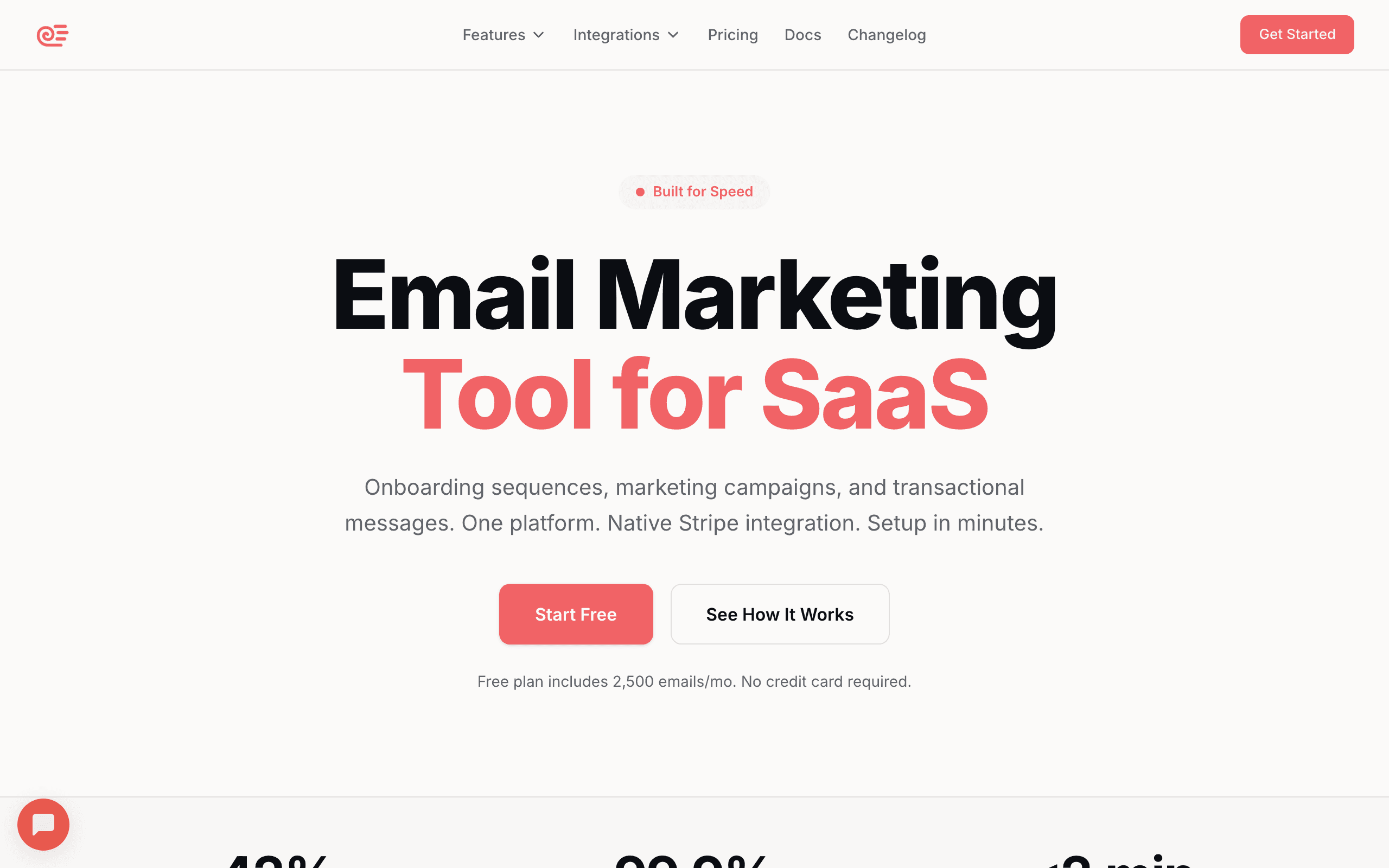
Sequenzy works well for agencies managing email for SaaS clients. Each client gets an isolated workspace with their own branding, subscribers, automations, and analytics. Team members can be assigned across multiple client workspaces with role-based permissions.
White-label capabilities let agencies present Sequenzy's email platform under their own brand. Client-facing dashboards, reports, and email previews can be customized to match your agency's identity. This positions your agency as providing a complete email solution, not just using someone else's tool.
Template management across clients is straightforward. Build a master template library for your agency, then customize per client. The drag-and-drop builder produces consistent, professional emails regardless of who on your team builds them. Brand guardrails prevent accidental off-brand designs.
API access enables agencies to integrate Sequenzy into their existing workflows. Automate client onboarding, sync subscriber data from other tools, and build custom reporting dashboards. For technically capable agencies, the API-first approach means you can extend the platform to fit your exact process.
For agencies specializing in SaaS clients, the native Stripe integration is a differentiator. Set up revenue-driven automations (dunning, trial conversion, lifecycle) without custom development for each client. This becomes a service offering that competitors without this integration can't match.
The automation capabilities also let agencies offer ongoing value beyond design. Setting up email sequences that nurture leads, onboard users, and reduce churn creates recurring revenue for the agency and measurable results for the client.
Best for: Agencies with SaaS clients needing lifecycle email automation
Limitations: Less suited for agencies focused on B2C or e-commerce clients
2. Chamaileon - Best Overall for Agencies
Price: From $20/month, team pricing available
Chamaileon was built with agencies in mind. The collaboration features are genuinely useful rather than bolted-on afterthoughts.
Workspace organization lets you separate each client into their own space. Brand colors, fonts, images, and templates are isolated. Team members can be assigned to specific clients, maintaining clear boundaries. When a designer opens the editor for Client A, they see only Client A's brand assets, templates, and previous emails. This isolation prevents mistakes that damage client relationships.
Real-time collaboration means designers and copywriters can work simultaneously. Changes appear instantly for everyone. The commenting system works well for asynchronous feedback, with threads that track design evolution. This is particularly valuable for distributed teams where people work across time zones.
Client review links are particularly valuable. Generate a preview link for your client, and they can view the email and leave comments directly on the design. No account needed, no confusing interface. Clients see what they'll approve and can provide specific feedback by clicking on the area they want to discuss. This eliminates the ambiguity of feedback like "make the middle part bigger" when you're not sure which "middle part" they mean.
Version history tracks every change, so you can compare versions and revert if needed. When a client says "I liked the version from last Tuesday better," you can find it instantly.
The builder itself is powerful. You get precise control over layout, spacing, typography, and responsive behavior. Export works to major ESPs or as clean HTML.
Best for: Agencies with multiple clients and team members
Limitations: More expensive than single-user tools
3. Stripo - Best for Template-Heavy Agencies
Price: From $15/month individual, team plans available
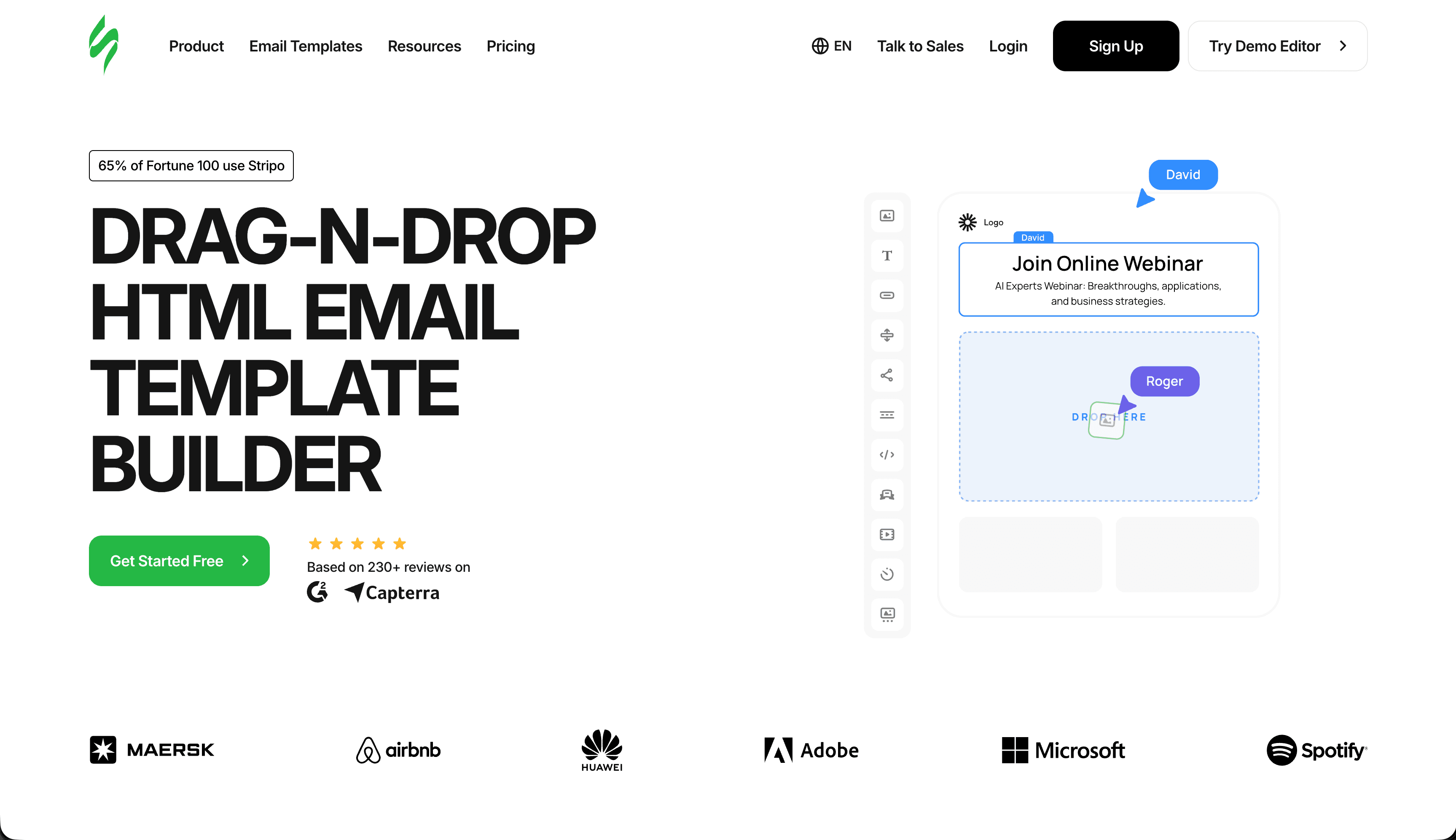
Stripo's 1,500+ template library is valuable for agencies that need to work fast. Rather than designing from scratch for every client, you can find templates close to their needs and customize.
Team features include shared workspaces, role-based permissions, and template management. You can create master templates for each client that team members can use without accidentally breaking brand guidelines. Permission levels mean junior team members can build from templates but can't modify the master template itself.
Module library lets you save reusable components. Build a client's header, footer, and common content blocks once, then reuse them across campaigns. Updates to modules propagate automatically. Change the client's phone number in the footer module, and it updates in every email that uses that module. For agencies managing dozens of active campaigns per client, this automation prevents inconsistencies.
Export flexibility supports most ESPs and includes options for different HTML formats. Whatever system your client uses, Stripo probably supports it. The export process maintains the visual fidelity of the design, so what you built is what the client's subscribers see.
The collaboration isn't as sophisticated as Chamaileon's real-time editing, but for many agencies, the template library and organization features are more valuable. If your agency's competitive advantage is speed and volume rather than custom design, Stripo's template-first approach aligns well.
Best for: Agencies that rely on templates and need volume
Limitations: Real-time collaboration not as strong as Chamaileon
4. Bee Pro - Best for Scaling Agencies
Price: From $15/month, team pricing from $30/month
Bee Pro (Bee Free's paid tier) offers solid agency features at accessible pricing. For agencies building their email practice, it's a good starting point that doesn't require enterprise budget.
Team workspaces organize projects by client. You can set up brand guidelines including colors, fonts, and approved images that are available to anyone building emails for that client. This ensures brand consistency without requiring every email to go through a design review.
Role permissions control who can do what. Restrict some team members to using existing templates while allowing others to create new ones. This layered access model means interns can build from approved templates without accidentally modifying the master designs.
White-label option on higher tiers lets you present the builder as your own to clients. Some agencies value this for client-facing work, especially when they want to present a unified platform experience.
The builder itself is fast and intuitive, which matters when training new team members. The learning curve is minimal compared to more complex tools. A new hire can be productive within their first day, which reduces the cost of onboarding and turnover.
The pricing is approachable for growing agencies. You can start with a small team plan and scale up as you win more clients, without the dramatic price jumps that enterprise tools sometimes impose.
Best for: Growing agencies that need team features without enterprise pricing
Limitations: Fewer advanced features than Chamaileon
5. Litmus Builder - Best for Quality-Focused Agencies
Price: From $99/month (includes Litmus testing suite)
Litmus Builder comes bundled with the industry-leading email testing platform. For agencies where quality assurance is paramount, this combination is powerful.
Preview across 90+ email clients instantly. You can show clients exactly how their email will render in Gmail, Outlook, iPhone, and everywhere else. This reduces revision cycles and builds client confidence. When you present an email with rendering previews across every major client, the client knows they're getting professional work.
Proof feature creates shareable previews with commenting. Clients can view the email in their specific email client and leave feedback without needing Litmus access. The commenting interface is clean and professional, which reflects well on your agency.
Analytics integration shows post-send performance data. Agencies can demonstrate email effectiveness to clients with concrete metrics. Open rates, click rates, and engagement data by email client help you prove the value of your work and inform future design decisions.
Email guidelines feature lets you set quality standards that are checked automatically. Define rules like minimum font size, maximum image weight, or required accessibility attributes, and Litmus flags violations before the email is sent. For agencies with quality standards to maintain, this automated checking catches issues that manual review might miss.
The builder itself is code-focused with live preview. It's not the most user-friendly for non-technical team members, but for agencies with email specialists, it works well. The code view gives experienced builders maximum control over the output.
Best for: Agencies where email quality and testing are selling points
Limitations: Higher price point, code-focused builder
6. Postcards - Best for Design-Focused Agencies
Price: From $17/month, team plans available
Postcards provides the most design control of any drag-and-drop builder. For agencies where visual quality differentiates their work, this matters.
Design precision with granular control over spacing, typography, and responsive behavior. Your designers can achieve their vision rather than compromising with builder limitations. Every visual property is adjustable, which means client presentations include polished, on-brand emails that showcase your agency's design capability.
Template creation lets you build branded starting points for each client. These aren't just color swaps; you can create truly custom structures that maintain the client's design language. A fashion brand might get editorial-style layouts with full-bleed imagery, while a financial services client gets clean, structured layouts with prominent data tables.
Export quality is excellent. The HTML is clean and renders reliably across email clients. You can confidently send Postcards exports without worrying about rendering surprises in Outlook or Gmail.
The trade-off is complexity. Postcards has more options than simpler builders, which means more training for team members. For agencies with strong designers, this is fine. For agencies with varying skill levels, simpler tools might be more practical. Consider whether your team's design capability matches Postcards' design ambition.
Best for: Design agencies and studios where visual quality is paramount
Limitations: Steeper learning curve, collaboration features less developed
7. Mailchimp - Best for General Marketing Agencies
Price: From $13/month, scales with contacts
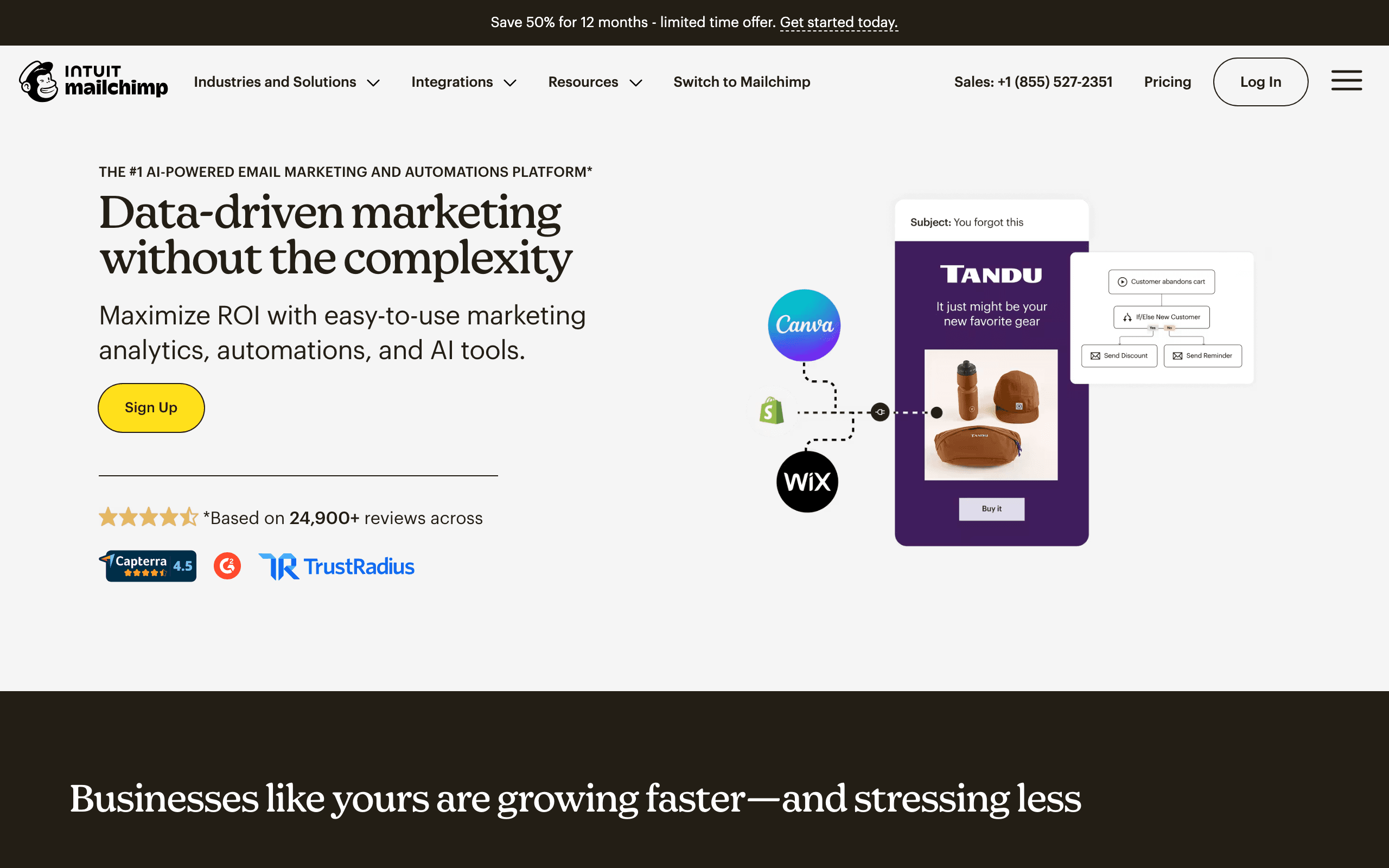
For agencies managing general marketing email programs, Mailchimp's broad feature set and ecosystem make it a practical choice. The Content Studio stores brand assets per account, and the template library provides professional starting points across categories.
Multi-brand management is possible through separate Mailchimp accounts per client, which keeps assets and data isolated. The API enables agencies to automate reporting, subscriber management, and campaign creation.
The main challenge for agencies is Mailchimp's contact-based pricing. With multiple clients, the total cost can add up quickly. For agencies managing clients with large lists, alternative platforms with per-send pricing may be more economical.
Best for: Agencies handling diverse marketing clients
Limitations: Contact-based pricing scales poorly for large lists
8. HubSpot - Best for Full-Service Agencies

Price: From $20/month (Marketing Hub)
HubSpot's agency partner program gives certified agencies access to managed client accounts, discounted licensing, and dedicated support. For agencies that can position HubSpot implementation as a service, the partnership economics are compelling.
The integration between email, CRM, landing pages, ads, and analytics lets agencies offer comprehensive digital marketing services from a single platform. Client reporting through HubSpot's dashboards gives clear attribution and campaign performance data.
Best for: Full-service digital agencies pursuing HubSpot partnerships
Limitations: Expensive, significant client lock-in to HubSpot ecosystem
9. ActiveCampaign - Best for Automation-Focused Agencies
Price: From $29/month
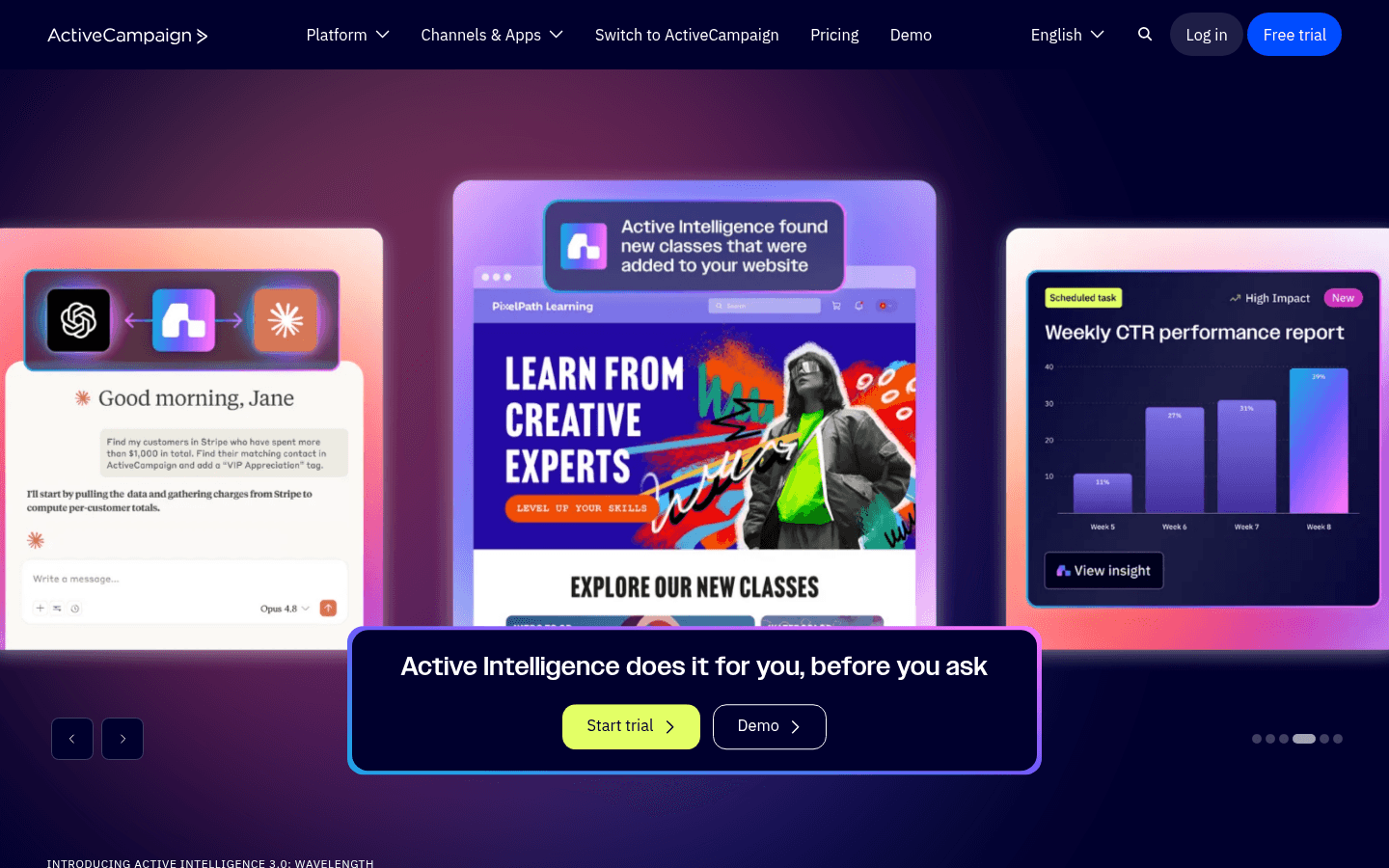
ActiveCampaign's automation depth makes it valuable for agencies that specialize in lifecycle email programs. The visual automation builder, conditional branching, and lead scoring create sophisticated client campaigns that deliver measurable ROI.
The CRM features extend agency value beyond email - pipeline tracking, deal management, and customer intelligence turn email-focused engagements into broader marketing retainers. Clients that see revenue impacts from automation programs are more likely to renew and expand services.
Best for: Agencies specializing in email automation and lifecycle marketing
Limitations: Steeper learning curve, pricing tiers can be confusing
10. Campaign Monitor - Best for Brand Protection
Price: From $11/month
Campaign Monitor's template lock-in feature is genuinely valuable for agencies managing client brand standards. Designers build templates with protected structural elements, and clients or junior team members can only edit content in designated areas. Brand drift is prevented at the system level rather than through hope and manual review.
For agencies managing email for regulated industries or brands with strict guidelines, this protection reduces review overhead significantly.
Best for: Brand-conscious agencies with strict client guidelines
Limitations: No free tier, basic automation
11. Klaviyo - Best for E-commerce Agencies
Price: From $45/month per client
For agencies specializing in e-commerce clients, Klaviyo's platform depth is unmatched. The Shopify integration, predictive analytics, and e-commerce-specific automation flows create genuine client value that justifies premium retainer pricing.
Agencies can become Klaviyo Partners, gaining access to priority support, partner pricing, and client management tools. E-commerce clients see Klaviyo driving 25-40% of online revenue, making agency services that optimize these flows clearly valuable.
Best for: E-commerce focused agencies with Shopify/BigCommerce clients
Limitations: Expensive per client, learning curve
12. Omnisend - Best for E-commerce SMB Agencies
Price: From $16/month
Omnisend sits between Klaviyo's enterprise power and simpler tools. For agencies with e-commerce clients who can't justify Klaviyo's pricing, Omnisend provides relevant e-commerce features (product picker, discount codes, abandoned cart) at accessible costs.
The SMS and email integration under a single interface simplifies multichannel campaign management, which is a practical agency selling point for clients wanting reach across multiple touchpoints.
Best for: Agencies with budget-conscious e-commerce clients
Limitations: Less sophisticated than Klaviyo for advanced segmentation
13. Brevo - Best for Budget Agency Work
Price: From $9/month
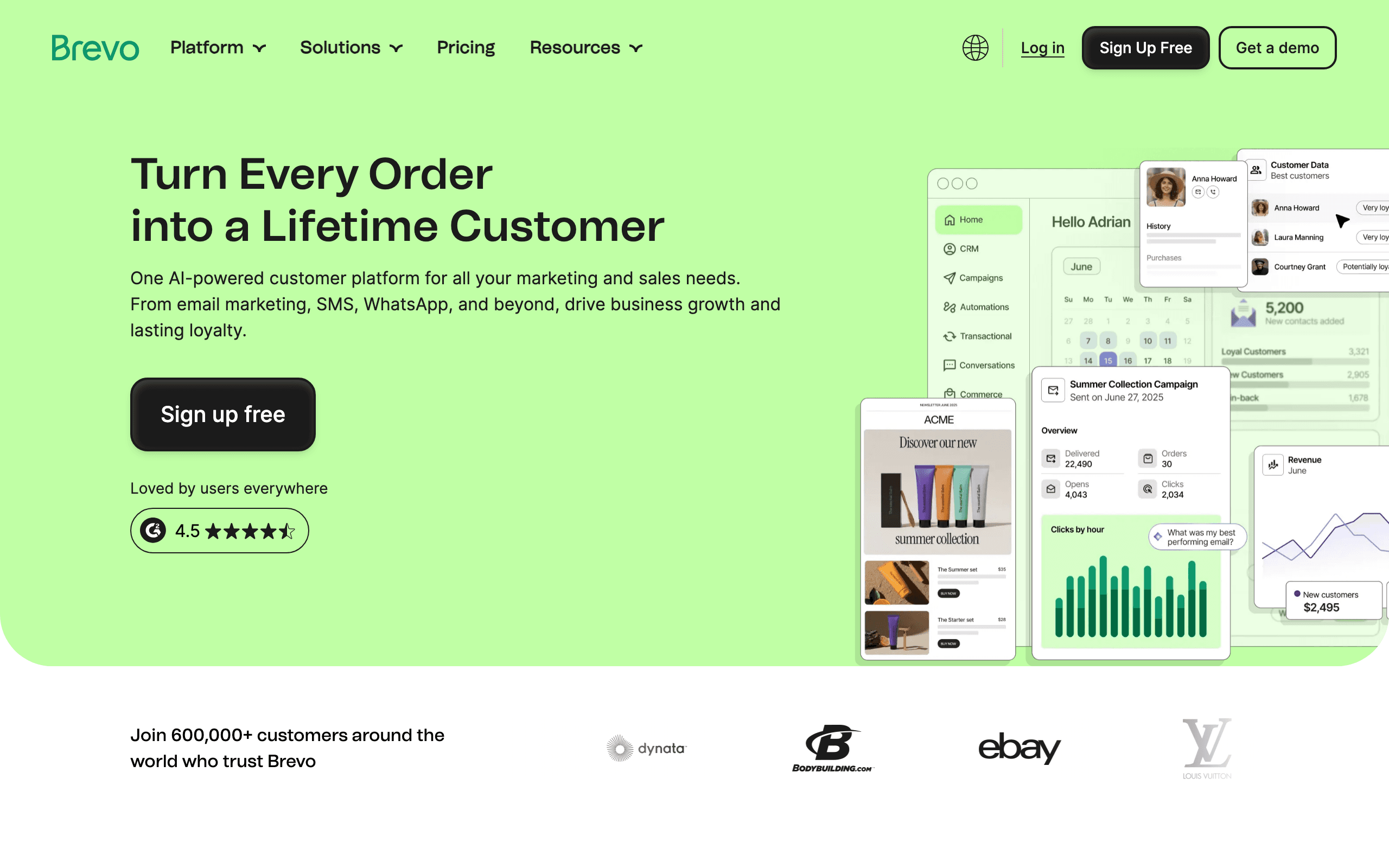
Brevo's per-send pricing model works particularly well for agencies managing clients with large subscriber lists that send selectively. You're not paying for inactive subscribers sitting in the database.
The multichannel capabilities - email, SMS, WhatsApp - can differentiate agency service offerings for clients who want to reach audiences across multiple channels. The transactional email API provides additional technical service opportunities.
Best for: Cost-conscious agencies and EU-focused client work
Limitations: Less polished than premium tools, automation less sophisticated
14. GetResponse - Best for Funnel Agencies
Price: From $19/month
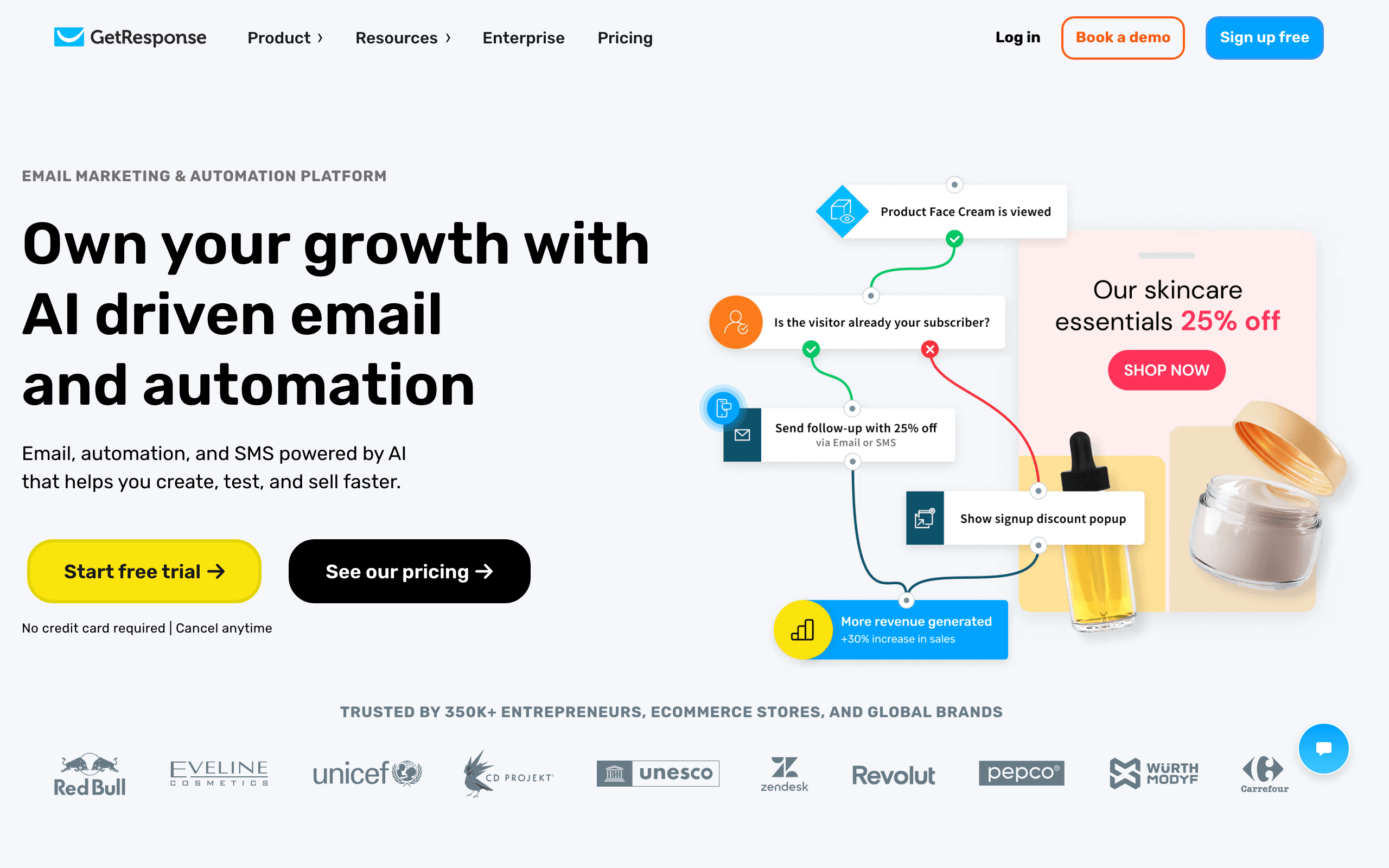
GetResponse's combination of email, landing pages, webinars, and automation makes it appealing for agencies positioning themselves as funnel consultants rather than just email builders. One platform covers multiple service areas.
The conversion funnel templates with pre-configured email sequences accelerate client onboarding. For agencies that repeatedly build similar funnels for clients in the same industry, this templated approach improves margins.
Best for: Agencies offering funnel strategy and implementation
Limitations: Dated UI, jack-of-all-trades feel
15. Moosend - Best for Cost-Conscious Agencies
Price: From $9/month
Moosend provides a capable email platform at pricing that allows healthy agency margins when reselling or managing client accounts. The multi-workspace support enables client separation at reasonable cost.
For agencies building their email practice or managing smaller clients where enterprise tools would be overkill, Moosend's capabilities-to-cost ratio is attractive.
Best for: Growing agencies managing smaller clients on tight budgets
Limitations: Smaller ecosystem, less brand recognition
16. Dotdigital - Best for Enterprise Agency Work
Price: Custom pricing
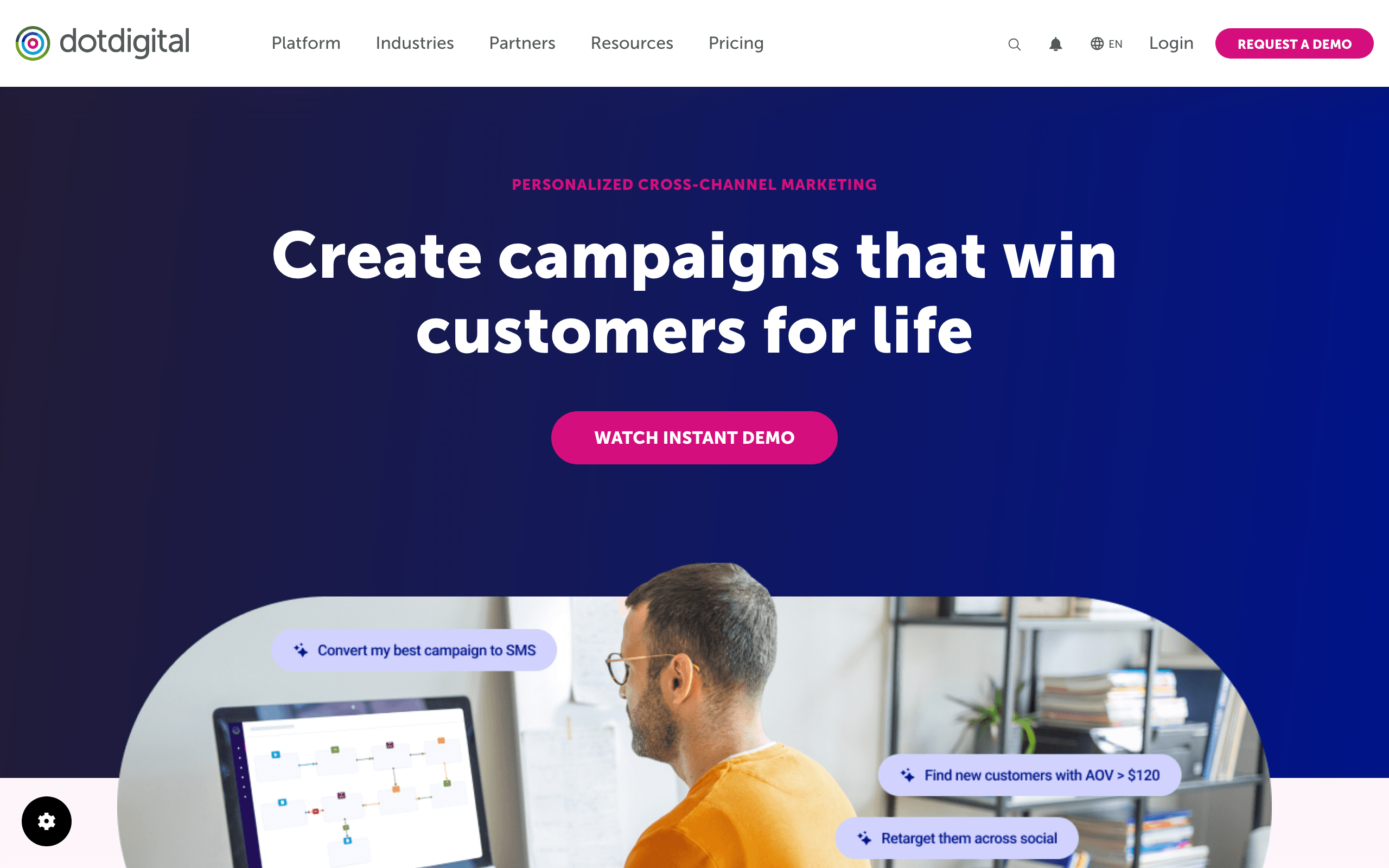
Dotdigital's advanced collaboration features, approval workflows, and enterprise client management capabilities suit agencies handling large enterprise accounts. The platform supports complex multi-brand, multi-region campaign management with sophisticated governance controls.
For agencies managing email programs for enterprise clients with compliance requirements, Dotdigital's audit trails and approval workflows provide the documentation infrastructure needed.
Best for: Agencies managing enterprise-scale client email programs
Limitations: Enterprise pricing, complex implementation
17. Knak - Best for Enterprise ESP Agencies
Price: Custom (typically $1,500+/month)
Knak specializes in removing the development bottleneck for enterprise email teams using Marketo, Eloqua, or Salesforce Marketing Cloud. For agencies whose clients use these platforms, Knak provides the builder that should have been native to those ESPs.
Agency teams that specialize in Marketo or Eloqua implementation can use Knak to dramatically accelerate email production for clients on those platforms. The governance features - locked templates, approval workflows, brand controls - are essential for enterprise client management.
Best for: Agencies specializing in Marketo, Eloqua, or SFMC implementation
Limitations: Enterprise-only pricing, only valuable for supported ESPs
18. Benchmark Email - Best for Mid-Market Agencies
Price: From $13/month
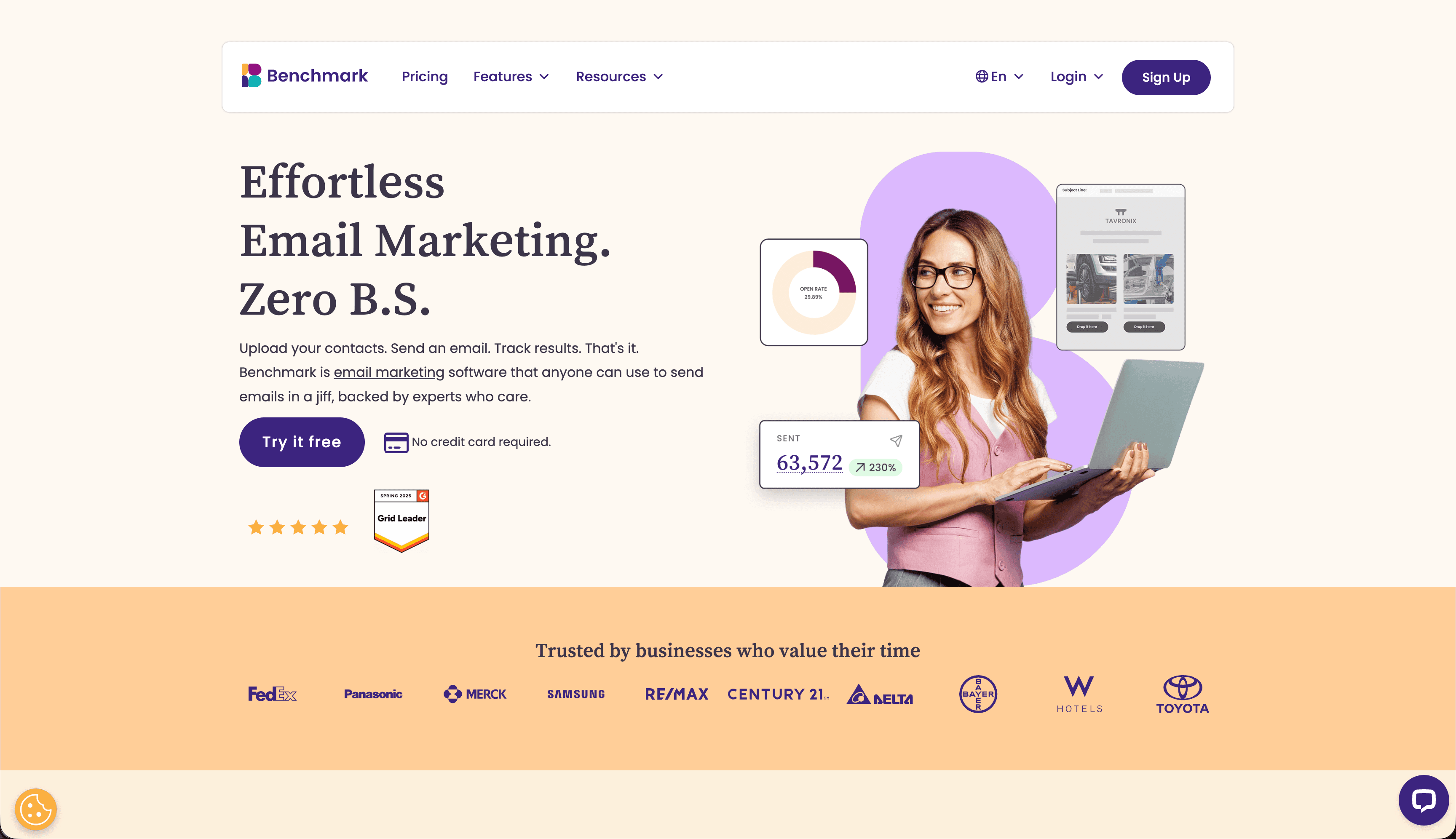
Benchmark Email provides team management features at accessible pricing for mid-market agency work. Multiple users, role permissions, and shared brand assets give agencies the workflow infrastructure they need without enterprise investment.
The inbox checker and spam testing tools help agencies deliver quality work consistently. For agencies that position quality assurance as a differentiator, these built-in tools support the value proposition.
Best for: Mid-market agencies managing regular email programs
Limitations: Less sophisticated than premium agency tools
19. MailerLite - Best for Creator-Focused Agencies
Price: From $10/month
For agencies serving content creators, course sellers, and newsletter operators, MailerLite's combination of clean email building, landing pages, and creator commerce features provides a complete platform at affordable pricing.
The multi-site account management lets agencies manage multiple client accounts from a single login. The clean interface makes training client teams to manage their own email straightforward.
Best for: Agencies managing creator clients
Limitations: Limited for complex e-commerce or enterprise use cases
20. Unlayer - Best for Agencies Building Client Portals
Price: From $12/month (embeddable from $200/month)
Unlayer's embeddable SDK makes it valuable for agencies that want to give clients a self-service email builder within their own branded portal or reporting dashboard. The embedded builder can be white-labeled and restricted to client-specific templates and brand assets.
For agencies building custom client portals, Unlayer's embed solves the "how do clients build emails themselves" problem without requiring agencies to build a builder from scratch.
Best for: Agencies building client self-service portals
Limitations: Embed pricing is expensive, requires development resources
21. EDMdesigner - Best for White-Label Agencies
Price: Custom pricing (embed plans typically $500+/month)
EDMdesigner is one of the older embeddable email builder platforms. For agencies that want to present a white-labeled email builder under their own brand - either as a standalone client-facing tool or embedded in a larger platform - EDMdesigner provides the infrastructure.
The multi-tenant support means each client has isolated assets and templates. White-label deployment lets agencies present the full experience under their own branding. For agencies building proprietary platforms with email capabilities, EDMdesigner reduces development time significantly.
Best for: Agencies building white-labeled email platforms for clients
Limitations: Dated standalone editor, custom pricing slows evaluation
Agency Workflow Considerations
Client Onboarding
Establish brand guidelines early. Document colors (exact hex values), fonts (including fallbacks), image styles, and tone of voice. The more you capture upfront, the fewer revisions later.
Create master templates for each client. Even if campaigns vary, headers, footers, and basic styles should be consistent. Having these ready accelerates all future work. A well-built set of templates can reduce per-email production time by 50% or more.
Request access to the client's ESP, analytics, and any relevant brand documentation during onboarding. Gathering this information proactively prevents delays when the first campaign is due.
Team Coordination
Define clear roles. Who can create new templates? Who can edit existing ones? Who approves final versions? Builders with role-based permissions enforce these boundaries automatically. Without clear roles, you get conflicting edits and inconsistent output.
Establish naming conventions. When you have 30 clients with 10 templates each, organization becomes critical. Consistent naming prevents confusion. A convention like "[Client]-[Campaign Type]-[Date]-[Version]" makes finding any email straightforward.
Create an internal style guide for each client that goes beyond brand colors. Include common copy patterns, preferred CTAs, image handling guidelines, and any client-specific requirements (legal disclaimers, compliance text, specific footer content).
Client Approval
Use built-in preview and commenting features when available. They're faster than email attachments and screenshot feedback. The goal is reducing the time between "draft ready" and "approved" to hours rather than days.
Set clear revision limits. Unlimited revisions kill profitability. Define what's included and what costs extra. Standard practice is 2-3 rounds of revisions included, with additional rounds billed hourly or per round.
Document approval in writing. When a client approves an email, have them confirm via the platform's approval feature or a written response. This protects both parties if questions arise after sending.
Quality Assurance
Test every email before client delivery. Cross-client rendering issues are your problem to catch, not the client's to discover. A broken email in Outlook reflects poorly on your agency, not on the builder.
Build testing into your process. Whether you use Litmus, Email on Acid, or manual testing, make it a mandatory step. Create a testing checklist that covers rendering, links, personalization tags, and email deliverability factors.
Verify all links before sending. Broken links in a client email are an immediate credibility problem. Automated link checking tools exist, but a manual spot-check of key links adds another layer of confidence.
Pricing Models for Agency Use
Email builders typically offer:
Per-seat pricing - Pay for each team member. Works well for small teams but expensive as you grow. Calculate cost per employee and factor this into your service pricing.
Tiered plans - Different feature levels at different prices. Make sure the tier you need includes collaboration features. The cheapest tier often lacks the team features that agencies require.
Client-based pricing - Some enterprise plans price by number of clients or workspaces. This model aligns well with agency economics since you can pass the cost through to each client.
Usage-based pricing - Pay for exports or emails sent. Can be economical for lower volume. Risky for high-volume agencies where costs can spike unpredictably.
Calculate your true cost by considering team size, client count, and monthly email volume. The "cheapest" plan often isn't the best value when you factor in the time saved by better features.
Email Types Agencies Should Master
Welcome Sequences
Every client needs a welcome email series. Build a templated approach that you customize per client: brand the design, adjust the copy tone, and configure the automation trigger. Welcome sequences are high-ROI with relatively low effort, making them an easy sell to new clients.
Promotional Campaigns
Sales, launches, and seasonal promotions are bread-and-butter agency work. Build a library of promotional templates that cover different layouts: single-product focus, multi-product grid, and sale announcement. Having these ready means you can turn around client requests quickly.
Automated Sequences
Agencies that can build and manage email sequences (onboarding, nurture, re-engagement) create recurring revenue and deeper client relationships. These sequences require both design and strategy expertise, which positions your agency as a partner rather than just a vendor.
Newsletter Production
Monthly or weekly newsletter production is a steady revenue source. Build efficient workflows with saved modules for each client's recurring sections. The goal is reducing per-issue production time to under an hour so the work is profitable at typical retainer rates.
Building an Agency Email Practice
Start with Systems
Before taking on clients, establish your workflow. Which builder will you use? What's your testing process? How do clients provide feedback? Systems prevent chaos as you scale. An agency that can't consistently deliver quality emails on time won't retain clients.
Document Everything
Create process documents for your team. New hires should be able to build client emails without constant supervision. Templates, guidelines, and checklists enable this. Consider creating video walkthroughs of your standard processes for easy onboarding.
Price for Profit
Email building takes longer than clients expect. Track your time on initial projects to understand true costs. Price accordingly. Common pricing models include per-email pricing ($200-$1,000+ per email depending on complexity), monthly retainers, and project-based pricing for sequence builds.
Specialize if Possible
Agencies serving specific industries (e-commerce, SaaS, healthcare) can develop templates and expertise that accelerate work and justify premium pricing. A SaaS-focused agency with proven email sequence templates and lifecycle automation expertise can charge more than a generalist because the results are more predictable.
Invest in Deliverability Expertise
Understanding email deliverability is a differentiator for agencies. Many clients struggle with inbox placement, and agencies that can diagnose and fix deliverability issues add value beyond design. Learn about SPF, DKIM, and DMARC authentication, sender reputation management, and list hygiene best practices. This knowledge turns email design projects into comprehensive email marketing engagements.
Offer Strategy, Not Just Execution
The highest-value agencies don't just build emails; they advise on strategy. Understanding email copywriting, deliverability, segmentation, and automation allows you to offer comprehensive email marketing services rather than just design production.
Frequently Asked Questions
How do I manage multiple client brands in one tool?
Look for builders with workspace or project separation. Chamaileon, Stripo, and Bee Pro all offer client-specific workspaces where brand assets, templates, and team access are isolated. Sequenzy provides completely separate company accounts for each client. The key is ensuring that brand assets, templates, and team permissions are fully separated so there's no risk of cross-contamination.
What's the best pricing model for agency email services?
Most successful agencies use monthly retainers that include a set number of emails. This provides predictable revenue and encourages ongoing relationships. Per-email pricing works for occasional clients. Avoid hourly billing for email production; it creates misaligned incentives and penalizes efficiency.
Should agencies use the same builder as their clients' ESP?
Not necessarily. Using a standalone builder gives you consistency across clients regardless of their ESP. You learn one tool deeply and use it for everyone, then export to each client's platform. The exception is when a client's ESP has a superior native builder (like Mailchimp's) and you're building for that platform exclusively.
How do I handle clients who want to build emails themselves?
Some clients want self-service after initial setup. Choose a builder that supports this with role-based access. Create locked templates that clients can customize (changing text and images) without breaking the design. Bee Pro and Chamaileon handle this well with their permission systems.
What's the minimum team size to justify agency email builder pricing?
Even a two-person team benefits from agency features. As soon as more than one person touches client emails, you need collaboration, version history, and permission controls. The cost of agency-tier pricing ($20-100/month) is typically offset by preventing a single client-facing mistake that would cost far more in relationship damage.
How do I demonstrate ROI to email marketing clients?
Track and report on opens, clicks, conversions, and revenue generated from email campaigns. Use UTM parameters to attribute website actions to specific emails. Compare performance against industry benchmarks. The most compelling reports show revenue or leads directly generated by email campaigns you built and managed.