
21 Best Email Tools With Lemon Squeezy Integration for SaaS (2026)

Lemon Squeezy has become the payment processor of choice for many indie hackers and small SaaS founders. Like Paddle, it handles the merchant-of-record headaches (tax, VAT, compliance) so you can focus on building. But the email integration landscape for Lemon Squeezy is thinner than for Stripe.
Most email tools don't have native Lemon Squeezy integrations. You'll typically connect through webhooks, Zapier, or custom code. Here's what works.
Quick Comparison Table
| Tool | Best For | Starting Price | Free Tier | Integration Type |
|---|---|---|---|---|
| Sequenzy | SaaS founders wanting lifecycle email with payment automation | From $19/mo | Yes, up to 2.5k emails/mo | Event API (webhook forwarding) |
| Loops | Indie SaaS wanting modern, simple email | From $49/mo | Yes, 1k contacts | Event API (webhook forwarding) |
| Kit (ConvertKit) | Creators and indie makers with digital products | From $29/mo | Yes, 10k subscribers | Zapier, third-party connectors |
| Customer.io | Technical indie hackers wanting sophisticated automation | From $100/mo | No | API + webhooks |
| MailerLite | Budget-conscious founders wanting full-featured email | From $10/mo | Yes, 1k subscribers | Zapier |
| Buttondown | Developer founders wanting simple newsletters | From $9/mo | Yes, 100 subscribers | Manual or webhook-based |
| Userlist | B2B SaaS needing account-level subscription data | From $149/mo | No | API + webhooks |
| Encharge | Non-technical teams wanting visual flows | From $79/mo | No | Webhook forwarding |
| Resend | Developers building email infra in code | From $20/mo | Yes, 100 emails/day | Webhook-driven (DIY automation) |
| Postmark | Developers sending transactional from webhooks | From $15/mo | No | Webhook-driven (no automation builder) |
| Bento | Indie SaaS wanting events + email in one tool | From $30/mo | No | Webhook forwarding |
| Vero | Product teams wanting event-based messaging | From $99/mo | No | Webhook forwarding |
| Ortto (Autopilot) | Marketing teams wanting Lemon Squeezy + journey builder | From $599/mo | No | Via Zapier or webhooks |
| HubSpot | Companies using HubSpot CRM for SaaS | From $20/mo | Yes, free CRM | Via Zapier or webhooks |
| Klaviyo | Hybrid e-commerce + SaaS businesses | From $45/mo | Yes, 250 contacts | Via Zapier or webhooks |
| Brevo (Sendinblue) | Budget-conscious teams wanting email + SMS | From $9/mo | Yes, 300 emails/day | Via Zapier or webhooks |
| Mailchimp | Teams already on Mailchimp adding basic billing data | From $13/mo | Yes, 500 contacts | Via Zapier |
| Drip | E-commerce-led SaaS hybrids | From $39/mo | No | Via Zapier |
| Beehiiv | Newsletter-led SaaS monetizing audiences | From $39/mo | Yes, 2.5k subscribers | Via Zapier or manual sync |
| Iterable | Enterprise SaaS with complex lifecycle programs | Custom (~$500+/mo) | No | Via webhooks / data warehouse |
| SendGrid | Teams sending transactional from Lemon Squeezy webhooks | From $20/mo | Yes, 100 emails/day | Webhook-driven (no automation builder) |
Why Email Integration Matters for Lemon Squeezy Products
If you're selling software or digital products through Lemon Squeezy, email is how you turn one-time buyers into repeat customers and trial users into paying subscribers. Without email automation, you're leaving money on the table at every stage:
- After purchase: A customer buys your product but never sets it up. Without a welcome/onboarding sequence, they might never get value from it and request a refund.
- During trial: A user starts a free trial but gets busy. Without trial expiration reminders, they forget and never convert.
- After payment failure: A subscriber's card expires. Without dunning emails, you lose revenue that could have been recovered with a simple reminder.
- After cancellation: A subscriber leaves. Without a win-back sequence, you never get the chance to address their concerns and bring them back.
These aren't marketing luxuries. They're revenue fundamentals. The right email tool connected to Lemon Squeezy automates all of them.
The Lemon Squeezy Integration Landscape
Unlike Stripe, which has native integrations with dozens of email tools, Lemon Squeezy's ecosystem is still maturing. This means:
- Few native integrations exist. Most connections happen through webhooks or Zapier.
- Webhook forwarding is the standard approach. You'll typically build a small handler that receives Lemon Squeezy events and forwards them to your email tool.
- Zapier is the quickest no-code option. It works but adds cost ($20+/month) and some latency.
- The gap is closing. As Lemon Squeezy grows, more email tools will add native support.
The webhook approach sounds technical, but it's simpler than it seems. A basic handler can be a single serverless function (30-50 lines of code) that maps Lemon Squeezy events to your email tool's API.
The 21 Best Options
1. Sequenzy
Best for: SaaS founders wanting lifecycle email with payment automation
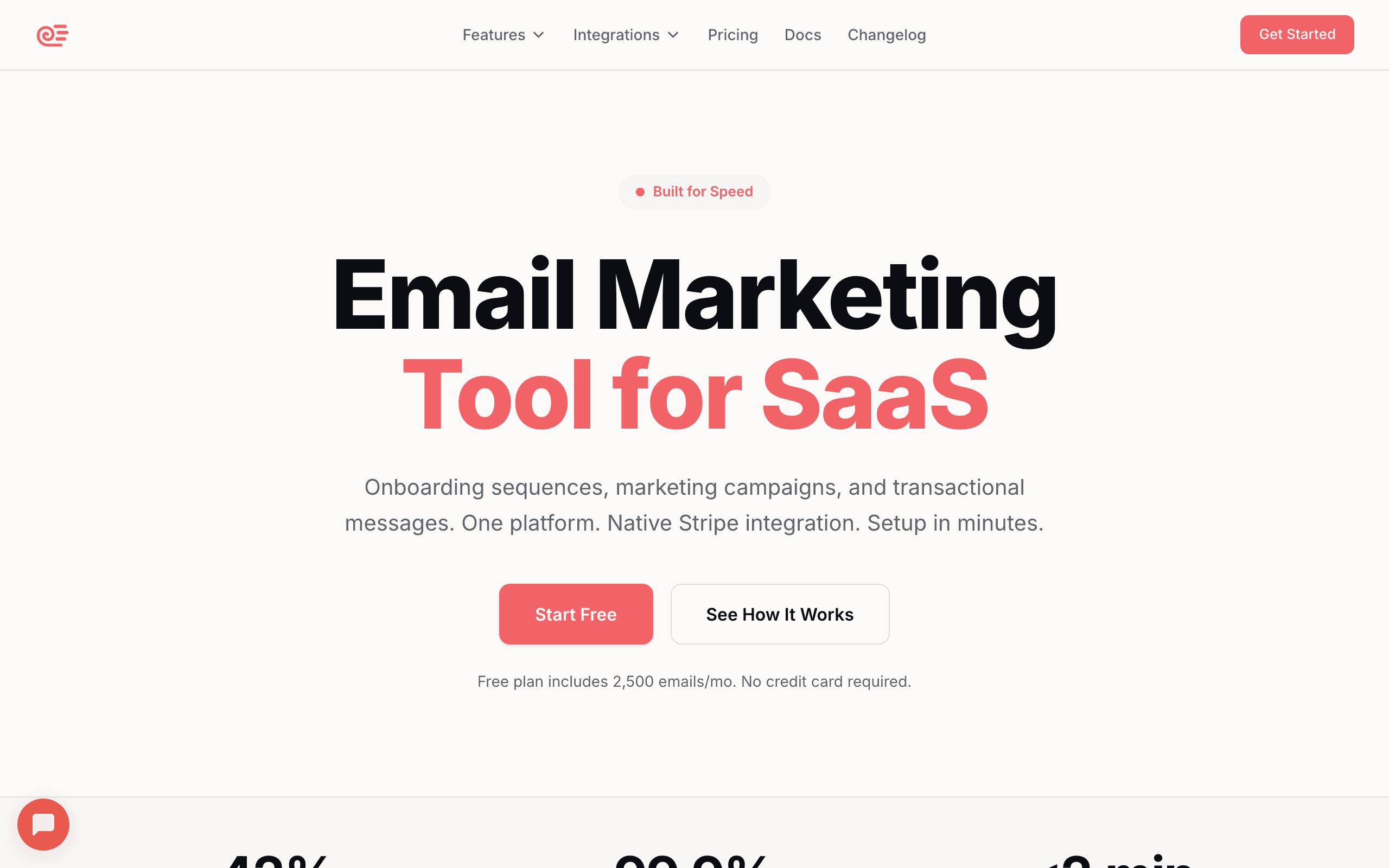
Sequenzy can receive Lemon Squeezy events through its event tracking API. Forward webhook events for subscriptions, payments, and trials, then trigger automated lifecycle sequences. The AI sequence builder generates dunning, trial conversion, and onboarding sequences quickly.
Sequenzy's SaaS lifecycle focus makes it a natural fit for Lemon Squeezy SaaS products. The platform comes with patterns for the exact email workflows subscription businesses need: onboarding after purchase, trial conversion reminders, payment failure recovery, and cancellation follow-up. You're not building these from a blank canvas.
The setup involves a webhook handler that transforms Lemon Squeezy events into Sequenzy event calls. Map subscription_created to a purchase event, subscription_payment_failed to a payment failure event, and Sequenzy's automation engine handles the rest. Most founders get this running in a few hours.
For indie SaaS founders selling through Lemon Squeezy, the Sequenzy + Lemon Squeezy combination handles both sides of the business: Lemon Squeezy manages payments, tax, and compliance, while Sequenzy manages all customer email communication.
- Lemon Squeezy integration: Event API (webhook forwarding)
- Pricing: Free up to 2,500 emails/month, paid plans from $19/month
- Pros: AI sequences, lifecycle automation, transactional + marketing, affordable, SaaS patterns
- Cons: No native Lemon Squeezy OAuth, requires webhook setup
2. Loops
Best for: Indie SaaS founders wanting modern, simple email
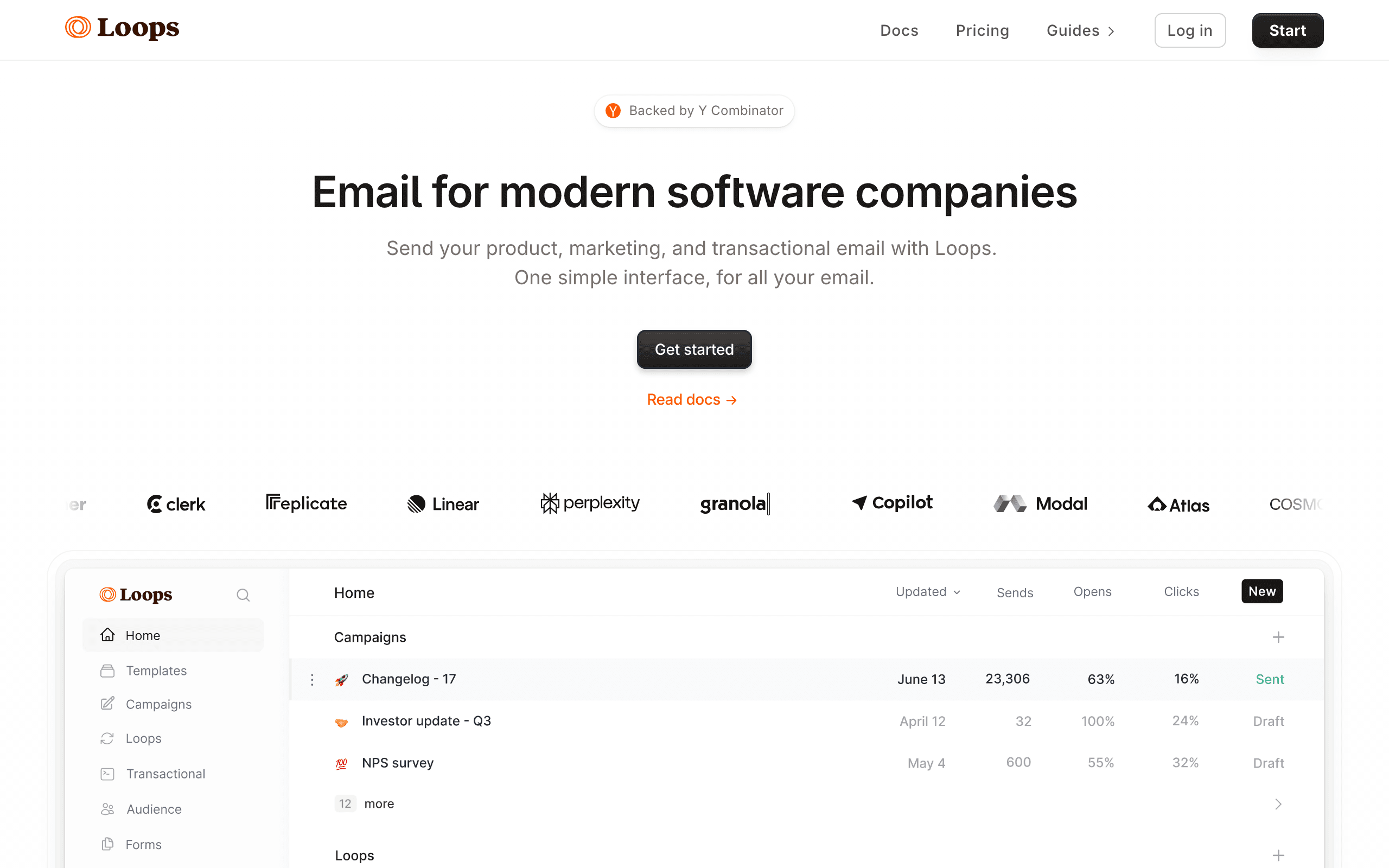
Loops is popular in the same community that uses Lemon Squeezy: indie hackers and small SaaS founders. The event-driven model works well with Lemon Squeezy webhooks. Forward subscription events to Loops and trigger sequences.
The simplicity of both tools makes them a natural pairing. Neither is enterprise-complex. Both focus on doing the basics well for small, developer-led teams. Loops doesn't overwhelm you with features you'll never use. You set up a few event-triggered sequences and move on to building your product.
Loops' free tier (1,000 contacts) is generous enough for most early-stage Lemon Squeezy products. You can validate your product, build your initial subscriber base, and set up basic email automation without spending anything on email tooling. As you grow past 1,000 contacts, the $49/month plan is reasonable for a product that's generating revenue.
The trade-off is feature depth. Loops handles simple event-triggered sequences well but doesn't offer complex branching, conditional logic, or sophisticated subscriber segmentation. For most indie SaaS products, that simplicity is fine. If you need advanced segmentation or multi-step workflows with A/B testing, you'll outgrow Loops.
- Lemon Squeezy integration: Event API (webhook forwarding)
- Pricing: Free for 1,000 contacts, from $49/month
- Pros: Modern, clean UX, popular with indie hackers, good free tier, event-driven, developer-friendly
- Cons: Limited automation depth, basic segmentation, will outgrow for complex needs
3. Kit (formerly ConvertKit)
Best for: Creators and indie makers with digital products
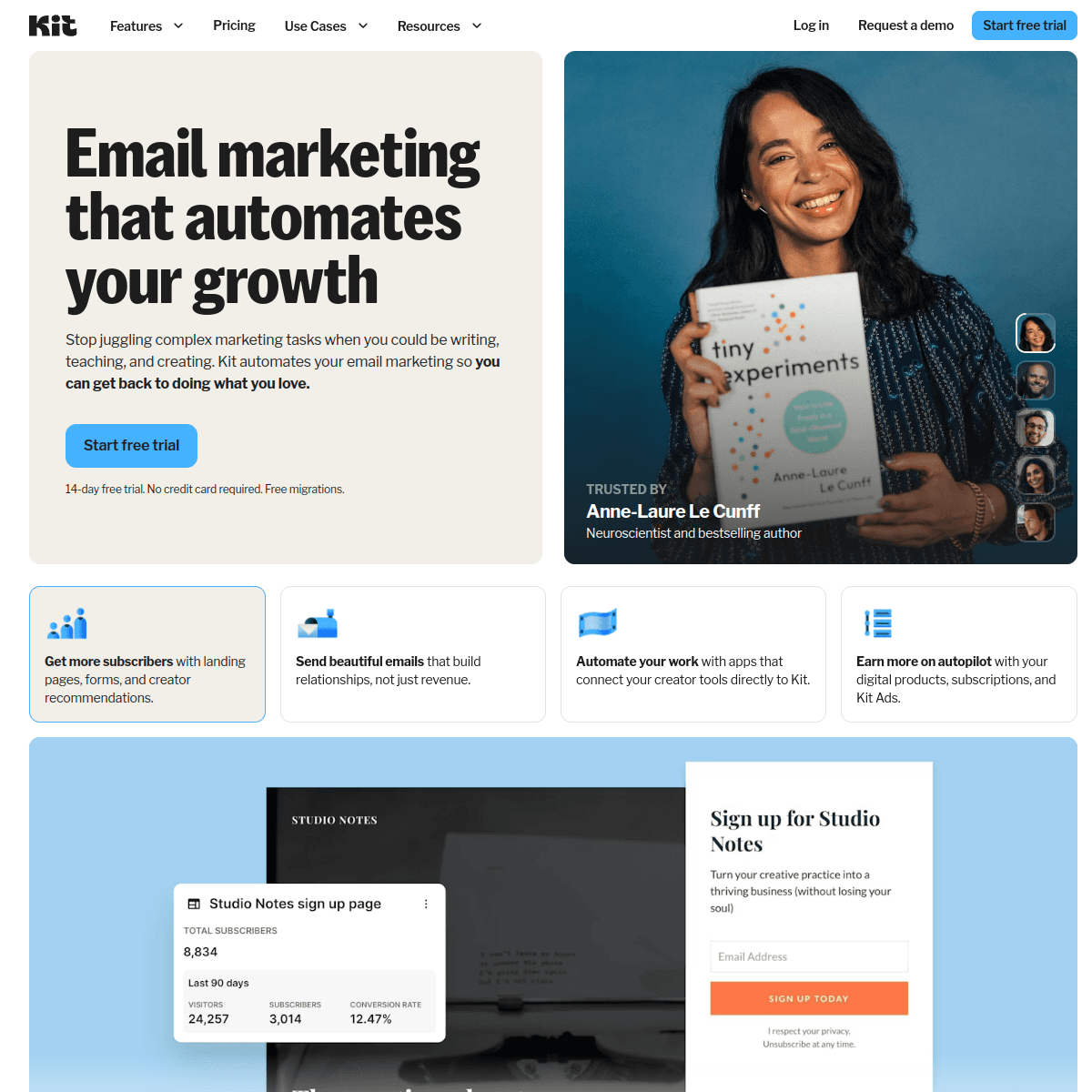
Kit is popular with creators and has some Lemon Squeezy integrations through Zapier and third-party connectors. If you're selling digital products alongside a SaaS subscription, Kit handles the creator-style email well: newsletters, product launches, and subscriber management.
Kit's strength is its audience-building features. If your Lemon Squeezy product is aimed at creators, writers, or educators, Kit's newsletter tools are best-in-class. The landing page builder, email signup forms, and subscriber management are designed for growing an audience around content.
The automation is decent for basic sequences but limited compared to SaaS-specific tools. If your email needs lean more toward newsletter and product updates than lifecycle automation, Kit works. The generous free tier (10,000 subscribers for newsletters) is hard to beat.
Where Kit falls short is SaaS lifecycle email. It doesn't have native behavioral triggers based on product usage, and the automation builder isn't designed for event-driven workflows. If you need onboarding sequences triggered by specific product events, Kit isn't the right tool.
For the Lemon Squeezy user who's part creator and part SaaS founder (building a course platform, selling templates, offering a tool with a newsletter), Kit covers the creator side well while Zapier handles the basic Lemon Squeezy connection.
- Lemon Squeezy integration: Zapier, third-party connectors
- Pricing: Free for 10,000 subscribers (newsletters only), from $29/month for automation
- Pros: Great for creators, generous free tier, simple interface, good deliverability, audience building
- Cons: Limited SaaS lifecycle features, basic automation, not event-driven, poor fit for pure SaaS
4. Customer.io
Best for: Technical indie hackers wanting sophisticated automation
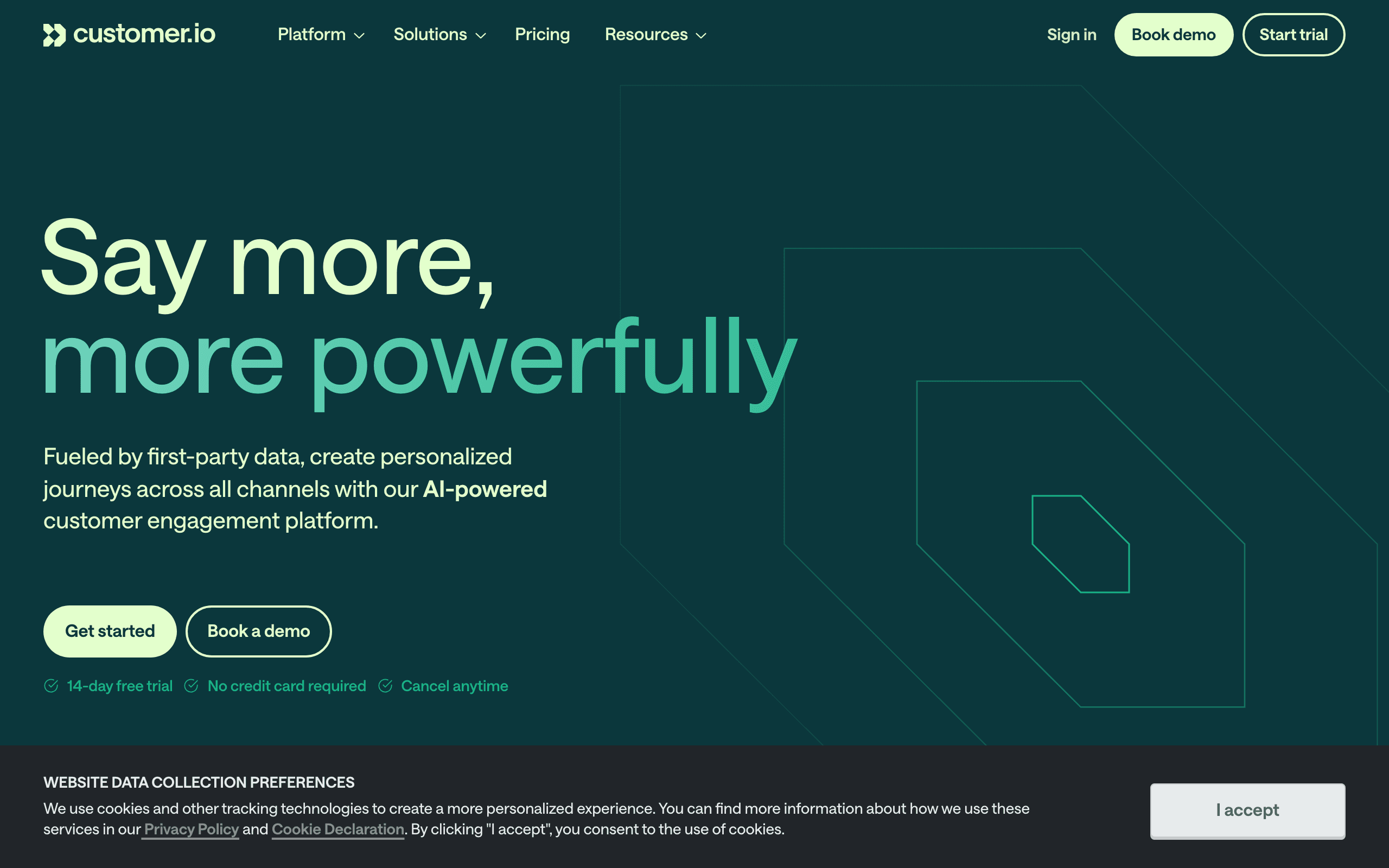
If you're a technical founder using Lemon Squeezy and want the most powerful email automation, Customer.io handles it. Forward Lemon Squeezy webhooks to Customer.io's API and build any automation you can imagine.
Customer.io is probably overkill for most Lemon Squeezy use cases (indie SaaS tends to have simpler email needs), but if your needs grow, the flexibility is there. The automation builder supports complex conditional logic, A/B testing, multi-channel messaging, and sophisticated segmentation.
Where Customer.io makes sense with Lemon Squeezy is when your product has a complex customer lifecycle. If you offer multiple plans with different features, usage-based upgrades, team billing, and enterprise tiers, Customer.io's workflow builder can handle the conditional logic needed to send the right email to the right customer at the right time.
The cost is the main barrier. At $100/month, Customer.io is a significant expense for an indie product. Most Lemon Squeezy products don't need Customer.io's power until they're generating significant revenue. Start with a simpler tool and migrate when you've outgrown it.
- Lemon Squeezy integration: API + webhooks
- Pricing: From $100/month
- Pros: Maximum flexibility, powerful workflows, multi-channel, grows with you
- Cons: Expensive for indie budgets, complex setup, steep learning curve, overkill for most indie products
5. MailerLite
Best for: Budget-conscious founders wanting full-featured email
MailerLite is affordable and feature-rich, making it popular with indie founders. It doesn't have native Lemon Squeezy integration, but Zapier connects the two. The automation builder handles basic lifecycle sequences, and the generous free tier (1,000 subscribers) lets you get started without spending.
MailerLite punches above its weight for the price. You get an email editor, landing pages, signup forms, automation workflows, and basic analytics for $10/month (or free under 1,000 subscribers). For indie founders bootstrapping on a tight budget, MailerLite offers more features per dollar than any other option on this list.
The automation builder supports basic conditional logic: if subscriber has tag X, send email A, otherwise send email B. It's not as powerful as Customer.io or even Sequenzy, but it handles the fundamentals (welcome sequence, trial reminders, cancellation follow-up) adequately.
The Zapier dependency is the main drawback. You need Zapier to connect Lemon Squeezy events to MailerLite, which adds $20+/month to your costs (potentially doubling your email tool expense). For a few simple automations, this works fine. For high-volume or time-sensitive triggers (dunning), direct webhook integration would be more reliable.
- Lemon Squeezy integration: Zapier
- Pricing: Free for 1,000 subscribers, from $10/month
- Pros: Very affordable, good free tier, full-featured for the price, easy to use, landing pages included
- Cons: Not SaaS-specific, Zapier dependency adds cost, limited behavioral triggers
6. Buttondown
Best for: Developer founders wanting simple newsletters with Lemon Squeezy
Buttondown is a minimalist, developer-friendly newsletter platform. For indie SaaS founders who primarily need a product newsletter alongside their Lemon Squeezy-powered product, Buttondown keeps things simple. Markdown-based, clean output, no bloat.
The integration with Lemon Squeezy is manual (sync subscribers or use webhooks), but for a simple newsletter use case, it's sufficient. Buttondown is for founders who want to send a weekly or monthly product update to their customer base without dealing with a complex email marketing platform.
Buttondown's developer friendliness is its distinguishing feature. Write emails in Markdown, manage subscribers via API, and customize the newsletter template with CSS. For developers, this workflow is more comfortable than drag-and-drop email editors.
The limitation is that Buttondown is purely a newsletter tool. No automation, no sequences, no behavioral triggers. If you need lifecycle email (onboarding, dunning, trial conversion), you'll need a separate tool alongside Buttondown. Some founders pair Buttondown (for newsletters) with Resend or Sequenzy (for automated and transactional email) to cover all bases.
- Lemon Squeezy integration: Manual or webhook-based
- Pricing: Free for 100 subscribers, from $9/month
- Pros: Minimalist, developer-friendly, affordable, beautiful defaults, Markdown-based
- Cons: Newsletter only (no automation), limited integration, small free tier, no lifecycle email
7. Userlist
Best for: SaaS companies wanting clean lifecycle segmentation
Userlist positions itself as email for SaaS, and it can work with Lemon Squeezy through webhook forwarding. You can connect via API and sync subscription data to create segments based on plan, status, and trial state.
The automation builder is straightforward and supports event triggers. It handles the common SaaS use cases (trial conversion, dunning, lifecycle) well. Userlist also supports company-level data alongside user-level data, which is important for B2B SaaS where multiple users belong to a single paying account.
This company-level view means you can build automations like: "When a company's subscription is cancelled, email the admin AND the power users with different messages." Most email tools that aren't SaaS-specific can't do this cleanly because they think in terms of individual contacts, not accounts.
The main caveat is that Userlist is expensive for an indie tool. At $149/month, it's priced for B2B SaaS with meaningful revenue, not side projects. If you're running a team-based B2B product through Lemon Squeezy and have the budget, Userlist's account-level data model is genuinely useful.
- Lemon Squeezy integration: API + webhooks
- Pricing: From $149/month
- Pros: Built specifically for SaaS, clean segmentation by subscription status, supports both user and company-level data, good for B2B SaaS with multiple users per account
- Cons: Higher starting price, integration requires API work, smaller community and fewer resources, limited template options
8. Encharge
Best for: Non-technical teams wanting visual Lemon Squeezy automation
Encharge offers a visual flow builder that can work with Lemon Squeezy through webhook forwarding. You can build visual automations that respond to subscription events by ingesting Lemon Squeezy webhooks as trigger sources.
The visual builder makes it easy to see the logic of your automation flows, which is helpful for non-technical founders who want to understand what's happening. You can see branching logic visually: "If payment fails, send dunning sequence. If payment fails AND they're on the free trial, send a different message." The visual representation makes complex flows comprehensible.
Encharge also supports combining Lemon Squeezy triggers with other data sources. Connect your CRM and product analytics alongside Lemon Squeezy to build automations that consider the full customer context.
At $79/month, Encharge sits in the mid-range. It's cheaper than Customer.io but more expensive than Loops or Sequenzy. For non-technical teams who value visual flows over code, the price might be worth it.
- Lemon Squeezy integration: Webhook forwarding
- Pricing: From $79/month
- Pros: Visual flow builder with webhook triggers, relatively easy setup, good for non-technical users, supports common SaaS automation patterns, visual branching logic
- Cons: Visual builder can get complex for sophisticated flows, mid-range pricing, smaller user base than major platforms, email editor is basic
9. Resend
Best for: Developers who want to build their own email layer in code
Resend is an API-first transactional and broadcast email service with a strong developer experience. It doesn't have a Lemon Squeezy integration in the dashboard sense. You listen to Lemon Squeezy webhooks in your own application, render an email (often with React Email), and call Resend's API to send.
The DX is the differentiator. The TypeScript SDK, React Email components, and broadcast features make Resend a comfortable place for engineering teams to own their email layer. If you're already shipping React for your product, your Lemon Squeezy receipts and dunning emails can be the same components, version-controlled in your repo.
What you don't get is an automation builder. Multi-step dunning, trial nurture sequences, and behavior-based branching all live in your code (or in a state machine you build). For some teams, that control is the point. For others, that's a foot-gun: the day someone forgets to handle subscription_payment_failed retries, you ship a bug instead of editing a flow.
- Lemon Squeezy integration: Webhook-driven from your own app; Resend sends, you orchestrate
- Pricing: Free for 100 emails/day, from $20/month
- Pros: Excellent developer experience, TypeScript SDK, React Email components, fast delivery, easy domain setup
- Cons: No automation builder, no native Lemon Squeezy connector, you build all sequencing and state yourself, broadcast features are still maturing
10. Postmark
Best for: Developers who need transactional email triggered by Lemon Squeezy webhooks
Postmark isn't an email marketing platform. It's a transactional email service with exceptional deliverability. You'd use it alongside Lemon Squeezy by sending transactional emails (receipts, payment confirmations, dunning notices) directly from your application when Lemon Squeezy webhooks fire.
No automation builder, no sequences, no marketing campaigns. But for pure transactional email triggered by Lemon Squeezy events, it's hard to beat on deliverability and speed. Payment confirmation emails arrive in seconds. Dunning notices land in the inbox, not spam.
If your email strategy separates transactional and marketing, Postmark handles the transactional side exceptionally well. Pair it with a marketing platform (Sequenzy, Customer.io, etc.) for lifecycle sequences.
- Lemon Squeezy integration: Webhook-driven from your own app; Postmark sends, you orchestrate
- Pricing: From $15/month for 10,000 emails
- Pros: Best-in-class transactional deliverability, fast delivery (seconds, not minutes), clean API and excellent documentation, template system for transactional emails
- Cons: No marketing email capabilities, no automation or sequences, requires development work to integrate with Lemon Squeezy, you'll need a separate tool for marketing email
11. Bento
Best for: Indie SaaS wanting events, email, and Lemon Squeezy in one tool
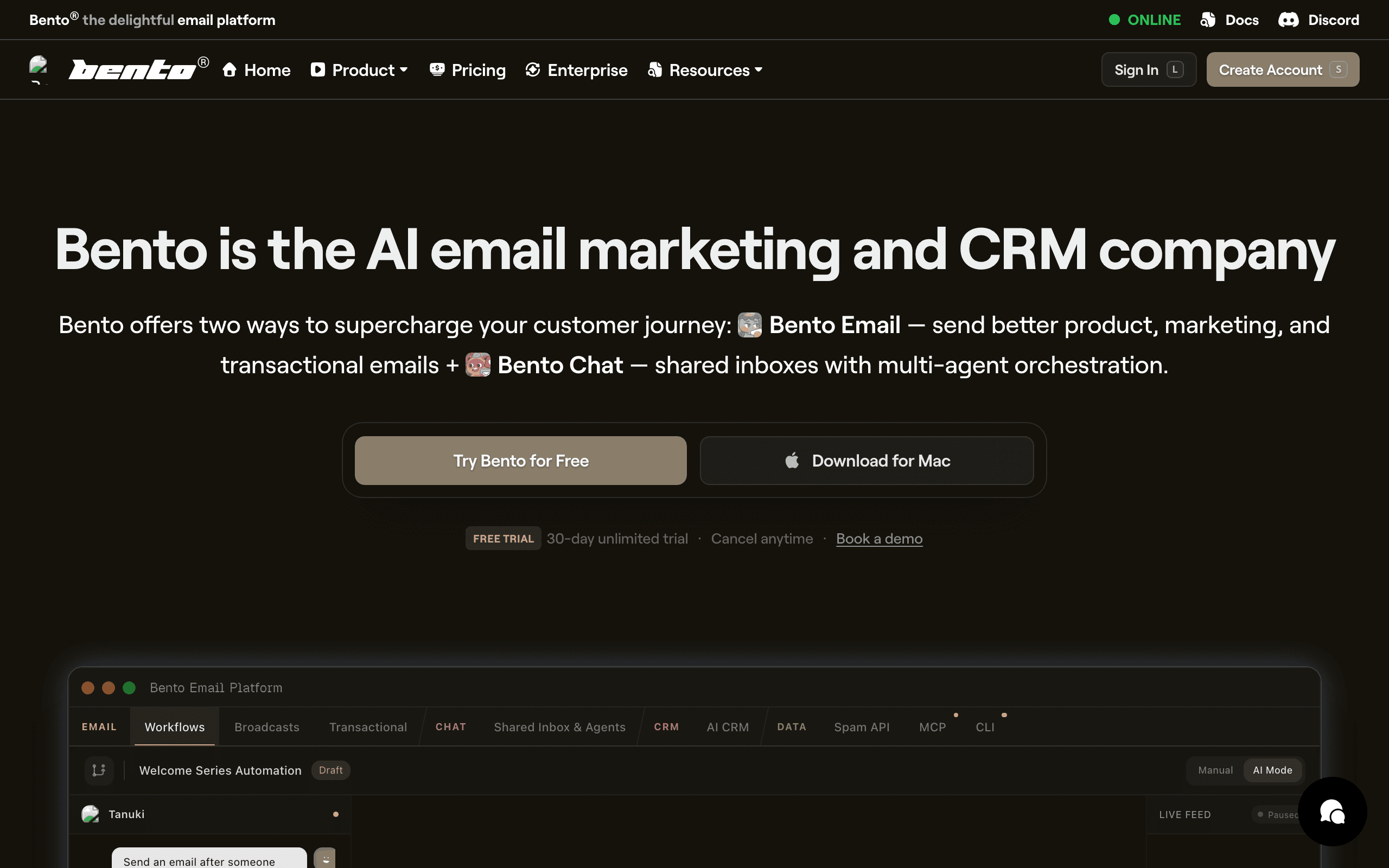
Bento markets itself to indie hackers and small SaaS teams as a behavior-driven email platform. It doesn't have native Lemon Squeezy integration, but you can forward webhook events to Bento's API and create contact attributes for plan, MRR, and status.
The platform leans heavily on events. Every Lemon Squeezy action becomes an event you can use to trigger flows or build segments, and you can send your own product events to combine with Lemon Squeezy data. This is closer to the Customer.io model than the Mailchimp model, but at indie pricing.
Where Bento falls short is polish. The UI is busy, documentation can be uneven, and some workflows take more clicks than they should. If you can look past that, the underlying capability is genuinely strong for the price.
- Lemon Squeezy integration: Webhook forwarding
- Pricing: From $30/month
- Pros: Event-driven model at indie pricing, generous attribute sync via webhooks, includes deliverability tooling, flexible automation
- Cons: UI feels cluttered, documentation gaps, smaller ecosystem, fewer pre-built templates, no native Lemon Squeezy integration
12. Vero
Best for: Product teams that want event-based messaging with Lemon Squeezy context
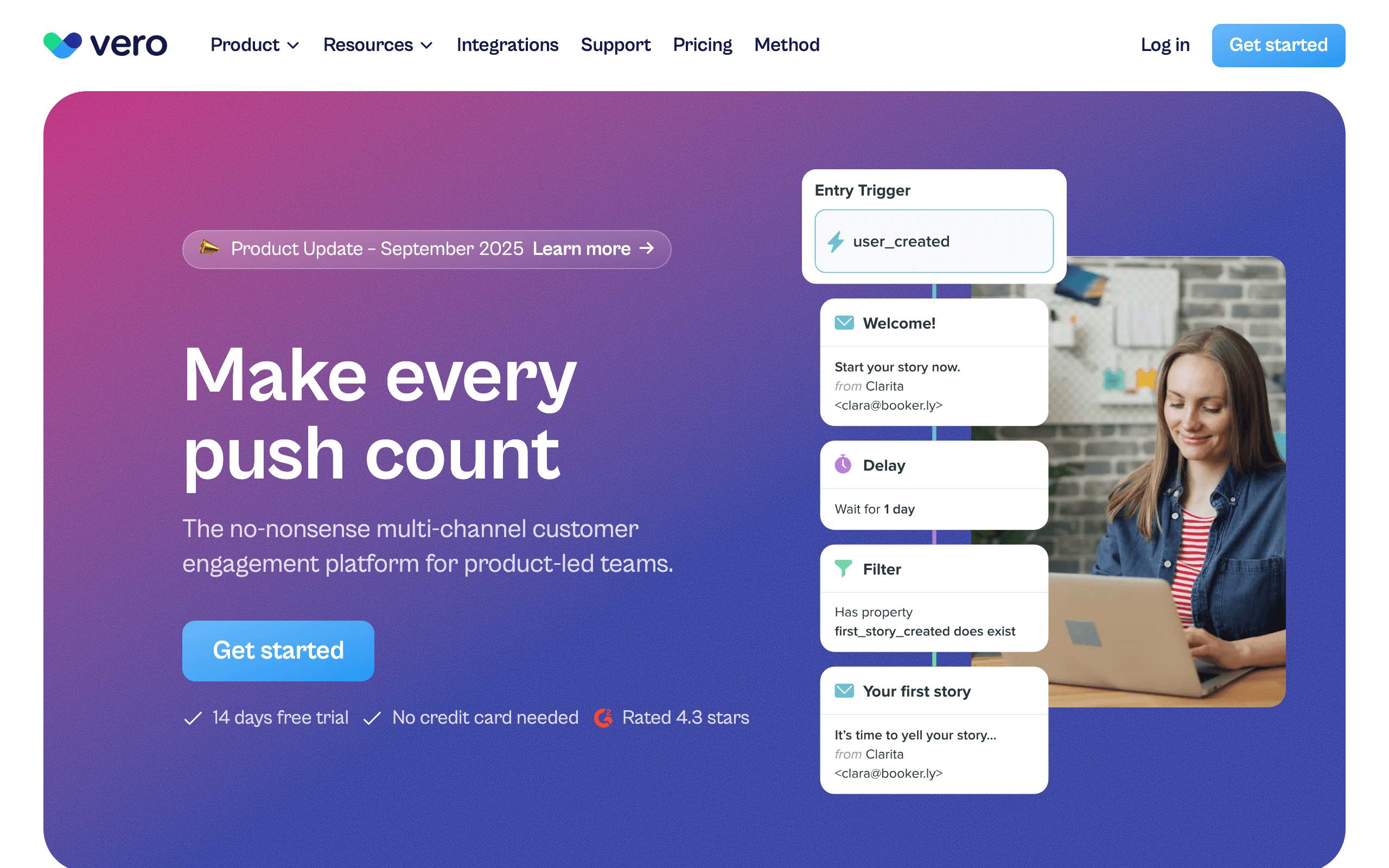
Vero is an event-based messaging platform that's been around for years. There's no one-click Lemon Squeezy connector, but Vero's event API makes Lemon Squeezy data straightforward to ingest. Forward Lemon Squeezy webhooks via your app, and every subscription event becomes a Vero event you can trigger workflows on.
The strength of Vero is its workflow engine. You can express "if payment failed, wait 24 hours, check if still past-due, send email, branch on engagement" cleanly, and the same workflow can drive email and push notifications.
It's not the trendiest tool in the category anymore, but for teams who want Customer.io-style flexibility at a slightly lower price point, Vero is worth a look.
- Lemon Squeezy integration: Webhook forwarding
- Pricing: From $99/month
- Pros: Mature workflow engine, multi-channel (email + push), strong segmentation, predictable pricing
- Cons: No native one-click Lemon Squeezy app, smaller ecosystem than Customer.io, dated UI in places, fewer integrations than competitors
13. Ortto (formerly Autopilot)
Best for: Marketing teams wanting Lemon Squeezy data inside a journey builder
Ortto rebuilt and rebranded Autopilot into a more analytics-heavy marketing automation platform. It doesn't have native Lemon Squeezy integration, but you can connect via Zapier or forward webhooks to Ortto's API. Subscription, invoice, and customer data can flow into Ortto's CDP-style activity feed.
That data then flows into Ortto's journey builder, dashboards, and segments. You can build fairly sophisticated lifecycle journeys (onboarding, trial conversion, dunning, win-back) using Lemon Squeezy events as triggers, and segment customers by MRR or plan inside the audience builder.
The catch is pricing. Ortto's lower tiers don't include the data sources you actually need for SaaS, so realistically you're looking at the higher plans before Lemon Squeezy-driven journeys are usable.
- Lemon Squeezy integration: Via Zapier or webhooks
- Pricing: From $599/month for the plan tier where integration data is genuinely usable
- Pros: Strong journey builder, data integrated with analytics, multi-channel (email, SMS, push, in-app), polished UI
- Cons: Expensive once you need integration + automation, complex to learn, overkill for small SaaS, contracts can be rigid
14. HubSpot
Best for: Companies already standardized on HubSpot CRM
HubSpot doesn't have native Lemon Squeezy integration out of the box, but you can connect via Zapier or custom webhook handlers. Lemon Squeezy events (subscriptions, invoices, payments) can sync into HubSpot contacts and deals, which you can then use in workflows and lists.
For SaaS companies that have committed to HubSpot as the CRM, this is an obvious path: subscription data flows into the same place as your sales pipeline and marketing engagement. You can build workflows like "if MRR drops, notify CSM and start retention email."
The honest caveats: HubSpot's automation pricing scales hard, the integration requires setup work (Zapier or custom code), and dunning sequences feel grafted onto a CRM rather than designed for subscription businesses.
- Lemon Squeezy integration: Via Zapier or custom webhooks
- Pricing: Free CRM; Marketing Hub from $20/month, automation features gated by tier
- Pros: Unified with CRM, deals, and pipelines, strong reporting, large ecosystem of integrations, good support
- Cons: Pricing escalates rapidly with contacts and features, integration feels CRM-shaped not SaaS-shaped, no purpose-built dunning, complex permissions model
15. Klaviyo
Best for: Hybrid e-commerce and SaaS businesses
Klaviyo is best known for e-commerce, but you can connect Lemon Squeezy via Zapier or webhook forwarding. Lemon Squeezy subscription and payment data can pull into customer profiles as events and properties.
Klaviyo's segmentation engine is genuinely excellent. If your business has both transactional purchases (Shopify, etc.) and a SaaS layer (Lemon Squeezy), Klaviyo lets you blend that data in a single profile and segment across both. Few platforms do that as cleanly.
The downside for pure SaaS is that everything in Klaviyo is shaped like e-commerce. Flows, templates, terminology, and dashboards all assume order-based behavior. You can absolutely run SaaS lifecycle email on Klaviyo, but you'll be translating concepts the whole way.
- Lemon Squeezy integration: Via Zapier or webhook forwarding
- Pricing: Free up to 250 contacts, from $45/month
- Pros: Best-in-class segmentation, blends e-commerce + SaaS data, strong analytics, many templates
- Cons: Mental model is e-commerce, not SaaS, pricing scales aggressively with contacts, dunning is DIY, can feel heavy for small teams
16. Brevo (formerly Sendinblue)
Best for: Budget-conscious teams wanting email + SMS in one tool
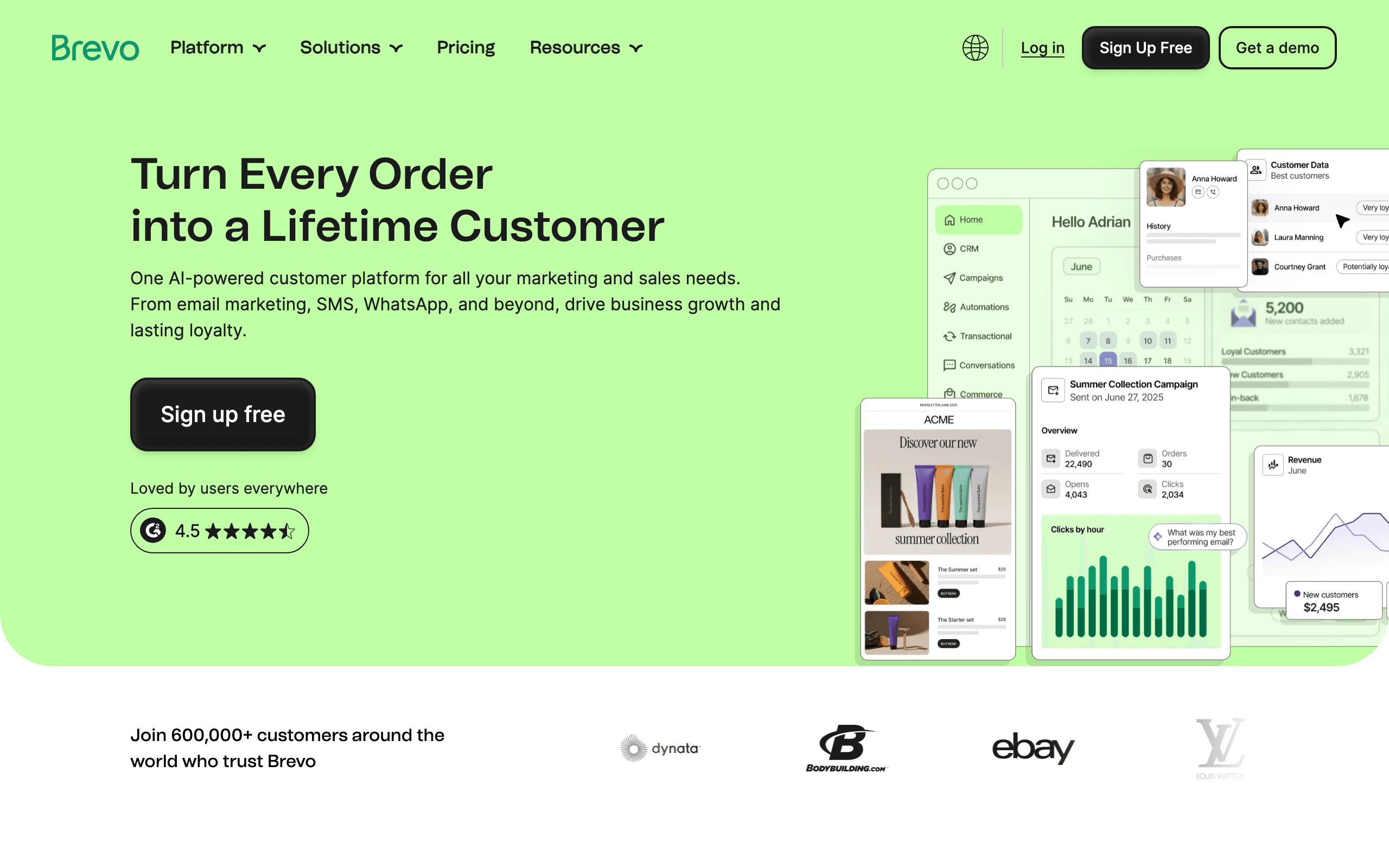
Brevo is one of the most affordable platforms in the category and includes email, SMS, and basic CRM. Lemon Squeezy support, however, is not native. You'll connect via Zapier, n8n, Make, or by pushing events through Brevo's API from your own webhook handler.
Once events are in Brevo, you can build automations and segments. The automation builder is workable but not class-leading, and you won't get the polished SaaS-specific templates that come with dedicated tools.
If your SaaS is early enough that price is the primary constraint, and you're willing to wire up Lemon Squeezy yourself, Brevo can carry you for a long time before you outgrow it.
- Lemon Squeezy integration: Via Zapier, n8n, or custom webhooks
- Pricing: Free up to 300 emails/day; paid plans from $9/month
- Pros: Very affordable, includes SMS and basic CRM, decent deliverability, generous free tier
- Cons: No native Lemon Squeezy integration, generic automation builder, fewer SaaS-specific patterns, support quality varies
17. Mailchimp
Best for: Companies already on Mailchimp adding basic billing data
Mailchimp doesn't have native Lemon Squeezy integration. You'd connect via Zapier or build a custom webhook handler. The integration would sync customer data and purchase history, allowing you to segment by purchase behavior.
However, the integration is limited compared to SaaS-focused tools. Mailchimp is designed more for e-commerce (one-time purchases) than subscription lifecycle management. You won't get native trial/churn/dunning triggers without significant custom work. The Lemon Squeezy data appears as purchase events rather than subscription lifecycle events, which limits what you can automate.
If you're already on Mailchimp and want to add basic Lemon Squeezy data, Zapier works. But if you're evaluating tools specifically for SaaS subscription management, Mailchimp isn't the right starting point.
- Lemon Squeezy integration: Via Zapier or custom webhooks
- Pricing: Free for up to 500 contacts, paid plans from $13/month
- Pros: Familiar interface if you already use Mailchimp, large template library, wide ecosystem of integrations, generous free tier
- Cons: Integration is basic and e-commerce-focused, no native subscription lifecycle triggers, no trial conversion or dunning automation out of the box, gets expensive at scale
18. Drip
Best for: E-commerce-led SaaS hybrids
Drip is positioned as ECRM (e-commerce CRM) and competes with Klaviyo. It does not currently have native Lemon Squeezy integration. You'll connect via Zapier, a custom webhook handler, or by piping events through their Events API.
Once events are flowing, Drip's workflow builder is capable and the segmentation is solid. But the lack of a first-party Lemon Squeezy connector means you carry the integration yourself, which feels out of step with where the rest of the category has moved.
For a SaaS with a strong e-commerce arm already on Drip, supplementing with Lemon Squeezy via Zapier might be acceptable. For a SaaS-first business, there are better-fit tools on this list.
- Lemon Squeezy integration: No native connector; Zapier or custom webhook handler required
- Pricing: From $39/month for 2,500 contacts
- Pros: Strong workflow builder, e-commerce-aware segmentation, decent template editor
- Cons: No native Lemon Squeezy integration, Zapier latency and cost, e-commerce mindset, less SaaS focus than competitors
19. Beehiiv
Best for: Newsletter-led SaaS monetizing audiences with paid tiers
Beehiiv is a newsletter platform that has invested heavily in paid subscriptions. If your "SaaS" is really a paid media or newsletter business, Beehiiv can handle subscription payments. You could connect Lemon Squeezy as the payment processor via Zapier or custom integration.
For traditional SaaS (an app with a billing page), Beehiiv is the wrong tool. There's no general-purpose Lemon Squeezy-event-to-automation pipeline like Sequenzy or Customer.io offer. But for a content-led business with a paid tier, the platform is solid.
The platform also includes solid audience growth features (referral programs, recommendations network, ad network) that are genuinely differentiated from email-first tools.
- Lemon Squeezy integration: Via Zapier or manual sync
- Pricing: Free up to 2,500 subscribers; paid plans from $39/month
- Pros: Strong audience growth tools, polished editor, good analytics, handles paid newsletter subscriptions
- Cons: Newsletter-shaped, not SaaS-shaped, no general Lemon Squeezy-event automation, limited segmentation by behavior, weak transactional email
20. Iterable
Best for: Enterprise SaaS with complex multi-channel lifecycle programs
Iterable is an enterprise messaging platform used by larger SaaS businesses for cross-channel lifecycle programs (email, SMS, push, in-app). There's no point-and-click Lemon Squeezy connector, but Iterable expects you to feed events from a CDP, data warehouse, or your own services. Lemon Squeezy events typically arrive via Segment, your warehouse (Snowflake, BigQuery), or your application's event pipeline.
Once data is flowing, Iterable's strengths are real: sophisticated journey orchestration, robust experimentation, and the ability to run truly cross-channel lifecycle programs at scale. If you're a Series B+ SaaS with a real growth team, this is the tool that scales.
For early or mid-stage SaaS, Iterable is overkill. The licensing alone usually rules it out, and the time-to-value on a custom Lemon Squeezy integration is significant compared to plug-and-play options.
- Lemon Squeezy integration: Via CDP (Segment), data warehouse, or your own webhook ingestion; no native connector
- Pricing: Custom enterprise pricing, typically $500+/month and up significantly with volume
- Pros: Enterprise-grade orchestration, true cross-channel lifecycle, strong experimentation, scales to billions of messages
- Cons: Expensive, custom integration work required, overkill for small/mid SaaS, long implementation timelines
21. SendGrid
Best for: Teams sending transactional email triggered by Lemon Squeezy webhooks
SendGrid (Twilio SendGrid) is one of the original transactional email APIs and is still heavily used for receipts, password resets, and other webhook-triggered emails. There's no native Lemon Squeezy automation, no journey builder for SaaS lifecycle. You listen to Lemon Squeezy webhooks in your app and call SendGrid's API to send the right template.
The Marketing Campaigns product on top of SendGrid does exist, but it's broadly seen as the weakest part of the platform. Most SaaS teams using SendGrid pair it with a marketing/lifecycle tool from this list and treat SendGrid purely as transactional infrastructure.
For Lemon Squeezy-triggered transactional email at high volume with mature deliverability tooling, SendGrid still earns a spot. Just don't expect it to be your dunning automation engine.
- Lemon Squeezy integration: Webhook-driven from your own app; no native connector
- Pricing: Free up to 100 emails/day; paid plans from $20/month
- Pros: Mature transactional infrastructure, scales to high volume, established deliverability tooling, large ecosystem
- Cons: Marketing Campaigns is weak, no Lemon Squeezy-aware automation, requires engineering to wire up, support has a mixed reputation
Connecting Lemon Squeezy to Your Email Tool
The standard approach for most email tools:
No-Code Approach (Zapier)
- Create a Zapier account and connect Lemon Squeezy as a trigger app
- Select the trigger event (e.g., "New Subscription" or "Subscription Payment Failed")
- Connect your email tool as the action app
- Map Lemon Squeezy fields to email tool fields (email, name, plan, etc.)
- Test and enable the Zap
This takes 15-30 minutes and requires no coding. The trade-off is Zapier's cost ($20+/month) and latency (up to a few minutes between event and action).
Code Approach (Webhook Handler)
- Configure Lemon Squeezy webhooks in your store settings
- Build a small webhook handler (can be a simple serverless function) that receives Lemon Squeezy events
- Verify the webhook signature to ensure authenticity
- Transform and forward the events to your email tool's API
- Map subscription status to tags or attributes in your email tool
This takes 1-3 hours and gives you full control. The handler is typically 30-80 lines of code.
Key Lemon Squeezy Events
subscription_created- New subscription (start onboarding)subscription_updated- Plan changes (acknowledge upgrade/downgrade)subscription_cancelled- Cancellation (exit survey + win-back)subscription_payment_failed- Failed payment (start dunning)subscription_payment_recovered- Recovery (stop dunning + confirm)order_created- One-time purchase (deliver product + welcome)subscription_resumed- Subscription resumed after pause (welcome back)
Which Tool for Which Stage
The right email tool depends on where your Lemon Squeezy product is:
Pre-launch (0 customers): Don't set up email automation yet. Focus on building. When you launch, use Lemon Squeezy's built-in receipt emails and manually send launch announcements.
Early stage (1-500 customers): Loops (free tier) or MailerLite (free tier) + Zapier. Set up a welcome sequence and basic trial reminders. Keep it simple.
Growing (500-5,000 customers): Sequenzy or Loops (paid). Add lifecycle sequences (dunning, onboarding, win-back). Consider direct webhook integration instead of Zapier for reliability and cost savings.
Scaling (5,000+ customers): Sequenzy or Customer.io. At this stage, email is a meaningful revenue driver and justifies investment in more sophisticated automation.
Best Lemon Squeezy Email Tool by Use Case
Best Lemon Squeezy email tool for SaaS subscriptions
Sequenzy is the best fit when Lemon Squeezy events should trigger onboarding, failed-payment recovery, upgrades, and retention sequences. The key is turning billing events into lifecycle actions, not just sending receipts. Start with Lemon Squeezy integration, SaaS dunning templates, and best SaaS lifecycle email tools.
Best Lemon Squeezy email tool for indie makers
Loops, Bento, Buttondown, and MailerLite are better fits when the product is small and the email program is mostly launch updates, welcome emails, and simple customer follow-up. Compare Loops, newsletter templates, and indie hacker email tools before building a complex automation stack.
Best Lemon Squeezy email tool for digital products
Kit is the stronger choice when Lemon Squeezy is powering ebooks, templates, courses, or creator products instead of SaaS subscriptions. Those workflows need launch emails, nurture, and buyer segmentation more than product usage events. Use Kit comparison, course creator email tools, and course creator templates.
Best Lemon Squeezy email tool for developers
Resend, Postmark, and SendGrid fit teams that want to process Lemon Squeezy webhooks in code and send exact transactional messages. That path is flexible, but it means you are building the marketing layer yourself. Compare Resend, Postmark, and transactional email templates.
FAQ
Why don't more email tools support Lemon Squeezy natively? Lemon Squeezy is newer and smaller than Stripe. Native integrations take time and demand from users. As Lemon Squeezy grows, more email tools will add native support. In the meantime, webhook forwarding and Zapier fill the gap effectively.
Can I use Zapier to connect Lemon Squeezy to any email tool? Zapier has Lemon Squeezy triggers and works with most major email tools. It's the quickest way to connect without writing code. The trade-off is cost ($20+/month) and some latency (typically 1-5 minutes). For most indie products, this latency is acceptable.
Should I switch from Lemon Squeezy to Stripe for better email integration? Only if email integration is a critical pain point that webhook forwarding can't solve. Lemon Squeezy's merchant-of-record value usually outweighs the integration convenience of Stripe. The webhook approach works fine for most use cases and takes a few hours to set up once.
Does Lemon Squeezy have built-in email? Lemon Squeezy sends basic transactional emails (receipts, subscription confirmations) but doesn't have marketing email features. You need a separate tool for campaigns, sequences, onboarding, and lifecycle email.
How do I handle dunning with Lemon Squeezy? Lemon Squeezy automatically retries failed payments on a schedule. Your email tool handles the customer communication: explaining what happened, providing a link to update payment details, and creating urgency around resolution. Coordinate the two so your emails align with Lemon Squeezy's retry timing. For a detailed approach, see the dunning email guide (the principles apply regardless of payment processor).
What's the cheapest email setup for a Lemon Squeezy product? Loops (free for 1,000 contacts) or MailerLite (free for 1,000 subscribers) connected via Zapier ($20/month) gives you basic email automation for $20/month total. If you're willing to write a small webhook handler, you can skip Zapier and use the free email tool tiers for $0/month until you outgrow them.
Can I sell email courses through Lemon Squeezy and deliver them via email?
Yes. Use Lemon Squeezy for the payment and your email tool for delivery. When order_created fires, add the buyer to an email sequence that delivers the course content over time. Kit (ConvertKit) and MailerLite both handle this use case well.
How do I track which emails drive Lemon Squeezy sales? This requires manual attribution since there's no native connection between most email tools and Lemon Squeezy's analytics. The simplest approach: use UTM parameters in your email links and track them in your analytics tool. More advanced: use Lemon Squeezy's checkout overlays with affiliate tracking to attribute sales to specific email campaigns.
Should I build my own Lemon Squeezy email integration instead of buying a tool? For simple receipt emails, building your own is straightforward. Listen for Lemon Squeezy webhooks, render an email template, send via an API. But for lifecycle email (dunning sequences, trial conversion, upgrade nudges), the state management and sequencing logic gets complex quickly. Most indie SaaS founders find that buying a platform saves hundreds of engineering hours.
What if I switch from Lemon Squeezy to another payment processor later? If you're deeply integrated with a tool via custom webhook handlers, switching payment processors means updating that handler code. The advantage of event-driven tools (Sequenzy, Customer.io, Loops) is that they're not tightly coupled to a specific payment processor - you just forward different events. Consider whether the tool also supports Stripe or Paddle if you anticipate switching.