
21 Best Email Tools With Paddle Integration for SaaS (2026)

Paddle is becoming the go-to payment processor for SaaS companies that want to avoid dealing with sales tax, VAT, and merchant-of-record complexity. But because Paddle handles billing differently than Stripe (they're the merchant, not you), email integrations work differently too.
Most email tools have native Stripe integrations. Far fewer have native Paddle support. This means you're often relying on webhooks, Zapier, or custom code to connect Paddle events to your email sequences. Here's what actually works.
How Paddle Integration Differs From Stripe
With Stripe, you're the merchant. Your email tool connects directly to your Stripe account and reads subscription data. With Paddle, they're the merchant. Your email tool needs to receive webhook events from Paddle or connect through their API.
This matters because:
- Paddle sends webhooks for subscription events, but your email tool needs to process them
- Customer data lives in Paddle and needs to be synced to your email tool
- Billing management happens in Paddle, so "update your card" links point to Paddle's hosted pages
- Tax and compliance are Paddle's responsibility, which simplifies your email content (no need to calculate or display tax details)
If you've worked with Stripe email integrations, the concepts are similar but the implementation differs. Stripe integrations are typically one-click OAuth. Paddle integrations typically require webhook setup or middleware.
Why the Integration Gap Exists
The simple answer is market share. Stripe processes payments for millions of businesses. Paddle serves a smaller (but growing) segment. Email tool vendors build native integrations based on demand, and Stripe demand has historically been much higher.
This is changing. Paddle has grown significantly, especially among European SaaS companies and indie developers who value the merchant-of-record model. As Paddle's user base grows, more email tools will add native integrations. But for now, webhook forwarding is the standard approach for most combinations.
The good news: webhook-based integration is straightforward to set up and just as reliable as native integrations once configured.
Quick Comparison
| Tool | Best For | Starting Price | Free Tier | Integration Type |
|---|---|---|---|---|
| Sequenzy | SaaS lifecycle with Paddle events | $19/mo | No | Event API (webhook forward) |
| Customer.io | Flexible Paddle event processing | $100/mo | No | Webhooks/API |
| Userlist | B2B SaaS with team-based billing | $149/mo | No | API integration |
| Loops | Early-stage Paddle-triggered emails | $49/mo | Yes (1k contacts) | Event API |
| Paddle Built-in | Zero additional tools | Included | N/A | Native (it IS Paddle) |
| Encharge | Visual Paddle automations | $79/mo | No | Integration connectors |
| ActiveCampaign | CRM + Paddle subscription data | $29/mo | No | Webhooks/Zapier |
| Drip | E-commerce SaaS hybrid | $39/mo | No | Zapier/webhooks |
| Klaviyo | E-commerce + subscription blend | $20/mo | Yes (250 contacts) | Webhooks |
| Brevo | Budget email + SMS | $9/mo | Yes (300/day) | API/webhooks |
| Mailchimp | Existing Mailchimp users | $13/mo | Yes (500 contacts) | Zapier |
| ConvertKit | Creator SaaS with Paddle | $29/mo | Yes (10k subs) | API/webhooks |
| HubSpot | CRM-centered Paddle data | $20/mo | Yes (CRM) | Native app/webhooks |
| Vero | Event-based messaging | $99/mo | No | Webhooks/Segment |
| Bento | Indie SaaS events + email | $30/mo | No | Native + webhooks |
| Ortto | Journey builder with Paddle data | $599/mo | No | Webhooks |
| Intercom | Product messaging + email | $39/mo | No | Webhooks |
| Iterable | Enterprise cross-channel | $500+/mo | No | CDP/warehouse |
| MailerLite | Simple newsletters + Paddle | $10/mo | Yes (1k subs) | Zapier/webhooks |
| Moosend | Affordable automation | $9/mo | No | Zapier/webhooks |
| Omnisend | E-commerce + SaaS email | $16/mo | Yes (500/day) | Webhooks |
The 21 Best Options
1. Sequenzy
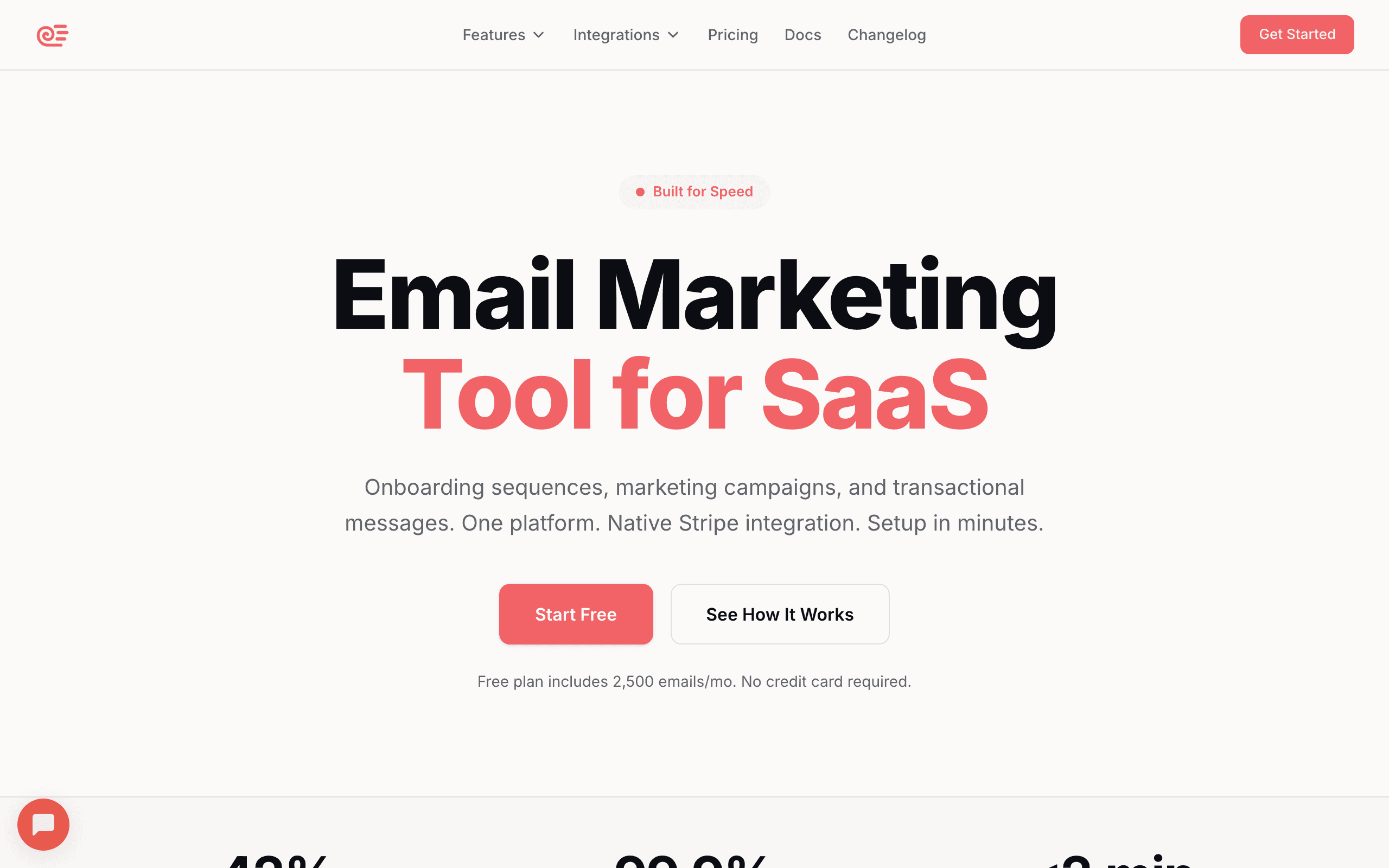
Best for: SaaS founders who want automated lifecycle email
While Sequenzy's native integration is currently Stripe-focused, you can use the event tracking API to forward Paddle webhook events and get the same automation benefits. Track subscription events as custom events, and the sequences trigger the same way. The subscriber tagging and lifecycle management work regardless of the payment source.
The setup involves a small webhook handler (a serverless function or API route in your app) that receives Paddle events, transforms them into Sequenzy's event format, and forwards them. Most teams get this running in an afternoon.
Once connected, Sequenzy's lifecycle patterns work the same as they do with Stripe: onboarding sequences trigger on subscription creation, dunning sequences trigger on payment failure, and win-back sequences trigger on cancellation. The AI sequence builder generates the email content, and you customize from there.
For SaaS founders choosing between Paddle and Stripe, the email integration shouldn't be the deciding factor. Paddle's merchant-of-record value (handling tax, VAT, and compliance) usually outweighs the minor inconvenience of webhook-based email integration versus native OAuth. The email side is a solvable problem.
Pricing: From $19/month Paddle integration: Via event API (forward Paddle webhooks) Pros: Affordable, AI sequences, lifecycle automation, transactional + marketing, SaaS lifecycle patterns Cons: No native Paddle OAuth (requires webhook forwarding)
2. Customer.io
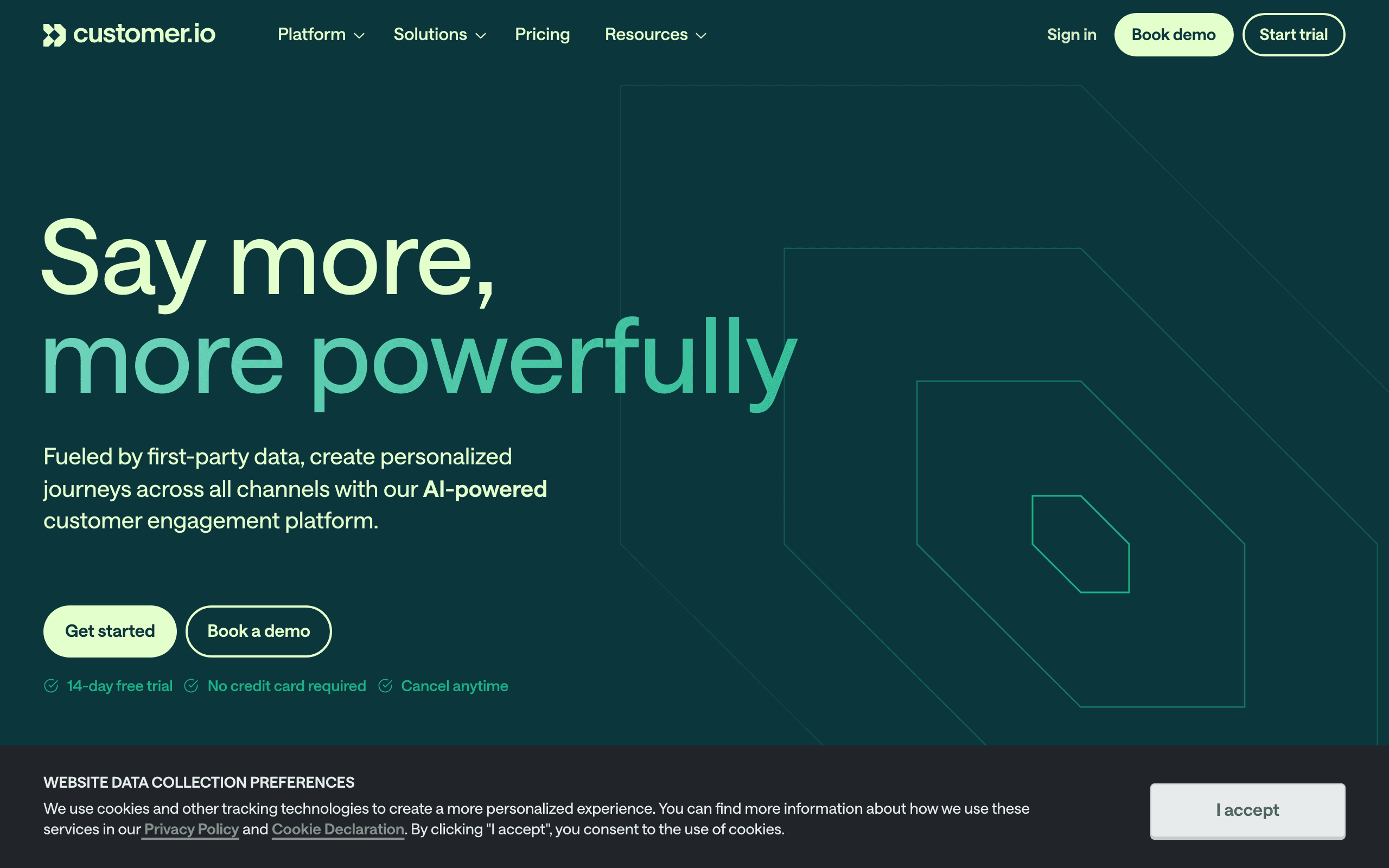
Best for: Technical teams wanting flexible Paddle event processing
Customer.io's event-driven architecture handles Paddle webhooks well. Set up a webhook endpoint that forwards Paddle events to Customer.io, and build automations that trigger on subscription events. The flexibility of Customer.io's workflow builder lets you handle Paddle's specific event structure cleanly.
Customer.io's strength with Paddle is its ability to handle complex event logic. Paddle's webhook payloads include detailed information about the subscription state, pricing, and customer. Customer.io can store all of this as customer attributes and use it for segmentation and personalization.
For example, you can build a workflow that checks the customer's plan tier, how long they've been subscribed, and their payment history before deciding which dunning sequence to use. A first-time payment failure for a long-term customer gets a gentle reminder. A repeated failure for a new customer gets a more direct approach.
The downside is that Customer.io requires engineering time to set up and maintain. The webhook handler, event mapping, and attribute syncing all need to be built and tested. For technical teams, this is a reasonable investment. For teams without engineering resources, simpler options exist.
Pricing: From $100/month Paddle integration: Via webhooks/API (no native connection) Pros: Powerful workflows, handles any event structure, multi-channel, flexible conditional logic Cons: Requires engineering setup, expensive, complex
3. Userlist
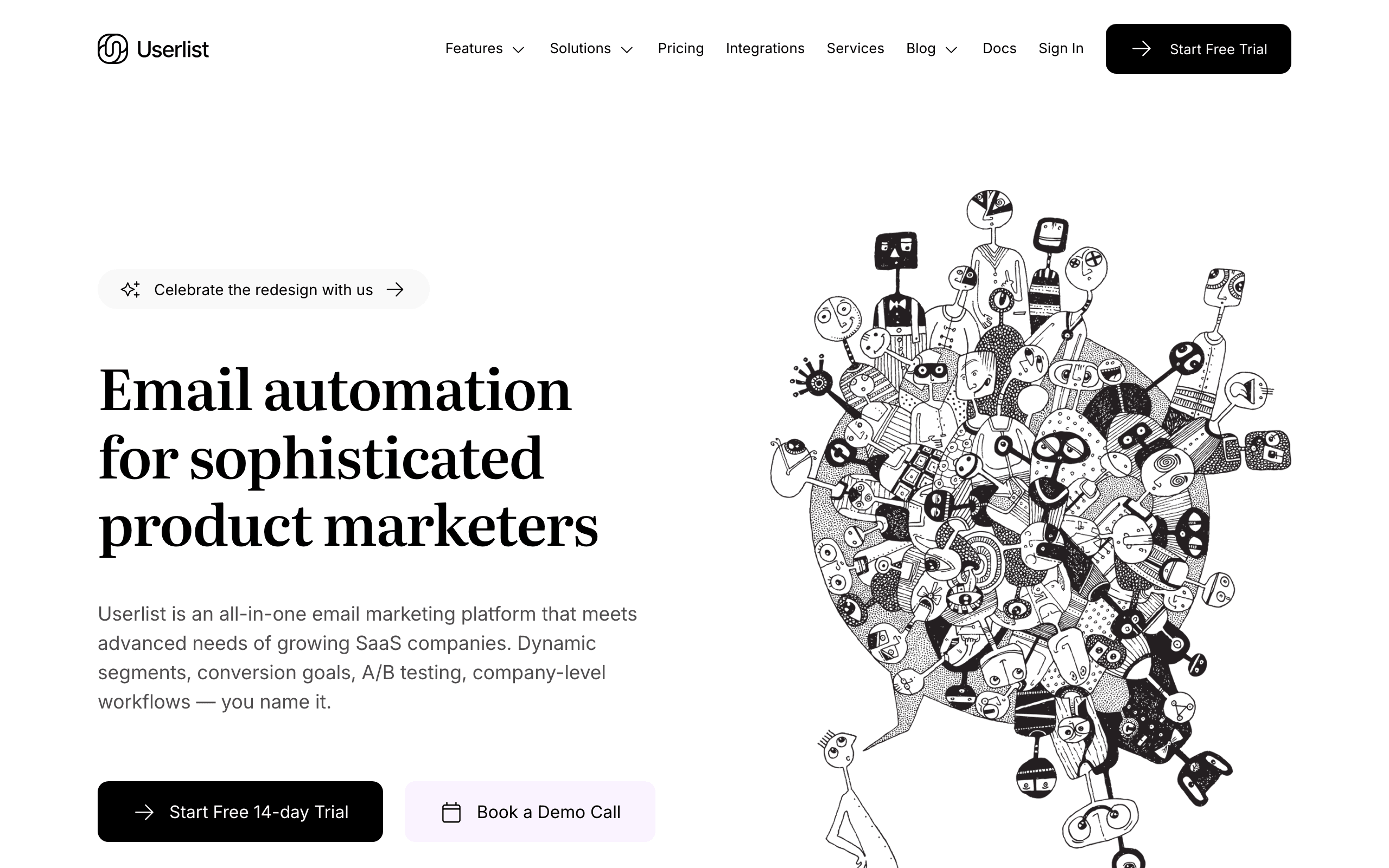
Best for: B2B SaaS using Paddle with team-based billing
Userlist supports Paddle through their integration layer. You can sync subscription data and trigger automations based on Paddle events. The company-level data model is useful when Paddle subscriptions are tied to team accounts.
The company-level distinction matters for B2B SaaS. A single Paddle subscription might cover an entire team: 5 users, 50 users, or 500. Userlist understands this relationship natively. When a subscription event occurs, you can target emails at the right level: billing notifications go to the admin, feature announcements go to all team members, and usage reports go to the team lead.
If your SaaS has per-seat pricing through Paddle, Userlist's data model handles the complexity better than flat email tools that treat every subscriber independently.
Pricing: From $149/month Paddle integration: Via API integration Pros: Company-level tracking, SaaS-specific, good B2B support, user-company modeling Cons: Higher starting price, requires setup, smaller ecosystem
4. Loops
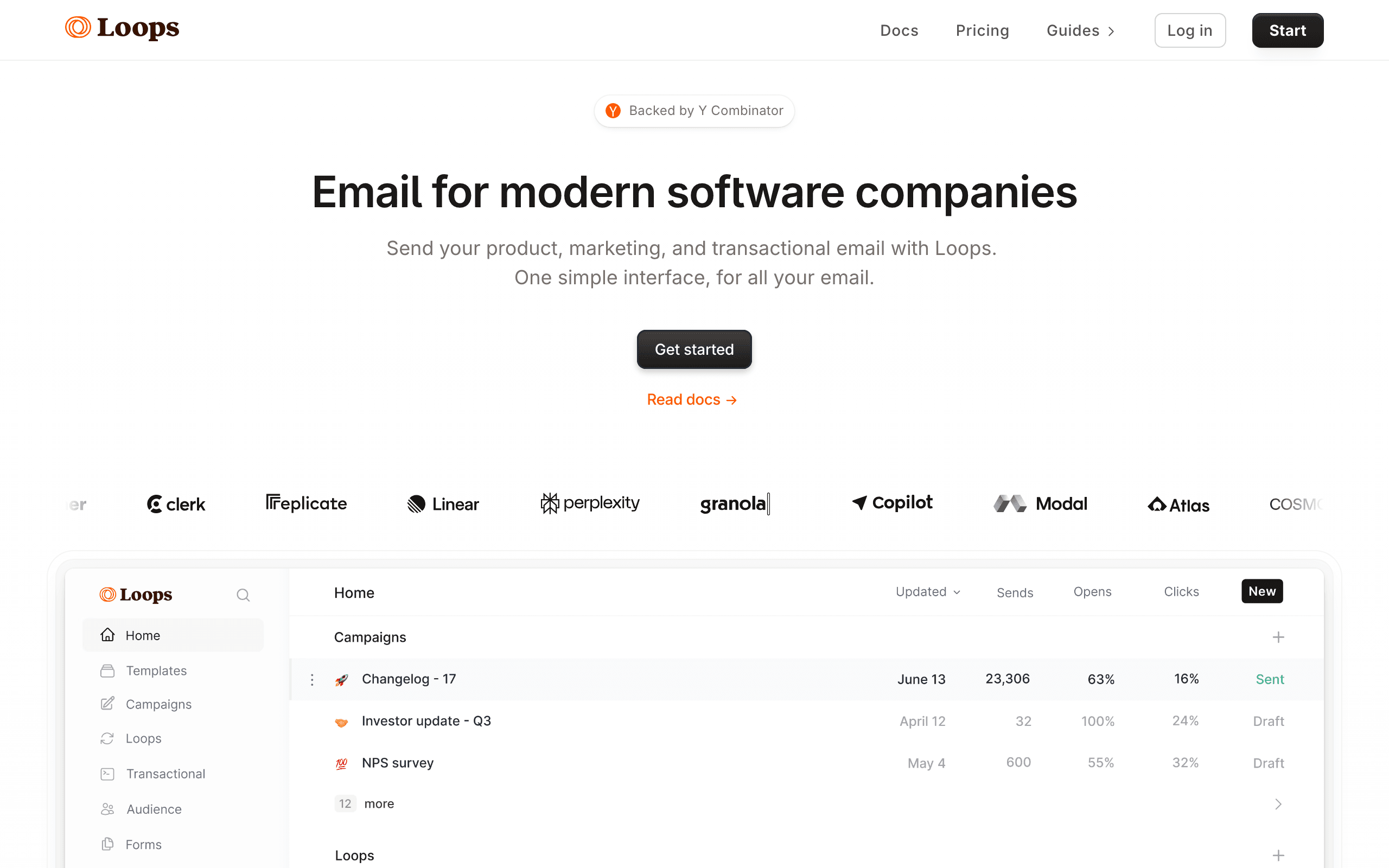
Best for: Early-stage startups wanting simple Paddle-triggered emails
Loops accepts events via API, so you can forward Paddle webhooks and trigger sequences. The simplicity of Loops means the integration is straightforward: receive event, trigger sequence. No complex configuration needed.
Loops is popular with the same audience that often chooses Paddle: indie hackers and small SaaS founders. Both tools are designed for simplicity. Paddle simplifies payments (no tax headaches). Loops simplifies email (no complex workflow builder to learn).
The integration requires a small webhook handler, but the mapping is simple. Paddle sends subscription_created, you forward it to Loops as an event, Loops starts a welcome sequence. No branching logic, no complex conditions, just straightforward event-to-email mapping.
For early-stage startups with a handful of email sequences (welcome, trial ending, payment failed, cancelled), Loops handles everything you need. As your email needs grow more sophisticated, you might outgrow Loops, but it's an excellent starting point.
Pricing: Free for 1,000 contacts, from $49/month Paddle integration: Via event API Pros: Simple setup, clean UX, good free tier, event-driven, fast to implement Cons: Basic automation, limited segmentation, will outgrow for complex needs
5. Paddle (Built-in Email)
Best for: Companies who want zero additional tools
Paddle includes basic dunning and subscription email as part of their service. They handle failed payment retries, send dunning notifications, and manage basic subscription communication. If your email needs are limited to billing-related messages, Paddle's built-in email might be enough.
This is the simplest possible approach: don't add another tool. Paddle sends receipts, handles dunning, and manages basic subscription emails. You focus on building your product.
The limitation is obvious: Paddle's emails are billing-focused. There's no onboarding sequence, no feature education, no newsletter capability, no re-engagement campaigns. The templates are basic and customization is limited. But for very early-stage products where the founder is focused on product-market fit rather than email marketing, "good enough" billing emails from Paddle can work.
Think of Paddle's built-in email as a starting point, not a permanent solution. Use it until your product has enough users that email marketing becomes worthwhile, then add a dedicated tool.
Pricing: Included with Paddle (5% + $0.50 per transaction) Paddle integration: Native (it IS Paddle) Pros: Zero setup, works automatically, no additional cost, handles dunning out of the box Cons: Very limited customization, no marketing email, no sequences beyond dunning, basic templates
6. Encharge
Best for: Non-technical teams wanting visual Paddle automations
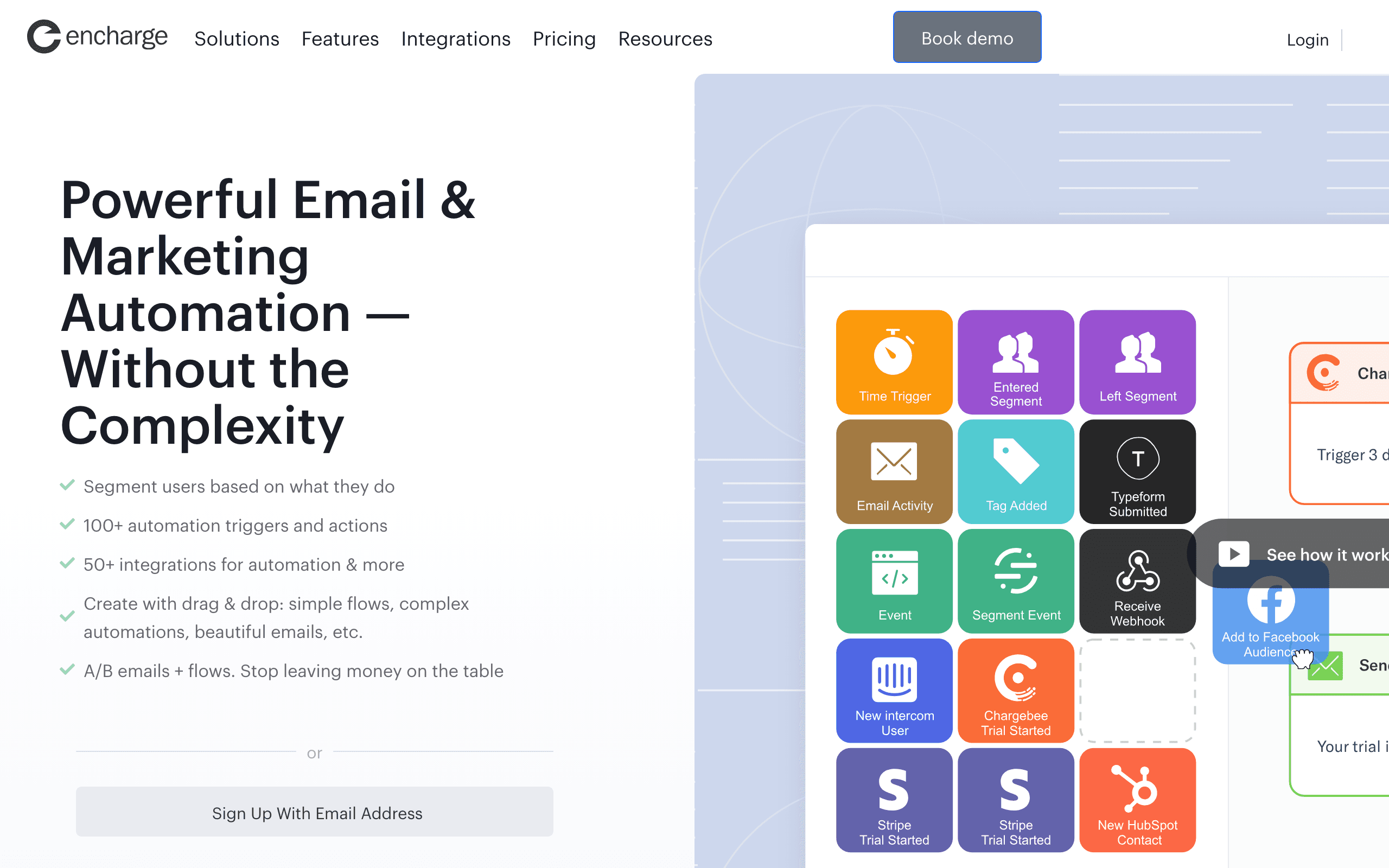
Encharge has a Paddle integration through their connector ecosystem. You can receive Paddle events and build visual automations for lifecycle email. The visual builder makes it accessible for non-technical teams.
Encharge's value proposition for Paddle users is accessibility. If your team doesn't have engineering resources to build webhook handlers and API integrations, Encharge's visual connector approach reduces the technical barrier. You configure the Paddle connection through a UI, not through code.
The visual automation builder lets you drag Paddle event triggers onto a canvas, connect them to email actions, add conditions and delays, and publish workflows without writing code. For teams where the marketing person (not the engineer) owns email automation, this accessibility is a significant advantage.
Pricing: From $79/month Paddle integration: Via integration connectors Pros: Visual builder, non-technical friendly, good automation, accessible UX Cons: Mid-range pricing, integration can require setup, less flexible than code-based options
7. ActiveCampaign
Best for: Sales-led SaaS wanting CRM + Paddle subscription data
ActiveCampaign's event API and webhook support make it possible to forward Paddle events and trigger automations. The CRM layer is what distinguishes it from pure email tools - when a Paddle subscription changes, your sales team can see the update alongside the email program.
The automation builder handles Paddle webhook data well once you've set up the webhook handler. You can branch on subscription state, plan tier, payment history, and other Paddle-sourced attributes. For SaaS businesses with a sales-assisted motion, the CRM context around Paddle subscription data is genuinely useful.
The setup requires more work than plug-and-play tools. You'll need to build a webhook handler that receives Paddle events and forwards them to ActiveCampaign's API. Alternatively, Zapier can bridge the two tools at the cost of some latency and additional monthly fees.
Pricing: From $29/month Paddle integration: Via webhooks or Zapier Pros: CRM + email in one place, mature automation builder, good for sales-led SaaS, large ecosystem Cons: Requires webhook setup or Zapier, not purpose-built for Paddle, pricing scales aggressively
8. Drip
Best for: E-commerce SaaS hybrids using Paddle
Drip's event and workflow system can accept Paddle webhook events forwarded via Zapier or a custom webhook handler. For SaaS products with a strong e-commerce component, Drip combines subscription lifecycle awareness with e-commerce segmentation in a single platform.
The workflow builder is capable and handles branching logic well. Once Paddle events are flowing into Drip via Zapier, you can build sequences that respond to subscription creation, payment failures, upgrades, and cancellations with appropriate messaging for each state.
For pure SaaS, there are more tailored options on this list. But for businesses at the intersection of e-commerce and subscription SaaS - for example, selling digital products through Paddle while also running a subscription tier - Drip's dual focus is actually an advantage.
Pricing: From $39/month Paddle integration: Via Zapier or custom webhooks Pros: E-commerce + SaaS awareness, capable workflow builder, solid segmentation Cons: No native Paddle connector, Zapier adds latency and cost, e-commerce mental model
9. Klaviyo
Best for: Businesses blending e-commerce and Paddle subscriptions
Klaviyo doesn't have a native Paddle connector, but its webhook ingestion and flexible event model can accept Paddle events forwarded from your application code. For businesses that run both Shopify-style e-commerce and a Paddle subscription product, Klaviyo's ability to blend both data sources is genuinely valuable.
The segmentation engine is best-in-class and works well with Paddle subscription attributes once you've set up the event forwarding. Plan name, subscription status, MRR, and billing interval can all become segment dimensions. This lets you build targeted campaigns for trial users, paid customers, past-due accounts, and churned subscribers.
The trade-off is that Klaviyo's mental model is e-commerce throughout. Building SaaS lifecycle email (dunning, trial conversion, feature adoption) on Klaviyo requires translating concepts into an e-commerce-shaped platform.
Pricing: Free up to 250 contacts, from $20/month Paddle integration: Via webhooks or event API Pros: Best-in-class segmentation, blends e-commerce + subscription data, strong analytics Cons: E-commerce mental model, no native Paddle connector, pricing scales with contacts
10. Brevo
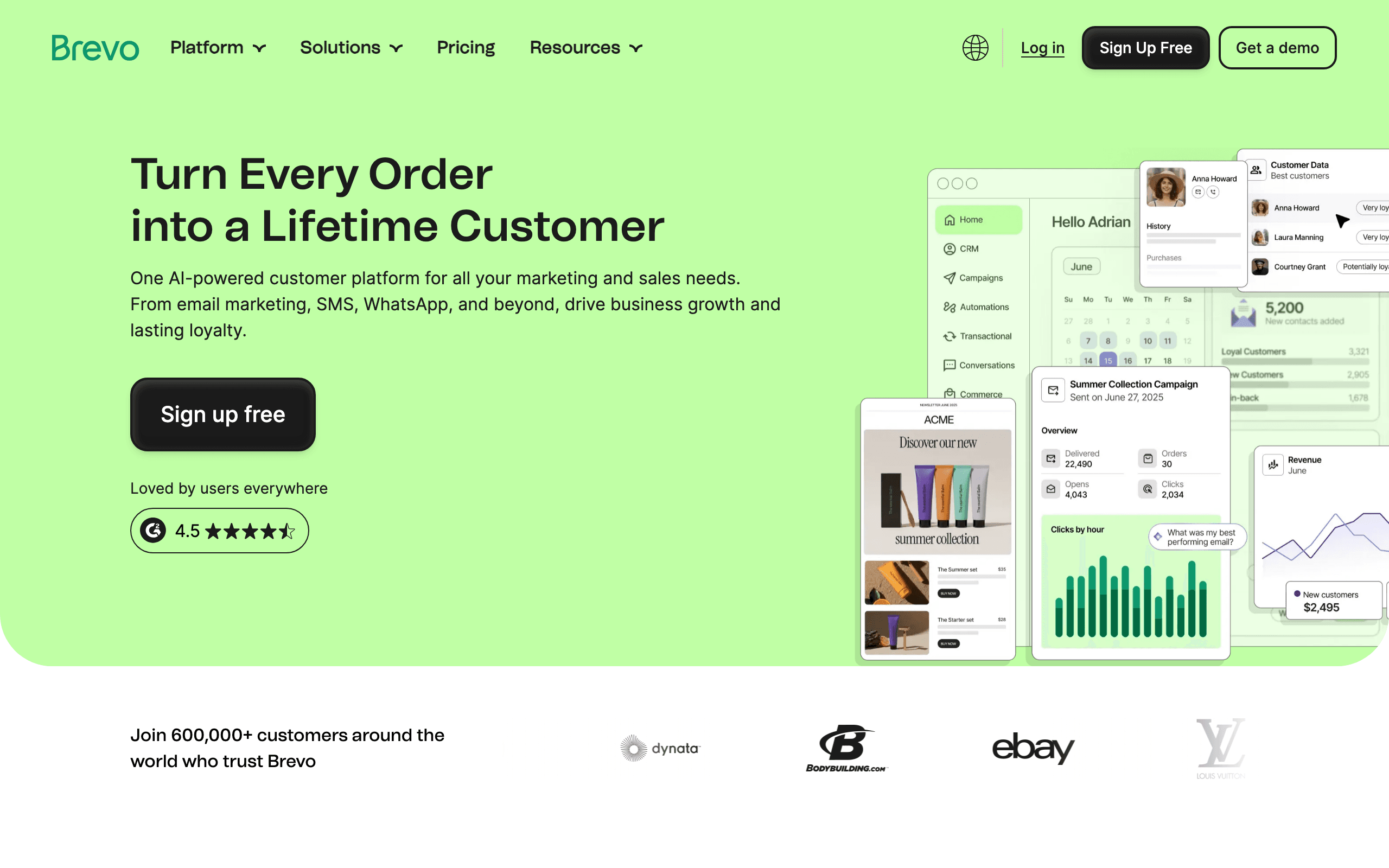
Best for: Budget-conscious teams wanting email and SMS with Paddle
Brevo's transactional API and marketing automation can work with Paddle when you forward webhook events through their API. The combination covers email and SMS in a single affordable package, which is useful for SaaS teams that want multi-channel dunning (email + SMS) without paying for separate tools.
The free tier (300 emails/day) makes it practical to test the integration before committing. For early-stage SaaS using Paddle, the ability to start free and scale affordably is appealing. The automation builder is functional without being best-in-class.
For teams that need both transactional system emails (payment confirmations, receipts) and marketing email (onboarding, newsletters) without paying for two separate tools, Brevo's all-in-one approach at low cost works well with a Paddle webhook setup.
Pricing: Free for 300 emails/day, from $9/month Paddle integration: Via API or webhooks Pros: Affordable, transactional + marketing + SMS in one, generous free tier Cons: No native Paddle connector, automation depth limited, less polished than alternatives
11. Mailchimp
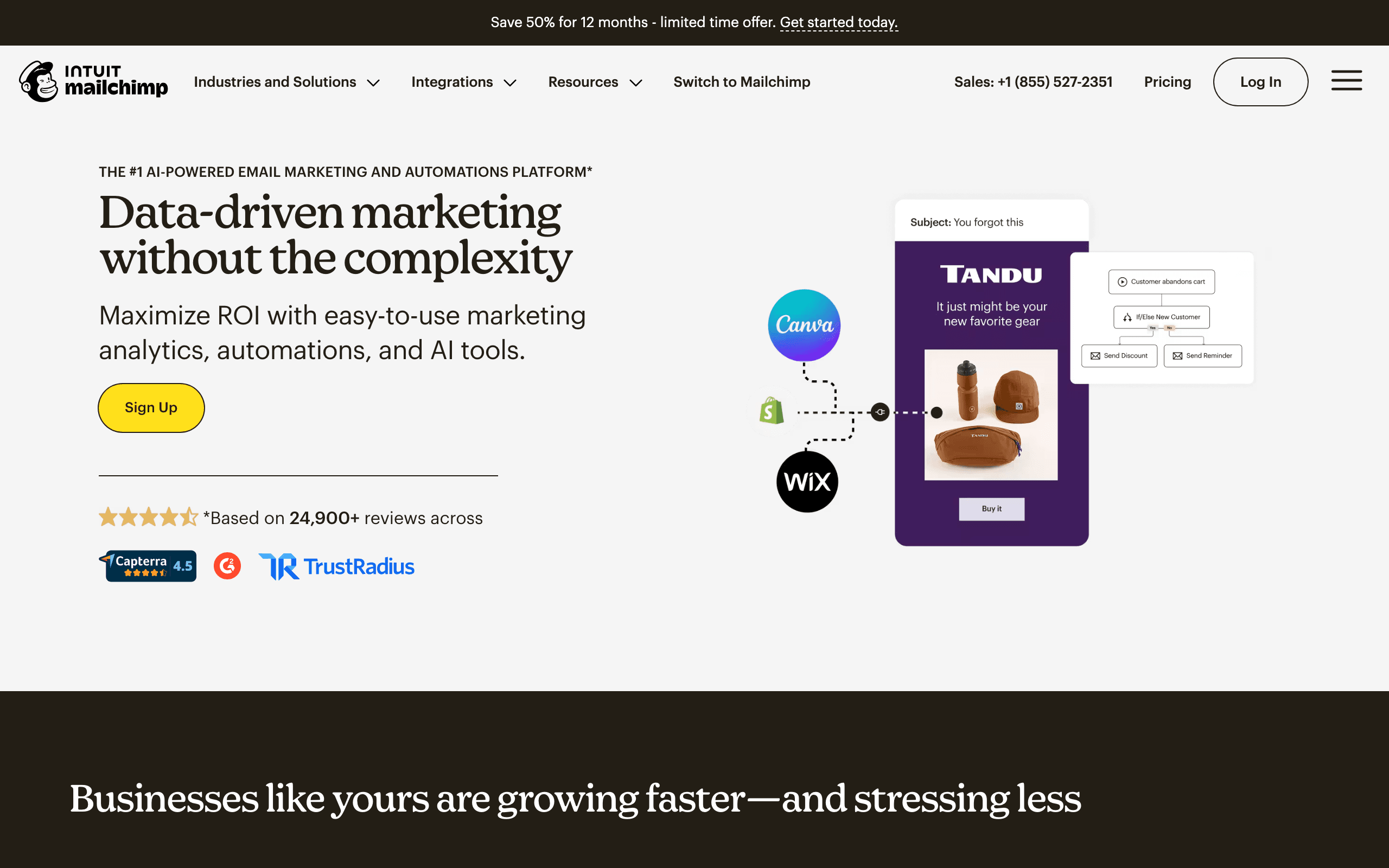
Best for: Teams already on Mailchimp adding Paddle subscription data
Mailchimp's API can receive Paddle subscriber data forwarded via Zapier or a custom integration. For teams already using Mailchimp for marketing email, adding Paddle subscription context via Zapier is the path of least resistance.
The integration works best for simpler use cases: tagging subscribers by subscription status, triggering basic welcome sequences on subscription creation, and sending payment failure notifications. The more complex the Paddle lifecycle logic you need, the more gaps you'll hit in Mailchimp's automation builder.
Mailchimp's strengths are campaign broadcasting, template variety, and the polish of its email editor. If your Paddle email needs are primarily marketing-oriented (campaigns, newsletters, announcements) rather than lifecycle-oriented (dunning, trial conversion), Mailchimp works alongside Paddle reasonably well.
Pricing: Free up to 500 contacts, from $13/month Paddle integration: Via Zapier Pros: Excellent campaign editor, large template library, easy to use, familiar Cons: Zapier dependency for Paddle, automation is list-shaped not event-shaped, pricing scales
12. ConvertKit (Kit)
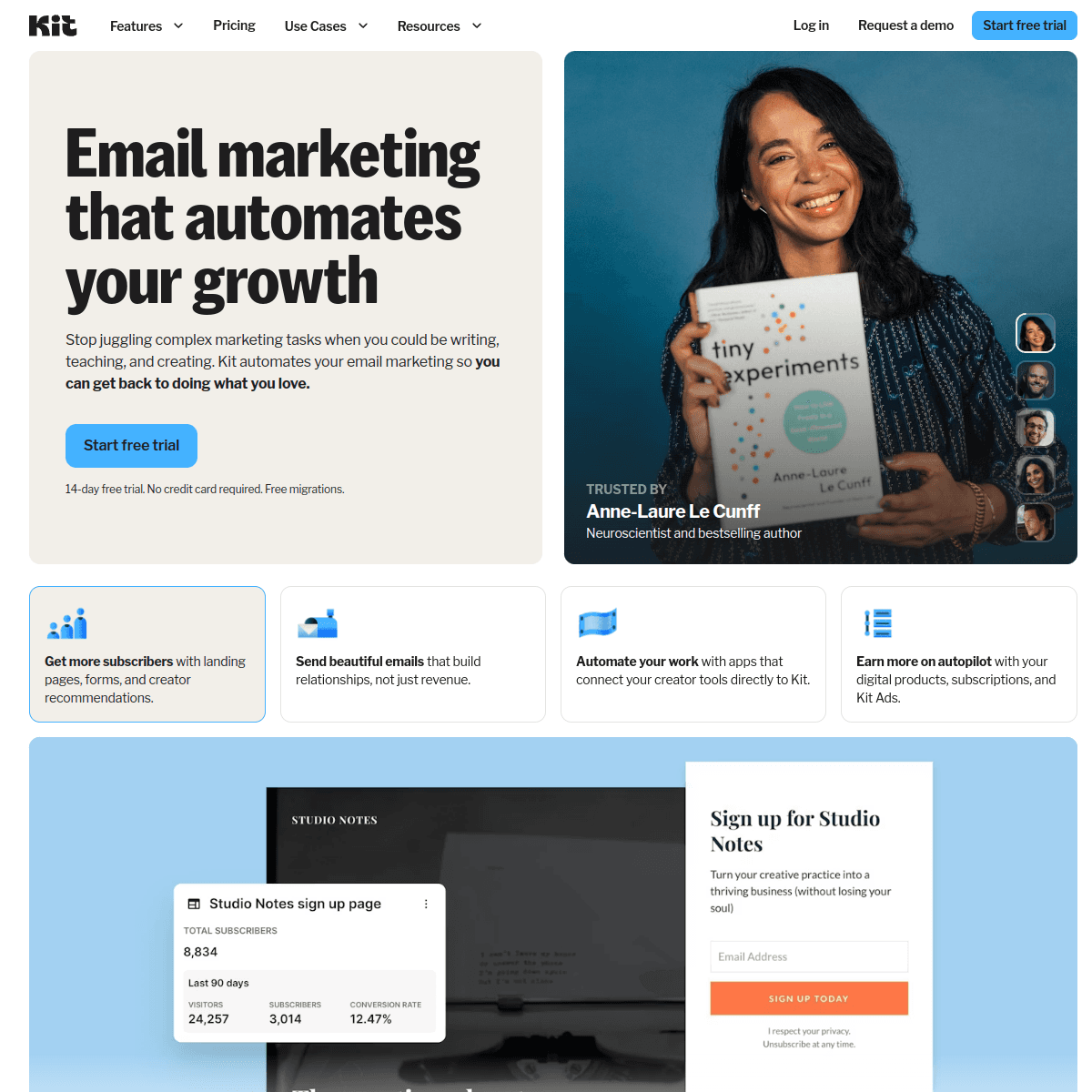
Best for: Creator SaaS with Paddle-powered digital products
ConvertKit (now Kit) works naturally with Paddle for creator-style businesses - courses, digital products, paid communities, and subscription newsletters. While there's no native Paddle connector, forwarding Paddle events to Kit's API via webhooks is manageable and the tagging model maps well to subscription state tracking.
The tag-based segmentation handles paid vs. free, active vs. cancelled, and trial vs. converted subscribers cleanly. For creator businesses where email communication is the primary marketing channel, Kit's polished editor and subscriber-centric model fit naturally alongside Paddle's merchant-of-record approach.
For pure SaaS applications with deep lifecycle needs (multi-step dunning, MRR-based segmentation), Kit is shallower than purpose-built tools. But for digital products and creator businesses, the combination works well.
Pricing: Free up to 10,000 subscribers, from $29/month Paddle integration: Via API/webhooks Pros: Great for creator businesses, generous free tier, clean tagging, solid editor Cons: No native Paddle connector, creator-shaped not SaaS-shaped, limited automation depth
13. HubSpot
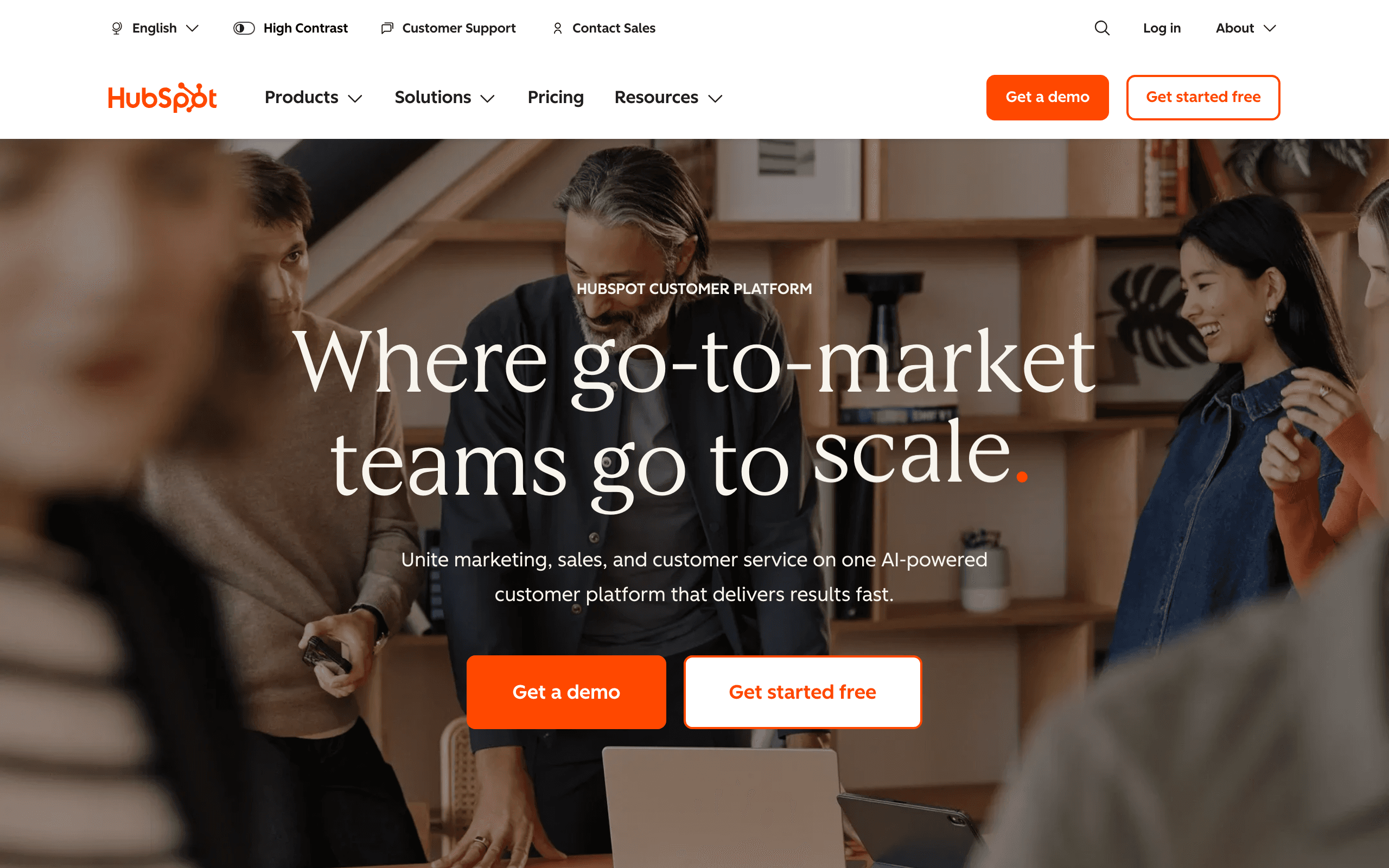
Best for: CRM-centered teams adding Paddle billing data
HubSpot's comprehensive API accepts Paddle webhook data forwarded from your application, and the native HubSpot app ecosystem includes connectors that can bridge Paddle data. For companies already standardized on HubSpot, routing Paddle subscription events into the CRM alongside sales pipeline data creates a unified customer view.
When a Paddle subscription is created, HubSpot contacts can be tagged, deals updated, and workflows triggered - all from the same Paddle webhook event. For sales-led SaaS where CS teams need to see billing status alongside support tickets and deal stages, this consolidation is worth the integration effort.
The honest limitation: HubSpot is CRM-shaped, not subscription-lifecycle-shaped. You can get dunning emails and trial conversion flows to work, but you'll be building them against the grain of a platform optimized for marketing-to-sales handoffs.
Pricing: Free CRM, from $20/month for Marketing Hub Paddle integration: Via webhooks + HubSpot workflow API Pros: Unified CRM + email view, strong reporting, large ecosystem Cons: Pricing escalates rapidly, CRM-shaped automation, not purpose-built for SaaS lifecycle
14. Vero
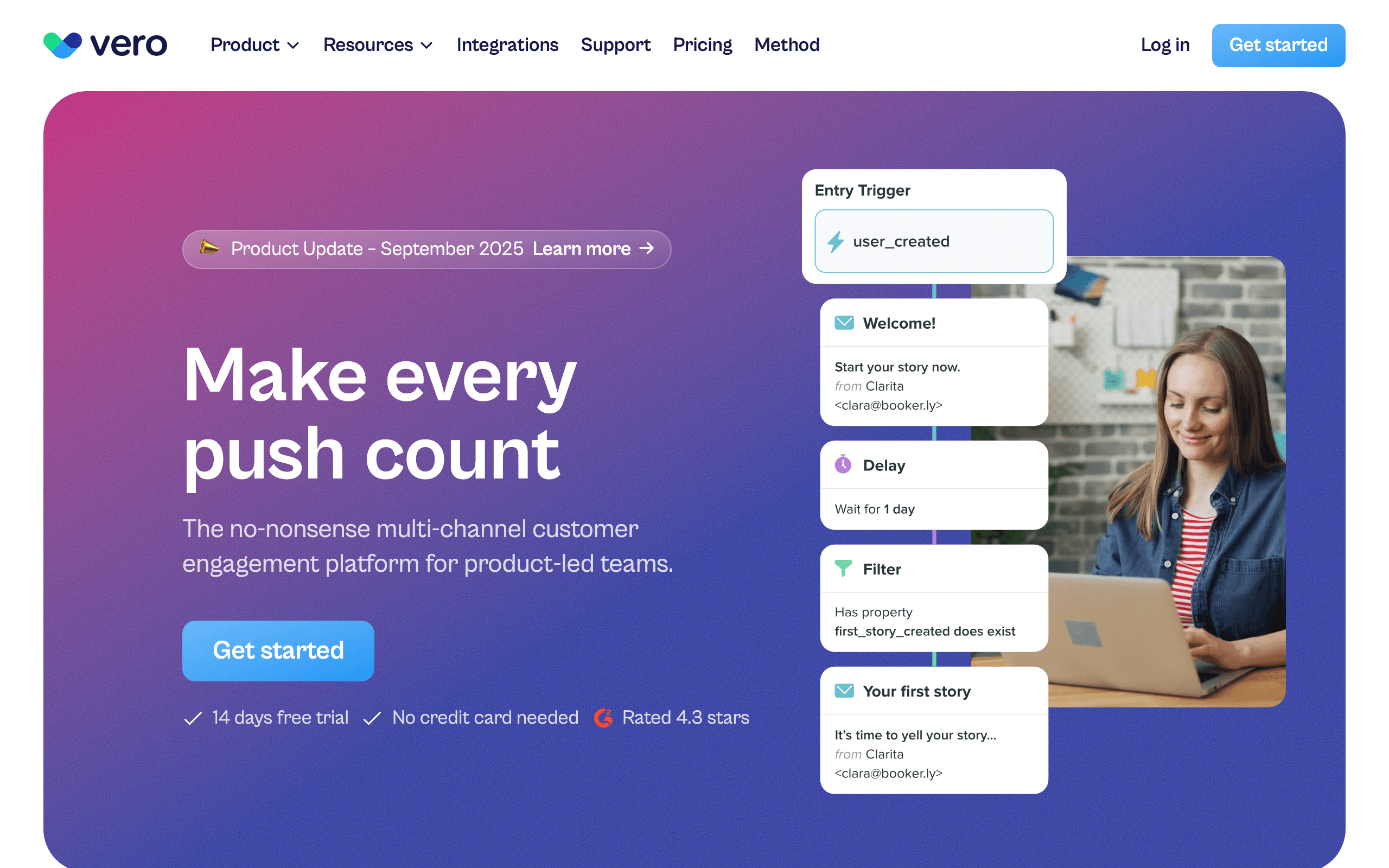
Best for: Product teams wanting event-based messaging from Paddle
Vero's event API and Segment integration make Paddle data ingestion straightforward - forward Paddle webhooks through your application code or via Segment, and every subscription event becomes a Vero event you can use to trigger workflows.
The workflow engine is Vero's strength: branching logic, time delays, condition checks against subscriber attributes, and multi-channel delivery (email + push) work cleanly in a single workflow. For SaaS teams who want Customer.io-style flexibility at a lower price point, and are already using Paddle, Vero is worth evaluating.
It's not the most modern UI and the ecosystem is smaller than larger platforms, but the underlying event handling and workflow capability is solid.
Pricing: From $99/month Paddle integration: Via webhooks or Segment Pros: Mature workflow engine, multi-channel, strong segmentation, predictable pricing Cons: No native Paddle connector, dated UI, smaller ecosystem
15. Bento
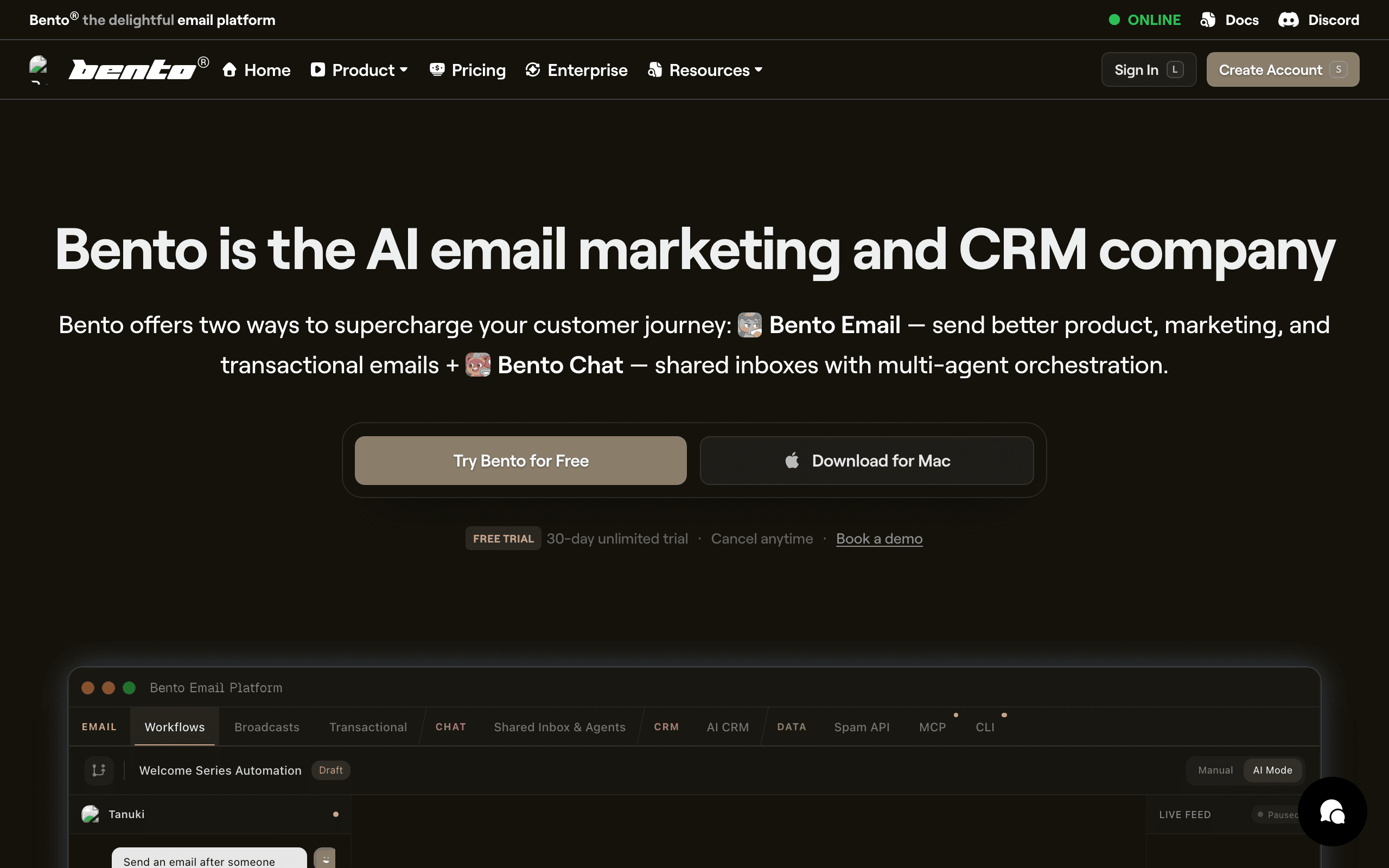
Best for: Indie SaaS wanting events + email with Paddle
Bento's behavior-driven platform accepts Paddle webhook events forwarded via your application code. The event model fits Paddle data well - every subscription event becomes a Bento event that can trigger flows or build segments.
For indie SaaS choosing Paddle for its simplicity and tax handling, Bento's indie-friendly pricing and event-driven model create a natural pairing. The Bento + Paddle combination means you handle payments simply (via Paddle) and email simply (via Bento) without enterprise complexity.
The honest caveats apply: Bento's UI has friction, documentation has gaps, and some workflows take more clicks than they should. The capability is there; the polish is still catching up.
Pricing: From $30/month Paddle integration: Via event API Pros: Native event model, indie-friendly pricing, Stripe attributes also sync for comparison Cons: UI feels cluttered, documentation gaps, smaller ecosystem
16. Ortto (formerly Autopilot)
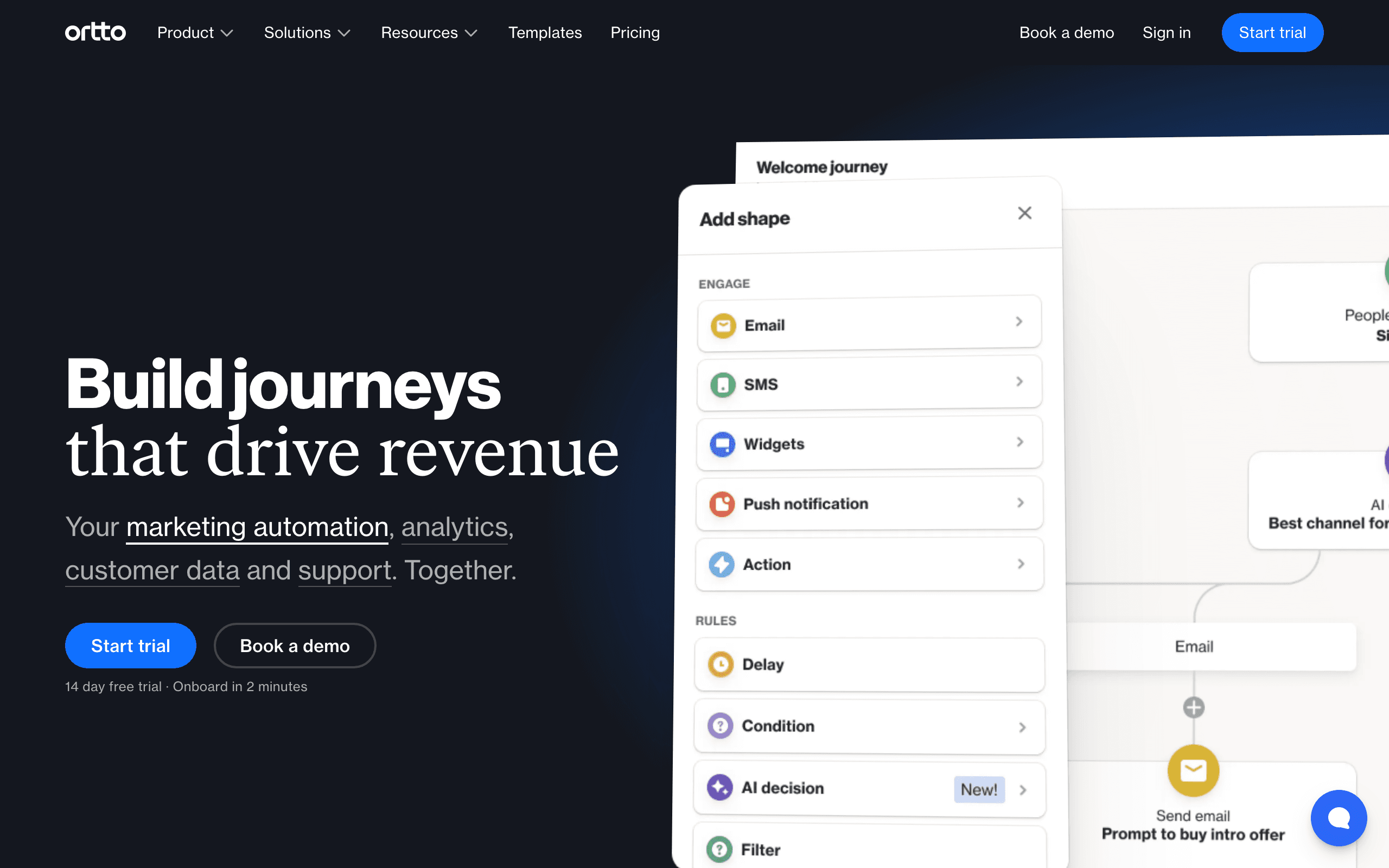
Best for: Marketing teams wanting Paddle data inside a journey builder
Ortto's CDP-style activity feed can accept Paddle events via webhooks and API. Once Paddle subscription data is flowing, Ortto's journey builder can trigger campaigns from payment events and segment audiences by subscription status and plan tier.
The journey builder is polished and capable, handling multi-step flows with conditions, delays, and multi-channel delivery. For marketing teams that want to see the full customer journey - from first Paddle subscription to email engagement to conversion - Ortto's analytics integration with the journey data provides a unified view.
The catch is pricing. Ortto's lower tiers don't include the data sources or capacity needed to make Paddle-driven journeys work at scale. Realistically you're at the higher plans before this becomes usable.
Pricing: From $599/month for usable tiers Paddle integration: Via webhooks and API Pros: Strong journey builder, integrated analytics, multi-channel, polished UI Cons: Expensive, complex, no native Paddle connector, contracts can be rigid
17. Intercom
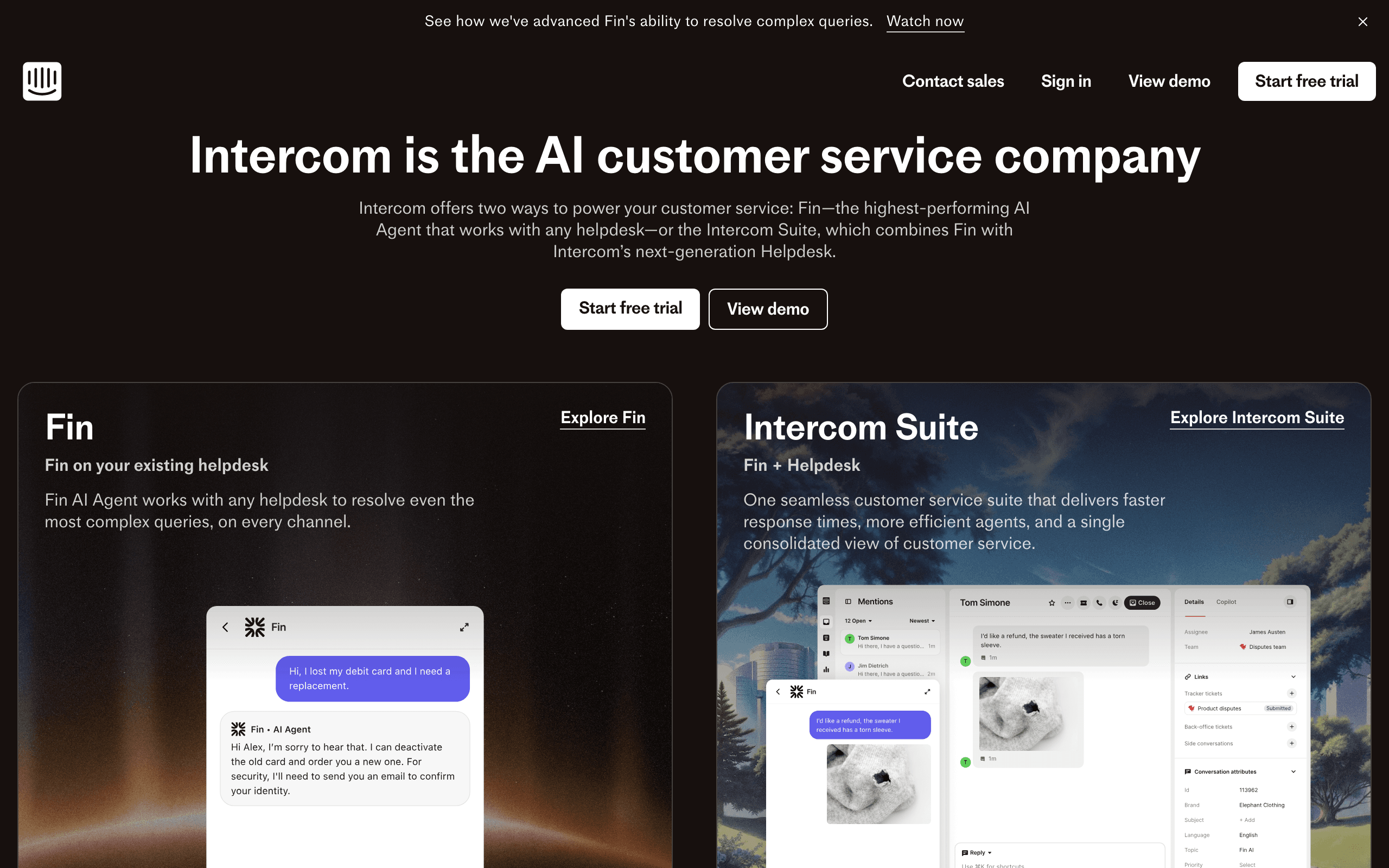
Best for: Product teams combining Paddle billing with in-app messaging
Intercom's product messaging platform can accept Paddle events via webhooks and their data API. When a Paddle subscription changes state, Intercom can update user profiles, trigger in-app messages, and start email sequences - all from the same event.
The real value is the channel mix. When a payment fails, you can show an in-app banner to active users while simultaneously sending a dunning email. Users who are actively in your product get the more immediate in-app notification; users who haven't logged in recently get the email. That channel-aware dunning reduces churn better than email alone.
Intercom is priced per seat, which can add up. Most teams that choose Intercom do it for the support inbox and product messaging, with billing-related automation as a complement.
Pricing: From $39/month per seat Paddle integration: Via webhooks and data API Pros: Email + in-app messaging from same events, support inbox included, multi-channel dunning Cons: Per-seat pricing adds up, marketing email features are secondary, complex setup
18. Iterable
Best for: Enterprise SaaS with complex multi-channel Paddle programs
Iterable is an enterprise messaging platform that expects events to arrive via CDP (Segment), data warehouse, or your own webhook ingestion. Paddle events route through one of those paths into Iterable's event stream, where they can trigger cross-channel lifecycle programs.
Once data is flowing, Iterable's strengths are real: sophisticated journey orchestration, robust experimentation, and multi-channel scale. For Series B+ SaaS companies with dedicated growth and marketing operations teams, Iterable handles the complexity that smaller tools can't.
For most SaaS using Paddle, Iterable is overkill - both in price and complexity. But for enterprise teams with sophisticated lifecycle needs, it scales.
Pricing: Custom, typically $500+/month Paddle integration: Via CDP or webhook ingestion Pros: Enterprise orchestration, cross-channel, strong experimentation, scales to large volumes Cons: Expensive, long implementation, requires dedicated team, overkill for most SaaS
19. MailerLite
Best for: Solo founders running simple SaaS with Paddle payments
MailerLite's clean interface and generous free tier make it accessible for solo founders who want basic lifecycle emails alongside Paddle billing. Forwarding Paddle webhook events via Zapier or a simple webhook handler gives MailerLite the subscription event data it needs to trigger basic automations.
The automation builder handles welcome sequences, trial ending reminders, and simple payment failure notifications well. For solo operators who don't need complex branching logic or MRR-based segmentation, MailerLite covers the basics affordably.
The ceiling shows when you need event-driven behavioral email or complex multi-step automations. MailerLite is shaped around lists and broadcasts more than events and journeys.
Pricing: Free up to 1,000 subscribers, from $10/month Paddle integration: Via Zapier or webhooks Pros: Clean editor, generous free tier, simple pricing, easy for solo founders Cons: No native Paddle connector, automation depth limited, not event-shaped, basic segmentation
20. Moosend
Best for: Affordable automation for Paddle-powered products
Moosend offers email marketing automation at one of the lowest price points in the category. Paddle webhook events can be forwarded to Moosend's API or connected via Zapier to trigger automations and update subscriber attributes.
The automation builder is capable for the price point - branching logic, time delays, and conditional paths work reasonably well. For SaaS teams that are early-stage and price-sensitive, Moosend gives you automation capabilities that aren't watered down just because the price is low.
Where Moosend falls behind dedicated SaaS tools is specificity. There are no pre-built SaaS lifecycle templates or Paddle-specific patterns. You build from scratch, which works but takes more time than tools that come with SaaS-shaped starting points.
Pricing: From $9/month Paddle integration: Via Zapier or API Pros: Very affordable, decent automation builder, good deliverability, simple interface Cons: No native Paddle connector, no SaaS-specific patterns, smaller ecosystem, basic reporting
21. Omnisend
Best for: E-commerce SaaS hybrids using Paddle
Omnisend is primarily built for e-commerce marketing, but its webhook ingestion and automation capabilities can work with Paddle subscription events. For SaaS products with a strong e-commerce component - selling digital products or software licenses through Paddle - Omnisend bridges the gap between e-commerce marketing and subscription lifecycle.
The platform includes SMS and push notification channels alongside email, which is useful for multi-channel dunning when Paddle payment failures occur. The segmentation is solid and the email editor is polished, reflecting Omnisend's e-commerce roots.
For pure subscription SaaS, Omnisend's e-commerce orientation gets in the way. For hybrid businesses where physical or digital products are sold alongside a SaaS subscription through Paddle, the combination is more natural.
Pricing: Free for 500 emails/day, from $16/month Paddle integration: Via webhooks Pros: Multi-channel (email + SMS + push), solid segmentation, polished editor, e-commerce strengths Cons: E-commerce orientation, no native Paddle connector, SaaS lifecycle is secondary focus
Building Paddle-to-Email Integration
If your email tool doesn't have native Paddle support, here's the practical approach:
Step-by-Step Setup
-
Set up a webhook endpoint in your app that receives Paddle events. This can be a Next.js API route, an Express endpoint, or a serverless function (AWS Lambda, Vercel, Cloudflare Workers).
-
Register the endpoint in Paddle under Developer Tools > Webhooks. Select the events you want to receive.
-
Verify the webhook signature to ensure the request actually came from Paddle. Paddle signs webhooks, and your endpoint should verify the signature before processing.
-
Map Paddle events to your email tool's event format. Transform the Paddle payload into something your email tool understands.
-
Forward events to your email tool via their API. Include relevant properties like plan name, amount, trial end date, and customer email.
-
Tag subscribers based on subscription status. Update tags when status changes (trial to active, active to cancelled, etc.).
Key Paddle Events to Capture
subscription_created- New subscription (start onboarding)subscription_cancelled- User cancelled (trigger exit survey + win-back)subscription_payment_failed- Payment failure (start dunning)subscription_payment_succeeded- Payment recovered (stop dunning)subscription_updated- Plan change (acknowledge upgrade/downgrade)subscription.trial_ended- Trial period ended (conversion or expiration handling)subscription_past_due- Subscription entered past-due state (escalate dunning)
Handling Paddle's "Update Payment" Flow
Unlike Stripe (where you might embed a card update form), Paddle handles payment method updates through their hosted pages. Your dunning emails should include a link to Paddle's update payment URL for the specific subscription.
Paddle provides this URL in the subscription data. When forwarding the payment_failed event to your email tool, include the payment update URL as an event property so your email templates can include the correct link. This is a small detail that makes a big difference in dunning recovery rates.
Paddle vs. Stripe: Email Integration Comparison
| Aspect | Stripe | Paddle |
|---|---|---|
| Native email tool integrations | Many (20+) | Few (2-3) |
| Typical integration method | One-click OAuth | Webhook forwarding |
| Setup time | 5-10 minutes | 1-3 hours |
| Reliability once set up | Excellent | Excellent |
| Data richness | Good | Good (more tax/compliance data) |
| Payment update UX | Embedded forms possible | Paddle hosted pages |
| Dunning emails | Via email tool | Paddle built-in + email tool |
The setup time difference is real but one-time. Once configured, webhook-based Paddle integration is just as reliable as native Stripe integration. Don't let the initial setup friction steer you away from Paddle if the merchant-of-record model is the right fit for your business.
Best Paddle Email Tool by Use Case
Best Paddle email tool for SaaS dunning
Choose Sequenzy when failed payments, subscription cancellations, and recovery emails need to connect directly to lifecycle campaigns. Paddle's hosted payment update flow is useful, but the email sequence still needs SaaS context. Start with Paddle integration, SaaS dunning templates, and subscription business email tools.
Best Paddle email tool for B2B SaaS teams
Customer.io, Userlist, and Sequenzy are the right shortlist when the product has workspaces, seats, or account-level billing. You need company context, not just subscriber tags. Compare Customer.io, best SaaS lifecycle email tools, and sales-led SaaS email tools before routing Paddle events into a generic email platform.
Best Paddle email tool for indie SaaS
Loops, Bento, and Sequenzy are better fits for small teams that want launch, trial, and payment emails without enterprise setup. Keep the first version focused: welcome, trial reminder, failed payment, and upgrade emails. Use SaaS onboarding templates and trial conversion templates to keep the workflow lean.
Best Paddle email tool for ecommerce-SaaS hybrids
Klaviyo, Drip, and Omnisend make more sense when Paddle is only one piece of a broader commerce business. If purchases, catalog behavior, and repeat orders matter as much as subscriptions, compare Klaviyo, Drip alternatives, and ecommerce email tools.
FAQ
Is Paddle's built-in email good enough? For dunning and basic billing notifications, yes. For marketing, onboarding, lifecycle, and engagement email, no. You'll need a separate tool. Most SaaS companies add a dedicated email tool once they have a few hundred subscribers and want to actively grow through email.
Why don't more email tools have native Paddle integration? Paddle has a smaller market share than Stripe, so fewer tools have built native integrations. This is changing as Paddle grows, but for now, webhook forwarding is the standard approach. As Paddle's user base reaches critical mass, more email tools will invest in native connectors.
Can I use Zapier to connect Paddle to my email tool? Yes. Zapier has Paddle triggers and actions for many email tools. It works but adds cost ($20+/month) and latency. For critical flows like dunning, direct webhook integration is more reliable. For less critical flows (welcome email, cancellation survey), Zapier is fine.
Should I switch from Paddle to Stripe for better email integration? Probably not. Paddle's value (handling tax, VAT, merchant of record) usually outweighs the inconvenience of webhook-based email integration. The email integration is a solvable problem that takes a few hours to set up once. Tax compliance is an ongoing burden that Paddle eliminates permanently.
How do I handle Paddle's merchant-of-record model in email content? Since Paddle is the merchant of record, receipts and invoices come from Paddle, not from you. Your email tool handles everything else: onboarding, lifecycle, marketing, and dunning communication. Make sure your dunning emails explain clearly how to update payment details (linking to Paddle's hosted page), since the billing relationship is technically between the customer and Paddle.
What happens if my webhook handler goes down? Paddle retries failed webhooks multiple times over several hours. If your handler comes back online within that retry window, you won't miss events. For additional safety, implement a reconciliation process that periodically checks Paddle's API for subscription states and updates your email tool if any webhooks were missed. This is a belt-and-suspenders approach that most teams add after launching.
Can I track revenue attribution through Paddle? Yes, but it requires more manual setup than with Stripe. You'll need to forward subscription creation events with revenue data to your email tool and build attribution logic based on which emails the customer received before converting. Some email tools (Customer.io, ActiveCampaign) support revenue tracking that can work with Paddle data.
How do I test Paddle webhook integration before going live? Paddle has a sandbox environment where you can create test subscriptions and trigger events. Use the sandbox to verify your webhook handler correctly processes each event type and forwards it to your email tool. Test the full flow end-to-end before connecting production webhooks.