

How to Choose the Right Email Tool for Your Practice
Practice Size and Structure
Solo preparers need simple tools they can manage without IT support. Sequenzy or MailerLite handle seasonal campaigns and client communication without complexity.
Multi-preparer firms with office staff benefit from tools with CRM features and team management. ActiveCampaign's built-in CRM tracks client relationships across preparers and tax years.
Seasonal Pricing Matters
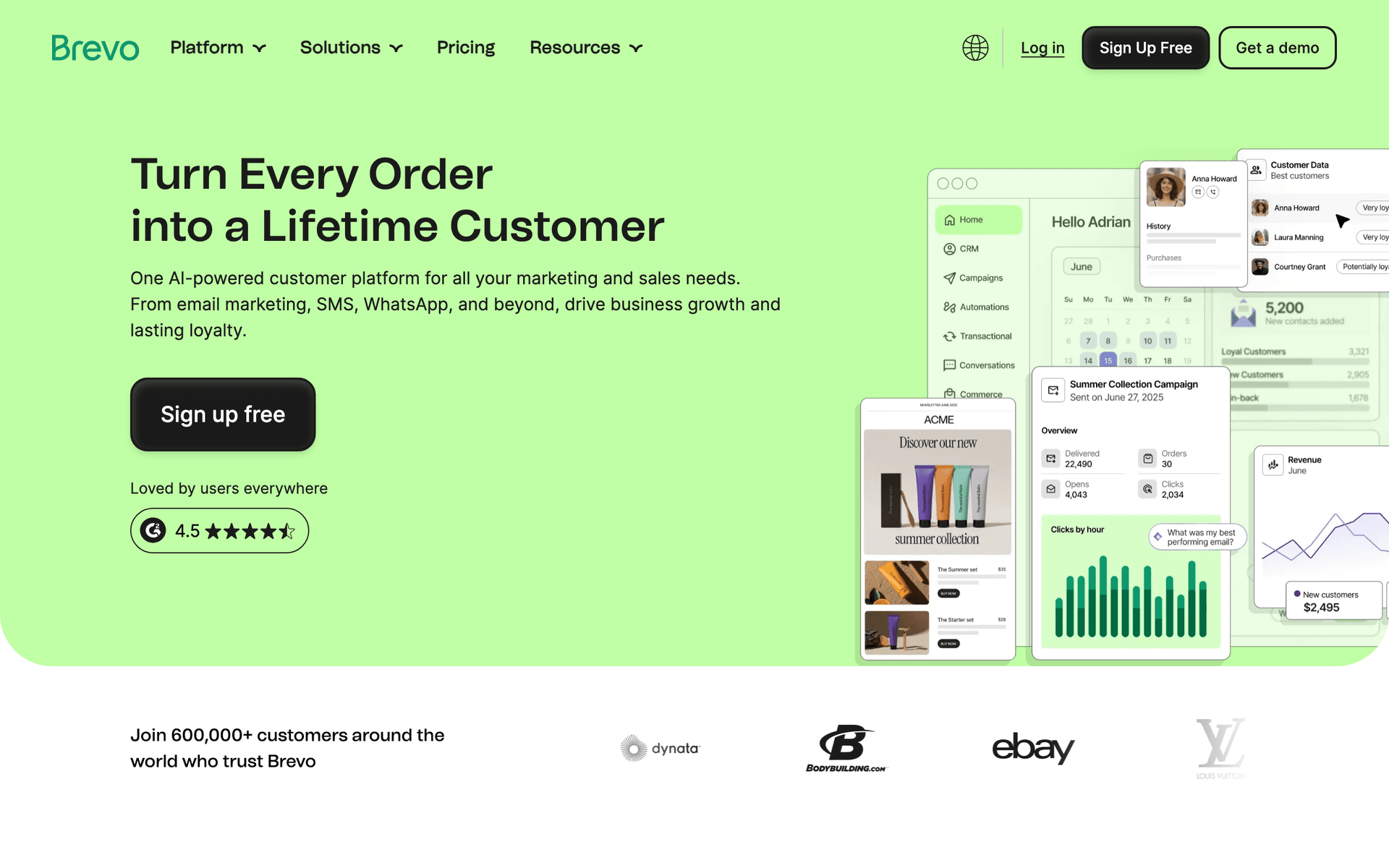
Tax preparation is heavily cyclical. You send far more emails January through April than May through December. Per-contact pricing charges you the same every month regardless of sending volume. Pay-per-email pricing from Sequenzy or Brevo aligns costs with your seasonal sending patterns.
Budget Reality
Calculate your email tool cost at your actual client database size. Established practices with 5,000+ client records face significant monthly costs on per-contact pricing. A practice with 5,000 contacts on Mailchimp pays $75+/month even during months when you send only a handful of emails.
Tax Preparer Email Benchmark Table
| Email type | Healthy range | What it indicates | Improvement lever |
|---|---|---|---|
| January scheduling open rate | 40-60% | Clients are ready to plan early | Lead with available appointment windows |
| Document checklist click rate | 15-30% | Clients are preparing before the appointment | Segment by return type |
| Deadline reminder open rate | 45-65% | Urgency is clear and relevant | Include exact date and next step |
| Off-season planning click rate | 5-12% | Clients see you as an advisor | Tie advice to life events |
| Referral request conversion | 2-6% | Satisfied clients are willing to share | Ask after filing or refund confirmation |
What Actually Works for Tax Preparers
Document Collection Emails Save Hours
Clients who receive automated reminder sequences arrive prepared for their appointments. A three-email document collection flow - confirmation checklist, detailed guide, final reminder - means less time chasing W-2s and 1099s. During your busiest season, this saved time translates directly to more appointments per day.
| Client type | Checklist focus | Best send timing | Portal reminder |
|---|---|---|---|
| Simple W-2 filer | W-2, interest forms, dependent details | After appointment booking | Upload before appointment |
| Freelancer | 1099s, expenses, mileage, home office | 2-3 weeks before appointment | Separate income and deductions |
| Small business owner | P&L, payroll, estimated taxes, receipts | January and before quarterly deadlines | Secure upload only |
| Investor | Brokerage statements, crypto records, K-1s | When forms are expected | Warn that late forms may delay filing |
| New client | Prior return, ID, dependents, bank info | Immediately after intake | Explain secure transfer process |
Year-Round Communication Drives Retention
Clients who hear from you between tax seasons stay clients. Monthly planning tips, quarterly estimated tax reminders, and year-end strategy emails keep you positioned as their trusted advisor. The practices with the highest retention rates are the ones that communicate consistently, not just seasonally.
Early Scheduling Emails Fill Your Calendar
Start January reminders in the first week of January. Clients who schedule early are easier to serve because they have more time to gather documents and you can spread your workload more evenly. The preparers who start marketing earliest have the least stressful tax seasons.
The Tax Preparer Email Calendar
January - April: Tax Season
Week 1 of January: New year scheduling reminder to entire client list February 1: W-2 and 1099 arrival reminder with document checklist March 1: One-month deadline warning with remaining appointment slots April 1: Final week urgency and extension information Mid-April: Post-filing referral request and thank-you
May - September: Relationship Building
Monthly: Tax planning tips, financial wellness advice, or tax law updates Quarterly: Estimated tax payment reminders for business clients As needed: Tax law changes that affect your clients
October - December: Year-End Planning
October 1: Year-end planning opportunities overview November 1: Specific strategies - retirement contributions, charitable giving December 1: Last chance for tax-saving moves before year-end
| Season | Email focus | Client segment | Goal |
|---|---|---|---|
| January-April | Scheduling, documents, deadlines | All active clients | File accurately and on time |
| April-June | Post-filing review and estimates | Business and self-employed clients | Prevent surprise quarterly payments |
| July-September | Planning and life changes | High-value and complex clients | Identify advisory opportunities |
| October-December | Year-end tax moves | Business owners, investors, families | Act before December 31 |
| After filing | Reviews, referrals, retention | Satisfied clients | Grow next season's client base |
Getting Started
- Import your client list with service type tags (individual, business, complex)
- Set up your January-April tax season reminder sequence
- Create document collection automation triggered by appointment scheduling
- Build a year-end planning campaign for October-December
- Plan monthly off-season newsletters for ongoing engagement
Start with the tax season countdown and document collection sequences - they have the most immediate impact on your practice's efficiency and client satisfaction.
What Tax Preparers should prioritize first
For Tax Preparers, email works when it supports trust, compliance, referrals, and long sales cycles. The software matters, but the operating habit matters more: collect the right contacts, send messages at the right moments, and keep the content useful enough that people keep opening.
Start by comparing the ranked tools above around the workflows you will actually run. A good tool for Tax Preparers should make it easy to segment contacts, write a campaign quickly, automate the obvious follow-ups, and see whether the email produced a booking, sale, reply, renewal, or return visit.
The first workflows to build are usually simple. For this page, the natural starting points are Tax Season Countdown, Document Collection Sequence, Year-End Tax Planning, New Client Onboarding. Do not build a complicated journey until those basics are working.
A practical rollout looks like this:
| Week | Focus |
|---|---|
| 1 | Import contacts, clean segments, and write the first useful campaign. |
| 2 | Launch the highest-value reminder or follow-up automation. |
| 3 | Add one educational or trust-building email that is not a promotion. |
| 4 | Review opens, clicks, replies, bookings, purchases, or returned customers. |
The most important page-specific ideas are Start January reminders in the first week of January; Automate document collection starting the moment clients schedule; Stay connected year-round with monthly tax planning tips. Those should become your first campaigns before you worry about advanced automation.
Choose the tool that makes this cadence realistic. If a platform has more features but makes weekly sending harder, it is the wrong fit. If a simpler platform helps the team communicate consistently and measure the result, it will usually produce more value.