Updated 2026-03-15

Best Email Marketing Tools for No-Code SaaS

Build powerful email automation without writing code. Visual workflows, Zapier integrations, and template-driven sequences for no-code teams.

No-code SaaS companies are built by founders who ship fast without engineering teams. Your email marketing tool needs to match that philosophy. If setting up an onboarding sequence requires API integration and custom webhook handlers, it defeats the purpose. You need visual builders, drag-and-drop workflows, and Zapier connections that let you launch email automation in an afternoon, not a sprint. Here are the tools that let no-code teams run sophisticated email marketing without touching code.

TL;DR

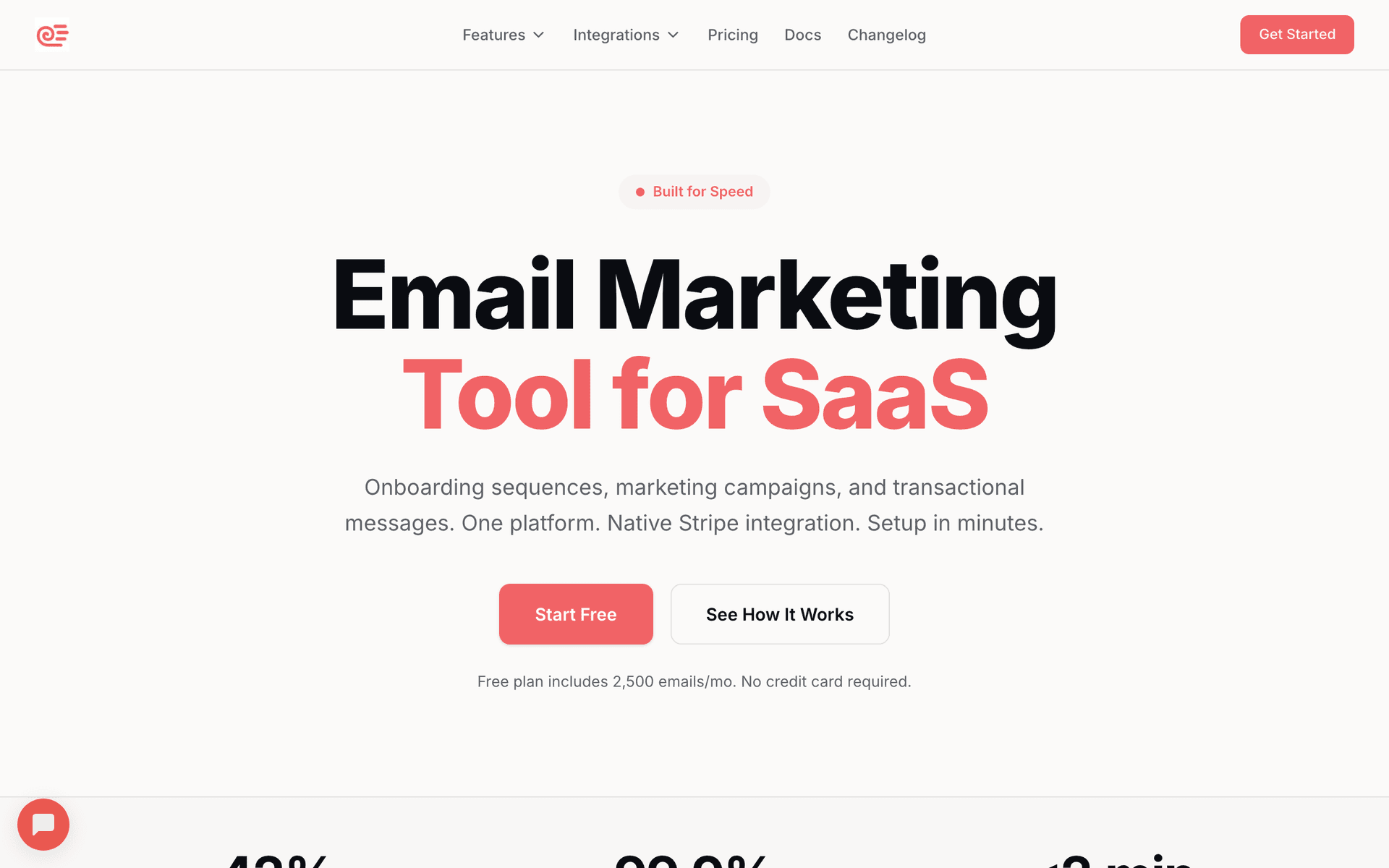
For no-code SaaS, Sequenzy is the best fit - the AI generates complete email sequences from a description, native Stripe integration works without code, and Zapier connects product events to email triggers. Start free with up to 2,500 emails/month. For the most powerful visual automation builder, ActiveCampaign is the leader but has a steep learning curve. For no-code founders also building a content audience, ConvertKit offers a generous free tier with simple automation.

Why No-Code SaaS Needs Email Marketing

Onboarding Without Engineering

No-code SaaS teams cannot build custom onboarding flows in code. Visual email automation builders let founders create behavior-triggered onboarding sequences using point-and-click interfaces.

Zapier-First Integration

No-code SaaS products often connect to the world through Zapier. Your email tool needs to work as a Zapier action so product events can trigger emails without custom integration code.

Template-Driven Campaigns

Without a designer on the team, email templates need to look professional out of the box. Drag-and-drop editors and pre-built templates let no-code founders create polished campaigns.

Fast Iteration

No-code teams iterate fast. Your email tool should let you create, test, and modify sequences in minutes, not days. The faster you can ship an email experiment, the faster you learn what converts.

No-Code SaaS Email Marketing Benchmarks

Know these numbers before you start. They'll help you set realistic goals and pick the right tool.

30-45%
Average Open Rate

No-code SaaS product emails typically see 30-45% open rates because users are engaged with the product. Onboarding and feature announcement emails perform best. Generic newsletters without product relevance trend lower.

3-7%
Average Click Rate

Click rates of 3-7% are typical for no-code SaaS emails. Template showcase emails and feature tutorials drive the highest clicks. Emails with a single clear CTA outperform those with multiple links.

Behavior-triggered via Zapier
Best Send Time

The best no-code SaaS emails are triggered by product events via Zapier, not sent at scheduled times. Signup triggers onboarding. Inactivity triggers re-engagement. For broadcast emails, Tuesday-Thursday mornings work best.

25-40% of signups
Onboarding Completion Rate

No-code SaaS products with automated onboarding sequences see 25-40% of signups complete their first key action. Without onboarding emails, this drops to 10-15%. The template showcase email on day 1 is typically the highest-performing single email.

Important Tips Before You Choose

Lessons from no-code saaswho've been doing this for years. Save yourself the trial and error.

Use Zapier as your integration layer between product and email

For no-code SaaS, Zapier replaces custom API integration. When a user signs up in your Bubble app, a Zap fires and adds them to your email tool with appropriate tags. This approach has a small delay (1-15 minutes depending on your Zapier plan) but is practical without a developer.

Let AI generate your first email sequences

No-code founders should not spend hours writing marketing emails. Use AI sequence builders to generate your onboarding, dunning, and feature announcement emails. Describe what you need in plain language and customize the output. This gets you from zero to functional email automation in an hour.

Start with templates, not blank canvases

The best email designs for no-code SaaS are simple. Use your tool's pre-built templates as starting points. Stick to your logo, one or two colors, and clean typography. A plain-text style email from the founder often converts better than a heavily designed template.

Connect Stripe for automatic payment-triggered emails

If your no-code SaaS uses Stripe for payments, connect it directly to your email tool. New subscriptions trigger welcome emails. Failed payments trigger dunning sequences. Plan upgrades trigger congratulations. This automation runs without writing a single line of code.

Test and iterate on email sequences the same day you think of them

The no-code advantage is speed. Your email tool should match this. If you have an idea for a new onboarding sequence in the morning, you should be able to test it by afternoon. Choose tools with visual builders that let you create and modify sequences quickly.

19 Best Email Marketing Tools for No-Code SaaS

#ToolDescriptionBest ForPricing
1SequenzyEmail marketing with AI-powered automation and native payment integrations for SaaS.No-code SaaS wanting AI-generated email sequences with Stripe integrationFree up to 2,500 emails/mo, then $19/mo (unlimited contacts)
2ConvertKitCreator-focused email platform with visual automation builder.No-code SaaS founders who are also content creatorsFree up to 10,000 subscribers, then $29/month
3ActiveCampaignAdvanced visual automation with CRM.No-code SaaS teams wanting the most powerful visual automation$29/month for 1,000 contacts
4MailchimpPopular email platform with drag-and-drop editor and basic automation.No-code SaaS founders getting started with email marketingFree up to 500 contacts, then $13/month
5LoopsModern email platform for SaaS with clean event-based automations.No-code SaaS wanting clean, SaaS-specific emailFree up to 1,000 contacts, then $49/month
6BrevoAffordable all-in-one platform with email, CRM, and automation.Budget-conscious no-code SaaS teamsFree for 300 emails/day, then $9/month
7BeehiivNewsletter platform with growth tools.No-code SaaS using a newsletter as the primary growth channelFree up to 2,500 subscribers, then $49/month
8HubSpotCRM and marketing automation with no-code workflow builders.No-code SaaS founders who want no-code email automation that mirrors their product's philosophyFree CRM, Marketing Hub from $20/month
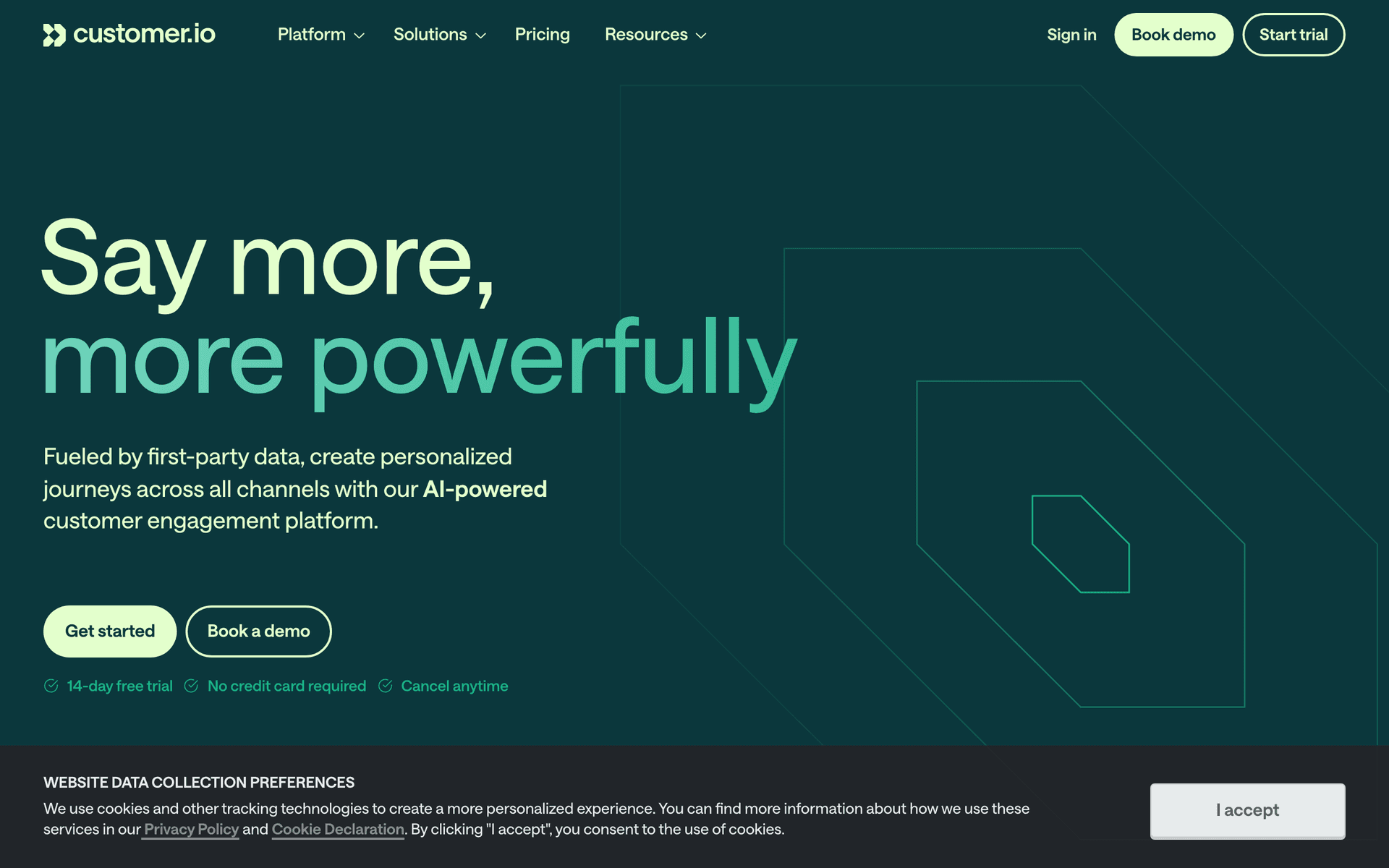
9Customer.ioBehavioral email automation for product teams.No-code SaaS with PLG models who want behavioral lifecycle automation tied to product usageFrom ~$100/month
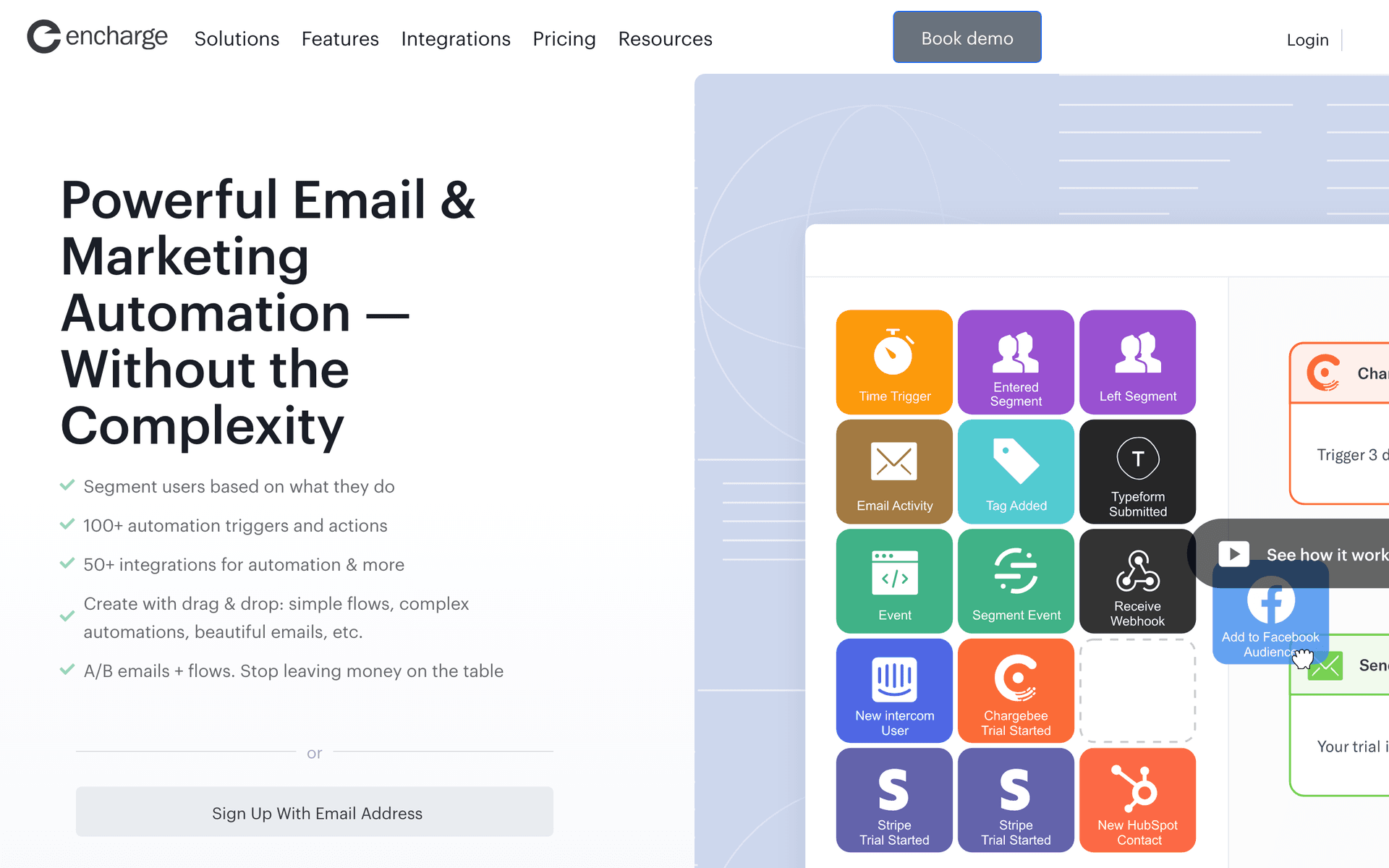
10EnchargeEvent-driven email automation for SaaS.No-code SaaS who want event-triggered lifecycle emails without needing a developer to manage themFrom $49/month for 2,000 users
11ResendDeveloper-first transactional email.No-code SaaS with technical co-founders who want clean transactional email for the product layerFree for 100 emails/day, then $20/month
12BrevoAll-in-one email platform with visual automation.Non-technical no-code SaaS founders who want affordable all-in-one email with visual toolsFree for 300 emails/day, paid from $9/month
13ConvertKitEmail marketing for creators with automation and audience tools.No-code SaaS with content-led acquisition strategies who build audiences of no-code practitionersFree up to 10,000 subscribers, then $29/month
14PostmarkReliable transactional email with best deliverability.No-code SaaS platforms where transactional email reliability directly impacts user trust in the product$15/month for 10,000 emails
15SenderEmail and SMS marketing with a generous free tier.No-code SaaS founders who want affordable drag-and-drop email and SMS with no technical requirementsFree up to 2,500 contacts, paid from $8/month
16UserlistSaaS email automation with user and company tracking.No-code SaaS transitioning from individual users to team and business accountsFrom $149/month
17EmailOctopusSimple email with the most generous contact-based free tier.No-code SaaS founders who want the simplest zero-cost email setup while product development is the priorityFree up to 2,500 contacts, then from $9/month
18MailerSendTransactional and marketing email combined.No-code SaaS where different team members need different interfaces for transactional and marketing emailFree for 3,000 emails/month, then from $25/month
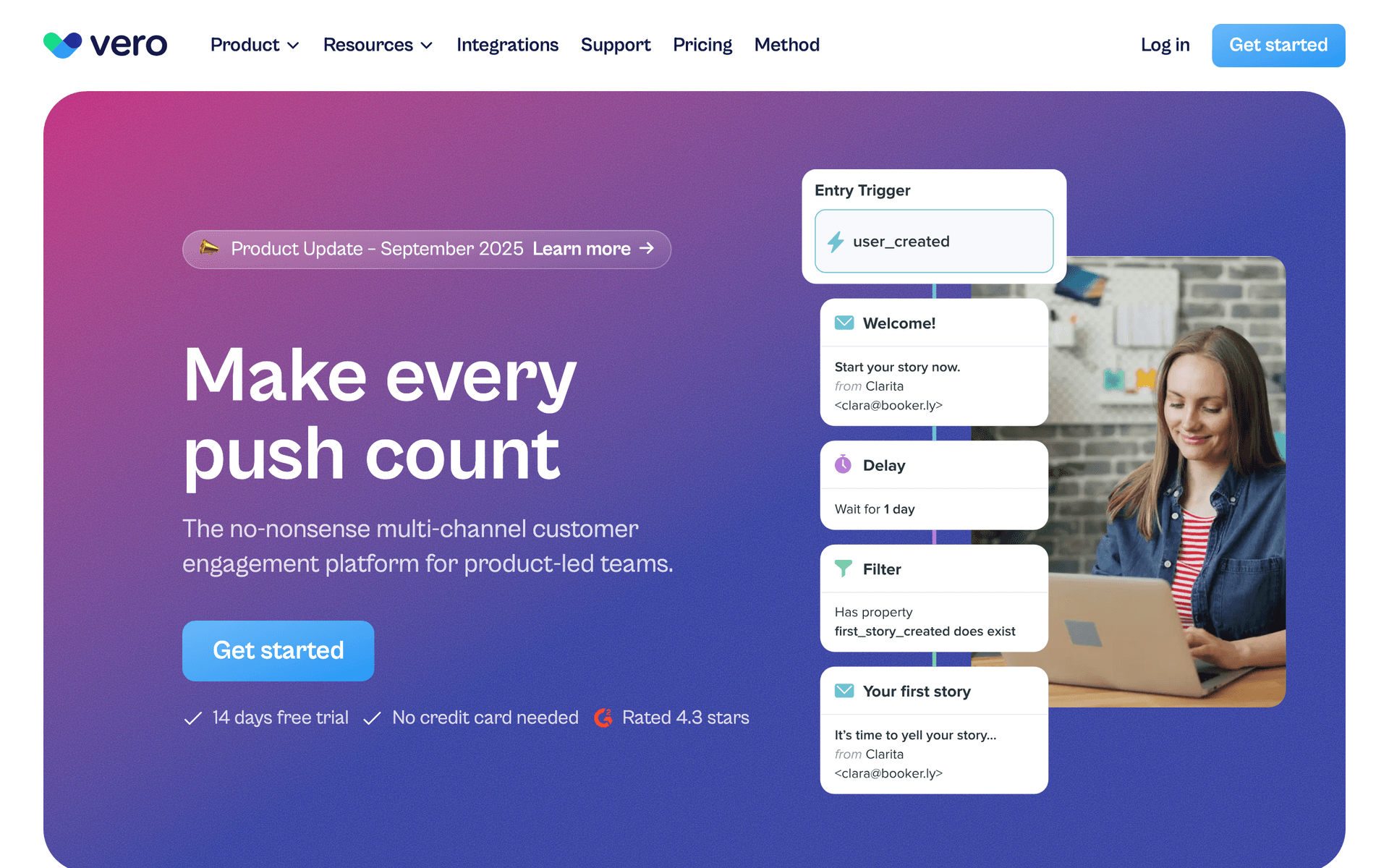
19VeroEvent-driven email for product teams.No-code SaaS with a technical co-founder who wants event-driven automation under Customer.io pricingFrom $100/month
Our Top Pick for No-Code SaaS
#1
Sequenzy

Email marketing with AI-powered automation and native payment integrations for SaaS.

Visit
Sequenzy dashboard screenshot

Sequenzy is the strongest fit for no-code SaaS because the AI sequence builder generates complete email flows from a plain-language description. Tell it you want an onboarding sequence for a project management tool and it creates the emails, timing, and triggers. The native Stripe integration connects without code - billing events automatically trigger the right emails. Zapier support lets you connect any no-code tool event to email triggers. The free tier covers up to 2,500 emails per month, enough for early-stage products to run their email program at zero cost. The $29/month plan for 50,000 emails with unlimited contacts keeps costs predictable while you find product-market fit.

Best for
No-code SaaS wanting AI-generated email sequences with Stripe integration
Pricing
Free up to 2,500 emails/mo, then $19/mo (unlimited contacts)

Pros

  • AI generates complete email sequences
  • Native Stripe integration, no code needed
  • Zapier support for no-code tool connections
  • Free tier available

Cons

  • Newer platform with smaller community
  • Some advanced features require API knowledge
  • Template library still growing
#2
ConvertKit

Creator-focused email platform with visual automation builder.

Visit
ConvertKit dashboard screenshot

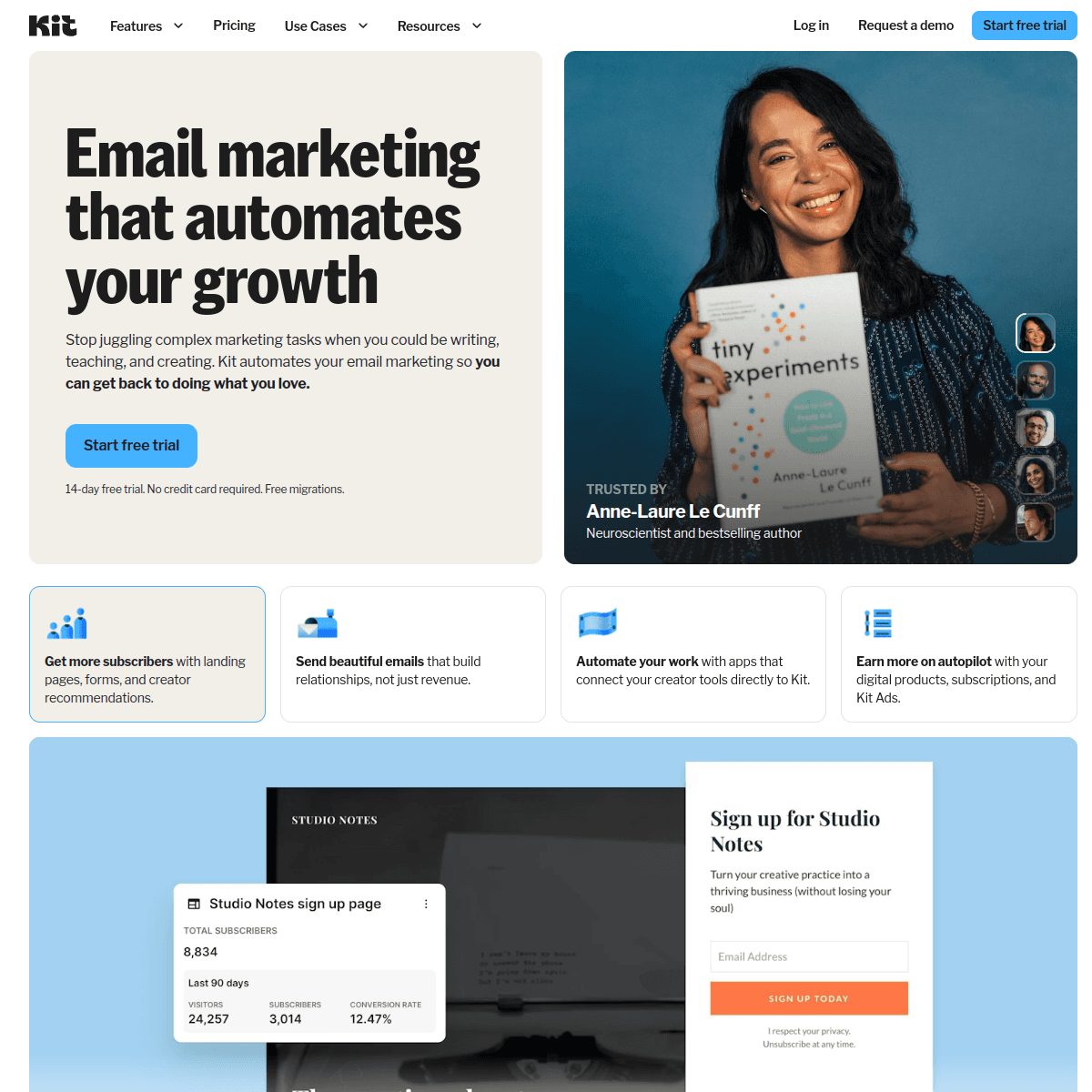
ConvertKit was built for creators and solo founders, making it naturally approachable for no-code teams. The visual automation builder is intuitive - drag and drop triggers, actions, and conditions. Landing pages and forms are built in. The email editor is simple but effective. For no-code SaaS founders who also run a newsletter or content marketing alongside their product, Kit handles both worlds. The free tier supports 10,000 subscribers. The limitation is the lack of deep product event integration.

Best for
No-code SaaS founders who are also content creators
Pricing
Free up to 10,000 subscribers, then $29/month

Pros

  • Intuitive visual automation builder
  • Built-in landing pages and forms
  • Generous free tier
  • Simple email editor

Cons

  • Limited product event triggers
  • Not SaaS-specific
  • No native payment integration
#3
ActiveCampaign

Advanced visual automation with CRM.

Visit
ActiveCampaign dashboard screenshot

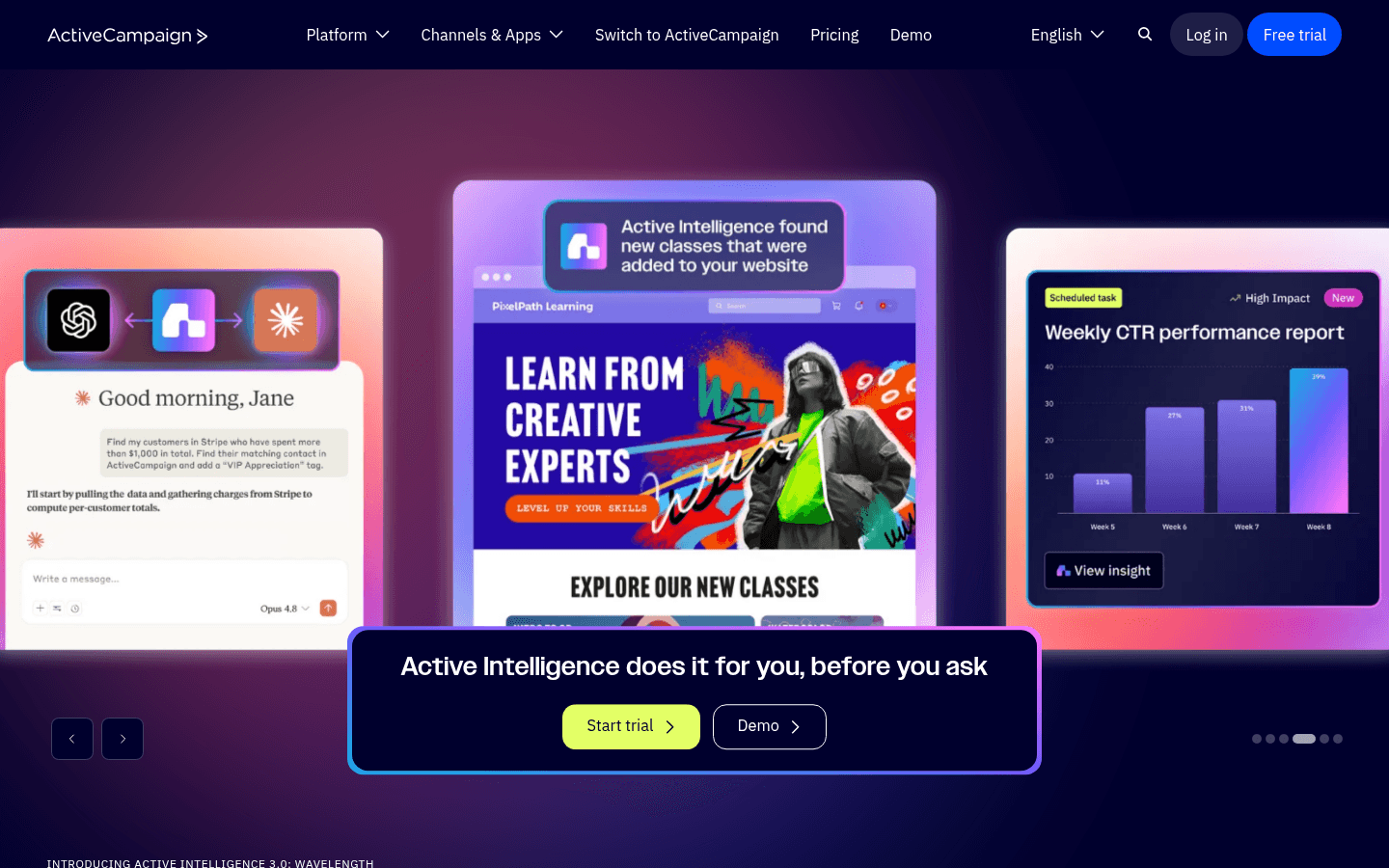
ActiveCampaign has the most powerful visual automation builder available. For no-code teams that want deep automation without code, the drag-and-drop workflow builder handles complex conditional logic visually. The Zapier integration is solid. The built-in CRM adds customer tracking. The tradeoff is complexity - ActiveCampaign can do everything, but it takes significant time to learn. At $29/month for 1,000 contacts with per-contact pricing, costs grow quickly.

Best for
No-code SaaS teams wanting the most powerful visual automation
Pricing
$29/month for 1,000 contacts

Pros

  • Best visual automation builder
  • Built-in CRM
  • Strong Zapier integration

Cons

  • Steep learning curve
  • Per-contact pricing
  • Can feel overwhelming
#4
Mailchimp

Popular email platform with drag-and-drop editor and basic automation.

Visit
Mailchimp dashboard screenshot

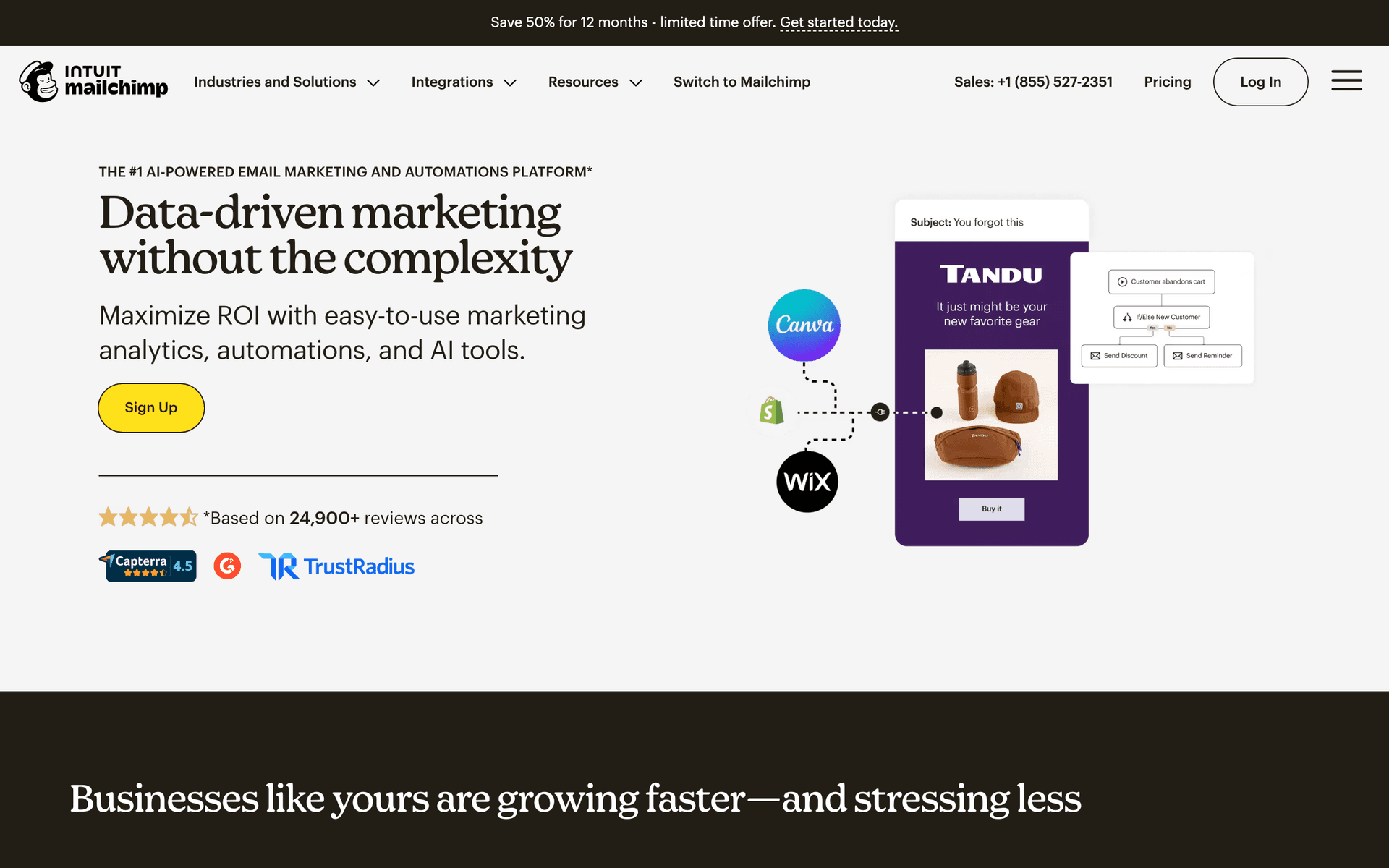
Mailchimp is the starting point for many no-code SaaS founders because it is the most familiar email tool. The drag-and-drop email editor works well and templates look professional. Basic automation handles simple onboarding and follow-up sequences. Zapier integration connects it to any no-code tool. For getting started quickly with minimal learning curve, Mailchimp removes friction. Automation and segmentation are limited on lower plans.

Best for
No-code SaaS founders getting started with email marketing
Pricing
Free up to 500 contacts, then $13/month

Pros

  • Most familiar email tool
  • Good drag-and-drop editor
  • Professional templates

Cons

  • Basic automation
  • Per-contact pricing grows fast
  • Not SaaS-specific
#5
Loops

Modern email platform for SaaS with clean event-based automations.

Visit
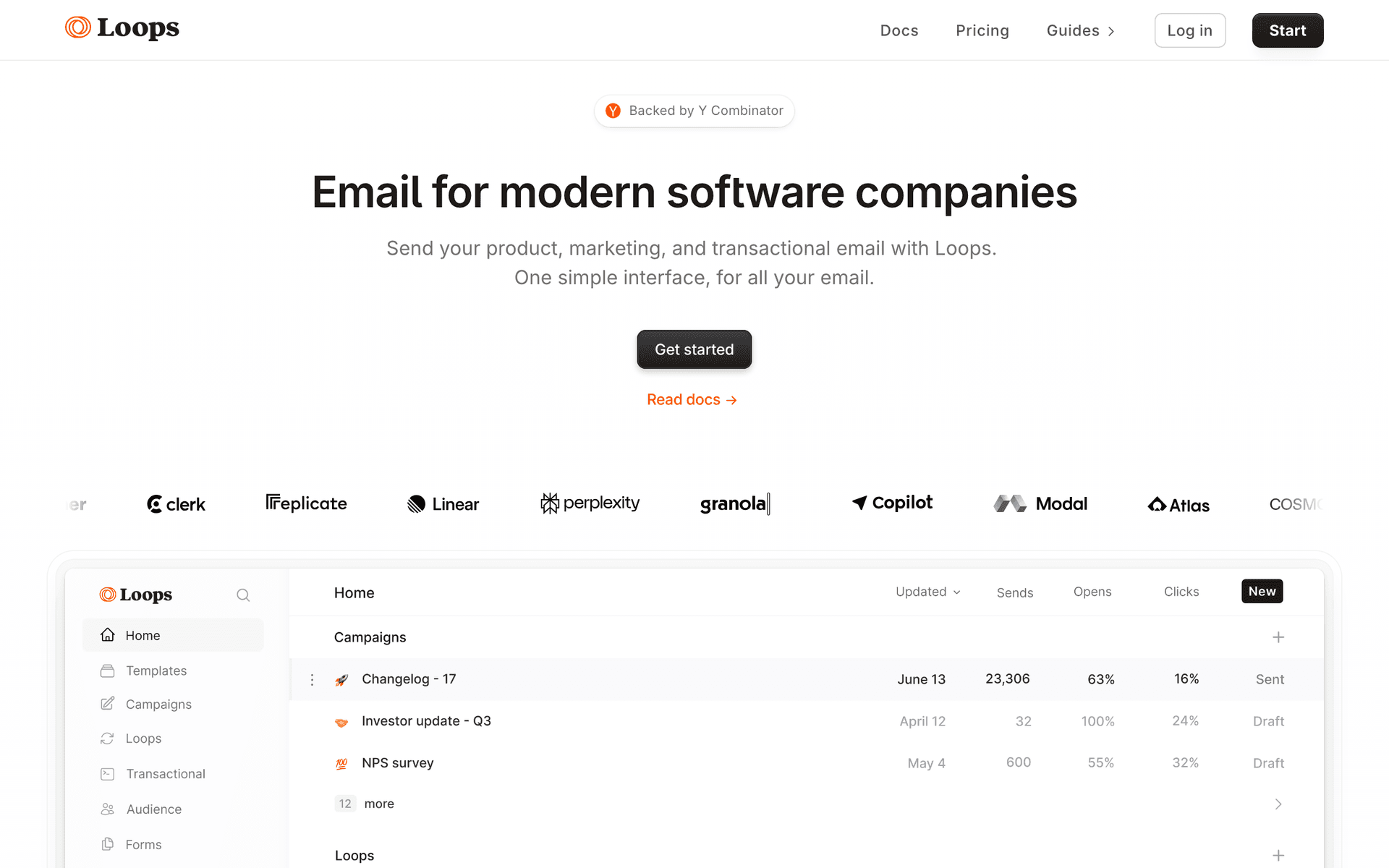
Loops dashboard screenshot

Loops offers a clean, modern experience that no-code SaaS founders appreciate. The interface is fast and uncluttered. Event-based automations work through a simple visual interface. For no-code teams that want SaaS-specific email features without the complexity of ActiveCampaign, Loops provides a good balance. Zapier connects product events to email triggers. Per-contact pricing on paid plans is the main concern.

Best for
No-code SaaS wanting clean, SaaS-specific email
Pricing
Free up to 1,000 contacts, then $49/month

Pros

  • Clean modern interface
  • SaaS-focused features
  • Event-based automation

Cons

  • Per-contact pricing
  • Fewer templates than Mailchimp
  • Limited advanced automation
#6
Brevo

Affordable all-in-one platform with email, CRM, and automation.

Visit
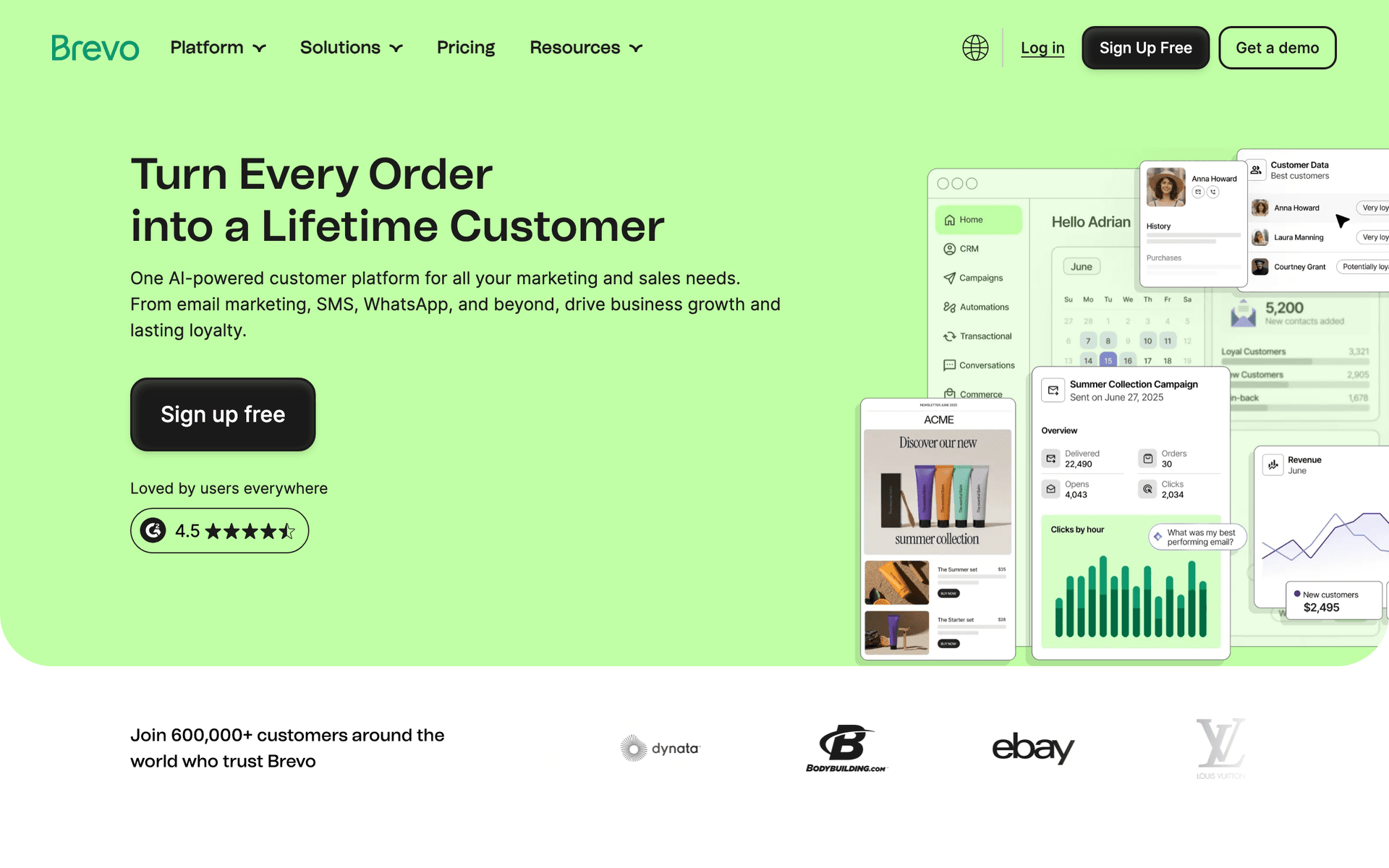
Brevo dashboard screenshot

Brevo is a practical choice for budget-conscious no-code teams. The free tier covers basic needs with 300 emails per day. Per-email pricing on paid plans keeps costs low as your subscriber list grows. The drag-and-drop email editor creates professional emails. The free CRM adds customer tracking. For no-code SaaS on a tight budget, Brevo provides the most value per dollar.

Best for
Budget-conscious no-code SaaS teams
Pricing
Free for 300 emails/day, then $9/month

Pros

  • Very affordable
  • Per-email pricing
  • Free CRM included

Cons

  • Basic automation
  • Interface is less polished
  • Not SaaS-specific
#7
Beehiiv

Newsletter platform with growth tools.

Visit
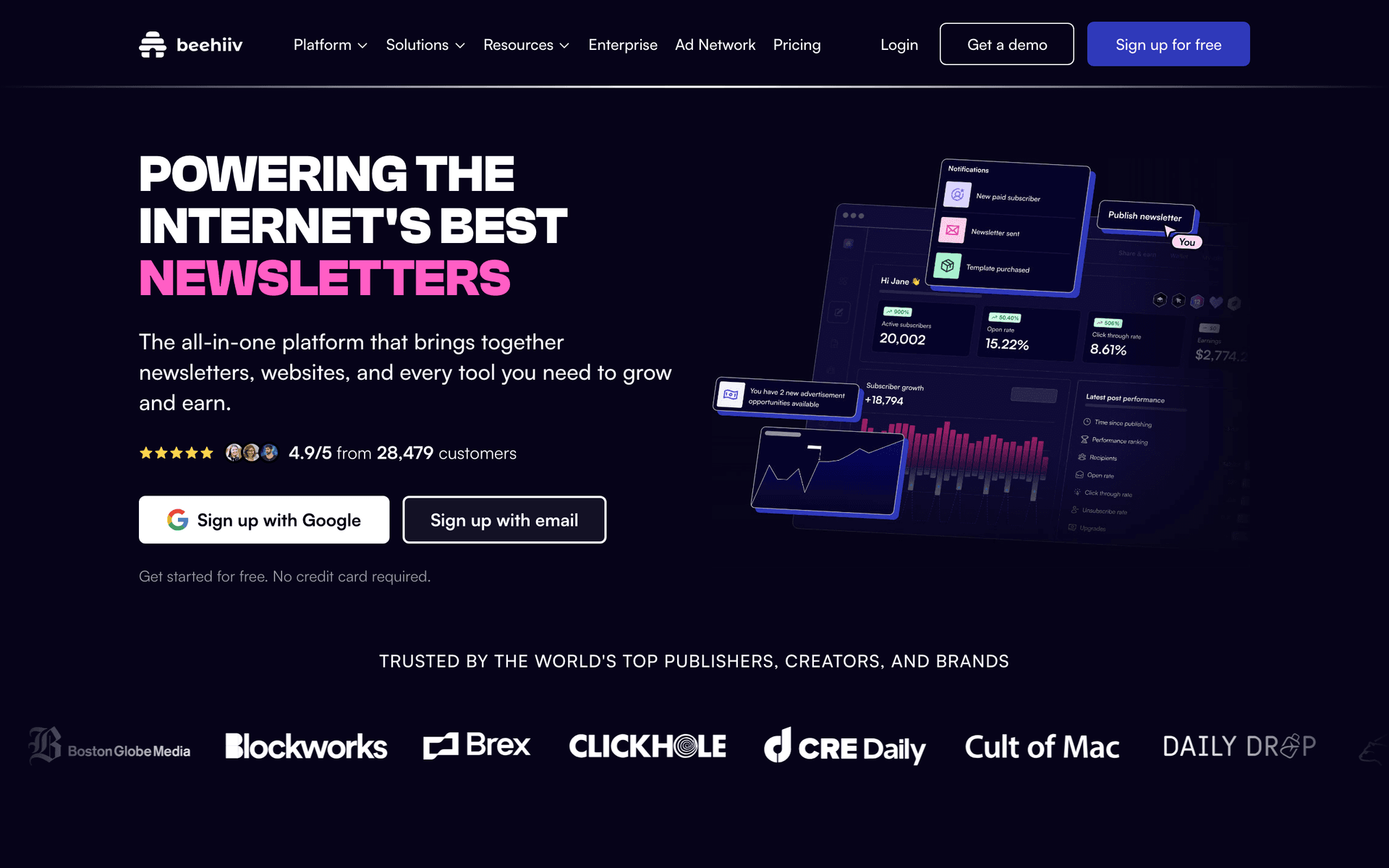
Beehiiv dashboard screenshot

Beehiiv makes sense for no-code SaaS companies that use a newsletter as their primary growth channel. The writing experience is excellent. Built-in referral programs and recommendation networks grow your audience without code. The limitation is that Beehiiv is a newsletter tool, not an email marketing platform. For transactional emails, onboarding sequences, and product communication, you need another tool alongside it.

Best for
No-code SaaS using a newsletter as the primary growth channel
Pricing
Free up to 2,500 subscribers, then $49/month

Pros

  • Best newsletter writing experience
  • Built-in growth tools
  • No code needed for referral programs

Cons

  • Newsletter only
  • No automation sequences
  • No product email integration
#8
HubSpot

CRM and marketing automation with no-code workflow builders.

Visit
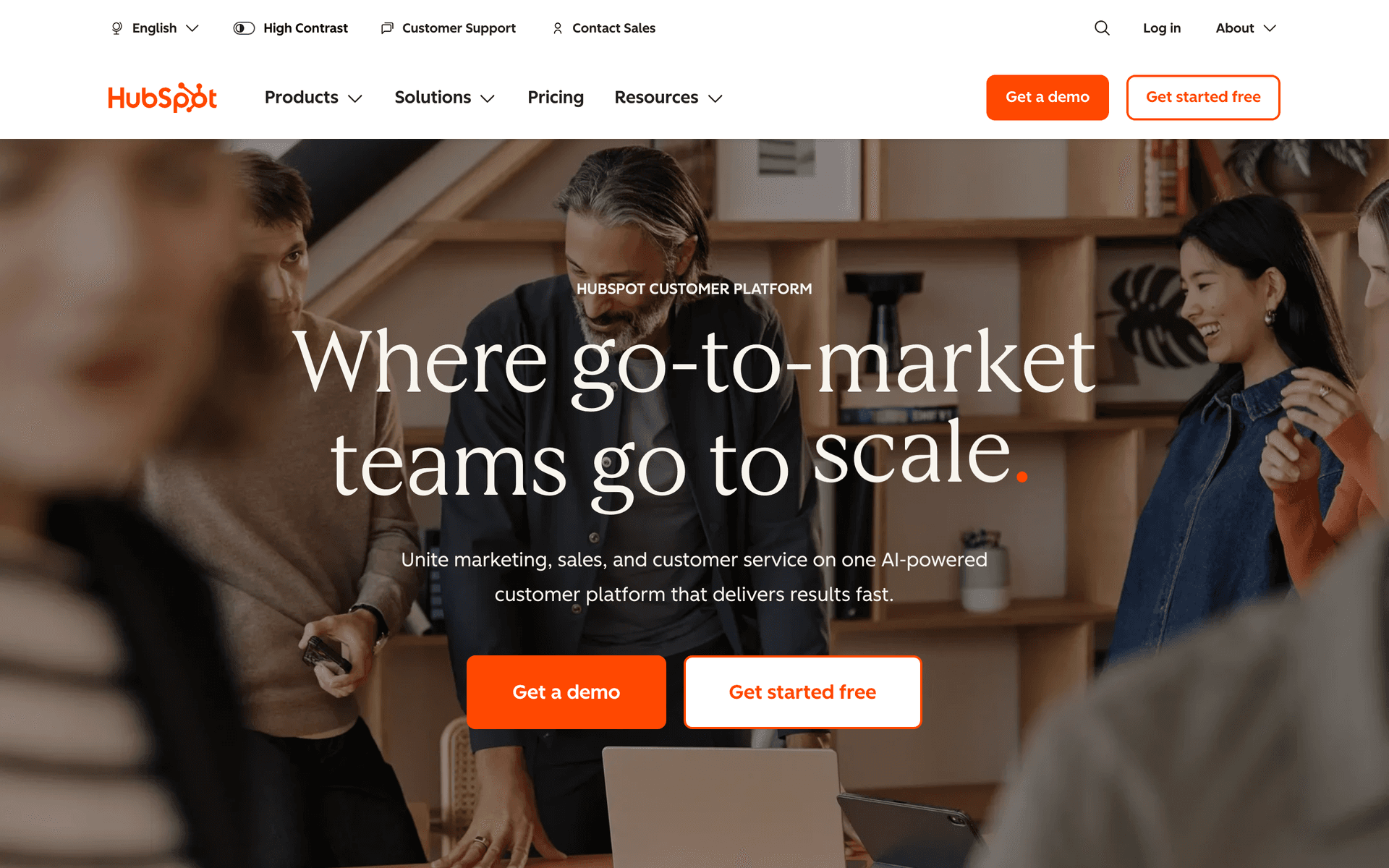
HubSpot dashboard screenshot

No-code SaaS founders who want marketing automation that matches the no-code philosophy of their product will find HubSpot's visual workflow builder approachable. Everything from lead nurture sequences to trial conversion flows is built with drag-and-drop tools - no code required. The CRM helps no-code SaaS teams track the business customer side of their platform when selling to SMBs and individuals who use no-code products. For no-code SaaS that serves non-technical users and is built by non-technical founders, HubSpot's no-code interface is genuinely fitting. The free CRM tier provides a starting point, though paid tiers escalate quickly.

Best for
No-code SaaS founders who want no-code email automation that mirrors their product's philosophy
Pricing
Free CRM, Marketing Hub from $20/month

Pros

  • Drag-and-drop automation builder
  • No code required for all features
  • CRM included
  • Familiar to non-technical founders

Cons

  • Expensive paid tiers
  • Not optimized for SaaS lifecycle
  • Per-contact pricing
#9
Customer.io

Behavioral email automation for product teams.

Visit
Customer.io dashboard screenshot

No-code SaaS platforms that have a product-led growth model and meaningful user bases benefit from Customer.io's behavioral segmentation. For no-code SaaS where understanding whether users have completed their first workflow, shared a project, or hit their free tier limits drives email timing, Customer.io handles the event-driven logic precisely. The visual workflow builder is accessible enough for non-engineers once the initial event integration is set up. For no-code SaaS with a technical co-founder who can handle the integration, Customer.io's automation depth drives better conversion and retention than simpler tools.

Best for
No-code SaaS with PLG models who want behavioral lifecycle automation tied to product usage
Pricing
From ~$100/month

Pros

  • Behavioral segmentation from product events
  • Visual workflow builder
  • Scales to enterprise
  • Multi-channel capability

Cons

  • Integration requires technical setup
  • Expensive for early stage
  • Overkill for simple sequences
#10
Encharge

Event-driven email automation for SaaS.

Visit
Encharge dashboard screenshot

No-code SaaS products benefit from Encharge when they need to go beyond basic drip sequences and send emails based on what users actually do in the product. For a no-code platform where key activation milestones include completing a first project, inviting a collaborator, or publishing work publicly, Encharge triggers emails at those exact moments. The visual flow builder requires no code, which aligns with the no-code SaaS philosophy. At $49 per month for 2,000 users, it is accessible for no-code SaaS with early revenue who want smarter lifecycle automation.

Best for
No-code SaaS who want event-triggered lifecycle emails without needing a developer to manage them
Pricing
From $49/month for 2,000 users

Pros

  • No-code flow builder
  • Event-driven triggers
  • SaaS lifecycle features
  • Accessible for non-developers

Cons

  • Initial event integration requires dev
  • No transactional email
  • Costs grow with users
#11
Resend

Developer-first transactional email.

Visit
Resend dashboard screenshot

No-code SaaS platforms that are built by technical founders need reliable transactional email for the product layer even if the marketing email is handled by a no-code tool. Resend handles password resets, platform notifications, and workspace invitations with the fastest and cleanest developer experience available. The React Email templates ensure transactional emails match the product's visual design. For no-code SaaS where the tech stack has a developer involved, Resend covers the transactional side cleanly while a no-code marketing tool handles lifecycle automation.

Best for
No-code SaaS with technical co-founders who want clean transactional email for the product layer
Pricing
Free for 100 emails/day, then $20/month

Pros

  • Best developer experience for transactional
  • React Email templates
  • Free tier
  • Fast delivery

Cons

  • Transactional only
  • Requires developer integration
  • Daily cap on free tier
#12
Brevo

All-in-one email platform with visual automation.

Visit
Brevo dashboard screenshot

No-code SaaS companies that want affordable all-in-one email without technical complexity will find Brevo's drag-and-drop builder and visual automation accessible. The free tier of 300 emails per day with unlimited contacts is generous for no-code SaaS products building their user base. Brevo handles both transactional and marketing email from one platform, which is valuable for no-code SaaS where the founder typically manages both product and marketing. The automation is more limited than SaaS-specific tools but covers common onboarding and nurture sequences well.

Best for
Non-technical no-code SaaS founders who want affordable all-in-one email with visual tools
Pricing
Free for 300 emails/day, paid from $9/month

Pros

  • Visual automation builder
  • Transactional and marketing combined
  • Generous free tier
  • No developer needed

Cons

  • Not SaaS lifecycle native
  • Basic automation depth
  • Less polished than newer tools
#13
ConvertKit

Email marketing for creators with automation and audience tools.

Visit
ConvertKit dashboard screenshot

No-code SaaS products with a content or community-led acquisition strategy benefit from ConvertKit's creator-friendly tools. If your no-code SaaS grows through a newsletter, YouTube channel, or blog that serves no-code practitioners, ConvertKit handles the audience building side exceptionally well. The free tier for up to 10,000 subscribers is remarkably generous. The visual automation builder creates sequences without code. The limitation for no-code SaaS is that ConvertKit is not built for product lifecycle automation - there are no event triggers, no trial conversion logic, and no payment lifecycle features. Use it for audience building alongside a product-specific tool.

Best for
No-code SaaS with content-led acquisition strategies who build audiences of no-code practitioners
Pricing
Free up to 10,000 subscribers, then $29/month

Pros

  • Generous free tier
  • Great for audience building
  • Visual automation builder
  • Landing pages included

Cons

  • No product lifecycle automation
  • No event-based triggers
  • Need a second tool for product emails
#14
Postmark

Reliable transactional email with best deliverability.

Visit
Postmark dashboard screenshot

No-code SaaS platforms that handle business-critical workflows for their users need transactional email to be absolutely reliable. When a user's automated workflow sends a notification that their project is ready, or an account confirmation email is required before they can access their workspace, delivery failures create direct business impact for the customer. Postmark's reputation for flawless delivery of critical transactional emails is well-earned. For no-code SaaS where the product's reliability is a core selling point, having equally reliable email infrastructure reinforces the brand promise.

Best for
No-code SaaS platforms where transactional email reliability directly impacts user trust in the product
Pricing
$15/month for 10,000 emails

Pros

  • Transactional reliability
  • Reinforces product quality
  • Fast delivery
  • Detailed analytics

Cons

  • Not no-code friendly for setup
  • Marketing features limited
  • Requires developer integration
#15
Sender

Email and SMS marketing with a generous free tier.

Visit
Sender dashboard screenshot

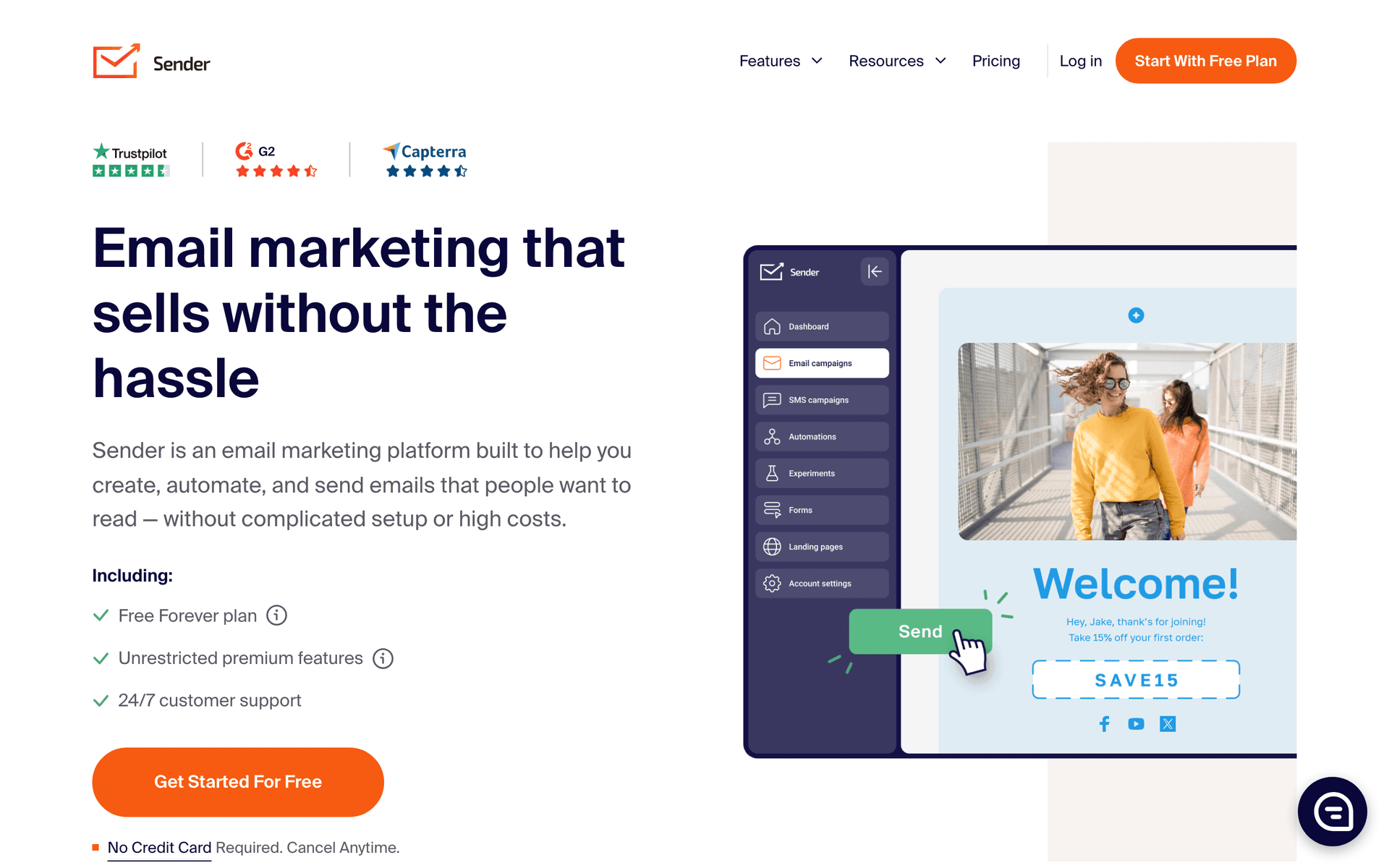
No-code SaaS founders watching costs will find Sender's free tier of 2,500 contacts and 15,000 emails per month valuable. The drag-and-drop builder requires no coding skills, the basic automation handles welcome and nurture sequences, and SMS is included for multi-channel outreach. For no-code SaaS still proving product-market fit, Sender provides adequate email marketing capability at zero cost while the business model is validated. The visual interface aligns with the no-code ethos - building campaigns requires no technical knowledge, just drag, drop, and publish.

Best for
No-code SaaS founders who want affordable drag-and-drop email and SMS with no technical requirements
Pricing
Free up to 2,500 contacts, paid from $8/month

Pros

  • Drag-and-drop builder
  • Generous free tier
  • SMS included
  • No code required

Cons

  • Basic automation only
  • Not SaaS lifecycle specific
  • Limited behavioral triggers
#16
Userlist

SaaS email automation with user and company tracking.

Visit
Userlist dashboard screenshot

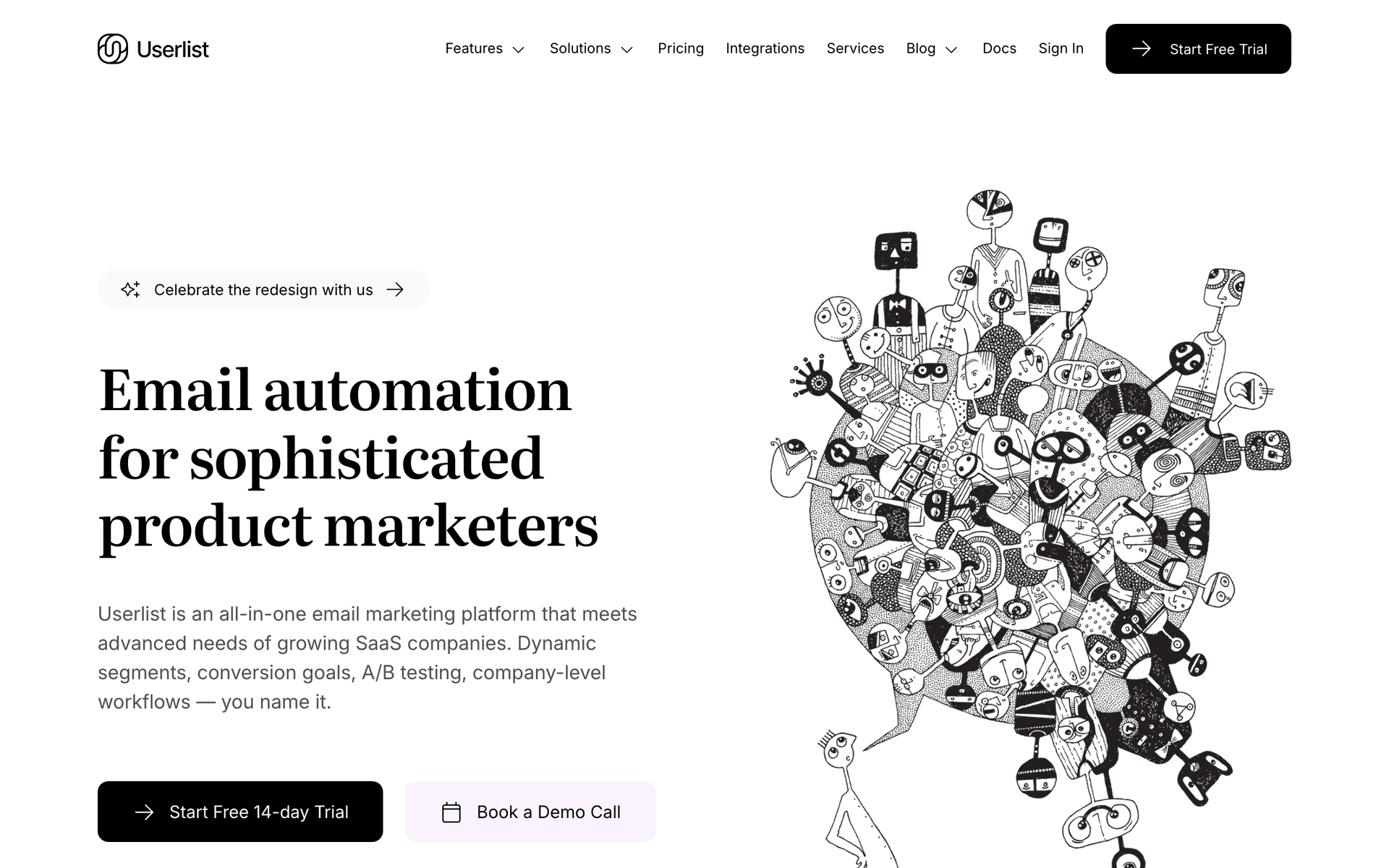
No-code SaaS platforms selling to teams and businesses face the same B2B email challenge as any B2B SaaS: different people within an account play different roles and need different communications. Userlist's company-level tracking lets no-code SaaS platforms identify which accounts are active versus at risk, send appropriate lifecycle emails to individual users while sending account health emails to account owners, and target account-level upgrade campaigns. For no-code SaaS growing from individual users to business accounts, Userlist's architecture scales to the increasing complexity.

Best for
No-code SaaS transitioning from individual users to team and business accounts
Pricing
From $149/month

Pros

  • Company-level tracking for business accounts
  • User and account segmentation
  • SaaS lifecycle features
  • Scales to B2B complexity

Cons

  • Expensive
  • Overkill for individual-user products
  • Setup investment
#17
EmailOctopus

Simple email with the most generous contact-based free tier.

Visit
EmailOctopus dashboard screenshot

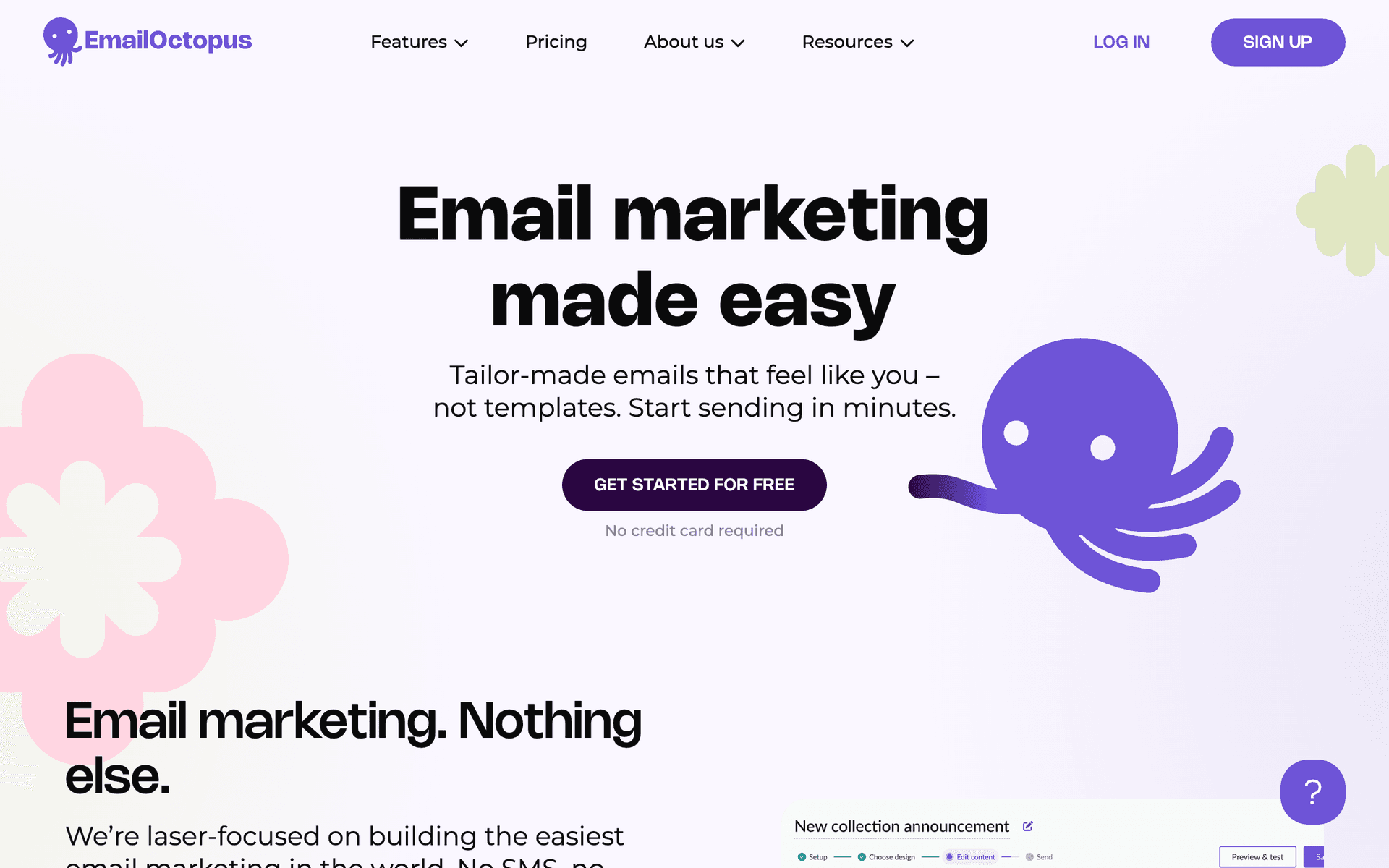
No-code SaaS founders who want the simplest possible email setup while focusing on product development will find EmailOctopus's 2,500 free contacts and no daily sending limits ideal. The interface is simple enough that someone without email marketing experience can create professional campaigns quickly. For no-code SaaS at the early stage, EmailOctopus allows you to communicate with users without becoming an email specialist. When you need more sophisticated automation tied to product events, you can migrate - but EmailOctopus handles the basic communication needs effectively at zero cost.

Best for
No-code SaaS founders who want the simplest zero-cost email setup while product development is the priority
Pricing
Free up to 2,500 contacts, then from $9/month

Pros

  • Simplest interface
  • 2,500 contacts free
  • No email expertise needed
  • Reliable deliverability

Cons

  • Basic automation only
  • No behavioral triggers
  • Will need migration for growth
#18
MailerSend

Transactional and marketing email combined.

Visit
MailerSend dashboard screenshot

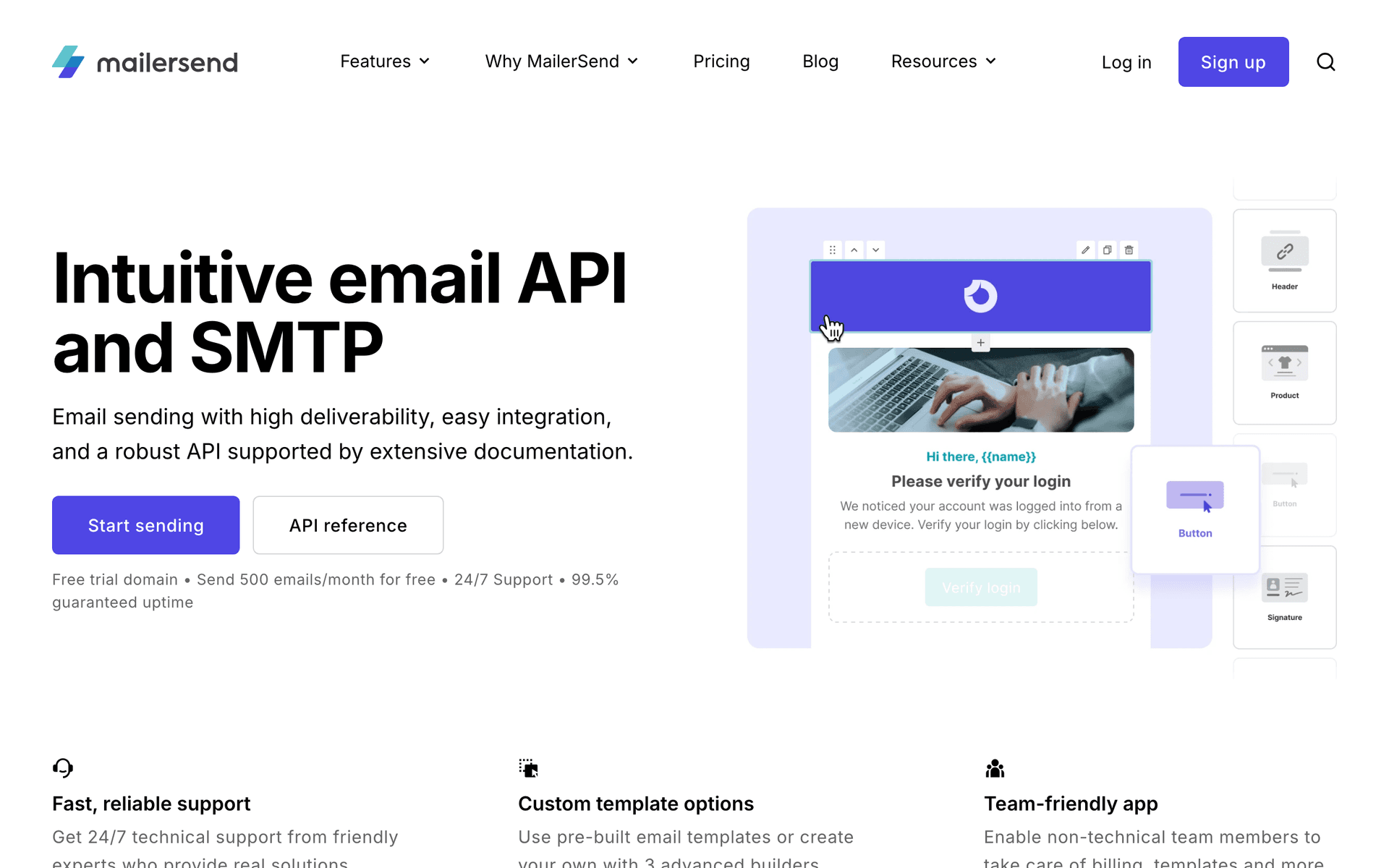
No-code SaaS products that need both transactional email for the product and marketing email for user acquisition can use MailerSend to consolidate both. The drag-and-drop builder covers marketing email without code, and the API handles transactional email from the product layer. For no-code SaaS where a technical co-founder handles the product and a non-technical founder handles marketing, MailerSend gives each person the interface they need from one tool. The 3,000 free emails per month covers early-stage needs.

Best for
No-code SaaS where different team members need different interfaces for transactional and marketing email
Pricing
Free for 3,000 emails/month, then from $25/month

Pros

  • Visual builder for marketing
  • API for transactional
  • One subscription covers both
  • 3,000 free emails/month

Cons

  • Basic automation capabilities
  • Not SaaS lifecycle native
  • Monthly email cap
#19
Vero

Event-driven email for product teams.

Visit
Vero dashboard screenshot

No-code SaaS companies with technical co-founders can use Vero to build event-driven lifecycle email at a lower cost than Customer.io. When a user creates their first no-code workflow, publishes a project, or hits a free tier limit, Vero can trigger precisely targeted emails. For no-code SaaS where the technical person can integrate the event tracking, Vero's behavioral automation produces significantly better conversion and retention outcomes than time-based drips. At $100 per month, it is priced for no-code SaaS with meaningful revenue rather than pre-launch products.

Best for
No-code SaaS with a technical co-founder who wants event-driven automation under Customer.io pricing
Pricing
From $100/month

Pros

  • Event-driven precision
  • Behavioral targeting
  • More affordable than Customer.io
  • Good for technical teams

Cons

  • Requires developer integration
  • Less modern interface
  • Significant monthly cost

Feature Comparison

FeatureSequenzyConvertKitActiveCampaignMailchimp
Visual automation builder
AI-powered
Visual builder
Best-in-class
Basic
Zapier integration
Yes
Yes
Yes
Yes
AI email generation
Yes
No
No
No
Payment integration
Native Stripe
Commerce only
Via Zapier
No
Drag-and-drop editor
Yes
Simple
Yes
Best-in-class
No-code setup
Easy
Easy
Moderate
Easiest
Free tier available
No
Starting price
$29/mo
Free
$29/mo
$13/mo

Common Mistakes to Avoid

We see these mistakes over and over. Skip the learning curve and avoid these from day one.

Choosing a developer-focused email tool

Tools like Customer.io and Resend have excellent APIs but require engineering to set up properly. For no-code teams, a visual builder with Zapier integration gets you to the same outcome faster. Save developer-focused tools for when you have engineering resources.

Over-engineering your automation from the start

No-code founders sometimes build 10-step branching automations before they have 100 users. Start with 3 simple sequences: welcome, onboarding, and payment recovery. Add complexity based on what you learn from real user behavior, not what you imagine users might do.

Ignoring the Zapier delay for time-sensitive emails

Zapier's polling interval means product events reach your email tool with a delay. For most emails this is fine. For truly time-sensitive communications like password resets or payment confirmations, you may need a direct API connection or a tool with native product integration.

Paying for features you will never use

Enterprise tools with complex segmentation, A/B testing frameworks, and multi-team permissions are wasted on a solo no-code founder. Choose a tool sized for your actual needs and budget. You can always upgrade later.

Email Sequences Every No-Code SaaS Needs

These are the essential automated email sequences that will help you grow your business and keep clients coming back.

No-Code Onboarding

New user signs up

Walk new users through setup using visual steps and video walkthroughs.

Immediate
Welcome - set up your first [thing] in 3 minutes

Link to a visual walkthrough or short video showing the first setup step. Include screenshots, not just text instructions.

Day 1
Connect your favorite tools with Zapier

Show how to connect your product to other tools they already use. Include popular Zapier recipes.

Day 3
3 templates to get you started

Share pre-built templates or examples they can clone. No-code users love starting from templates rather than blank canvases.

Day 7
What will you build this week?

Inspirational email showing creative use cases from other customers. Include links to a gallery or showcase.

Template-Driven Engagement

User has not created anything in 5 days

Re-engage inactive users with ready-to-use templates.

After 5 days inactive
Start with a template: [popular template name]

Remove the blank canvas problem. Offer a popular template they can clone and customize in minutes.

Day 3
How [customer] built [impressive thing] without code

Case study showing what is possible. Focus on the outcome, not the process.

No-Code Email for No-Code Products

If your SaaS is built without code, your email marketing should work without code too. The whole point of no-code is shipping fast and iterating based on what you learn. An email tool that requires three days of setup and a developer to maintain defeats the purpose.

The best email tools for no-code SaaS let you go from idea to live sequence in an afternoon. Visual builders for automation, drag-and-drop editors for design, and Zapier connections for product integration. You should be able to test a new onboarding sequence the same day you think of it.

Zapier Is Your Integration Layer

For no-code SaaS, Zapier replaces custom API integration. When a user signs up in your Bubble app, a Zap fires. It adds the subscriber to your email tool, applies tags based on their signup data, and starts the onboarding sequence. When they hit a milestone in your product, another Zap triggers the next email.

This approach has a small delay (Zapier polls every 1-15 minutes depending on your plan), but for most no-code SaaS, that delay is acceptable. The alternative - building custom webhook handlers - is not practical without a developer.

Templates Over Custom Design

No-code teams do not need custom email designs. They need templates that look professional and communicate clearly. The highest-performing emails in SaaS are often the simplest: a short paragraph, a clear call to action, and minimal design.

Focus your energy on what you say, not how it looks. A plain-text email from the founder that solves a real problem outperforms a beautifully designed email that says nothing useful every single time.

The AI Advantage for No-Code Founders

AI sequence builders are a game-changer for no-code founders. Instead of spending hours crafting the perfect onboarding email, describe what you want: "Create a 4-email onboarding sequence for a project management tool that helps users create their first project." The AI generates the emails, subject lines, and timing.

This matches the no-code philosophy perfectly. Ship fast, test with real users, and iterate based on data. Your first email sequence does not need to be perfect. It needs to exist and start working while you improve it.

Getting Started in One Afternoon

  1. Choose your tool (Sequenzy for AI sequences, Mailchimp for familiarity, Kit for content)
  2. Connect your product through Zapier or native integration
  3. Set up a welcome email that fires on signup
  4. Create a 3-email onboarding sequence with templates and quick wins
  5. Add a payment recovery sequence if you use Stripe

Use AI-generated sequences to create your first flows in minutes. The no-code SaaS companies that win at email are the ones that ship their first sequence today, not the ones that spend weeks researching the perfect setup.

How We Evaluated These Tools

Tools were evaluated for no-code SaaS based on setup speed without developers, visual automation quality, Zapier integration depth, template availability for non-designers, and pricing models that work for early-stage products finding product-market fit.

Frequently Asked Questions

Ready to grow your no-code saa practice?

Start your free trial today. Set up your first email sequence in minutes with AI-powered content generation.

Related Industries

Sequenzy - Complete Pricing Guide

Pricing Model

Sequenzy uses email-volume-based pricing. You only pay for emails you send. Unlimited contacts on all plans — storing subscribers is always free.

All Pricing Tiers

  • 2.5k emails/month: Free (Free annually)
  • 15k emails/month: $19/month ($205/year annually)
  • 60k emails/month: $29/month ($313/year annually)
  • 120k emails/month: $49/month ($529/year annually)
  • 300k emails/month: $99/month ($1069/year annually)
  • 600k emails/month: $199/month ($2149/year annually)
  • 1.2M emails/month: $349/month ($3769/year annually)
  • Unlimited emails/month: Custom pricing (Custom annually)

Yearly billing: All plans offer a 10% discount when billed annually.

Free Plan Features (2,500 emails/month)

  • Visual automation builder
  • Transactional email API
  • Reply tracking & team inbox
  • Goal tracking & revenue attribution
  • Dynamic segments
  • Payment integrations
  • API, MCP, and CLI access
  • Custom sending domain

Paid Plan Features (15k - 1.2M emails/month)

  • Visual automation builder
  • Transactional email API
  • Reply tracking & team inbox
  • Goal tracking & revenue attribution
  • Dynamic segments
  • Payment integrations (Stripe, Paddle, Lemon Squeezy)
  • API, MCP, and CLI access
  • Custom sending domain

Enterprise Plan Features (Unlimited emails)

  • Visual automation builder
  • Transactional email API
  • Reply tracking & team inbox
  • Goal tracking & revenue attribution
  • Dynamic segments
  • Payment integrations
  • API, MCP, and CLI access
  • Custom sending domain

Important Pricing Notes

  • You only pay for emails you send — unlimited contacts on all plans
  • No hidden fees - all features included in the price
  • No credit card required for free tier

Contact

  • Pricing Page: https://sequenzy.com/pricing
  • Sales: hello@sequenzy.com