Updated 2026-03-15

Best Email Marketing Tools for Low-Code SaaS

Visual when possible, code when needed. Email tools that match the low-code philosophy with API escape hatches.

Low-code SaaS teams have some technical ability but choose to minimize custom code. You can write a webhook handler if you need to, but you would rather use a visual builder or Zapier. Your email tool should match this philosophy: handle 90% of what you need through visual interfaces, with API access for the 10% that requires custom logic. Here are the tools that balance visual simplicity with technical flexibility.

TL;DR

For low-code SaaS teams, Sequenzy is the best starting point - AI generates sequences visually, native Stripe integration needs zero code, and the free tier covers 2,500 emails/month. For the most powerful visual automation with API fallback, ActiveCampaign is unmatched. For clean SaaS-native event tracking with visual tools, Loops provides the right balance.

Why Low-Code SaaS Needs Email Marketing

Visual-First, Code-Second

Low-code teams want to build email automation visually and only drop into code when the visual builder hits a limitation. This approach lets marketing manage most sequences while engineering handles complex integrations.

Hybrid Integration

Low-code products often use a mix of Zapier, webhooks, and light API calls. Your email tool needs to support all three so you can choose the right integration method for each use case.

Rapid Prototyping

Low-code teams ship fast. Your email tool should let you prototype a new sequence in hours and refine it over days, not build it over weeks.

Scalable Without Rewrite

As your product grows, some Zapier connections may need to become direct API integrations. Your email tool should support this transition without requiring you to rebuild everything.

Low-Code SaaS Email Marketing Benchmarks

Know these numbers before you start. They'll help you set realistic goals and pick the right tool.

22-30%
Average Open Rate

Low-code SaaS companies typically see 22-30% open rates. Product-triggered emails like onboarding milestones and usage nudges outperform broadcast campaigns. Personalized emails triggered by specific user actions consistently hit the higher end of this range.

3-5%
Average Click Rate

Click rates of 3-5% are typical for SaaS lifecycle emails. Feature adoption nudges and tutorial content drive the most clicks. Generic newsletters without clear calls to action often fall below 2%.

Behavior-triggered, not time-based
Best Send Time

For SaaS lifecycle emails, trigger timing matters more than clock timing. Send onboarding emails immediately when users hit milestones. Send usage nudges when inactivity is detected. Time-based scheduling matters mainly for broadcast campaigns and newsletters.

30 minutes (Zapier) to 2 hours (API)
Integration Setup Time

Low-code teams should expect 30 minutes to connect via Zapier, 1 hour via webhooks, and 2+ hours for full API integration. The best tools support all three methods so you can start fast and optimize incrementally.

Important Tips Before You Choose

Lessons from low-code saaswho've been doing this for years. Save yourself the trial and error.

Start everything on Zapier, then graduate what needs real-time

Begin by connecting your product to your email tool through Zapier for all triggers. This gets you running in hours, not days. As you scale, identify which triggers need real-time delivery - payment failures, security alerts, and onboarding milestone emails - and move those to direct API calls or webhooks. Keep less time-sensitive triggers on Zapier.

Use visual builders for marketing, API for transactional

Split your email work by who manages it. Marketing team members use the visual automation builder for campaigns, nurture sequences, and announcements. Developers use the API for transactional notifications, system alerts, and product-triggered messages. This division matches the low-code philosophy of using the right tool for each context.

Leverage webhooks as the middle ground

Webhooks are the sweet spot for low-code teams. They are real-time (unlike Zapier's polling delay), require minimal code (unlike full API integration), and can be set up quickly. Most email platforms support incoming webhooks that trigger automation based on events from your product.

Document your integration points as you build

Low-code integrations can become a tangle of Zapier connections, webhook endpoints, and API calls. Document which product events connect to which email triggers, and how. When a team member leaves or you need to debug, this documentation saves hours.

Choose tools that support the Zapier-to-API graduation path

The best email tools for low-code teams support incremental migration. You should be able to start with everything on Zapier, then replace individual Zaps with webhook or API integrations as needed, without rebuilding your entire email infrastructure.

19 Best Email Marketing Tools for Low-Code SaaS

#ToolDescriptionBest ForPricing
1SequenzyEmail marketing with AI automation and native payment integrations.Low-code SaaS wanting AI-first automation with API escape hatchesFree up to 2,500 emails/mo, then $19/mo (unlimited contacts)
2ActiveCampaignAdvanced visual automation with API access.Low-code teams wanting the most powerful visual automation$29/month for 1,000 contacts
3LoopsModern SaaS email platform with event-based automation.Low-code SaaS teams wanting clean visual tools with API supportFree up to 1,000 contacts, then $49/month
4Customer.ioEvent-driven messaging with visual workflows and API flexibility.Low-code teams with engineering strength wanting maximum flexibility$100/month for 5,000 profiles
5ConvertKitCreator-focused platform with visual automation.Low-code teams wanting the simplest visual automationFree up to 10,000 subscribers, then $29/month
6ResendDeveloper-first email API with React Email.Low-code teams wanting a code option for transactional emailFree for 3,000 emails/month, then $20/month
7MailchimpPopular email platform with visual editor and basic API.Low-code teams wanting the most familiar visual email toolFree up to 500 contacts, then $13/month
8UserlistSaaS email automation with user and company tracking.Low-code SaaS with team accounts where understanding company health is important for retentionFrom $149/month
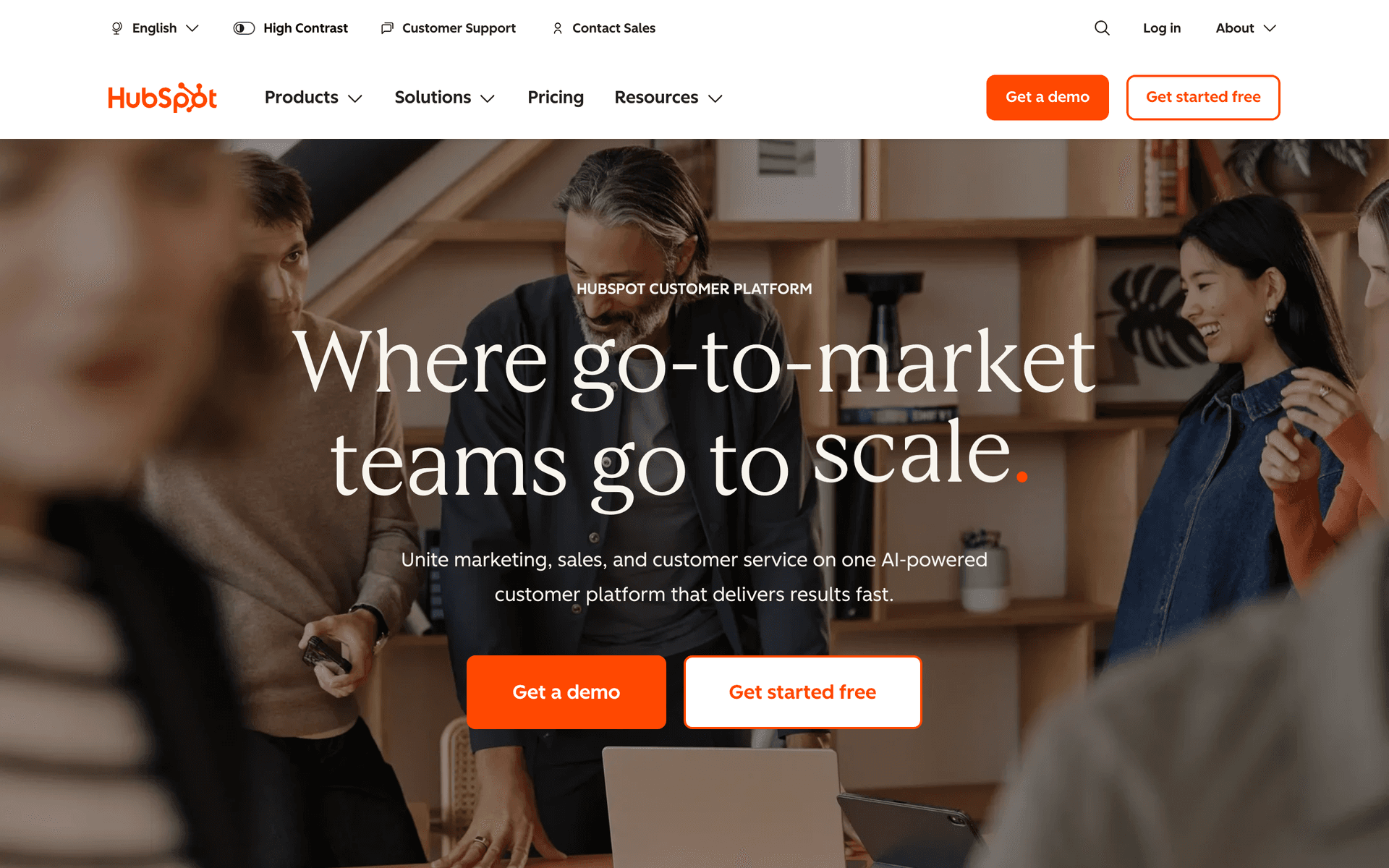
9HubSpotCRM and marketing automation platform.Low-code SaaS with both self-serve users and enterprise sales deals requiring unified CRM and automationFree CRM, Marketing Hub from $20/month
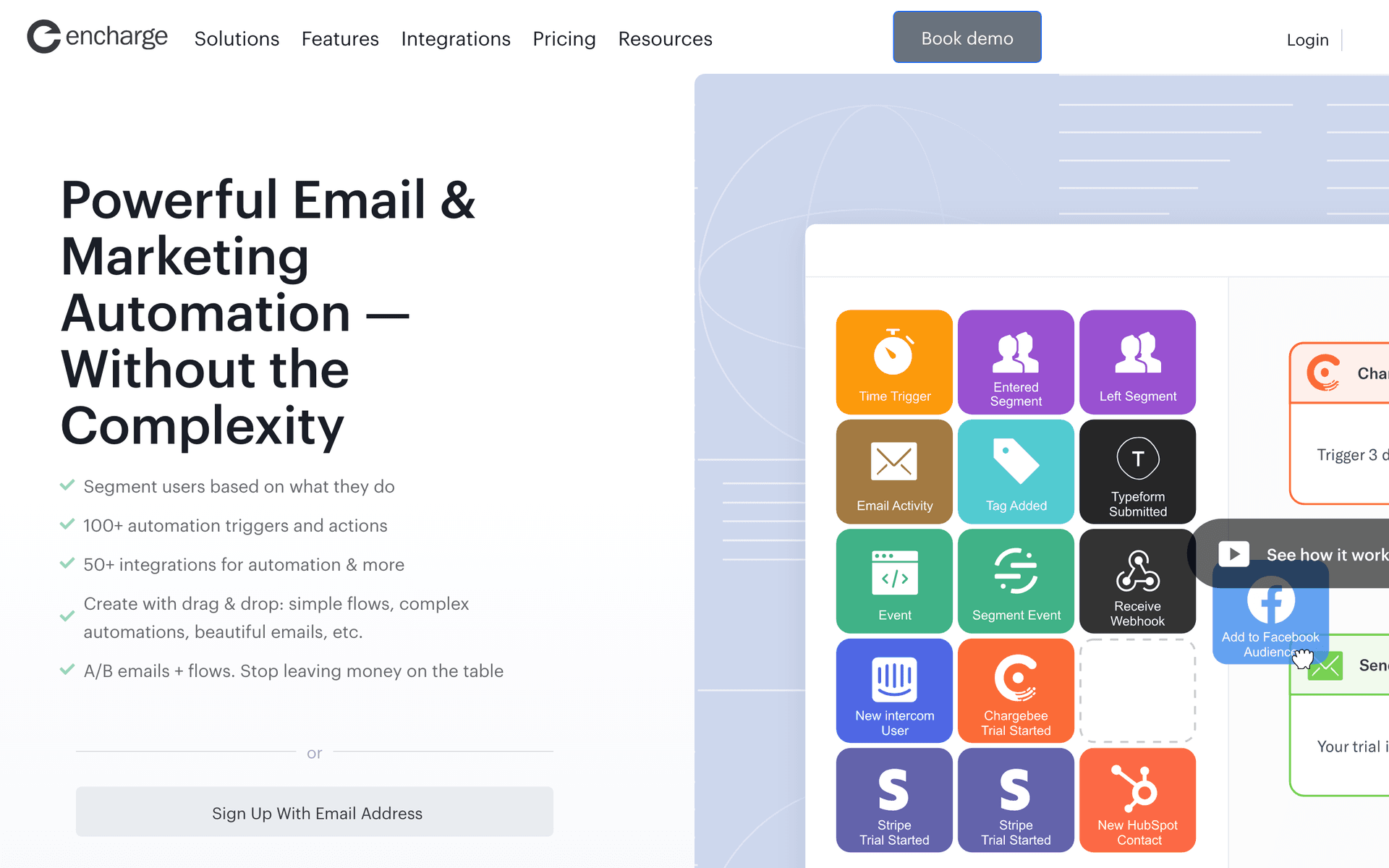
10EnchargeEvent-driven email automation for SaaS.Low-code SaaS who want behavioral automation triggered by technical activation milestones in the productFrom $49/month for 2,000 users
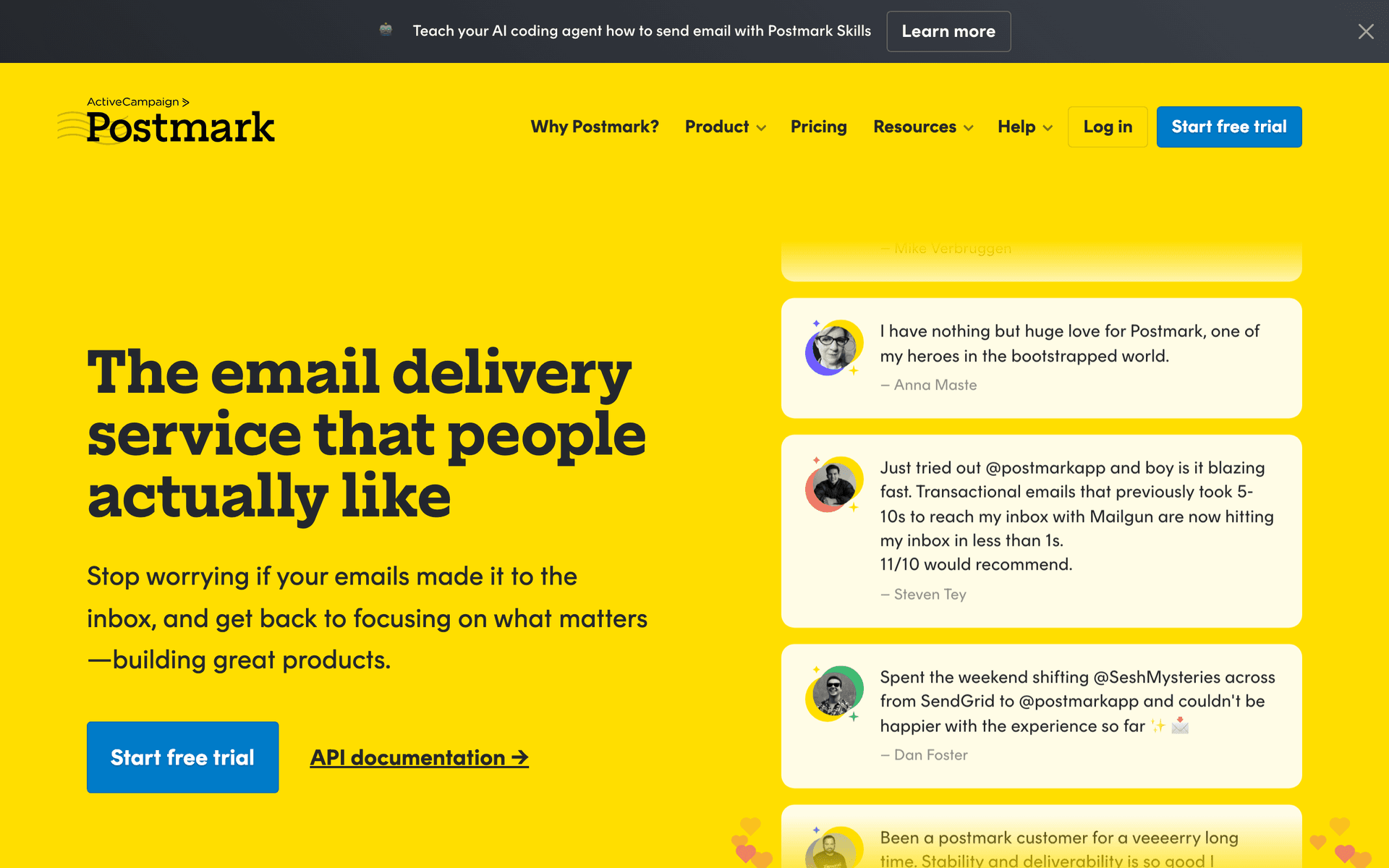
11PostmarkBest-in-class transactional email deliverability.Low-code SaaS platforms where transactional email reliability is critical to the product's value delivery$15/month for 10,000 emails
12ResendDeveloper-first transactional email API.Low-code SaaS built by technical teams who want clean transactional email with minimal overheadFree for 100 emails/day, then $20/month
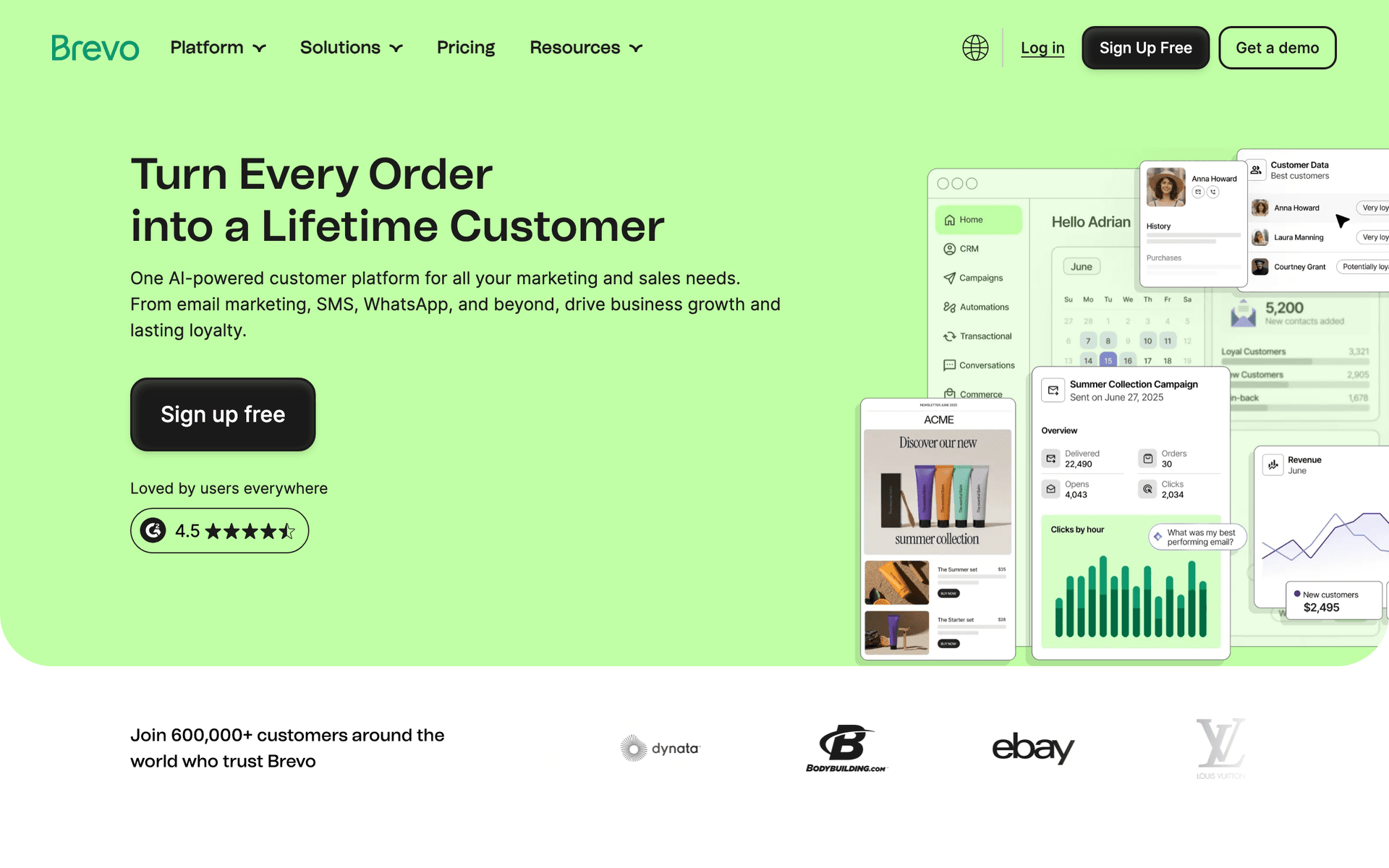
13BrevoAffordable all-in-one email with transactional and marketing.Low-code SaaS in early growth who want one affordable tool for both email typesFree for 300 emails/day, paid from $9/month
14VeroEvent-driven email for SaaS and product teams.Technical low-code SaaS teams who want event-driven automation at lower cost than Customer.ioFrom $100/month
15ConvertKitEmail for creators and content-led growth.Low-code SaaS with content-led growth strategies building audiences of technical buildersFree up to 10,000 subscribers, then $29/month
16MailerSendCombined transactional and marketing email.Low-code SaaS teams who want to start simple with one tool for all email before investing in specializationFree for 3,000 emails/month, then from $25/month
17SenderEmail and SMS marketing with a generous free tier.Low-code SaaS founders experimenting with email and SMS to find the best engagement channelsFree up to 2,500 contacts, paid from $8/month
18IntercomCustomer messaging combining email, in-app, and support.Low-code SaaS platforms where in-product guidance during configuration is as important as email automationFrom $74/month
19OrttoCDP and email marketing for data-driven teams.Data-driven low-code SaaS with rich product instrumentation who want email segments from behavioral dataFrom $99/month
Our Top Pick for Low-Code SaaS
#1
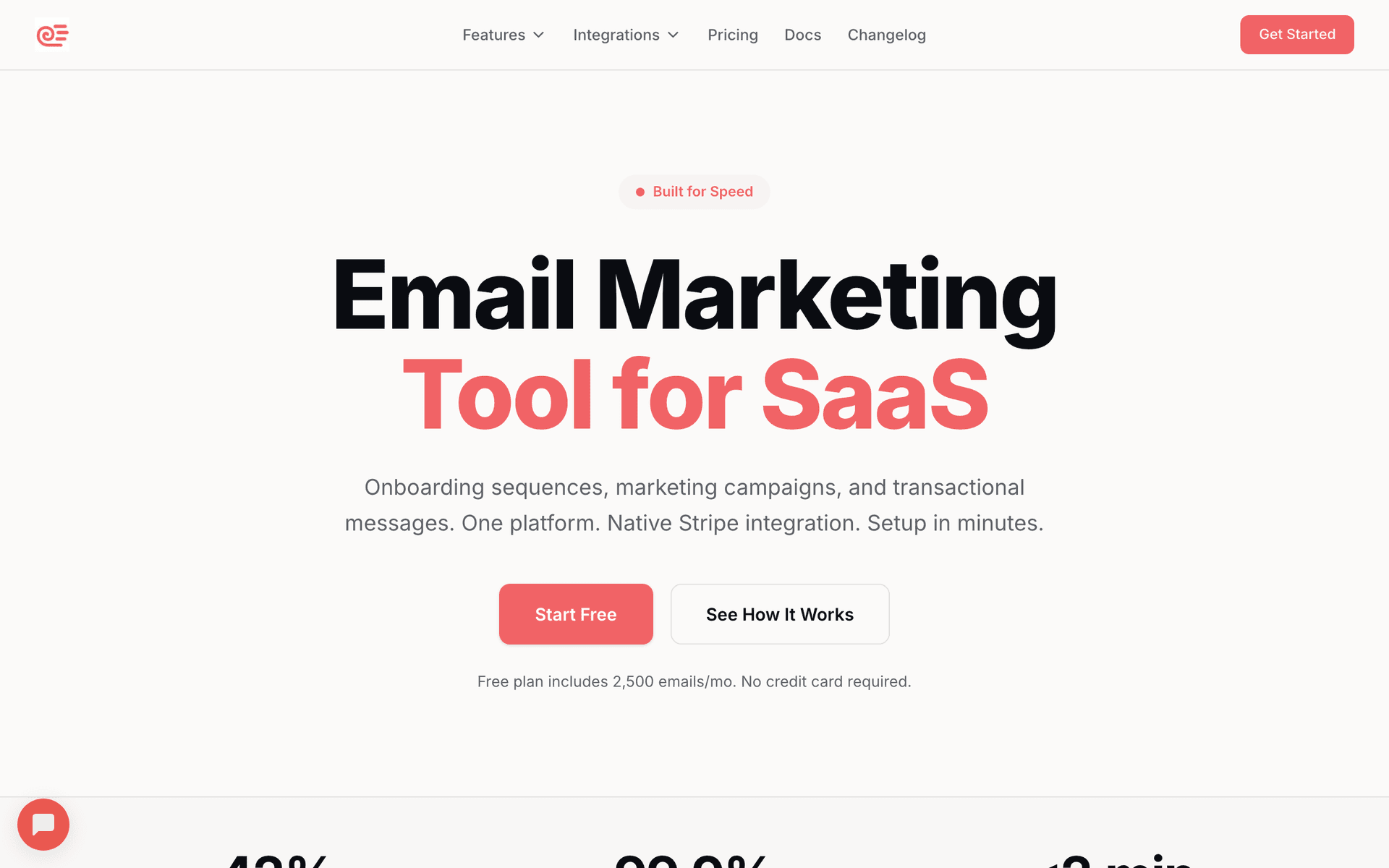
Sequenzy

Email marketing with AI automation and native payment integrations.

Visit
Sequenzy dashboard screenshot

Sequenzy fits the low-code philosophy perfectly. AI generates sequences visually - describe your goal and get a working automation in seconds without writing code or configuring complex builders. Native Stripe integration requires zero code for payment lifecycle emails including subscription creation, payment failures, and cancellations. Zapier support covers no-code connections from your product. When you need more control, the API and webhook support handle custom integrations. This layered approach lets you start with zero code and add custom integrations incrementally as needed. The free tier covers up to 2,500 emails per month for validation, and the $29/month paid plan covers 50,000 emails with unlimited contacts - pay-per-email pricing keeps costs proportional to actual usage as your SaaS grows.

Best for
Low-code SaaS wanting AI-first automation with API escape hatches
Pricing
Free up to 2,500 emails/mo, then $19/mo (unlimited contacts)

Pros

  • AI generates sequences without code
  • Native Stripe requires no integration work
  • Free tier for early validation
  • Zapier plus API for flexible integration

Cons

  • Newer platform with smaller community
  • API documentation still expanding
  • Template library still growing
#2
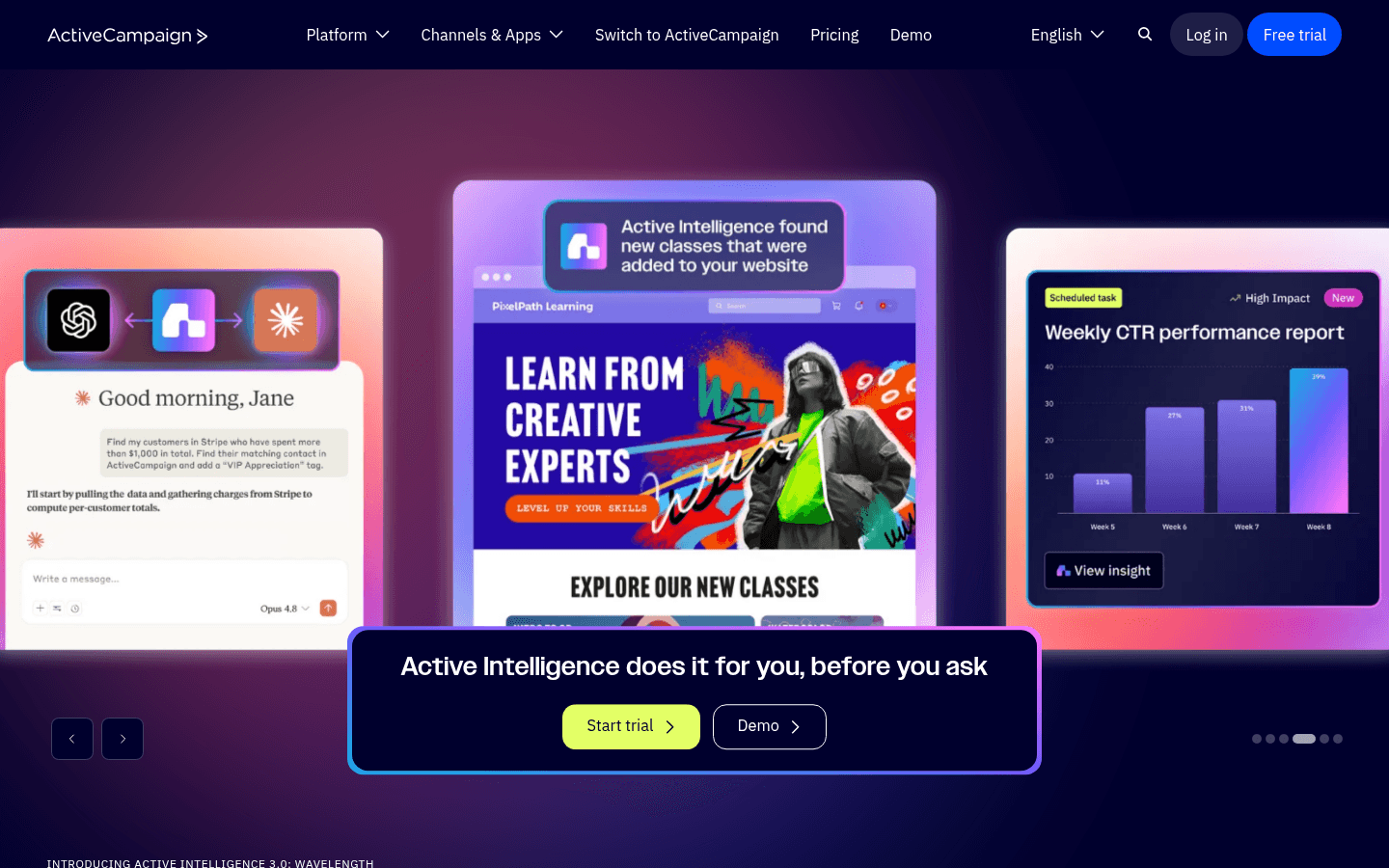
ActiveCampaign

Advanced visual automation with API access.

Visit
ActiveCampaign dashboard screenshot

ActiveCampaign has the best visual automation builder available, which makes it ideal for low-code teams that want to build sophisticated workflows without writing code. Complex conditional logic, branching paths, if/else rules, and goal tracking are all configurable visually. When you need custom data, the API and webhook support push events from your product into the visual builder. The CRM handles customer data without custom code. For low-code teams that want the most powerful visual builder with strong API backing for the edge cases that need code, ActiveCampaign provides the depth. The per-contact pricing escalates as you grow, which is the main drawback.

Best for
Low-code teams wanting the most powerful visual automation
Pricing
$29/month for 1,000 contacts

Pros

  • Best visual automation builder
  • Strong API and webhooks
  • Built-in CRM

Cons

  • Per-contact pricing
  • Complex interface
  • Learning curve for advanced features
#3
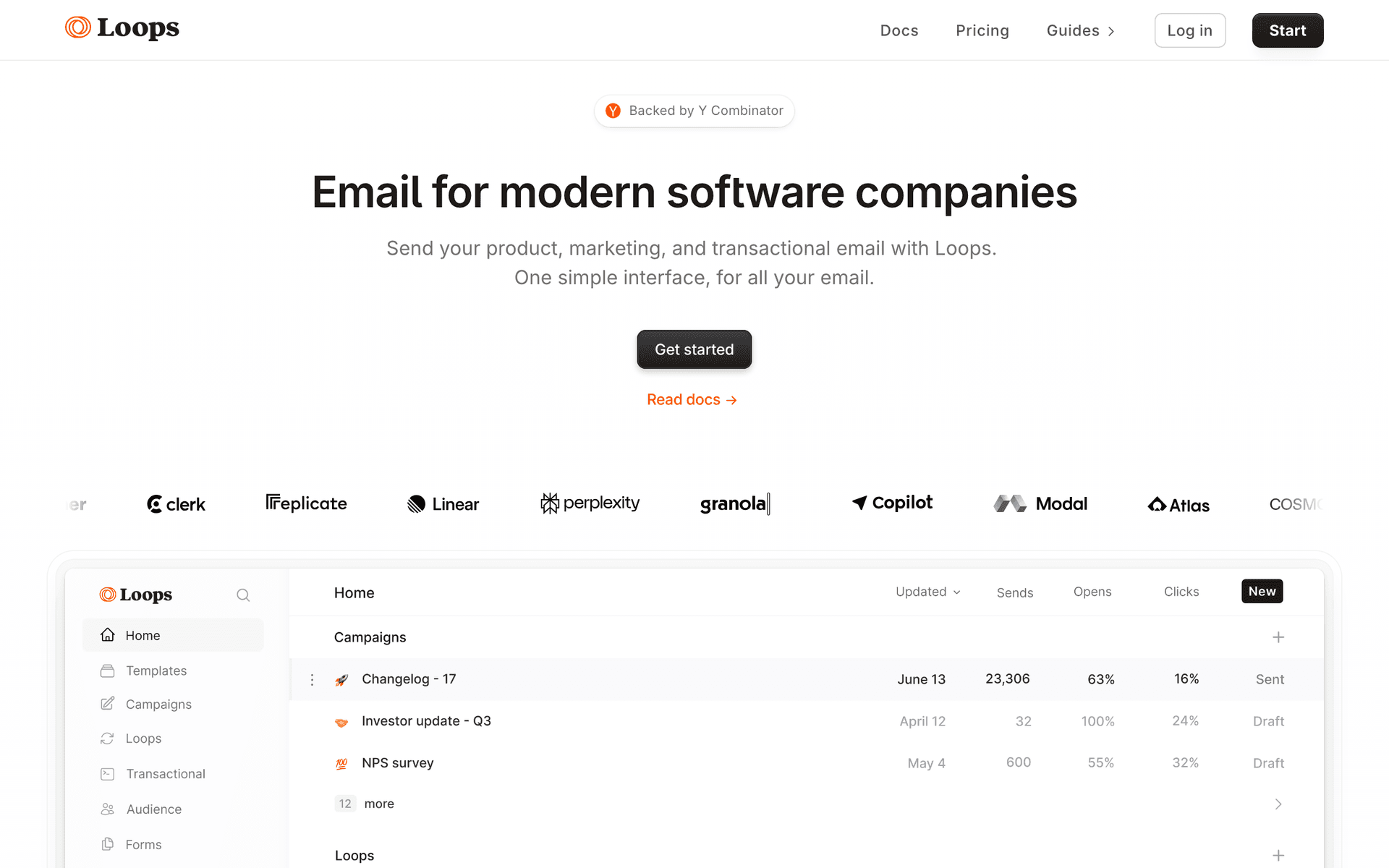
Loops

Modern SaaS email platform with event-based automation.

Visit
Loops dashboard screenshot

Loops offers a clean visual experience with solid API support underneath, which matches the low-code approach well. Set up basic automations visually through an intuitive interface. Push custom events through the API when visual tools are not enough. The SaaS focus means common triggers like signup, trial conversion, and feature adoption are built in as first-class concepts. For low-code teams that want a clean visual tool with developer-friendly API access and SaaS-native features, Loops provides a good balance. The jump from free to $49/month is steep.

Best for
Low-code SaaS teams wanting clean visual tools with API support
Pricing
Free up to 1,000 contacts, then $49/month

Pros

  • Clean visual interface
  • Good API for custom events
  • SaaS-focused features

Cons

  • Per-contact pricing
  • Less powerful automation than ActiveCampaign
  • No payment integration
#4
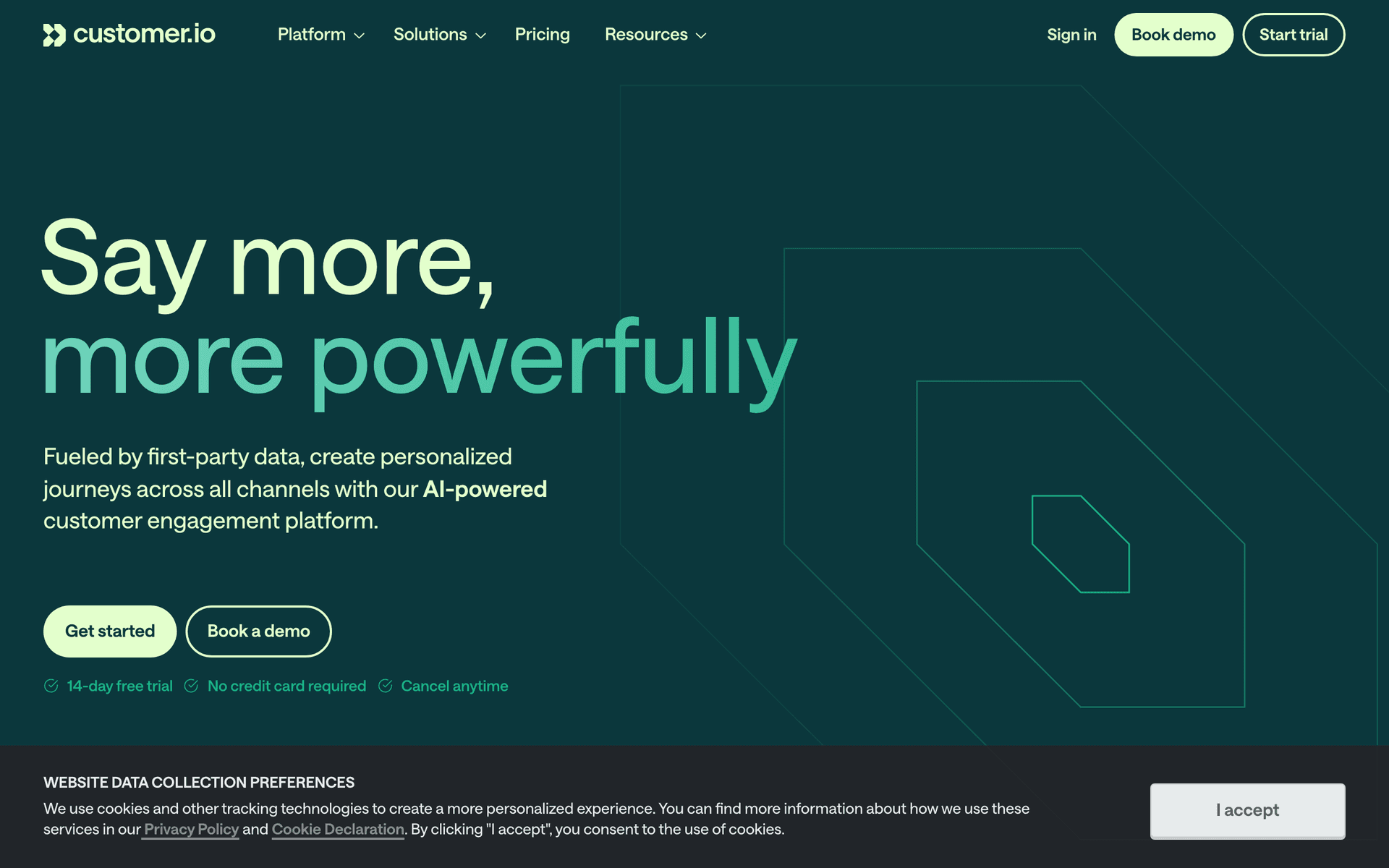
Customer.io

Event-driven messaging with visual workflows and API flexibility.

Visit
Customer.io dashboard screenshot

Customer.io leans more technical than visual, but the visual workflow builder is surprisingly capable. For low-code teams with stronger engineering capabilities who want maximum flexibility in modeling automation scenarios, Customer.io provides the deepest event pipeline. Push any event through the API, then build visual workflows around those events. Multi-channel support covers email, push, SMS, and in-app messages from one platform. The $100/month starting price and setup complexity position it for funded teams with dedicated engineering resources, not bootstrapped teams looking for quick setup.

Best for
Low-code teams with engineering strength wanting maximum flexibility
Pricing
$100/month for 5,000 profiles

Pros

  • Very flexible event pipeline
  • Visual workflow builder
  • Multi-channel messaging

Cons

  • Leans more technical
  • Expensive starting price
  • Complex setup
#5
ConvertKit

Creator-focused platform with visual automation.

Visit
ConvertKit dashboard screenshot

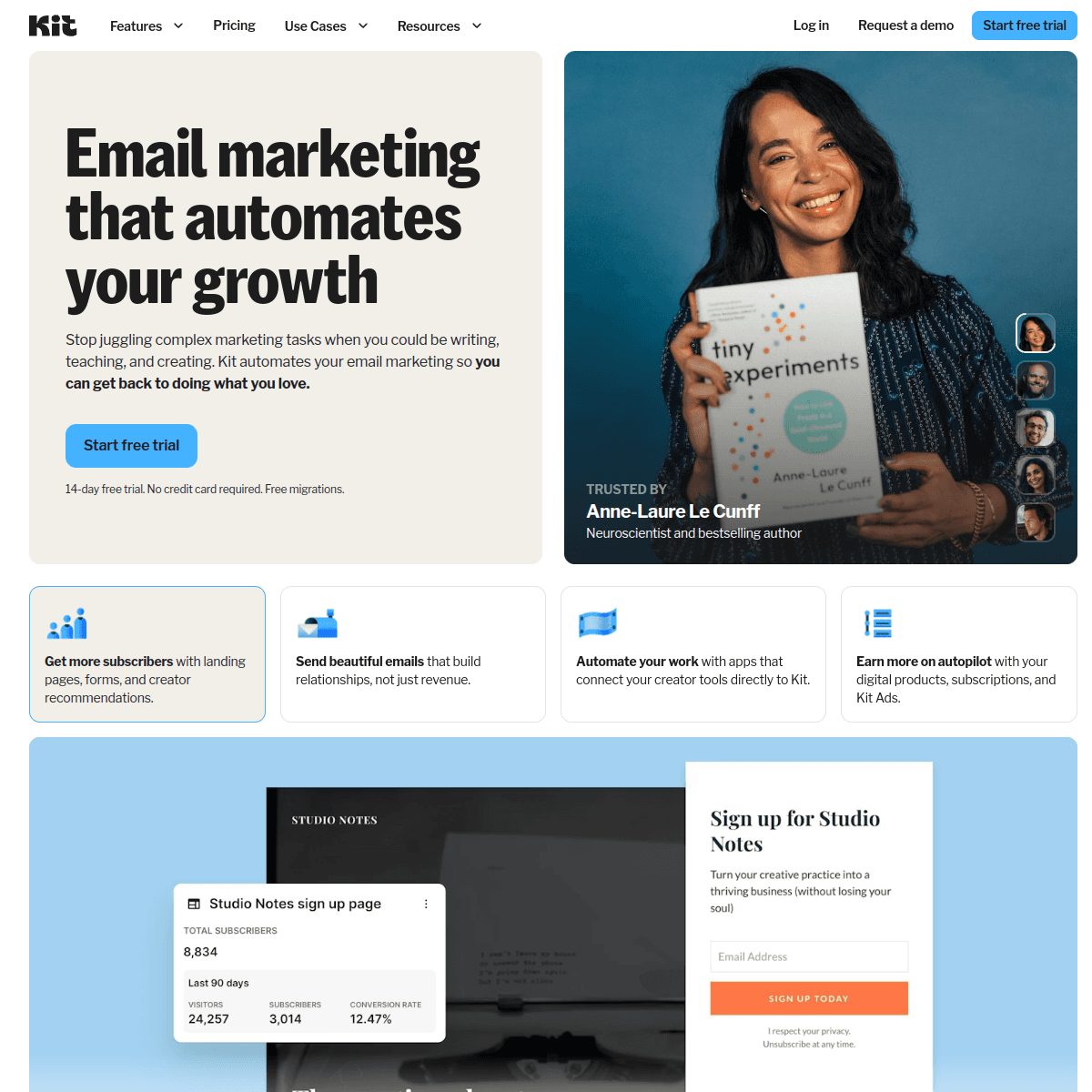
Kit provides the most approachable visual automation for low-code teams that lean toward the no-code end of the spectrum. The visual automation builder is intuitive and handles most common SaaS sequences without requiring technical knowledge. The generous 10,000-subscriber free tier helps teams validate their email strategy before investing. Zapier integration bridges product events to email triggers without custom code. The API exists for developers who need it, though it is less powerful than Customer.io or ActiveCampaign. Best for teams where most email management happens through visual tools with minimal engineering involvement.

Best for
Low-code teams wanting the simplest visual automation
Pricing
Free up to 10,000 subscribers, then $29/month

Pros

  • Very approachable visual builder
  • Generous free tier
  • Zapier integration

Cons

  • Not SaaS-specific
  • Limited advanced automation
  • No payment integration
#6
Resend

Developer-first email API with React Email.

Visit
Resend dashboard screenshot

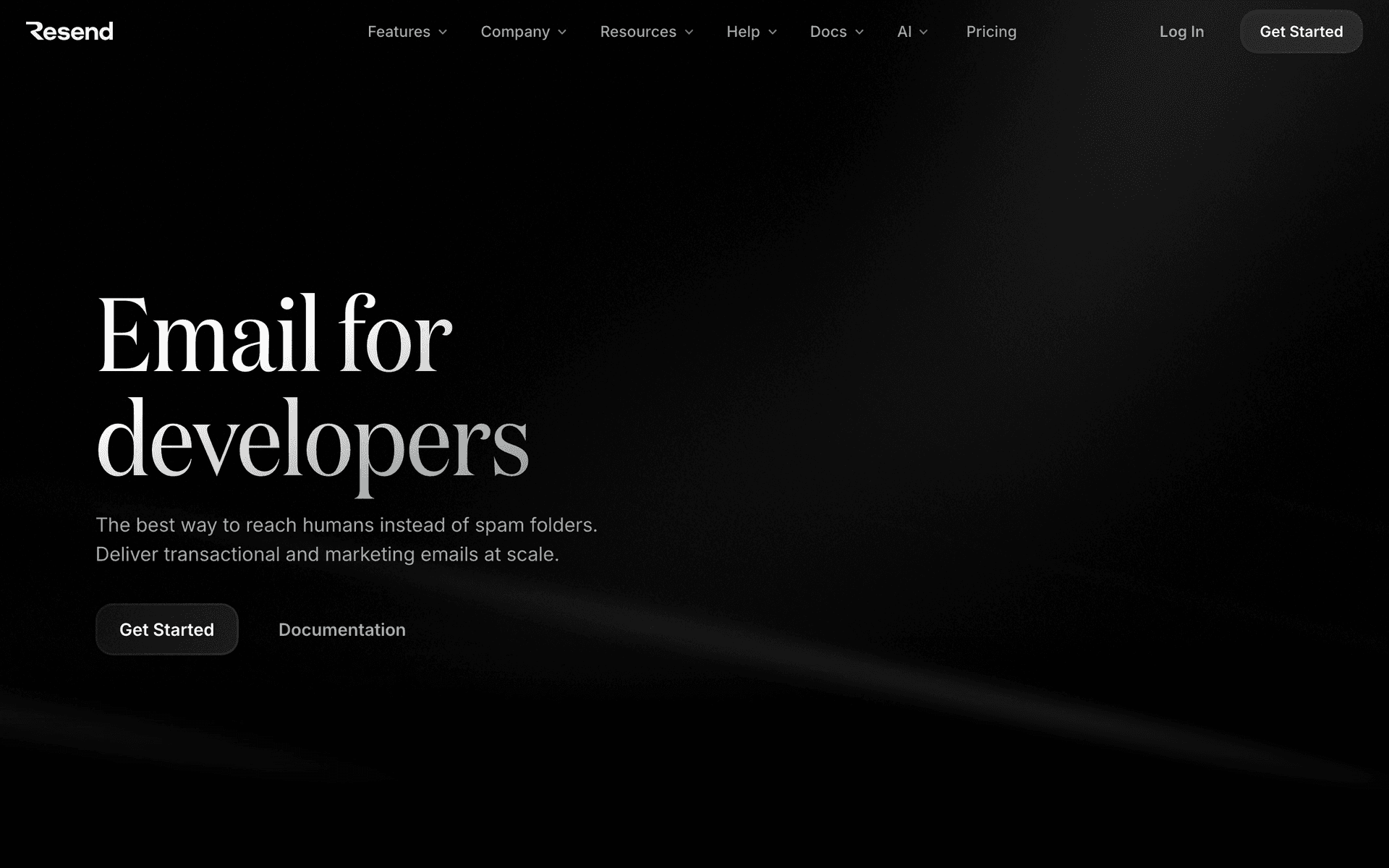
Resend is the code-first option for low-code teams that want full control when they need it. The API is clean, well-documented, and fast to integrate. React Email templates are easy to build if you know React. For the transactional email layer - system notifications, password resets, and custom-triggered communications - Resend is excellent. The lack of visual automation means it is best paired with a visual tool for the marketing side. This split approach works well for low-code teams: Resend handles what needs to be in code, and a visual tool like Sequenzy or ActiveCampaign handles what can be visual.

Best for
Low-code teams wanting a code option for transactional email
Pricing
Free for 3,000 emails/month, then $20/month

Pros

  • Excellent API
  • React Email templates
  • Fast integration

Cons

  • No visual tools
  • Must build automation yourself
  • Code-only interface
#7
Mailchimp

Popular email platform with visual editor and basic API.

Visit
Mailchimp dashboard screenshot

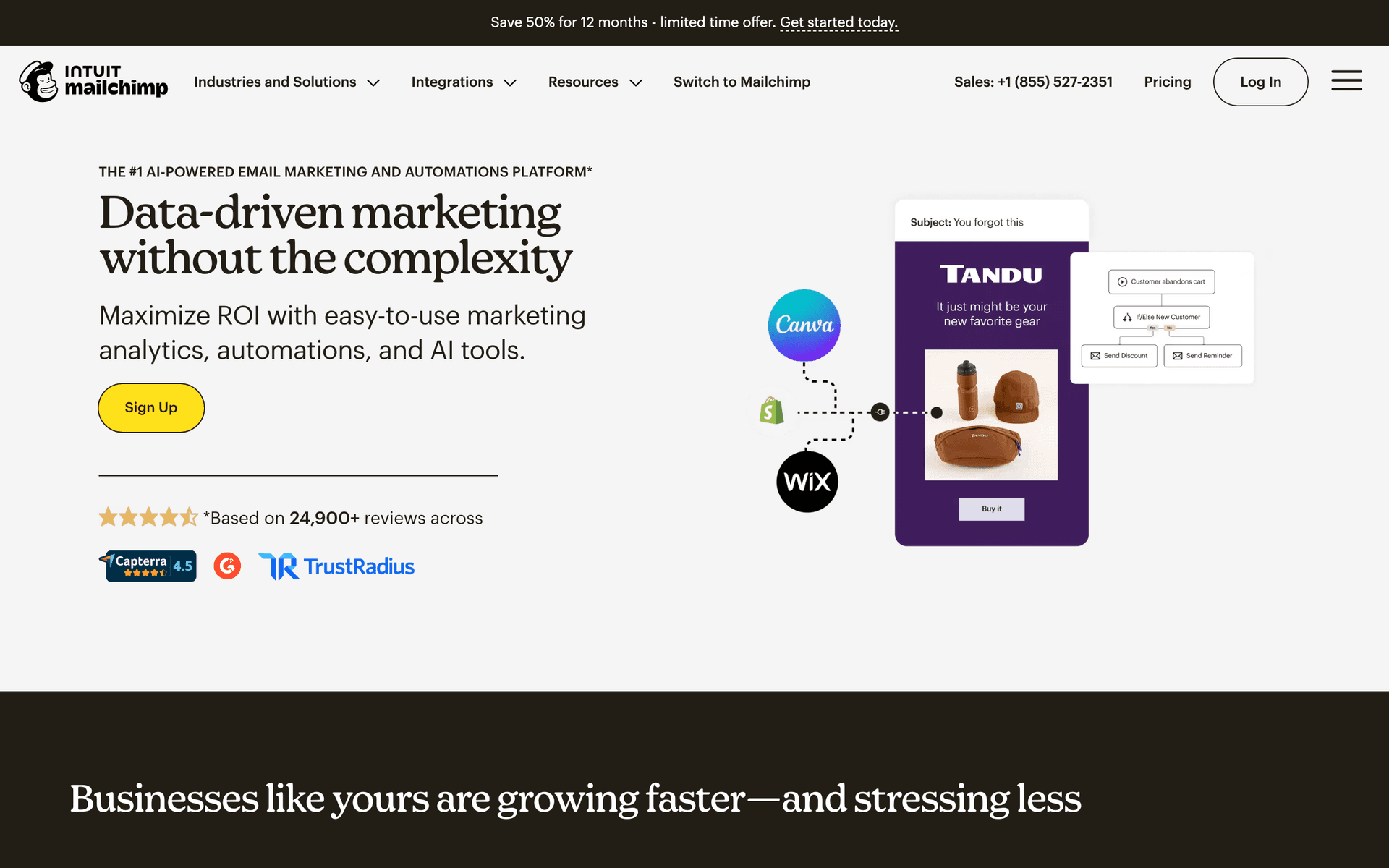
Mailchimp provides the most familiar visual email experience with an API for when you need it. The drag-and-drop editor is polished and produces professional emails quickly. Basic automation covers simple sequences like welcome emails and drip campaigns. The API supports custom integrations when visual tools are not enough. For low-code teams just getting started with email who want a platform everyone on the team already recognizes, Mailchimp's familiarity reduces the learning curve significantly. The automation capabilities are basic compared to ActiveCampaign, and per-contact pricing escalates as you grow.

Best for
Low-code teams wanting the most familiar visual email tool
Pricing
Free up to 500 contacts, then $13/month

Pros

  • Most familiar interface
  • Good visual editor
  • Basic API access

Cons

  • Basic automation
  • Per-contact pricing
  • Not SaaS-specific
#8
Userlist

SaaS email automation with user and company tracking.

Visit
Userlist dashboard screenshot

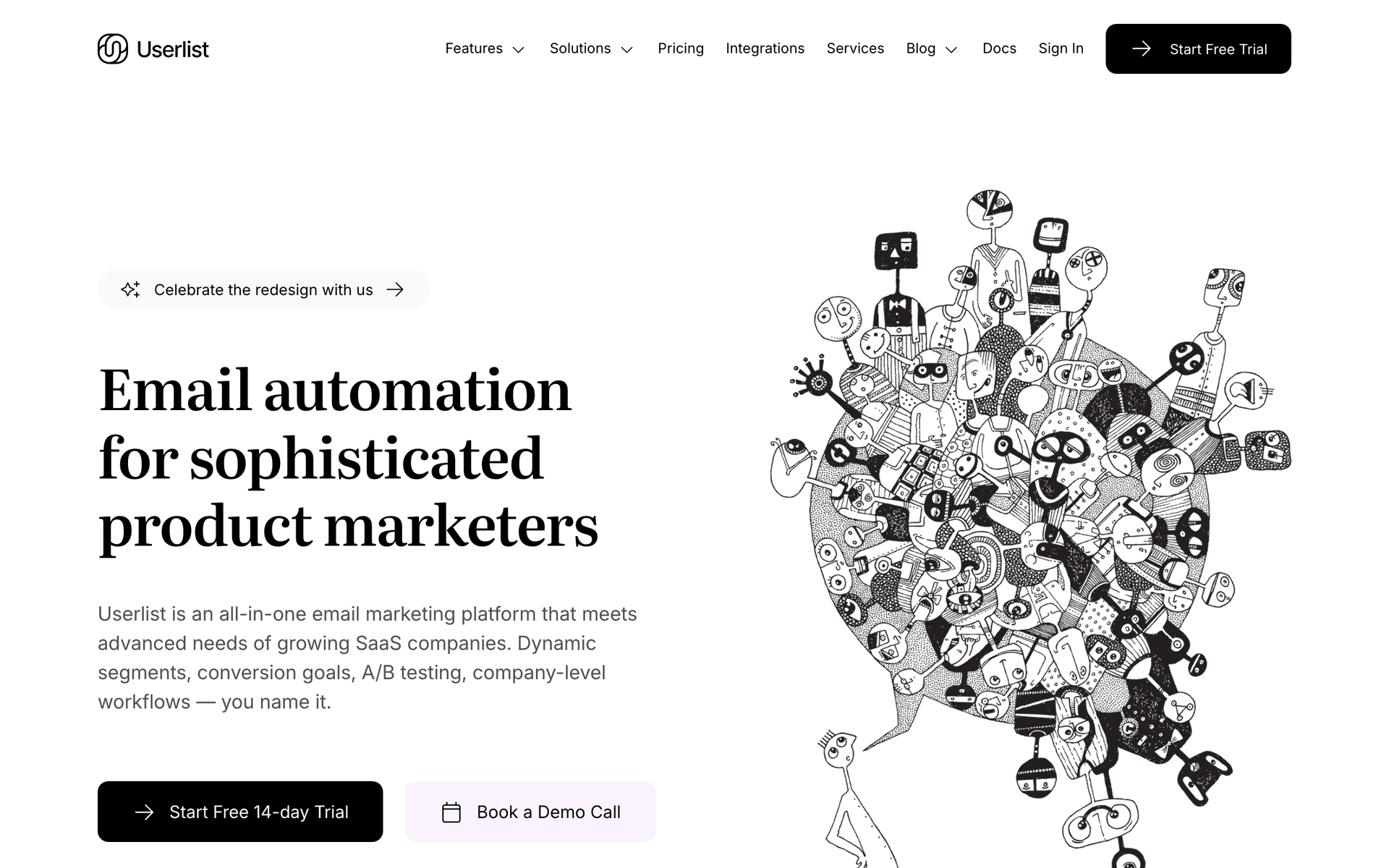
Low-code SaaS products selling to developers and technical teams often have team and company account structures that require company-level email tracking. Userlist's dual tracking model - monitoring email engagement at both individual user and account company level - is exactly what low-code SaaS needs when managing accounts with multiple technical users. For low-code SaaS approaching $500K ARR with business accounts, understanding which accounts are healthy versus at risk from email engagement data provides proactive churn prevention that individual user tracking alone cannot deliver.

Best for
Low-code SaaS with team accounts where understanding company health is important for retention
Pricing
From $149/month

Pros

  • User and company tracking
  • Account health visibility
  • Per-active-user pricing
  • SaaS lifecycle native

Cons

  • Higher cost
  • Overkill for individual-user products
  • Setup investment
#9
HubSpot

CRM and marketing automation platform.

Visit
HubSpot dashboard screenshot

Low-code SaaS companies with both self-serve and sales-assisted acquisition models often need a platform that handles both the product-led marketing automation and the manual sales outreach. HubSpot's CRM manages deal tracking and prospect communications while the marketing automation handles lifecycle sequences for self-serve users. For low-code SaaS that sells to technical buyers who go through a proper evaluation and approval process, HubSpot's ability to track email engagement alongside deal stage progression is genuinely useful. The cost is significant on paid tiers, so this is best for low-code SaaS with meaningful ARR.

Best for
Low-code SaaS with both self-serve users and enterprise sales deals requiring unified CRM and automation
Pricing
Free CRM, Marketing Hub from $20/month

Pros

  • CRM and marketing automation unified
  • Good for PLG plus enterprise
  • Deal tracking built-in
  • Large ecosystem

Cons

  • Expensive paid tiers
  • Not SaaS lifecycle specific
  • Complex for small teams
#10
Encharge

Event-driven email automation for SaaS.

Visit
Encharge dashboard screenshot

Low-code SaaS products with technical user bases benefit from Encharge's event-driven automation that triggers emails based on actual product behavior. For a low-code platform where key activation milestones include completing a first integration, deploying to production, or connecting a data source, Encharge can fire specific emails at those exact moments. The visual flow builder makes complex if-then sequences manageable without a dedicated marketing ops person. For low-code SaaS teams that want to invest in behavioral email automation without the full complexity of Customer.io, Encharge is the strongest mid-tier option.

Best for
Low-code SaaS who want behavioral automation triggered by technical activation milestones in the product
Pricing
From $49/month for 2,000 users

Pros

  • Event-triggered at technical milestones
  • Visual flow builder
  • SaaS lifecycle features
  • Accessible pricing for mid-tier

Cons

  • No transactional email
  • Costs grow with user count
  • Initial integration requires developer
#11
Postmark

Best-in-class transactional email deliverability.

Visit
Postmark dashboard screenshot

Low-code SaaS platforms that enable business-critical workflows need their transactional email to arrive reliably. When a user's automation fires and generates a notification, or a workspace invitation is sent to a new team member, delivery failure creates frustration during critical moments. Postmark's dedicated infrastructure ensures critical transactional emails arrive instantly and reliably. For low-code SaaS where users trust the platform to execute automated workflows on their behalf, matching that reliability in email delivery reinforces the brand promise.

Best for
Low-code SaaS platforms where transactional email reliability is critical to the product's value delivery
Pricing
$15/month for 10,000 emails

Pros

  • Best transactional reliability
  • Supports product reliability brand
  • Fast delivery
  • Detailed analytics

Cons

  • Marketing features secondary
  • Need second tool for sequences
  • Cost without free tier
#12
Resend

Developer-first transactional email API.

Visit
Resend dashboard screenshot

Low-code SaaS platforms built by technical teams benefit from Resend's clean developer API for transactional email. Password resets, workspace invitations, automation execution notifications, and payment confirmations all need reliable delivery with consistent branding. The React Email component library lets technical co-founders build branded transactional emails that match the product design system. For low-code SaaS where the technical team is focused on product building and wants transactional email that just works, Resend's minimal configuration overhead is a meaningful advantage.

Best for
Low-code SaaS built by technical teams who want clean transactional email with minimal overhead
Pricing
Free for 100 emails/day, then $20/month

Pros

  • Best developer experience
  • React Email templates
  • Minimal overhead
  • Free tier

Cons

  • Transactional only
  • Daily cap on free tier
  • Need second tool for marketing
#13
Brevo

Affordable all-in-one email with transactional and marketing.

Visit
Brevo dashboard screenshot

Low-code SaaS teams watching costs during early growth phases can use Brevo's combined transactional and marketing platform to minimize tool count. The free tier of 300 emails per day with unlimited contacts handles both product notifications and marketing sequences without cost in early stages. Brevo's automation builder handles standard lifecycle sequences for low-code SaaS without requiring SaaS-specific configuration. For low-code SaaS between $0 and $100K ARR where cost control matters more than email sophistication, Brevo provides a practical starting point.

Best for
Low-code SaaS in early growth who want one affordable tool for both email types
Pricing
Free for 300 emails/day, paid from $9/month

Pros

  • Combined transactional and marketing
  • Affordable paid plans
  • Unlimited contacts
  • Simple automation builder

Cons

  • Not SaaS lifecycle specific
  • Basic automation
  • Less polished interface
#14
Vero

Event-driven email for SaaS and product teams.

Visit
Vero dashboard screenshot

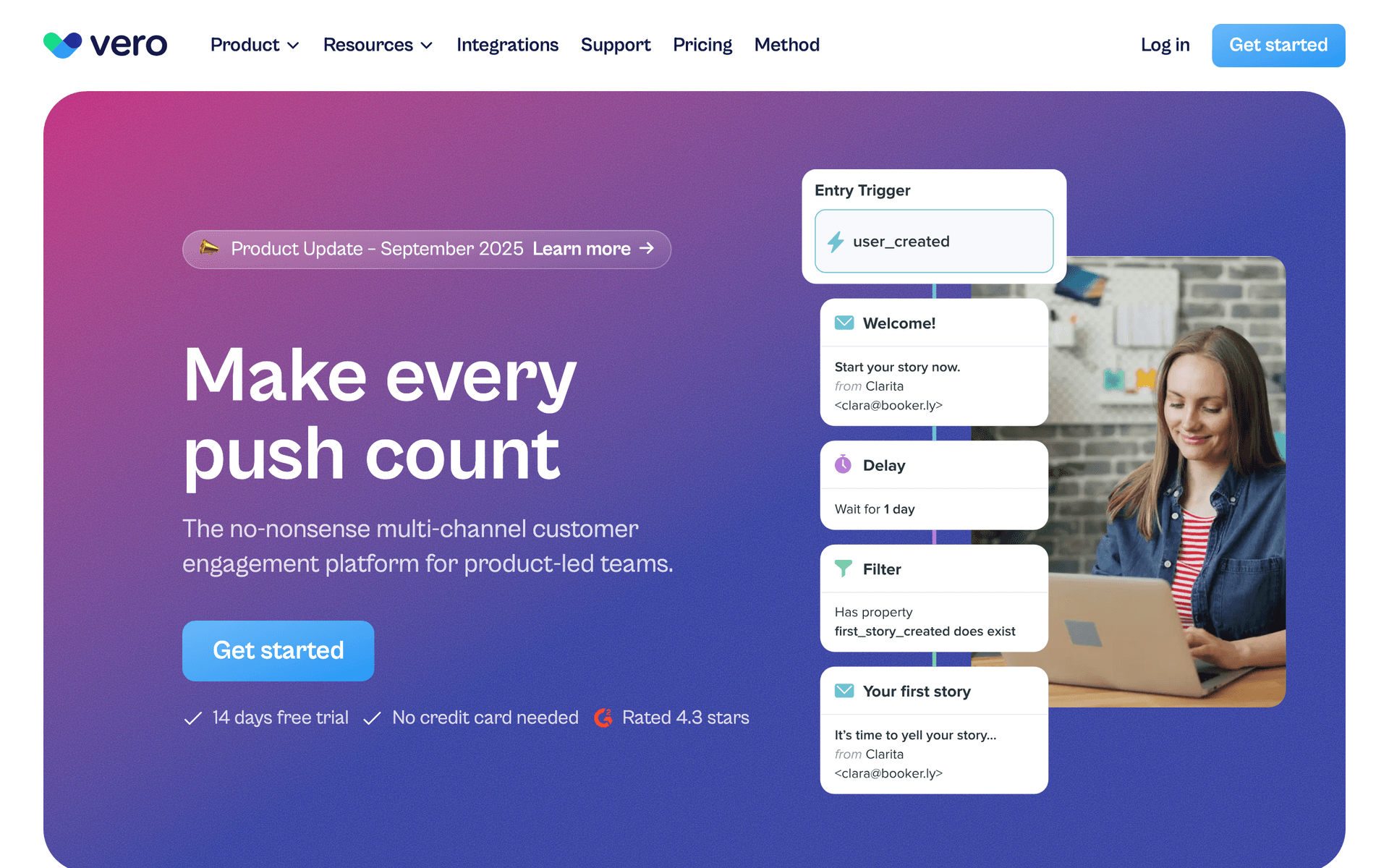
Low-code SaaS teams with technical resources who want behavioral email automation at a lower price than Customer.io will find Vero a capable alternative. The event-driven model - send events from your application, let Vero handle the email logic - is architecturally natural for low-code SaaS where behavioral instrumentation is already part of the product. For low-code platforms that want to send emails based on what users build, run, or automate in the product, Vero's event routing produces precisely relevant emails. Starting at $100 per month, it requires revenue to justify.

Best for
Technical low-code SaaS teams who want event-driven automation at lower cost than Customer.io
Pricing
From $100/month

Pros

  • Event-driven from product actions
  • Behavioral targeting
  • More affordable than Customer.io
  • API-first model

Cons

  • Less modern interface
  • Smaller ecosystem
  • Significant monthly cost
#15
ConvertKit

Email for creators and content-led growth.

Visit
ConvertKit dashboard screenshot

Low-code SaaS products that use content marketing to reach technical builders - tutorials, automation guides, integration examples - can use ConvertKit to build and engage a content audience. The generous free tier for 10,000 subscribers makes it accessible for growing an email list of potential customers who follow your content. The visual automation builder creates drip sequences for content delivery and lead nurture. For low-code SaaS where blog posts, YouTube tutorials, and newsletter content drive a meaningful portion of signups, ConvertKit handles the audience side well alongside a product-specific email tool.

Best for
Low-code SaaS with content-led growth strategies building audiences of technical builders
Pricing
Free up to 10,000 subscribers, then $29/month

Pros

  • Generous free tier for audience building
  • Good for content nurture sequences
  • Visual automation builder
  • Landing pages included

Cons

  • Not SaaS lifecycle specific
  • No event-based triggers
  • Need second tool for product email
#16
MailerSend

Combined transactional and marketing email.

Visit
MailerSend dashboard screenshot

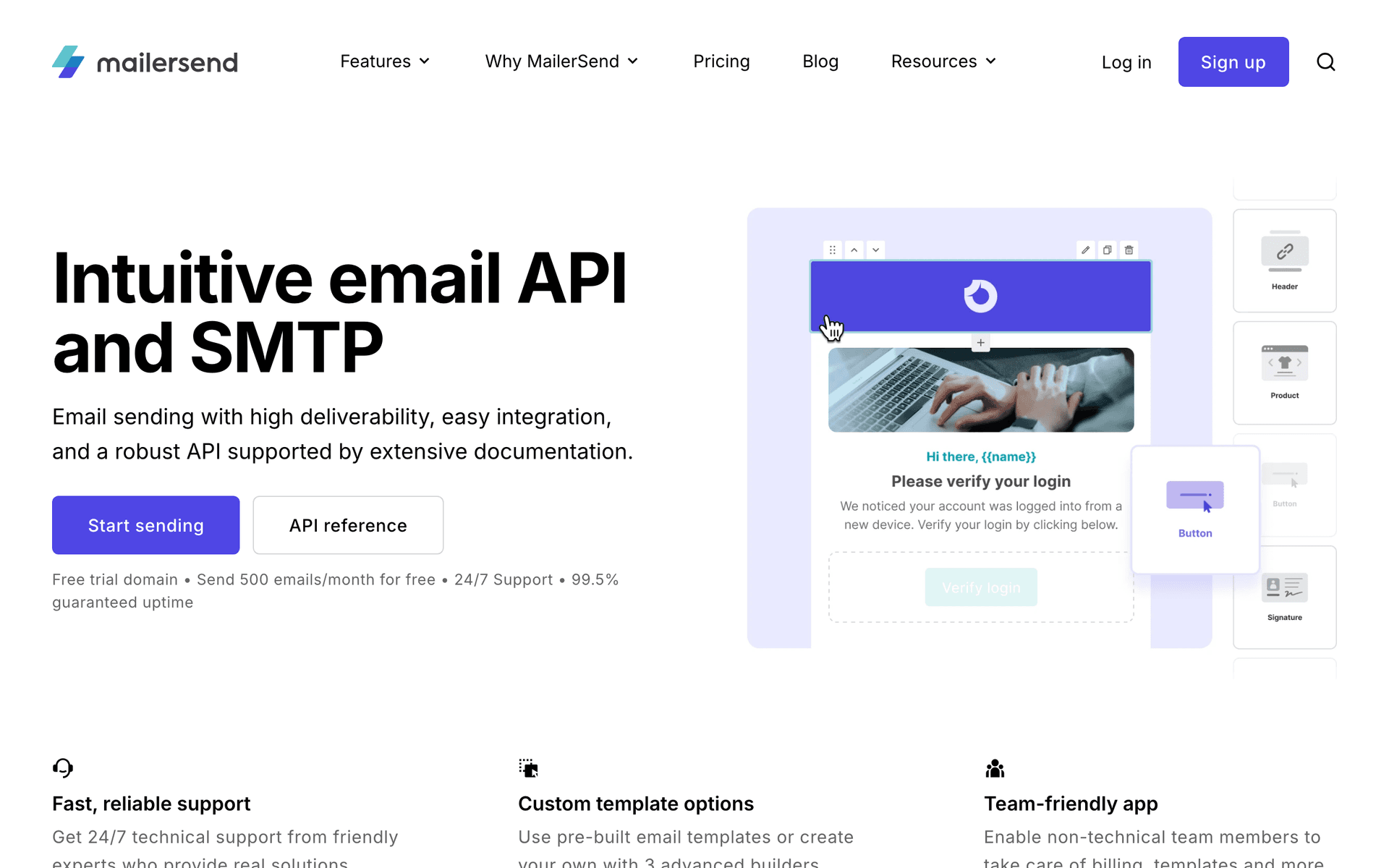
Low-code SaaS teams that want to start with one email tool for both transactional and marketing email will find MailerSend's combined approach reduces setup complexity. The programmatic template management is useful for low-code platforms where email templates might evolve alongside product features. The 3,000 free emails per month covers early-stage needs across both email types. As the platform grows and email strategy becomes more sophisticated, MailerSend can be supplemented with a dedicated lifecycle automation tool while continuing to handle transactional email.

Best for
Low-code SaaS teams who want to start simple with one tool for all email before investing in specialization
Pricing
Free for 3,000 emails/month, then from $25/month

Pros

  • One tool for all email
  • Programmatic template management
  • 3,000 free emails monthly
  • Good developer documentation

Cons

  • Basic lifecycle automation
  • Monthly email cap
  • Not SaaS-lifecycle native
#17
Sender

Email and SMS marketing with a generous free tier.

Visit
Sender dashboard screenshot

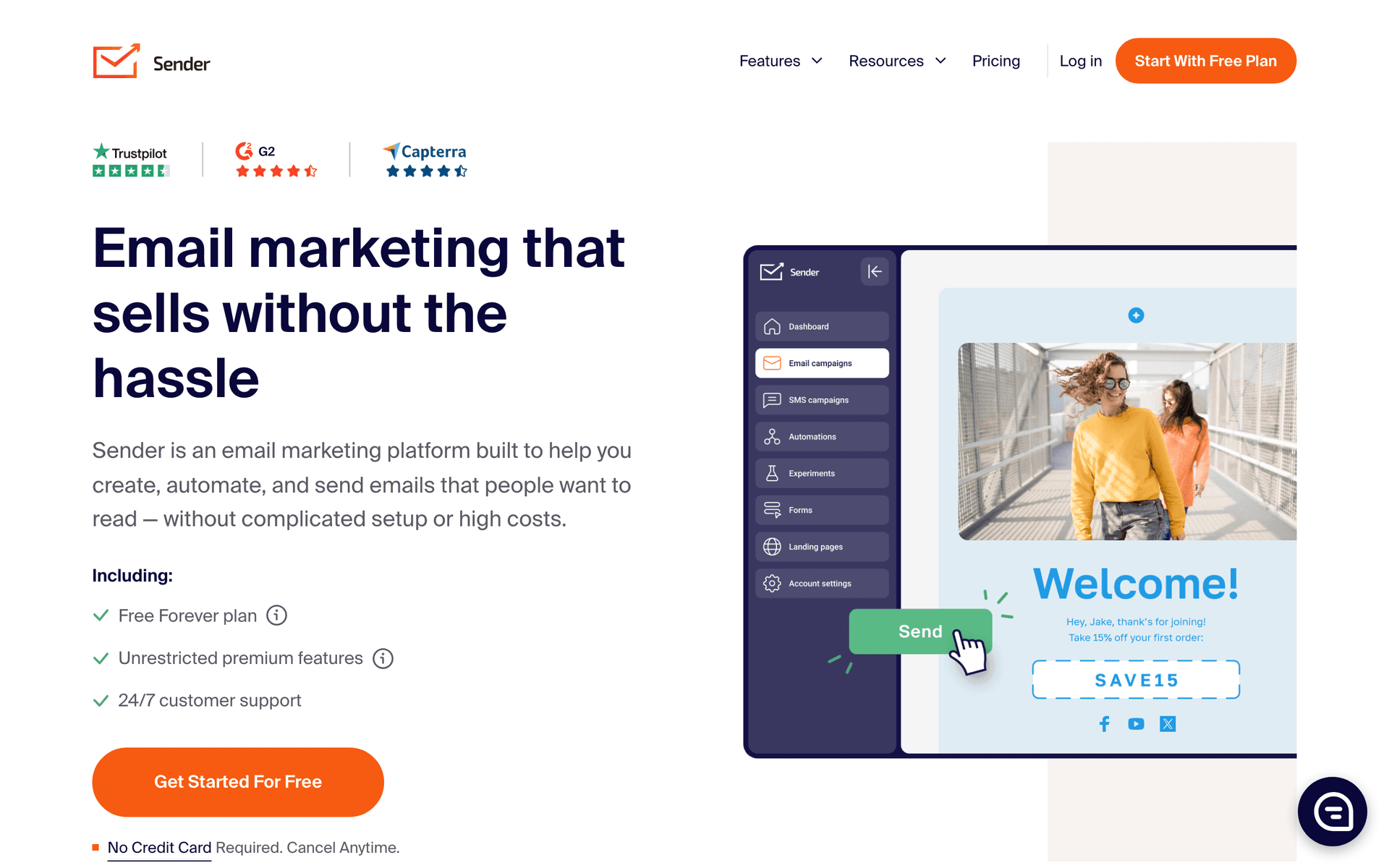
Low-code SaaS founders managing early user acquisition on limited budgets benefit from Sender's combination of a generous free email tier and included SMS. For low-code products serving developers and technical teams, a well-timed SMS notification about a major feature launch or a breaking change in an integration can have higher urgency impact than email. Sender provides both channels at minimal cost, which is useful for low-code SaaS still figuring out which communication channels drive the best engagement with their technical audience.

Best for
Low-code SaaS founders experimenting with email and SMS to find the best engagement channels
Pricing
Free up to 2,500 contacts, paid from $8/month

Pros

  • Email and SMS combined
  • Generous free tier
  • Simple to use
  • Affordable paid plans

Cons

  • Basic automation
  • Not SaaS lifecycle specific
  • Limited behavioral triggers
#18
Intercom

Customer messaging combining email, in-app, and support.

Visit
Intercom dashboard screenshot

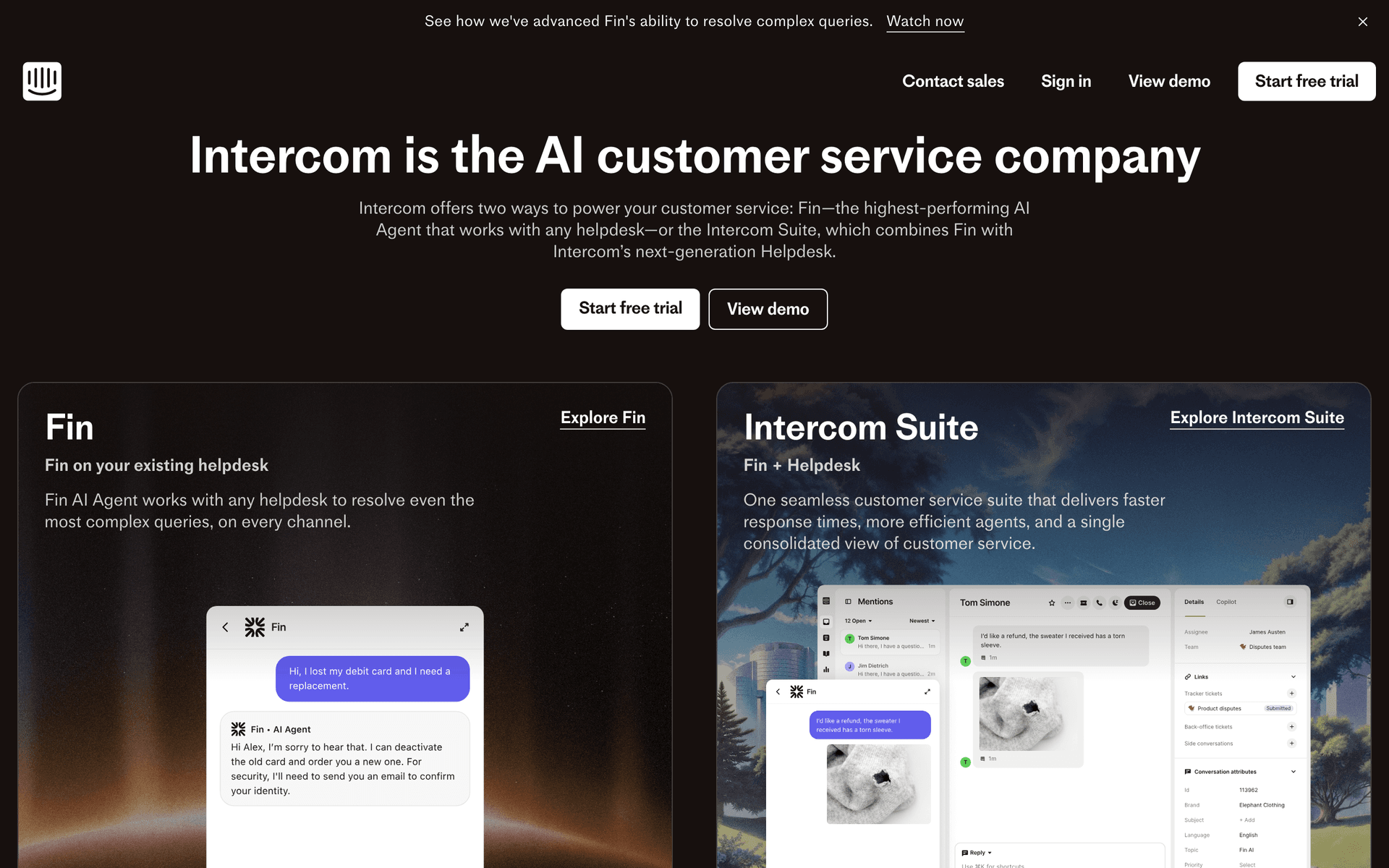
Low-code SaaS platforms where users encounter configuration complexity and need in-product guidance find Intercom's combination of email automation and in-product messaging valuable. When a user is struggling to set up an integration at 2am, an in-app tooltip or automated message triggered by their behavior can save the relationship. Intercom's product tours are particularly useful for low-code platforms with multiple configuration paths. The email automation runs alongside the in-product messaging, creating a unified support and lifecycle communication system. For low-code SaaS at $10K+ MRR, the consolidation value is real.

Best for
Low-code SaaS platforms where in-product guidance during configuration is as important as email automation
Pricing
From $74/month

Pros

  • Email plus in-product guidance
  • Product tours for complex setup
  • Behavioral triggers
  • Unified support and marketing

Cons

  • Expensive for small teams
  • Cost escalates with contacts
  • Overkill for simple products
#19
Ortto

CDP and email marketing for data-driven teams.

Visit
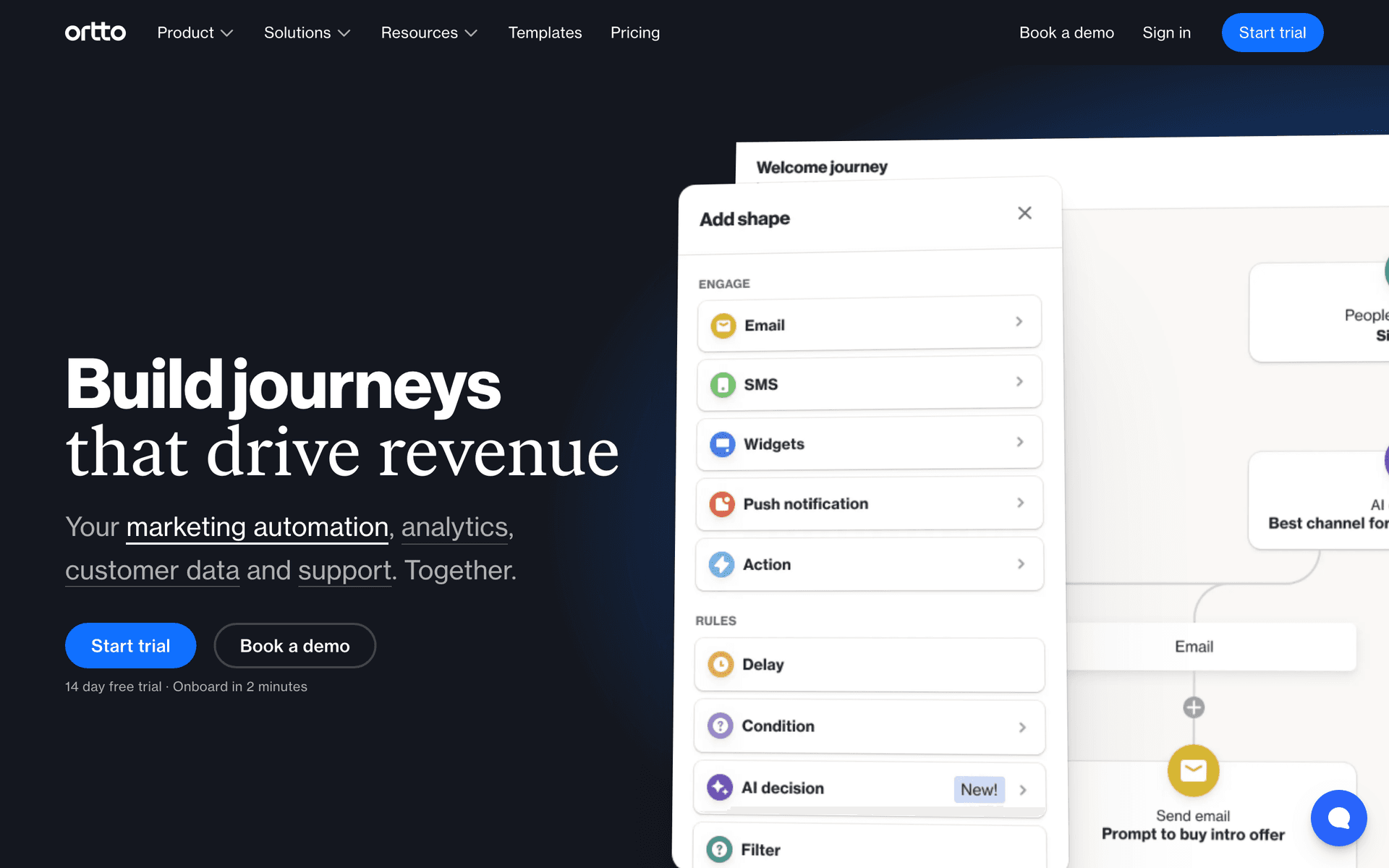
Ortto dashboard screenshot

Low-code SaaS products with rich behavioral instrumentation can leverage Ortto to turn their product event data directly into email segments. For low-code platforms where users perform many measurable actions - building workflows, connecting integrations, running automations - having email segments built from this rich behavioral data rather than manual criteria produces much more relevant lifecycle emails. Ortto combines the CDP and email layer so behavioral data and email campaigns are unified. At $99 per month, it is appropriate for low-code SaaS with meaningful ARR and a data-driven growth philosophy.

Best for
Data-driven low-code SaaS with rich product instrumentation who want email segments from behavioral data
Pricing
From $99/month

Pros

  • CDP and email from rich product data
  • No-code segments from events
  • Visual journey builder
  • Strong analytics

Cons

  • Priced for revenue-stage teams
  • More complex than simple tools
  • Setup investment

Feature Comparison

FeatureSequenzyActiveCampaignLoopsCustomer.io
Visual automation
AI-powered
Best-in-class
Good
Good
API quality
Good
Good
Good
Excellent
Zapier support
Yes
Yes
Yes
Yes
Payment integration
Native Stripe
Via Zapier
No
No
Webhook support
Yes
Yes
Yes
Yes
No-code setup
Easy
Medium
Easy
Hard
Free tier available
Starting price
Free
$29/mo
Free
$100/mo

Common Mistakes to Avoid

We see these mistakes over and over. Skip the learning curve and avoid these from day one.

Over-relying on Zapier for time-sensitive triggers

Zapier polls for new data at intervals, which means 1-15 minute delays. For payment failure notifications, security alerts, or real-time onboarding steps, this delay matters. Move these critical triggers to webhooks or direct API calls while keeping less urgent triggers on Zapier.

Building complex automation before validating the sequence

Low-code teams sometimes spend weeks building sophisticated branching automation before knowing if the basic sequence works. Start with a simple linear sequence, validate that it produces results, then add conditional logic and branching. Complexity should follow evidence.

Choosing a code-only tool when visual would suffice

Some technical founders default to developer-first tools like Resend when a visual builder would serve 90% of their needs. If your marketing team needs to manage email sequences, choose a tool with a visual interface that also has API access for when engineering needs to step in.

Scattering email across multiple tools

Using one tool for transactional email, another for marketing automation, and a third for newsletters creates a fragmented view of customer communication. Where possible, consolidate into one platform that handles all email types to maintain a unified customer experience.

Email Sequences Every Low-Code SaaS Needs

These are the essential automated email sequences that will help you grow your business and keep clients coming back.

Low-Code Onboarding

New user signs up (via Zapier or API)

Onboard users using visual automation with API-triggered events.

Immediate
Welcome - your setup guide

Welcome email with step-by-step setup. Include visual guides and video walkthroughs. Link directly to the first action.

Day 1 (triggered by setup completion event)
Nice work - here is what to try next

Triggered when the user completes initial setup. This event might come through Zapier or a webhook. Suggest the next feature.

Day 3 (triggered by inactivity)
Need help getting started?

If the user has not completed setup, offer help. Include links to docs, video tutorials, and a reply option.

Feature Adoption Nudge

User has been active for 14 days but has not used a key feature

Introduce underused features to active users.

Day 14
You are missing [feature] - it pairs well with what you are doing

Connect the underused feature to what they are already doing. Show how it saves time or adds value to their current workflow.

The Low-Code Email Philosophy

Low-code is not no-code. It is the strategic choice to use visual tools for most things and code for the few things that truly need it. Your email marketing should follow the same philosophy: visual automation builders for 90% of your sequences, with API and webhook support for the edge cases that require custom logic.

This approach gives you speed (visual tools are faster to build with), flexibility (APIs handle what visual tools cannot), and maintainability (non-technical team members can manage most sequences without engineering help).

The best low-code email setup is one where marketing can create, modify, and manage most email sequences independently, while engineering provides the data pipeline and handles the occasional custom integration that visual tools cannot express.

The Zapier-to-API Graduation Path

Most low-code teams start with Zapier connecting their product to their email tool. This works well initially and gets you running in hours instead of days. As you scale, some Zaps need to graduate to direct API integrations.

The triggers that need real-time delivery - payment failures, security alerts, time-sensitive onboarding steps - should be API-driven. The triggers where a 1-15 minute delay is acceptable - onboarding events, usage milestones, weekly digest triggers - can stay on Zapier permanently.

The best email tools for low-code teams support this graduation path. Start with everything on Zapier. Move high-priority triggers to webhooks or API calls when the delay becomes a problem. Keep the rest on Zapier. This incremental approach lets you invest engineering time where it matters most while maintaining the simplicity of no-code connections for everything else.

Visual Builders Are Getting Better

The gap between what visual automation builders can do and what requires custom code is shrinking every year. Tools like ActiveCampaign and Sequenzy now handle conditional logic, event-based triggers, and complex branching visually. For most low-code SaaS email needs, visual builders are more than sufficient.

AI-powered sequence generation takes this further. With Sequenzy, you describe your goal in natural language and get a working sequence. This eliminates the configuration step entirely for common use cases like onboarding, feature adoption, and payment lifecycle management.

Save your engineering budget for product features, not email infrastructure. The tools available today let non-technical team members handle the vast majority of email marketing without code.

Choosing Your Integration Strategy

Every low-code SaaS product needs to decide how to connect product events to email triggers. Here is a framework:

Tier 1 - Zapier (no code): User signup, profile completion, subscription changes, and other events that Zapier supports natively. Setup time: minutes. Delay: 1-15 minutes.

Tier 2 - Webhooks (minimal code): Events that need real-time delivery but simple payloads. A single webhook endpoint that forwards events to your email tool. Setup time: 1-2 hours. Delay: seconds.

Tier 3 - API integration (more code): Complex events with rich data, custom user attributes, and events that need to be batched or processed. Setup time: hours to days. Delay: milliseconds.

Most low-code teams need only Tier 1 and occasionally Tier 2. Tier 3 becomes relevant when you have thousands of users and need precise control over timing and data.

Building Your Low-Code Email Stack

Start with this priority order:

  1. Welcome and onboarding sequence via visual builder with Zapier-triggered events from your product
  2. Payment lifecycle emails via native Stripe integration (Sequenzy) or Zapier connection to your payment provider
  3. Feature adoption nudges triggered by usage events, initially via Zapier, graduated to webhooks if timing matters
  4. Re-engagement sequences based on inactivity detection, visual builder with time-based triggers
  5. Product updates and announcements via the visual editor for broadcast campaigns

This order reflects impact priority. Onboarding and payment emails have the highest immediate impact on retention and revenue. Feature adoption and re-engagement optimize the middle of the funnel. Product updates maintain engagement with your broader user base.

How We Evaluated These Tools

Tools were evaluated based on their alignment with the low-code philosophy - visual automation quality, API depth for when code is needed, Zapier and webhook support, the ability to graduate from no-code to code incrementally, and pricing that scales with actual usage.

Frequently Asked Questions

Ready to grow your low-code saa practice?

Start your free trial today. Set up your first email sequence in minutes with AI-powered content generation.

Related Industries

Sequenzy - Complete Pricing Guide

Pricing Model

Sequenzy uses email-volume-based pricing. You only pay for emails you send. Unlimited contacts on all plans — storing subscribers is always free.

All Pricing Tiers

  • 2.5k emails/month: Free (Free annually)
  • 15k emails/month: $19/month ($205/year annually)
  • 60k emails/month: $29/month ($313/year annually)
  • 120k emails/month: $49/month ($529/year annually)
  • 300k emails/month: $99/month ($1069/year annually)
  • 600k emails/month: $199/month ($2149/year annually)
  • 1.2M emails/month: $349/month ($3769/year annually)
  • Unlimited emails/month: Custom pricing (Custom annually)

Yearly billing: All plans offer a 10% discount when billed annually.

Free Plan Features (2,500 emails/month)

  • Visual automation builder
  • Transactional email API
  • Reply tracking & team inbox
  • Goal tracking & revenue attribution
  • Dynamic segments
  • Payment integrations
  • API, MCP, and CLI access
  • Custom sending domain

Paid Plan Features (15k - 1.2M emails/month)

  • Visual automation builder
  • Transactional email API
  • Reply tracking & team inbox
  • Goal tracking & revenue attribution
  • Dynamic segments
  • Payment integrations (Stripe, Paddle, Lemon Squeezy)
  • API, MCP, and CLI access
  • Custom sending domain

Enterprise Plan Features (Unlimited emails)

  • Visual automation builder
  • Transactional email API
  • Reply tracking & team inbox
  • Goal tracking & revenue attribution
  • Dynamic segments
  • Payment integrations
  • API, MCP, and CLI access
  • Custom sending domain

Important Pricing Notes

  • You only pay for emails you send — unlimited contacts on all plans
  • No hidden fees - all features included in the price
  • No credit card required for free tier

Contact

  • Pricing Page: https://sequenzy.com/pricing
  • Sales: hello@sequenzy.com