Updated 2026-03-15

Best Email Marketing Tools for Locksmiths

Build lasting client relationships, stay top of mind for emergencies, and grow your locksmith business with the right email marketing platform.

Locksmith work is often emergency-based, which makes building lasting client relationships challenging. Most customers call once and forget your name. Email marketing keeps you remembered when locks fail or security upgrades are needed. But most email platforms are built for online retailers. Here are 13 tools that actually work for locksmiths, ranked by ease of use, automation features, and value for money.

TL;DR

For most locksmith businesses, Sequenzy is the best value - the AI writes service follow-ups and security tip newsletters for you, and the free tier covers up to 2,500 emails/month. If you need SMS for service confirmations alongside email, Brevo includes it at no extra cost. For larger locksmith companies with office staff who can manage a more complex tool, ActiveCampaign offers CRM with automation.

Why Locksmiths Need Email Marketing

Stay Top of Mind

When someone gets locked out at midnight, they call whoever they remember. Regular emails keep your name front and center.

Build Property Manager Relationships

Commercial accounts and property managers are recurring revenue. Email nurtures these relationships between service calls.

Promote Security Upgrades

Rekeying, smart locks, and security assessments are easier to sell to existing clients through targeted email campaigns.

Generate Referrals

Happy customers tell their neighbors. Email reminds them to share your contact when friends need locksmith services.

Locksmiths Email Marketing Benchmarks

Know these numbers before you start. They'll help you set realistic goals and pick the right tool.

25-33%
Average Open Rate

Locksmith email newsletters typically see 25-33% open rates. Security alert emails and seasonal safety tips perform above average. Purely promotional emails about discounts tend to fall below 20%.

2-4%
Average Click Rate

Click rates of 2-4% are typical for locksmith emails. Review request links and security assessment offers drive the most clicks. Include one clear call to action per email for best results.

Tuesday-Wednesday, 9-11am
Best Send Time

Homeowners and property managers engage with locksmith emails during mid-morning business hours early in the week. Seasonal security tips before holidays and travel seasons see higher engagement regardless of send day.

15-25% of asked customers
Review Generation Rate

Locksmiths who send automated review request emails within 3-5 days of service see 15-25% of customers leaving reviews. This rate is higher than most industries because customers feel grateful for emergency service and the request comes at peak satisfaction.

Important Tips Before You Choose

Lessons from locksmithswho've been doing this for years. Save yourself the trial and error.

Send a service follow-up within 24 hours of every job

A thank you email after completing a job is the single best habit for a locksmith business. Include a summary of work performed, your emergency number, and a direct link to leave a Google review. This simple automation generates reviews, builds your reputation, and keeps your name in the customer's inbox for future needs.

Build a monthly security tips newsletter

Position yourself as the local security expert by sending monthly tips about home security, smart lock technology, seasonal break-in prevention, and travel safety. This content keeps you top of mind between service calls and gives customers a reason to stay subscribed even when they do not need locksmith services.

Segment commercial clients from residential

Property managers and businesses care about reliability, response times, and master key systems. Residential customers care about security tips, fair pricing, and emergency availability. Send different content to each segment. A property manager does not need holiday travel security tips, and a homeowner does not need information about access control systems.

Target property managers with ongoing service agreements

After serving any managed property, follow up with information about your commercial services. A three-email sequence introducing master key systems, 24/7 priority service, and security assessments can convert one-time calls into ongoing commercial relationships that provide recurring monthly revenue.

Promote security upgrades during slow seasons

Locksmith work often has seasonal patterns. During slower periods, email campaigns promoting rekeying services, smart lock installations, and security assessments generate work when you need it most. Position upgrades as proactive security measures rather than reactive fixes.

13 Best Email Marketing Tools for Locksmiths

Our Top Pick for Locksmiths
#1
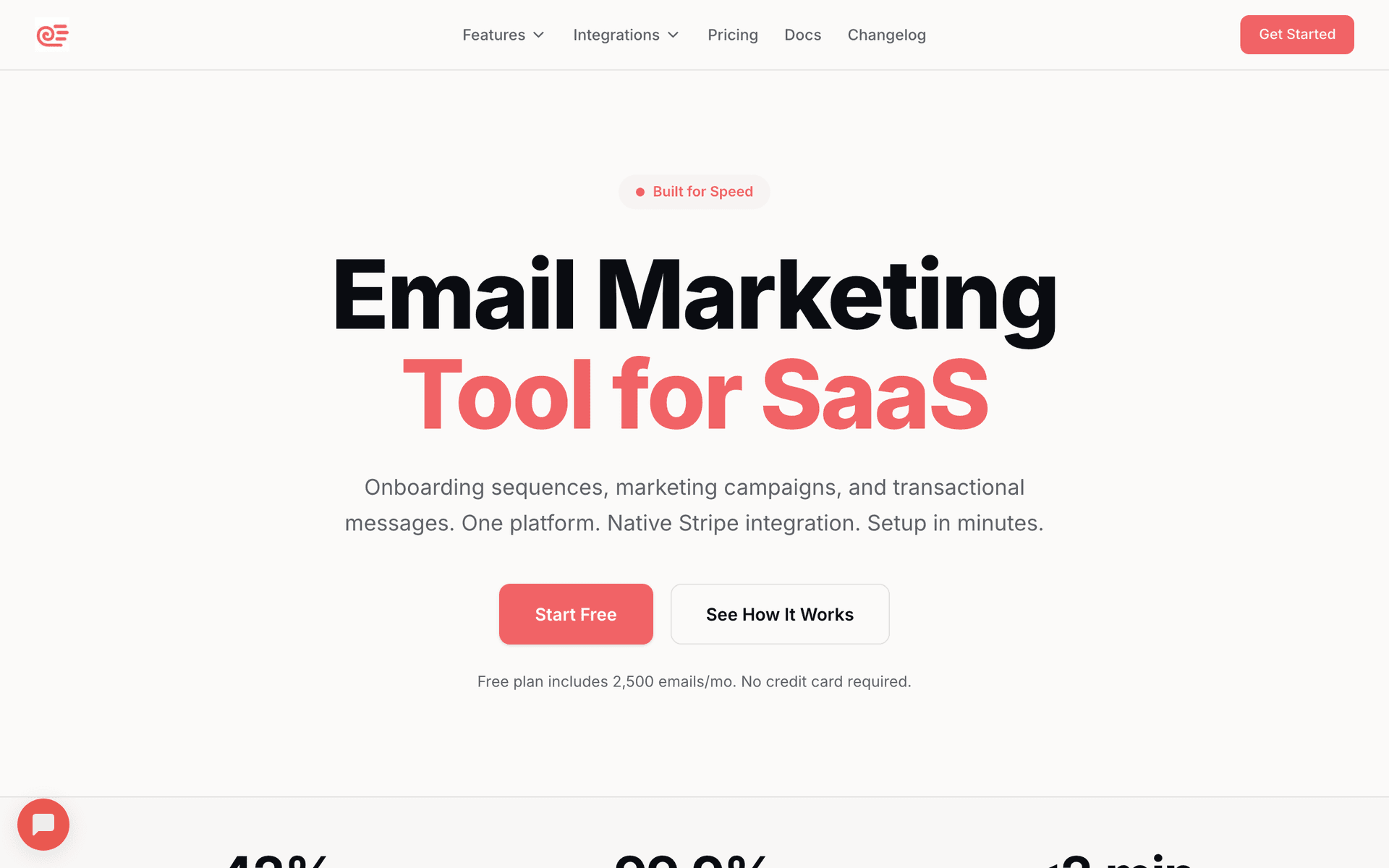
Sequenzy

AI-powered email marketing built for service businesses. Creates client sequences automatically.

Visit

Sequenzy is the best fit for locksmith businesses because it solves the two biggest challenges: no time to write emails and a large database of past customers. The AI sequence builder creates service follow-ups, security tip newsletters, and commercial client outreach in seconds - describe what you need and get a ready-to-send sequence. The free tier covers up to 2,500 emails per month, which handles most locksmith businesses at zero cost. The $29/month paid plan covers 50,000 emails with unlimited contacts, so your years of accumulated customer records do not inflate your bill the way per-contact tools do. The interface is simple enough to manage from your phone between jobs, which matters when your office is your van.

Best for
Locksmiths wanting automated client communication without complexity
Pricing
Free up to 2,500 emails/mo, then $29/mo for 50K emails (unlimited contacts)

Pros

  • AI writes follow-up and promotional sequences
  • Free tier for getting started
  • Simple interface you can use from your phone
  • Pay for emails sent, not contacts stored

Cons

  • Launched in 2025, less track record
  • No built-in SMS
  • Fewer templates than established competitors
#2
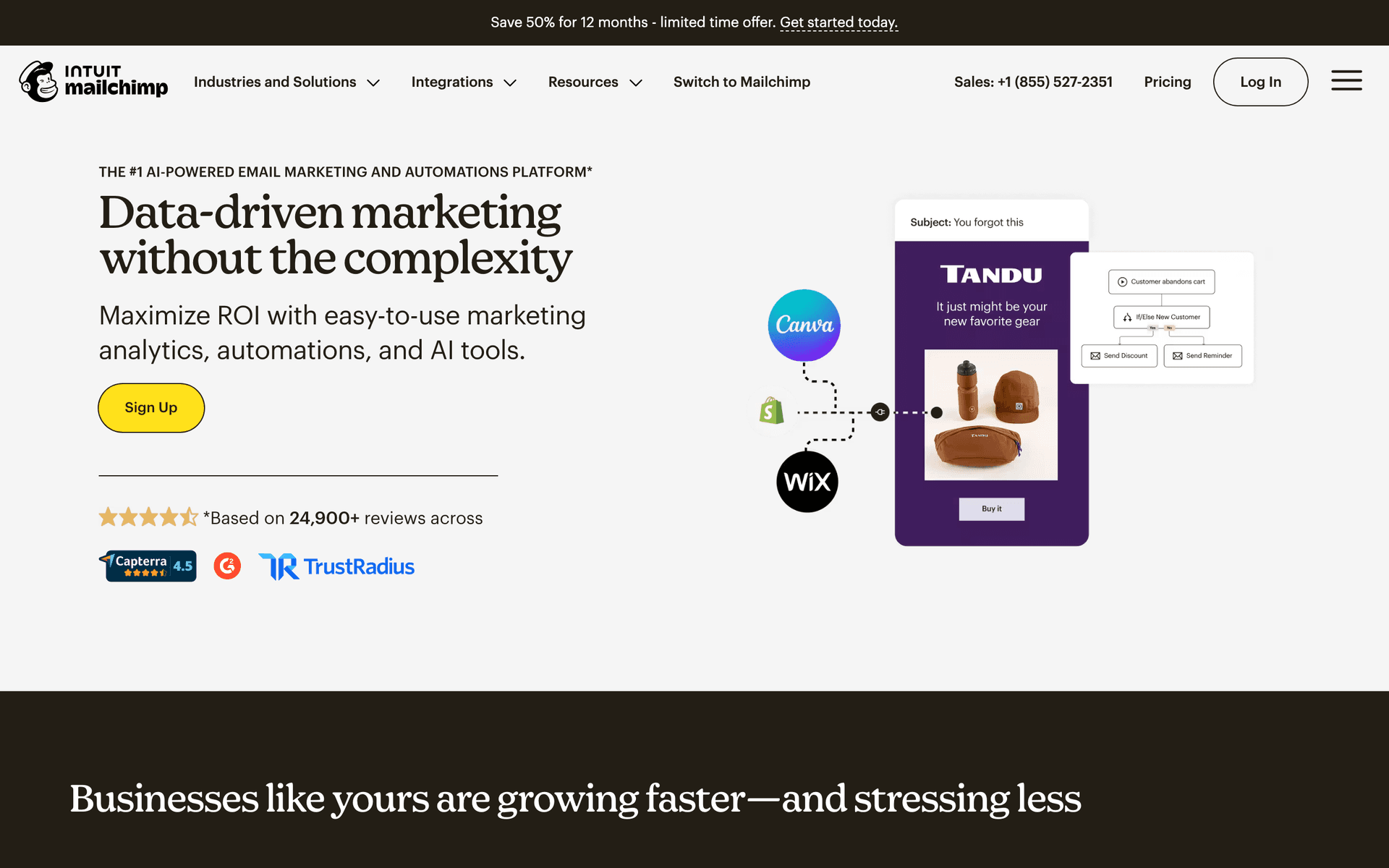
Mailchimp

The most popular email marketing platform. Solid features but can get expensive.

Visit

Mailchimp is the name everyone knows, which means you can get started without a learning curve. For locksmith businesses, the templates work well for newsletters and security promotions. The free tier gives you 500 contacts. The drag-and-drop editor makes creating professional-looking emails straightforward even if you have no design experience. The frustration comes when your list grows past the free tier - pricing increases significantly, and Mailchimp charges for unsubscribed contacts on paid plans. The interface has become cluttered over the years, making simple tasks feel unnecessarily complicated.

Best for
Locksmiths wanting a well-known platform
Pricing
Free up to 500 contacts, then $13-350/month

Pros

  • Extensive templates
  • Many integrations
  • Strong deliverability
  • Good analytics

Cons

  • Gets expensive fast
  • Interface overwhelming
  • Support has declined
  • Not designed for services
#3
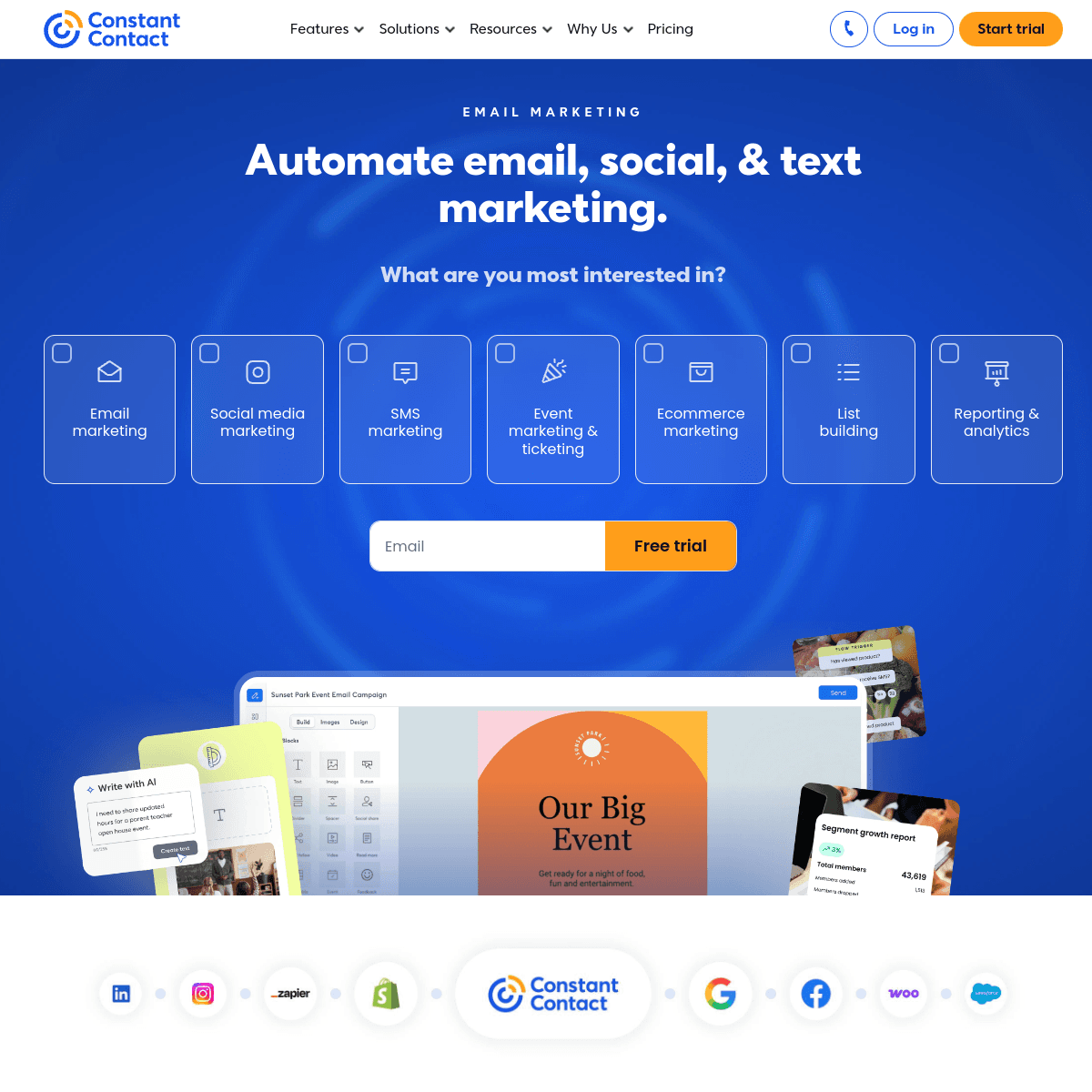
Constant Contact

Long-standing email platform popular with small businesses.

Visit

Constant Contact is reliable and straightforward with genuinely helpful phone support. For locksmith business owners who prefer talking to a person when they need help, this is a significant advantage. The platform handles newsletters and promotional campaigns well. Templates feel a bit dated compared to newer platforms, but everything works reliably. Pricing runs higher than some alternatives, but the hands-on support justifies the premium for non-technical users.

Best for
Locksmiths wanting simple email with phone support
Pricing
From $12/month for 500 contacts

Pros

  • Very easy to use
  • Excellent phone support
  • Event management
  • Social integration

Cons

  • Limited automation
  • Dated templates
  • Higher prices
  • Basic segmentation
#4
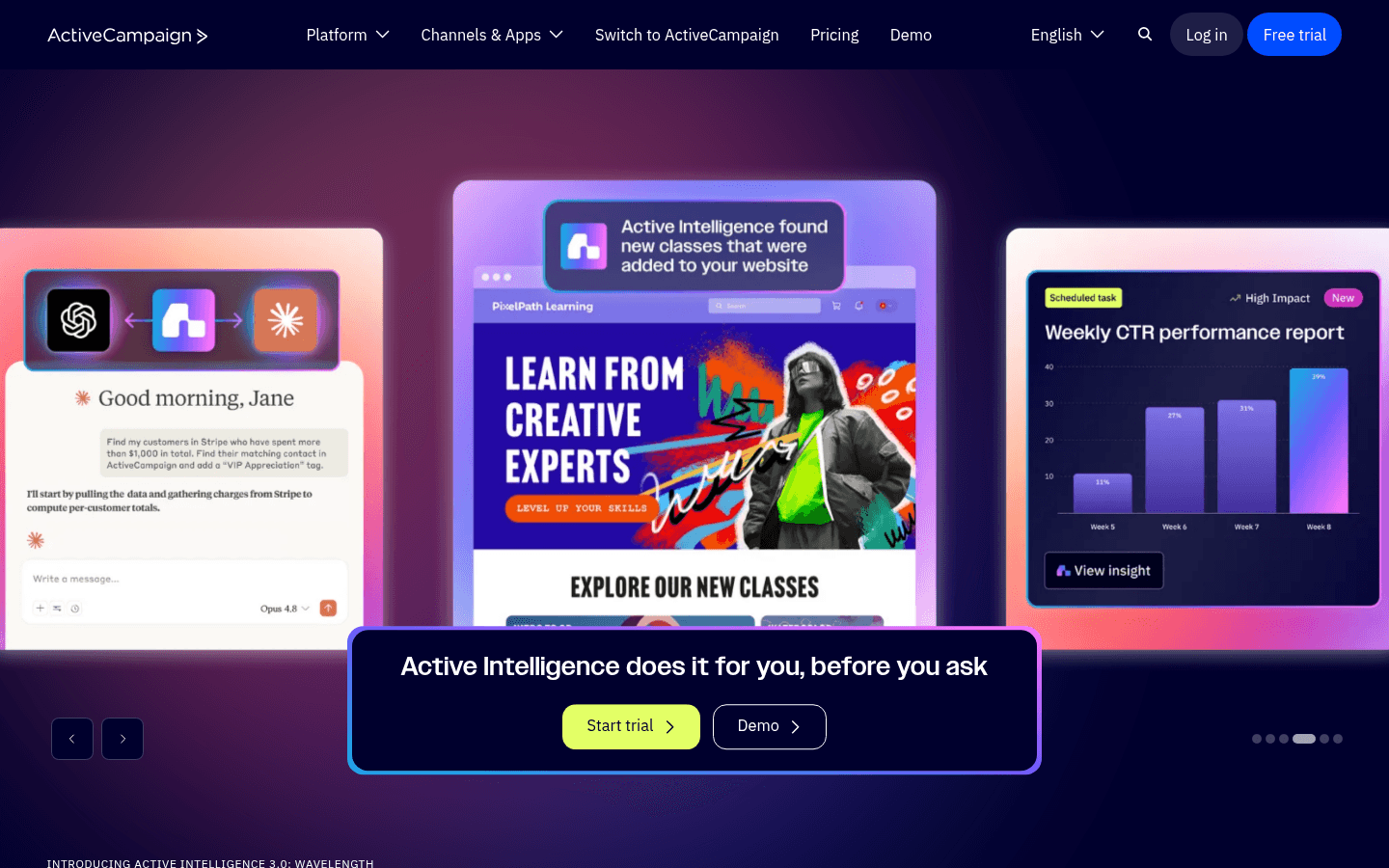
ActiveCampaign

Powerful automation platform with a learning curve.

Visit

ActiveCampaign offers the most powerful automation on this list with a built-in CRM that tracks every customer interaction. Build sequences based on service type, property type, or client value. Lead scoring identifies which commercial prospects are most likely to sign service agreements. For larger locksmith companies with multiple technicians and office staff who can manage the platform, ActiveCampaign provides the sophistication needed for complex commercial client management. For solo locksmiths or small teams, the complexity and per-contact pricing are probably more than you need.

Best for
Larger locksmith companies with office staff
Pricing
From $29/month for 1,000 contacts

Pros

  • Excellent automation
  • CRM included
  • Great deliverability
  • Detailed scoring

Cons

  • Steep learning curve
  • Overkill for small teams
  • Complex interface
  • Price jumps with features
#5
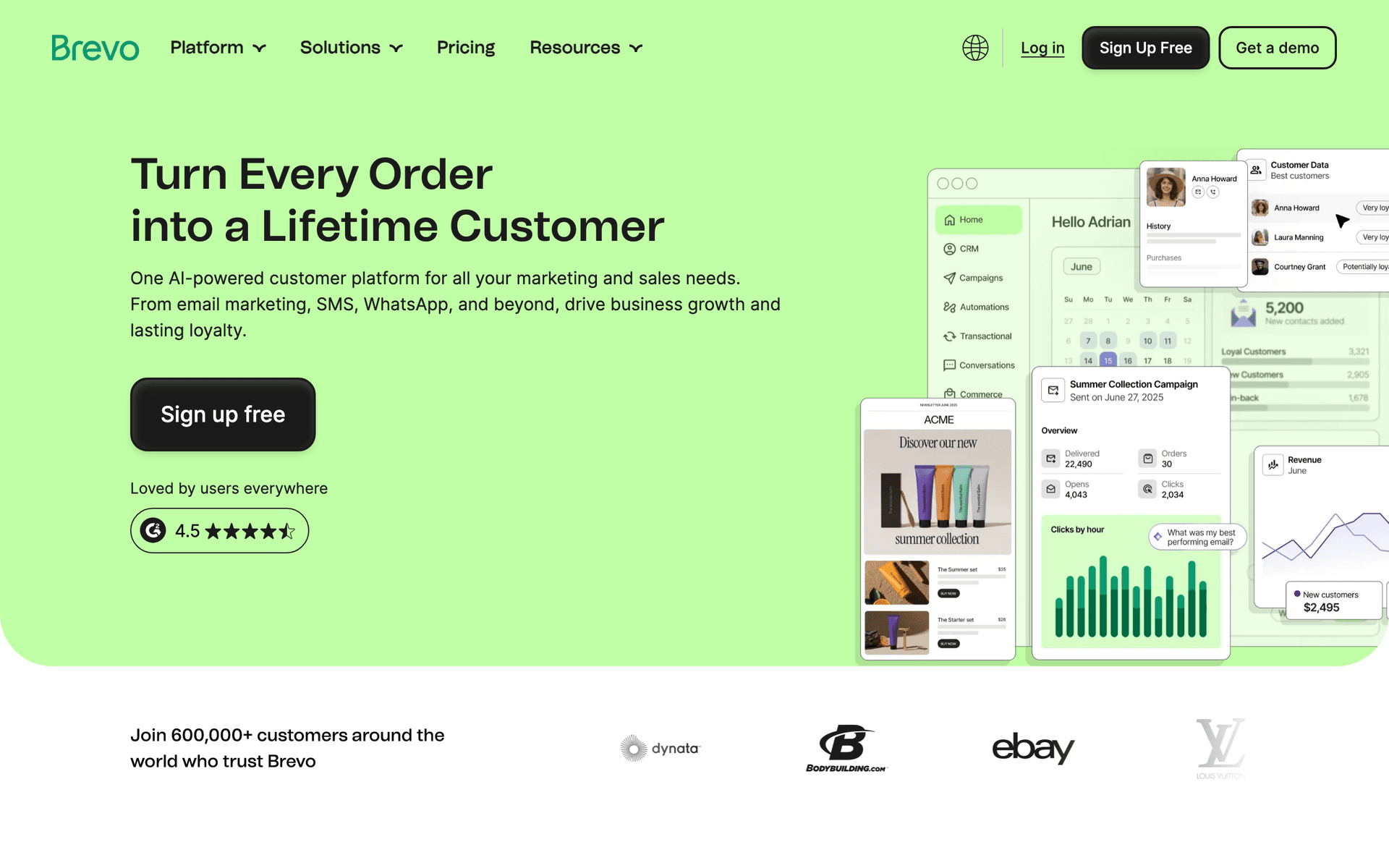
Brevo

Formerly Sendinblue. Good value with transactional email included.

Visit

Brevo offers excellent value for locksmiths who need both email and SMS in one platform. SMS confirmations for service appointments reduce no-shows, and email handles newsletters and follow-ups. The free tier gives 300 emails per day, which covers most locksmith businesses. The pay-by-email model means your accumulated customer list does not inflate costs. For budget-conscious locksmiths wanting multi-channel communication, Brevo delivers strong value.

Best for
Budget-conscious locksmiths needing email and SMS
Pricing
Free up to 300 emails/day, then from $25/month

Pros

  • SMS included
  • Generous free tier
  • Transactional included
  • Good automation

Cons

  • Daily limits on free
  • Support can be slow
  • Limited integrations
  • Branding on free tier
#6
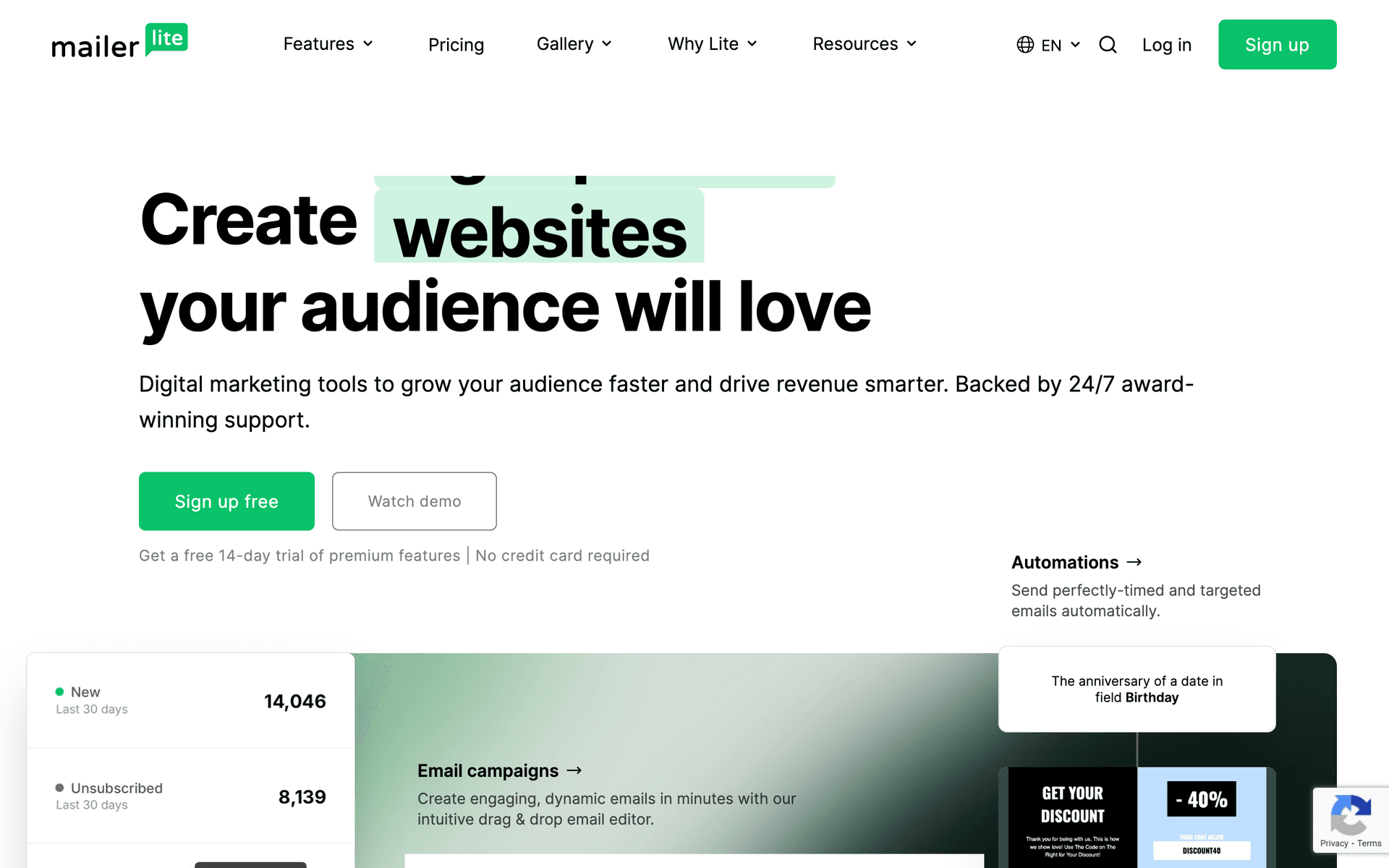
MailerLite

Clean, simple email marketing with good automation.

Visit

MailerLite is the simplest and most affordable option for locksmiths who just want email to work without complexity. The interface is clean and uncluttered. The free tier gives you 1,000 subscribers. Automation handles welcome sequences and follow-ups. Landing pages and signup forms help capture leads from your website. The strict approval process can delay getting started, but once approved you have a platform that runs quietly in the background.

Best for
Locksmiths wanting simplicity and affordability
Pricing
Free up to 1,000 subscribers, then from $10/month

Pros

  • Very affordable
  • Clean interface
  • Good landing pages
  • Generous free tier

Cons

  • Strict approval
  • Limited advanced features
  • Basic reporting
  • Approval can take time
#7
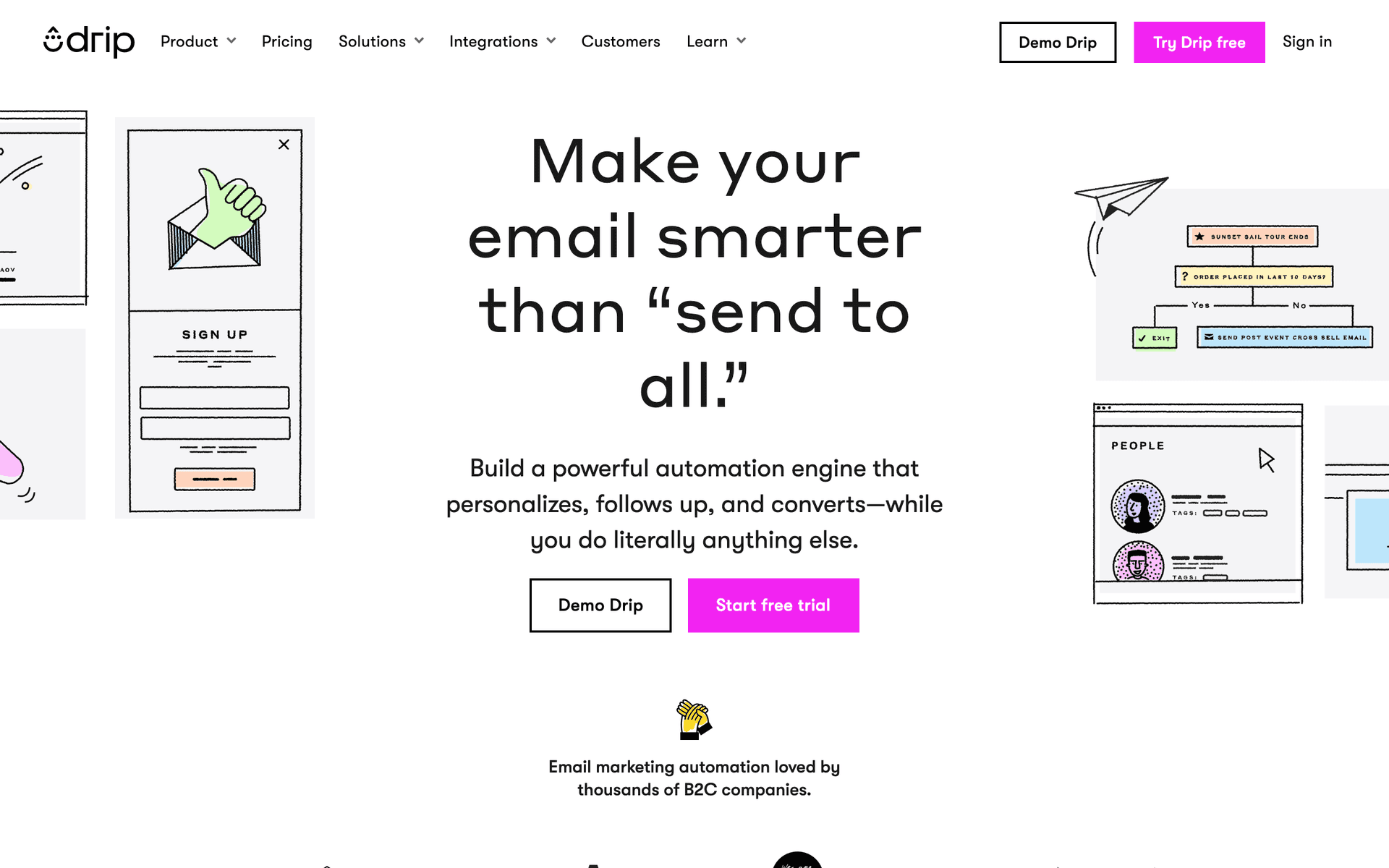
Drip

E-commerce focused. Not ideal for service businesses.

Visit

Drip is built for online stores selling products. Unless you sell locks, security hardware, or smart lock systems online as a significant part of your business, there are better options for service-based locksmith operations. The e-commerce features like cart recovery and product recommendations are wasted on typical locksmith businesses. The $39/month starting price is hard to justify when simpler tools serve your needs better.

Best for
Locksmiths selling security products online
Pricing
From $39/month for 2,500 contacts

Pros

  • Strong automation
  • Revenue tracking
  • E-commerce features
  • Detailed analytics

Cons

  • Built for e-commerce
  • Expensive
  • Wrong focus for services
  • Learning curve
#8
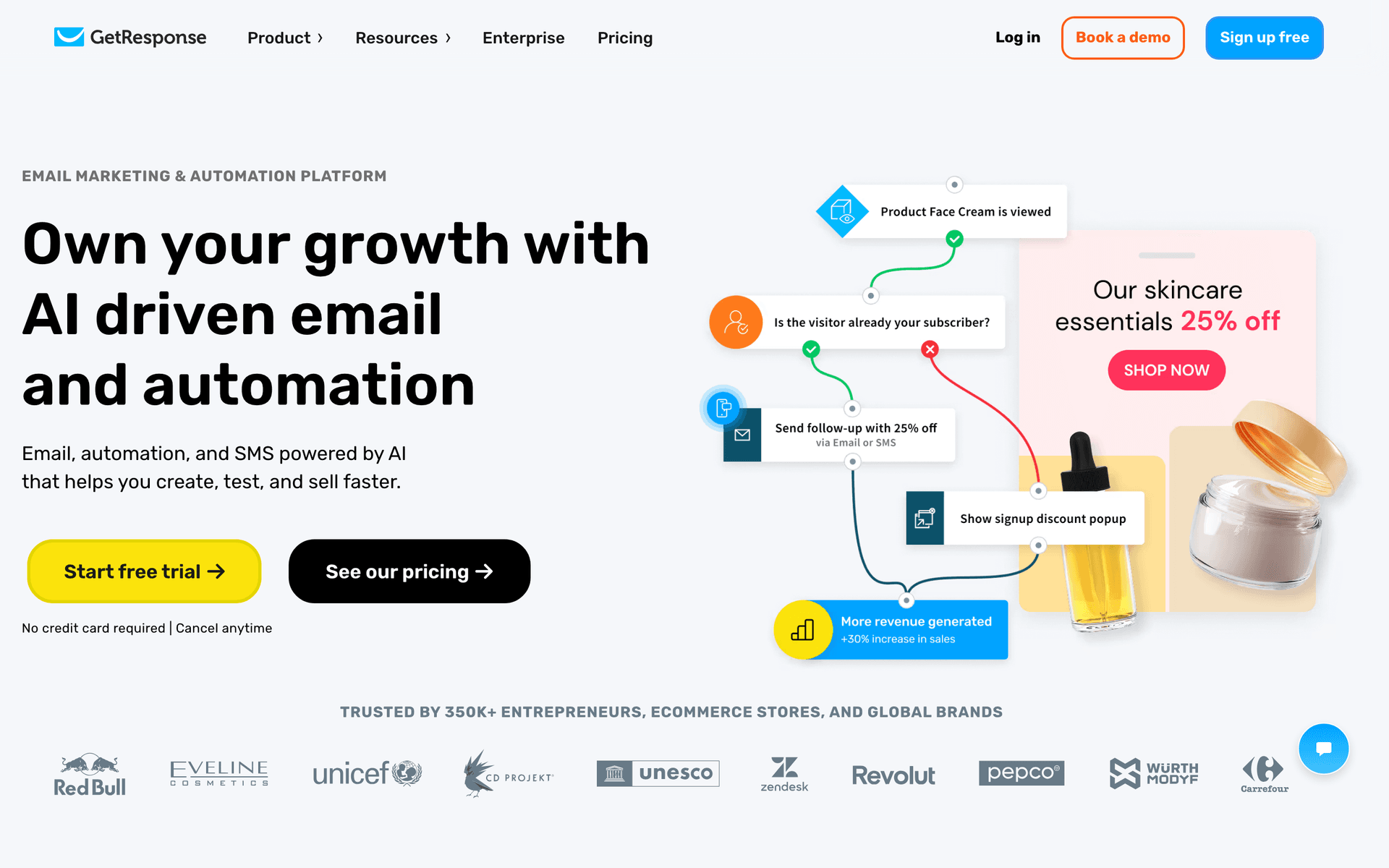
GetResponse

All-in-one marketing platform with webinars and landing pages.

Visit

GetResponse includes email, landing pages, and webinar hosting. The landing pages are useful for promoting security assessments or seasonal rekeying specials. Most other features like webinar hosting and conversion funnels are not relevant for locksmith businesses, so you may be paying for features you will never use.

Best for
Locksmiths wanting landing pages included
Pricing
From $19/month for 1,000 contacts

Pros

  • Landing page builder
  • Automation templates
  • Webinar hosting
  • Competitive pricing

Cons

  • Busy interface
  • Email editor could improve
  • Support varies
  • Unused features
#9
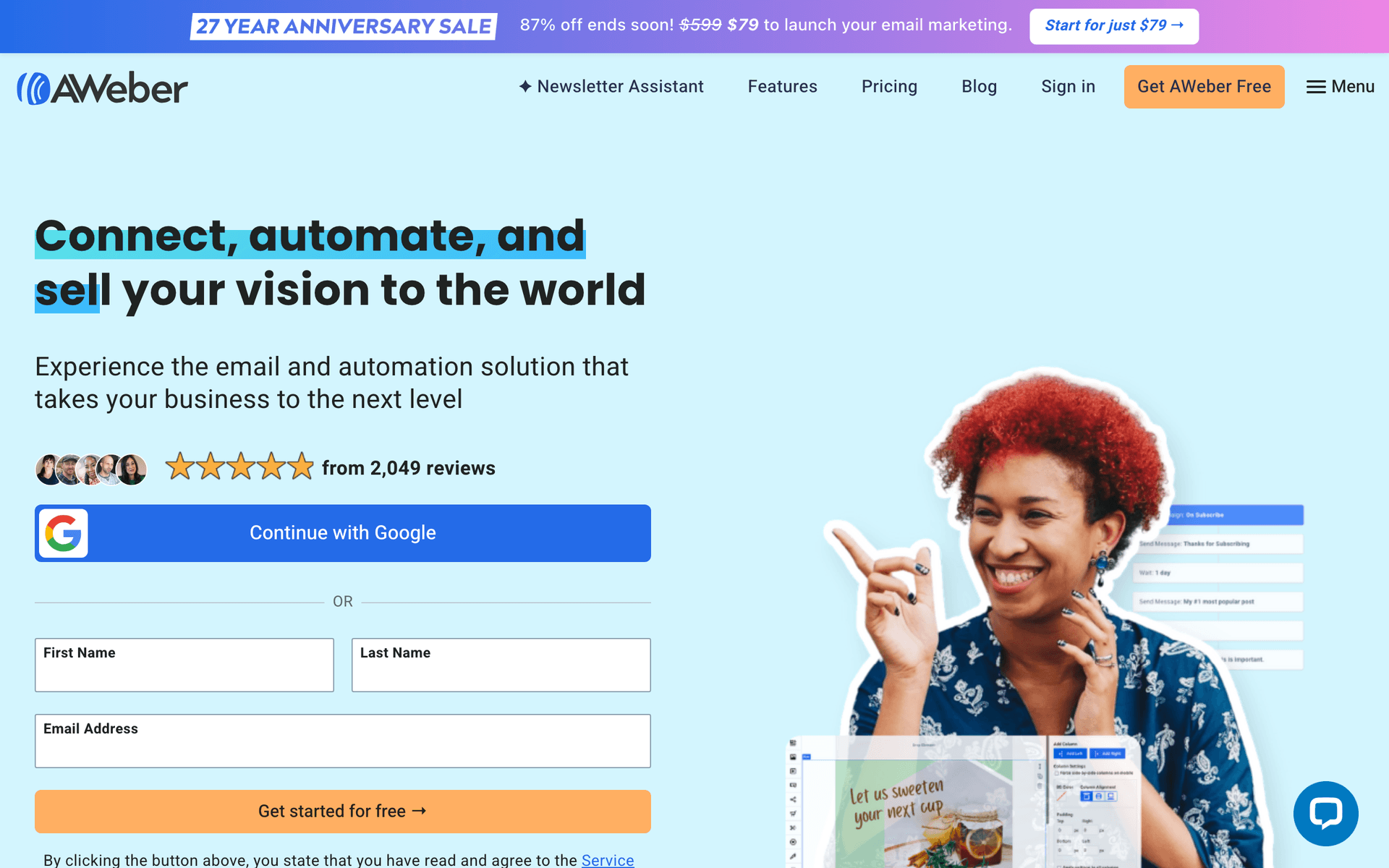
AWeber

One of the original email platforms. Simple and reliable.

Visit

AWeber has been around since 1998. The interface feels dated but the platform works reliably with excellent email deliverability. For locksmith businesses wanting simple newsletters without surprises or complexity, AWeber gets the job done. Phone support is helpful for non-technical owners. Do not expect modern design tools or sophisticated automation.

Best for
Locksmiths wanting no-frills reliability
Pricing
Free up to 500 subscribers, then from $15/month

Pros

  • Reliable deliverability
  • Simple to use
  • Good support
  • Long track record

Cons

  • Feels dated
  • Limited automation
  • Basic templates
  • Little innovation
#10
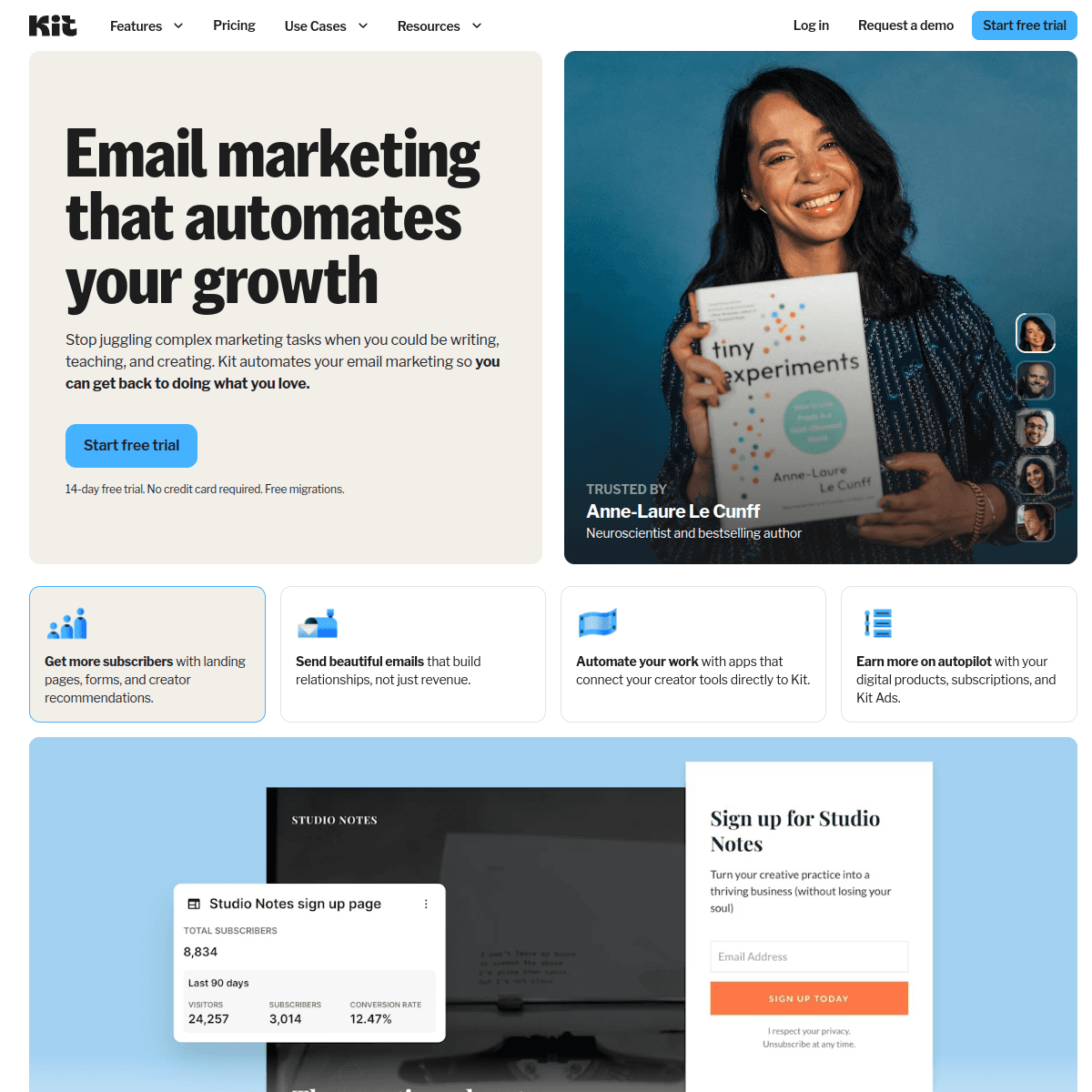
ConvertKit

Built for creators. Not ideal for service businesses.

Visit

Kit is designed for content creators and bloggers. Unless you run a locksmith tips YouTube channel or security-focused blog as a major part of your business, there are much better options for service businesses. The minimalist templates look sparse for professional service communications. The generous 1,000-subscriber free tier is nice but does not compensate for the lack of service business features.

Best for
Locksmiths who create content
Pricing
Free up to 1,000 subscribers, then from $29/month

Pros

  • Great for newsletters
  • Clean management
  • Tag-based automation
  • Creator features

Cons

  • Not for service businesses
  • Limited design
  • No free landing pages
  • Wrong focus
#11
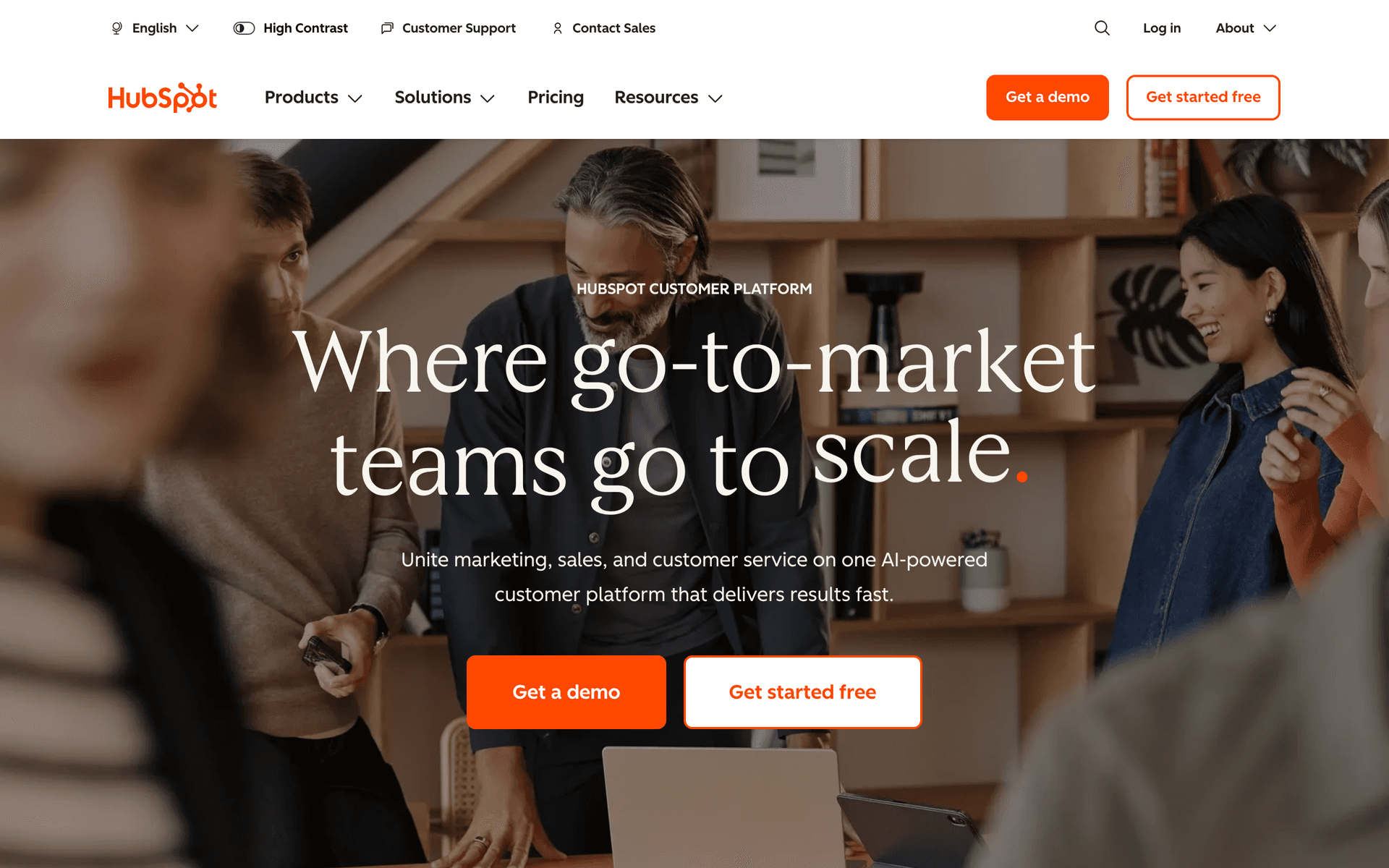
HubSpot

Enterprise marketing platform with email included.

Visit

HubSpot is enterprise software with enterprise pricing. For multi-location locksmith franchises with dedicated marketing teams, the CRM and automation are powerful. For typical locksmith businesses, it is massive overkill with a price tag that does not make sense. The free CRM is genuinely useful for tracking commercial prospects, but the marketing features require expensive paid plans.

Best for
Franchise locksmith operations
Pricing
Free basic, paid from $50/month (realistically $200+)

Pros

  • Full CRM
  • Great for teams
  • Excellent reporting
  • Many integrations

Cons

  • Overkill for most locksmiths
  • Expensive
  • Complex setup
  • Ecosystem commitment
#12
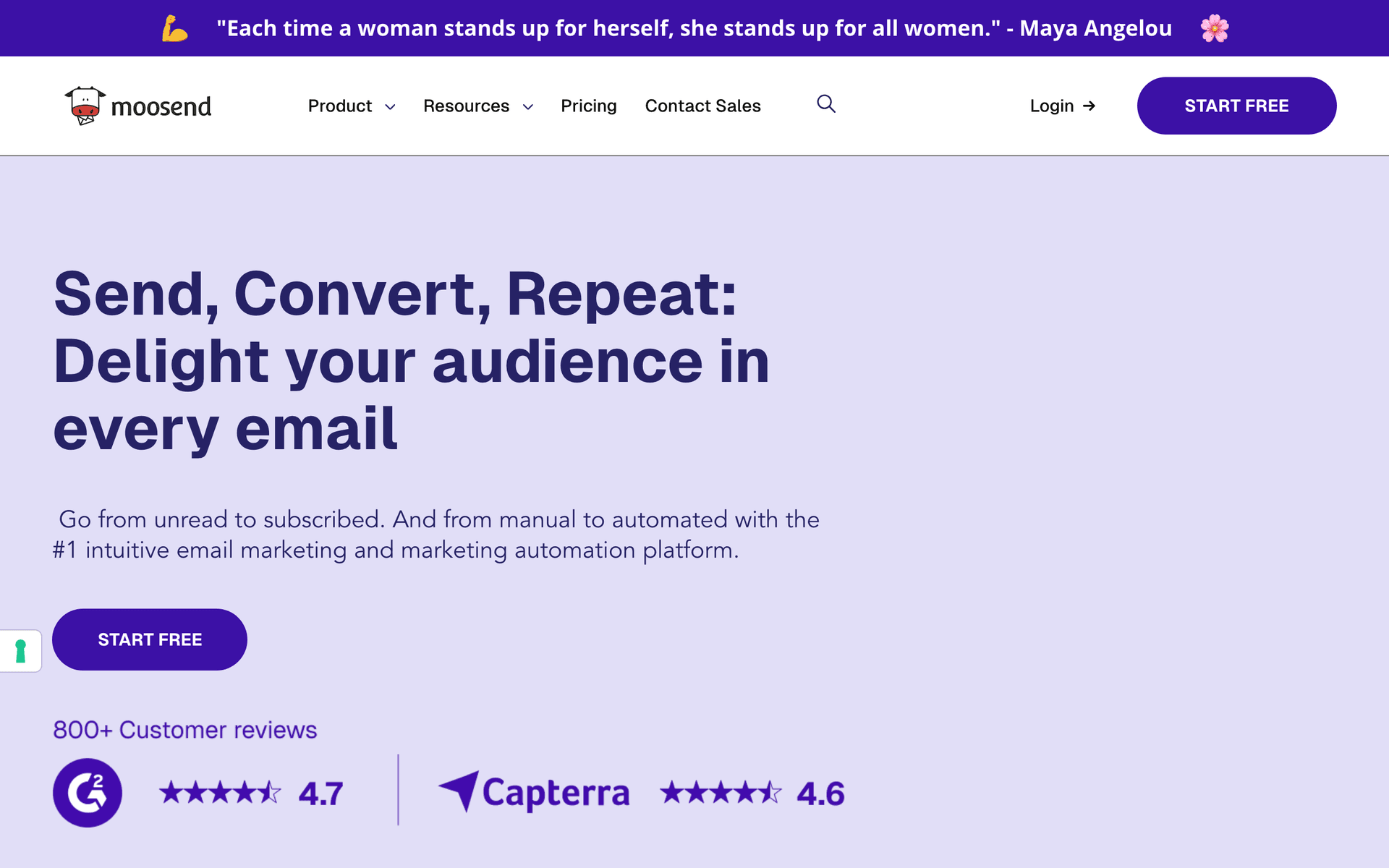
Moosend

Budget email marketing with solid features.

Visit

Moosend is the budget underdog at $9/month with automation, landing pages, and decent reporting included. For locksmith businesses whose primary concern is keeping email marketing costs minimal, Moosend delivers the essentials without the premium price tag. Less well-known but the core features work reliably.

Best for
Very price-conscious locksmiths
Pricing
From $9/month for 500 subscribers

Pros

  • Very affordable
  • Good automation
  • Responsive support
  • Landing pages

Cons

  • Less known
  • Limited integrations
  • Smaller templates
  • Fewer features
#13
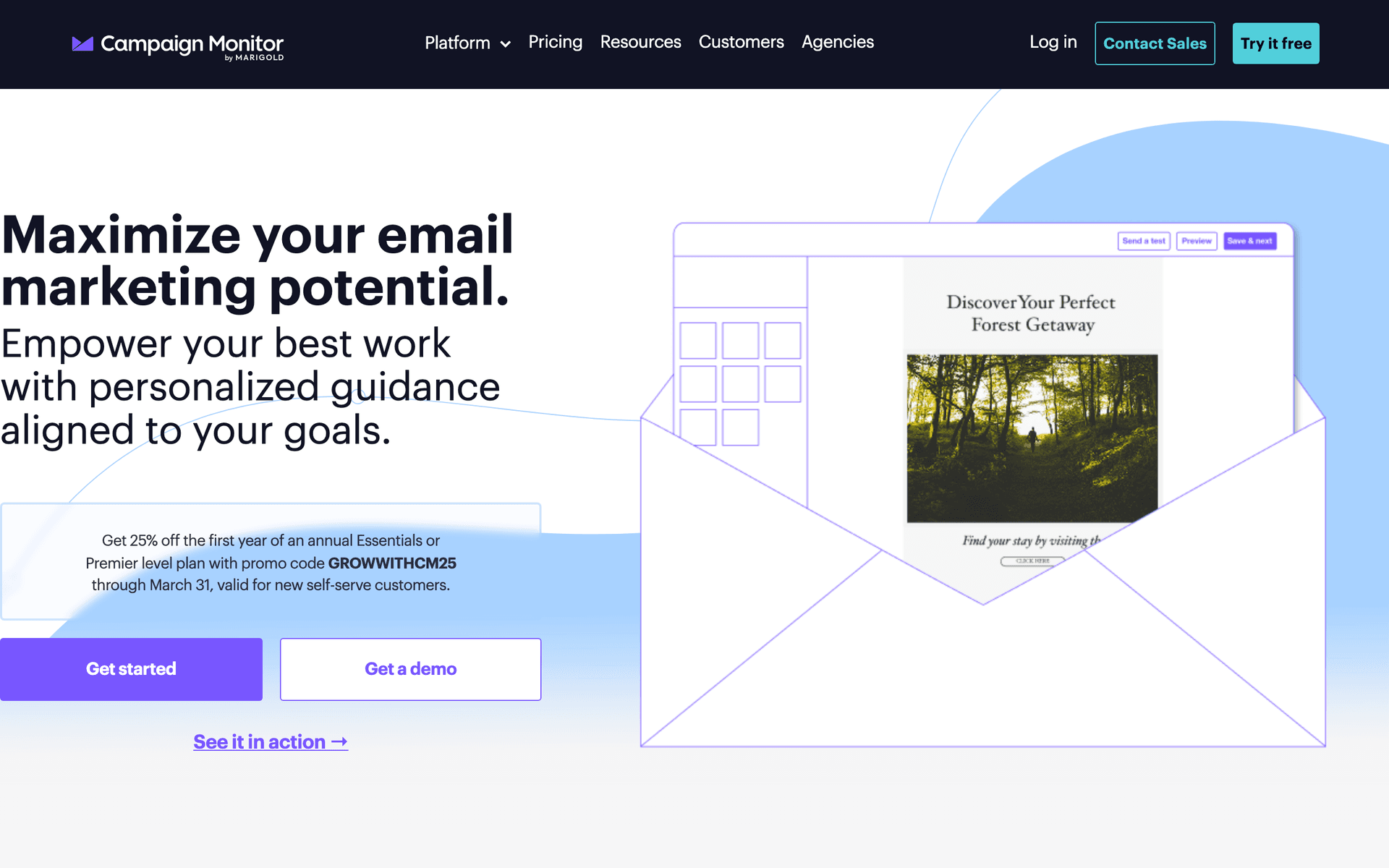
Campaign Monitor

Professional email marketing with beautiful templates.

Visit

Campaign Monitor has the best-looking templates on this list. For locksmith companies that prioritize professional brand presentation in their communications, the emails look polished and trustworthy. Automation is limited compared to ActiveCampaign or Sequenzy, and contact-based pricing adds up, but the visual quality of your emails will be excellent.

Best for
Locksmiths prioritizing professional email design
Pricing
From $9/month for 500 contacts

Pros

  • Beautiful templates
  • Professional emails
  • Reliable delivery
  • Link review

Cons

  • Contact-based pricing
  • Limited automation
  • Gets expensive
  • Not locksmith-specific

Feature Comparison

FeatureSequenzyMailchimpConstant ContactActiveCampaign
Service follow-ups
Commercial client sequences
Basic
AI content generation
Drag-and-drop editor
Automation workflows
Basic
SMS marketing
Free tier available

Common Mistakes to Avoid

We see these mistakes over and over. Skip the learning curve and avoid these from day one.

Only contacting customers during emergencies

If the only time a customer hears from you is when they need emergency service, you are leaving money and referrals on the table. Monthly security tips, seasonal reminders, and occasional upgrade promotions maintain the relationship between service calls and keep your business top of mind for referrals.

Not collecting emails from every service call

Many locksmiths complete a job and move on without capturing the customer's email. Every service call is an opportunity to grow your list. Ask for email during booking, include it on your invoice, or have a simple card with a QR code linking to your signup page.

Sending overly promotional emails without educational value

Locksmith customers do not want to be sold to every time they open your email. Mix 80% helpful content like security tips, local crime prevention advice, and technology updates with 20% promotional content. This ratio keeps subscribers engaged without feeling like they are just being marketed to.

Ignoring review generation as an email strategy

For locksmiths, Google reviews directly impact how many calls you get. Every service follow-up email should include a clear, easy path to leaving a review. A direct link to your Google Business profile with a simple ask generates more reviews than any other marketing tactic.

Email Sequences Every Locksmith Needs

These are the essential automated email sequences that will help you grow your business and keep clients coming back.

Service Follow-Up

After completing any service

Build loyalty and get reviews from every customer you serve.

Same day
Thank you for choosing {{company_name}}, {{first_name}}!

Thank them for their business. Confirm work completed.

Day 3
How did we do on your lock service?

Request feedback. Show you care about quality.

Day 7
Would you recommend us?

Ask for Google review. Make it easy with direct link.

Property Manager Outreach

After serving a managed property

Turn one-time calls into ongoing commercial relationships.

Day 1
Commercial locksmith services for your properties

Introduce commercial offerings. Highlight response time.

Day 7
Rekeying and master key systems for property managers

Explain benefits of master key systems. Share case studies.

Day 14
Priority service agreement for {{company_name}}

Propose ongoing service relationship. Outline benefits.

Security Tips Newsletter

Monthly to all contacts

Stay top of mind with helpful security information between service calls.

Monthly
{{month}} Security Tips from {{company_name}}

Share seasonal security advice. Position as trusted expert.

Seasonal
Protect your home this {{season}}

Seasonal security reminders. Holiday travel tips.

As needed
Local break-in alert and how to protect yourself

Timely security updates. Reinforce your value.

Commercial Client Nurturing

For businesses and property managers

Build relationships with high-value commercial accounts.

After first service
Your commercial locksmith partner

Introduce full commercial services. Access control options.

Week 2
Security assessment for {{company_name}}

Offer complimentary security review. Find upsell opportunities.

Month 2
Emergency response agreement for your properties

Propose 24/7 priority service. Lock in recurring revenue.

How to Choose the Right Email Tool

The best email marketing tool depends on your locksmith business situation:

Service volume matters. High-volume locksmiths need automation for follow-ups and review requests. Lower volume businesses can manage with simpler tools and manual sends.

Commercial vs residential. If you focus on commercial accounts and property managers, you need good segmentation and CRM capabilities. Residential-focused businesses can keep their email setup simpler.

Budget is real. Most locksmith businesses run lean. Calculate what your tool will cost at your actual list size - years of customer records can make per-contact tools expensive. Pay-per-email tools like Sequenzy and Brevo keep costs predictable.

What Actually Works for Locksmiths

After talking to many locksmith business owners about email marketing:

Follow-ups get reviews. Sending a simple thank you and review request after every job builds your online reputation quickly. Locksmiths who automate this process consistently outrank competitors in local search.

Security tips build trust. Monthly newsletters with helpful security advice position you as the expert in your area. When emergencies happen, clients remember the locksmith who has been providing value all along.

Commercial relationships take time. Property managers and businesses need multiple touchpoints before committing to ongoing service agreements. A three-email sequence after an initial service call plants the seed, but patience and consistent follow-up close the deal.

The Locksmith Email Playbook

Three automations deliver the most value for locksmith businesses:

Post-service follow-up is your highest-impact automation. Every completed job should trigger a thank you email, a feedback request at day 3, and a review request at day 7. This builds your Google review count on autopilot.

Monthly security newsletter keeps you visible between service calls. Share seasonal security tips, technology updates, and local safety information. Customers who receive regular value from you are the ones who refer friends and family.

Commercial client nurture converts one-time service calls into recurring revenue. After serving any commercial property, a sequence introducing your full commercial capabilities - master key systems, access control, priority response agreements - opens the door to ongoing relationships.

Building Your Commercial Pipeline

Commercial locksmith work is the path to recurring revenue. Email marketing supports this by nurturing property managers and business owners through a longer decision cycle.

After your first service call to a commercial property, tag the contact as commercial and begin a dedicated outreach sequence. Introduce your commercial capabilities gradually - first establishing competence through the quality of your initial service, then expanding the conversation to ongoing needs like tenant turnover rekeying, master key management, and emergency response agreements.

The key insight is that commercial clients do not make snap decisions about service providers. They evaluate over weeks or months, checking your responsiveness, professionalism, and reliability. Consistent email communication during this evaluation period keeps you front of mind when they are ready to commit.

Getting Started

Pick a tool from this list. Then:

  1. Import your customer list from your invoicing or scheduling system
  2. Set up post-service follow-up automation with review requests
  3. Create a monthly security tips newsletter template
  4. Segment commercial clients for targeted outreach
  5. Plan seasonal campaigns around your slow periods

Start simple with the follow-up automation and monthly newsletter. These two elements alone will generate more reviews, more repeat business, and more referrals than any other marketing activity. Expand from there as you see results.

How We Evaluated These Tools

Tools were evaluated based on their fit for locksmith business operations - service follow-up automation, commercial client segmentation, review request capabilities, mobile-friendly management, and pricing that works for businesses with years of accumulated customer records.

Frequently Asked Questions

Ready to grow your locksmith practice?

Start your free trial today. Set up your first email sequence in minutes with AI-powered content generation.

Related Industries

Sequenzy - Complete Pricing Guide

Pricing Model

Sequenzy uses email-volume-based pricing. You only pay for emails you send. Unlimited contacts on all plans — storing subscribers is always free.

All Pricing Tiers

  • 2.5k emails/month: Free (Free annually)
  • 15k emails/month: $19/month ($205/year annually)
  • 60k emails/month: $29/month ($313/year annually)
  • 120k emails/month: $49/month ($529/year annually)
  • 300k emails/month: $99/month ($1069/year annually)
  • 600k emails/month: $199/month ($2149/year annually)
  • 1.2M emails/month: $349/month ($3769/year annually)
  • Unlimited emails/month: Custom pricing (Custom annually)

Yearly billing: All plans offer a 10% discount when billed annually.

Free Plan Features (2,500 emails/month)

  • Visual automation builder
  • Transactional email API
  • Reply tracking & team inbox
  • Goal tracking & revenue attribution
  • Dynamic segments
  • Payment integrations
  • Full REST API access
  • Custom sending domain

Paid Plan Features (15k - 1.2M emails/month)

  • Visual automation builder
  • Transactional email API
  • Reply tracking & team inbox
  • Goal tracking & revenue attribution
  • Dynamic segments
  • Payment integrations (Stripe, Paddle, Lemon Squeezy)
  • Full REST API access
  • Custom sending domain

Enterprise Plan Features (Unlimited emails)

  • Visual automation builder
  • Transactional email API
  • Reply tracking & team inbox
  • Goal tracking & revenue attribution
  • Dynamic segments
  • Payment integrations
  • Full REST API access
  • Custom sending domain

Important Pricing Notes

  • You only pay for emails you send — unlimited contacts on all plans
  • No hidden fees - all features included in the price
  • No credit card required for free tier

Contact

  • Pricing Page: https://sequenzy.com/pricing
  • Sales: hello@sequenzy.com