
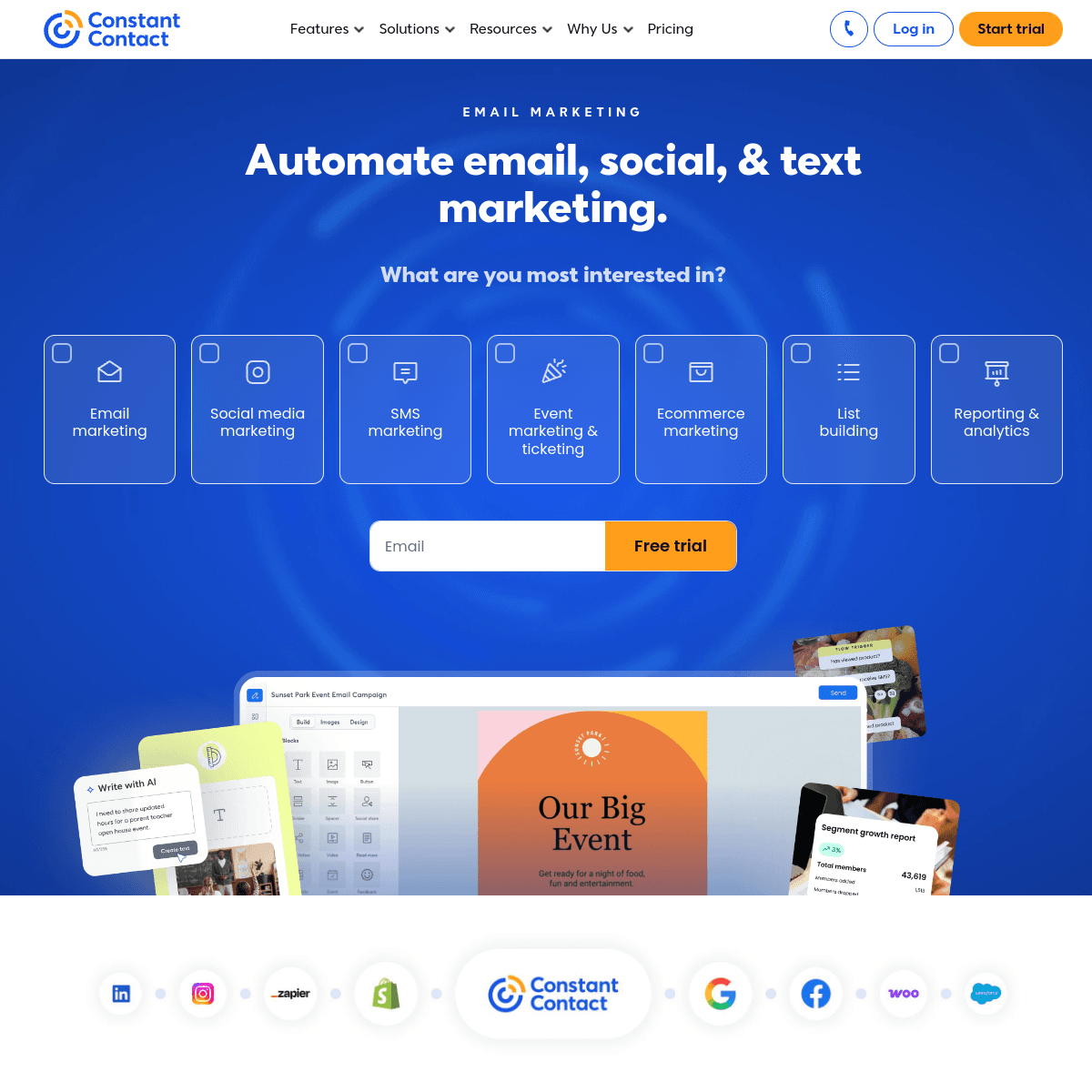
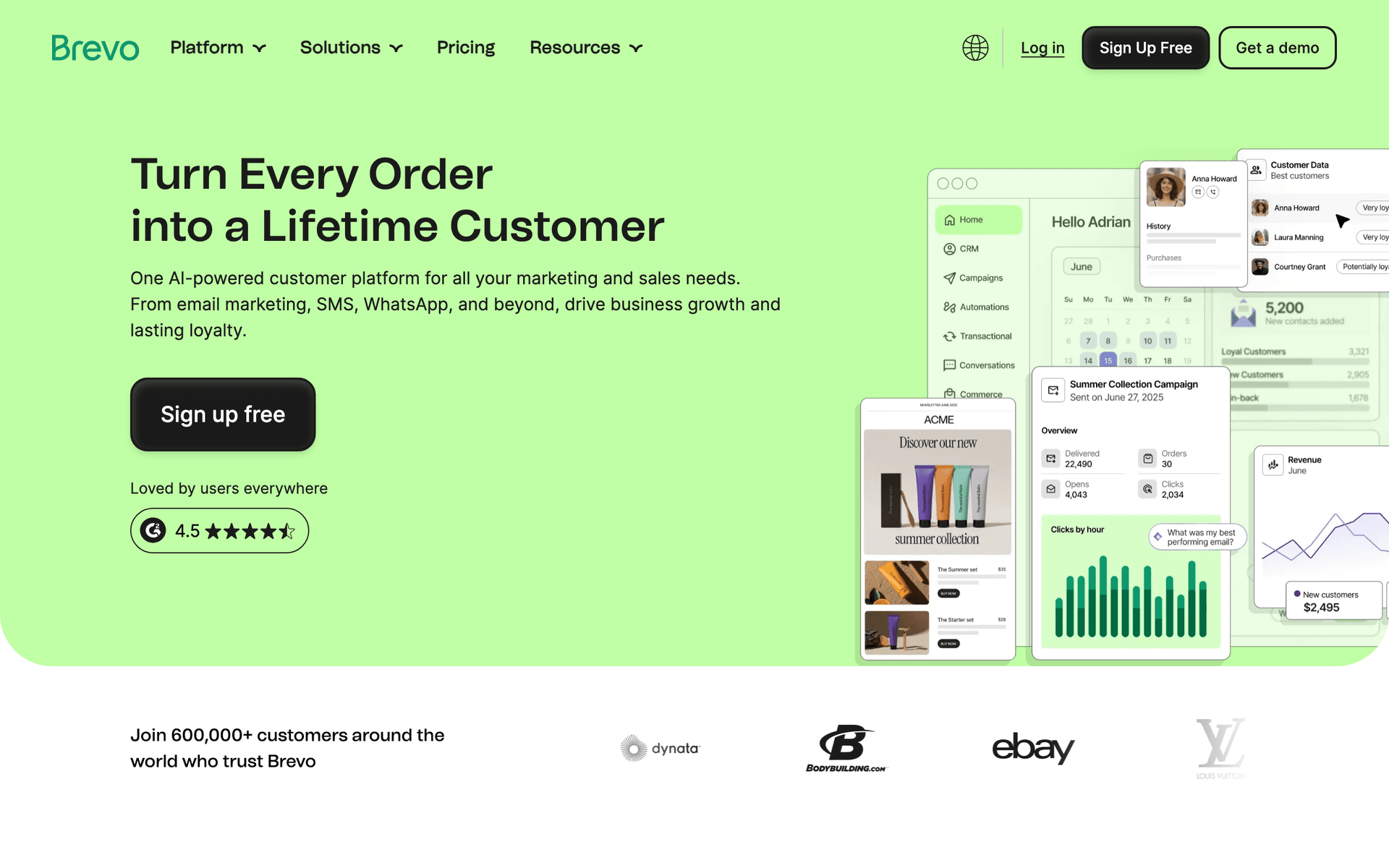
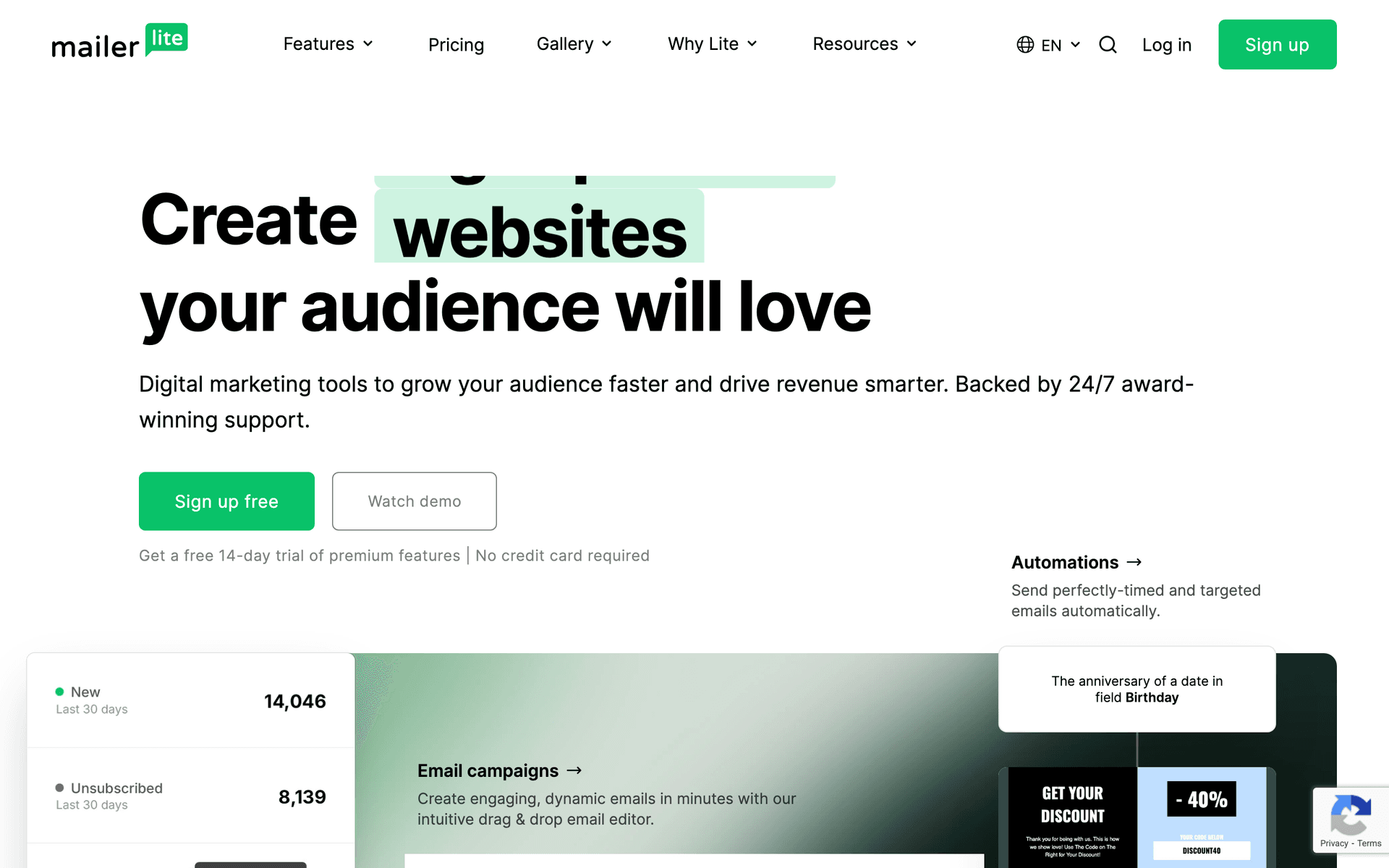
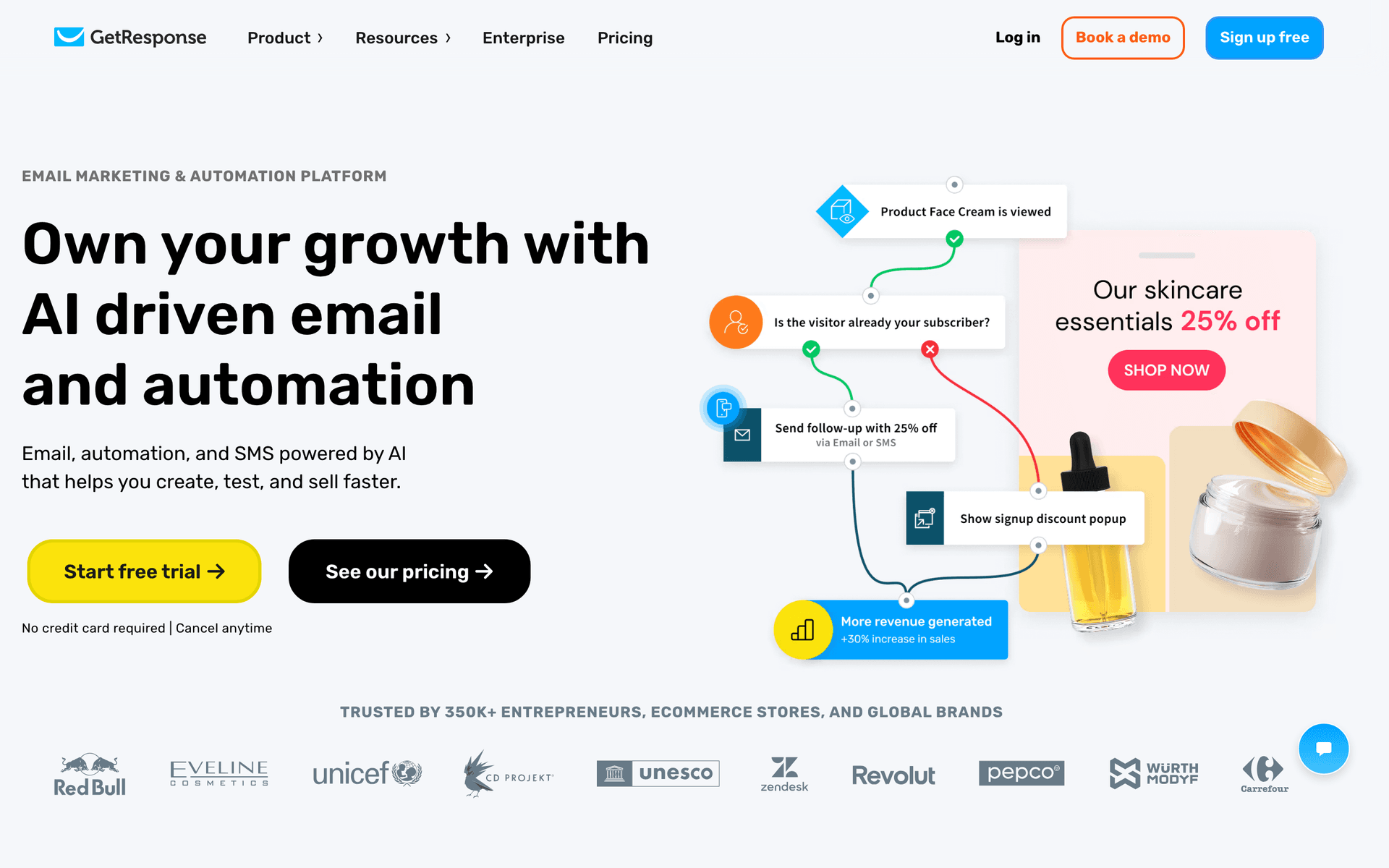
How to Choose the Right Email Tool for Your MSP
B2B features matter for MSPs. Look for CRM integration, lead scoring, and the ability to build long-cycle nurture sequences. The MSP sales cycle is 3-6 months, and your email tool needs to support that timeline.
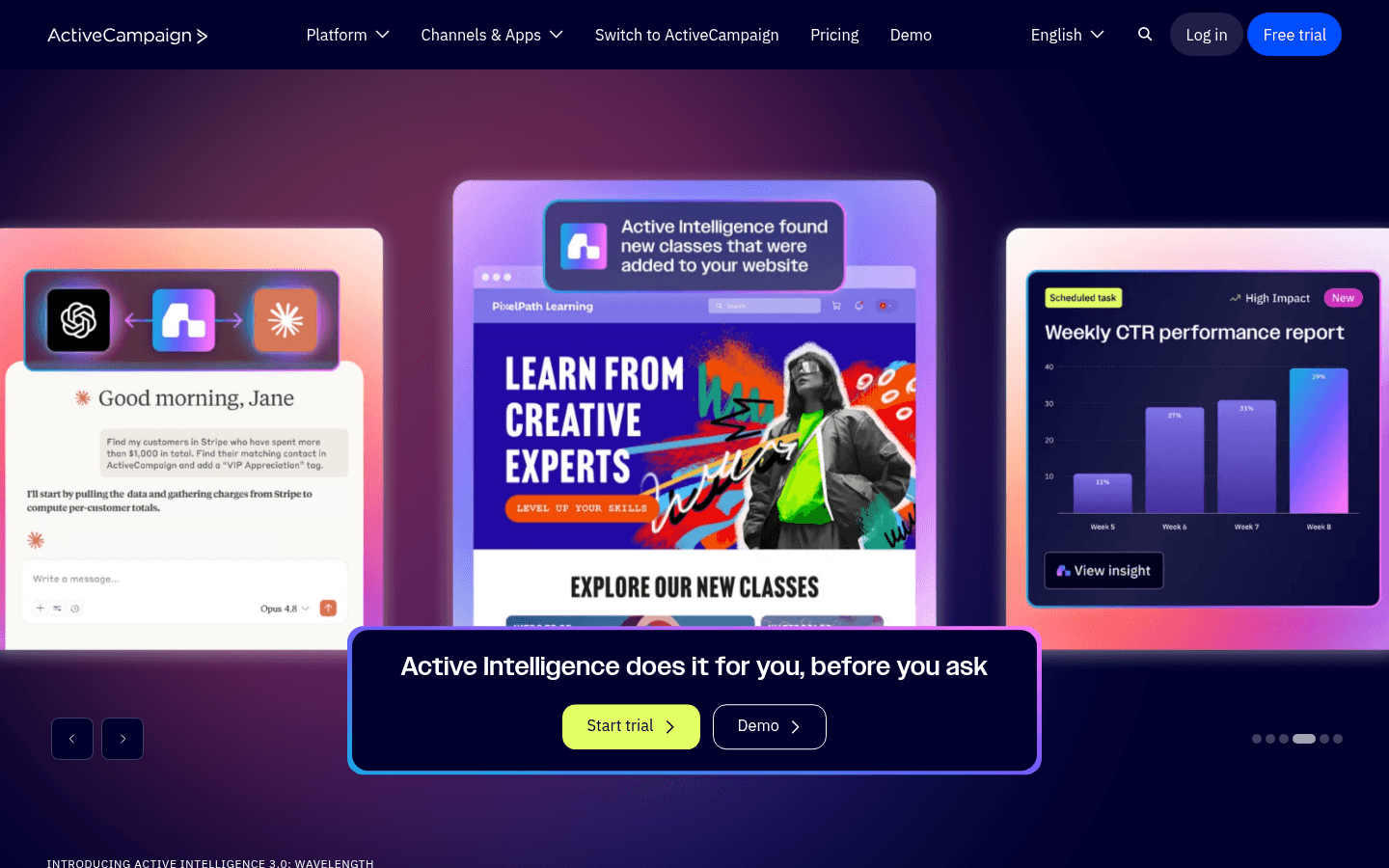
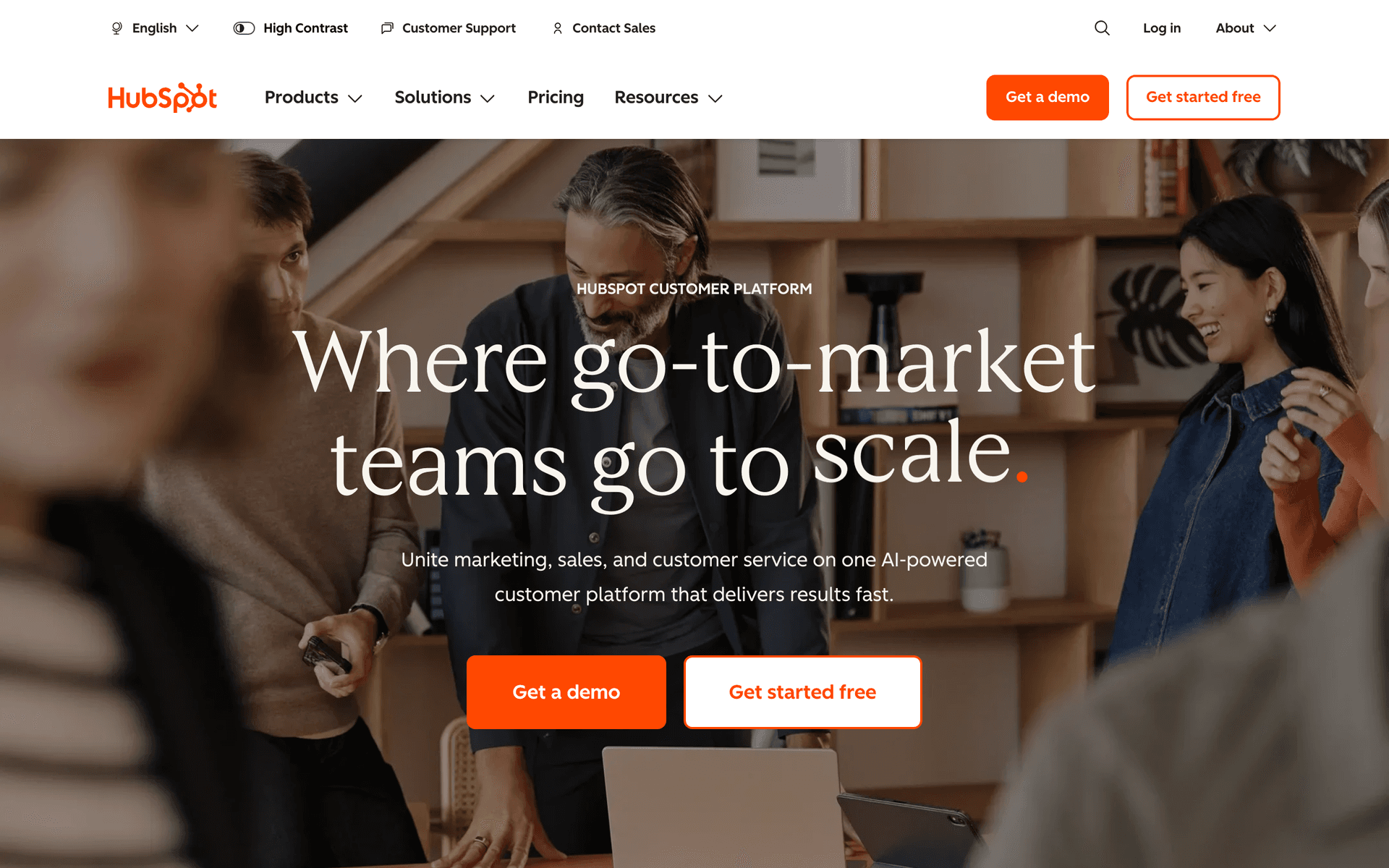
Integration with your stack. Your email platform should ideally connect with your PSA, CRM, and other business tools. ActiveCampaign and HubSpot offer the deepest integrations for B2B workflows.
Budget for growth. Calculate costs at your expected database size as you add prospects and clients. Per-contact pricing can become expensive as your marketing generates more leads.
What Works for MSP Email Marketing
Education-First Approach Wins Clients
The MSPs that win managed services contracts are the ones that educate prospects before selling to them. Your email program should demonstrate your expertise through practical security content, risk education, and industry insights. By the time a prospect has a sales conversation with you, they should already trust you as an expert.
Consistency Builds Trust Over Months
MSP contracts are not impulse purchases. Prospects evaluate you over months of interaction. Consistent monthly newsletters with valuable security content keep you top of mind during this extended evaluation period. The MSPs that communicate consistently close more contracts than those who rely on sporadic outreach.
Segment Everything
Prospects and clients need completely different email experiences. Within each group, segment by industry, company size, and engagement level. A 50-person law firm has different IT concerns than a 200-person manufacturing company. Relevant content generates engagement, and engagement generates contracts.
The MSP Email Marketing Calendar
Monthly
Security newsletter for clients, educational content for prospects, threat landscape updates
Quarterly
Service spotlight emails, client business reviews, new technology introductions
As Needed
Security alerts, vulnerability notifications, compliance deadline reminders
Annual
Contract review reminders, technology assessment offers, year-in-review reports
Getting Started with MSP Email Marketing
- Create a security guide or assessment as a lead magnet for your website
- Set up a prospect nurture sequence that educates over 3-4 months
- Build a new client onboarding sequence with support resources
- Plan monthly security newsletters that clients can share with their staff
- Track engagement to identify which prospects are most sales-ready
Start with the lead magnet and prospect nurture sequence. These generate new business. Add client communication programs once the prospect pipeline is running.
Measuring MSP Email Marketing Success
- Lead magnet downloads from email-promoted landing pages
- Prospect nurture-to-consultation rate over 3-6 months
- Contracts signed from email-nurtured leads
- Client retention rate for email-engaged vs non-engaged clients
- Service upsell revenue from quarterly service highlight emails
A well-executed MSP email program should show measurable pipeline growth within 6 months and contract attribution within 12 months.
MSP Email Benchmarks by Audience
MSP email should separate prospects from current clients. Prospects need trust-building; clients need clarity, security awareness, and service value.
| Audience | Healthy open rate | Healthy click rate | Business metric |
|---|---|---|---|
| Cold-to-warm prospects | 24-36% | 3-7% | Assessment requests |
| Email-nurtured leads | 30-45% | 5-10% | Consultation booked |
| Current client admins | 38-58% | 7-14% | Security action completed |
| Client end users | 45-70% | 10-22% | Training completion |
| Upsell candidates | 30-46% | 5-10% | Service expansion conversation |
MSP Security Newsletter Table
Security newsletters should translate threats into business actions. Keep technical depth available through links, not in the main email.
| Section | What to include | Why it works |
|---|---|---|
| Threat headline | One current risk in plain English | Creates urgency without panic |
| Business impact | Downtime, fraud, compliance, or data loss | Makes it relevant to owners |
| What we are doing | Patches, monitoring, or policy updates | Reinforces service value |
| Staff action | One behavior to reinforce | Turns awareness into prevention |
| Consultation CTA | Security review or assessment | Creates pipeline |
MSP Service Upsell Table
Upsell emails should point to risks clients already understand. Lead with the business problem, then introduce the service.
| Client signal | Service to introduce | Email angle |
|---|---|---|
| Frequent phishing attempts | Security awareness training | Reduce employee-driven incidents |
| Cloud migration interest | Microsoft 365 or Google Workspace management | Make the move safer and cleaner |
| Compliance questions | Compliance monitoring package | Prepare before an audit |
| Backup failures or concerns | Managed backup and disaster recovery | Recover quickly after an outage |
| Growing headcount | Endpoint management | Standardize every new device |
What IT Support & MSPs should prioritize first
For IT Support & MSPs, email works when it supports lead nurturing, proof, onboarding, and sales follow-up. The software matters, but the operating habit matters more: collect the right contacts, send messages at the right moments, and keep the content useful enough that people keep opening.
Start by comparing the ranked tools above around the workflows you will actually run. A good tool for IT Support & MSPs should make it easy to segment contacts, write a campaign quickly, automate the obvious follow-ups, and see whether the email produced a booking, sale, reply, renewal, or return visit.
The first workflows to build are usually simple. For this page, the natural starting points are Prospect Nurture Sequence, New Client Onboarding, Monthly Security Newsletter, Service Upgrade Campaign. Do not build a complicated journey until those basics are working.
A practical rollout looks like this:
| Week | Focus |
|---|---|
| 1 | Import contacts, clean segments, and write the first useful campaign. |
| 2 | Launch the highest-value reminder or follow-up automation. |
| 3 | Add one educational or trust-building email that is not a promotion. |
| 4 | Review opens, clicks, replies, bookings, purchases, or returned customers. |
The most important page-specific ideas are Use security threat alerts as both client communication and lead generation; Create security assessment lead magnets to build your prospect list; Segment clients and prospects to send relevant security content. Those should become your first campaigns before you worry about advanced automation.
Choose the tool that makes this cadence realistic. If a platform has more features but makes weekly sending harder, it is the wrong fit. If a simpler platform helps the team communicate consistently and measure the result, it will usually produce more value.