Updated 2026-03-15

Best Email Marketing Tools for Graphic Designers

Win more clients, streamline project communication, and grow your design business with the right email marketing platform.

Running a graphic design business means balancing creative work with client management. You need to respond to project inquiries, communicate through the design process, deliver finished work, and generate repeat business. Email marketing automates much of this communication, letting you focus on design. But most email tools are not built for creative professionals. Here are 13 platforms that actually work for graphic designers, ranked by ease of use, automation features, and value for money.

TL;DR

Sequenzy is the best overall choice for graphic designers because AI generates inquiry response and project follow-up sequences instantly, and the free tier covers most freelancers. MailerLite is an excellent alternative with a clean interface and generous free plan. If you are building a personal brand with design content, ConvertKit (Kit) is purpose-built for creator newsletters.

Why Graphic Designers Need Email Marketing

Automate Client Communication

From inquiry response to project updates to final delivery, email sequences ensure consistent, professional communication without manual follow-up.

Showcase Your Portfolio

Regular emails featuring recent work keep you top of mind with past clients and prospects. Your best marketing is showing what you create.

Nurture Leads Into Projects

Not every inquiry converts immediately. Email nurturing keeps you visible until they are ready to commit to a project.

Generate Referrals and Repeat Work

Happy clients hire you again and refer others when reminded. Automated follow-up sequences make this happen consistently.

Graphic Designers Email Marketing Benchmarks

Know these numbers before you start. They'll help you set realistic goals and pick the right tool.

28-35%
Average Open Rate

Graphic designer emails perform well because they go to people with an existing relationship. Portfolio showcases and project updates are content people want to see.

4-6%
Average Click Rate

Visual content drives clicks. Portfolio images and case study previews outperform text-heavy emails. Keep CTAs clear - 'See the full project' or 'Book a discovery call.'

Tuesday-Thursday 10am-12pm
Best Send Time

Business clients (your buyers) check email mid-morning on weekdays. Avoid Monday mornings (inbox overload) and Friday afternoons (weekend mode).

15-30%
Inquiry-to-Project Conversion

Designers who automate inquiry follow-up sequences convert 15-30% of inquiries into projects. Without follow-up automation, conversion drops to 5-10%.

Important Tips Before You Choose

Lessons from graphic designerswho've been doing this for years. Save yourself the trial and error.

Automate Your Inquiry Response Within 5 Minutes

Speed wins design projects. Set up an automated response that sends within minutes of a new inquiry, acknowledging the request and sharing your portfolio link. Designers who respond within an hour are 7x more likely to win the project than those who respond the next day.

Showcase Work Monthly, Not Just When You Need Clients

A monthly portfolio showcase email to past clients and warm leads keeps you top of mind. When their next project comes up, you are the designer they think of first. Include 2-3 recent projects with brief behind-the-scenes context.

Build Project Type Segments

Tag contacts by the type of work they need - branding, web design, print, packaging. When you complete an impressive branding project, send the showcase to contacts tagged with branding interest. Relevant work samples convert much better than generic portfolio blasts.

Ask for Testimonials at the Right Moment

The best time to request a testimonial is 3-7 days after final delivery, when the client is still excited about the work. Automate this request with specific questions they can answer quickly rather than asking them to write something from scratch.

Create a Design Resource Lead Magnet

Offer a free design resource (brand checklist, color palette guide, font pairing cheat sheet) in exchange for email signups on your website. This attracts potential clients who are thinking about design projects and builds your list with qualified leads.

Send Case Studies, Not Just Pretty Pictures

Showing the final design is good. Showing the problem, your process, and the business result is much better. A case study that says 'we redesigned their packaging and sales increased 23%' wins more clients than a gallery of beautiful work.

13 Best Email Marketing Tools for Graphic Designers

Our Top Pick for Graphic Designers
#1
Sequenzy

AI-powered email marketing built for service businesses. Creates client sequences automatically.

Visit

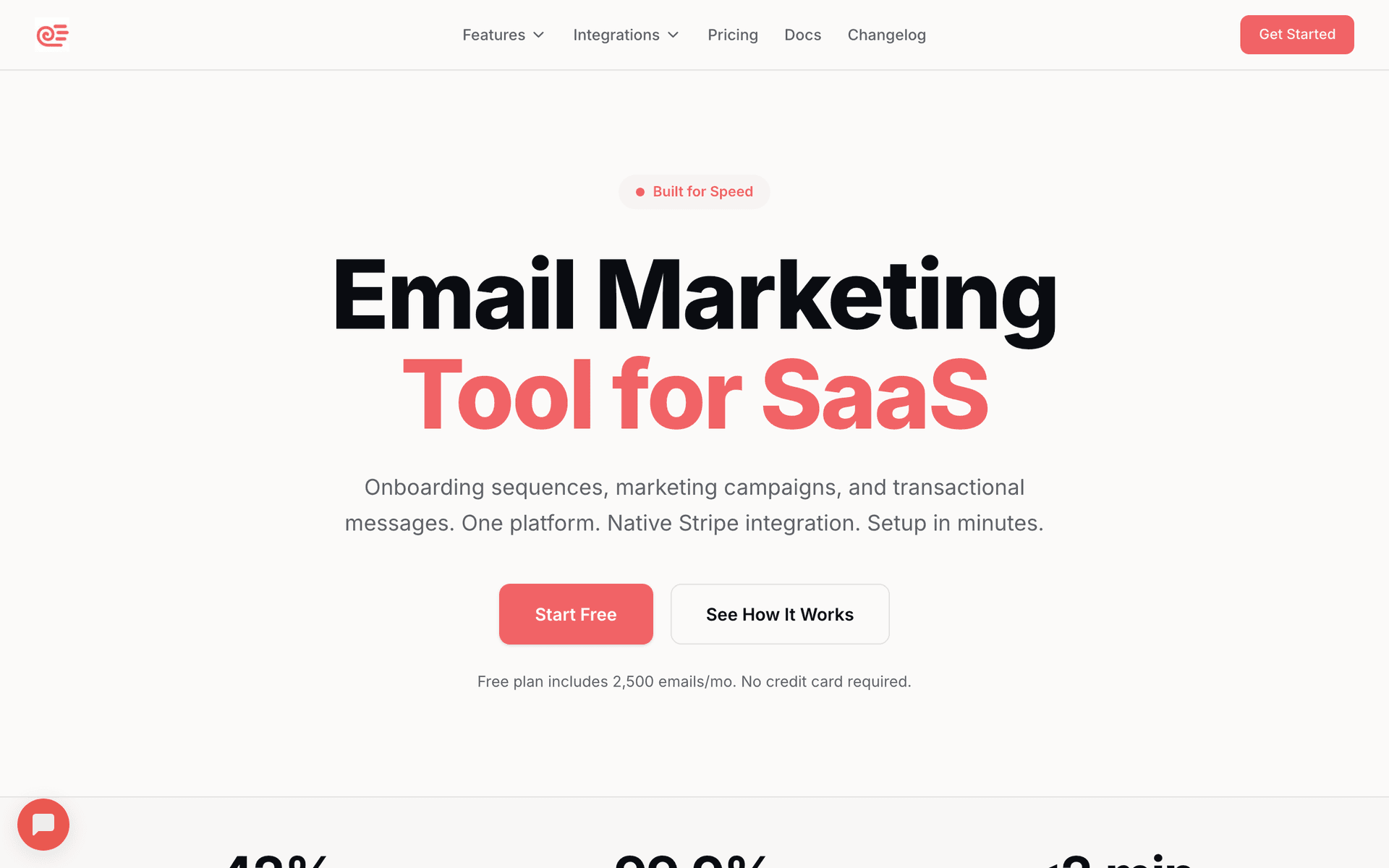
Sequenzy is the best fit for graphic designers because the AI builds the exact sequences a design business needs - inquiry response, project kickoff, delivery follow-up, and portfolio showcase - in seconds. You describe your workflow and it generates a complete email sequence that you can customize. The free tier gives you 2,500 emails per month, which covers most freelance designers with a few hundred contacts. At $29/month for 50,000 emails with unlimited contacts, the pay-per-email pricing is perfect for designers who have large contact lists built over years but only email a few times per month. The interface is simple enough to use between client projects without becoming a distraction. Direct founder support means you get actual help, not a chatbot.

Best for
Graphic designers wanting automated client communication without complexity
Pricing
Free up to 2,500 emails/mo, then $29/mo for 50K emails (unlimited contacts)

Pros

  • AI writes project and follow-up sequences
  • Simple interface for busy creatives
  • Pay for emails sent, not contacts
  • Direct founder support

Cons

  • Launched in 2025, less track record
  • No built-in SMS
  • Fewer templates than established competitors
#2
Mailchimp

The most popular email marketing platform. Solid features but can get expensive.

Visit

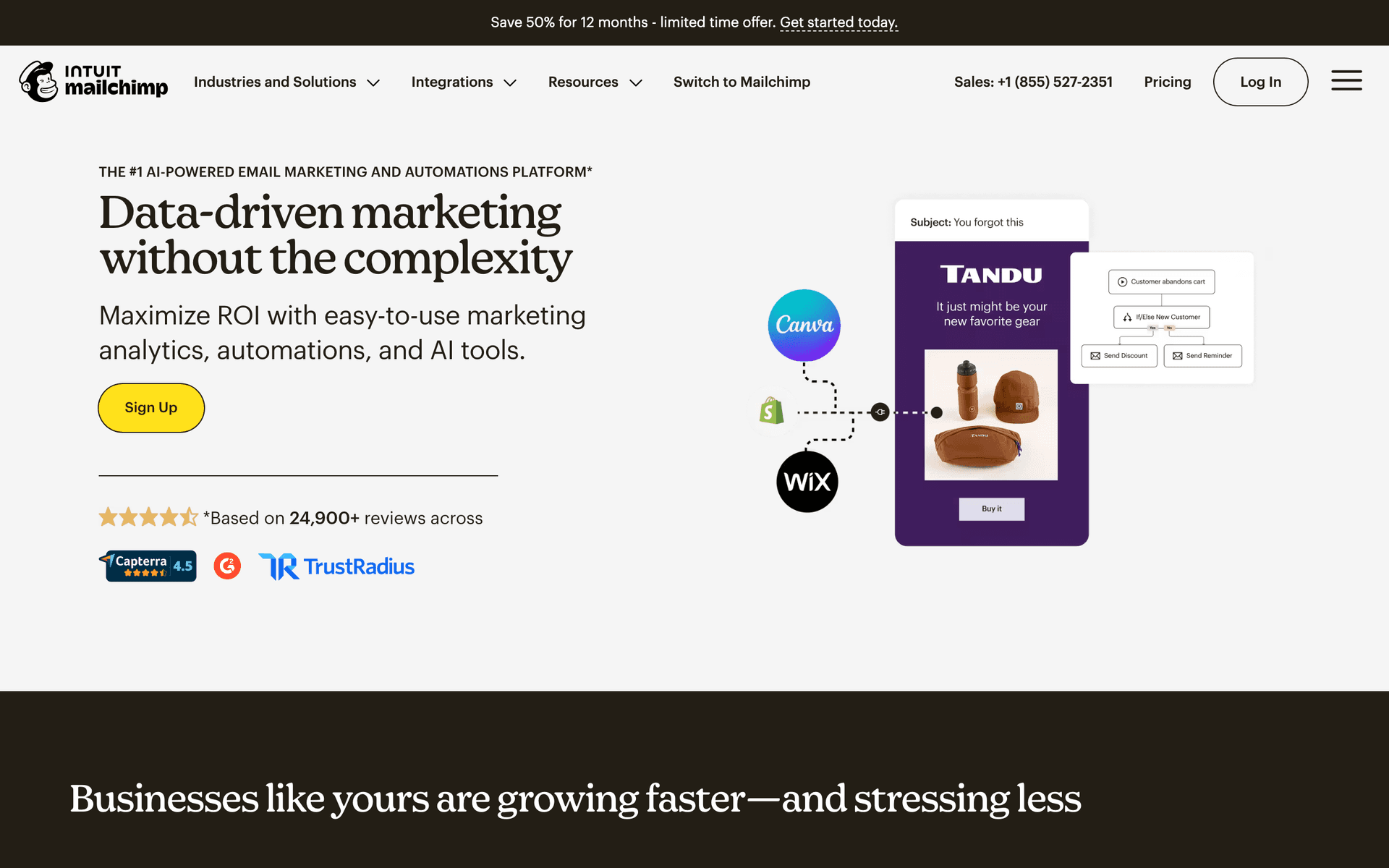
Mailchimp is the platform everyone knows, and for designers, the visual email builder is decent with customizable templates. The frustration comes when your contact list grows past 500 and costs jump significantly - a common issue for designers who accumulate contacts over years of networking and inquiries. The integration ecosystem is broad, connecting with most tools designers use. Brand recognition means clients will not question your professionalism. It is a safe starting point, but plan to evaluate alternatives when per-contact pricing starts eating into your margins.

Best for
Designers wanting a well-known platform with broad integrations
Pricing
Free up to 500 contacts, then $13-350/month

Pros

  • Extensive template library
  • Many integrations
  • Strong deliverability
  • Good analytics

Cons

  • Gets expensive fast
  • Interface can feel overwhelming
  • Support quality has declined
  • Templates feel restrictive to designers
#3
Constant Contact

Long-standing email platform popular with small businesses.

Visit

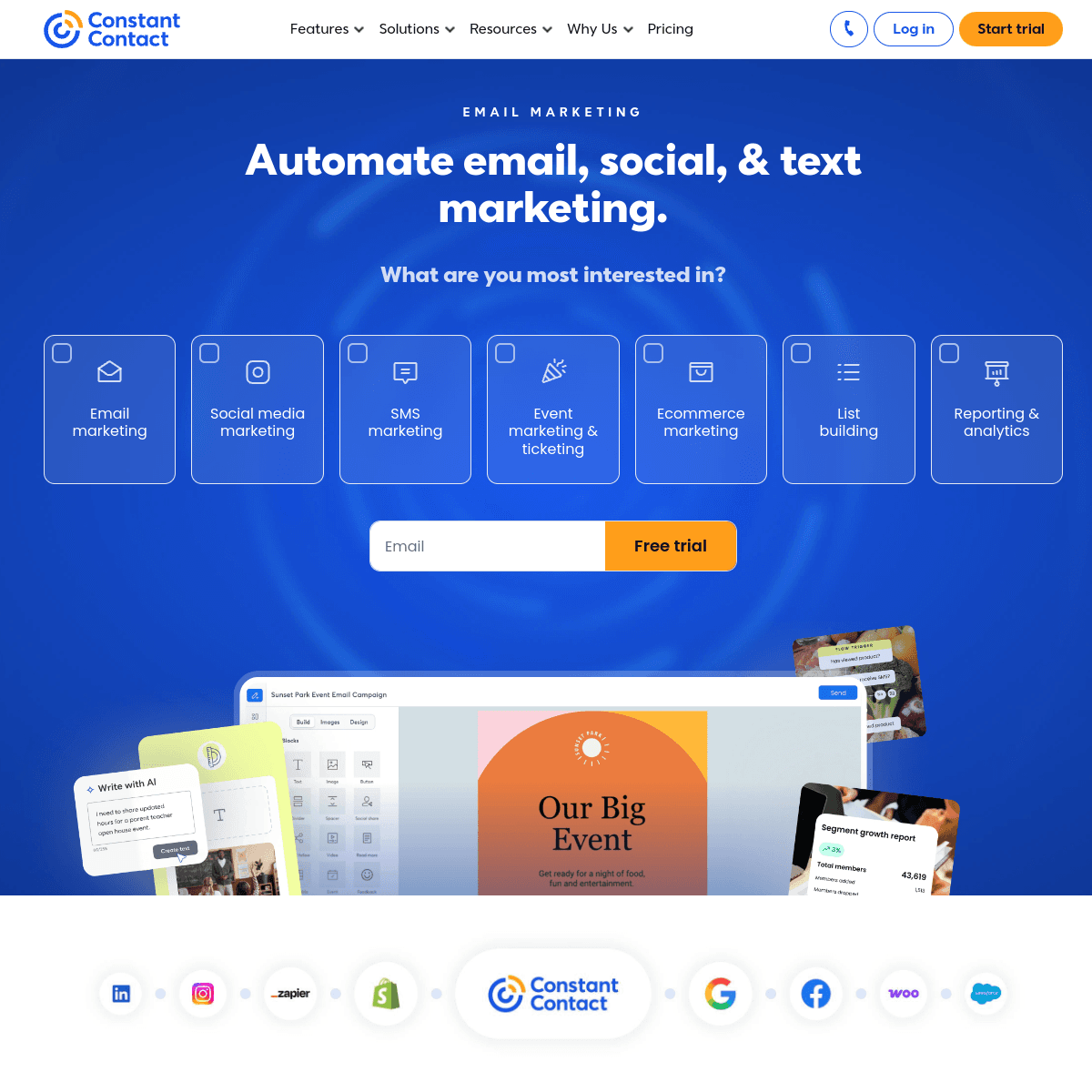
Constant Contact is the option for designers who want phone support when they get stuck. If you are not tech-savvy outside of your design tools and want someone to walk you through setting up an automation, being able to call and get help is genuinely valuable. The event management features are useful if you host design workshops or portfolio nights. Less design flexibility than you might want in the email builder, and the automation is basic, but the simplicity and support make it accessible for designers who just want email to work without a learning curve.

Best for
Designers wanting simple email with phone support
Pricing
From $12/month for 500 contacts

Pros

  • Very easy to use
  • Excellent phone support
  • Event management features
  • Social media integration

Cons

  • Limited automation capabilities
  • Templates feel dated
  • Less design control
  • Basic segmentation options
#4
ActiveCampaign

Powerful automation platform with a learning curve.

Visit

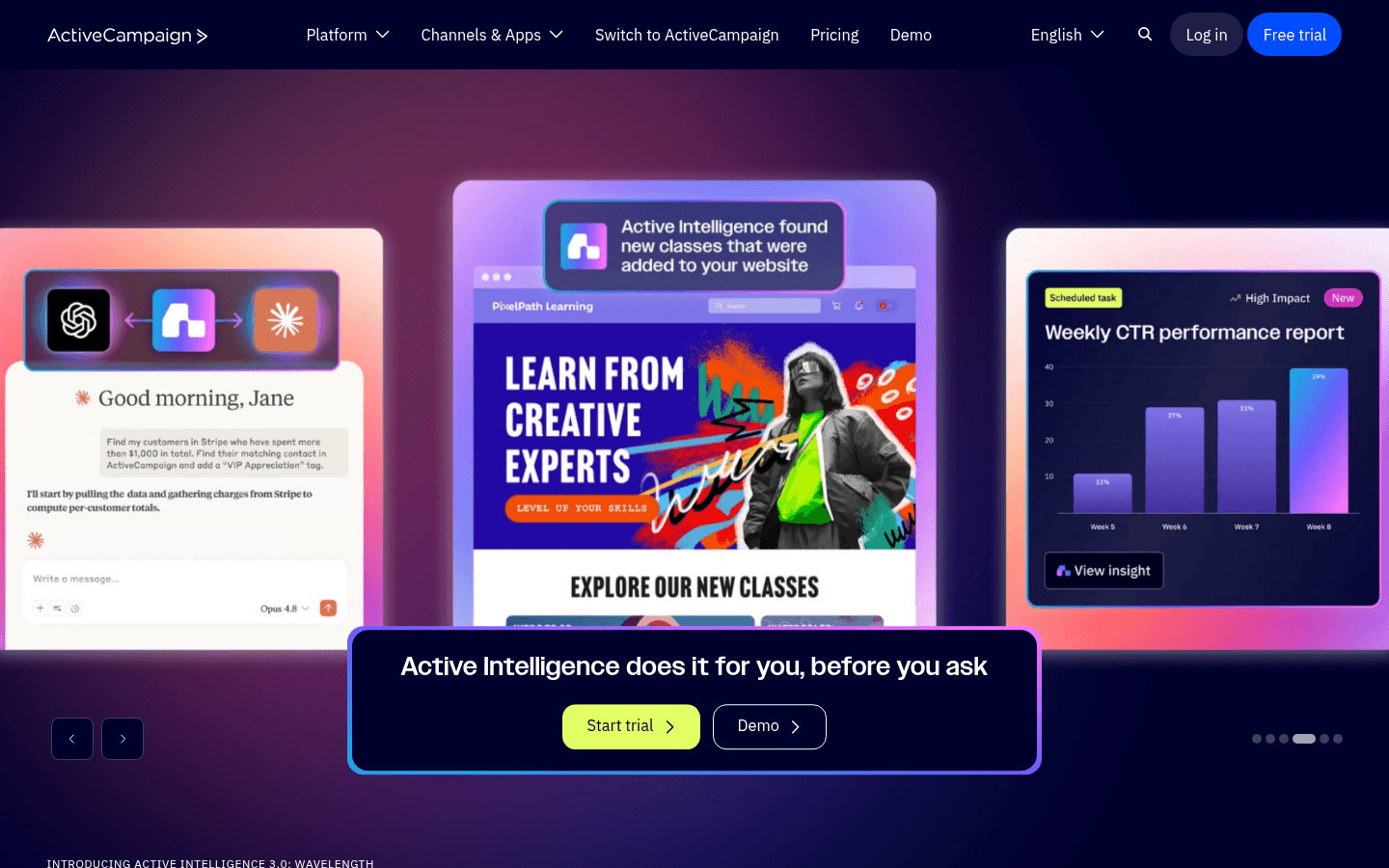
ActiveCampaign has the most powerful automation builder on this list, which makes it suitable for design agencies with volume. Build sophisticated sequences based on project type, client status, engagement level, or budget tier. The CRM tracks every interaction with a prospect from first inquiry through project completion and beyond. For a solo freelancer doing 2-3 projects a month, the complexity is not justified. For a studio with 5+ designers handling dozens of projects simultaneously, the organizational power and advanced segmentation make it worth the learning curve and the per-contact pricing.

Best for
Design agencies with high volume or tech-savvy freelancers
Pricing
From $29/month for 1,000 contacts

Pros

  • Excellent automation builder
  • CRM included
  • Great deliverability
  • Detailed contact scoring

Cons

  • Steep learning curve
  • Overkill for solo designers
  • Complex interface
  • Price jumps with features
#5
Brevo

Formerly Sendinblue. Good value with transactional email included.

Visit

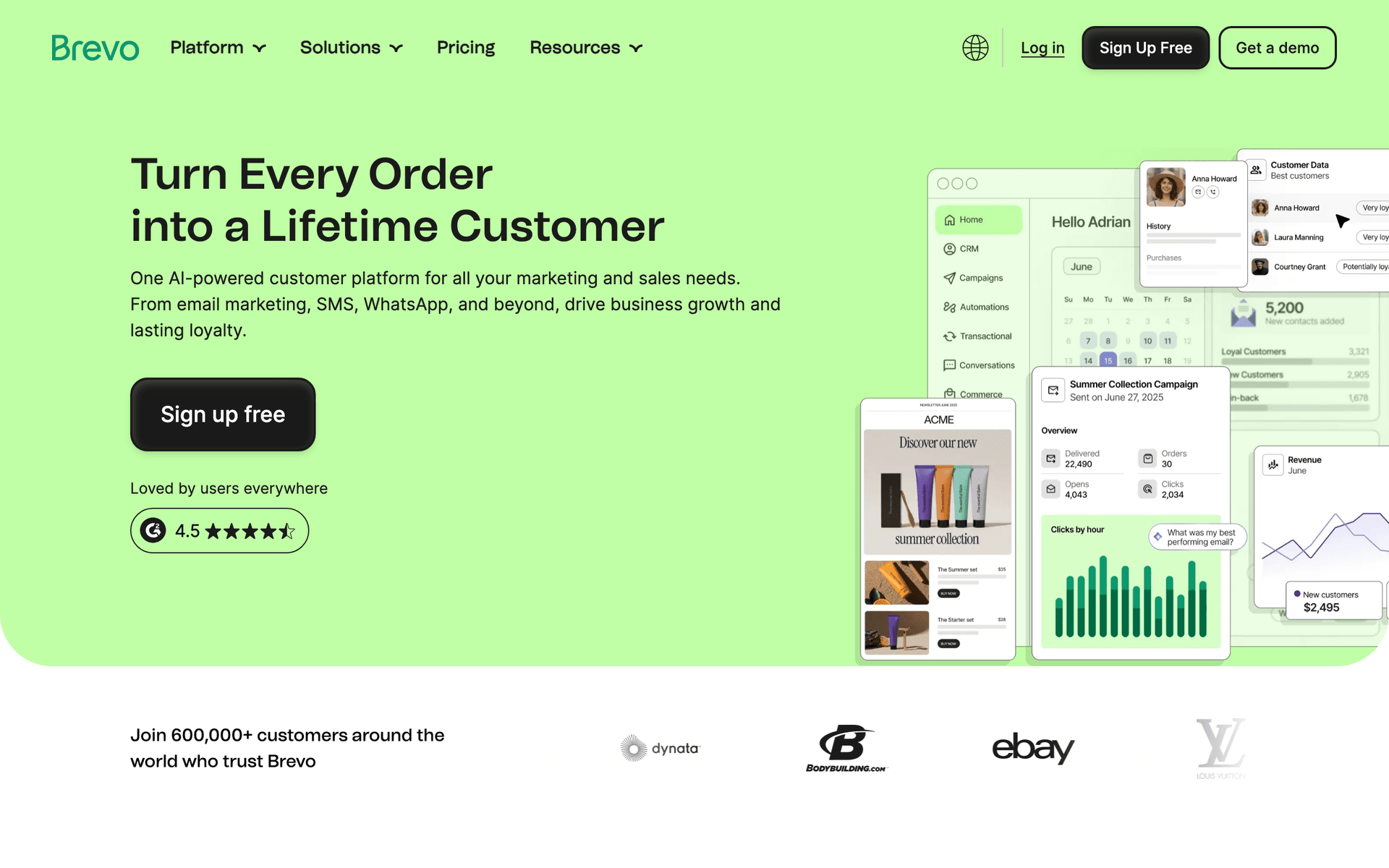
Brevo offers the best value for budget-conscious designers who want more than basic email. The free tier gives 300 emails per day, which covers most freelance needs. Transactional email is included, useful for automated invoice reminders or project completion notifications. SMS is available for urgent client communication. The automation handles welcome sequences, follow-ups, and portfolio showcases. The interface is not as polished as MailerLite, but the feature-to-price ratio is strong. For designers who want email, SMS, and transactional email without paying for three separate tools, Brevo consolidates nicely.

Best for
Budget-conscious designers needing reliable email
Pricing
Free up to 300 emails/day, then from $25/month

Pros

  • SMS included
  • Generous free tier
  • Transactional email included
  • Good automation

Cons

  • Daily limits on free plan
  • Support can be slow
  • Limited integrations
  • Branding on free tier
#6
MailerLite

Clean, simple email marketing with good automation.

Visit

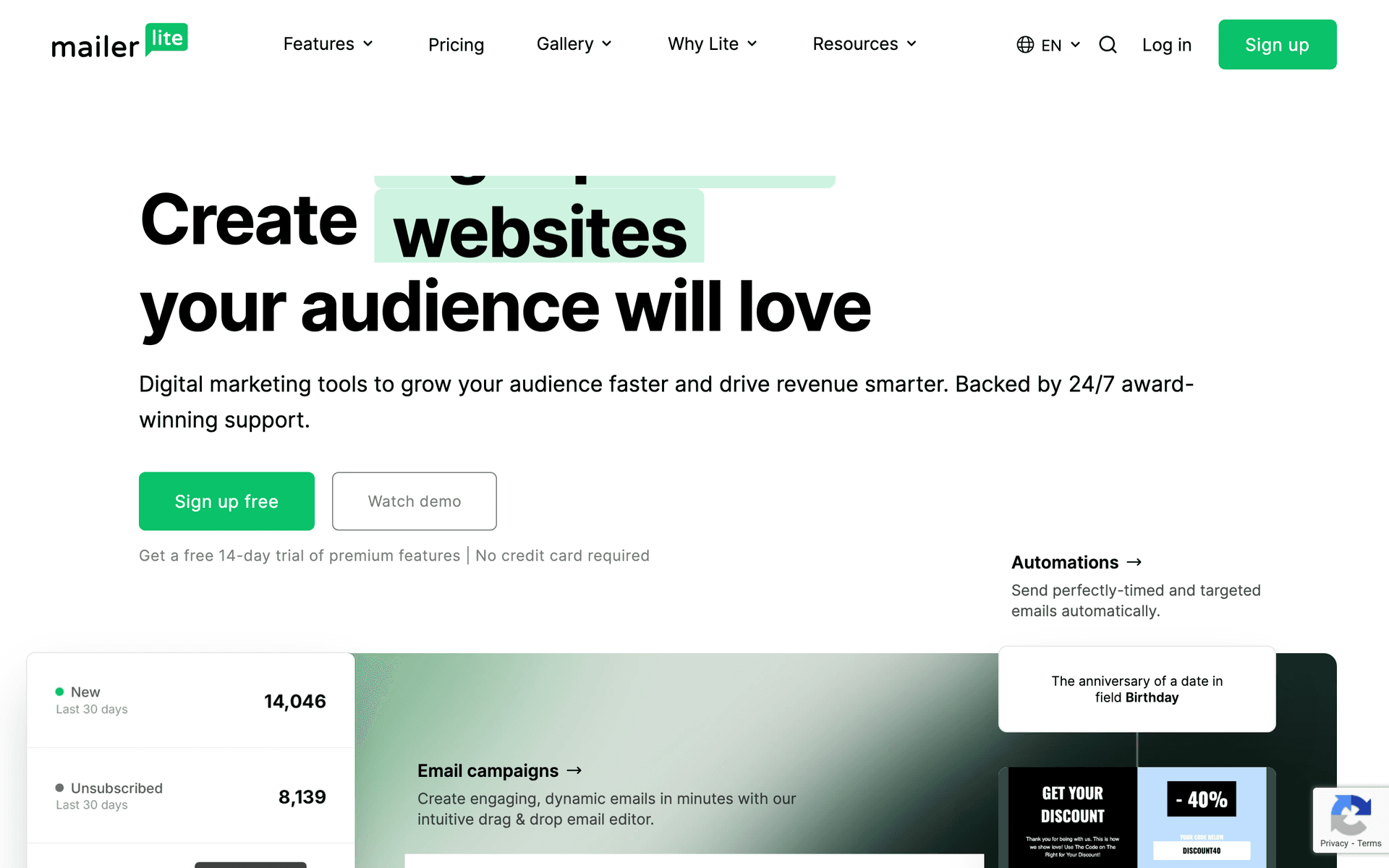
MailerLite is the best option for designers who want simplicity and affordability in equal measure. The clean interface feels modern and uncluttered - something designers appreciate. The drag-and-drop email builder gives enough design control to create professional portfolio showcase emails without fighting the tool. The free tier covers 1,000 subscribers with real automation capabilities, and paid plans start at just $10/month. Landing pages are included for project inquiry forms or portfolio showcases. The approval process can take a few days (they verify your business), but once you are in, it just works.

Best for
Designers wanting simplicity and affordability
Pricing
Free up to 1,000 subscribers, then from $10/month

Pros

  • Very affordable
  • Clean interface
  • Good landing pages
  • Generous free tier

Cons

  • Strict approval process
  • Limited advanced features
  • Basic reporting
  • Approval can take time
#7
Drip

E-commerce focused but works for selling design products.

Visit

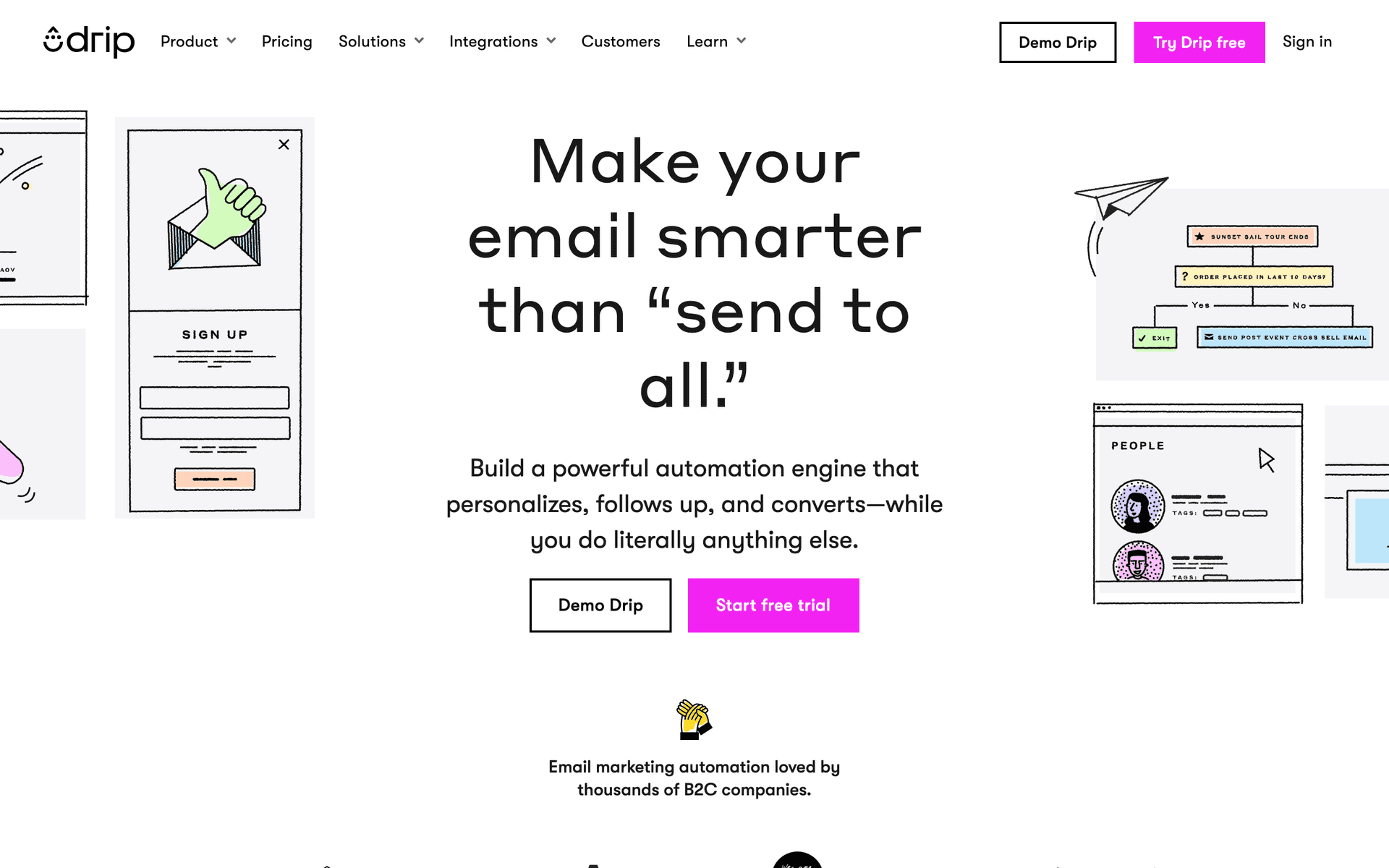
Drip makes sense only if you sell digital products - design templates, fonts, icon sets, courses, or design asset bundles - as a significant part of your income. It tracks exactly which emails drive purchases, automates upsell sequences, and shows revenue attribution per campaign. At $39/month minimum, this is a tool for designers with a product business, not for client service work. If you are selling a $99 Figma template library and want to know which email sequence generates the most sales, Drip is the best at that. For everyone else, skip it.

Best for
Designers with significant digital product sales
Pricing
From $39/month for 2,500 contacts

Pros

  • Strong automation
  • Revenue tracking
  • E-commerce features
  • Detailed analytics

Cons

  • Built for e-commerce
  • Expensive starting point
  • Overkill for service-only
  • Learning curve exists
#8
GetResponse

All-in-one marketing platform with webinars and landing pages.

Visit

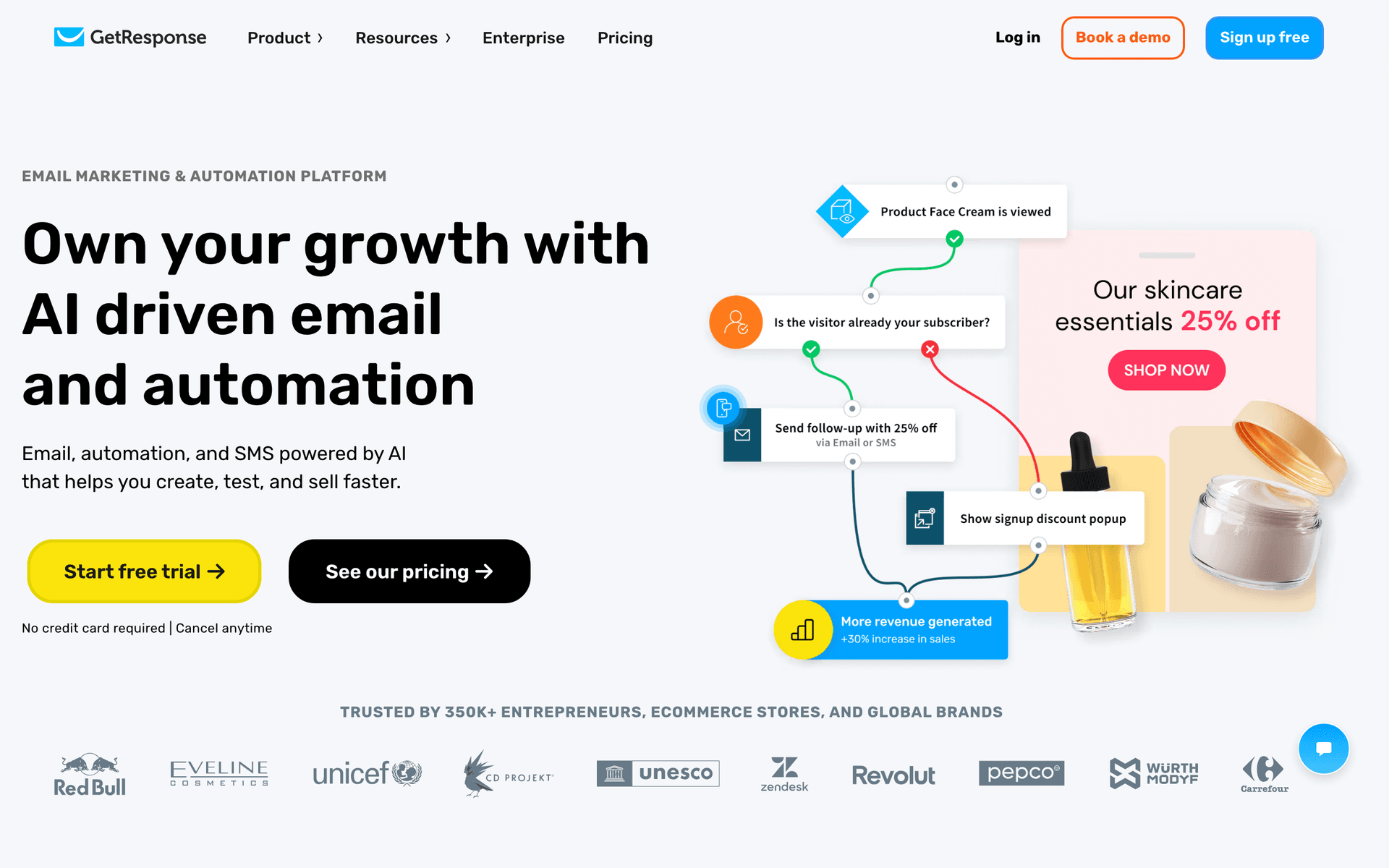
GetResponse includes email, landing pages, and webinars in one platform. The landing page builder works well for portfolio pages or project inquiry forms. If you run design workshops, client presentations, or webinar-based consultations, having everything in one platform simplifies your workflow. The email builder is functional but not as designer-friendly as you might want. Good value if you actively use the landing pages and webinars, but if you only need email, you are paying for features you will not touch.

Best for
Designers running workshops or needing landing pages
Pricing
From $19/month for 1,000 contacts

Pros

  • Webinar hosting included
  • Landing page builder
  • Automation templates
  • Competitive pricing

Cons

  • Interface feels busy
  • Email editor could improve
  • Support quality varies
  • Features feel bolted on
#9
AWeber

One of the original email platforms. Simple and reliable.

Visit

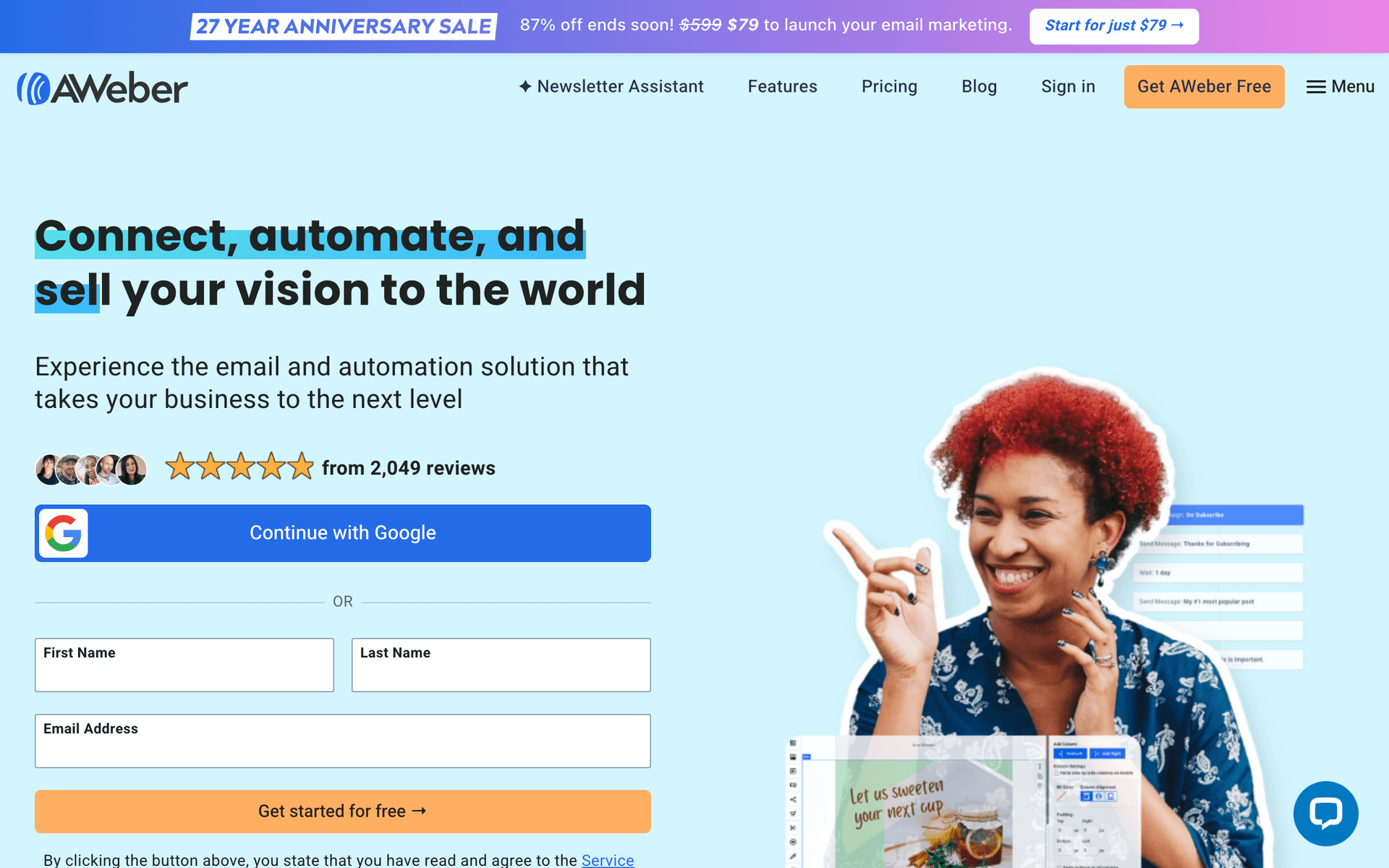
AWeber has been reliable since 1998. The interface shows its age, but deliverability is consistently strong - your emails actually reach inboxes. For designers who want to send a monthly portfolio newsletter and the occasional project announcement without learning a new platform every year, AWeber handles the basics without surprises. It is not exciting, but it is dependable.

Best for
Designers wanting no-frills reliability
Pricing
Free up to 500 subscribers, then from $15/month

Pros

  • Reliable deliverability
  • Simple to use
  • Good support
  • Long track record

Cons

  • Feels dated
  • Limited automation
  • Basic templates
  • Little recent innovation
#10
ConvertKit

Built for creators but works well for designers.

Visit

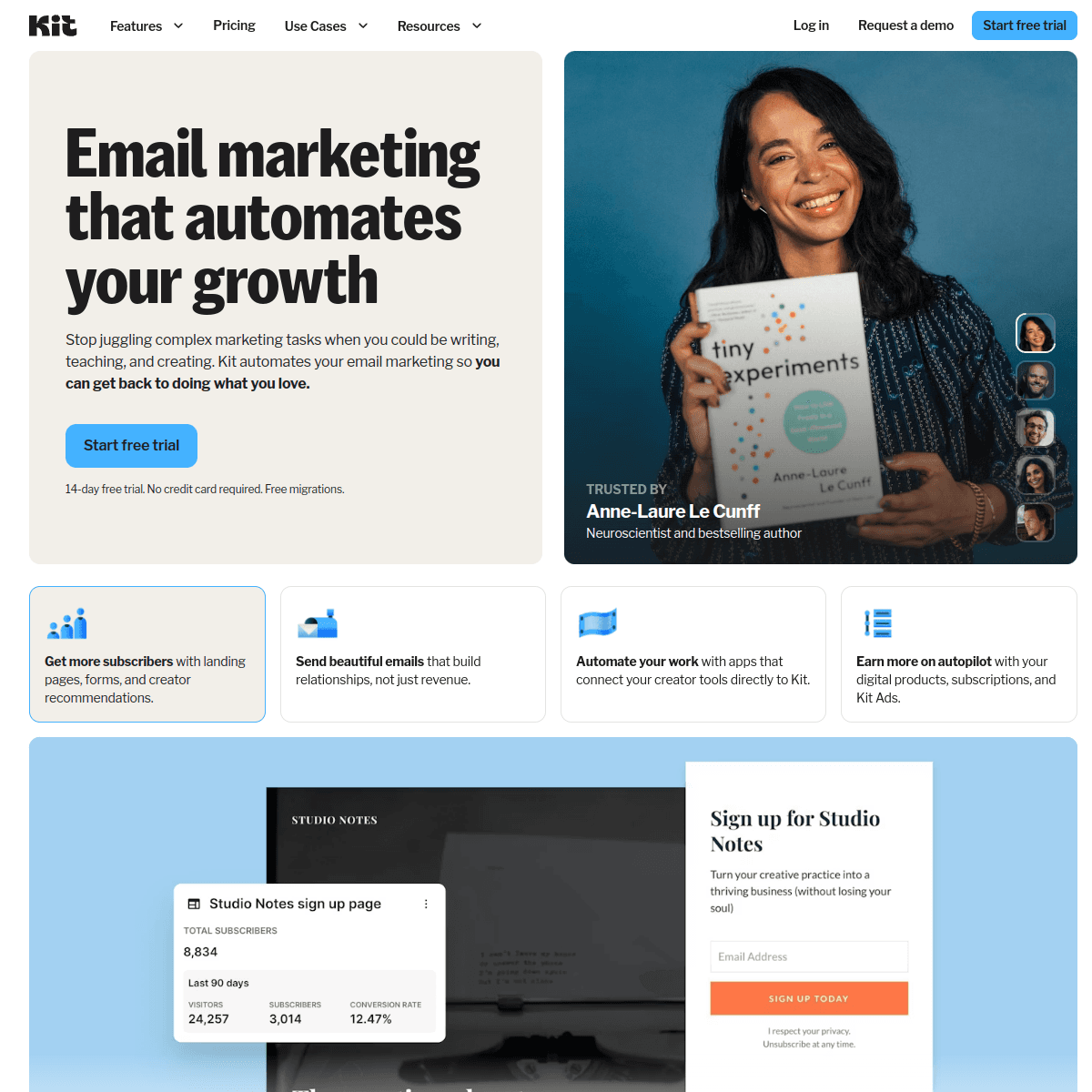
ConvertKit (now Kit) is designed for content creators, and designers are creators. If you share design tips, tutorials, process breakdowns, or build a following beyond your local market, Kit handles this beautifully. The newsletter format is clean and text-focused, which works well for design thought leadership. Tag-based automation segments subscribers by interest. The free tier covers 10,000 subscribers, the most generous on this list. If you are building a personal brand that extends beyond client work - writing about design, sharing resources, growing an audience - Kit is the best platform for that specific use case.

Best for
Designers building a personal brand with content
Pricing
Free up to 1,000 subscribers, then from $29/month

Pros

  • Great for newsletters
  • Clean subscriber management
  • Tag-based automation
  • Creator community

Cons

  • Minimal design options
  • No free landing pages
  • Expensive at scale
  • Limited visual customization
#11
HubSpot

Enterprise marketing platform with email included.

Visit

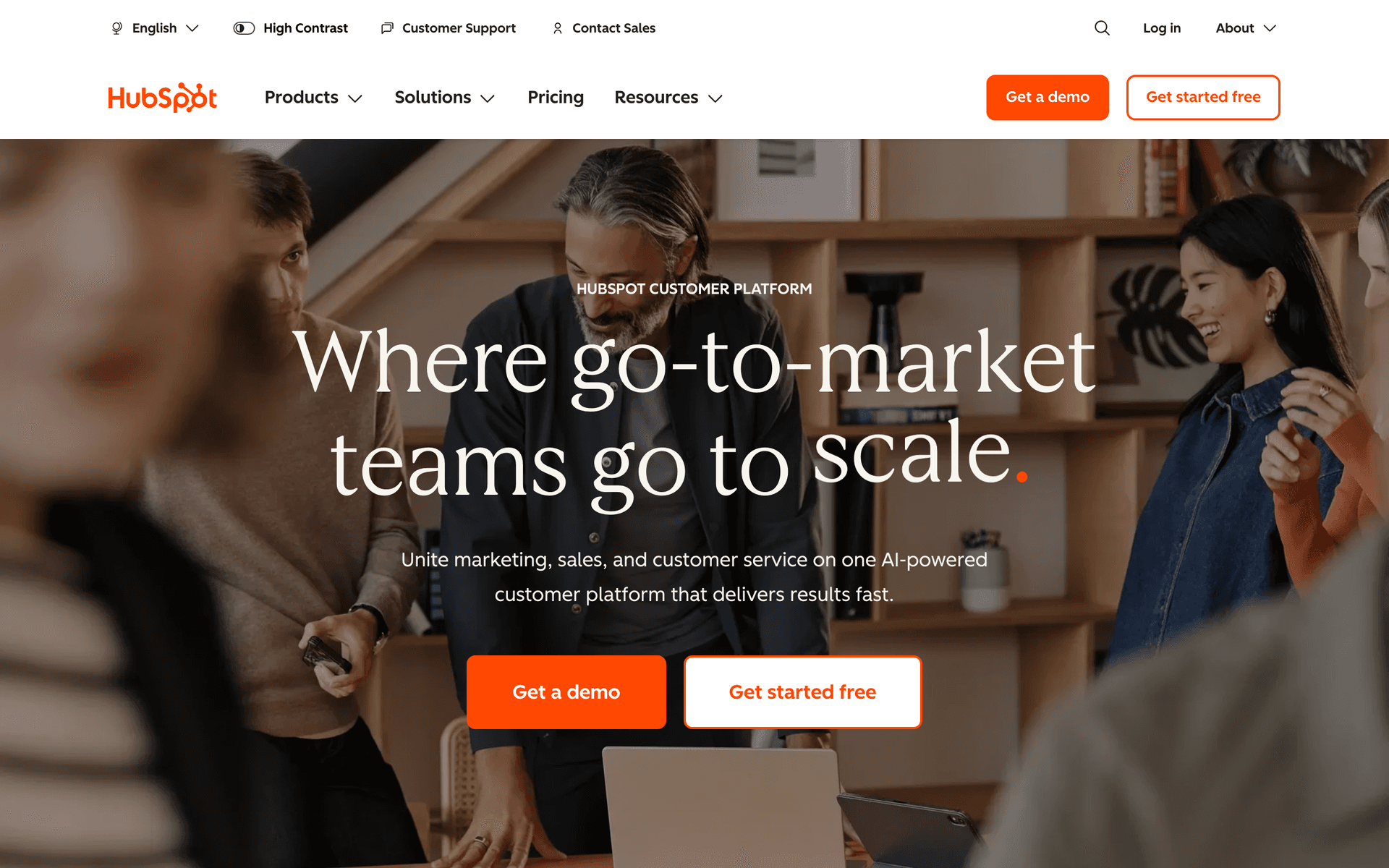
HubSpot is the enterprise option. For large design agencies with dedicated marketing staff, account managers, and complex sales pipelines, it provides a complete CRM and marketing stack. For freelance designers or small studios, this is massive overkill that costs too much and takes too long to learn. The free CRM is useful for contact management, but the email marketing features require paid plans that start at $50/month and quickly scale higher.

Best for
Large design agencies with marketing staff
Pricing
Free basic, paid from $50/month (realistically $200+)

Pros

  • Full CRM included
  • Great for teams
  • Excellent reporting
  • Many integrations

Cons

  • Overkill for individuals
  • Expensive
  • Complex setup
  • Ecosystem lock-in
#12
Moosend

Budget email marketing with solid features.

Visit

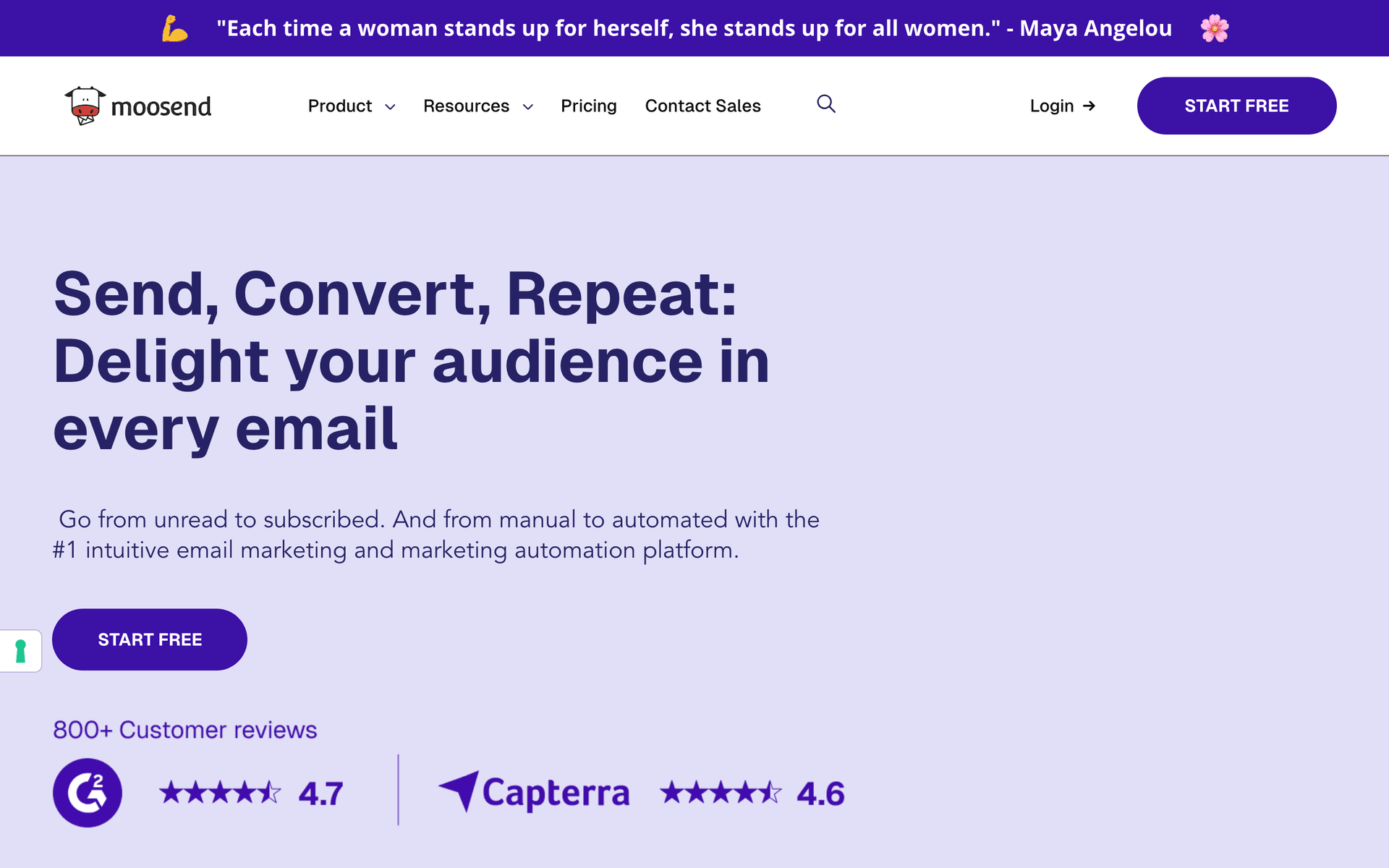
Moosend is the budget underdog starting at $9/month. You get automation workflows, landing pages, and decent reporting at a price point that even the most budget-conscious freelancer can justify. If you are just starting your design business and every dollar matters, Moosend gives you real email marketing capabilities without the premium price. The template library is smaller and the brand is less known, but the core functionality works.

Best for
Very price-conscious designers
Pricing
From $9/month for 500 subscribers

Pros

  • Very affordable
  • Good automation
  • Responsive support
  • Landing pages included

Cons

  • Less known brand
  • Limited integrations
  • Smaller template library
  • Fewer advanced features
#13
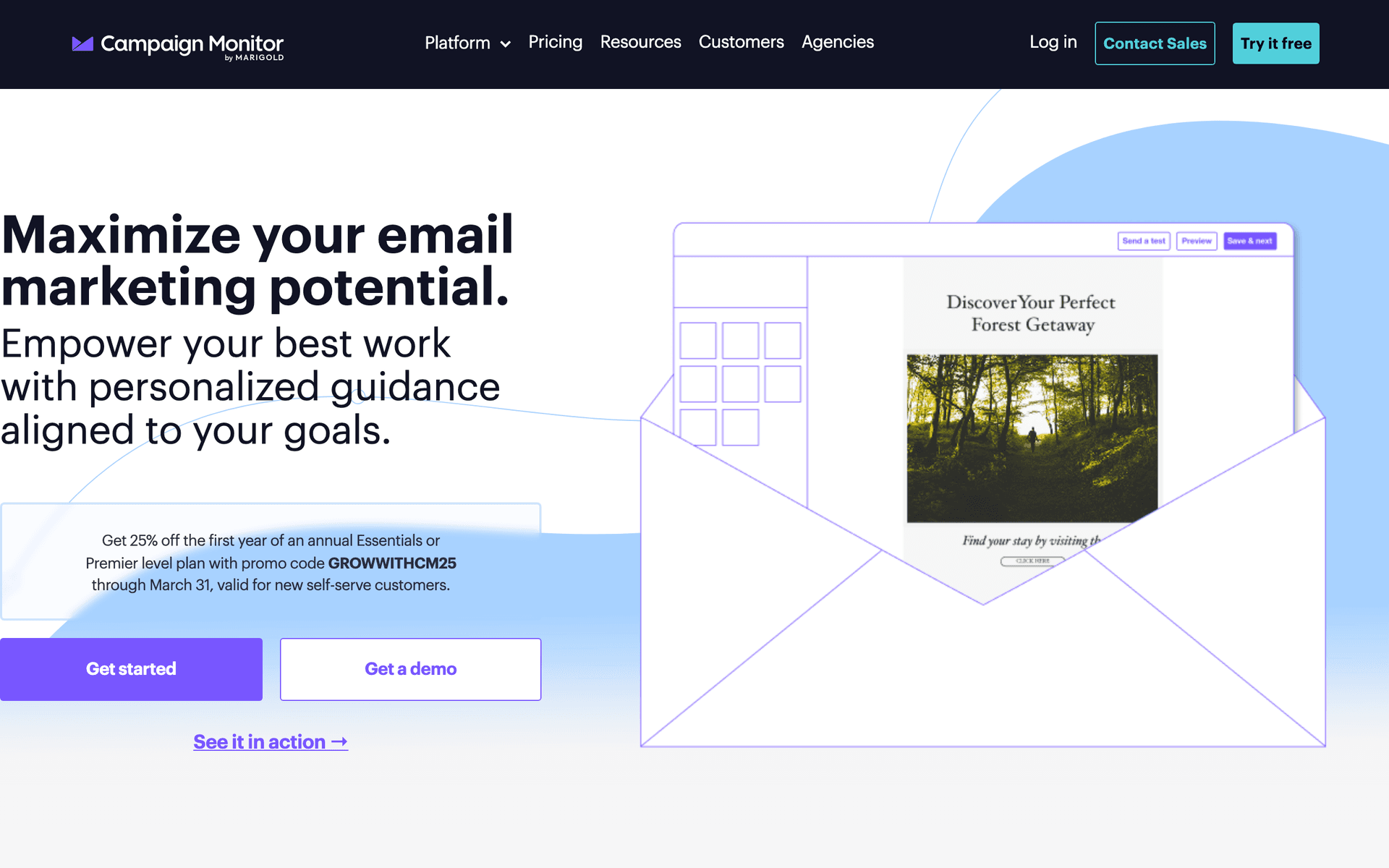
Campaign Monitor

Professional email marketing with beautiful templates.

Visit

Campaign Monitor has some of the most visually polished email templates available. As a designer, you will appreciate the attention to typography, spacing, and visual hierarchy that most email platforms get wrong. If the visual quality of your emails matters as much as the content (and for designers, it should), Campaign Monitor makes your portfolio showcase emails look professional without custom coding. The limitation is basic automation and per-contact pricing that adds up. Best for designers who send beautiful but infrequent campaigns.

Best for
Designers prioritizing email design quality
Pricing
From $9/month for 500 contacts

Pros

  • Beautiful templates
  • Great for visual content
  • Reliable delivery
  • Designer-friendly

Cons

  • Contact-based pricing
  • Limited automation
  • Gets expensive
  • Less flexibility than coding

Feature Comparison

FeatureSequenzyMailchimpConstant ContactActiveCampaign
Inquiry response automation
Project update sequences
Basic
AI content generation
Drag-and-drop editor
Automation workflows
Basic
SMS marketing
Free tier available

Common Mistakes to Avoid

We see these mistakes over and over. Skip the learning curve and avoid these from day one.

Over-Designing Your Emails

Designers often create visually complex email templates that look amazing in the editor but break in email clients or trigger spam filters. Keep email layouts simple and clean. Let your portfolio images do the heavy lifting, not elaborate email design.

Only Emailing When You Need Work

If every email you send is 'I am available for projects,' contacts learn to ignore you. Mix in valuable content - design tips, trend insights, case studies - so that promotional emails land in a context of helpfulness, not desperation.

Not Following Up on Inquiries

Many designers send one response and wait. Set up a 3-email follow-up sequence for inquiries: immediate acknowledgment, day 2 check-in, day 5 gentle follow-up with work samples. Many projects are won on the second or third touch.

Ignoring Past Clients

Your best source of new projects is people who already hired you. A quarterly check-in email to past clients generates repeat work and referrals. Most designers never email past clients again after delivery, leaving significant revenue on the table.

Coding Custom Email Templates

Email HTML is notoriously unreliable across clients. Spending hours hand-coding a template that breaks in Outlook is not a good use of your time. Use your platform's builder and customize colors, fonts, and images to match your brand.

Email Sequences Every Graphic Designer Needs

These are the essential automated email sequences that will help you grow your business and keep clients coming back.

Inquiry Response Sequence

When new project inquiry comes in

Respond to design inquiries quickly and professionally. Speed matters in winning projects.

Immediately
Thanks for reaching out about your design project, {{first_name}}!

Acknowledge inquiry. Share portfolio link and process overview.

Day 2
Did you have any questions about your project?

Follow up if they have not responded. Offer to jump on a discovery call.

Day 5
Still thinking about your design project?

Gentle follow-up with recent work samples or client testimonials.

Project Kickoff Sequence

When project is confirmed

Set expectations and gather what you need to start the design process.

Immediately
Your design project is confirmed!

Confirmation details. Next steps and timeline overview.

Day 1
What I need to get started on your project

Creative brief questions, brand assets request, deadline confirmation.

Day 3
Quick check-in on project materials

Friendly reminder if materials have not been received.

Project Delivery Sequence

When final designs are delivered

Deliver finished work and encourage testimonials and referrals.

Immediately
Your designs are ready, {{first_name}}!

Delivery link and file format information. Express excitement about the final result.

Day 3
How are the designs working for you?

Check in on their experience. Any questions about file usage?

Day 7
Quick favor, {{first_name}}?

Request for testimonial. Make it easy with specific questions to answer.

Portfolio Showcase Newsletter

Monthly or when you have new work

Keep past clients and leads engaged with your latest work.

Monthly
Fresh designs from the studio

Showcase 2-3 recent projects. Behind-the-scenes insights. Availability update.

How to Choose the Right Email Tool

The best email marketing tool depends on your situation:

Volume matters. Solo designers can use simpler tools. Agencies need platforms that handle team workflows and multiple client pipelines.

Visual presentation. Design is visual. Choose a platform that displays your work well in emails and does not compress images aggressively.

Budget is real. Calculate cost at your expected list size in 2-3 years, not just the starting price. Designers accumulate contacts over years - a tool that is cheap at 200 contacts might be expensive at 2,000.

What Actually Works for Designers

After talking to many graphic designers about email marketing:

Speed wins projects. Fast inquiry response dramatically improves conversion rates. Automate this so no inquiry waits more than a few minutes for an acknowledgment. The designer who responds first often wins, regardless of portfolio quality.

Show your work. Your portfolio is your best marketing. Regular showcases keep you top of mind. Include context about the problem you solved, not just the final design.

Ask for referrals. Most designers never ask. A simple automated request to happy clients 2-4 weeks after project delivery generates new business consistently.

Building a Design Business Email System

The Inquiry Pipeline

The most important automation for any design business is the inquiry response system. Here is how to structure it:

  1. Immediate auto-response (within minutes): Thank them for reaching out, share your portfolio link, outline your typical process and timeline, and suggest booking a discovery call
  2. Day 2 follow-up: Check if they have questions, offer to review their current materials, include a relevant case study
  3. Day 5 gentle nudge: Share a testimonial from a similar project, mention your availability, provide a direct booking link
  4. Day 14 long-term nurture: Add them to your monthly newsletter if they have not responded

This sequence alone can double your inquiry-to-project conversion rate.

The Client Lifecycle

Beyond inquiry response, the complete design business email lifecycle looks like this:

  • Inquiry phase: Response, follow-up, discovery call booking
  • Project phase: Kickoff, materials gathering, milestone updates (manual and personal)
  • Delivery phase: Final delivery, satisfaction check, testimonial request
  • Post-project phase: Referral request, portfolio showcase, quarterly check-in
  • Long-term phase: Monthly newsletter, seasonal promotions, case studies

Automate everything except the project phase communication, which should be personal and specific to each project.

Portfolio Showcase Strategy

Your monthly portfolio email is not just about showing work. Structure it for maximum impact:

  • Lead with the strongest project - the one that will make recipients say "I want that for my business"
  • Include a brief story - the problem, your approach, and the result in 2-3 sentences
  • Show 2-3 projects max - quality over quantity, and leave them wanting to see more on your website
  • End with availability - a simple "I have availability for new projects starting [month]" with a booking link

Pricing Your Email Time

As a designer, your time has a billable rate. Email marketing should generate more revenue than the time it consumes. A reasonable benchmark:

  • Setup time: 2-4 hours to configure your tool, build templates, and set up key automations (one-time)
  • Monthly maintenance: 1-2 hours per month for your newsletter and any manual campaign
  • Expected return: If your average project is $3,000 and email generates even one additional project per quarter, that is $12,000/year for roughly 20 hours of work

What a Healthy Design Business Email List Looks Like

For a freelance graphic designer, a healthy email list typically includes:

  • 50-200 past clients who have completed projects with you
  • 100-500 warm leads who inquired but did not convert (yet)
  • 200-1,000 general subscribers who follow your work through content or portfolio
  • Open rates above 28% for your regular newsletters
  • Inquiry conversion of 15-30% from automated follow-up sequences
  • At least 1-2 referrals per quarter from automated post-project requests

If your list is smaller, focus on collecting emails from every touchpoint - inquiries, networking events, website visitors, social media followers.

Getting Started

Pick a tool from this list. Then:

  1. Import your client and inquiry contact list
  2. Set up inquiry response automation (the highest-impact sequence)
  3. Create project kickoff and delivery sequences
  4. Build a monthly portfolio showcase template
  5. Set up a post-delivery testimonial request automation
  6. Create a quarterly past-client check-in campaign

Start with the inquiry response automation - it pays for the entire email system on its own.

How We Evaluated These Tools

Tools were evaluated for graphic design businesses based on visual email quality, inquiry response automation, portfolio showcase capabilities, affordability for freelancers, and integration with design business workflows. We prioritized platforms that serve both freelance designers and small studios.

Frequently Asked Questions

Ready to grow your graphic designer practice?

Start your free trial today. Set up your first email sequence in minutes with AI-powered content generation.

Related Industries

Sequenzy - Complete Pricing Guide

Pricing Model

Sequenzy uses email-volume-based pricing. You only pay for emails you send. Unlimited contacts on all plans — storing subscribers is always free.

All Pricing Tiers

  • 2.5k emails/month: Free (Free annually)
  • 15k emails/month: $19/month ($205/year annually)
  • 60k emails/month: $29/month ($313/year annually)
  • 120k emails/month: $49/month ($529/year annually)
  • 300k emails/month: $99/month ($1069/year annually)
  • 600k emails/month: $199/month ($2149/year annually)
  • 1.2M emails/month: $349/month ($3769/year annually)
  • Unlimited emails/month: Custom pricing (Custom annually)

Yearly billing: All plans offer a 10% discount when billed annually.

Free Plan Features (2,500 emails/month)

  • Visual automation builder
  • Transactional email API
  • Reply tracking & team inbox
  • Goal tracking & revenue attribution
  • Dynamic segments
  • Payment integrations
  • Full REST API access
  • Custom sending domain

Paid Plan Features (15k - 1.2M emails/month)

  • Visual automation builder
  • Transactional email API
  • Reply tracking & team inbox
  • Goal tracking & revenue attribution
  • Dynamic segments
  • Payment integrations (Stripe, Paddle, Lemon Squeezy)
  • Full REST API access
  • Custom sending domain

Enterprise Plan Features (Unlimited emails)

  • Visual automation builder
  • Transactional email API
  • Reply tracking & team inbox
  • Goal tracking & revenue attribution
  • Dynamic segments
  • Payment integrations
  • Full REST API access
  • Custom sending domain

Important Pricing Notes

  • You only pay for emails you send — unlimited contacts on all plans
  • No hidden fees - all features included in the price
  • No credit card required for free tier

Contact

  • Pricing Page: https://sequenzy.com/pricing
  • Sales: hello@sequenzy.com