
Overview
MailUp and AWeber are both established email platforms with different pricing models. For our take on each, see our MailUp comparison and AWeber comparison.
AWeber's Free Start
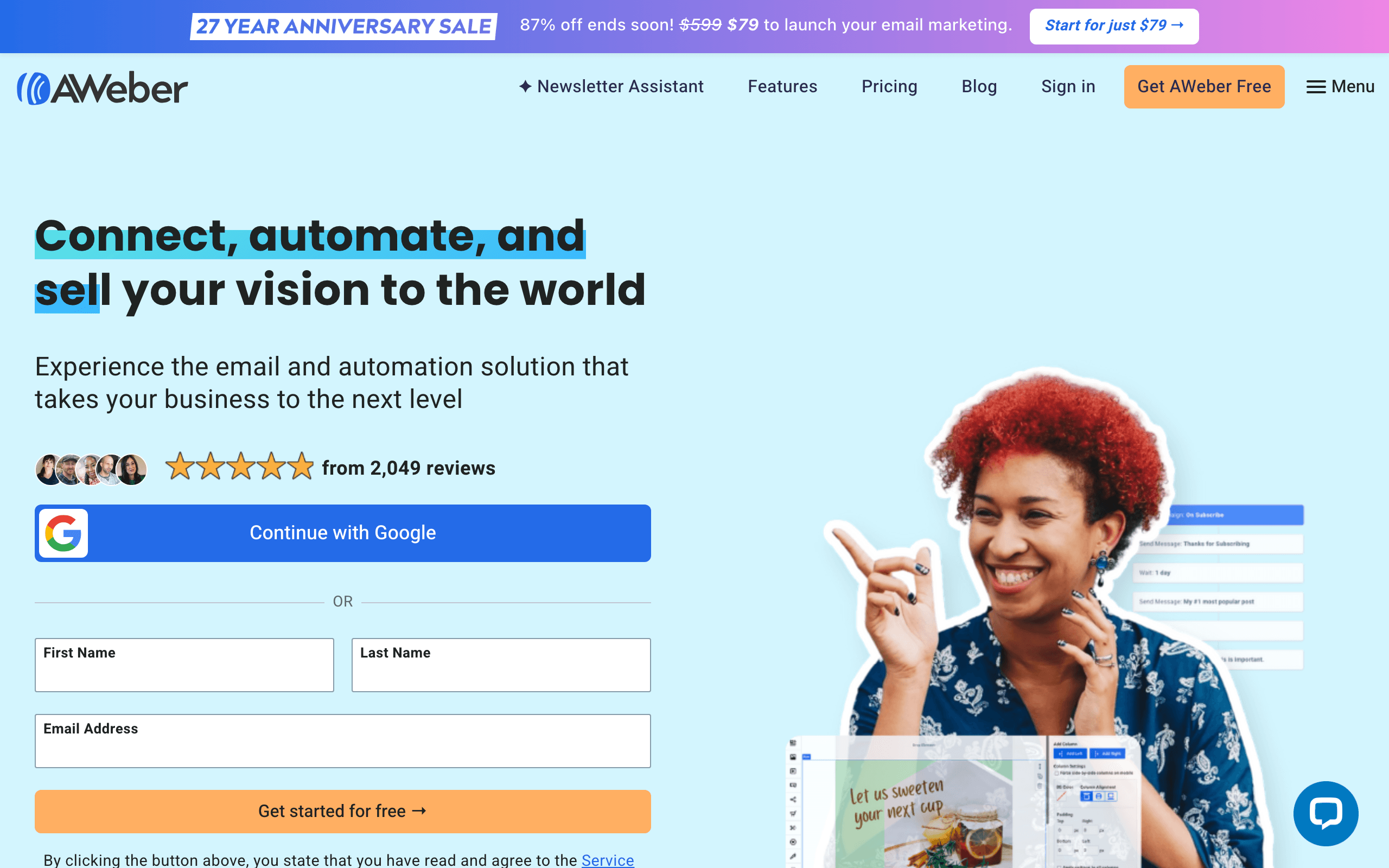
AWeber's free plan (500 subscribers, unlimited emails) lets you start without paying. Combined with 600+ templates, AWeber makes getting started easy. MailUp's 15-day trial doesn't compare for bootstrapped businesses.
MailUp's Scale Advantage
As your list grows, MailUp's unlimited contacts model becomes more valuable. At 10K, it's $15/month cheaper than AWeber. At 50K or 100K, the gap is dramatic. The BEE editor and SMS are bonuses.
The Sequenzy Alternative
For SaaS founders who need more than basic email, Sequenzy combines transactional email and marketing campaigns with Stripe integration at $49/month.
Deliverability and Reputation Management
Both MailUp and AWeber take email deliverability seriously, but their approaches differ. AWeber has a long track record of maintaining good sender reputation through its managed infrastructure, which is particularly helpful for beginners who may not understand authentication protocols. MailUp gives more control over deliverability settings and offers email client previews across 76 clients, allowing you to spot rendering issues before sending.
For businesses sending to large lists, deliverability is critical. AWeber's managed approach means less can go wrong, but MailUp's tools give experienced senders more insight. If you are unsure about your sender reputation, use a tool like the email warmup calculator to plan your ramp-up.
Template Design and Customization
AWeber's 600+ template library is one of the largest in the industry, making it easy to find a design that fits your brand without starting from scratch. MailUp's 200+ templates are fewer in number but the BEE editor compensates with significantly more customization flexibility. You can achieve more complex layouts and branded designs with MailUp's editor.
The tradeoff is speed versus control. If you want to send a professional-looking email in 10 minutes, AWeber's templates get you there faster. If you want pixel-perfect brand consistency across every campaign, MailUp's BEE editor gives you the tools. For teams that want AI to handle email creation entirely, neither platform offers much, though Sequenzy's AI sequences can generate entire email workflows automatically.
Migration Considerations
Moving between MailUp and AWeber is straightforward for contacts and basic data. Both platforms support CSV imports and exports. However, automations, templates, and integrations will need to be rebuilt from scratch on either platform.
If you are currently on AWeber's free plan and your list is growing past 500 subscribers, evaluate whether MailUp's unlimited contacts model makes more financial sense long-term. At 10,000 subscribers, you would save roughly $15/month, and at 50,000 the savings become even more significant. Before migrating, verify your email setup and authentication records to maintain deliverability during the transition.
Use-case matchups
| Need | Better fit | Why |
|---|---|---|
| Unlimited contacts, BEE design, SMS, and client previews | MailUp | MailUp's cited strengths are flat-rate unlimited contacts, BEE editor, SMS, 76-client previews, and 5-variant A/B testing. |
| Free start, templates, web push, and phone support | AWeber | AWeber is cited for a free plan, 600+ templates, web push, phone support, reliability, and simple UI. |
| Large list with predictable budget | MailUp | MailUp is listed at about $47/month, while AWeber is listed at $62.50/month at 10k subscribers. |
| SaaS marketing plus transactional lifecycle email | Sequenzy | Sequenzy is listed at $49/month with transactional plus marketing and Stripe integration. |
Best Fit by Small-Business Email Need
Best email marketing tool for large lists and production QA
MailUp fits teams that want flat-rate pricing, unlimited contacts, BEE design, SMS, client previews, and A/B testing for larger campaigns.
Best classic email platform for support-led small businesses
AWeber is the better fit when free-start options, templates, phone support, reliability, and simple UI matter more than client previews or SMS.
Best email platform for SaaS lifecycle and transactionals
Sequenzy fits when transactional plus marketing email and Stripe integration matter more than traditional newsletter support.
Pricing reality
MailUp is listed at about $47/month for Starter with unlimited contacts and emails. AWeber is listed at $62.50/month for Lite with unlimited emails. Sequenzy is listed at $49/month for 60k emails (unlimited subscribers), with transactional plus marketing email and Stripe integration.
MailUp is cheaper at the cited 10k level and becomes more attractive as list size grows. AWeber's value is support, templates, free-plan onboarding, and a long track record.
Review signals
MailUp reviews cited here highlight the BEE editor, unlimited contacts, SMS, and value for large lists. The cautions are a dated interface and steeper learning curve.
AWeber reviews cited here highlight the free plan, large template library, deliverability, phone support, and ease of newsletters. The tradeoff is per-subscriber pricing that adds up as lists grow.
Migration checklist
- Export contacts, lists, tags, signup forms, templates, automations, SMS settings, web push settings, landing pages, and suppressions.
- If moving to AWeber, rebuild forms, templates, web push, and support-dependent workflows.
- If moving to MailUp, map AWeber templates into BEE and decide how web push will be replaced.
- Reconfigure SPF, DKIM, DMARC, sender identities, tracking domains, unsubscribe handling, and signup embeds.
- Test import quality, form submissions, automations, deliverability, and unsubscribe behavior before switching traffic.
Decision checklist
- Choose MailUp if flat-rate pricing and email design matter most.
- Choose AWeber if free start, templates, phone support, and web push are more valuable.
- Avoid MailUp if you need a very beginner-friendly interface.
- Avoid AWeber if list growth makes per-subscriber pricing uncomfortable.
- Choose Sequenzy if SaaS lifecycle and transactional email need Stripe-aware automation.









