
How to Choose the Right Email Tool
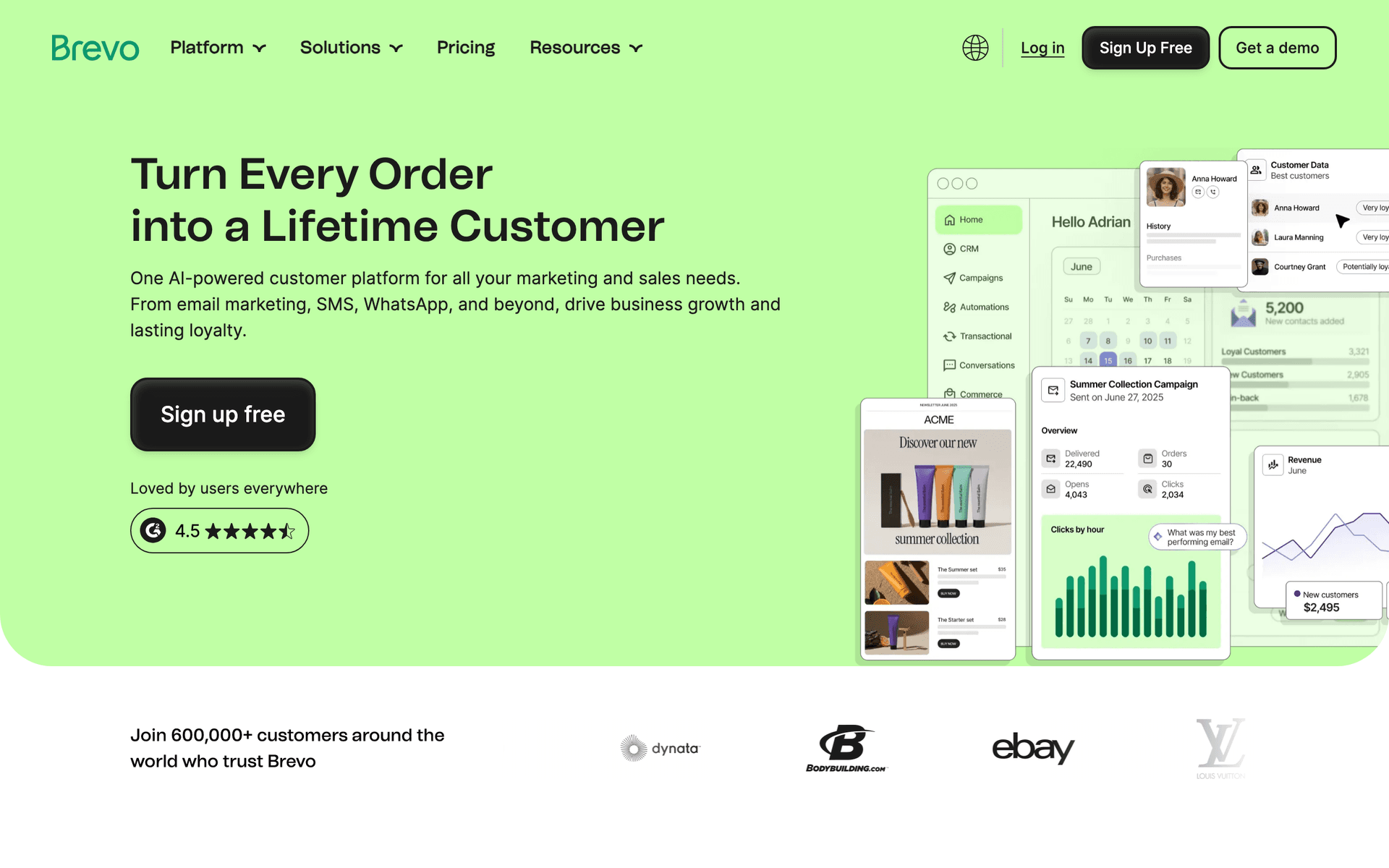
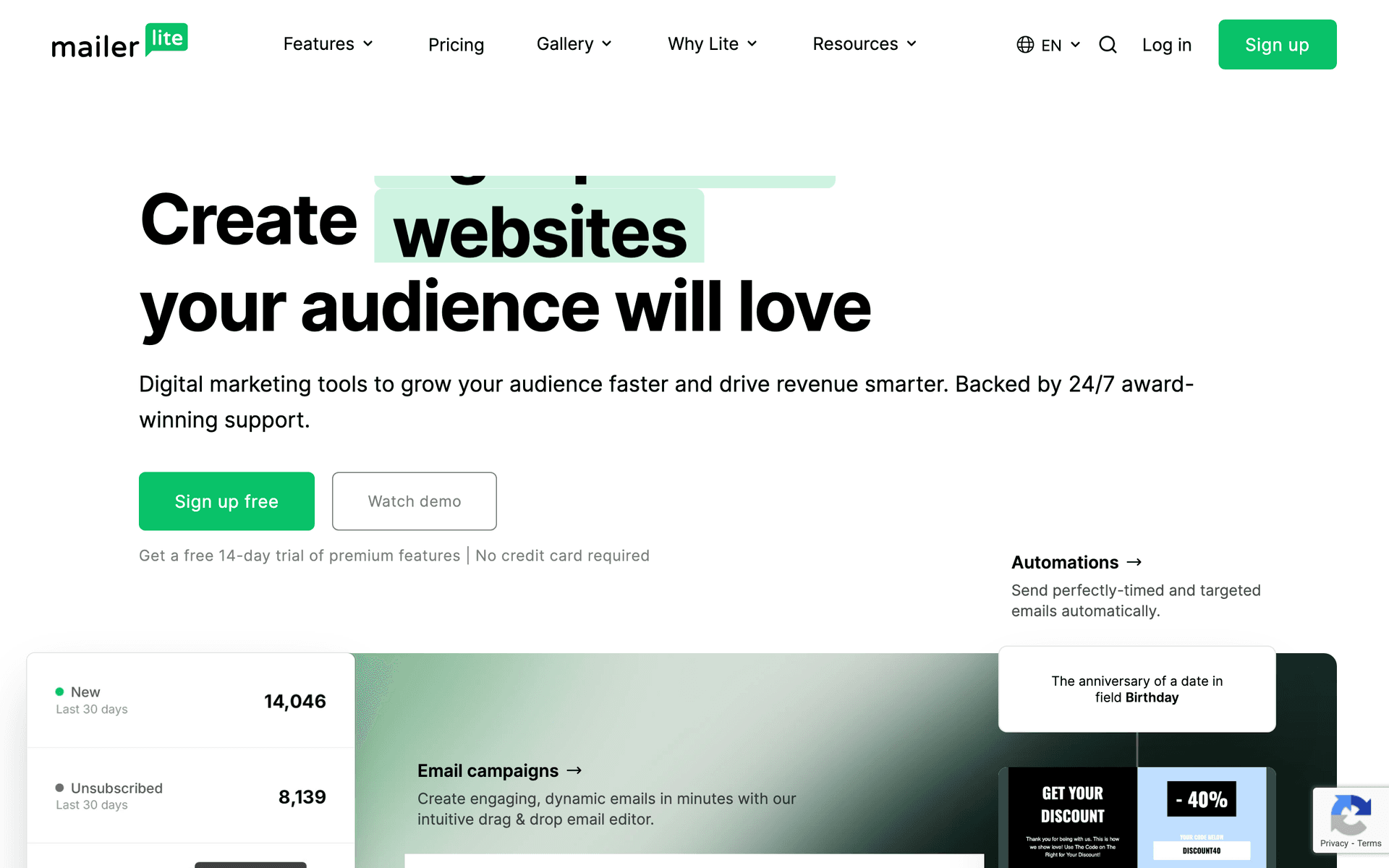
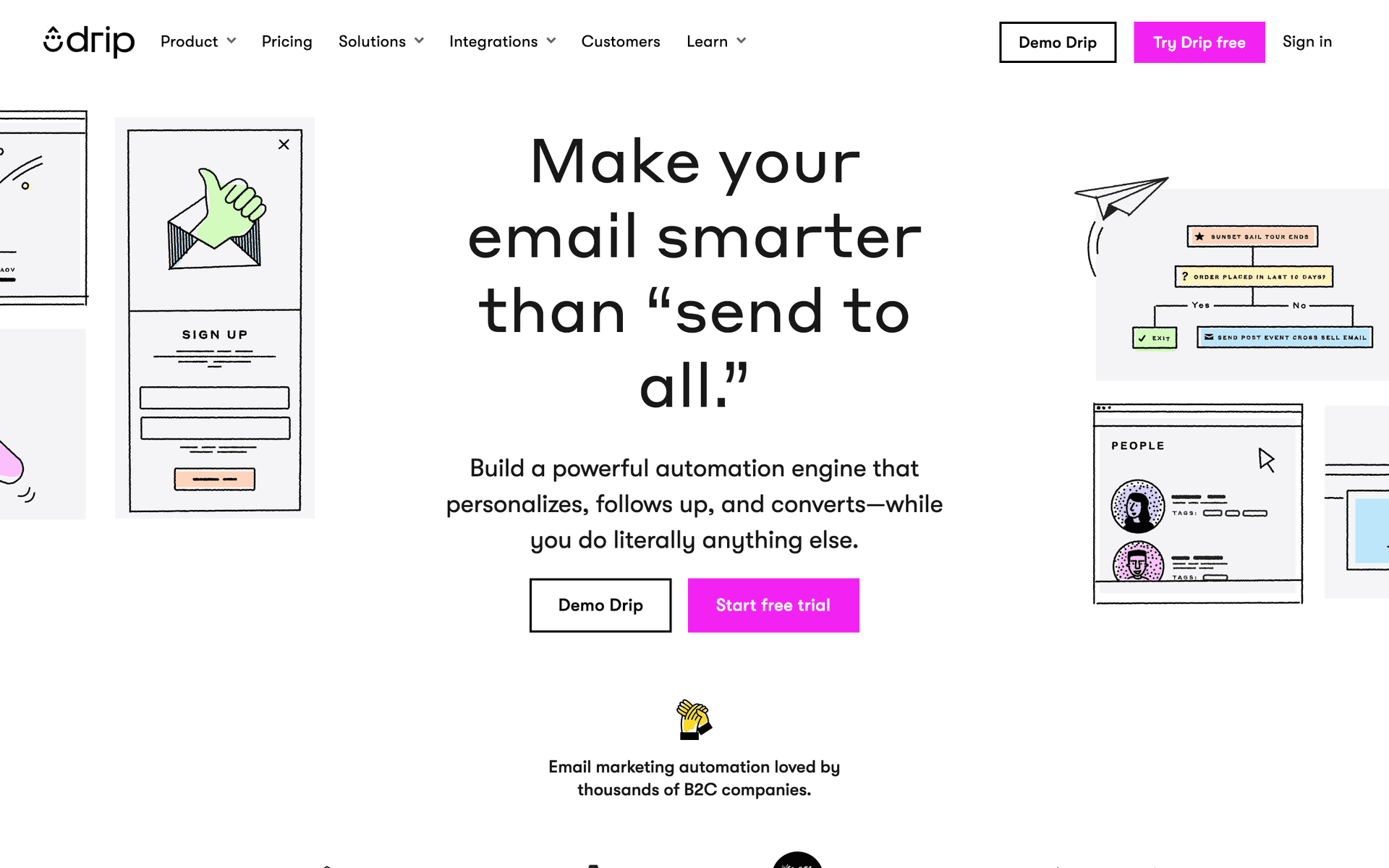
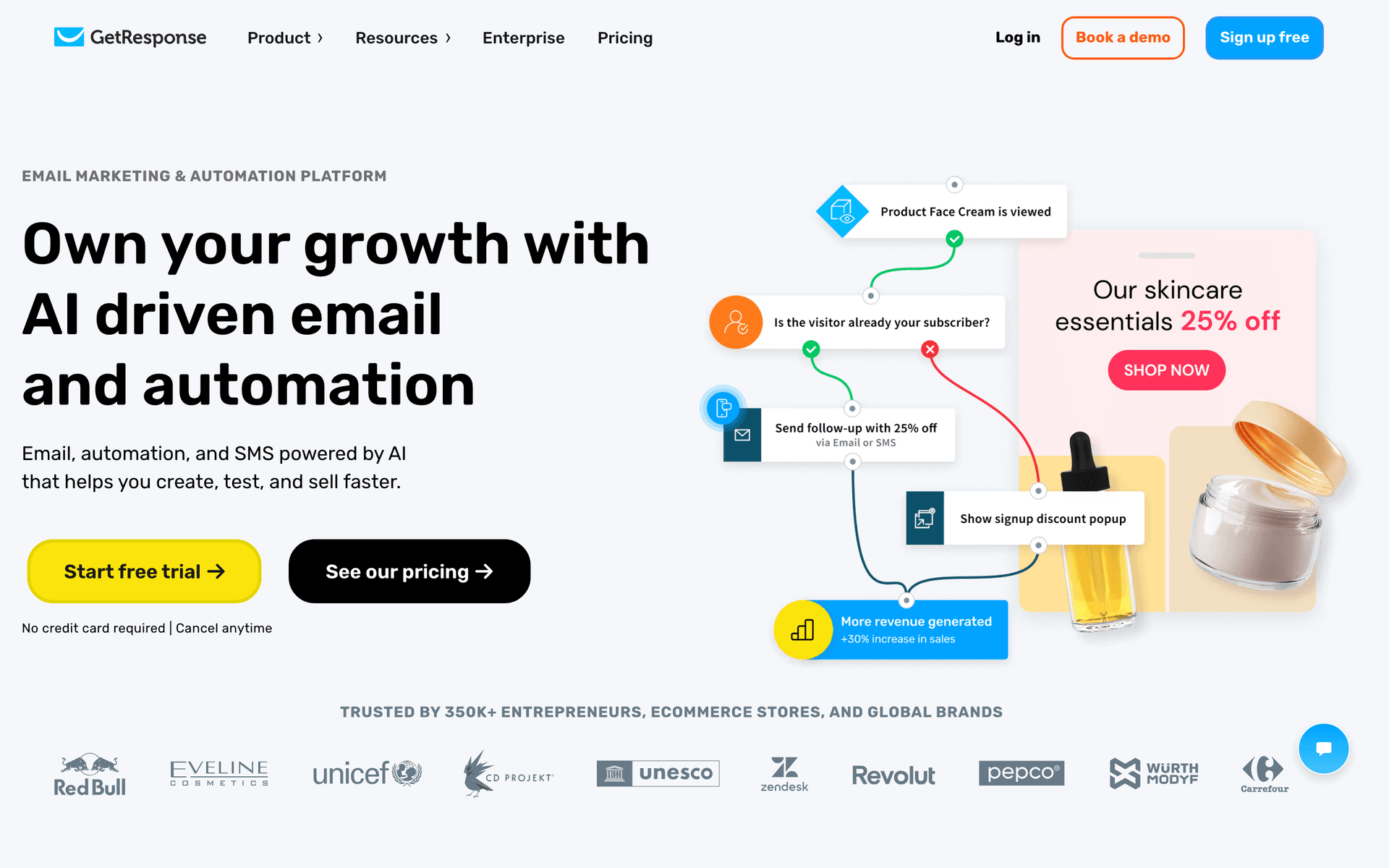
The best email marketing tool depends on your swim school's situation:
Solo Instructor vs Multi-Location School
Solo instructors need simple, mobile-friendly tools they can manage from poolside. Sequenzy or MailerLite handle seasonal campaigns and level-up celebrations without adding complexity to your already-busy schedule.
Multi-instructor schools with office staff benefit from more organized automation that handles different class types, multiple locations, and instructor-specific communication.
Session Types Drive Your Needs
If you offer private lessons, group classes, summer camps, and competitive programs, you need a tool that segments your audience by program type. A family enrolled in toddler water babies needs completely different emails than a family with a competitive swimmer.
Budget Reality for Aquatics Businesses
Most swim instructors and small schools run lean operations. Calculate your email tool's cost at your actual family database size. Established schools often have thousands of family contacts accumulated over years, and per-contact pricing can be expensive for businesses that send a moderate number of emails monthly.
Swimming Instructor Email Benchmark Table
| Email type | Healthy range | What it indicates | Improvement lever |
|---|---|---|---|
| Lesson reminder open rate | 55-75% | Parents rely on email for scheduling details | Add class time, location, and what to bring |
| Level-up celebration open rate | 60-80% | Progress recognition is highly relevant | Include the swimmer's name and next level |
| Session enrollment click rate | 8-18% | Families are ready to re-enroll | Link directly to the recommended class |
| Weather closure open rate | 65-85% | Urgent operations messages are noticed | Pair email with SMS for same-day changes |
| Referral email conversion | 2-6% | Happy families are sharing the school | Ask right after advancement or milestone |
What Actually Works for Swimming Instructors
Parents Love Progress Updates
Regular communication about skill development is the most valued email content from swim schools. Show parents their investment is working with specific details about what their child is learning and accomplishing. Progress updates have the highest open rates and drive the strongest retention.
| Progress email | Best timing | What parents want to know | Recommended CTA |
|---|---|---|---|
| First lesson recap | After first class | Whether their child adjusted well | Review practice tips |
| Mid-session update | Halfway through session | What skill is improving | Continue current level |
| Level completion | Immediately after advancement | What was achieved | Register for next level |
| Plateau support | After repeated missed skill | How to help without pressure | Book extra practice or private lesson |
| Seasonal readiness | Before summer or vacation | Water safety confidence | Enroll in refresher lessons |
Seasonal Timing Fills Classes
Summer camp promotion starts in spring. Session registration reminders fill classes 6-8 weeks before they start. Holiday break intensives need advance notice so families can plan. The swim schools that communicate earliest fill their sessions first.
Celebrations Drive Retention
Level completion emails keep families excited about continued lessons. Recognition matters to kids and parents alike. A celebration email that says "Sarah completed Level 3 and can now swim 25 meters freestyle" is more motivating than "Registration for Level 4 is open."
Building a Year-Round Email Program
The Enrollment Cycle
6-8 weeks before registration: Announce upcoming session to current families with early access 4 weeks before: Open registration with priority for returning students 2 weeks before: Urgency emails about remaining spots Registration deadline: Final push with session availability
Between Sessions
Monthly: Water safety tips, swimming technique videos, or aquatics news Post-session: Progress reports and next-level recommendations Celebrations: Level-up announcements as they happen
Summer Programs
March: Announce summer programs to your full list April: Early bird pricing with enrollment link May: Urgency campaign as spots fill June: Last-minute availability and preparation emails
| Program type | Promotion window | Audience segment | Email angle |
|---|---|---|---|
| Spring group lessons | 6 weeks before start | Current and past families | Build confidence before summer |
| Summer camps | 8 weeks before start | Families with school-age children | Skill growth plus fun activities |
| Private lessons | Year-round, especially before trips | Beginners and plateauing swimmers | Faster progress with focused attention |
| Holiday intensives | 4-6 weeks before break | Families with flexible schedules | Use school breaks for rapid improvement |
| Competitive prep | Before team tryouts | Advanced swimmers | Technique, endurance, and readiness |
Getting Started
- Import your family contact list with swim level and age group tags
- Set up level-up celebration templates that auto-send on advancement
- Create seasonal enrollment campaign sequences
- Build a new student welcome automation
- Plan monthly water safety or swimming tip newsletters
Start with celebrations and enrollment campaigns - they have the most immediate impact on retention and revenue for swimming instruction businesses.
What Swimming Instructors should prioritize first
For Swimming Instructors, email works when it supports enrollment, reminders, parent communication, and progress updates. The software matters, but the operating habit matters more: collect the right contacts, send messages at the right moments, and keep the content useful enough that people keep opening.
Start by comparing the ranked tools above around the workflows you will actually run. A good tool for Swimming Instructors should make it easy to segment contacts, write a campaign quickly, automate the obvious follow-ups, and see whether the email produced a booking, sale, reply, renewal, or return visit.
The first workflows to build are usually simple. For this page, the natural starting points are New Student Welcome, Level-Up Celebration, Seasonal Session Enrollment, Summer Camp Promotion. Do not build a complicated journey until those basics are working.
A practical rollout looks like this:
| Week | Focus |
|---|---|
| 1 | Import contacts, clean segments, and write the first useful campaign. |
| 2 | Launch the highest-value reminder or follow-up automation. |
| 3 | Add one educational or trust-building email that is not a promotion. |
| 4 | Review opens, clicks, replies, bookings, purchases, or returned customers. |
The most important page-specific ideas are Send level-up celebration emails immediately when students advance; Start seasonal enrollment campaigns 6-8 weeks before registration opens; Segment families by swim level and session type. Those should become your first campaigns before you worry about advanced automation.
Choose the tool that makes this cadence realistic. If a platform has more features but makes weekly sending harder, it is the wrong fit. If a simpler platform helps the team communicate consistently and measure the result, it will usually produce more value.