Updated 2026-03-15

Best Email Marketing Tools for Small SaaS Teams

Big enough to specialize, small enough to stay lean. Email tools that match your team's size and ambition.

Small SaaS teams of 5-15 people hit a sweet spot where you have enough people to specialize but not enough to waste time on complex tools. You might have a dedicated marketing person, or marketing might be shared between the founder and a growth hire. Either way, your email tool needs to be powerful enough for real automation but simple enough that your team does not need a full-time admin to manage it. Here are the tools that match small team dynamics.

TL;DR

For most small SaaS teams, Sequenzy is the best fit - AI reduces sequence creation time to minutes, native Stripe integration eliminates engineering overhead for billing emails, and the free tier covers 2,500 emails/month. For teams with a strong engineering culture wanting maximum flexibility, Customer.io provides the most powerful event pipeline. For content-first teams, Kit's generous free tier and creator tools are hard to beat.

Why Small SaaS Teams Need Email Marketing

Leverage for Small Teams

A small team cannot personally manage every customer relationship. Email automation provides 10x leverage by handling onboarding, retention, and expansion for hundreds or thousands of customers simultaneously.

Cross-Functional Collaboration

In small teams, product, engineering, and marketing need to work on email together. The product team defines triggers, engineering connects events, and marketing writes the copy. Your email tool should support this collaboration.

Scalable Foundation

You are building the email system that will serve you through your next phase of growth. Choosing a tool that handles your current needs while scaling to 10x your current customer base prevents painful migrations.

Measurable Growth

Small teams need to know what works. Email analytics that show which sequences drive activation, retention, and revenue help you focus your limited resources on what matters.

Small SaaS Teams Email Marketing Benchmarks

Know these numbers before you start. They'll help you set realistic goals and pick the right tool.

30-45%
Average Open Rate

SaaS product emails typically see 30-45% open rates because they are triggered by user actions and feel relevant. If your onboarding emails are below 30%, the timing or content may not match the user's context.

4-8%
Average Click Rate

SaaS emails with clear, action-oriented CTAs (complete setup, try this feature, upgrade your plan) typically achieve 4-8% click rates. Generic newsletters without a specific action fall below 2%.

Event-triggered, not scheduled
Best Send Time

The most effective SaaS emails are triggered by product events, not sent at specific times. A welcome email should send immediately after signup, not on Tuesday at 10am. Behavioral triggers consistently outperform scheduled sends.

40-60% with email support
Onboarding Completion Rate

SaaS products with well-crafted onboarding email sequences see 40-60% setup completion rates, compared to 20-30% without email support. Each onboarding email should focus on one specific action.

Important Tips Before You Choose

Lessons from small saas teamswho've been doing this for years. Save yourself the trial and error.

Focus on 4-5 excellent sequences instead of 20 mediocre ones

Small teams cannot maintain 20 email sequences. Build 4-5 that cover onboarding, retention, expansion, payment recovery, and product updates. Make each one excellent with well-crafted copy, proper timing, and clear metrics. A small number of well-optimized sequences outperforms a large number of barely-maintained ones.

Make email a cross-functional effort from the start

In small SaaS teams, email works best when the product manager defines triggers, the engineer connects events, the marketer writes copy, and the founder approves tone. Choose a tool that supports this collaboration - visual builders for non-technical members and APIs for engineers. Do not make one person the email bottleneck.

Connect product events to email triggers early

The most effective SaaS emails are triggered by user behavior, not calendars. Connect signup, feature adoption, usage milestones, and inactivity events to your email tool as soon as possible. Event-driven emails have 3-5x higher engagement than scheduled broadcasts because they arrive at the moment of relevance.

Use your Stripe data for billing lifecycle emails

Payment failures, trial expirations, plan changes, and subscription renewals are critical communication moments. Tools with native Stripe integration handle these automatically without engineering effort. For small teams, this eliminates an entire category of manual work.

Build your email system for 10x your current customer base

The email architecture you set up as a small team is the foundation for everything that comes next. Choose a tool that handles your current needs but has headroom for 10x growth. Migration costs are not just money - they include rebuilding sequences, retraining team members, and losing historical data.

19 Best Email Marketing Tools for Small SaaS Teams

#ToolDescriptionBest ForPricing
1SequenzyEmail marketing with event-driven automation and native payment integrations for SaaS.Small SaaS teams wanting efficient email automation with minimal overheadFree up to 2,500 emails/mo, then $19/mo (unlimited contacts)
2LoopsModern email platform for SaaS with collaborative features.Small SaaS teams wanting a clean, collaborative email platformFree up to 1,000 contacts, then $49/month
3ActiveCampaignAdvanced automation with CRM for growing teams.Small SaaS teams planning to grow their automation sophistication over time$29/month for 1,000 contacts
4Customer.ioEvent-driven messaging for product-led teams.Engineering-led small teams wanting maximum flexibility$100/month for 5,000 profiles
5ConvertKitCreator-focused platform with visual automation.Small SaaS teams with a content-first growth strategyFree up to 10,000 subscribers, then $29/month
6ResendDeveloper-first email API with React Email.Engineering-heavy small teams wanting code-first emailFree for 3,000 emails/month, then $20/month
7BrevoAffordable all-in-one platform with CRM.Budget-conscious small teams wanting all-in-one email and CRMFree for 300 emails/day, then $9/month
8ResendDeveloper-first transactional email API.Small SaaS teams with developer resources who want clean transactional email infrastructureFree for 100 emails/day, then $20/month
9PostmarkReliable transactional email with best-in-class deliverability.Small SaaS teams with a real user base who cannot tolerate transactional email deliverability issues$15/month for 10,000 emails
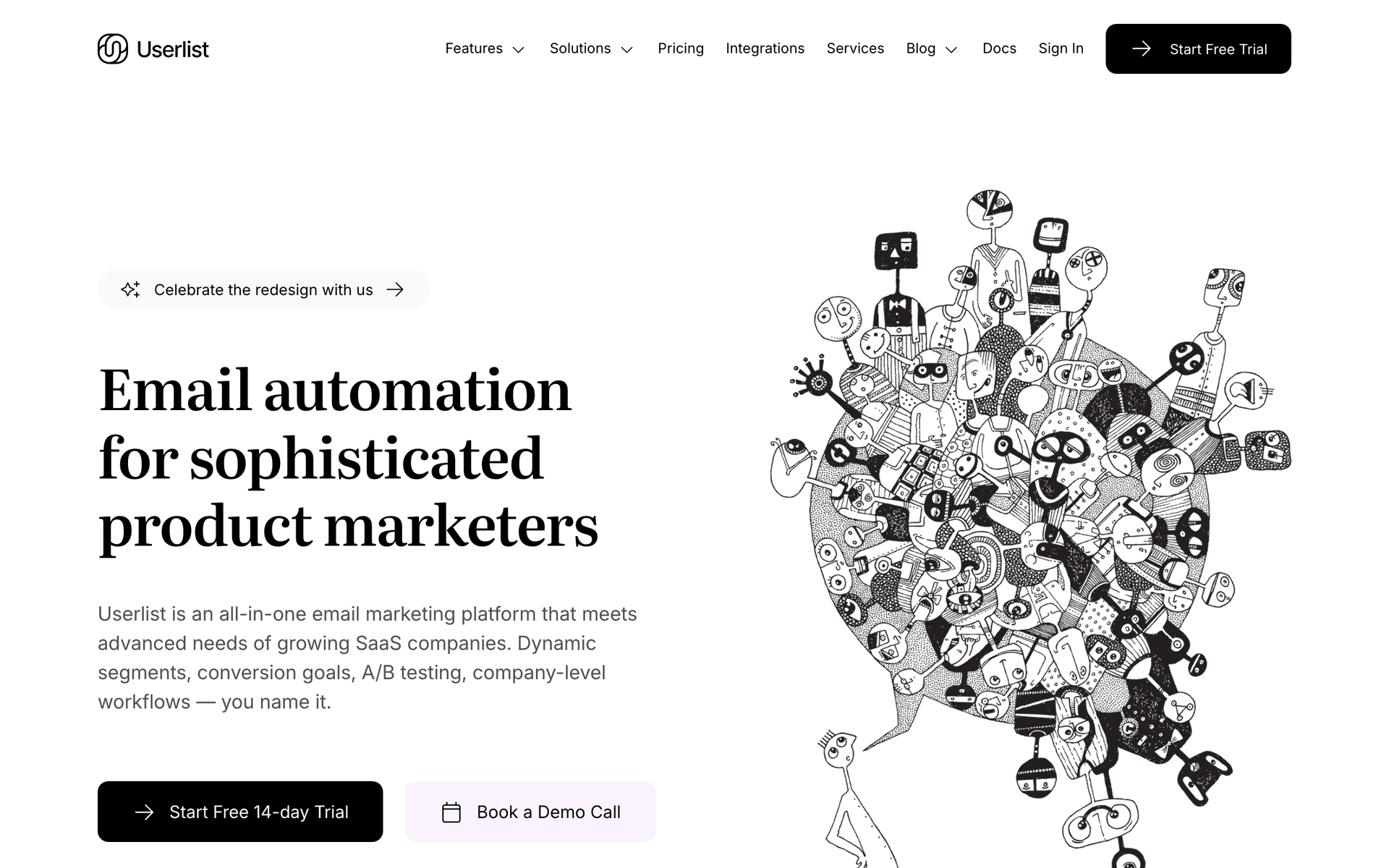
10UserlistSaaS email automation with user and company tracking.Small B2B SaaS teams managing team accounts who need user and account level email visibilityFrom $149/month
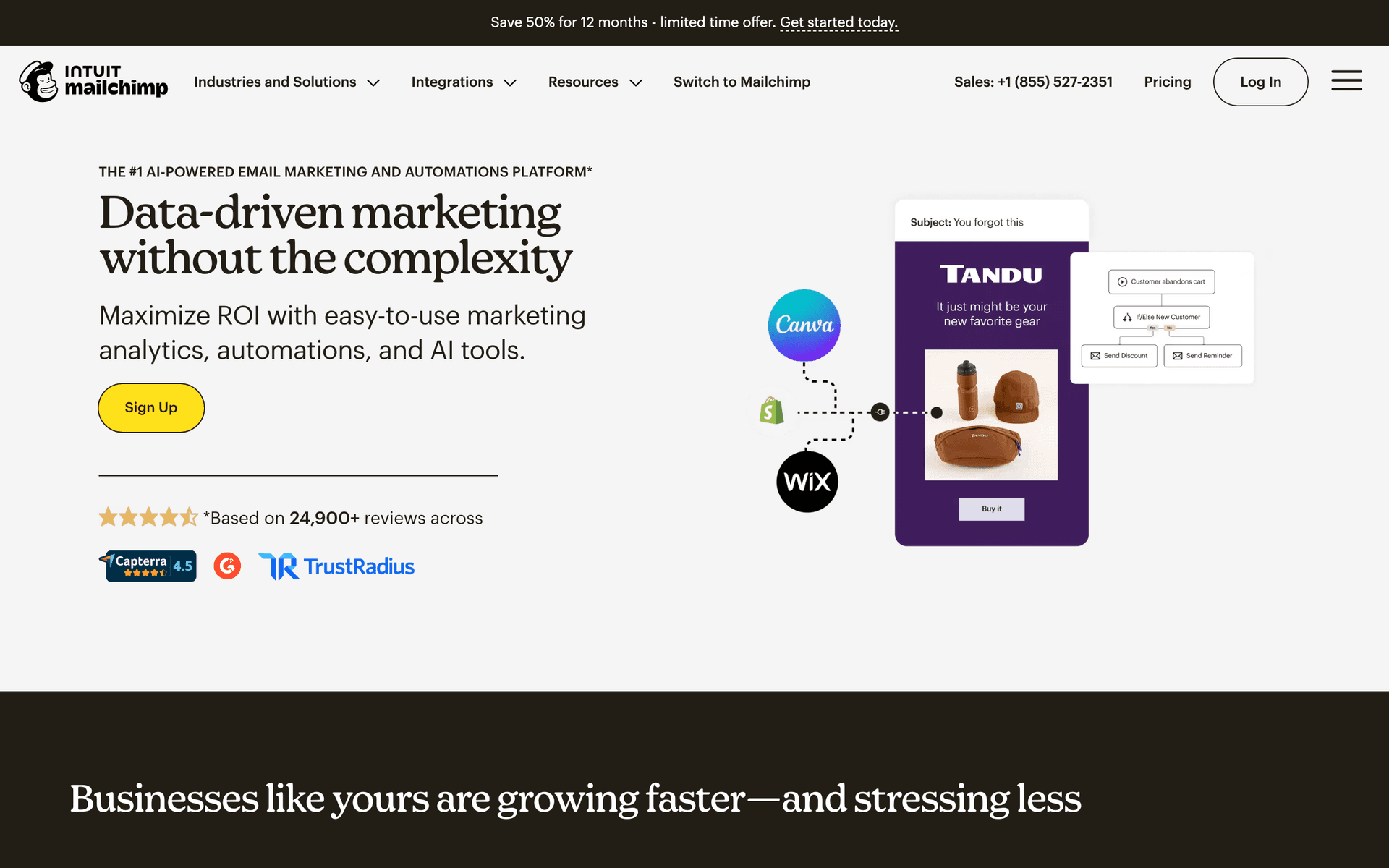
11MailchimpPopular email marketing platform.Small SaaS teams using Mailchimp who want to understand their upgrade optionsFree up to 500 contacts, then from $13/month
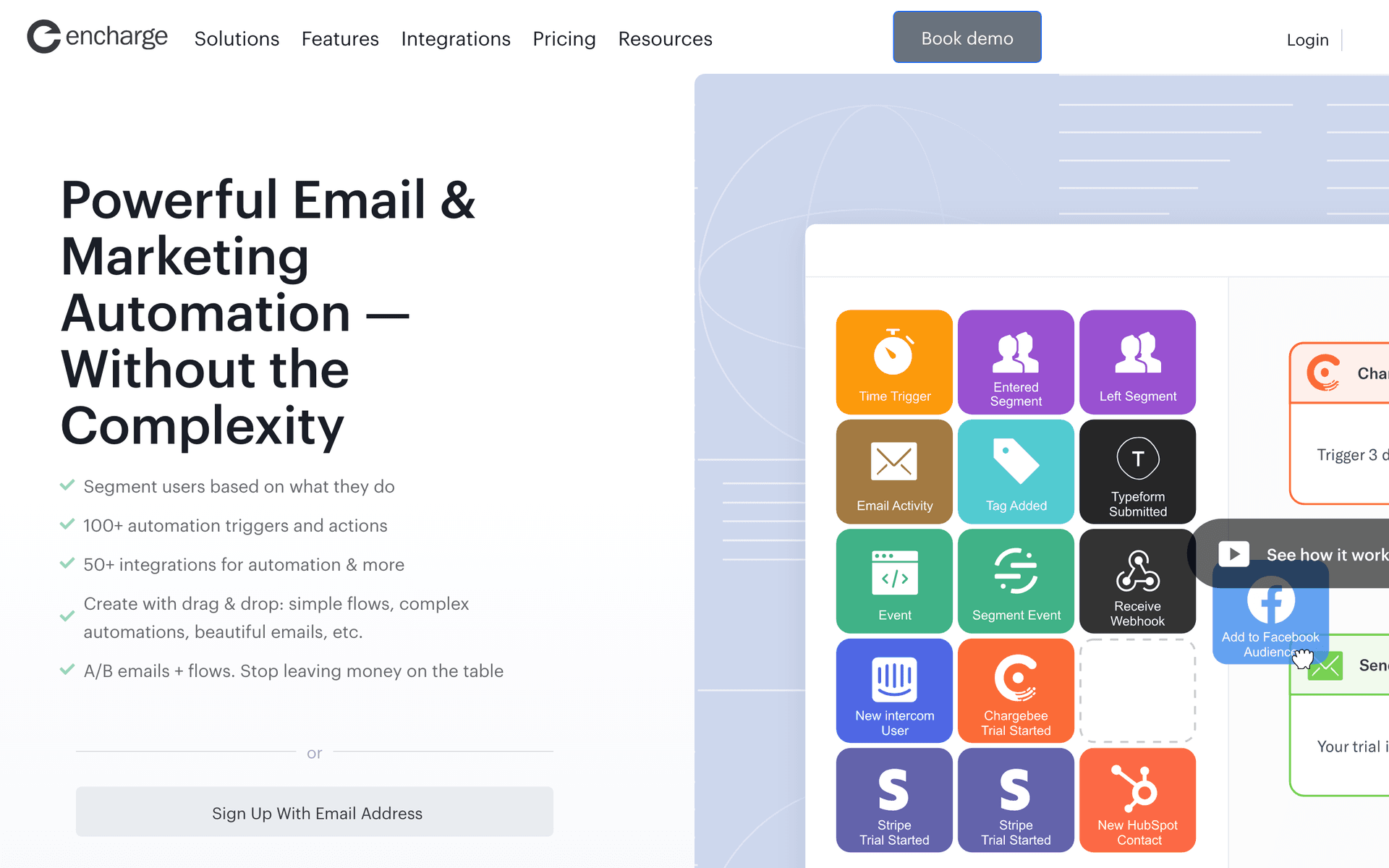
12EnchargeEvent-driven email automation for SaaS products.Small SaaS teams ready to upgrade from time-based to event-driven lifecycle automationFrom $49/month for 2,000 users
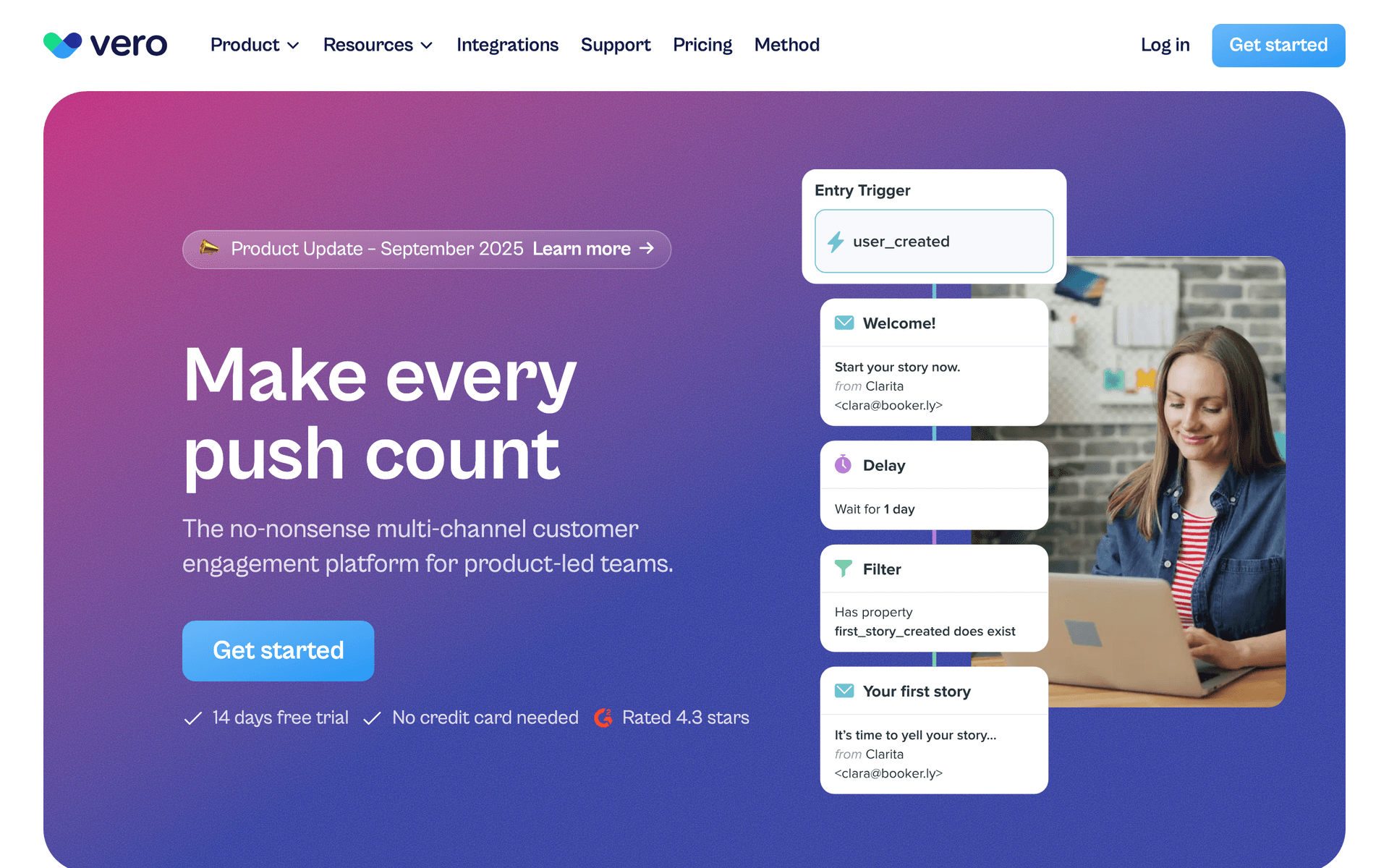
13VeroEvent-driven email platform for product teams.Technical small SaaS teams who want event-driven automation at lower cost than Customer.ioFrom $100/month
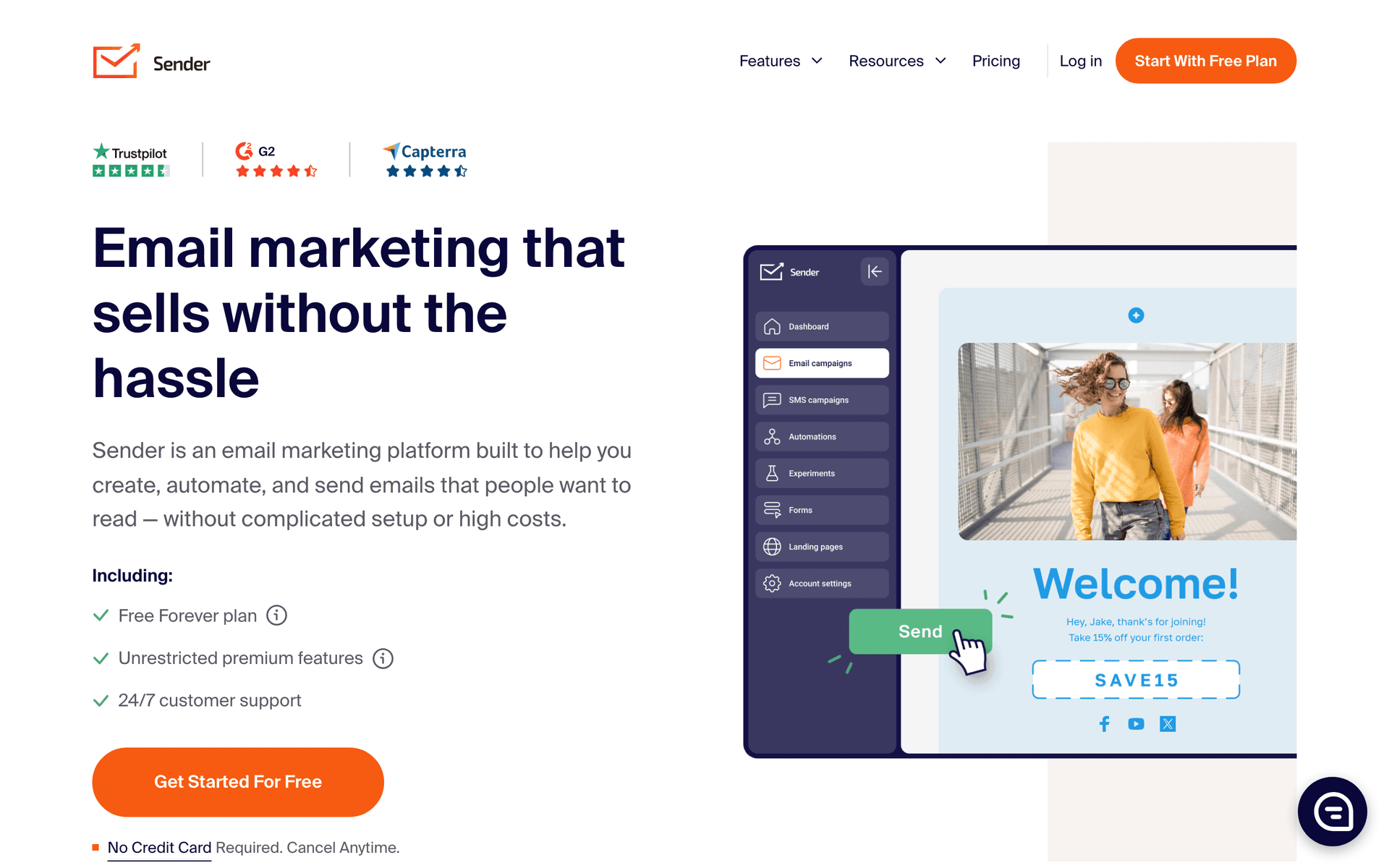
14SenderEmail and SMS with a generous free tier.Small SaaS teams who want an affordable broadcast email tool alongside their primary lifecycle platformFree up to 2,500 contacts, paid from $8/month
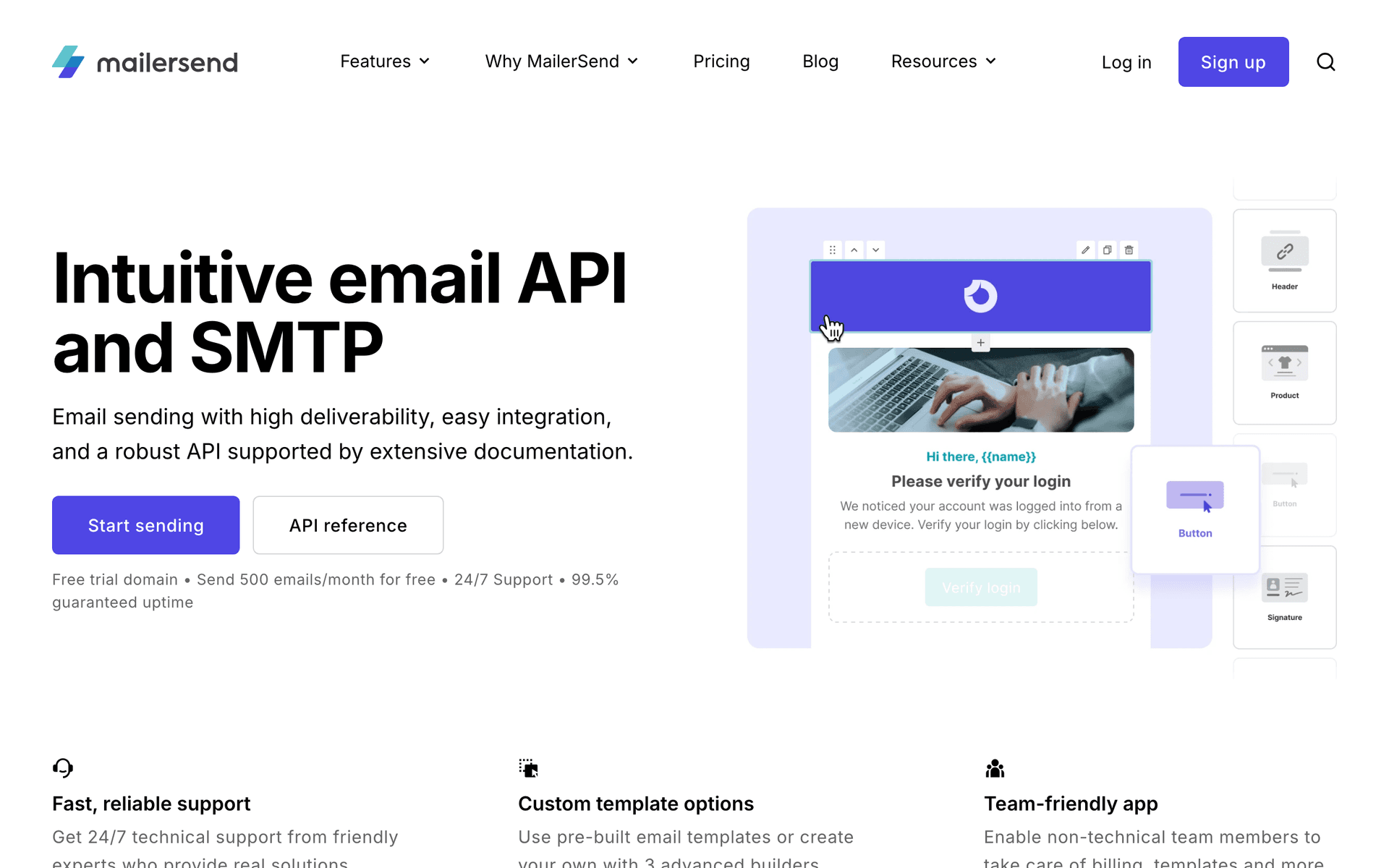
15MailerSendTransactional and marketing email combined.Small SaaS teams who want to consolidate transactional and marketing email in one toolFree for 3,000 emails/month, then from $25/month
16HubSpotCRM and marketing platform with free and paid tiers.Small SaaS teams formalizing sales processes who want CRM and marketing automation under one roofFree CRM, Marketing Hub from $20/month
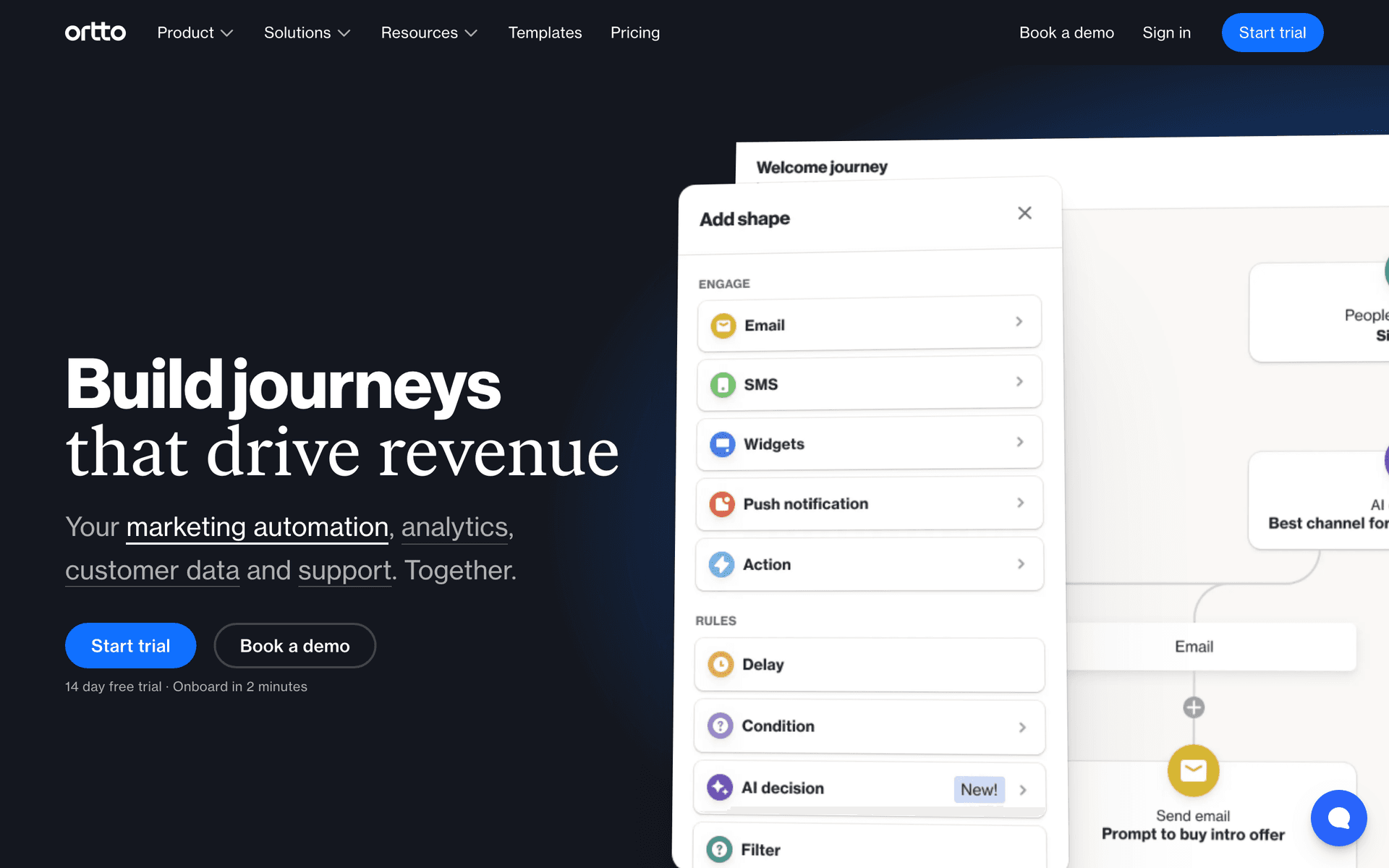
17OrttoCDP and email marketing for growth-stage SaaS.Small SaaS teams at growth stage who want unified customer data and email without a data teamFrom $99/month
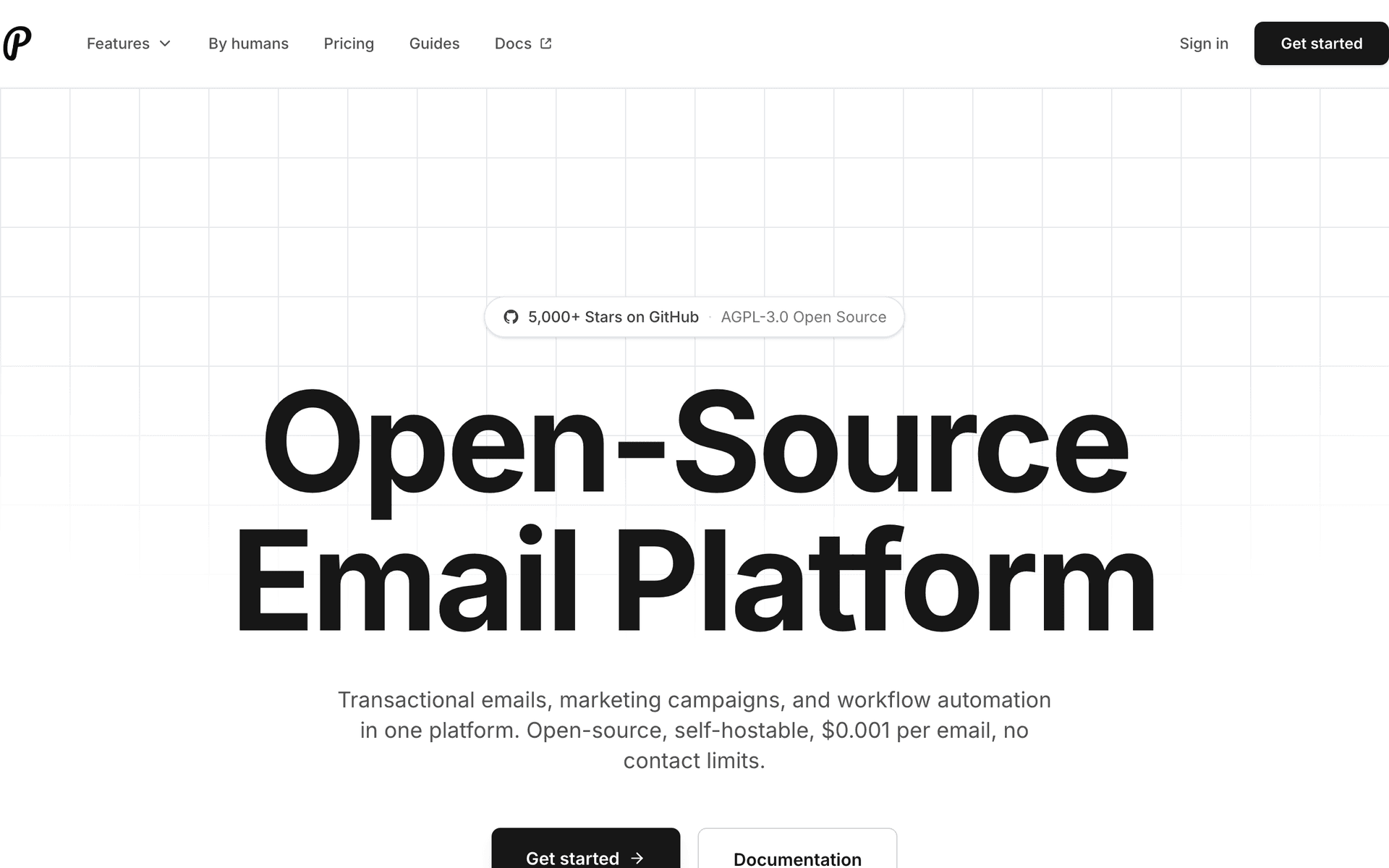
18PlunkOpen-source transactional email for developers.Small SaaS teams with engineering resources who want owned transactional email infrastructureFree self-hosted, hosted tier available
19IntercomCustomer messaging combining email, chat, and in-app communication.Small SaaS teams that handle email marketing and customer support with the same peopleFrom $74/month
Our Top Pick for Small SaaS Teams
#1
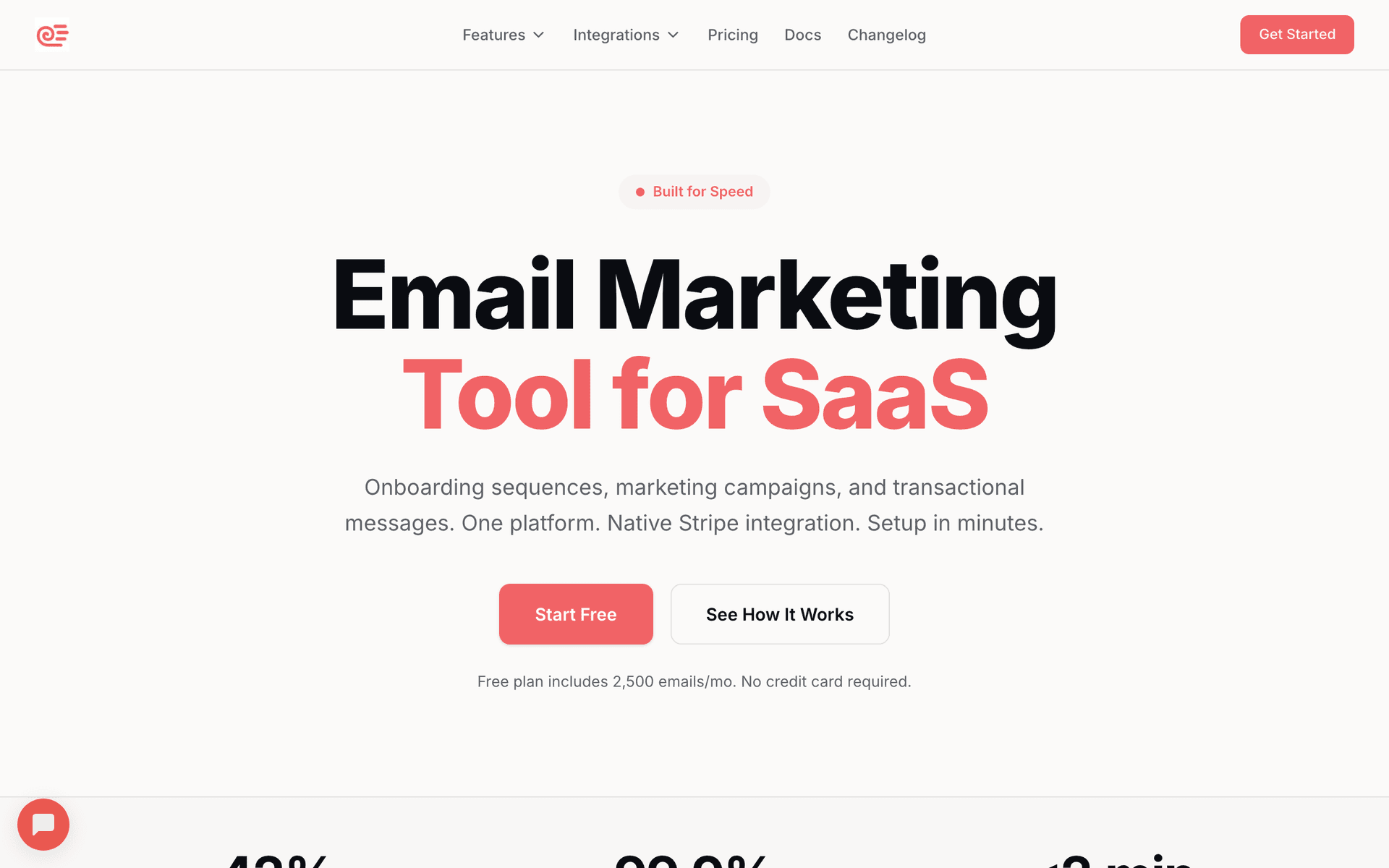
Sequenzy

Email marketing with event-driven automation and native payment integrations for SaaS.

Visit
Sequenzy dashboard screenshot

Sequenzy fits small SaaS teams because it reduces the work required to run effective email marketing to a minimum. The AI sequence builder generates complete onboarding, retention, and expansion sequences so your marketing person does not start from blank - describe the goal and get a ready-to-customize sequence in seconds. Native Stripe integration means your engineer does not need to build webhook handlers for dunning, trial expiration, or plan change emails. Event-driven triggers let your product manager define email logic without code. The free tier covers up to 2,500 emails per month, which handles early-stage SaaS communication at zero cost. The $29/month plan covers 50,000 emails with unlimited contacts, so pay-per-email pricing grows with your customer base rather than ahead of it. For small teams that want powerful SaaS email without a full-time email admin, Sequenzy delivers.

Best for
Small SaaS teams wanting efficient email automation with minimal overhead
Pricing
Free up to 2,500 emails/mo, then $19/mo (unlimited contacts)

Pros

  • AI reduces sequence creation time to minutes
  • Free tier for up to 2,500 emails/month
  • Native Stripe integration eliminates engineering work
  • Event-driven triggers for product team collaboration

Cons

  • Newer platform with smaller community
  • Some advanced features still developing
  • Template library still growing
#2
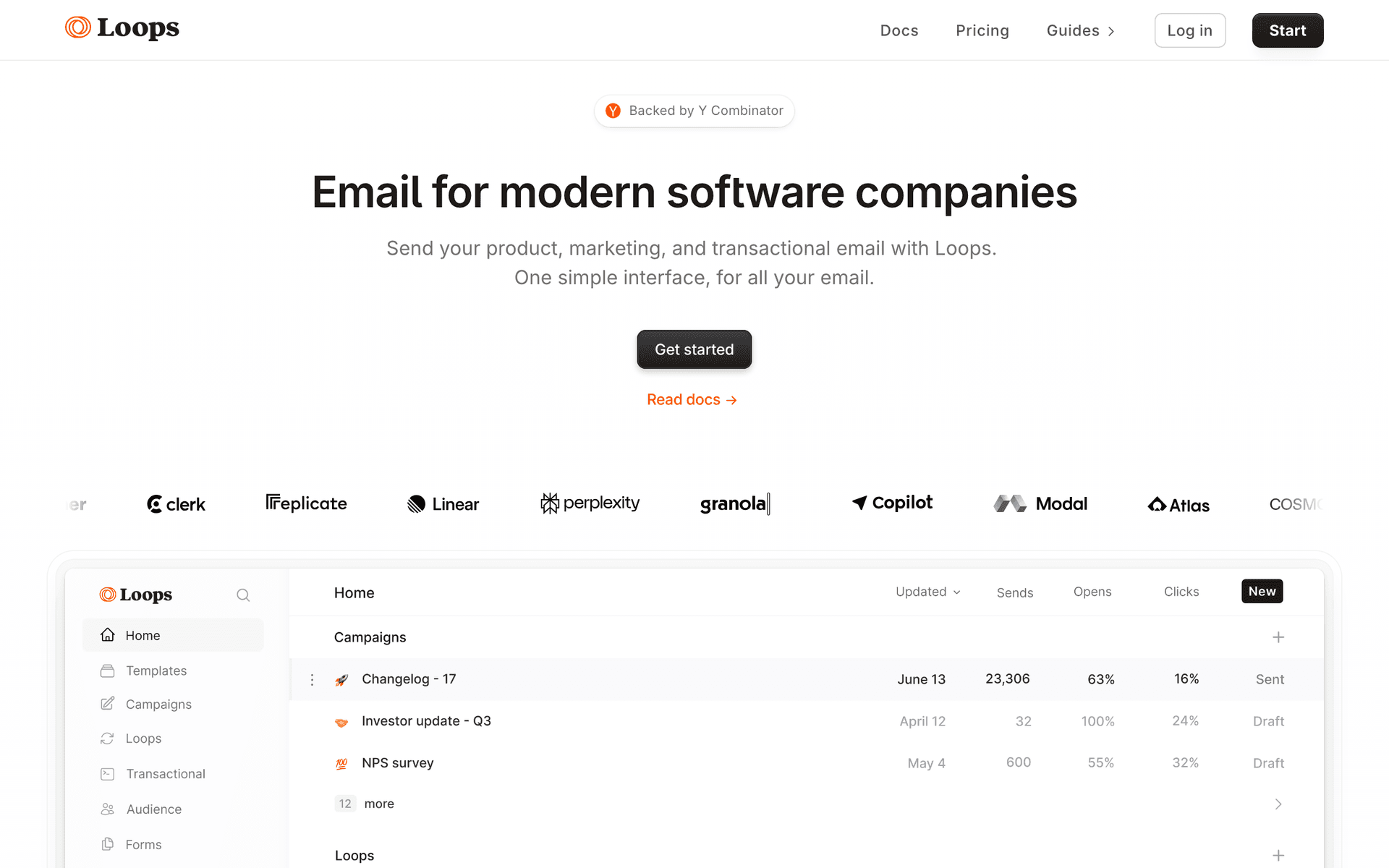
Loops

Modern email platform for SaaS with collaborative features.

Visit
Loops dashboard screenshot

Loops is designed with SaaS teams in mind and it shows. The clean interface means your marketing hire can be productive on day one without extensive training. Event-based automations let your product team define triggers that make sense for your user journey. Combined transactional and marketing email in one tool reduces tool sprawl and keeps your stack simple. For small teams that want one clean, modern tool the whole team can use, Loops delivers a great experience. Per-contact pricing becomes a concern as your customer count grows past a few thousand.

Best for
Small SaaS teams wanting a clean, collaborative email platform
Pricing
Free up to 1,000 contacts, then $49/month

Pros

  • Clean, team-friendly interface
  • Event-based automation
  • Combined transactional and marketing
  • SaaS-focused

Cons

  • Per-contact pricing
  • Limited advanced automation
  • No payment integration
#3
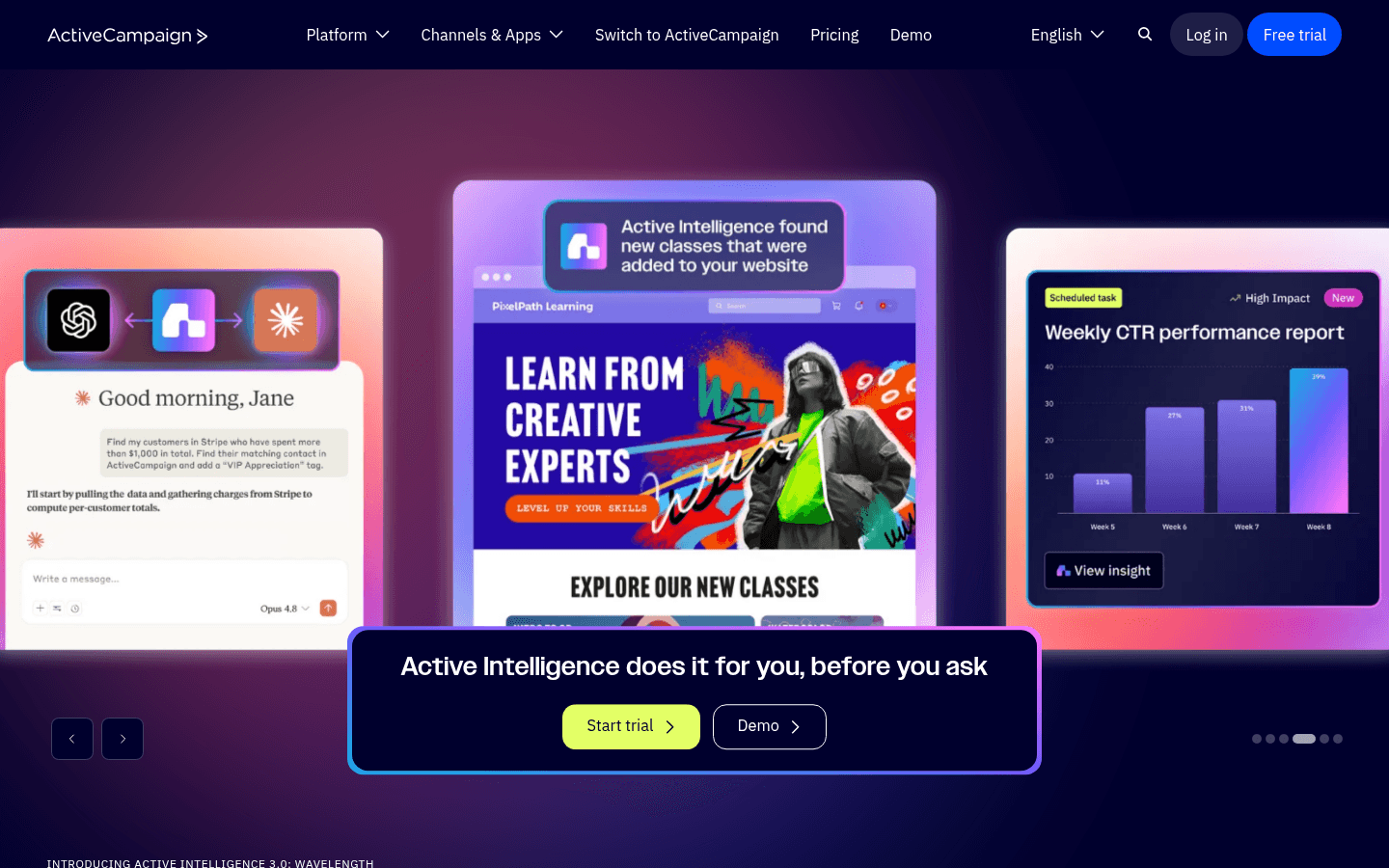
ActiveCampaign

Advanced automation with CRM for growing teams.

Visit
ActiveCampaign dashboard screenshot

ActiveCampaign grows with small SaaS teams better than most tools on this list. Start with basic automation and the built-in CRM. As your team grows and your email sophistication increases, unlock advanced workflow builders, lead scoring, and conditional logic without migrating platforms. The visual automation builder is powerful enough for complex flows but approachable enough for a marketing hire to manage independently. The CRM removes the need for a separate customer tracking tool. Per-contact pricing gets expensive at scale, and the initial setup requires more time than simpler alternatives.

Best for
Small SaaS teams planning to grow their automation sophistication over time
Pricing
$29/month for 1,000 contacts

Pros

  • Grows with your team's sophistication
  • Built-in CRM
  • Visual automation builder

Cons

  • Per-contact pricing
  • Can feel complex initially
  • Not SaaS-specific
#4
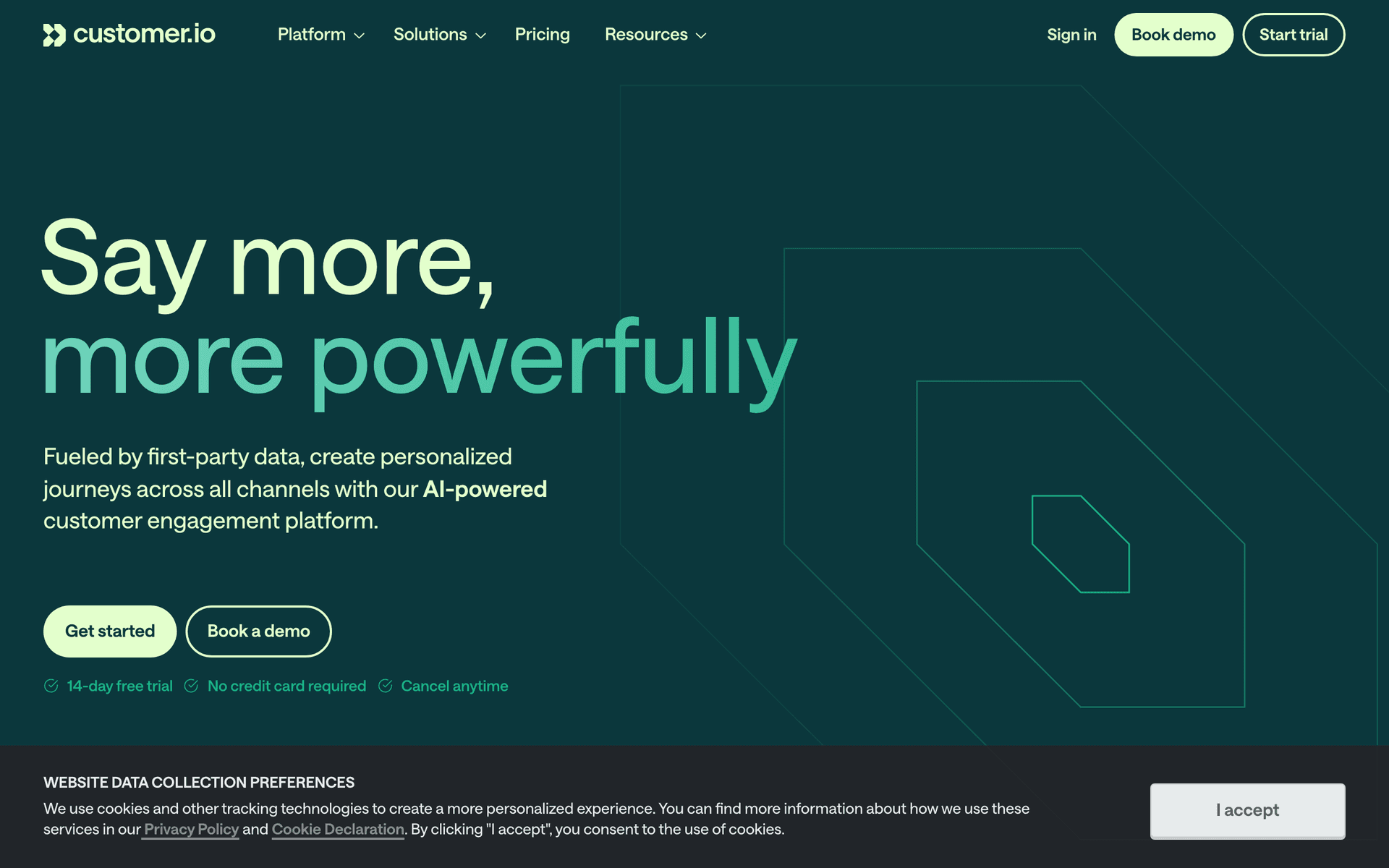
Customer.io

Event-driven messaging for product-led teams.

Visit
Customer.io dashboard screenshot

Customer.io is the choice for small SaaS teams with a strong engineering culture where the growth function is engineering-led. The event pipeline is the most flexible and powerful on this list. The API is excellent, and the data model supports complex user journeys with multiple attributes and segments. For teams where engineering leads growth and the marketing person is comfortable with a more technical interface, Customer.io provides the control and flexibility they expect. Non-technical team members will need more onboarding time, but the platform rewards the investment with sophisticated behavioral automation.

Best for
Engineering-led small teams wanting maximum flexibility
Pricing
$100/month for 5,000 profiles

Pros

  • Flexible event pipeline
  • Strong API
  • Multi-channel messaging

Cons

  • Expensive starting price
  • Engineering required for setup
  • Steeper learning curve
#5
ConvertKit

Creator-focused platform with visual automation.

Visit
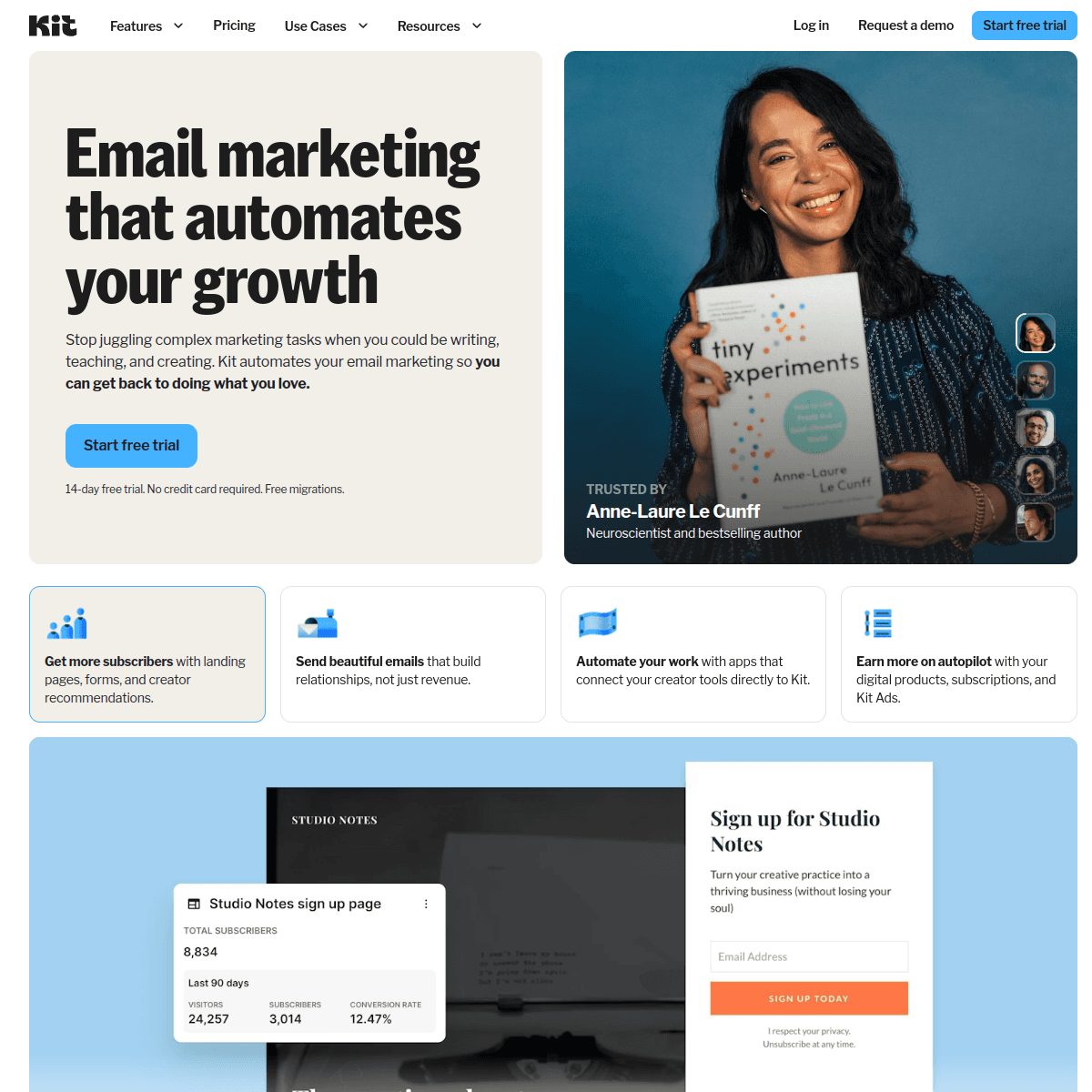
ConvertKit dashboard screenshot

ConvertKit (now Kit) works for small SaaS teams that lean heavily on content marketing as a growth strategy. If your growth approach involves a newsletter, blog, and community alongside your product, Kit handles the content side well. The generous free tier of up to 10,000 subscribers helps budget-conscious teams. The visual automation is intuitive and easy for non-technical team members. For SaaS-specific features like product event triggers and behavioral automation, you will need Zapier as the bridge, which adds complexity.

Best for
Small SaaS teams with a content-first growth strategy
Pricing
Free up to 10,000 subscribers, then $29/month

Pros

  • Generous free tier
  • Great for content marketing
  • Visual automation

Cons

  • Not SaaS-specific
  • Limited product event triggers
  • No payment integration
#6
Resend

Developer-first email API with React Email.

Visit
Resend dashboard screenshot

Resend is a solid choice for small SaaS teams with strong engineering talent and the desire to own email templates in code. React Email lets the team build and version-control email templates like any other code artifact. The API is clean, fast, and well-documented. For teams that treat email as part of the product codebase rather than a marketing tool, Resend provides the developer experience they want. The limitation is clear: non-technical team members cannot use it directly, and you must build automation yourself.

Best for
Engineering-heavy small teams wanting code-first email
Pricing
Free for 3,000 emails/month, then $20/month

Pros

  • React Email for code-based templates
  • Clean API
  • Version-controlled email

Cons

  • No visual tools for non-technical team members
  • Must build automation yourself
  • No audience management
#7
Brevo

Affordable all-in-one platform with CRM.

Visit
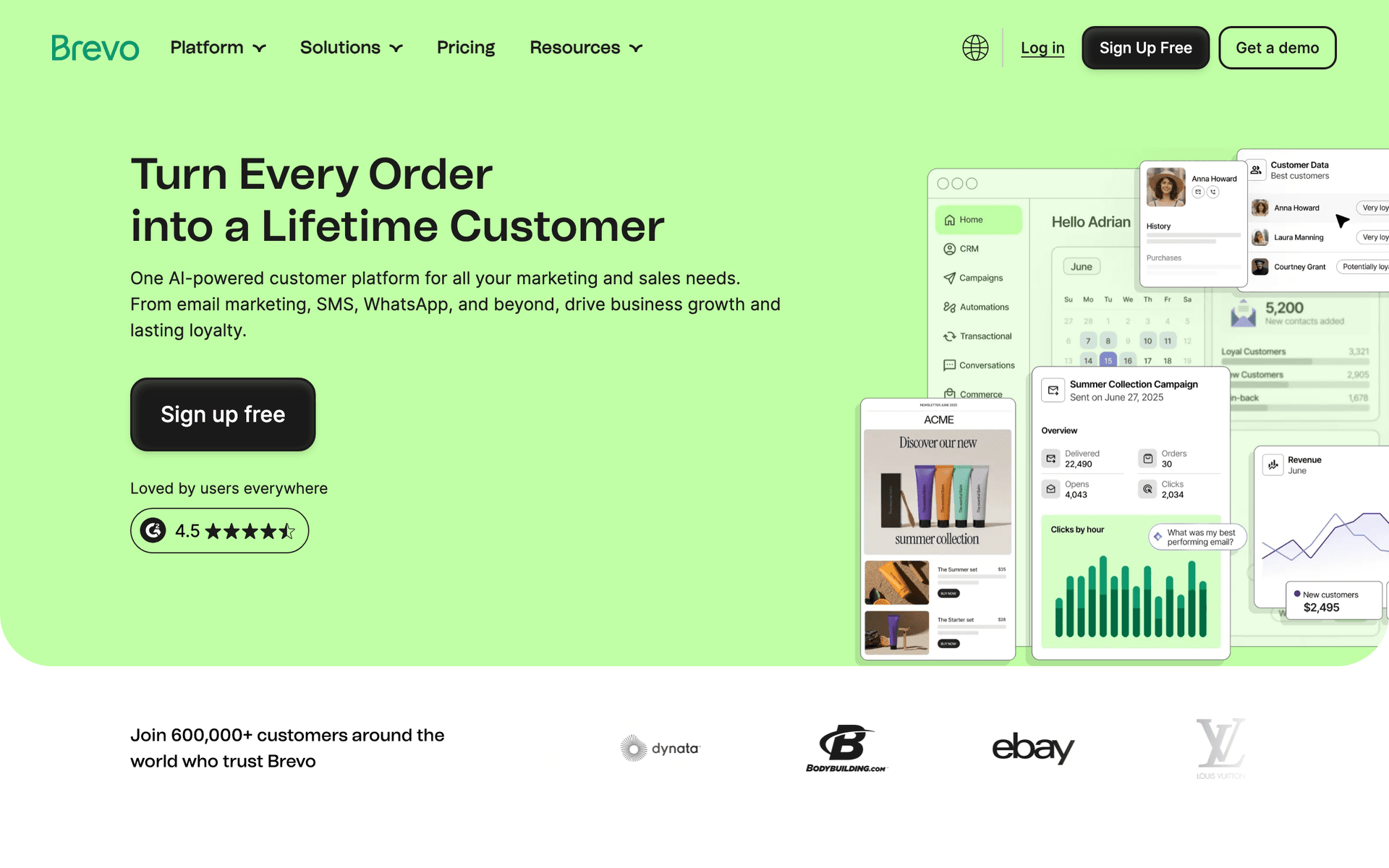
Brevo dashboard screenshot

Brevo covers the basics affordably for small SaaS teams that need email, CRM, and basic automation in one package without significant investment. Per-email pricing keeps costs aligned with actual usage. The free CRM provides basic customer tracking. The automation handles standard SaaS sequences. For small teams that want to consolidate tools and keep costs low while building their email foundation, Brevo provides reasonable value.

Best for
Budget-conscious small teams wanting all-in-one email and CRM
Pricing
Free for 300 emails/day, then $9/month

Pros

  • Affordable all-in-one
  • Free CRM
  • Per-email pricing

Cons

  • Basic automation
  • Not SaaS-specific
  • Less polished interface
#8
Resend

Developer-first transactional email API.

Visit
Resend dashboard screenshot

Small SaaS teams that have technical developers often find Resend the cleanest way to handle transactional email. The React Email templates let engineers build beautifully branded password resets, receipts, and notifications without involving a designer, and the TypeScript SDK integrates cleanly into modern stacks. For small teams where developer time is precious, Resend's clean API documentation and minimal configuration overhead means you spend minutes rather than hours getting transactional email working. The free tier of 100 emails per day covers small teams during early traction. Pair Resend with a dedicated marketing tool for lifecycle sequences and campaigns.

Best for
Small SaaS teams with developer resources who want clean transactional email infrastructure
Pricing
Free for 100 emails/day, then $20/month

Pros

  • Best developer experience
  • React Email templates
  • Minimal configuration
  • TypeScript SDK

Cons

  • Transactional only
  • Daily cap on free tier
  • Need a second tool for marketing
#9
Postmark

Reliable transactional email with best-in-class deliverability.

Visit
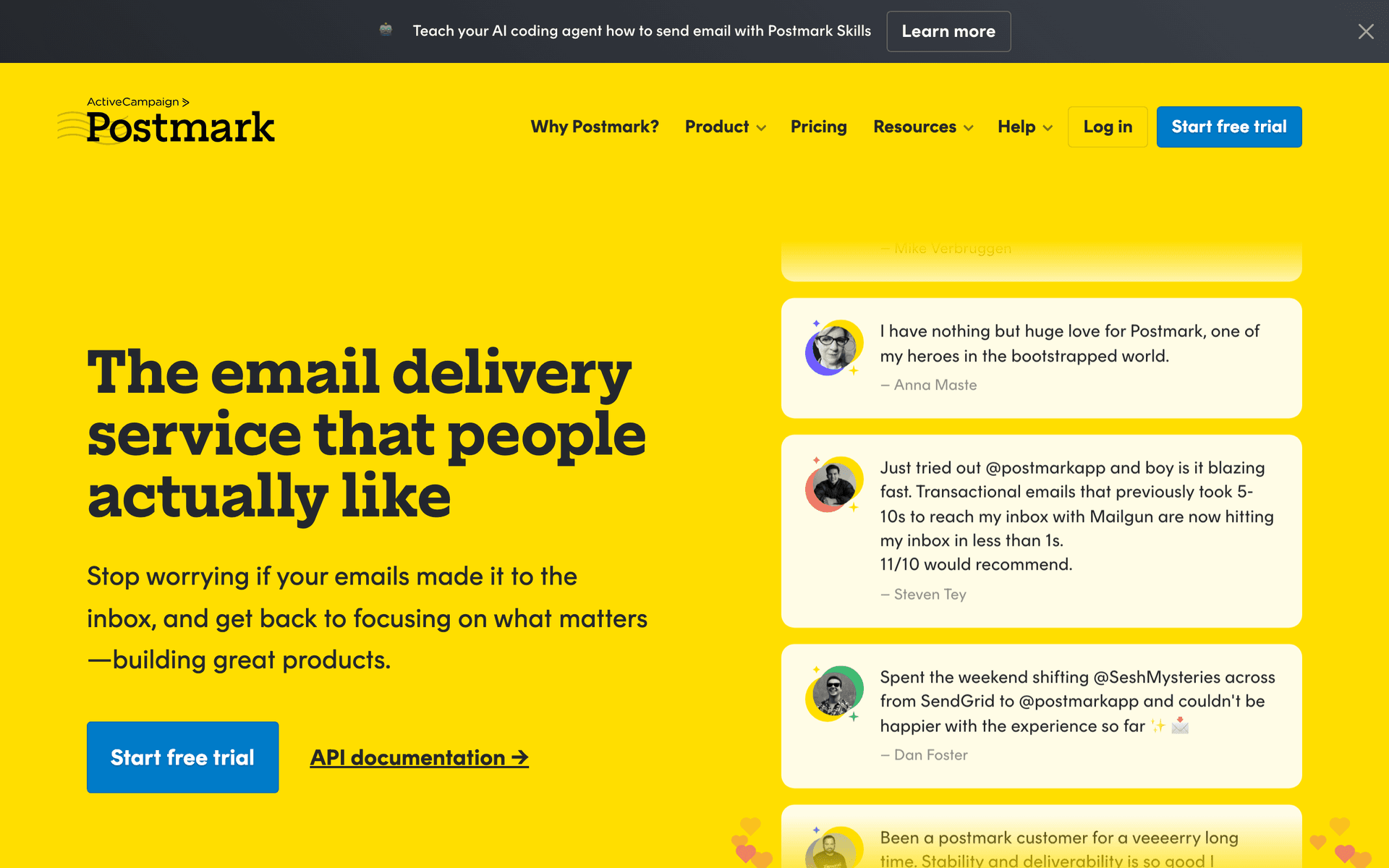
Postmark dashboard screenshot

For small SaaS teams that have grown past the early-stage phase and have a meaningful user base relying on transactional emails, Postmark's deliverability guarantees are worth paying for. When you have hundreds or thousands of users expecting password resets and payment confirmations to arrive instantly, Postmark's dedicated IP infrastructure and strict quality controls ensure those emails land in the primary inbox reliably. Small SaaS teams that have experienced deliverability issues with cheaper alternatives often switch to Postmark after the pain of managing support tickets about missing emails. At $15 per month for 10,000 emails, the cost is easily justified by the support overhead it eliminates.

Best for
Small SaaS teams with a real user base who cannot tolerate transactional email deliverability issues
Pricing
$15/month for 10,000 emails

Pros

  • Industry-leading deliverability
  • Fast delivery
  • Detailed analytics
  • Dedicated infrastructure

Cons

  • Marketing features are secondary
  • Need a separate marketing tool
  • No automation sequences
#10
Userlist

SaaS email automation with user and company tracking.

Visit
Userlist dashboard screenshot

Small B2B SaaS teams managing accounts with multiple users will find Userlist's dual tracking model increasingly important as they grow. Knowing which users within an account are active versus dormant lets small teams prioritize their customer success efforts alongside automated email interventions. The pricing based on monthly active users aligns costs with engaged customers rather than penalizing teams for having a large dormant user base. Small SaaS teams often get to the point where they need account-level intelligence before they realize it - Userlist builds this into the email platform so you always have the right context when reaching out.

Best for
Small B2B SaaS teams managing team accounts who need user and account level email visibility
Pricing
From $149/month

Pros

  • User and company tracking
  • Account health visibility
  • Per-active-user pricing
  • SaaS-native features

Cons

  • Higher cost
  • Not suited for B2C products
  • Setup investment required
#11
Mailchimp

Popular email marketing platform.

Visit
Mailchimp dashboard screenshot

Small SaaS teams often inherit Mailchimp from their earliest days and find themselves staying with it longer than they should out of inertia. For small teams that use email primarily for product newsletters, feature announcements, and basic drip sequences, Mailchimp functions adequately. The template library, integration ecosystem, and familiar interface reduce the time investment needed from a non-specialist. The problem is that as small SaaS teams grow, Mailchimp's per-contact pricing becomes expensive and its lack of SaaS lifecycle features - no trial conversion logic, no event triggers - requires manual workarounds. Most small SaaS teams reach a point where migration is necessary; the question is whether to migrate sooner or wait until the pain is acute.

Best for
Small SaaS teams using Mailchimp who want to understand their upgrade options
Pricing
Free up to 500 contacts, then from $13/month

Pros

  • Familiar and widely understood
  • Large template library
  • Broad integrations
  • Easy for non-marketers

Cons

  • Contact-based pricing inflates for large lists
  • Not designed for SaaS lifecycle
  • Limited event-based automation
#12
Encharge

Event-driven email automation for SaaS products.

Visit
Encharge dashboard screenshot

Small SaaS teams that want to level up from basic drip sequences to true behavioral automation will find Encharge a significant improvement. The event-driven triggers let you send emails based on what users actually do in your product - activating specific features, completing onboarding steps, or going inactive for a set period. For small teams where a product manager or founder is managing email alongside other responsibilities, the visual flow builder makes complex sequences manageable without specialized marketing ops expertise. Encharge hits a useful middle ground between simple tools and expensive enterprise platforms for small teams at $49 to $199 per month depending on user count.

Best for
Small SaaS teams ready to upgrade from time-based to event-driven lifecycle automation
Pricing
From $49/month for 2,000 users

Pros

  • Event-based triggers from product actions
  • Visual flow builder
  • SaaS lifecycle features
  • Accessible for non-specialists

Cons

  • Costs grow with user count
  • No transactional email
  • Learning curve from simple tools
#13
Vero

Event-driven email platform for product teams.

Visit
Vero dashboard screenshot

Small SaaS teams that have technical resources and want precise behavioral automation at a lower cost than Customer.io should evaluate Vero. The platform is built around the same event-driven concept as Customer.io - your application sends behavioral events, Vero handles the routing and sending logic - but pricing is more accessible for small teams. Small SaaS teams that have identified that email timing matters for activation and conversion will benefit from Vero's behavioral targeting. The trade-off is a less polished interface and smaller ecosystem than newer tools, which matters more for teams without a dedicated email specialist.

Best for
Technical small SaaS teams who want event-driven automation at lower cost than Customer.io
Pricing
From $100/month

Pros

  • Event-driven precision
  • Behavioral segmentation
  • More affordable than Customer.io
  • Good for technical teams

Cons

  • Less modern interface
  • Smaller integration ecosystem
  • Meaningful monthly cost
#14
Sender

Email and SMS with a generous free tier.

Visit
Sender dashboard screenshot

Small SaaS teams that are still in cost-sensitive growth phases can use Sender's free tier to handle basic email marketing alongside their primary lifecycle tool. If you already have a transactional email tool but need a budget-friendly way to send product updates, feature announcements, and simple drip sequences to your full list, Sender's free 2,500 contact tier or very affordable paid plans cover the use case well. The SMS inclusion provides an additional channel for time-sensitive messages. For small SaaS teams operating lean, Sender is a practical secondary email tool for broadcast communications.

Best for
Small SaaS teams who want an affordable broadcast email tool alongside their primary lifecycle platform
Pricing
Free up to 2,500 contacts, paid from $8/month

Pros

  • Very affordable
  • SMS included
  • Good for broadcast campaigns
  • Simple interface

Cons

  • Not a lifecycle automation tool
  • Basic automation
  • Limited behavioral features
#15
MailerSend

Transactional and marketing email combined.

Visit
MailerSend dashboard screenshot

Small SaaS teams that want to reduce tool sprawl can use MailerSend to handle both transactional and marketing email from one platform. The 3,000 emails per month free tier covers small teams during early growth, and the paid plans remain competitively priced as volume grows. For teams where managing the transactional-to-marketing integration is a recurring pain point, having both in one system saves meaningful operational overhead. The automation capabilities are more limited than dedicated lifecycle tools, but for teams whose primary need is reliable delivery of both types of email rather than sophisticated behavioral automation, MailerSend is a practical choice.

Best for
Small SaaS teams who want to consolidate transactional and marketing email in one tool
Pricing
Free for 3,000 emails/month, then from $25/month

Pros

  • One tool replaces two
  • 3,000 free emails/month
  • Competitive pricing
  • Good API documentation

Cons

  • Basic automation
  • No SaaS-native lifecycle features
  • Less powerful than specialized tools
#16
HubSpot

CRM and marketing platform with free and paid tiers.

Visit
HubSpot dashboard screenshot

Small SaaS teams where growth involves both product-led and sales-led motions often find HubSpot's combination of CRM, email, and reporting valuable once they can afford the paid tiers. The free CRM is a reasonable starting point, but serious marketing automation requires the Marketing Hub which starts at $800 per month for teams that need full features - a significant investment for a small SaaS team. For small teams that are beginning to formalize their sales process and want marketing automation to support it, HubSpot's ecosystem and market position make it a default consideration. The key is being honest about whether the investment is justified at your current stage.

Best for
Small SaaS teams formalizing sales processes who want CRM and marketing automation under one roof
Pricing
Free CRM, Marketing Hub from $20/month

Pros

  • CRM and email combined
  • Strong analytics and reporting
  • Large integration ecosystem
  • Well-known market presence

Cons

  • Paid tiers expensive for small teams
  • Complex for pure PLG
  • Email features limited without paying
#17
Ortto

CDP and email marketing for growth-stage SaaS.

Visit
Ortto dashboard screenshot

Small SaaS teams transitioning from early traction to structured growth often find Ortto valuable because it combines customer data management with email marketing. Rather than maintaining a separate analytics setup and email tool, Ortto serves as a unified platform for both. Small teams without a dedicated data analyst benefit from Ortto's built-in ability to create behavioral segments without SQL queries. The journey builder is visual and accessible, and the analytics are richer than most email-only tools. At $99 per month to start, Ortto is appropriate for small teams with $10K or more in MRR who are actively optimizing their email program.

Best for
Small SaaS teams at growth stage who want unified customer data and email without a data team
Pricing
From $99/month

Pros

  • CDP plus email in one platform
  • No-code behavioral segments
  • Visual journey builder
  • Rich analytics

Cons

  • Priced for teams with revenue
  • More complex than simple tools
  • Overkill for early-stage teams
#18
Plunk

Open-source transactional email for developers.

Visit
Plunk dashboard screenshot

Small SaaS teams with engineering resources can self-host Plunk to eliminate transactional email infrastructure costs. For small teams already running their own server infrastructure, adding Plunk is a configuration exercise rather than a significant project. The benefit is full ownership of transactional email - no vendor dependency, no per-email pricing at scale, and complete control over templates and sending behavior. Small teams that have invested in their infrastructure stack often prefer owning critical components like email rather than renting them. Plunk's React Email integration and clean API make the developer experience comparable to managed services.

Best for
Small SaaS teams with engineering resources who want owned transactional email infrastructure
Pricing
Free self-hosted, hosted tier available

Pros

  • Zero cost if self-hosted
  • Full ownership and control
  • React Email integration
  • Open-source

Cons

  • DevOps overhead
  • Transactional only
  • Not suitable for all team setups
#19
Intercom

Customer messaging combining email, chat, and in-app communication.

Visit
Intercom dashboard screenshot

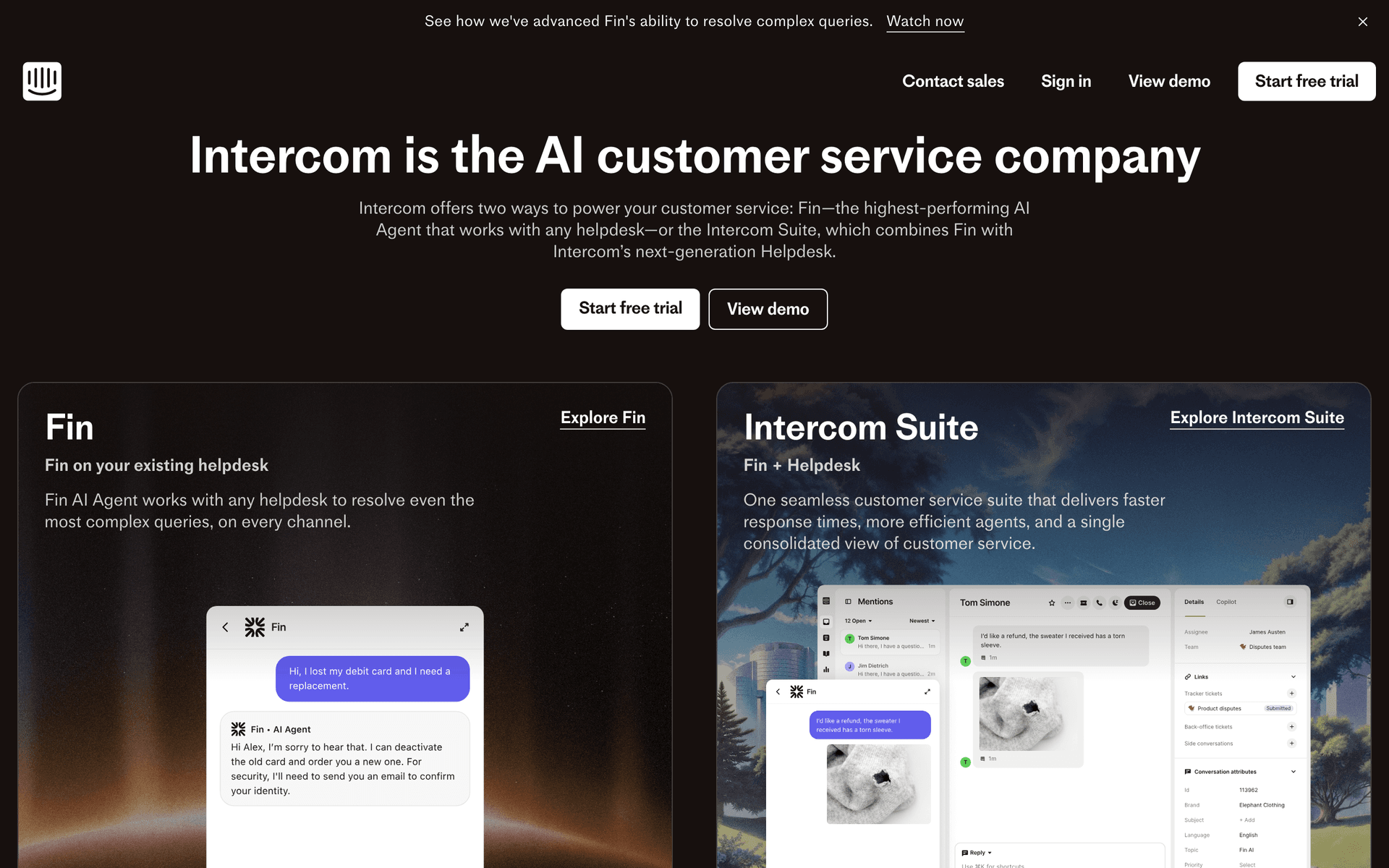
Small SaaS teams often spend disproportionate time switching between email automation tools and support chat. Intercom consolidates both into one platform - email sequences, in-app messages, live chat, and support tickets all in one system. For small teams where the same person handles customer success, support, and email marketing, this consolidation has real operational value. The email automation is capable enough for most lifecycle use cases, and the in-app messaging adds a channel unavailable in pure email tools. The significant downside is price - Intercom is one of the more expensive options on this list and the cost escalates with contact volume. It is best suited for small SaaS teams at $10K+ MRR where the consolidation value clearly outweighs the cost.

Best for
Small SaaS teams that handle email marketing and customer support with the same people
Pricing
From $74/month

Pros

  • Email plus in-app plus support combined
  • Reduces tool switching for small teams
  • Behavioral triggers
  • Product tours included

Cons

  • Expensive relative to email-only tools
  • Overkill for pure email automation
  • Pricing escalates with contacts

Feature Comparison

FeatureSequenzyLoopsActiveCampaignCustomer.io
Team collaboration
Good
Good
Good
Technical
Event-driven automation
Yes
Yes
Yes
Advanced
Payment integration
Native Stripe
No
Via integration
No
CRM included
No
No
Yes
No
Learning curve
Low (AI)
Low
Medium
High
Scalability
High
Good
High
High
Free tier available
Yes
No
No

Common Mistakes to Avoid

We see these mistakes over and over. Skip the learning curve and avoid these from day one.

Choosing a tool based on the engineering team's preference alone

Engineers often prefer code-first tools like Resend or Customer.io. But if your marketing person cannot use the tool independently, you have created a bottleneck. Choose a tool that both technical and non-technical team members can contribute to effectively.

Building everything from scratch instead of using pre-built sequences

Small teams have limited time. Tools with AI-generated sequences or pre-built SaaS templates get you running in hours instead of weeks. Customize pre-built sequences rather than building from blank. You can always refine later as you gather data.

Ignoring per-contact pricing impact as you scale

A tool that costs $29/month at 1,000 contacts can cost $300/month at 10,000. For small SaaS teams growing rapidly, this cost can surprise you. Evaluate pricing at 5x and 10x your current customer base, and consider per-email pricing models that grow more gradually.

Not measuring email impact on product metrics

Small SaaS teams often track email open rates but not the metrics that matter: activation rate improvement from onboarding emails, churn reduction from retention sequences, and expansion revenue from upgrade nudges. Connect email performance to product outcomes.

Email Sequences Every Small SaaS Team Needs

These are the essential automated email sequences that will help you grow your business and keep clients coming back.

Team-Built Onboarding

New customer signs up

Collaborative onboarding sequence that reflects your whole team's input.

Immediate
Welcome to [Product] - let us get you started

Welcome email with the first setup action. Clear, concise, and written in your team's voice.

Day 1
Your quick start guide for [their use case]

Based on what they selected at signup, send a guide tailored to their specific use case. Product team defines the paths, marketing writes the copy.

Day 3
A tip from our team: [specific feature tip]

Share a feature tip that your support team identifies as the one that makes customers stick. Based on real usage data.

Day 7
How are you finding [Product]?

Feedback request. Route responses to your support or product person. Every response teaches your team something.

Growth Signal Sequence

Customer usage increases 50% month over month

Recognize growing customers and help them scale.

After growth detected
Your usage is growing - here is how to get even more value

Acknowledge their growth. Suggest features and workflows optimized for their new usage level. Include upgrade info if relevant.

The Small Team Email Playbook

Small SaaS teams need email that punches above its weight. You are competing against companies with dedicated email marketing teams, so your tool and your automation need to be excellent. The good news is that a small team with the right email tool can run sequences that rival what a 50-person marketing team produces.

The key is focus. Do not try to build 20 sequences. Build 4-5 that cover onboarding, retention, expansion, and payment recovery. Make each one excellent. A small number of well-crafted sequences outperforms a large number of mediocre ones.

The Essential SaaS Email Stack for Small Teams

Onboarding (3-5 emails): Guide new users to their first success moment. Each email should focus on one action. Measure setup completion rate.

Retention (2-3 emails): Triggered by usage drops. Friendly check-ins that help users get unstuck before they decide to cancel.

Expansion (1-2 emails): Triggered by usage growth or feature discovery. Help users see the value of upgrading naturally.

Payment recovery (3-4 emails): Dunning sequence for failed payments. Critical revenue protection that runs automatically with native Stripe integration.

Product updates (monthly): The one scheduled email. Share what you shipped, what is coming, and one helpful tip.

Cross-Functional Email

In small SaaS teams, email is a cross-functional effort. The product manager knows what triggers matter. The engineer connects the events. The marketer writes the copy. The founder approves the tone. Your email tool needs to support this collaboration, not force one person to be the bottleneck.

Tools with visual builders help non-technical team members participate. Tools with APIs and event systems help engineers contribute without learning a marketing platform. The best tools for small teams let everyone contribute from their expertise.

Assigning Email Responsibilities

Engineering: Connect product events to email tool. Set up event tracking. Manage API integrations and Stripe webhook connections.

Marketing: Write and optimize email copy. Manage sequences and segmentation. A/B test subject lines and content.

Product: Define which user behaviors should trigger emails. Determine onboarding milestones. Identify expansion opportunities.

Founder: Approve voice and tone. Write the product update newsletter. Handle responses from high-value customers.

Building the Foundation for Growth

The email system you set up as a small team is the foundation for everything that comes next. When you grow from 5 to 15 to 50 people, your email automation should scale without a rewrite. Choose a tool that handles your current needs but has the headroom for 10x your current customer base.

The cost of migration is not just money. It is the disruption of rebuilding sequences, retraining team members, and losing historical data. Invest in the right foundation early, and your email program scales with your team naturally.

Signs You Have Outgrown Your Current Tool

  • Your marketing person spends more time fighting the tool than creating content
  • You cannot implement the segmentation your product team requests
  • Behavioral triggers you need are not supported
  • Your monthly email bill exceeds $500 without matching revenue impact
  • New team members take weeks to become productive in the tool

When you see these signs, evaluate your next tool against the same criteria: cross-functional collaboration, event-driven automation, scalable pricing, and the ability to support the team you are becoming, not just the team you are today.

How We Evaluated These Tools

Tools were evaluated based on their fit for small SaaS team workflows - cross-functional collaboration support, event-driven automation, payment integration, scalable pricing, and the ability to handle both transactional and marketing email. We prioritized tools that balance power with usability for teams of 5-15 people.

Frequently Asked Questions

Ready to grow your small saas team practice?

Start your free trial today. Set up your first email sequence in minutes with AI-powered content generation.

Related Industries

Sequenzy - Complete Pricing Guide

Pricing Model

Sequenzy uses email-volume-based pricing. You only pay for emails you send. Unlimited contacts on all plans — storing subscribers is always free.

All Pricing Tiers

  • 2.5k emails/month: Free (Free annually)
  • 15k emails/month: $19/month ($205/year annually)
  • 60k emails/month: $29/month ($313/year annually)
  • 120k emails/month: $49/month ($529/year annually)
  • 300k emails/month: $99/month ($1069/year annually)
  • 600k emails/month: $199/month ($2149/year annually)
  • 1.2M emails/month: $349/month ($3769/year annually)
  • Unlimited emails/month: Custom pricing (Custom annually)

Yearly billing: All plans offer a 10% discount when billed annually.

Free Plan Features (2,500 emails/month)

  • Visual automation builder
  • Transactional email API
  • Reply tracking & team inbox
  • Goal tracking & revenue attribution
  • Dynamic segments
  • Payment integrations
  • API, MCP, and CLI access
  • Custom sending domain

Paid Plan Features (15k - 1.2M emails/month)

  • Visual automation builder
  • Transactional email API
  • Reply tracking & team inbox
  • Goal tracking & revenue attribution
  • Dynamic segments
  • Payment integrations (Stripe, Paddle, Lemon Squeezy)
  • API, MCP, and CLI access
  • Custom sending domain

Enterprise Plan Features (Unlimited emails)

  • Visual automation builder
  • Transactional email API
  • Reply tracking & team inbox
  • Goal tracking & revenue attribution
  • Dynamic segments
  • Payment integrations
  • API, MCP, and CLI access
  • Custom sending domain

Important Pricing Notes

  • You only pay for emails you send — unlimited contacts on all plans
  • No hidden fees - all features included in the price
  • No credit card required for free tier

Contact

  • Pricing Page: https://sequenzy.com/pricing
  • Sales: hello@sequenzy.com