Updated 2026-03-15

Best Email Marketing Tools for Two-Person SaaS Teams

Two people, zero marketing department. Get email marketing running in a day and let automation handle the rest.

When your entire company is two people, email marketing is not a department. It is something one of you sets up on a Tuesday afternoon and then forgets about because it runs itself. You do not have time to design templates, segment audiences, or A/B test subject lines. You need an onboarding sequence that works, a dunning sequence that recovers failed payments, and maybe a monthly update. That is it. Here are the tools that respect your time and budget.

TL;DR

For most two-person SaaS teams, Sequenzy is the best choice - the AI builds your entire email program in an afternoon, native Stripe integration handles billing emails automatically, and you can start free with up to 2,500 emails/month. For technical teams who prefer code-first, Resend with its generous free tier is excellent. For teams already familiar with a platform, Loops or ConvertKit get you running fast.

Why Two-Person SaaS Teams Need Email Marketing

Automation Replaces Headcount

You cannot hire a marketing person, so automation has to do the job. A well-built email sequence handles onboarding, retention, and revenue recovery 24/7 without either of you touching it.

Revenue Protection

When you have 200 customers, losing 5 of them to failed payments hurts. Automated dunning sequences recover revenue that would otherwise silently disappear. This alone justifies the cost of an email tool.

Scaling Communication

As you grow from 50 to 500 to 5,000 customers, you cannot personally email each one. Email automation lets your communication scale without adding headcount.

Founder Time Protection

Every hour spent on manual email is an hour not spent on product or sales. Set up email once, then focus on what actually grows the business.

Two-Person SaaS Teams Email Marketing Benchmarks

Know these numbers before you start. They'll help you set realistic goals and pick the right tool.

35-50%
Average Open Rate

Two-person SaaS teams see unusually high open rates (35-50%) because emails come from a real founder and the audience is small and engaged. This advantage fades as you grow, so enjoy it while it lasts.

5-10%
Average Click Rate

Click rates of 5-10% are typical for small SaaS teams. Setup guide links, feature announcements, and feedback requests drive the most engagement. Personal tone contributes to these above-average rates.

Tuesday-Wednesday, 10am-12pm
Best Send Time

For SaaS users, mid-week late morning works best. But at your scale, timing matters less than content. A helpful email at any time outperforms a mediocre email at the perfect time.

20-40%
Dunning Recovery Rate

A well-built 3-email dunning sequence recovers 20-40% of failed payments. At two people with limited customers, every recovered payment matters significantly to your runway.

Important Tips Before You Choose

Lessons from two-person saas teamswho've been doing this for years. Save yourself the trial and error.

Set up three sequences and stop

You need exactly three email sequences: onboarding (welcome and setup), dunning (failed payment recovery), and a monthly product update. These cover 80% of what matters for retention and revenue. Build them in one afternoon and get back to product. You can add complexity later when you have more customers.

Use AI to write your sequences, then personalize the voice

AI-generated email sequences are good enough to ship as a starting point. Let the AI create the structure and content, then edit a few sentences to match your voice. This saves hours compared to writing from scratch and produces better results than most founders would write on their own.

Connect your payment provider on day one

If your email tool integrates with Stripe, set it up immediately. Automatic dunning emails for failed payments recover 20-40% of revenue that would otherwise disappear. This single integration pays for your email tool many times over.

Reply to every email response personally

At two people with a few hundred customers, you can and should reply to every customer who responds to an automated email. This builds loyalty that no marketing automation can replicate. It also gives you product feedback you cannot get any other way.

Write emails in your own voice, not marketing speak

Customers chose a small product built by two people. They expect authenticity, not corporate marketing copy. Write emails like you are writing to a friend who uses your product. Personal, direct, and helpful beats polished and professional at your stage.

19 Best Email Marketing Tools for Two-Person SaaS Teams

#ToolDescriptionBest ForPricing
1SequenzyEmail marketing with AI-powered automation and native payment integrations.Two-person SaaS teams wanting AI-built sequences with instant Stripe integrationFree up to 2,500 emails/mo, then $19/mo (unlimited contacts)
2LoopsModern email platform for SaaS with clean interface.Two-person SaaS teams wanting a clean, fast email setupFree up to 1,000 contacts, then $49/month
3ResendDeveloper-first email API with React Email templates.Technical two-person teams who prefer code-first emailFree for 3,000 emails/month, then $20/month
4ConvertKitCreator-focused platform with visual automation and landing pages.Two-person teams combining SaaS with content marketingFree up to 10,000 subscribers, then $29/month
5BrevoAffordable all-in-one platform.Two-person SaaS teams on the tightest budgetFree for 300 emails/day, then $9/month
6MailchimpPopular email platform with easy setup.Two-person teams wanting the fastest possible start with a familiar toolFree up to 500 contacts, then $13/month
7ButtondownMinimal newsletter platform for developers.Two-person teams needing a simple newsletter or changelogFree up to 100 subscribers, then $9/month
8ActiveCampaignMarketing automation with CRM and advanced workflows.Two-person SaaS teams that handle both marketing automation and sales from one toolFrom $29/month
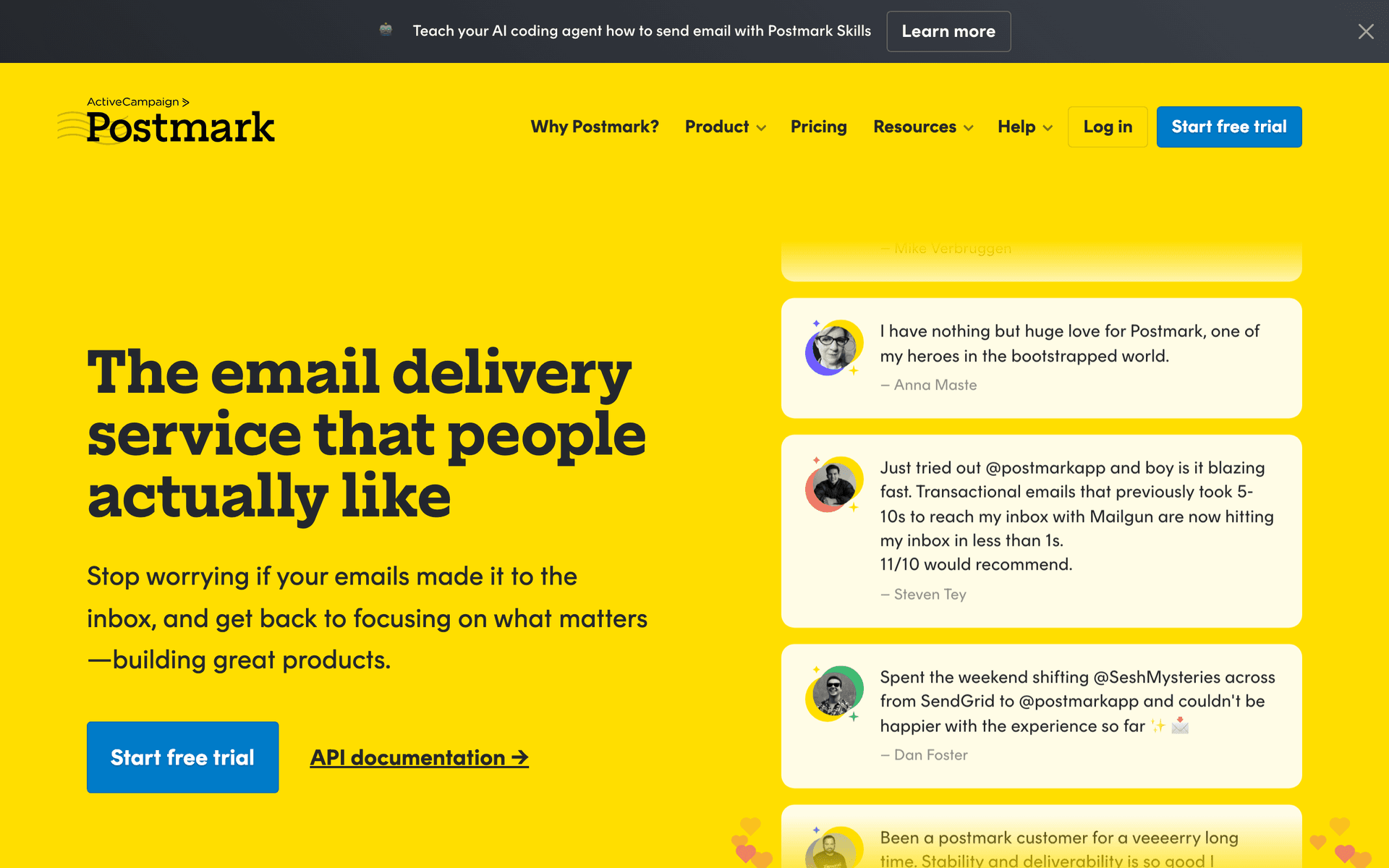
9PostmarkBest-in-class transactional email deliverability.Two-person SaaS teams who cannot afford to spend time troubleshooting email deliverability$15/month for 10,000 emails
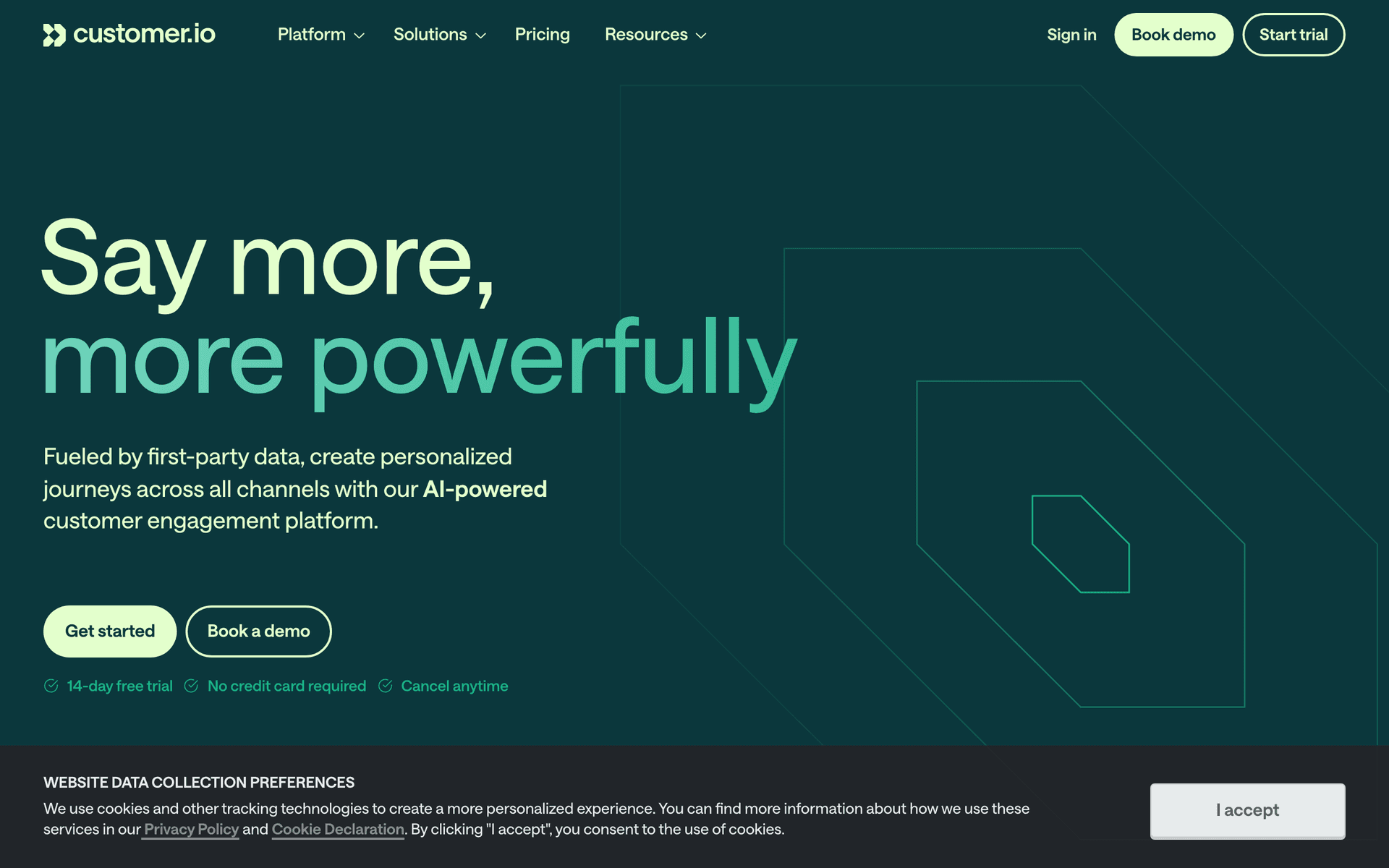
10Customer.ioBehavioral email automation for product-led teams.Two-person post-PMF SaaS teams that want email automation to replace dedicated marketing headcountFrom ~$100/month
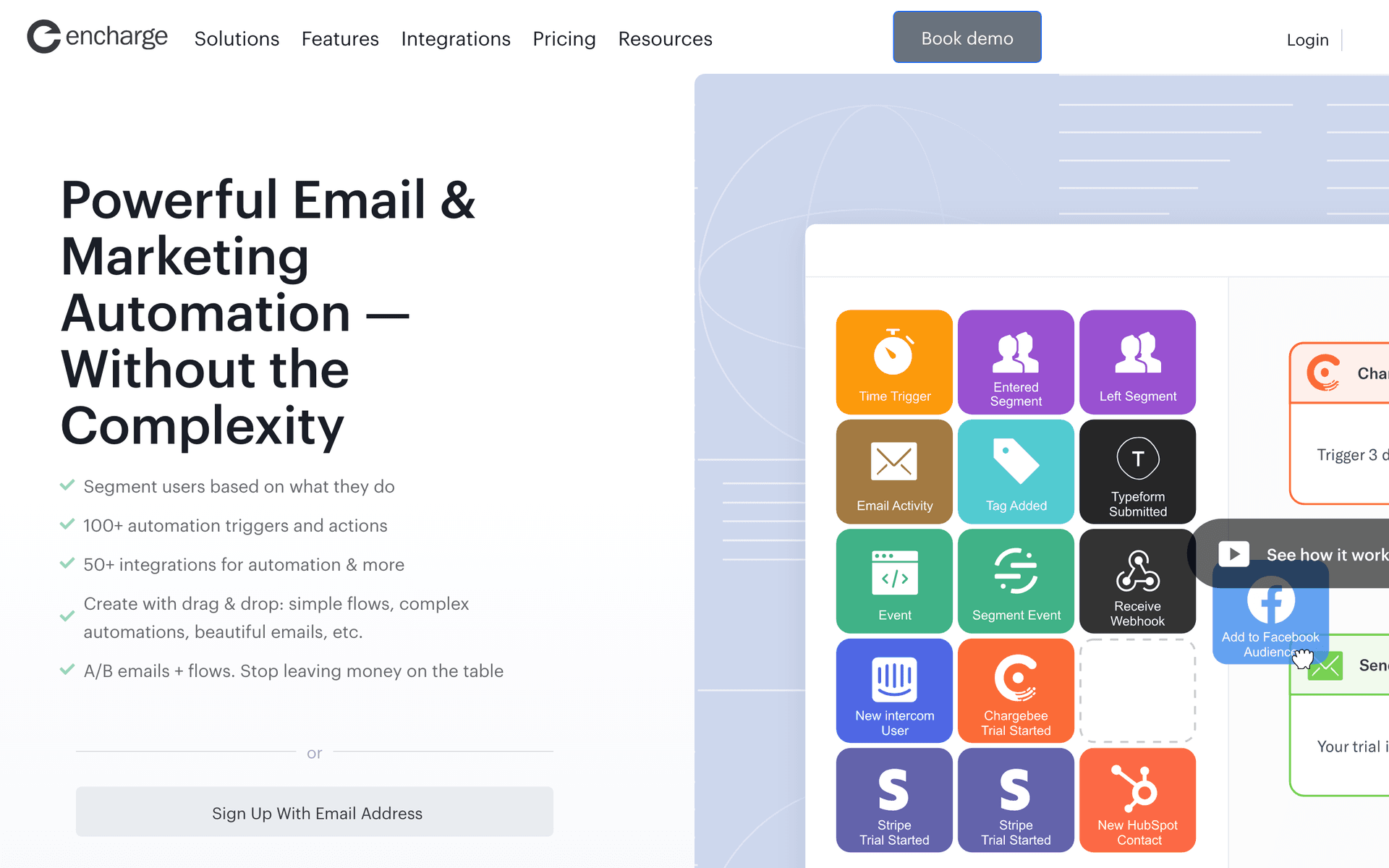
11EnchargeEvent-driven email automation for SaaS.Two-person SaaS teams who want behavioral automation without Customer.io's cost or complexityFrom $49/month for 2,000 users
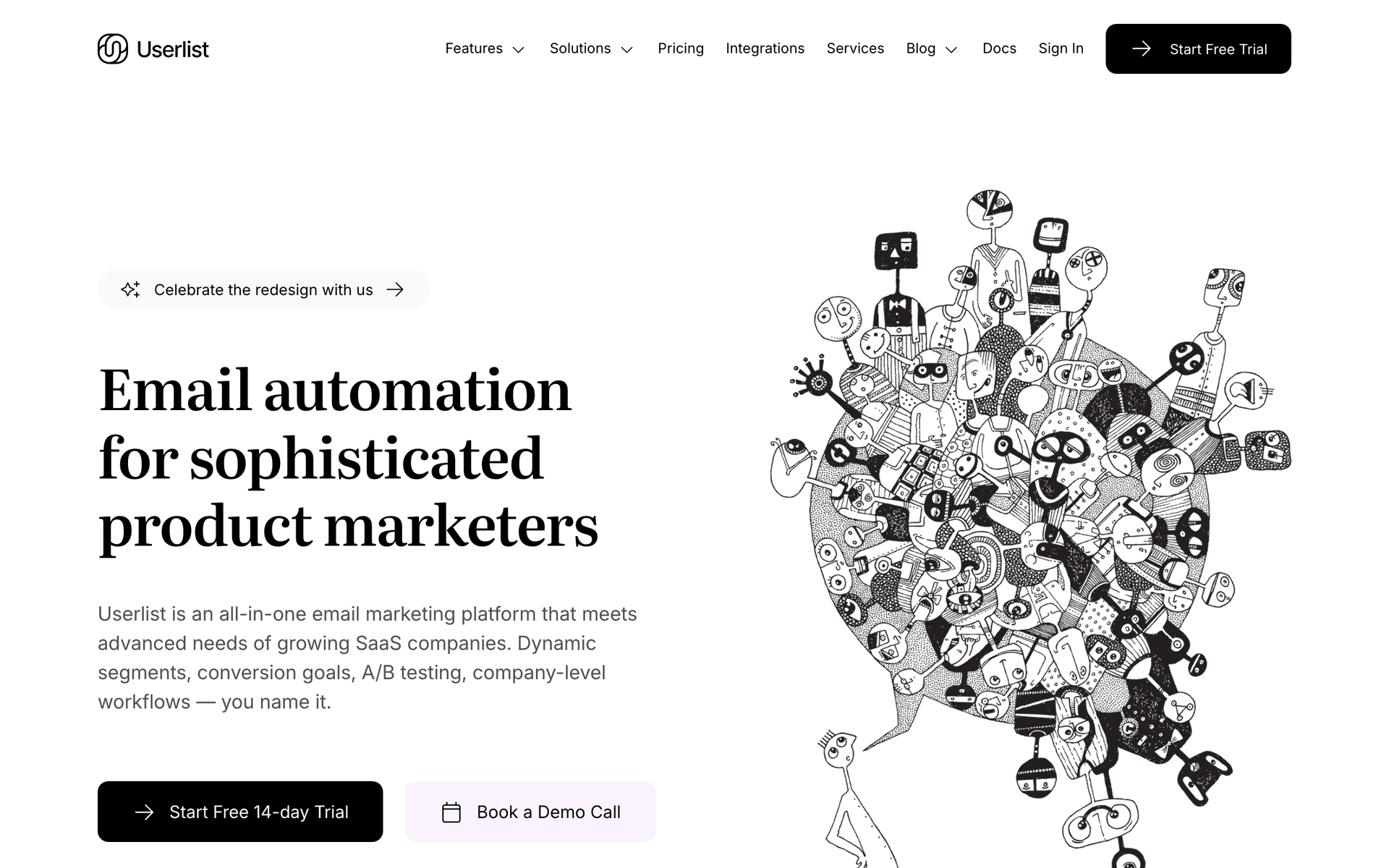
12UserlistSaaS email automation with company and user tracking.Two-person B2B SaaS teams who need account-level email tracking and health monitoringFrom $149/month
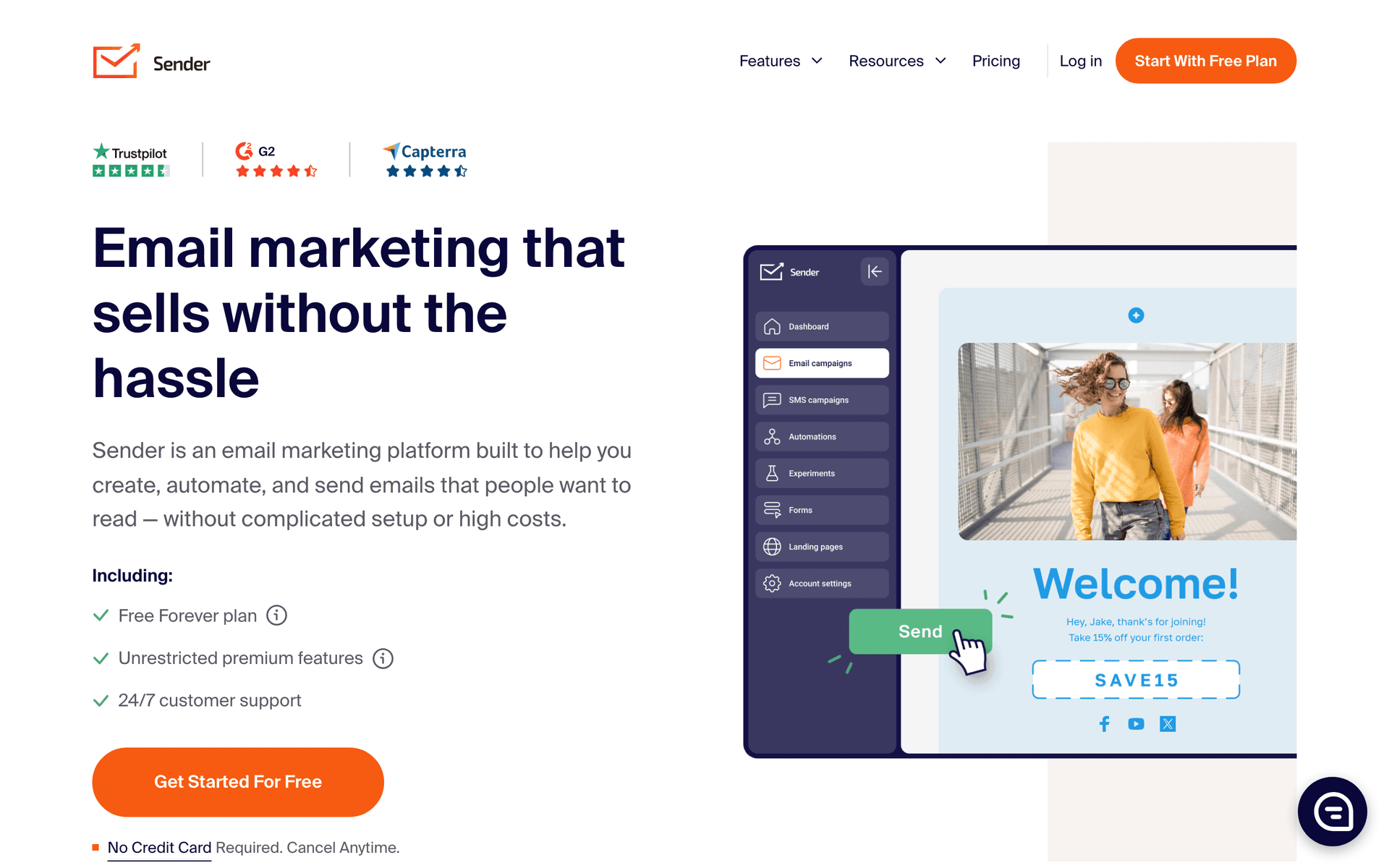
13SenderEmail and SMS marketing with generous free tier.Two-person SaaS teams in early revenue stages who want to minimize email tool costsFree up to 2,500 contacts, paid from $8/month
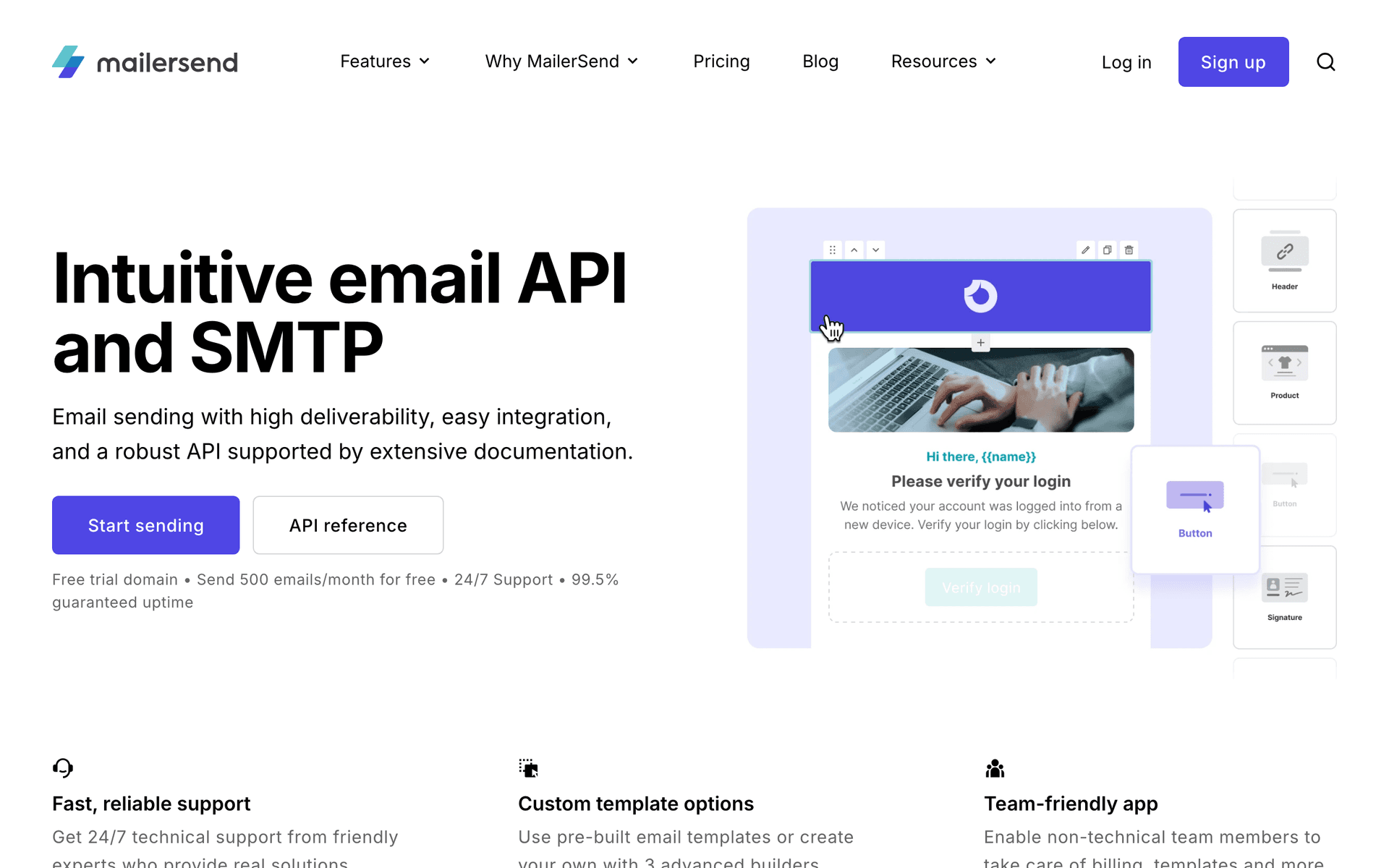
14MailerSendTransactional and marketing email combined.Two-person SaaS teams who want fewer tools to manage by combining transactional and marketing emailFree for 3,000 emails/month, then from $25/month
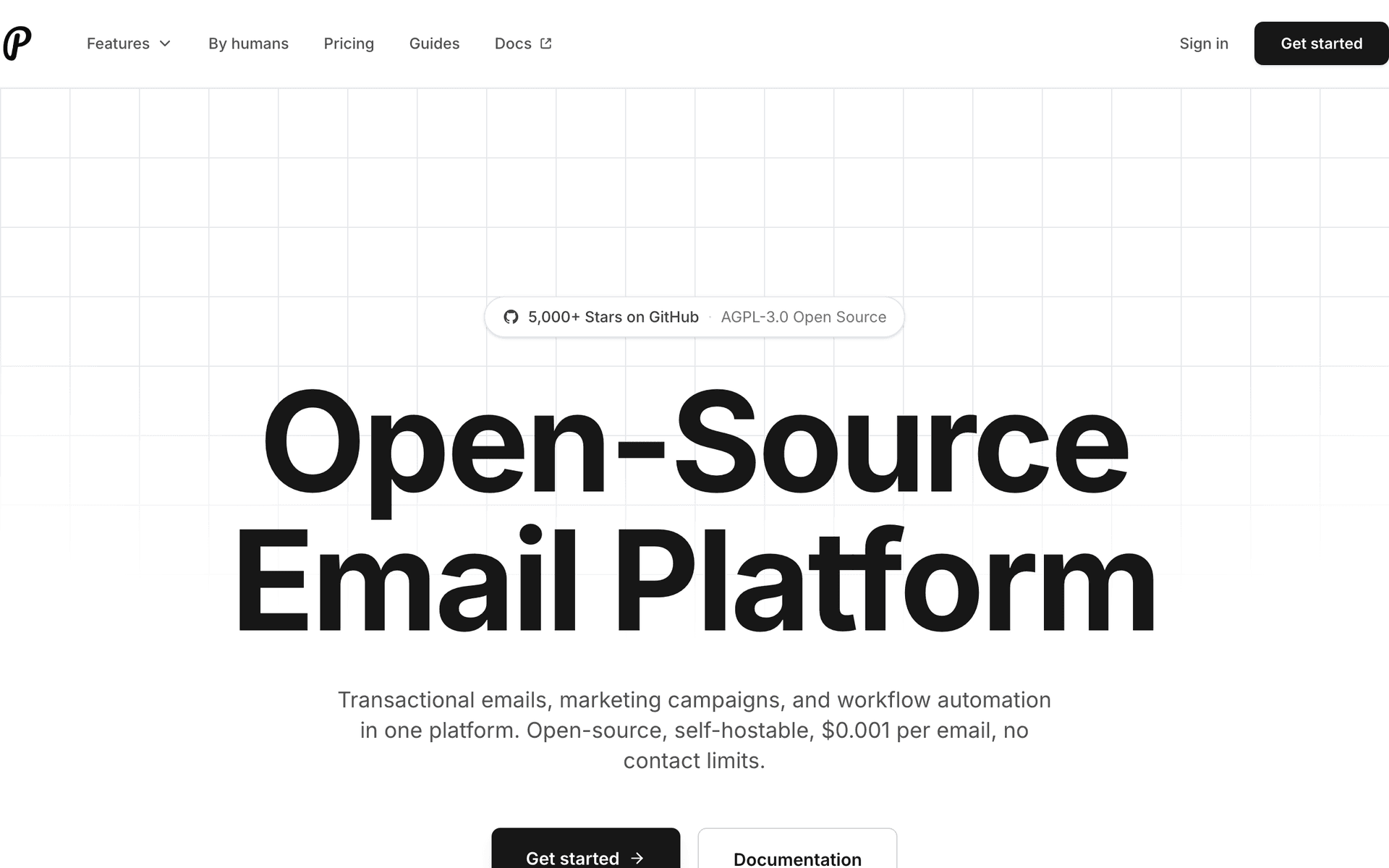
15PlunkOpen-source transactional email for developers.Technical two-person SaaS teams who self-host their stack and want zero transactional email costsFree self-hosted, hosted tier available
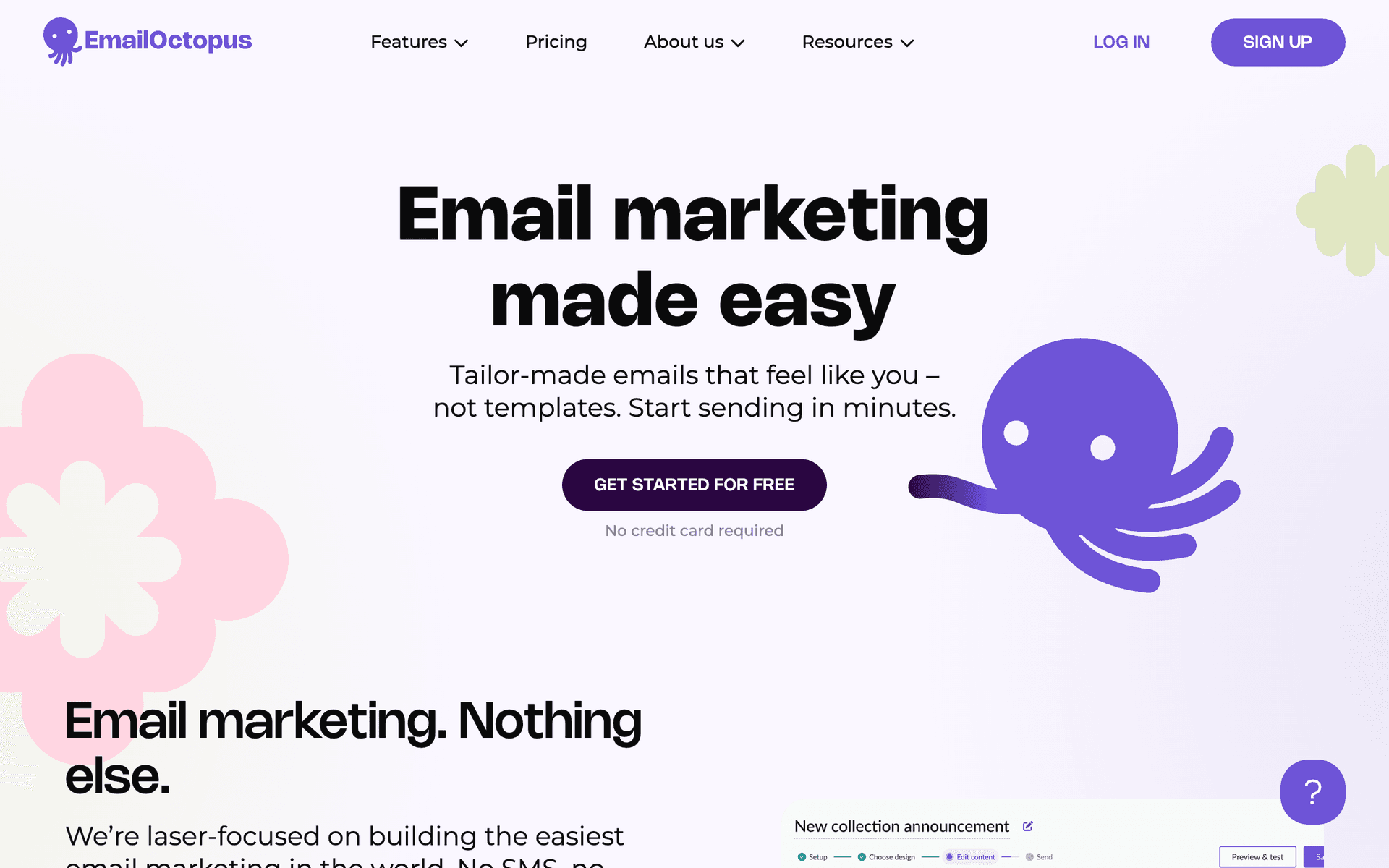
16EmailOctopusSimple email marketing with 2,500 contacts free.Two-person SaaS teams who want the simplest possible email setup with no upfront costFree up to 2,500 contacts, then from $9/month
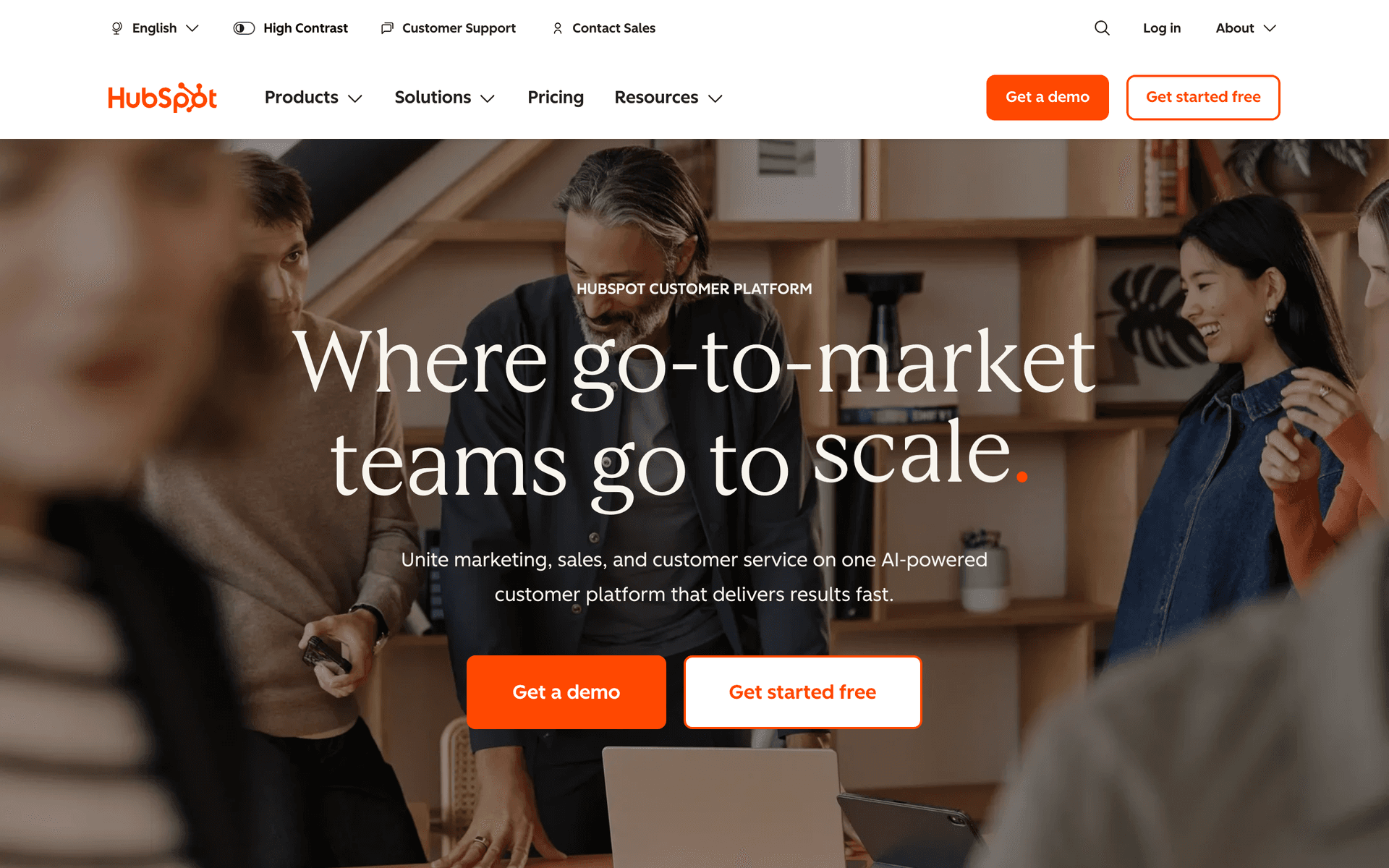
17HubSpotFree CRM with email and sales tools.Two-person teams with a structured sales motion who want CRM and email together for freeFree CRM tier, Marketing Hub from $20/month
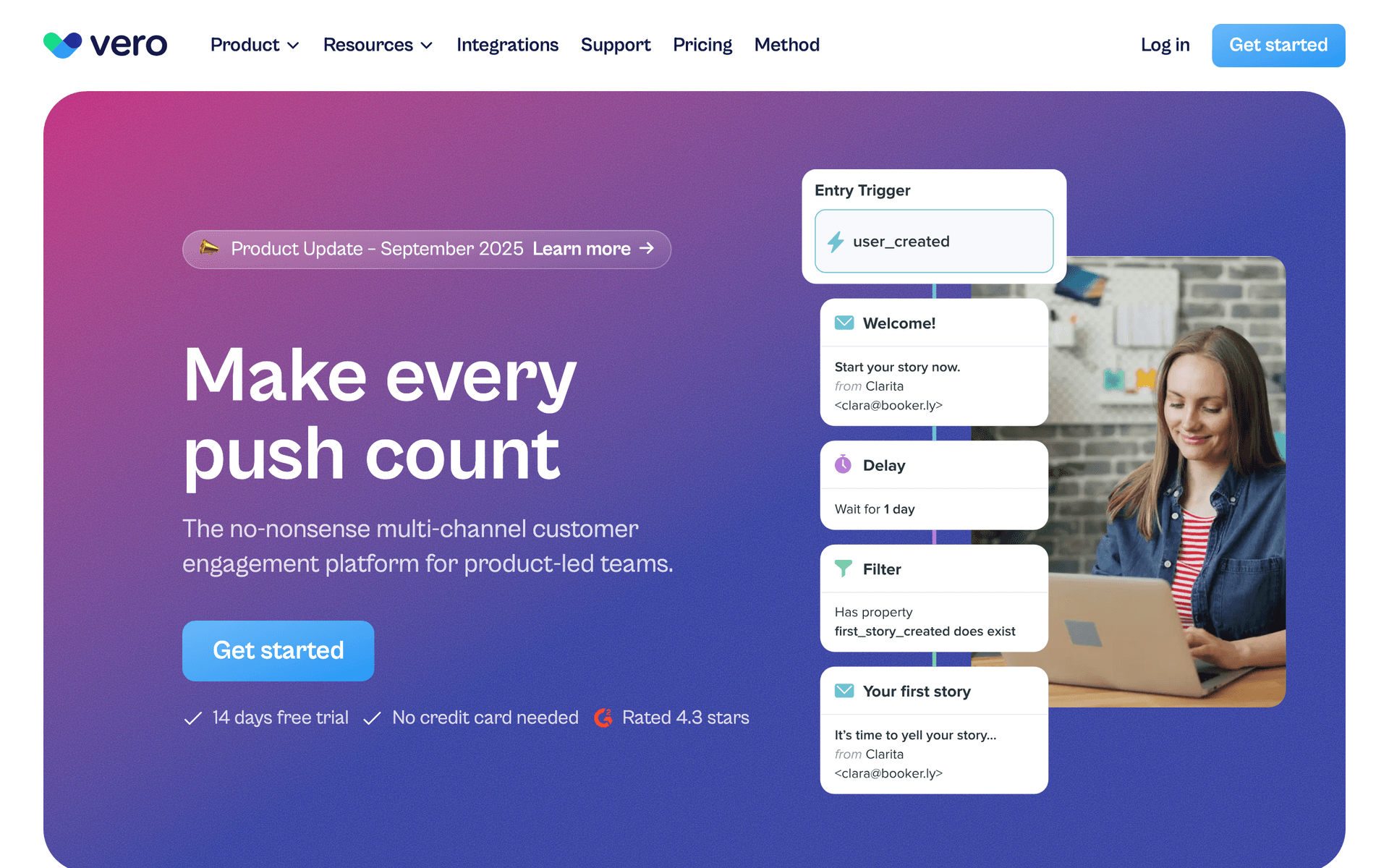
18VeroEvent-driven email automation.Technical two-person SaaS teams who want event-driven automation at lower cost than Customer.ioFrom $100/month
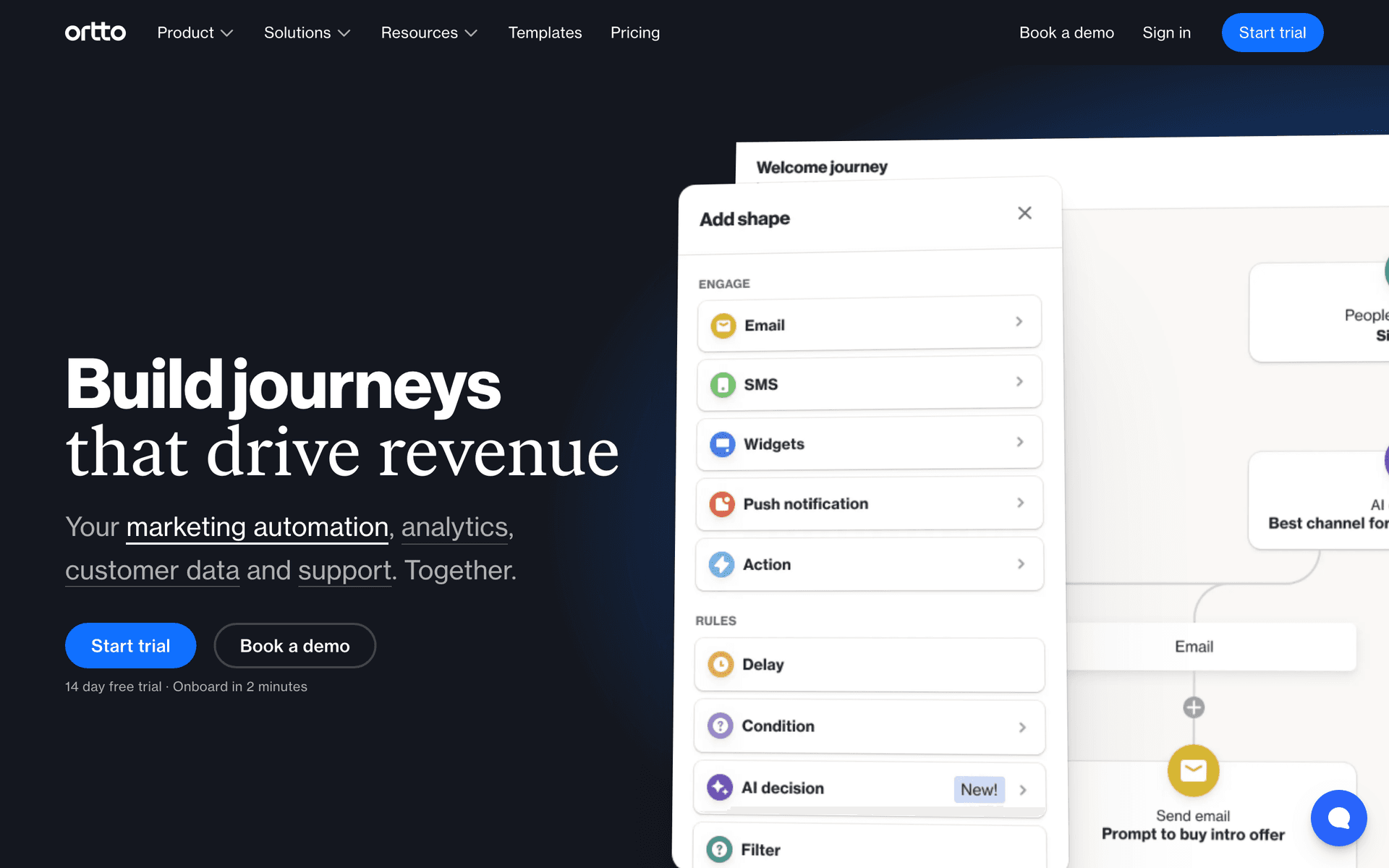
19OrttoCDP and email marketing in one platform.Data-focused two-person SaaS teams who want customer data and email in one placeFrom $99/month
Our Top Pick for Two-Person SaaS Teams
#1
Sequenzy

Email marketing with AI-powered automation and native payment integrations.

Visit
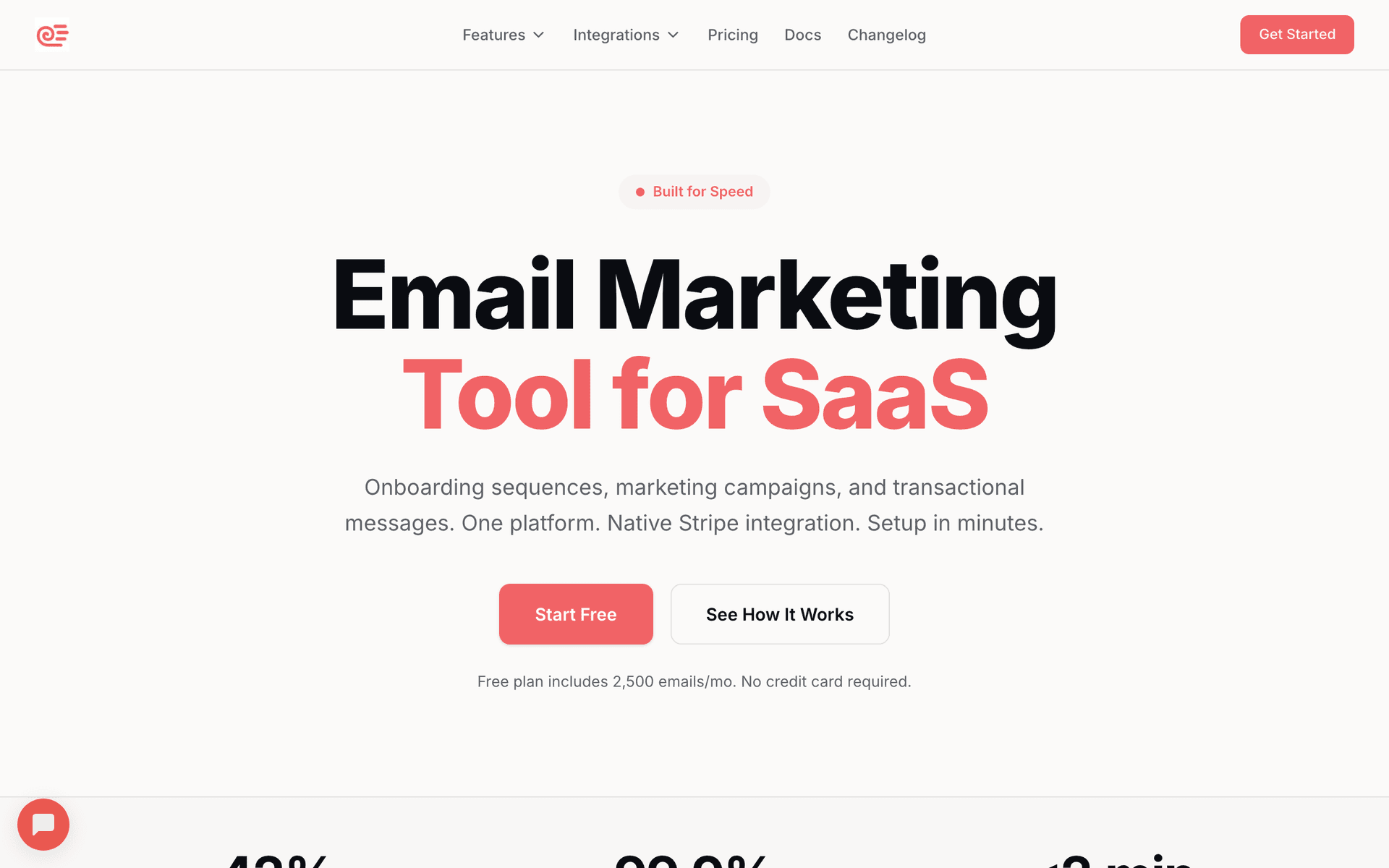
Sequenzy dashboard screenshot

Sequenzy is ideal for two-person teams because the AI builds your entire email program for you. Describe your product and the AI generates an onboarding sequence, a dunning flow, and a churn prevention series - complete with subject lines, timing, and content. Connect Stripe and billing events trigger emails automatically with zero custom code. You can have a fully working email system in under an hour. The free tier covers up to 2,500 emails per month, which is enough for most early-stage SaaS to run their entire lifecycle program at zero cost. Pay-per-email pricing means costs grow proportionally with customers, not ahead of them.

Best for
Two-person SaaS teams wanting AI-built sequences with instant Stripe integration
Pricing
Free up to 2,500 emails/mo, then $19/mo (unlimited contacts)

Pros

  • AI generates complete sequences in minutes
  • Native Stripe integration, set up in minutes
  • Pay per email keeps costs minimal at small scale
  • Set it and forget it automation

Cons

  • Newer platform with smaller community
  • Less control than code-based tools
  • Template library still growing
#2
Loops

Modern email platform for SaaS with clean interface.

Visit
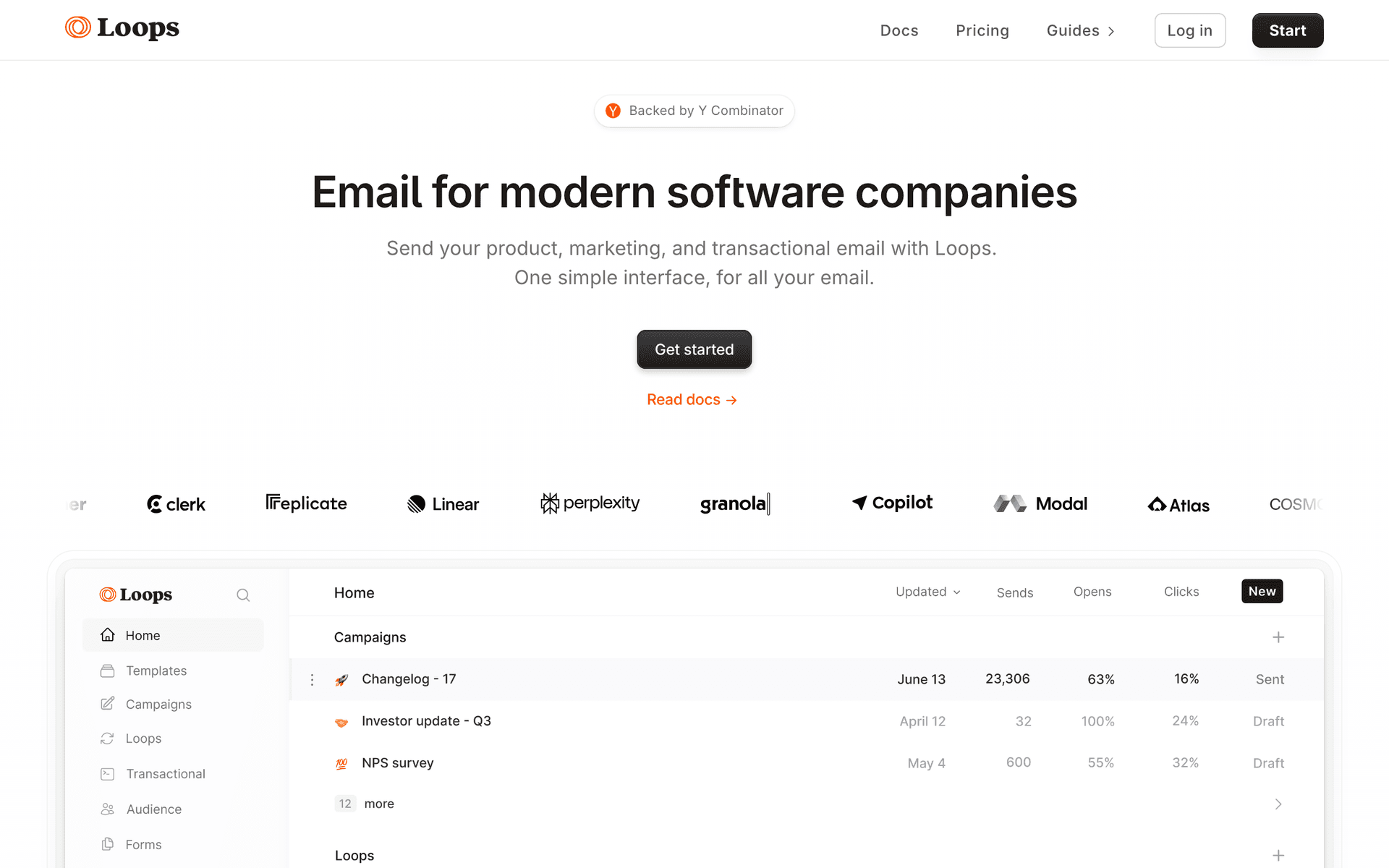
Loops dashboard screenshot

Loops is a great fit for two-person teams because it is fast, clean, and does not overwhelm you with features you will never use. Event-based automations handle the core sequences you need. The combined transactional and marketing approach means one tool for onboarding emails, payment receipts, and product updates. The free tier covers your first 1,000 contacts, which is generous at your stage. The main limitation is per-contact pricing as you grow, especially if you have a free plan generating lots of signups.

Best for
Two-person SaaS teams wanting a clean, fast email setup
Pricing
Free up to 1,000 contacts, then $49/month

Pros

  • Clean, fast interface
  • Free tier for getting started
  • Combined transactional and marketing
  • SaaS-focused

Cons

  • Per-contact pricing as you grow
  • Less automation depth
  • No payment integration
#3
Resend

Developer-first email API with React Email templates.

Visit
Resend dashboard screenshot

If one of your two people is a developer, Resend lets you build email into your product with minimal overhead. React Email templates are quick to build and look great. The API is clean and well-documented. The free tier covers 3,000 emails per month, generous for early-stage SaaS. You build the automation logic yourself in your codebase, which gives you full control but requires engineering time. For technical two-person teams that prefer code over visual builders, Resend is fast to integrate and very affordable.

Best for
Technical two-person teams who prefer code-first email
Pricing
Free for 3,000 emails/month, then $20/month

Pros

  • Generous free tier
  • Fast developer integration
  • Clean API

Cons

  • Must build automation yourself
  • No visual email builder
  • No audience management
#4
ConvertKit

Creator-focused platform with visual automation and landing pages.

Visit
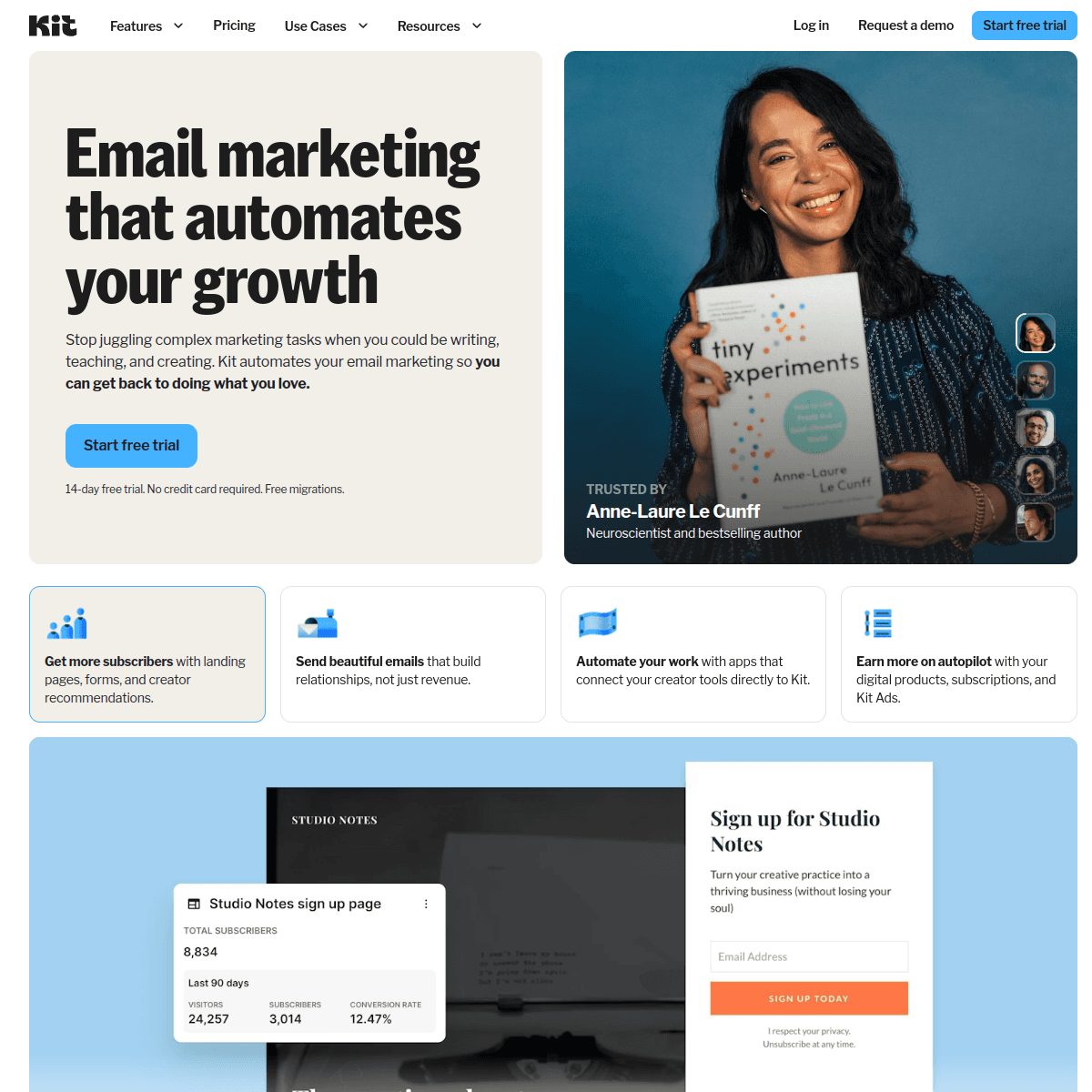
ConvertKit dashboard screenshot

ConvertKit works for two-person SaaS teams where one founder handles marketing and content alongside product work. The free tier goes up to 10,000 subscribers, which is the most generous on this list. Visual automations are intuitive enough to set up without reading documentation. Built-in landing pages mean one less tool to manage. If your growth strategy involves content marketing or a newsletter alongside your SaaS product, ConvertKit handles both.

Best for
Two-person teams combining SaaS with content marketing
Pricing
Free up to 10,000 subscribers, then $29/month

Pros

  • Very generous free tier
  • Intuitive visual automation
  • Built-in landing pages

Cons

  • Not SaaS-specific
  • Limited product event integration
  • No payment provider integration
#5
Brevo

Affordable all-in-one platform.

Visit
Brevo dashboard screenshot

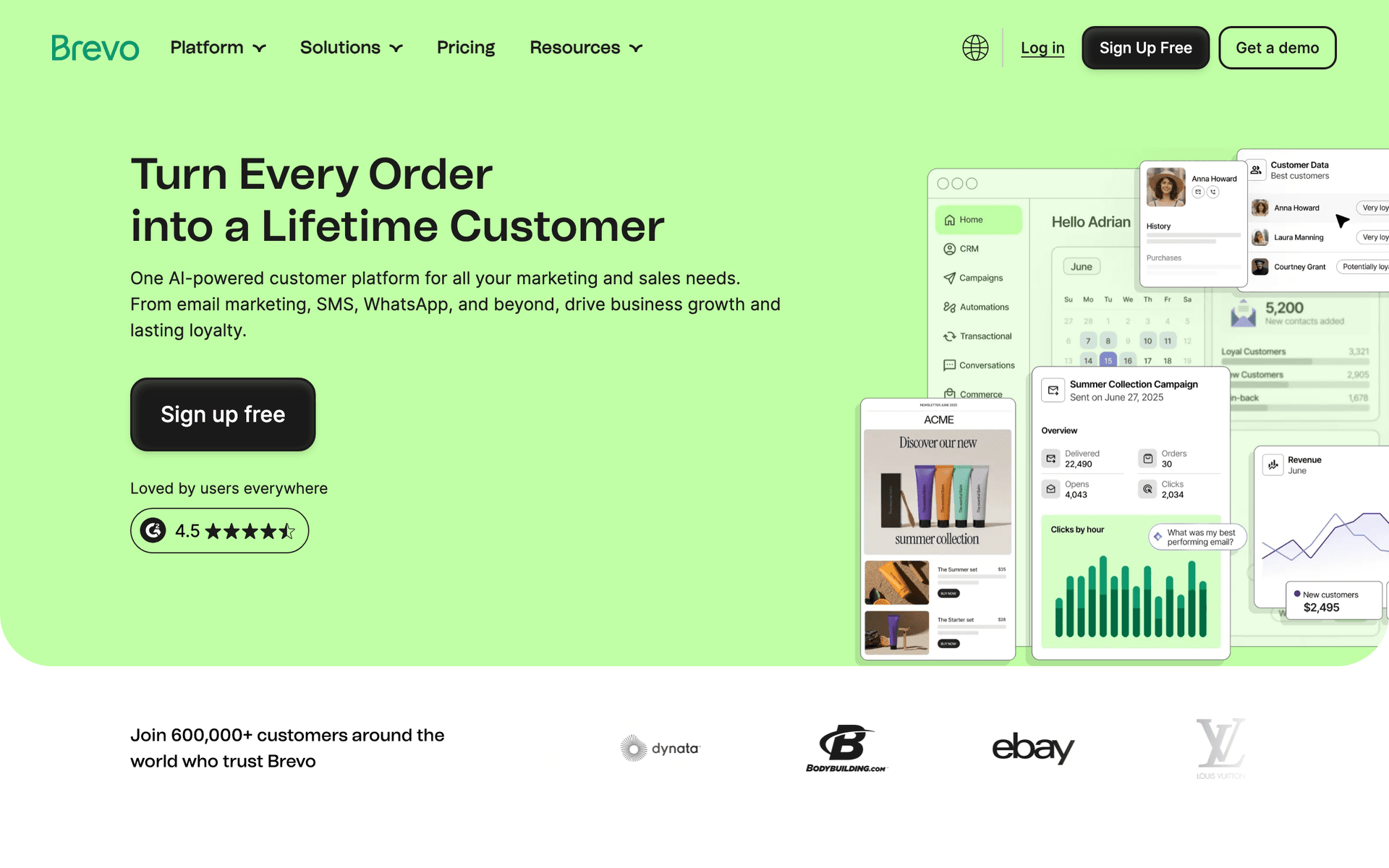
Brevo is the lowest-cost option for two-person teams that need email, CRM, and basic automation in one package. The free tier handles 300 emails per day, which covers most early-stage needs. Per-email pricing keeps costs predictable and low. The free CRM is unlimited, which is useful for tracking your first customers. For two-person teams on the tightest possible budget, Brevo is hard to beat on price.

Best for
Two-person SaaS teams on the tightest budget
Pricing
Free for 300 emails/day, then $9/month

Pros

  • Cheapest starting point
  • Free CRM
  • Per-email pricing

Cons

  • Basic automation
  • Not SaaS-specific
  • Interface can feel cluttered
#6
Mailchimp

Popular email platform with easy setup.

Visit
Mailchimp dashboard screenshot

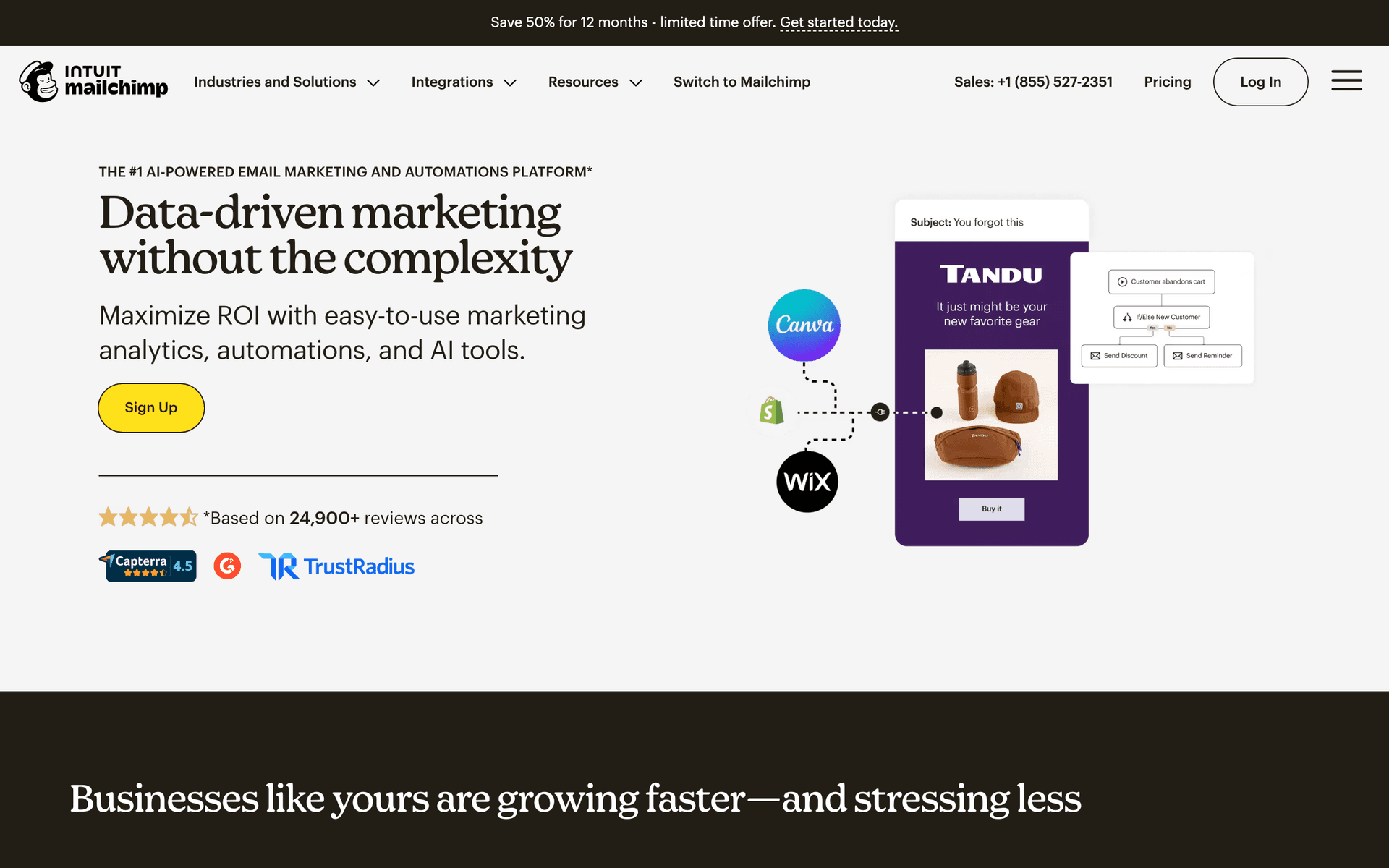
Mailchimp is the tool most people already know. For a two-person team where familiarity saves time, that matters. If one of you has used Mailchimp before, you can have basic email running in 30 minutes. The templates look professional and the free tier covers 500 contacts. You will eventually outgrow it or find the per-contact pricing frustrating, but Mailchimp gets you started faster than almost anything else if you already know it.

Best for
Two-person teams wanting the fastest possible start with a familiar tool
Pricing
Free up to 500 contacts, then $13/month

Pros

  • Most familiar email tool
  • Fast setup
  • Professional templates

Cons

  • Basic SaaS automation
  • Per-contact pricing
  • Limited event triggers
#7
Buttondown

Minimal newsletter platform for developers.

Visit
Buttondown dashboard screenshot

Buttondown is for two-person teams where the primary email need is a simple newsletter or product changelog. It is minimal, fast, and cheap. The API is clean for developers. Markdown support means you write emails like you write documentation. For teams that just want to send a monthly product update to customers without the overhead of a full email platform, Buttondown is perfect. It does not do automation though, so you need another tool for onboarding and dunning.

Best for
Two-person teams needing a simple newsletter or changelog
Pricing
Free up to 100 subscribers, then $9/month

Pros

  • Minimal and fast
  • Markdown support
  • Developer-friendly

Cons

  • Newsletter only
  • No automation
  • Very small free tier
#8
ActiveCampaign

Marketing automation with CRM and advanced workflows.

Visit
ActiveCampaign dashboard screenshot

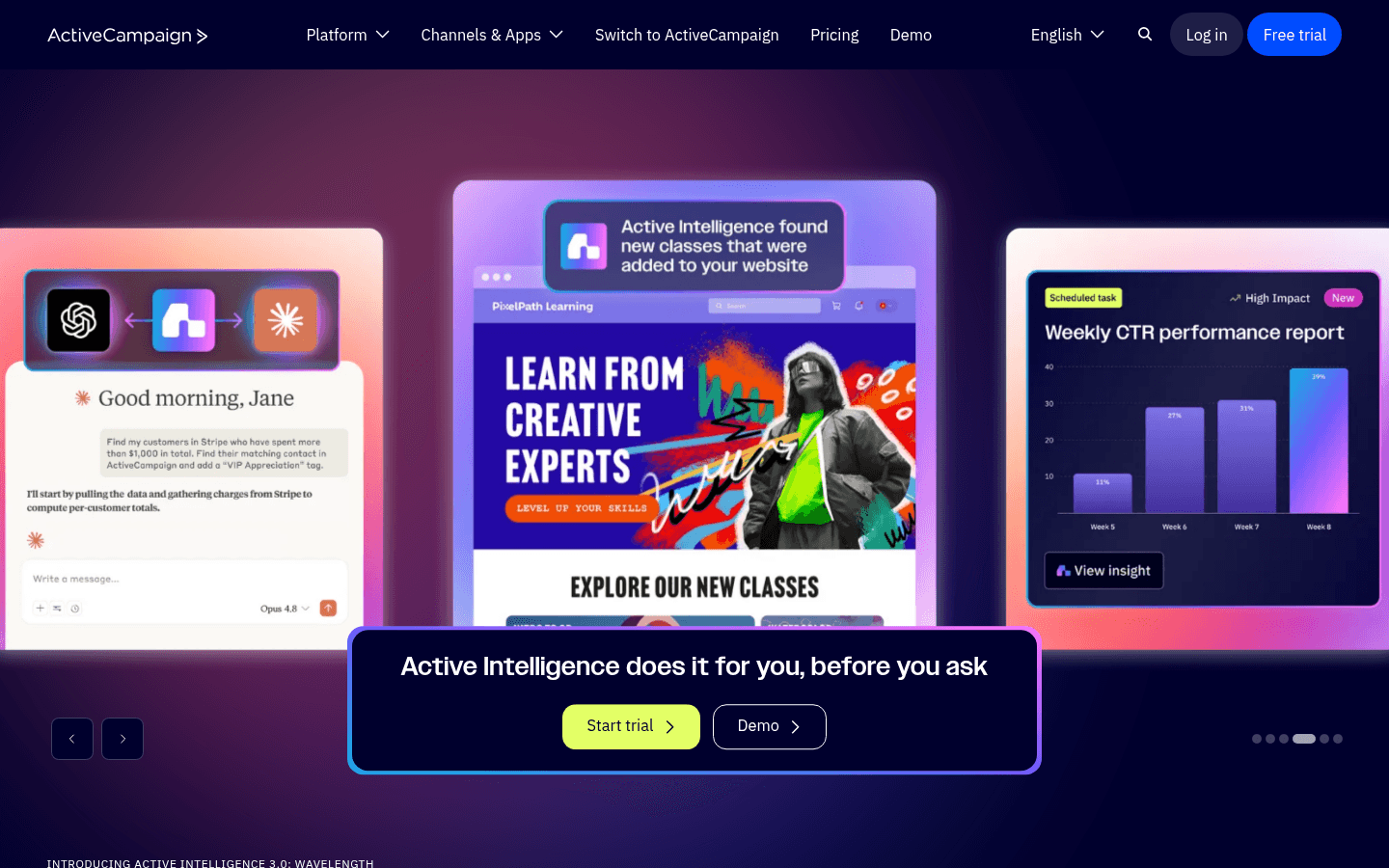
Two-person SaaS teams juggling product, support, and sales simultaneously often find ActiveCampaign valuable for its combination of marketing automation and a built-in CRM. When both people on the team are wearing multiple hats, having email sequences and customer relationship management in one tool saves switching costs. The visual automation builder handles complex if-then logic that lets a two-person team run sophisticated lifecycle programs without dedicated marketing staff. The $29 per month starting price is manageable for teams with early revenue, though unlocking the full automation depth requires higher tiers. For two-person teams with any sales component to their SaaS model, ActiveCampaign's dual capability is genuinely valuable.

Best for
Two-person SaaS teams that handle both marketing automation and sales from one tool
Pricing
From $29/month

Pros

  • Marketing automation plus CRM
  • Reduces tool count for small teams
  • Visual workflow builder
  • Deep segmentation

Cons

  • More complex than needed for simple sequences
  • Full features require higher tiers
  • Not purely SaaS-native
#9
Postmark

Best-in-class transactional email deliverability.

Visit
Postmark dashboard screenshot

Two-person SaaS teams cannot afford to spend time debugging email deliverability issues. When your password resets end up in spam, you get support tickets, not product-building time. Postmark's reliability removes transactional email as a source of user friction and support overhead. The fast delivery and excellent inbox placement mean users get critical emails instantly, building trust during the critical early relationship. At $15 per month, it is a small investment to remove one category of technical problems from your support queue. Most two-person teams use Postmark for transactional email alongside a marketing tool like Loops or Sequenzy for lifecycle sequences.

Best for
Two-person SaaS teams who cannot afford to spend time troubleshooting email deliverability
Pricing
$15/month for 10,000 emails

Pros

  • Eliminates email deliverability problems
  • Fast, reliable delivery
  • Detailed bounce analytics
  • Simple pricing

Cons

  • Marketing features limited
  • Need a second tool for sequences
  • Cost without free tier
#10
Customer.io

Behavioral email automation for product-led teams.

Visit
Customer.io dashboard screenshot

Two-person SaaS teams that have found product-market fit and want email automation to do the work of a marketing department should consider Customer.io seriously. The behavioral segmentation and event-driven automation lets you run sophisticated lifecycle campaigns that would normally require a marketing manager to oversee. For a two-person team where neither person wants to spend significant time on email, Customer.io's automation depth means you configure it once and it runs. Pricing starts around $100 per month, which means it is more appropriate for teams with meaningful MRR - around $5K or above - rather than pre-revenue startups.

Best for
Two-person post-PMF SaaS teams that want email automation to replace dedicated marketing headcount
Pricing
From ~$100/month

Pros

  • Runs complex automation without ongoing effort
  • Behavioral triggers from product events
  • Multi-channel capability
  • Strong analytics

Cons

  • Too expensive for early stage
  • Setup complexity
  • Requires some technical integration
#11
Encharge

Event-driven email automation for SaaS.

Visit
Encharge dashboard screenshot

For two-person SaaS teams that want event-driven automation but find Customer.io too expensive, Encharge offers similar core capabilities at a lower price point. The visual flow builder reduces the technical knowledge needed to set up behavioral sequences, which matters when neither person on the team is a dedicated email marketer. Triggers based on product events mean your onboarding and conversion emails fire at the right moments automatically. Starting at $49 per month for 2,000 tracked users, Encharge is accessible once you have some revenue. Two-person teams that invest a day setting up Encharge properly can run lifecycle automation that would otherwise require a marketing hire.

Best for
Two-person SaaS teams who want behavioral automation without Customer.io's cost or complexity
Pricing
From $49/month for 2,000 users

Pros

  • Event-driven at accessible price
  • Visual builder reduces technical need
  • SaaS lifecycle features
  • Lower cost than Customer.io

Cons

  • Smaller ecosystem
  • Steeper learning than basic tools
  • No transactional email
#12
Userlist

SaaS email automation with company and user tracking.

Visit
Userlist dashboard screenshot

Two-person B2B SaaS teams building products with team accounts will find Userlist's architecture well-suited to their needs. The ability to track email engagement at both the individual user and account company level means your two-person team can see which accounts are healthy versus at-risk without manual analysis. This kind of account-level insight is critical for B2B SaaS where a single customer might represent thousands of dollars in ARR. For two-person teams managing dozens of key accounts alongside automated sequences, Userlist provides the visibility to intervene proactively before churn happens.

Best for
Two-person B2B SaaS teams who need account-level email tracking and health monitoring
Pricing
From $149/month

Pros

  • Account-level tracking for B2B
  • User and company data combined
  • Churn risk visibility
  • SaaS-native features

Cons

  • Higher monthly cost
  • Overkill for B2C products
  • Requires setup time
#13
Sender

Email and SMS marketing with generous free tier.

Visit
Sender dashboard screenshot

Two-person SaaS teams at very early stages benefit from Sender's generous free tier of 2,500 contacts and 15,000 emails per month. When both people are focused on building and shipping, having email working at zero cost with minimal setup time frees attention for product decisions. The SMS inclusion is a practical bonus - reaching trial users by SMS for urgent notifications like trial expiration or payment failure can improve response rates without adding a subscription. For two-person teams below $5K MRR, Sender provides adequate email capability without cost, allowing the team to postpone investing in more sophisticated tools until they have validated their growth channels.

Best for
Two-person SaaS teams in early revenue stages who want to minimize email tool costs
Pricing
Free up to 2,500 contacts, paid from $8/month

Pros

  • Generous free tier
  • SMS included
  • Minimal setup
  • Low paid plan costs

Cons

  • Basic automation
  • Not SaaS lifecycle specific
  • Limited behavioral triggers
#14
MailerSend

Transactional and marketing email combined.

Visit
MailerSend dashboard screenshot

Two-person SaaS teams benefit from reducing the number of tools they manage, and MailerSend's ability to handle both transactional and marketing email from one platform reduces integration complexity. With 3,000 free emails per month covering both password resets and welcome sequences, MailerSend can serve a two-person team's entire email needs during early stages. The API documentation is clear for technical integration, and the template builder covers non-technical design needs. As the team grows and email complexity increases, MailerSend can be supplemented with a more automation-focused tool, but for the simplest versions of both transactional and marketing email, it delivers.

Best for
Two-person SaaS teams who want fewer tools to manage by combining transactional and marketing email
Pricing
Free for 3,000 emails/month, then from $25/month

Pros

  • Single tool for both email types
  • 3,000 emails/month free
  • Clean API
  • Easy template builder

Cons

  • Basic automation capabilities
  • No SaaS-native lifecycle features
  • Limited compared to specialized tools
#15
Plunk

Open-source transactional email for developers.

Visit
Plunk dashboard screenshot

Technical two-person SaaS teams can eliminate transactional email costs entirely by self-hosting Plunk. When both people on the team are developers, the DevOps overhead of running Plunk is trivial and the cost savings are real. Keeping transactional email on your own infrastructure also means you have full control over email templates and can iterate on them as fast as you iterate on the product itself. The React Email integration means your transactional templates stay consistent with your UI system. Self-hosting decisions like this are most appropriate for teams that already manage their own infrastructure rather than teams relying entirely on managed services.

Best for
Technical two-person SaaS teams who self-host their stack and want zero transactional email costs
Pricing
Free self-hosted, hosted tier available

Pros

  • Zero cost if self-hosted
  • Full control of infrastructure
  • React Email integration
  • Open-source

Cons

  • DevOps required
  • Transactional only
  • Not suitable for managed-service teams
#16
EmailOctopus

Simple email marketing with 2,500 contacts free.

Visit
EmailOctopus dashboard screenshot

Two-person SaaS teams looking for the absolute simplest email setup will find EmailOctopus's free tier of 2,500 contacts and 10,000 emails per month sufficient for early stages. The tool is genuinely simple - there is no steep learning curve, no complex configuration, and the core features work without investment of significant time. For two-person teams that want email handled without either person becoming an email specialist, EmailOctopus delivers the basics reliably. The lack of SaaS-specific features means you will eventually need a more specialized tool, but EmailOctopus works well as a no-cost starting point that requires minimal attention.

Best for
Two-person SaaS teams who want the simplest possible email setup with no upfront cost
Pricing
Free up to 2,500 contacts, then from $9/month

Pros

  • Simplest possible interface
  • 2,500 contacts free
  • Minimal setup time
  • Reliable

Cons

  • No SaaS lifecycle automation
  • No event triggers
  • Will need to upgrade eventually
#17
HubSpot

Free CRM with email and sales tools.

Visit
HubSpot dashboard screenshot

Two-person SaaS teams where one person handles product and the other handles growth will sometimes find HubSpot's free CRM tier valuable as a starting point. The combination of contact management, basic email automation, and deal tracking in one free tool reduces the number of systems the growth person needs to manage. The risk is that HubSpot's interface and philosophy are designed for much larger teams, so the learning curve is steeper than simpler alternatives for the limited free features you actually use. Most two-person teams find more appropriate tools in the SaaS-specific category, but if a sales-assisted component exists from day one, HubSpot free CRM can anchor the growth stack.

Best for
Two-person teams with a structured sales motion who want CRM and email together for free
Pricing
Free CRM tier, Marketing Hub from $20/month

Pros

  • Free CRM and email
  • Good deal tracking
  • Large ecosystem
  • No cost to start

Cons

  • Complex for two-person needs
  • Email limited on free tier
  • Expensive paid plans
#18
Vero

Event-driven email automation.

Visit
Vero dashboard screenshot

Vero is an event-driven email platform that two-person SaaS teams with technical resources can use to build behavioral email programs that respond to real product usage. The architecture of sending events from your application and having Vero handle the email logic is effective and scalable. For two-person teams where one member is technical, the integration work is manageable and the results are better lifecycle emails than time-based tools. Pricing from $100 per month positions Vero for teams with meaningful ARR rather than pre-revenue startups. If Customer.io is beyond your current budget but you need event-driven precision, Vero is worth evaluating.

Best for
Technical two-person SaaS teams who want event-driven automation at lower cost than Customer.io
Pricing
From $100/month

Pros

  • Event-driven automation
  • Behavioral targeting
  • Lower cost than Customer.io
  • Good for technical teams

Cons

  • Older interface
  • Significant monthly cost
  • Smaller community
#19
Ortto

CDP and email marketing in one platform.

Visit
Ortto dashboard screenshot

Two-person SaaS teams that are data-focused and want to make email decisions from unified customer data should consider Ortto as they move from early to growth stage. The combination of a customer data platform with email marketing means both people on the team share the same view of customer behavior - no need to reconcile data from separate analytics and marketing tools. For two-person teams where the growth person needs self-service access to customer data to make email decisions, Ortto reduces the back-and-forth with the technical co-founder who would otherwise need to pull reports. At $99 per month, it is a tool for teams with established revenue rather than pre-revenue startups.

Best for
Data-focused two-person SaaS teams who want customer data and email in one place
Pricing
From $99/month

Pros

  • Unified customer data and email
  • Self-service data access
  • Visual journey builder
  • Strong analytics

Cons

  • Priced for revenue-stage teams
  • Complex for simple needs
  • Learning curve

Feature Comparison

FeatureSequenzyLoopsResendConvertKit
Setup time
< 1 hour
< 1 hour
< 30 min (dev)
< 1 hour
AI sequences
Yes
No
No
No
Payment integration
Native Stripe
No
No
No
Free tier
2,500 emails/mo
1,000 contacts
3,000 emails/mo
10,000 subs
Per-email pricing
Yes
No
Yes
No
Automation depth
AI-powered
Good
Build yourself
Good
Starting price
Free
Free
Free
Free

Common Mistakes to Avoid

We see these mistakes over and over. Skip the learning curve and avoid these from day one.

Spending weeks evaluating email tools instead of shipping

The cost of choosing the wrong email tool is a few hours of migration later. The cost of spending weeks evaluating tools is weeks of lost product development. Pick one that fits your budget and integrates with your payments, set it up, and move on.

Building complex automation before you have 100 customers

Sophisticated segmentation and multi-branch automation make sense at scale. At 50 customers, everyone gets the same onboarding and the same monthly update. Keep it simple until your customer base justifies complexity.

Not setting up dunning emails immediately

Failed payments are silent revenue loss. Without automated dunning, you do not even know it is happening. At 200 customers, losing 5 to failed payments per month costs thousands per year. Set up dunning on day one.

Paying for per-contact pricing with a large free tier

If your SaaS has a free plan, per-contact email pricing means paying for free users who may never convert. Use per-email pricing so costs scale with actual communication, not total signups.

Email Sequences Every Two-Person SaaS Team Needs

These are the essential automated email sequences that will help you grow your business and keep clients coming back.

Founder Onboarding

New customer signs up

Simple, personal onboarding from the founder.

Immediate
Welcome from [founder name] - quick setup guide

Personal welcome from the founder. Include the 3 setup steps and a direct reply invitation. Two-person teams can afford to be personal.

Day 2
Quick question: what are you hoping to accomplish?

Ask what they want to achieve. This helps you help them and gives you product feedback. Reply to every response personally.

Day 5
Did you get set up okay?

Check in. Offer help if they are stuck. Include links to the most common setup issues. Personal tone.

Day 14
How is it going? Any feedback?

Two-week check-in. Ask for honest feedback. At this stage, every customer conversation teaches you something.

Payment Recovery

Payment fails

Recover revenue from failed payments automatically.

Immediately after failure
Quick heads up: your payment did not go through

Friendly notification with a direct link to update payment. No drama, no urgency. Just helpful.

Day 3
Your payment still needs attention

Second notice. Include the specific card that failed and a link to update it. Mention what happens if it is not resolved.

Day 7
We do not want to lose you - can you update your payment?

Final attempt. Personal tone from the founder. Offer to help if there is an issue with the product or pricing.

Two People, Maximum Automation

When your entire company fits in a coffee shop booth, every tool needs to justify its existence by saving you time. Email marketing earns its place by automating communication that would otherwise require manual effort from one of you.

The three email sequences every two-person SaaS team needs: onboarding that gets customers started without hand-holding, dunning that recovers failed payments while you sleep, and a monthly update that keeps customers engaged and informed. Set up these three and you have a communication system that runs while you focus on product and customers.

The Setup Afternoon

Block 3-4 hours on a Tuesday afternoon. By the end, you should have:

  • Your email tool connected to your app and payment provider
  • An onboarding sequence with 3-4 emails
  • A dunning sequence with 3 emails
  • A template for your monthly product update

This is the entire investment. Everything after this is maintenance.

Personal Touch at Scale

Two-person teams have a secret weapon: authenticity. An email from the founder that says "hey, I saw you signed up yesterday, how can I help?" feels radically different from a corporate welcome email. Customers chose your product partly because it is not a faceless corporation.

Write your email sequences in your own voice. Reply to customer responses personally. Ask for feedback and actually act on it. This personal touch does not scale forever, but at two people with a few hundred customers, it builds loyalty that no marketing automation can replicate.

When Personal Stops Scaling

You will know it is time to professionalize your emails when you consistently cannot reply to all responses within 24 hours, or when your customer base exceeds 500-1,000. Until then, lean hard into the personal advantage.

Pick One Tool and Move On

The biggest mistake two-person teams make with email is spending too long evaluating tools. You need something affordable that handles basic automation and ideally connects to your payment provider. Pick one, set it up in an afternoon, and get back to building your product.

You can always switch later when your needs are clearer. The cost of choosing the wrong email tool is a few hours of migration. The cost of spending weeks evaluating tools is weeks of lost product development and customer communication.

Decision Framework

  • Have a Stripe integration? Start with Sequenzy for automatic billing emails
  • Prefer code over UI? Start with Resend for maximum developer control
  • Want the most generous free tier? Start with ConvertKit at 10,000 subscribers free
  • Already know a tool? Use what you know and skip the evaluation entirely
  • Need the absolute lowest cost? Start with Brevo at $9/month or free

Measuring What Matters

At two people, you do not need a sophisticated analytics dashboard. Track three things:

Onboarding completion rate - What percentage of new signups complete your setup steps? If it is below 50%, your onboarding emails need clearer guidance.

Dunning recovery rate - What percentage of failed payments recover from your automated sequence? Aim for 20-40%. Below 20% means your emails are not compelling or your payment update link is broken.

Monthly update open rate - Are customers reading your product updates? Aim for 35%+. Below 25% means your content is not relevant or your subject lines need work.

These three numbers tell you if your email program is working. Everything else is optimization you can worry about later.

How We Evaluated These Tools

Tools were evaluated specifically for two-person team needs - setup speed (under one afternoon), automation depth per hour of setup time, payment provider integration, pricing at small scale, and minimal ongoing maintenance requirements.

Frequently Asked Questions

Ready to grow your two-person saas team practice?

Start your free trial today. Set up your first email sequence in minutes with AI-powered content generation.

Related Industries

Sequenzy - Complete Pricing Guide

Pricing Model

Sequenzy uses email-volume-based pricing. You only pay for emails you send. Unlimited contacts on all plans — storing subscribers is always free.

All Pricing Tiers

  • 2.5k emails/month: Free (Free annually)
  • 15k emails/month: $19/month ($205/year annually)
  • 60k emails/month: $29/month ($313/year annually)
  • 120k emails/month: $49/month ($529/year annually)
  • 300k emails/month: $99/month ($1069/year annually)
  • 600k emails/month: $199/month ($2149/year annually)
  • 1.2M emails/month: $349/month ($3769/year annually)
  • Unlimited emails/month: Custom pricing (Custom annually)

Yearly billing: All plans offer a 10% discount when billed annually.

Free Plan Features (2,500 emails/month)

  • Visual automation builder
  • Transactional email API
  • Reply tracking & team inbox
  • Goal tracking & revenue attribution
  • Dynamic segments
  • Payment integrations
  • API, MCP, and CLI access
  • Custom sending domain

Paid Plan Features (15k - 1.2M emails/month)

  • Visual automation builder
  • Transactional email API
  • Reply tracking & team inbox
  • Goal tracking & revenue attribution
  • Dynamic segments
  • Payment integrations (Stripe, Paddle, Lemon Squeezy)
  • API, MCP, and CLI access
  • Custom sending domain

Enterprise Plan Features (Unlimited emails)

  • Visual automation builder
  • Transactional email API
  • Reply tracking & team inbox
  • Goal tracking & revenue attribution
  • Dynamic segments
  • Payment integrations
  • API, MCP, and CLI access
  • Custom sending domain

Important Pricing Notes

  • You only pay for emails you send — unlimited contacts on all plans
  • No hidden fees - all features included in the price
  • No credit card required for free tier

Contact

  • Pricing Page: https://sequenzy.com/pricing
  • Sales: hello@sequenzy.com