
How to Choose the Right Email Tool
The best email marketing tool depends on your situation:
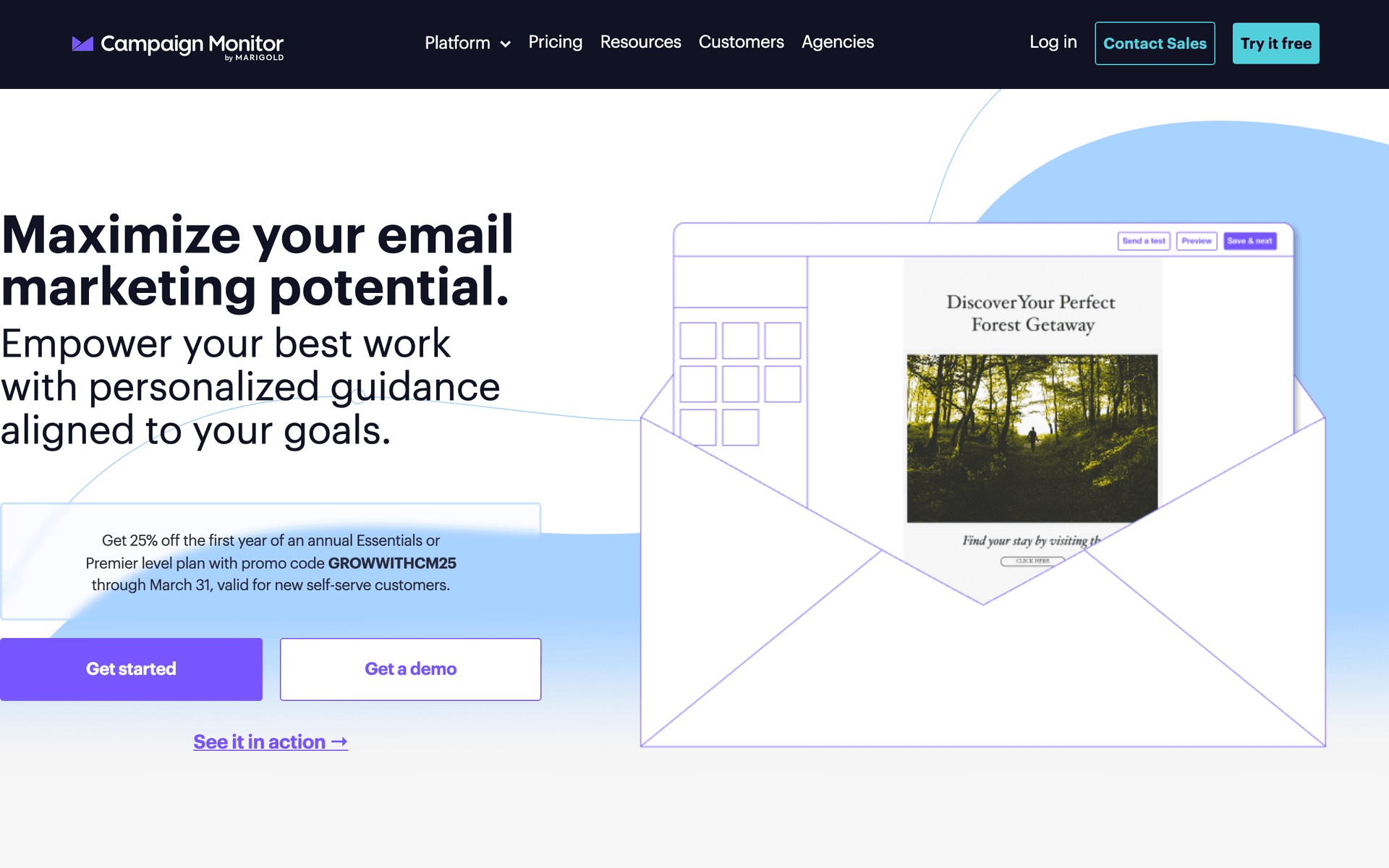
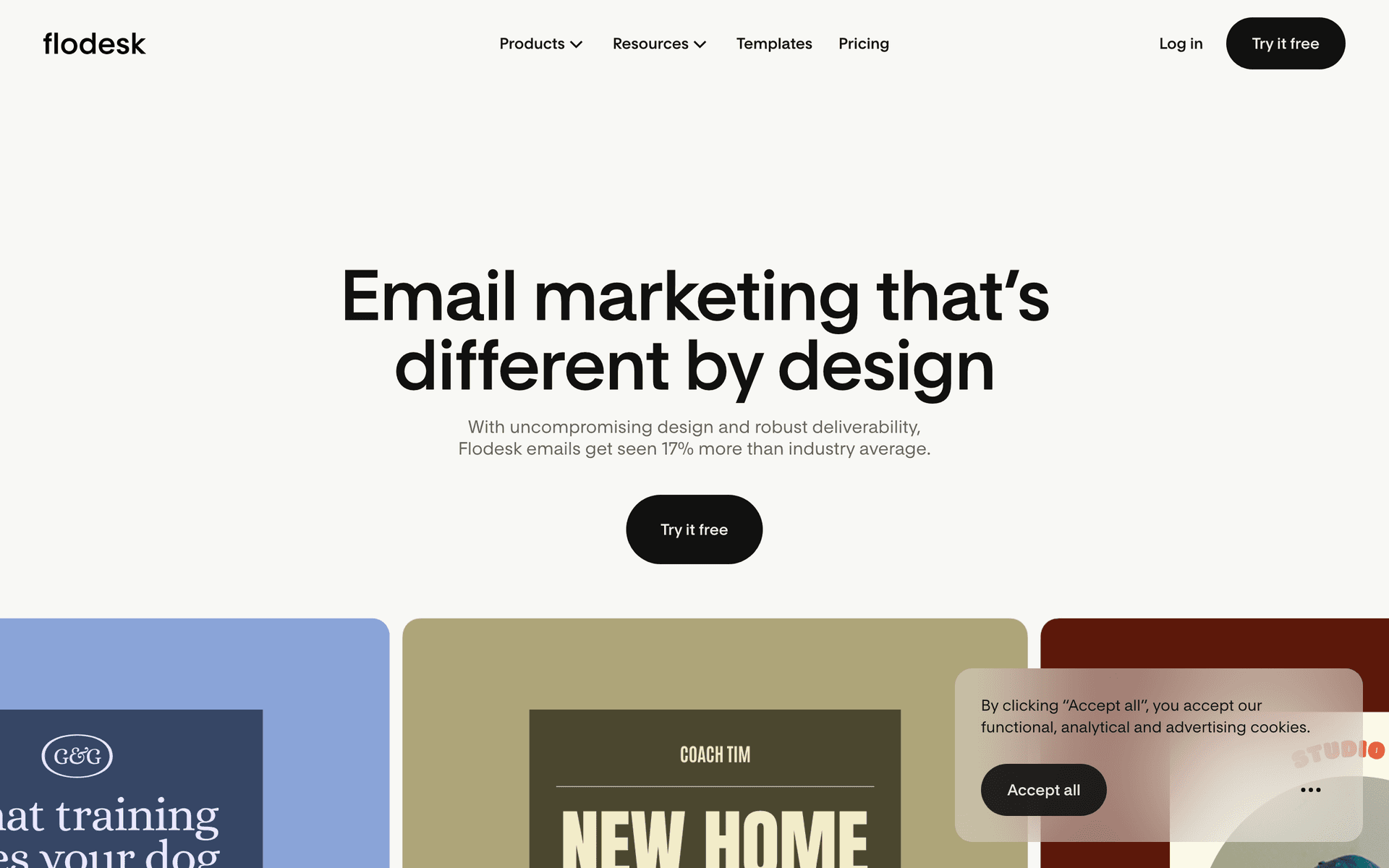
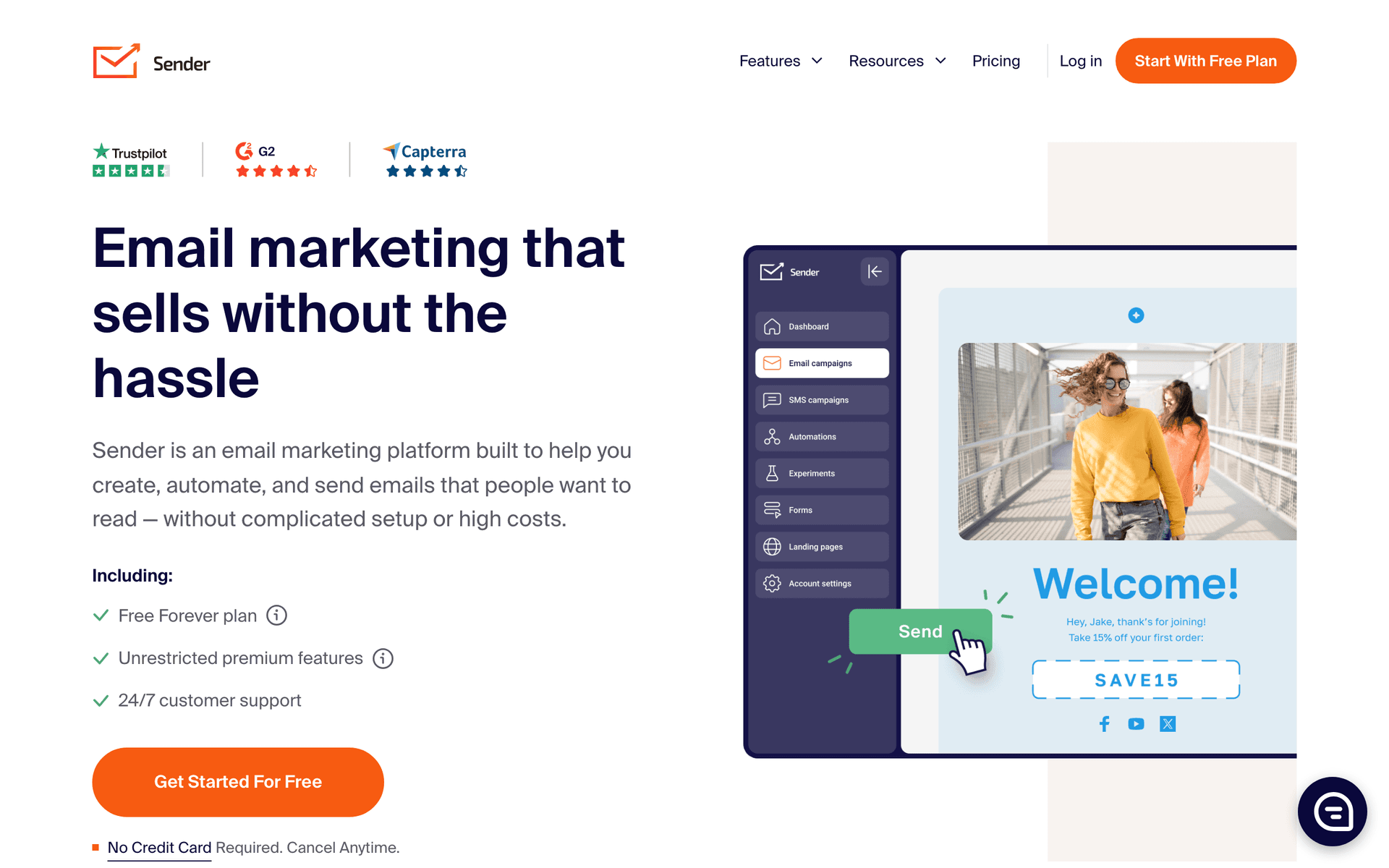
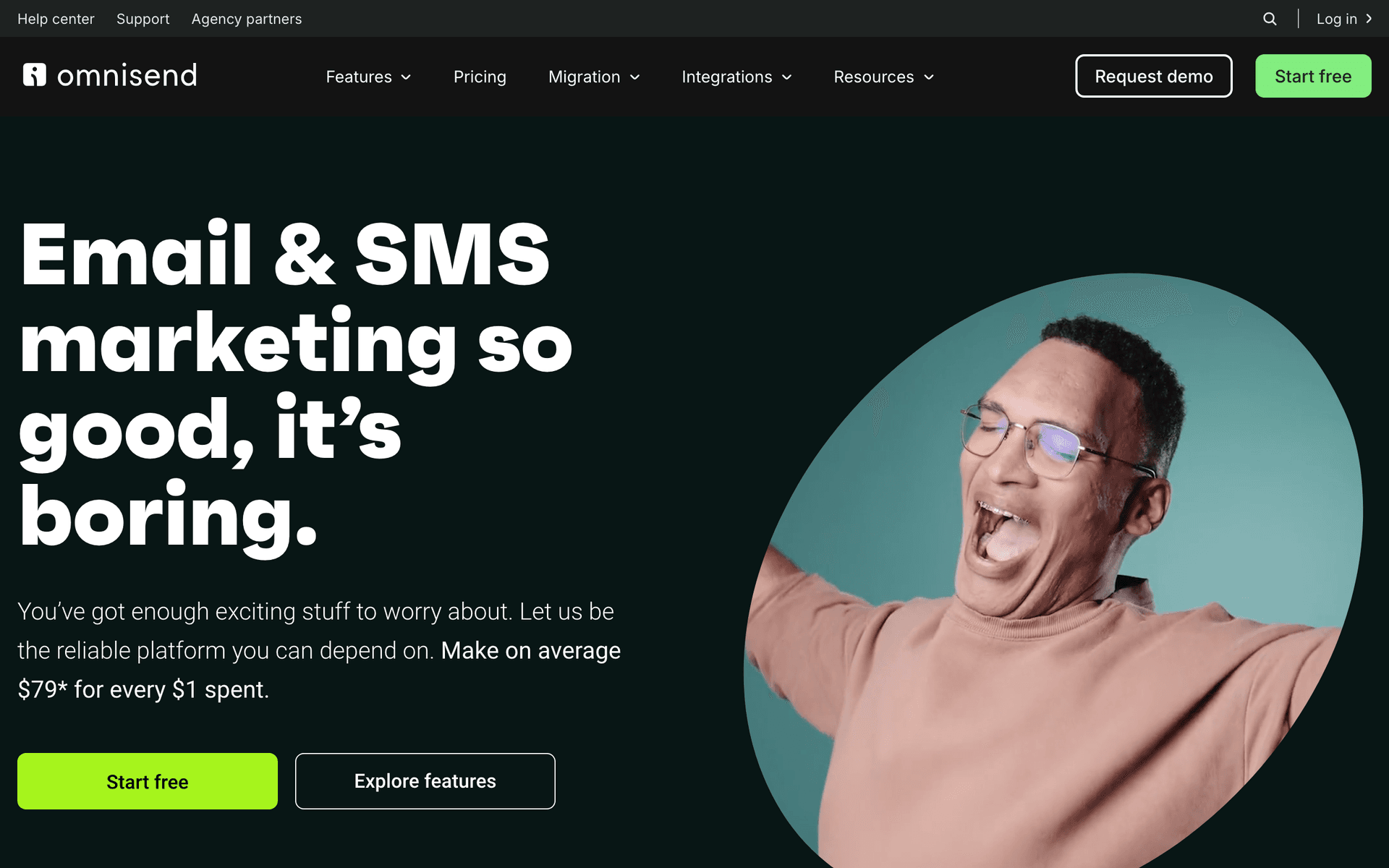
Size matters. Single-location preschools can use simpler tools like Sequenzy or MailerLite. Multi-location childcare organizations may need platforms with team management and segmentation like ActiveCampaign.
Staff skills vary. Choose a tool your team can actually use. The best features are useless if they are too complex for your staff. AI-powered tools like Sequenzy eliminate the content creation barrier entirely.
Budget is real. Most preschools run lean. Calculate cost at your expected list size, not starting prices. Per-email pricing (Sequenzy) tends to be more economical than per-contact pricing when you have years of family contacts.
What Actually Works for Preschools
After talking to many early childhood educators about email marketing:
Parents want connection. Regular updates about classroom activities and their child's day build trust and satisfaction. Photos and stories matter more than polished design.
Enrollment is seasonal. Spring enrollment periods, back-to-school, and summer programs have natural promotional windows. Plan your campaigns around these cycles months in advance.
Retention beats acquisition. Happy families stay and refer friends. Email helps you maintain relationships with current families, which is more valuable than constantly marketing to new ones.
Preschool Email Benchmark Table
| Email type | Healthy open rate | Healthy click or reply rate | Program metric to watch |
|---|---|---|---|
| Classroom newsletter | 45-65% | 8-16% click or reply rate | Parent engagement and satisfaction |
| Tour invitation | 38-55% | 10-20% scheduling clicks | Tours booked from inquiries |
| Re-enrollment reminder | 50-70% | 18-32% form clicks | Returning families secured |
| Summer program campaign | 35-50% | 8-16% registration clicks | Summer spots filled early |
The Enrollment Email Funnel
Preschool enrollment follows a predictable path that email can automate:
Stage 1: Awareness
Prospective families find your website, attend a community event, or hear about you from a friend. Capture their email with a simple form and a valuable offer like "Download our guide to choosing the right preschool."
Stage 2: Interest
Your automated inquiry sequence sends them information about your program philosophy, teacher qualifications, and what makes you different. Address common parent concerns proactively.
Stage 3: Tour
Invite them to visit. After the tour, send a follow-up thanking them for coming and addressing any questions they raised. Include a testimonial from a current family.
| Enrollment stage | Email content | Best timing | Parent concern to answer |
|---|---|---|---|
| New inquiry | Program overview and tour link | Immediately | Is this a good fit for my child? |
| Tour scheduled | What to expect during the visit | 1-2 days before tour | What should we bring or ask? |
| Post-tour | Thank you, next steps, testimonial | Same day or next day | Can I picture my child here? |
| Accepted family | Welcome packet and required forms | Immediately after enrollment | What happens before the first day? |
Stage 4: Enrollment
Make the enrollment process clear and simple. Send reminders about deadlines and required documents. Celebrate when they join with a warm welcome sequence.
Stage 5: Retention
Monthly newsletters, event invitations, and re-enrollment reminders keep families engaged year after year. The best preschool email programs focus more on retention than acquisition.
Seasonal Email Calendar for Preschools
January - February
- Re-enrollment reminders for current families
- Start promoting summer programs
- Share winter activity updates
March - April
- Open house invitations for prospective families
- Summer program registration push
- Spring break closure notices
May - June
- End-of-year celebration announcements
- Last call for summer registration
- Transition information for graduating families
July - August
- Back-to-school preparation tips
- New family welcome packets
- Staff introductions for the new year
September - October
- Start-of-year newsletter
- Fall event promotions (harvest festivals, parent nights)
- Initial enrollment marketing for next year
November - December
- Holiday event invitations
- Year-in-review newsletter
- Gift guide for age-appropriate gifts (great engagement content)
| Season | Campaign focus | Target audience | Best CTA |
|---|---|---|---|
| January-February | Re-enrollment and summer program preview | Current families | Reserve next year's spot |
| March-April | Open houses and tours | Prospective families and waitlist | Schedule a visit |
| July-August | New family welcome and back-to-school prep | Enrolled families | Complete forms and meet teachers |
| November-December | Community events and year-in-review | Current and past families | Attend, share, or refer |
Getting Started
Pick a tool from this list. Then:
- Import your current family contact list
- Set up a monthly newsletter template
- Create enrollment inquiry follow-up automation
- Plan your open house and enrollment campaigns
Start simple and expand later. The most important thing is consistency - one well-executed monthly newsletter does more for your program than a complex system you never finish setting up.
What Preschools should prioritize first
For Preschools, email works when it supports enrollment, reminders, parent communication, and progress updates. The software matters, but the operating habit matters more: collect the right contacts, send messages at the right moments, and keep the content useful enough that people keep opening.
Start by comparing the ranked tools above around the workflows you will actually run. A good tool for Preschools should make it easy to segment contacts, write a campaign quickly, automate the obvious follow-ups, and see whether the email produced a booking, sale, reply, renewal, or return visit.
The first workflows to build are usually simple. For this page, the natural starting points are Enrollment Inquiry Follow-up, Monthly Parent Newsletter, Open House Invitation, Re-enrollment Reminders. Do not build a complicated journey until those basics are working.
A practical rollout looks like this:
| Week | Focus |
|---|---|
| 1 | Import contacts, clean segments, and write the first useful campaign. |
| 2 | Launch the highest-value reminder or follow-up automation. |
| 3 | Add one educational or trust-building email that is not a promotion. |
| 4 | Review opens, clicks, replies, bookings, purchases, or returned customers. |
The most important page-specific ideas are Automate your enrollment inquiry follow-up sequence; Segment your list into current families and prospective families; Send monthly parent newsletters consistently. Those should become your first campaigns before you worry about advanced automation.
Choose the tool that makes this cadence realistic. If a platform has more features but makes weekly sending harder, it is the wrong fit. If a simpler platform helps the team communicate consistently and measure the result, it will usually produce more value.