
Updated 2026-09-03

Best Email Marketing Tools for Online Marketplaces

Twelve platforms scored on two-sided role segmentation, Stripe Connect events, listing and transaction triggers and seller performance digests.

A marketplace is two businesses sharing a database, and its email programme has to reflect that. Buyers need discovery, cart recovery and order status. Sellers need activation, performance digests, payout notices and reactivation when they go dormant. A meaningful share of your users are both, and sending them the buyer newsletter and the seller digest in the same hour is how marketplaces train people to unsubscribe. On top of that sits a transactional and trust layer - receipts, disputes, payout notices, identity verification, security alerts - that has to be fast and deliverable at volume, because these are the emails people are actively waiting for. This guide compares twelve tools on exactly those axes and is explicit about which are marketing platforms, which are notification infrastructure, and which are neither.

TL;DR

Best if you want marketing and transactional in one platform: Sequenzy - buyer marketing, seller marketing and order and payout transactional email from one place, with native Stripe events and an API, CLI and MCP server so engineers wire events without a marketing seat. Best for deep event-driven segmentation with an engineering team: Customer.io, from $100/mo at 5,000 profiles. Best at enterprise scale with in-app and push: Braze, on custom pricing. Best for multi-channel notifications: Knock, Novu or Courier - all three are notification infrastructure, not marketing tools. Best pure transactional deliverability at volume: Postmark, from $15/mo for 10,000 emails. Best free start: Sequenzy's free tier at 2,500 emails/mo with unlimited contacts, which suits a user base that is mostly dormant.

Why Online Marketplaces Need Email Marketing

Two-Sided Onboarding

Buyers and sellers need completely different first weeks. Buyers need to find something worth buying. Sellers need to publish a listing good enough to sell. One sequence cannot do both jobs, and the seller side is usually the one that decides whether the marketplace grows.

Transaction Lifecycle

Every transaction generates a chain of messages to two people: confirmation, payment, shipping, delivery, review request, payout. Automating that chain reliably is what makes a marketplace feel trustworthy at scale.

Supply-Side Growth

Marketplaces live or die on supply quality. Sequences that activate new sellers, improve listings and reactivate dormant sellers move liquidity more directly than any buyer-side campaign.

Demand Generation

New arrivals in a followed category, price drops on watched items and personalised recommendations bring buyers back without paid spend, and repeat purchase rate is the number that makes marketplace unit economics work.

Online Marketplaces Email Marketing Benchmarks

Know these numbers before you start. They'll help you set realistic goals and pick the right tool.

25-40%
Average Open Rate

Transaction emails sit well above this range at 40% and up. Marketing to active marketplace users typically lands at 25-30%, and re-engagement to dormant users falls to 15-20%.

3-6%
Average Click Rate

Personalised recommendations and seller performance digests drive the highest click rates on the marketing side. Generic marketplace newsletters sit at the bottom of the range and are usually not worth sending.

30-50%
Seller Activation Rate

A typical range for signup to first listing within 7 days with a working activation sequence. Below 20%, the sequence is the problem rather than the traffic.

99%+
Transactional Delivery Rate

Anything below this generates support tickets, because these are emails users are actively waiting for. Monitor payout and dispute notifications separately from marketing sends.

Important Tips Before You Choose

Lessons from online marketplaces who've been doing this for years. Save yourself the trial and error.

Make role a first-class attribute on day one

Every contact needs a role value - buyer, seller or both - written by your application rather than inferred from behaviour later. Every automation filters on it. Retrofitting role onto a list of 200,000 mixed users after 18 months is a data project nobody enjoys, and until it is done every campaign is partly wrong.

Prioritise seller activation over buyer acquisition

In most marketplaces supply creates demand, and supply is lost in the first week. A seller who never publishes a listing is a permanently wasted acquisition. Put your best sequence on the path from signup to first listing to first sale before you spend anything on buyer-side campaigns.

Suppress across roles, not just within them

A dual-role user who receives the seller performance digest on Tuesday should not receive the buyer promotional campaign on Wednesday. Set a cross-programme frequency rule so one side yields to the other. Dual-role users are usually your most valuable segment and the easiest to annoy into unsubscribing from everything.

Make the seller digest about their numbers, not yours

Views, conversion rate, orders, revenue and one comparison against the category median, plus a single recommended action. Sellers open their own numbers at rates no marketing email reaches. Marketplace-wide announcements dressed up as a digest do not get that treatment twice.

Send transactional email on the same domain, in different templates

Keep receipts, payout notices and security alerts on the same sending domain so you warm and monitor one reputation, but never put promotional content in them. A receipt with a promotion in it is a deliverability risk and, in several jurisdictions, a consent problem.

Reactivate dormant sellers with demand evidence

Sellers left because they were not making sales, so sentiment does not move them. Send the number of buyer searches in their category last month, what a comparable listing sold for, or a concrete fee or tooling change since they left. Segment on last listing and last sale, never on last login.

Time review requests to delivery, not to purchase

Two to three days after delivery confirmation, with a one-click star rating in the email body. Reviews are the currency of marketplace trust, and the gap between a well-timed one-click request and a generic 'leave feedback' email is several multiples of review volume.

12 Best Email Marketing Tools for Online Marketplaces

#ToolDescriptionBest ForPricing
1SequenzyMarketing and transactional email in one platform, with native Stripe events and an API, CLI and MCP server for engineering-owned event wiring.Marketplaces that want buyer marketing, seller marketing and transactional email in one platformFree up to 2,500 emails/mo, then from $19/mo (15,000 emails) - unlimited contacts on every plan
2Customer.ioEvent-driven messaging platform with deep segmentation, built for product teams.Funded marketplaces with engineering resources and complex two-sided journeysFrom $100/month for 5,000 profiles (approximately $150/month at 10,000)
3BrazeEnterprise customer engagement platform spanning email, push, in-app and SMS.Large mobile-first marketplaces that need email, push and in-app orchestrated togetherCustom pricing by edition, monthly active users and action credits
4LoopsModern SaaS-native email platform combining marketing and transactional sends.Early-stage marketplaces with a technical team and a small user baseFree up to 1,000 contacts and 4,000 sends/month, then $49/month
5KnockNotification infrastructure that routes one event to email, in-app, push and SMS with per-user preferences.Marketplaces that need in-app, push and email routed by user preferenceFree tier plus paid plans by monthly notification volume
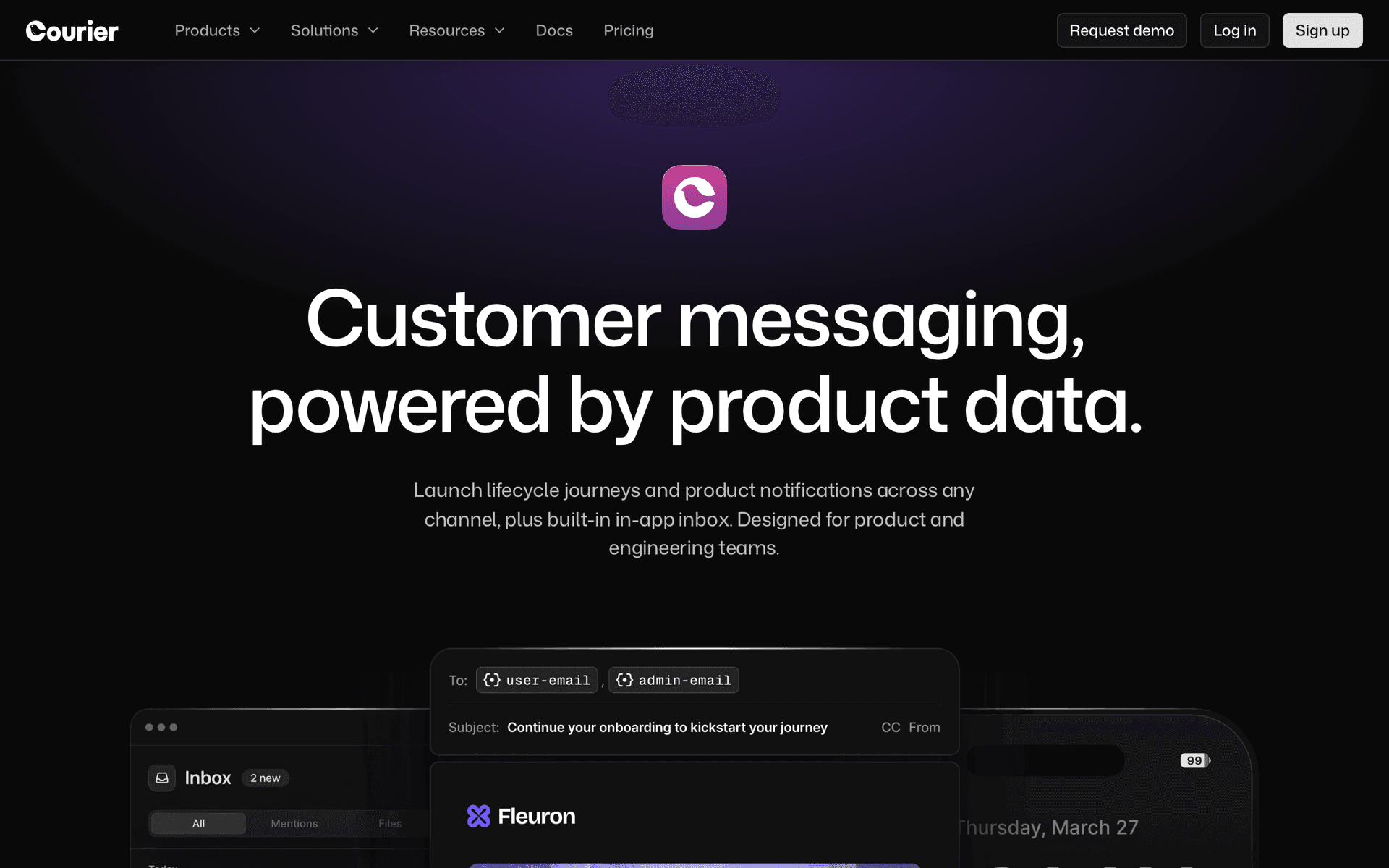
6CourierNotification API that routes one event to email, in-app, push, SMS and Slack.Marketplaces that want provider-agnostic notification delivery with failoverFree tier plus paid plans by notification volume
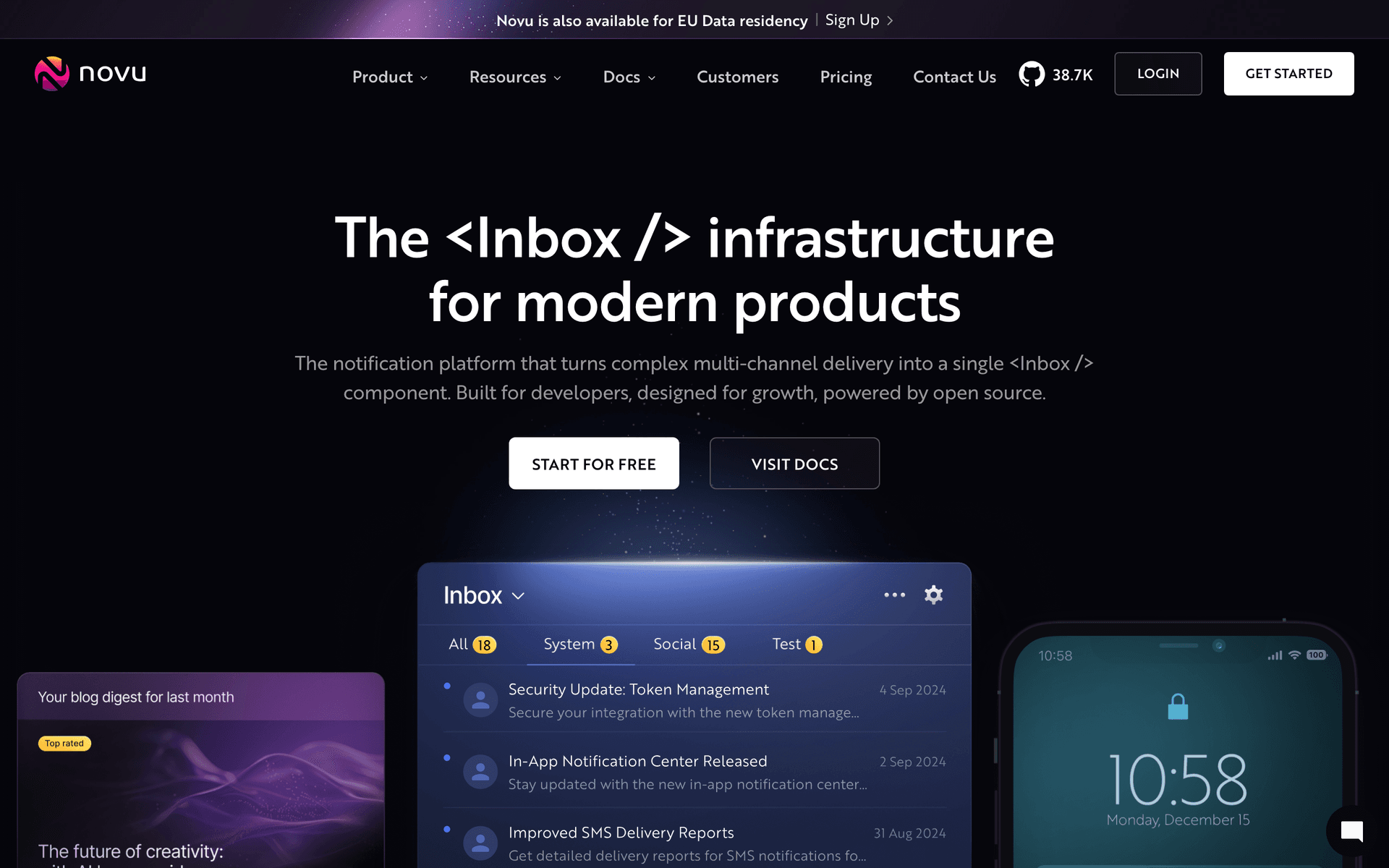
7NovuOpen-source notification infrastructure with a workflow builder and drop-in in-app inbox.Marketplaces that want notification infrastructure they can self-hostFree plan with 10,000 workflow runs/month, then priced by workflow runs
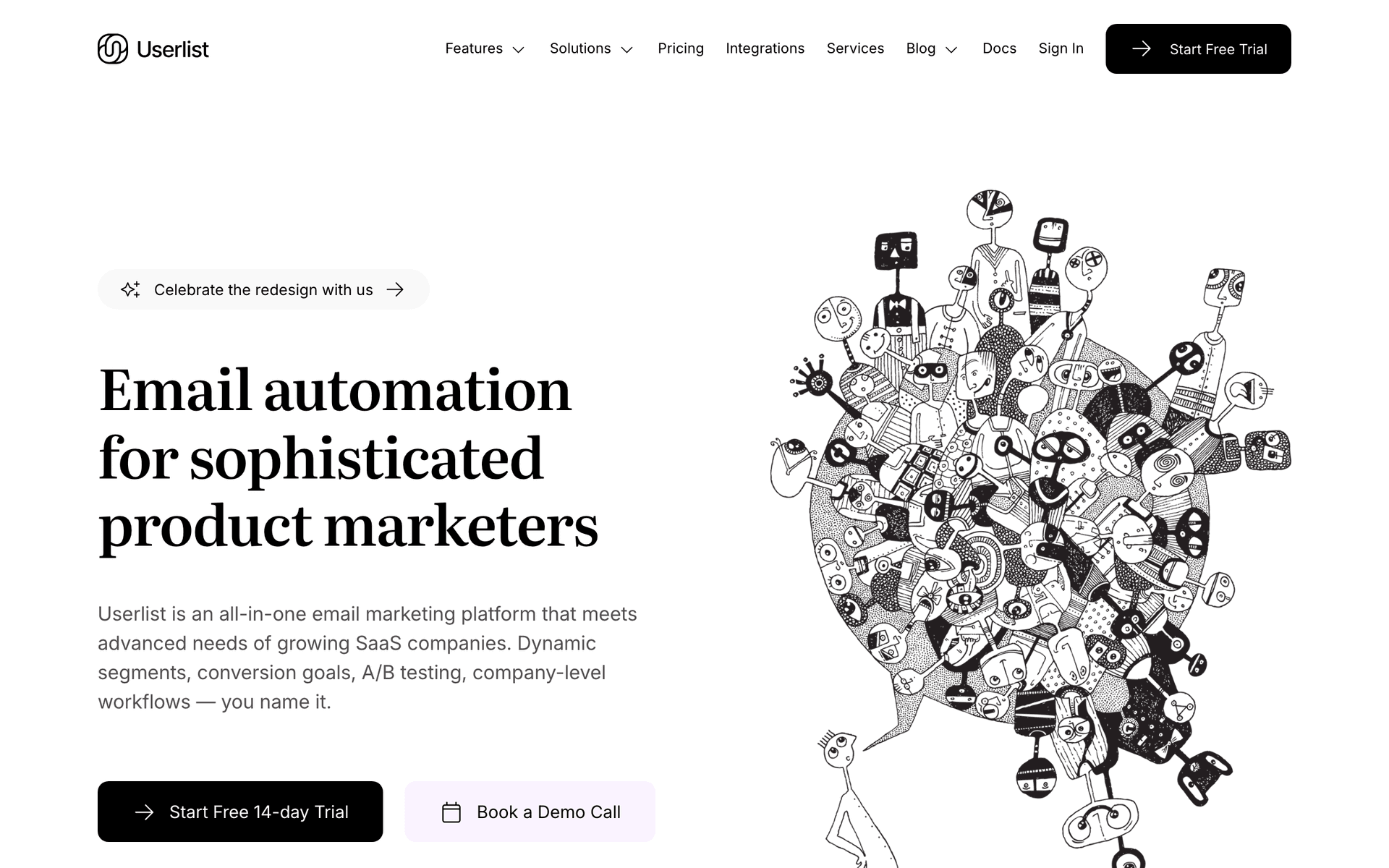
8UserlistLifecycle email with company-level tracking alongside user-level.B2B marketplaces where sellers are companies with multiple usersBasic from $149/month (or $119/month annually) for up to 10,000 users
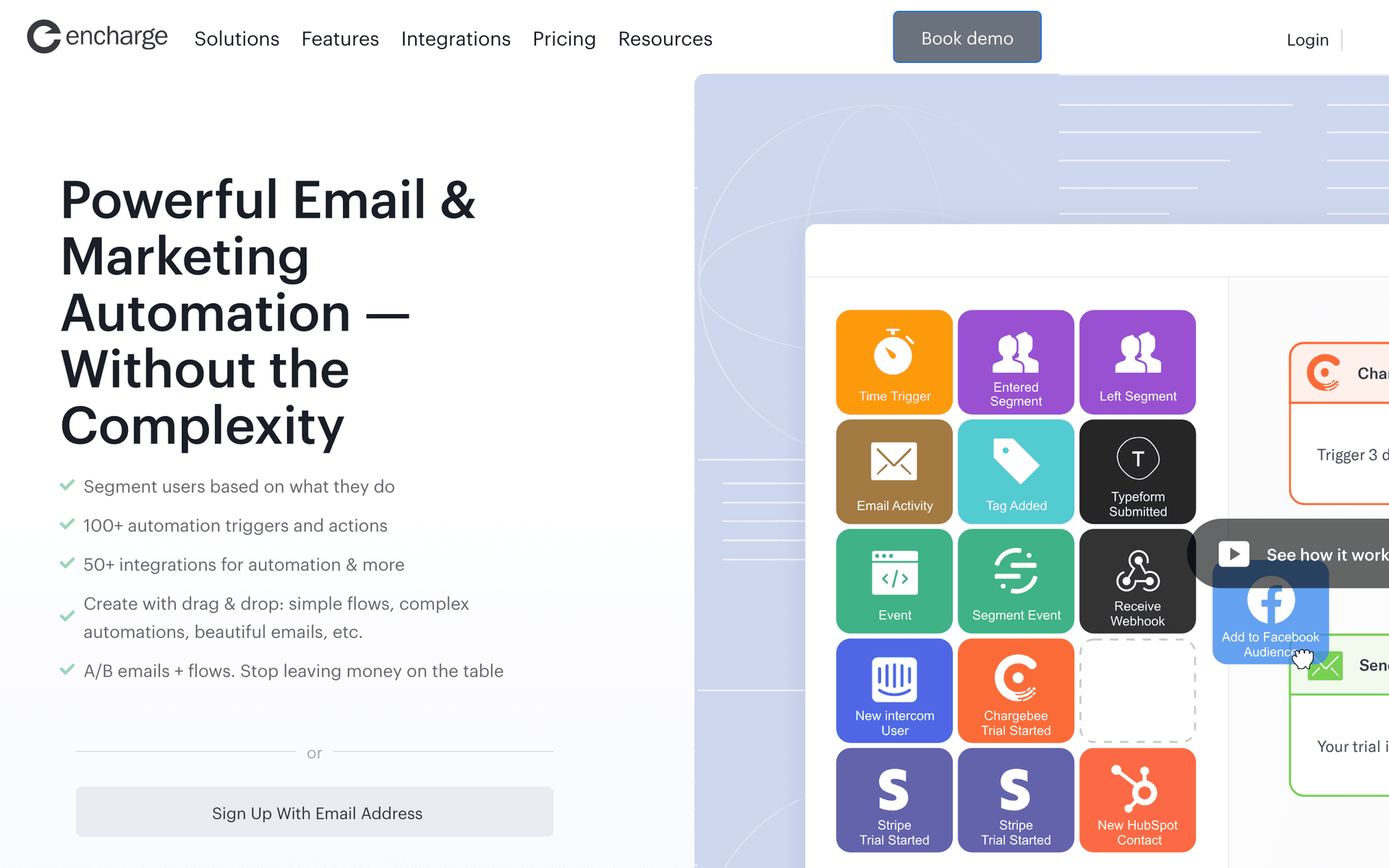
9EnchargeLifecycle automation with native Stripe billing triggers and a visual flow builder.Marketplaces with seller subscription or featured-listing revenueFrom $99/month, or $79/month billed yearly
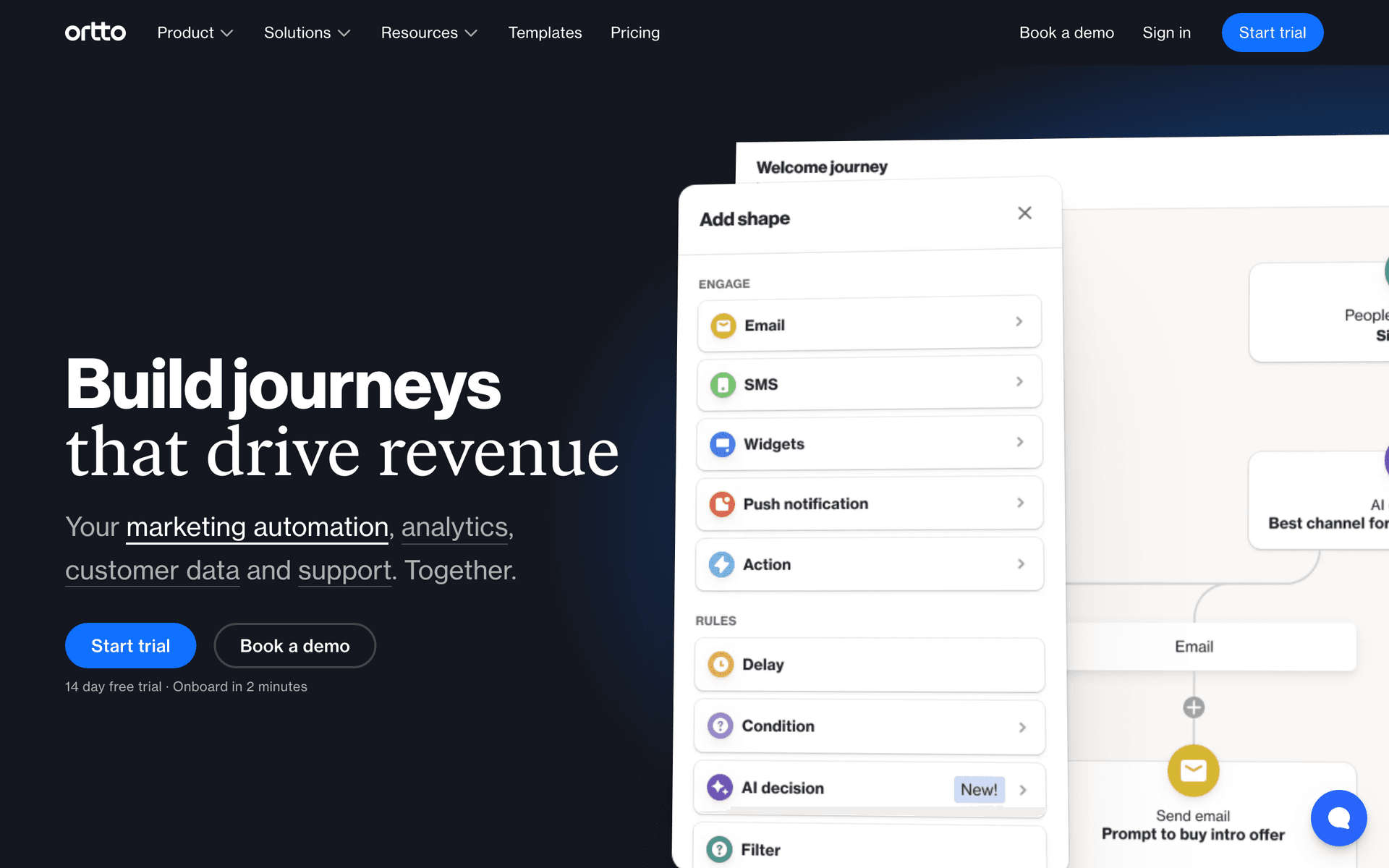
10OrttoCustomer data platform with marketing automation and analytics in one product.Marketplaces whose main problem is unifying data from many sourcesStarter shown at $237/month paid annually for 10,000 contacts
11PostmarkTransactional email provider with a strong deliverability record and separate message streams.Marketplaces that want their transactional stream isolated and extremely reliableFree for 100 emails/month, then Basic at $15/month for 10,000 emails
12SendGridHigh-volume email infrastructure with basic marketing features attached.Marketplaces with very high transactional volume that need operational control60-day free trial at 100 emails/day, then Essentials from $19.95/month
Our Top Pick for Online Marketplaces
#1
Sequenzy

Marketing and transactional email in one platform, with native Stripe events and an API, CLI and MCP server for engineering-owned event wiring.

Visit
Sequenzy dashboard screenshot

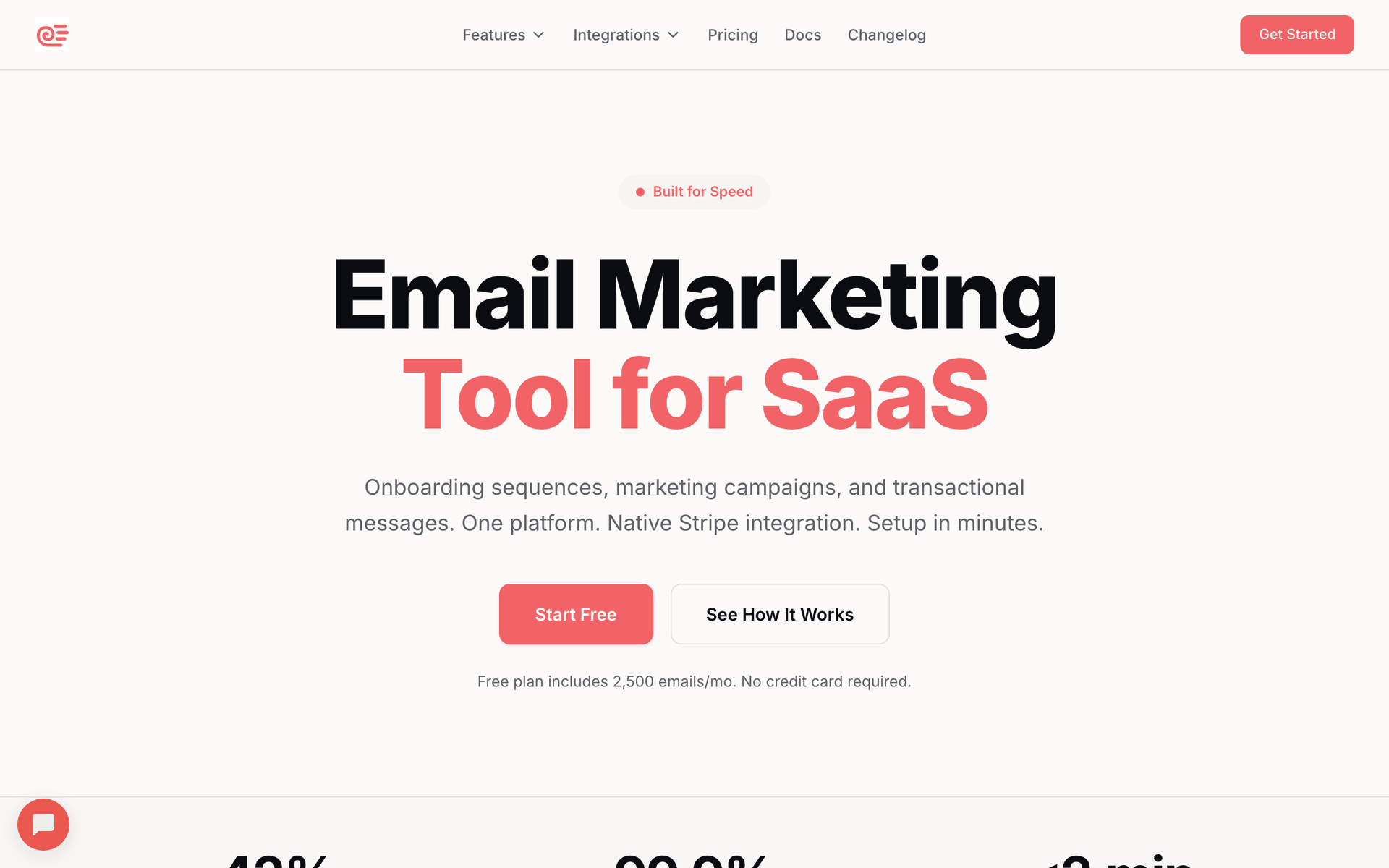
Sequenzy is first here for a specific reason: it is the platform on this list that answers 'I need one tool for both marketing and transactional email' without adding a second vendor. Buyer campaigns, seller activation sequences and order, dispute and payout notifications all send from the same platform, on the same domain, with one sending reputation and one set of analytics. Stripe events arrive natively, including the Connect flows a marketplace actually runs on - payment intents on the buyer side and payouts on the seller side - so 'payout sent' or 'payout failed' becomes a trigger rather than a support ticket. The one workflow it is best at is the unified transaction chain: buyer receipt, seller sale notification, shipping update and payout notice as one instrumented flow rather than four systems agreeing to disagree. Role handling uses tags, attributes and custom events, so buyer, seller and dual-role are real segments, and suppression rules stop a dual-role user getting the buyer newsletter and the seller digest in the same hour. Because the API, CLI and MCP server are first-class, an engineer can define and wire a new marketplace event without touching a marketing UI or buying a seat, which is how most marketplace email actually gets built. Pricing is per email sent with unlimited contacts, which suits a two-sided platform where most registered users are dormant in any given month. The honest gap is real: push covers web, iOS and Android, but there is no in-app notification feed. Verdict: the default pick unless sellers need in-product alerts, in which case pair it with Knock, Novu or Courier.

Best for
Marketplaces that want buyer marketing, seller marketing and transactional email in one platform
Pricing
Free up to 2,500 emails/mo, then from $19/mo (15,000 emails) - unlimited contacts on every plan

Pros

  • Marketing and transactional email in one platform, one domain, one reputation
  • Native Stripe and Stripe Connect payment and payout events
  • Buyer, seller and dual-role segmentation with cross-role suppression
  • API, CLI and MCP so engineers wire events without a marketing seat
  • Pay per email, so dormant marketplace users cost nothing

Cons

  • No in-app notification feed - pair with Knock, Novu or Courier
  • No built-in recommendation engine and no predictive scoring
  • No marketplace-specific template library - you build the digest yourself
  • SMS is a paid add-on and there is no two-way SMS inbox for buyer-seller messaging
#2
Customer.io

Event-driven messaging platform with deep segmentation, built for product teams.

Visit
Customer.io dashboard screenshot

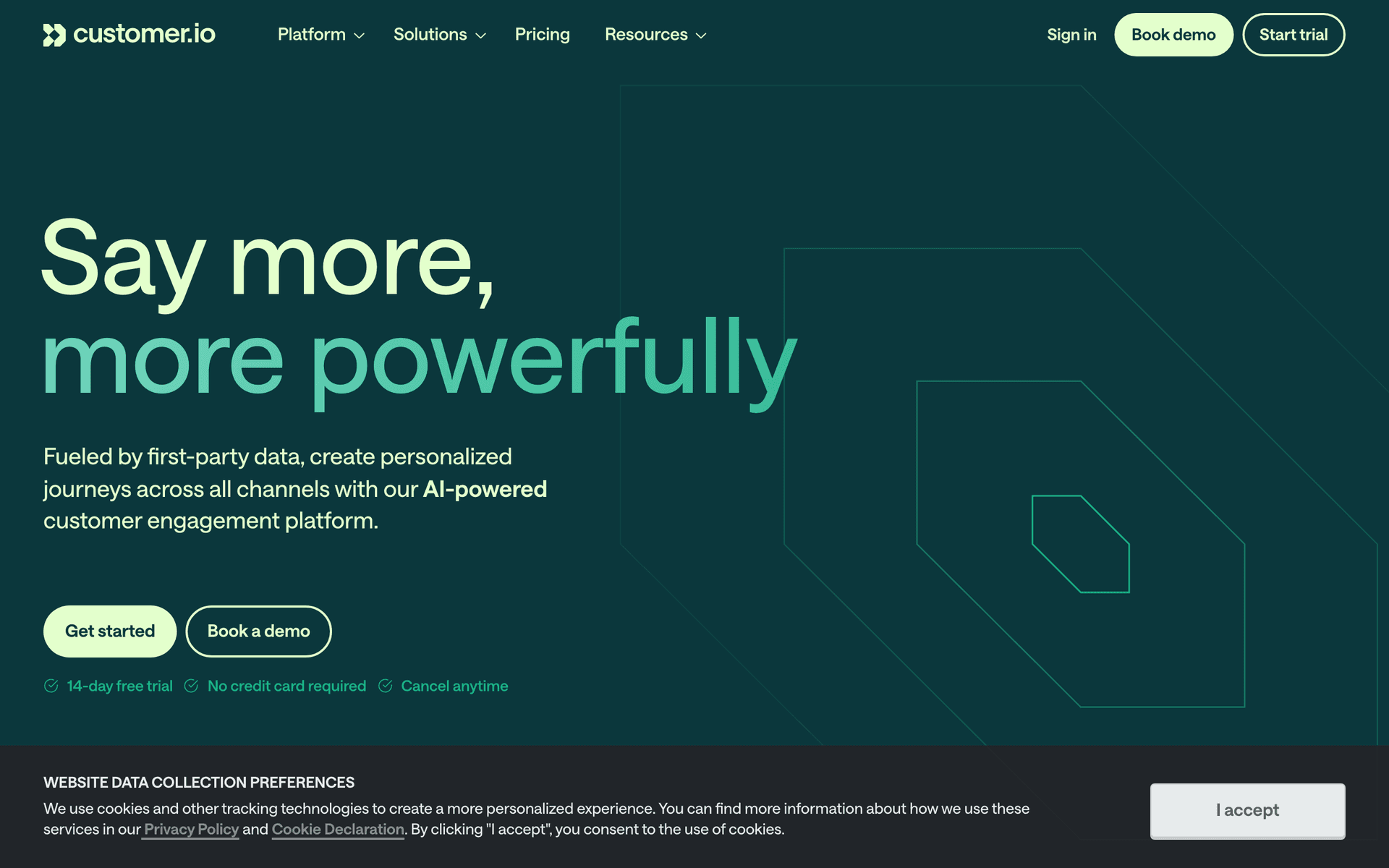
Customer.io is the strongest option for marketplaces with complex two-sided journeys and the engineering budget to match. Its data model is events and profiles, which fits a marketplace well: listing created, offer made, order placed, payout sent and dispute opened are all just events, and one event can trigger different messages to the buyer and the seller in the same workflow with completely different content. Segmentation handles role cleanly, and relationships between objects let you model a seller's listings rather than flattening everything onto the user. The one workflow it is best at is the multi-object journey - 'seller has three listings, none viewed in 14 days, category demand is up' - which almost nothing else on this list can express. Multi-channel covers email, push, in-app and SMS. Where it falls short for this niche: transactional sending is a separate concern rather than the same product, Stripe and Stripe Connect are a webhook plus glue you own, and the seller performance digest still means feeding it your own computed data. Per our Customer.io pricing guide it starts at $100/month for 5,000 profiles and about $150/month at 10,000, with overages at $0.009 per extra profile and no permanent free plan, so a large dormant user base is expensive. Verdict: the right answer for a funded marketplace with a data team, and overkill before that.

Best for
Funded marketplaces with engineering resources and complex two-sided journeys
Pricing
From $100/month for 5,000 profiles (approximately $150/month at 10,000)

Pros

  • Best-in-class event and object modelling for two-sided journeys
  • One event can fan out to buyer and seller with different content
  • Multi-channel including push and in-app
  • Excellent API and data warehouse integrations

Cons

  • Per-profile pricing charges for dormant marketplace users
  • Stripe Connect needs a webhook receiver you build and maintain
  • Transactional email is a separate concern from marketing
  • High entry price and significant implementation time
#3
Braze

Enterprise customer engagement platform spanning email, push, in-app and SMS.

Visit
Braze dashboard screenshot

Braze is where large marketplaces end up when in-app and push become as important as email, which for a mobile-first marketplace happens early. It handles cross-channel orchestration properly: the same journey can decide to send a push to an active app user, an email to someone who has not opened the app in a week, and nothing at all to someone who just saw the message in-app. Real-time segmentation on streamed event data means role, activity and category interest stay current rather than being recomputed nightly. The one workflow it is best at is channel arbitration across a large, mixed-engagement user base, which is exactly the marketplace problem once you have an app. Where it falls short for this niche: it is an enterprise product with an enterprise buying process. Per our Braze pricing guide, pricing is custom and based on edition, monthly active users and action credits, with a trial or quote path rather than a standard free plan, so there is no self-serve entry point. Implementation is a project with a dedicated owner, and it is oversized for a marketplace under a few hundred thousand users. Verdict: correct at scale with an app, wrong before that.

Best for
Large mobile-first marketplaces that need email, push and in-app orchestrated together
Pricing
Custom pricing by edition, monthly active users and action credits

Pros

  • Genuine cross-channel orchestration, not email with push bolted on
  • Real-time segmentation on streamed event data
  • Strong experimentation and holdout tooling
  • Handles very large user bases

Cons

  • Custom enterprise pricing with no self-serve entry
  • Implementation is a project with a dedicated owner
  • Oversized for early and mid-stage marketplaces
  • Transactional sending usually still goes elsewhere
#4
Loops

Modern SaaS-native email platform combining marketing and transactional sends.

Visit
Loops dashboard screenshot

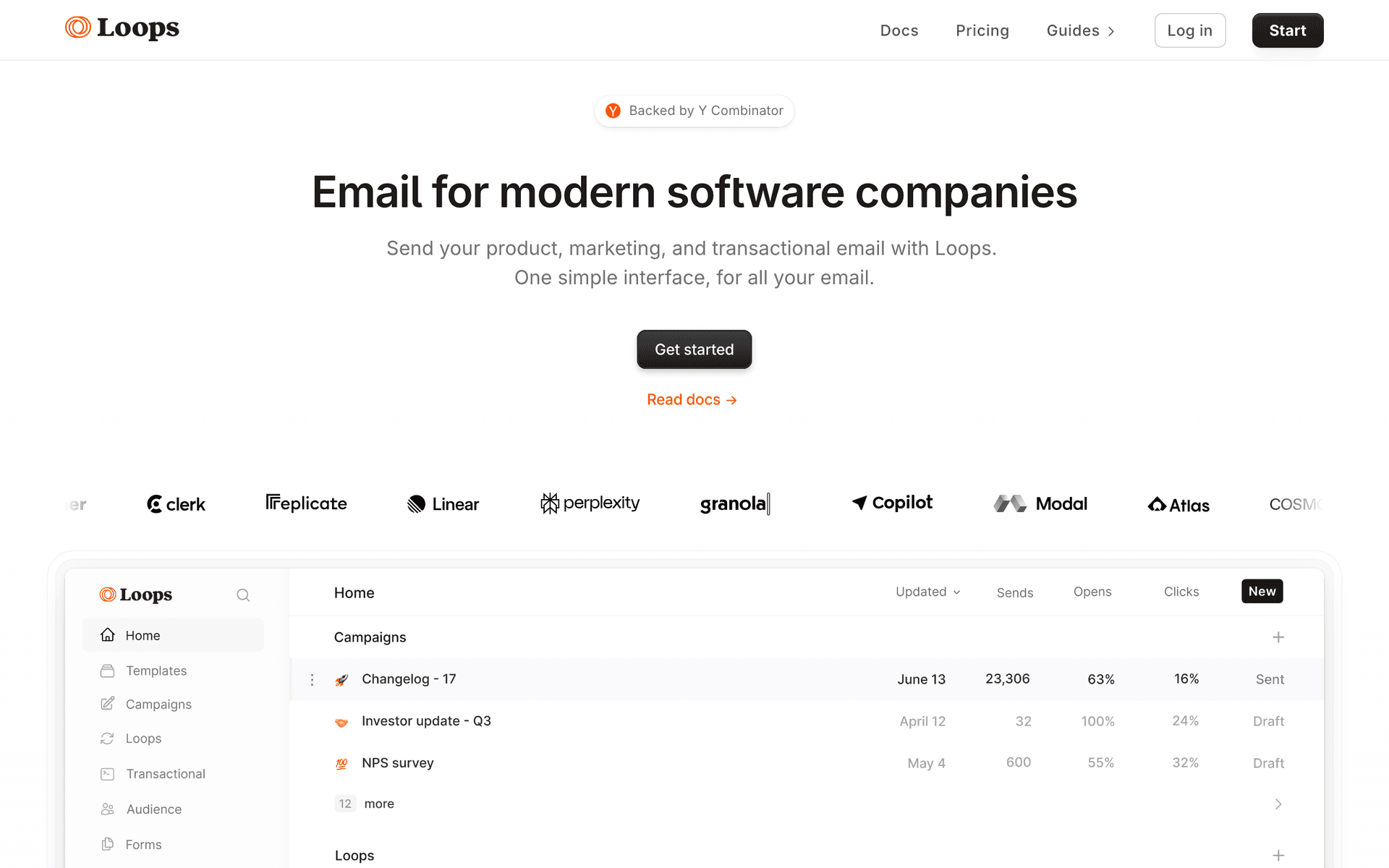
Loops suits early-stage marketplaces whose whole team is technical. Contacts carry user properties rather than list memberships, so a role property and a couple of activity fields give you serviceable buyer and seller segments without a data project. Transactional and marketing sending live in one product, which for a marketplace matters more than it does for most businesses, and the API is the primary interface so an engineer can wire order and listing events in an afternoon. The one workflow it is best at is a clean two-sided onboarding pair - buyer welcome and seller activation - built quickly by a developer with no marketing team involved. Where it falls short for this niche: dual-role handling is manual, there is no cross-programme suppression to stop double-sending, seller digests with per-recipient data are awkward, and there is no in-app or push channel. Per our Loops pricing guide, the free plan covers up to 1,000 subscribed contacts and 4,000 sends per month, the 1,000-5,000 bracket is $49/month and the 5,000-10,000 bracket is $99/month, with unlimited sends on paid plans. Per-contact bracket pricing is the wrong shape for a marketplace with a large dormant base. Verdict: good early, expensive as registered users pile up.

Best for
Early-stage marketplaces with a technical team and a small user base
Pricing
Free up to 1,000 contacts and 4,000 sends/month, then $49/month

Pros

  • Marketing and transactional in one tool
  • API-first, fast for engineers to wire up
  • Unlimited sends on paid plans
  • Clean, modern interface

Cons

  • Bracket pricing on contacts penalises dormant users
  • Dual-role suppression is manual
  • No in-app or push channel
  • Per-seller dynamic digests are awkward
#5
Knock

Notification infrastructure that routes one event to email, in-app, push and SMS with per-user preferences.

Visit
Knock dashboard screenshot

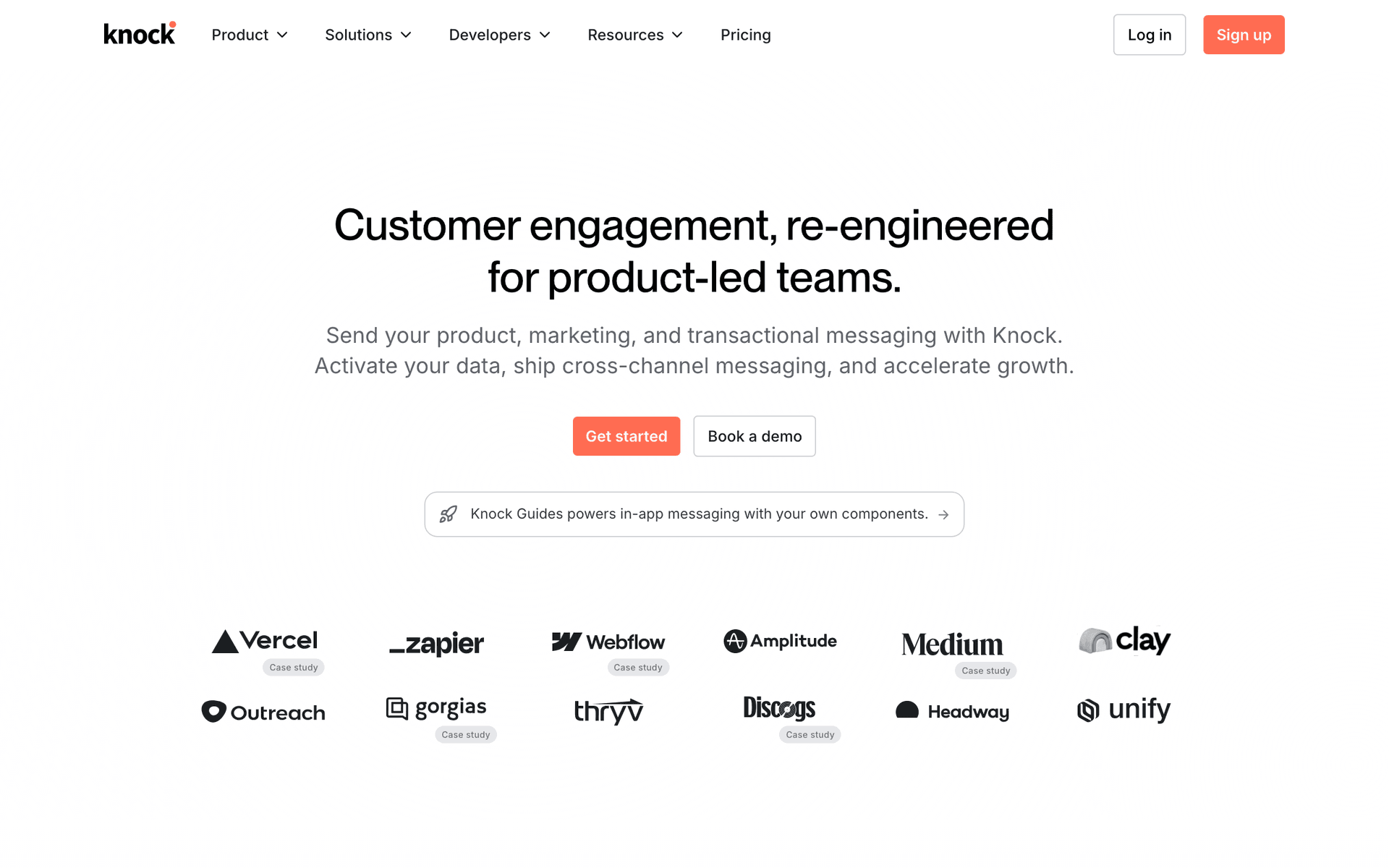
Knock is notification infrastructure, not an email marketing tool, and for a marketplace that distinction is genuinely useful rather than a disclaimer. You send it one event - order placed, offer received, payout sent - and it decides which channels each recipient gets based on their stored preferences, then renders per channel. That solves a real problem: sellers want in-app and push for order alerts, buyers want email, and nobody wants both. It ships a preference centre and an in-app feed component, which are the two pieces engineering teams consistently underestimate. Batching and digesting are built in, so a seller with 40 orders in an hour gets one notification rather than 40. The one workflow it is best at is the per-user, per-channel notification preference layer that sits between your application and every delivery provider. Where it falls short for this niche: no campaigns, no broadcasts, no list building, no marketing analytics, and no growth tooling of any kind. Pricing is a free tier plus paid plans by monthly notification volume; check current tiers with the vendor. Verdict: pair it with a marketing platform rather than choosing between them.

Best for
Marketplaces that need in-app, push and email routed by user preference
Pricing
Free tier plus paid plans by monthly notification volume

Pros

  • One API for email, in-app, push and SMS
  • Per-user channel preferences and a hosted preference centre
  • Drop-in in-app feed component
  • Batching and digesting built into the workflow engine

Cons

  • Not a marketing platform - no campaigns or broadcasts
  • Engineering-owned; marketers cannot self-serve
  • Another vendor alongside your marketing tool
  • No growth or list analytics
#6
Courier

Notification API that routes one event to email, in-app, push, SMS and Slack.

Visit
Courier dashboard screenshot

Courier covers the same ground as Knock with a stronger emphasis on template management and provider routing. You send one event and Courier picks channels per user preference, renders the content per channel, and falls back to another provider if the first one fails - which matters for a marketplace where a failed payout notification becomes a support ticket within the hour. Templates live outside your codebase, so a non-engineer can change the wording of a shipping notification without a deploy, a small thing that removes a surprising amount of friction. The one workflow it is best at is provider-agnostic delivery with failover, so you are not rewriting notification code the next time you change email providers. Where it falls short for this niche: it is not a marketing platform. No campaigns, no list building, no broadcast sends, no marketing analytics. Pricing is a free tier with paid plans by notification volume; check current tiers with the vendor. Verdict: choose it over Knock if template ownership outside the codebase and provider failover matter more than the in-app feed component, and pair it with a marketing tool either way.

Best for
Marketplaces that want provider-agnostic notification delivery with failover
Pricing
Free tier plus paid plans by notification volume

Pros

  • One API for email, in-app, push, SMS and Slack
  • Provider failover and routing rules
  • Templates managed outside the codebase
  • Per-user channel preferences and a preference centre

Cons

  • Not a marketing platform - no campaigns or broadcasts
  • Engineering-owned
  • An extra vendor and an extra bill
  • No list or growth analytics
#7
Novu

Open-source notification infrastructure with a workflow builder and drop-in in-app inbox.

Visit
Novu dashboard screenshot

Novu covers the same ground as Knock and Courier with an open-source core, which matters if you want to self-host or if your marketplace operates somewhere with data-residency constraints. The workflow builder handles digests and batching natively, which is genuinely useful here: a seller who receives 40 orders in an hour wants one digest rather than 40 notifications, and building that yourself is more work than it looks. The drop-in in-app inbox component saves real engineering time, and because the core is open source you can read exactly what happens to your users' notification data. The one workflow it is best at is self-hosted, data-resident notification delivery with digesting, which no commercial alternative here offers. Where it falls short for this niche: as with Courier and Knock it is notification infrastructure, so there are no campaigns, no list marketing and no growth analytics. The self-hosted path is more operational work than the documentation suggests, so budget for it. Per our Novu pricing guide there is a free plan with 10,000 workflow runs per month, and paid cloud plans are priced by workflow runs. Verdict: the pick if self-hosting or data residency is a requirement.

Best for
Marketplaces that want notification infrastructure they can self-host
Pricing
Free plan with 10,000 workflow runs/month, then priced by workflow runs

Pros

  • Open-source core with a self-host option
  • Digest and batching built into the workflow engine
  • Drop-in in-app inbox component
  • Generous free tier for early-stage use

Cons

  • Not a marketing platform
  • Self-hosting is real operational work
  • Smaller ecosystem than the commercial alternatives
  • No campaign or list tooling
#8
Userlist

Lifecycle email with company-level tracking alongside user-level.

Visit
Userlist dashboard screenshot

Userlist earns a place on this list for one structural reason: it models companies as first-class objects alongside users, which is exactly right for a B2B marketplace where sellers are businesses rather than individuals. In that shape, the person who signs up, the person who manages listings and the person who receives the payout are often three different people at the same seller, and messaging the account rather than the individual is the correct behaviour. The one workflow it is best at is company-level seller activation, where the sequence advances when anyone at the seller publishes a listing rather than when the recipient does. Behaviour-based automation covers the rest of the seller lifecycle, and Stripe data can be synced in for subscription-style seller fees. Where it falls short for this niche: buyer-side marketing is not its purpose, there is no in-app or push, transactional sending is not the focus, and consumer marketplaces with individual sellers get nothing from the company model. Per our Userlist pricing guide, Basic starts at $149/month, or $119/month billed annually, for up to 10,000 users, with a 14-day trial and no free plan. Verdict: strong for B2B marketplaces, irrelevant for consumer ones.

Best for
B2B marketplaces where sellers are companies with multiple users
Pricing
Basic from $149/month (or $119/month annually) for up to 10,000 users

Pros

  • Company-level and user-level tracking together
  • Account-based seller activation logic
  • Straightforward event API
  • Purpose-built for lifecycle rather than campaigns

Cons

  • No in-app or push channel
  • Weak for buyer-side consumer marketing
  • High entry price for early-stage marketplaces
  • No free plan
#9
Encharge

Lifecycle automation with native Stripe billing triggers and a visual flow builder.

Visit
Encharge dashboard screenshot

Encharge fits marketplaces that monetise with recurring fees alongside transaction fees: seller subscriptions, featured listing plans, buyer memberships. Stripe is a native integration rather than a webhook exercise, so subscription created, payment failed, upgrade and cancellation flow into the visual builder without engineering, and that subscription layer is a genuine gap in most of the tools on this list. Behaviour-based flows react to marketplace activity - first listing, first sale, inactivity threshold - once you push those events in. The one workflow it is best at is seller subscription lifecycle: onboarding a seller onto a paid plan, recovering their failed payment, and nudging them to a higher tier as their listings grow. Where it falls short for this niche: it has no notion of a two-sided marketplace, so role separation and dual-role suppression are things you construct with tags and exclusions; it does not do transactional email; and there is no in-app or push. Per our Encharge pricing guide it starts at $99/month, or $79/month billed yearly, with subscriber-based tiers and no free plan beyond a 14-day trial. Verdict: worth a look only if seller subscription revenue is a real part of your model.

Best for
Marketplaces with seller subscription or featured-listing revenue
Pricing
From $99/month, or $79/month billed yearly

Pros

  • Native Stripe subscription lifecycle triggers
  • Visual builder a marketer can own
  • Good fit for seller subscription monetisation
  • Behaviour-based flows once events are pushed in

Cons

  • No marketplace or two-sided concepts
  • Dual-role suppression must be constructed manually
  • No transactional sending, no in-app or push
  • Subscriber-based pricing on a large dormant base
#10
Ortto

Customer data platform with marketing automation and analytics in one product.

Visit
Ortto dashboard screenshot

Ortto is worth considering when your marketplace data is scattered across a transactional database, a payments provider, a support tool and a product analytics stack, and the actual blocker is that no system holds a complete picture of a user. The CDP layer unifies those sources into one profile for buyers and sellers, then the journey builder works on top of it, so a segment like 'seller with more than five listings, no sale in 30 days, opened a support ticket last week' is expressible without a data pipeline project. Built-in analytics and dashboards mean the marketplace metrics live next to the campaigns that move them. The one workflow it is best at is multi-source segmentation where the definition of the audience is the hard part. Where it falls short for this niche: no in-app or push in the way Braze or Knock offer it, no Stripe Connect awareness specifically, and per-contact pricing on a large dormant marketplace base gets expensive fast. Per our Ortto pricing guide, the Starter plan is shown at $237/month paid annually for 10,000 contacts, with no permanent free plan. Verdict: a CDP-first answer to a data problem, not a marketplace-specific tool.

Best for
Marketplaces whose main problem is unifying data from many sources
Pricing
Starter shown at $237/month paid annually for 10,000 contacts

Pros

  • CDP unifies transactional, payment and product data into one profile
  • Journey builder works directly on unified data
  • Analytics and dashboards included
  • Handles two-sided segmentation once data is unified

Cons

  • Per-contact pricing on a mostly dormant user base
  • No in-app or push channel of note
  • No specific Stripe Connect handling
  • No free plan and a high annual entry price
#11
Postmark

Transactional email provider with a strong deliverability record and separate message streams.

Visit
Postmark dashboard screenshot

Transaction emails are the backbone of marketplace communication: order confirmations, sale notifications, shipping updates, payout notices, dispute status, password resets. Users are actively waiting for these, and late or missing ones become support tickets within the hour. Postmark's whole product is delivering them fast and reliably, and its separate message streams feature lets you isolate transactional traffic from bulk so a marketing send cannot queue behind or contaminate the stream carrying your payout notifications. The one workflow it is best at is the critical transactional stream you never want to think about again. Where it falls short for this niche: it is deliberately not a marketing tool. No sequences, no campaigns, no segmentation, no automation, and it enforces that boundary by policy rather than just by feature set, so you cannot quietly use it for marketing. Per our Postmark pricing guide it is free for 100 emails a month for testing, and the Basic plan is $15/month for 10,000 emails, with volume pricing above that. Verdict: pair it with a marketing platform, or use a platform that does both and save the vendor.

Best for
Marketplaces that want their transactional stream isolated and extremely reliable
Pricing
Free for 100 emails/month, then Basic at $15/month for 10,000 emails

Pros

  • Excellent transactional deliverability and speed
  • Separate message streams isolate transactional from bulk
  • Detailed per-message event data
  • Simple, predictable volume pricing

Cons

  • Not a marketing tool by design or by policy
  • No sequences, campaigns or segmentation
  • A second vendor and a second set of templates
  • No in-app or push
#12
SendGrid

High-volume email infrastructure with basic marketing features attached.

Visit
SendGrid dashboard screenshot

SendGrid is the default answer for marketplaces sending genuinely large transactional volumes, where tens of thousands of notifications a day is normal and the priority is that the pipe never breaks. The API is mature, the throughput is proven, dedicated IPs and subuser separation let you isolate traffic types, and the event webhook gives you the delivery data you need to debug the one payout notification that did not arrive. The one workflow it is best at is high-volume transactional sending with operational control over IPs and streams. Its marketing side exists but is basic compared with anything else on this list: segmentation is shallow, automation is limited, and it is not where you would build a seller activation programme or a per-seller performance digest. Per our SendGrid pricing guide there is a 60-day free trial at 100 emails a day rather than a permanent free marketing plan, and Essentials starts at $19.95/month, with volume and feature tiers above that. Pricing gets complex at scale, so model your real volume before committing. Verdict: the transactional workhorse for a large marketplace, paired with a marketing platform that does the two-sided programme.

Best for
Marketplaces with very high transactional volume that need operational control
Pricing
60-day free trial at 100 emails/day, then Essentials from $19.95/month

Pros

  • Proven at very high volume
  • Dedicated IPs and subuser isolation
  • Mature API and detailed event webhooks
  • Widely supported by every stack

Cons

  • Marketing automation is basic
  • Segmentation is shallow for two-sided programmes
  • Pricing gets complex at scale
  • No permanent free marketing plan

Feature Comparison

FeatureSequenzyCustomer.ioBrazeLoopsKnockCourierNovuOrttoPostmarkSendGrid
Two-sided role segmentation
Tags and custom events
Segments and objects
Segments
Properties
Per-recipient
Per-recipient
Per-subscriber
Unified profiles
Basic lists
Dual-role user handling
Suppression by role
Segment logic
Segment logic
Manual
Preferences
Preferences
Preferences
Segment logic
Stripe Connect payment and payout events
Native Stripe
Webhook + glue
Webhook + glue
Via API
Webhook
Webhook
Webhook
Webhook
Webhook
Webhook
Marketing and transactional in one tool
Separate concern
Separate concern
Partial
Partial
Per-listing and per-order event triggers
Seller performance digest capability
Dynamic blocks
Limited
Digest engine
In-app or push alongside email
Push, no in-app
Push and in-app
Push and in-app
Trust and safety notification handling
Separate templates, same domain
Build your own
Build your own
Build your own
Build your own
Build your own
Build your own
Build your own
Separate message streams
Subuser isolation
Engineering-owned event wiring (API/CLI)
API, CLI and MCP
API
API
API
API
API
API
API
API
API
Free tier
2,500 emails/mo
1,000 contacts
Free tier
Free tier
10,000 runs/mo
100 emails/mo
60-day trial
Price at 100k registered users
$99/mo by send volume
Approx $955/mo at published overage
Custom quote
Not published
By notification volume
By workflow runs
Contact-priced
By send volume
By send volume

Common Mistakes to Avoid

We see these mistakes over and over. Skip the learning curve and avoid these from day one.

Running buyers and sellers off one list

Buyers and sellers have opposite motivations, opposite cadences and opposite tones. Merging them produces email that is mildly irrelevant to everyone, which shows up as slowly declining engagement rather than as an obvious failure, so it goes unnoticed for years.

Ignoring dual-role users

Many marketplace users buy and sell. Without explicit handling they receive duplicate onboarding, contradictory messaging and double the volume. Tag them, pick a primary role from recent activity, and apply a cross-programme suppression rule.

Letting one purchase generate eight emails

Order confirmation, payment received, seller notification, shipped, out for delivery, delivered, review request, seller payout. Without coordination a single transaction floods two inboxes in four days. Consolidate where the information is not time-critical and cap non-transactional frequency.

Treating the seller digest as optional

It is the highest-value marketplace email and the one most teams postpone because every recipient gets different numbers. Sellers who understand their performance improve it. Build it with dynamic content from your own data rather than waiting for a campaign builder to make it easy.

Putting trust and safety emails in marketing templates

Identity verification, bank account changes, dispute notices and login alerts should look different from your campaigns and send from a system that will not queue them behind a broadcast. When these are late or look promotional, you get support tickets and, eventually, fraud losses.

Paying per profile for a mostly dormant user base

Most registered marketplace users do not hear from you in a given month. Per-profile pricing charges for all of them anyway, which pushes teams to delete users they would rather reactivate. Model your cost on emails sent, not accounts created, before choosing a billing model.

Email Sequences Every Online Marketplace Needs

These are the essential automated email sequences that will help you grow your business and keep clients coming back.

Seller activation to first listing

Seller account created

The highest-leverage marketplace sequence. Every email has one job, and the sequence stops the moment they publish.

Immediately
Your seller account is ready - list your first item

One link straight into the listing form, pre-filled as far as your product allows. No tour, no policy summary, no welcome video.

Day 2
The three things that make a listing sell

Sends only if no listing exists. Photos, title and price, with real examples from top sellers in their category.

Day 5
Buyers searched your category 1,200 times last week

Demand evidence for their specific category. This is the email that converts hesitant sellers, because it answers the only question they have.

Day 10
Need a hand getting your first listing up?

Plain-text offer of human help with a reply-to that reaches a person. Last email in the sequence for sellers who never listed.

Seller performance digest

Weekly or monthly schedule for sellers with active listings

The highest-value recurring marketplace email. Every recipient gets different numbers and one recommended action.

Weekly, same day each week
Your week: 340 views, 12 saves, 3 orders

Five metrics only - views, saves, conversion rate, orders, revenue - plus one comparison against the category median and a single recommended action.

Monthly
Your month on the marketplace, and what changed

The longer view: trend against the previous month, best and worst performing listings, and category demand shifts they should react to.

Dormant seller reactivation

No new listing and no sale in 60 days

Sellers left because they were not selling. Only demand evidence and concrete change move them.

Day 60 of dormancy
Demand in your category is up 40% since you last listed

Lead with their category's numbers. Include one comparable listing that sold recently and what it sold for.

Day 74
What changed for sellers since you were last here

Concrete platform changes: lower fees, faster payouts, new tools. Not a feature list - the two or three that affect their economics.

Day 90
Relist your old items in one click

Remove the work. A one-click relist of their previous listings at current prices converts far better than an invitation to start over.

Buyer onboarding to first purchase

New buyer signs up

Get the first purchase inside 14 days, because first-purchase rate predicts everything downstream.

Immediately
Welcome - here is what people are buying right now

Real inventory, not a feature tour. Use their signup category or the marketplace's best-selling items if you have no signal yet.

Day 2
Picked for you based on what you browsed

Personalised from browse behaviour if you have it, category-level if you do not. Never a generic newsletter.

Day 5
How you are protected when you buy here

Buyer protection, dispute process, payment security. Trust is the main blocker to a first purchase on any marketplace.

Day 12
The item you saved is still available

Sends only if they saved or viewed something without buying. Scarcity only if it is real.

Post-purchase and review request

Order delivered

Reviews are marketplace trust. Ask once, ask early, and make it one click.

2 days after delivery
How was your order from this seller?

One-click star rating embedded in the email. Optional text on the landing page, never required in the email.

7 days after delivery
One tap to rate your order

Single reminder for non-responders, then stop. A third review request measurably increases unsubscribes without increasing reviews.

Payout and trust notifications

Payout sent, payout failed, verification required or dispute opened

Transactional and trust messages. Different templates, same domain, no promotional content.

On payout sent
Your payout of $482.10 is on the way

Amount, expected arrival date, the orders it covers and the bank account ending. This is the message sellers check for.

On payout failed or verification required
Action needed: we could not send your payout

Say exactly what is blocked, what to do, and how long it will take once fixed. This is the top support-ticket generator on any marketplace.

On dispute opened
A dispute was opened on order 48213

Neutral in tone, explicit about next steps and deadlines, sent to both parties with the relevant details for each.

Running a marketplace SaaS rather than a consumer marketplace? This is the canonical guide for both - email marketing for marketplace SaaS covers the same ground for platform businesses.

Best email marketing tools for marketplaces (2026)

Marketplaces buy email differently from other businesses because they need three things at once: marketing to buyers, marketing to sellers, and a reliable transactional and trust layer underneath both. Sequenzy is our pick because it does all three from one platform on one domain, with native Stripe and Stripe Connect events and an API, CLI and MCP server so engineers can wire marketplace events without a marketing seat. Customer.io is better if you have a data team and need object-level modelling of listings and orders. Braze is the enterprise answer once in-app and push matter as much as email. If you only need the notification layer, Knock, Novu and Courier are infrastructure rather than marketing tools and should be paired with one.

If you are Pick Because
Tired of paying two vendors for marketing and transactional Sequenzy Both from one platform, one domain, one reputation, native Stripe Connect events
A funded marketplace with a data team Customer.io Object-level modelling of listings and orders, from $100/mo at 5,000 profiles
A mobile-first marketplace at scale Braze Real cross-channel arbitration between email, push and in-app, on custom pricing
Adding in-app and push to an existing email stack Knock, Courier or Novu Per-user channel preferences and native digesting, priced by notification volume
Sending very high transactional volume Postmark or SendGrid Isolated message streams and proven throughput, from $15/mo and $19.95/mo

How to choose email marketing software for a marketplace

Eight criteria decide this, and none of them appears on a vendor comparison page.

1. Role segmentation that your application writes. Buyer, seller and dual-role must be attributes set by your backend, not tags a marketer maintains or behaviour a tool infers. Ask how the attribute gets written and how fast it updates when a buyer lists their first item. Sequenzy uses tags, attributes and custom events; Customer.io and Braze use profile attributes and segments; Postmark has no concept of segmentation at all.

2. Dual-role suppression across programmes. Not "can I exclude a segment from a campaign" but "can the seller programme and the buyer programme know about each other". Cross-programme frequency capping: Sequenzy (suppression by role), Customer.io and Braze (segment logic), Knock, Courier and Novu (per-user preferences). Manual: Loops, SendGrid.

3. Stripe Connect payment and payout events. Connect is the actual marketplace billing primitive, and payouts are the single most support-generating email you send. Native: Sequenzy. Webhook plus glue you maintain: everyone else. This is a genuine engineering cost difference rather than a feature checkbox.

4. Per-listing and per-order event triggers. Your emails are about objects, not people: this listing expired, this order shipped, this offer was rejected. Every tool here can accept a custom event, but ask whether the object's data travels with the event so the email can render it, or whether you have to look it up separately at send time.

5. Seller performance digests with per-recipient data. Every seller gets different numbers. This needs dynamic content driven by your data, either through the API or through a data feed. Practical here: Sequenzy dynamic blocks, Customer.io, Braze, Ortto, and the digest engines in Knock and Novu. Not practical: Postmark, SendGrid, and broadcast-oriented tools generally.

6. Transactional and trust handling. Can the platform send receipts, payout notices and security alerts on a stream that a marketing broadcast cannot delay or contaminate? Same tool, separate templates and streams: Sequenzy, Postmark (streams), SendGrid (subusers). Separate concern or product: Customer.io, Braze. Not offered: Ortto, Encharge.

7. Engineering-owned event wiring. Most marketplace email is built by engineers, not marketers, so the question is whether an engineer can define and ship a new triggered email without a seat in a marketing UI. Sequenzy exposes an API, a CLI and an MCP server; Customer.io, Braze, Knock, Courier and Novu all have strong APIs. Check whether you also need to buy a user seat to make the change.

8. Pricing that matches a dormant user base. A marketplace with 100,000 registered users might email 25,000 of them in a month. Per-profile pricing charges for all 100,000. Volume pricing charges for what you send. This single choice is usually a larger cost difference than any feature on this list.

Buyer emails and seller emails are two different programmes

They share a database and nothing else. Treating them as one list is the most common marketplace email mistake, and it shows up as slowly declining engagement on both sides rather than as an obvious failure.

Buyers Sellers
Goal Repeat purchase Supply and listing quality
Cadence Campaign-driven, weekly at most Digest-driven, weekly or monthly
Key sequence Welcome, browse abandonment, post-purchase Activation to first listing, performance digest, reactivation
Tone Consumer marketing B2B, data-first
What they want from you Selection, price, convenience, protection Traffic, conversion, fast payouts, support
Unsubscribe risk Moderate High - sellers who unsubscribe stop listing
Success metric Orders per buyer Active listings and revenue per seller

Sellers deserve special care: a seller who unsubscribes usually stops paying attention to the marketplace entirely, and reacquiring supply is far more expensive than reacquiring demand. Treat the seller list as a B2B list with a strict relevance bar, not as a broadcast audience.

Every major marketplace motion needs two versions, one for each side.

Marketplace motion Buyer email Seller email
New account How to find trusted sellers How to create a listing that sells
First transaction Confirmation and next steps Sale notification and fulfilment checklist
Category activity New matching listings Demand signals in your category
Review window Simple one-click review request Review received or feedback summary
Price or fee change What it means for your orders What it means for your margin
Dormancy Items or sellers they are missing Buyers searching for their category

The marketplace email playbook

Five programmes, in the order that matters. Supply first, because supply creates demand.

Seller activation to first listing

Trigger: seller account created. Segment: sellers with zero published listings. Timing: day 0, day 2, day 5, day 10, then stop.

Most marketplaces are supply-constrained, and most supply is lost in the first week. The activation sequence that works has one job per email: create the account, publish the first listing, get the first view, get the first sale. Stop the sequence the moment the seller publishes, because a seller who has already listed and is still being told how to list stops reading you permanently.

  1. Day 0 - "Your seller account is ready - list your first item". One link into the listing form.
  2. Day 2 - "The three things that make a listing sell". Photos, title, price, with real category examples.
  3. Day 5 - "Buyers searched your category 1,200 times last week". Demand evidence, category-specific.
  4. Day 10 - "Need a hand getting your first listing up?" Plain text, human reply-to.

Metric to watch: seller activation rate, defined as signup to first published listing within 7 days. A healthy marketplace converts 30-50%. Below 20% the sequence is the problem, not the traffic. Track it as a weekly cohort, because it degrades quietly when the listing flow changes.

Seller performance digests

Trigger: weekly or monthly schedule, sellers with at least one active listing. Segment: by listing volume, since a seller with 400 listings needs a different digest from one with two. Timing: the same day and time every week.

The seller digest is the highest-value marketplace email and the one most teams postpone because it is technically awkward: every recipient gets different numbers. Keep it to five metrics and one recommended action.

Metric What it tells the seller Suggested next step
Listing views Whether demand exists at all Improve the title or the main photo
Saves or favourites Whether buyers are considering Add scarcity or availability detail
Inquiry rate Whether the listing builds trust Add proof, policies or response time
Conversion rate Whether pricing and offer fit Adjust price or bundle
Category benchmark How they compare with peers Copy what top sellers in the category do

Weekly works for high-volume marketplaces, monthly for everything else. Build it with dynamic content driven by your own data through the API rather than trying to express it in a campaign builder, and make the recommended action conditional on the weakest metric rather than the same for everyone.

Metric to watch: digest open rate and, more importantly, the change in listing quality actions - photo uploads, title edits, price changes - in the 48 hours after it sends.

Dormant seller reactivation

Trigger: no new listing and no sale in 60 days. Segment: by category and by whether they ever made a sale. Timing: day 60, day 74, day 90.

Reactivation should never be "we miss you". Send demand evidence: how many buyers searched their category last month, what a comparable listing sold for, what changed in fees, payout speed or tooling since they left. Segment on last listing and last sale, not last login, because a seller who checks the app but never lists is a different problem from one who has gone entirely.

The single highest-converting reactivation email on most marketplaces is a one-click relist of their previous listings at current prices, because it removes the work rather than asking for it. Sellers who never made a sale need the opposite treatment: they need to know why, which usually means pricing or photos, and a generic reactivation email will never tell them.

Metric to watch: reactivation rate to a published listing, not to a login. Typical range is 5-12%, and only with demand evidence rather than sentiment.

Buyer onboarding and reactivation

Trigger: buyer signup, then browse and save behaviour. Segment: by category interest and by whether they have purchased. Timing: day 0, day 2, day 5, day 12 for onboarding; behaviour-triggered afterwards.

The buyer side is closer to conventional ecommerce, with one important difference: trust is the main blocker to a first purchase because the buyer is paying a stranger. Put the protection and dispute-process email early rather than treating it as fine print, and use real inventory in every email rather than category illustrations.

After the first purchase, the programme shifts to browse abandonment, saved-item availability, price drops on watched items and new arrivals in followed categories. These are all triggered rather than scheduled, and they collectively outperform any newsletter you could write. The buyer-side playbook in email marketing for ecommerce applies almost directly.

Metric to watch: first-purchase rate within 14 days of signup, then repeat purchase rate at 90 days. First-purchase rate predicts everything downstream, so instrument it before anything else.

Transaction and trust emails

Trigger: order and account events. Segment: by role and by which party the message concerns. Timing: immediate, always.

The transactional layer is where marketplaces lose trust fastest, because these are the emails users are actively waiting for.

Email Recipient Must be
Order confirmation Buyer Instant, with order number and seller identity
Sale notification Seller Instant, with what to ship and by when
Shipping and delivery Buyer Triggered by carrier events, not by a cron job
Payout sent or failed Seller Reliable - this is the top support-ticket generator
Dispute or refund status Both Neutral in tone, explicit about next steps and timing
Identity or bank verification Seller Clear about what is blocked until it is done
Listing removed or policy action Seller Specific about which listing and which rule
Login and security alerts Both Never in a marketing template

Keep these on the same domain as your marketing so you warm and monitor one reputation, but never mix them into marketing campaigns. A receipt with a promotion in it is both a deliverability risk and, in several jurisdictions, a consent problem. See transactional emails for how the two coexist in one platform.

Trust and safety messages deserve their own rules. They must ignore marketing unsubscribes, because a suspended account notice is not a marketing preference. They should send from a stream a broadcast cannot queue behind. And they should be plain: a fraud alert that looks like a promotion gets ignored by exactly the users who most need to read it.

Listing and transaction events your platform should emit

Before you shortlist a tool, write down which of these your application already emits. The gap between this list and your event stream is the real implementation cost, and it is usually larger than the licence fee.

Event Side What it should trigger
Seller account created Seller Activation sequence
First listing published Seller Exit activation, start listing-quality education
Listing viewed threshold reached Seller Encouragement plus one optimisation tip
Listing expired or unsold after 30 days Seller Relist prompt with pricing guidance
Offer made or received Both Immediate notification, digestible if frequent
Order placed Both Buyer confirmation and seller sale notification
Order shipped and delivered Buyer Carrier-triggered status updates
Review left or received Both Thank the reviewer, notify the seller
Payout sent or failed Seller Payout notice or blocked-payout action email
Dispute opened, updated or resolved Both Neutral status updates with deadlines
Verification required Seller Blocked-account action email
Category demand change Seller Reactivation or listing prompt
Saved search match Buyer New matching listings alert
Price drop on a saved item Buyer Price-drop alert

Two practical notes. Ship the object's data with the event rather than just an ID, so the email can render without a second lookup at send time. And version your event names from the start, because renaming an event that six sequences depend on is how marketplace email programmes break silently.

Handling dual-role users

Many marketplace users are both buyers and sellers, and the share grows as the marketplace matures. Without explicit handling they get duplicate onboarding, contradictory messaging and roughly double the volume, and they are usually your most valuable users.

Three rules cover almost all of it. First, store both roles rather than overwriting one, and derive a primary role from recent activity rather than from signup order. Second, apply cross-programme suppression: if the seller digest went out this week, the buyer campaign waits. Third, keep transactional messages exempt from all of it, because an order confirmation and a payout notice are both legitimate on the same day even if the marketing rules would block one.

The failure mode to watch for is a dual-role user who unsubscribes from "marketing" and thereby stops receiving the seller performance digest they actually wanted. Give sellers a separate subscription category so they can leave the buyer newsletter without leaving the digest, and make that distinction visible in the preference centre rather than buried.

Marketplace email benchmarks

Benchmarks split by role and purpose. Transactional messages are trust infrastructure; lifecycle messages are liquidity drivers.

Email type Typical open rate Typical click rate Marketplace metric
Buyer order confirmation 55-80% 15-35% Support tickets avoided
Seller sale notification 60-85% 20-45% Fulfilment speed
Seller performance digest 35-55% 8-20% Listing quality actions
Seller onboarding 35-55% 8-18% First listing created
Buyer recommendation 28-42% 5-12% Purchase or inquiry
Dormant seller reactivation 22-35% 3-8% Listing reactivated
Programme metric Healthy benchmark Notes
Seller activation to first listing 30-50% within 7 days The number that decides supply growth
Buyer first purchase Within 14 days of signup Predicts repeat purchase and lifetime value
Transactional delivery rate 99%+ Below this, expect support tickets
Dormant seller reactivation 5-12% Only with demand evidence, not sentiment
Review submission after delivery Varies widely by category One-click requests outperform links by several multiples

What it costs at 10,000, 100,000 and 500,000 registered users

Assumptions: a quarter of registered users receive marketing in a given month, at four emails each; transactional volume is on top and modelled separately if you use a second provider. Every figure comes from our own pricing guide for that vendor; where a vendor does not publish a number at that size we say so rather than guess.

Platform 10,000 users 100,000 users 500,000 users Billing model
Sequenzy $19/mo (15,000 emails) $99/mo (120,000 emails) $399/mo (600,000 emails) Emails sent, unlimited contacts
Customer.io About $150/mo About $955/mo at the published $0.009 per extra profile About $4,555/mo at the same rate Profiles
Braze Custom quote Custom quote Custom quote Edition, monthly active users and action credits
Loops $99/mo Not published above 10,000 Not published Subscribed contacts
Userlist $149/mo, or $119/mo annually Not published above 10,000 Not published Users
Ortto $237/mo paid annually Not published at this size Not published Contacts
Postmark $15/mo for 10,000 emails Volume-priced above that Volume-priced Emails sent
SendGrid Essentials from $19.95/mo Volume and feature tiers Volume and feature tiers Emails sent
Knock, Courier, Novu Free tiers available By notification volume By notification volume Notification volume

The pattern is the whole argument. Marketplaces accumulate registered users far faster than they accumulate people they actually email, so per-profile pricing compounds against a base that is mostly dormant while volume pricing tracks the work you are doing. At 500,000 registered users the difference between the two models is larger than the difference between any two feature sets on this page. Current Sequenzy tiers are on the pricing page.

Getting started: first 30 days

Week 1 - roles, events and deliverability. Write the role attribute from your backend onto every contact: buyer, seller, both. Audit which events from the table above your application already emits and pick the six you need first - seller created, listing published, order placed, order delivered, payout sent, payout failed. Set up SPF, DKIM and DMARC, and decide now whether transactional traffic gets its own subdomain. Do not build a single sequence until the role attribute is correct, because everything after this depends on it.

Week 2 - transactional and trust first. Wire order confirmation, sale notification, shipping and delivery, payout sent and payout failed. These are the emails users are waiting for, and they are also the ones that build your sending reputation with genuinely engaged recipients. Confirm they are exempt from marketing unsubscribes and that they render for both parties. Set up an alert on transactional delivery rate so a drop pages someone rather than surfacing in a monthly report.

Week 3 - seller activation. Four emails from signup to first listing, exiting the moment a listing is published. Pull one real number into email three - searches in their category last month - because that email carries most of the conversion. Measure activation rate as a weekly cohort from day one, and set the baseline before you start optimising.

Week 4 - buyer onboarding, review requests and the digest skeleton. Buyer welcome through to first purchase, a two-email review request timed to delivery, and the first version of the seller performance digest with three metrics rather than five. A weekly digest that ships with three numbers beats a perfect one that ships in six months. Then add cross-role suppression so dual-role users stop getting both programmes in the same week.

By day 30 the transactional layer should be reliable, seller activation should be instrumented, and you should know your dual-role percentage. Months two and three are for the digest, dormant reactivation and buyer-side behavioural triggers.

Where to go next

Start free with 2,500 emails a month and unlimited contacts, and both transactional and marketing sending on the free tier.

How We Evaluated These Tools

We modelled a two-sided marketplace with 100,000 registered users, roughly 8% of whom are both buyer and seller, and assessed each platform against it from its public documentation, pricing page and vendor changelog on six jobs: segmenting by role without double-sending to dual-role users, triggering on a Stripe Connect payout and a Connect payment, sending a per-seller performance digest driven by dynamic data, delivering a high-volume transactional receipt reliably, sending trust and safety notifications outside marketing templates, and letting an engineer wire a new event without buying a marketing seat. Every competitor price quoted here comes from our own pricing guide for that vendor; where no guide exists we describe the pricing model in words. Sequenzy is our own product and the only platform here we use first-hand.

Last reviewed: September 3, 2026

Frequently Asked Questions

Ready to grow your online marketplace practice?

Start your free trial today. Set up your first email sequence in minutes with AI-powered content generation.

Related Industries

Sequenzy pricing reference

Sequenzy - Complete Pricing Guide

Pricing Model

Sequenzy uses email-volume-based pricing. You only pay for emails you send. Unlimited contacts on all plans — storing subscribers is always free.

All Pricing Tiers

  • 2.5k emails/month: Free (Free annually)
  • 15k emails/month: $19/month ($205/year annually)
  • 30k emails/month: $29/month ($313/year annually)
  • 60k emails/month: $49/month ($529/year annually)
  • 120k emails/month: $99/month ($1069/year annually)
  • 300k emails/month: $199/month ($2149/year annually)
  • 600k emails/month: $399/month ($4309/year annually)
  • 900k emails/month: $599/month ($6469/year annually)
  • 1.2M emails/month: $799/month ($8629/year annually)
  • 2M emails/month: $1299/month ($14029/year annually)
  • 3M emails/month: $1999/month ($21589/year annually)
  • 4M emails/month: $2499/month ($26989/year annually)
  • 5M emails/month: $2999/month ($32389/year annually)
  • Unlimited emails/month: Custom pricing (Custom annually)

Yearly billing: All plans offer a 10% discount when billed annually.

Free Plan Features (2,500 emails/month)

  • Visual automation builder
  • Transactional email API
  • Team and agent inbox
  • Landing pages
  • Unlimited team members
  • Goal tracking & revenue attribution
  • Unlimited lists and segments
  • Payment integrations
  • API, MCP, and CLI access
  • Unlimited sending domains
  • SPF, DKIM, and DMARC
  • Deliverability monitoring
  • Send time optimization
  • A/B testing

Paid Plan Features (15k - 5M emails/month)

  • Visual automation builder
  • Transactional email API
  • Team and agent inbox
  • Landing pages (Create hosted signup pages and attach a custom domain.)
  • Unlimited team members
  • Goal tracking & revenue attribution
  • Unlimited lists and segments
  • Payment integrations (Stripe, Paddle, Lemon Squeezy)
  • API, MCP, and CLI access
  • Unlimited sending domains
  • SPF, DKIM, and DMARC
  • Deliverability monitoring
  • Send time optimization
  • A/B testing

Enterprise Plan Features (Unlimited emails)

  • Visual automation builder
  • Transactional email API
  • Team and agent inbox
  • Landing pages
  • Unlimited team members
  • Goal tracking & revenue attribution
  • Unlimited lists and segments
  • Payment integrations
  • API, MCP, and CLI access
  • Unlimited sending domains
  • SPF, DKIM, and DMARC
  • Deliverability monitoring
  • Send time optimization
  • A/B testing

Important Pricing Notes

  • You only pay for emails you send — unlimited contacts on all plans
  • No hidden fees - all features included in the price
  • No credit card required for free tier

Contact

  • Pricing Page: https://sequenzy.com/pricing
  • Sales: hello@sequenzy.com