Updated 2026-03-15

Best Email Marketing Tools for API-First Companies

Onboard developers, send usage alerts, and grow revenue with email marketing built for API businesses.

API-first companies live and die by developer adoption. Your users are developers who integrate your API into their products. They evaluate tools by documentation quality, not marketing materials. Your email marketing needs to match - technical onboarding, usage-based triggers, and product updates with code examples. Here are 19 platforms ranked by API quality, event-driven automation, and fit for developer-facing businesses.

TL;DR

Sequenzy is the best choice for API companies because its event-driven architecture handles usage-based triggers natively, the Stripe integration manages billing lifecycle automatically, and the free tier (up to 2,500 emails/mo) works well for early-stage API products. Customer.io is the most powerful alternative for funded API companies needing complex multi-channel workflows.

Why API-First Companies Need Email Marketing

Developer Onboarding Completion

Most developers who sign up for your API never complete integration. A well-timed onboarding sequence guides them from API key to first successful request, preventing the massive drop-off after signup.

Usage-Based Communication

API businesses need emails triggered by usage events - approaching rate limits, hitting milestones, trying new endpoints. Time-based drips are irrelevant when engagement is measured in API calls.

Version Migration

API versioning means you regularly need developers to migrate. Targeted emails based on which version they are using drives adoption of new versions and deprecation of old ones.

Enterprise Lead Nurturing

High-volume API consumers are your enterprise leads. Email sequences triggered by usage spikes identify and nurture these accounts toward enterprise contracts.

API-First Companies Email Marketing Benchmarks

Know these numbers before you start. They'll help you set realistic goals and pick the right tool.

25-35%
Average Open Rate

Technical, product-specific emails to developer audiences see 25-35% open rates when content is relevant and actionable.

4-7%
Average Click Rate

Emails with documentation links, code examples, and API dashboard links see the highest click rates for developer audiences.

Tuesday-Thursday, 10 AM-12 PM (user timezone)
Best Send Time

Developers engage with product emails during work hours. Usage alerts and rate limit warnings should send immediately regardless of time.

15-30%
Integration Completion Rate

API companies with well-designed onboarding email sequences see 15-30% of new signups complete their first successful API integration.

Important Tips Before You Choose

Lessons from api-first companieswho've been doing this for years. Save yourself the trial and error.

Trigger onboarding emails on API activity, not time

A developer who made their first API call on day 1 needs different content than one who has not made a call by day 3. Use event-based triggers tied to API key creation, first successful request, and integration milestones rather than fixed day-based schedules.

Include working code examples in every email

Developer audiences expect technical depth. Include copy-pasteable curl commands, SDK snippets, and working code examples. Keep examples under 10 lines and link to full documentation for details.

Send version deprecation notices to affected users only

Target API version migration emails exclusively to developers still using the deprecated version. Sending deprecation notices to everyone wastes attention and causes confusion for developers already on the current version.

Track the integration completion funnel

Measure drop-off between API key creation, first request, successful response, and production integration. Target your onboarding emails at the specific drop-off points in your integration funnel.

Identify enterprise leads from usage patterns

Developers making thousands of daily API calls have built something significant on your platform. Trigger enterprise identification sequences when usage exceeds your enterprise threshold to start sales conversations at the right moment.

Use per-email pricing for large developer free tiers

If you have 50,000 developers on a free tier but only email a fraction monthly, per-email pricing saves dramatically over per-contact pricing. Run the math with your actual volumes before choosing a platform.

19 Best Email Marketing Tools for API-First Companies

#ToolDescriptionBest ForPricing
1SequenzyEmail marketing with native payment integrations and event-driven automation for API businesses.API companies wanting event-driven automation with native payment integrationFree up to 2,500 emails/mo, then $19/mo (unlimited contacts)
2Customer.ioPowerful event-driven messaging for technical teams.Funded API companies with complex usage-based automation needs$100/month for 5,000 profiles
3LoopsModern email for SaaS with event-based automations.API companies wanting clean event-based email without complexityFree up to 1,000 contacts, then $49/month
4ResendDeveloper-first email API with React Email.API companies wanting a developer-first email sending serviceFree for 3,000 emails/month, then $20/month
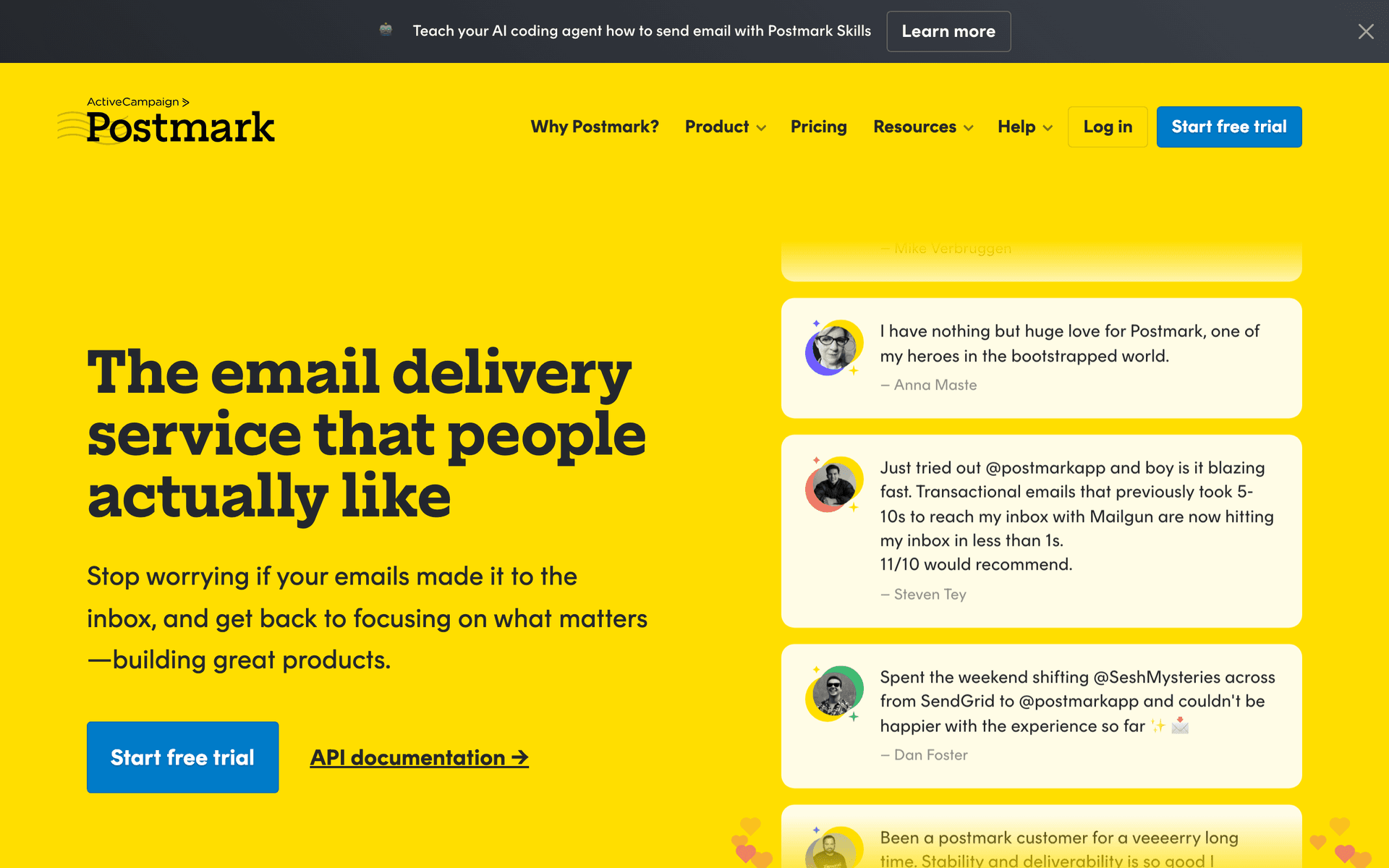
5PostmarkReliable transactional email with top-tier deliverability.API companies needing rock-solid transactional email delivery$15/month for 10,000 emails
6SendGridHigh-volume email infrastructure from Twilio.API companies with high-volume email needsFree for 100 emails/day, plans from $19.95/month
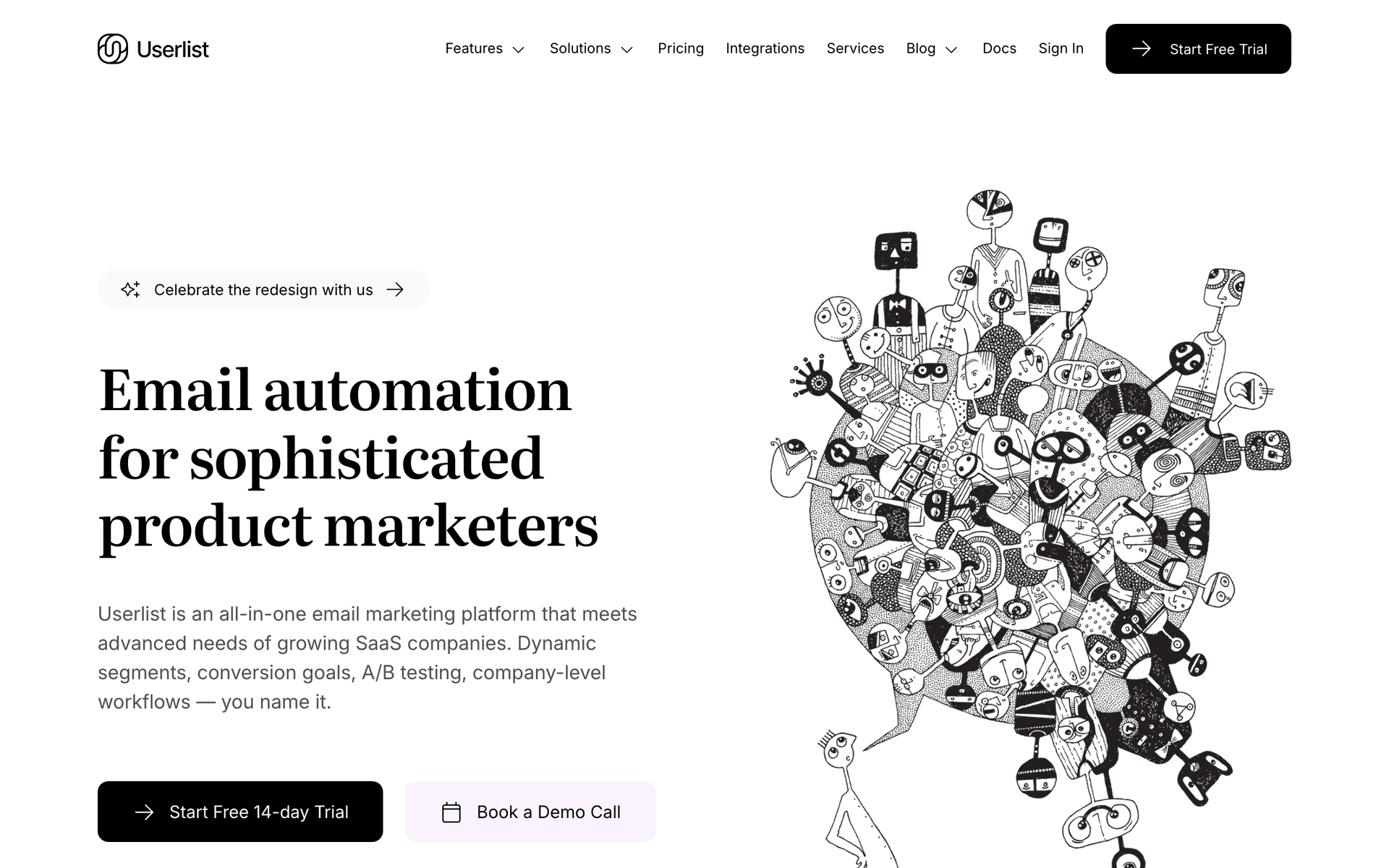
7UserlistEmail automation for SaaS with company-level tracking.B2B API companies tracking team and company-level usage$149/month for 5,000 users
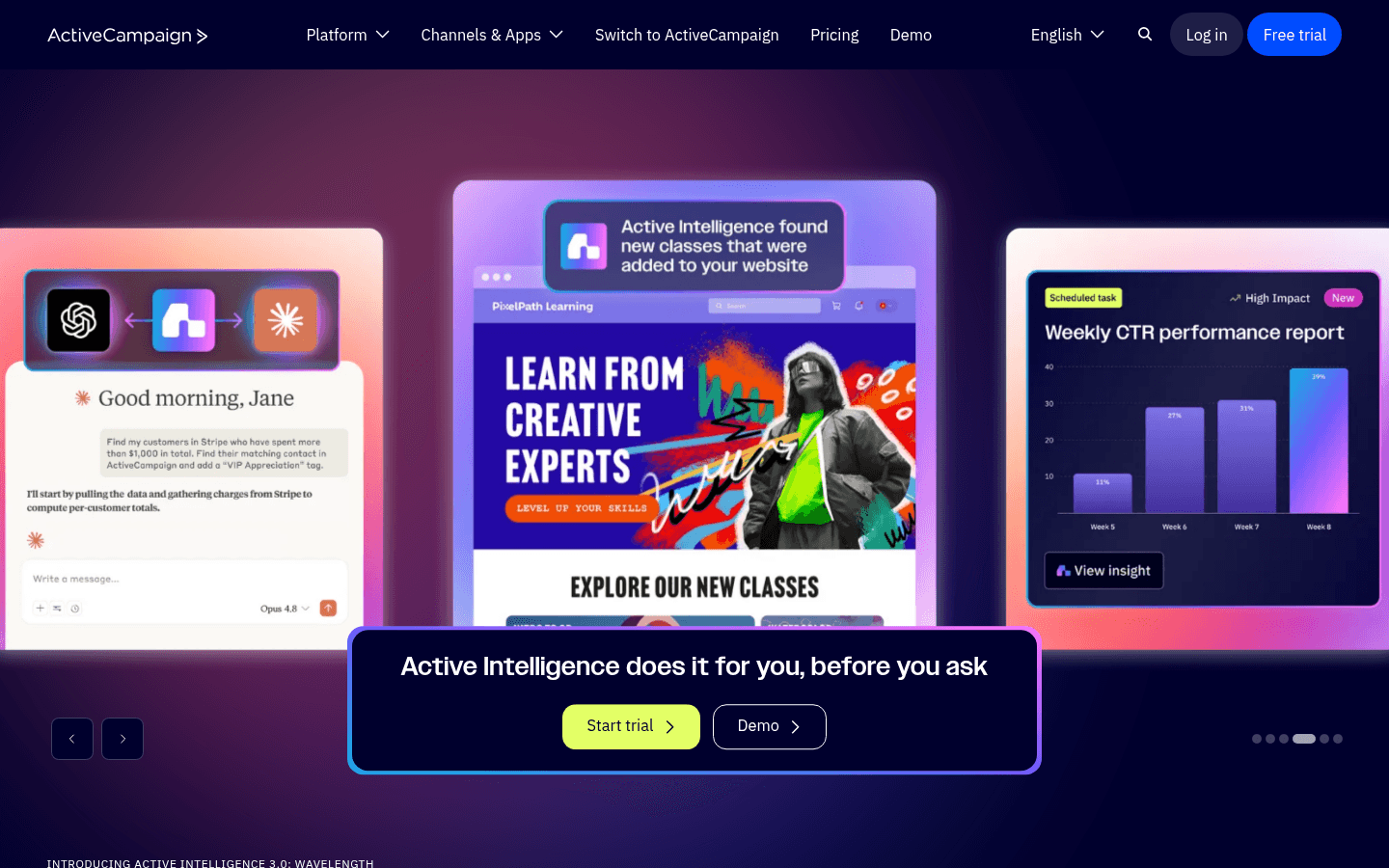
8ActiveCampaignAdvanced automation platform with CRM.API companies with a dedicated marketing or growth team$29/month for 1,000 contacts
9BrevoAffordable all-in-one marketing platform.Early-stage API companies on a budgetFree up to 300 emails/day, then $25/month
10MailchimpThe most well-known email platform.API companies that only need a basic newsletterFree up to 500 contacts, then $13/month
11ConvertKitCreator-focused email marketing (now Kit).API founders running a personal developer blog or newsletterFree up to 10,000 subscribers, then $25/month
12HubSpotEnterprise CRM and marketing suite.Enterprise API companies with sales-led growthFree CRM, marketing hub from $50/month
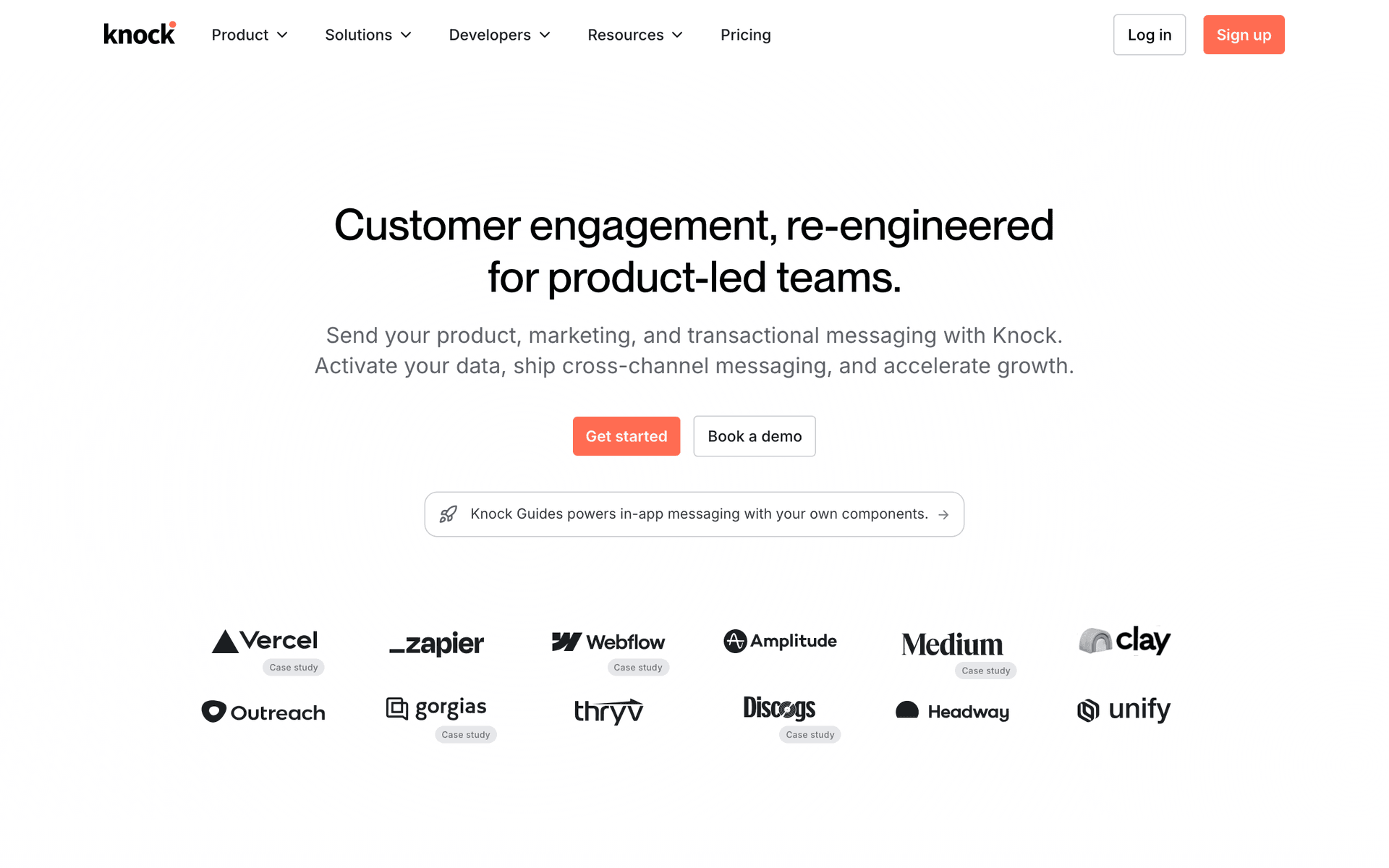
13KnockNotification infrastructure for product teams.API companies needing multi-channel notification infrastructureFree up to 10,000 messages, then $250/month
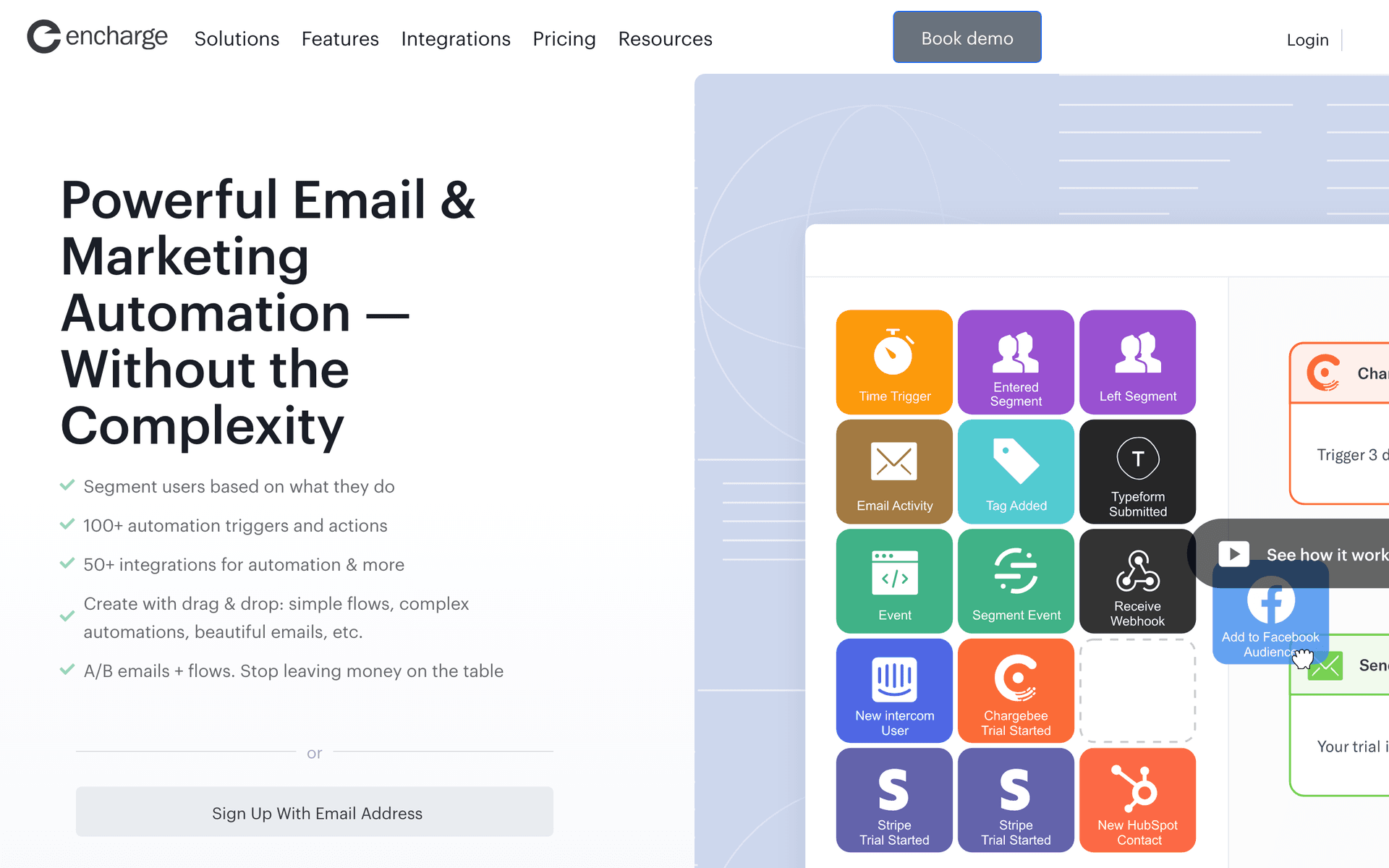
14EnchargeMarketing automation built specifically for SaaS and API products.API companies wanting SaaS-native lifecycle automation$99/month for 2,000 users
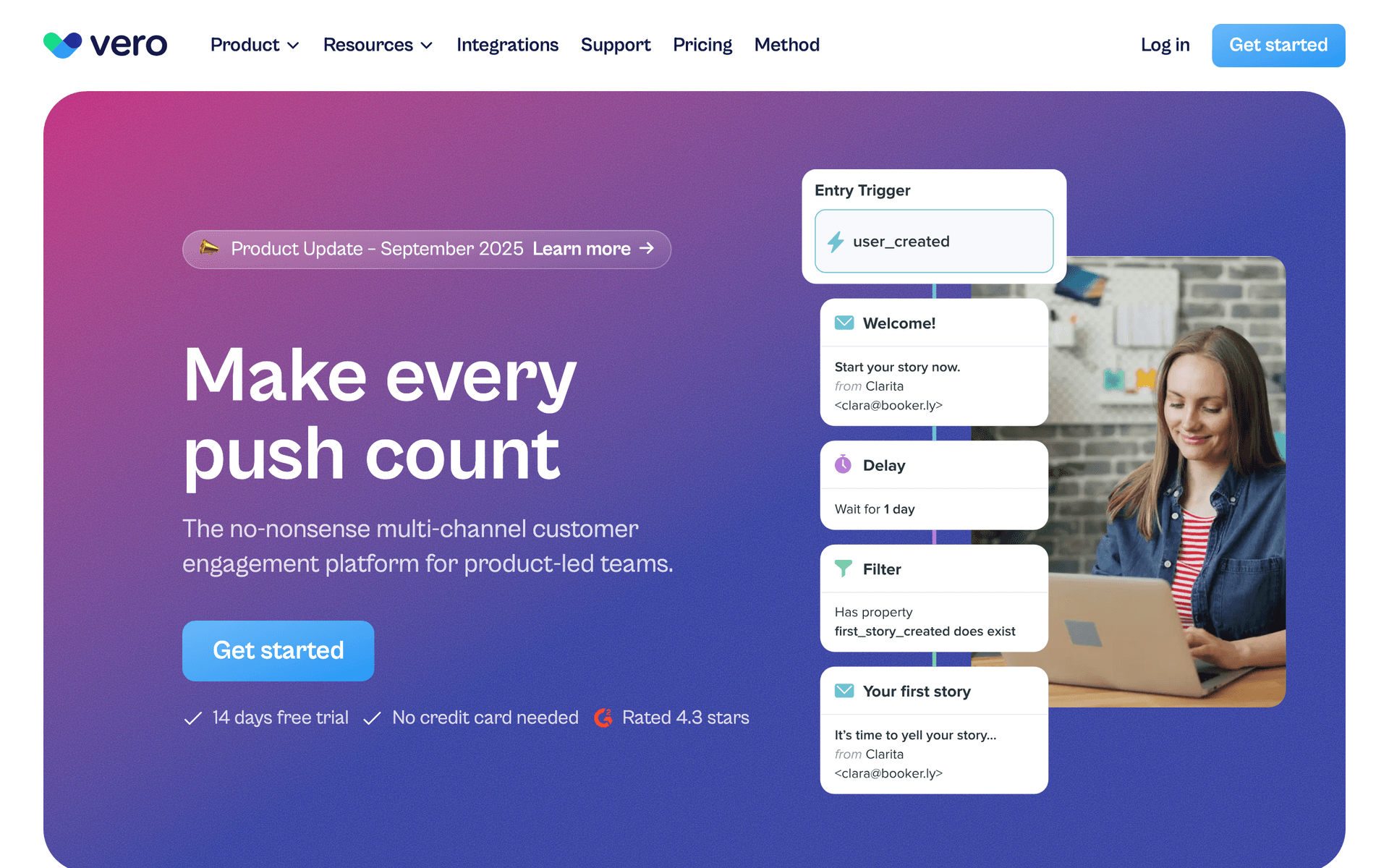
15VeroEvent-based email platform for product companies.API companies wanting event-driven email without Customer.io complexityFrom $99/month
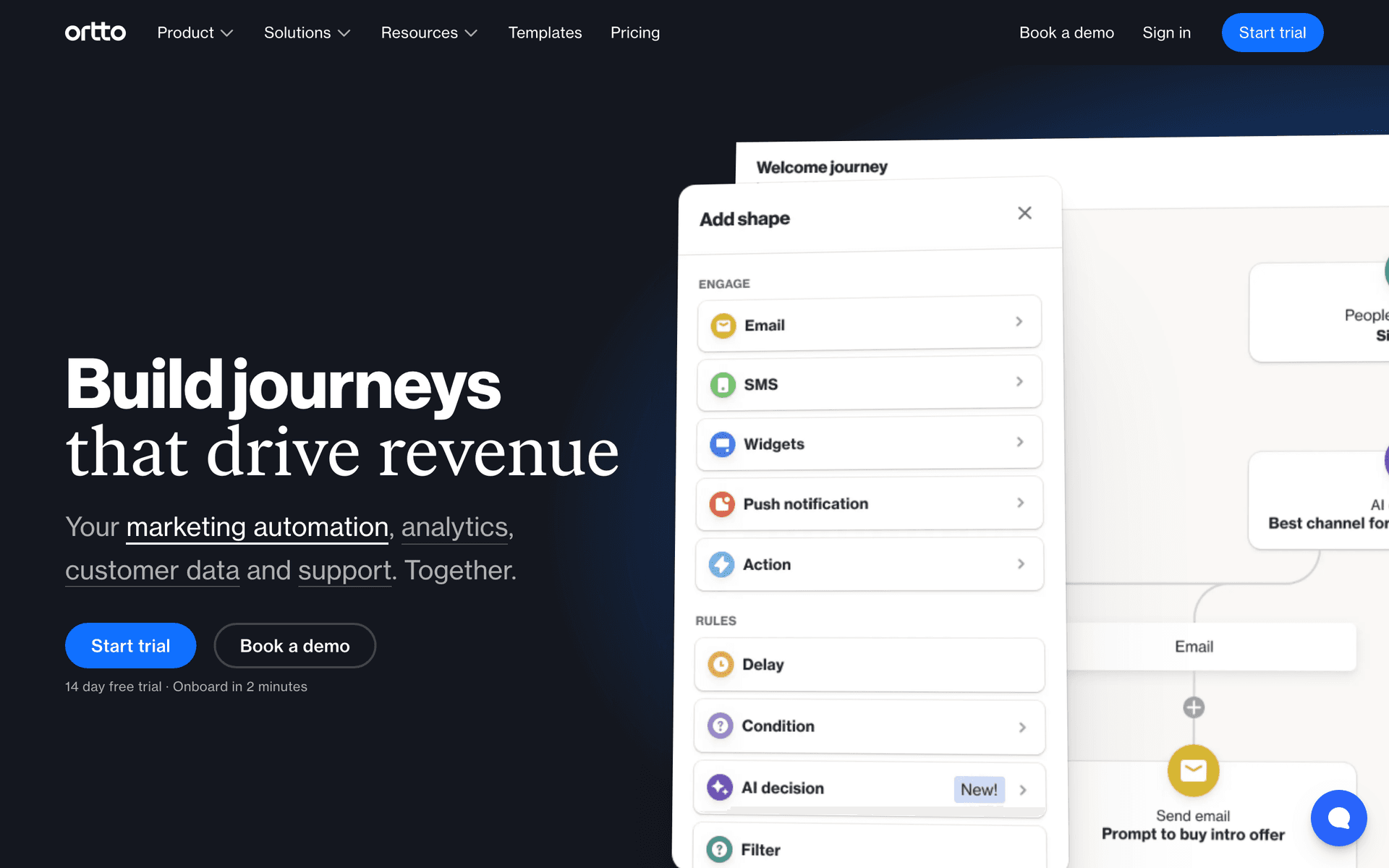
16OrttoCDP and marketing automation platform.API companies wanting unified customer data and automation$99/month for 5,000 contacts
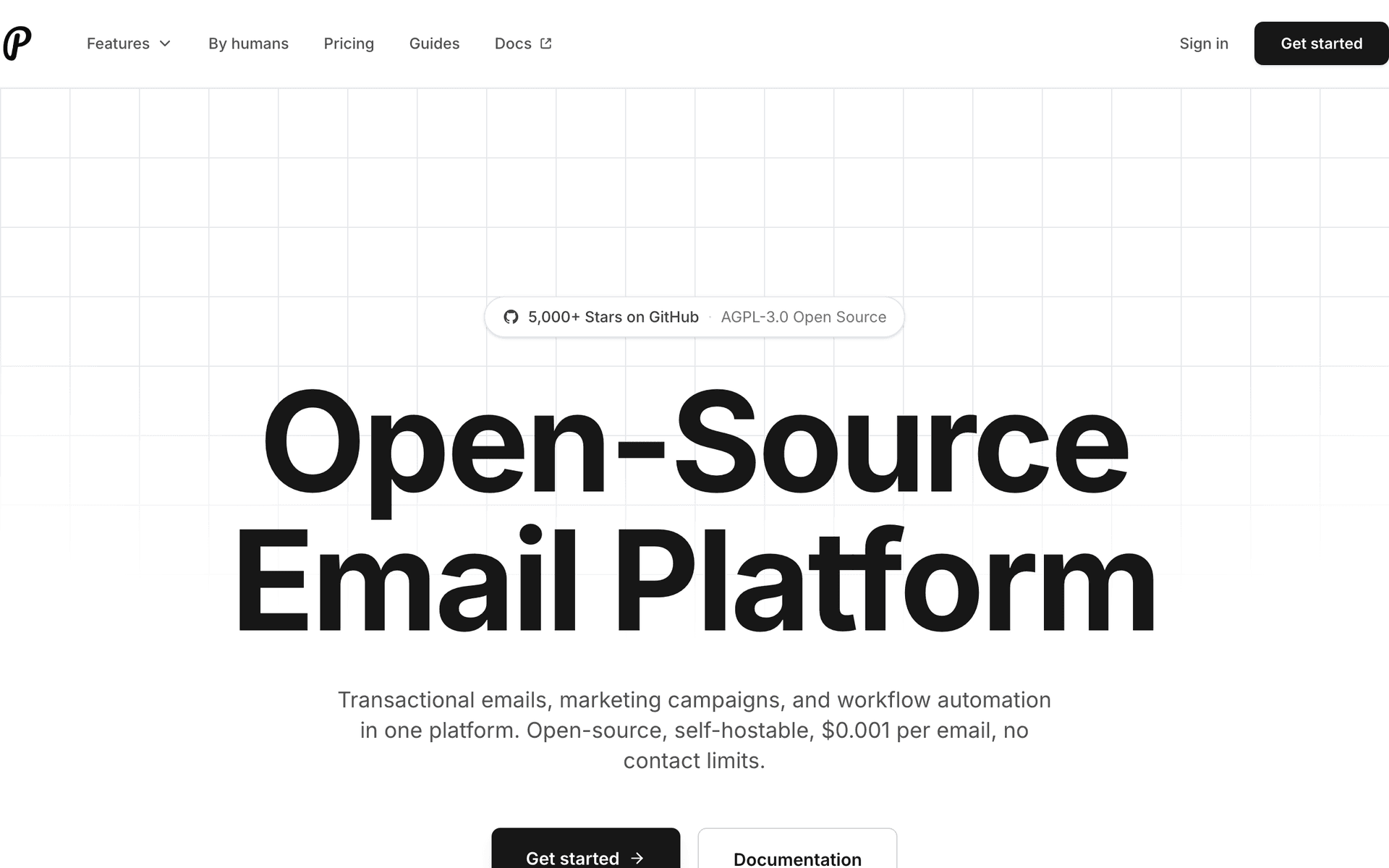
17PlunkOpen-source email platform for developers.Developer-led API companies wanting open-source email infrastructureOpen-source (free), hosted from $7/month
18IntercomCustomer messaging platform with email and in-app messaging.API companies that run a developer portal or dashboardFrom $74/month, scales with active users
19MailgunDeveloper email API for high-volume sending.High-volume API companies needing email sending infrastructureFree for 5,000 emails/month (3 months), then from $35/month
Our Top Pick for API-First Companies
#1
Sequenzy

Email marketing with native payment integrations and event-driven automation for API businesses.

Visit
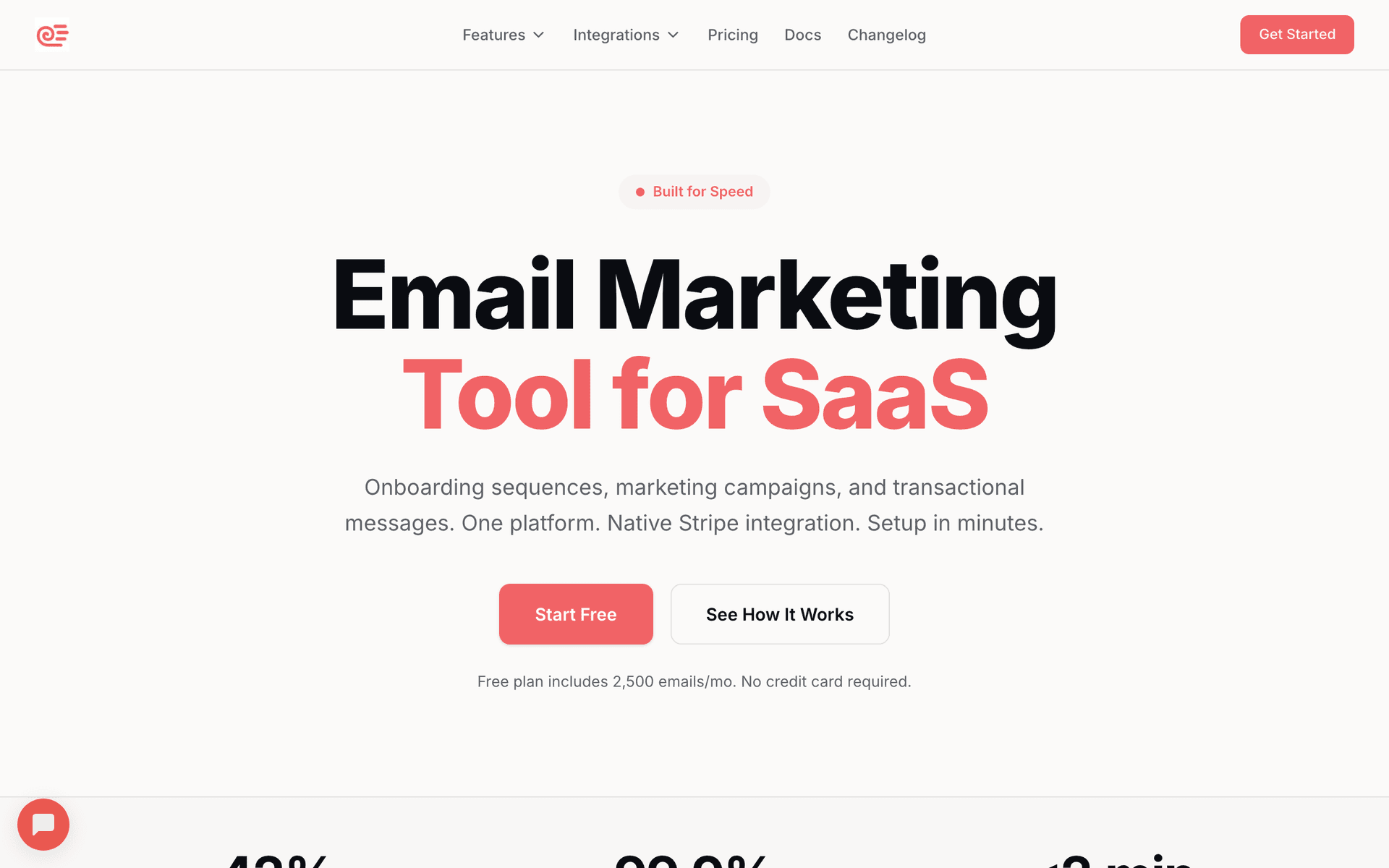
Sequenzy dashboard screenshot

Sequenzy is built for the API-first model. The event-driven architecture handles usage-based triggers - rate limit warnings, milestone celebrations, version deprecation notices - all automated based on events you send to the platform. The native Stripe integration means billing events (new subscription, upgrade, failed payment, dunning) flow in automatically without custom code. The free tier supports up to 2,500 emails per month, which covers onboarding sequences and usage alerts for early-stage API products at no cost. AI-powered sequences generate developer onboarding flows that include code snippets and integration guides in seconds. Pay-per-email pricing is ideal for API companies with large free tiers - you only pay for emails you actually send, not for the 50,000 developers sitting in your database.

Best for
API companies wanting event-driven automation with native payment integration
Pricing
Free up to 2,500 emails/mo, then $19/mo (unlimited contacts)

Pros

  • Event-driven triggers for API usage milestones
  • Native Stripe, Paddle, Polar integrations
  • AI generates developer onboarding sequences
  • Pay per email - free tier users cost nothing

Cons

  • Newer platform
  • No built-in in-app messaging
  • Template library still growing
#2
Customer.io

Powerful event-driven messaging for technical teams.

Visit
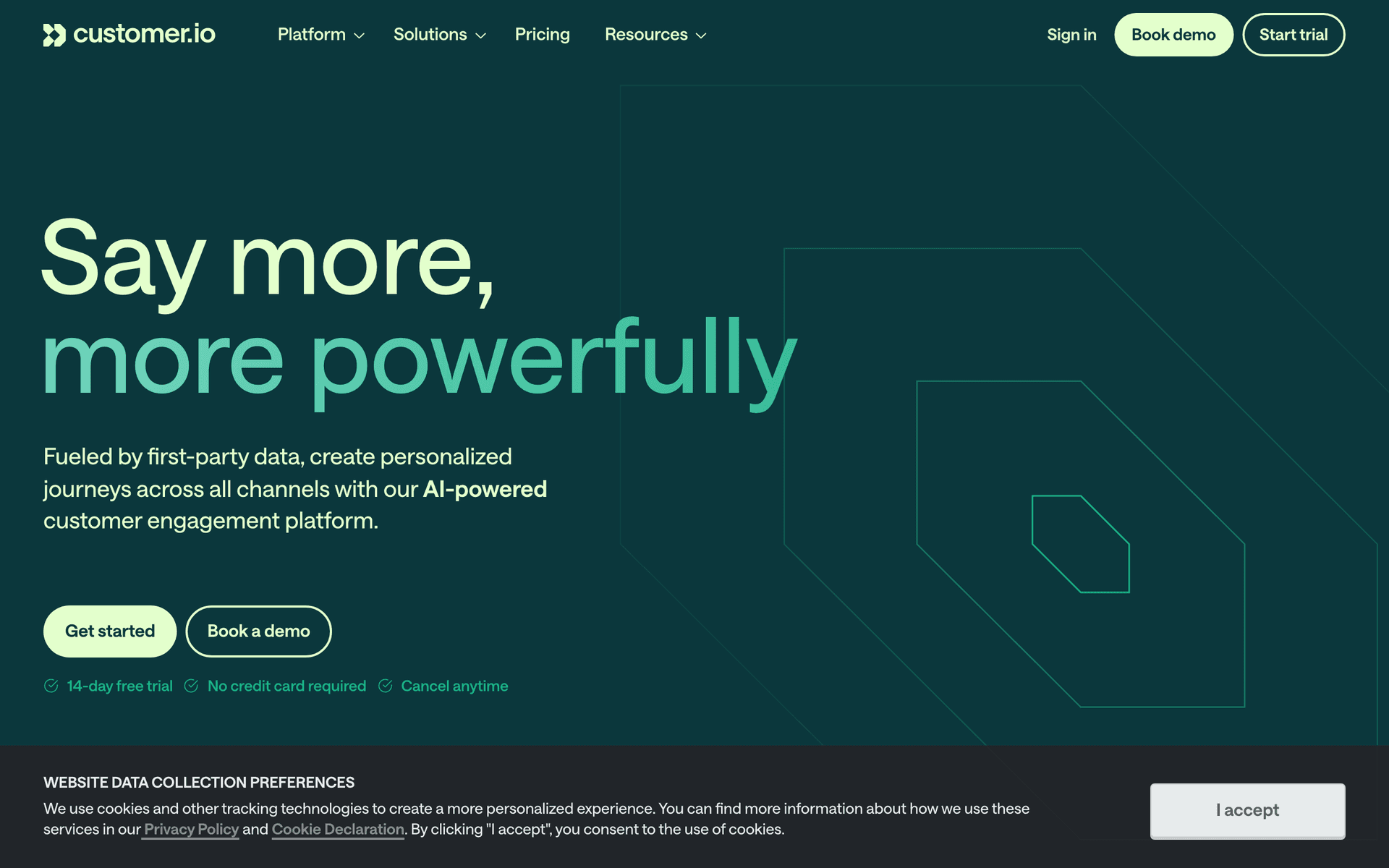
Customer.io dashboard screenshot

Customer.io excels at the complex event pipelines that API companies need. Track any usage event - API calls by endpoint, error rates, version adoption, integration depth - and build sophisticated automations around them. The visual workflow builder handles branching based on usage tiers, API version, customer segment, and any combination of attributes. Multi-channel support covers email, push, in-app, and SMS for comprehensive developer communication. Strong API and documentation match the expectations of technical teams. The $100/month starting price makes it best for funded API companies with dedicated growth teams.

Best for
Funded API companies with complex usage-based automation needs
Pricing
$100/month for 5,000 profiles

Pros

  • Excellent event-driven automation
  • Complex conditional workflows
  • Strong API and docs
  • Multi-channel support

Cons

  • Expensive starting price
  • Complex setup
  • No native payment integration
#3
Loops

Modern email for SaaS with event-based automations.

Visit
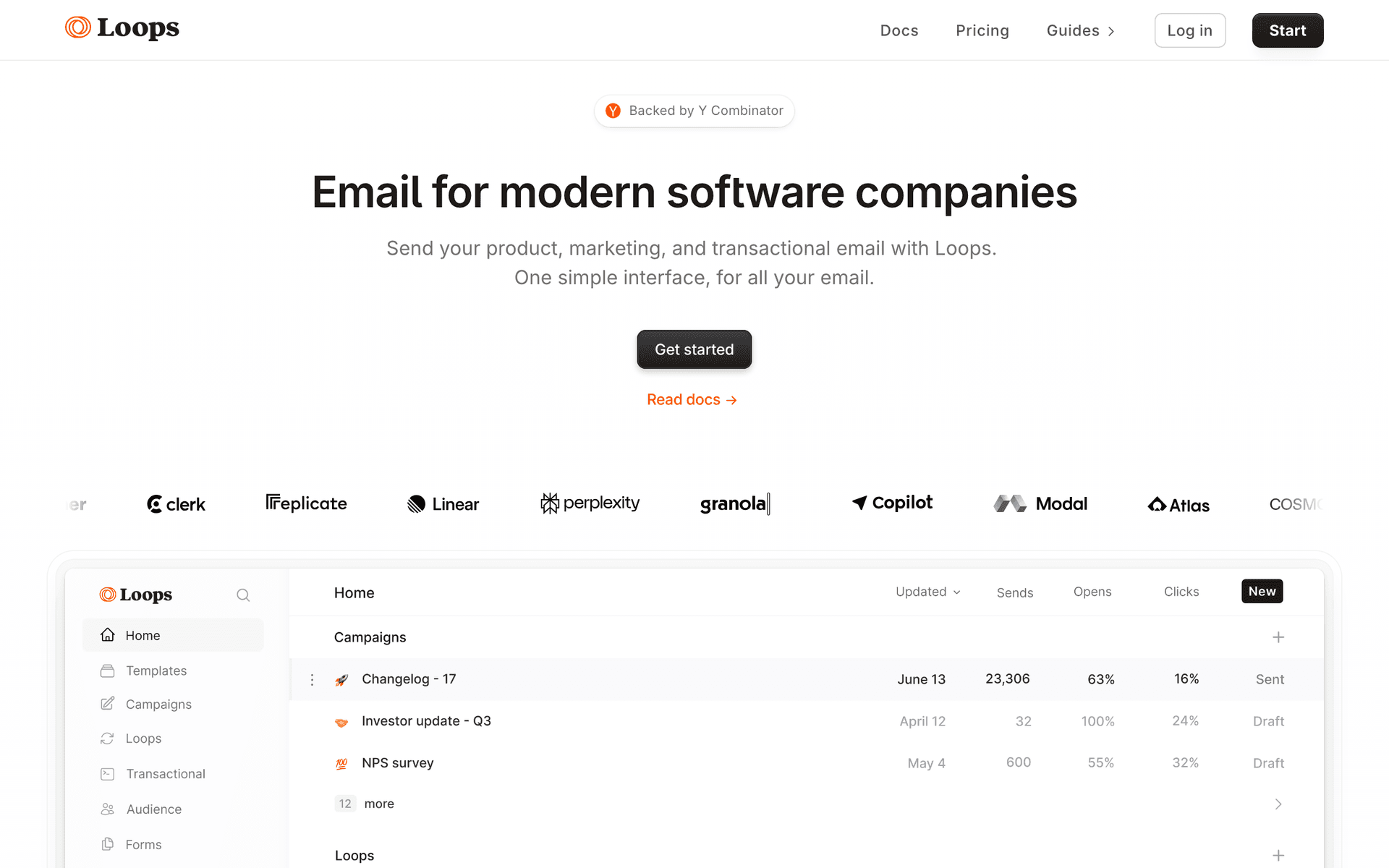
Loops dashboard screenshot

Loops offers a clean middle ground for API companies that want event-based automation without the complexity and cost of Customer.io. The interface is developer-friendly, event-based automations handle usage triggers well, and transactional email support means one tool for both marketing and system emails. The design-first approach means your developer emails look professional without custom HTML. Less powerful than Customer.io for complex multi-step workflows, but simpler to set up and more affordable at $49/month on the paid tier.

Best for
API companies wanting clean event-based email without complexity
Pricing
Free up to 1,000 contacts, then $49/month

Pros

  • Clean modern interface
  • Event-based automations
  • Combined transactional and marketing

Cons

  • Per-contact pricing
  • Less flexible than Customer.io
  • No native payment integration
#4
Resend

Developer-first email API with React Email.

Visit
Resend dashboard screenshot

Resend is built by developers who understand the API-first mindset. The React Email library lets you build email templates as React components that live in your codebase alongside your product - version controlled, type-safe, and reviewable in PRs. The API is clean, well-documented, and has SDKs for every major language with first-class TypeScript support. The limitation is scope - Resend is an email sending API, not a marketing automation platform. No sequence builder, no segmentation, no visual workflows. Perfect for companies that want full control over their email logic in code, but you build the automation layer yourself.

Best for
API companies wanting a developer-first email sending service
Pricing
Free for 3,000 emails/month, then $20/month

Pros

  • Excellent developer experience
  • React Email templates
  • Clean, well-documented API

Cons

  • No marketing automation
  • No visual sequence builder
  • Limited audience management
#5
Postmark

Reliable transactional email with top-tier deliverability.

Visit
Postmark dashboard screenshot

API companies send critical transactional emails - API key rotations, rate limit warnings, billing alerts, security notifications. These need to arrive instantly and in the inbox. Postmark's deliverability and speed are unmatched for transactional use cases, with delivery times consistently under 10 seconds and inbox placement rates above 99%. Separate message streams let you isolate transactional delivery from any broadcast emails. Not a marketing tool - pair it with Sequenzy or Customer.io for campaigns and lifecycle sequences.

Best for
API companies needing rock-solid transactional email delivery
Pricing
$15/month for 10,000 emails

Pros

  • Best deliverability for transactional email
  • Fastest delivery times
  • Separate message streams

Cons

  • Not a marketing automation tool
  • Basic marketing features
  • No event-driven sequences
#6
SendGrid

High-volume email infrastructure from Twilio.

Visit
SendGrid dashboard screenshot

SendGrid handles the email volumes that API companies generate at scale. Usage digests, rate limit alerts, weekly summaries, and onboarding emails for thousands of developers add up fast. The API is mature with SDKs in every major language and comprehensive webhook support. Email validation and deliverability tools help maintain sender reputation at high volume. Marketing automation exists but is dated and not the strong suit - most API companies using SendGrid pair it with a separate lifecycle marketing tool.

Best for
API companies with high-volume email needs
Pricing
Free for 100 emails/day, plans from $19.95/month

Pros

  • Handles massive volumes
  • Mature API with comprehensive SDKs
  • Strong infrastructure

Cons

  • Dated marketing features
  • Complex pricing
  • Marketing automation is an afterthought
#7
Userlist

Email automation for SaaS with company-level tracking.

Visit
Userlist dashboard screenshot

For B2B API companies, Userlist's company-level tracking is valuable. See which companies are consuming your API the most, which teams are growing their integration, and which accounts are ready for enterprise conversations. When a company's usage spikes or a new team member joins, you can trigger targeted communication at the account level. Good SaaS-specific automation with lifecycle patterns that work naturally for subscription and usage-based models. Smaller ecosystem than bigger platforms.

Best for
B2B API companies tracking team and company-level usage
Pricing
$149/month for 5,000 users

Pros

  • Company-level tracking
  • SaaS-focused features
  • Behavior-based segmentation

Cons

  • Higher starting price
  • Smaller community
  • Limited integrations
#8
ActiveCampaign

Advanced automation platform with CRM.

Visit
ActiveCampaign dashboard screenshot

ActiveCampaign has the most powerful automation builder on this list. For API companies with complex user journeys (free tier, usage-based pricing, multiple plan tiers, enterprise custom plans), it can model anything with conditional branching, wait conditions, and multi-step workflows. The built-in CRM tracks enterprise leads from API signup through sales conversations to closed deals. Not developer-focused - the interface is designed for marketers, not engineers - but the automation capabilities are unmatched.

Best for
API companies with a dedicated marketing or growth team
Pricing
$29/month for 1,000 contacts

Pros

  • Most powerful automation builder
  • Built-in CRM
  • Advanced conditional logic

Cons

  • Not developer-focused
  • Steep learning curve
  • Expensive at scale
#9
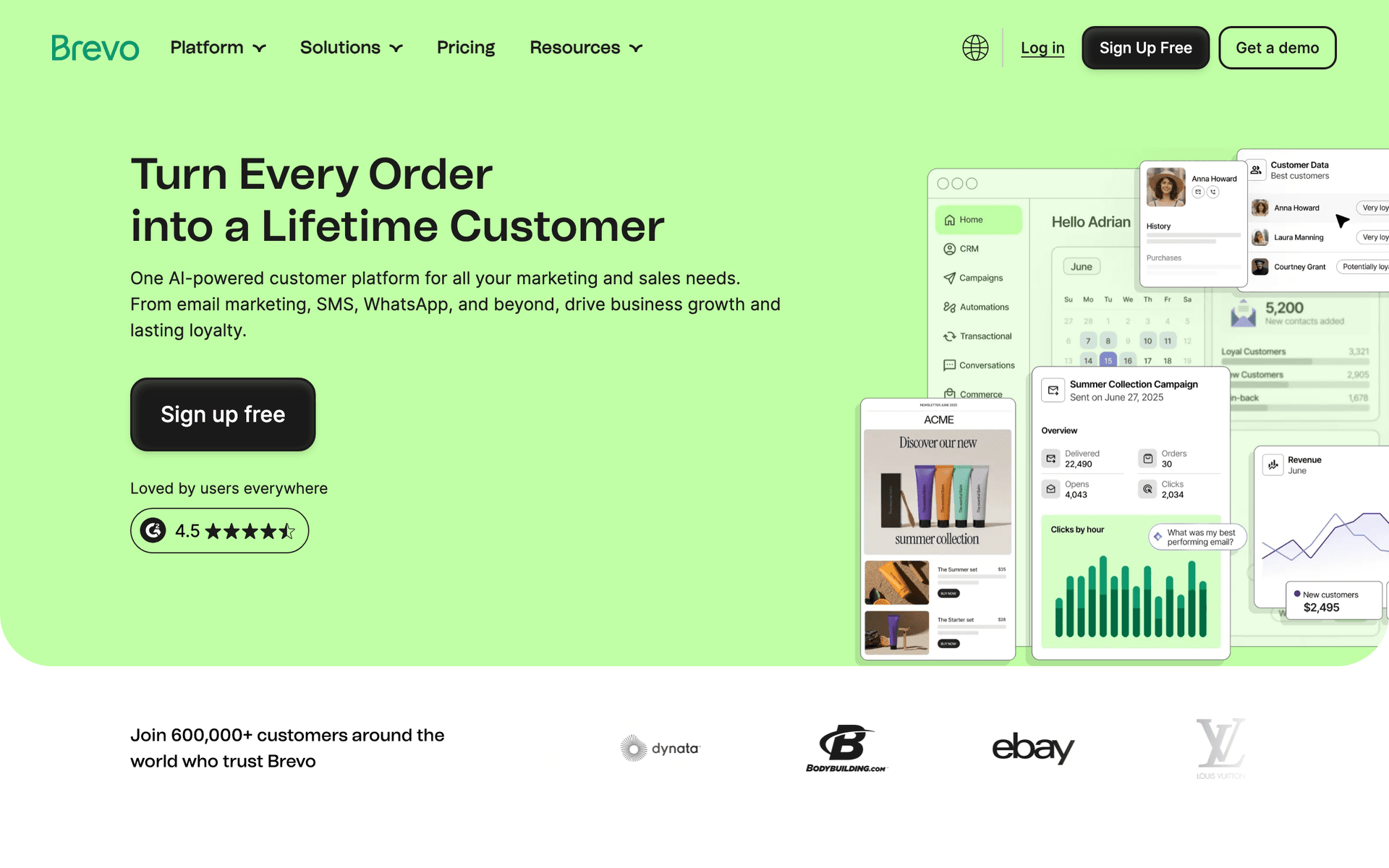
Brevo

Affordable all-in-one marketing platform.

Visit
Brevo dashboard screenshot

Brevo works as a budget option for early-stage API companies. The free tier covers 300 emails per day with unlimited contacts, and per-email pricing on paid plans is friendly for large developer lists. The automation builder handles basic onboarding and alert sequences. Not built for developer audiences and the event tracking is basic compared to Customer.io or Sequenzy, but it is functional and affordable enough to get started while you validate your product.

Best for
Early-stage API companies on a budget
Pricing
Free up to 300 emails/day, then $25/month

Pros

  • Generous free tier
  • Affordable pricing
  • Basic automation

Cons

  • Not developer-focused
  • Basic event tracking
  • Limited API capabilities
#10
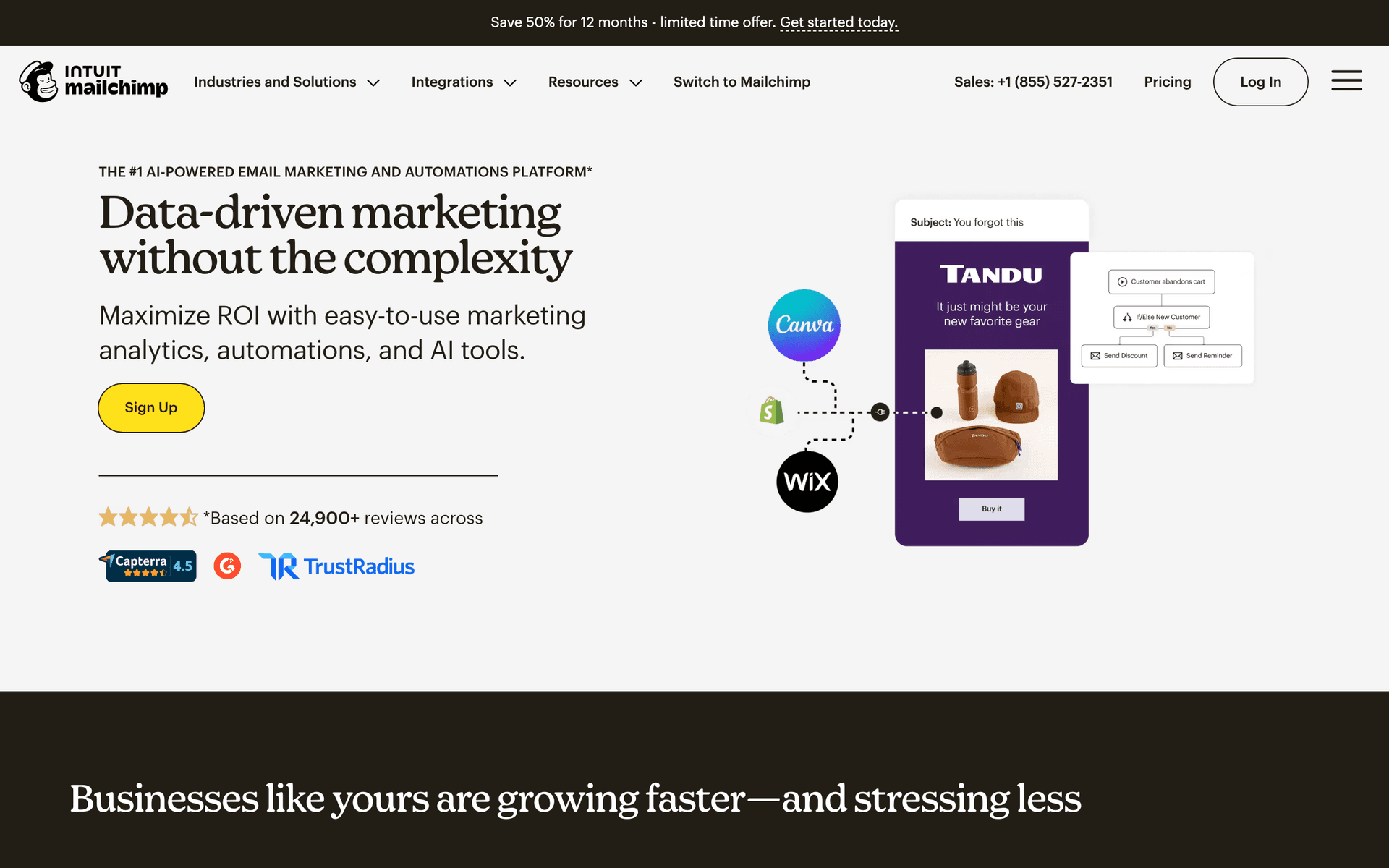
Mailchimp

The most well-known email platform.

Visit
Mailchimp dashboard screenshot

Mailchimp is a poor fit for API-first companies. Per-contact pricing penalizes large developer free tiers. Automation is basic with no event-driven integration for API usage data. There is no way to trigger emails based on API activity, rate limits, or version usage. Functional for a simple developer newsletter or product announcement broadcast, but nothing more. Most API companies that start with Mailchimp migrate within 6 months.

Best for
API companies that only need a basic newsletter
Pricing
Free up to 500 contacts, then $13/month

Pros

  • Easy to use
  • Good deliverability

Cons

  • Per-contact pricing
  • No API usage triggers
  • Basic automation
#11
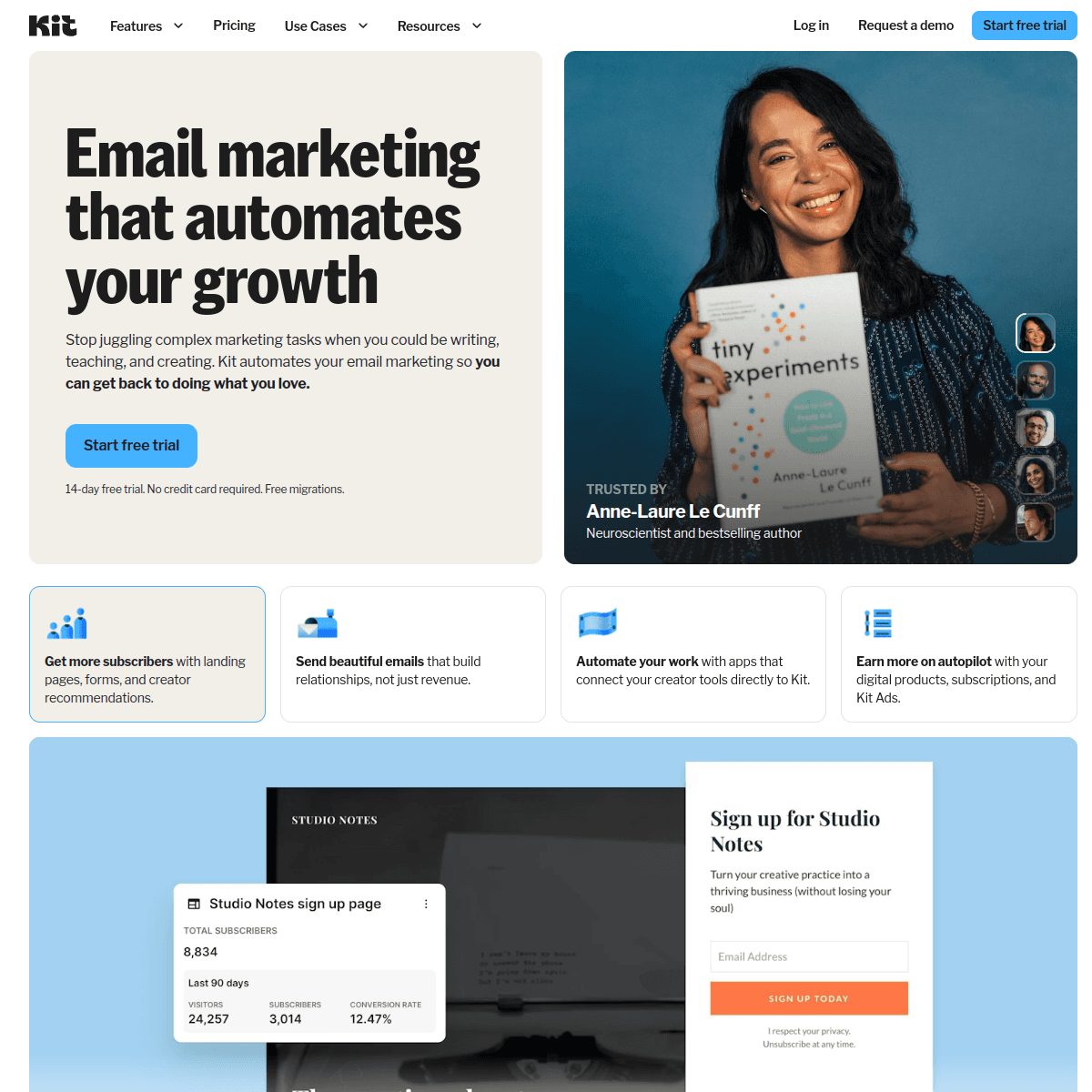
ConvertKit

Creator-focused email marketing (now Kit).

Visit
ConvertKit dashboard screenshot

Kit is built for creators, not API businesses. Some API company founders use it for a personal developer newsletter or thought leadership content, but it lacks event-driven automation, API usage triggers, and payment integrations needed for API product communication. The generous free tier (10,000 subscribers) makes it viable for audience-building content. Not recommended for product lifecycle emails.

Best for
API founders running a personal developer blog or newsletter
Pricing
Free up to 10,000 subscribers, then $25/month

Pros

  • Good for personal newsletters
  • Free tier for large lists

Cons

  • No event-driven automation
  • No API usage integration
  • Not built for SaaS
#12
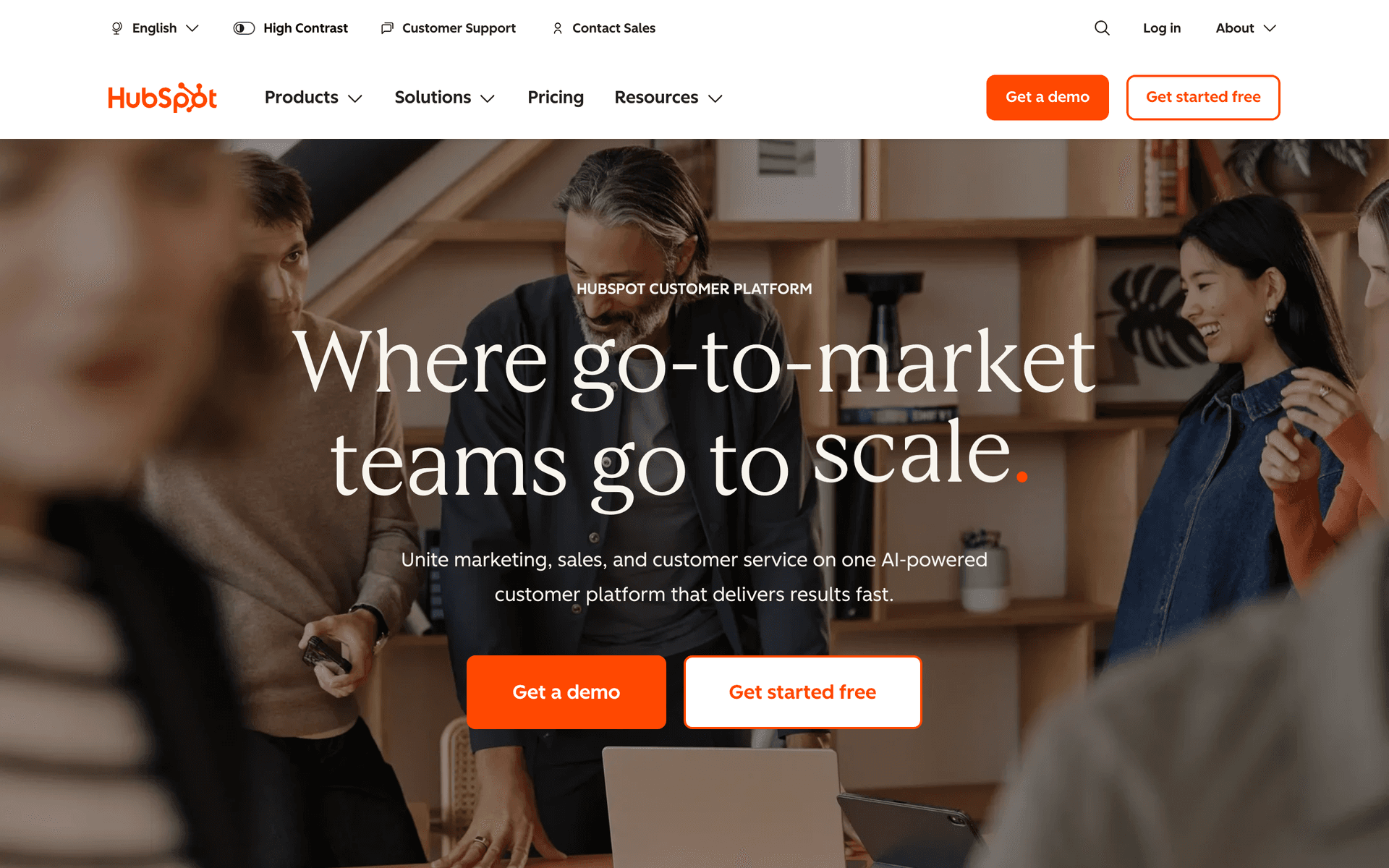
HubSpot

Enterprise CRM and marketing suite.

Visit
HubSpot dashboard screenshot

HubSpot is for API companies with enterprise sales teams and significant funding. The CRM tracks the developer-to-enterprise pipeline through multiple touchpoints - from initial API signup to demo request to signed contract. Marketing automation is powerful for nurturing enterprise leads with case studies and ROI content. For PLG API companies or early-stage startups, HubSpot is massive overkill with a poor developer experience.

Best for
Enterprise API companies with sales-led growth
Pricing
Free CRM, marketing hub from $50/month

Pros

  • Complete CRM + marketing
  • Enterprise pipeline tracking

Cons

  • Expensive
  • Overkill for most API companies
  • Poor developer experience
#13
Knock

Notification infrastructure for product teams.

Visit
Knock dashboard screenshot

Knock provides notification infrastructure that API companies can use for usage alerts across email, in-app, and Slack channels. The API-first, workflow-as-code approach appeals to engineering teams who want notification logic in their codebase. Not an email marketing tool - use it alongside one for campaign and sequence capabilities. The free tier covers 10,000 messages. Best for API companies with complex multi-channel notification needs where engineering wants to own the notification layer.

Best for
API companies needing multi-channel notification infrastructure
Pricing
Free up to 10,000 messages, then $250/month

Pros

  • Multi-channel notifications
  • API-first design

Cons

  • Not an email marketing tool
  • No campaigns
  • Expensive for marketing use
#14
Encharge

Marketing automation built specifically for SaaS and API products.

Visit
Encharge dashboard screenshot

Encharge is designed for SaaS and API companies, not generic small businesses. The flow builder centers on user behavior - every sequence is triggered by what a user does in your product. For API companies, this means you can trigger onboarding emails when a user makes their first API call, send upgrade nudges when they approach rate limits, and branch workflows based on which endpoints they call most frequently. The Stripe native integration syncs subscription events into user profiles automatically. Pricing at $99/month for 2,000 users is reasonable for funded API businesses.

Best for
API companies wanting SaaS-native lifecycle automation
Pricing
$99/month for 2,000 users

Pros

  • Built for SaaS and API product lifecycles
  • Native Stripe integration
  • Behavior-based segmentation
  • Event-driven flow builder

Cons

  • Expensive for bootstrapped teams
  • Per-user pricing
  • Smaller community
#15
Vero

Event-based email platform for product companies.

Visit
Vero dashboard screenshot

Vero's event-driven core is a strong fit for API companies. Every email is triggered by an event from your product - signup, first call, rate limit warning, version deprecation, or billing change. Vero Cloud offers both transactional and marketing email from a single API, reducing the need for multiple email platforms. The engineering-focused setup aligns well with API company cultures where developers own the email integration. At pricing comparable to Customer.io but with a simpler interface, Vero is a solid alternative worth evaluating.

Best for
API companies wanting event-driven email without Customer.io complexity
Pricing
From $99/month

Pros

  • True event-driven architecture
  • Combined transactional and marketing
  • Good API quality
  • Reasonable pricing vs Customer.io

Cons

  • Less polished than newer tools
  • Smaller support community
  • Requires technical integration
#16
Ortto

CDP and marketing automation platform.

Visit
Ortto dashboard screenshot

Ortto combines a customer data platform with journey-based automation, which benefits API companies collecting usage data from multiple sources. You can unify API call data, billing events, and support tickets into a single subscriber profile, then build journeys that react to the full picture. The visual journey builder handles branching logic for different API usage tiers and plan types. For API companies with complex data architectures, Ortto's CDP layer is a genuine differentiator. The $99/month starting price makes it a funded-stage choice.

Best for
API companies wanting unified customer data and automation
Pricing
$99/month for 5,000 contacts

Pros

  • CDP plus automation combined
  • Unifies data from multiple sources
  • Visual journey builder
  • Good analytics

Cons

  • Expensive
  • Steeper learning curve
  • Per-contact pricing
#17
Plunk

Open-source email platform for developers.

Visit
Plunk dashboard screenshot

Plunk is open-source and developer-built, which resonates with API company engineering teams. It handles both transactional and marketing email from a single API, events trigger automations, and the code is auditable. For API companies that want to self-host their email infrastructure or avoid vendor lock-in, Plunk provides a lightweight alternative to commercial platforms. The automation capabilities are basic compared to Customer.io or Encharge, but for teams that value simplicity and transparency, the trade-off is acceptable.

Best for
Developer-led API companies wanting open-source email infrastructure
Pricing
Open-source (free), hosted from $7/month

Pros

  • Open-source and self-hostable
  • Developer-native API
  • Transparent pricing
  • Combined transactional and marketing

Cons

  • Basic automation features
  • Requires engineering setup
  • No advanced segmentation
#18
Intercom

Customer messaging platform with email and in-app messaging.

Visit
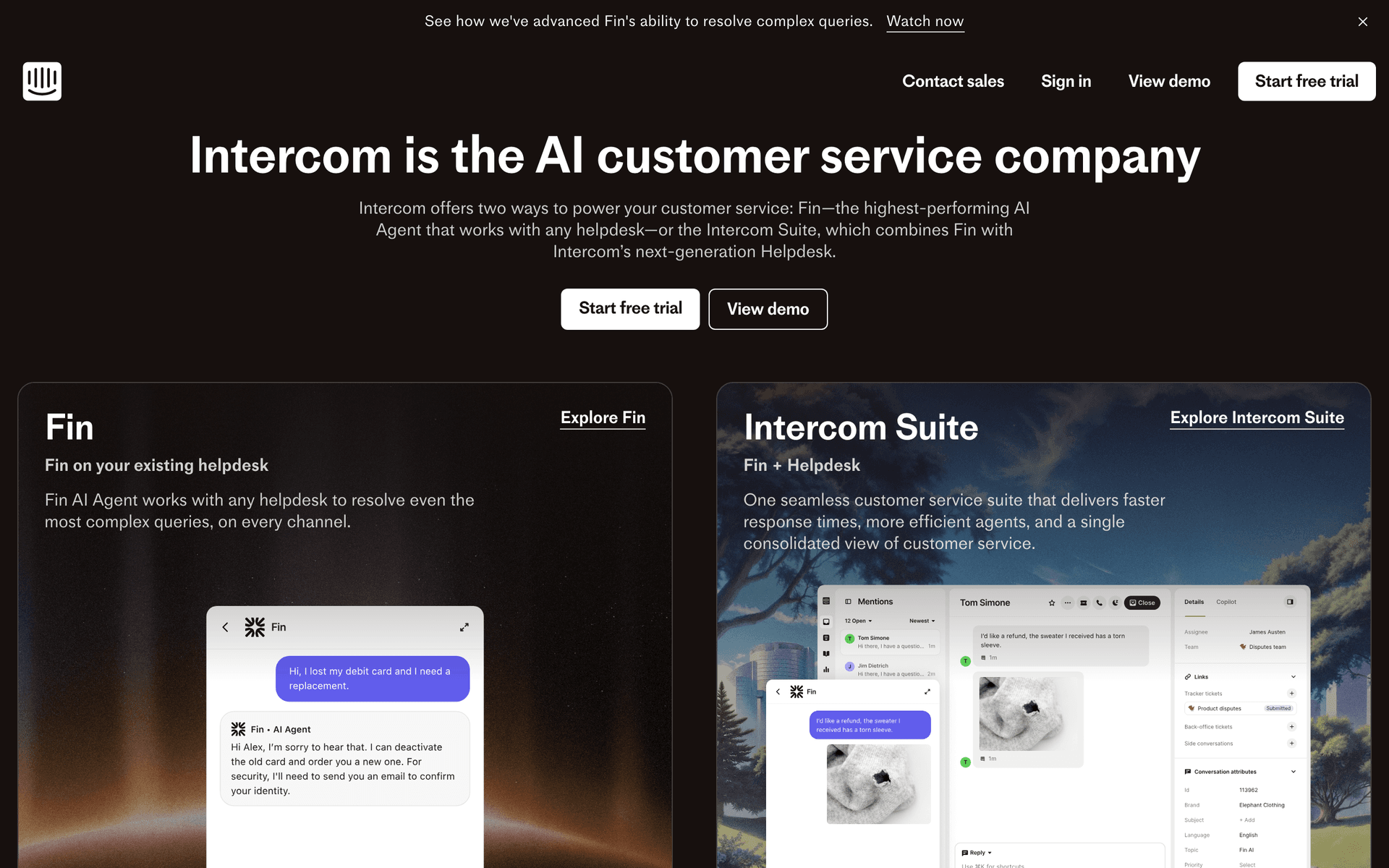
Intercom dashboard screenshot

Intercom adds in-app messaging and live chat alongside email, giving API companies a way to activate developers both in-product and via email in a coordinated sequence. For API companies with developer portals or dashboards, the combination of in-app tooltips, chat support, and triggered email creates a more complete activation experience than email alone. The tradeoff is significant cost - Intercom scales in price with active users and becomes expensive with large developer user bases.

Best for
API companies that run a developer portal or dashboard
Pricing
From $74/month, scales with active users

Pros

  • Email and in-app messaging combined
  • Live chat for developer support
  • Good product event integration
  • Strong activation tools

Cons

  • Very expensive at scale
  • Per-active-user pricing hurts large free tiers
  • Overkill for email-only workflows
#19
Mailgun

Developer email API for high-volume sending.

Visit
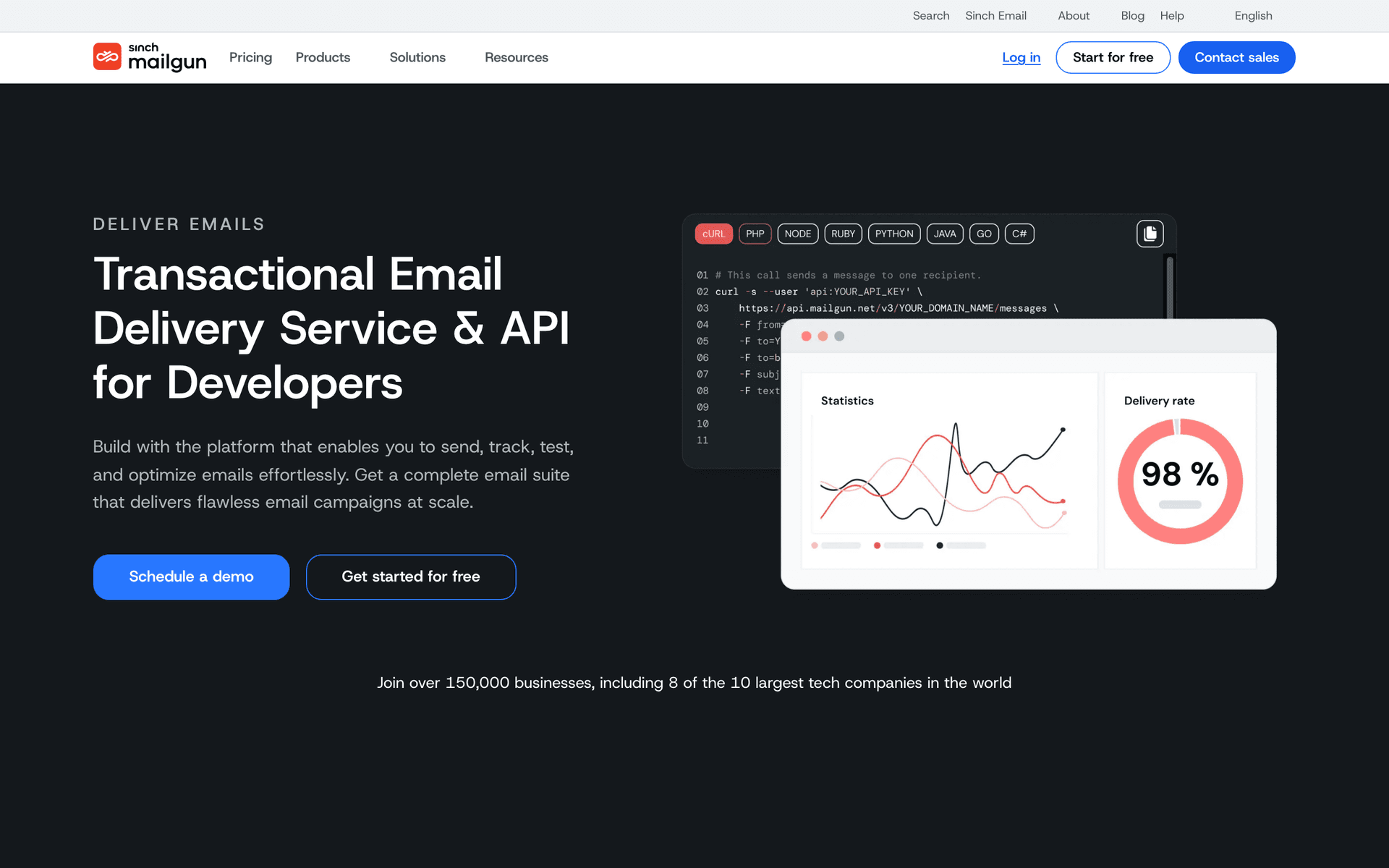
Mailgun dashboard screenshot

Mailgun is pure email infrastructure - no automation, no segmentation, no campaigns. For API companies at high volume sending millions of usage digests, rate limit warnings, and API health notifications per month, Mailgun's infrastructure is reliable and the analytics are detailed. The inbound email parsing is a unique advantage for API products that accept email as an input channel. Pair Mailgun with a lifecycle tool for marketing automation and use it specifically for the high-volume transactional sending layer.

Best for
High-volume API companies needing email sending infrastructure
Pricing
Free for 5,000 emails/month (3 months), then from $35/month

Pros

  • Reliable high-volume infrastructure
  • Detailed delivery analytics
  • Inbound email parsing
  • Strong developer API

Cons

  • No marketing automation
  • No sequence builder
  • Must be paired with another tool

Feature Comparison

FeatureSequenzyCustomer.ioLoopsResend
Event-driven automation
Yes
Advanced
Yes
API only
Native payment integration
Stripe, Paddle, Polar
No
No
No
Usage-based triggers
Yes
Yes
Yes
Via API
API quality
Excellent
Excellent
Good
Excellent
Visual sequence builder
AI-powered
Advanced
Yes
No
Company-level tracking
Via attributes
Yes
No
No
Free tier available
Yes
Per profile
Per contact
Per email
Starting price
$29/mo
$100/mo
$49/mo
$20/mo

Common Mistakes to Avoid

We see these mistakes over and over. Skip the learning curve and avoid these from day one.

Sending marketing-style emails to developer audiences

Developers ignore promotional content and judge your emails by technical quality. Every email should provide technical value - code examples, optimization tips, benchmark data, or documentation links. Marketing language erodes trust with technical audiences.

Using time-based drips for usage-based products

A day-7 upgrade email is irrelevant to a developer who exhausted their free tier on day 2 or one who has not made their first API call by day 14. Use event-driven triggers based on actual API usage, not arbitrary time delays.

Poor version migration communication

Vague deprecation timelines and unclear migration paths cause churn. Send targeted, specific migration sequences with exact dates, code diffs showing required changes, and links to migration tools. Give at least 60 days notice.

Not segmenting by API version and endpoint usage

Developers using different endpoints and versions have different needs. A single blast email about a v3 feature is noise for someone still on v1. Segment all communications by current API version and primary endpoint usage.

Choosing per-contact pricing with a large free tier

API companies often have tens of thousands of free-tier developers. Per-contact pricing charges you for every developer in your database regardless of engagement. This can cost thousands of dollars monthly in wasted email platform fees.

Email Sequences Every API-First Companie Needs

These are the essential automated email sequences that will help you grow your business and keep clients coming back.

Developer Onboarding Sequence

New API key created

Guide developers from API key creation to successful integration.

Immediate
Your API key is ready - here is a quickstart

API key, authentication example, and a curl command they can run immediately. Link to full documentation.

Day 1
Integration guides for [top 3 frameworks]

Framework-specific integration guides for the most popular stacks. Node.js, Python, and Go examples with complete code.

Day 3
Your first API call - did it work?

Check if they have made a successful API call. If yes, suggest advanced features. If no, offer troubleshooting help.

Day 7
What developers build with our API

Customer showcase with real integration examples. Social proof and inspiration for their own integration.

API Version Migration Sequence

Developer still using deprecated API version

Drive migration from deprecated API versions to the latest version.

On release
API v[X] is now available - what is new

New version announcement with key improvements, breaking changes, and a migration guide link.

30 days before deprecation
v[Old] deprecation timeline - what you need to know

Clear deprecation timeline with specific dates. Migration guide and code diff showing what needs to change.

7 days before deprecation
v[Old] sunset in 7 days - migrate now

Urgent reminder with step-by-step migration checklist. Link to migration tool if available.

Enterprise Identification Sequence

API usage exceeds enterprise threshold

Identify high-volume API consumers and start enterprise conversations.

When threshold exceeded
Your API usage suggests you might need an enterprise plan

Acknowledge their high usage. Present enterprise benefits: dedicated support, SLA, higher rate limits, custom endpoints.

Day 3
How [Company] scaled their API integration

Enterprise customer case study showing benefits of the enterprise tier. Focus on reliability and scale.

Day 7
Want to discuss enterprise options?

Personal outreach from sales or the founder. Offer a call to discuss their needs and custom pricing.

Rate Limit Warning Sequence

Developer approaches rate limit

Alert developers before they hit rate limits and offer solutions.

At 80% of rate limit
You are approaching your rate limit

Current usage vs. limit. Tips for reducing requests (caching, batching, pagination). Link to upgrade for higher limits.

The API-First Email Marketing Challenge

API-first companies have a unique relationship with their users. Your customers are developers who integrate your API into their own products. They do not browse your marketing site - they read your documentation. They do not respond to promotional offers - they respond to technical content that helps them build better integrations.

Your email marketing must reflect this. Developer onboarding emails should include code snippets, not stock photos. Usage alerts should show request counts, not engagement scores. Product updates should include breaking changes and migration guides, not feature highlights.

The Integration Completion Problem

The single biggest drop-off point for API companies is between signup and first successful API call. Developers get an API key, get distracted by other work, and never complete the integration. Industry data suggests 60-80% of developers who sign up never make a successful API call.

A targeted onboarding sequence dramatically improves this: immediate welcome with a working code example, day-1 framework-specific guides, and a day-3 check-in asking if the integration worked. The key insight is that different developers integrate at different speeds. Your onboarding sequence should be event-driven (triggered by what they have done) rather than time-driven (triggered by days since signup).

Choosing Between Per-Email and Per-Contact Pricing

This decision has outsized financial impact for API companies. Run the math with your specific numbers:

Per-contact pricing example: 50,000 developers in database, 5,000 actively emailed per month. Customer.io at $100/month covers 5,000 profiles. Scaling to 50,000 profiles costs significantly more.

Per-email pricing example: Same 50,000 developers, 5,000 emails sent per month. Sequenzy's free tier covers 2,500 emails/month, and $29/month covers 50,000 sends.

The savings compound as your developer base grows. An API company with 200,000 free-tier developers pays the same $29/month on per-email pricing whether they have 200,000 or 20,000 developers - only actual sends matter.

From Free API Consumer to Enterprise Customer

Your highest-value email automation identifies enterprise leads from API usage patterns. A developer making 10,000 API calls per day has built something significant on your platform. That is the moment to introduce enterprise features: higher rate limits, SLA guarantees, dedicated support, and custom endpoints.

Native payment integration (like Sequenzy with Stripe) makes this automatic. Usage events trigger enterprise identification sequences, and billing events track the conversion from free to enterprise.

Developer Onboarding Best Practices

Email 1 (immediate): API key, a curl command that returns a response, and a link to quickstart docs. Nothing else - no feature tours, no company history.

Email 2 (day 1): Framework-specific integration guides for the top 3 languages your developers use. Complete, working code examples they can copy into their project.

Email 3 (day 3): Check integration status. If they have made successful calls, suggest advanced features. If not, offer troubleshooting resources and a link to support.

Email 4 (day 7): Customer showcase showing what other developers have built. Social proof plus inspiration for their own integration.

Version Migration Strategy

When you deprecate an API version, email is your primary migration driver. A well-executed migration sequence:

60 days before sunset: Announcement with what is new in the latest version. Include benchmarks, improvements, and a migration guide link. Target only developers on the old version.

30 days before sunset: Clear deprecation timeline with specific dates. Code diffs showing exactly what needs to change. Link to automated migration tools if available.

7 days before sunset: Urgent reminder with a step-by-step checklist. Offer direct support for complex migrations. Include your support email or Slack channel.

Check your email deliverability with our SPF checker and DKIM generator to ensure your developer emails reach inboxes.

How We Evaluated These Tools

I evaluated these 13 platforms based on event-driven automation quality, API capabilities for developer integration, pricing alignment with API business models (large free tiers, usage-based revenue), and support for technical email content. Each tool was tested with real developer onboarding and API migration workflows.

Frequently Asked Questions

Ready to grow your api-first companie practice?

Start your free trial today. Set up your first email sequence in minutes with AI-powered content generation.

Related Industries

Sequenzy - Complete Pricing Guide

Pricing Model

Sequenzy uses email-volume-based pricing. You only pay for emails you send. Unlimited contacts on all plans — storing subscribers is always free.

All Pricing Tiers

  • 2.5k emails/month: Free (Free annually)
  • 15k emails/month: $19/month ($205/year annually)
  • 60k emails/month: $29/month ($313/year annually)
  • 120k emails/month: $49/month ($529/year annually)
  • 300k emails/month: $99/month ($1069/year annually)
  • 600k emails/month: $199/month ($2149/year annually)
  • 1.2M emails/month: $349/month ($3769/year annually)
  • Unlimited emails/month: Custom pricing (Custom annually)

Yearly billing: All plans offer a 10% discount when billed annually.

Free Plan Features (2,500 emails/month)

  • Visual automation builder
  • Transactional email API
  • Reply tracking & team inbox
  • Goal tracking & revenue attribution
  • Dynamic segments
  • Payment integrations
  • API, MCP, and CLI access
  • Custom sending domain

Paid Plan Features (15k - 1.2M emails/month)

  • Visual automation builder
  • Transactional email API
  • Reply tracking & team inbox
  • Goal tracking & revenue attribution
  • Dynamic segments
  • Payment integrations (Stripe, Paddle, Lemon Squeezy)
  • API, MCP, and CLI access
  • Custom sending domain

Enterprise Plan Features (Unlimited emails)

  • Visual automation builder
  • Transactional email API
  • Reply tracking & team inbox
  • Goal tracking & revenue attribution
  • Dynamic segments
  • Payment integrations
  • API, MCP, and CLI access
  • Custom sending domain

Important Pricing Notes

  • You only pay for emails you send — unlimited contacts on all plans
  • No hidden fees - all features included in the price
  • No credit card required for free tier

Contact

  • Pricing Page: https://sequenzy.com/pricing
  • Sales: hello@sequenzy.com