

How to Choose the Right Email Tool
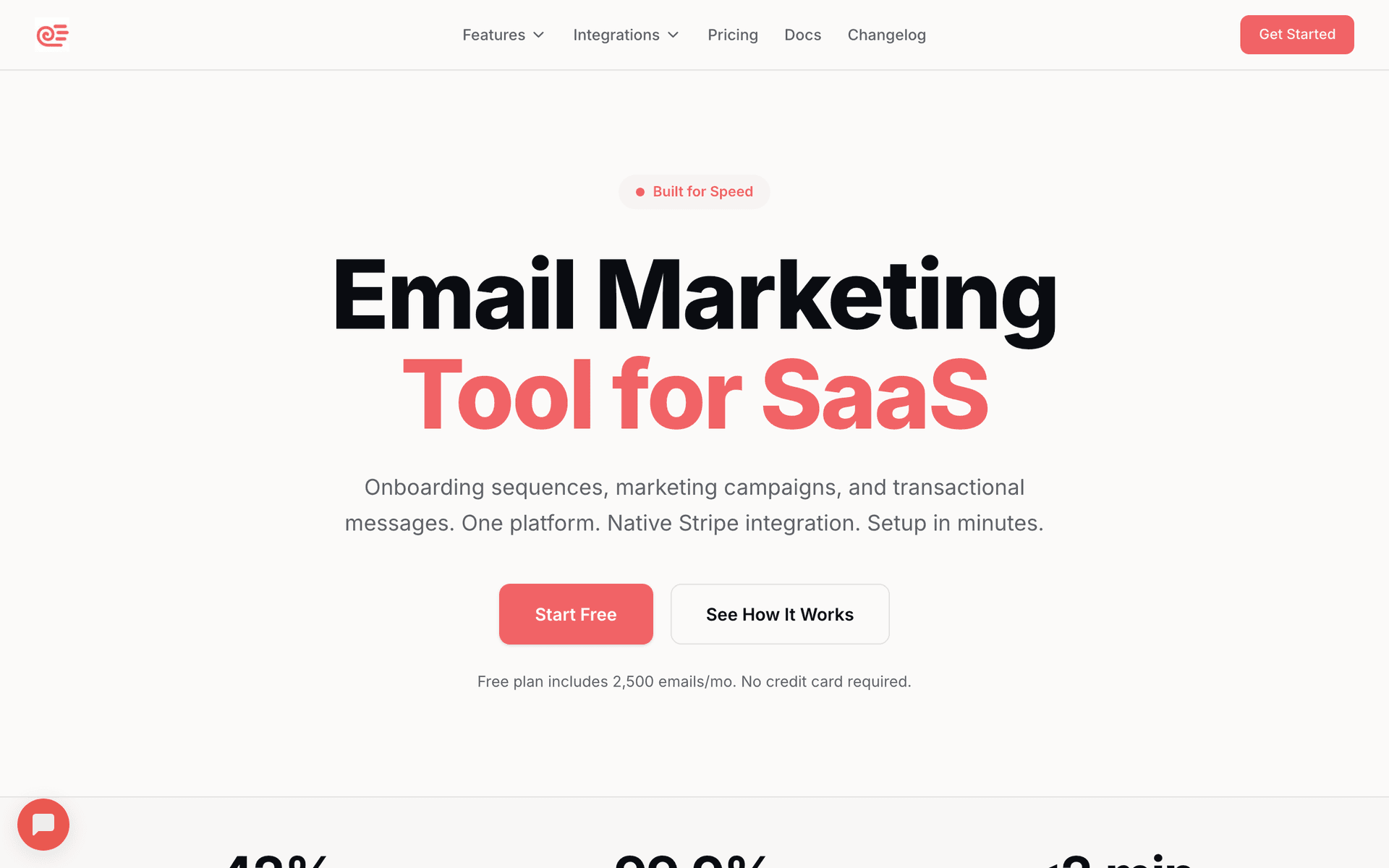
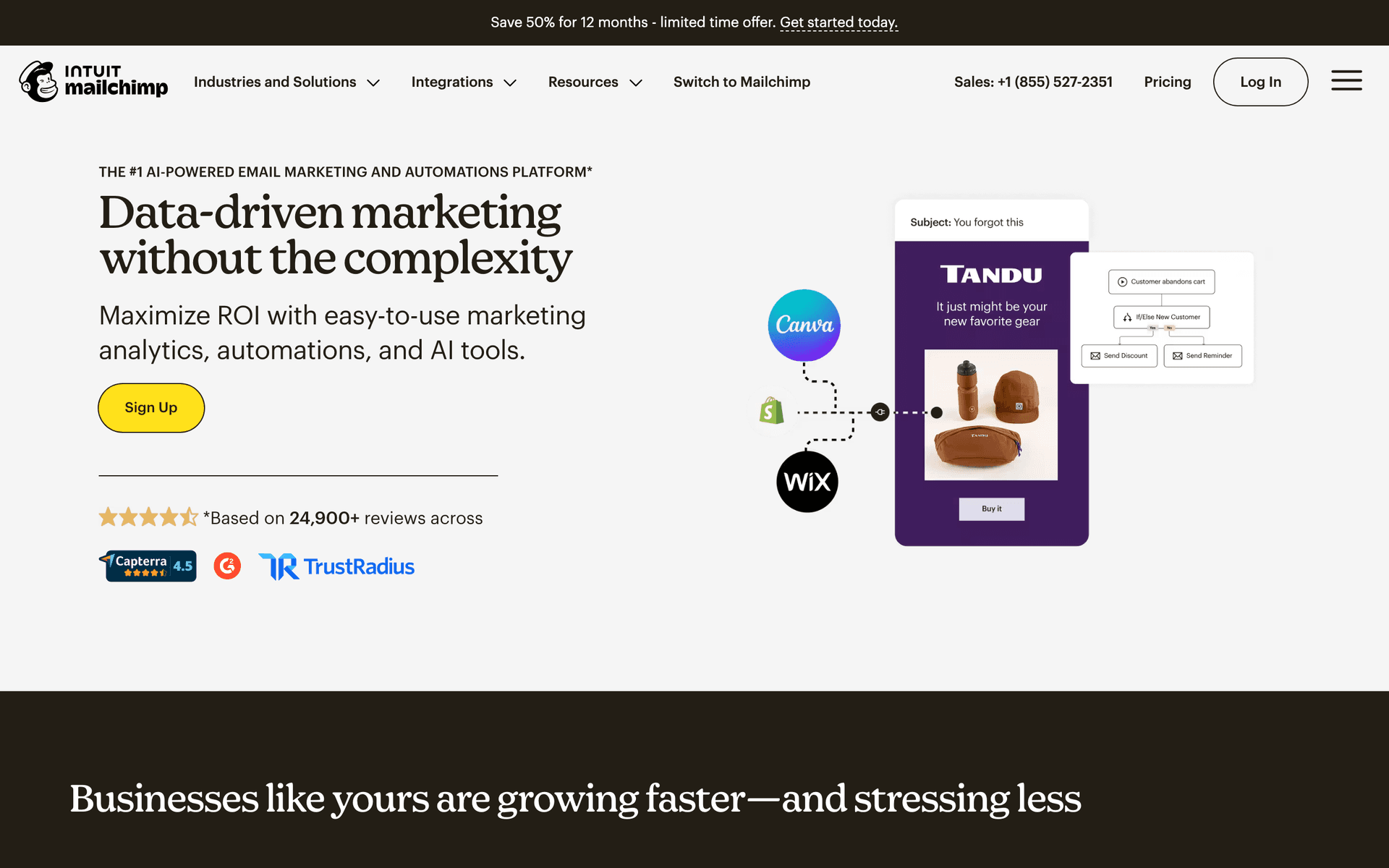
Solo vs school. Solo art teachers can use simple tools with free tiers - Sequenzy, MailerLite, or Mailchimp cover all your needs at minimal cost. Larger art schools with multiple instructors need more organization, segmentation by program, and potentially CRM capabilities.
Content creation. If you create art tutorials, blog posts, or educational content online alongside teaching, tools like ConvertKit work well for that audience-building side.
Budget is real. Most art teachers need affordable solutions. Calculate cost at your expected list size over 2 years. Free tiers from Sequenzy (2,500 emails/mo), MailerLite (1,000 contacts), or Mailchimp (500 contacts) cover most solo teacher needs.
| Teaching setup | Best tool profile | Most useful automation | Keep simple by |
|---|---|---|---|
| Solo art teacher | Free tier, simple templates, easy image blocks | Class reminders and supply lists | Sending one weekly class note and one monthly showcase |
| Small art studio | Segments by class, age group, and season | Registration reminders and new student welcome | Reusing templates for every program |
| School program | Reliable parent communication and staff handoff | Schedule changes and showcase invitations | Keeping emails practical and parent-focused |
| Online art educator | Forms, content delivery, and audience growth | Tutorial delivery and course launch emails | Separating students from general subscribers |
What Actually Works for Art Teachers
Visual content wins. Emails featuring student artwork get the highest engagement of any content type. Parents love seeing their children's creations, share these emails with family, and this natural sharing becomes your best referral engine.
Supply lists reduce stress. Sending clear supply lists with purchase links and budget alternatives makes everyone's life easier. This practical content is among the most appreciated by families.
Art shows build community. Promoting student showcases and celebrating their work keeps families enrolled longer. The pride of seeing their child's art displayed creates emotional investment in your program.
Building Your Email Calendar
A simple annual calendar prevents last-minute scrambling:
| Cadence | Email type | Audience | Goal |
|---|---|---|---|
| Weekly | Class reminder with project preview and supply check | Active students and parents | Improve attendance and preparedness |
| Monthly | Student artwork highlights and studio news | Current and prospective families | Build pride and referrals |
| Seasonal | Summer camp, holiday workshop, and registration promotion | Past students, prospects, and current families | Fill programs before deadlines |
| As needed | Supply updates, schedule changes, art show logistics | Affected classes only | Reduce confusion and parent questions |
The Student Showcase Email Strategy
Art shows are your most powerful enrollment and retention tool. Email amplifies their impact:
4 weeks before: Save-the-date announcement with venue and time. Build anticipation with a preview of what students have been working on.
2 weeks before: Practical details for participating families - framing instructions, drop-off times, what to expect.
3 days before: Final logistics email with parking, timing, and guest invitation encouragement.
Day after: Thank you email with event photos (if available). Make it shareable and include registration links for upcoming programs.
| Showcase email | Send timing | Parent need | Include |
|---|---|---|---|
| Save-the-date | 4 weeks before | Plan around the event | Venue, time, and what students are preparing |
| Preparation details | 2 weeks before | Know how to get artwork ready | Framing, drop-off, guest info, student expectations |
| Final logistics | 3 days before | Arrive smoothly | Parking, timing, what to bring, sharing invitation |
| Celebration recap | Day after | Share pride with family | Photos, thank-you note, next program link |
Getting Started
Pick a tool from this list. Then:
- Import your student family contact list from registration records
- Set up automated class reminders (3-day and 1-day before each session)
- Create a supply list template you can customize for each project unit
- Build a new student welcome sequence with expectations and preparation info
- Plan your first student artwork showcase email
Start simple with class reminders and one monthly newsletter, then expand with seasonal promotions and showcase emails as you get comfortable.
What Art Teachers should prioritize first
For Art Teachers, email works when it supports enrollment, reminders, parent communication, and progress updates. The software matters, but the operating habit matters more: collect the right contacts, send messages at the right moments, and keep the content useful enough that people keep opening.
Start by comparing the ranked tools above around the workflows you will actually run. A good tool for Art Teachers should make it easy to segment contacts, write a campaign quickly, automate the obvious follow-ups, and see whether the email produced a booking, sale, reply, renewal, or return visit.
The first workflows to build are usually simple. For this page, the natural starting points are New Student Welcome, Class Reminder Sequence, Student Showcase Invitation, Supply List Updates. Do not build a complicated journey until those basics are working.
A practical rollout looks like this:
| Week | Focus |
|---|---|
| 1 | Import contacts, clean segments, and write the first useful campaign. |
| 2 | Launch the highest-value reminder or follow-up automation. |
| 3 | Add one educational or trust-building email that is not a promotion. |
| 4 | Review opens, clicks, replies, bookings, purchases, or returned customers. |
The most important page-specific ideas are Showcase student artwork in every newsletter; Send supply lists 2 weeks before new projects; Promote summer camps 8 weeks early. Those should become your first campaigns before you worry about advanced automation.
Choose the tool that makes this cadence realistic. If a platform has more features but makes weekly sending harder, it is the wrong fit. If a simpler platform helps the team communicate consistently and measure the result, it will usually produce more value.