
Overview
SendPulse and MailerLite target similar audiences but take different approaches. SendPulse packs in every channel it can. MailerLite focuses on email and does it cleanly. For our take on each, see our SendPulse comparison and MailerLite comparison.
The Focus Question
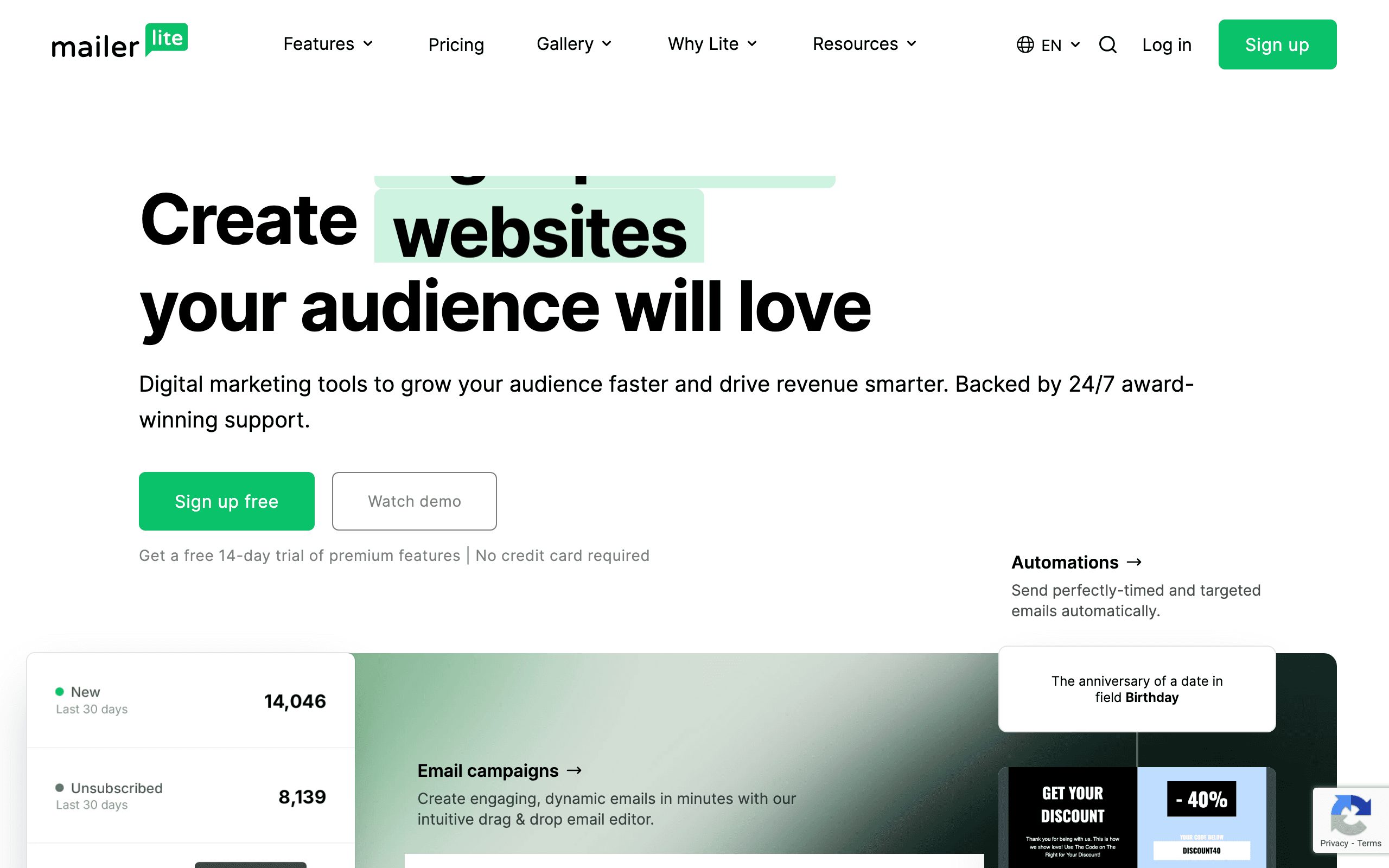
MailerLite does email, landing pages, and websites with a clean interface that's easy to learn. SendPulse does email, SMS, chatbots for five messaging platforms, web push, and CRM. More features, but the UX pays for it. If email is your primary channel, MailerLite's focus is an advantage.
When Multi-Channel Matters
If your audience lives on WhatsApp, Telegram, or Facebook Messenger, SendPulse's chatbot builder is genuinely useful. You can build automated conversation flows without code. MailerLite has no answer for this.
The Sequenzy Alternative
For SaaS founders who don't need chatbots or landing pages, Sequenzy combines transactional email and marketing campaigns with Stripe integration at $49/month.
The Price-Feature Trade-off
MailerLite at $47/month is roughly half the price of SendPulse at $96/month for 10,000 subscribers. For this savings of nearly $600/year, you give up chatbots, web push, SMS, and CRM. The question is whether those features generate enough value to justify double the cost.
For most businesses that primarily communicate via email, MailerLite's savings are meaningful. The email editor, automation builder, and landing page creator cover the core needs. Chatbots and web push are nice-to-haves that many businesses never use despite paying for them.
Be honest about your channel usage. If you have chatbots running on WhatsApp and actively use web push notifications, SendPulse's premium is justified. If your marketing is 90% email, MailerLite provides the same core value at half the price.
Free Tier Comparison
Both platforms offer free tiers but they differ significantly. MailerLite's free tier supports 1,000 subscribers with 12,000 emails per month, landing pages, and basic automation. SendPulse's free tier supports 500 subscribers with 15,000 emails but includes chatbot access.
For getting started, MailerLite's free tier is more generous for email-only use. The higher subscriber limit lets you grow further before hitting the paywall. SendPulse's free tier is better if you specifically want to experiment with chatbots alongside email.
Most businesses that start on free tiers eventually upgrade. Evaluate the paid plans alongside the free tiers since that is where you will likely end up.
Interface Design and User Experience
MailerLite consistently earns praise for its clean, minimal interface. The email editor is modern and intuitive. The automation builder is visual and straightforward. Settings are organized logically. It feels like a tool designed by people who care about user experience.
SendPulse's interface reflects its feature breadth. More menus, more options, more sections. Finding specific features can take longer, and the learning curve is steeper. The chatbot builder has its own interface paradigm that differs from the email section.
For teams without dedicated marketing operations people, MailerLite's simplicity reduces training time and daily friction. For teams that will use multiple channels and need consolidated access, SendPulse's comprehensive dashboard provides efficiency despite the complexity.
Use-case matchups
| Situation | Best first look | Why |
|---|---|---|
| Team wants budget multi-channel marketing | SendPulse | SendPulse is the baseline here for teams that want email plus adjacent channels without buying a heavier suite. |
| Team wants a simple email platform with clean UX | MailerLite | MailerLite is stronger when simplicity and price matter more than multiple channels. |
| SaaS or subscription team wants lifecycle email | Sequenzy | Sequenzy is stronger when Stripe events, transactional email, and campaigns need one subscriber model. |
| Team wants the broadest channel mix for the price | SendPulse | SendPulse is useful when email, SMS, chatbots, and web push are part of the same evaluation. |
| Team wants the specialist capability | MailerLite | MailerLite deserves the first demo when the main requirement is clean, affordable newsletter and automation workflows. |
| Team wants fewer channels and cleaner email workflows | Sequenzy | Sequenzy is intentionally narrower: email automation, transactional email, and lifecycle journeys without SMS or chatbot scope. |
Best Fit by Simplicity vs Channel Breadth
Best budget multi-channel marketing tool for broader channel coverage
SendPulse fits teams that want email, SMS, chatbots, and web push in one low-cost platform. It is strongest when channel breadth matters more than a clean email-first workflow.
Best email platform for clean newsletters and simple automation
MailerLite is the better fit when clean UX, affordable newsletters, landing pages, forms, and simple automations matter more than multiple channels. It works better for creators and small teams that want focused email and growth assets.
Best email platform for lifecycle and transactional workflows
Sequenzy fits when the team wants fewer channels and cleaner email automation around subscriptions, lifecycle campaigns, and transactionals. It is more focused when product and billing events should drive the lifecycle.
Pricing reality
The pricing signals on this page list SendPulse at $96/month, MailerLite at $73/month, and Sequenzy at $49/month. Use those as starting points, not final buying numbers.
SendPulse cost depends on contacts, channel usage, email volume, SMS or chatbot requirements, and plan limits. MailerLite's real cost depends on whether the team needs clean, affordable newsletter and automation workflows.
Review signals
For SendPulse, validate current review themes around multi-channel breadth, support, deliverability, editor quality, SMS or chatbot usability, and pricing transparency. For MailerLite, focus review research on the specific reason to choose it: clean, affordable newsletter and automation workflows.
Migration checklist
| Workstream | Moving toward SendPulse | Moving toward MailerLite | Simplifying to Sequenzy |
|---|---|---|---|
| Contacts and consent | Import contacts, attributes, lists, tags, email consent, SMS consent, suppressions, and unsubscribes. | Map subscribers, groups, fields, automations, forms, landing pages, templates, and unsubscribes. | Import subscribers, attributes, tags, suppressions, and lifecycle events. |
| Channel scope | Decide which channels actually move: email, SMS, web push, chatbots, landing pages, or SMTP. | Keep only the channels that match MailerLite's strongest use case. | Keep the migration focused on marketing email, transactional email, and lifecycle automation. |
| Automations | Rebuild welcome, nurture, cart, post-purchase, reactivation, and multi-channel flows. | Rebuild the workflows that prove MailerLite's advantage in clean, affordable newsletter and automation workflows. | Rebuild email sequences and transactional paths around product, store, or Stripe events. |
| Templates and forms | Move email templates, forms, landing pages, sender identities, and brand settings. | Move templates, forms, brand assets, and any workflow-specific content. | Move email templates and lifecycle message content. |
| Reporting | Validate campaign reports, channel reports, conversions, exports, and attribution. | Validate reporting for clean, affordable newsletter and automation workflows before committing. | Validate campaign, automation, transactional, and subscription lifecycle reporting. |
Decision checklist
- Do you actually use SendPulse's chatbots, web push, and SMS, or do they just make the feature list look longer?
- Does MailerLite's strength in clean, affordable newsletter and automation workflows matter more than SendPulse's channel breadth?
- SendPulse's import carries email and SMS consent plus suppressions, while MailerLite's covers groups, fields, and unsubscribes.
- The $96 and $73 figures are for 10,000 subscribers, and SendPulse's SMS and chatbots are billed on top, so your total will differ.
- Is Sequenzy easier to run for subscription email, since it combines campaigns and transactional mail with Stripe triggers?
- MailerLite should be tested for integration depth if moving from a multi-channel setup.









