
MVP Email Is About Learning, Not Marketing
At MVP stage, email is a feedback tool, not a marketing channel. Every email you send should either help users reach the core value proposition or help you learn something about how they use the product. Nothing else matters right now.
Resist the urge to build elaborate sequences. You do not need a 12-email onboarding drip. You need 3-4 emails that get users to the aha moment and ask them what they think. When you have product-market fit, invest in sophisticated email marketing. Until then, keep it lean.
MVP-Stage SaaS Email Benchmarks
At MVP stage, replies and activation are stronger evidence than newsletter-style clicks.
| Email type | Healthy open rate | Healthy reply or click rate | Learning metric |
|---|---|---|---|
| Welcome email | 45-70% | 12-30% | First action taken |
| Day 3 feedback prompt | 38-60% | 8-22% reply | Usability insight |
| Day 7 PMF question | 35-55% | 6-18% reply | Use case clarity |
| Weekly product update | 30-50% | 5-14% | Ongoing interest |
| Manual founder follow-up | 55-80% | 20-45% reply | Customer interview booked |
The 30-Minute MVP Email Setup
Here is the entire email marketing setup you need at MVP stage, done in 30 minutes:
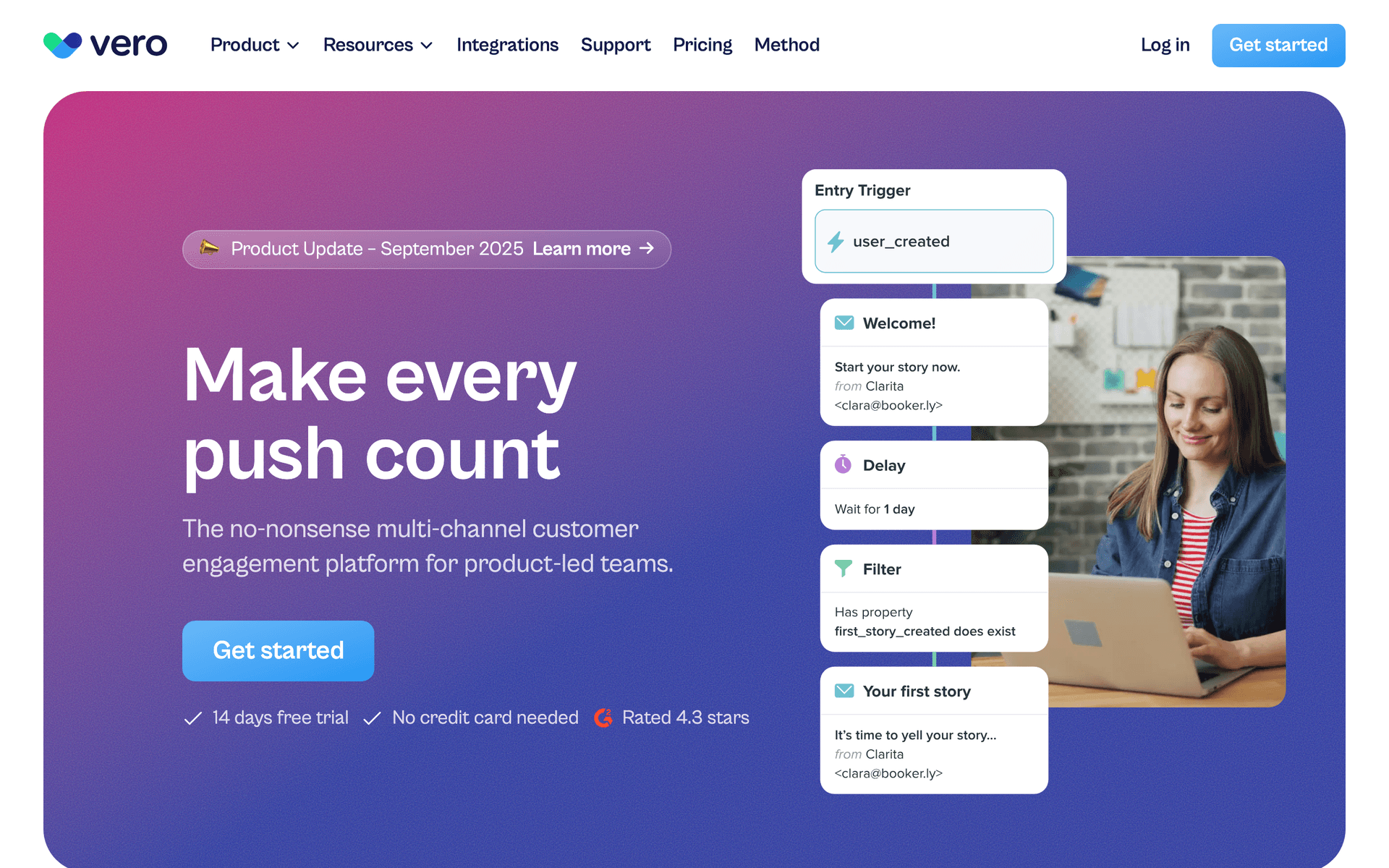
- Welcome email (5 minutes): One sentence greeting, one feature to try, one link. Nothing else.
- Day 3 feedback email (5 minutes): "How is it going? Hit reply and tell me - I read every response."
- Day 7 question (5 minutes): "What would make you use this every day?" This is your product-market fit probe.
- Weekly product update template (15 minutes): What you shipped, what you learned, what is coming next.
That is it. Four emails. Set them up in whatever free tool you choose and move on to building product.
MVP Email Setup Table
Use the smallest setup that creates a feedback loop. Anything more is probably a distraction.
| Trigger | Purpose | |
|---|---|---|
| Welcome | Signup | Get user to first action |
| Day 3 check-in | Signup plus 3 days | Learn what blocked them |
| Day 7 PMF question | Signup plus 7 days | Understand repeat-use potential |
| Weekly update | Product changes | Keep early users invested |
| Manual founder reply | Any detailed response | Turn feedback into conversation |
Reading the Signals
At MVP stage, email engagement is a product-market fit signal. Here is how to read the tea leaves:
Strong Signals (You Are on to Something)
- Users reply to your feedback emails with detailed feature requests
- People ask when specific features will be available
- Users report bugs (they care enough to help you improve)
- Open rates above 50% on your weekly updates
- People forward your updates to colleagues
Weak Signals (Pivot or Iterate)
- Open rates below 25% on onboarding emails
- Zero replies to feedback prompts
- High unsubscribe rates on your weekly updates
- Users never reach the core feature despite your onboarding email
What to Do With the Data
Track reply rates, not just open rates. A user who replies with detailed feedback is worth more than 100 users who passively open your newsletter. Those replies are your roadmap. Categorize them: feature requests, confusion points, use cases you did not expect, and praise for what works. This categorization drives your next sprint priorities.
MVP Signal Interpretation Table
Use email behavior as product research, but weight replies more heavily than opens.
| Signal | Interpretation | Next action |
|---|---|---|
| Detailed replies | Users care enough to help | Schedule interviews |
| Opens but no action | Curiosity without value clarity | Improve first action |
| No replies to PMF question | Problem may not hurt enough | Revisit positioning |
| Feature requests repeat | Emerging roadmap pattern | Prioritize validation |
| High unsubscribes | Wrong audience or too much noise | Tighten list and message |
Choosing Between Free Tools
If You Are a Technical Founder
Use Resend. Add email in a few lines of code, version control your templates, and move on. You can always add a marketing tool later when you need automation beyond what code provides.
If You Are a Non-Technical Founder
Use Brevo or Mailchimp. Both have visual editors, pre-built templates, and require zero code. Brevo gives you more free capacity. Mailchimp is more familiar.
If You Are Planning to Charge Soon
Use Sequenzy. The Stripe integration means your billing emails are ready when you flip the switch on payments. The AI generates your onboarding sequence from a product description, saving setup time.
If You Are Building in Public
Use Kit (ConvertKit). The 10,000-subscriber free tier and newsletter capabilities support your build-in-public content strategy alongside product communication.
When to Graduate From MVP Email
You know it is time to upgrade your email setup when:
- You have more than 500 active users and need segmentation beyond basic tags
- You have identified distinct user personas that need different onboarding paths
- Your conversion funnel has clear stages that email should support
- You have revenue and can justify $29-49/month for better tooling
- Replies have decreased because your list is too large for personal founder emails
At that point, consider Loops, Sequenzy, or Customer.io depending on your technical comfort and budget. The good news is that migrating between email tools is straightforward - export your contacts, import them, and rebuild your 4 automated emails in the new platform.
The MVP Email Stack
For most MVP-stage SaaS companies, the ideal email stack is:
- One tool for everything: Brevo, Loops, or Sequenzy handles marketing and transactional email
- Personal reply-to address: Your founder email, not noreply@
- 4 automated emails: Welcome, day-3 check-in, day-7 feedback, weekly update
- A spreadsheet: Track and categorize every reply you receive
This costs $0-29/month and takes 30 minutes to set up. That is the right level of investment for email at MVP stage.