Updated 2026-03-15

Best Email Marketing Tools for Per-Seat Pricing SaaS

Turn one user into a team. Automate team invites, onboard new seats, and expand accounts through smart email sequences.

Per-seat pricing means your revenue grows when teams grow. Every new seat is expansion revenue without a new sales cycle. Email is the engine that drives this. When an admin invites a teammate, the new user needs onboarding. When a team is at capacity, the admin needs a nudge to add seats. When seats go unused, you need to re-engage before the admin decides to downgrade. Here are the tools that handle per-seat SaaS communication best.

TL;DR

Sequenzy is the best choice for per-seat SaaS because its event-driven triggers handle seat-specific actions automatically, the native Stripe integration tracks seat changes in billing, and pay-per-email pricing means large team databases stay affordable. Userlist is the top alternative when you need built-in company-level tracking to aggregate team metrics for admin communications.

Why Per-Seat SaaS Needs Email Marketing

Team Expansion as Revenue Growth

The easiest revenue growth in per-seat SaaS is getting existing accounts to add more seats. Email sequences that encourage team invites at the right moments drive expansion without sales effort.

Multi-User Onboarding

Each new seat is a new user who needs to get to value quickly. Automated onboarding sequences for invited users reduce the time-to-value and prevent seats from going unused.

Seat Utilization Monitoring

Unused seats are a churn risk. Admins paying for 10 seats where only 3 are active will eventually downgrade. Email alerts about underutilized seats prompt admins to either activate those seats or re-evaluate.

Admin vs User Communication

Per-seat SaaS has two distinct audiences within each account: admins who manage billing and seats, and users who work in the product. Each needs different communication about different topics.

Per-Seat Pricing SaaS Email Marketing Benchmarks

Know these numbers before you start. They'll help you set realistic goals and pick the right tool.

28-35%
Average Open Rate

Per-seat SaaS emails perform well because recipients have an active product relationship. Seat utilization reports and team activity summaries typically see 40%+ open rates from admins.

4-7%
Average Click Rate

Emails with one-click actions (add seat, upgrade plan, invite teammate) drive the highest engagement. Include clear CTAs with minimal friction to maximize conversion.

Tuesday-Wednesday, 10 AM-12 PM
Best Send Time

Per-seat SaaS targets business users who engage with work tools during business hours. Mid-morning on Tuesday or Wednesday catches users when they are productive and likely using your product.

65-80%
Invite-to-Activation Rate

The percentage of invited users who become active within 7 days. Strong onboarding sequences push this to 75-80%, while weak or absent onboarding sees 50-60%.

Important Tips Before You Choose

Lessons from per-seat pricing saaswho've been doing this for years. Save yourself the trial and error.

Trigger Invite Prompts at Moments of Team Value

The most effective time to prompt a user to invite teammates is when they are using a collaborative feature - creating something shareable, tagging a teammate in a comment, or hitting a limit that additional seats would solve. Set up behavioral triggers for these moments rather than sending random invite prompts.

Shorten Onboarding for Invited Users

Invited users have social context that new signups lack - they know who invited them and why. Their onboarding should be 50% shorter than a new account onboarding, reference their team, and focus on getting them collaborating with their inviter quickly rather than walking through basic setup.

Send Seat Utilization Reports to Admins Monthly

Admins who pay for seats want to know they are getting value. Send a monthly email showing active seats versus total seats, engagement metrics per team member, and suggestions for activating unused seats. This proactive approach prevents the frustration that leads to downgrades.

Create Separate Communication Tracks for Admins and Users

Admins care about billing, seat management, and team health metrics. Individual users care about onboarding, feature discovery, and collaboration. Tag contacts by role at signup and route them into the appropriate communication track. Sending billing information to regular users is noise that erodes trust.

Use Real-Time Notifications When Teams Hit Seat Limits

When a user tries to invite a teammate but the account is at its seat limit, trigger an immediate email to the admin. Include who tried to invite, why, and a one-click upgrade link. This captures genuine demand and converts at much higher rates than generic expansion prompts.

Proactively Address Unused Seats Before Renewal

Do not wait until an admin requests a downgrade. If seats have been unused for 30+ days, send a helpful email suggesting how to activate them. If they remain unused at 60 days, proactively offer to adjust the seat count. This builds trust and often prevents full churn.

19 Best Email Marketing Tools for Per-Seat Pricing SaaS

#ToolDescriptionBest ForPricing
1SequenzyEmail marketing with event-driven automation and native payment integrations for SaaS.Per-seat SaaS wanting automated seat expansion and onboarding sequencesFree up to 2,500 emails/mo, then $19/mo (unlimited contacts)
2UserlistEmail automation for SaaS with company-level tracking.Per-seat SaaS with established teams and company-level tracking needs$149/month for 5,000 users
3Customer.ioEvent-driven messaging with advanced segmentation.Per-seat SaaS with complex team dynamics and multi-channel needs$100/month for 5,000 profiles
4LoopsModern email platform for SaaS with event-based automations.Per-seat SaaS wanting clean automation for team onboardingFree up to 1,000 contacts, then $49/month
5ActiveCampaignAdvanced automation with CRM and visual workflows.Per-seat SaaS with a sales-assisted motion and account management$29/month for 1,000 contacts
6ResendDeveloper-first email API with React Email templates.Technical teams building custom team invite and onboarding flowsFree for 3,000 emails/month, then $20/month
7IntercomCustomer communication platform with email, chat, and product tours.Per-seat SaaS wanting in-product nudges alongside email$39/month per seat
8Customer.ioEvent-driven messaging for seat-based expansion automation.Per-seat SaaS wanting precise expansion automation triggered by seat utilization events$100/month base, scales with profiles
9LoopsModern product email with seat expansion workflow support.Per-seat SaaS wanting fast seat expansion email setup without platform complexityFree tier available, paid from $49/month
10EnchargeSaaS marketing automation with company-level behavioral tracking.Growth-stage per-seat SaaS wanting B2B-aware seat expansion automationFrom $79/month for 2,000 subscribers
11UserlistEmail automation purpose-built for B2B SaaS with company tracking.Per-seat B2B SaaS needing distinct company-level expansion and user-level onboarding automationFrom $149/month for up to 5,000 users
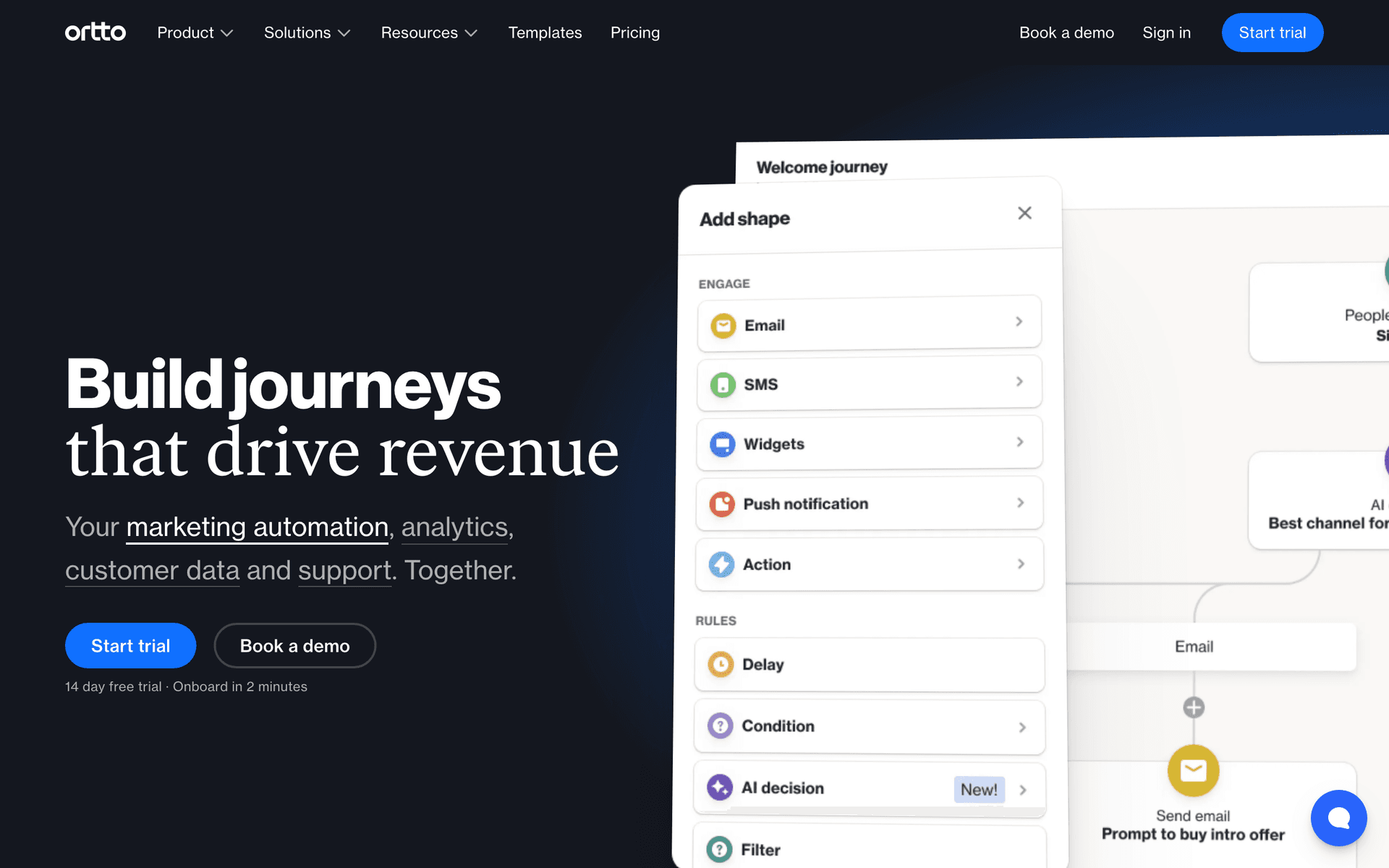
12OrttoCDP with marketing automation for seat expansion analytics.Data-driven per-seat SaaS wanting account-level expansion analytics alongside automationFrom $99/month
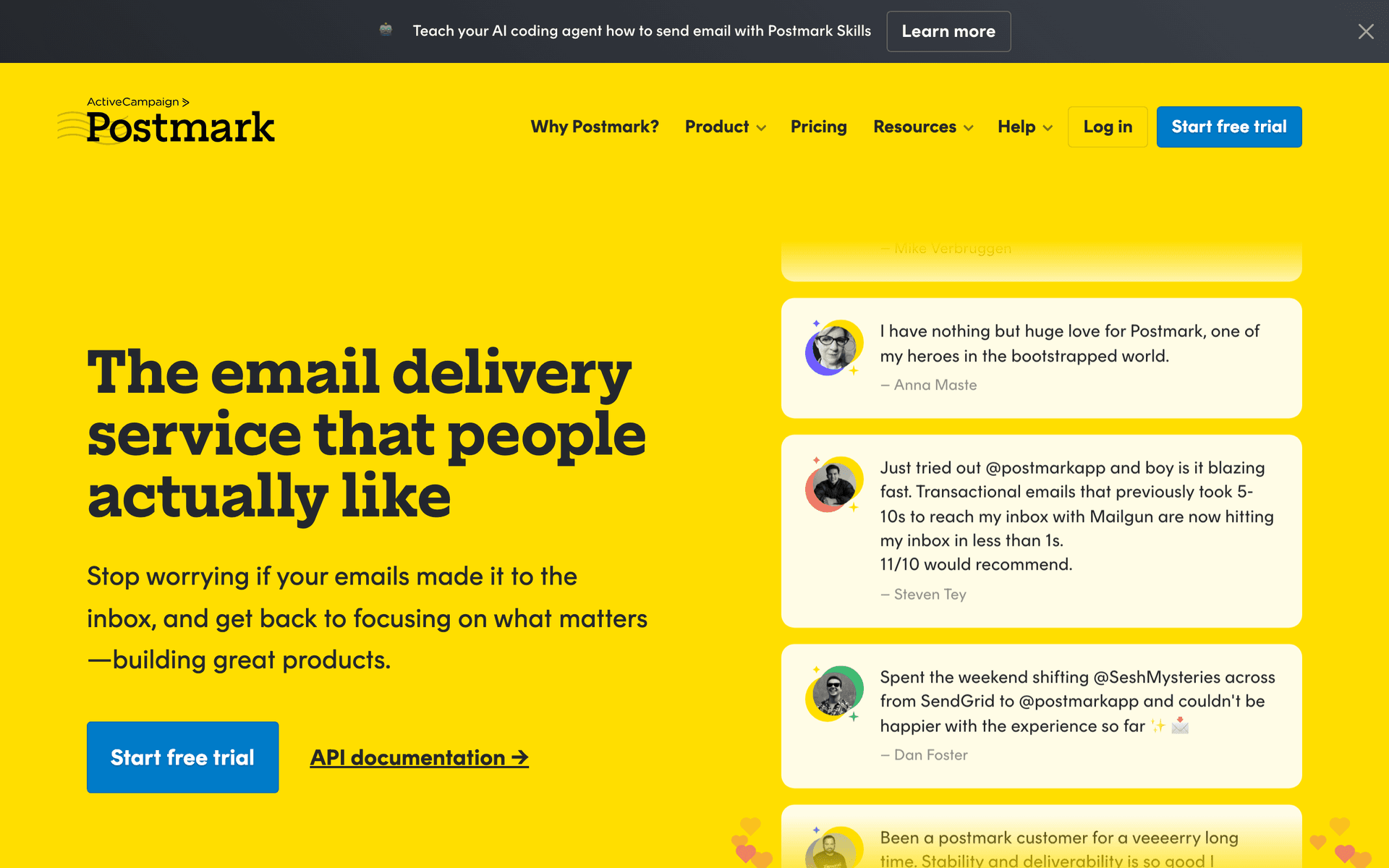
13PostmarkTransactional email with fast delivery for seat-triggered notifications.Per-seat SaaS needing immediate delivery for seat management transactional emailsFrom $15/month for 10,000 emails
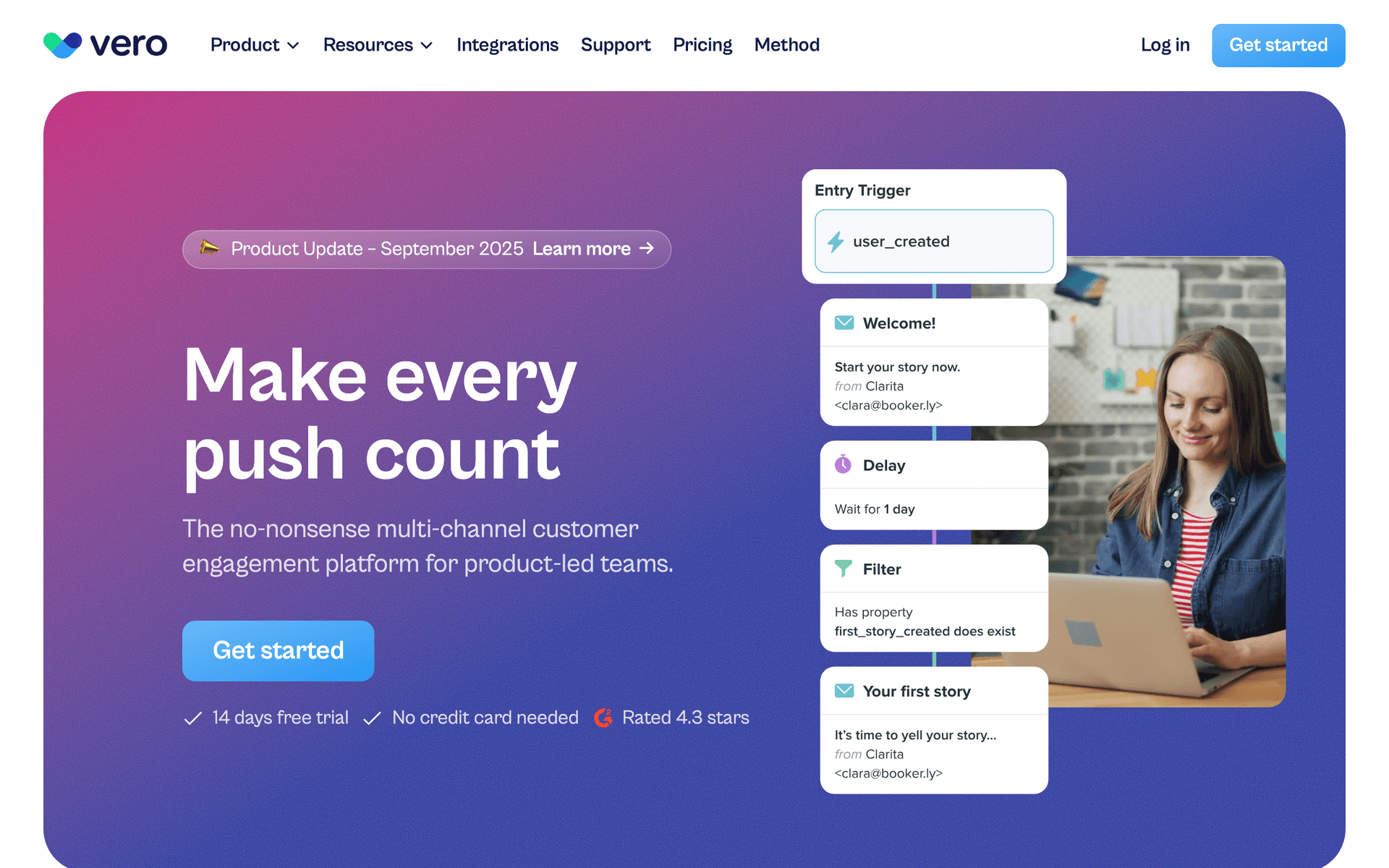
14VeroBehavioral email with API-driven personalization.Per-seat SaaS wanting live seat utilization data in personalized expansion emailsFrom $99/month
15HubSpotEnterprise CRM and marketing platform for seat-based B2B SaaS.Per-seat B2B SaaS coordinating automated expansion email with sales team follow-upFree CRM, marketing hub from $50/month
16ResendDeveloper-first email API for seat event notifications.Technical per-seat SaaS teams with engineering-owned seat management notification emailFree for 3,000 emails/month, then $20/month
17SenderAffordable email marketing platform.Early-stage per-seat SaaS validating their pricing model on a minimal email budgetFree for 2,500 subscribers, paid from $15/month
18SendGridEmail delivery platform with transactional and marketing capabilities.Per-seat SaaS on SendGrid wanting to consolidate transactional seat emails and basic lifecycleFree for 100 emails/day, paid from $19.95/month
19BrazeEnterprise customer engagement platform.Enterprise per-seat SaaS with thousands of accounts needing real-time multi-channel expansion triggersCustom pricing (typically $50K+/year)
Our Top Pick for Per-Seat Pricing SaaS
#1
Sequenzy

Email marketing with event-driven automation and native payment integrations for SaaS.

Visit
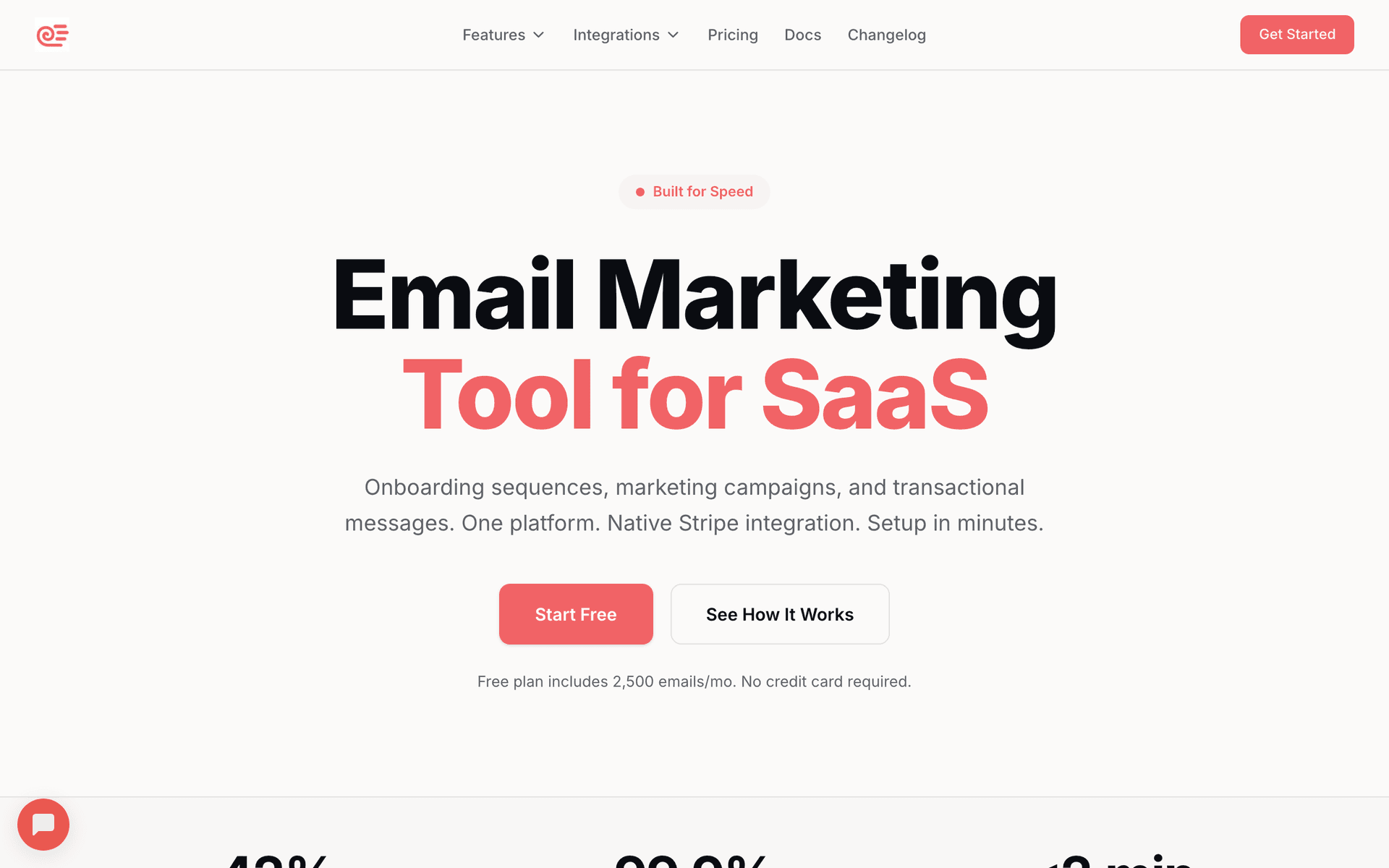
Sequenzy dashboard screenshot

Sequenzy handles per-seat SaaS well because the event-driven model triggers on seat-specific actions with minimal configuration. When a new user is invited, their onboarding sequence starts automatically. When a team hits its seat limit and someone tries to invite another member, Sequenzy can trigger an expansion email to the admin in real time. The native Stripe integration tracks seat changes and billing events automatically, so your emails can reference actual seat counts and billing details without manual data syncing. The free tier covers 2,500 emails per month, enough to test your seat workflows before committing. The $29/month plan covers 50,000 emails with unlimited contacts - and the pay-per-email pricing is critical for per-seat SaaS. If you have 500 customers with an average team size of 8, that is 4,000 contacts. With per-contact pricing tools, you are paying for all 4,000. With Sequenzy, you only pay when you actually email them. AI-generated sequences get onboarding and expansion flows running quickly. The main limitation is no built-in company-level dashboards, so aggregating team metrics for admin reports requires some workaround.

Best for
Per-seat SaaS wanting automated seat expansion and onboarding sequences
Pricing
Free up to 2,500 emails/mo, then $19/mo (unlimited contacts)

Pros

  • Event-driven triggers for seat-specific actions
  • Native Stripe integration for seat-based billing
  • AI generates onboarding and expansion sequences
  • Pay per email, not per contact
  • Free tier for testing workflows

Cons

  • Newer platform with smaller community
  • No built-in seat utilization dashboards
  • Template library still growing
#2
Userlist

Email automation for SaaS with company-level tracking.

Visit
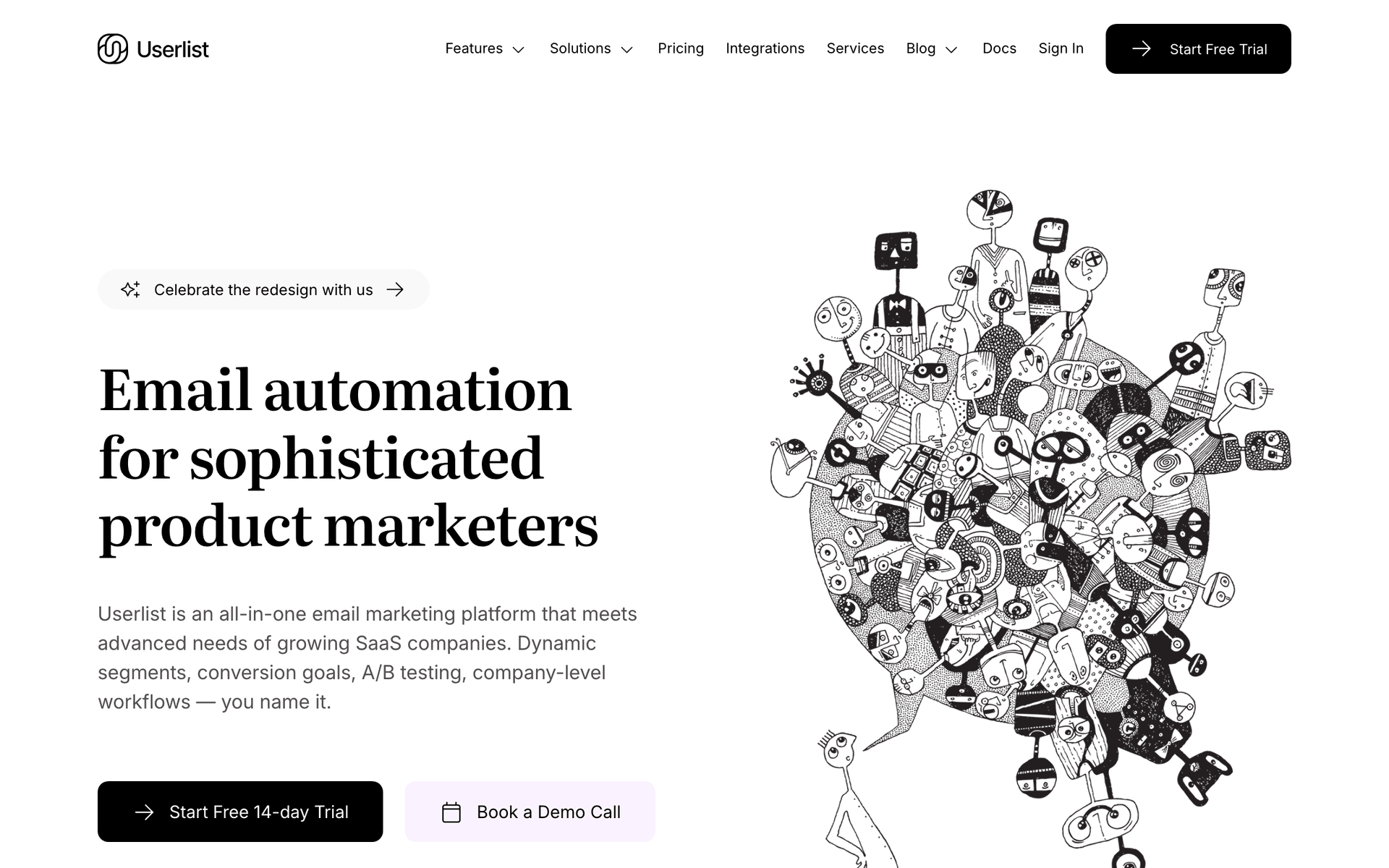
Userlist dashboard screenshot

Userlist was practically built for per-seat SaaS. The company-level tracking is the standout feature - you can see how many seats an account has, how many are active, what the overall team engagement looks like, and trigger emails based on company-level metrics rather than individual user actions. This is essential for admin communications about seat utilization and expansion. You can build separate communication tracks for admins and regular users within the same account. The SaaS lifecycle patterns handle common per-seat scenarios out of the box. The $149/month starting price is the main barrier - it makes Userlist a better fit for SaaS companies with established revenue rather than early-stage products still validating their per-seat model.

Best for
Per-seat SaaS with established teams and company-level tracking needs
Pricing
$149/month for 5,000 users

Pros

  • Company-level tracking for team metrics
  • Separate admin and user communication
  • SaaS-specific lifecycle patterns

Cons

  • Higher starting price
  • Smaller community
  • Email only
#3
Customer.io

Event-driven messaging with advanced segmentation.

Visit
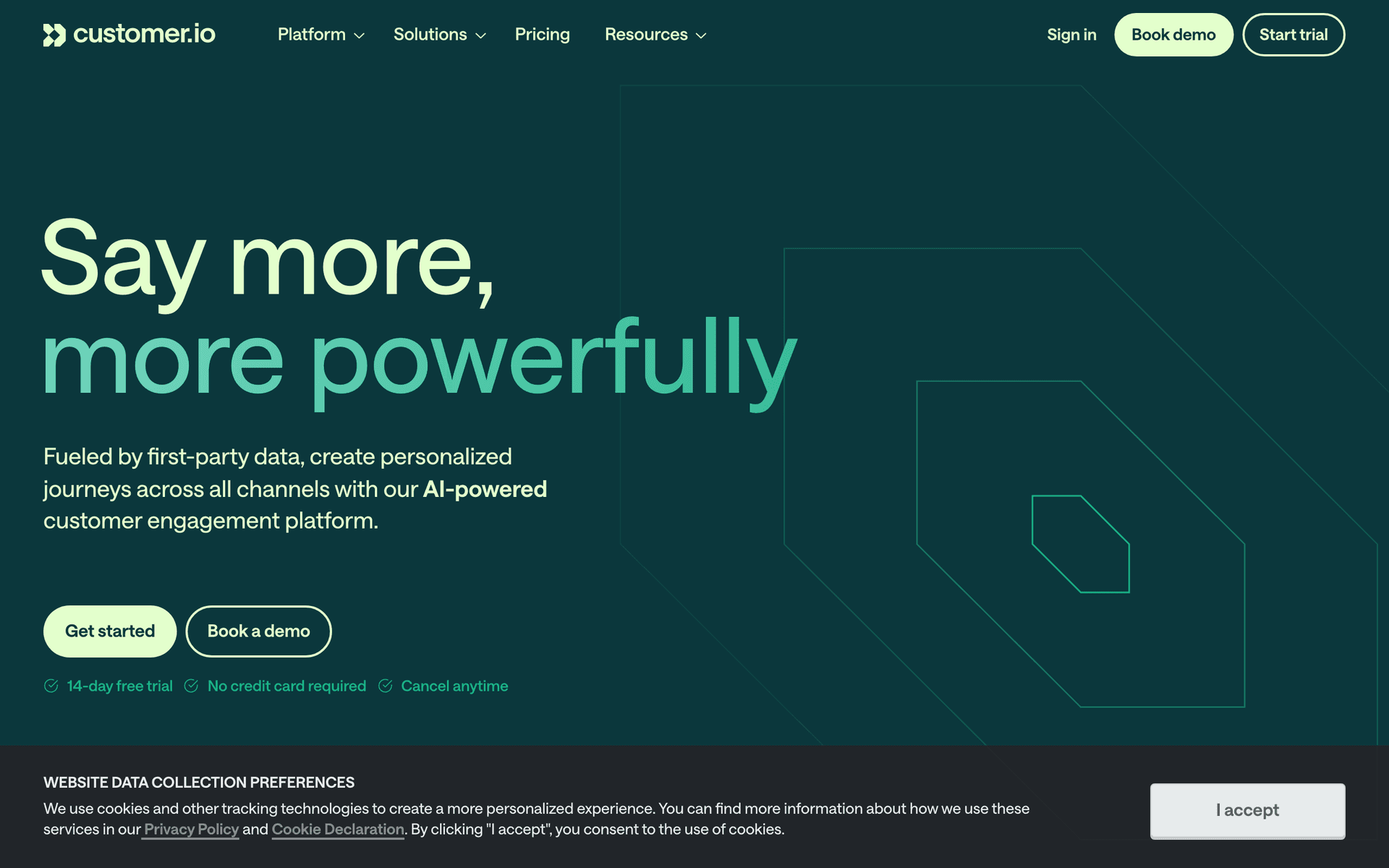
Customer.io dashboard screenshot

Customer.io gives you the flexibility to model complex per-seat scenarios that other tools cannot handle. Track individual user engagement within team accounts, build workflows that trigger admin notifications when seats go unused for specific periods, and create separate onboarding paths for admins, power users, and casual users within the same account. The multi-channel support adds push and in-app messaging for in-product seat expansion prompts alongside email. The trade-offs are significant: Customer.io requires engineering resources to set up properly, the $100/month starting price is steep for smaller companies, and there is no native payment integration for seat-based billing data.

Best for
Per-seat SaaS with complex team dynamics and multi-channel needs
Pricing
$100/month for 5,000 profiles

Pros

  • Advanced segmentation for team roles
  • Multi-channel messaging
  • Complex workflow logic

Cons

  • Expensive starting price
  • Complex setup
  • No native payment integration
#4
Loops

Modern email platform for SaaS with event-based automations.

Visit
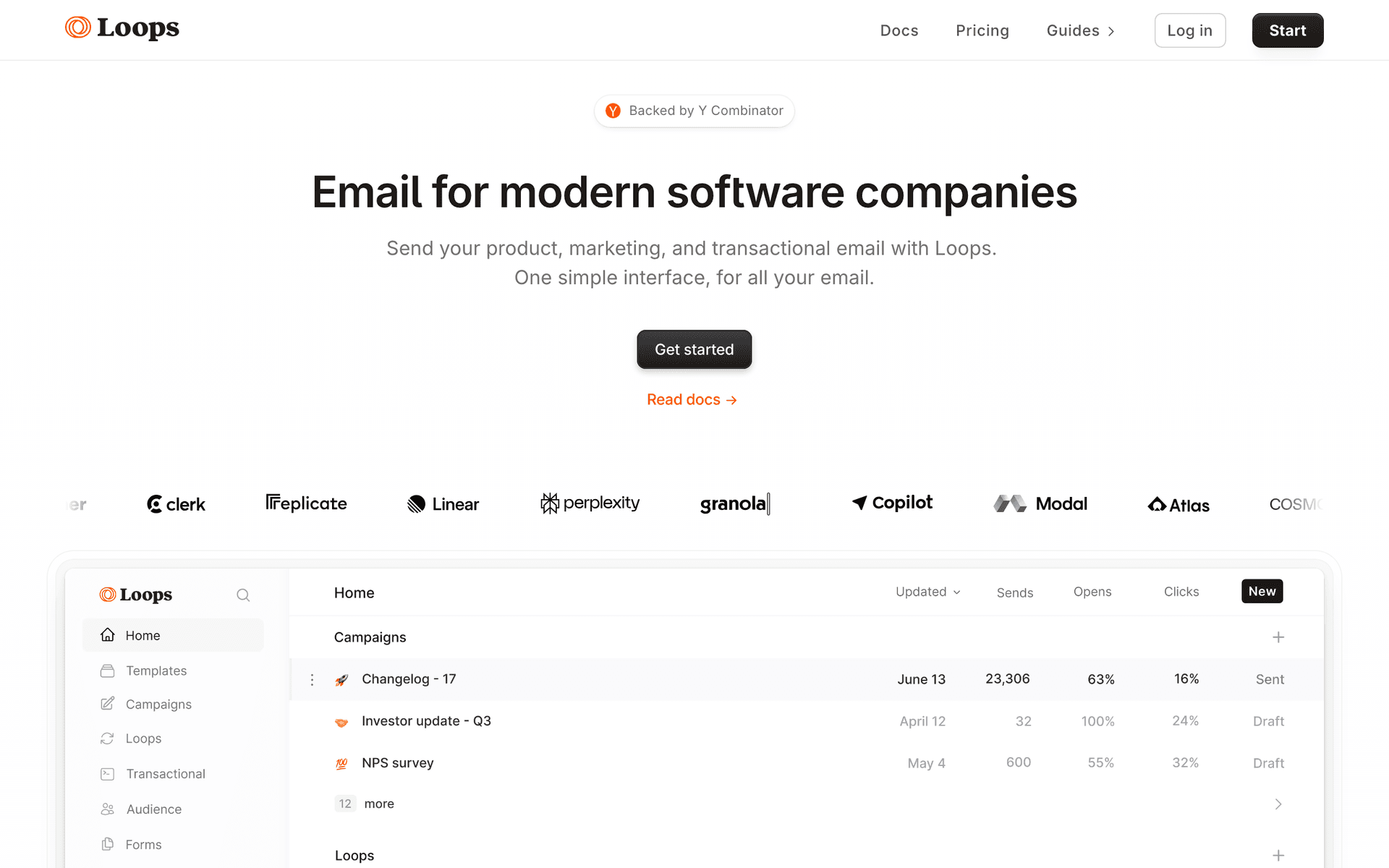
Loops dashboard screenshot

Loops handles per-seat basics well with a clean, modern interface that your customer success team can manage without engineering help. Event-based automations trigger onboarding for new team members when they accept invitations. User properties can store role and team information for basic segmentation. Combined transactional and marketing email support means invite emails and onboarding sequences come from the same platform. The limitation is that Loops does not have native company-level tracking, so aggregating team metrics for admin communications - like 'your team has 3 unused seats' - requires workarounds through your own backend sending events with aggregated data.

Best for
Per-seat SaaS wanting clean automation for team onboarding
Pricing
Free up to 1,000 contacts, then $49/month

Pros

  • Clean event-based automation
  • Good for individual user onboarding
  • Combined transactional and marketing

Cons

  • No company-level tracking
  • Per-contact pricing includes every seat
  • Limited team-level automation
#5
ActiveCampaign

Advanced automation with CRM and visual workflows.

Visit
ActiveCampaign dashboard screenshot

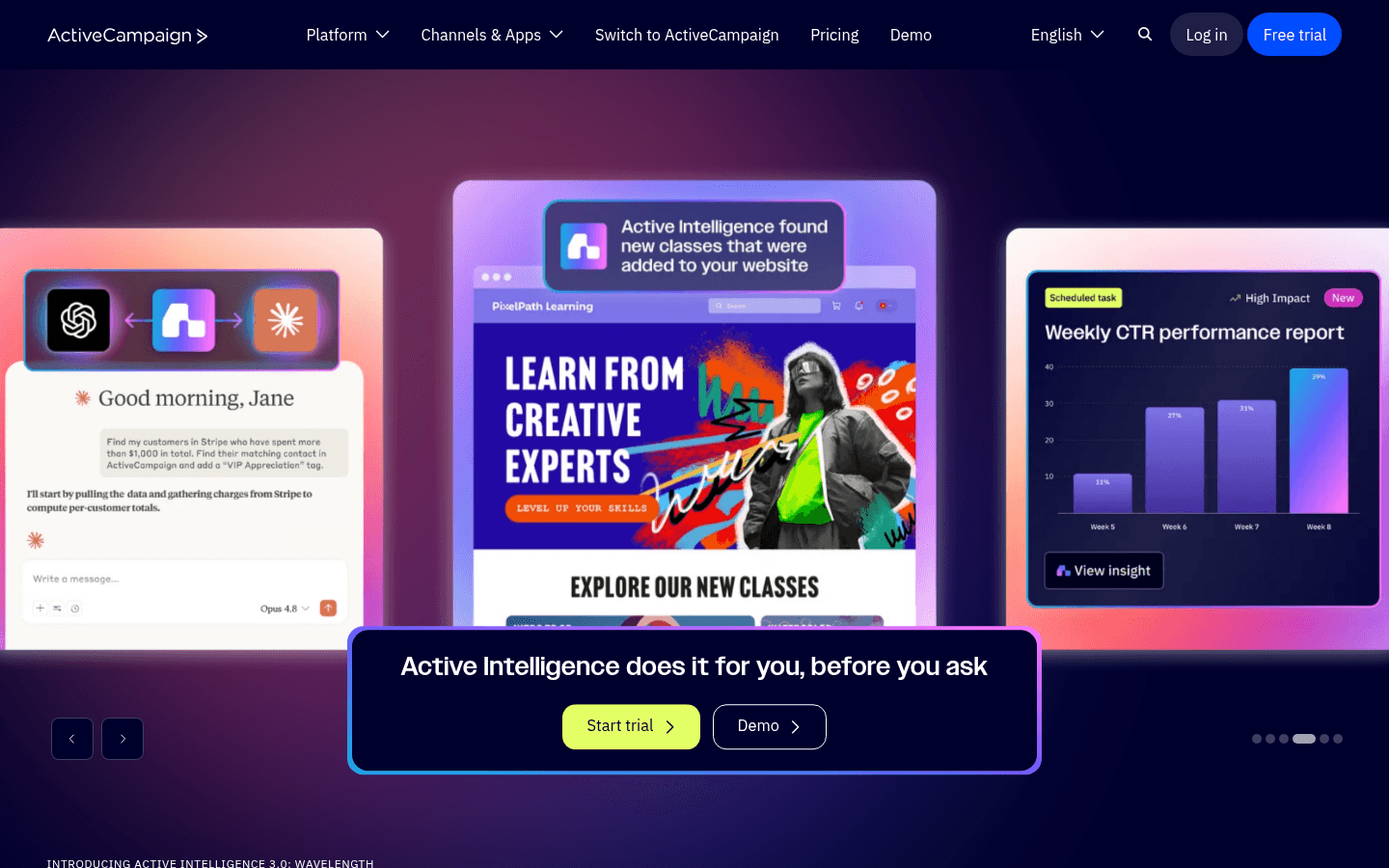
ActiveCampaign's CRM can track accounts alongside contacts, which maps to the admin/user structure of per-seat SaaS. The automation builder handles complex seat-related workflows with conditional branching based on role, engagement level, and account status. Lead scoring can identify accounts most likely to expand. The per-contact pricing is the significant drawback for per-seat models - every seat on every customer account counts as a contact toward your billing limit. A SaaS product with 200 customers averaging 10 seats means 2,000 contacts on your email tool, costing substantially more than per-email pricing alternatives.

Best for
Per-seat SaaS with a sales-assisted motion and account management
Pricing
$29/month for 1,000 contacts

Pros

  • Account-level tracking via CRM
  • Powerful automation builder
  • Complex conditional logic

Cons

  • Per-contact pricing includes every seat
  • Complex to configure
  • Learning curve
#6
Resend

Developer-first email API with React Email templates.

Visit
Resend dashboard screenshot

Resend works for the transactional side of per-seat communication - team invite emails, new user welcome messages, and seat change confirmations. The React Email templates can dynamically show team-specific context like who invited them and what the team is working on. The developer experience is excellent for engineering teams that want full control over email rendering. For marketing sequences like expansion prompts and seat utilization alerts, Resend has no built-in automation. You will need to build trigger logic in your own codebase or pair Resend with another tool for the marketing side.

Best for
Technical teams building custom team invite and onboarding flows
Pricing
Free for 3,000 emails/month, then $20/month

Pros

  • Great for team invite emails
  • React Email for dynamic templates
  • Clean API

Cons

  • No marketing automation
  • No seat utilization tracking
  • Must build expansion logic yourself
#7
Intercom

Customer communication platform with email, chat, and product tours.

Visit
Intercom dashboard screenshot

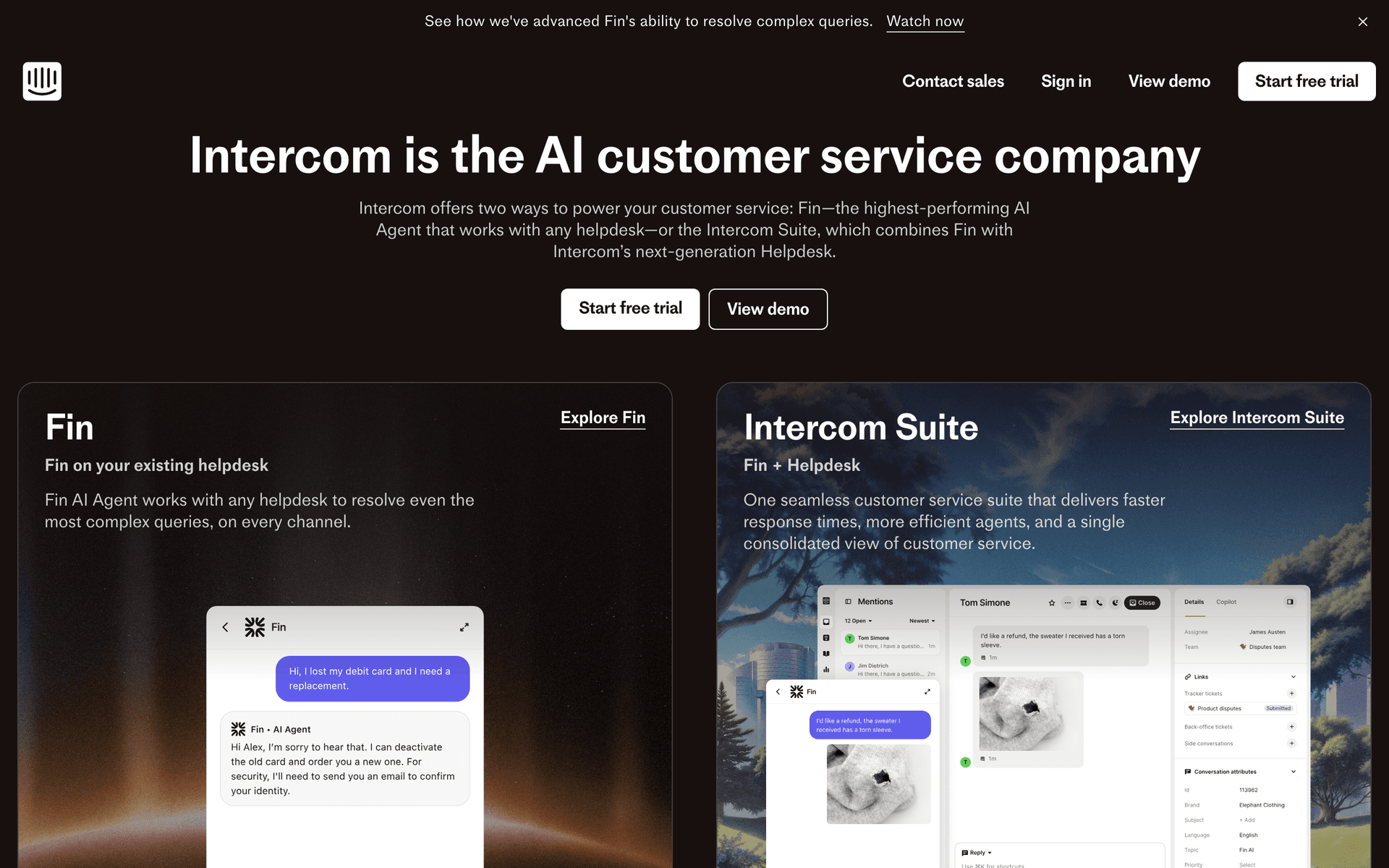
Intercom is relevant for per-seat SaaS because in-product nudges often work better than email for seat expansion. A prompt shown when a user tries to add a teammate but hits their seat limit converts well because the intent is immediate. The combination of email for onboarding and in-app messages for contextual prompts covers both channels effectively. Product tours can guide new invited users through their first session. The cost is the main concern - Intercom's own per-seat pricing means your communication tool costs scale with your team size. And the email automation is secondary to the chat and in-app features, so you may still need a dedicated email tool for complex sequences.

Best for
Per-seat SaaS wanting in-product nudges alongside email
Pricing
$39/month per seat

Pros

  • In-app messages for contextual seat prompts
  • Email + chat + product tours
  • Good for collaborative products

Cons

  • Expensive per-seat pricing
  • Email automation is secondary
  • Overkill for email-only needs
#8
Customer.io

Event-driven messaging for seat-based expansion automation.

Visit
Customer.io dashboard screenshot

Per-seat pricing creates a specific expansion revenue opportunity that Customer.io handles well: identifying accounts that are approaching seat utilization limits and triggering expansion sequences at the right moment. The company-level event tracking monitors seat count and utilization across team accounts, firing admin-targeted emails when utilization crosses 70%, 80%, and 90% thresholds with increasingly direct expansion messaging. Multi-condition branching lets you handle the nuance - show different expansion paths to accounts on an annual plan vs. monthly, or those eligible for volume discounts vs. standard pricing.

Best for
Per-seat SaaS wanting precise expansion automation triggered by seat utilization events
Pricing
$100/month base, scales with profiles

Pros

  • Seat utilization event-driven expansion
  • Multi-condition expansion logic
  • Company and user level tracking

Cons

  • Engineering investment required
  • Per-profile pricing
  • Complex to configure
#9
Loops

Modern product email with seat expansion workflow support.

Visit
Loops dashboard screenshot

Per-seat SaaS teams that want to set up seat expansion email sequences quickly without complex platform configuration use Loops for its clean event-driven approach. Connect seat utilization events from your product and Loops fires the right message to the account admin - seat limit warning, upgrade invitation, or expansion confirmation. The unified transactional and lifecycle approach means the seat purchase confirmation and the post-purchase expansion onboarding flow through the same system. For per-seat SaaS teams that want fast deployment over deep customization, Loops delivers.

Best for
Per-seat SaaS wanting fast seat expansion email setup without platform complexity
Pricing
Free tier available, paid from $49/month

Pros

  • Fast seat expansion workflow deployment
  • Clean admin-targeted messaging
  • Unified transactional and lifecycle

Cons

  • Less advanced expansion logic
  • Newer platform
  • Limited seat-specific features
#10
Encharge

SaaS marketing automation with company-level behavioral tracking.

Visit
Encharge dashboard screenshot

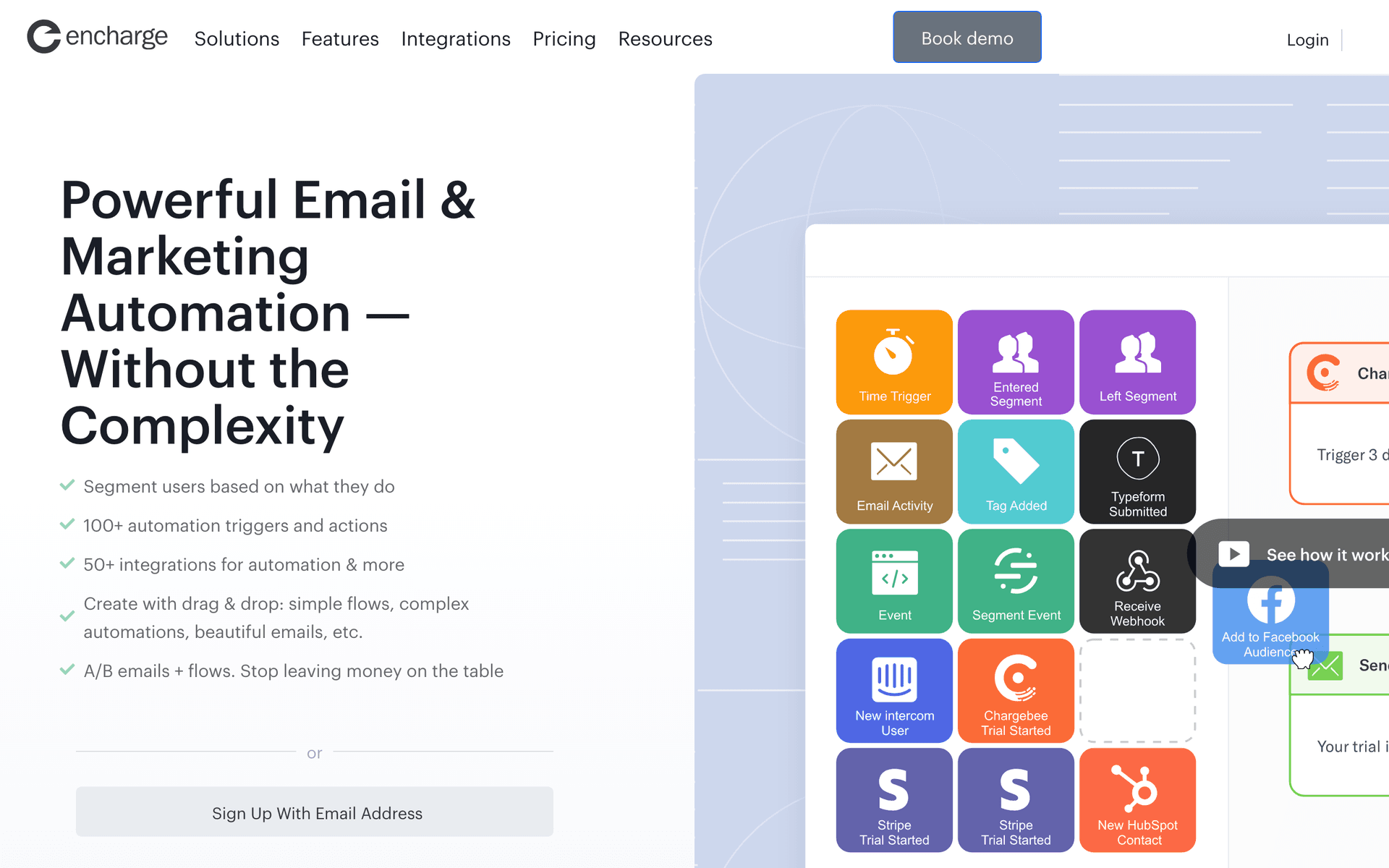
Encharge's SaaS-specific automation handles per-seat expansion email well because it natively understands the company-user relationship. Set up expansion sequences that fire when a company's seat count reaches a threshold, when a new user joins a nearly-full account, or when an admin views the billing page multiple times without upgrading. Lead scoring surfaces accounts with high expansion propensity based on usage patterns and seat utilization. For per-seat SaaS in the growth stage, Encharge provides the B2B account-aware automation needed without enterprise pricing.

Best for
Growth-stage per-seat SaaS wanting B2B-aware seat expansion automation
Pricing
From $79/month for 2,000 subscribers

Pros

  • B2B company-level expansion triggers
  • Lead scoring for expansion candidates
  • SaaS-specific data model

Cons

  • Contact-based pricing
  • Less powerful than Customer.io
  • Smaller ecosystem
#11
Userlist

Email automation purpose-built for B2B SaaS with company tracking.

Visit
Userlist dashboard screenshot

Per-seat B2B SaaS finds Userlist's company-user data model particularly well-suited to seat-based lifecycle management. Track seat count at the company level and fire expansion sequences to the billing admin when utilization thresholds are crossed. New user invitation sequences (when an admin invites a new seat) fire at the user level with role-appropriate onboarding. Seat limit approach sequences target the admin, not the users hitting the limit. For per-seat SaaS where the expansion decision and the daily usage happen at different levels of the account hierarchy, Userlist's dual model is a clear advantage.

Best for
Per-seat B2B SaaS needing distinct company-level expansion and user-level onboarding automation
Pricing
From $149/month for up to 5,000 users

Pros

  • Company-level seat expansion tracking
  • Admin vs user sequence separation
  • Native B2B account model

Cons

  • Email only
  • Higher starting price
  • Limited for pure PLG models
#12
Ortto

CDP with marketing automation for seat expansion analytics.

Visit
Ortto dashboard screenshot

Per-seat SaaS can use Ortto's CDP to understand which account characteristics predict seat expansion - company size, industry, initial seat count, onboarding completion - and then build automated expansion sequences targeted at accounts that match the high-expansion-propensity profile. The analytics connect seat expansion campaigns to revenue outcomes, showing which expansion sequences generate the most incremental MRR. For per-seat SaaS investing in a data-driven expansion motion, Ortto's combination of behavioral analytics and journey automation provides the closed loop from insight to action.

Best for
Data-driven per-seat SaaS wanting account-level expansion analytics alongside automation
Pricing
From $99/month

Pros

  • Expansion propensity analytics
  • Revenue attribution for expansion campaigns
  • CDP for account behavioral data

Cons

  • Complex setup
  • Higher cost
  • CDP work required
#13
Postmark

Transactional email with fast delivery for seat-triggered notifications.

Visit
Postmark dashboard screenshot

Per-seat SaaS sends important transactional emails tied to seat events - new user invited, seat limit reached, seat removed, billing updated for additional seats. These emails need to arrive immediately to avoid confusion and support tickets about whether an invitation was sent or a seat change processed. Postmark's near-instant delivery ensures that seat-event confirmation emails arrive before the account admin starts wondering if their action registered. For per-seat SaaS where seat management is a daily admin activity, Postmark's reliability maintains operational trust.

Best for
Per-seat SaaS needing immediate delivery for seat management transactional emails
Pricing
From $15/month for 10,000 emails

Pros

  • Near-instant seat event confirmation
  • Reliable for admin management emails
  • Detailed delivery analytics

Cons

  • Transactional only
  • No expansion lifecycle automation
  • Need a second tool for marketing
#14
Vero

Behavioral email with API-driven personalization.

Visit
Vero dashboard screenshot

Per-seat SaaS uses Vero's API-driven personalization to inject live seat utilization data into expansion emails - current seat count, maximum seats on plan, percentage utilized, and cost to add more seats - making expansion emails data-specific rather than generic. An admin who sees their exact utilization (8 of 10 seats used, $15/seat to upgrade) in an email is more likely to act than one who receives a generic 'you may be approaching your limit' message. Vero handles both the personalized expansion email layer and regular product announcement newsletters.

Best for
Per-seat SaaS wanting live seat utilization data in personalized expansion emails
Pricing
From $99/month

Pros

  • Live seat utilization data in emails
  • Personalized expansion messaging
  • Newsletter and lifecycle combined

Cons

  • Dated interface
  • No CRM for account tracking
  • Less modern than alternatives
#15
HubSpot

Enterprise CRM and marketing platform for seat-based B2B SaaS.

Visit
HubSpot dashboard screenshot

Per-seat B2B SaaS with sales-assisted expansion motion uses HubSpot to coordinate email marketing with the sales team's direct outreach. When an account approaches seat limits, HubSpot can trigger both an automated email sequence to the admin and a task for the account executive to follow up personally. The CRM tracks expansion conversations across accounts, and marketing automation handles the systematic seat utilization communications that scale beyond what the sales team can do manually. For per-seat SaaS with both self-serve and sales-assisted expansion paths, HubSpot coordinates both.

Best for
Per-seat B2B SaaS coordinating automated expansion email with sales team follow-up
Pricing
Free CRM, marketing hub from $50/month

Pros

  • Coordinates email with sales team outreach
  • CRM for expansion conversation tracking
  • Both self-serve and sales-assisted paths

Cons

  • Expensive
  • Requires sales and marketing alignment
  • Complex for pure self-serve expansion
#16
Resend

Developer-first email API for seat event notifications.

Visit
Resend dashboard screenshot

Per-seat SaaS engineering teams that own billing and seat management infrastructure use Resend to trigger seat-event notification emails directly from the seat management code. When a seat is added, an invitation is accepted, or a plan change processes, Resend fires the appropriate notification with the exact seat data populated from the billing system. For per-seat SaaS where engineering controls seat management logic and wants email notifications handled in the same codebase, Resend provides clean, reliable delivery.

Best for
Technical per-seat SaaS teams with engineering-owned seat management notification email
Pricing
Free for 3,000 emails/month, then $20/month

Pros

  • Engineering-owned seat notification emails
  • Seat data from billing system in templates
  • Reliable delivery

Cons

  • No lifecycle or expansion automation
  • Build-it-yourself
  • Not for non-technical teams
#17
Sender

Affordable email marketing platform.

Visit
Sender dashboard screenshot

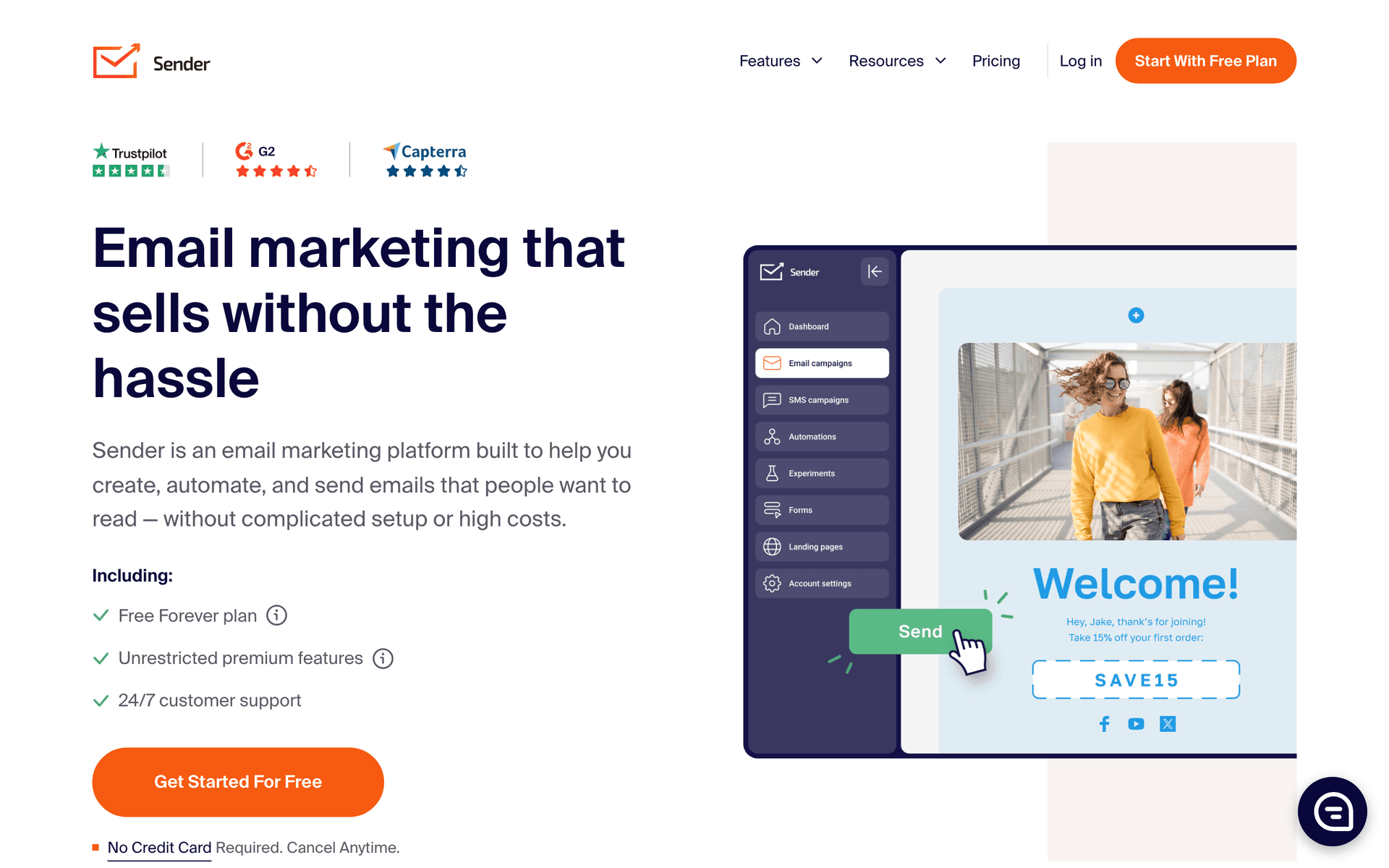
Early-stage per-seat SaaS with modest user counts and tight budgets uses Sender for basic seat expansion campaigns and user onboarding sequences at minimal cost. The automation handles welcome sequences for new seat users and basic expansion nudges for admins approaching seat limits. For per-seat SaaS in the pre-product-market-fit to early-revenue phase where the seat pricing model is still being validated, Sender's free tier and low paid plans avoid over-investment in email infrastructure before the business model is proven.

Best for
Early-stage per-seat SaaS validating their pricing model on a minimal email budget
Pricing
Free for 2,500 subscribers, paid from $15/month

Pros

  • Very affordable for early stage
  • Basic automation for seat sequences
  • Free tier for validation

Cons

  • Limited seat-specific features
  • Basic automation logic
  • Will need upgrade as complexity grows
#18
SendGrid

Email delivery platform with transactional and marketing capabilities.

Visit
SendGrid dashboard screenshot

Per-seat SaaS already using SendGrid for transactional seat management emails (invitation confirmations, billing receipts, seat change notifications) can extend it to handle basic lifecycle marketing without adding a second vendor. The Marketing Campaigns layer covers expansion announcement emails and onboarding drips for new seat users. For per-seat SaaS where the engineering team has already integrated SendGrid and adding a second email vendor creates operational complexity, staying with SendGrid and accepting its marketing automation limitations can be a pragmatic choice.

Best for
Per-seat SaaS on SendGrid wanting to consolidate transactional seat emails and basic lifecycle
Pricing
Free for 100 emails/day, paid from $19.95/month

Pros

  • Handles seat transaction email volume
  • Avoids adding a second email vendor
  • Reliable infrastructure

Cons

  • Basic marketing automation
  • No seat-specific lifecycle features
  • Interface less modern
#19
Braze

Enterprise customer engagement platform.

Visit
Braze dashboard screenshot

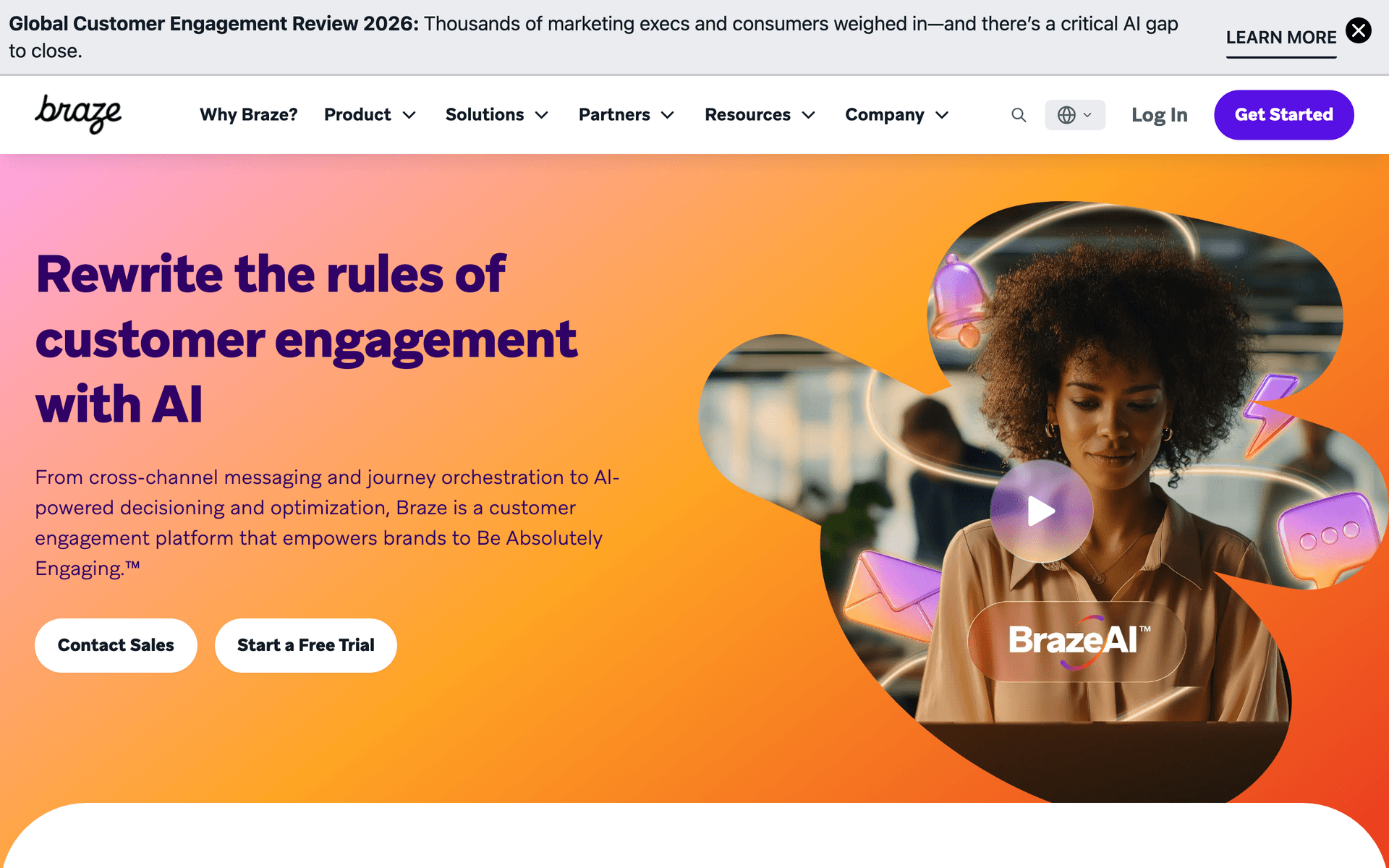
Large per-seat SaaS with enterprise account bases and multi-channel communication needs uses Braze for real-time, personalized engagement across email, in-app, and push. When an enterprise account's seat utilization hits a threshold, Braze can fire a personalized in-app message to the admin in the product and a coordinated email within seconds - the kind of real-time multi-channel coordination that drives expansion at enterprise scale. For per-seat SaaS managing thousands of enterprise accounts where expansion efficiency directly impacts ARR growth, Braze's investment becomes justifiable.

Best for
Enterprise per-seat SaaS with thousands of accounts needing real-time multi-channel expansion triggers
Pricing
Custom pricing (typically $50K+/year)

Pros

  • Real-time seat expansion triggers
  • Multi-channel admin communication
  • AI personalization at enterprise scale

Cons

  • Very expensive
  • Complex implementation
  • Requires dedicated team

Feature Comparison

FeatureSequenzyUserlistCustomer.ioLoops
Company-level tracking
No
Yes
Via attributes
No
Seat utilization alerts
Via events
Yes
Via workflows
Via events
Payment integration
Native Stripe
No
No
No
Multi-role onboarding
AI-powered
Yes
Advanced
Basic
Team expansion sequences
Yes
Yes
Via workflows
Via events
Per-email pricing
Yes
No
No
No
Free tier available
Starting price
$29/mo
$149/mo
$100/mo
$49/mo

Common Mistakes to Avoid

We see these mistakes over and over. Skip the learning curve and avoid these from day one.

Counting Every Seat as a Billable Email Contact

With per-contact pricing, a 50-person team on your product costs you 50 contacts on your email tool. At scale, this becomes a significant expense. Choose email tools with per-email pricing so your costs scale with actual communication, not with your customers' team sizes.

Using the Same Onboarding for Signups and Invites

A new account creator and an invited team member have completely different contexts. The creator needs full product education and setup guidance. The invited user needs a quick start focused on what their team is already doing. Sending the full onboarding to invited users feels irrelevant and increases early churn.

Ignoring the Admin-User Communication Split

Sending seat utilization reports to every user or feature tips to the admin wastes attention and can confuse roles. Map your communication to the actual responsibilities of each role in the account.

Waiting Too Long to Address Unused Seats

An admin paying for 10 seats with only 3 active users is building resentment every billing cycle. By the time they decide to downgrade or cancel, it is usually too late. Address underutilization at the 30-day mark with helpful suggestions, not at renewal when frustration has already set in.

Email Sequences Every Per-Seat Pricing SaaS Needs

These are the essential automated email sequences that will help you grow your business and keep clients coming back.

Invited User Onboarding

New user joins via team invite

Onboard invited users quickly, knowing they already have context from their teammate who invited them.

Immediate
[Inviter name] added you to [Product] - get started

Welcome email mentioning who invited them and what team they joined. Link to login and a quick start guide. Keep it shorter than new account onboarding since they have social context.

Day 1
3 things your team is already using

Show them what their teammates are doing in the product. This gives them immediate context and shortcuts their learning curve.

Day 3
Quick tip: [feature] works even better with your team

Highlight a collaborative feature that benefits from team usage. Show how it connects to what their teammates are already doing.

Seat Expansion Prompt

Team is at 90% seat capacity and has active usage

Encourage admins to add more seats when the team is growing.

When threshold hit
Your team is almost at capacity

Let the admin know they have 1-2 seats left. Show team usage stats to demonstrate value. Include a one-click link to add seats.

When team hits limit and someone tries to invite
[User] tried to invite someone but you are at your seat limit

Real-time notification that expansion demand exists. Show who tried to invite and a direct upgrade path.

Seat Utilization Alert

Account has seats unused for 30 days

Help admins get value from all their seats before they consider downgrading.

Day 30 of unused seats
You have [X] unused seats - here is how to activate them

Show which seats are inactive. Suggest team members who might benefit. Include a re-invite link and tips for getting reluctant team members onboard.

Day 45 of unused seats
Want to adjust your seat count?

Offer to help them right-size. Being proactive about this builds trust and often prevents the full churn that comes from frustration with paying for unused seats.

The Per-Seat Growth Flywheel

Per-seat pricing creates the most elegant growth flywheel in SaaS: users invite teammates, teammates become seats, seats become revenue. Email is what keeps this flywheel spinning. The right invite prompt at the right moment turns one user into a team. The right onboarding turns a new seat into an active user. The right expansion email turns an active team into a growing account.

The companies that nail per-seat email marketing obsess over two metrics: invite rate (how often users invite others) and seat activation rate (how quickly new seats become active). Everything else flows from these two numbers.

Quantifying the Growth Flywheel

Consider a per-seat SaaS with 500 accounts averaging 5 seats each. If you can increase the average invite rate by just one additional invite per account per quarter, and maintain a 70% activation rate, that is 350 new active seats per quarter. At $15 per seat per month, that is $63,000 in additional annual revenue from email automation alone. The investment in email tooling and sequence optimization pays for itself many times over.

Admin vs User Communication

Per-seat SaaS has a natural split in communication targets. Admins care about billing, seat management, usage analytics, and team health. Individual users care about onboarding, feature discovery, and collaboration. Sending billing information to regular users is noise. Sending feature tips to admins is often irrelevant.

Building Role-Based Communication Tracks

Admin track emails:

  • Monthly seat utilization reports with active/inactive breakdown
  • Seat expansion prompts when team approaches capacity
  • Billing notifications and invoice summaries
  • Team health dashboards showing engagement trends
  • Proactive unused seat alerts with activation suggestions

User track emails:

  • Shortened onboarding sequence (3-4 emails over first week)
  • Feature discovery tips focused on collaborative capabilities
  • Activity summaries showing team collaboration
  • Product update announcements relevant to daily workflows
  • Re-engagement prompts after periods of inactivity

Both tracks:

  • Product updates and new feature announcements (personalized by role)
  • Security notifications and policy changes
  • Maintenance windows and status updates

Tag contacts by role at the moment they join - whether they are the account creator (admin), an invited admin, or a regular invited user. Route them into the appropriate track automatically.

The Unused Seat Problem

Unused seats are the silent killer of per-seat SaaS. An admin paying for 10 seats where only 4 are active is slowly building resentment toward your product. They might not say anything for months, but when renewal comes, they either downgrade or churn entirely.

Proactive communication about unused seats is uncomfortable but necessary. An email saying "You have 6 unused seats, here is how to activate them" is much better than silence followed by a surprise downgrade. And if seats stay unused despite your help, proactively suggesting a smaller plan builds the kind of trust that leads to expansion later when their team actually grows.

The Unused Seat Communication Timeline

Day 14 of inactivity: Send a gentle activation reminder to the inactive user directly. Keep it friendly and focused on getting them started with one specific feature.

Day 30 of inactivity: Send the admin a summary of unused seats with specific suggestions for who might benefit from access. Include a quick-start guide they can forward to team members.

Day 45 of inactivity: Send the admin a second notification with a stronger focus on right-sizing. Offer to schedule a call to discuss their team's usage patterns.

Day 60 of inactivity: Proactively offer to reduce their seat count. Frame it as looking out for their budget. This counterintuitive approach builds trust and retention.

Integration Recommendations

Your email tool needs to connect with your billing and product systems to enable seat-specific automation:

Stripe or billing system: Essential for tracking seat count changes, upgrade/downgrade events, and billing cycle timing. Sequenzy offers native Stripe integration. Customer.io and ActiveCampaign require third-party connectors.

Product analytics: Connect user activity data so your email tool knows which seats are active and which are dormant. This enables seat utilization alerts and personalized onboarding based on actual usage patterns.

Identity provider: If you support SSO, connect your identity system so new seats provisioned through SSO automatically enter the onboarding sequence.

What a Healthy Per-Seat Email Program Looks Like

Contact database size: Varies with your customer base, but expect 5-20x your customer count based on average team size.

Email frequency per contact type:

  • New invited users: 3-4 onboarding emails in week one
  • Active users: 2-4 emails per month (product updates, feature tips)
  • Admins: 1-2 emails per month (utilization reports, expansion prompts)
  • Inactive users: Re-engagement attempt every 30 days

Key metrics to monitor:

  • Invite rate: 15-25% of active users invite at least one teammate per quarter
  • Seat activation rate: 65-80% of invited users become active within 7 days
  • Net seat expansion: Positive month over month across the customer base
  • Churn from unused seats: Track downgrades attributed to underutilization

Getting Started

  1. Choose your platform (Sequenzy for cost-effective event-driven automation, Userlist for company-level tracking)
  2. Tag all existing contacts by role (admin vs user)
  3. Build the invited user onboarding sequence first - this has the most immediate impact on seat activation
  4. Create seat expansion prompts triggered by capacity thresholds
  5. Set up monthly seat utilization reports for admins
  6. Build the unused seat alert sequence with escalating urgency
  7. Track invite-to-activation rate weekly and optimize your onboarding based on where users drop off
How We Evaluated These Tools

We evaluated each platform by building actual per-seat SaaS workflows - invited user onboarding, seat expansion prompts triggered by capacity thresholds, seat utilization alerts for admins, and admin versus user communication separation. We tested how well each tool handles role-based segmentation, event-driven triggers for seat-specific actions, and integration with payment systems for seat-based billing changes.

Frequently Asked Questions

Ready to grow your per-seat pricing saa practice?

Start your free trial today. Set up your first email sequence in minutes with AI-powered content generation.

Related Industries

Sequenzy - Complete Pricing Guide

Pricing Model

Sequenzy uses email-volume-based pricing. You only pay for emails you send. Unlimited contacts on all plans — storing subscribers is always free.

All Pricing Tiers

  • 2.5k emails/month: Free (Free annually)
  • 15k emails/month: $19/month ($205/year annually)
  • 60k emails/month: $29/month ($313/year annually)
  • 120k emails/month: $49/month ($529/year annually)
  • 300k emails/month: $99/month ($1069/year annually)
  • 600k emails/month: $199/month ($2149/year annually)
  • 1.2M emails/month: $349/month ($3769/year annually)
  • Unlimited emails/month: Custom pricing (Custom annually)

Yearly billing: All plans offer a 10% discount when billed annually.

Free Plan Features (2,500 emails/month)

  • Visual automation builder
  • Transactional email API
  • Reply tracking & team inbox
  • Goal tracking & revenue attribution
  • Dynamic segments
  • Payment integrations
  • API, MCP, and CLI access
  • Custom sending domain

Paid Plan Features (15k - 1.2M emails/month)

  • Visual automation builder
  • Transactional email API
  • Reply tracking & team inbox
  • Goal tracking & revenue attribution
  • Dynamic segments
  • Payment integrations (Stripe, Paddle, Lemon Squeezy)
  • API, MCP, and CLI access
  • Custom sending domain

Enterprise Plan Features (Unlimited emails)

  • Visual automation builder
  • Transactional email API
  • Reply tracking & team inbox
  • Goal tracking & revenue attribution
  • Dynamic segments
  • Payment integrations
  • API, MCP, and CLI access
  • Custom sending domain

Important Pricing Notes

  • You only pay for emails you send — unlimited contacts on all plans
  • No hidden fees - all features included in the price
  • No credit card required for free tier

Contact

  • Pricing Page: https://sequenzy.com/pricing
  • Sales: hello@sequenzy.com