
Overview
SendPulse and ConvertKit (now Kit) serve completely different audiences. For our take on each, see our SendPulse comparison and ConvertKit comparison.
ConvertKit's Creator Focus
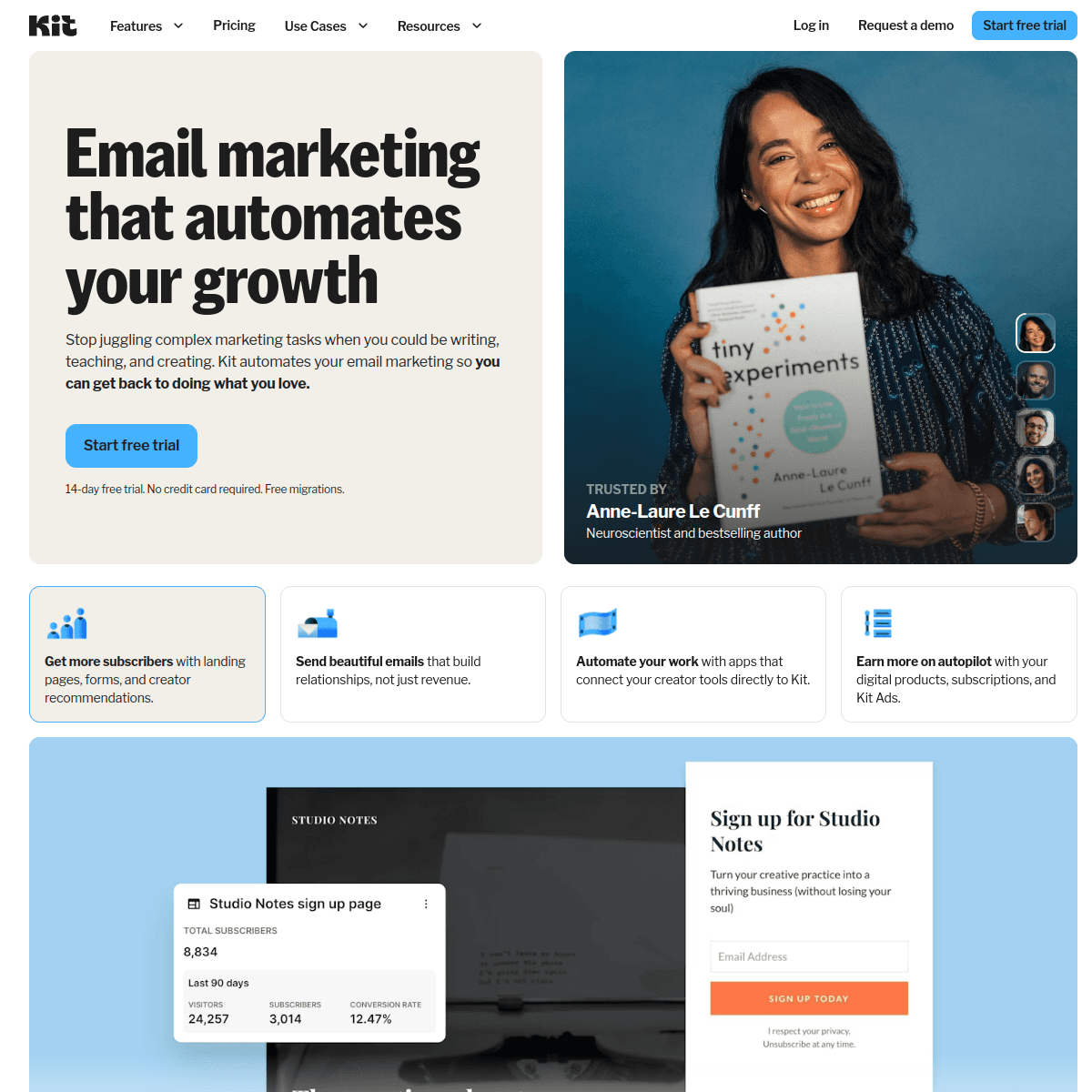
ConvertKit is built for creators. Paid newsletter subscriptions, digital product sales, tip jars, a creator network for cross-promotion. If you're a blogger, podcaster, or YouTuber monetizing an audience, ConvertKit's features are specifically designed for you. SendPulse doesn't touch this space.
SendPulse's Channel Breadth
SendPulse covers chatbots for WhatsApp, Telegram, Facebook, Instagram, and Viber, plus web push and SMS. ConvertKit is email-only. For businesses that need to reach audiences across messaging platforms, SendPulse offers significantly more reach.
The Sequenzy Alternative
For SaaS founders who aren't creators and don't need chatbots, Sequenzy combines transactional email and marketing campaigns with Stripe integration at $49/month.
The Creator Economy vs Traditional Marketing
These platforms represent fundamentally different visions of email marketing. ConvertKit sees email as a relationship tool for creators to build and monetize audiences. SendPulse sees email as one channel in a multi-channel marketing strategy for businesses.
ConvertKit's paid newsletter feature lets creators charge subscribers monthly for premium content. The creator network enables cross-promotion where creators recommend each other to grow audiences organically. Digital product sales with automatic delivery and tip jars complete the monetization picture. None of these features exist in SendPulse.
If you identify as a creator -- someone building an audience through content -- ConvertKit's ecosystem is purpose-built for you. If you identify as a business -- selling products or services to customers -- SendPulse's multi-channel approach is more relevant.
Email Design Philosophy
ConvertKit intentionally keeps emails text-focused. Their philosophy is that simple, personal-feeling emails outperform designed templates. Many creators report higher engagement with plain-text-style emails that feel like messages from a friend rather than marketing collateral.
SendPulse offers a full visual email editor with drag-and-drop blocks, images, buttons, and branded templates. For businesses that need visually consistent, branded communications, this is essential. A retail store cannot send product announcements in plain text.
Neither approach is universally better. Test with your audience. Creators and thought leaders often see better results with simple emails. Brands and e-commerce businesses typically need visual emails to showcase products effectively.
Audience Monetization Options
ConvertKit's commerce features deserve special attention. The ability to sell digital products (courses, ebooks, templates), run paid newsletter subscriptions, and accept tips creates a complete creator business platform within your email tool.
SendPulse has no commerce features. Creators using SendPulse would need to add Gumroad, Patreon, or Shopify separately for monetization, increasing complexity and cost. ConvertKit handles everything in one place with one subscriber list.
For creators evaluating these platforms, calculate the total cost. ConvertKit at $100/month replaces the need for a separate email tool, commerce platform, and landing page builder. SendPulse at $96/month plus Gumroad ($10/month + fees) plus a landing page tool can exceed ConvertKit's total cost while being harder to manage.
Use-case matchups
| Situation | Best first look | Why |
|---|---|---|
| Team wants budget multi-channel marketing | SendPulse | SendPulse is the baseline here for teams that want email plus adjacent channels without buying a heavier suite. |
| Creator business wants audience-first email workflows | ConvertKit | ConvertKit is stronger for creators and publishers than for general multi-channel marketing. |
| SaaS or subscription team wants lifecycle email | Sequenzy | Sequenzy is stronger when Stripe events, transactional email, and campaigns need one subscriber model. |
| Team wants the broadest channel mix for the price | SendPulse | SendPulse is useful when email, SMS, chatbots, and web push are part of the same evaluation. |
| Team wants the specialist capability | ConvertKit | ConvertKit deserves the first demo when the main requirement is creator-focused email, newsletters, and audience monetization. |
| Team wants fewer channels and cleaner email workflows | Sequenzy | Sequenzy is intentionally narrower: email automation, transactional email, and lifecycle journeys without SMS or chatbot scope. |
Best Fit by Audience Model
Best budget multi-channel marketing tool for broad campaigns
SendPulse fits teams that want email plus adjacent channels such as SMS, chatbots, and web push without committing to a creator-specific platform. It is strongest when channel breadth matters more than creator commerce depth.
Best email platform for creators and audience monetization
ConvertKit is the better fit when creator newsletters, audience growth, paid products, recommendations, and text-first broadcasts drive the workflow. It works better when the creator wants email to support a personal audience business.
Best email platform for SaaS lifecycle and transactionals
Sequenzy fits when Stripe events, transactional email, and lifecycle journeys matter more than creator monetization or multichannel breadth. It is more relevant when customer state and subscription revenue define the journey.
Pricing reality
The pricing signals on this page list SendPulse at $96/month, ConvertKit at $100/month, and Sequenzy at $49/month. Use those as starting points, not final buying numbers.
SendPulse cost depends on contacts, channel usage, email volume, SMS or chatbot requirements, and plan limits. ConvertKit's real cost depends on whether the team needs creator-focused email, newsletters, and audience monetization.
Review signals
For SendPulse, validate current review themes around multi-channel breadth, support, deliverability, editor quality, SMS or chatbot usability, and pricing transparency. For ConvertKit, focus review research on the specific reason to choose it: creator-focused email, newsletters, and audience monetization.
Migration checklist
| Workstream | Moving toward SendPulse | Moving toward ConvertKit | Simplifying to Sequenzy |
|---|---|---|---|
| Contacts and consent | Import contacts, attributes, lists, tags, email consent, SMS consent, suppressions, and unsubscribes. | Map subscribers, tags, segments, forms, landing pages, broadcasts, sequences, and products. | Import subscribers, attributes, tags, suppressions, and lifecycle events. |
| Channel scope | Decide which channels actually move: email, SMS, web push, chatbots, landing pages, or SMTP. | Keep only the channels that match ConvertKit's strongest use case. | Keep the migration focused on marketing email, transactional email, and lifecycle automation. |
| Automations | Rebuild welcome, nurture, cart, post-purchase, reactivation, and multi-channel flows. | Rebuild the workflows that prove ConvertKit's advantage in creator-focused email, newsletters, and audience monetization. | Rebuild email sequences and transactional paths around product, store, or Stripe events. |
| Templates and forms | Move email templates, forms, landing pages, sender identities, and brand settings. | Move templates, forms, brand assets, and any workflow-specific content. | Move email templates and lifecycle message content. |
| Reporting | Validate campaign reports, channel reports, conversions, exports, and attribution. | Validate reporting for creator-focused email, newsletters, and audience monetization before committing. | Validate campaign, automation, transactional, and subscription lifecycle reporting. |
Decision checklist
- Will your team actually use SendPulse's chatbots for WhatsApp, Telegram, and Viber, its web push, and its paid SMS, or do they mainly widen the feature table?
- Does ConvertKit's strength in creator-focused email, newsletters, and audience monetization matter more than SendPulse's channel breadth?
- Once contacts are imported, which tool needs less cleanup around email and SMS consent, suppressions, and tag-based segments?
- Do the $96 and $100 figures at 10,000 subscribers still hold once you add SMS or chatbots, which SendPulse bills separately?
- Would a narrower lifecycle tool like Sequenzy, which covers campaigns, sequences, and transactional email with Stripe billing triggers at $49/month, be easier to run than either multi-channel or creator-focused platforms?
- ConvertKit is compelling only if creator workflows matter more than SMS or broad channel coverage.









