
Same category, different customers
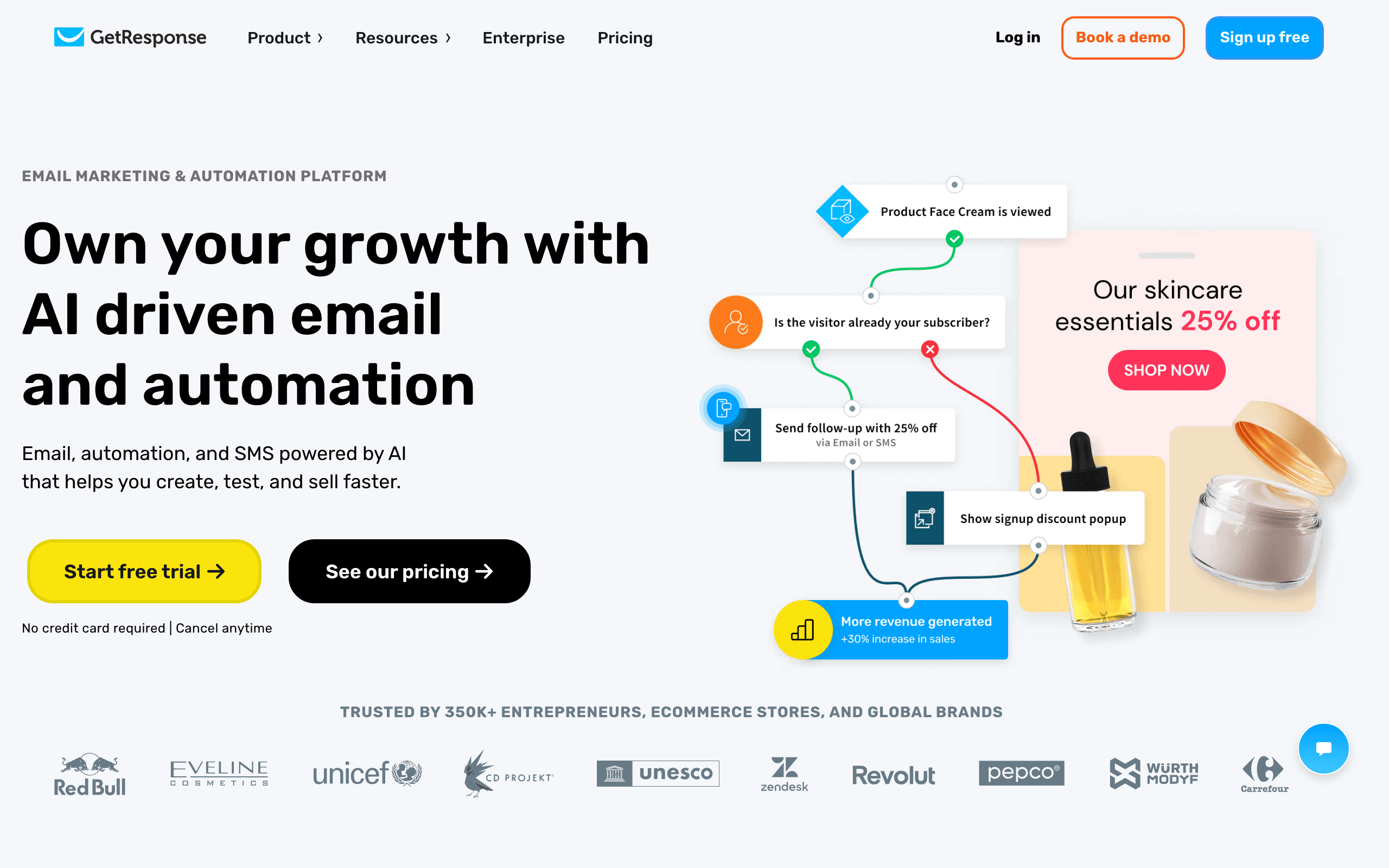
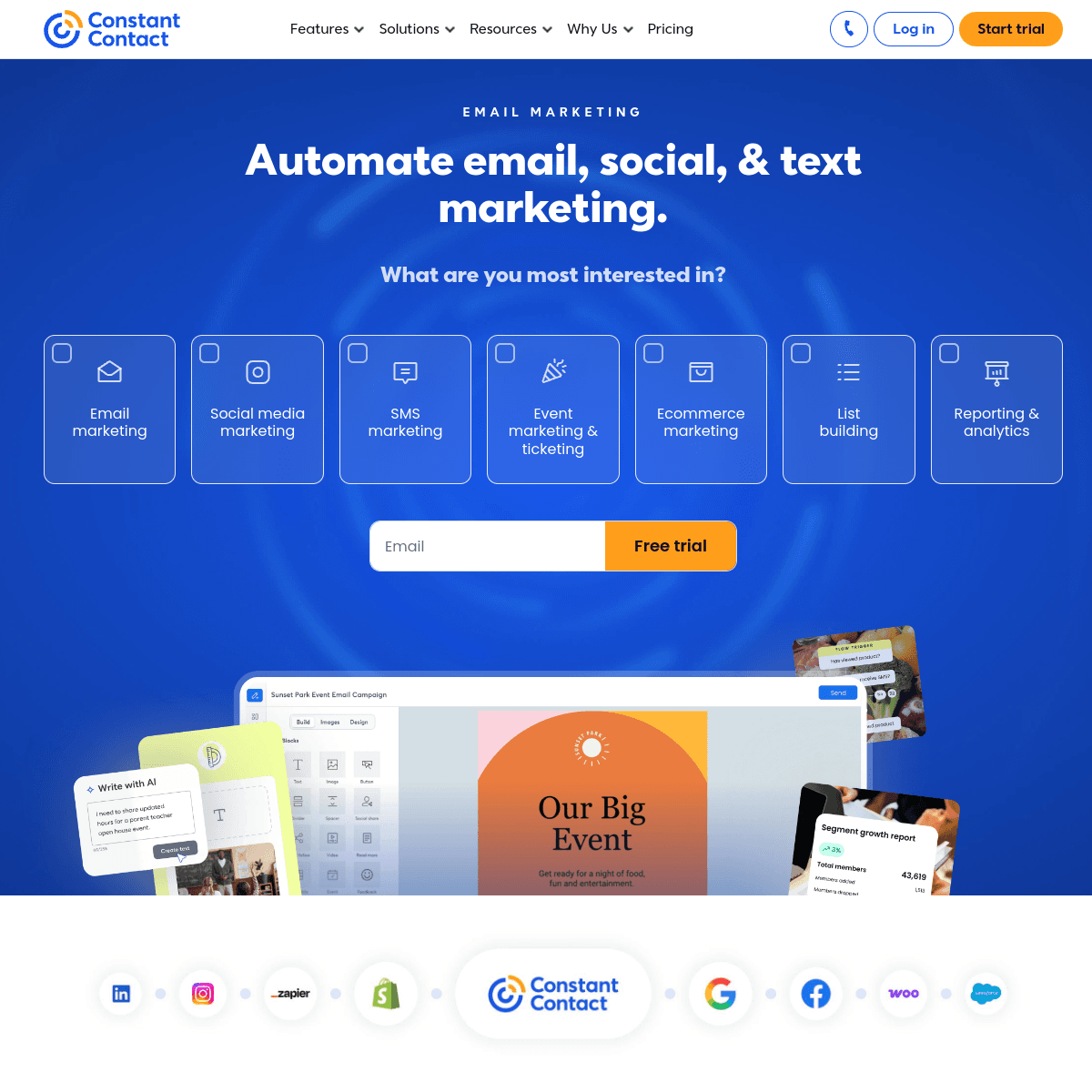
GetResponse and Constant Contact are both long-running email marketing platforms for small businesses, founded in 1998 and 1995. Over the years they grew in different directions.
GetResponse became an online marketing suite. Its additions, including conversion funnels, webinars, course hosting, and ecommerce automation, all aim at getting traffic to convert online.
Constant Contact stayed close to the local business owner and nonprofit. Its additions, including event registration, social posting, and surveys, aim at staying in touch with customers, members, and donors.
Read more in our GetResponse comparison and Constant Contact comparison.
Two businesses, two picks
A fitness coach selling an online program. She runs Facebook ads to a free training, collects signups on a landing page, hosts a live webinar, and sells the course at the end. Follow-up emails differ for attendees and no-shows. GetResponse covers the whole path on Creator: landing page, webinar, funnel, course hosting, and automation.
A community theater. It emails season subscribers monthly, sells tickets to shows, reminds attendees the day before, posts to social, and surveys the audience afterward. Constant Contact covers this with newsletters, event registration and reminders, social posting, and surveys, and someone can call support when a volunteer gets stuck.
Swap the tools and each business would spend time working around missing features.
Plans that matter
| Tier (10,000 contacts) | GetResponse | Constant Contact |
|---|---|---|
| Entry | Starter, about $79: email, landing pages, basic automation | Lite, about $88: email and basic tools |
| Middle | Marketer, about $99: unlimited workflows, scoring, abandoned cart | Standard, about $110: more automation and segmentation |
| Upper | Creator, about $119: webinars, courses, paid newsletters | Premium, about $160: custom paths, multivariate tests, 500 SMS/month |
| Enterprise | Custom | Sales-led team plans |
| Free option | Trial, then a limited free account | Trial only; free plan removed in June 2025 |
At 1,000 contacts GetResponse Starter is $19/month, and annual billing saves 18% or more. Transactional email is a paid GetResponse add-on; Constant Contact does not offer it.
Worked example: a yoga studio vs an online yoga course
The studio has 3,000 members, sends a weekly schedule, runs four workshops a year, and posts classes to Instagram. On Constant Contact Standard it gets templates, event registration and reminders, and social posting in one account. On GetResponse it would need an event tool and a social scheduler on top, so Constant Contact is better value even if the plan prices are similar.
The online course has 10,000 subscribers from ads, runs a monthly live class, and sells a $199 program. On GetResponse Creator (about $119) it gets landing pages, webinars, course hosting, and a funnel with follow-ups by attendance. On Constant Contact Premium (about $160) it would still need a webinar platform and a course host. GetResponse is cheaper and fits the business.
Send volume and list rules
GetResponse plans include unlimited email sends, so a daily-content creator is not penalized for frequency. Constant Contact sets monthly send limits as a multiple of your contacts, with Premium allowing up to 24x. Both bill by contact count, so pruning inactive contacts lowers the bill on either.
Automation compared
GetResponse's workflow builder on Marketer supports conditions, actions, and filters across email, web, and ecommerce events, plus scoring and tagging. You can build a webinar follow-up that branches on attendance and purchase, or an abandoned cart flow tied to your store.
Constant Contact's automation is designed around common small business moments: welcome, birthday, anniversary, and follow-ups based on clicks. Standard and Premium add more paths and conditions. It is easier to set up and covers what most local businesses send, but it will not score leads or branch on store behavior.
Ecommerce and online sales
GetResponse Marketer adds ecommerce tracking, abandoned cart emails, product recommendations, and promo codes when you connect a store such as Shopify or WooCommerce. Combined with funnels and landing pages, that gives an online seller a full path from ad click to repeat purchase.
Constant Contact connects to ecommerce platforms too and can send product and abandoned cart emails, but it is not built around funnels. Its strength is keeping existing customers informed and coming back, which suits a shop that also sells in person.
Questions to ask before you pick
- Where do your customers first meet you? Online ads and content point to GetResponse. Your storefront, events, or community point to Constant Contact.
- Do you run webinars? If yes, GetResponse Creator can save you a separate webinar subscription.
- Do you run in-person events? If yes, Constant Contact's registration and reminders save you an event tool.
- Who will run the account? A marketer comfortable with funnels will get more from GetResponse. An owner or volunteer who wants phone support will be happier with Constant Contact.
- Do you need transactional email? GetResponse offers it as a paid add-on; Constant Contact does not offer it.
Switching between them
Constant Contact to GetResponse. Export contacts with list memberships, custom fields, and permission status, plus unsubscribed contacts. Import into GetResponse lists and map fields. Suppress unsubscribes. Rebuild automations, recreate templates and signup forms, and add GetResponse's SPF and DKIM records to your domain. Events and social posting need other tools.
GetResponse to Constant Contact. Export contacts with tags and custom fields. Webinar recordings, course content, and funnel pages stay behind, so plan where they will live. Rebuild the automations you still need as Constant Contact paths, which may mean simplifying them.
| Workstream | Constant Contact to GetResponse | GetResponse to Constant Contact |
|---|---|---|
| Contacts | Export with lists, fields, and permission status | Export with tags and custom fields |
| Suppression | Import unsubscribes before the first send | Import unsubscribes before the first send |
| Automations | Rebuild as workflows; add scoring and store triggers | Simplify workflows into Constant Contact paths |
| Content assets | Recreate templates and signup forms | Download webinar recordings and course content |
| Events | Move registrations to webinars or an event tool | Rebuild event pages with Constant Contact events |
| Social | Use a separate scheduler for posting | Reconnect social accounts for posting |
| Transactional | Add GetResponse's add-on or keep your current provider | Keep a separate transactional provider |
Webinars are the real dividing line
For many buyers, webinars decide this comparison on their own. GetResponse includes webinar hosting on Creator and above, with registration pages, reminders, recordings, paid and on-demand webinars, and attendee caps set by plan, all tied to the same contact list and automations. A no-show can get the recording and an attendee can get the offer without any integration work.
Constant Contact has no webinar hosting. Its event tools handle registration, RSVPs, and reminders, which works for in-person events or for webinars hosted elsewhere, but the attendance data lives in the other tool. If you run live online sessions monthly, GetResponse removes a subscription and an integration. If your events happen in a room, Constant Contact's are the better fit.
Use-case matchups
| Situation | Better fit | Why |
|---|---|---|
| Monthly webinars that sell a program | GetResponse | Webinars, funnels, and follow-ups in one account. |
| Course creator selling digital products | GetResponse | Course hosting on Creator. |
| Local shop with a weekly newsletter | Constant Contact | Templates, social posting, and support. |
| Nonprofit fundraiser or community event | Constant Contact | Event registration and reminders. |
| Online store needing abandoned cart | GetResponse | Marketer adds ecommerce tracking and cart emails. |
| SaaS lifecycle and billing email | Sequenzy | Billing events trigger journeys, transactional included. |
Deliverability basics for either tool
Neither platform guarantees inbox placement, and both depend on how you send. Whichever you choose, authenticate your domain with SPF, DKIM, and DMARC, import only contacts who agreed to hear from you, and send to your most engaged segment first after switching. Remove contacts who have not opened or clicked in a long time before your first large send, which also lowers your bill on both, since each charges by contact count.
Where Sequenzy fits
If you run a software product, both tools solve problems you may not have. Sequenzy connects to Stripe, Paddle, and Polar, triggers lifecycle email on trials, upgrades, and failed payments, and sends transactional email from the same account, priced by emails sent. It has landing pages and forms but no webinars, courses, event registration, or social posting.
Picking one
- GetResponse if you sell online with funnels, webinars, or courses.
- Constant Contact if you market a local business or nonprofit with events, social, and support.
- Sequenzy if your emails should follow your SaaS product's billing and usage.









