
Overview
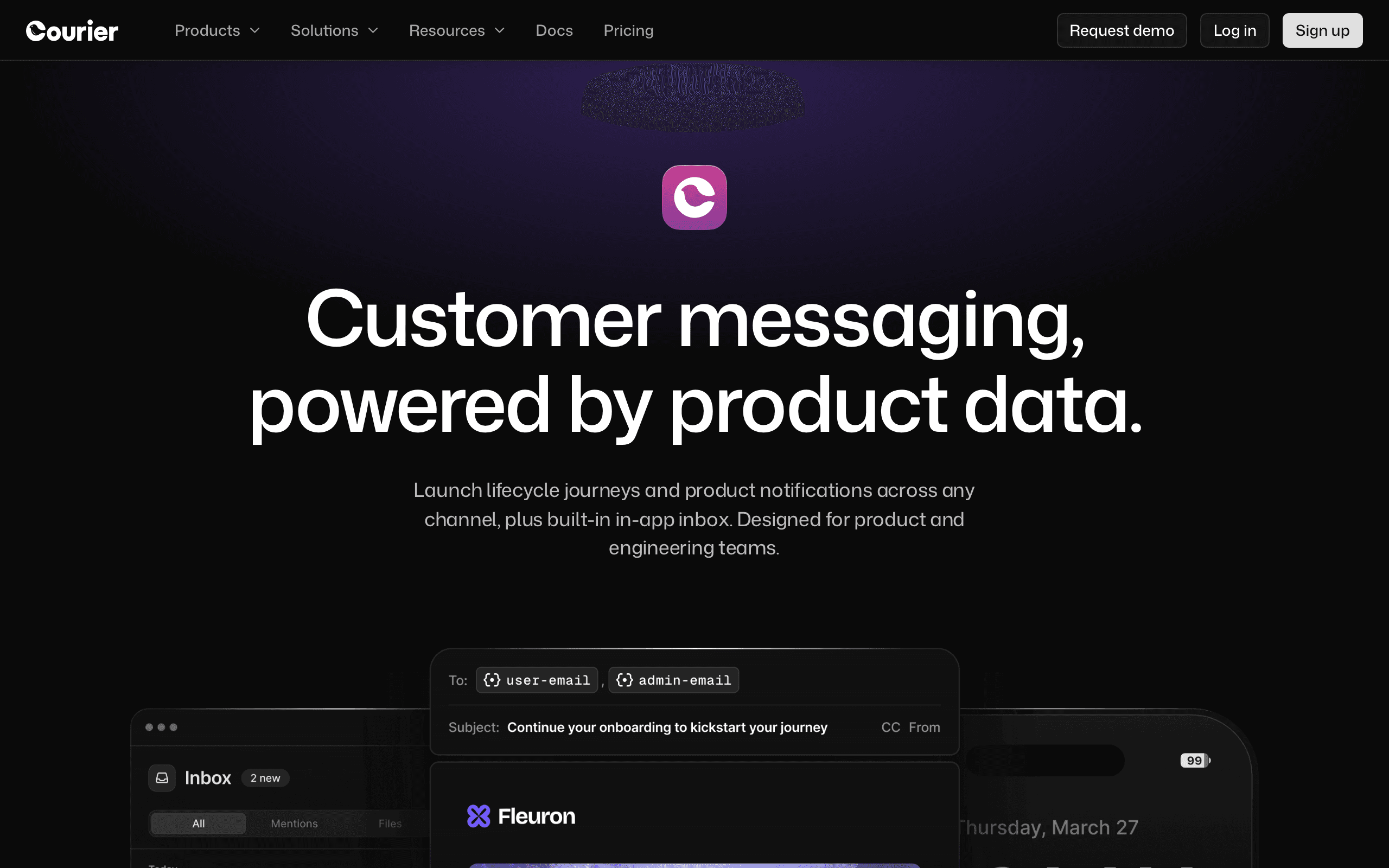
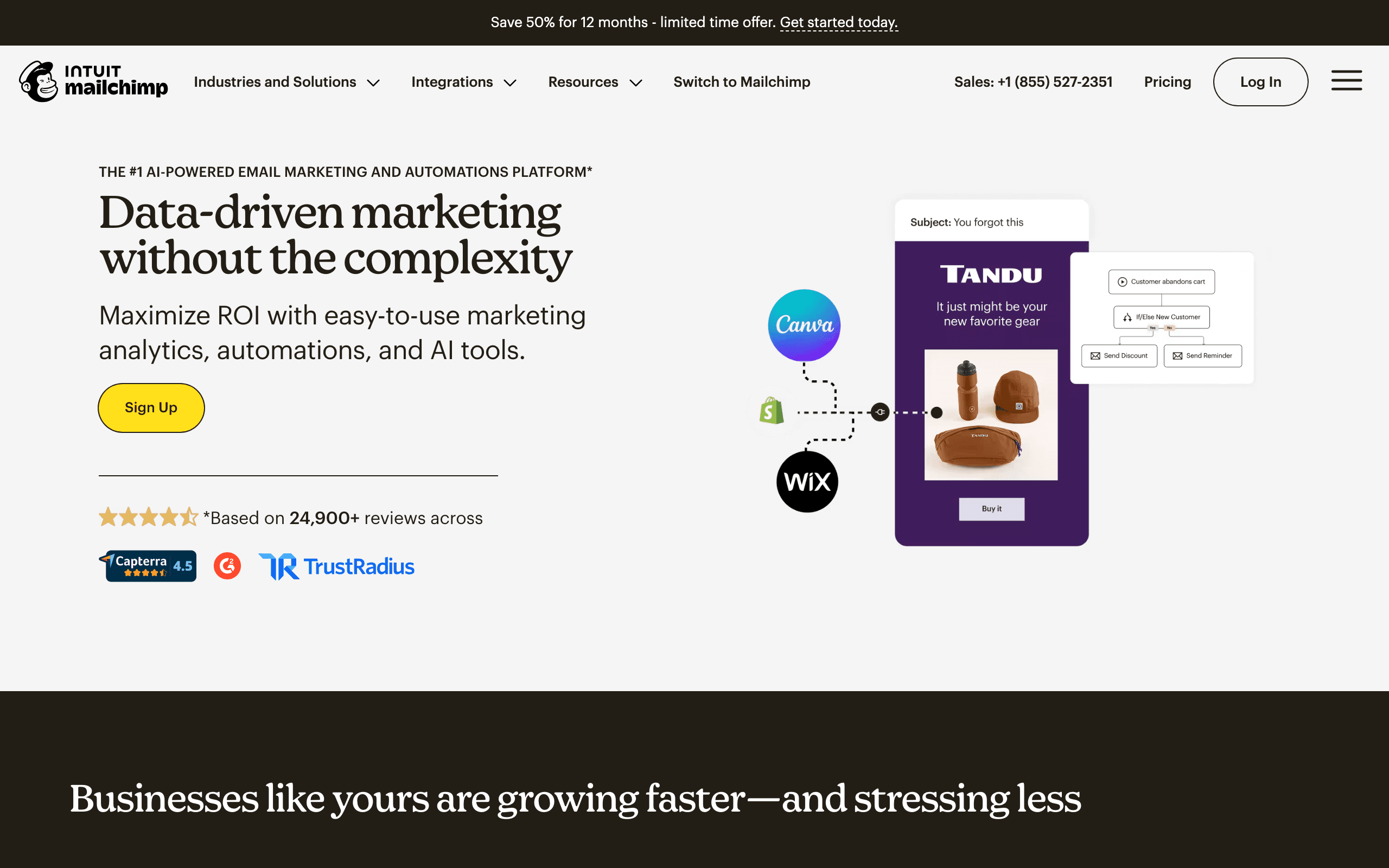
Courier and Mailchimp are fundamentally different products that occasionally get compared. Mailchimp is the most popular email marketing platform. Courier is developer notification infrastructure. For our take on each, see our Courier comparison and Mailchimp comparison.
Different Tools for Different People
Mailchimp is for marketers building campaigns, growing lists, and nurturing subscribers. Courier is for developers routing notifications through providers. A marketing team uses Mailchimp. An engineering team uses Courier. They rarely overlap.
Mailchimp's Marketing Depth
Twenty-plus years of email marketing features - templates, automation, landing pages, A/B testing, analytics, e-commerce integrations. Courier has none of these. For email marketing, there's no comparison.
Pricing reality
At the cited 10k-subscriber tier, Courier is listed at $0-$99+/month and Mailchimp is listed at $100/month. The headline prices look similar, but they buy different things: Courier buys notification routing, while Mailchimp buys marketing campaigns, subscriber management, journeys, templates, and reporting.
Courier also requires delivery providers underneath for email/SMS/push. Mailchimp is more self-contained for marketing email, though transactional email requires the Mandrill add-on. Sequenzy is listed at $49/month for SaaS teams that need marketing plus transactional email with Stripe integration.
Review signals
The Courier reviews cited here praise notification routing but explicitly say the marketing team still needed Mailchimp. The Mailchimp reviews praise journey builder, templates, integrations, reliability, and deliverability, while noting pricing escalation and UX complexity.
That review pattern makes this an owner decision: Courier for engineering-owned product notifications, Mailchimp for marketer-owned email campaigns.
Use-case matchups
| Use case | Better fit | Why |
|---|---|---|
| Newsletter and campaign marketing | Mailchimp | Mailchimp has campaign builders, subscriber management, landing pages, reports, and marketing automations. |
| Developer notification routing | Courier | Courier is stronger when engineering needs to route notifications across push, SMS, email, Slack, and in-app channels. |
| Marketing-owned lifecycle journeys | Mailchimp | Mailchimp gives marketers visual journeys, templates, forms, and audience tools that Courier does not provide. |
| Real-time product alerts with fallbacks | Courier | Courier can route urgent notifications by channel and provider based on preferences or fallback rules. |
| Ecommerce campaign marketing | Mailchimp | Mailchimp's ecommerce integrations and campaign reporting fit store promotions better than notification infrastructure. |
| SaaS transactional plus marketing email | Sequenzy | Sequenzy is more focused when SaaS needs one email tool with Stripe-aware automations. |
The Sequenzy Alternative
For SaaS founders wanting transactional email and marketing campaigns with Stripe integration, Sequenzy offers unified SaaS email at $49/month - purpose-built for subscription businesses.
The Apples-to-Oranges Problem
Comparing Courier and Mailchimp is like comparing a router and a television - they exist in the same general space (digital communication) but serve fundamentally different functions. Mailchimp is where marketers design newsletters, set up automated welcome sequences, build landing pages, and manage subscriber lists. Courier is where engineers configure which provider delivers a push notification versus an email versus an SMS based on user preferences and availability.
A SaaS company might legitimately use both: Mailchimp for monthly product updates and nurture campaigns, Courier for real-time notification routing (alert via push, fall back to email). The confusion arises because "email" appears in both descriptions, but Mailchimp treats email as content (campaigns, design, copywriting) while Courier treats email as a delivery channel (routing, provider selection, fallback logic).
Mailchimp's Mandrill Problem
One area where the comparison becomes relevant is transactional email. Mailchimp requires Mandrill - a separate paid add-on starting at $20/month - for transactional email like password resets, receipts, and account notifications. This means Mailchimp's true cost for SaaS companies needing both marketing and transactional email is higher than the headline price suggests.
Courier routes transactional notifications through providers but doesn't handle marketing campaigns. Neither tool gives you both transactional and marketing email in a single, simple package. Sequenzy fills this gap specifically for SaaS, combining both email types with native Stripe integration at $49/month - no add-ons, no separate providers.
When SaaS Companies Need Both Layers
The most common pattern for growing SaaS companies is needing an email marketing tool AND multi-channel notifications. Your marketing team needs to send product announcements, onboarding sequences, and re-engagement campaigns (Mailchimp's territory). Your engineering team needs to route real-time alerts - new comment notifications via push, critical security alerts via SMS, digest summaries via email (Courier's territory).
Running both creates vendor sprawl and increased cost. Before committing to this dual-tool approach, consider whether your multi-channel needs are truly complex enough to justify Courier's routing layer. Many SaaS products can handle notification routing with simple application logic, especially in the early stages. Start with email marketing and add notification infrastructure only when your channel routing becomes genuinely complex.
Why This Comparison Usually Means You Need Two Tools
The fact that someone is comparing Courier and Mailchimp usually signals a deeper architectural question: should notification infrastructure be separate from marketing infrastructure? For most growing SaaS companies, the answer is yes for the same reason you separate your application database from your analytics database. Marketing campaigns and system notifications have different reliability requirements, different content workflows, and different success metrics.
Mailchimp handles the marketing side: campaigns designed by your growth team, automated nurture sequences, A/B tested subject lines. Courier handles the notification side: real-time alerts routed through the optimal channel based on user preferences. The overlap is minimal, and trying to force one tool into the other's role creates friction.
The Notification Routing Problem Mailchimp Cannot Solve
Mailchimp sends marketing emails. It does not route push notifications, it does not manage in-app messages, and it does not intelligently select channels based on user behavior. When your SaaS application needs to notify a user about a new comment, a billing change, or a security alert, Mailchimp has no role. These are real-time, user-triggered notifications that require provider-level routing logic.
Courier excels here because it was built for exactly this problem. But the irony is that most early-stage SaaS companies can handle notification routing with 50 lines of application code rather than adding another vendor. Simple if/else logic for channel selection scales surprisingly far before the complexity justifies Courier's abstraction layer. Reserve Courier for when your notification patterns genuinely require intelligent routing across multiple providers.
The SaaS Email Stack That Actually Works
Rather than choosing between a marketer's tool (Mailchimp) and an engineer's tool (Courier), SaaS companies should evaluate whether a single platform can handle both marketing campaigns and transactional notifications with native billing integration. Mailchimp requires Mandrill for transactional email and has no Stripe integration. Courier routes notifications but cannot send a marketing campaign.
Sequenzy at $49/month combines transactional and marketing email with native Stripe integration, treating subscription lifecycle events as automation triggers. For SaaS companies that want one tool handling both product notifications and marketing sequences triggered by billing events, this unified approach eliminates the need for either Mailchimp's marketing platform or Courier's routing layer in the early growth stages.
Best Fit by Communication Layer
Best notification infrastructure for multi-channel product alerts
Courier fits engineering teams that need one API for transactional notifications across email, SMS, push, chat, or in-app channels. It is strongest when routing, provider abstraction, and developer control matter more than visual marketing campaigns.
Best email marketing platform for newsletters and promotions
Mailchimp fits teams that mainly need newsletters, promotional campaigns, landing pages, and audience management. It is the more natural choice when marketers own the work and email is mostly campaign-driven.
Best SaaS email platform for product and revenue lifecycle
Sequenzy fits SaaS teams that need product-triggered and revenue-triggered email without separating notification infrastructure from marketing automation. It is especially useful when onboarding, trial conversion, billing, and lifecycle campaigns all need to share the same customer context.
Migration checklist
- Decide whether the migration is about marketing email, notification routing, or both; Courier and Mailchimp usually own different workflows.
- Export Mailchimp audiences, contacts, groups, tags, segments, unsubscribes, templates, journeys, landing pages, forms, reports, and Mandrill transactional templates if used.
- Export Courier templates, routing rules, providers, user preferences, notification categories, webhooks, and delivery logs if moving away from Courier.
- If moving to Mailchimp, rebuild campaigns, journeys, forms, ecommerce automations, landing pages, and transactional email add-ons before switching production signup flows.
- If moving to Courier, map each notification type to a provider, channel fallback rule, preference category, and payload contract.
- Reconnect ecommerce, CRM, website forms, analytics, email providers, SMS providers, push providers, and webhooks before cutover.
- Authenticate sending domains and test marketing campaigns separately from transactional or real-time notifications.
- Preserve historical campaign and delivery reports so marketing and engineering teams keep their own baselines.
Decision checklist
| Question | Choose Courier when... | Choose Mailchimp when... |
|---|---|---|
| What is being sent? | Real-time product notifications routed across channels. | Newsletters, campaigns, journeys, forms, and audience marketing. |
| Who owns it? | Engineering owns providers, fallback rules, and notification events. | Marketing owns content, lists, journeys, and reporting. |
| What hidden cost exists? | Separate providers are still needed for delivery. | Transactional email may require Mandrill and extra cost. |
| What should you verify first? | Provider coverage, routing rules, preference center, and event logs. | Audience billing, unsubscribed contacts, Mandrill needs, templates, and automation limits. |









