
Overview
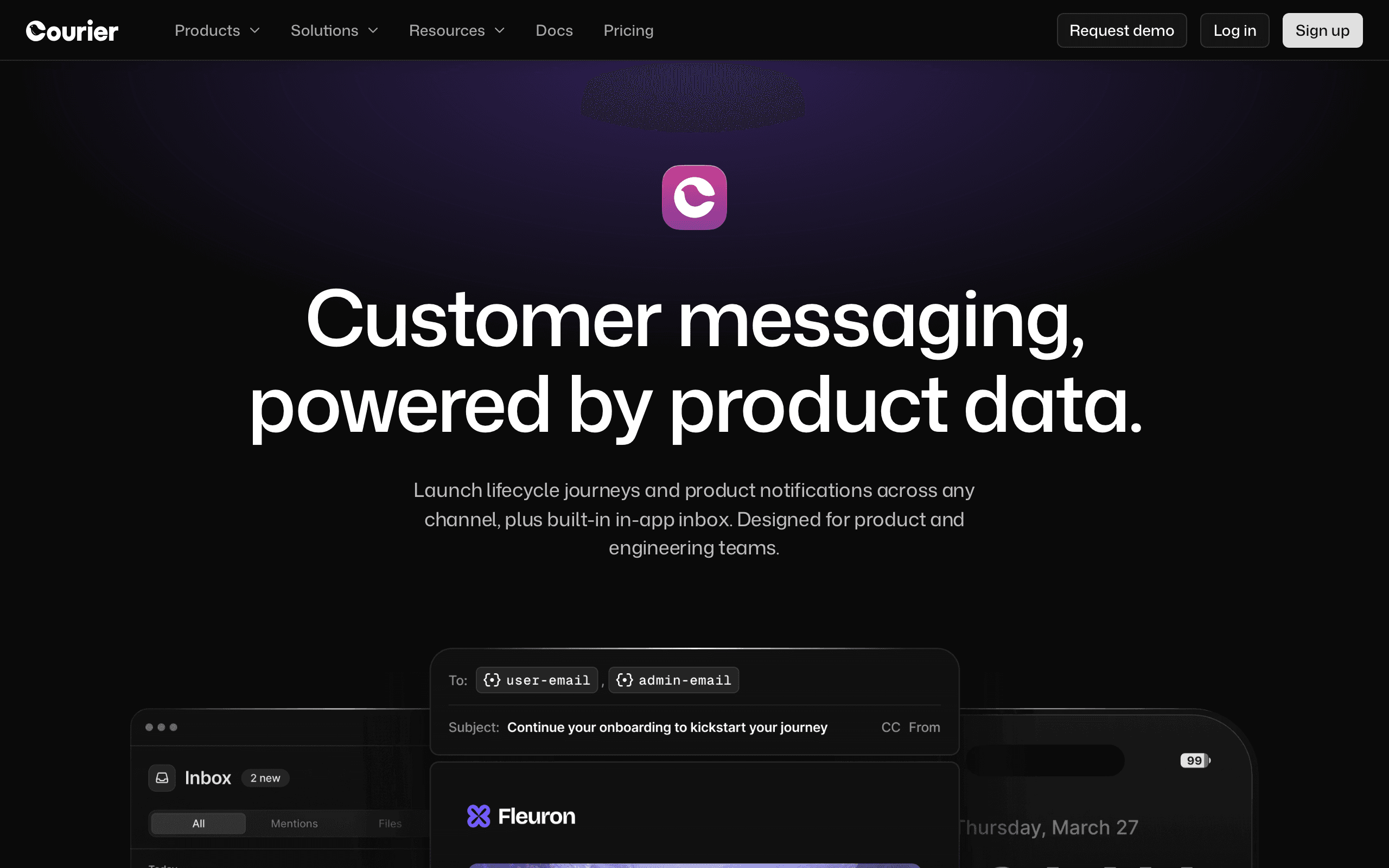
Courier and Customer.io both handle multi-channel messaging but at fundamentally different levels. Courier is notification infrastructure - routing individual messages through providers. Customer.io is a messaging platform - managing user journeys and campaigns. For our take on each, see our Courier comparison and Customer.io comparison.
Infrastructure vs Platform
Courier answers: "How do I route this notification to the right channel through the right provider?" Customer.io answers: "What messages should this user receive based on their behavior?" Different questions, different tools.
When Routing Matters
Courier's value is in intelligent routing - try push first, fall back to email, then SMS. Abstract across providers so you can switch without code changes. If your notification routing is complex, Courier solves a real infrastructure problem.
Use-case matchups
| Use case | Better fit | Why |
|---|---|---|
| Behavior-driven lifecycle messaging | Customer.io | Customer.io tracks events, builds segments, and orchestrates user journeys based on behavior. |
| Provider abstraction and delivery routing | Courier | Courier is stronger when engineering wants control over delivery providers and fallback logic. |
| Growth-owned campaigns and broadcasts | Customer.io | Customer.io supports campaigns, workflow automation, segmentation, and A/B testing that Courier does not provide. |
| Push-first or SMS-fallback notifications | Courier | Courier's routing layer is useful when a notification should try one channel and fall back to another. |
| Product-led activation and retention | Customer.io | Customer.io is better for activation nudges, re-engagement, behavior-based journeys, and multi-channel lifecycle messaging. |
| Stripe-aware SaaS email at lower cost | Sequenzy | Sequenzy is more focused when the main lifecycle events are subscription and billing events. |
The Sequenzy Alternative
For SaaS founders wanting transactional email and marketing campaigns with Stripe integration, Sequenzy is simpler and cheaper than both - at $49/month.
The Event Architecture Divide
Customer.io and Courier both deal with events, but at completely different levels. Customer.io uses events to understand users - tracking product usage, page views, and behavioral signals to build segments and trigger automated workflows. When a user completes their first project, Customer.io can automatically start a nurture sequence. When a trial user hasn't logged in for three days, Customer.io can trigger a re-engagement email.
Courier uses events in a much simpler sense - "send this notification now." There's no user journey tracking, no behavioral segmentation, no "if the user did X but didn't do Y within 3 days" logic. Courier's job is to take a notification request and deliver it through the right channel and provider. The intelligence in Courier is about delivery routing, not user behavior. If your product needs behavior-driven messaging, Customer.io's event architecture is significantly more capable.
Provider Lock-in vs Provider Freedom
One underappreciated aspect of this comparison is delivery infrastructure control. Customer.io sends email, push, and SMS directly through its own infrastructure. You don't choose your email provider - Customer.io handles delivery. This is simpler to set up but means you're locked to their deliverability, their IP reputation, and their sending infrastructure.
Courier takes the opposite approach - it's a routing layer that connects to your chosen providers. Want to send email through Amazon SES for cost savings? Use Postmark for transactional email deliverability? Route SMS through a regional provider for better rates? Courier enables this flexibility. You can even A/B test providers to optimize deliverability. For engineering teams that want control over their delivery stack, Courier's abstraction layer is genuinely valuable.
Where SaaS Companies Fall Between the Cracks
Many SaaS founders evaluate both Courier and Customer.io before realizing neither perfectly fits their needs. Customer.io is powerful for lifecycle marketing but costs $100/month at 10k profiles and lacks native Stripe integration - meaning billing events like trial expiry, failed payments, and plan changes require custom webhook development.
Courier solves the routing problem but provides zero marketing capabilities. You'd need Customer.io (or similar) alongside Courier, paying for both. Sequenzy addresses this gap specifically for subscription businesses - combining transactional and marketing email with native Stripe integration at $49/month. Events like subscription.created and invoice.payment_failed trigger automated sequences without custom engineering work.
Pricing reality
Courier's base price can look low because it is notification infrastructure, but provider costs and a separate marketing platform may still be required. Customer.io includes the behavioral messaging platform but profile-based pricing can rise quickly as product usage grows.
The fair comparison is total stack cost: routing layer, email/SMS/push providers, marketing automation, event tracking, analytics, and engineering maintenance.
Review signals
| Platform | Review signal used here | What it suggests | What to validate |
|---|---|---|---|
| Courier | G2 and Capterra reviews in this comparison | Teams value Courier for provider abstraction and routing, but may still need a marketing platform. | Validate provider costs, fallback logic, preference center needs, and whether Courier alone solves the job. |
| Customer.io | G2 and Trustpilot reviews in this comparison | Teams value Customer.io for product-event onboarding and behavioral segmentation, while noting cost at scale. | Validate profile billing, event taxonomy, workflow ownership, and whether the sophistication is needed. |
Decision checklist
- Is the core problem notification routing or lifecycle marketing automation?
- Does engineering need provider abstraction, or does growth need journeys, campaigns, and segmentation?
- Will the total stack require both Courier and a separate messaging platform?
- Can Customer.io's profile pricing stay acceptable as users, workspaces, and events grow?
- If the lifecycle events are mostly subscription and billing events, should Sequenzy replace the broader stack?
User Behavior Tracking
Courier does not track product usage events on its own, since it is a routing layer that fires when your backend tells it to, not a system that watches user behavior. Customer.io is built around event tracking: it ingests behavioral data and builds real-time segments from it, which is why it supports workflow automation that Courier's routing-only model does not attempt.
Trial and Onboarding Optimization
Courier has no campaign or sequence logic of its own, so onboarding emails triggered from milestones still need your own backend or a separate tool to decide when to send; Courier only routes the message once dispatched. Customer.io's visual workflow builder handles that decision-making directly, using behavioral triggers and A/B testing to shape onboarding sequences without you writing that logic yourself.
Company-Level vs User-Level Communication
Grouping multiple users under one account and messaging based on account-level activity is a segmentation problem, and segmentation sits outside what Courier does. Courier routes whatever notification your system sends through 50+ providers with fallback logic, but it has no concept of organizations or account events. Customer.io's real-time behavioral segments can group by attribute, so account-level targeting lives in Customer.io rather than the routing layer.
Best Fit by Notification Ownership
Best notification infrastructure for provider routing and failover
Courier fits engineering teams that want delivery routing, provider abstraction, fallback rules, and channel plumbing while keeping lifecycle logic in their own product. It is the better fit when the problem is "send this notification through the right provider" rather than "decide which campaign this user should receive."
Best lifecycle messaging platform for behavior-driven journeys
Customer.io fits growth teams that need segments, campaigns, product-event triggers, and multi-channel journeys based on user behavior. Choose it when marketers need to own onboarding, reactivation, and retention flows instead of relying on application code for every message.
Best email platform for Stripe lifecycle and transactionals
Sequenzy fits when the routing layer is unnecessary and the core job is subscription lifecycle email. It is a cleaner fit for SaaS teams that want Stripe events, transactional email, newsletters, and automations without buying Courier plus a separate marketing platform.
Migration checklist
- Inventory whether you are replacing notification routing, lifecycle messaging, or both; Courier and Customer.io often sit at different stack layers.
- Export users, companies, attributes, events, segments, templates, campaigns, journeys, suppression lists, preferences, and delivery logs.
- If moving to Customer.io, define event taxonomy and behavioral segments before import so journeys can be rebuilt against stable data.
- If moving to Courier, map each message request to providers, fallback paths, preference categories, and webhook handling.
- Rebuild high-value flows first: onboarding, activation nudges, trial reminders, win-back, product alerts, transactional messages, and broadcast campaigns.
- Reconnect SDKs, APIs, warehouses, CDPs, webhooks, email providers, SMS providers, push providers, and analytics destinations before cutover.
- Test subscription management, unsubscribe handling, user preferences, and channel fallbacks with real test profiles.
- Preserve historical journey and delivery reports so lifecycle performance can be compared after the migration.








