Updated 2026-03-15

Best Email Marketing Tools for SaaS at $1M-$10M ARR

Scale your email from working to optimized. Advanced segmentation, lifecycle automation, and revenue attribution for growing SaaS.

At $1M-$10M ARR, email marketing shifts from getting it working to making it excellent. You already have onboarding, dunning, and basic lifecycle sequences. Now you need to optimize them. Segment your audience for personalized communication. Coordinate multiple sequences so they do not conflict. Attribute revenue to specific sequences so you know what is working. And do all of this while managing a growing customer base and a team that is still relatively small. Here are the tools that match the sophistication and scale of this growth stage.

TL;DR

At this ARR range, Sequenzy is the best fit if you want native Stripe revenue data tied to your email sequences without enterprise pricing - start free and scale to $29/mo. Customer.io is the strongest choice if you have the budget ($100+/mo) and need the most sophisticated behavioral segmentation and multi-channel messaging. ActiveCampaign is the middle ground with powerful automation and a built-in CRM for growth teams.

Why SaaS at $1M-$10M ARR Needs Advanced Email

Segmentation and Personalization

At this scale, one-size-fits-all emails underperform. Segmenting by plan tier, usage level, industry, and lifecycle stage lets you send relevant communication that drives higher engagement and conversion.

Multi-Sequence Coordination

You probably have 10+ active sequences. When a user qualifies for three different sequences simultaneously, which one takes priority? Advanced email tools handle sequence coordination to prevent overwhelming users.

Revenue Attribution

You need to know which sequences generate revenue. Did the trial conversion email or the feature discovery email close the deal? Revenue attribution helps you invest in the sequences that move the needle.

Lifecycle Optimization

Every stage of your customer lifecycle can be improved. Onboarding activation rate, trial conversion rate, expansion rate, and churn rate are all influenced by email. Continuous optimization compounds into significant revenue impact.

$1M to $10M ARR SaaS Email Marketing Benchmarks

Know these numbers before you start. They'll help you set realistic goals and pick the right tool.

25-35%
Average Open Rate

SaaS lifecycle emails at this stage should achieve 25-35% open rates. Transactional and dunning emails often exceed 50%. If your lifecycle sequences fall below 20%, your segmentation likely needs work.

3-6%
Average Click Rate

Well-segmented SaaS emails drive 3-6% click rates. Feature discovery and expansion emails tend to perform best. Generic newsletters typically fall below 2%.

Tuesday-Thursday, 9-11am user local time
Best Send Time

SaaS users engage most during business hours early in the week. However, triggered emails (usage alerts, dunning) should fire immediately regardless of time - their relevance outweighs timing optimization.

30-50%
Dunning Recovery Rate

A well-optimized dunning sequence should recover 30-50% of failed payments. If you are below 25%, your sequence needs more emails, better timing, or additional channels like in-app notifications.

Important Tips Before You Choose

Lessons from $1m to $10m arr saaswho've been doing this for years. Save yourself the trial and error.

Segment by activation milestones, not just plan tier

Go beyond plan-level segmentation. Track which features each user has adopted and send targeted emails for features they have not yet tried. A Pro user who has not used your API integration needs different communication than one who has. Feature adoption segmentation drives expansion and reduces churn more effectively than plan-based segmentation alone.

Set sequence priority rules before you hit 10 sequences

Once you have more than 5-7 active sequences, overlap becomes inevitable. Define priority tiers now - dunning and churn prevention always beat marketing sequences. Trial conversion outranks feature discovery. Write these rules down and configure suppression logic in your email tool so users never receive conflicting messages.

Use revenue attribution to kill underperforming sequences

At this stage, you can afford to measure the revenue impact of each sequence. Track email-influenced upgrades, retained MRR from churn prevention, and recovered revenue from dunning. If a sequence does not move a revenue metric within 60 days, rewrite or remove it.

Build expansion sequences around usage thresholds, not time

Expansion emails work best when triggered by product usage approaching plan limits - not by calendar dates. A customer at 85% of their seat count or API call limit is ready for an upgrade conversation. A customer at 30% of their limit is not, regardless of how long they have been a customer.

Send different emails to champions vs decision-makers

By $3M+ ARR, your accounts often have multiple users. Identify who uses the product daily (champions) versus who controls the budget (decision-makers). Champions need feature discovery and best practices. Decision-makers need ROI reports and usage summaries. Sending the wrong content to the wrong person wastes the touchpoint.

Run A/B tests on sequences, not just subject lines

At this volume, you have enough data to test entire sequence strategies - not just individual email elements. Test a 5-email onboarding against a 3-email version. Test a feature-led expansion sequence against a use-case-led one. Sequence-level tests reveal bigger wins than subject line tweaks.

19 Best Email Marketing Tools for $1M to $10M ARR SaaS

#ToolDescriptionBest ForPricing
1SequenzyEmail marketing with event-driven automation and native payment integrations.SaaS at $1M-$10M wanting revenue-attributed email with native payment dataFree up to 2,500 emails/mo, then $19/mo (unlimited contacts)
2Customer.ioEvent-driven messaging with advanced segmentation and multi-channel.SaaS at $1M-$10M wanting the most sophisticated behavioral messaging$100/month for 5,000 profiles
3ActiveCampaignAdvanced automation with CRM and reporting.SaaS at $1M-$10M with a growth team wanting integrated CRM and automation$29/month for 1,000 contacts
4UserlistEmail automation for SaaS with company-level tracking.SaaS at $1M-$10M wanting account-level email automation$149/month for 5,000 users
5LoopsModern email platform for SaaS.SaaS at $1M-$3M wanting clean, efficient email managementFree up to 1,000 contacts, then $49/month
6HubSpotEnterprise CRM and marketing platform.SaaS approaching $10M with a marketing team wanting enterprise toolsFree CRM, marketing hub from $800/month
7ResendDeveloper-first email API.SaaS at this stage using Resend for transactional alongside a marketing toolFree for 3,000 emails/month, then $20/month
8Customer.ioEvent-driven lifecycle messaging platform for SaaS teams.SaaS at $3M+ ARR with complex multi-segment lifecycle automation needs$100/month base, scales with profiles
9EnchargeMarketing automation platform built specifically for SaaS.SaaS teams wanting SaaS-specific automation without enterprise complexityFrom $79/month for 2,000 subscribers
10LoopsModern email platform designed for SaaS product teams.SaaS teams wanting a clean, modern alternative to over-engineered platformsFree tier available, paid from $49/month
11OrttoCustomer data platform with marketing automation for SaaS.SaaS consolidating their CDP and email automation into one platformFrom $99/month
12PostmarkTransactional email service focused on speed and deliverability.SaaS needing reliable, fast transactional email delivery at growth scaleFrom $15/month for 10,000 emails
13UserlistEmail automation tool built specifically for SaaS companies.B2B SaaS at this ARR stage managing multi-user company accountsFrom $149/month for up to 5,000 users
14VeroBehavioral email platform for product-centric SaaS teams.SaaS teams wanting behavioral triggers combined with newsletter capabilitiesFrom $99/month
15MailerSendTransactional email and SMS API with competitive pricing.Cost-conscious SaaS at this stage needing reliable transactional emailFree for 3,000 emails/month, then $25/month
16IterableGrowth marketing platform for cross-channel campaigns.SaaS at $7M-$10M ARR preparing for multi-channel growth investmentCustom pricing (typically $500-2,000/month)
17IntercomCustomer messaging platform combining support, marketing, and product.SaaS consolidating support and lifecycle email into one platformFrom $74/month, scales with seats
18BrazeEnterprise customer engagement platform.SaaS at $8M-$10M ARR investing in enterprise-grade multi-channel engagementCustom pricing (typically $50K+/year)
19SendGridEmail delivery platform with marketing and transactional capabilities.SaaS already on SendGrid wanting to consolidate transactional and marketing emailFree for 100 emails/day, paid from $19.95/month
Our Top Pick for $1M to $10M ARR SaaS
#1
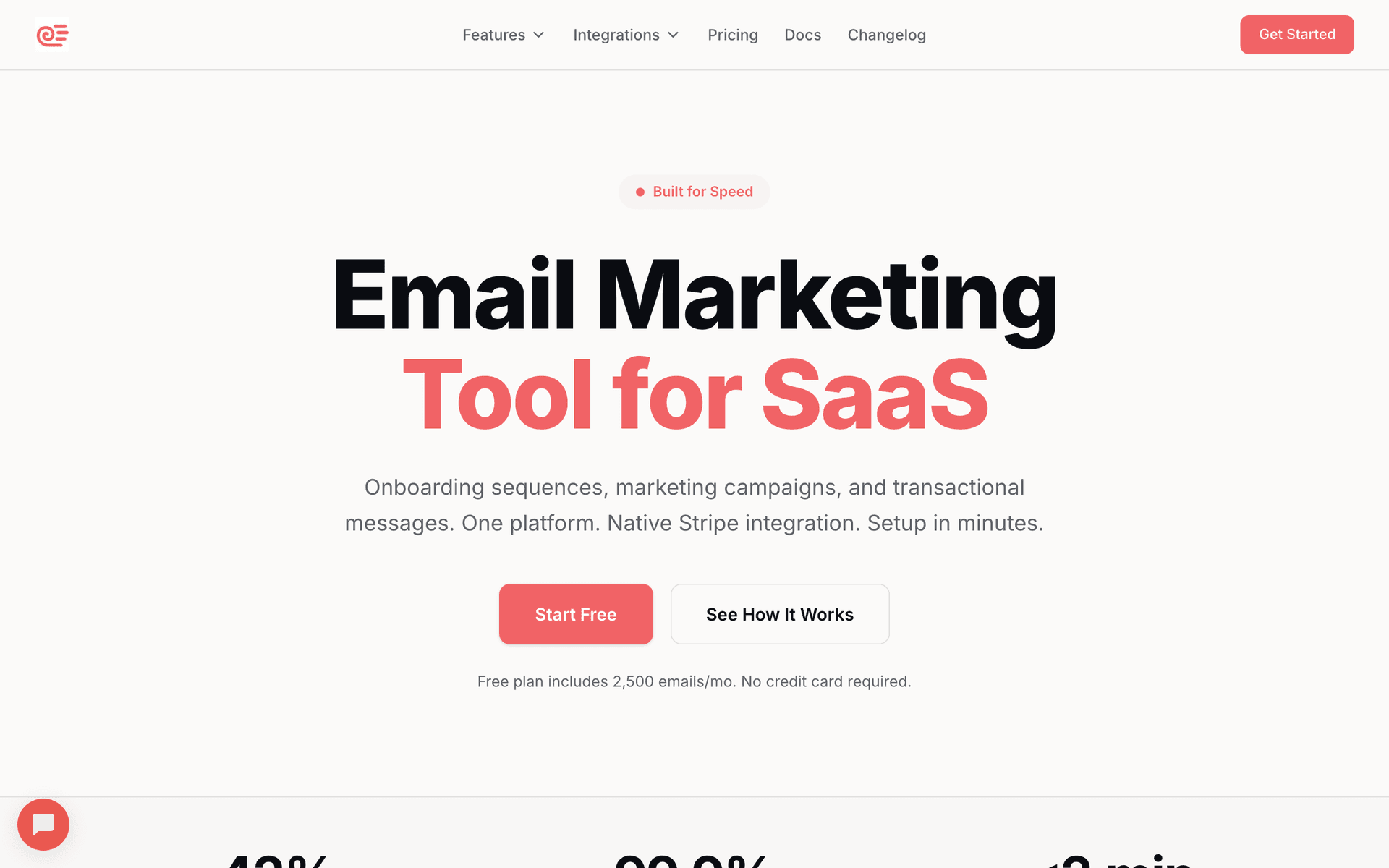
Sequenzy

Email marketing with event-driven automation and native payment integrations.

Visit
Sequenzy dashboard screenshot

Sequenzy grows well into the $1M-$10M stage because the native Stripe integration provides revenue data alongside email metrics. You can see which sequences drive upgrades, which prevent churn, and which recover failed payments - all without building custom integrations or stitching together multiple tools. The event-driven system supports advanced segmentation by plan tier, usage level, and billing status, so your expansion emails only go to customers who are actually approaching their plan limits. AI generates new sequences quickly when you identify a gap in your lifecycle, which matters when your marketing team is still 1-2 people wearing multiple hats. The free tier (up to 2,500 emails/month) lets you test the platform risk-free, and the $29/month paid plan for 50,000 emails means costs grow proportionally with revenue rather than exploding at contact thresholds like per-seat tools. For SaaS at this stage, the combination of native payment data, event-driven triggers, and predictable pricing is hard to beat.

Best for
SaaS at $1M-$10M wanting revenue-attributed email with native payment data
Pricing
Free up to 2,500 emails/mo, then $19/mo (unlimited contacts)

Pros

  • Native Stripe integration with revenue data
  • Event-driven segmentation by plan and usage
  • AI generates new sequences for lifecycle gaps
  • Pay per email scales proportionally

Cons

  • Newer platform, building enterprise features
  • Revenue attribution still developing
  • Template library still growing
#2
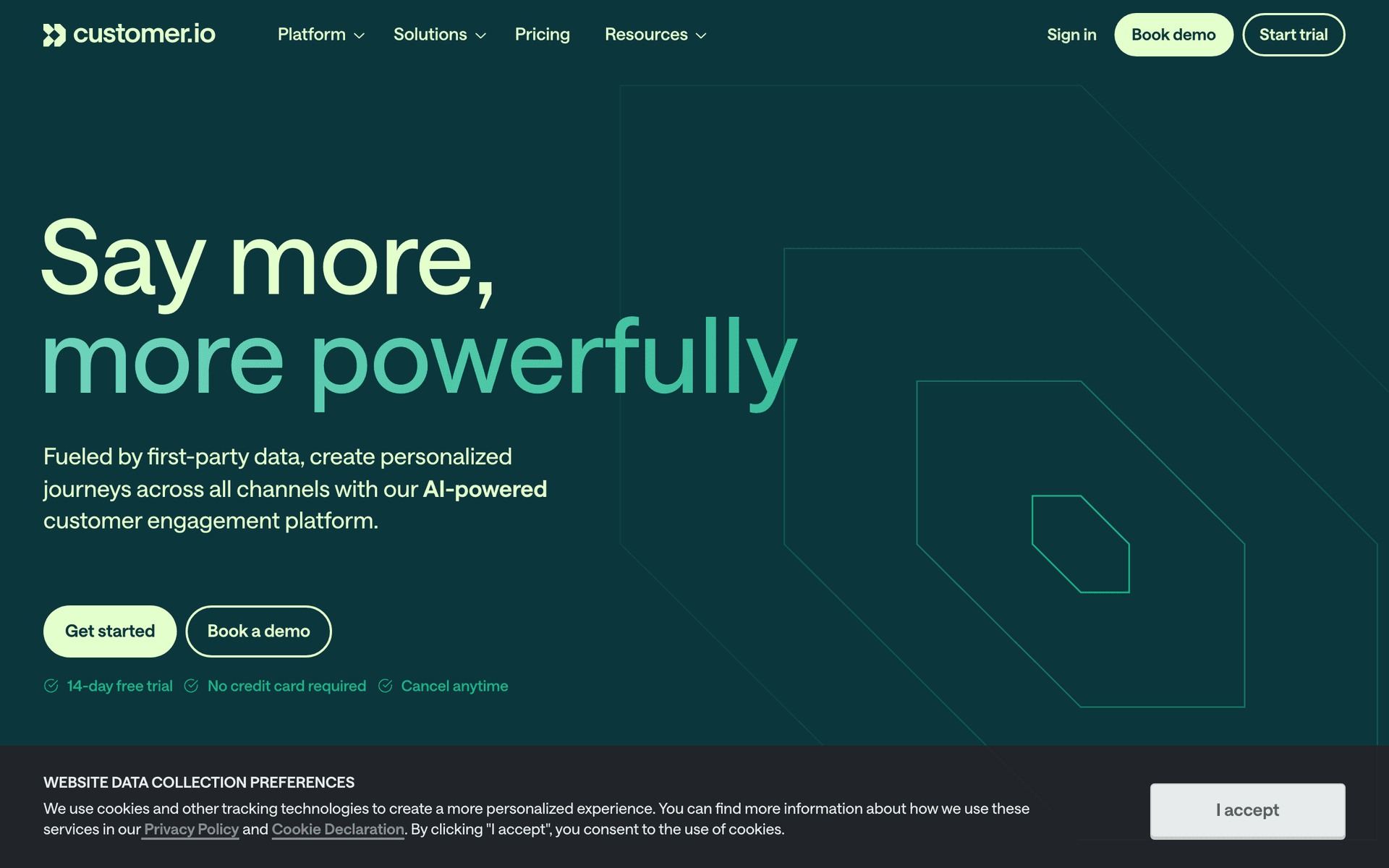
Customer.io

Event-driven messaging with advanced segmentation and multi-channel.

Visit
Customer.io dashboard screenshot

Customer.io is the strongest choice for SaaS at this stage if you have the budget and a team member who can manage it. The segmentation engine handles complex conditions combining user attributes, behavioral data, and lifecycle stage - you can build segments like 'Pro plan users who have used feature X but not feature Y in the last 30 days and have been customers for 90+ days.' Multi-sequence coordination prevents message conflicts, which becomes critical once you have 10+ active sequences competing for user attention. Multi-channel support (email, push, in-app, SMS) lets you reach users at every touchpoint without managing separate tools. The reporting shows which messages drive engagement and conversion, giving you the data to optimize continuously. At $1M+ ARR, the $100+/month cost is well justified by the capabilities, but expect to spend meaningful time learning the platform and maintaining your automation workflows as they grow in complexity.

Best for
SaaS at $1M-$10M wanting the most sophisticated behavioral messaging
Pricing
$100/month for 5,000 profiles

Pros

  • Best-in-class segmentation
  • Multi-sequence coordination
  • Multi-channel messaging
  • Advanced reporting

Cons

  • Expensive at larger profile counts
  • Complex to manage
  • Requires dedicated person or team
#3
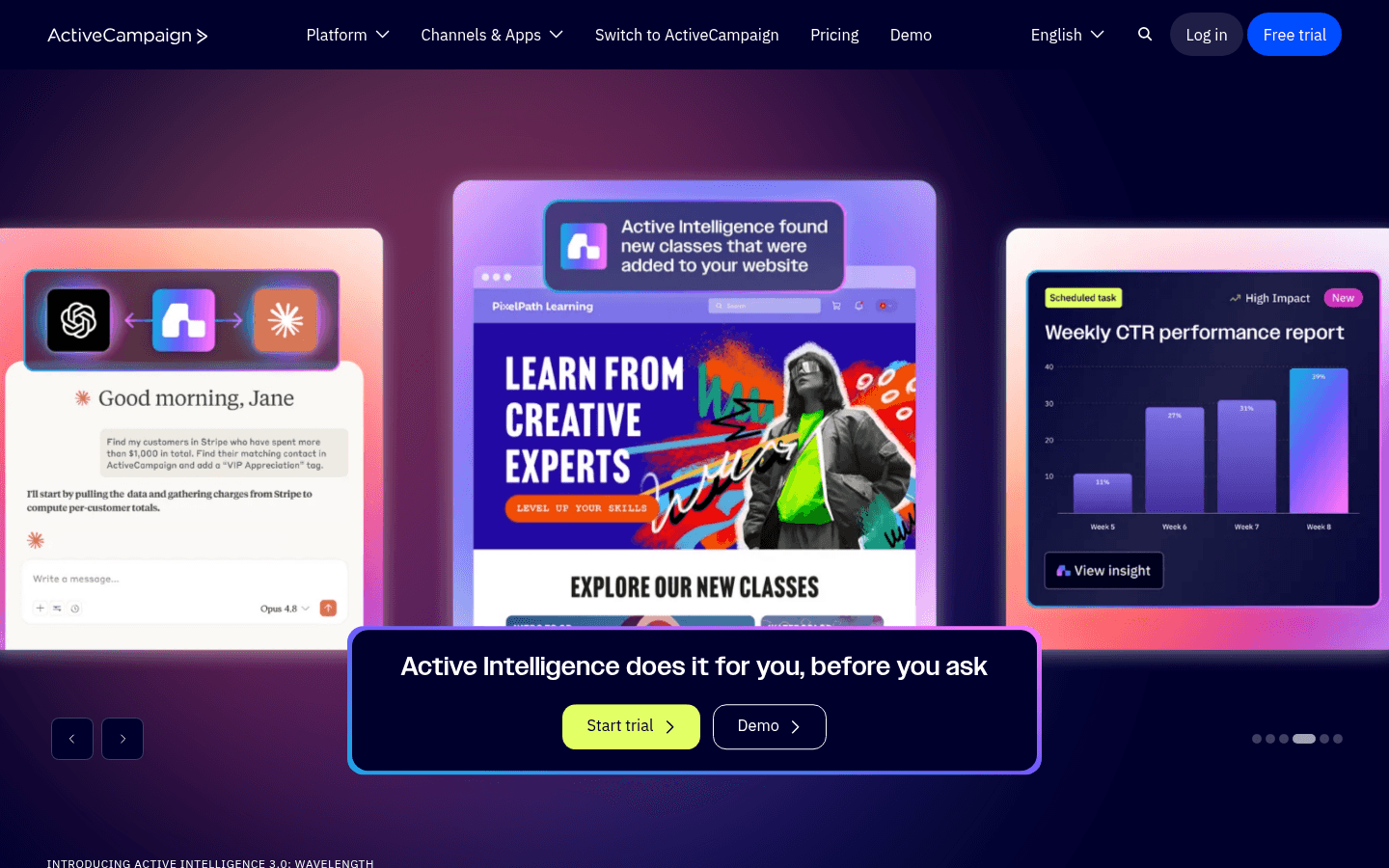
ActiveCampaign

Advanced automation with CRM and reporting.

Visit
ActiveCampaign dashboard screenshot

ActiveCampaign provides the automation depth that SaaS at this stage needs without requiring a dedicated lifecycle marketing hire to manage it. The visual workflow builder handles complex multi-step sequences with conditions, waits, and branches - and the drag-and-drop interface means non-technical team members can build and modify flows. The built-in CRM tracks customer health and expansion opportunities, which is valuable when your growth team wants to identify upsell-ready accounts without switching between tools. Contact scoring identifies users ready for upgrade conversations based on engagement and usage patterns. For SaaS between $1M-$5M with a growth team that wants CRM and automation in one tool, ActiveCampaign provides excellent value. The main limitation is that it is not SaaS-specific, so you will not get native billing integration or product analytics the way you would with Sequenzy or Customer.io.

Best for
SaaS at $1M-$10M with a growth team wanting integrated CRM and automation
Pricing
$29/month for 1,000 contacts

Pros

  • Powerful automation builder
  • Built-in CRM with health scoring
  • Contact scoring for upgrade readiness

Cons

  • Per-contact pricing scales up
  • Can become complex to manage
  • Not SaaS-specific
#4
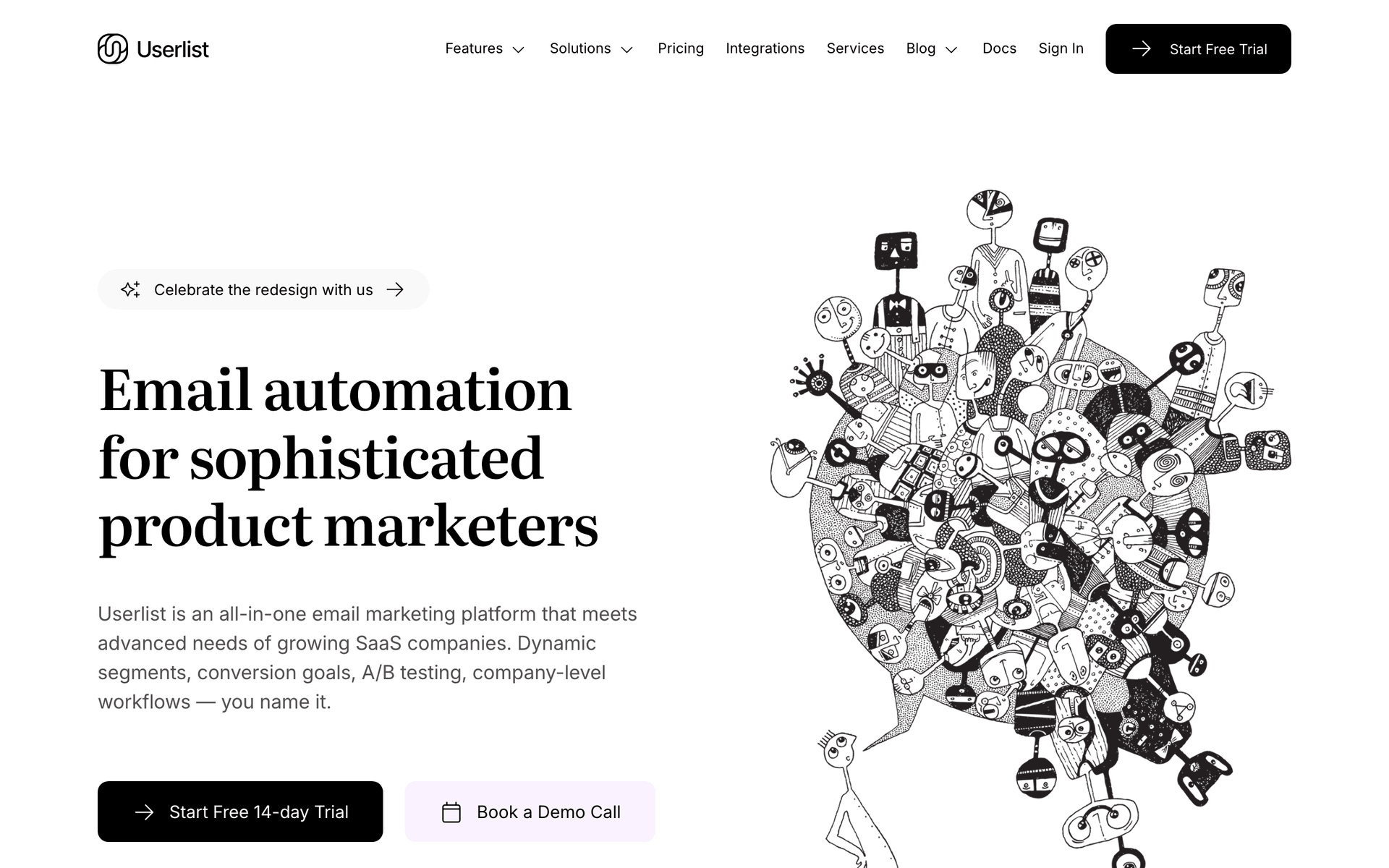
Userlist

Email automation for SaaS with company-level tracking.

Visit
Userlist dashboard screenshot

Userlist becomes increasingly relevant at this stage because company-level tracking matters more as your accounts grow. Instead of seeing individual user behavior, you can see how entire accounts behave - which is how B2B SaaS actually works. Trigger emails when account-wide adoption drops (not just when one user goes quiet), when team usage grows beyond current plan limits, or when a company adds their 10th user and becomes an enterprise candidate. The SaaS lifecycle patterns are built for this exact stage of growth, so you are not repurposing e-commerce workflows. At $149/month for 5,000 users, it is positioned for companies that can afford to invest in the right tool and want account-level intelligence that most email platforms simply do not offer.

Best for
SaaS at $1M-$10M wanting account-level email automation
Pricing
$149/month for 5,000 users

Pros

  • Company-level tracking
  • Account health monitoring
  • SaaS-specific lifecycle patterns

Cons

  • Higher starting price
  • Email only
  • Smaller ecosystem
#5
Loops

Modern email platform for SaaS.

Visit
Loops dashboard screenshot

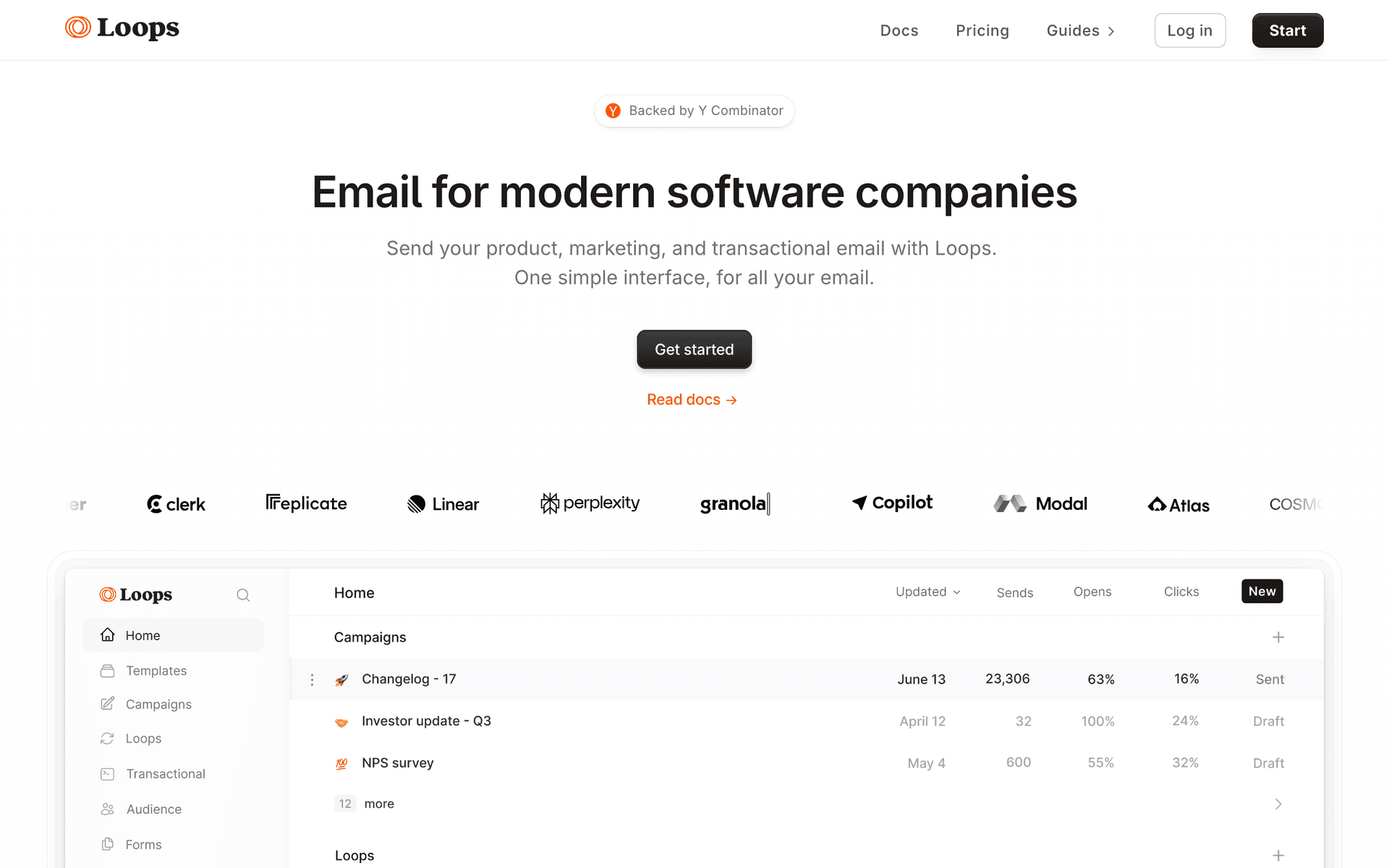
Loops continues to work well for SaaS at the lower end of this revenue range, particularly if you value speed and simplicity over raw capability. The clean interface keeps email management efficient for small teams where the founder or a single marketer handles all lifecycle communication. Event-based automations cover the core lifecycle sequences - onboarding, trial conversion, feature adoption - without the complexity of Customer.io or ActiveCampaign. Combined transactional and marketing email means one tool handles welcome emails, password resets, and lifecycle campaigns. For SaaS between $1M-$3M that wants simplicity over sophistication and does not yet need multi-sequence coordination or revenue attribution, Loops provides a great experience. As you approach $5M+ and need advanced segmentation, priority rules, and deeper analytics, you will likely outgrow it.

Best for
SaaS at $1M-$3M wanting clean, efficient email management
Pricing
Free up to 1,000 contacts, then $49/month

Pros

  • Clean efficient interface
  • SaaS-focused features
  • Event-based automation

Cons

  • Per-contact pricing at scale
  • Limited advanced segmentation
  • May outgrow at higher end of range
#6
HubSpot

Enterprise CRM and marketing platform.

Visit
HubSpot dashboard screenshot

HubSpot becomes a realistic option at this revenue stage, particularly for SaaS approaching the $5M-$10M range with a dedicated marketing team of 2-3 people. The CRM, marketing automation, and reporting provide a complete growth platform where sales and marketing data live together. Revenue attribution, multi-touch analytics, and lifecycle reporting give visibility into what works across the entire customer journey - from first website visit through expansion. For SaaS at $5M+ with a marketing team that can own the platform, HubSpot provides the enterprise infrastructure that scales to $50M+ without needing another migration. Below $5M, it is often more tool than you need, and the $800+/month marketing hub pricing can feel steep compared to purpose-built SaaS email tools.

Best for
SaaS approaching $10M with a marketing team wanting enterprise tools
Pricing
Free CRM, marketing hub from $800/month

Pros

  • Complete growth platform
  • Revenue attribution
  • Multi-touch analytics

Cons

  • Very expensive
  • Complex for smaller teams
  • Requires dedicated admin
#7
Resend

Developer-first email API.

Visit
Resend dashboard screenshot

Resend continues to serve as a transactional email layer for SaaS at this stage, and it does that job exceptionally well. If you built your email system on Resend early, it scales reliably with volume - the API handles high throughput without degradation, and the developer experience stays excellent as your engineering team grows. React Email templates let you build consistent, branded transactional emails as code. For the marketing automation layer, most SaaS at this stage pair Resend with a dedicated automation tool like Sequenzy or Customer.io. Resend owns transactional (password resets, billing notifications, usage alerts); the automation tool owns lifecycle (onboarding, expansion, churn prevention). This two-tool approach works well if your engineering team prefers to control transactional email in code.

Best for
SaaS at this stage using Resend for transactional alongside a marketing tool
Pricing
Free for 3,000 emails/month, then $20/month

Pros

  • Excellent transactional email
  • Scales with volume
  • Clean API

Cons

  • No marketing automation
  • Need a second tool for lifecycle
  • No segmentation
#8
Customer.io

Event-driven lifecycle messaging platform for SaaS teams.

Visit
Customer.io dashboard screenshot

At $1M-$10M ARR, Customer.io provides the event-driven automation depth you need as your user base diversifies and expansion revenue becomes critical. Its behavioral pipeline handles complex conditions - trigger a sequence when a user performs action A but not action B within X days - which is exactly the kind of precision that separates growing SaaS from stagnant ones. Multi-segment automation lets you run distinct tracks for free, trial, starter, and growth plan users simultaneously without them bleeding into each other. The learning curve is real, but teams at this revenue stage typically have someone who can own the platform.

Best for
SaaS at $3M+ ARR with complex multi-segment lifecycle automation needs
Pricing
$100/month base, scales with profiles

Pros

  • Powerful event-driven automation
  • Multi-channel support
  • Deep segmentation logic

Cons

  • Steeper learning curve
  • Per-profile pricing adds up
  • Requires dedicated ownership
#9
Encharge

Marketing automation platform built specifically for SaaS.

Visit
Encharge dashboard screenshot

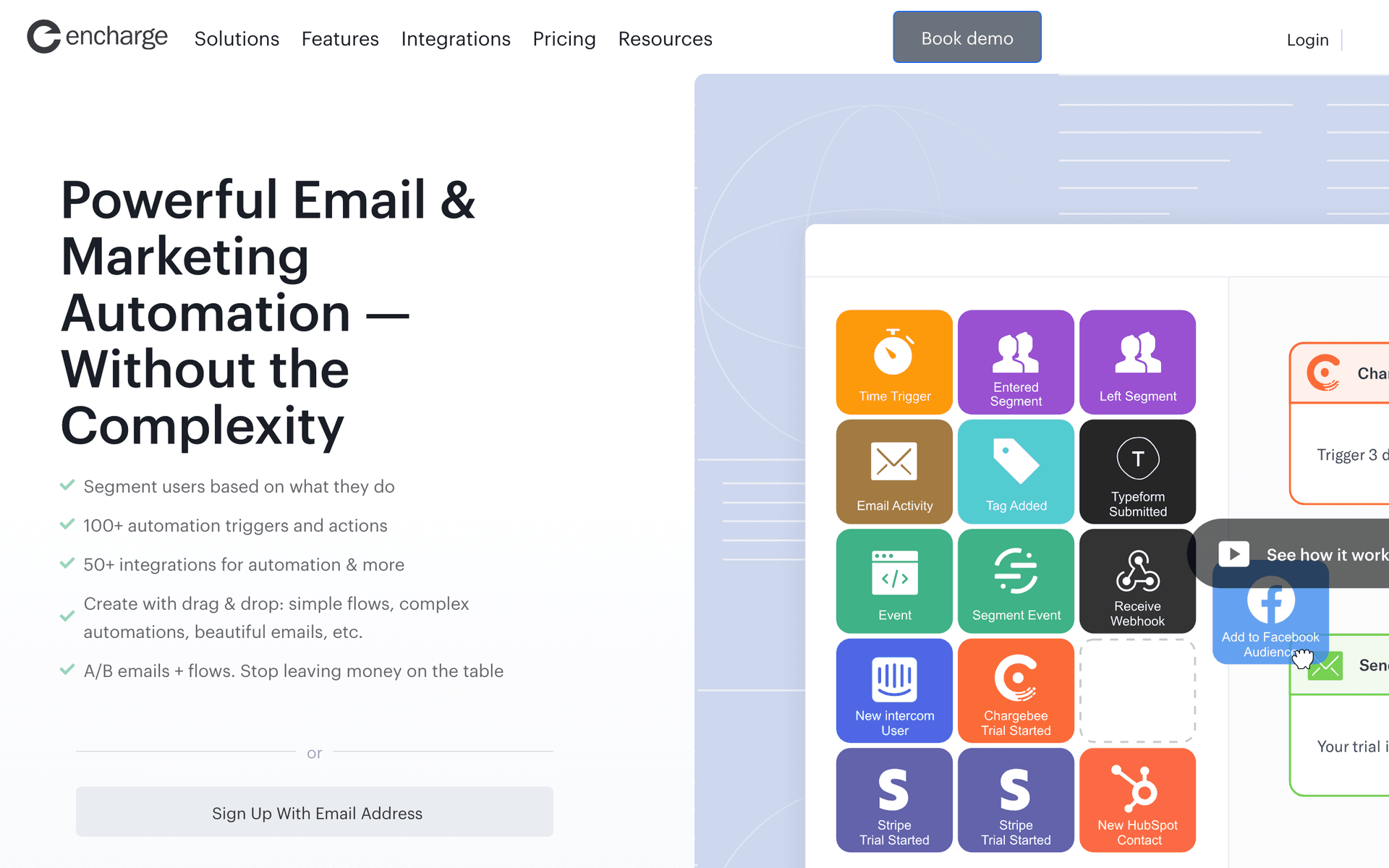
Encharge is purpose-built for SaaS lifecycle marketing, making it a natural fit at the $1M-$10M stage where you need automation that understands product events without heavy engineering overhead. The flow builder connects to your app via Segment, API, or native integrations and triggers sequences based on real user behavior. Lead scoring helps identify expansion candidates among your active user base - valuable when moving from pure PLG to a hybrid model. Pricing is contact-based but more accessible than enterprise tools, fitting the $3M-$8M ARR budget range well.

Best for
SaaS teams wanting SaaS-specific automation without enterprise complexity
Pricing
From $79/month for 2,000 subscribers

Pros

  • Purpose-built for SaaS
  • Strong flow builder
  • Lead scoring included

Cons

  • Smaller ecosystem than major players
  • Contact-based pricing
  • Fewer native integrations
#10
Loops

Modern email platform designed for SaaS product teams.

Visit
Loops dashboard screenshot

Loops hits a sweet spot for SaaS at this ARR stage: clean product-event-driven email without the complexity overhead of Customer.io. The event-based sending model connects natively to your app and sends transactional plus lifecycle emails from one platform, eliminating the two-tool problem many teams face. For $1M-$10M ARR SaaS, the simplicity is a feature - your team spends time optimizing sequences rather than learning a complex platform. The free tier is generous enough to test properly before committing.

Best for
SaaS teams wanting a clean, modern alternative to over-engineered platforms
Pricing
Free tier available, paid from $49/month

Pros

  • Clean, modern interface
  • Unified transactional and lifecycle
  • Easy event integration

Cons

  • Less mature than established tools
  • Fewer advanced automation features
  • Smaller template library
#11
Ortto

Customer data platform with marketing automation for SaaS.

Visit
Ortto dashboard screenshot

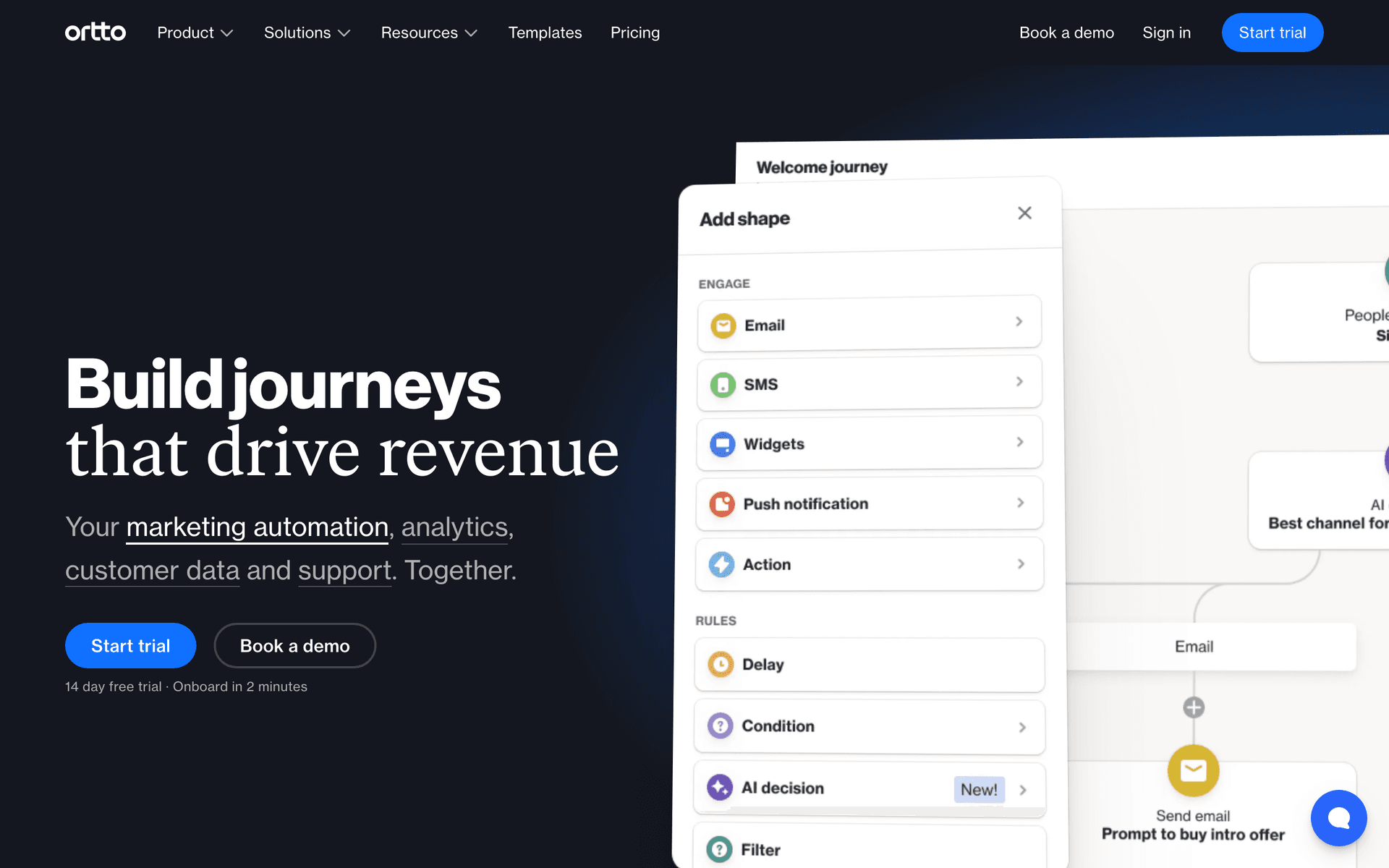
Ortto combines a customer data layer with marketing automation, which matters at the $1M-$10M ARR stage when you are building out your growth analytics infrastructure. The journey builder supports complex lifecycle automation across email, SMS, and in-app, and the built-in analytics connect email performance to revenue outcomes without a separate BI tool. For growing SaaS, the ability to build cohorts from product behavior data and then email those cohorts directly - without exporting to a third tool - saves significant engineering time. Best for teams that want to consolidate their CDP and email automation.

Best for
SaaS consolidating their CDP and email automation into one platform
Pricing
From $99/month

Pros

  • Built-in customer data platform
  • Revenue analytics included
  • Multi-channel journeys

Cons

  • More complex setup
  • Higher cost
  • Can be over-featured for smaller teams
#12
Postmark

Transactional email service focused on speed and deliverability.

Visit
Postmark dashboard screenshot

At $1M-$10M ARR, transactional email reliability directly impacts revenue - failed password resets, missed billing notifications, and delayed usage alerts all create churn risk. Postmark's obsessive focus on deliverability and speed (average delivery under 10 seconds) makes it the default choice for critical transactional emails at this growth stage. The SMTP and API options integrate cleanly with your existing stack, and detailed delivery analytics help you catch deliverability issues before they affect customers. Pair it with a lifecycle automation tool for the full stack.

Best for
SaaS needing reliable, fast transactional email delivery at growth scale
Pricing
From $15/month for 10,000 emails

Pros

  • Best deliverability in class
  • Very fast delivery times
  • Detailed analytics

Cons

  • Transactional only
  • No marketing automation
  • Per-email pricing at high volume
#13
Userlist

Email automation tool built specifically for SaaS companies.

Visit
Userlist dashboard screenshot

Userlist is designed from the ground up for SaaS with a data model that natively understands users and companies - critical at $1M-$10M ARR when you are managing team accounts with multiple users per company. Account-level email triggers (when a company hits X seats or reaches a usage milestone) are built-in, not hacked together. The simplicity of the setup appeals to lean growth teams: connect your app, define events, build sequences. No PhD required. For B2B SaaS at this stage managing company-level accounts, Userlist's account object model alone justifies consideration.

Best for
B2B SaaS at this ARR stage managing multi-user company accounts
Pricing
From $149/month for up to 5,000 users

Pros

  • Native company/user data model
  • Account-level triggers
  • Clean, focused interface

Cons

  • Higher starting price
  • Email only
  • Smaller feature set than enterprise tools
#14
Vero

Behavioral email platform for product-centric SaaS teams.

Visit
Vero dashboard screenshot

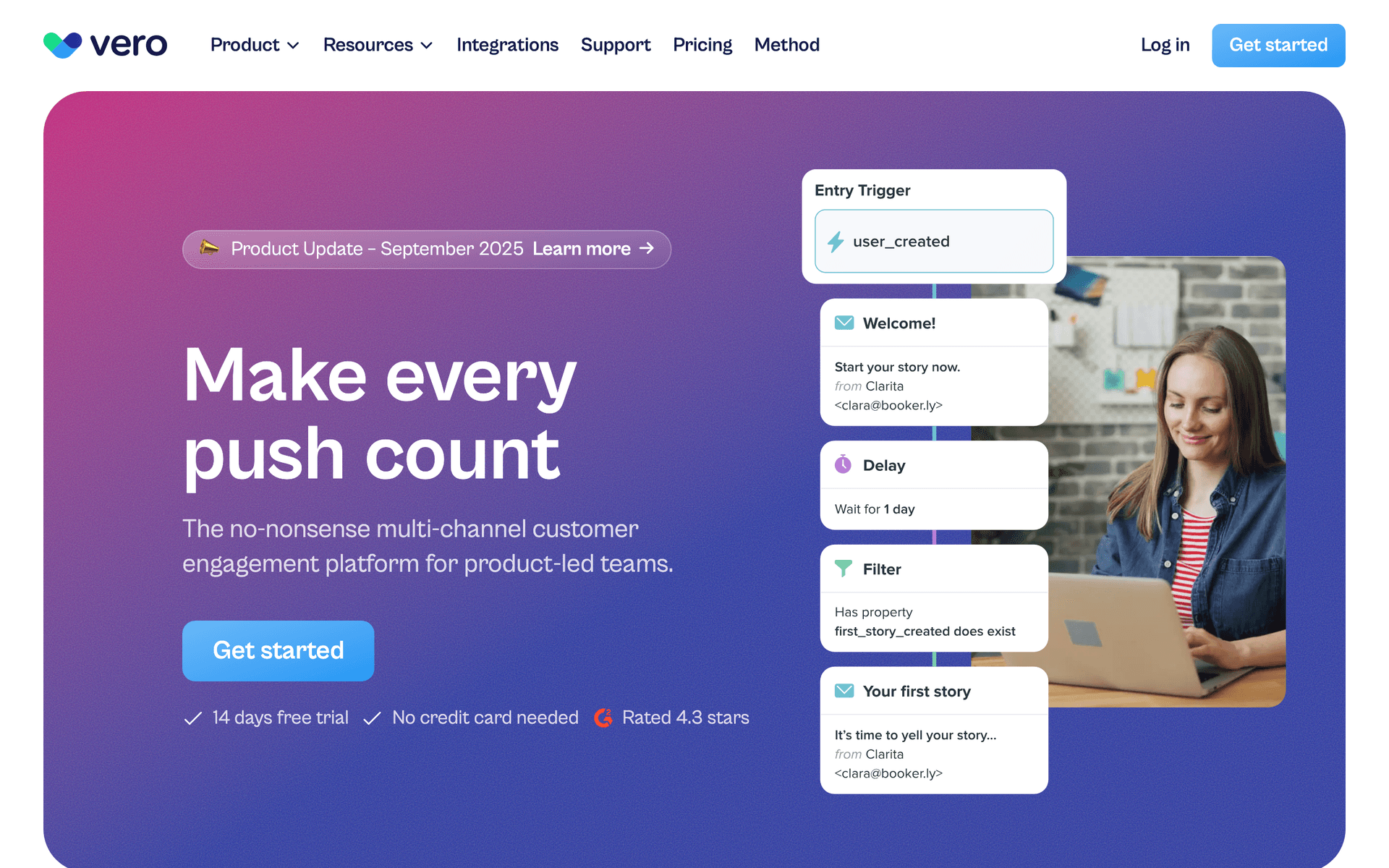
Vero's behavioral trigger system is well-suited for SaaS at this ARR stage where you have enough product data to run sophisticated event-driven campaigns. The newsletter plus behavioral hybrid approach works well for teams running both lifecycle automation and regular product updates from one platform. API-driven personalization lets you inject live product data into emails - current usage stats, recent activity, or dynamic recommendations - which increases relevance at a stage when generic emails start hurting engagement. Mature platform with strong deliverability track record.

Best for
SaaS teams wanting behavioral triggers combined with newsletter capabilities
Pricing
From $99/month

Pros

  • Strong behavioral triggers
  • API-driven personalization
  • Newsletter and lifecycle in one

Cons

  • Dated interface
  • Slower product development
  • Less modern than newer tools
#15
MailerSend

Transactional email and SMS API with competitive pricing.

Visit
MailerSend dashboard screenshot

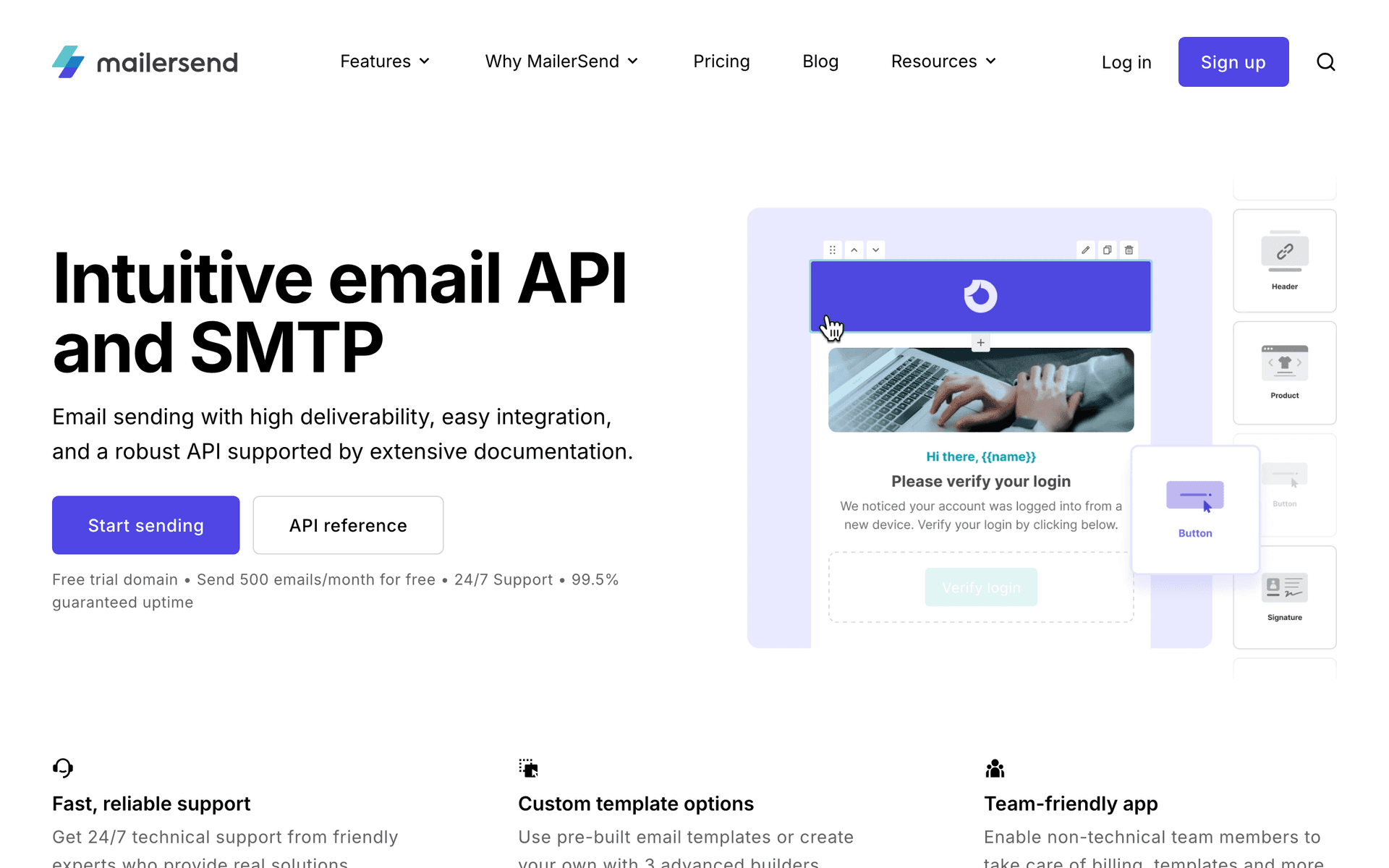
MailerSend provides transactional email infrastructure at a price point that makes sense for SaaS in the $1M-$5M range before scaling budgets expand significantly. The email API handles high-volume transactional email with solid deliverability, and the built-in analytics cover the key metrics (delivery, open, click, bounce) without needing a third-party analytics layer. For teams already using Mailgun or SendGrid and looking for a cost-effective alternative with better UX, MailerSend is worth evaluating. It handles transactional well; pair with a lifecycle tool for full coverage.

Best for
Cost-conscious SaaS at this stage needing reliable transactional email
Pricing
Free for 3,000 emails/month, then $25/month

Pros

  • Competitive pricing
  • Good deliverability
  • Clean API and dashboard

Cons

  • Transactional focus
  • Less mature than Postmark
  • Limited automation features
#16
Iterable

Growth marketing platform for cross-channel campaigns.

Visit
Iterable dashboard screenshot

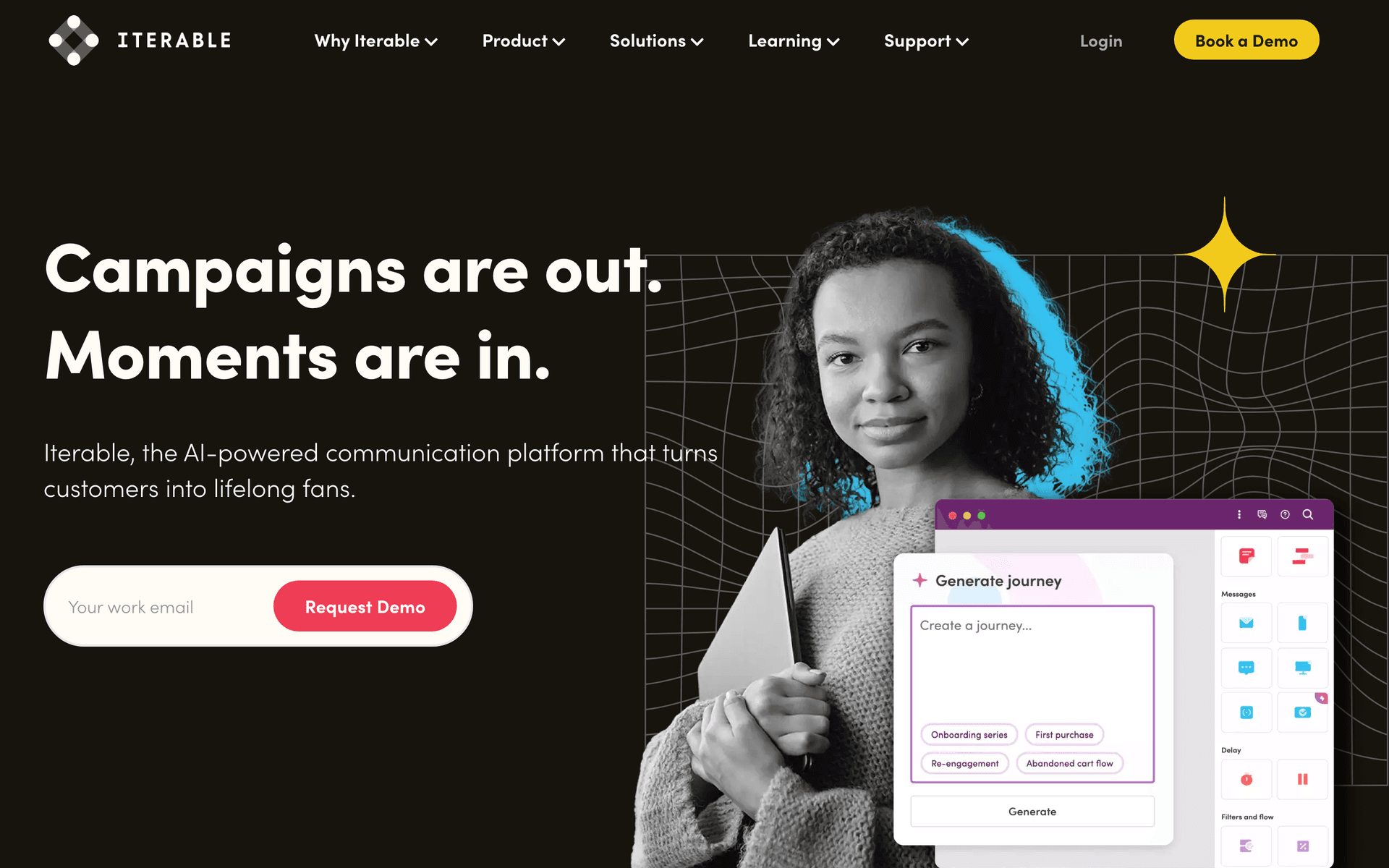
Iterable enters the picture for SaaS at the upper end of this range ($7M-$10M ARR) when multi-channel growth is a strategic priority. The cross-channel workflow studio handles email, push, SMS, and in-app messaging from a unified canvas, which matters when you have enough users and data to justify channel coordination. AI-powered send time optimization becomes genuinely valuable at these volumes. For SaaS still in the $1M-$5M range, Iterable is likely over-engineered; for those approaching $10M with a growth team, it provides the infrastructure to scale into Series A without another migration.

Best for
SaaS at $7M-$10M ARR preparing for multi-channel growth investment
Pricing
Custom pricing (typically $500-2,000/month)

Pros

  • Full cross-channel support
  • AI optimization at scale
  • Strong workflow studio

Cons

  • Expensive for smaller teams
  • Complex implementation
  • Overkill below $5M ARR
#17
Intercom

Customer messaging platform combining support, marketing, and product.

Visit
Intercom dashboard screenshot

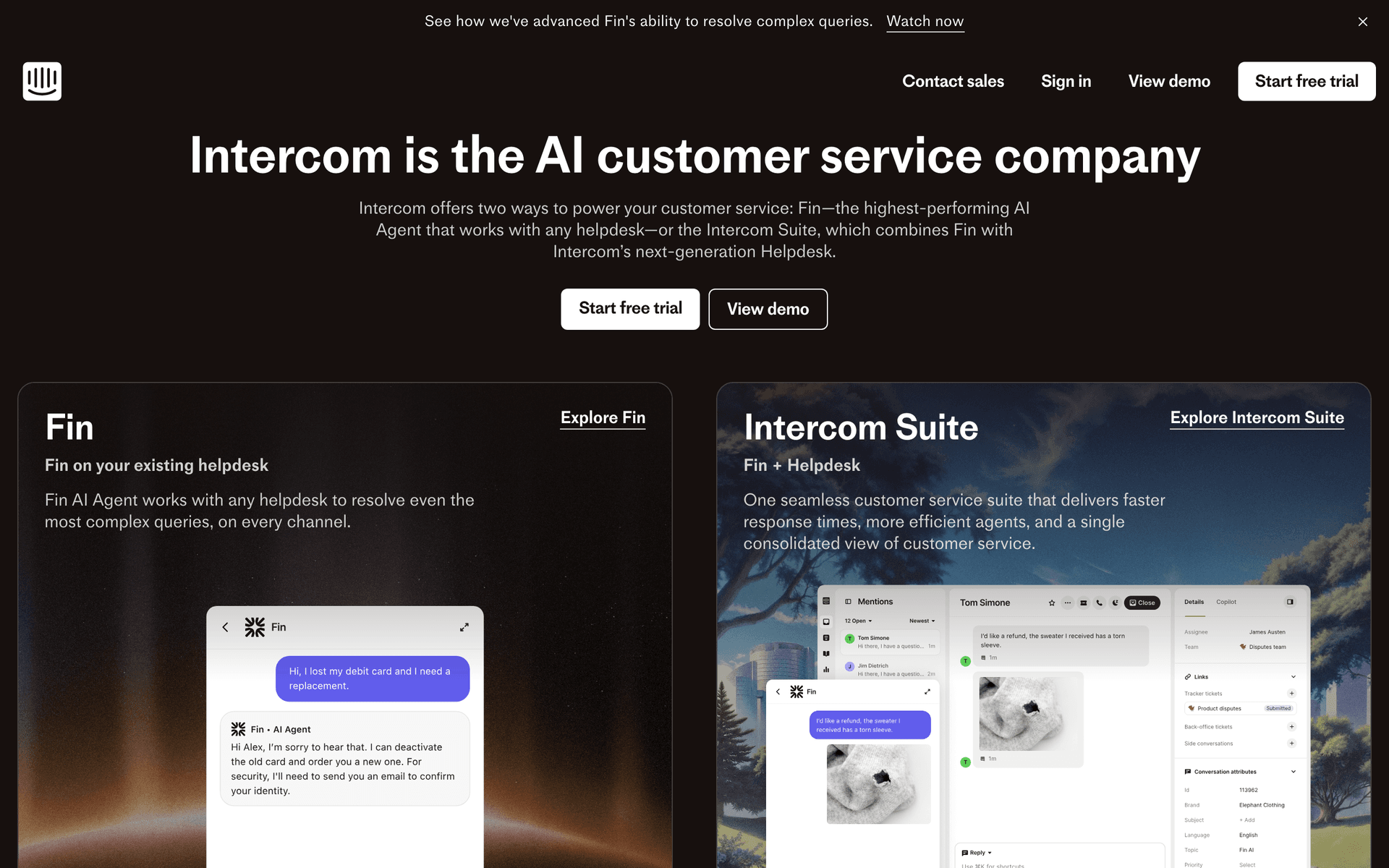
Intercom spans support, in-app messaging, and email marketing from one platform - a meaningful consolidation for SaaS at this ARR stage managing growing support volumes alongside lifecycle email. The in-app message capability complements email well for onboarding flows: use in-app for contextual guidance when users are active, email for re-engagement when they are not. Product tours and checklists help with activation without requiring custom engineering. The pricing scales quickly with seat count, so model costs carefully; at $1M-$10M ARR, the consolidated value proposition often justifies the premium over running separate tools.

Best for
SaaS consolidating support and lifecycle email into one platform
Pricing
From $74/month, scales with seats

Pros

  • Unified support and marketing
  • In-app messaging
  • Product tours included

Cons

  • Expensive at scale
  • Email automation less powerful than dedicated tools
  • Seat-based pricing adds up
#18
Braze

Enterprise customer engagement platform.

Visit
Braze dashboard screenshot

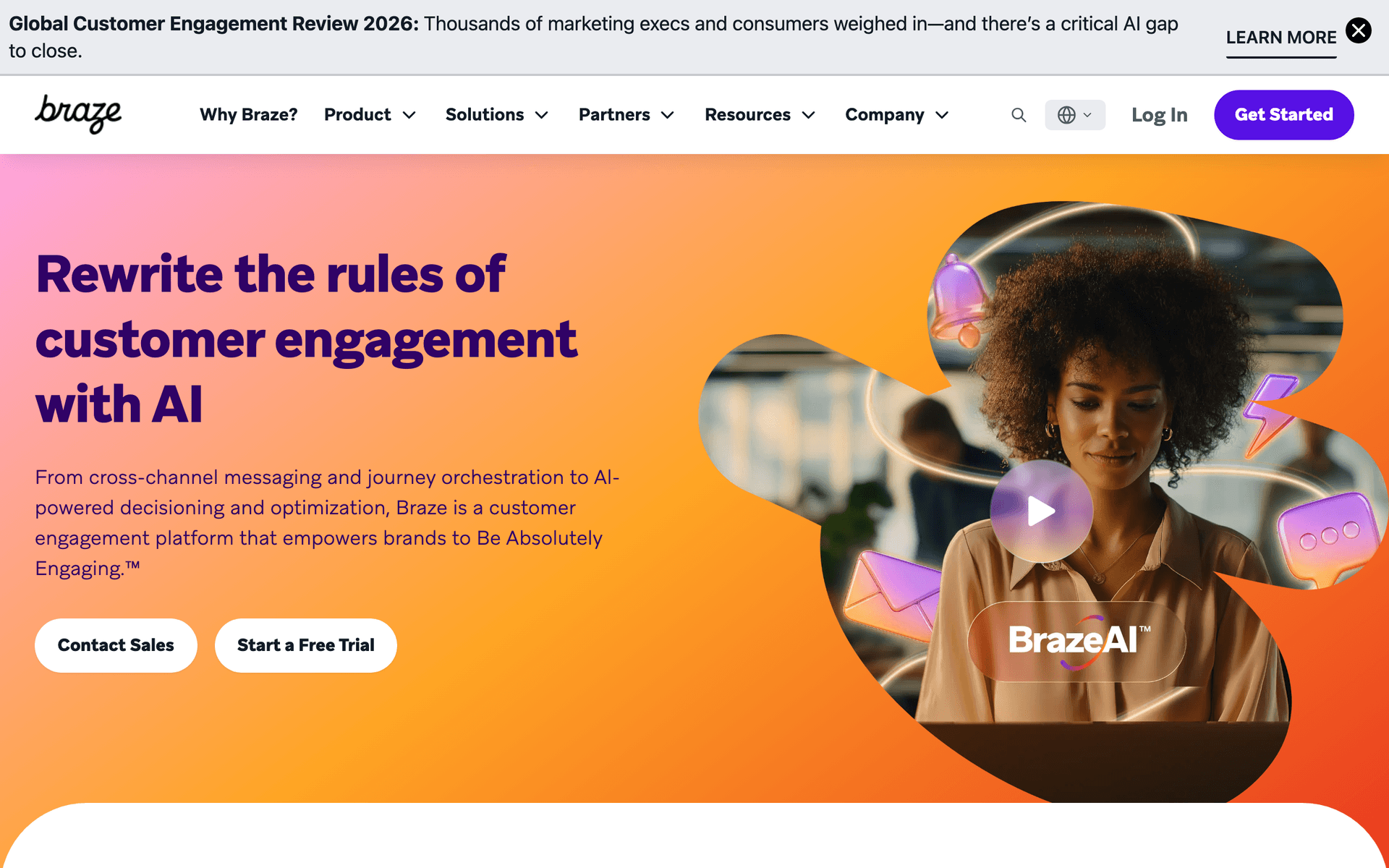
Braze is genuinely enterprise-grade infrastructure that becomes relevant for SaaS approaching $10M ARR with multi-channel ambitions. The canvas visual workflow builder handles complex branching across email, push, SMS, and in-app with real-time event processing - user actions trigger responses in seconds. For SaaS at the upper bound of this range with a mobile app and global user base, Braze provides the foundation to scale through Series B without another platform migration. The $50K+ annual cost and 2-3 month implementation timeline mean it is only justified for companies investing in email as a strategic growth channel with dedicated team resources.

Best for
SaaS at $8M-$10M ARR investing in enterprise-grade multi-channel engagement
Pricing
Custom pricing (typically $50K+/year)

Pros

  • Enterprise scale and reliability
  • Real-time event processing
  • Full multi-channel

Cons

  • Very expensive
  • Complex implementation
  • Over-engineered for most teams at this stage
#19
SendGrid

Email delivery platform with marketing and transactional capabilities.

Visit
SendGrid dashboard screenshot

SendGrid is often already in the stack for SaaS at this ARR stage, brought in early for transactional email delivery at scale. The Marketing Campaigns layer adds broadcast email and basic automation on top of the delivery infrastructure, making it possible to run the full stack from one vendor. For SaaS at $1M-$10M ARR where engineering owns the email infrastructure, consolidating on SendGrid avoids multi-vendor complexity. That said, its marketing automation is less sophisticated than purpose-built lifecycle tools - use it for transactional and promotional campaigns, and consider a dedicated tool if behavioral automation is a growth priority.

Best for
SaaS already on SendGrid wanting to consolidate transactional and marketing email
Pricing
Free for 100 emails/day, paid from $19.95/month

Pros

  • Excellent deliverability at scale
  • Unified transactional and marketing
  • Strong API documentation

Cons

  • Marketing automation is basic
  • Interface less intuitive than modern tools
  • Per-email pricing adds up at volume

Feature Comparison

FeatureSequenzyCustomer.ioActiveCampaignUserlist
Advanced segmentation
Via events/tags
Advanced
Advanced
Good
Multi-sequence coordination
Basic
Yes
Via automation
Yes
Revenue attribution
Via Stripe data
Via reporting
Via CRM
No
Payment integration
Native Stripe
No
Via integration
No
Account-level tracking
No
Via attributes
Via CRM
Native
Multi-channel
Email
Email, push, in-app
Email
Email
Free tier available
Starting price
$29/mo
$100/mo
$29/mo
$149/mo

Common Mistakes to Avoid

We see these mistakes over and over. Skip the learning curve and avoid these from day one.

Treating all customers the same after onboarding

Many SaaS companies invest heavily in onboarding sequences but then drop everyone into the same monthly newsletter. Your $29/month starter customer and your $299/month enterprise customer need fundamentally different ongoing communication. Build lifecycle stages beyond onboarding - activation, adoption, expansion, and advocacy each need dedicated sequences.

Letting sequences pile up without coordination

Adding new sequences without removing or coordinating existing ones leads to email fatigue. If you have 15 active sequences and no priority rules, some users receive 3-4 emails per day. Audit your sequences quarterly and enforce a maximum email frequency per user per week.

Optimizing emails instead of the product experience

Email optimization has diminishing returns if the product experience is broken. A perfectly crafted activation email cannot fix a confusing setup flow. At this stage, invest in product improvements alongside email - the combination compounds.

Ignoring dunning sequence optimization

Failed payment recovery is pure revenue. Most SaaS at this stage uses a default 3-email dunning sequence and never touches it again. Test different messaging (urgency vs. helpfulness), timing (3 days vs. 7 days between emails), and channels (email + in-app). Improving dunning recovery by 10% can add $50K-$200K in saved ARR.

Using per-contact pricing with a large free tier

If you offer a free plan, per-contact email pricing charges you for thousands of users who generate zero revenue. At $1M+ ARR with a large free tier, this pricing model can cost you $500-$2,000/month unnecessarily. Switch to per-email pricing or negotiate enterprise rates.

Email Sequences Every $1M to $10M ARR SaaS Needs

These are the essential automated email sequences that will help you grow your business and keep clients coming back.

Segmented Onboarding

New customer signs up (segmented by plan)

Different onboarding for different plan tiers.

Immediate
Welcome to [Product] [Plan] - your personalized setup

Plan-specific welcome with features and setup steps relevant to their tier. Starter users get simplified onboarding. Pro users get advanced feature highlights.

Day 2
The [Plan] feature most customers start with

Highlight the most popular feature for their plan tier. Use data from existing customers to recommend the highest-impact starting point.

Day 5
Are you getting full value from [Plan]?

Check if they are using the features included in their plan. If they are underusing, suggest features. If they are hitting limits, introduce the next tier.

Expansion Revenue Sequence

Customer hits 80% of plan usage limit

Convert growing usage into plan upgrades.

At 80% usage
You are close to your [Plan] limit - here is what the next tier offers

Data-driven upgrade suggestion. Show their current usage, the limit, and what the next plan unlocks. Frame it as supporting their growth.

Day 5 if no upgrade
How [similar company] scaled with [higher plan]

Case study from a company that upgraded at a similar stage. Show the before-and-after impact.

Churn Prevention (At-Risk)

Account usage drops 40% over 2 weeks

Intervene before at-risk accounts cancel.

After usage drops
We noticed your usage changed - everything okay?

Genuine check-in. Not a retention pitch. Ask if something is wrong, if they need help, or if their needs have changed.

Day 5 if no response
3 features you might not have tried

Re-engage with feature discovery. Show features relevant to their historical usage pattern that they have not explored.

Day 10 if still declining
Can we help? Quick call with our team

Offer a personal conversation. At this revenue stage, saving one account can be worth hours of the founder's time.

From Working to Optimized

At $1M-$10M ARR, your email is already working. People are signing up, receiving onboarding emails, and converting. The opportunity now is optimization. Improving trial conversion by 2 percentage points at this scale adds hundreds of thousands in ARR. Reducing churn by 1% saves even more.

Optimization requires two things your early-stage email setup probably lacks: segmentation and measurement. You need to send different messages to different customer segments and measure which messages drive revenue. This is where advanced email tools earn their cost.

Segmentation Is Your Competitive Edge

At this stage, your customer base is diverse enough that one-size-fits-all communication underperforms. A startup customer on your $29 plan has different needs than an enterprise customer on your $299 plan. A new user in their first week needs different communication than a power user who has been with you for a year.

Segmentation by plan tier, usage level, lifecycle stage, and engagement creates personalized communication that feels relevant. The email that says "you are getting close to your Pro plan limit" converts better than the generic "consider upgrading" because it is specific to their situation.

Segmentation dimensions that matter at this stage

  • Plan tier: Starter, Pro, Enterprise users need different onboarding, different feature highlights, and different expansion messaging.
  • Usage level: Users at 80% of their plan limits are expansion candidates. Users at 20% need activation help.
  • Lifecycle stage: New users (first 30 days), active users (30-180 days), mature users (180+ days), and at-risk users (declining engagement) each need different communication.
  • Feature adoption: Which features they use and which they have not tried yet determines what to recommend next.
  • Engagement: Users who open every email and users who have not opened in 60 days need different strategies.

Multi-Sequence Coordination

At this revenue stage, you likely have 10+ active email sequences. Onboarding, trial conversion, feature discovery, expansion, dunning, churn prevention, product updates. When a user qualifies for multiple sequences simultaneously, uncoordinated email can feel like spam.

Sequence coordination requires priority rules: which sequence is most important for each user at each moment? Trial conversion outranks feature discovery. Dunning outranks product updates. Churn prevention outranks expansion. Set these priorities in your email tool and ensure users receive the most important message, not every message.

A practical priority framework

  1. Tier 1 (Critical): Dunning, account lockout warnings, security alerts
  2. Tier 2 (High): Trial conversion, churn prevention, activation nudges
  3. Tier 3 (Medium): Expansion, feature discovery, NPS surveys
  4. Tier 4 (Low): Product updates, newsletters, webinar invitations

When a user qualifies for sequences in multiple tiers, only the highest tier fires. Within a tier, the most recently triggered sequence takes priority. This prevents email fatigue without sacrificing the most important messages.

Revenue Attribution and Measurement

At this stage, you should be able to answer: "Which email sequences generated revenue last month?" Revenue attribution connects your email metrics to actual business outcomes - upgrades, renewals, recovered payments, and expansion.

How to implement revenue attribution

The simplest approach is using a tool with native payment integration. Sequenzy's Stripe integration automatically connects email engagement to revenue events. When a user opens an expansion email on Tuesday and upgrades on Thursday, the attribution happens without manual tracking.

If your tool does not have native payment integration, build attribution manually. Track email clicks with UTM parameters. Set up conversion windows (7-day click, 14-day open). Compare conversion rates for users who received specific sequences versus those who did not.

Metrics worth tracking at this stage

  • Email-influenced MRR: Monthly recurring revenue from conversions where email was a touchpoint within the attribution window.
  • Dunning recovery rate: Percentage of failed payments recovered through email sequences. Target 30-50%.
  • Expansion email conversion rate: Percentage of expansion emails that lead to upgrades within 14 days. Target 5-15% depending on pricing.
  • Churn prevention save rate: Percentage of at-risk users who re-engage after receiving the churn prevention sequence. Target 15-25%.

Integration Recommendations

At this stage, your email tool should integrate with your core stack:

  • Payment processor (Stripe, Paddle): For billing events, plan changes, and revenue attribution. Sequenzy handles this natively. Customer.io and ActiveCampaign require custom integration or Zapier.
  • Product analytics (Mixpanel, Amplitude, PostHog): For usage-based triggers and feature adoption segments. Most tools accept custom events via API.
  • CRM (if you have one): For sales-assisted accounts where email and sales need coordination. ActiveCampaign includes a CRM. HubSpot is the full-suite option.
  • Support tool (Intercom, Zendesk): To suppress marketing emails during active support conversations.

Common Workflows for $1M-$10M SaaS

Weekly optimization ritual

Every week, review your sequence performance dashboard. Look for sequences with open rates below 15% or click rates below 1%. Check if any sequences have been unchanged for 90+ days. Pick one underperforming sequence per week to test a new variation.

Monthly lifecycle audit

Once a month, map out your entire customer lifecycle and identify gaps. Are there lifecycle stages without any email coverage? Are there transitions (trial to paid, monthly to annual, single user to team) that are not supported by targeted sequences? Prioritize the gap with the largest revenue impact.

Quarterly sequence cleanup

Every quarter, review all active sequences. Remove sequences that are not generating measurable results. Consolidate similar sequences. Update content that references outdated features or pricing. This prevents the sequence sprawl that makes email management unmanageable.

Getting Started With a New Tool

If you are migrating from an early-stage tool, plan the transition carefully:

  1. Export your data: Subscriber lists with all tags, custom attributes, and engagement history.
  2. Map your sequences: Document every active sequence, its trigger, and its performance metrics before you start rebuilding.
  3. Prioritize the rebuild: Reconstruct sequences in order of revenue impact - dunning first, then onboarding, then expansion.
  4. Run tools in parallel: Keep the old tool running for 2-4 weeks while the new sequences stabilize.
  5. Validate attribution: Confirm that revenue events are flowing correctly before you trust the new tool's data.

The migration is disruptive but necessary if your current tool limits your ability to segment, coordinate, and measure. Budget 2-4 weeks for a clean transition.

What a Healthy Email Program Looks Like at This Stage

A well-functioning email program at $1M-$10M ARR typically has:

  • 12-15 active sequences covering the full lifecycle from trial to expansion to churn prevention
  • 5+ segments based on plan tier, usage, lifecycle stage, and engagement
  • Priority rules preventing more than 3 emails per user per week
  • Revenue attribution on at least the top 5 sequences
  • Monthly sequence reviews with documented test results
  • Dunning recovery above 30% and trial conversion above 10%

If you are below these benchmarks, you have meaningful upside waiting. Start with the gap that has the largest revenue impact and work from there.

How We Evaluated These Tools

Tools were evaluated based on their ability to handle the specific demands of SaaS at $1M-$10M ARR - advanced behavioral segmentation, multi-sequence coordination, revenue attribution, and payment integration. We prioritized platforms that support event-driven automation and can scale from hundreds to tens of thousands of active users without pricing that outpaces revenue growth.

Frequently Asked Questions

Ready to grow your $1m to $10m arr saa practice?

Start your free trial today. Set up your first email sequence in minutes with AI-powered content generation.

Related Industries

Sequenzy - Complete Pricing Guide

Pricing Model

Sequenzy uses email-volume-based pricing. You only pay for emails you send. Unlimited contacts on all plans — storing subscribers is always free.

All Pricing Tiers

  • 2.5k emails/month: Free (Free annually)
  • 15k emails/month: $19/month ($205/year annually)
  • 60k emails/month: $29/month ($313/year annually)
  • 120k emails/month: $49/month ($529/year annually)
  • 300k emails/month: $99/month ($1069/year annually)
  • 600k emails/month: $199/month ($2149/year annually)
  • 1.2M emails/month: $349/month ($3769/year annually)
  • Unlimited emails/month: Custom pricing (Custom annually)

Yearly billing: All plans offer a 10% discount when billed annually.

Free Plan Features (2,500 emails/month)

  • Visual automation builder
  • Transactional email API
  • Reply tracking & team inbox
  • Goal tracking & revenue attribution
  • Dynamic segments
  • Payment integrations
  • API, MCP, and CLI access
  • Custom sending domain

Paid Plan Features (15k - 1.2M emails/month)

  • Visual automation builder
  • Transactional email API
  • Reply tracking & team inbox
  • Goal tracking & revenue attribution
  • Dynamic segments
  • Payment integrations (Stripe, Paddle, Lemon Squeezy)
  • API, MCP, and CLI access
  • Custom sending domain

Enterprise Plan Features (Unlimited emails)

  • Visual automation builder
  • Transactional email API
  • Reply tracking & team inbox
  • Goal tracking & revenue attribution
  • Dynamic segments
  • Payment integrations
  • API, MCP, and CLI access
  • Custom sending domain

Important Pricing Notes

  • You only pay for emails you send — unlimited contacts on all plans
  • No hidden fees - all features included in the price
  • No credit card required for free tier

Contact

  • Pricing Page: https://sequenzy.com/pricing
  • Sales: hello@sequenzy.com