
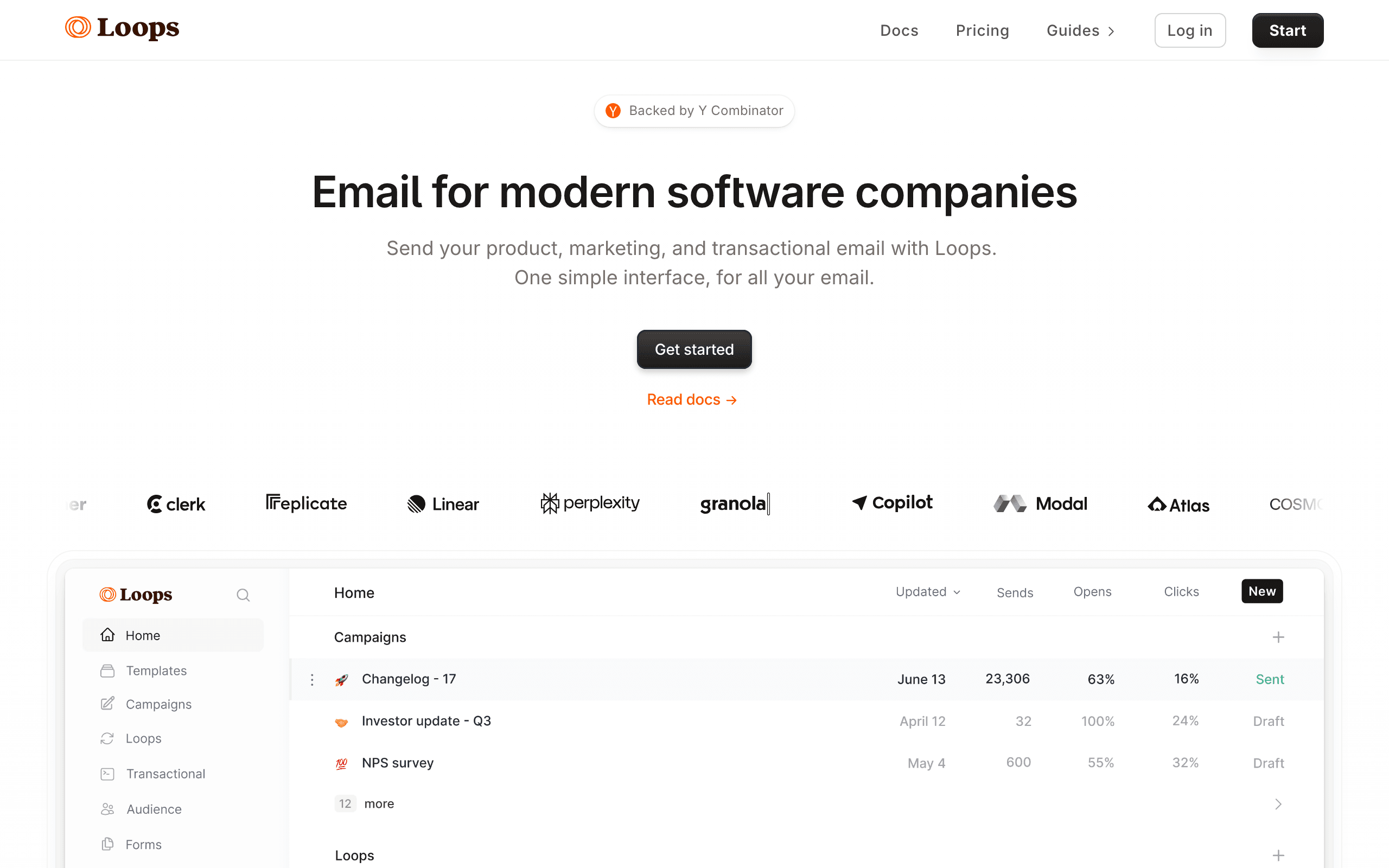
Overview
SendPulse and Loops are different tools for different audiences. For our take on each, see our SendPulse comparison and Loops comparison.
Loops for SaaS
Loops feels like a product built by people who build SaaS. Clean interface, modern API, event-driven messaging, and it just works. SendPulse feels like a marketing tool with every possible feature crammed in. If you're building a SaaS product, Loops matches your worldview.
SendPulse for Channels
If your business needs chatbots on WhatsApp and Telegram, web push notifications, SMS, and a CRM, SendPulse delivers all of that. Loops can't match this channel breadth. The question is whether you need those channels or whether email alone is enough.
The Sequenzy Alternative
For SaaS founders wanting email with Stripe integration at the same $49/month price point as Loops, Sequenzy adds subscription automation and transactional email.
SaaS-First vs Business-General Approach
Loops is designed specifically for SaaS companies. Every feature assumes you are sending product-related emails to software users. Event triggers come from your application, segments are based on user behavior in your product, and transactional emails (welcome, password reset, notifications) live alongside marketing messages.
SendPulse makes no assumptions about your business type. It provides general-purpose email, chatbots, SMS, and web push for any business. This flexibility means it works for everyone but is optimized for no one in particular.
For SaaS companies, Loops's purpose-built approach means less configuration and more relevant features out of the box. For non-SaaS businesses, SendPulse's general approach covers more use cases.
Developer Experience Matters
Loops was built with developers in mind. Clean API documentation, webhook support, and modern SDKs make integration straightforward for engineering teams. The platform feels like a developer tool, not a marketing tool with an API bolted on.
SendPulse's API exists but was designed as an extension of a marketing platform. It is functional but less elegant than Loops's developer-first approach. For SaaS companies where engineers are responsible for email integration, this difference in developer experience impacts implementation speed and maintenance.
If your team has dedicated developers who will integrate email into your product, Loops provides a smoother experience. If your team is non-technical and manages email through a GUI, SendPulse's visual tools are more accessible.
The Emerging SaaS Email Category
Loops represents a growing category of email tools designed specifically for software companies. Unlike legacy platforms that were built for newsletters and evolved into automation tools, Loops started with the SaaS email workflow in mind.
This category also includes Sequenzy which adds native Stripe integration for subscription-based businesses at $49/month. For SaaS founders evaluating email platforms, these purpose-built tools often provide better value than adapting a general platform like SendPulse to SaaS needs.
Use-case matchups
| Situation | Best first look | Why |
|---|---|---|
| Team wants budget multi-channel marketing | SendPulse | SendPulse is the baseline here for teams that want email plus adjacent channels without buying a heavier suite. |
| SaaS team wants a modern lifecycle email product | Loops | Loops is closer to SaaS lifecycle messaging than SendPulse's broad multi-channel marketing model. |
| SaaS or subscription team wants lifecycle email | Sequenzy | Sequenzy is stronger when Stripe events, transactional email, and campaigns need one subscriber model. |
| Team wants the broadest channel mix for the price | SendPulse | SendPulse is useful when email, SMS, chatbots, and web push are part of the same evaluation. |
| Team wants the specialist capability | Loops | Loops deserves the first demo when the main requirement is modern SaaS email workflows and product-led lifecycle messaging. |
| Team wants fewer channels and cleaner email workflows | Sequenzy | Sequenzy is intentionally narrower: email automation, transactional email, and lifecycle journeys without SMS or chatbot scope. |
Best Fit by SaaS Lifecycle Need
Best budget multi-channel marketing tool for general campaign teams
SendPulse fits teams that want email, SMS, chatbots, and web push for broad marketing rather than a SaaS-specific lifecycle product.
Best email platform for modern SaaS lifecycle workflows
Loops is the better fit when product-led lifecycle messaging, SaaS onboarding, and modern email workflows are the main requirements.
Best email platform for subscription lifecycle and transactionals
Sequenzy fits when Stripe events, transactional email, and lifecycle campaigns need one subscriber model without SMS or chatbot scope.
Pricing reality
The pricing signals on this page list SendPulse at $96/month, Loops at $49/month, and Sequenzy at $49/month. Use those as starting points, not final buying numbers.
SendPulse cost depends on contacts, channel usage, email volume, SMS or chatbot requirements, and plan limits. Loops's real cost depends on whether the team needs modern SaaS email workflows and product-led lifecycle messaging.
Review signals
For SendPulse, validate current review themes around multi-channel breadth, support, deliverability, editor quality, SMS or chatbot usability, and pricing transparency. For Loops, focus review research on the specific reason to choose it: modern SaaS email workflows and product-led lifecycle messaging.
Migration checklist
| Workstream | Moving toward SendPulse | Moving toward Loops | Simplifying to Sequenzy |
|---|---|---|---|
| Contacts and consent | Import contacts, attributes, lists, tags, email consent, SMS consent, suppressions, and unsubscribes. | Map users, events, properties, transactional messages, loops, audiences, and product lifecycle triggers. | Import subscribers, attributes, tags, suppressions, and lifecycle events. |
| Channel scope | Decide which channels actually move: email, SMS, web push, chatbots, landing pages, or SMTP. | Keep only the channels that match Loops's strongest use case. | Keep the migration focused on marketing email, transactional email, and lifecycle automation. |
| Automations | Rebuild welcome, nurture, cart, post-purchase, reactivation, and multi-channel flows. | Rebuild the workflows that prove Loops's advantage in modern SaaS email workflows and product-led lifecycle messaging. | Rebuild email sequences and transactional paths around product, store, or Stripe events. |
| Templates and forms | Move email templates, forms, landing pages, sender identities, and brand settings. | Move templates, forms, brand assets, and any workflow-specific content. | Move email templates and lifecycle message content. |
| Reporting | Validate campaign reports, channel reports, conversions, exports, and attribution. | Validate reporting for modern SaaS email workflows and product-led lifecycle messaging before committing. | Validate campaign, automation, transactional, and subscription lifecycle reporting. |
Decision checklist
- Do you actually need SMS, WhatsApp or Telegram chatbots, or web push? SendPulse bills SMS and chatbots on top of its $96 plan, so channels you don't use add cost without adding reach.
- Does Loops's strength in modern SaaS email workflows and product-led lifecycle messaging matter more than SendPulse's channel breadth?
- SendPulse's basic segmentation and its separate email and SMS consent lists likely mean more manual upkeep, while Loops segments audiences by event-based user behavior.
- The $96 and $49 figures assume 10,000 contacts, and SendPulse bills SMS and chatbots separately, so channel use changes the total.
- Sequenzy covers email, transactional sends and Stripe lifecycle flows, with SMS as a paid add-on, so it has fewer settings to maintain than SendPulse.
- Loops should be validated for the exact SaaS events and transactional workflows the team needs.









