
Overview
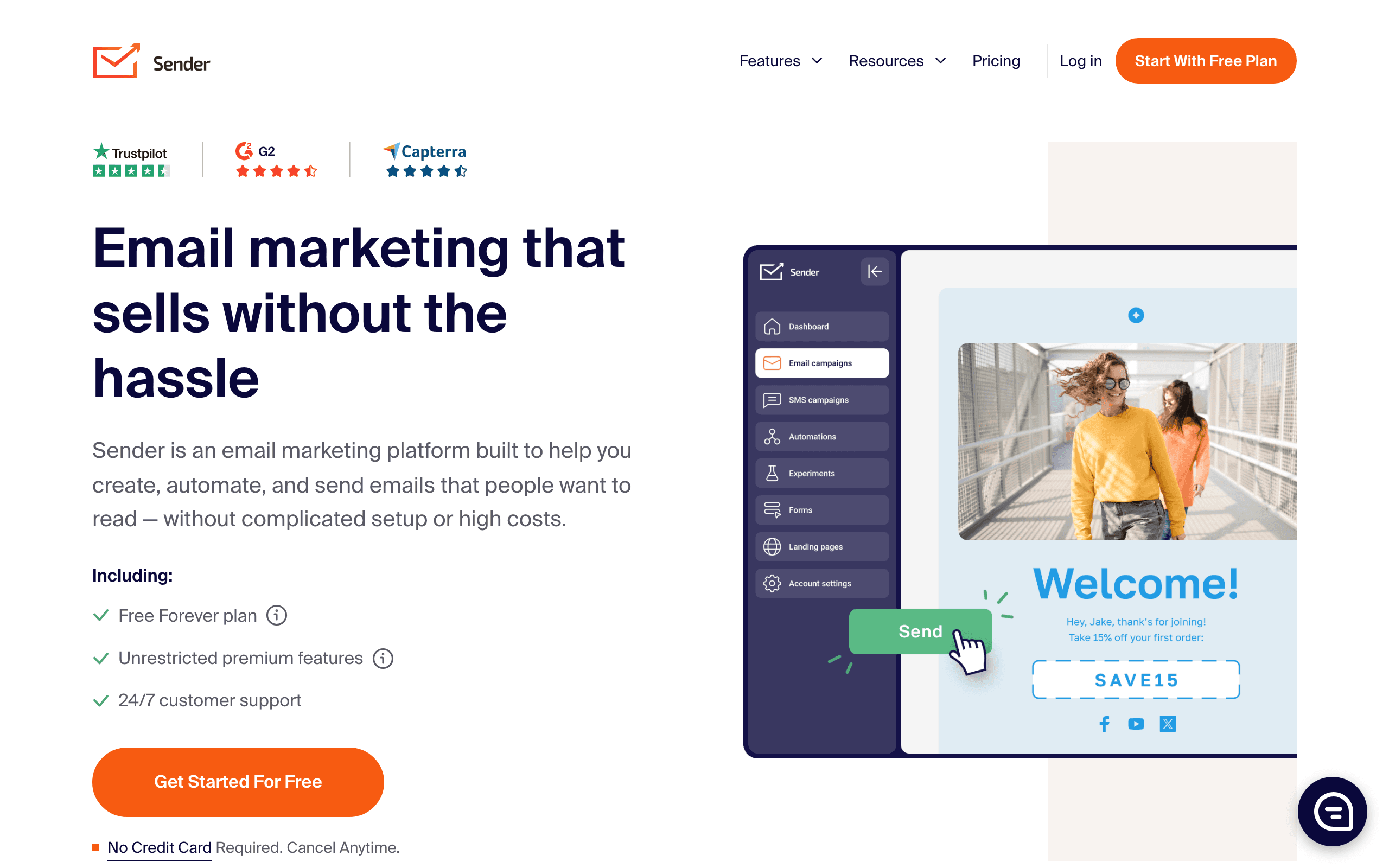
Sender and HubSpot are at opposite ends of the email marketing spectrum. Sender is a budget-friendly email + SMS platform. HubSpot is a comprehensive enterprise ecosystem with CRM, sales, service, and marketing hubs. See our HubSpot comparison for more context.
The Price Reality
Let's be direct about pricing - this is where these platforms differ most dramatically:
- Sender: ~$50/month for 10,000 contacts with email + SMS
- HubSpot: $800+/month for Marketing Hub Professional, plus $3,000+ required onboarding
Sender is 95%+ cheaper. That's not a typo. Compare on our pricing page.
What You Get With HubSpot
HubSpot's price buys you an entire business ecosystem. Marketing, Sales, Service, CMS, and Operations hubs that work together seamlessly. Full CRM with deal tracking and pipelines. Advanced attribution and reporting. Enterprise security and compliance. If you need all of this and have the budget, the integration value is real.
What You Get With Sender
Sender gives you email + SMS marketing with a generous free tier (2,500 subscribers). 1600+ templates. Basic automation. E-commerce integrations. It does focused email marketing well at a fraction of the cost. No CRM, no sales hub, no enterprise features - just effective email marketing.
The Honest Comparison
This is an apples-to-oranges comparison. HubSpot is a full business platform. Sender is an email marketing tool. HubSpot has vastly more features, capabilities, and integrations. Sender costs 95% less. The question is whether you need (and can afford) what HubSpot offers.
When HubSpot Makes Sense
If your organization needs:
- Unified CRM + marketing + sales + service
- Advanced attribution and reporting
- Enterprise security and compliance
- Team management across departments
- Complete website CMS
...and has the budget for $800+/month plus onboarding, HubSpot delivers real value.
When Sender Makes Sense
If your organization:
- Has a limited marketing budget
- Needs straightforward email + SMS
- Doesn't require CRM integration
- Wants to start with a generous free tier
- Values simplicity over features
...Sender delivers excellent value at a fraction of enterprise pricing.
For SaaS Companies
Neither platform is built specifically for SaaS. Both lack native Stripe integration. Sequenzy offers Stripe integration with subscription-aware automation at $49/month - comparable to Sender's price but purpose-built for subscription businesses.
Making the Choice
Choose Sender for budget-friendly email + SMS without enterprise complexity. Choose HubSpot for comprehensive business platform with unified CRM ecosystem. For SaaS with Stripe billing, consider Sequenzy.
The Total Cost of Ownership
HubSpot's headline pricing understates the true cost. Marketing Hub Professional starts at $800/month for 2,000 marketing contacts. Additional contacts cost more. SMS requires add-ons. Mandatory professional onboarding costs $3,000+. Annual contracts are typical. The first-year cost for a 10,000-contact setup easily exceeds $15,000.
Sender's total cost for the same period is approximately $600. The annual savings of $14,400+ fund entire marketing initiatives: paid advertising campaigns, content creation, or additional team members. For small businesses, this cost difference is not a rounding error. It represents a fundamental choice about where to allocate resources.
HubSpot's defenders rightly point out that you replace multiple tools by using their platform. CRM, email, sales tracking, service desk, CMS, and analytics all consolidate into one. If you are currently paying for Salesforce, Mailchimp, Intercom, and WordPress separately, HubSpot's consolidated pricing may actually save money. The math depends entirely on your current tool stack and usage patterns.
The HubSpot Free CRM Workaround
HubSpot offers free CRM tools that many businesses use alongside a cheaper email platform like Sender. The free CRM provides contact management, deal tracking, and basic pipeline visibility. Combined with Sender for email and SMS marketing, this approach captures some of HubSpot's CRM value at a fraction of the cost.
The limitation is integration depth. HubSpot's free CRM does not connect seamlessly with Sender. Marketing engagement data stays in Sender while sales data stays in HubSpot. The unified view that makes HubSpot's paid platform valuable is lost. Manual syncing or Zapier connections bridge part of the gap but add complexity.
For teams that need basic CRM alongside affordable email marketing, the HubSpot free CRM plus Sender combination is a pragmatic compromise. For teams that need true marketing-sales alignment with automated lead scoring and attribution, the full HubSpot platform remains the better choice despite the cost. Read our email deliverability guide to maximize inbox placement on whichever platform you deploy.
Enterprise Requirements as a Decision Factor
Certain organizational requirements make HubSpot necessary regardless of price. Enterprise security certifications, role-based access control, audit logging, data residency compliance, and advanced user management are standard in HubSpot but absent in Sender. For regulated industries, these features are non-negotiable.
Multi-team management also favors HubSpot. When marketing, sales, and service teams need to see the same customer data with appropriate access controls, HubSpot's unified platform eliminates the information silos that separate tools create. Sender works well for a marketing team operating independently but cannot serve as an organizational platform.
For SaaS companies that need sophisticated email marketing without enterprise overhead, Sequenzy at $49/month offers Stripe integration and subscription-aware automation with transactional email. It fills the gap between Sender's simplicity and HubSpot's complexity for subscription businesses.
Use-case matchups
| Need | Better fit | Why |
|---|---|---|
| Budget email and SMS campaigns | Sender | Sender is stronger when the buyer wants low-cost email/SMS with practical campaign tools. |
| CRM-centered marketing operations | HubSpot | HubSpot is stronger when CRM-centered marketing operations are the main requirements. |
| SaaS lifecycle and transactional email | Sequenzy | Sequenzy fits when the team needs Stripe-aware lifecycle campaigns, newsletters, and transactional email in one product. |
Best Fit by CRM Scope
Best budget email and SMS tool for campaign-first teams
Sender fits teams that need low-cost email and SMS without adopting a CRM-centered marketing platform. It should be tested first when newsletters, promos, forms, and simple automation are the buying drivers and the team wants to keep monthly cost predictable.
Best CRM platform for marketing, sales, and service operations
HubSpot is the better fit when CRM records, forms, sales handoff, service workflows, reporting, and marketing automation need one system. Choose it when the email program must be tied to deal stages, ownership, support history, and board-level revenue reporting.
Best email platform for SaaS lifecycle and transactionals
Sequenzy fits when Stripe-aware lifecycle campaigns and transactional email matter more than CRM-centered operations. It is most useful for SaaS teams that need onboarding, trial conversion, payment, dunning, receipt, and product-triggered messages from one focused email platform.
Pricing reality
The page data lists Sender at ~$50/month, HubSpot at $800+/month, and Sequenzy at $49/month for the cited comparison tier. Keep the original pricing context rather than turning these into generic equivalents.
Sender should be priced as a budget email/SMS platform. HubSpot should be priced around CRM-centered marketing operations. Sequenzy should be compared when SaaS lifecycle, transactional email, and Stripe-aware workflows matter more than general email/SMS pricing.
Review signals
For Sender, pay attention to affordability and whether email/SMS depth is enough. For HubSpot, pay attention to CRM-centered marketing operations, onboarding effort, support quality, and pricing as the list grows.
Migration checklist
| Workstream | What to verify |
|---|---|
| Subscriber data | Export subscribers, tags, custom fields, segments, consent, unsubscribes, bounces, and suppressions. |
| Channel consent | Preserve email consent, SMS consent if used, opt-out history, and suppression rules. |
| Automations | Rebuild welcome, nurture, cart, post-purchase, reactivation, newsletter, and promotional workflows manually. |
| Templates and forms | Recreate templates, forms, landing pages, coupons, dynamic content, and mobile rendering. |
| Integrations | Reconnect ecommerce, CRM, analytics, forms, billing, webhooks, and Zapier-style handoffs. |
| Reporting | Export campaign, automation, deliverability, revenue, and list-growth reports before cutover. |
Decision checklist
- Choose Sender if low-cost email/SMS is the main requirement.
- Choose HubSpot if CRM-centered marketing operations matter more than budget email/SMS basics.
- Avoid Sender if the team needs deeper specialization or enterprise workflow depth.
- Avoid HubSpot if the buyer only needs practical low-cost campaigns.
- Consider Sequenzy if SaaS lifecycle, transactional email, and Stripe-triggered messages are the core jobs.









