
Overview
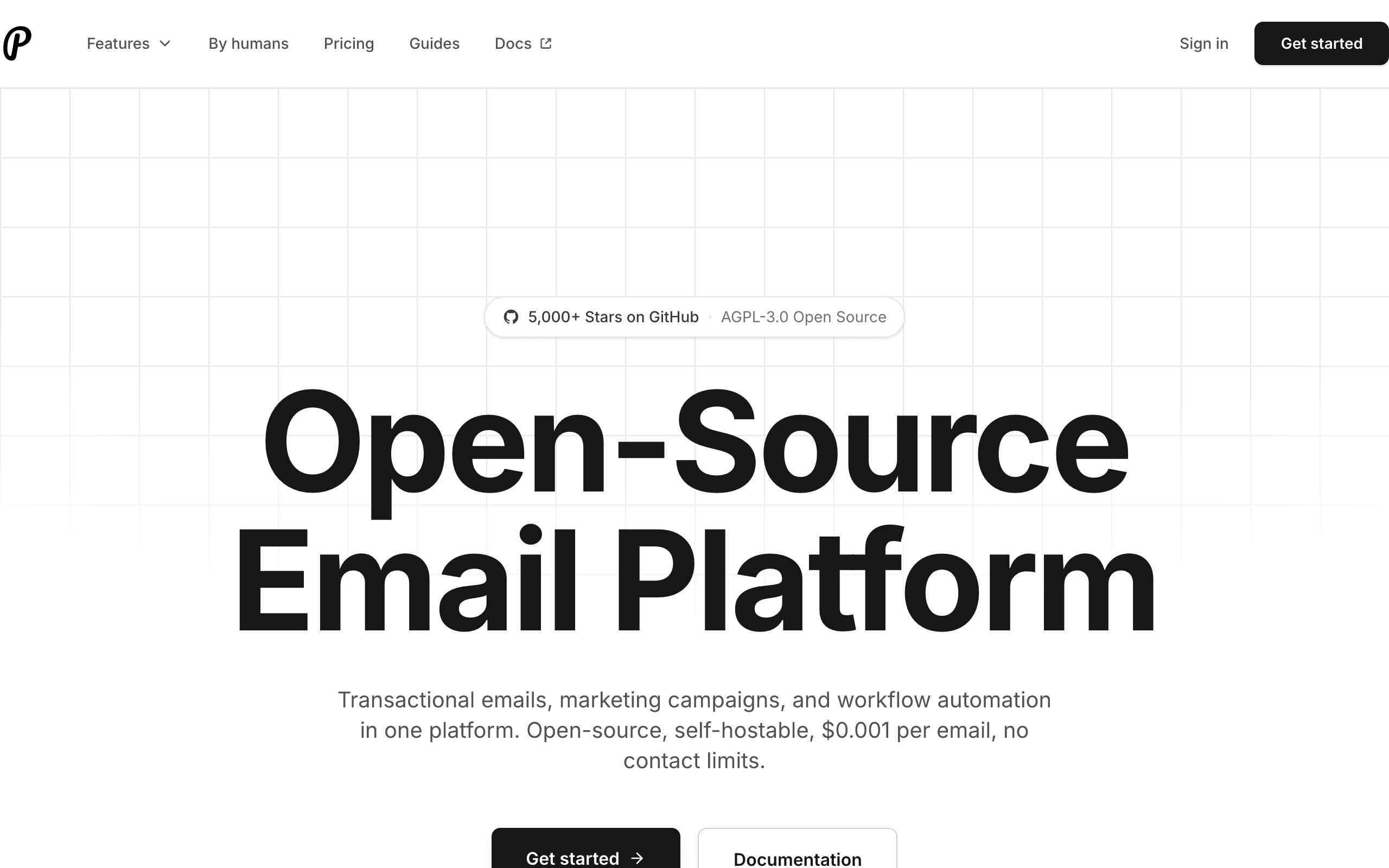
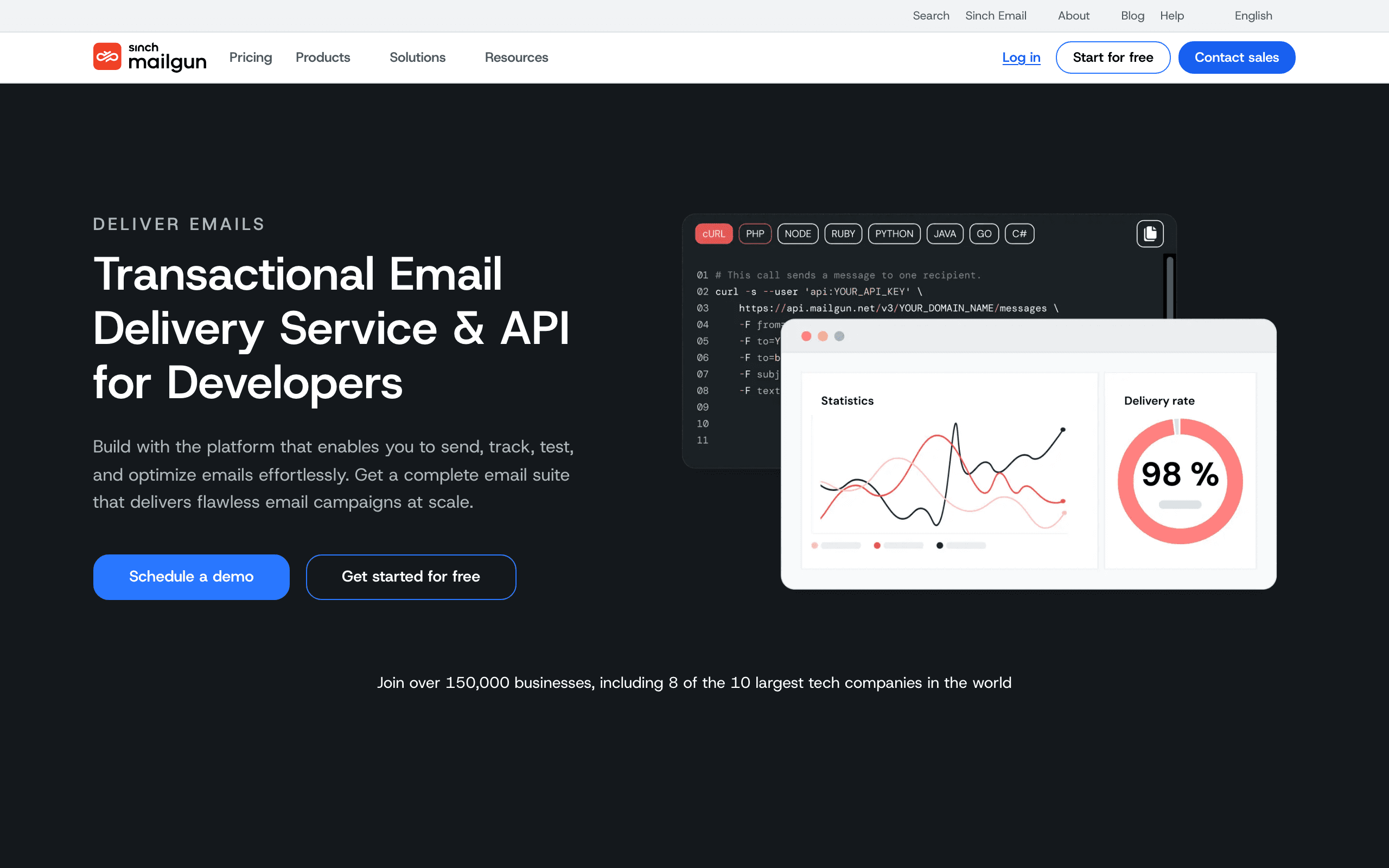
Mailgun and Plunk both serve developers, but at different complexity levels. Mailgun offers a full suite of email tools including validation, routing, and inbound processing. Plunk focuses on simple, reliable outbound email at the lowest possible cost. See our Mailgun comparison.
Feature Comparison
Mailgun's standout features include email validation (check if addresses are valid before sending), intelligent routing (forward incoming emails to your app), and extended log retention. These matter for complex email workflows.
Plunk keeps it simple: send transactional emails, run marketing campaigns, track opens and clicks. If that's all you need, Plunk delivers without the complexity.
Pricing Breakdown
Mailgun's Scale plan at 100,000 emails for $75/month is competitive. But add-ons like email validation, dedicated IPs, and extended log retention increase costs. Plunk's $0.001/email ($100 for 100k) is simple math with no surprises. Use our pricing calculator.
The Open Source Factor
Plunk's open source nature is a significant advantage for certain use cases. You can audit the code, self-host on your infrastructure, and maintain data control for better control over deliverability. Mailgun requires trusting their infrastructure with your data.
Developer Experience
Mailgun has years of API refinement with comprehensive SDKs in multiple languages. Documentation is extensive. Plunk's API is simpler but less mature. For complex integrations, Mailgun's tooling is more developed.
Making the Decision
If you need email validation, inbound processing, or enterprise features, Mailgun is the better choice. For straightforward transactional email at minimal cost, Plunk delivers solid value. For SaaS with Stripe integration, consider Sequenzy.
The Sequenzy Alternative
Sequenzy combines transactional email, campaigns, segmentation, and Stripe integration at one simple price per contact.
Delivery Speed and Reliability
Plunk and Mailgun both deliver transactional email reliably, but Mailgun adds infrastructure Plunk does not attempt to match, including email validation and inbound routing. Plunk keeps costs minimal at roughly $0.001 per email with 3,000 free sends a month, while Mailgun's Scale plan runs about $75 to $100 a month for 100,000 emails plus extras for validation and dedicated IPs. If you need advanced routing or validation, Mailgun justifies its price; for straightforward sending, Plunk's open-source simplicity costs far less.
API Design and Developer Experience
Mailgun's SDKs span seven or more languages and its documentation is built for developers who need detailed control over routing, validation, and analytics. Plunk keeps its API simple and modern with React Email support, favoring straightforward integration over Mailgun's deeper feature set. Since Plunk is fully open source and self-hostable, developers who want to inspect or modify the sending logic itself have an option Mailgun, as proprietary software, does not offer.
Scaling and Cost at Volume
At 100,000 emails a month, Mailgun costs around $75 to $100 depending on which extras you add, while Plunk's flat per-email rate keeps costs predictable and, if self-hosted, limited mainly to your own infrastructure costs. Mailgun's pricing rose after its Sinch acquisition, which is worth checking against Plunk's simpler model, especially if you do not need validation, routing, or dedicated IPs that Mailgun's higher tiers provide.
Use-case matchups
| Need | Better fit | Why |
|---|---|---|
| Open source product layer for email | Plunk | Plunk is closer when the team wants a simpler UI and open source control. |
| Developer-grade email API and infrastructure | Mailgun | Mailgun is stronger when routing, logs, validation, deliverability tools, and scale matter. |
| Unified SaaS marketing and transactional email | Sequenzy | Sequenzy fits when the team wants lifecycle campaigns plus transactionals without stitching tools together. |
Best Fit by Developer Infrastructure Need
Best open source email platform for a lightweight product layer
Plunk is the better fit when the team wants a simpler UI, open source control, and product-level email workflows instead of a deeper infrastructure API.
Best transactional email API for routing and infrastructure depth
Mailgun is the better fit when mature routing, logs, validation, deliverability tooling, inbound handling, and scale are more important than open source simplicity.
Best email platform for SaaS campaigns plus transactionals
Sequenzy is the better fit when marketing workflows, transactional messages, and SaaS lifecycle automation should share context without stitching multiple tools together.
Pricing reality
The page data lists Plunk at $100/month with $0.001 per email and 3,000 free emails/month, Mailgun at $75/month for Scale plus extras for validation and dedicated IPs, and Sequenzy at $49/month for 60k emails (unlimited subscribers) with Stripe integration included.
Mailgun's base plan is not the whole cost if validation, dedicated IPs, higher support, or additional deliverability features are required. Plunk's cost depends on email volume. Sequenzy should be compared when the requirement includes marketing workflows and SaaS lifecycle email, not just API delivery.
Review signals
The existing review data includes G2 and Capterra signals for both tools. Read Plunk's review snippets for simplicity, open source value, and maturity limitations. Read Mailgun's review snippets for API power, deliverability, logs, support, and complexity.
For demos, test API integration, bounce/complaint handling, logs, webhooks, and how a non-developer would inspect email performance.
Migration checklist
| Workstream | What to verify |
|---|---|
| Domains and routing | Recreate SPF, DKIM, DMARC, tracking domains, inbound routes, and sender identities. |
| Templates | Move transactional templates, variables, localization, and preview/testing workflows. |
| Webhooks | Rebuild delivery, bounce, complaint, open, click, and suppression event handling. |
| Suppression | Preserve hard bounces, complaints, unsubscribes, and global suppressions. |
| Add-ons | Confirm validation, dedicated IPs, support tier, logs retention, and inbound parsing requirements. |
| Monitoring | Add alerts for delivery failures, rate limits, complaint spikes, and queue delays. |
Decision checklist
- Choose Plunk if the team wants open source simplicity and a product layer.
- Choose Mailgun if API depth, deliverability tooling, and infrastructure scale matter most.
- Avoid Plunk if advanced logs, routing, and deliverability controls are required.
- Avoid Mailgun if marketers need a simpler product workflow without extra tooling.
- Consider Sequenzy if SaaS lifecycle campaigns and transactional email should live together.









