
Overview
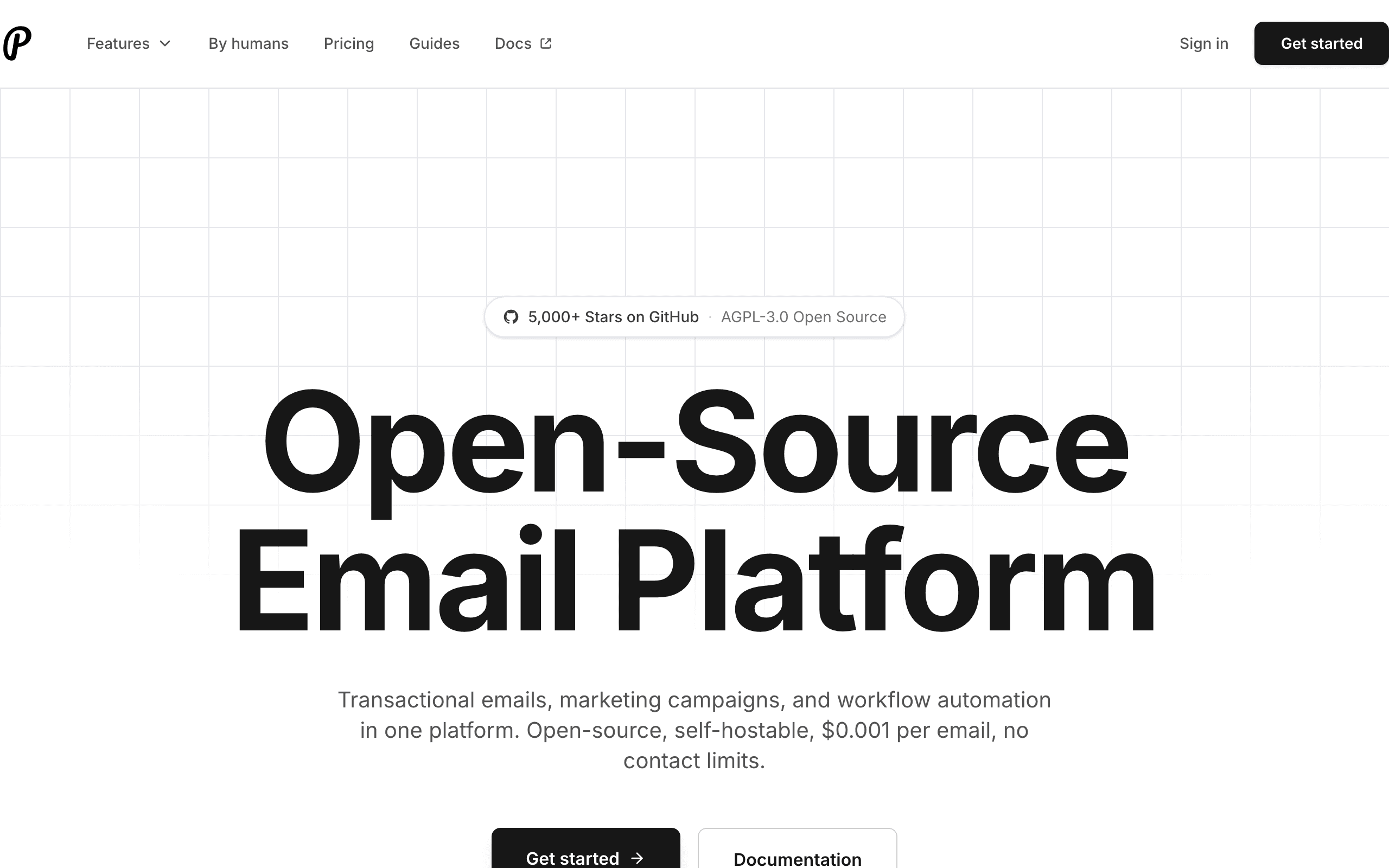
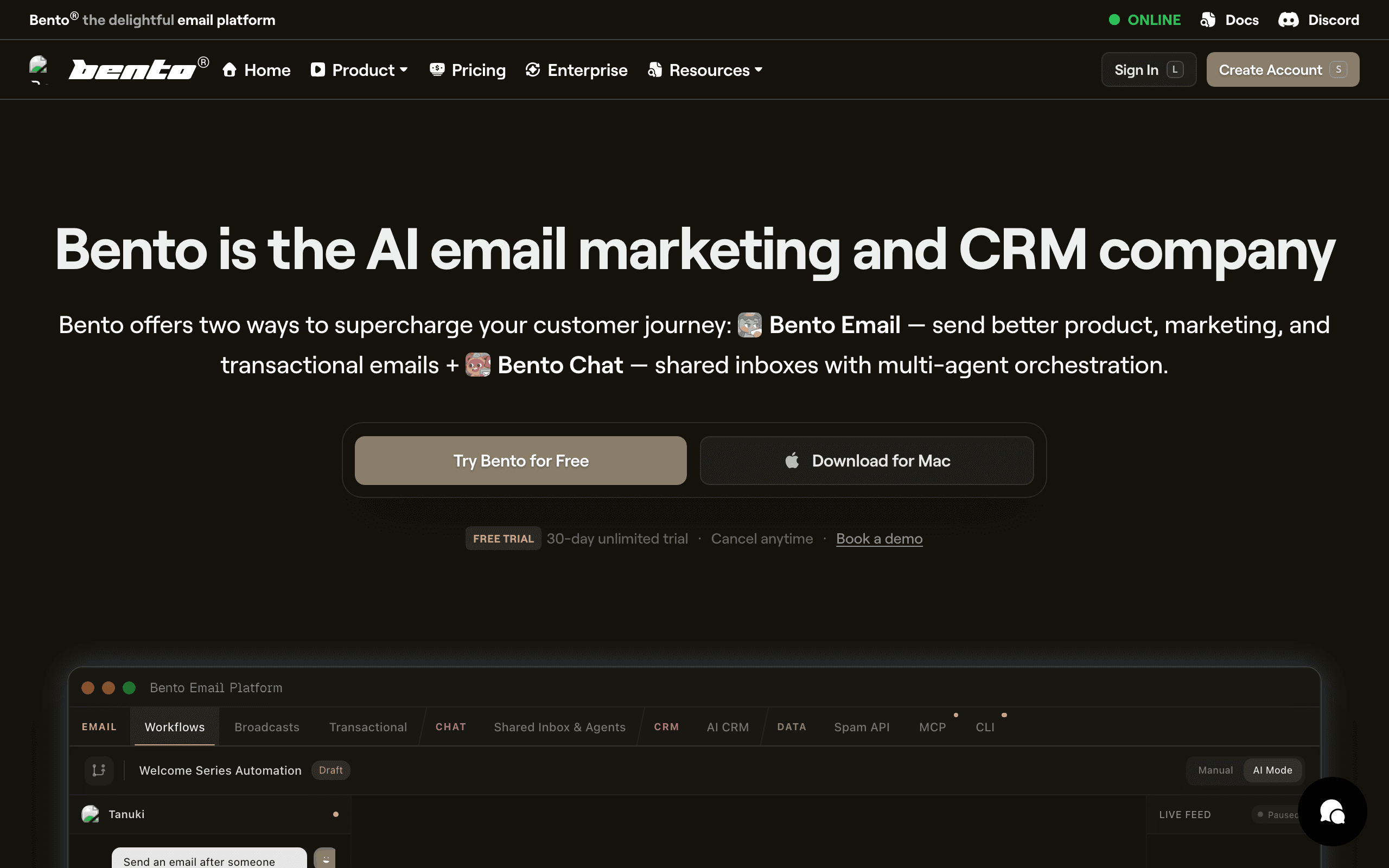
Plunk and Bento both serve developers building products, but with different philosophies. Plunk is open source, self-hostable, and charges rock-bottom prices per email. Bento is a SaaS-native platform with user tracking, site analytics, and product-led automation.
The choice depends on whether cost or SaaS-specific capabilities matter more.
Open Source vs SaaS Platform
Plunk is fully open source. You can audit the code, self-host on your infrastructure, and maintain complete data control. This matters for teams with compliance requirements or those who prefer owning their tools.
Bento is proprietary SaaS. Easier to set up, professionally managed, but you are dependent on their platform. For most teams, this tradeoff is fine. For some, open source is essential.
SaaS-Specific Features
Bento shines with SaaS features. Site analytics track visitor behavior. User event tracking follows product usage. Revenue attribution connects email to business outcomes. These insights help understand your full funnel.
Plunk focuses purely on email delivery. You can send events via API, but there is no integrated analytics or user tracking. You would build these insights separately or integrate other tools.
Pricing Comparison
Plunk charges $0.001 per email. Send 50,000 emails for $50. At high volumes, this is extremely competitive. The tradeoff is unpredictable costs that vary with sending volume.
Bento charges per contact with fixed tiers. More predictable budgeting but potentially more expensive at scale. At 10k contacts, Bento costs around $75/month regardless of how many emails you send.
For high-volume senders, Plunk saves money. For teams wanting predictable costs, Bento is easier to budget.
Template and Building
Plunk supports React Email for code-based templates that developers love. You write templates in React components with full TypeScript support.
Bento has a visual builder that non-developers can use. More accessible but less flexible for complex layouts. Different approaches for different teams.
When Each Platform Shines
Choose Plunk when: Budget efficiency is critical. You want open source control. Self-hosting matters for compliance. High email volume needs low per-email cost.
Choose Bento when: You want SaaS-specific features. Site analytics and user tracking matter. Pre-built product-led automations save time. All-in-one tracking simplifies your stack.
For Stripe-Based SaaS
Neither has native Stripe integration. Sequenzy connects directly to Stripe for subscription-aware automation. Trial expiring, payment failed, plan changed, all trigger emails automatically. For billing-focused SaaS, check Sequenzy's Stripe integration.
Data Ownership vs Managed Intelligence
The open source versus proprietary divide between Plunk and Bento goes deeper than licensing. With Plunk self-hosted, every subscriber record, email event, and analytics data point lives on your infrastructure. You control backups, retention policies, and who accesses the data. For companies operating in regulated industries or serving enterprise customers with data residency requirements, this isn't a preference - it's a compliance necessity.
Bento's managed approach trades data ownership for intelligence. Their analytics engine processes user behavior patterns across thousands of SaaS companies, building models that inform better automation recommendations. A single self-hosted Plunk instance only learns from your data. Bento's platform benefits from aggregate insights across its entire customer base. For early-stage companies with limited data, Bento's collective intelligence is genuinely more useful than your own small dataset.
The pragmatic middle ground: use Plunk for transactional email where data control matters most (password resets, account notifications) and Bento for marketing automation where behavioral insights drive better results. Or choose Sequenzy for unified marketing and transactional email with Stripe-native automation that understands subscription billing events.
The Analytics Gap in Email-Only Platforms
Bento's site analytics - tracking which pages users visit before and after receiving emails - fundamentally changes campaign optimization. You can see that users who read your pricing page then open your upgrade email convert at 3x the rate of cold contacts. This insight lets you segment by intent, not just email engagement. Plunk tracks opens and clicks within emails but has no visibility into what users do on your website.
This analytics gap matters because email marketing effectiveness depends on understanding the full user journey, not just email interactions. A user who ignores your emails but visits your app daily is a different optimization problem than one who opens every email but never logs in. Bento sees both signals. Plunk sees neither - it only knows whether the email was opened and clicked.
For teams that already use analytics tools like Mixpanel, Amplitude, or PostHog, Bento's site analytics might be redundant. You could use Plunk for email and pipe behavioral data from your existing analytics platform. The integration work adds complexity, but it avoids paying for duplicate analytics. Evaluate whether Bento's built-in analytics replaces or duplicates your existing stack before paying the premium.
Per-Email vs Per-Contact Economics at Scale
Plunk's $0.001 per email model and Bento's per-contact model create dramatically different cost curves as your business grows. With Plunk, sending 10 emails per contact monthly to 10,000 contacts costs $100/month. With Bento, 10,000 contacts cost roughly $75/month regardless of email frequency. The break-even point depends on your email-per-contact ratio.
High-frequency senders - onboarding sequences, feature announcements, weekly digests, re-engagement flows - typically send 15-30 emails per contact monthly. At these volumes, per-contact pricing wins decisively. Low-frequency senders - monthly newsletters, occasional announcements - might send 2-3 emails per contact, where per-email pricing saves significantly.
For SaaS businesses, email frequency typically increases as the product matures. Early-stage companies send occasional updates. Growth-stage companies run sophisticated lifecycle campaigns with dozens of touchpoints. Planning for future email volume is important when choosing a pricing model. Sequenzy's pricing uses fixed monthly tiers by email volume with unlimited contacts, so costs stay predictable as your list grows.
Use-case matchups
| Need | Better fit | Why |
|---|---|---|
| Open source or per-email sending control | Plunk | Plunk is closer when the team values open source control and email-cost transparency. |
| SaaS-native behavioral marketing and analytics | Bento | Bento is stronger when site analytics, user behavior, and marketing workflows are central. |
| Stripe-aware SaaS lifecycle and transactional email | Sequenzy | Sequenzy fits teams that want lifecycle email and billing triggers with predictable contact-based pricing. |
Best Fit by Product Data Depth
Best open source email platform for per-email control
Plunk is the better fit when the team values open source control, transparent per-email costs, and a lightweight email product layer more than built-in behavioral analytics.
Best SaaS email platform for behavioral marketing analytics
Bento is the better fit when site analytics, product behavior, user tracking, and marketing workflows should drive lifecycle emails. It provides more SaaS-native behavioral context than Plunk.
Best email platform for Stripe-aware SaaS lifecycle automation
Sequenzy is the better fit when billing events and predictable contact-based pricing are central. Trials, plan changes, failed payments, and transactional messages should sit beside campaigns.
Pricing reality
The page data lists Plunk at about $50/month with $0.001/email, Bento at $30/month for the Startup plan with 10k contacts included, and Sequenzy at $49/month for 60k emails (unlimited subscribers) with Stripe integration.
Plunk's economics depend on email volume. Bento's economics depend more on contacts and included product scope. For SaaS teams, the right comparison is not only monthly price; it is how many emails each contact receives and whether built-in analytics replaces another tool.
Review signals
No separate review frontmatter is present on this page, so do not claim G2, Capterra, or Trustpilot review evidence here. Validate Plunk through repository, docs, hosted reliability, and developer adoption. Validate Bento through product demos, customer examples, documentation, and whether its analytics duplicate or replace your current stack.
Migration checklist
| Workstream | What to verify |
|---|---|
| Contacts and events | Map users, companies, custom fields, product events, tags, unsubscribes, and suppressions. |
| Website tracking | Decide whether Bento's analytics replaces existing tracking or creates duplicate instrumentation. |
| Templates and campaigns | Rebuild transactional templates, newsletters, lifecycle sequences, and campaign triggers. |
| Pricing model | Model monthly emails per contact so per-email and per-contact costs are compared honestly. |
| Integrations | Reconnect product analytics, billing, webhooks, forms, and any internal event pipelines. |
| Reporting | Export email engagement and behavior reports before switching tools. |
Decision checklist
- Choose Plunk if open source control and per-email cost are the priorities.
- Choose Bento if behavior tracking and SaaS-native marketing analytics are the priorities.
- Avoid Plunk if the team needs built-in site analytics and user journey visibility.
- Avoid Bento if the team already has analytics and only needs a lightweight email layer.
- Consider Sequenzy if Stripe-aware lifecycle and transactional email are the central requirements.









