

Overview
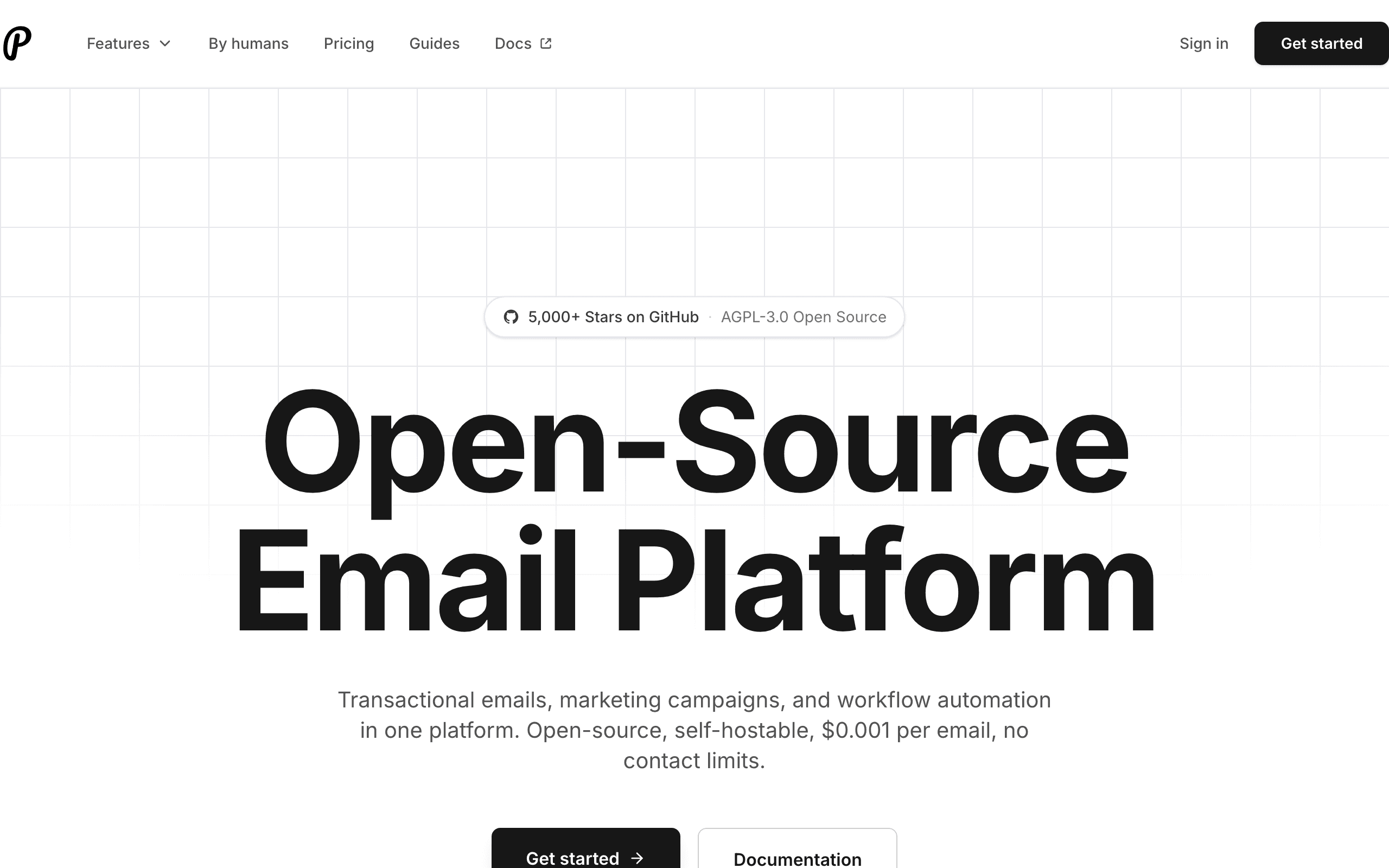
Resend and Plunk represent two different approaches to developer email. Resend is a VC-backed startup with a polished managed service and excellent developer experience. Plunk is an open-source alternative built on AWS SES that you can self-host or use as a cloud service. For detailed comparisons, see our Plunk comparison page and Resend comparison page.
The Open-Source Advantage
Plunk's biggest differentiator is being fully open-source. You can self-host it on your own infrastructure, giving you complete data control and potentially significant cost savings at scale. Self-hosting means you only pay AWS SES costs (around $0.10 per 1,000 emails). This is especially useful if you need EU data hosting for GDPR compliance.
Pricing Comparison
Plunk's cloud service is $0.001 per email - about 5x cheaper than most competitors. Resend's Pro plan is $20/month for 50,000 emails ($0.40 per 1,000). At high volumes, Plunk is significantly cheaper. At low volumes, Resend's free tier (3,000 emails) might be enough. Use our pricing calculator to estimate costs.
Developer Experience
Resend wins on polish. The API is more refined, the SDKs are better, and React Email support is first-class. Plunk is good but simpler - it's a younger project. If transactional email is your focus, Resend has the better developer experience.
Feature Completeness
Interestingly, Plunk includes campaigns and workflow automations, while Resend focuses on transactional with marketing in beta. If you need email automation and want to self-host, Plunk covers more ground. For a complete marketing suite with Stripe integration, consider Sequenzy.
EU Data Compliance & Hosting
Plunk processes data in the EU and can be self-hosted in any region. This matters for GDPR compliance and email deliverability. Resend doesn't currently offer EU hosting. For businesses with strict EU requirements, this is a significant advantage of Plunk.
The Sequenzy Alternative
If you want a managed SaaS solution with both transactional emails and email campaigns plus native Stripe integration, consider Sequenzy. We offer intelligent segmentation, AI-powered sequences, and built-in analytics without the need to self-host.
The Self-Hosting Trade-Off
Self-hosting Plunk sounds appealing: complete data control, lowest costs, and EU compliance by default. In practice, it means maintaining Docker containers, monitoring uptime, handling upgrades, and debugging issues yourself. For a solo founder or small team, this operational burden can distract from building your product.
The sweet spot for self-hosting is companies with existing DevOps capability and strict data residency requirements. If you already run Kubernetes or Docker infrastructure and need EU data processing, self-hosted Plunk integrates naturally into your stack. If you are a 2-person startup, the managed simplicity of Resend or Sequenzy saves you from becoming your own email infrastructure team.
Calculate the true cost of self-hosting: not just AWS SES fees but engineering time for setup, monitoring, and maintenance. At even a few hours per month of engineering time, the "free" self-hosted option can cost more than a managed service.
Feature Completeness Comparison
Interestingly, Plunk offers more features than Resend despite being the newer, open-source project. Plunk includes campaign management, workflow automation with triggers, and contact management. Resend focuses exclusively on transactional email with marketing features still in beta.
This makes Plunk a more complete email solution if you need both transactional and marketing capabilities. However, Resend's transactional email is more polished, better documented, and more battle-tested. The trade-off is depth versus breadth.
For teams that want a single tool handling both transactional and marketing email without self-hosting, Sequenzy provides a managed alternative with AI-powered sequences and Stripe integration.
Cost Analysis at Different Volumes
At low volumes (under 10K emails/month), Resend's free tier is the cheapest option. At medium volumes (50K-100K emails/month), Resend and Plunk's cloud service cost similarly. At high volumes (500K+ emails/month), Plunk's $0.001/email pricing or free self-hosting becomes significantly cheaper.
Self-hosted Plunk costs approximately $0.10 per 1,000 emails through AWS SES. At 500,000 emails per month, that is $50 versus Resend's $150-250 depending on plan. The savings are meaningful at scale but irrelevant at startup volumes where Resend's free tier covers your needs.
Use-case matchups
| Need | Better fit | Why |
|---|---|---|
| Developer-first transactional email API | Resend | Resend is stronger when React Email, clean APIs, and developer workflow are the main requirements. |
| open source email control and per-email pricing | Plunk | Plunk is stronger when the buyer needs open source email control and per-email pricing. |
| Unified SaaS marketing and transactional email | Sequenzy | Sequenzy fits when product lifecycle campaigns, newsletters, Stripe events, and transactionals should share one workflow. |
Best Fit by Developer Experience and Open-Source Email Control
Best transactional email API for fast developer setup
Resend is the better fit when developers want a managed API, React Email support, clean docs, simple onboarding, and transactional sending without maintaining email infrastructure.
Best open-source email tool for self-hosted control
Plunk is the better fit when the team wants open-source control, self-hosting options, per-email cost optimization, and a simpler email stack they can operate themselves.
Best email tool for unified SaaS marketing and transactional email
Sequenzy is the better fit when SaaS teams need product lifecycle campaigns, newsletters, Stripe triggers, and transactional messages in one managed workflow.
Pricing reality
The page data lists Resend at $0-20/month, Plunk at $10/month, and Sequenzy at $19/month for the cited comparison tier. Keep the original pricing context: Resend is usually priced around email volume and developer sending, while Plunk has its own pricing model and scope.
Review signals
For Resend, read reviews for developer experience, API quality, React Email workflow, deliverability, and production maturity. For Plunk, read reviews for open source email control and per-email pricing, support, pricing, setup complexity, and operational fit.
Migration checklist
| Workstream | What to verify |
|---|---|
| Domains and authentication | Recreate SPF, DKIM, DMARC, tracking domains, bounce handling, and sender identities. |
| Templates | Move React Email components, dynamic templates, variables, layouts, localization, and test payloads. |
| Webhooks | Rebuild delivery, bounce, complaint, open, click, unsubscribe, and suppression handling. |
| Lists and users | Map contacts, users, companies, consent, unsubscribes, bounces, and suppressions if marketing is in scope. |
| Monitoring | Add alerts for API failures, latency, bounces, complaints, rate limits, and queue delays. |
| Reporting | Export delivery logs, campaign results, lifecycle performance, and support-relevant message history before cutover. |
Decision checklist
- Choose Resend if developer-first transactional sending is the main need.
- Choose Plunk if open source email control and per-email pricing is the main requirement.
- Avoid Resend if marketers need a complete lifecycle platform without developer assembly.
- Avoid Plunk if the team mainly wants a clean transactional API and React Email workflow.
- Consider Sequenzy if SaaS lifecycle campaigns and transactional email should be unified.









