Updated 2026-02-23
Courier
Postmark

Courier vs Postmark

Multi-channel notification orchestration vs email deliverability champion

12
Features Compared
4
Key Differences
4
User Reviews
5
FAQs Answered
TL;DR

Courier orchestrates notifications across channels through providers. Postmark sends emails directly with industry-leading deliverability and speed. Postmark wins for email delivery quality. Courier wins for multi-channel routing.

Platform Overview

See how each platform looks

Courier

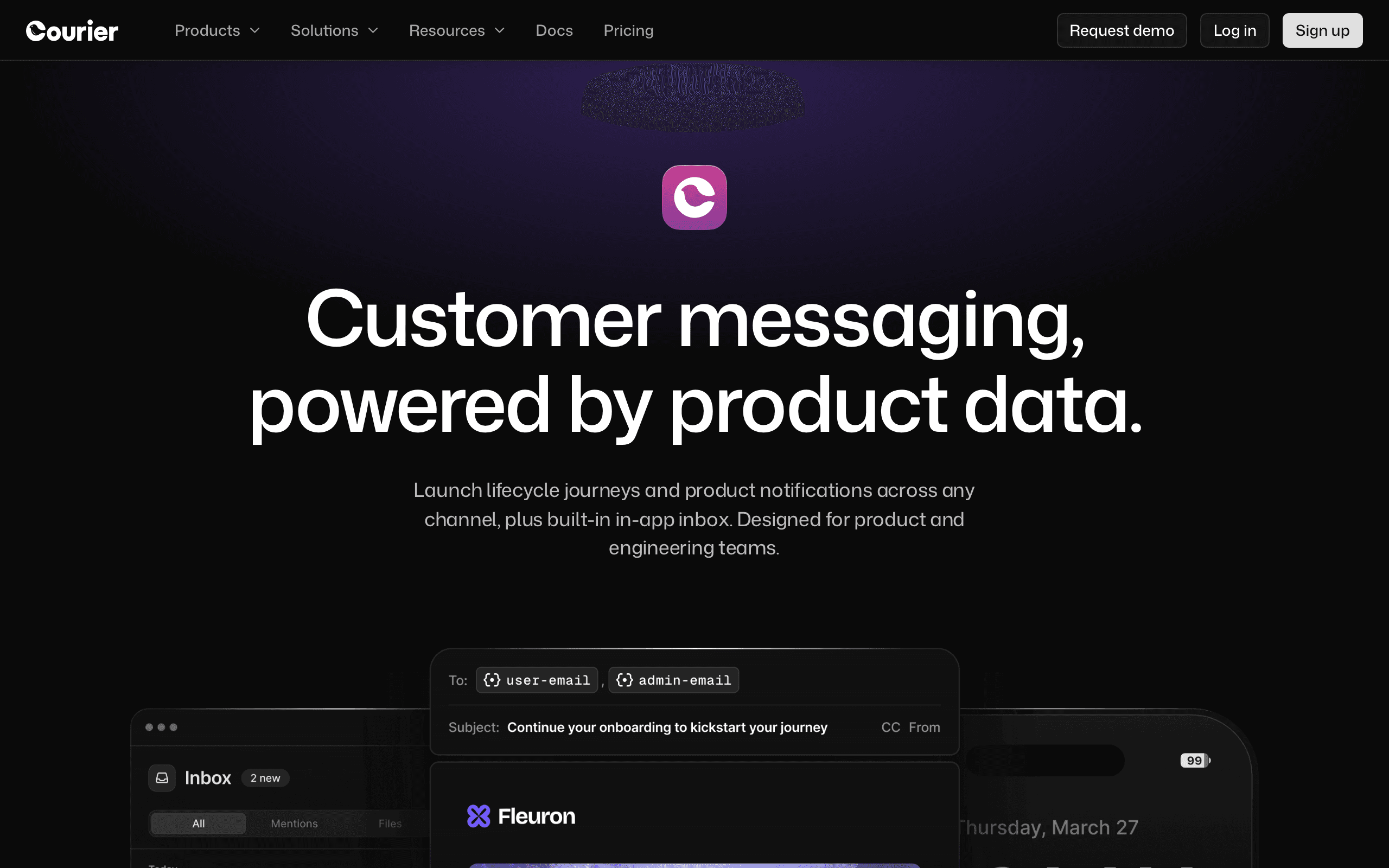
Courier dashboard screenshot

Notification infrastructure platform that orchestrates messages across email, push, SMS, Slack, and more.

Postmark

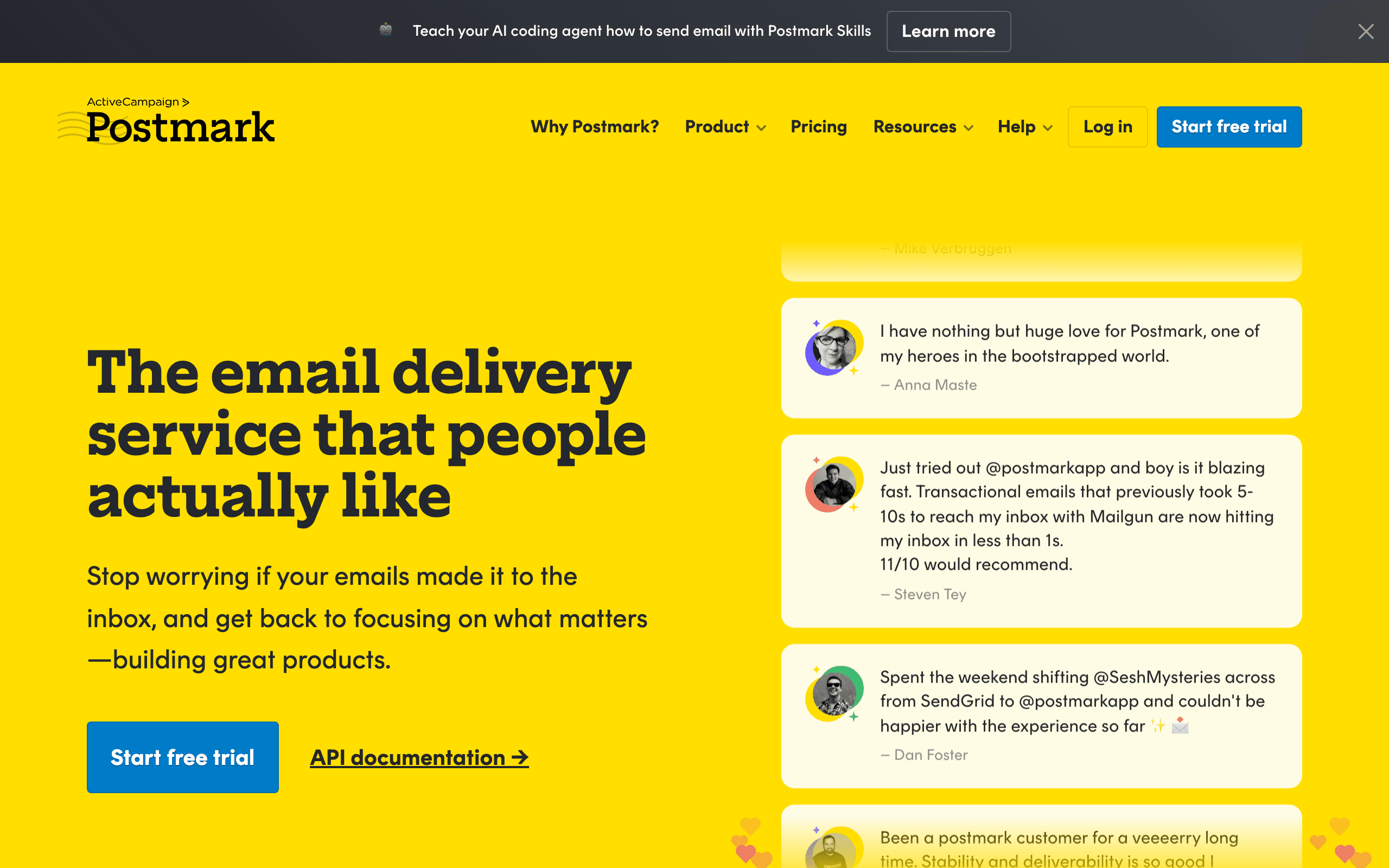
Postmark dashboard screenshot

Developer-focused transactional email service with best-in-class deliverability.

Key Differences

The main things that set these tools apart

Email Quality
Postmark wins

Postmark has industry-leading deliverability with published stats. Near-zero spam rates, sub-second delivery times. Courier's email quality depends entirely on which provider you configure. For email that must reach inboxes, Postmark wins by design.

Multi-channel
Courier wins

Courier handles push, SMS, Slack, in-app, and more. Postmark is email-only. For apps needing multi-channel notifications, Courier is the only option here.

Simplicity
Postmark wins

Postmark is direct - integrate and send with excellent deliverability. Courier adds a routing layer requiring provider configuration. For email simplicity, Postmark wins.

Transparency
Postmark wins

Postmark publishes real-time delivery statistics publicly. You know exactly how well they deliver. Courier's delivery quality is opaque - it depends on your provider configuration.

Pricing Comparison

At 50,000 emails/month

Courier
$0-99+/month

Free up to 10k notifications/month. Business from $99/mo. Plus email provider costs.

Visit Courier
Postmark
$50/month

50k emails/month. Dedicated IPs available. Message streams.

Visit Postmark
Best for SaaS
Sequenzy
$49/month

10k subscribers, unlimited emails, transactional + marketing, Stripe integration.

Start Free Trial

Feature Comparison

12 features compared side-by-side

Feature
Courier
Postmark
Sequenzy
Email Delivery
Email Sending
Via third-party providers
Direct (industry-leading deliverability)
Direct
Delivery Speed
Depends on provider
Sub-second (industry fastest)
Fast
Spam Rate
Depends on provider
Near-zero spam rate
Low
Marketing Email
Message streams (broadcast)
Built-in campaigns
Multi-channel
Push Notifications
SMS
Yes (via providers)
In-app Notifications
Notification feed
Provider Routing
Intelligent fallback
Direct delivery
Direct delivery
Value
Free Tier
10k notifications/month
100 emails/month
100 subscribers
Total Cost (email only)
Courier + email provider
$50/mo (all-inclusive)
$49/mo
Deliverability Guarantee
No (provider-dependent)
Published delivery stats
Managed
Inbound Email

Pros & Cons

Honest strengths and weaknesses of each platform

Courier

Pros
  • Multi-channel routing across push, SMS, email, Slack, and in-app
  • Provider abstraction with 50+ integrations including Postmark
  • Intelligent fallback routing between channels
  • In-app notification feed component
  • User preference center
  • Free tier covers 10k notifications per month
Cons
  • No direct email sending - depends on providers for delivery
  • Email quality entirely dependent on chosen provider
  • Business plan at $99/month before provider costs
  • No deliverability tools or reputation management
  • Adds routing layer complexity for email-only needs
  • No inbound email processing

Postmark

Pros
  • Industry-leading email deliverability with published real-time stats
  • Sub-second delivery times - fastest in the industry
  • Near-zero spam rates through strict sending policies
  • Message streams separating transactional and broadcast
  • Inbound email processing
  • Transparent delivery metrics published publicly
  • Clean, developer-friendly API
  • Dedicated IP addresses available
Cons
  • Email-only - no push, SMS, or in-app notifications
  • No multi-channel routing or fallback logic
  • Limited free tier at 100 emails per month
  • Strict acceptable use policy may reject some senders
  • Marketing email features more limited than dedicated platforms
  • No notification orchestration capabilities

What Users Say

Real reviews from Courier and Postmark users

Courier Reviews

G2

We use Courier with Postmark as our email provider - best of both worlds. Courier handles routing logic, Postmark ensures inbox delivery. The downside is paying for both, but deliverability matters for our SaaS.

Jordan K.2025-09-18
Capterra

For our email-only needs, Courier was unnecessary overhead. We dropped it and integrated Postmark directly. Simpler, cheaper, and Postmark's deliverability speaks for itself.

Michelle F.2025-11-28

Postmark Reviews

G2

Postmark's deliverability is legendary for good reason. Our password reset emails arrive in under a second. The published stats give me confidence. We've never had a deliverability issue in four years.

Robert A.2025-10-08
Trustpilot

The best email delivery service, period. Sub-second delivery and near-zero spam. Only wish they had more marketing email features - we use Postmark for transactional and a separate tool for newsletters.

Angela S.2026-01-22

Best For

When to choose each tool

Choose Courier if you...
  • Apps needing multi-channel notification routing
  • Teams wanting provider abstraction
  • Products with complex notification channel logic
Choose Postmark if you...
  • Teams wanting the best email deliverability
  • Apps where transactional emails must reach inboxes
  • Companies wanting transparent delivery metrics

When to Consider Sequenzy Instead

SaaS-Specific

Neither Courier nor Postmark is built for SaaS. Sequenzy combines transactional + marketing email with Stripe integration for subscription businesses.

Overview

Courier and Postmark serve different messaging needs. Postmark is a direct email delivery service known for industry-leading deliverability. Courier is notification orchestration across channels. For our take on each, see our Courier comparison and Postmark comparison.

Postmark's Deliverability Edge

Postmark publishes real-time delivery statistics - and they're impressive. Near-zero spam rates, sub-second delivery times. When an email absolutely must reach the inbox, Postmark delivers. Courier's email quality depends entirely on which provider you configure underneath.

When Routing Matters More

Courier's value isn't email quality - it's routing intelligence. Try push first, fall back to email, then SMS. Manage user channel preferences. Abstract across providers. If your notification routing is complex, Courier solves a real infrastructure problem.

Pricing reality

At the cited 50k-email tier, Courier is listed at $0-$99+/month plus provider costs and Postmark is listed at $50/month. For email-only transactional delivery, Postmark is the simpler all-in choice because the deliverability layer is the product.

Courier adds value only when the app needs routing across push, SMS, Slack, in-app, and email. If you use Courier with Postmark underneath, budget for both. Sequenzy is listed at $49/month when SaaS teams need transactional plus marketing email with Stripe integration.

Review signals

The Courier reviews cited here praise pairing Courier routing with Postmark deliverability, but one review says Courier was unnecessary overhead for email-only needs. The Postmark reviews praise sub-second delivery, inbox placement, published stats, and long-term reliability, while noting limited marketing features.

That review evidence supports a direct rule: Postmark for email deliverability; Courier only when routing logic across multiple channels is worth the extra layer.

Use-case matchups

Use case Better fit What to verify
Password resets, receipts, and verification emails Postmark Confirm transactional message streams, sender authentication, bounce handling, and delivery speed under your expected volume.
Multi-channel notification routing Courier Confirm channel coverage, provider integrations, user preferences, routing rules, and fallback behavior.
Email-only transactional stack Postmark Check whether direct integration is simpler than paying for an orchestration layer.
Push, SMS, Slack, in-app, and email from one notification API Courier Verify every channel provider, template ownership, event payload shape, and analytics requirements.
Premium email delivery inside a broader router Courier plus Postmark Budget for both services and test whether the routing layer adds enough value.
SaaS lifecycle email plus campaigns Sequenzy Compare against Postmark-only transactional email and Courier-only notification routing if marketing automation is also required.

The Sequenzy Alternative

For SaaS founders wanting transactional email and marketing campaigns with Stripe integration, Sequenzy offers unified SaaS email at $49/month.

The Deliverability-First Philosophy

Postmark's approach to deliverability is fundamentally different from most email providers. They separate transactional and marketing email into distinct "message streams" with separate IP pools. This means your marketing email reputation never affects your transactional email delivery. Password resets, account confirmations, and receipts get dedicated infrastructure that maintains near-perfect inbox placement.

Courier has no concept of deliverability management. Your email delivery quality depends entirely on whichever provider you configure underneath. If you route through Postmark as a provider within Courier, you get Postmark's deliverability - but you're paying for both services. If you route through a cheaper provider to save money, your deliverability may suffer. Courier's abstraction is powerful for routing but opaque for delivery quality.

The Transparency Factor

Postmark publishes real-time delivery statistics on their website for anyone to see - delivery times, bounce rates, and spam complaint rates across all customers. This transparency is unique in the email industry and gives developers confidence in their delivery infrastructure. When Postmark says sub-second delivery, you can verify it on their public dashboard.

Courier's delivery quality is a black box determined by your provider configuration. There's no unified dashboard showing delivery metrics across all your notification channels. You'd need to check each provider separately - Postmark for email stats, Twilio for SMS metrics, FCM for push delivery. This fragmented visibility makes it harder to identify and debug delivery issues across your notification stack.

When Routing Layer Meets Premium Delivery

The most expensive but highest-quality setup is Courier with Postmark as the email provider. You get Courier's intelligent routing - try push first, fall back to Postmark-delivered email - combined with Postmark's industry-leading deliverability. For SaaS products where email delivery directly impacts revenue (think password resets, billing notifications, security alerts), this premium stack is justifiable.

However, most SaaS companies don't need this level of infrastructure complexity. If email is your primary communication channel, Postmark alone provides excellent transactional email. For combining transactional and marketing email with subscription awareness, Sequenzy offers both at $49/month with native Stripe integration - simpler and cheaper than the Courier-plus-Postmark combination.

Delivery Speed and Reliability

For transactional email, delivery speed is non-negotiable. Receipts, password resets, and verification codes need to arrive in seconds. Both Courier and Postmark prioritize fast delivery, but their approaches differ in infrastructure and routing.

Transactional email reliability involves more than just speed. It requires consistent inbox placement, proper authentication, and monitoring. Compare how each platform handles DKIM, SPF, and DMARC setup, and which provides better tools for ongoing email deliverability monitoring.

API Design and Developer Experience

Courier and Postmark both target developers, but with different philosophies. The quality of API documentation, SDK support, and error handling directly impacts how quickly your team can integrate and how much ongoing maintenance is needed.

Developer experience goes beyond the API itself. Consider webhook support for tracking delivery events, sandbox environments for testing, and how each platform handles rate limiting and error recovery. These details matter when your application depends on email delivery.

Scaling and Cost at Volume

Email costs become significant at scale. What starts as a few hundred emails per day can grow to millions. Understanding how Courier and Postmark price at different volume tiers helps you plan for growth without budget surprises.

Beyond per-email pricing, consider dedicated IP costs, email validation charges, and support tier pricing. Some platforms offer volume discounts that significantly change the economics at higher sending volumes. For SaaS companies needing both transactional and marketing email, explore Sequenzy's unified approach.

Best Fit by Delivery Layer

Best notification orchestration tool for multi-channel routing

Courier fits products that need push, SMS, Slack, in-app, and email routing from one notification API. It should be evaluated first when preferences, fallback logic, and provider abstraction matter more than the quality of a single email provider.

Best transactional email service for premium deliverability

Postmark fits teams that want fast delivery, message streams, delivery transparency, searchable logs, and support around mission-critical email. Choose it when direct email delivery is enough and an orchestration layer would add unnecessary cost.

Best SaaS email platform for lifecycle campaigns and transactionals

Sequenzy fits SaaS teams that need transactional email plus campaigns, subscriber state, and billing-event automation. It is the simpler option when marketing automation is also required and Courier plus Postmark would create a two-tool stack.

Migration checklist

Step What to confirm
Map notification types Separate transactional email, marketing email, push, SMS, in-app, Slack, and operational alerts before migrating.
Decide direct vs routed delivery Choose whether Postmark should be called directly or used as a Courier provider.
Rebuild templates Recreate subject lines, variables, localization, channel-specific layouts, and fallback copy.
Recreate routing rules Test preferences, fallbacks, provider failover, quiet hours, and channel priority rules if moving to or from Courier.
Reconfigure sender domains Set SPF, DKIM, DMARC, return-path, tracking domains, and message streams before live traffic.
Port event payloads Update API calls, webhook handlers, idempotency keys, metadata, and user identifiers.
Validate suppressions and preferences Preserve unsubscribes, bounced recipients, spam complaints, and user channel preferences.
Cut over critical messages last Move low-risk notifications first, then password resets, billing, security alerts, and receipts after monitoring delivery.

Decision checklist

Question Choose Courier when... Choose Postmark when...
What matters most? Cross-channel routing, preferences, and fallbacks. Fast, reliable transactional email delivery.
What cost fits? Courier plus provider fees are justified by routing value. $50/month for 50k emails covers the use case.
What should be optimized? Channel choice and provider orchestration. Inbox placement, delivery speed, and transparent stats.
What should you verify first? Provider setup, fallback rules, channel preferences, and total vendor cost. Message streams, sender authentication, inbound email, acceptable use, and marketing limits.

Frequently Asked Questions

5 questions answered about Courier vs Postmark

Testimonials

Sequenzy Testimonials

Elvis Sun

Elvis Sun

Founder, PressPulse & Medialyst

Codex basically one-shotted the migration for syncing our audience from SendGrid to Sequenzy. Sequenzy is fully observable, so agents can just set everything up. The net impact is saving $45/mo, plus 2 hours of my time every time I need to repurpose a newsletter. That's 8 hours a month. My consulting rate is $550/hr, so every hour automated is super valuable.

Jim

Jim

Founder

I run a SaaS, and found Nic on X where I kept seeing posts about his email marketing tool, Sequenzy. I decided to try it for email marketing. Literally on the first day, I used it to send a marketing campaign and I got 5 sales. What I like most is the ai assistant because it actually writes emails that feel real instead of the usual ai slop chatgpt returns, so they do not end up in spam. It also has a 2.5k free email limit which is way better than most tools that only give you around 1k. The best part though is that it handles everything for me, tags, subscribers, sequences and all of it. Without it i would probably be managing a database and a bunch of cron jobs just to make email automation work. Sequenzy just makes my life a lot easier. it can also be set up with 2-3 clicks! Give it a try!!

Mar 10, 2026

King Killers

King Killers

Shopify App Store review

Loving the Sequenzy app so far due to the affordability and large subscriber limits. Planning on this becoming my main email app. Campaign + flows setup with the help of their AI took less than 30 minutes.

Verified User

Verified User

Computer Software

SaaS-focused feedback, fast processing, and plenty of integrations. It is very SaaS-focused, supports a wide range of integrations, and processes feedback right away.

Jun 17, 2026

G2
Louis

Louis

Founder

Easy migration from another tool. Premium customer service and easy to set everything up

Apr 9, 2026

Dhiva Logu

Dhiva Logu

Founder

I love everything about Sequenzy and also the kind of support I get from Nic. It's already the best choice for campaigns & Sequences. Specially the integrations with payment providers, auth providers & analytics etc.. is really spot on. Best in terms of features & pricing in the email segment 100% recommend it for SaaS emails :)

Mar 10, 2026

Petros

Petros

Shopify App Store review

The setup was fast and simple. It synced customer, product, and order data quickly. Generating automated flows was simple, and it improved my monthly bottom line by about 7%.

Not sure which to pick?

If you're a SaaS founder who needs Stripe integration and unified email, try Sequenzy free. No credit card required.

Related Comparisons

Sequenzy pricing reference

Sequenzy - Complete Pricing Guide

Pricing Model

Sequenzy uses email-volume-based pricing. You only pay for emails you send. Unlimited contacts on all plans — storing subscribers is always free.

All Pricing Tiers

  • 2.5k emails/month: Free (Free annually)
  • 15k emails/month: $19/month ($205/year annually)
  • 30k emails/month: $29/month ($313/year annually)
  • 60k emails/month: $49/month ($529/year annually)
  • 120k emails/month: $99/month ($1069/year annually)
  • 300k emails/month: $199/month ($2149/year annually)
  • 600k emails/month: $399/month ($4309/year annually)
  • 900k emails/month: $599/month ($6469/year annually)
  • 1.2M emails/month: $799/month ($8629/year annually)
  • 2M emails/month: $1299/month ($14029/year annually)
  • 3M emails/month: $1999/month ($21589/year annually)
  • 4M emails/month: $2499/month ($26989/year annually)
  • 5M emails/month: $2999/month ($32389/year annually)
  • Unlimited emails/month: Custom pricing (Custom annually)

Yearly billing: All plans offer a 10% discount when billed annually.

Free Plan Features (2,500 emails/month)

  • Visual automation builder
  • Transactional email API
  • Reply tracking & team inbox
  • Landing pages
  • Unlimited team members
  • Goal tracking & revenue attribution
  • Unlimited lists and segments
  • Payment integrations
  • API, MCP, and CLI access
  • Unlimited sending domains
  • SPF, DKIM, and DMARC
  • Deliverability monitoring
  • Send time optimization
  • A/B testing

Paid Plan Features (15k - 5M emails/month)

  • Visual automation builder
  • Transactional email API
  • Reply tracking & team inbox
  • Landing pages (Create hosted signup pages and attach a custom domain.)
  • Unlimited team members
  • Goal tracking & revenue attribution
  • Unlimited lists and segments
  • Payment integrations (Stripe, Paddle, Lemon Squeezy)
  • API, MCP, and CLI access
  • Unlimited sending domains
  • SPF, DKIM, and DMARC
  • Deliverability monitoring
  • Send time optimization
  • A/B testing

Enterprise Plan Features (Unlimited emails)

  • Visual automation builder
  • Transactional email API
  • Reply tracking & team inbox
  • Landing pages
  • Unlimited team members
  • Goal tracking & revenue attribution
  • Unlimited lists and segments
  • Payment integrations
  • API, MCP, and CLI access
  • Unlimited sending domains
  • SPF, DKIM, and DMARC
  • Deliverability monitoring
  • Send time optimization
  • A/B testing

Important Pricing Notes

  • You only pay for emails you send — unlimited contacts on all plans
  • No hidden fees - all features included in the price
  • No credit card required for free tier

Contact

  • Pricing Page: https://sequenzy.com/pricing
  • Sales: hello@sequenzy.com



