
Overview
Sender and ConvertKit serve completely different markets. Sender is built for e-commerce businesses with Shopify/WooCommerce integrations and SMS marketing. ConvertKit is built for creators with paid newsletters and monetization tools.
Choose based on your business type, not just features.
The Core Difference
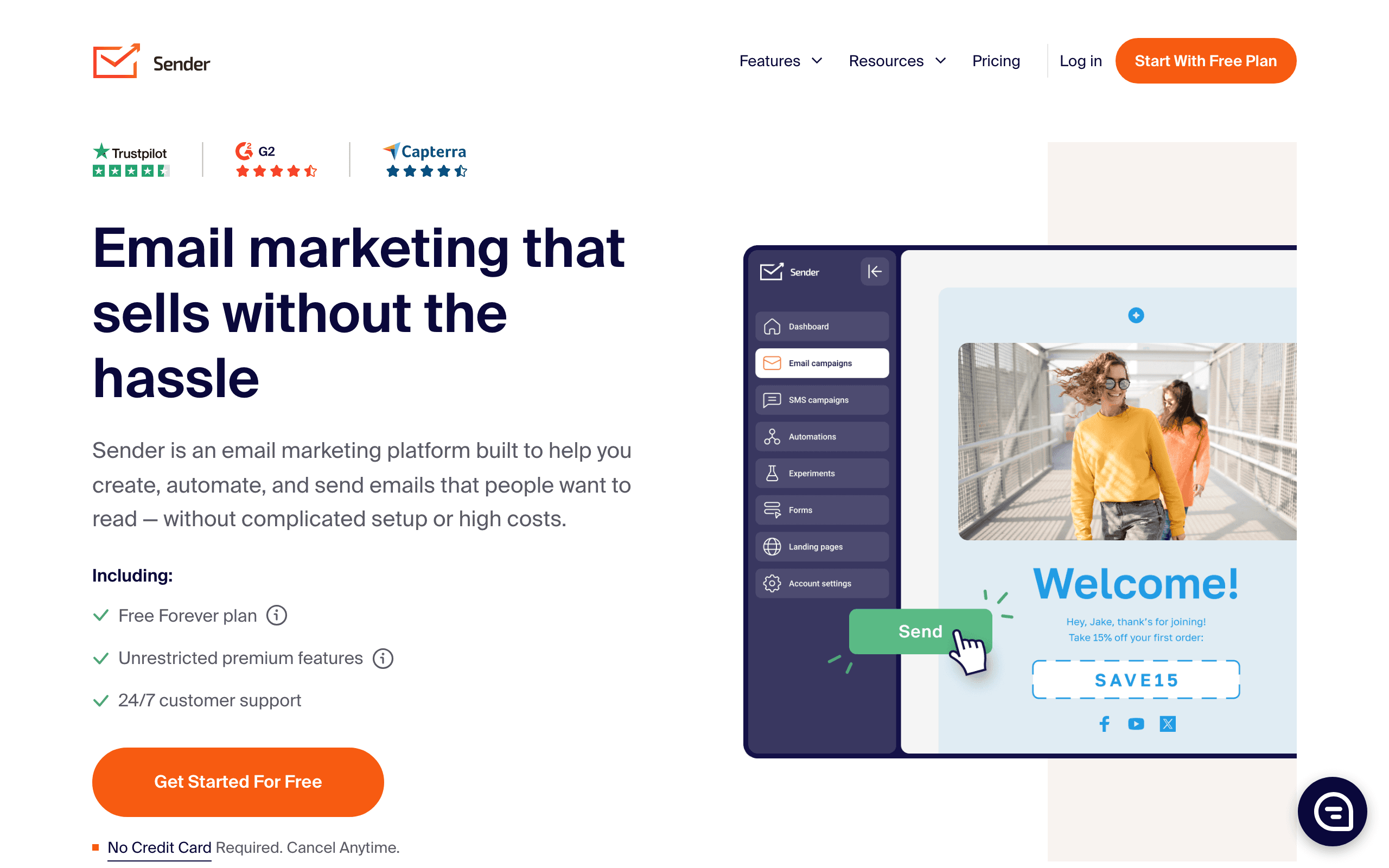
Sender is e-commerce focused. Rich templates, product integrations, abandoned cart automation, SMS marketing. It helps stores sell more products through email and text.
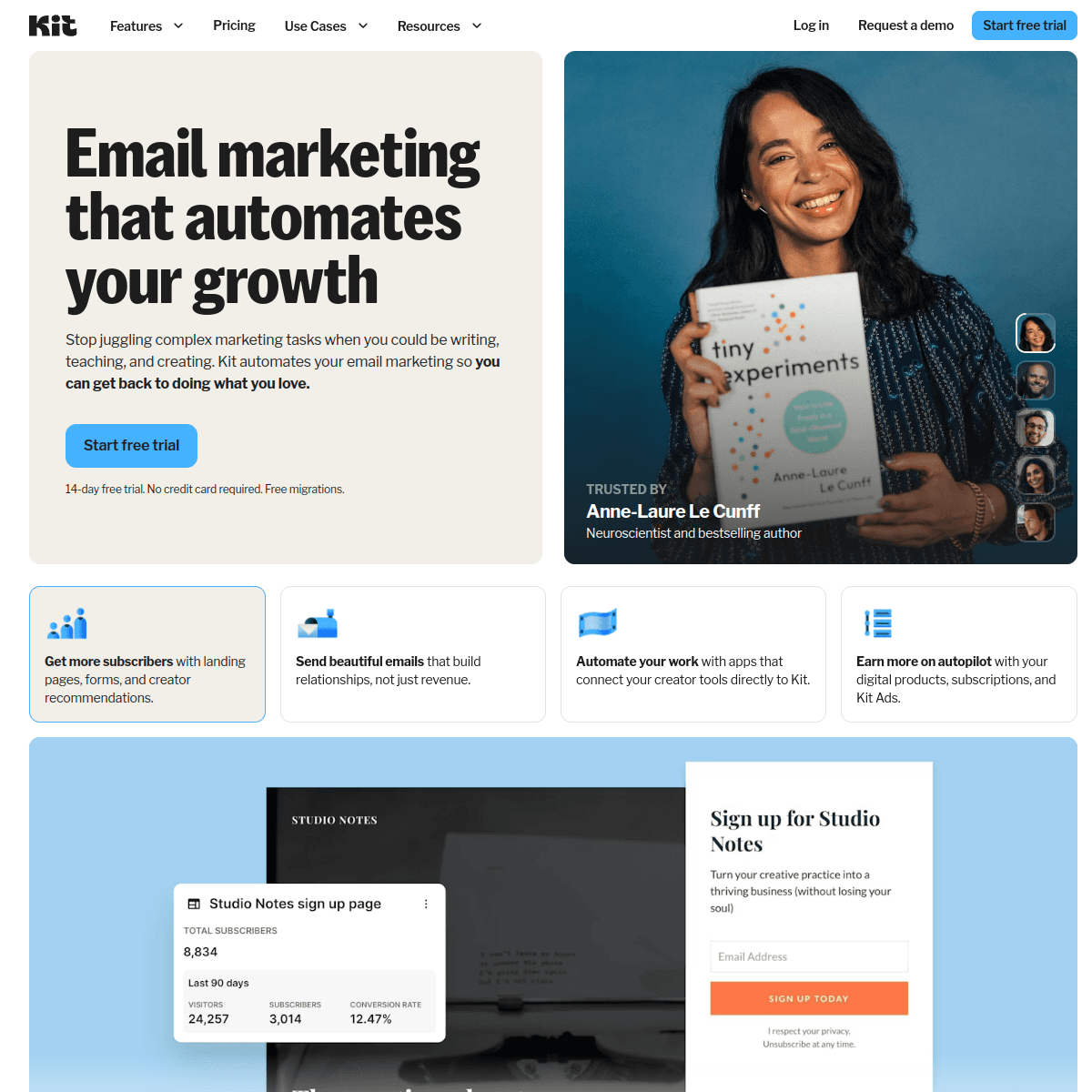
ConvertKit is creator focused. Simple text emails, paid newsletters, tip jars, digital products. It helps writers, podcasters, and YouTubers build and monetize their audiences.
Pricing: ~$45 vs $66 at 10K
At 10,000 subscribers, Sender costs around $45/month and ConvertKit costs $66/month. Sender is about 30% cheaper.
The free tiers have different trade-offs. ConvertKit offers 10,000 free subscribers but only for basic sending (no automation). Sender offers 2,500 free subscribers with 15,000 emails and basic automation included.
Where Sender Wins
Pricing: 30% cheaper at the 10k subscriber tier.
E-commerce: Deep Shopify and WooCommerce integrations with abandoned cart and product automations.
SMS Marketing: Built-in SMS capabilities. ConvertKit has no SMS.
Templates: 1600+ rich email templates. ConvertKit intentionally keeps emails minimal.
A/B Testing: Full A/B testing capabilities. ConvertKit only tests subject lines.
Where ConvertKit Wins
Paid Newsletters: Built-in paid subscription features for monetizing content.
Creator Tools: Tip jars, digital product sales, creator recommendations network.
Free Subscriber Limit: 10,000 free subscribers (though limited features) vs 2,500.
Simplicity: Tag-only organization without complex lists. Simpler for non-technical users.
Landing Pages: Better landing page builder for capturing leads.
Different Philosophies
Sender believes in rich, designed emails with lots of templates. ConvertKit believes simple, text-focused emails perform better and feel more personal.
Neither is wrong - they serve different audiences. E-commerce customers expect polished promotional emails. Newsletter readers often prefer simple, authentic content.
For SaaS Companies
Neither Sender nor ConvertKit is built for SaaS. Sender is for e-commerce, ConvertKit is for creators.
The Monetization Model Difference
ConvertKit's built-in paid newsletters and digital product sales create a direct revenue path for creators. Writers charge monthly subscriptions for premium content. Podcasters sell show notes bundles. Course creators package their knowledge. The commerce features are integrated into the email platform so subscribers convert to paying customers without leaving the ecosystem.
Sender has no monetization features. It helps e-commerce stores sell physical products through Shopify and WooCommerce integrations, but it does not help individual creators monetize their audiences directly. A blogger using Sender would need a separate tool like Gumroad, Patreon, or Stripe for paid content, adding complexity and fragmenting the subscriber relationship.
This difference reflects fundamentally different business models. E-commerce businesses monetize through product sales where the email is a marketing channel. Creator businesses monetize their audience directly where the email is the product. Each platform optimizes for its model, and using the wrong one creates friction.
Email Design Philosophy in Practice
Sender's 1600+ templates with rich visual designs work perfectly for product promotions. High-quality product images, promotional banners, and colorful call-to-action buttons are what e-commerce subscribers expect. A sale announcement should look like a sale announcement, with bold visuals and clear pricing.
ConvertKit intentionally minimizes visual design. Simple text-based emails look like they came from a friend, not a marketing department. This approach achieves higher deliverability because text emails are less likely to trigger spam filters and more likely to render correctly across email clients. For newsletters and personal content, this authenticity drives engagement.
Neither approach is universally better. Test both with your audience if you are uncertain. E-commerce audiences trained to expect visual promotions may ignore plain text. Newsletter audiences trained to value authentic voices may distrust heavily designed emails. The design philosophy should match subscriber expectations. Use our email validator to maintain clean lists regardless of which visual approach you choose.
The Free Tier Trade-Off
ConvertKit offers 10,000 free subscribers but with significant limitations: no automation, no sequences, and no integrations on the free plan. You can collect subscribers and send broadcasts but cannot automate follow-up. Sender offers 2,500 free subscribers with basic automation included, meaning you can set up welcome sequences and drip campaigns without paying.
For creators building an audience before monetizing, ConvertKit's larger free subscriber count matters. Growing from zero to 10,000 subscribers for free is valuable, even without automation. For e-commerce businesses that need automation from day one to run abandoned cart and welcome sequences, Sender's automation-included free tier is more practical.
The ideal progression for many businesses is starting on the free tier, proving the channel works, then upgrading to paid when the features justify the cost. ConvertKit lets you prove audience demand longer before paying. Sender lets you prove automation effectiveness sooner. Which matters more depends on your growth strategy.
Use-case matchups
| Need | Better fit | Why |
|---|---|---|
| Budget email and SMS campaigns | Sender | Sender is stronger when the buyer wants low-cost email/SMS with practical campaign tools. |
| Creator newsletters and monetization | ConvertKit | ConvertKit is stronger when creator newsletters and monetization are the main requirements. |
| SaaS lifecycle and transactional email | Sequenzy | Sequenzy fits when the team needs Stripe-aware lifecycle campaigns, newsletters, and transactional email in one product. |
Best Fit by Audience Model
Best budget email and SMS tool for general campaigns
Sender fits teams that want affordable email and SMS campaigns without creator-specific monetization features. It is strongest when budget, SMS, and practical campaign execution matter more than audience commerce.
Best email platform for creators and audience monetization
ConvertKit is the better fit when creator newsletters, paid products, audience growth, and monetization workflows drive the decision. It works better when subscribers are fans, readers, or buyers of a personal brand.
Best email platform for SaaS lifecycle and transactionals
Sequenzy fits when Stripe-aware lifecycle campaigns and transactional email matter more than creator monetization. It is more focused when subscribers are product users whose behavior and billing status should trigger email.
Pricing reality
The page data lists Sender at ~$45/month, ConvertKit at $66/month, and Sequenzy at $49/month for the cited comparison tier. Keep the original pricing context rather than turning these into generic equivalents.
Sender should be priced as a budget email/SMS platform. ConvertKit should be priced around creator newsletters and monetization. Sequenzy should be compared when SaaS lifecycle, transactional email, and Stripe-aware workflows matter more than general email/SMS pricing.
Review signals
For Sender, pay attention to affordability and whether email/SMS depth is enough. For ConvertKit, pay attention to creator newsletters and monetization, onboarding effort, support quality, and pricing as the list grows.
Migration checklist
| Workstream | What to verify |
|---|---|
| Subscriber data | Export subscribers, tags, custom fields, segments, consent, unsubscribes, bounces, and suppressions. |
| Channel consent | Preserve email consent, SMS consent if used, opt-out history, and suppression rules. |
| Automations | Rebuild welcome, nurture, cart, post-purchase, reactivation, newsletter, and promotional workflows manually. |
| Templates and forms | Recreate templates, forms, landing pages, coupons, dynamic content, and mobile rendering. |
| Integrations | Reconnect ecommerce, CRM, analytics, forms, billing, webhooks, and Zapier-style handoffs. |
| Reporting | Export campaign, automation, deliverability, revenue, and list-growth reports before cutover. |
Decision checklist
- Choose Sender if low-cost email/SMS is the main requirement.
- Choose ConvertKit if creator newsletters and monetization matter more than budget email/SMS basics.
- Skip Sender if you need paid newsletters or digital product sales, since Sender offers neither.
- Avoid ConvertKit if the buyer only needs practical low-cost campaigns.
- Consider Sequenzy if Stripe-triggered emails like failed-payment alerts are central, since neither Sender nor ConvertKit offers billing-triggered automation.









