
Overview
Listmonk and Buttondown both focus on newsletters without marketing bloat, but approach it differently. Listmonk is free, self-hosted, and technical. Buttondown is paid, managed, and writer-focused. Both reject complexity. Different philosophies, same goal.
The Writer's Perspective
Buttondown is built for writers. Markdown-native editor. Clean, distraction-free interface. Beautiful web archives. It feels like a writing tool.
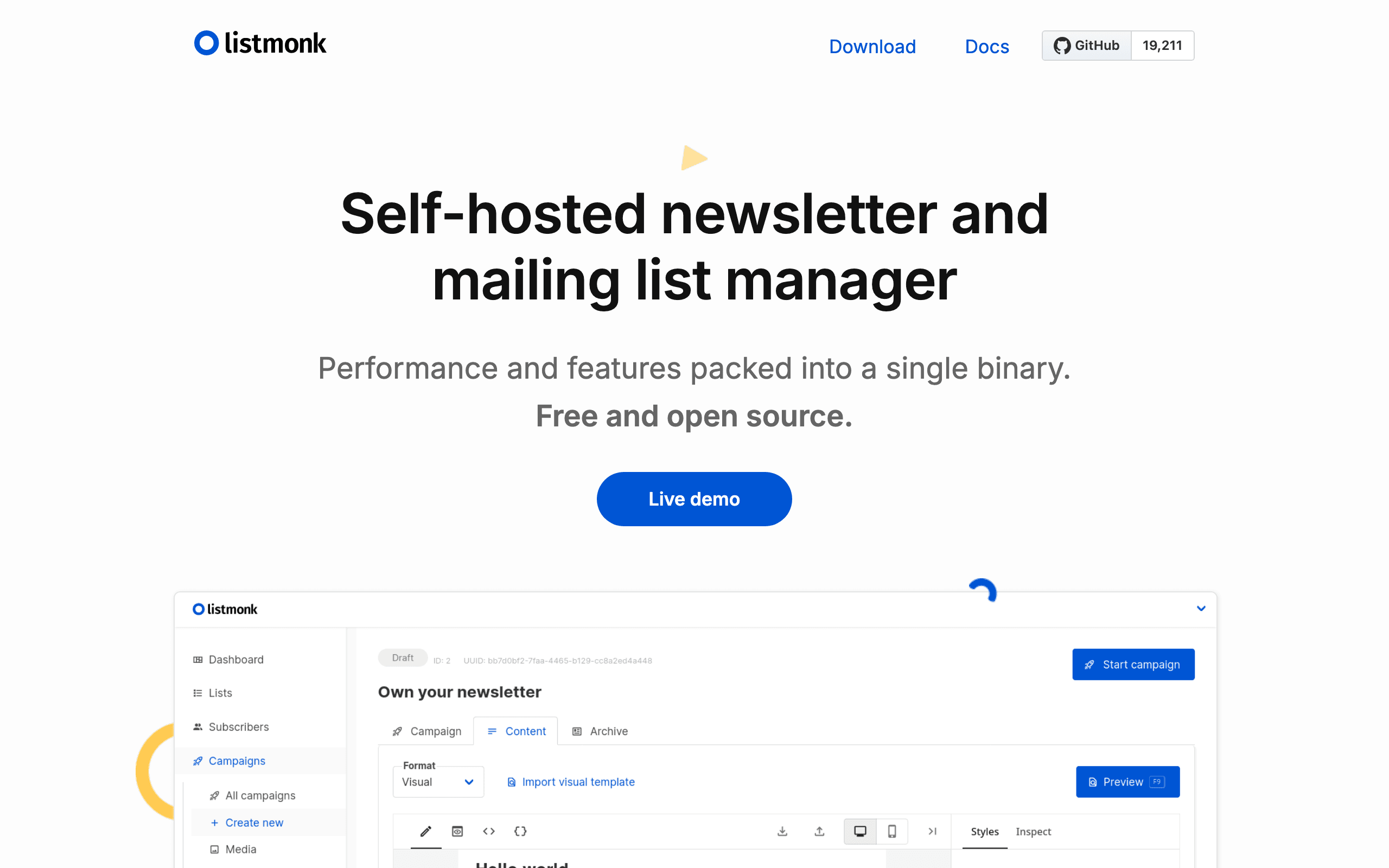
Listmonk is built for efficiency. HTML templates. Functional interface. It feels like a sending tool.
If you identify as a writer first, Buttondown's experience is superior.
The Technical Perspective
Listmonk is free software that you control completely. Run it on your server. Own your data. Modify if needed (it's open source).
Buttondown is a service you pay for. Someone else manages infrastructure. You focus on writing.
If you enjoy self-hosting, Listmonk is appealing. If servers are a chore, Buttondown removes that burden.
Cost Analysis
Listmonk: ~$15/month total (hosting + SMTP). Buttondown: $29/month at 5k subscribers.
Difference: ~$14/month or ~$168/year.
For a writing-focused platform with paid subscriptions and beautiful archives, that premium might be worthwhile. For pure cost savings, Listmonk wins.
Paid Newsletter Support
Buttondown has native Stripe integration for paid subscriptions. Charge subscribers, manage access, handle payments. All built in.
Listmonk has no payment features. You'd need external tools and manual management for paid newsletters.
If monetization is your goal, Buttondown makes it simple.
Features Comparison
Buttondown offers: markdown editor, paid subscriptions, referral tracking, beautiful archives, subscriber analytics, basic automation, Substack/Twitter imports.
Listmonk offers: campaigns, list management, HTML templates, basic analytics.
Buttondown has more newsletter-specific features. Listmonk is more minimal.
For SaaS Companies
Neither is ideal for SaaS product emails. Buttondown is newsletters only. Listmonk lacks automation. For SaaS founders sending both product emails and newsletters with Stripe integration, consider Sequenzy.
Making the Choice
Choose Listmonk if you're technical, want free software, and just need to send newsletters. Choose Buttondown if you're a writer, value markdown, want paid subscriptions, and prefer managed hosting. For SaaS companies needing subscription automation, consider Sequenzy.
The Indie Software Philosophy
Both Listmonk and Buttondown share a philosophy of doing one thing well without bloat. Listmonk is maintained as a focused open-source project. Buttondown is a solo-founder product that prioritizes craft over growth at all costs. Neither tries to be an all-in-one marketing suite, and that restraint is a feature for users who value simplicity.
This shared philosophy means both platforms stay lightweight and fast. Neither will upsell you into features you do not need. The difference is in how they express this philosophy: Listmonk through open-source freedom and self-hosting, Buttondown through elegant design and writer-focused features.
Web Archives and Content Discovery
Buttondown's web archives are genuinely beautiful. They are SEO-friendly, customizable with CSS, and create a professional public-facing archive of your newsletter. For writers building a body of work, these archives serve as a content library that attracts new subscribers through search.
Listmonk has basic archive functionality but it is not designed to attract readers. The archives are functional rather than polished. If your newsletter content has long-term value and you want it discoverable, Buttondown's approach to web publishing is meaningfully better.
API and Programmatic Access
Both platforms offer REST APIs, but they serve different use cases. Listmonk's API is comprehensive for subscriber management and campaign sending, making it suitable for integration into custom workflows and applications. Developers can build sophisticated systems around Listmonk's API.
Buttondown's API covers subscriber management, sending, and analytics. It is well-documented and clean, consistent with the platform's developer-friendly ethos. For newsletter-specific integrations, both APIs are capable. For custom application integration where you need deep control, Listmonk's self-hosted API with no rate limits gives you more flexibility.
Use-case matchups
| Situation | Best first look | Why |
|---|---|---|
| Technical team that wants open-source newsletter infrastructure | Listmonk | Listmonk is strongest when self-hosting, data control, and low recurring software cost are priorities. |
| Writer who wants markdown, archives, and paid subscribers | Buttondown | Buttondown is designed around the writing experience, public archives, Stripe subscriptions, and creator workflow. |
| Developer community newsletter with custom integrations | Listmonk | The self-hosted API gives technical teams more control over subscriber and campaign workflows. |
| Solo creator moving from Substack | Buttondown | Buttondown's import, archive, custom CSS, and paid newsletter features are closer to that job. |
| SaaS team sending product, lifecycle, and transactional emails | Sequenzy | Sequenzy is more appropriate when newsletter publishing is only one part of a SaaS email stack. |
Best Fit
Best self-hosted newsletter tool for engineering-led communities
Listmonk fits teams that treat the newsletter as infrastructure. It is a strong choice for developer communities, open-source projects, technical associations, and product teams that want to run a simple list, own the database, connect their preferred SMTP provider, and avoid recurring software fees. It is less appropriate if the primary workflow is essay writing, archive polish, or paid membership operations.
Best newsletter platform for writers with archives and paid subscriptions
Buttondown is better when the person sending email is a writer first. Choose it for Markdown-heavy newsletters, public archives, paid subscriber tiers, custom CSS, imports from creator platforms, and a calm writing workflow. It does not try to be a full marketing automation suite, but it gives independent writers and small publications the publishing details Listmonk leaves to custom setup.
Best SaaS email platform when the newsletter is one channel
Sequenzy belongs in the decision when the team also needs product and customer lifecycle email. If subscribers are also users, trials, customers, or billing contacts, Sequenzy can handle campaigns alongside onboarding, receipts, churn prevention, and transactional messages. That makes it a better fit than either newsletter-first option for SaaS teams that do not want separate tools for product email and announcements.
Pricing reality
Listmonk looks cheap because the software is free, but the real cost includes hosting, SMTP provider fees, backups, updates, deliverability monitoring, and technical maintenance.
Buttondown's monthly price pays for managed hosting, a writer-focused editor, public archives, support, paid subscriptions, and fewer operational chores. The premium is easier to justify if the newsletter is a publishing business.
Sequenzy is not a writer-first newsletter archive tool. It becomes relevant when the email system also needs transactional email, subscriber lifecycle automation, and Stripe customer events.
Review signals
The Listmonk review snippets are positive on control, data ownership, API access, and low software cost, with cautions around writing experience, HTML template work, and technical fit.
The Buttondown snippets are positive on markdown writing, archives, paid subscribers, responsive product development, and import/control, with cautions around automation depth.
Migration checklist
| Workstream | Moving to Listmonk | Moving to Buttondown | Moving to Sequenzy |
|---|---|---|---|
| Hosting | Provision server, database, SMTP provider, backups, and monitoring. | Confirm account, domain, archive settings, and publication configuration. | Configure workspace, sending domain, and subscriber imports. |
| Subscriber data | Import subscribers, lists, attributes, suppressions, and consent fields. | Import subscribers from CSV, Substack, or Twitter sources and map fields. | Import subscribers, tags, custom attributes, and suppressions. |
| Content archive | Decide how much public archive you need and whether to build it yourself. | Import or recreate key archive pages, templates, and custom CSS. | Keep archive/publishing elsewhere if long-form discovery matters. |
| Monetization | Connect external payment access logic if running a paid newsletter. | Configure Stripe paid subscriptions and access rules. | Use Stripe for SaaS customer lifecycle, not paid newsletter publishing. |
| Automations | Accept limited automation or build custom workflows around the API. | Rebuild basic sequences and referral flows. | Rebuild lifecycle, campaign, and transactional automations. |
Decision checklist
- Do you want to operate newsletter infrastructure yourself?
- Is the main user a developer/admin or a writer?
- Do paid subscriptions and public archives matter?
- Is API control more important than a polished writing workflow?
- Are you sending only newsletters, or product and transactional email too?









