
Overview
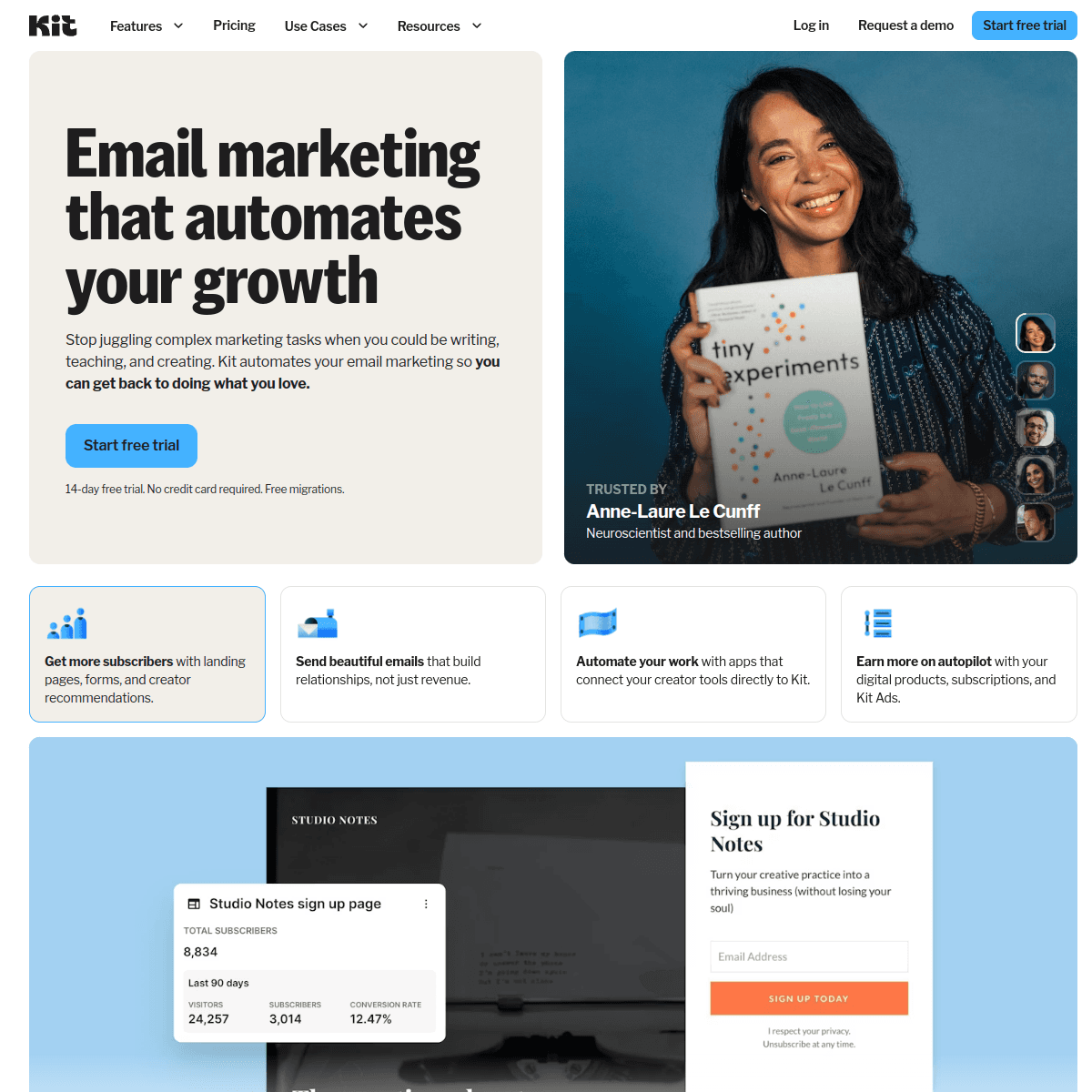
ConvertKit and Buttondown take opposite approaches. ConvertKit is a feature-rich creator platform. Buttondown is intentionally minimal. See our ConvertKit comparison and Buttondown comparison for details.
Pricing reality
ConvertKit: $139/month for 10,000 subscribers
Buttondown: $79/month for 10,000 subscribers
Sequenzy: Free tier available, then $19/month for 15k emails (unlimited contacts)
Compare on our pricing page.
Where ConvertKit Wins
Full creator business platform with automation, landing pages, digital products, and commerce features.
Where Buttondown Wins
Simplicity, lower price, and markdown-native writing experience for those who don't need extra features.
Review signals
The existing reviews are from G2, Capterra, and Trustpilot. ConvertKit reviews praise automation, products, landing pages, and the generous free plan, while warning that it can be overkill and expensive for pure writing. Buttondown reviews praise markdown simplicity, developer-friendly API, and the focused writing experience, while noting the tiny free tier and limited automation.
Use those reviews to decide whether the newsletter is a creator business or a writing workflow. ConvertKit should prove commerce and automation value; Buttondown should prove simplicity and markdown value.
Use-case matchups
| Use case | Better fit | What to verify |
|---|---|---|
| Creator business platform | ConvertKit | Confirm landing pages, commerce, Creator Network, automation, free-plan branding, and paid-tier pricing. |
| Markdown-first personal newsletter | Buttondown | Verify markdown workflow, API needs, paid newsletter setup, free-tier limits, and export options. |
| Audience monetization beyond paid newsletters | ConvertKit | ConvertKit is stronger when digital products, tips, recommendations, and funnels matter. |
| Developer-controlled publishing | Buttondown | Buttondown fits writers who want minimal UI, API workflows, and fewer creator-business features. |
| SaaS lifecycle and transactional email | Sequenzy | Compare if Stripe-triggered product email matters more than creator/newsletter workflows. |
Best Fit by Writing and Monetization Workflow
Best email marketing tool for creator businesses
ConvertKit is the better fit when the newsletter needs landing pages, automations, digital products, paid offers, recommendations, and audience funnels. It is more useful when email is part of a creator revenue system rather than only a writing surface.
Best newsletter tool for markdown-first writers
Buttondown is the better fit when the writer wants a clean editor, markdown, API control, RSS-friendly workflows, and fewer platform features in the way. It is strongest for technical writers and personal publications that value simplicity over commerce tooling.
Best email marketing tool for SaaS product email
Sequenzy is the better fit when the audience is attached to a software product and emails need to follow trials, billing, account events, and transactional flows. ConvertKit and Buttondown are newsletter tools first, not product lifecycle systems.
Why Sequenzy Beats Both for SaaS
Neither platform is built for SaaS. Sequenzy offers a free tier, native Stripe integration, unified transactional + marketing email, and paid plans from $19/month.
Migration checklist
| Step | What to confirm |
|---|---|
| Subscriber export | Export subscribers, tags, custom fields, paid status, suppressions, unsubscribes, and opt-in source data. |
| Creator commerce | If leaving ConvertKit, replace digital products, landing pages, paid subscriptions, tips, referrals, and commerce reports. |
| Writing workflow | If leaving Buttondown, preserve markdown archives, publication settings, custom domains, RSS, API workflows, and paid newsletter settings. |
| Automations | Rebuild ConvertKit visual automations or Buttondown rules, RSS sends, welcome emails, and paid-member flows manually. |
| Templates | Test text-first emails, markdown rendering, code blocks, links, unsubscribe behavior, and mobile output. |
| Reporting | Preserve subscriber growth, paid revenue, campaign, referral, and newsletter engagement reports before switching. |
Decision checklist
| Question | Why it matters |
|---|---|
| Is this a creator business or a writing tool? | ConvertKit is broader; Buttondown is intentionally minimal. |
| Do you need digital products, landing pages, or creator referrals? | ConvertKit's higher price needs those features to matter. |
| Is markdown-native writing the daily workflow? | Buttondown is stronger for technical writers and developers. |
| Can you live with limited free-tier capacity? | Buttondown's free tier is much smaller than ConvertKit's. |
| Is Sequenzy enough? | SaaS teams need Stripe-triggered product email, not creator/newsletter-specific tooling. |
The Markdown Divide
For developers and technical writers, Buttondown's native markdown support is a genuine differentiator. You write in markdown - headers, links, code blocks, lists - and the output renders cleanly. There is no WYSIWYG editor to fight with, no formatting that breaks when you paste from another application. For people who think in markdown, this is liberating.
ConvertKit's editor is visual-first. While it supports some basic formatting, the experience is designed for creators who think in terms of visual blocks rather than markup syntax. Technical writers using ConvertKit often find themselves frustrated by the editor's insistence on visual formatting when they just want to type text with markdown syntax.
Team Size and Platform Philosophy
Buttondown is built and maintained primarily by one developer, Justin Duke. This indie approach means slower feature development but also means decisions are made with clear intentionality. Every feature earns its place. There is no bloat, no enterprise sales team pushing features nobody asked for.
ConvertKit has hundreds of employees and venture capital backing. This means faster development, more features, better support coverage, and a broader ecosystem. But it also means ConvertKit is under pressure to grow revenue, which explains the premium pricing and the push toward more complex (and expensive) plans. Understanding this context helps explain why the two products feel so different in practice.
API and Developer Workflows
Both platforms offer APIs, but Buttondown's is particularly well-designed for developer workflows. You can automate newsletter publishing from a Git repository, trigger sends from CI/CD pipelines, or build custom publishing workflows with scripts. The API documentation is clear and maintained by someone who actually uses APIs daily.
ConvertKit's API covers more ground - subscriber management, automation triggers, product sales - but it is designed for a broader audience. Developers will find it capable but less elegant than Buttondown's focused approach. For developers who want to build programmatic newsletter workflows, Buttondown's API philosophy is more aligned with how technical teams work.
Writing and Content Experience
Newsletter platforms should make writing enjoyable and efficient. Kit (ConvertKit) and Buttondown offer different editing experiences - from rich text editors to Markdown support. The writing interface you use daily matters more than feature checklists.
Audience Growth and Discovery
Growing a newsletter subscriber base is challenging. Kit (ConvertKit) and Buttondown approach audience growth differently - some offer built-in discovery networks, referral programs, or SEO optimization for published content.
Monetization Options
Many newsletter creators need monetization paths. Kit (ConvertKit) and Buttondown handle paid subscriptions, sponsorships, and digital product sales differently. Understanding the revenue model matters if you plan to build a sustainable newsletter business.
Migration Checklist
| Step | What to confirm |
|---|---|
| Subscriber export | Export subscribers, tags, segments, paid status, unsubscribes, bounces, consent, and suppression records. |
| Creator assets | If leaving ConvertKit, replace landing pages, forms, commerce products, Creator Network referrals, tip jars, and automations. |
| Markdown workflows | If leaving Buttondown, preserve markdown source, archives, RSS, API scripts, custom templates, and publishing automations. |
| Paid subscriptions | Reconcile paid newsletter members, billing provider data, access rules, receipts, and cancellation flows. |
| Sender setup | Reverify SPF, DKIM, DMARC, tracking domains, sender identities, unsubscribe links, and archive URLs. |
| Reporting | Export subscriber growth, paid conversion, engagement, referral, archive, and campaign reports before switching. |









