
Overview
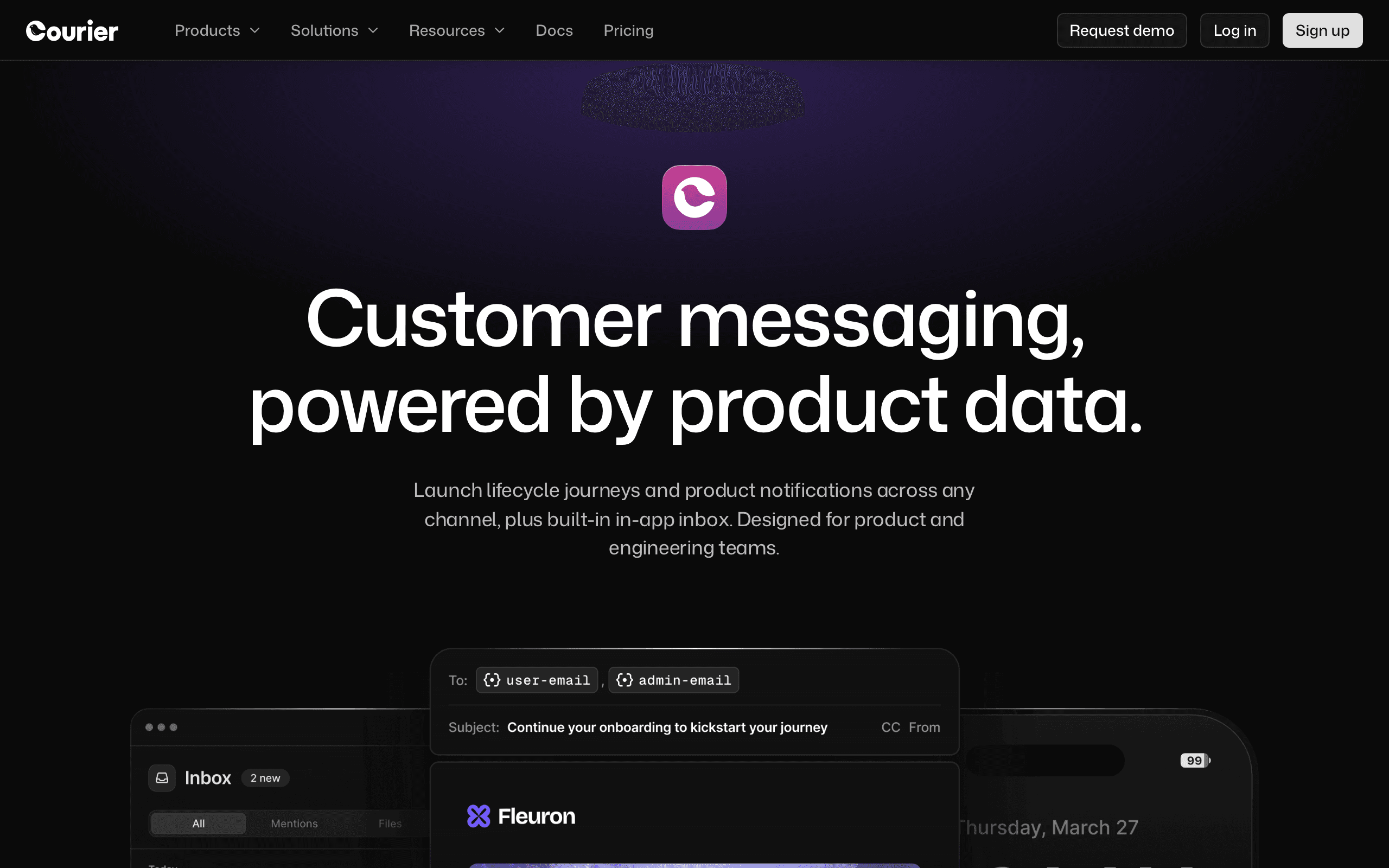
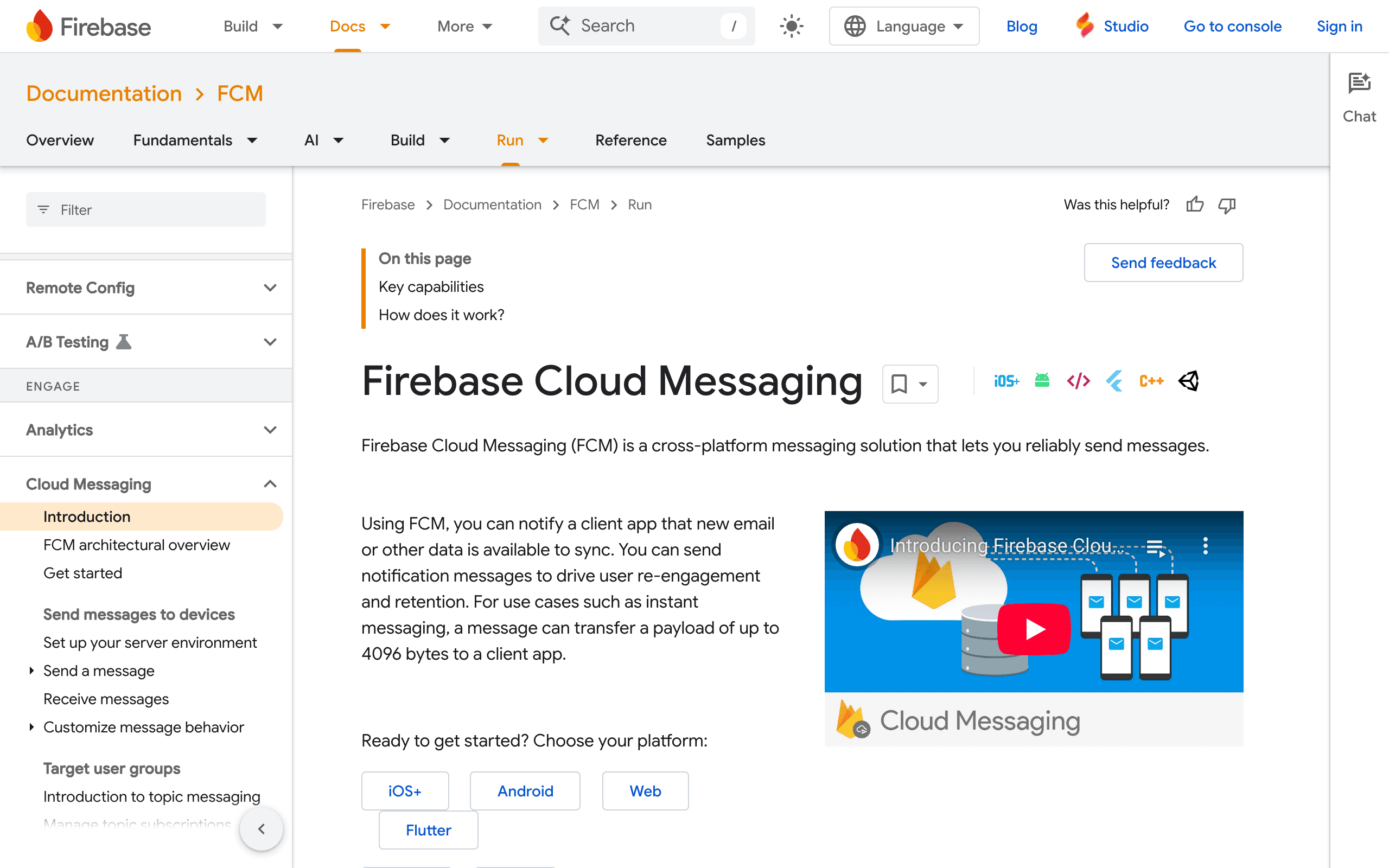
Courier and Firebase Cloud Messaging serve different notification needs. FCM is Google's free push notification service. Courier is multi-channel notification orchestration. For our take on each, see our Courier comparison.
FCM's Free Push
Firebase Cloud Messaging is completely free with no volume limits. Deep Android integration, topic messaging, and Google Analytics integration. For push-only needs, FCM is hard to beat - free is free.
Courier's Multi-channel Value
Courier's value emerges when you need more than push. Route email through SendGrid, push through FCM, SMS through Twilio - all from one API with intelligent fallback logic and user preferences. FCM handles push only.
Pricing reality
Firebase Cloud Messaging is listed as free with no volume limits. Courier is listed at $0-$99+/month, and still relies on providers such as FCM for actual push delivery. For push-only, FCM is the price winner by default.
Courier becomes worth evaluating when the cost is buying routing logic: push plus email, SMS, Slack, in-app, preferences, templates, and fallbacks. Sequenzy is listed at $49/month when the real job is SaaS email rather than push notification infrastructure.
Review signals
The Courier reviews cited here praise fallback routing on top of FCM, while another says Courier was overkill for a mobile-only app. The FCM reviews praise free unlimited push, topic messaging, reliability, and Android integration, while noting that teams need other services once email or SMS enter the stack.
That makes FCM the default for push-only apps and Courier the layer to consider only when push is one part of a broader notification strategy.
Use-case matchups
| Use case | Better fit | What to verify |
|---|---|---|
| Free mobile and web push notifications | Firebase Cloud Messaging | Confirm SDK setup, topic strategy, APNs certificates, web push service worker, and analytics needs. |
| Multi-channel routing across push, email, SMS, Slack, and in-app | Courier | Verify provider integrations, routing logic, preference center, templates, and cost beyond the free tier. |
| Android-first mobile app using Firebase already | Firebase Cloud Messaging | Check Firebase Analytics, topics, notification composer, token refresh, and Google ecosystem fit. |
| Product needing push fallback to email or SMS | Courier plus FCM | Confirm fallback timing, provider setup, channel consent, and operational monitoring. |
| SaaS lifecycle email rather than push | Sequenzy | Compare against adding a dedicated email platform when FCM handles only push and Courier only routes. |
| Vendor-neutral notification architecture | Courier | Verify whether provider abstraction is worth the added layer over direct FCM integration. |
Best Fit by Push Scope and Multi-Channel Routing
Best free push notification service for Firebase apps
Choose Firebase Cloud Messaging when the product mainly needs mobile or web push, especially for Android-first apps already using Firebase. It is the better fit when free unlimited push, SDK integration, topic messaging, and Google ecosystem alignment cover the real requirement.
Best notification routing layer across push, email, and SMS
Choose Courier when push is only one channel in a broader notification strategy. It is stronger when the product needs user preferences, fallback rules, provider abstraction, and routing across FCM, email providers, SMS providers, Slack, or in-app surfaces.
Best SaaS email platform when push is not enough
Choose Sequenzy when email is doing the real lifecycle work: onboarding, billing notices, failed-payment recovery, retention, and transactional messages. SaaS teams can keep FCM for app-led push, or send push from Sequenzy alongside the email journeys.
The Sequenzy Alternative
For SaaS founders who need email more than push, Sequenzy combines transactional email and marketing campaigns with Stripe integration at $49/month.
The Complementary Architecture
The most common real-world pattern isn't choosing between Courier and FCM - it's using them together. FCM handles push delivery as one of Courier's configured providers. Courier adds the orchestration layer: try push first, wait 30 minutes, if the user hasn't opened the app then send an email, if they still haven't engaged after a day then send an SMS.
This layered approach makes sense for apps with multi-channel notification needs. FCM is excellent at what it does - delivering push notifications reliably and for free. Courier is excellent at deciding which channel to use and when. The question isn't "Courier or FCM?" but "Do I need Courier's routing on top of FCM?" If your app only needs push, FCM alone is the right answer. If you need intelligent cross-channel routing, Courier with FCM as a provider is the architecture to build.
Google's Ecosystem Lock-in
FCM is free, but it comes with implicit ties to Google's ecosystem. Using FCM means integrating the Firebase SDK, which naturally leads to using Firebase Analytics, Firebase Crashlytics, and other Google Cloud services. For Android-first apps already in the Google ecosystem, this is seamless. For teams wanting to stay vendor-neutral, the Firebase SDK dependency is worth considering.
Courier's provider abstraction addresses this partially - you can route push through FCM today and switch to another push provider later without changing application code. However, for pure push notification delivery, FCM's free pricing and deep Android integration make it the default choice for most mobile apps. The vendor neutrality argument only becomes compelling when you're already paying for multi-channel routing through Courier.
When Push Isn't Enough for SaaS
Many SaaS products start with push notifications and eventually realize they need email for the heavy lifting - onboarding sequences, feature announcements, billing notifications, and re-engagement campaigns. Neither FCM nor Courier handles email marketing well. FCM doesn't do email at all. Courier routes individual notifications through email providers but has no concept of campaigns, segments, or automated sequences.
For SaaS companies that discover their primary communication channel is email rather than push, Sequenzy provides transactional and marketing email with native Stripe integration. Trial expiry reminders, failed payment recovery, and upgrade nudges trigger automatically based on subscription events - the kind of behavioral automation that neither push-focused FCM nor routing-focused Courier was designed to handle.
Delivery Speed and Reliability
For transactional email, delivery speed is non-negotiable. Receipts, password resets, and verification codes need to arrive in seconds. Both Courier and Firebase Cloud Messaging prioritize fast delivery, but their approaches differ in infrastructure and routing.
API Design and Developer Experience
Courier and Firebase Cloud Messaging both target developers, but with different philosophies. The quality of API documentation, SDK support, and error handling directly impacts how quickly your team can integrate and how much ongoing maintenance is needed.
Scaling and Cost at Volume
Email costs become significant at scale. What starts as a few hundred emails per day can grow to millions. Understanding how Courier and Firebase Cloud Messaging price at different volume tiers helps you plan for growth without budget surprises.
Migration checklist
| Step | What to confirm |
|---|---|
| Inventory notification channels | Separate mobile push, web push, email, SMS, in-app, Slack, and operational alerts before changing tools. |
| Export tokens and preferences | Preserve device tokens, topic subscriptions, user preferences, opt-outs, segments, and channel consent. |
| Rebuild push setup | Reconfigure Firebase SDKs, APNs keys/certificates, web push service workers, topic messaging, and notification composer campaigns. |
| Recreate routing rules | If moving to Courier, rebuild channel priorities, fallbacks, delays, quiet hours, preferences, and provider mappings. |
| Rebuild templates | Test push payloads, deep links, images, localization, email/SMS fallbacks, and in-app copy. |
| Reconnect analytics | Verify Firebase Analytics, Courier event logs, conversion tracking, delivery status, and error monitoring. |
| Validate provider costs | FCM is free, but Courier plus email/SMS providers changes the true cost model. |
| Roll out gradually | Move one platform, topic, or app segment first, then monitor token churn, delivery, opt-outs, and support issues. |
Decision checklist
| Question | Choose Courier when... | Choose Firebase Cloud Messaging when... |
|---|---|---|
| What channels are needed? | Push must coordinate with email, SMS, in-app, Slack, or fallback rules. | Push is the only required channel. |
| What cost matters? | Paying for orchestration is worth it. | Free unlimited push is the deciding factor. |
| What architecture fits? | Provider abstraction and preferences should sit outside app code. | Direct Firebase SDK integration is acceptable. |
| What should you verify first? | Provider mappings, fallback timing, preference model, and extra channel costs. | APNs setup, topic strategy, token refresh, web push, analytics, and Firebase dependency. |









