Updated September 28, 2026

19 OneSignal Alternatives Worth Considering

OneSignal's push notifications are solid, but usage costs can surprise you at scale. Here are 19 alternatives depending on what you need.

TL;DR

Quick answer: For SaaS email marketing, Sequenzy (free up to 2,500 emails/mo, then $19/mo for 15k emails) has Stripe integration and AI content. For free push notifications, Firebase Cloud Messaging. For in-app notifications, Knock or MagicBell. For open-source multi-channel, Novu.

OneSignal Alternatives at a Glance

Every tool on this page, who it suits, what it costs to start and whether there is a free plan.

  1. 1.Sequenzy

    SaaS teams needing email marketing with Stripe sync

    Starting price:
    Free up to 2,500 emails/mo; paid from $19/mo (15,000 emails), unlimited contacts
    Free plan:
    Yes, 2,500 emails/mo with unlimited contacts
  2. 2.Firebase Cloud Messaging

    Mobile apps wanting free push notifications

    Starting price:
    Free
    Free plan:
    Not checked
  3. 3.Knock

    Teams needing polished notification infrastructure

    Starting price:
    Free (10k messages), $250/mo Starter
    Free plan:
    Not checked
  4. 4.Novu

    Teams wanting open-source notifications

    Starting price:
    $0/month Free plan
    Free plan:
    Free plan with 10,000 workflow runs/month
  5. 5.Pusher Beams

    Teams already using Pusher ecosystem

    Starting price:
    Free up to 1k devices, $29/mo after
    Free plan:
    Not checked
  6. 6.MagicBell

    Teams needing in-app notification components

    Starting price:
    $0/month Builder plan
    Free plan:
    Builder plan with 1,000 deliveries/month
  7. 7.Customer.io

    PLG companies with complex behavioral automation

    Starting price:
    Essentials from $100/month (5,000 profiles); $145/month at 10,000 profiles
    Free plan:
    No permanent free marketing plan; trial signup or demo may be available
  8. 8.Courier

    Teams wanting visual notification design

    Starting price:
    Free up to 10k notifications, $500+/mo
    Free plan:
    Not checked
  9. 9.Braze

    Enterprise mobile apps with big budgets

    Starting price:
    Custom pricing; free trial/get pricing flow available
    Free plan:
    Free trial path available, not a standard free plan
  10. 10.Iterable

    Enterprise cross-channel marketing

    Starting price:
    Custom quote
    Free plan:
    No public free plan on the pricing page
  11. 11.Resend

    Developers wanting modern email API

    Starting price:
    Free for 3,000 emails/month; Pro is $20/month for 50,000 emails/month
    Free plan:
    Yes, 3,000 emails/month with 100 emails/day
  12. 12.Postmark

    Apps where email deliverability is critical

    Starting price:
    Free for 100 emails/month; Basic is $15/month for 10,000 emails
    Free plan:
    Yes, for testing with 100 emails/month
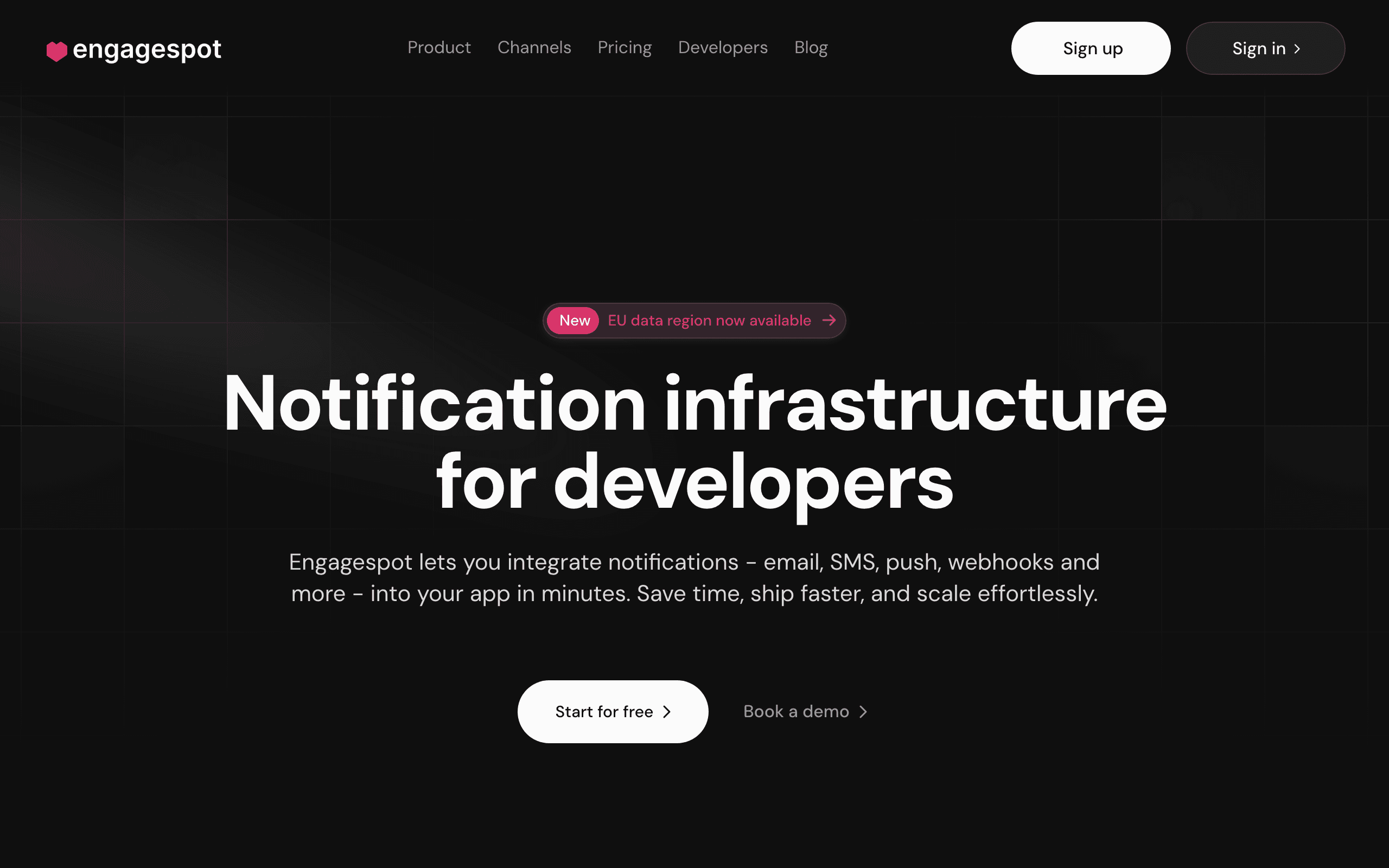
  13. 13.Engagespot

    Teams needing in-app notification feeds OneSignal lacks

    Starting price:
    Free up to 1k MAU, $49/mo starter
    Free plan:
    Not checked
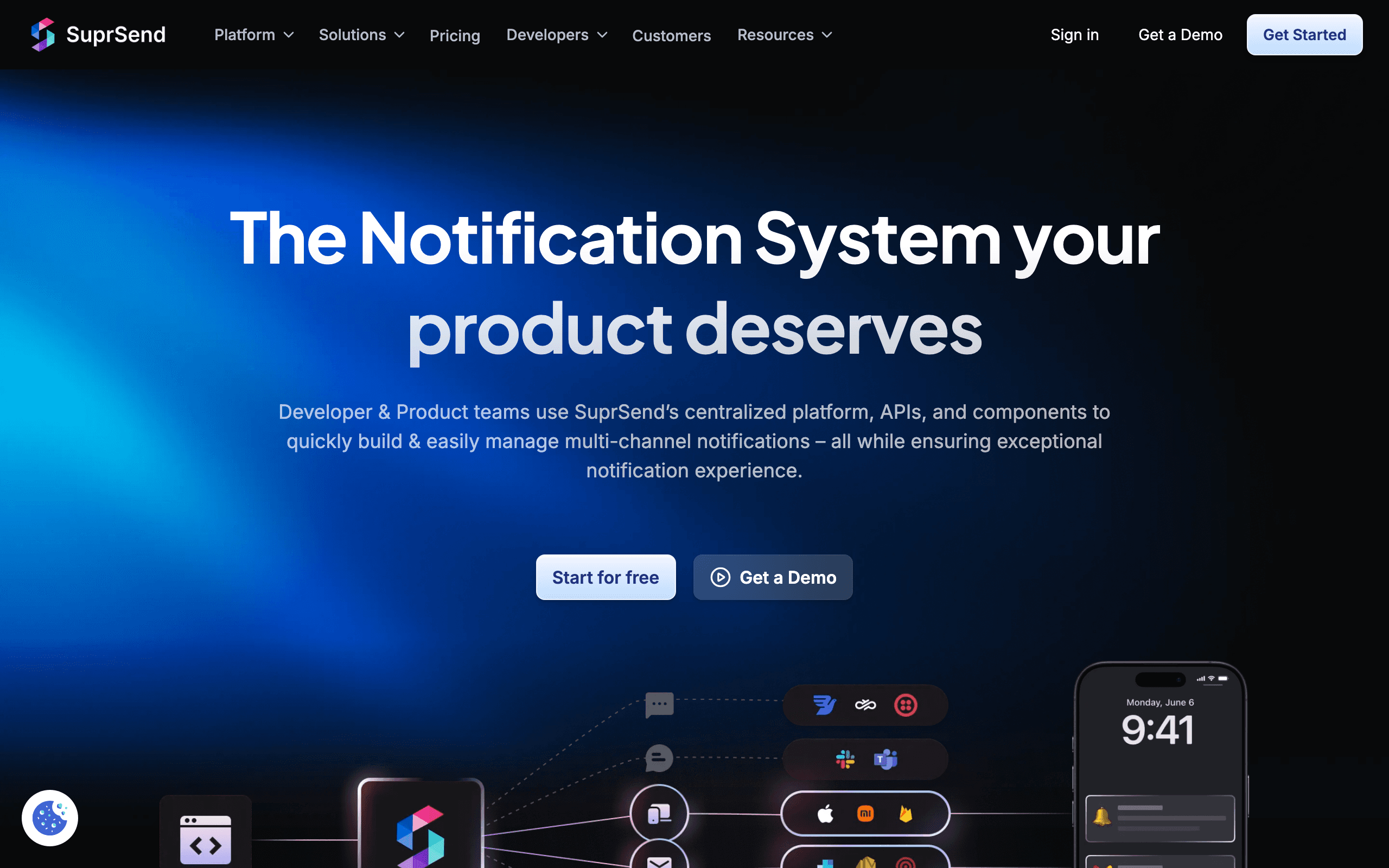
  14. 14.SuprSend

    Teams wanting observability over notifications

    Starting price:
    Free tier, then usage-based
    Free plan:
    Not checked
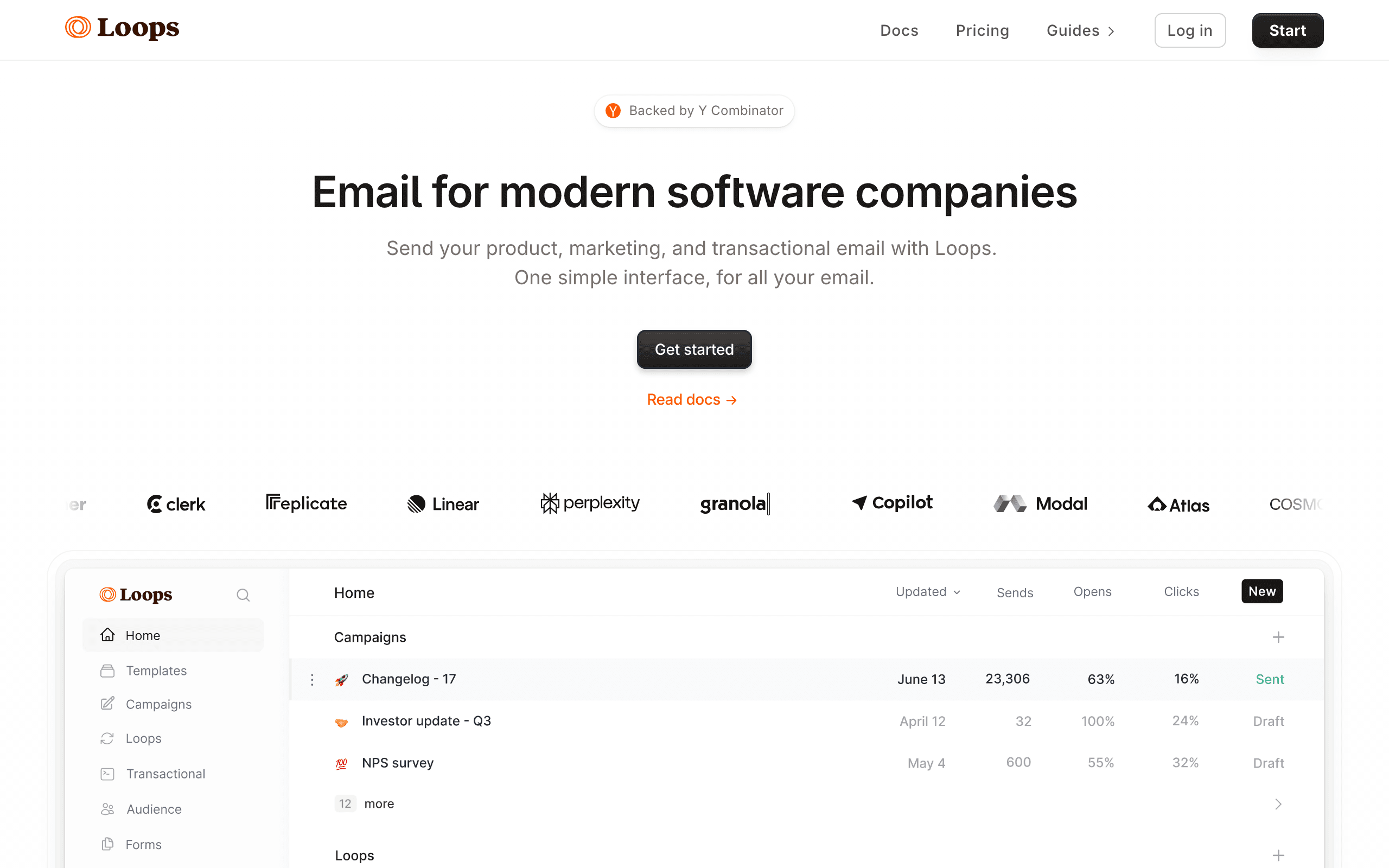
  15. 15.Loops

    SaaS teams wanting simple email marketing

    Starting price:
    Free up to 1,000 subscribers and 4,000 sends per rolling 30 days; paid starts at $49/month
    Free plan:
    Yes, up to 1,000 subscribers and 4,000 sends per rolling 30 days
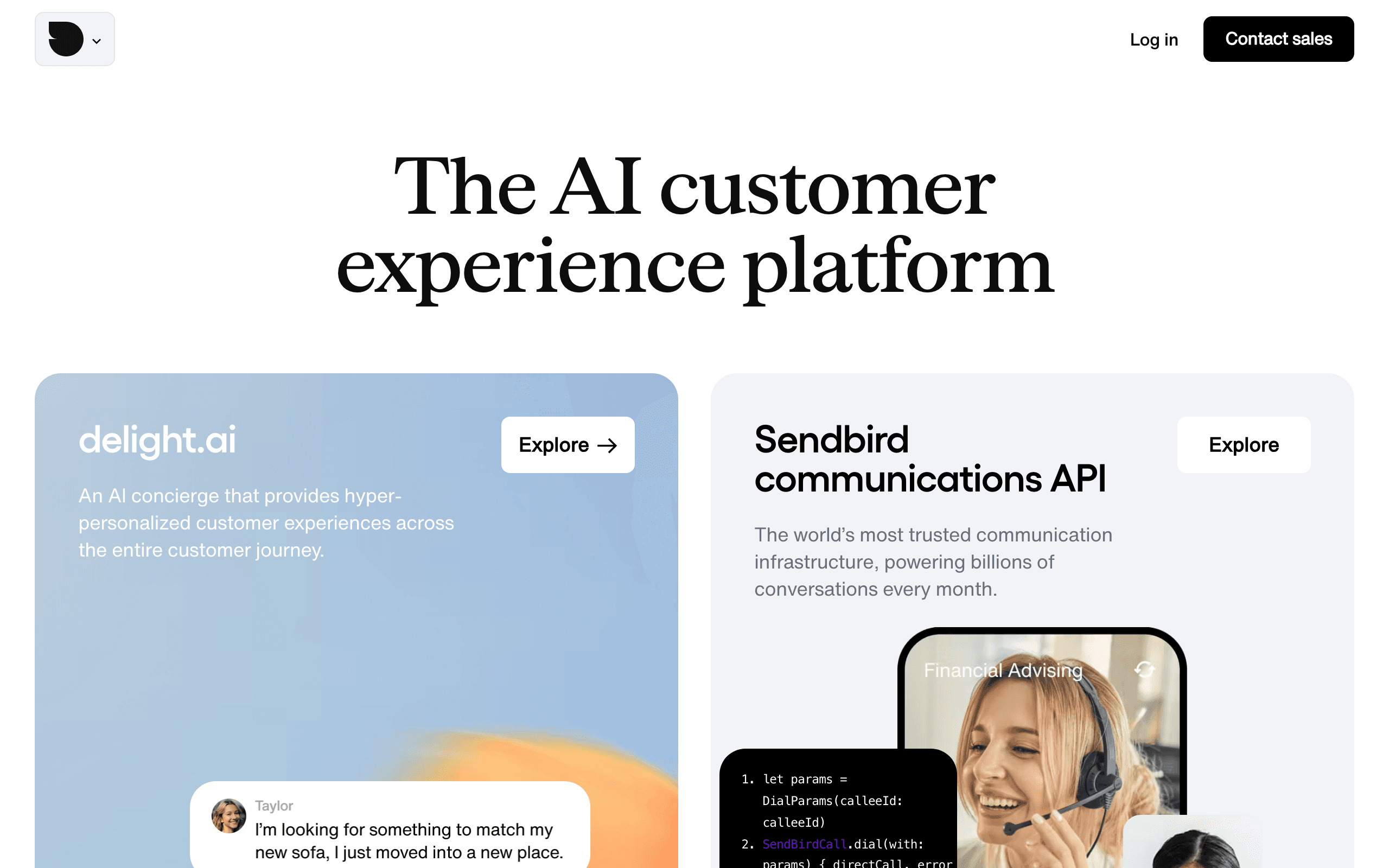
  16. 16.Sendbird

    Apps needing chat + push notifications

    Starting price:
    Custom pricing, free tier for testing
    Free plan:
    Not checked
  17. 17.Vero

    Product teams wanting event-driven messaging

    Starting price:
    Starter from $54/mo
    Free plan:
    30-day free trial available
  18. 18.Brevo

    Budget-conscious teams wanting multi-channel

    Starting price:
    Free plan with up to 300 emails/day, then Starter from $9/month for 5,000 emails
    Free plan:
    Yes, with up to 300 emails/day after account approval
  19. 19.SendGrid

    Teams prioritizing email delivery over push notifications

    Starting price:
    Free trial with 100 emails/day for 60 days; Essentials from $19.95/mo
    Free plan:
    Free trial (60-day), not a long-term free marketing plan

Prices checked against each vendor's pricing page, most recently on October 8, 2026. Plans change often, so confirm on the vendor's site before you buy.

19 Best OneSignal Alternatives

Our Pick for SaaS Companies
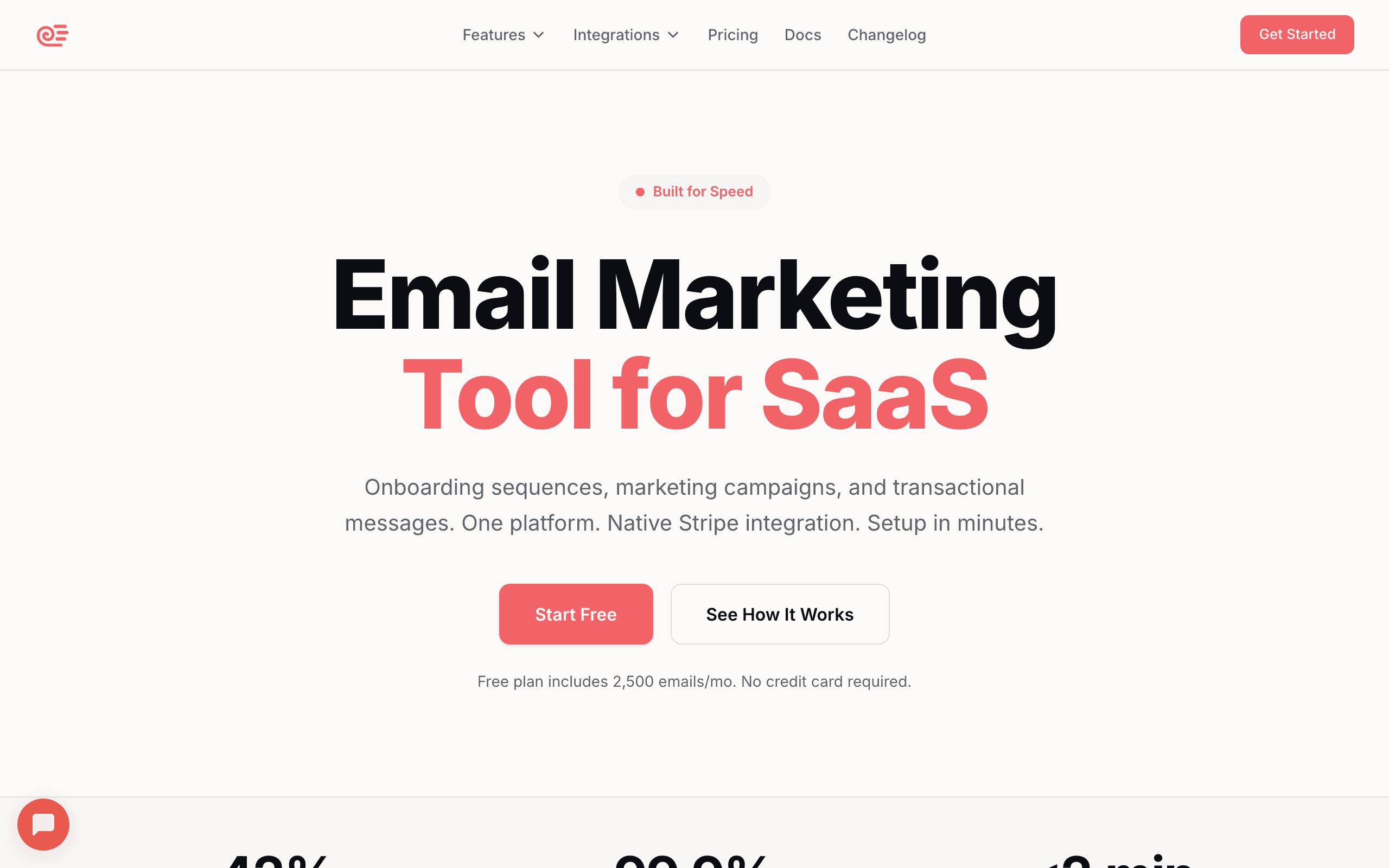
Sequenzy landing page screenshot
Sequenzy
SaaS-focusedAI-poweredStripe integrationFlat pricing

Email marketing for SaaS with AI content generation and native Stripe integration. Email-first rather than push-first like OneSignal, and purpose-built for SaaS email marketing.

Sequenzy's AI can generate entire onboarding sequences from a short description, and its Stripe sync automatically tags subscribers based on billing status - something OneSignal has no concept of. Billing follows emails sent, not contacts: free up to 2,500 emails/mo, then $19/mo for 15k emails. Best for SaaS teams whose main channel is email and who want predictable billing, with web and mobile push included in every plan.

Visit
Best for
SaaS teams needing email marketing with Stripe sync
Pricing
Free up to 2,500 emails/mo; paid from $19/mo (15,000 emails), unlimited contacts

Pros

  • Purpose-built for SaaS email marketing
  • AI generates entire email sequences
  • Native Stripe integration
  • Simpler flat pricing
  • Unified transactional + marketing

Cons

  • No native mobile SDKs (apps register push tokens via API)
  • No in-app messaging
  • Email-first; SMS is a paid add-on
  • Different purpose than OneSignal
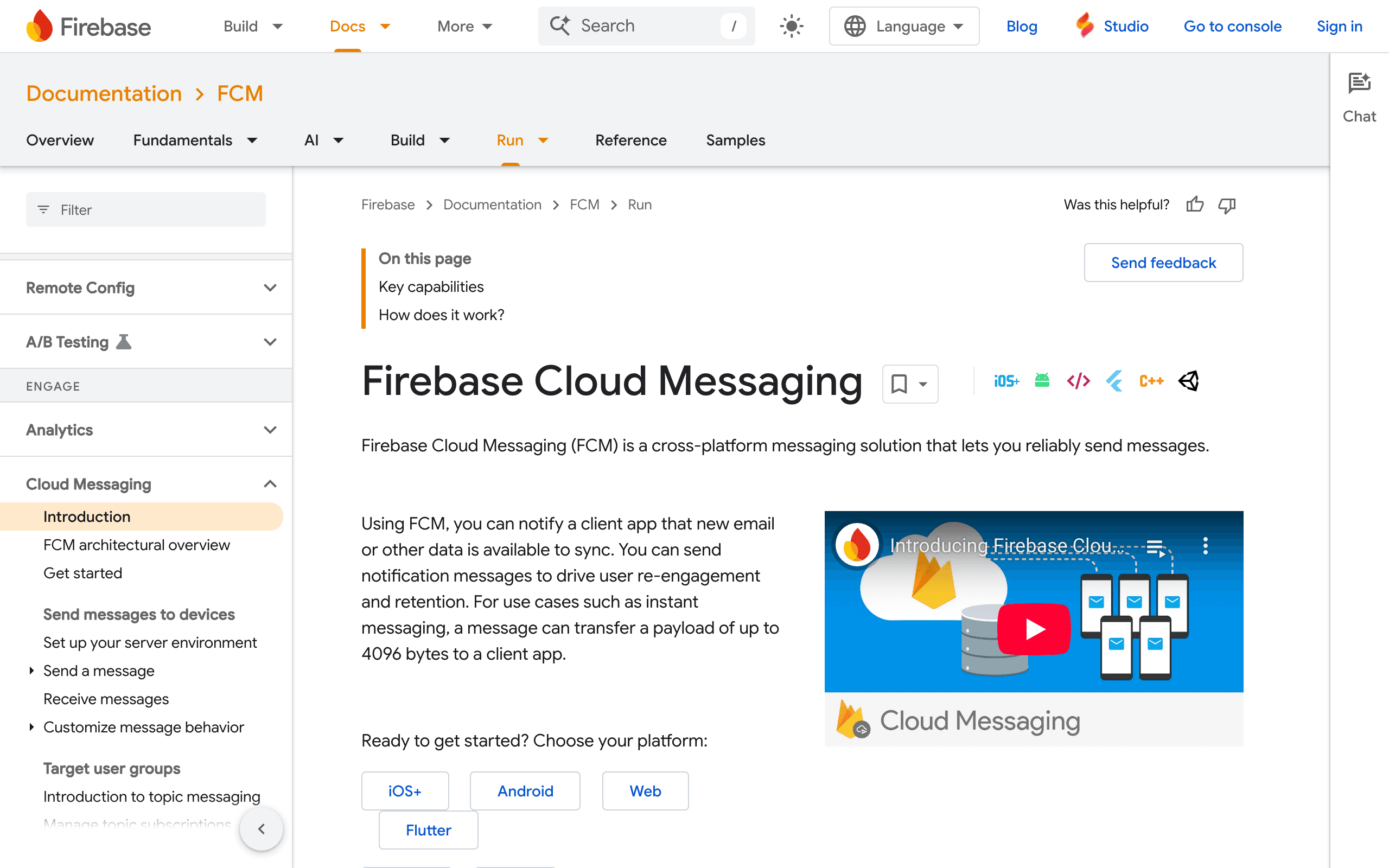
Firebase Cloud Messaging landing page screenshot
Firebase Cloud Messaging
FreeGoogle ecosystemPush onlyMobile SDKs

Google's free push notification service. Completely free at any scale if you only need push without the marketing features.

Firebase handles billions of messages daily with Google-grade reliability, and the SDKs for iOS, Android, and web are mature and well-documented. The catch is you get zero marketing tools - no segmentation, no analytics dashboard, no automation workflows - so you'll build everything yourself or pair it with another tool. Best for mobile apps that need reliable push delivery without paying OneSignal's $0.012/MAU charges, as long as the team has engineering resources to fill in the gaps.

Visit
Best for
Mobile apps wanting free push notifications
Pricing
Free

Pros

  • Completely free at any scale
  • Google reliability and infrastructure
  • Excellent mobile SDKs
  • Cross-platform (iOS, Android, Web)
  • Well documented

Cons

  • Push only - no email or SMS
  • No marketing features
  • Build your own UI and analytics
  • No automation workflows
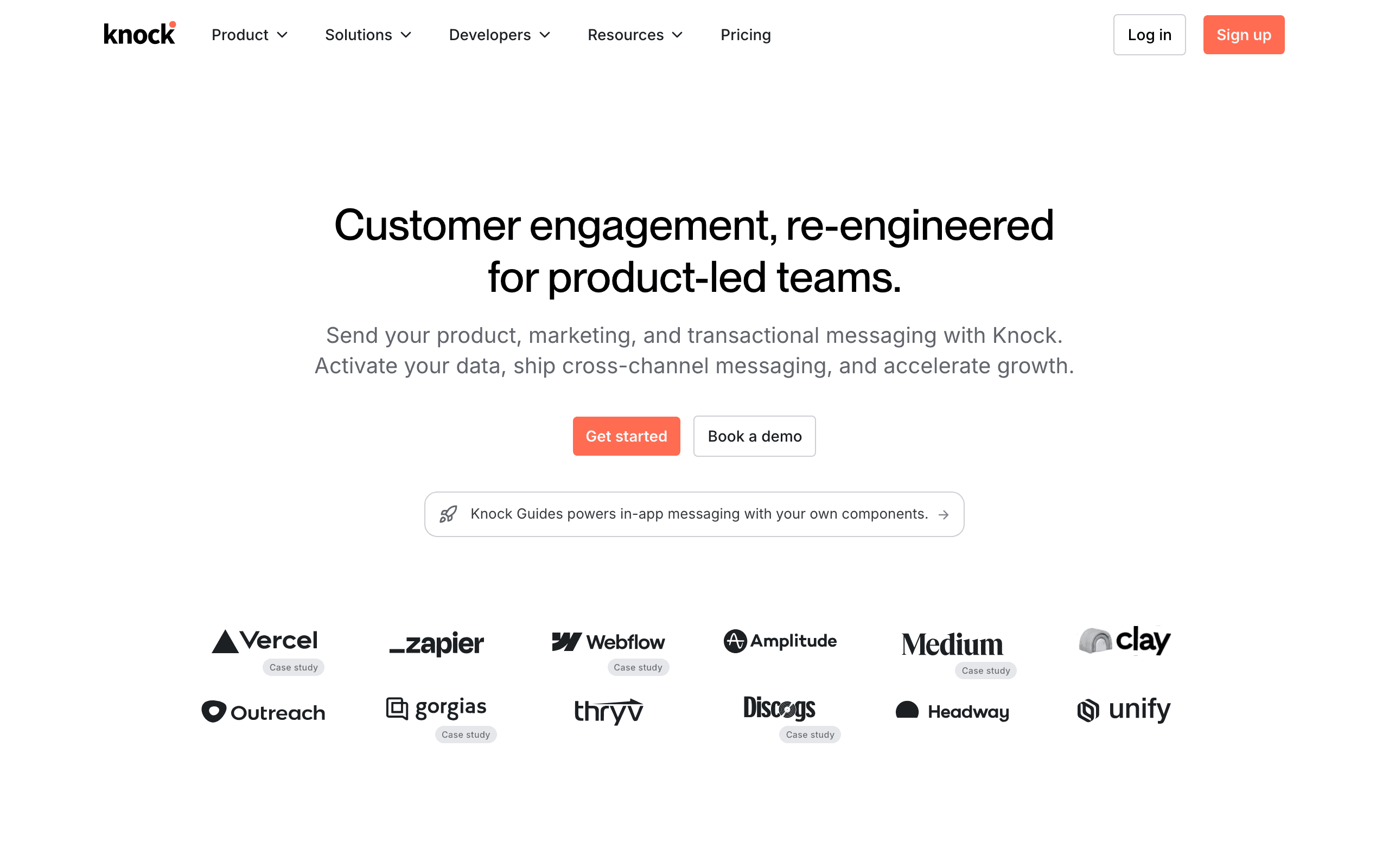
Knock landing page screenshot
Knock
In-app UIMulti-channelDeveloper-firstPremium

Premium notification infrastructure with in-app notification UI components. More expensive but more sophisticated than OneSignal.

Knock provides pre-built React and vanilla JS components for notification feeds, preferences, and toasts - the kind of in-app notification bell you see in GitHub or Notion that OneSignal doesn't offer. The workflow engine supports complex branching, batching, and channel fallbacks that go beyond OneSignal's journey builder. However, there's a steep pricing cliff: free tier to $250/month with nothing in between, which prices out smaller teams. Best for funded startups or mid-market companies that need polished in-app notification UI alongside multi-channel delivery.

Visit
Best for
Teams needing polished notification infrastructure
Pricing
Free (10k messages), $250/mo Starter

Pros

  • Pre-built in-app notification UI
  • Multi-channel (email, push, SMS, in-app)
  • Excellent developer experience
  • More sophisticated workflows than OneSignal
  • In-app notification feeds

Cons

  • Expensive after free tier ($250/mo)
  • No middle pricing tier
  • Overkill for simple push
  • Proprietary platform
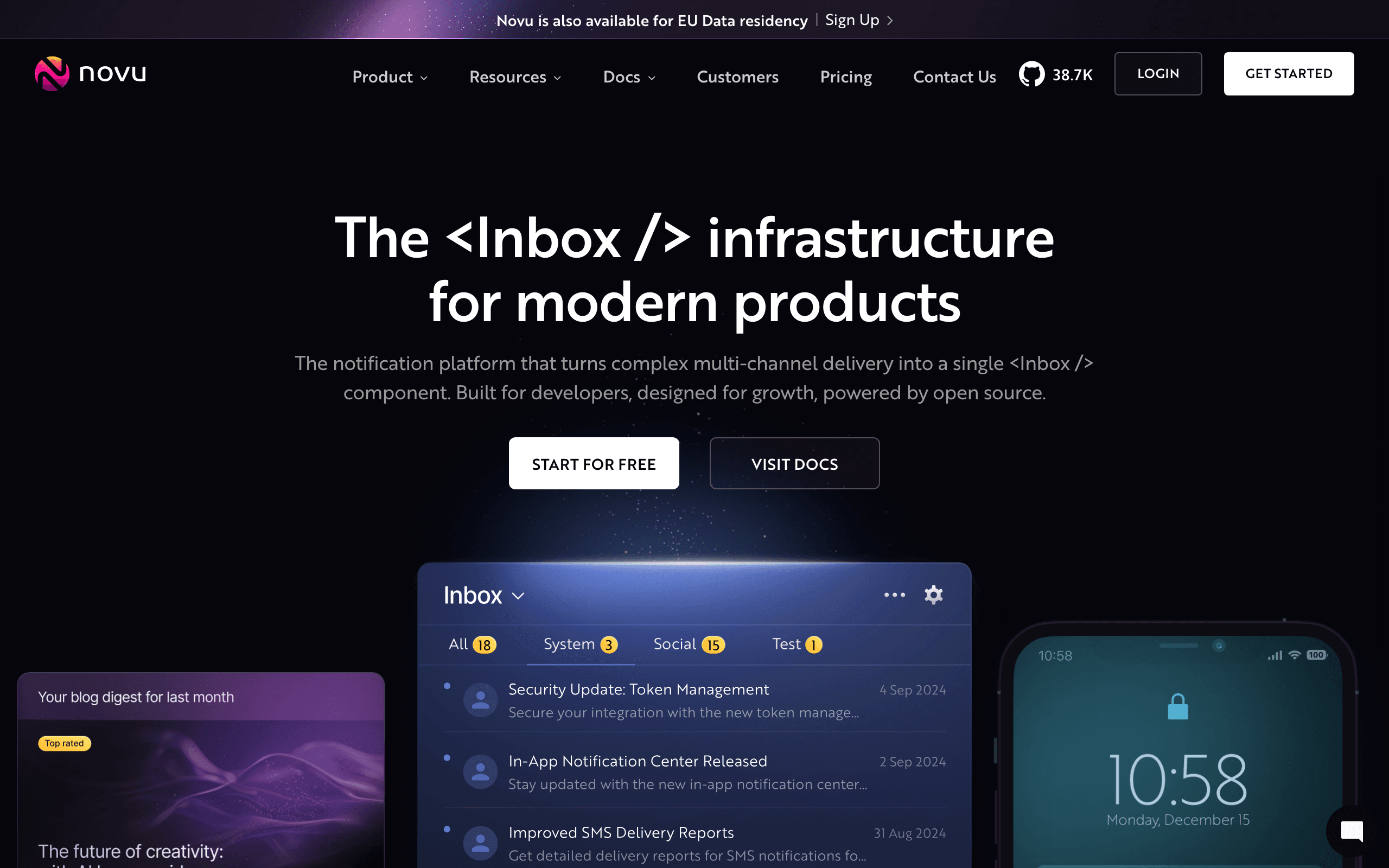
Novu landing page screenshot
Novu
Open-sourceSelf-hostableMulti-channelDeveloper-first

Open-source notification infrastructure. Self-host for free or use cloud. Good OneSignal alternative for teams wanting control.

Novu supports push, email, SMS, in-app, and chat channels with a visual workflow editor, and you can inspect and modify every line of the code running your notifications. The cloud option starts at $30/month which is significantly cheaper than Knock's $250/month jump, though the platform is less polished than OneSignal's dashboard. Self-hosting requires real DevOps commitment - Docker, databases, and monitoring - but gives you complete data ownership. Best for engineering teams that value open-source principles and want to avoid vendor lock-in on their notification infrastructure.

Visit
Best for
Teams wanting open-source notifications
Pricing
Free (self-hosted) or $30/mo cloud

Pros

  • Open-source and self-hostable
  • Multi-channel support
  • More affordable cloud than Knock
  • Full control if self-hosted
  • Growing community

Cons

  • Self-hosting requires DevOps
  • Less polished than OneSignal
  • Documentation still improving
  • Cloud is newer
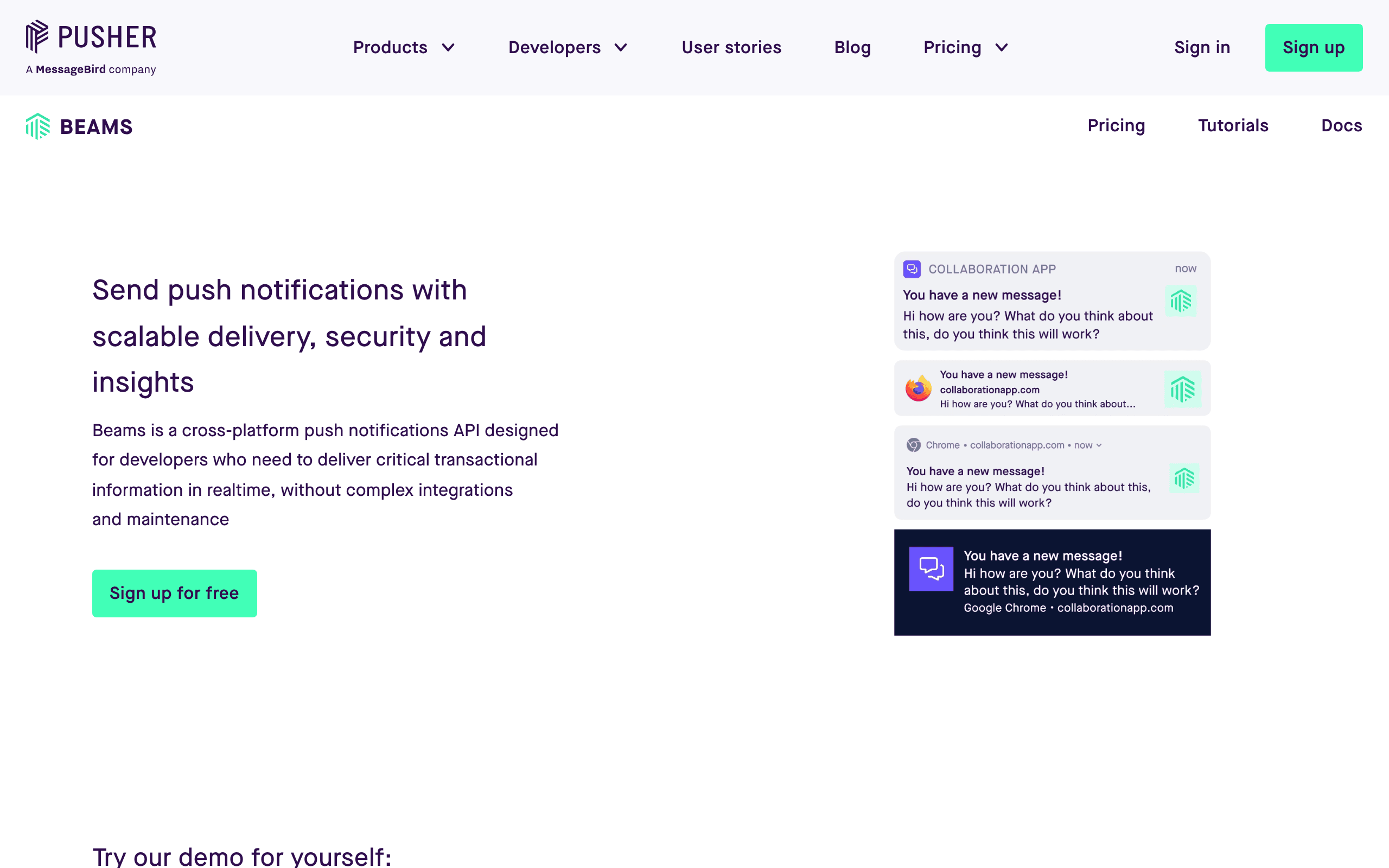
Pusher Beams landing page screenshot
Pusher Beams
Push onlyReal-timePusher ecosystemSimple

Push notifications from Pusher. Simple to integrate if you're already using Pusher for real-time features.

Beams provides a focused push API without the marketing overhead of OneSignal - just device registration and message delivery with clean SDKs for iOS, Android, and web. The free tier covers 1,000 concurrent devices, and paid plans start at $29/month with straightforward per-device pricing. The trade-off is that Beams is push-only with a much smaller feature set than OneSignal - no email, no SMS, no automation, no segmentation UI. Best for teams already invested in the Pusher ecosystem who want push notifications without switching to a separate vendor.

Visit
Best for
Teams already using Pusher ecosystem
Pricing
Free up to 1k devices, $29/mo after

Pros

  • Simple integration
  • Good documentation
  • Reliable infrastructure
  • Part of Pusher ecosystem
  • Easy to get started

Cons

  • Push only - no email
  • Less features than OneSignal
  • Smaller ecosystem
  • No marketing automation
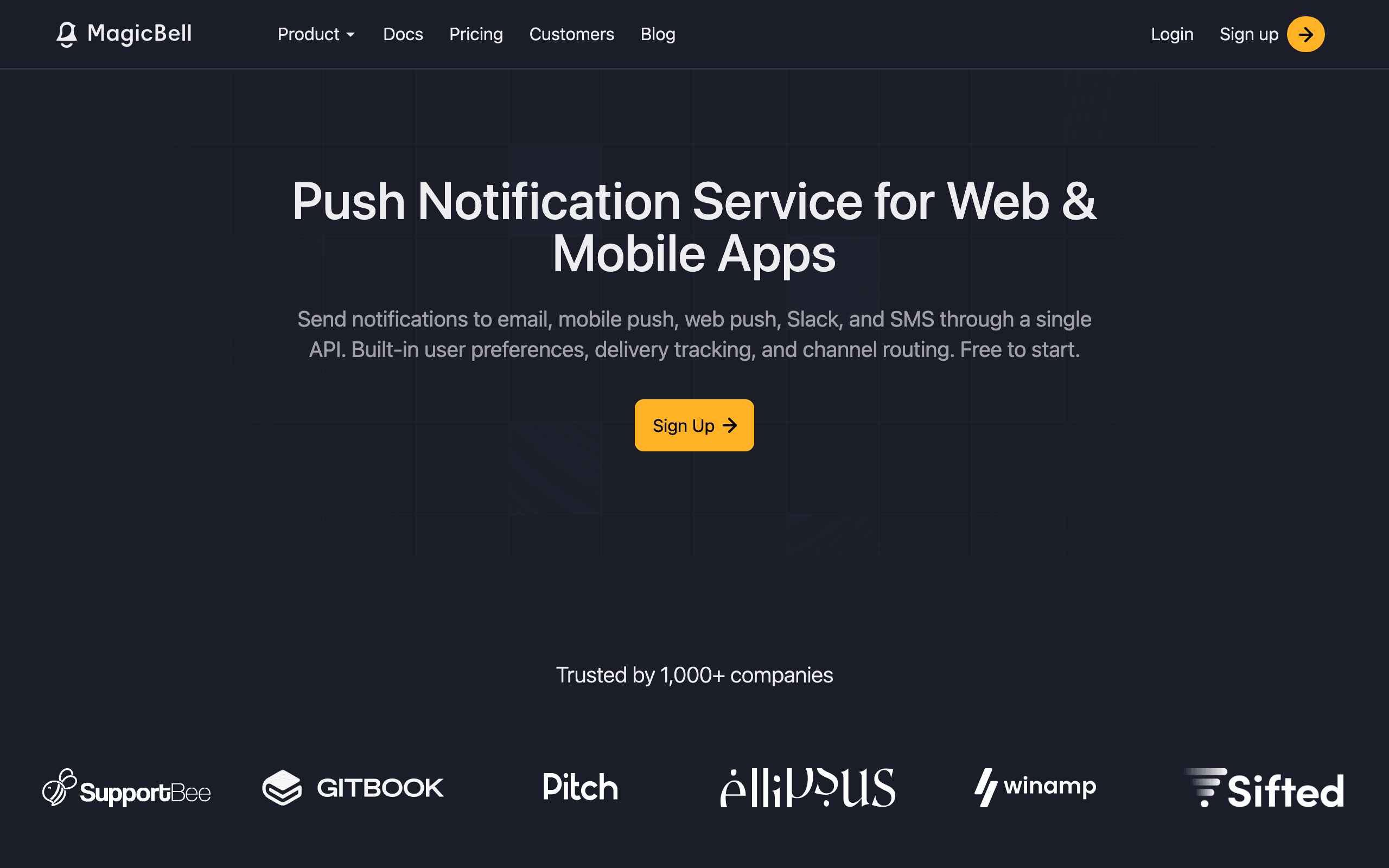
MagicBell landing page screenshot
MagicBell
In-app UINotification bellReact/VueUsage-based

In-app notification bells with multi-channel support. Better for in-app UI than OneSignal, which focuses on push and email.

MagicBell provides drop-in React, Vue, and vanilla JS components for notification bells, inboxes, and preference centers that you can theme to match your app. The multi-channel support covers push, email, SMS, and in-app with a unified API, but the real differentiator is how quickly you can add a polished notification center to your product - something OneSignal doesn't offer at all. Usage-based pricing after a 100 MAU free tier can be hard to predict, similar to OneSignal's pricing unpredictability. Best for product teams that want beautiful in-app notification UI without building it from scratch.

Visit
Best for
Teams needing in-app notification components
Pricing
Free up to 100 MAU, usage-based after

Pros

  • Pre-built notification bell UI
  • React, Vue, vanilla JS components
  • Multi-channel support
  • Good developer experience
  • Clean design

Cons

  • Less push-focused than OneSignal
  • Smaller company
  • Usage-based pricing
  • Fewer integrations
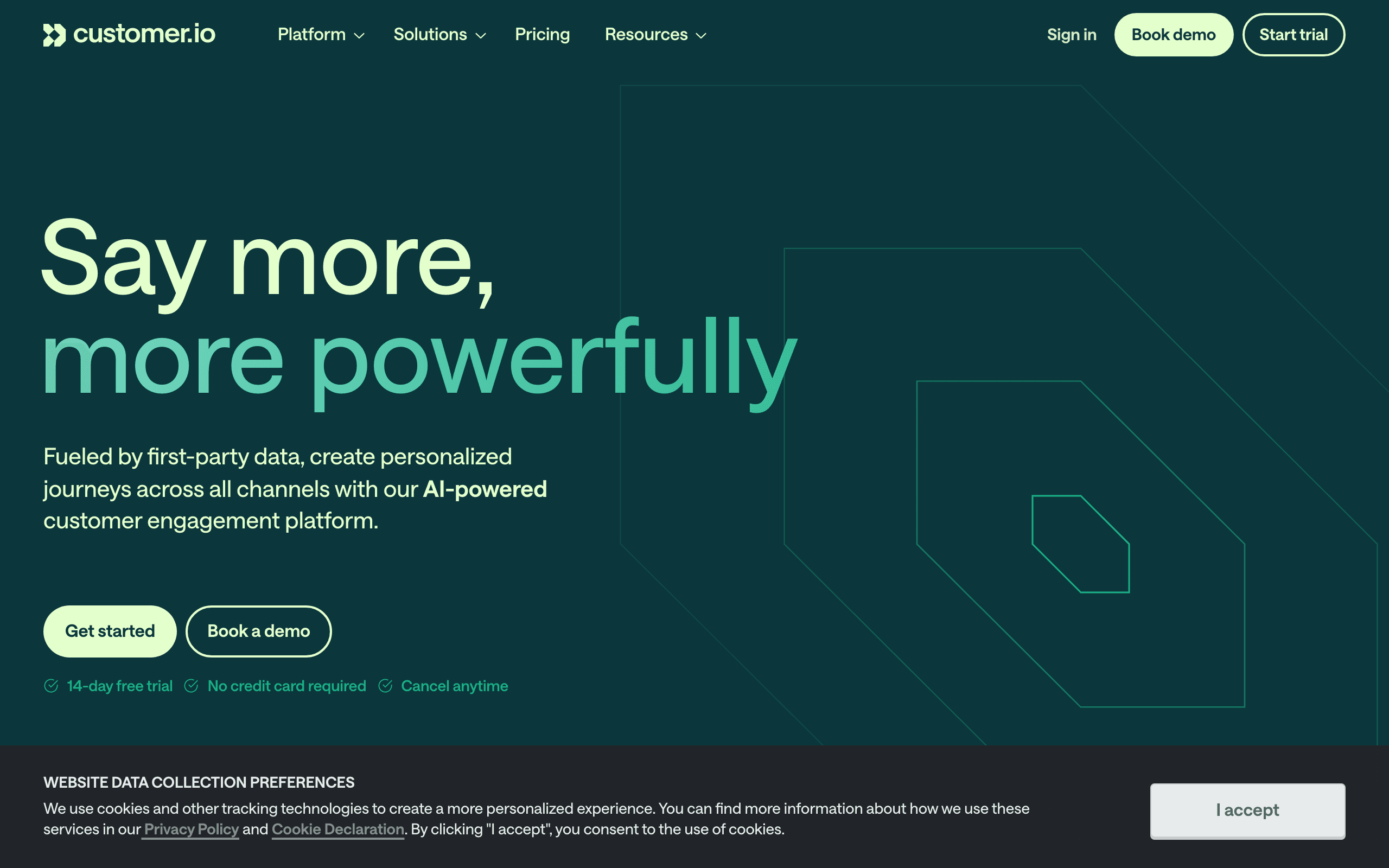
Customer.io landing page screenshot
Customer.io
Behavioral automationMulti-channelPLG-focusedEnterprise-ready

Behavioral messaging platform with multi-channel support. More marketing-focused than OneSignal with sophisticated automation.

Customer.io lets you trigger messages based on any event or attribute in your user data, with a visual workflow builder that supports branching, delays, and A/B testing across email, push, SMS, and in-app channels. Unlike OneSignal's simpler journey builder, Customer.io is built for complex product-led growth scenarios like trial conversion funnels and usage-based re-engagement. Starting at $100/month for 5,000 profiles, it's considerably more expensive than OneSignal but far more capable for marketing automation. Best for PLG companies willing to invest in sophisticated behavioral messaging rather than basic push notifications.

Visit
Best for
PLG companies with complex behavioral automation
Pricing
$100/month for 5,000 profiles (Essentials)

Pros

  • Powerful behavioral automation
  • Multi-channel messaging
  • Marketing + notifications
  • Excellent API
  • Mature platform

Cons

  • More expensive than OneSignal
  • Steep learning curve
  • No in-app notification UI
  • Requires engineering resources

What users say

View source reviews
Sarit Rosenthal Aviram · Trustpilot

“Renewal terms were changed without a proper notification! They tried a sneaky way to add conditions to the renewal contract, and increased their pricing. They are not flexible at all on those terms even though we are their customers for many years.”

Good Comfort · Trustpilot

“After months of trying to make Customer.io work for our business, I can say with confidence: unless you have a dedicated engineering team and endless patience, look elsewhere.”

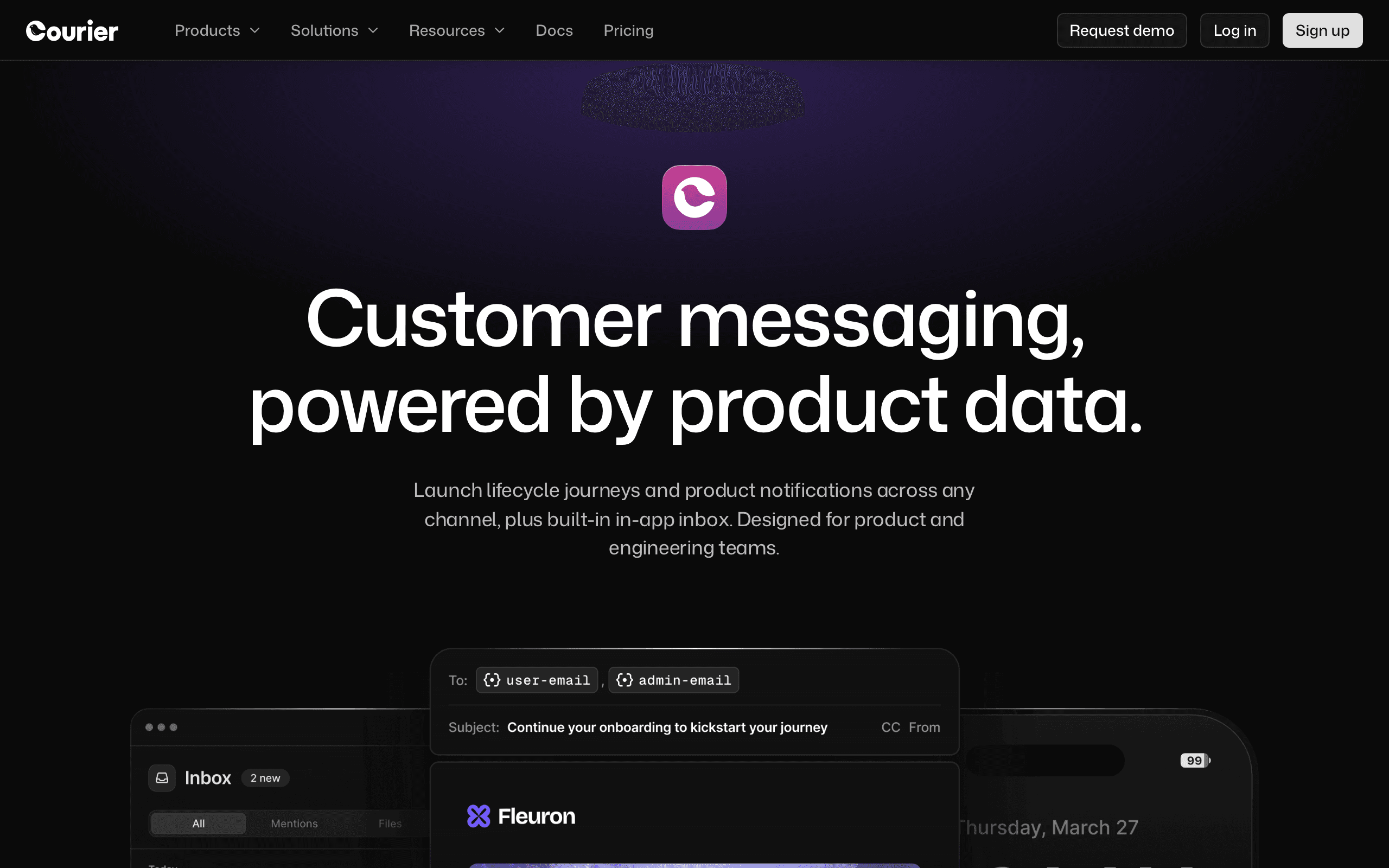
Courier landing page screenshot
Courier
Visual designerMulti-channelNo-code templatesEnterprise

Multi-channel notification orchestration with visual designer. Good for teams with non-technical stakeholders designing notifications.

Courier's drag-and-drop template builder lets product managers and marketers create multi-channel notifications without writing code, while developers manage the routing and delivery logic via API. It supports push, email, SMS, chat, and in-app with provider-agnostic routing - you can swap underlying providers without changing your code. The pricing jumps sharply from a 10k notification free tier to $500+/month, making it more expensive than both OneSignal and Knock. Best for teams where non-technical stakeholders need to control notification content and design without developer bottlenecks.

Visit
Best for
Teams wanting visual notification design
Pricing
Free up to 10k notifications, $500+/mo

Pros

  • Visual template designer
  • Multi-channel support
  • Non-dev friendly
  • Preference management
  • Good integrations

Cons

  • Expensive after free tier ($500/mo+)
  • Less push-focused than OneSignal
  • Complex pricing
  • Smaller ecosystem
Braze landing page screenshot
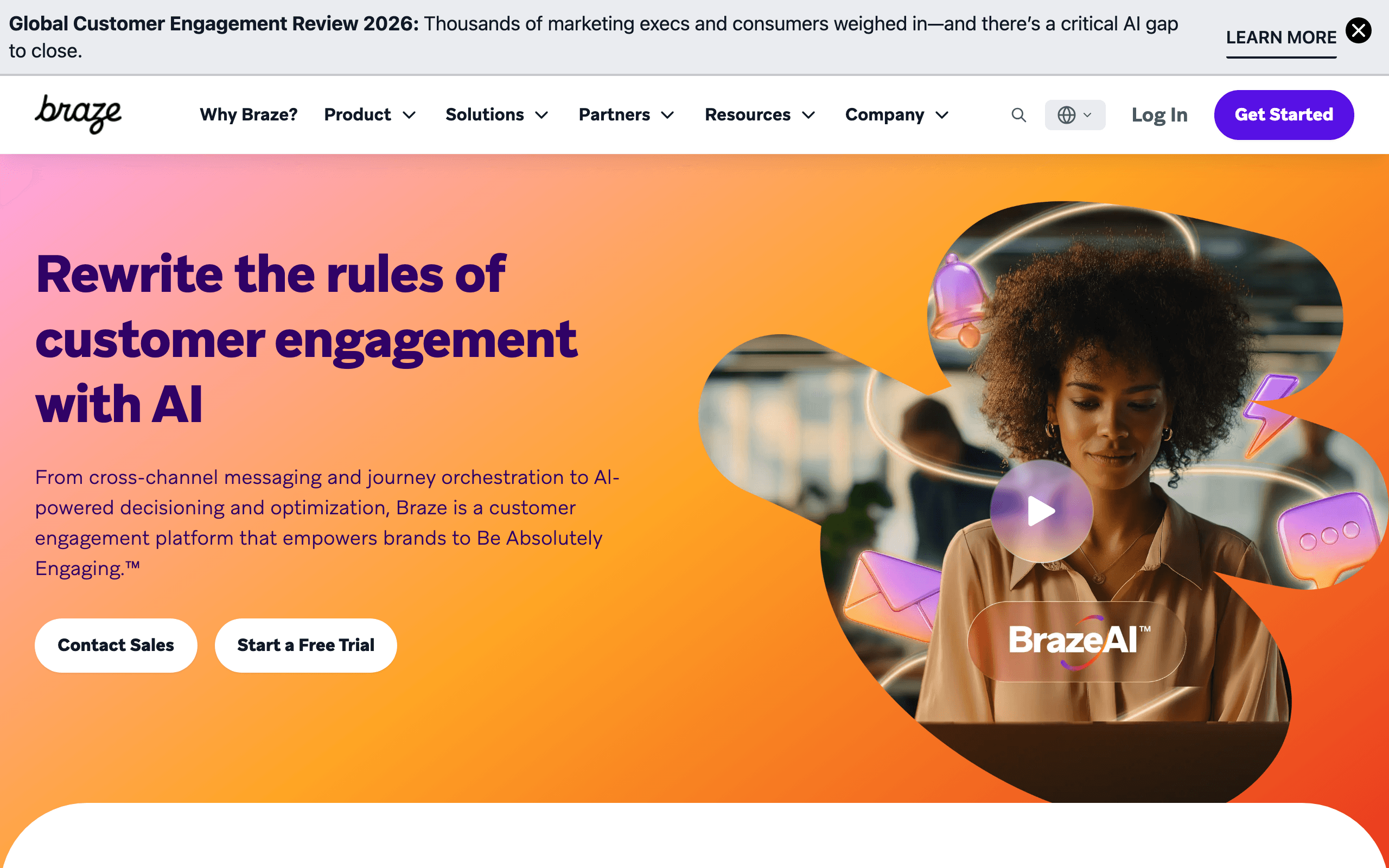
Braze
EnterpriseMobile-firstCross-channelAI personalization

Enterprise mobile-first customer engagement platform. Overkill for most, but best-in-class for large mobile apps that have outgrown OneSignal.

Braze powers push, email, SMS, in-app messaging, and content cards for some of the world's largest mobile-first companies, with real-time data streaming and cross-channel orchestration that's genuinely best-in-class. The mobile SDKs are more mature and feature-rich than OneSignal's, with capabilities like location-based triggering, AI personalization, and dynamic content optimization. Custom enterprise pricing starts around $10k+/month with a long sales cycle, putting it firmly out of reach for startups and SMBs. Best for enterprise mobile apps with large user bases where OneSignal's features feel limiting.

Visit
Best for
Enterprise mobile apps with big budgets
Pricing
Custom enterprise pricing (~$10k+/mo)

Pros

  • Best-in-class mobile engagement
  • Push, email, SMS, in-app
  • Sophisticated AI automation
  • Excellent mobile SDKs
  • Enterprise scale

Cons

  • Very expensive (~$10k+/mo)
  • Enterprise sales process
  • Overkill for SMBs
  • Complex implementation
Iterable landing page screenshot
#10
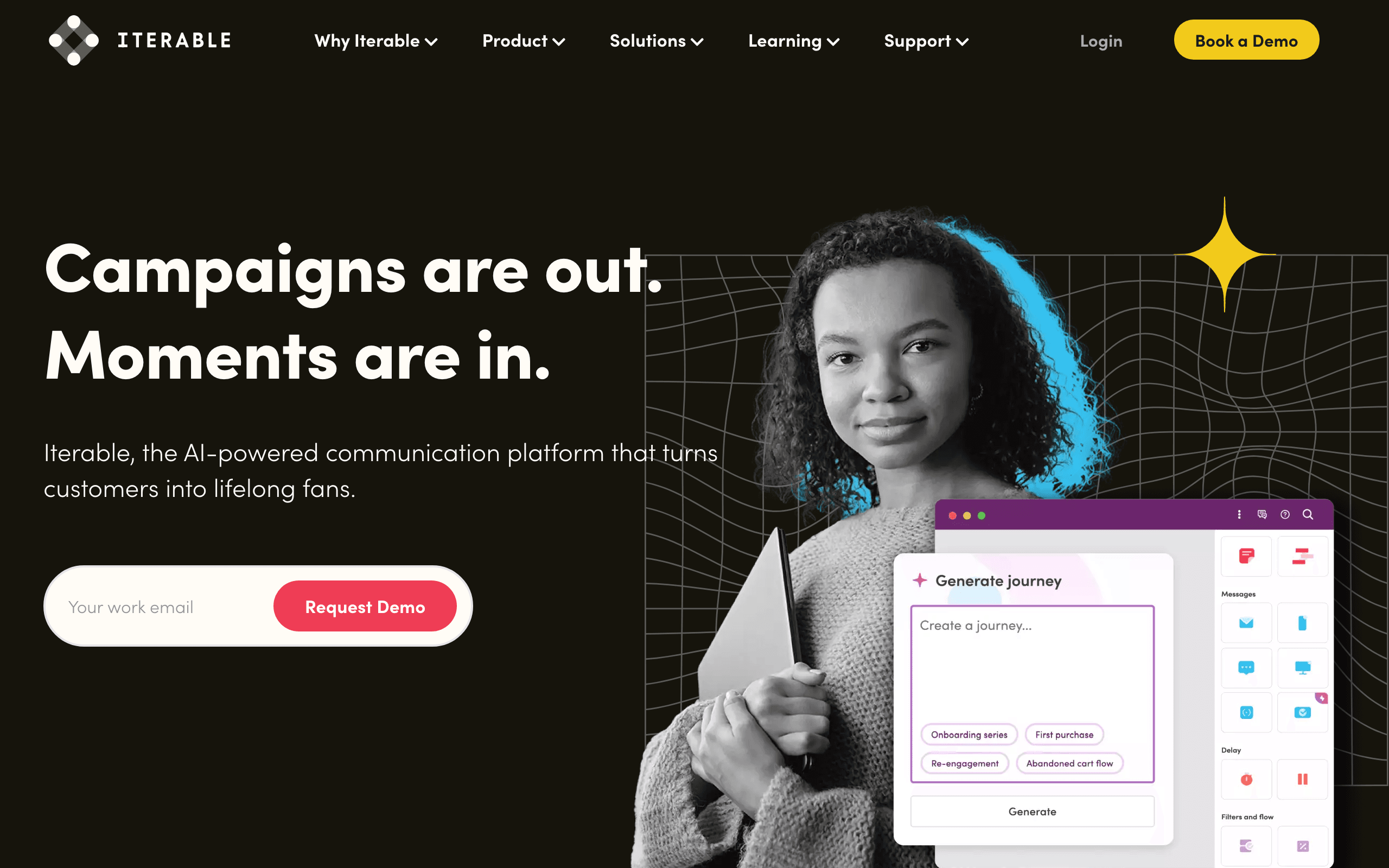
Iterable
Cross-channel marketingAI optimizationEnterpriseWorkflow builder

Enterprise cross-channel marketing platform. Push, email, SMS, in-app with sophisticated automation that OneSignal can't match.

Iterable's workflow studio handles complex cross-channel journeys with AI-powered send-time optimization and channel selection, going well beyond OneSignal's journey builder in terms of marketing sophistication. The platform is particularly strong at combining behavioral data with marketing automation - think dynamic content personalization based on real-time user actions across every channel. Custom pricing starts around $500+/month with a sales-led process, which is expensive but significantly cheaper than Braze. Best for mid-market to enterprise teams that need true cross-channel marketing automation, not just notification delivery.

Visit
Best for
Enterprise cross-channel marketing
Pricing
Custom pricing (~$500+/mo minimum)

Pros

  • Cross-channel marketing
  • Sophisticated AI automation
  • Push included
  • Good mobile support
  • Enterprise features

Cons

  • Enterprise pricing
  • Complex to implement
  • Overkill for startups
  • Sales-led process
Resend landing page screenshot
#11
Resend
Best DXReact EmailTransactionalEmail only

Modern transactional email API with best developer experience. Email-only but excellent if that's all you need from OneSignal's email channel.

Resend's React Email integration lets you build email templates as React components with TypeScript support, and the SDKs feel years ahead of OneSignal's email API in terms of developer ergonomics. At $20/month for 50,000 emails with a generous 3,000 emails/month free tier, it's affordable for most transactional use cases. The limitation is clear: no push notifications, no marketing features, no subscriber management - it's a completely different tool than OneSignal. Best for developers who only need transactional email and want the cleanest possible integration experience.

Visit
Best for
Developers wanting modern email API
Pricing
$20/month for 50,000 emails

Pros

  • Best developer experience
  • React Email integration
  • Modern SDKs
  • Clean API
  • Great documentation

Cons

  • Email only - no push
  • No marketing features
  • Transactional focused
  • Different purpose than OneSignal

What users say

View source reviews
Mantas Vileisis · Trustpilot

“They suspended account when we were getting a lot of new customers/traffic. We lost tons of them because of Resend. They decided to suspend our account, and after a long wait they decided to keep the ban!”

Zeniki Beniki · Trustpilot

“Just implemented this service to my client's website. Super easy to implement, all verifications went smooth and quick. Emails come to Gmail next second. Very happy so far!”

Postmark landing page screenshot
#12
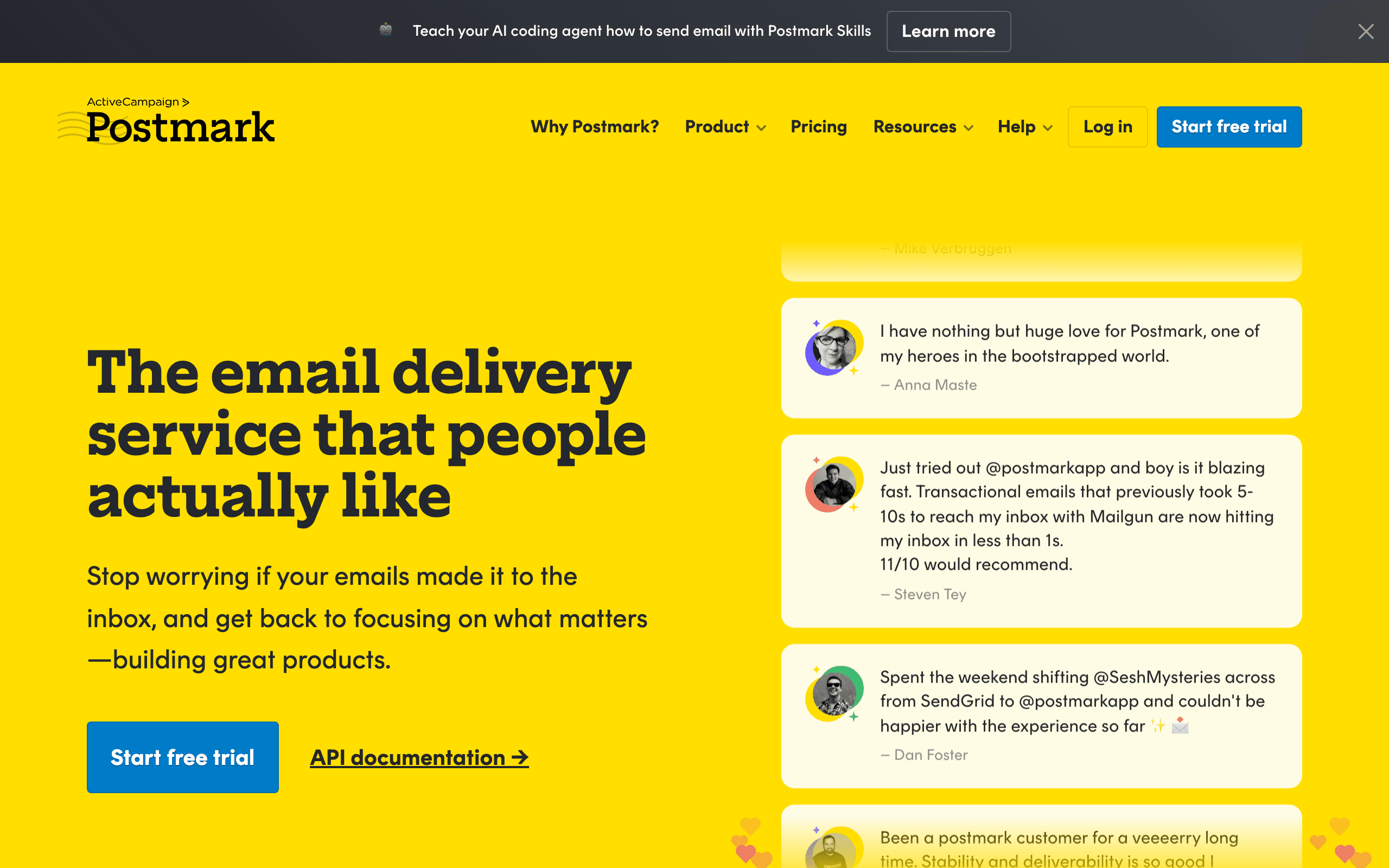
Postmark
Best deliverabilityTransactionalFast deliveryEmail only

Transactional email with exceptional deliverability. Email-only but best inbox placement in the industry, far exceeding OneSignal's email channel.

Postmark achieves its deliverability reputation by strictly vetting every customer and rejecting bulk marketing senders, which keeps their IP addresses clean - something shared-IP services like OneSignal's email can't guarantee. At $15/month for 10,000 emails, it's competitively priced with fast delivery times (most emails delivered in under 10 seconds). The strict policies mean they'll reject some use cases that OneSignal would accept, including promotional email and cold outreach. Best for applications where transactional emails like password resets, 2FA codes, and receipts absolutely must reach the inbox.

Visit
Best for
Apps where email deliverability is critical
Pricing
$15/month for 10,000 emails

Pros

  • Exceptional deliverability
  • Strict customer vetting
  • Clean API
  • Fast delivery (under 10 seconds)
  • Human support

Cons

  • Email only
  • Transactional only
  • No push notifications
  • They reject some use cases

What users say

View source reviews
Oli Ver · Trustpilot

“We used SendGrid for 6 months and it was a constant headache. Our welcome emails, order confirmations, and password reset emails were either landing in spam or getting blocked. Postmark solved all of that.”

Mateusz Kroplewski · Trustpilot

“I have tried using MailJet and AmazonSES before Postmark and the customer service is very slow. I set up Postmark and got my domain approved to send email on the same day. Customer service is amazing.”

Engagespot landing page screenshot
#13
Engagespot
In-app notificationsBudget-friendlyPreference centerMulti-channel

In-app notification bell with multi-channel support. Provides the notification inbox that OneSignal lacks.

Engagespot's in-app notification components give you a real notification center - notification bell, inbox feed, read/unread states, and preference management - filling the biggest gap in OneSignal's offering. OneSignal has in-app banners and modals, but no persistent notification feed like GitHub or Slack. Multi-channel routing handles email and push alongside in-app. At $49/month starter after a free tier, it's affordable and focused. Best for teams that need the notification inbox experience that OneSignal's in-app messaging doesn't provide.

Visit
Best for
Teams needing in-app notification feeds OneSignal lacks
Pricing
Free up to 1k MAU, $49/mo starter

Pros

  • In-app notification inbox (unlike OneSignal)
  • Multi-channel support
  • Affordable pricing
  • Preference center included
  • Good developer docs

Cons

  • Less mature than OneSignal
  • Push less battle-tested than OneSignal
  • Smaller community
  • Fewer mobile SDK features
SuprSend landing page screenshot
#14
SuprSend
Multi-channelObservabilityFast setupDeveloper-friendly

Notification infrastructure with excellent observability. Good OneSignal alternative with better debugging and delivery tracing.

SuprSend's dashboard lets you trace individual notifications from trigger to delivery across all channels, making it much easier to debug delivery issues than OneSignal's basic analytics. Multi-channel support covers email, push, SMS, WhatsApp, and in-app with unified templates. The SDK integration is designed for speed, with most teams going live within hours. Usage-based pricing after a free tier scales more predictably than OneSignal's per-MAU model. For teams that need visibility into notification delivery pipelines, SuprSend's observability tools are a significant step up from OneSignal's analytics.

Visit
Best for
Teams wanting observability over notifications
Pricing
Free tier, then usage-based

Pros

  • Excellent delivery observability
  • Multi-channel with WhatsApp
  • Fast implementation
  • Better debugging than OneSignal
  • Good developer experience

Cons

  • Push less battle-tested than OneSignal
  • Newer platform
  • Smaller community
  • Less documentation
Loops landing page screenshot
#15
Loops
SaaS-focusedModern UITransactional + marketingEmail only

SaaS-focused email platform. Transactional + marketing in one. Good OneSignal alternative if you only use their email channel.

Loops combines transactional emails and marketing campaigns in one clean interface built specifically for SaaS companies. If you're using OneSignal primarily for email (not push), Loops does email better with event-based automation, modern templates, and purpose-built SaaS features. All features available on every plan with no tier-gating. At ~$99/month for 10k subscribers, it's more expensive than OneSignal's email pricing but far more capable for marketing automation. No push, no SMS - just email done well for software companies.

Visit
Best for
SaaS teams wanting simple email marketing
Pricing
$49/mo for 5k, ~$99/mo for 10k

Pros

  • Built for SaaS from day one
  • Transactional + marketing together
  • Clean, modern interface
  • Good deliverability
  • All features on all plans

Cons

  • Email only - no push
  • More expensive than OneSignal email
  • No mobile SDKs
  • No multi-channel
Sendbird landing page screenshot
#16
Sendbird
In-app messagingChat + notificationsMobile SDKsEnterprise

In-app messaging and notifications platform combining chat with notification feeds. Good OneSignal alternative if you need chat alongside notifications.

Sendbird provides real-time chat messaging plus push notifications and in-app notification feeds in one SDK. If your product needs both chat and notifications, Sendbird eliminates managing OneSignal plus a separate chat SDK. The mobile SDKs support offline messaging and the notification center handles feeds, badges, and read states - features OneSignal's in-app messaging can't match. Enterprise pricing means it's expensive, but for apps where chat is central (marketplaces, social, support), it's more efficient than piecing together OneSignal with a chat solution.

Visit
Best for
Apps needing chat + push notifications
Pricing
Custom pricing, free tier for testing

Pros

  • Chat + notifications in one SDK
  • Polished mobile SDKs
  • In-app notification feeds
  • Offline support
  • Enterprise-grade reliability

Cons

  • Overkill without chat needs
  • Enterprise pricing
  • More complex than OneSignal
  • Heavier SDK footprint
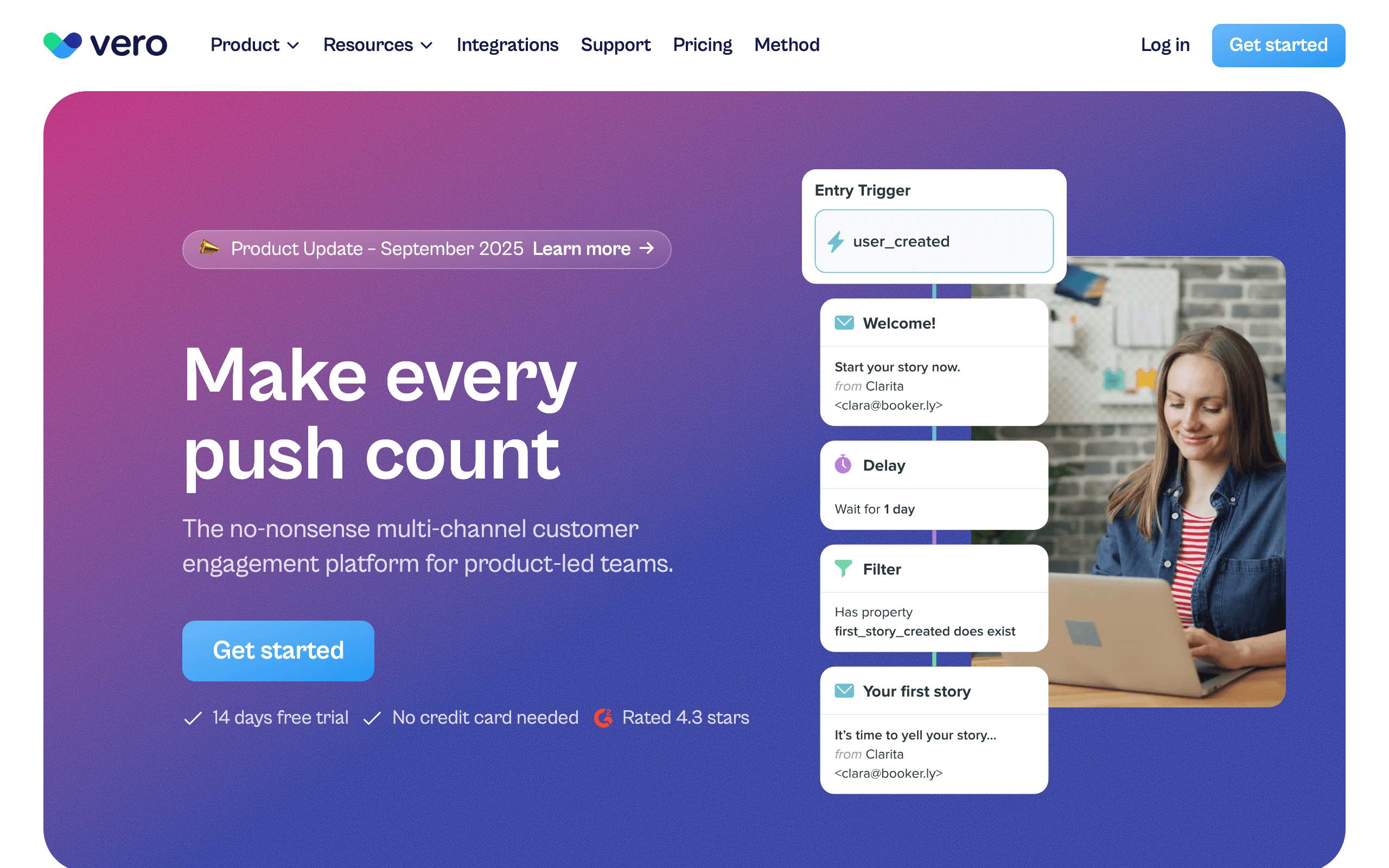
Vero landing page screenshot
#17
Vero
Event-drivenBehavioral emailDeveloper-friendlyPush + email

Event-driven email and push platform for product teams. More behavioral targeting than OneSignal with real-time segmentation.

Vero triggers messages based on user behavior piped from your product - events, attributes, and actions that drive dynamic segmentation updating in real time. The workflows support conditional logic, A/B testing, and conversion tracking that OneSignal's journey builder doesn't match. Both email and push notifications are supported. At $54/month for 5k users, it's more expensive than OneSignal's base but the behavioral marketing capabilities are significantly deeper. Best for product-led teams that need event-driven messaging beyond OneSignal's basic segmentation.

Visit
Best for
Product teams wanting event-driven messaging
Pricing
$54/month for 5,000 users

Pros

  • Event-driven behavioral targeting
  • Real-time segmentation
  • Email + push support
  • Conversion tracking
  • Good product event API

Cons

  • More expensive than OneSignal
  • No SMS channel
  • Smaller company
  • No in-app notification feeds
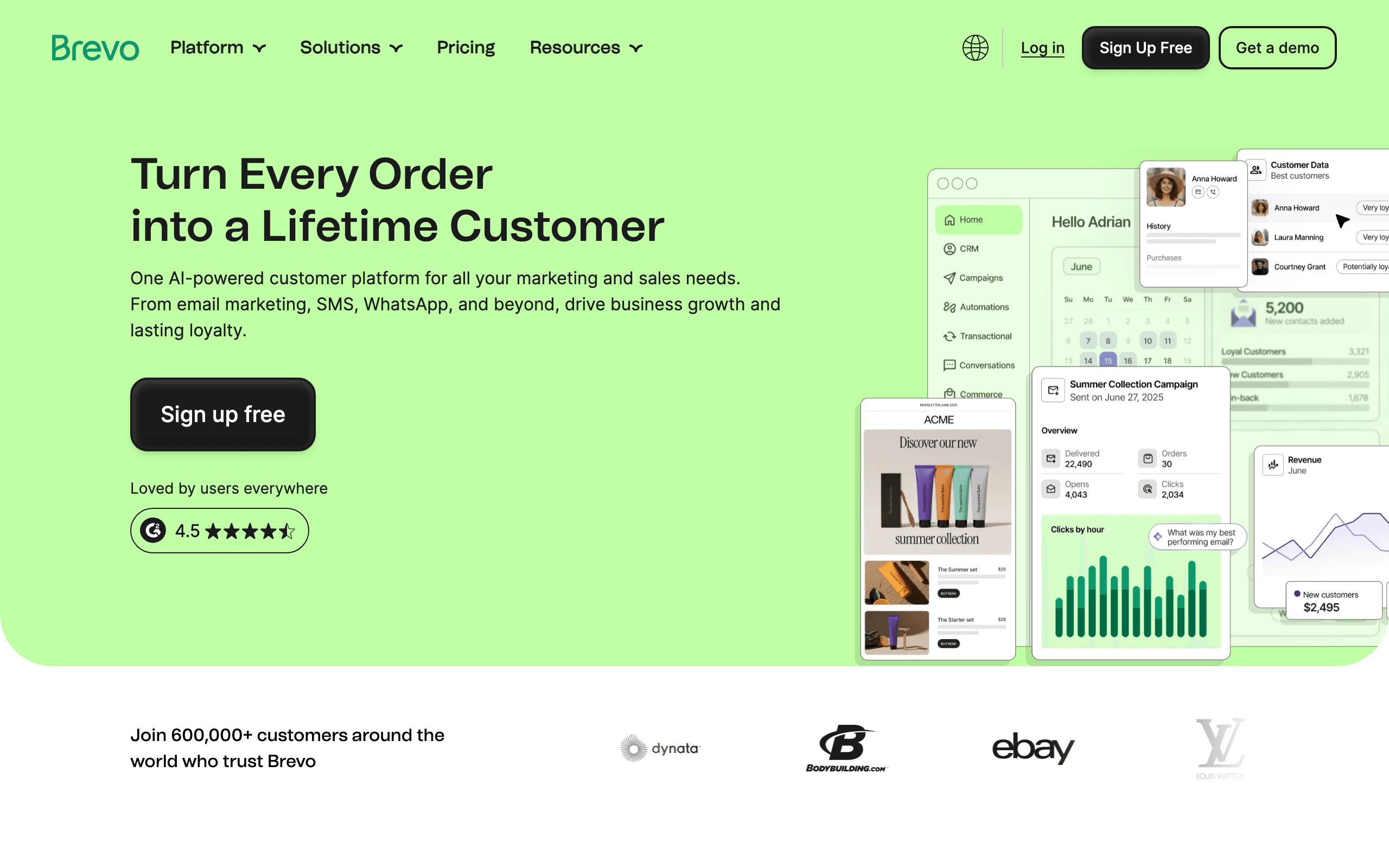
Brevo landing page screenshot
#18
Brevo
Budget-friendlyMulti-channelUnlimited contactsMarketing + transactional

Budget-friendly multi-channel platform with email, SMS, WhatsApp, and push. Good OneSignal alternative if you want marketing automation alongside push.

Brevo combines email marketing, transactional email, SMS, WhatsApp, and push notifications at a price point that undercuts OneSignal for multi-channel use cases. Unlimited contacts on every plan means large databases don't increase costs - you only pay for message volume. The automation builder handles drip sequences, welcome flows, and trigger-based campaigns across channels. At $25/month for the entry plan, it's affordable for teams that need more marketing features than OneSignal provides. The push notification features are less mature than OneSignal's, and the interface feels dated, but the breadth of channels at the price is hard to beat.

Visit
Best for
Budget-conscious teams wanting multi-channel
Pricing
$25/mo for unlimited contacts

Pros

  • Unlimited contacts included
  • Email, SMS, WhatsApp, push
  • Affordable entry pricing
  • Transactional + marketing
  • Basic CRM included

Cons

  • Push less mature than OneSignal
  • Interface feels dated
  • Pay-per-email adds up at volume
  • Support can be slow

What users say

View source reviews
Gary Curran · Trustpilot

“Disappointing experience with Brevo. Our account was initially suspended after a first campaign due to bounce rate. We followed the required self-service steps and successfully revalidated the account ourselves. After this, support took ages to respond.”

Larry Chin · Trustpilot

“Brevo is a solid service for handling your marketing emails and much more. The tech support is fast and good. Making a marketing email is fast and easy. I have used SendinBlue, now Brevo, for many years now.”

SendGrid landing page screenshot
#19
SendGrid
Email infrastructureTransactionalAPI-FirstHigh volume

Twilio-owned email infrastructure platform built for transactional and marketing email at scale. While OneSignal leads with push notifications and treats email as a secondary channel, SendGrid is purpose-built for email delivery with industry-leading deliverability and throughput.

The Email API handles transactional messages like receipts and password resets with sub-second delivery, while the Marketing Campaigns feature covers newsletters and drip sequences. SendGrid processes billions of emails monthly, giving it battle-tested reliability that OneSignal's email channel can't match. However, SendGrid has no push notification support whatsoever - if you need push alongside email, you'd need to pair SendGrid with another service. Best for teams whose primary channel is email and who need reliable high-volume delivery rather than OneSignal's push-first approach.

Visit
Best for
Teams prioritizing email delivery over push notifications
Pricing
Free tier (100 emails/day), then from $19.95/mo

Pros

  • Industry-leading email deliverability
  • Handles massive email volume reliably
  • Strong transactional email API
  • Backed by Twilio infrastructure
  • Extensive documentation and SDKs

Cons

  • No push notification support at all
  • No in-app or SMS channels
  • Marketing features less polished than dedicated tools
  • Support quality has declined under Twilio

What users say

View source reviews
Steve Yardumian · Trustpilot

“Awful experience. Customer support is non-existent. What little support does exist covers for development's shortcomings. Missing all kinds of data points in many API endpoints. Don't waste your time.”

Nicolas Arden · Trustpilot

“Terrible company with zero customer support. Frequently loses account data, unable to remove my debit card from the platform, and they keep trying to charge me despite me not using the service.”

Why Consider Alternatives to OneSignal

Usage-based pricing can surprise you

OneSignal's Growth plan has variable costs - push at $0.012/MAU, email at $1.50/1k after 20k free. At scale, costs can be unpredictable compared to flat-fee alternatives.

You only need email

If email is your main channel, you're using a push-first platform for email. Email-focused platforms like Sequenzy, Resend, or Postmark are more purpose-built.

You want in-app notification feeds

OneSignal has in-app messaging but no notification inbox/feed like Knock or MagicBell. If in-app notification bells are important, specialized tools are better.

Push notifications should be free

Firebase Cloud Messaging is completely free at any scale. If you only need push without marketing features, FCM saves money.

What Users Say About OneSignal

I've been using OneSignal's free plan for almost 18 months, mainly for push notifications. For my needs, it has been more than perfect with nearly 2,000 subscribers.

AhQ2026-01

Would be a nice service if some sort of customer support existed. They deactivated my mail sending functionality suddenly and nobody responded to support issues.

Dan2025-12

Got charged despite cancellation. Avoid at all cost! Their SDK does not function properly. They decided to double the subscription cost and charged despite cancellation.

Saurav Aryan2025-10

Do not integrate their services! We used their 'Unlimited Free' push notifications for years. Sales people shut our service down because we didn't want to pay.

David Holtkamp2025-08

Feature Comparison

FeatureOneSignalSequenzyFirebaseKnockNovuMagicBell
Push
Web, iOS + Android
Email
SMS
Paid add-on (US/Canada)
In-app messages
In-app feed
Free tier
10k emails
Free plan (2.5k emails/mo)
Unlimited
10k messages
10k runs
100 MAU
Pricing model
Usage-based
Per email sent
Free
Flat fee
Usage/flat
Usage-based

API, CLI and MCP Access

How much of the day-to-day work you, or an AI assistant like Claude or ChatGPT, can do in each tool without the dashboard: 14 common actions, from creating segments and A/B tests to building automations.

When to Use Each Platform

Choose Sequenzy if...
  • You primarily need SaaS email marketing
  • Native Stripe integration is valuable
  • AI-generated email sequences sounds appealing
  • You don't need native mobile SDKs or in-app messaging
Choose Stay with OneSignal if...
  • Push notifications are your primary channel
  • You have a mobile-first product
  • The current pricing works for you
  • You need multi-channel from one platform
Choose Firebase if...
  • You only need push notifications
  • Free at scale matters
  • You're already in Google ecosystem
  • You can build your own analytics
Choose Knock if...
  • You need in-app notification feeds
  • Budget for $250/mo is acceptable
  • Most polished experience matters
  • Developer experience is priority
Choose Novu if...
  • Open-source is important
  • You want to self-host
  • You have DevOps resources
  • Budget is a concern

Why people look for OneSignal alternatives

OneSignal is excellent for push notifications, but it's not perfect for everyone. Here's why teams explore alternatives. With just 26 Trustpilot reviews, the feedback is polarized - long-time free-tier users appreciate the reliability, but several report accounts being shut down without warning after years of free usage, and at least one reviewer was charged despite cancellation. The push-first platform has expanded into email and SMS, but that expansion has come with usage-based pricing that can be hard to predict at scale.

Usage-based pricing surprises

OneSignal's Growth plan has variable costs. Push at $0.012 per monthly active user, email at $1.50 per 1,000 after 20k free. If your app suddenly grows or you run a big campaign, costs can spike unexpectedly. Flat-fee alternatives offer predictable billing. Learn more about email pricing models.

Push is free elsewhere

Firebase Cloud Messaging is completely free at any scale. If you only need push without marketing features, paying for OneSignal doesn't make sense. Read our OneSignal comparison page for a detailed breakdown.

You only need email

OneSignal started with push and added email. If email is your only channel, you're using a push-first platform. Email-focused platforms like Sequenzy, Resend, or Postmark are more purpose-built. Check our guide on the best email tools for SaaS.

No in-app notification feeds

OneSignal has in-app messaging (banners, modals) but not notification inbox UI like what you see in apps like GitHub or Notion. If you need that bell icon with a notification feed, Knock or MagicBell are better.

Marketing automation is limited

OneSignal's journey builder handles basic multi-step flows, but for sophisticated behavioral automation with branching logic, A/B testing, and conversion tracking, Customer.io or Iterable are significantly more powerful.

OneSignal use case Keep OneSignal when... Better alternative
Push notifications are the main channel Mobile/web push is the core job Stay with OneSignal or Firebase
Push-only infrastructure You can build the rest yourself Firebase
SaaS email marketing Email is the real need Sequenzy
In-app notification feed You need bell/inbox UI Knock or MagicBell
Sophisticated lifecycle marketing Journeys need real branching and analytics Customer.io or Iterable

The alternatives, honestly

Best OneSignal alternative for SaaS email marketing: Sequenzy

If email is your main channel, why use a push-first platform for it? Sequenzy is purpose-built for SaaS email marketing with AI-generated sequences and native Stripe integration. At $19/mo flat, pricing is predictable.

The catch: email-first. Push covers web, iOS and Android, but there are no native mobile SDKs or in-app messaging. If push is your core channel, look elsewhere.

Best free OneSignal alternative for push notifications: Firebase

Firebase Cloud Messaging is Google's push notification service - completely free at any scale. Unlimited pushes to unlimited devices. Cross-platform iOS, Android, and web.

The trade-off: push only. No email, no SMS, no marketing features, no analytics dashboard. You build everything yourself. But for simple push, it's free.

Best OneSignal alternative for notification infrastructure: Knock

Knock is premium notification infrastructure with in-app notification UI components, multi-channel orchestration, and excellent developer experience. More sophisticated than OneSignal.

The catch: $250/mo after a free tier. No middle pricing. Worth it for in-app notification feeds, but expensive if you just need basic push.

Notification channel OneSignal Better fit
Mobile push Strong Stay with OneSignal or Firebase
Web push Strong OneSignal or Firebase
Email marketing Basic Sequenzy, Customer.io, or Brevo
In-app notification feed Limited Knock or MagicBell
Self-hosted notification infra No Novu

Best open-source OneSignal alternative: Novu

Novu is open-source notification infrastructure. Self-host for free or use their cloud starting at $30/mo. Multi-channel with in-app components.

Trade-off: self-hosting requires DevOps. Cloud is newer and less polished than OneSignal. But for teams wanting control, it's the best option.

Best OneSignal alternative for enterprise mobile engagement: Braze or Iterable

If you've outgrown OneSignal and need enterprise-grade cross-channel marketing, Braze ($10k+/mo) or Iterable ($500+/mo) are the upgrade path. Both offer AI-powered personalization and sophisticated automation that OneSignal's journey builder can't match.

Cheapest OneSignal alternative for budget multi-channel: Brevo

Brevo offers email, SMS, WhatsApp, and push at starting at $25/month with unlimited contacts. Less polished push than OneSignal, but more marketing features at a lower price for multi-channel use cases.

The pricing comparison

At moderate volume:

Platform Approx. cost Pricing model Best fit
OneSignal Growth $19/mo plus usage Channel usage Push-first messaging
Sequenzy $19/mo flat Email/subscribers SaaS lifecycle email
Firebase FCM Free Push infrastructure Free push
Knock Starter $250/mo Messages In-app notification infrastructure
Novu Cloud Pro $30/mo Workflow runs Open-source-friendly notifications
MagicBell Usage-based MAU/usage In-app notification feed
Brevo $25/mo Email/SMS/contacts Budget multi-channel marketing
Braze $10k+/mo Enterprise contract Enterprise mobile engagement

Note: Different platforms count differently. Compare based on your actual usage patterns. Check our pricing page for Sequenzy's simple model.

When OneSignal is still the right choice

OneSignal wins if:

Stay with OneSignal when... Switch when...
Push notifications are your primary channel Email or lifecycle marketing is primary
You have a mobile-first product Your product needs in-app notification inboxes
Usage-based pricing works for your scale Variable billing is hard to forecast
You need affordable multi-channel from one platform You need deeper automation, CDP, or enterprise support

Don't switch just to avoid usage-based pricing if your usage is predictable. OneSignal is well-established and the mobile SDKs are excellent. But if you're only using email, or you need in-app notification feeds, alternatives are better suited. Use our email validator tool to ensure list quality when evaluating any platform, and read our email deliverability guide for best practices.

Moving from OneSignal to Sequenzy

A step-by-step checklist, based on what OneSignal lets you export.

  1. 1

    Authenticate your sending domain

    Add Sequenzy's DKIM and DMARC records, or let Domain Connect add them for supported DNS hosts, before you send anything. Keep your old provider's records until the switch is done.

    Domain setup guide
  2. 2

    Export your contacts from OneSignal

    API/MCP Export subscriptions CSV (gzip); includes tags column. Custom fields are included. Then import the CSV into Sequenzy and map each column to a field.

    OneSignal export docs
  3. 3

    Bring your unsubscribes and bounces

    Subscriptions CSV has invalid_identifier and unsubscribed_at; include_unsubscribed for segment exports. Import these contacts with the unsubscribed or bounced status so nobody who opted out gets mailed again.

    OneSignal docs
  4. 4

    Move your best templates

    API View template returns template content. Paste the HTML into Sequenzy, or rebuild it in the editor.

    OneSignal docs
  5. 5

    Rebuild your automations

    Recreate each flow in Sequenzy's sequence builder, or describe it and let AI draft it for you to review.

  6. 6

    Switch sending, then cancel

    Point transactional email and signup forms at Sequenzy, run both tools side by side for a week, then cancel OneSignal. Engagement history does not move with the contacts; to keep it, export it first. Export audience activity CSV per message (sent, delivered, opened, clicked).

    Sequenzy migration guide

Prefer not to do it yourself? Sequenzy moves subscribers, sequences and templates for you at no cost. Start free and ask for a migration, or talk it through with the founder. OneSignal export steps checked on September 28, 2026.

Frequently Asked Questions

Testimonials

Sequenzy Testimonials

Yusuke

Yusuke

Founder, LandingBoost

It’s the first tool where I’m actually willing to keep working on email without it turning into one giant scary blast. Favorite part is still what I said, being able to split stuff. Drafts vs campaigns vs a single-person send. I can park a lot of “don’t send this yet” work with labels and not feel like it’s one click away from going to everyone. Sequences later. Consent / lists first. I’m slow on purpose.

Rakesh Reddy

Rakesh Reddy

Founder, CrawlRaven

We used Sequenzy to replace a generic onboarding flow with coordinated lifecycle journeys covering signup, connecting Google Search Console, discovering SEO opportunities, upgrading, and paid-customer retention. Event triggers, conditional branches, personalization, and enrollment cancellation gave us precise control over who receives each message - and when someone should exit a journey. We backfilled eligible users into the appropriate journeys. The initial emails went out without bounces, complaints, suppressions, or unexpected recipients. Future users now enter the relevant journeys automatically based on their activity in CrawlRaven.

Elvis Sun

Elvis Sun

Founder, PressPulse & Medialyst

Codex basically one-shotted the migration for syncing our audience from SendGrid to Sequenzy. Sequenzy is fully observable, so agents can just set everything up. The net impact is saving $45/mo, plus 2 hours of my time every time I need to repurpose a newsletter. That's 8 hours a month. My consulting rate is $550/hr, so every hour automated is super valuable.

Caden Sumner

Caden Sumner

Solo founder, Moxie Docs

Lifecycle email was the kind of thing I knew I would need eventually, but have never had to build it out myself and had no idea where to start. In literal hours I had a fully working (but basic) flow for onboarding new users, detecting churn, and re-engaging people who have trials lapsing to hopefully convert. Sequenzy let me offload the entire “keep users engaged and recover the ones who are slipping” workflow to something that just runs. Every hour I'd have spent building and babysitting lifecycle emails went into shipping the actual product instead.

Louis

Louis

Founder

Easy migration from another tool. Premium customer service and easy to set everything up

Apr 9, 2026

Jim

Jim

Founder, FixMyLanding

It helped me grow to $100 MRR, get #1 on Uneed, make more sales, get acquired. I literally love Sequenzy, it's so simple, I love the dashboard. I also saw the integrations and was shocked. 3 sales today, all thanks to Sequenzy. Honestly, thanks.

King Killers

King Killers

Shopify App Store review

Loving the Sequenzy app so far due to the affordability and large subscriber limits. Planning on this becoming my main email app. Campaign + flows setup with the help of their AI took less than 30 minutes.

Verified User

Verified User

Computer Software

SaaS-focused feedback, fast processing, and plenty of integrations. It is very SaaS-focused, supports a wide range of integrations, and processes feedback right away.

Jun 17, 2026

G2
Filip Panoski

Filip Panoski

Founder, Bazzly

I've used 2 other email marketing tools. They were supposedly "market leaders". Both were clunky, unnecessarily expensive and horrible support. When I tried Sequenzy I thought there'd be trade-offs compared to the others. But there weren't, it had everything I needed, there was no bloat, emails delivered extremely fast, and the founders shipped anything I asked in a day. The best part is that Sequenzy is AI native, I rarely do stuff in the dashboard, just use my AI to create campaigns, sequences and segment customers which saves me a ton of time. Never been happier with an email marketing tool.

Max Eccles

Max Eccles

Founder, InstantInterior AI

$600 revenue in 30d from email automations. Very happy I migrated to Sequenzy. Before I was making zero from email automations.

Leo

Leo

Maintainer, Email SDK

Sequenzy's most powerful feature is probably those campaigns. It seems useless at first but they are one of the most important things to send to your users. I get to talk to my users 1:1 and help them set it up for their use case. The owner is really active on X, really nice and helpful. He's the type of person to go out of his way to help you, so you get really good support!

Viraj

Viraj

Founder, SnapCount

After using Loops and Resend, I was looking for an email infrastructure service that had MCP support, Affonso and Dodo Payments integrations, and was affordable. Came across Sequenzy, and the support from Nic has been unbelievable. Migration was done in 24 hours without any issues, and I can run all of my products from a single account.

Jim

Jim

Founder

I run a SaaS, and found Nic on X where I kept seeing posts about his email marketing tool, Sequenzy. I decided to try it for email marketing. Literally on the first day, I used it to send a marketing campaign and I got 5 sales. What I like most is the ai assistant because it actually writes emails that feel real instead of the usual ai slop chatgpt returns, so they do not end up in spam. It also has a 2.5k free email limit which is way better than most tools that only give you around 1k. The best part though is that it handles everything for me, tags, subscribers, sequences and all of it. Without it i would probably be managing a database and a bunch of cron jobs just to make email automation work. Sequenzy just makes my life a lot easier. it can also be set up with 2-3 clicks! Give it a try!!

Mar 10, 2026

Dhiva Logu

Dhiva Logu

Founder

I love everything about Sequenzy and also the kind of support I get from Nic. It's already the best choice for campaigns & Sequences. Specially the integrations with payment providers, auth providers & analytics etc.. is really spot on. Best in terms of features & pricing in the email segment 100% recommend it for SaaS emails :)

Mar 10, 2026

Petros

Petros

Shopify App Store review

The setup was fast and simple. It synced customer, product, and order data quickly. Generating automated flows was simple, and it improved my monthly bottom line by about 7%.

Ready to try Sequenzy?

Start your free trial today. AI-generated sequences, Stripe integration, and direct founder support included.

Sequenzy vs OneSignal: Direct Comparison

See a detailed side-by-side comparison of features, pricing, and when to choose each platform.

Compare →

OneSignal pricing explained

See the plan limits, scaling costs, and when Sequenzy is the cheaper fit.

Pricing →

Compare OneSignal head-to-head

Side-by-side comparisons of OneSignal with the tools people most often weigh it against.

More Alternatives

Written by Sequenzy, which appears in this comparison. How we compare tools

Sequenzy pricing reference

Sequenzy - Complete Pricing Guide

Pricing Model

Sequenzy uses email-volume-based pricing. You only pay for emails you send. Unlimited contacts on all plans — storing subscribers is always free.

All Pricing Tiers

  • 2.5k emails/month: Free (Free annually)
  • 15k emails/month: $19/month ($205/year annually)
  • 30k emails/month: $29/month ($313/year annually)
  • 60k emails/month: $49/month ($529/year annually)
  • 120k emails/month: $99/month ($1069/year annually)
  • 300k emails/month: $199/month ($2149/year annually)
  • 600k emails/month: $399/month ($4309/year annually)
  • 900k emails/month: $599/month ($6469/year annually)
  • 1.2M emails/month: $799/month ($8629/year annually)
  • 2M emails/month: $1299/month ($14029/year annually)
  • 3M emails/month: $1999/month ($21589/year annually)
  • 4M emails/month: $2499/month ($26989/year annually)
  • 5M emails/month: $2999/month ($32389/year annually)
  • Unlimited emails/month: Custom pricing (Custom annually)

Yearly billing: All plans offer a 10% discount when billed annually.

Free Plan Features (2,500 emails/month)

  • Visual automation builder
  • Transactional email API
  • Team and agent inbox
  • Landing pages
  • Unlimited team members
  • Goal tracking & revenue attribution
  • Unlimited lists and segments
  • Payment integrations
  • API, MCP, and CLI access
  • Unlimited sending domains
  • SPF, DKIM, and DMARC
  • Deliverability monitoring
  • Send time optimization
  • A/B testing

Paid Plan Features (15k - 5M emails/month)

  • Visual automation builder
  • Transactional email API
  • Team and agent inbox
  • Landing pages (Create hosted signup pages and attach a custom domain.)
  • Unlimited team members
  • Goal tracking & revenue attribution
  • Unlimited lists and segments
  • Payment integrations (Stripe, Paddle, Lemon Squeezy)
  • API, MCP, and CLI access
  • Unlimited sending domains
  • SPF, DKIM, and DMARC
  • Deliverability monitoring
  • Send time optimization
  • A/B testing

Enterprise Plan Features (Unlimited emails)

  • Visual automation builder
  • Transactional email API
  • Team and agent inbox
  • Landing pages
  • Unlimited team members
  • Goal tracking & revenue attribution
  • Unlimited lists and segments
  • Payment integrations
  • API, MCP, and CLI access
  • Unlimited sending domains
  • SPF, DKIM, and DMARC
  • Deliverability monitoring
  • Send time optimization
  • A/B testing

Important Pricing Notes

  • You only pay for emails you send — unlimited contacts on all plans
  • No hidden fees - all features included in the price
  • No credit card required for free tier

Contact

  • Pricing Page: https://sequenzy.com/pricing
  • Sales: hello@sequenzy.com



