
Overview
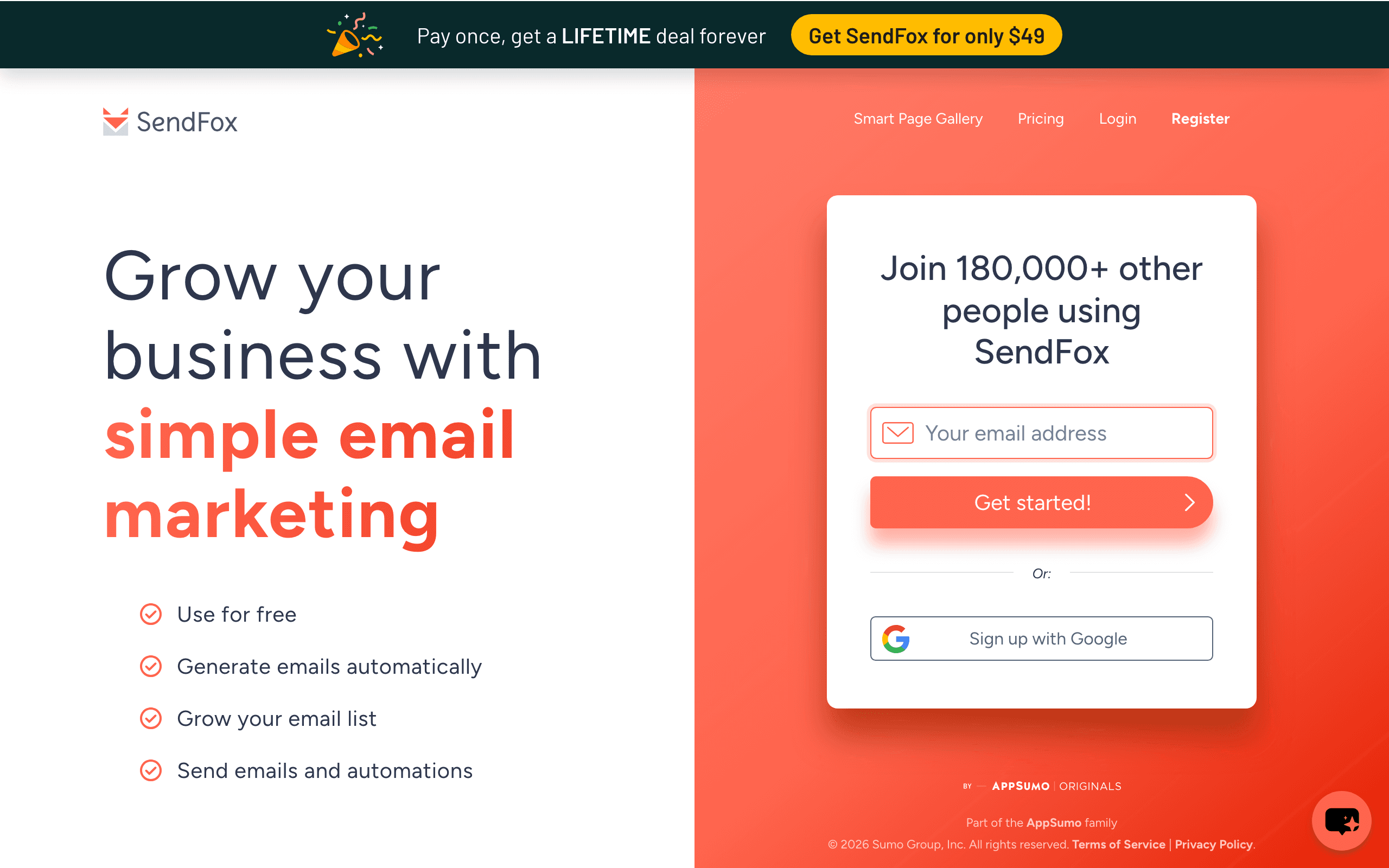
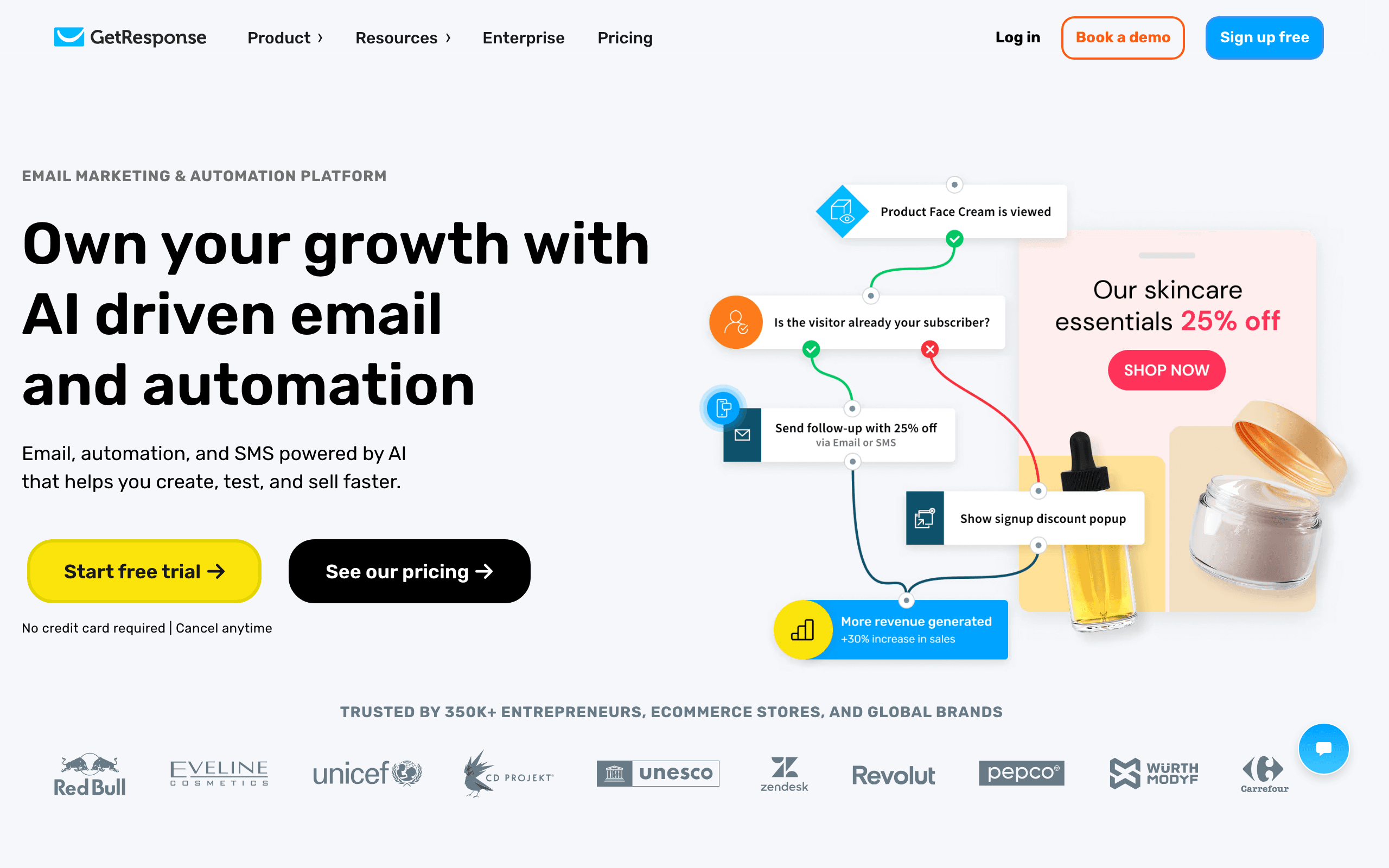
SendFox and GetResponse occupy completely different tiers of email marketing. SendFox is a minimal newsletter tool with a lifetime deal. GetResponse is a full marketing suite with webinars, conversion funnels, SMS, AI tools, and advanced automation. The comparison only makes sense if budget is the sole deciding factor. For SaaS businesses, Sequenzy offers purpose-built features for subscription companies.
The Webinar Advantage
GetResponse is the only major email marketing platform with built-in webinar hosting. You can create registration pages, host live webinars, record sessions, and automatically follow up with attendees through email sequences. The webinar-to-email pipeline eliminates the need for a separate tool like Zoom or GoToWebinar.
SendFox has no webinar capability whatsoever. Businesses that rely on webinars for lead generation would need a separate webinar platform plus an integration to feed attendee data into SendFox, adding both cost and complexity.
For coaches, consultants, and course creators who use webinars as their primary sales tool, GetResponse's built-in functionality is genuinely valuable. The seamless connection between webinar attendance and email follow-up creates conversion opportunities that a bolted-together stack cannot match as cleanly.
Conversion Funnels and Landing Pages
GetResponse includes a conversion funnel builder that combines landing pages, email automation, and payment processing into guided sales sequences. You can build opt-in funnels, sales funnels, and lead magnet funnels with step-by-step templates. Landing pages connect directly to email sequences that nurture leads toward a purchase.
SendFox includes basic landing pages for collecting email addresses but has no funnel building capability. There is no payment integration, no multi-step conversion flow, and no way to build a guided sales process within the platform.
The funnel builder matters most for businesses with defined sales processes. Info-product sellers, course creators, and coaches who move leads through awareness, consideration, and purchase stages benefit from GetResponse's integrated approach. Simple newsletter publishers who only need an email signup page will find SendFox's basic pages sufficient.
AI Tools and Content Generation
GetResponse has invested in AI features including an AI email generator, AI subject line suggestions, and smart sending optimization. The AI email generator can draft campaign copy based on prompts, reducing the time spent writing from scratch. Subject line tools analyze and suggest variations for better open rates.
SendFox has no AI features. Every email must be written manually, every subject line crafted without suggestions. For teams that send frequently and struggle with copywriting, GetResponse's AI tools save meaningful time.
AI content generation is not a replacement for authentic voice, but it is a useful starting point. Being able to generate a first draft and then edit it down is faster than staring at a blank screen. For high-volume senders, this productivity gain compounds over weeks and months.
The Complexity Trade-Off
GetResponse's feature depth comes with interface complexity. The platform has accumulated features over decades, and navigating between webinars, funnels, email automation, website building, SMS, and push notifications requires learning the interface. New users often feel overwhelmed by the options.
SendFox's simplicity is its most underrated feature. You log in, create an email, select your list, and send. No menus to navigate, no features to ignore, no settings to configure. The platform does very little, but what it does requires minimal effort.
The complexity trade-off is a legitimate consideration. Teams that will use 20% of GetResponse's features are paying for and navigating around the other 80%. Solo bloggers who only need a weekly newsletter may find GetResponse's capabilities more burden than benefit. But teams that grow into the features will appreciate not having to migrate later.
For SaaS Companies
Neither SendFox nor GetResponse provides native Stripe integration for subscription lifecycle automation. GetResponse's automation is solid for general marketing but lacks billing-event triggers for SaaS. Sequenzy at $49/month combines transactional and marketing email with native Stripe integration and AI-powered sequences designed for software businesses. Use our email validator to clean your contacts and our email warmup calculator to plan sending ramp-up if migrating.
Use-case matchups
| Need | Better fit | Why |
|---|---|---|
| Low-cost creator newsletter sending | SendFox | SendFox is stronger when the buyer wants a simple, low-cost newsletter tool and can accept fewer advanced features. |
| Funnels, webinars, and marketing automation | GetResponse | GetResponse is stronger when funnels, webinars, and marketing automation are the main requirements. |
| SaaS lifecycle and transactional email | Sequenzy | Sequenzy fits when the team needs Stripe-aware lifecycle campaigns, newsletters, and transactional email in one product. |
Best Fit by Funnel Scope
Best newsletter tool for creators who do not need funnel software
SendFox fits creators who only need email capture, newsletters, and light follow-up without webinars, funnel pages, or a broader campaign suite.
Best marketing platform for webinars funnels and automation
GetResponse is the better fit when the email tool also needs to support landing pages, funnels, webinars, and more advanced marketing automation.
Best SaaS email platform for onboarding and subscription events
Sequenzy fits SaaS teams that need product onboarding, subscription triggers, and transactional email instead of webinar and funnel tooling.
Pricing reality
The page data lists SendFox at "$49 lifetime", GetResponse at "$59"/month, and Sequenzy at "$49"/month for the cited comparison tier. SendFox's lifetime-style pricing can be attractive, but it should not be compared as if it includes every workflow in more mature platforms.
Review signals
For SendFox, pay attention to simplicity, lifetime pricing appeal, and feature limits. For GetResponse, pay attention to funnels, webinars, and marketing automation, onboarding effort, pricing, and support quality.
Migration checklist
| Workstream | What to verify |
|---|---|
| Subscriber data | Export subscribers, tags, custom fields, segments, consent, unsubscribes, bounces, and suppressions. |
| Content archive | Preserve broadcasts, newsletters, subject lines, templates, and performance history. |
| Automations | Rebuild welcome, nurture, newsletter, promotion, reactivation, and lifecycle workflows manually. |
| Forms and pages | Recreate signup forms, landing pages, embeds, incentives, and confirmation flows. |
| Integrations | Reconnect website forms, ecommerce, CRM, payment, analytics, and Zapier-style handoffs. |
| Sender setup | Recheck SPF, DKIM, DMARC, branded links, sender identities, and warmup. |
Decision checklist
- Choose SendFox if low-cost newsletter sending is the main requirement.
- Choose GetResponse if funnels, webinars, and marketing automation matter more than lifetime-price simplicity.
- Avoid SendFox if advanced automation, ecommerce, CRM, or transactional email are required.
- Avoid GetResponse if the buyer only needs a simple newsletter sender.
- Consider Sequenzy if SaaS lifecycle, transactional email, and Stripe-triggered messages are the core jobs.









