
Overview
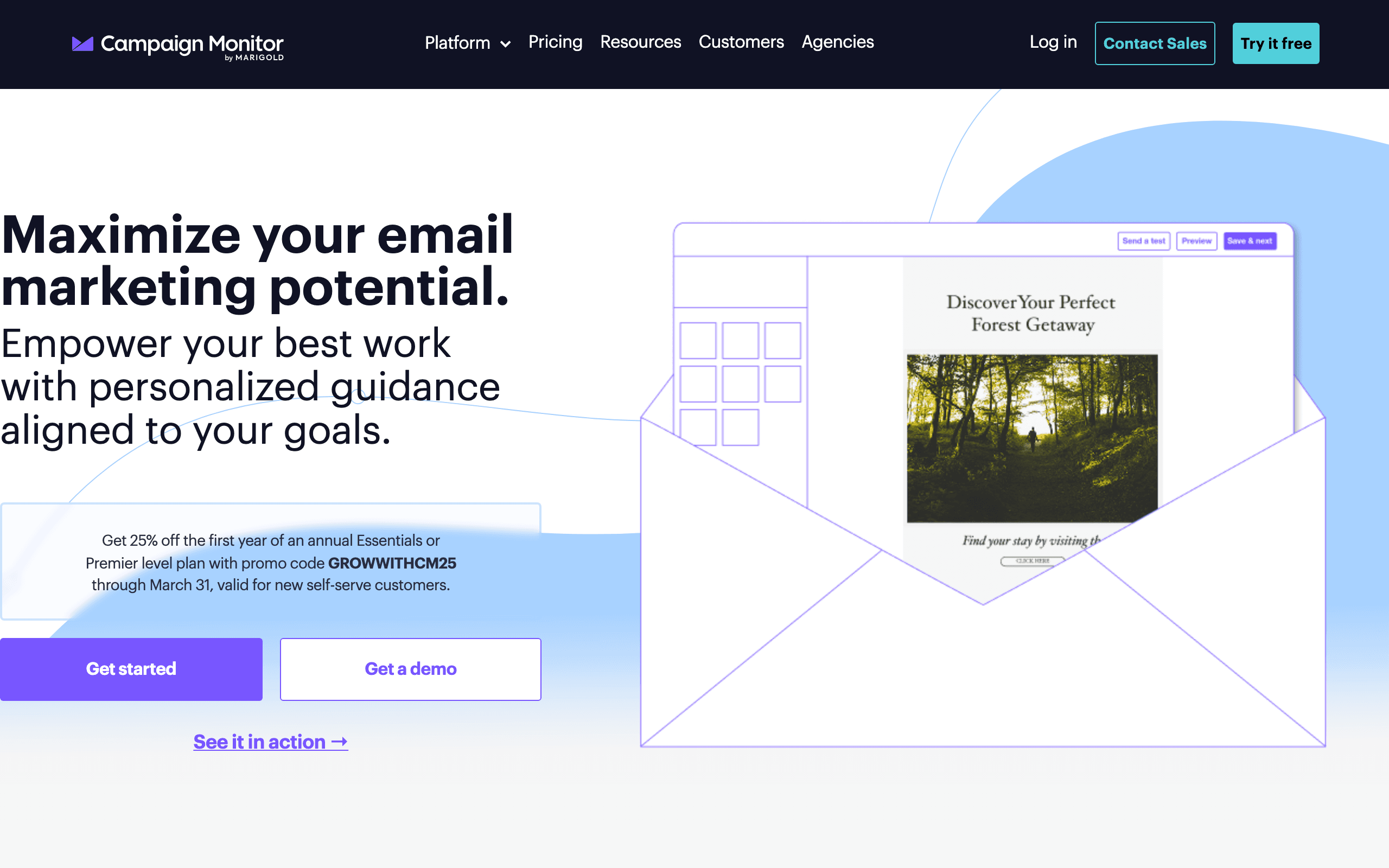
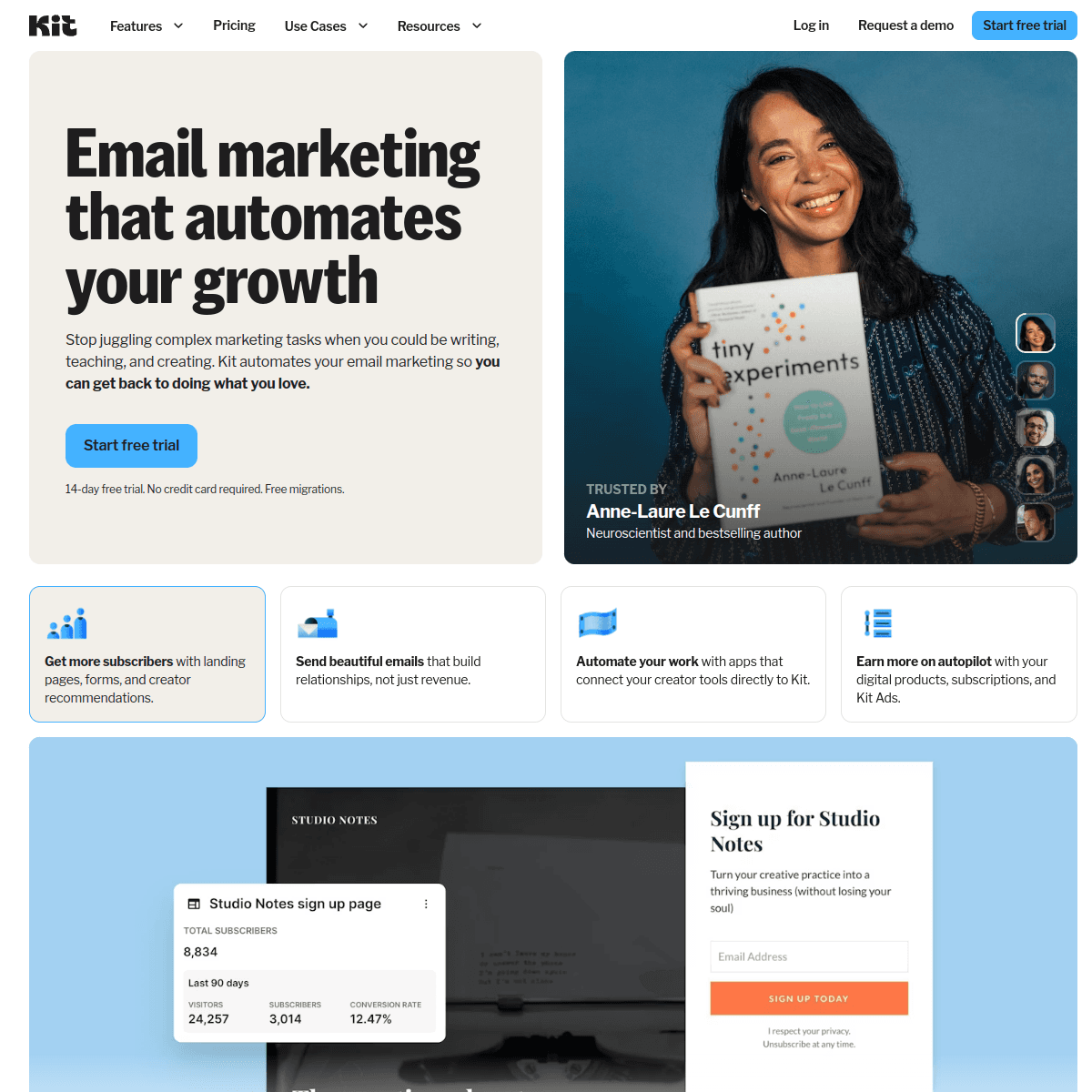
Campaign Monitor and ConvertKit serve completely different audiences. Campaign Monitor is for agencies and brands wanting premium email design. ConvertKit is for creators building businesses around their audience.
Different Markets
Campaign Monitor helps agencies manage client email campaigns with premium design tools. ConvertKit helps creators monetize their audience through paid newsletters and digital products. Little overlap in use cases.
Email Design Philosophy
Campaign Monitor emphasizes visual design excellence. ConvertKit intentionally uses simple, text-focused emails that feel personal. Both approaches work - for different purposes.
Creator Monetization
ConvertKit has paid newsletters, digital product sales, tip jars, and a creator recommendation network. Campaign Monitor has none of these. For creators, ConvertKit is the clear choice.
Agency Features
Campaign Monitor has client management, white labeling, and reseller programs. ConvertKit has no agency features. For agencies, Campaign Monitor is the clear choice.
For SaaS Companies
Neither is ideal for SaaS. Both lack Stripe integration for subscription businesses. Sequenzy offers Stripe integration and is built for software companies.
Making the Choice
Your use case determines the choice. Agency or brand work: Campaign Monitor. Creator or blogger: ConvertKit. They serve different markets entirely.
Use-case matchups
| Use case | Better fit | Why |
|---|---|---|
| Agency-managed brand email | Campaign Monitor | Campaign Monitor has client management, brand control, white labeling, and polished design workflows. |
| Creator newsletters and audience monetization | ConvertKit | ConvertKit is built around creators, paid newsletters, digital products, recommendations, forms, and landing pages. |
| Premium visual email design | Campaign Monitor | Campaign Monitor is stronger when email polish and client-facing presentation matter. |
| Plain-text creator relationship building | ConvertKit | ConvertKit intentionally favors simpler emails that feel personal. |
| SaaS subscription lifecycle email | Sequenzy | Sequenzy is a better fit for Stripe-triggered product and billing lifecycle messages. |
Best Fit by Audience Business Model
Best email marketing tool for agency-managed brand email
Campaign Monitor is the better fit when an agency or brand team owns the email program and needs polished templates, client controls, white labeling, and approval workflows. It is built around campaign presentation and service delivery.
Best email marketing tool for creator monetization
ConvertKit is the better fit when the list belongs to a creator business with paid newsletters, digital products, forms, recommendations, broadcasts, and personal-feeling emails. Those creator revenue workflows matter more than agency-grade design controls.
Best email marketing tool for SaaS subscription lifecycle email
Sequenzy is the better fit when the audience is made of users, trials, customers, and subscription accounts. Product events, transactional sends, and Stripe-triggered lifecycle campaigns need a SaaS email model rather than creator or agency tooling.
Pricing reality
Do not compare Campaign Monitor and ConvertKit from a single monthly number. Campaign Monitor is usually justified by design quality, brand control, client management, and agency workflow. ConvertKit is usually justified by creator monetization, landing pages, recommendations, commerce, and subscriber relationship tools.
| Cost area | Campaign Monitor question | ConvertKit question |
|---|---|---|
| Billing driver | What changes as subscribers, send volume, client accounts, and agency features grow? | What changes as subscribers, creator commerce, recommendations, landing pages, and automations grow? |
| Required workflow | Do you need branded templates, approval workflows, white labeling, and client management? | Do you need paid newsletters, digital products, creator recommendations, forms, and landing pages? |
| Tool overlap | Will Campaign Monitor need separate commerce and landing page tools? | Is ConvertKit too limited for agency-grade design and client management? |
| Team ownership | Will an agency or brand team own most email work? | Will a creator, founder, or content team own the audience business? |
Review signals
| Platform | Review signal used here | What it suggests | What to validate |
|---|---|---|---|
| Campaign Monitor | G2 and Capterra reviews in this comparison | Teams value Campaign Monitor for agency workflows, white labeling, and design quality, while noting limited creator features. | Validate client management, approval workflow, design needs, and whether separate commerce/landing page tools are required. |
| ConvertKit | G2 and Trustpilot reviews in this comparison | Teams value ConvertKit for paid newsletters, creator growth, and personal-feeling emails, while noting intentionally basic design. | Validate commerce, recommendations, landing pages, subscriber limits, and whether basic email design fits the brand. |
Migration checklist
| Step | What to check |
|---|---|
| Subscribers and consent | Export subscribers, tags, segments, custom fields, unsubscribes, bounces, and consent records. |
| Creator commerce | If moving to ConvertKit, map paid products, paid newsletters, tip jars, forms, and landing pages. |
| Templates and brand assets | Move templates, images, saved sections, brand rules, and approval workflows. |
| Automations | Rebuild sequences, tags, forms, recommendations, suppressions, and personalization manually. |
| Sender setup | Reverify domains, DKIM, SPF, DMARC, unsubscribe behavior, and link tracking. |
Decision checklist
- Is the email program owned by an agency/brand team or by an individual creator/content team?
- Does the buyer need white labeling and client management, or paid newsletters and creator commerce?
- Are polished visual templates an asset, or would plain creator-style emails perform better?
- Which adjacent tools are required after purchase: commerce, forms, landing pages, approvals, payments, or recommendations?
- If this is for SaaS, are billing events and transactional email more important than either platform's core workflow?
The Agency vs Creator Split
Campaign Monitor and ConvertKit serve audiences so different that direct feature comparison is almost misleading. Campaign Monitor built its product for marketing agencies managing dozens of client accounts. ConvertKit built its product for individual creators building audiences and selling digital products. The overlap in functionality is minimal.
An agency evaluating ConvertKit would find it impossible to use - no white labeling, no client management, no multi-brand support. A creator evaluating Campaign Monitor would find it equally mismatched - no paid newsletters, no digital product sales, no audience discovery network. The choice is usually obvious within seconds of understanding what each platform does.
The rare exception is a creator who also runs an agency, or an agency that also publishes content. In these hybrid cases, the priority should determine the platform. If agency revenue exceeds creator revenue, Campaign Monitor. If creator revenue exceeds agency revenue, ConvertKit.
Design Philosophy as Product Strategy
Campaign Monitor believes beautiful email design drives marketing results. Their premium templates, brand management tools, and design flexibility reflect a conviction that how an email looks determines how it performs. This philosophy resonates with agencies whose clients judge work by visual quality.
ConvertKit believes personal, text-focused emails build stronger creator-audience relationships. Their intentionally plain email design reflects a conviction that emails should feel like messages from a friend, not marketing materials. This philosophy resonates with creators whose audiences value authenticity over polish.
Both philosophies have evidence supporting them. Highly designed marketing emails can drive higher click-through rates for e-commerce and brand campaigns. Simple, personal-feeling emails can drive higher reply rates and deeper engagement for creator newsletters. The right approach depends on your relationship with your audience and what you are trying to achieve.
The Creator Economy Platform
ConvertKit's creator monetization tools represent a fundamental capability that Campaign Monitor cannot replicate. Paid newsletters, digital product sales, tip jars, and the Creator Network create a revenue infrastructure for independent creators. These features transform ConvertKit from an email tool into a business platform.
Campaign Monitor has no monetization features. It sends emails. If you want to sell through email, you need separate payment processing, product delivery, and subscriber management tools. For agencies, this is fine - monetization happens through their clients' systems. For creators, the absence of commerce features is disqualifying.
For SaaS companies, neither platform's monetization model is relevant. SaaS businesses monetize through their product subscription, not through email commerce. What SaaS companies need is automation triggered by billing events. Sequenzy addresses this with native Stripe integration for subscription lifecycle email automation.









