Overview
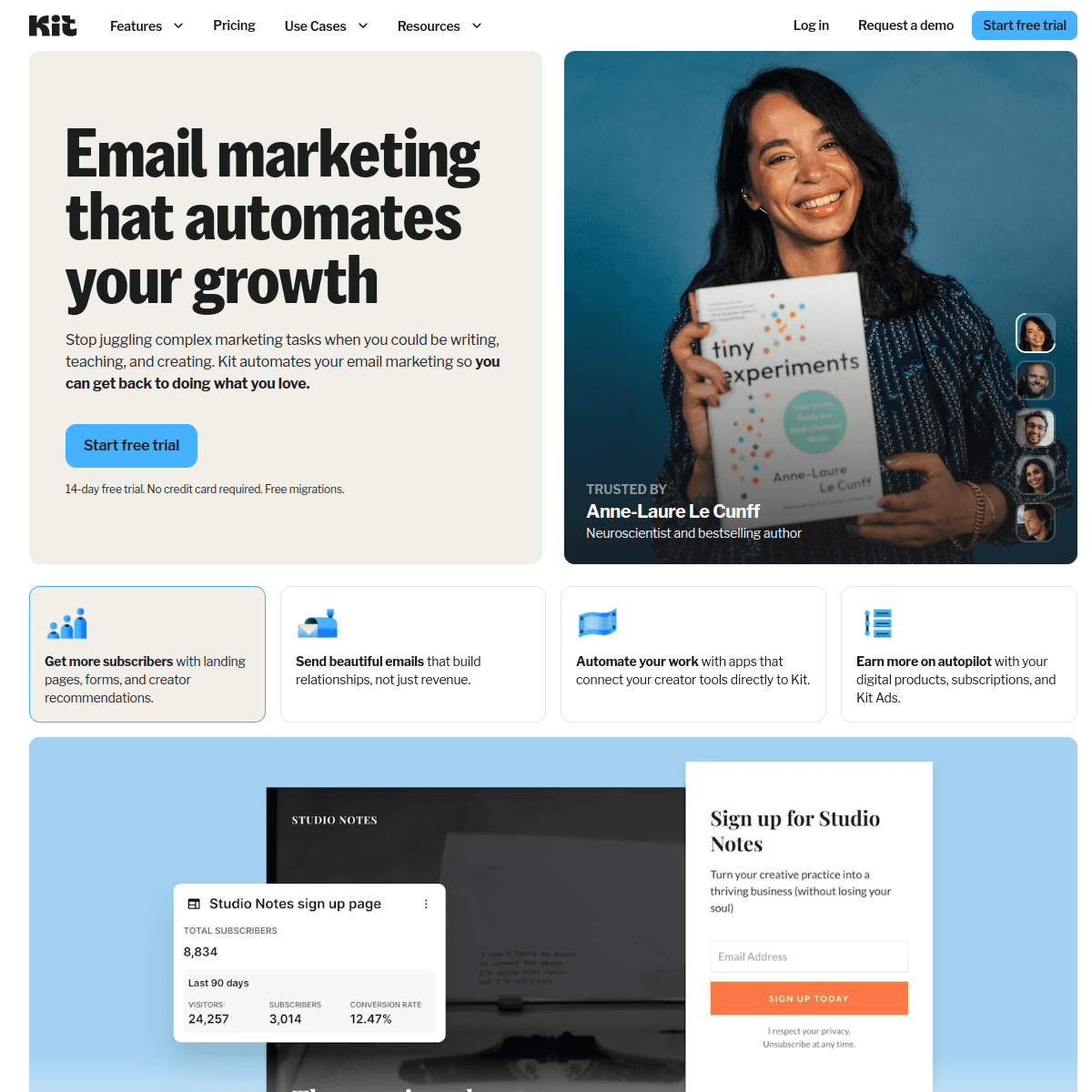
BirdSend and ConvertKit both serve creators but with different priorities. BirdSend is a lightweight email marketing platform built for content creators. ConvertKit is a creator-focused email platform with visual automation.
BirdSend's Niche
BirdSend is built specifically for content creators who want to track revenue per subscriber. Its standout features are LTV/ALTV tracking per subscriber, unique-contact billing (you don't pay extra when someone is on multiple lists), and a focus on simplicity over feature breadth.
ConvertKit is BirdSend's closest competitor in the creator space. Visual automation, landing pages, and a subscriber-first model. ConvertKit has a larger community and more integrations, but BirdSend offers revenue tracking that ConvertKit lacks.
Pricing reality
Compare current pricing against real usage. For BirdSend, check subscriber limits, send limits, unique-contact billing, revenue tracking, and automation depth. For ConvertKit, check subscriber limits, visual automations, landing pages, forms, commerce, integrations, and plan-level feature gates.
For SaaS Founders
Neither BirdSend nor ConvertKit is centered on SaaS subscription billing. If you need Stripe integration for subscription-based automation, Sequenzy is purpose-built for that with AI sequences and unified transactional plus marketing email.
Making the Choice
Choose BirdSend for creator email with revenue tracking. Choose ConvertKit for visual automation, landing pages, creator commerce, and ecosystem support. For SaaS email with Stripe, consider Sequenzy.
The Creator Ecosystem Battle
ConvertKit has built something that goes beyond features: a creator ecosystem. Conferences, community forums, educational content, and partnerships with other creator tools create a network effect that makes ConvertKit stickier than its feature list alone would justify. When you use ConvertKit, you join a community of creators sharing strategies, templates, and growth tactics.
BirdSend has no comparable ecosystem. It is a tool you use, not a community you join. For creators who value peer learning, shared resources, and a sense of belonging to a professional community, ConvertKit's ecosystem is genuinely valuable and cannot be replicated by a smaller platform.
This community effect also influences feature development. ConvertKit builds features that creators request and validate through community feedback. BirdSend builds what its smaller team prioritizes. The result is that ConvertKit's feature roadmap tends to align more closely with what working creators actually need.
Revenue Insight vs Revenue Generation
BirdSend and ConvertKit approach creator revenue differently. BirdSend measures it - tracking LTV per subscriber so you know exactly how much each person on your list has spent. ConvertKit enables it - with commerce features for selling digital products, tip jars, and paid newsletters directly through the platform.
For creators who sell products through external platforms like Gumroad, Teachable, or their own checkout, BirdSend's tracking visibility adds insight that ConvertKit lacks. For creators who want to sell directly through their email platform without external tools, ConvertKit's commerce features reduce friction and keep everything in one place.
The ideal solution would combine both: revenue tracking alongside integrated commerce. Neither platform offers that complete picture, which is why many successful creators eventually build custom analytics on top of whichever email platform they choose.
The Free Tier Strategy
ConvertKit has historically used an accessible entry path to attract creators just starting out. Verify current limits and feature access before choosing, because subscriber caps, automations, commerce, and forms can vary by plan.
BirdSend's entry path is more focused on simple email and revenue visibility. ConvertKit's entry path is more focused on audience building and upselling into deeper creator features.
The strategic impact of accessible entry plans extends beyond individual creator decisions. ConvertKit's larger user base creates word-of-mouth marketing, community content, and ecosystem momentum that smaller platforms struggle to generate.
Use-case matchups
| Use case | Better fit | Why |
|---|---|---|
| Creator revenue tracking | BirdSend | BirdSend is more relevant when LTV per subscriber drives decisions. |
| Visual creator automations | ConvertKit | ConvertKit is stronger when creator journeys need branching workflows. |
| Landing pages, forms, and commerce | ConvertKit | ConvertKit can replace several creator stack tools. |
| Low-complexity creator email | BirdSend | BirdSend is focused when revenue visibility matters more than ecosystem breadth. |
| SaaS lifecycle email | Sequenzy | Sequenzy is more focused when billing events drive SaaS messaging. |
Review signals
The reviews favor BirdSend when creators want lower cost plus LTV tracking, but the criticism is clear: landing pages, visual automation, and ecosystem depth are missing. ConvertKit's signal is creator fit, community, visual automations, and landing pages, with the main gap being no revenue-per-subscriber view.
Best Fit by Creator Monetization Stage
Best email tool for creators who want simple revenue tracking
BirdSend fits creators who want lean newsletters, basic sequences, and visibility into subscriber value without paying for a broader creator ecosystem. It is strongest when the business is early, simple, and driven by content or affiliate offers.
Best creator email platform for audience products
ConvertKit is the better fit when creators need landing pages, paid newsletters, digital products, sponsorship tools, and a mature creator workflow. It works best when the email list is the center of a creator business.
Best lifecycle email platform for subscription products
Sequenzy fits teams whose emails should react to signups, trials, upgrades, invoices, failed payments, and customer behavior. It is more relevant when subscribers are product users or paying accounts, not only creator audience members.
Migration checklist
Before moving between BirdSend and ConvertKit, export subscribers, suppression data, tags, custom fields, revenue tracking fields, forms, landing pages, templates, campaign history, sequences, automations, and commerce data. If moving to ConvertKit, rebuild visual automations, forms, landing pages, and product sales flows. If moving to BirdSend, preserve revenue fields where possible and replace ConvertKit landing pages, commerce, and creator ecosystem features with separate systems.
Decision checklist
| Question | Why it matters |
|---|---|
| Do you need visual automations? | ConvertKit is stronger when creator journeys need branching workflows. |
| Is subscriber revenue tracking central? | BirdSend is more relevant when LTV per subscriber drives decisions. |
| Do you need landing pages, forms, or commerce? | ConvertKit can replace several creator stack tools. |
| Is community and ecosystem support important? | ConvertKit has a larger creator ecosystem than BirdSend. |
| Is Stripe lifecycle email central? | Sequenzy is more focused when billing events drive SaaS messaging. |