
21 Best Pay-Per-Email Platforms (2026)

Most email tools charge by subscriber count. 5,000 subscribers costs X per month whether you send 1 email or 50. That pricing model penalizes you for having a large list, even if you don't email them often.
Pay-per-email pricing flips this. You pay for what you send, not who you store. Send 1,000 emails, pay for 1,000. Send 100,000, pay for 100,000. Your subscriber list can be 50,000 and if you only send one campaign a month, you pay for 50,000 sends, not 50,000 contacts.
This model works best for: transactional email (unpredictable volume), infrequent senders (monthly newsletters to large lists), and businesses with many contacts but low email frequency.
Best Pay-Per-Email Platform by Use Case
Best pay-per-email platform for SaaS lifecycle automation: Sequenzy
Sequenzy is the best fit when usage-based pricing needs to include real marketing automation, not just an SMTP pipe. SaaS teams can run onboarding, trial conversion, dunning, transactional email, and campaigns without paying separately for a second lifecycle tool. Compare the model with transparent pricing email tools, transactional and marketing platforms, and Stripe email automation.
Best pay-per-email platform for the lowest raw cost: Amazon SES
Amazon SES is the best choice when engineering time is cheaper than vendor fees. It wins on pure send cost, especially above hundreds of thousands of emails per month, but it leaves templates, reporting, preference logic, and automation to your team. Use the Amazon SES alternatives guide if you want SES economics without owning every layer.
Best pay-per-email platform for critical transactional email: Postmark
Postmark is the better usage-priced choice when password resets, receipts, and account notifications need dependable delivery more than the absolute lowest rate. It costs more than SES, but it removes a lot of operational burden. See the Postmark comparison and high-deliverability email tools guide.
Best pay-per-email platform for developer API workflows: Resend
Resend fits teams that want clean APIs, React Email, and a predictable developer workflow more than a full marketing suite. It is especially good for product teams that treat templates as code. The Resend comparison and React Email support guide are the best supporting pages.
Best pay-per-email platform for inbound and custom routing: Mailgun
Mailgun is strongest when pay-per-email is part of a larger email infrastructure build: inbound parsing, reply routing, custom domains, webhooks, and routing rules. The Mailgun comparison is the right next page if receiving email is as important as sending it.
Quick Comparison
| Tool | Best For | Pay-Per-Email Rate | Min Cost | Send Volume |
|---|---|---|---|---|
| Sequenzy | SaaS with full marketing automation | Included in volume tiers | $0 (free tier) | 2.5K/mo free, $19/mo for 15K |
| Amazon SES | Cheapest raw infrastructure | $0.10/1K | ~$0 | Any |
| Postmark | Best transactional deliverability | $1.50/1K | $15/mo | 10K/mo |
| Mailgun | Dev infrastructure, no minimum | $1.00/1K (Flex) | $0/mo | Pay as you go |
| SendGrid | Transactional + marketing at scale | $0.40/1K | $0 (free tier) | 100/day free |
| Resend | Best developer experience | $0.40/1K | $0 (free tier) | 3K/mo free |
| SparkPost | High-volume predictive deliverability | Custom | Custom | 1M+/mo |
| Elastic Email | Lowest managed cost | $0.10/1K | $0 | 100/day free |
| Pepipost | SMTP with analytics | $0.35/1K | $0 | 100/day free |
| ZeptoMail | Transactional-only reliability | $0.75/1K | $3.25 credit | Credit-based |
| SMTP2GO | Global relay with reporting | $0.60/1K | $0 | 1K/mo free |
| SocketLabs | Deliverability-first infrastructure | $0.50/1K | $29.95/mo | 40K/mo |
| Brevo | Marketing + transactional combo | $0.10/1K (transactional add-on) | $0 | 300/day free; marketing plans from $9/mo |
| Mailtrap | Testing + production in one | $0.10/1K | $0 | 1K/mo free |
| Mandrill | MailChimp ecosystem add-on | $0.20/1K | $20/mo | 500K blocks |
| BigMailer | Agencies and multi-brand | $0.45/1K | $0 | 1K/mo free |
| Courier | Multi-channel notifications | Custom | $0 | 10K/mo free |
| Mailjet | European-friendly infrastructure | $0.35/1K | $0 | 200/day free |
| Infobip | Omnichannel enterprise | Custom | Custom | Enterprise |
| Netcore Email API | Deliverability-focused Asia/global | $0.20/1K | Custom | Custom |
| Moosend | Affordable marketing + transactional | Included | $9/mo | 500/mo free |
Rates verified September 2026 against each vendor's public pricing page. Brevo runs two models side by side: marketing plans priced by monthly email volume from $9/month, and a separate metered transactional add-on at roughly $0.10 per 1,000 - the row above is the transactional rate.
When Pay-Per-Email Makes Sense
The pricing model you choose should match your sending pattern, not the other way around. Here are the scenarios where pay-per-email consistently wins:
Transactional email: Your email volume is driven by user activity, not your marketing calendar. If user signups spike, your transactional email volume spikes. If it's a quiet week, volume drops. Pay-per-email aligns cost with actual usage rather than charging for capacity you may not need.
Large list, low frequency: You have 20,000 subscribers but only send a monthly newsletter. Per-subscriber pricing charges you for 20,000 contacts every month. Pay-per-email charges you for 20,000 sends once a month. The savings can be substantial.
Seasonal businesses: Your sending volume varies significantly throughout the year. Heavy during launch periods, light during development cycles. Pay-per-email means you're not paying for quiet months.
Multi-product companies: You maintain subscriber lists for multiple products but don't email all lists regularly. Per-subscriber pricing charges for every contact across every product. Pay-per-email only charges when you actually send.
For SaaS companies trying to understand the full picture, see our guide on the cost of email marketing for SaaS.
The 21 Best Options
1. Sequenzy
Best for: SaaS companies wanting affordable per-email pricing with full marketing automation
Sequenzy prices on monthly email volume rather than contact count, with unlimited contacts on every plan including free. It is not metered per send: you pick a volume tier ($19 for 15,000 emails, $29 for 30,000, $49 for 60,000, $99 for 120,000, $199 for 300,000) and every feature is included at every tier. That makes it a volume-based rather than a strictly usage-metered model, and it is the cheap option precisely where subscriber-based platforms are expensive: a large list you email occasionally.
Unlike pure infrastructure tools like SES, Sequenzy includes full marketing automation, a drag-and-drop editor, behavioral triggers, and native Stripe integration. You get pay-per-email economics without sacrificing features. The platform handles both transactional and marketing email, so you're not paying for two separate services.
The Stripe integration is particularly relevant for pay-per-email SaaS users. Dunning sequences, trial conversion emails, and subscription lifecycle automations are included in the base platform. No additional fees for payment-triggered automations, which is where many platforms charge extra.
Because the tiers are volume-based rather than metered, the bill is predictable: you know the cost before the month starts rather than after. There's no hidden fee for features you need. The platform follows a transparent pricing model where all features are included at every price point.
Pricing: Free for 2,500 emails/month with unlimited contacts, then $19/month for 15,000 emails, $29 for 30,000, $49 for 60,000, $99 for 120,000 and $199 for 300,000 What's included: Full marketing platform, automation, drag-and-drop editor, Stripe integration, analytics, behavioral triggers What's not included: Dedicated IP pools are available on paid plans rather than on free; SMS is a separate paid add-on, while push notifications are included and do not use email credits Best for: SaaS companies wanting marketing features with usage-based economics
2. Amazon SES
Best for: The cheapest pay-per-email option at any volume
Amazon SES charges $0.10 per 1,000 emails. That's it. No subscriber fees, no monthly minimums, no tier complexity. At 100,000 emails/month, you're paying $10. At 1 million, $100.
The trade-off is that SES is pure infrastructure. No drag-and-drop editor, no automation builder, no campaign management UI. You're sending via API or SMTP. You build everything else yourself. But for teams with engineering resources who want the lowest possible email cost, SES is unbeatable.
SES's pricing is genuinely best-in-class at every volume. No other platform comes close on raw per-email cost. At 1 million emails per month, you're paying roughly $100 with SES versus $500+ with most managed platforms. At 10 million emails, the gap widens further.
The hidden costs are in what SES doesn't include. You'll need to build or buy: email templates, an automation system, a campaign management interface, bounce handling logic, analytics, and deliverability monitoring. For a two-person startup, the engineering time to build these features often exceeds the savings from SES's low per-email rates. For companies with dedicated email operations teams, SES's economics are compelling.
SES also charges for data transfer, which is typically small but adds up at very high volumes. And the Virtual Deliverability Manager (their managed deliverability tool) is an additional $0.015 per email, which significantly changes the cost calculation.
Pricing: $0.10 per 1,000 emails (+ data transfer costs, optional VDM) What's included: Sending API, SMTP, deliverability tools, event notifications, suppression management What's not included: UI, templates, automation, analytics dashboard, campaign management, support Best for: Technical teams, high-volume transactional email, cost-sensitive operations with engineering resources
3. Postmark
Best for: Pay-per-email with the best transactional deliverability
Postmark charges per email sent with plans starting at $15/month for 10,000 emails. The per-email cost decreases at higher volumes. At 300,000 emails/month, the per-email cost drops to about $0.08 per 1,000.
Unlike SES, Postmark includes a full dashboard, template management, bounce handling, and analytics. The deliverability is consistently among the best in the industry, especially for transactional email. You get the pay-per-email model without sacrificing features or support.
Postmark's pricing table is the clearest in the industry. One page, one pricing model, exact costs at every volume level. There's no tier confusion, no feature gating, no hidden charges. The price you see is the price you pay.
The value proposition is: pay more per email than SES, but get significantly more in return. Postmark includes template management, real-time delivery webhooks, automatic bounce handling, inbound email processing, and analytics. For most teams, these features save enough engineering time to more than justify the higher per-email rate.
Postmark also supports both transactional and marketing email through separate "message streams." The marketing stream pricing is the same per-email rate as transactional. This means you can use Postmark for both types of email with usage-based pricing for both.
Pricing: From $15/month for 10,000 emails, scaling with volume What's included: Dashboard, templates, analytics, bounce management, inbound email, message streams What's not included: Marketing automation, campaign builder (available as separate stream) Best for: Transactional email priority, SaaS products, applications needing reliable delivery
4. Mailgun
Best for: Developer infrastructure with flexible pay-per-email pricing
Mailgun offers a pay-as-you-go plan alongside its subscription tiers. The Flex plan charges $1.00 per 1,000 emails with no monthly minimum, and includes the full API, email validation, and basic analytics.
At higher volumes, the Foundation plan ($35/month for 50,000 emails) brings the per-email cost down. Mailgun also offers email validation (verify addresses before sending), inbound email processing, and IP management, making it a complete email infrastructure.
Mailgun's Flex plan is unique in that it has no monthly minimum. You pay only when you send. If you send nothing in a month, you pay nothing. This is ideal for development environments, side projects, or products with highly variable sending patterns.
The email validation API is a differentiating feature for pay-per-email users. Validating email addresses before sending reduces bounces, which protects your sender reputation and reduces wasted sends. At $1.00 per 1,000 validations (on the Flex plan), it's a cost-effective way to improve deliverability and reduce sending costs simultaneously.
Mailgun also supports inbound email processing, which is useful for products that need to receive and parse emails (support ticket systems, reply tracking, etc.). This is priced separately but available on all plans.
Pricing: $1.00 per 1,000 emails (Flex), $35/month for 50,000 (Foundation) What's included: Sending API, SMTP, email validation, inbound processing, logs, analytics What's not included: Marketing features, drag-and-drop editor, automation Best for: Developers, variable volume sending, applications needing email validation
5. SendGrid
Best for: Pay-per-email that scales from free to enterprise
SendGrid's free tier includes 100 emails/day. The Essentials plan starts at $20/month for 50,000 emails/month, making the per-email cost about $0.40 per 1,000. At higher tiers, costs decrease further.
SendGrid includes both transactional and marketing email capabilities. The Marketing Campaigns feature (with templates, campaigns, and basic automation) is included in paid plans. For teams that want one platform for both transactional and marketing with usage-based pricing, SendGrid covers both.
SendGrid's advantage in the pay-per-email space is breadth. The platform handles transactional email via API, marketing campaigns via a visual builder, and provides deliverability tools at scale. Most pay-per-email platforms are infrastructure-only. SendGrid includes a usable marketing layer.
The pricing structure has more complexity than pure pay-per-email platforms. The Essentials, Pro, and Premier plans each have different volume caps, feature sets, and per-email rates. Understanding the total cost requires checking which plan fits your needs, not just the per-email rate. The dedicated IP (included on Pro plan at $89.95/month) is a significant add for senders who need it.
Pricing: Free for 100/day, from $20/month for 50,000 emails What's included: Transactional API, marketing campaigns, templates, analytics, deliverability tools What's not included: Advanced automation, CRM features, dedicated IP on lower plans Best for: Teams needing transactional + basic marketing, scaling from free
6. Resend
Best for: Developer-friendly pay-per-email with the best DX
Resend's pricing is based on email volume. The free tier includes 3,000 emails/month. The Pro plan at $20/month includes 50,000 emails with additional emails at $0.40 per 1,000.
Resend's value is the developer experience, not just the pricing model. React Email support, TypeScript SDK, clean API, and excellent documentation. You pay per email sent and get the best development experience in the category.
For developer-friendly email tools, Resend is the benchmark. The SDK feels native to modern JavaScript/TypeScript development. Email templates built with React Email use the same component model as your product's frontend. The API is well-documented with clear error handling.
The limitation is that Resend is transactional-only. There's no marketing automation, no campaign builder, no sequence management. If you need marketing email alongside transactional, you'll need a second tool (Sequenzy, Loops, Kit - formerly ConvertKit). This means potentially paying for two platforms, which should factor into your cost comparison.
Pricing: Free for 3,000/month, $20/month for 50,000, $0.40 per 1,000 additional What's included: Full API, React Email, webhooks, domains, audiences What's not included: Marketing automation, visual campaigns, sequences Best for: Developers building transactional email, React/Next.js applications
7. SparkPost (MessageBird)
Best for: High-volume pay-per-email with predictive deliverability
SparkPost charges per email with volume-based pricing that gets very competitive at scale. For businesses sending millions of emails per month, SparkPost's per-email costs can be lower than SES. The platform includes predictive deliverability tools that optimize inbox placement.
The enterprise features (dedicated IPs, subaccount management, detailed analytics) make SparkPost suitable for large-scale operations. The API is comprehensive, and the platform handles both transactional and marketing email at volume.
SparkPost's differentiator at high volume is the Adaptive Email Network, which uses data from the billions of emails processed across its network to optimize delivery for individual senders. The predictive deliverability tools analyze recipient engagement patterns and adjust sending behavior to maximize inbox placement.
For companies sending 1M+ emails per month, SparkPost's combination of competitive per-email pricing and sophisticated deliverability technology makes it a strong option. The subaccount feature is useful for platforms that send email on behalf of multiple customers, allowing reputation isolation between senders.
Pricing: Usage-based, competitive at high volume, custom pricing available What's included: API, SMTP, deliverability tools, analytics, subaccounts, dedicated IPs What's not included: Marketing UI, campaign builder (API-only for marketing) Best for: High-volume senders (1M+ emails/month), enterprises, ESP-level operations
8. Elastic Email
Best for: Lowest managed per-email cost with a usable marketing layer
Elastic Email offers a pay-per-email model with some of the cheapest rates outside of Amazon SES. The free plan includes 100 emails/day. Paid plans start at $0.10 per 1,000 emails, making it one of the most affordable managed email platforms.
Unlike SES, Elastic Email includes a campaign builder, contact management, and basic automation features. You get a proper marketing platform at infrastructure-level pricing. The trade-off is that Elastic Email is less polished than SendGrid or Postmark, and the UI feels dated by modern standards.
The deliverability is competitive for the price point. Elastic Email manages shared IPs and provides dedicated IPs on higher plans. Their SMTP relay is reliable, and the API covers the most common use cases. For cost-conscious teams that need basic marketing features, Elastic Email provides the value that Mailgun and Postmark don't.
The email verification tool (separate pricing) is useful for cleaning lists before sending, which protects deliverability. Elastic Email also supports sub-accounts, making it a reasonable option for agencies managing multiple client lists.
Pricing: Free for 100/day, from $0.10/1,000 emails on paid plans What's included: API, SMTP, campaign builder, contact management, basic automation, email verification What's not included: Advanced automation, CRM, polished UI Best for: Cost-sensitive senders, agencies, basic marketing + transactional at low cost
9. Pepipost (Netcore)
Best for: SMTP infrastructure with analytics and deliverability focus
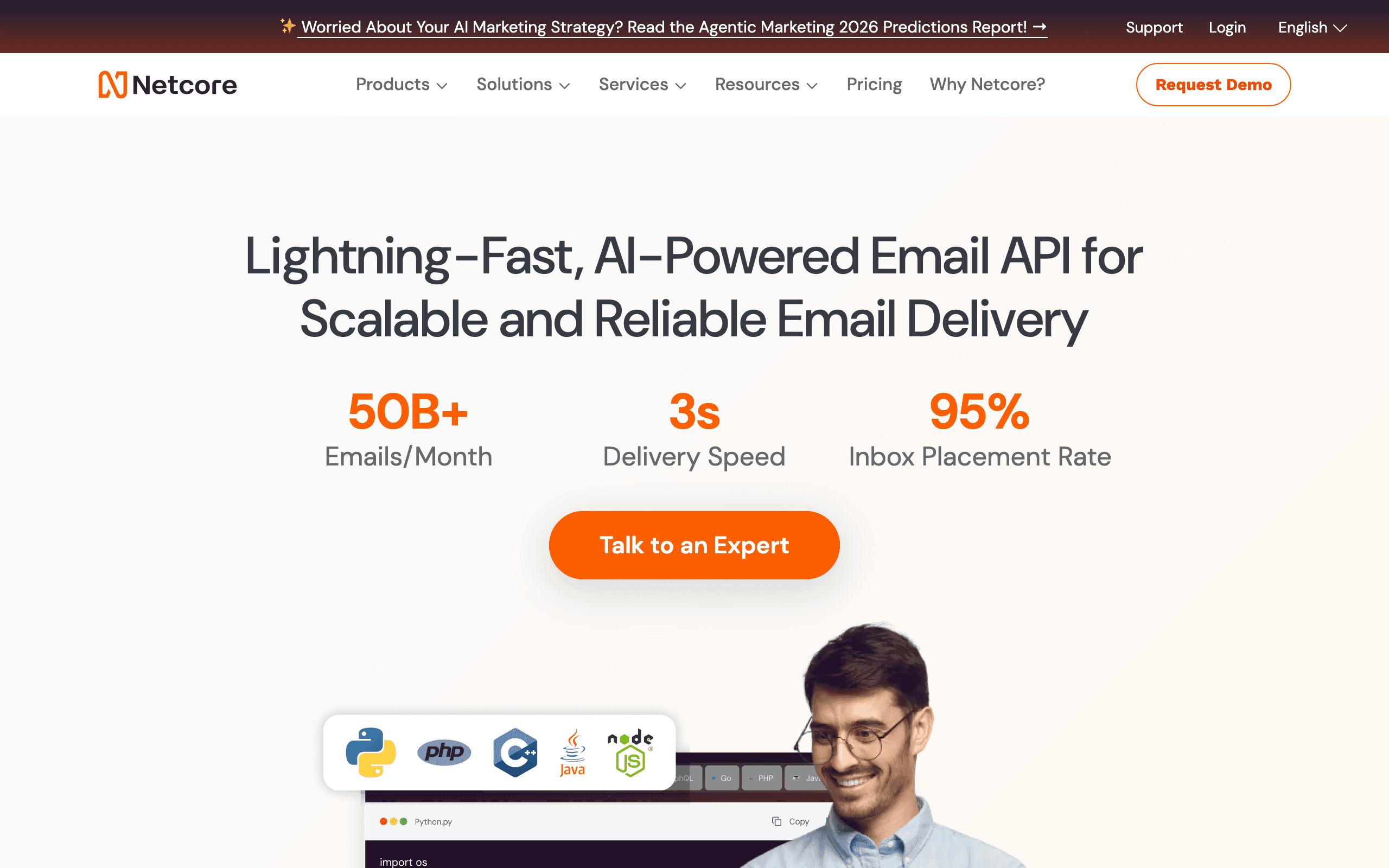
Pepipost (now part of Netcore) offers a generous free tier (100 emails/day) with competitive per-email pricing above that. The platform focuses on deliverability, providing real-time analytics, engagement tracking, and inbox placement data.
One differentiating feature is Pepipost's neural sending, which analyzes recipient behavior to optimize send timing at the individual level. For high-volume transactional senders, this can meaningfully improve open rates without any manual segmentation work.
The developer API is well-documented, and the SMTP relay is straightforward to configure. Pepipost works as a drop-in replacement for other SMTP providers with minimal configuration changes. The analytics dashboard provides more insight than most infrastructure-only tools.
The platform sits between raw infrastructure (SES, Mailgun Flex) and managed email (Postmark, SendGrid). You get more than just an API, but less than a full marketing platform. It's a good fit for developers who want deliverability tooling without the overhead of a full marketing platform.
Pricing: Free for 100/day, from $0.35/1,000 emails on paid plans What's included: SMTP, API, real-time analytics, engagement tracking, neural sending, IP warming What's not included: Marketing automation, campaign builder, visual editor Best for: Transactional email with deliverability focus, developers wanting analytics
10. ZeptoMail (Zoho)
Best for: Reliable transactional email with Zoho ecosystem integration
ZeptoMail is Zoho's transactional-only email service, priced on a credit system where you prepay for email credits. Credits start at $3.25 for a pack covering roughly 10,000 emails (at the lowest tier), making the per-email cost competitive with Postmark.
The service is intentionally transactional-only. Zoho has separate products for marketing email. ZeptoMail is for password resets, notifications, account confirmations, and application emails - nothing else. This focus on a single use case means the deliverability for transactional mail is excellent.
ZeptoMail's integration with the Zoho ecosystem is a significant advantage for teams already using Zoho products (CRM, Desk, Creator). The seamless connection reduces integration work and keeps data in one ecosystem. For teams not using Zoho, the integration benefit doesn't apply.
The credit-based pricing means you prepay and use down credits. There's no monthly subscription, and credits don't expire quickly. For low-volume transactional senders (startup, early-stage app), the prepay model avoids a monthly fixed cost.
Pricing: Credit-based, starting at $3.25 for ~10,000 emails What's included: SMTP, API, bounce handling, analytics, Zoho integration What's not included: Marketing email, campaign builder, automation (separate Zoho products) Best for: Zoho ecosystem users, low-volume transactional email, prepay model preference
11. SMTP2GO
Best for: Global SMTP relay with strong deliverability reporting
SMTP2GO provides SMTP relay and API with a free tier of 1,000 emails/month and competitive per-email pricing on paid plans. The platform operates data centers in multiple regions, which benefits senders whose users are globally distributed.
The reporting and analytics are a standout. SMTP2GO provides detailed delivery logs, open and click tracking, bounce reports, and domain reputation monitoring in a cleaner interface than most infrastructure providers. For teams that need visibility into their transactional email without building custom analytics, SMTP2GO is a strong choice.
The support reputation is notably strong for an infrastructure provider. Most pay-per-email platforms offer limited support, but SMTP2GO provides responsive email and chat support across all paid plans. For small teams without dedicated deliverability expertise, having accessible support matters.
SMTP2GO also includes email testing and preview tools (inbox rendering, spam filter checks), which are usually separate products. Having these built in reduces the number of tools in your email stack.
Pricing: Free for 1,000/month, from $15/month for 10,000 emails What's included: SMTP relay, API, analytics, email testing, inbox rendering, spam checks What's not included: Marketing automation, campaign builder, visual editor Best for: Global senders, teams wanting strong support, deliverability-focused operations
12. SocketLabs
Best for: Deliverability-first infrastructure with expert support
SocketLabs focuses on deliverability above all else. The platform provides dedicated SMTP infrastructure, real-time analytics, inbox placement testing, and dedicated deliverability experts. Plans start at $29.95/month for 40,000 emails.
The differentiator is the human deliverability support. SocketLabs provides access to deliverability experts who review your setup, help with IP warming, and advise on sending practices. For teams that don't have in-house deliverability expertise, this guidance is valuable.
The platform's analytics go deeper than most. Inbox placement rates by ISP, sender score monitoring, blacklist checking, and engagement tracking give a complete picture of deliverability health. For companies where email deliverability is business-critical, SocketLabs provides the visibility and tooling to manage it proactively.
SocketLabs is more expensive than SES or Elastic Email but provides significantly more infrastructure support. The dedicated IPs and expert guidance justify the higher per-email cost for businesses where inbox placement directly affects revenue.
Pricing: From $29.95/month for 40,000 emails, per-email pricing at scale What's included: Dedicated SMTP, API, deliverability analytics, inbox placement testing, expert support What's not included: Marketing automation, campaign builder, subscriber management Best for: Businesses where deliverability is critical, teams without in-house email expertise
13. Brevo (Sendinblue)
Best for: Marketing + transactional email combo with free transactional add-on
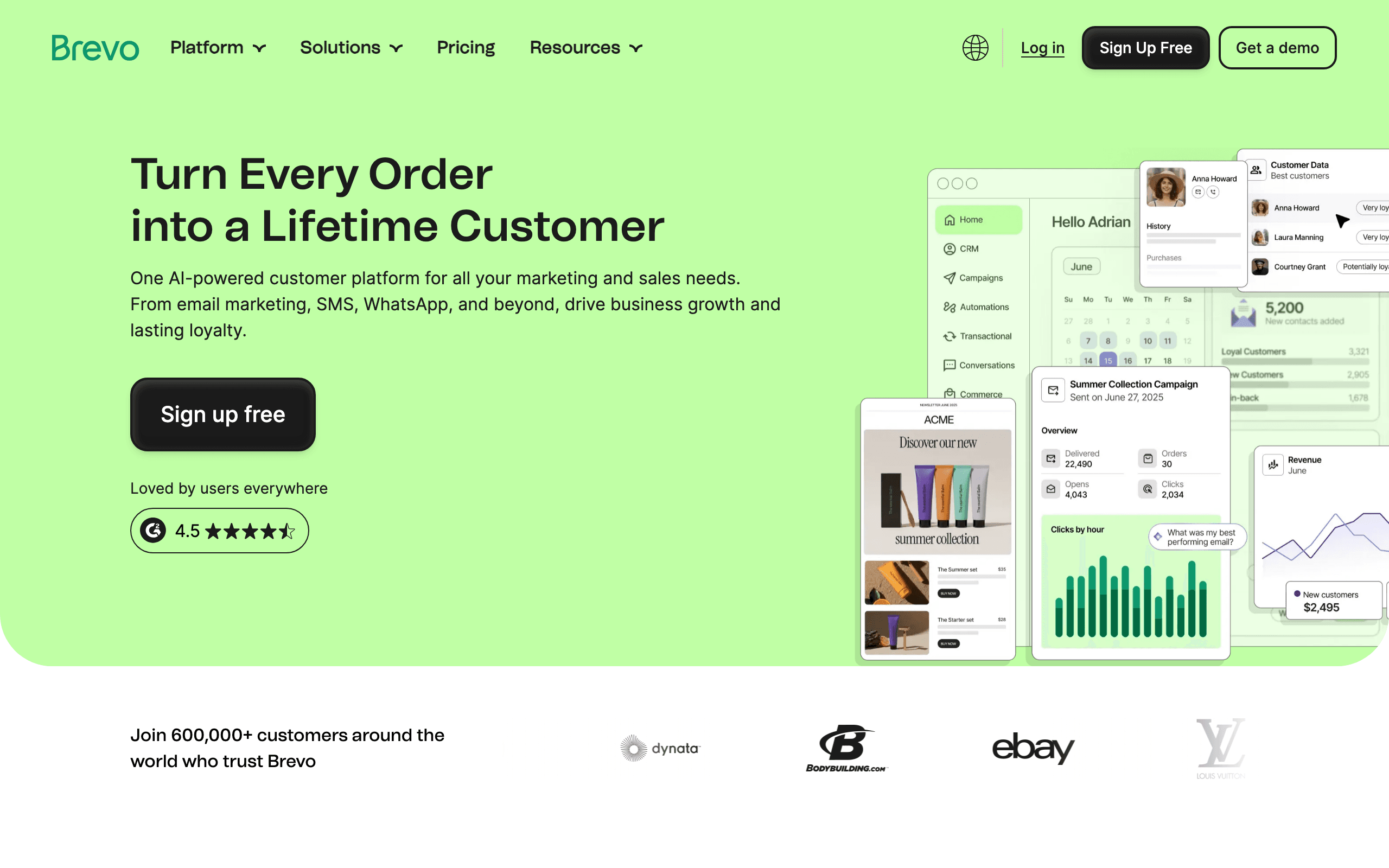
Brevo's pricing model is unusual in the pay-per-email space. The marketing platform is priced per email sent (not per subscriber), and transactional email is available as a free add-on (up to 300 emails/day). The paid transactional tier starts at $15/month for 20,000 emails.
This structure means companies can run full marketing campaigns AND transactional email from one platform, paying per send for both. For SaaS companies sending behavioral triggers, campaigns, and transactional messages, Brevo consolidates everything under one pricing model.
The feature set is comprehensive. Visual automation builder, A/B testing, dynamic content, landing pages, SMS, and a CRM are all included. Brevo has expanded from its email roots into a full marketing platform.
The free transactional tier is particularly useful for early-stage companies. You can send notifications, confirmations, and alerts for free while paying for marketing sends. This asymmetric pricing is hard to find elsewhere.
Pricing: Free plan (300/day), paid from $25/month for 20K emails; transactional free up to 300/day What's included: Email marketing, automation, transactional, SMS, landing pages, CRM What's not included: Advanced marketing features on lower tiers Best for: Teams wanting marketing + transactional in one platform, cost-conscious early-stage companies
14. Mailtrap
Best for: Email testing environment plus production sending in one tool
Mailtrap started as an email testing tool (catch all emails in a sandbox instead of sending to real users) and expanded to production sending. The combination of email testing and production SMTP in one platform is unique.
For development teams, Mailtrap eliminates the need for separate testing and production environments. You build and test with Mailtrap's sandbox, then route production sends through the same platform. No switching tools, no different configuration, no risk of accidentally sending test emails to real users.
The free tier includes 1,000 test emails/month and 1,000 production emails/month. Paid plans scale both independently. The production email pricing is competitive at $0.10 per 1,000 emails, and the testing features (inbox, spam testing, HTML checks) are among the best in the category.
For agencies and development teams building applications for multiple clients, Mailtrap's organization features and sub-account management simplify client isolation. Each client gets their own project with separate credentials and billing.
Pricing: Free for 1,000/month (testing + production), paid from $10/month What's included: Email sandbox, production SMTP, API, spam testing, HTML checker, analytics What's not included: Marketing automation, campaign builder, visual editor Best for: Development teams, agencies, teams needing both testing and production environments
15. Mandrill (Mailchimp)
Best for: Transactional email within the Mailchimp ecosystem
Mandrill is Mailchimp's transactional email add-on. You need a Mailchimp plan to use it - Mandrill is not a standalone product. Pricing is in 25,000-email blocks at $20/block per month. The per-email cost is $0.20/1,000, which is competitive.
The Mailchimp integration is the core value proposition. If you're already using Mailchimp for marketing, adding Mandrill lets you send transactional email with the same team, templates, and account. You can share template assets between marketing and transactional emails, which maintains visual consistency.
Mandrill's template system uses Mailchimp's template editor, which is mature and full-featured. For teams that have invested in Mailchimp templates and workflows, extending that investment to transactional email is natural.
The limitation is the Mailchimp dependency. You can't use Mandrill without a Mailchimp plan, so the true cost includes both. If you're not a Mailchimp customer, there are better standalone transactional options. But if you are a Mailchimp customer, Mandrill's integration depth is hard to replicate with a separate provider.
Pricing: $20/month per 25,000-email block (requires Mailchimp plan) What's included: Transactional API, SMTP, shared Mailchimp templates, analytics What's not included: Standalone operation (requires Mailchimp), advanced automation Best for: Existing Mailchimp users who need transactional email
16. BigMailer
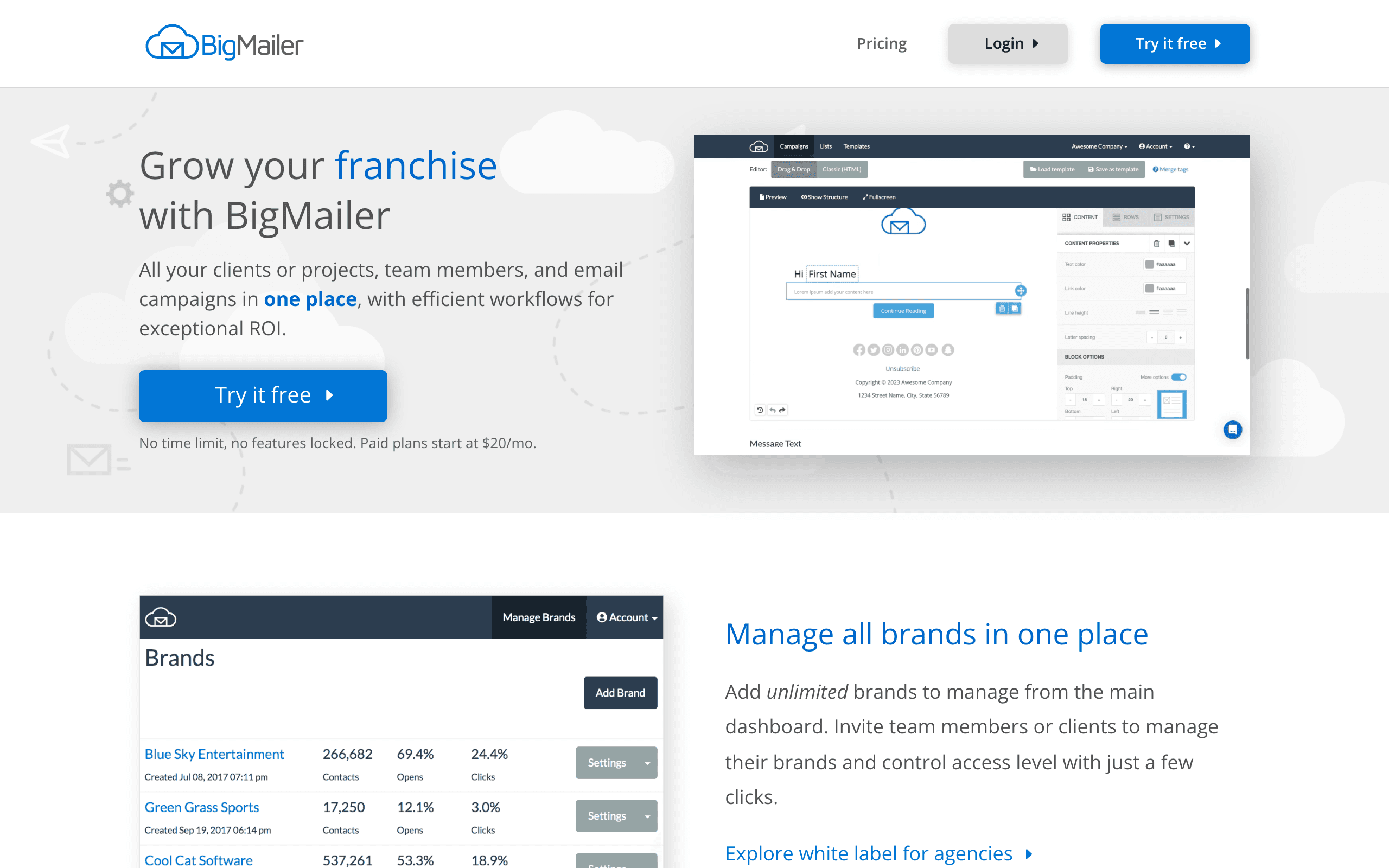
Best for: Agencies managing multiple client email programs
BigMailer offers a unique multi-brand pricing model that charges per email sent across all managed brands. Instead of paying per account or per subscriber list, you pay for volume. This makes it extremely cost-effective for agencies managing 10+ clients.
The platform supports brand-level segregation (separate sender domains, templates, and lists per brand), while the agency account manages billing and cross-brand reporting. Agencies can white-label the platform for clients, managing email on their behalf.
BigMailer also includes marketing automation features - drip sequences, behavioral triggers, and segmentation. The per-email pricing extends to automated sends, not just manual campaigns. For agencies building automated email programs for clients, this keeps costs predictable.
The free tier includes 1,000 emails/month, which is enough for testing and small clients. The paid pricing scales linearly with volume, making cost forecasting simple.
Pricing: Free for 1,000/month, paid from $0.45/1,000 emails What's included: Multi-brand management, automation, segmentation, API, white-labeling What's not included: Advanced CRM features, native integrations at depth Best for: Email marketing agencies, consultants managing multiple client accounts
17. Courier
Best for: Multi-channel notification routing with pay-per-notification pricing
Courier is a notification infrastructure platform, not a pure email tool. It routes notifications across email, SMS, push, Slack, and other channels based on user preferences and routing rules. Email is one channel among many.
The free tier includes 10,000 notifications/month. Paid plans charge per notification sent across channels. Email notifications via Courier use Courier's own sending infrastructure or your existing email provider (SES, SendGrid, Postmark) as a routing layer.
The key value proposition is abstracting notification delivery. Instead of building channel-specific logic (if user has app installed, use push; otherwise use email), Courier handles the routing based on rules you configure. Users can set their notification preferences, and Courier respects them across channels.
For products with complex notification requirements (in-app, push, email, SMS), Courier reduces integration complexity. Rather than integrating 4 separate providers, you integrate Courier once and configure channels. The per-notification pricing covers all channels uniformly.
Pricing: Free for 10,000/month, paid plans from $29/month What's included: Multi-channel routing, email, SMS, push, in-app, preferences management, API What's not included: Marketing email (notification-focused), campaign builder Best for: Products needing multi-channel notifications, routing by user preferences
18. Mailjet
Best for: European-compliant pay-per-email with GDPR focus
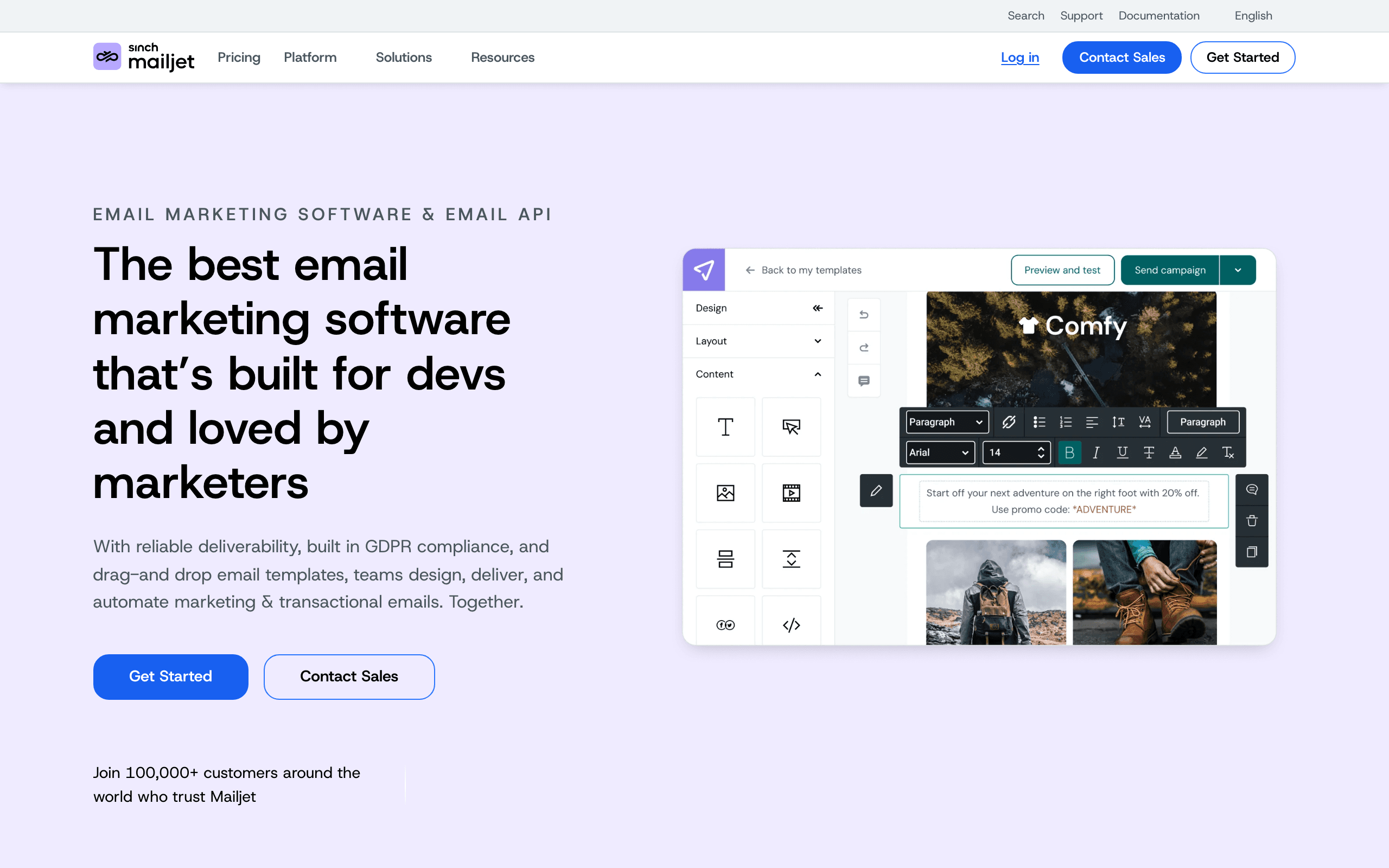
Mailjet is a French email platform with data centers in Europe, making it popular for companies with EU data residency requirements. The free tier includes 200 emails/day. Paid plans start at $15/month for 15,000 emails.
The GDPR compliance tooling is a genuine differentiator. Mailjet's consent management, subscription form tools, and data processing agreements are built for European businesses. If your subscribers are primarily EU-based and you need to demonstrate GDPR compliance to enterprise customers, Mailjet's European infrastructure and documentation are valuable.
The collaboration features (team accounts, user permissions, comment threads on campaigns) make Mailjet well-suited for marketing teams. Multiple users can work on campaigns simultaneously, which most infrastructure-focused pay-per-email tools don't support.
Mailjet supports both transactional and marketing email, and the marketing features include A/B testing, segmentation, and automation. The pricing is per email sent for both types, though the rate structure varies.
Pricing: Free for 200/day, from $15/month for 15,000 emails What's included: Transactional + marketing email, collaboration tools, GDPR compliance, API What's not included: Advanced automation workflows, CRM Best for: EU businesses, GDPR compliance needs, team-based email marketing
19. Infobip
Best for: Enterprise omnichannel with email as one channel
Infobip is an enterprise communications platform covering SMS, voice, email, push, chat, and more. Email is one channel in a broader omnichannel infrastructure. Pricing is custom for enterprise accounts.
For large organizations that need unified communication infrastructure across multiple channels, Infobip eliminates the need for separate providers for each channel. The platform handles message routing, delivery tracking, and analytics across all channels in one place.
The email infrastructure is robust, including dedicated IPs, ISP relationship management, and deliverability monitoring. But the platform's complexity and enterprise positioning make it unsuitable for small teams or companies that only need email.
Infobip's global reach is exceptional. The platform operates in 190+ countries with direct carrier connections for SMS and strong infrastructure for email delivery worldwide. For enterprise companies with global operations, this breadth is hard to match.
Pricing: Custom (enterprise-focused) What's included: Email, SMS, voice, push, chat, unified analytics, global infrastructure What's not included: Self-serve pricing, small-team-friendly features Best for: Large enterprises needing unified communications infrastructure
20. Netcore Email API
Best for: Deliverability-focused sending for Asia-Pacific and global markets
Netcore's email API focuses on inbox placement with a particular strength in Asia-Pacific markets. The platform provides AI-driven deliverability optimization, real-time engagement data, and ISP-level delivery analytics.
The AI engine (branded as Raman AI) analyzes send patterns, recipient engagement, and ISP feedback to optimize delivery parameters. For teams sending to diverse global audiences where ISP relationships vary significantly by region, this optimization can meaningfully improve inbox rates.
Netcore's pricing is customized based on volume and geography. They work with mid-market and enterprise senders, so this isn't a tool for early-stage startups. But for companies sending millions of emails to global audiences, Netcore's regional expertise and AI optimization are differentiating.
The platform includes a full analytics suite with cohort-level engagement tracking, which helps identify which subscriber segments are most engaged and adjust sending accordingly.
Pricing: Custom (mid-market and enterprise) What's included: Email API, SMTP, AI optimization, regional deliverability, analytics What's not included: Marketing campaign builder, self-serve pricing Best for: Global senders, Asia-Pacific focus, AI deliverability optimization at volume
21. Moosend
Best for: Affordable email marketing with transactional email included
Moosend offers a per-email pricing model on its free plan (limited volume) with paid plans that include unlimited emails to your subscriber list. The Transactional Email add-on is available across all paid plans for a per-email fee.
The marketing features include a drag-and-drop editor, automation workflows, segmentation, landing pages, and A/B testing. Moosend competes with MailerLite and Brevo on features at competitive pricing. The platform suits small to mid-size businesses that want a full marketing stack without enterprise pricing.
Moosend's automation is more sophisticated than most tools at this price point. The workflow builder handles multi-step sequences, conditional logic, and behavioral triggers. For e-commerce companies, the product recommendation and cart abandonment features are particularly well-executed.
The per-email pricing for transactional sends is competitive, and the marketing platform is priced by list size with unlimited sends. This hybrid model means you're paying usage-based for transactional and per-subscriber for marketing.
Pricing: Free plan available, paid from $9/month; transactional email as add-on What's included: Email marketing, automation, landing pages, A/B testing, transactional add-on What's not included: Advanced CRM, enterprise features Best for: Small to mid-size businesses, e-commerce, teams wanting marketing + transactional in one platform
Pay-Per-Email vs. Per-Subscriber Pricing
When Pay-Per-Email is Cheaper
- Large list, low frequency: 50,000 subscribers emailed once a month = 50,000 emails. At pay-per-email rates, this costs $5-50 depending on the platform. Per-subscriber pricing might be $200+/month.
- Variable volume: Some months you send 10,000 emails, others 100,000. Pay-per-email scales with actual usage rather than fixed monthly fees.
- Transactional email: Volume is unpredictable and tied to user activity. Pay-per-email aligns cost with actual usage.
- Seasonal sending: If your email volume varies significantly by season (product launches, quiet periods), pay-per-email avoids paying for capacity during low-volume months.
When Per-Subscriber is Cheaper
- Small list, high frequency: 1,000 subscribers getting weekly emails = 4,000-5,000 emails/month. Per-subscriber plans at this size ($15-30/month) can be cheaper than pay-per-email.
- Unlimited sends: Many per-subscriber plans include unlimited email sends. If you email your list frequently (multiple times per week), per-subscriber is usually cheaper.
- Marketing features: Pay-per-email platforms tend to be infrastructure-focused. Getting marketing automation, campaign builders, and visual workflow editors usually means per-subscriber pricing.
- Onboarding and lifecycle sequences: If you're running multi-step automated sequences that send many emails per subscriber, per-subscriber unlimited sending is more cost-effective.
The Hybrid Approach
Some SaaS companies use a hybrid model: pay-per-email for transactional email (Postmark, SES) and per-subscriber for marketing (Sequenzy, Loops). This optimizes cost for each email type. Transactional volume is unpredictable, so pay-per-email aligns with usage. Marketing volume is planned, so per-subscriber with unlimited sends provides predictability.
The trade-off is managing two platforms, two integrations, and two billing relationships. For companies with the engineering capacity, this hybrid approach can save 30-50% compared to using a single per-subscriber platform for both types.
Cost Comparison at 10,000 Emails/Month
| Platform | Model | Monthly Cost |
|---|---|---|
| Sequenzy | Volume tier | $19 (15K tier, includes full marketing platform) |
| Amazon SES | Pay-per-email | ~$1 |
| Postmark | Pay-per-email | $15 |
| Mailgun | Pay-per-email | $10 (Flex) |
| SendGrid | Pay-per-email | $20 (Essentials) |
| Resend | Pay-per-email | $20 (Pro) |
Cost Comparison at 100,000 Emails/Month
| Platform | Model | Monthly Cost |
|---|---|---|
| Sequenzy | Volume tier | $99 (120K tier, includes full marketing platform) |
| Amazon SES | Pay-per-email | ~$10 |
| Postmark | Pay-per-email | ~$70 |
| Mailgun | Pay-per-email | $75 (Scale) |
| SendGrid | Pay-per-email | $50 (Pro) |
| Resend | Pay-per-email | $20 + overages |
Cost Comparison at 500,000 Emails/Month
| Platform | Model | Monthly Cost |
|---|---|---|
| Sequenzy | Volume tier | $199 at 300K; higher tiers available for 600K and above |
| Amazon SES | Pay-per-email | ~$50 |
| Postmark | Pay-per-email | ~$245 |
| Mailgun | Pay-per-email | ~$350 (Scale) |
| SendGrid | Pay-per-email | ~$250 (Pro) |
| SparkPost | Pay-per-email | Custom (competitive) |
At 500,000 emails/month, SES's cost advantage is significant. But remember: SES requires you to build everything that managed platforms include. The engineering cost of building and maintaining that infrastructure should factor into the comparison.
How much does it cost to send 1,000 emails?
Short answer: between $0.10 and $1.50, depending on the provider. Amazon SES, Elastic Email, Brevo's transactional add-on and Mailtrap all land at about $0.10 per 1,000 emails. Pepipost and Mailjet sit around $0.35, SendGrid and Resend around $0.40, SocketLabs $0.50, SMTP2GO $0.60, ZeptoMail $0.75, Mailgun $1.00 on Flex, and Postmark $1.50.
| Provider | Cost per 1,000 emails |
|---|---|
| Amazon SES, Elastic Email, Brevo (transactional), Mailtrap | ~$0.10 |
| Netcore, Mandrill | ~$0.20 |
| Pepipost, Mailjet | ~$0.35 |
| SendGrid, Resend | ~$0.40 |
| BigMailer | ~$0.45 |
| SocketLabs | ~$0.50 |
| SMTP2GO | ~$0.60 |
| ZeptoMail | ~$0.75 |
| Mailgun (Flex) | ~$1.00 |
| Postmark | ~$1.50 |
Two caveats. Most of these have a monthly minimum, so 1,000 emails a month rarely costs $0.10 in practice - it costs whatever the smallest plan costs. And the 15x spread between SES and Postmark is not a quality gap in sending; it is what you pay for managed deliverability, support, and tooling you would otherwise build.
Pay-as-you-go vs monthly subscription: where is the breakeven?
The rule of thumb: under about 4-5 emails per subscriber per month, pay-per-email wins. Over about 8-10, a subscription with unlimited or bundled sends wins. Between 4 and 8, price both at your actual numbers.
The reason is that the two models charge for different things. Per-subscriber pricing charges for the size of your list whether you email it or not. Per-email pricing charges for activity and ignores list size entirely. So the breakeven is a ratio - sends per contact per month - not a volume.
| List size | Sends per contact / month | Total sends | Cheaper model |
|---|---|---|---|
| 10,000 | 1 (monthly newsletter) | 10,000 | Pay-per-email, decisively |
| 10,000 | 4 (weekly) | 40,000 | Roughly even |
| 10,000 | 12 (3x weekly) | 120,000 | Subscription with bundled volume |
| 50,000 | 1 | 50,000 | Pay-per-email, decisively |
| 2,000 | 20 (drip-heavy SaaS) | 40,000 | Subscription |
Worked example. A 10,000-contact list emailed once a month is 10,000 sends: about $1 on SES, $15 on Postmark, or $19 on a Sequenzy volume tier - against roughly $150/month on a per-profile platform like Klaviyo at that list size. Flip it to three sends a week and you are at 120,000 emails: $12 on SES, ~$85 on Postmark, $99 on Sequenzy's 120K tier - and the per-subscriber platform has not moved. The larger and quieter the list, the more per-email pricing wins; the smaller and noisier it is, the less the model matters.
The hidden variable is what you are buying alongside the send. SES at $1 does not include templates, automations, suppression management or analytics. If you would have to build those, add the engineering cost before comparing.
Cheapest platforms for password resets and receipts
Transactional-only volume has a distinct shape: bursty, latency-sensitive, and small in absolute terms for most products. That changes the ranking.
| Volume | Cheapest credible option | Cost | Why |
|---|---|---|---|
| Under 3,000/mo | Resend free, or Sequenzy free (2,500) | $0 | Both are permanent free plans with real APIs |
| 3,000-10,000/mo | Postmark Basic or Mailgun | $15 | Managed deliverability matters more than the rate at this size |
| 10,000-100,000/mo | Amazon SES | $1-10 | Only worth it if you can operate it |
| 10,000-100,000/mo (managed) | SendGrid Essentials, Resend Pro | $20-50 | Bundled volume, no engineering overhead |
| 100,000+/mo | Amazon SES or SparkPost | $10+ | Rate dominates everything else |
For password resets and receipts specifically, the thing that should decide it is not price. Below roughly 50,000 emails a month the difference between the cheapest and the most expensive managed option is a rounding error against one hour of engineering time. What matters is time-to-inbox, whether a shared IP pool is kept separate from bulk marketing traffic, and whether you get a webhook when delivery fails. Postmark's transactional-only pool is the reference standard on that basis, and Sequenzy keeps transactional email on a separate stream from campaign sending for the same reason. Never send receipts from the same stream as promotional mail.
Choosing the Right Pay-Per-Email Platform
You want the cheapest possible per-email rate: Amazon SES. Nothing beats $0.10/1,000. But you're buying infrastructure, not a product.
You want pay-per-email with great deliverability: Postmark. Pay more per email, get the best transactional delivery in the industry.
You want pay-per-email with marketing features: Sequenzy or SendGrid. Both include marketing capabilities alongside usage-based pricing.
You want flexible pay-as-you-go with no minimum: Mailgun Flex. Pay only when you send, nothing when you don't.
You want the best developer experience: Resend. TypeScript-first, React Email, clean API. Pay per email with the best DX.
You're sending millions of emails per month: SparkPost. Volume pricing and predictive deliverability at enterprise scale.
You need email testing + production in one tool: Mailtrap. Build, test, and send from the same platform.
You're managing multiple client accounts: BigMailer. Multi-brand management with per-email pricing across all brands.
You need EU data residency: Mailjet. European infrastructure with GDPR compliance tooling built in.
FAQ
Is Amazon SES really that cheap?
Yes. $0.10 per 1,000 emails is the real price. The catch is you're paying for infrastructure, not a product. You need to build or buy everything else: templates, automation, analytics, bounce handling, and campaign management. The total cost includes engineering time, not just the per-email rate.
Can I use pay-per-email for marketing campaigns?
Yes, but most pay-per-email platforms are designed for transactional email. SendGrid and Sequenzy are exceptions, offering both transactional and marketing features with usage-based pricing. For full marketing automation with pay-per-email economics, Sequenzy is the most complete option.
What about email overages?
Most pay-per-email platforms handle overages gracefully. Send more than your plan includes and you're charged a per-email overage rate. Unlike per-subscriber plans that might block your sending, pay-per-email just adjusts the bill. Check the specific overage rate for your platform, as they vary significantly.
Should I use pay-per-email for a SaaS product?
For transactional email (password resets, notifications, receipts), yes. Pay-per-email aligns cost with usage. For marketing email (campaigns, sequences, lifecycle), it depends on your sending frequency. If you send multiple emails per week to your entire list, per-subscriber plans with unlimited sends may be cheaper. If you send infrequently to large segments, pay-per-email wins.
How do I estimate my monthly email volume?
Add up: transactional emails (user actions x average emails per action), marketing campaigns (list size x campaigns per month), automated sequences (new subscribers x emails per sequence), and one-off emails (announcements, updates). Most SaaS companies find their volume is 2-5x their active user count per month.
Can I switch from per-subscriber to pay-per-email pricing?
Yes, by migrating to a pay-per-email platform. Export your contacts, templates, and automation logic from your current platform, then import into the new one. The migration effort depends on the complexity of your current setup. Simple lists migrate in hours. Complex automations might take days. See our guide on when to switch email providers for a migration framework.
What's the break-even point between per-email and per-subscriber?
It depends on your list size and sending frequency. As a rough guide: if you send fewer than 4-5 emails per subscriber per month, pay-per-email is usually cheaper. If you send more than 8-10 emails per subscriber per month, per-subscriber with unlimited sends is usually cheaper. Between 4 and 8, compare the specific platforms' pricing at your volume.
Do pay-per-email platforms have worse deliverability?
No. Deliverability depends on the platform's infrastructure and your sending practices, not the pricing model. Postmark has some of the best deliverability in the industry and uses pay-per-email pricing. SES provides the tools for excellent deliverability (though you manage it yourself). The pricing model has no inherent effect on inbox placement.
Price it yourself
Sequenzy bills on monthly email volume with unlimited contacts on every plan, which is the cheap side of the breakeven for any large list you email occasionally. The free plan covers 2,500 emails a month and includes transactional email, the developer API, the automation builder and the Stripe integration. Start free or see every tier on the pricing page.