
21 Best Email Tools With Webhook Support (2026)

Which email providers support webhook-triggered emails?
Two different things get called "webhook support", so answer this first. Outbound webhooks push email events (delivered, opened, bounced) to your app: Postmark, SendGrid, Resend, Mailgun, Amazon SES and Sequenzy all do this well. Inbound webhooks let an external system trigger a send by POSTing to the platform: Sequenzy (inbound sequence webhooks), Customer.io, Braze, Zapier-bridged platforms and any transactional API called directly support that. If your question is "webhook to send email", you want the inbound column.
Prices verified September 2026.
Inbound vs outbound webhooks
| Outbound webhook | Inbound webhook | |
|---|---|---|
| Direction | Platform -> your server | Your system (or a third party) -> platform |
| Purpose | Report what happened to an email | Trigger a send or start a sequence |
| Typical payload | email.delivered, email.bounced | Your own event JSON, mapped to fields |
| Who has it | Nearly every tool on this list | Sequenzy, Customer.io, Braze, plus anything reachable via a transactional API call |
Most of this page compares outbound event coverage, because that is where platforms genuinely differ. For the inbound case - "something happens in Stripe/Shopify/my app, send an email" - the practical patterns are: call the transactional API directly from your backend, or point the source system's webhook at a platform that accepts inbound webhooks and maps the payload onto a sequence trigger. Worked example: send emails from Stripe webhooks.
Webhooks are how email tools talk to everything else. When someone opens an email, clicks a link, bounces, unsubscribes, or completes an automation, a webhook sends that event to your application in real-time. Without webhooks, you're polling APIs, building batch sync jobs, or flying blind.
For developers building SaaS products, webhook quality determines how well your email tool integrates with the rest of your stack. Can you update user records when emails bounce? Can you trigger application logic when someone clicks a specific link? Can you log email events to your analytics pipeline? If you are building event-based email automation, webhooks are the feedback mechanism that closes the loop.
How we evaluated these tools
Each platform was scored on five criteria a developer can verify against the vendor's own docs: event coverage (which of sent/delivered/opened/clicked/bounced/complained/unsubscribed/inbound are exposed), reliability (documented retry schedule, backoff, and how long failed deliveries are retained), payload quality (is the subscriber and custom-attribute context included, or do you have to make a second API call), security (signed payloads and how signatures are verified), and whether the platform accepts inbound webhooks that can trigger a send. Prices were checked at the entry tier against each vendor's published pricing page in September 2026.
Best Webhook Email Tool by Use Case
Best webhook email tool for SaaS lifecycle feedback loops: Sequenzy
Choose Sequenzy when webhooks should close the loop between product events, lifecycle email, and your app database. Your app can send signup, activation, and billing events into Sequenzy, then consume delivery, click, bounce, and unsubscribe events back into your product. This is strongest when paired with webhooks, transactional email, and smart segments.
Best webhook email tool for transactional reliability: Postmark
Postmark remains the benchmark for clean transactional webhooks, bounce classification, inbound email, and delivery debugging. It is the right choice when webhook quality matters more than marketing automation. Compare the Postmark page and Resend vs Postmark if transactional webhooks are the main buying criterion.
Best webhook email tool for high-volume event streams: SendGrid or Mailgun
SendGrid and Mailgun are stronger when you need proven infrastructure, batched event processing, inbound parsing, or very high webhook volume. SendGrid is more enterprise-email-platform shaped; Mailgun is more raw developer infrastructure. Use the SendGrid comparison, Mailgun comparison, and SendGrid vs Mailgun for that shortlist.
Best webhook email tool for TypeScript teams: Resend
Resend is a good fit when developers want clean webhook types, modern docs, and React Email-friendly transactional sending. It does not replace lifecycle marketing, but it is one of the better developer experiences for webhook-heavy transactional email. See the React Email support guide if template DX is part of the decision.
What Makes Good Webhook Support?
- Event coverage: Delivers, opens, clicks, bounces, spam complaints, unsubscribes, and automation events
- Payload quality: Clean JSON with all relevant data (subscriber email, event metadata, timestamps)
- Retry logic: Automatic retries if your endpoint is down, with exponential backoff
- Signing/verification: Cryptographic signatures to verify webhook authenticity
- Documentation: Clear docs with payload examples for every event type
- Latency: Events delivered within seconds, not minutes
- Debugging tools: Dashboard for monitoring webhook delivery, viewing payloads, and replaying failed events
Why Webhooks Matter More Than You Think
Webhooks are not just a nice-to-have integration feature. They are the foundation for several critical capabilities:
Keeping your database in sync. When an email bounces, you need to update the subscriber's status in your application database. Without webhooks, you are flying blind about bounce and complaint events until you manually check or poll the email platform's API.
Triggering application logic. When a user clicks a specific link in an email (e.g., "Schedule a demo"), you might want to update their CRM record, notify your sales team, or trigger an in-app experience. Webhooks make this real-time instead of batch.
Building analytics pipelines. Email engagement data (opens, clicks, delivery times) feeds into your analytics pipeline. Webhooks deliver this data as it happens, enabling real-time dashboards and behavioral analysis.
Compliance and auditing. For regulated industries, you need an audit trail of email delivery and engagement. Webhooks provide the raw events that power that trail.
Quick Comparison
| Tool | Best For | Starting Price | Free Tier | Webhook Depth |
|---|---|---|---|---|
| Sequenzy | SaaS bidirectional data flow | $19/mo | Yes (2.5k emails/mo) | Sent, delivered, opened, clicked, bounced, unsubscribed + inbound sequence triggers |
| Postmark | Gold standard webhook implementation | $15/mo | No | Delivery, bounce, complaint, open, click, inbound |
| SendGrid | High-volume event processing | $20/mo | Yes | Full lifecycle + batched delivery |
| Resend | Developer-friendly TypeScript webhooks | $20/mo | Yes | Sent, delivered, bounced, complained, opened, clicked |
| Mailgun | Flexible API + inbound webhooks | $15/mo | No | Full lifecycle + inbound parsing |
| Customer.io | Automation state webhooks | $100/mo | No | Delivery + automation events + custom workflow webhooks |
| Amazon SES | AWS ecosystem integration | Pay-as-go | No | SNS/SQS/Lambda/Kinesis integration |
| ActiveCampaign | CRM-enriched engagement webhooks | $29/mo | No | Contact, automation, deal events |
| HubSpot | CRM event webhooks | $20/mo | Yes | Contact, deal, workflow events |
| Klaviyo | E-commerce event webhooks | $20/mo | Yes | Profile, metric, campaign events |
| Loops | Simple SaaS event webhooks | $49/mo | Yes | Contact events, automation state |
| Brevo | Transactional + marketing webhooks | $9/mo | Yes | Email events, contact events |
| Drip | E-commerce CRM webhooks | $39/mo | No | Subscriber events, automation events |
| Iterable | Enterprise cross-channel webhooks | Custom | No | Multi-channel events, journey state |
| Braze | Enterprise real-time webhooks | Custom | No | Canvas events, message events |
| Encharge | SaaS flow webhooks | $79/mo | No | Flow events, contact events |
| Omnisend | E-commerce multichannel webhooks | $16/mo | Yes | Email + SMS events |
| Bento | Indie SaaS event webhooks | $30/mo | No | Subscriber, automation events |
| Plunk | Developer transactional webhooks | $7/mo | Yes | Delivery events |
| Knock | Notification workflow webhooks | Custom | Yes | Workflow state, delivery events |
| Courier | Notification routing webhooks | $29/mo | Yes | Delivery, engagement, routing events |
The 21 Best Options
1. Sequenzy
Best for: SaaS teams wanting email events integrated with product data
Sequenzy's webhook support delivers events for both transactional and marketing email. When emails are sent, delivered, opened, clicked, bounced, or when subscribers unsubscribe, your application receives the event in real-time. This lets you update your product's user records based on email engagement.
For SaaS applications, the practical value is closing the loop. Your app sends events to Sequenzy (user signed up, trial started), Sequenzy sends emails, and webhooks report back what happened with those emails. You can update user profiles, trigger in-app notifications, or log engagement data based on email interactions.
The bidirectional data flow is what distinguishes Sequenzy's webhook implementation for SaaS. Most email tools treat webhooks as one-way notifications. Sequenzy's architecture encourages a full feedback loop: your application sends product events to Sequenzy, Sequenzy triggers emails and automations, and webhooks report the results back to your application. This loop lets you build features like "show in-app notification if the user hasn't opened the onboarding email within 24 hours."
The webhook payloads include subscriber metadata and custom attributes, which makes it easy to correlate email events with your application data. You do not need to look up the subscriber separately to process the webhook.
Sequenzy also accepts webhooks in the other direction. An inbound sequence webhook gives a sequence its own URL: point any external system at it, map the incoming JSON onto subscriber fields once, and every subsequent POST starts the sequence for the matching subscriber. That covers the "webhook to send email" case without writing a relay service - useful for wiring up a form vendor, a billing provider or an internal cron job. See webhooks for both directions, and the Stripe webhook walkthrough for a worked example.
Webhook events: Sent, delivered, opened, clicked, bounced, complained, unsubscribed; inbound sequence-trigger webhooks Pricing: Free up to 2,500 emails/month, then from $19/month (unlimited subscribers) Pros: Bidirectional data flow with your app, inbound webhooks can trigger a sequence, covers transactional + marketing, clean payloads, subscriber metadata included Cons: Newer platform, fewer outbound event types than Postmark, no inbound email parsing (that is Postmark/Mailgun territory)
2. Postmark
Best for: The gold standard for email webhook support
Postmark has the best webhook implementation in the email industry. Every email event is covered: delivery, bounce, spam complaint, open, click, and subscription change. Payloads are clean, well-documented, and include all the data you need. Webhooks fire in near-real-time with automatic retries.
What sets Postmark apart is the inbound webhook. Postmark can receive emails and forward them to your application as webhooks. This enables reply processing, support ticket creation from email, and other inbound use cases. The documentation is excellent, with full payload examples for every event type.
Postmark's bounce handling is particularly noteworthy. The bounce webhook includes detailed classification (hard bounce, soft bounce, transient, challenge, and more), the SMTP status code, and the raw bounce message from the receiving server. For teams building high-deliverability email systems, this level of detail is invaluable for diagnosing delivery problems.
The webhook verification uses a configurable secret that you set in the Postmark dashboard. All webhooks include this token in the headers, and your endpoint verifies it before processing. Simple, effective, and well-documented.
Postmark also provides a webhook history in the dashboard, showing recent webhook deliveries, their status, and the ability to replay failed events. This makes debugging straightforward when your endpoint has issues.
Webhook events: Delivery, bounce (with detailed classification), spam complaint, open, click, subscription change, inbound email Pricing: From $15/month Pros: Best webhook implementation, inbound email webhooks, excellent docs, reliable, detailed bounce data, webhook history Cons: Focused on transactional email, basic marketing features
3. SendGrid
Best for: High-volume webhook event processing
SendGrid's Event Webhook sends real-time events for every email interaction. The webhook covers delivery events (processed, delivered, dropped, bounced, deferred) and engagement events (opened, clicked, unsubscribed, spam report). Events include categories and unique arguments you set when sending, making it easy to correlate events with your application data.
SendGrid processes billions of emails, and the webhook infrastructure is built for that scale. Events are batched for efficiency (multiple events per HTTP request), which means you need to handle arrays in your webhook endpoint. The documentation includes detailed schemas and test tools.
The batching behavior is worth understanding. Instead of sending one HTTP request per event, SendGrid batches multiple events into a single request. This is more efficient at scale but means your webhook handler must iterate over an array of events rather than processing a single event per request. The batch size varies and is not configurable.
SendGrid's Event Webhook also supports custom categories and unique arguments. When you send an email, you can attach metadata (campaign ID, user segment, experiment variant) that is included in all subsequent webhook events for that email. This makes it easy to join email events with your application data without a separate lookup.
For teams processing millions of webhook events per day, SendGrid's infrastructure is battle-tested. The events are reliable, the delivery is consistent, and the scale is proven.
Webhook events: Processed, delivered, dropped, bounced, deferred, opened, clicked, unsubscribed, spam report, group unsubscribe Pricing: Free for 100 emails/day, from $20/month Pros: Battle-tested at scale, batched events, detailed event types, custom categories, unique arguments Cons: Batched payloads need array handling, marketing features bolted on, older API design
4. Resend
Best for: Developers wanting the cleanest webhook DX
Resend's webhook support reflects its developer-first philosophy. Events are delivered as clean JSON with TypeScript-friendly structures. The webhook covers sending events (sent, delivered, bounced, complained) and engagement events (opened, clicked). Setup is simple, and the documentation is excellent.
Resend includes webhook signing for verification, automatic retries with exponential backoff, and a dashboard for monitoring webhook delivery. For developers building in TypeScript, the payload types match the Resend SDK types, making integration seamless.
The TypeScript alignment is a standout feature. If you are building with the Resend SDK, the webhook payload types are consistent with the types you use when sending. This means you do not need separate type definitions for webhook processing. The types are available as a package, so your webhook handler gets full type safety.
Resend also supports Svix for webhook management, which provides a more robust delivery pipeline with automatic retries, event replay, and a management dashboard. This is a more mature approach to webhook infrastructure than most email platforms offer.
The limitation is event coverage. Resend's webhooks cover delivery and engagement events but not marketing automation events (because Resend does not have marketing automation). For teams that only need transactional email webhooks, the coverage is complete. For teams that also need automation state webhooks, you would need a different platform.
Webhook events: Sent, delivered, delivery delayed, bounced, complained, opened, clicked Pricing: Free for 100 emails/day, from $20/month Pros: Cleanest DX, TypeScript-friendly payloads, webhook signing via Svix, excellent docs, event replay Cons: Transactional only, no marketing automation events, newer platform
5. Mailgun
Best for: Developers wanting raw email infrastructure with comprehensive webhooks
Mailgun's webhook system covers every email lifecycle event: accepted, delivered, failed (temporary and permanent), opened, clicked, unsubscribed, complained, and stored (for inbound). Like Postmark, Mailgun supports inbound email processing via webhooks.
Mailgun webhooks include cryptographic signing for security, batch delivery for efficiency, and configurable event types. The events include detailed delivery information like SMTP response codes, which is useful for debugging deliverability issues.
Mailgun's event polling API is also worth mentioning. In addition to push-based webhooks, Mailgun provides a pull-based Events API that lets you query for events over a time range. This is useful for backfilling data when your webhook endpoint was down, or for batch analytics processing that does not need real-time data.
The inbound webhook support enables reply processing. When someone replies to an email sent through Mailgun, the reply is forwarded to your application as a webhook. The payload includes the parsed email content, attachments, and headers. This is useful for support ticket systems, in-app messaging features, and feedback collection.
Webhook events: Accepted, delivered, failed (temporary/permanent), opened, clicked, unsubscribed, complained, stored (inbound) Pricing: Free for 100 emails/day, from $15/month Pros: Comprehensive events, inbound webhooks, delivery debugging info, webhook signing, event polling API Cons: No marketing features, infrastructure-only, documentation could be better
6. Customer.io
Best for: Webhook events from marketing automations and campaigns
Customer.io's webhook support goes beyond email delivery events. You get webhooks for automation events: when someone enters or exits a workflow, when campaigns send, and when messages are delivered or engaged with. This means your application can react to marketing automation state, not just delivery status.
The webhook also supports outbound webhook actions within automations. You can add a "send webhook" step to any Customer.io workflow, calling your application's API at any point in an automation sequence. This turns Customer.io into a programmable automation engine.
The outbound webhook action is particularly powerful. In a visual workflow, you can add a webhook step between email steps. For example: send welcome email, wait 3 days, send webhook to your application to check if the user has completed onboarding, then branch based on the response. This lets you integrate real-time application state into your automation logic.
Customer.io also supports reporting webhooks that deliver campaign and automation performance data to your application. Instead of checking the Customer.io dashboard, your analytics pipeline receives performance data automatically. For teams that centralize their marketing analytics, this is a valuable feature.
Webhook events: Message sent, delivered, opened, clicked, bounced, converted, automation entered/exited, plus custom webhook actions in workflows Pricing: From $100/month Pros: Automation event webhooks, custom webhook actions in workflows, comprehensive, reporting webhooks Cons: Expensive, complex, overkill for simple webhook needs
7. Amazon SES
Best for: Infrastructure teams wanting raw email events at scale
Amazon SES delivers email events through SNS notifications or Kinesis Firehose. The events cover delivery, bounce, complaint, reject, open, click, and rendering failure. For teams already in the AWS ecosystem, the integration with SNS, SQS, Lambda, and Kinesis provides flexible event processing options.
The downside is complexity. SES doesn't have a simple "point webhook at this URL" setup. You need to configure SNS topics, create subscriptions, and handle SNS message format (which wraps the email event in an SNS envelope). It's powerful but requires AWS knowledge.
The AWS ecosystem integration is the key advantage. You can route email events to:
- SNS for fan-out to multiple consumers
- SQS for reliable queue-based processing
- Lambda for serverless event handling
- Kinesis Firehose for streaming to data warehouses (S3, Redshift, Elasticsearch)
- CloudWatch for monitoring and alerting
For teams building data pipelines or real-time monitoring systems around email, the AWS integration options are unmatched. You can process millions of events per second with auto-scaling infrastructure.
Webhook events: Delivery, bounce, complaint, reject, open, click, rendering failure, delivery delay Pricing: $0.10 per 1,000 emails (+ data transfer) Pros: Cheapest at scale, AWS ecosystem integration, SNS/SQS/Lambda/Kinesis options, massive scale Cons: Complex setup, AWS-specific, no marketing features, raw infrastructure
8. ActiveCampaign
Best for: CRM-enriched email engagement webhooks
ActiveCampaign's webhook system fires on both email events and CRM/automation events. Email-level webhooks cover opens, clicks, bounces, and unsubscribes. Contact-level webhooks fire on tag changes, automation entry/exit, list changes, and deal stage updates.
The CRM event webhooks are the differentiator. When a contact's lead score crosses a threshold, a deal stage changes, or an automation completes, your application receives the event. For SaaS teams that use ActiveCampaign as both an email platform and a lightweight CRM, these webhooks provide a unified event stream for both channels.
Webhook payloads include the full contact record, which means you don't need to make a separate API call to get contact details when processing an event. The contact's tags, custom fields, and automation status are included in each webhook payload.
Webhook events: Email opens, clicks, bounces, unsubscribes, tag changes, automation events, deal events Pricing: From $29/month Pros: CRM + email events, full contact record in payload, tag change webhooks, automation events Cons: Documentation less polished than Postmark/Resend, complex setup for advanced use cases
9. HubSpot

Best for: CRM event webhooks for sales-aligned teams
HubSpot's webhooks (available through the Webhooks API in the Developer Portal) fire on contact, company, deal, and ticket property changes. Marketing email events (opens, clicks, bounces) are accessible through the Email Events API. For teams that use HubSpot as a CRM and marketing platform, the combination provides webhooks for both.
The CRM webhooks are particularly useful for syncing HubSpot contact data to external systems. When a contact's lifecycle stage changes, their email address updates, or a deal is won, your application receives the event immediately. For SaaS teams with HubSpot as the CRM and a separate product database, these webhooks keep both in sync.
The Webhooks API requires a paid Operations Hub or CRM subscription to access all event types. Basic contact creation and property change webhooks are available at lower tiers, but the full webhook suite requires a higher-tier plan.
Webhook events: Contact, company, deal, ticket property changes; email events via Email Events API Pricing: CRM free, Operations Hub from $50/month for full webhook access Pros: Comprehensive CRM events, email events API, widely documented, enterprise reliability Cons: Full webhooks require paid Hub, complex API structure, not real-time for all events
10. Klaviyo
Best for: E-commerce email and profile event webhooks
Klaviyo's webhook support covers profile events (created, updated), metric events (email opened, clicked, placed order, refunded), and list/segment events (subscribed, unsubscribed). For e-commerce teams, the metric events are particularly valuable because they cover the full purchase journey alongside email engagement.
The "placed order" webhook is what differentiates Klaviyo's webhook system for e-commerce. When a customer places an order (captured from Shopify or a custom integration), Klaviyo fires a webhook with the full order data. Your application can use this to update inventory, trigger fulfillment, or feed analytics systems in real time.
Webhooks can be filtered by event type, making it easy to subscribe only to the events you actually need. For teams processing high webhook volumes, this filtering reduces noise and processing overhead.
Webhook events: Profile events, metric events (email + purchase), list/segment events Pricing: Free up to 250 contacts, from $20/month Pros: Purchase metric webhooks, profile events, event filtering, e-commerce-comprehensive Cons: E-commerce-focused, limited for pure SaaS, pricing scales with contacts
11. Loops
Best for: Simple SaaS lifecycle email webhooks
Loops supports outbound webhooks for contact events and automation state changes. When a contact enters or exits an automation, or when a contact event fires, your application receives the notification. For SaaS teams using Loops for onboarding and lifecycle email, these webhooks close the feedback loop between email and product.
The webhook format is clean and developer-friendly, matching Loops' general philosophy. Setup is straightforward: configure your endpoint URL, select the event types to receive, and the events start flowing.
For teams that also need inbound webhooks (to trigger Loops automations from external events), the Loops API is the preferred path. The combination of the inbound API for triggering automations and outbound webhooks for receiving events creates a bidirectional integration that covers most SaaS lifecycle email needs.
Webhook events: Contact events, automation entry/exit Pricing: Free for 1,000 contacts, from $49/month Pros: Clean webhook format, simple setup, bidirectional with API, developer-friendly Cons: Limited event types compared to transactional-focused tools, newer platform
12. Brevo
Best for: Transactional and marketing webhooks in one platform
Brevo's webhook system covers both transactional email events and marketing campaign events. For transactional email: delivered, soft bounce, hard bounce, spam complaint, and opened. For marketing: campaign sent, campaign opened, clicked, and unsubscribed. Both event types flow through the same webhook configuration.
The unified webhook system is an advantage for teams that use Brevo for both transactional and marketing email. Instead of managing separate webhook configurations for each channel, one webhook endpoint receives all email events with a consistent payload format.
Brevo also supports real-time contact event webhooks for contact-level changes: new contact, contact data updated, contact unsubscribed. For CRM sync use cases, these contact events let you keep external systems updated when contact data changes in Brevo.
Webhook events: Transactional email events, campaign events, contact events Pricing: Free tier, from $9/month Pros: Unified transactional + marketing events, contact events, affordable Cons: Documentation less detailed than Postmark/Resend, payload format less clean
13. Drip
Best for: E-commerce CRM webhook integration
Drip's webhook support delivers subscriber events, automation events, and purchase events. When a subscriber completes an automation, gets tagged, reaches a score threshold, or makes a purchase, your application receives the event. For e-commerce brands using Drip as both email and CRM, the purchase event webhooks connect email activity to revenue data.
The workflow webhook action is a useful feature. Within a Drip workflow, you can add a webhook step that fires your application's API at any point in the automation. This is similar to Customer.io's approach: the automation itself can trigger external actions, not just email sends.
Tag-change webhooks are reliable for SaaS integration patterns. When a subscriber gains or loses a tag (plan upgrade, feature activation, churn risk), the webhook fires immediately, letting your application react to the change in real time.
Webhook events: Subscriber events, tag events, workflow events, purchase events Pricing: From $39/month Pros: Tag-change webhooks, workflow webhook actions, purchase events, CRM-enriched Cons: E-commerce-shaped event model, less developer-focused than Postmark/Resend
14. Iterable
Best for: Enterprise cross-channel webhook event streams
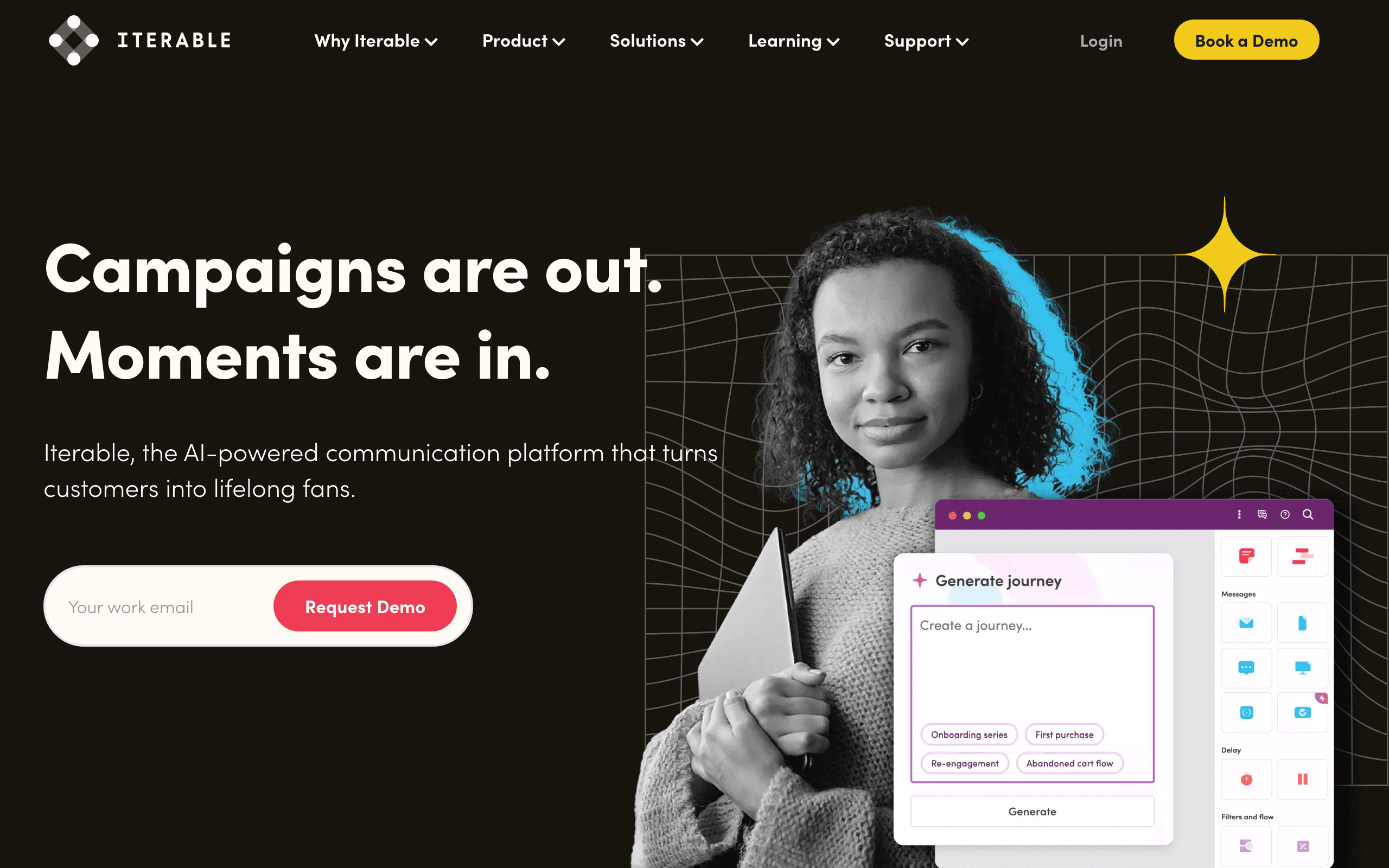
Iterable's webhook support covers the full spectrum of their cross-channel platform: email, push, SMS, and in-app message events. When any message in any channel is delivered, opened, clicked, or bounced, your application receives the event. For enterprise teams running multi-channel campaigns, having a unified event stream across all channels is valuable.
Journey state webhooks fire when users enter or exit journey steps, enabling real-time coordination with external systems. A webhook can trigger when a user completes a journey, failed to engage with a step, or exited due to a conversion event. For teams that want their CDP or data warehouse to reflect journey state, these events are essential.
The webhook payload format is JSON with consistent structure across all channel types. Event normalization means your webhook handler can process email, push, and SMS events with the same code.
Webhook events: Multi-channel delivery, engagement, bounce, journey state events Pricing: Custom (typically $500+/month) Pros: Unified multi-channel events, journey state webhooks, consistent payload format Cons: Custom pricing, complex setup, enterprise-level overhead
15. Braze
Best for: Enterprise real-time webhook event processing
Braze's Currents feature is an enterprise-grade event streaming system. All message events (sent, opened, clicked, bounced, converted), Canvas state events (step entered, exited, completed), and subscription events stream in real time to your chosen destination: Amazon S3, Google Cloud Storage, Azure Blob, Mixpanel, Amplitude, or a custom webhook endpoint.
The Currents data volume can be enormous at enterprise scale. Braze handles millions of events per second and routes them to your destination reliably. For enterprise teams with dedicated data engineering teams, Currents is the backbone of their email analytics pipeline.
The webhook endpoint option in Currents accepts a custom URL for all events. Unlike simpler webhook implementations, Braze's streaming approach means events arrive in near-continuous batches rather than individual HTTP requests. Your endpoint needs to handle high-throughput streaming rather than discrete event calls.
Webhook events: Full message lifecycle, Canvas state, subscription, purchase, and session events via Currents Pricing: Custom (typically $50K+/year, Currents may have additional cost) Pros: Enterprise-grade streaming, massive scale, multiple destination options, comprehensive events Cons: Enterprise pricing, Currents complexity, requires data engineering resources
16. Encharge
Best for: SaaS lifecycle webhook integration
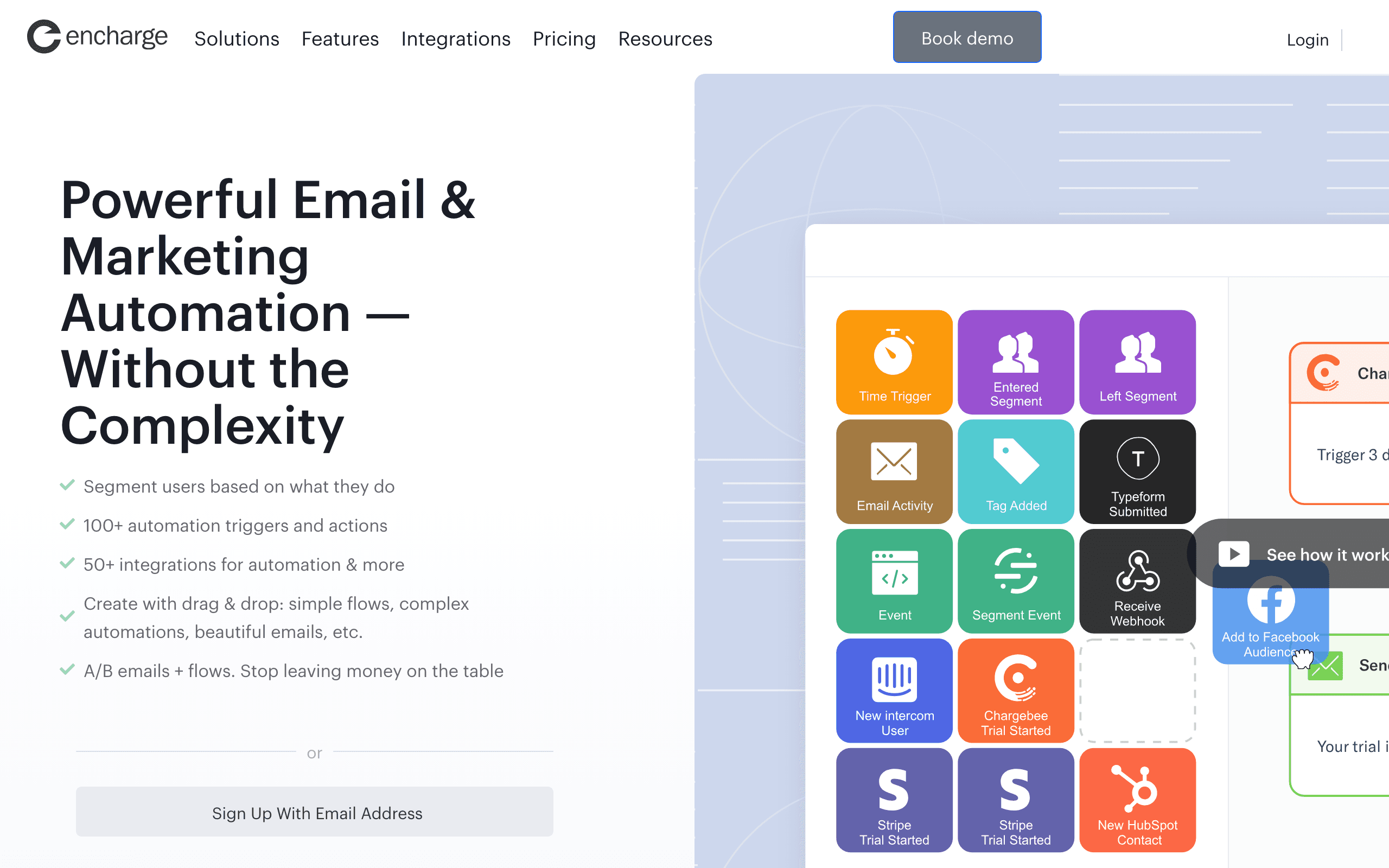
Encharge's webhooks fire on flow (automation) events and contact events. When a contact enters a flow, completes a step, exits (converted or otherwise), or when a contact attribute changes, your application receives the notification.
The flow event webhooks are useful for coordinating email automation state with your product. When a user completes the onboarding flow, your product can trigger the next in-app guidance step. When a user enters the churn prevention flow, your CS team's CRM can create a task for proactive outreach.
Encharge also supports a webhook trigger within flows. Your application can call an Encharge webhook URL to start a flow for a contact, effectively letting your product code trigger email sequences without direct API calls.
Webhook events: Flow events, contact events, attribute changes Pricing: From $79/month Pros: Flow state webhooks, webhook triggers for flows, SaaS-oriented, two-way integration Cons: Mid-range pricing, fewer event types than transactional-focused tools
17. Omnisend
Best for: E-commerce multichannel event webhooks
Omnisend's webhook support covers email, SMS, and push notification events in a single integration. When any message in any channel is sent, delivered, opened, clicked, or bounced, your application receives the event. For e-commerce teams running multichannel campaigns, the unified event stream reduces integration complexity.
Order and subscriber webhooks add e-commerce-specific events. When a subscriber places an order, updates their contact information, or changes their subscription status, your application receives the notification. These events connect email engagement to purchase behavior in real time.
The webhook configuration is straightforward. Select the event types to subscribe to, enter your endpoint URL, and optionally configure HMAC signature verification. The documentation includes payload examples for all event types.
Webhook events: Email, SMS, push events; order events; subscriber events Pricing: From $16/month Pros: Multichannel events, order webhooks, simple configuration, HMAC signing Cons: E-commerce-focused event model, limited for pure SaaS use cases
18. Bento
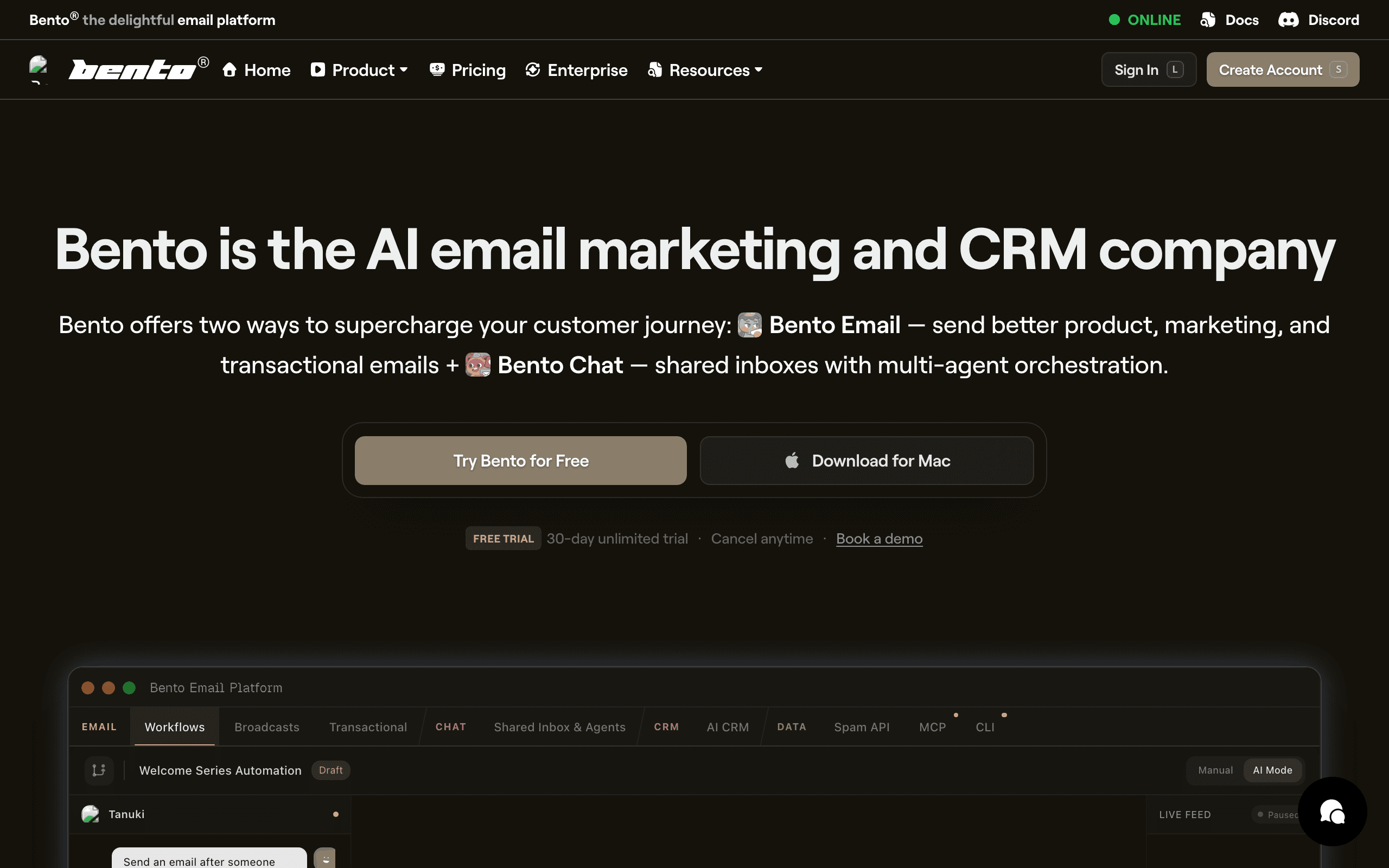
Best for: Indie SaaS teams wanting event-driven webhook integration
Bento's webhook system is designed for the event-driven model the platform is built around. When subscribers are created, attributes change, events fire, or automations trigger, your application receives the webhook. The event-centric approach means Bento's webhooks reflect product behavior, not just email delivery status.
The webhook payload includes the full subscriber profile with all attributes and tags at the time of the event. This enriched payload means you don't need to make a separate API call to get subscriber context when processing a webhook.
For indie SaaS teams that want behavioral email automation to flow bidirectionally with their product, Bento's webhooks provide the feedback layer. When an automation sequence completes or a subscriber changes state, your product can react accordingly.
Webhook events: Subscriber events, attribute changes, automation events, custom events Pricing: From $30/month Pros: Event-centric webhooks, enriched payloads, bidirectional with product, affordable Cons: Smaller platform, documentation gaps, UI can be cluttered
19. Plunk
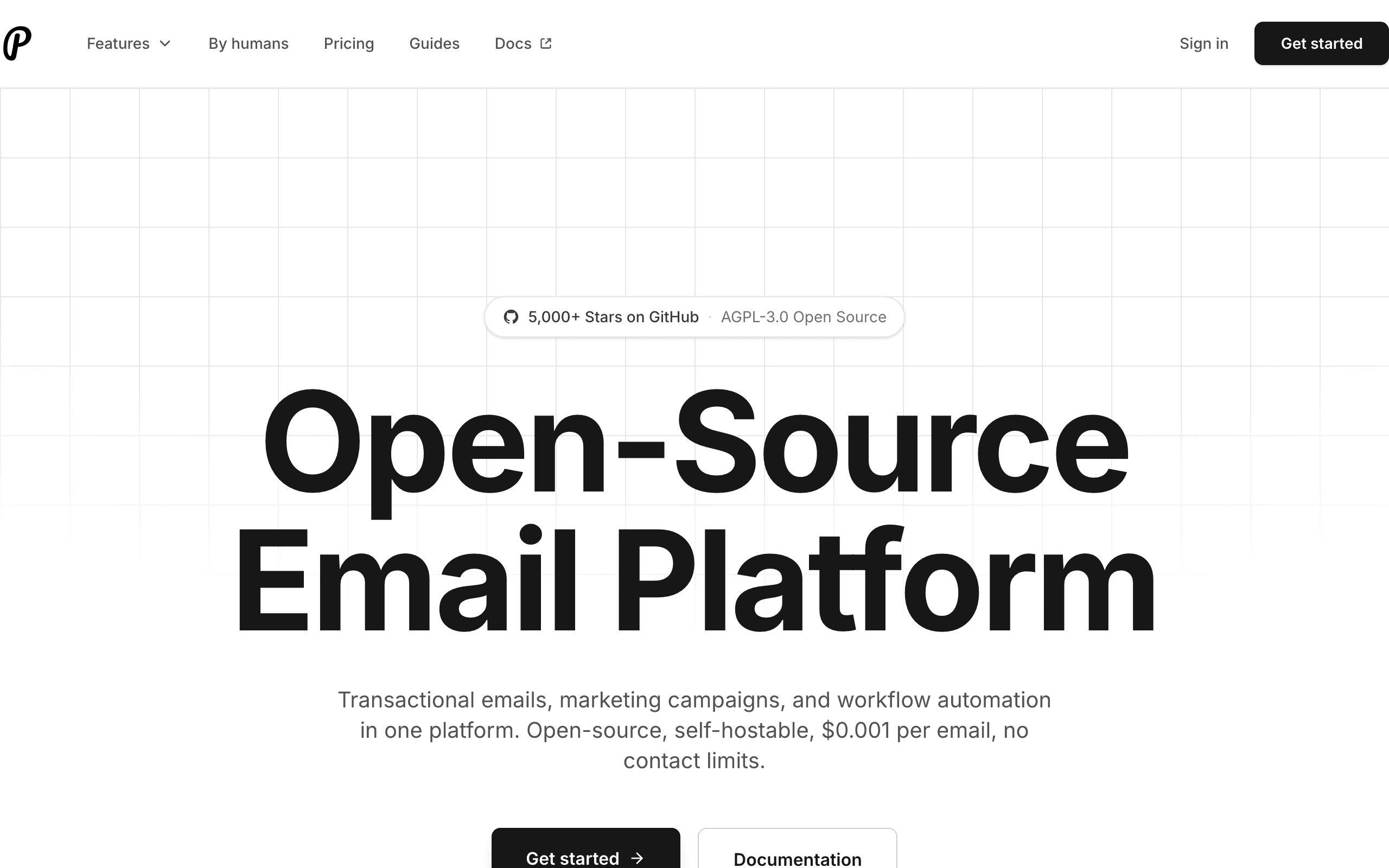
Best for: Developer transactional webhooks for modern stacks
Plunk is a developer-focused transactional email platform with clean webhook support. Events cover delivery, bounce, and complaint. The webhook format is JSON with HMAC signing, consistent with modern webhook standards.
For developers building email into their products with a focus on simplicity, Plunk's webhook implementation hits the right balance. The events are straightforward, the signing is secure, and the setup takes minutes.
The limitation is event depth: Plunk is a transactional platform, so webhook events are limited to delivery and engagement, not automation state or marketing campaign events. For teams that need only transactional webhooks, this is fine.
Webhook events: Delivered, bounced, complained Pricing: Free tier, from $7/month Pros: Simple setup, HMAC signing, developer-friendly, affordable Cons: Limited to transactional events, no automation state webhooks, newer platform
20. Knock
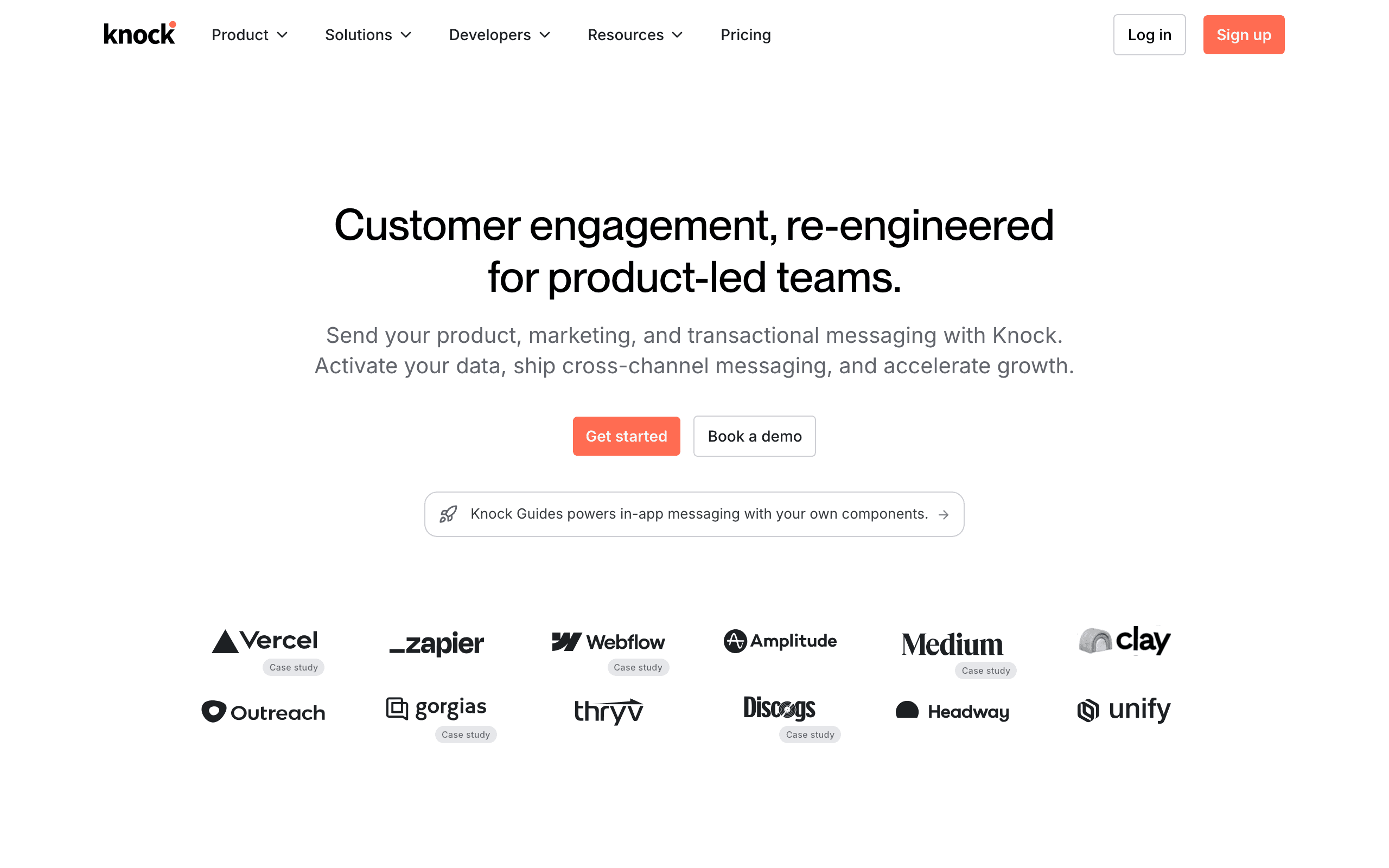
Best for: Notification workflow state webhooks
Knock is a notification infrastructure platform that sits between your application and email providers. Its webhook support covers notification workflow events: workflow triggered, step executed, message sent to channel, message opened, message clicked, and workflow completed.
The workflow-level events are unique. Instead of receiving individual email delivery events, you receive events for your entire notification workflow (which may include email, push, in-app, and SMS). "Notification workflow X completed for user Y" is a higher-level event that reflects the full notification journey, not just a single email event.
For product teams building multi-channel notification systems, Knock's webhook abstraction layer reduces the complexity of handling events from multiple underlying providers (email, push, SMS).
Webhook events: Workflow triggered, step executed, message sent/delivered/opened/clicked, workflow completed Pricing: Free tier, custom for higher volumes Pros: Workflow-level events, multi-channel abstraction, modern API design Cons: Notification-focused (not marketing email), custom pricing at scale, niche use case
21. Courier
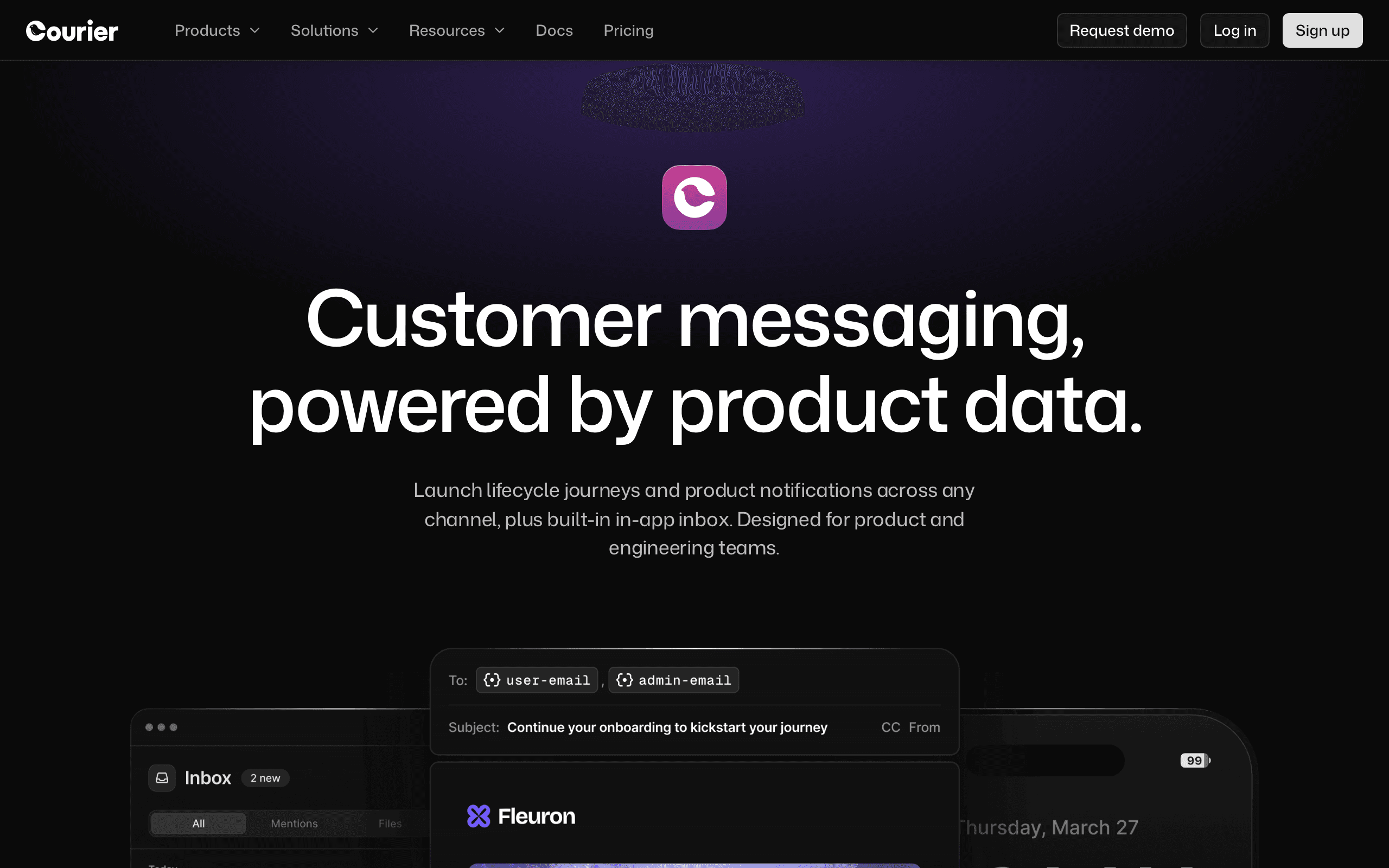
Best for: Notification routing with comprehensive delivery webhooks
Courier is a notification routing platform that handles email delivery across multiple providers. Its webhook support delivers events for each notification: routed, sent to provider, delivered, failed, opened, clicked, and archived. The routing-level events are unique: you can see which provider Courier chose for delivery and whether the routing decision succeeded.
The provider-level granularity is valuable for teams routing notifications across multiple email providers for redundancy. "Email failed with Provider A, routed to Provider B, delivered successfully" is a sequence of events that Courier makes visible in webhook payloads.
For SaaS teams that use Courier to abstract provider selection and failover, the comprehensive webhook events provide visibility into the notification routing layer that would otherwise be invisible.
Webhook events: Routed, sent, delivered, failed, opened, clicked, archived Pricing: Free tier, from $29/month Pros: Routing-level events, provider granularity, multi-channel, modern API Cons: Notification routing focus (not full email marketing), provider complexity
Webhook Best Practices
Verify Webhook Signatures
Always verify webhook signatures before processing events. Most email platforms sign webhooks with HMAC or similar. Skipping verification means anyone who discovers your webhook URL can send fake events, potentially corrupting your data or triggering unintended actions.
The verification process is typically:
- Extract the signature from the request headers
- Compute the expected signature using your webhook secret and the request body
- Compare the two signatures using a timing-safe comparison function
- Reject requests where signatures do not match
Handle Retries Idempotently
Webhooks can be delivered more than once (retries after timeout, network issues). Use event IDs to deduplicate. If you've already processed an event, skip it on retry.
A simple idempotency strategy: maintain a set of processed event IDs (in Redis or your database). Before processing a webhook event, check if the event ID has been seen. If yes, acknowledge the webhook and skip processing.
Respond Quickly
Return a 200 status code within 5-10 seconds. If your processing takes longer, accept the webhook, queue the work, and process asynchronously. Slow responses cause retries and can lead to webhook suspension.
The recommended pattern:
- Receive the webhook request
- Verify the signature
- Write the event to a queue (database table, Redis, SQS)
- Return 200 immediately
- Process the event asynchronously from the queue
Log Everything
Log all incoming webhook payloads for debugging. When an email doesn't deliver or a bounce goes unprocessed, having the raw webhook data is invaluable. Store at least 30 days of webhook logs for debugging and compliance.
Handle Webhook Endpoint Failures
Your webhook endpoint will go down eventually (deployments, infrastructure issues, bugs). Plan for it:
- Use a platform with retry logic. Most email tools retry for 24-72 hours with exponential backoff.
- Build a reconciliation process. Periodically use the email platform's API to fetch events you might have missed during downtime.
- Monitor webhook delivery. Set up alerts for failed webhook deliveries using your email platform's dashboard or monitoring tools.
Secure Your Webhook Endpoint
Beyond signature verification:
- Use HTTPS for your webhook endpoint. Never accept webhooks over plain HTTP.
- Restrict IP ranges if your email platform publishes their webhook IP addresses.
- Rate limit your webhook endpoint to prevent abuse if your URL is discovered.
- Validate payload structure before processing. Reject malformed payloads.
How to Choose
You want the best overall webhook experience: Postmark. The most complete event coverage, cleanest implementation, plus inbound email webhooks.
You're processing high-volume events: SendGrid. Battle-tested at scale with batched delivery.
You're a developer wanting clean DX: Resend. TypeScript-friendly payloads and excellent documentation.
You need webhooks for SaaS lifecycle email: Sequenzy. Bidirectional data flow between your app and email.
You want raw infrastructure webhooks: Mailgun. Comprehensive events including inbound, with signing.
You need automation state webhooks: Customer.io. Webhooks for automation events, not just email delivery.
You want the cheapest at scale: Amazon SES. Pay-per-email with SNS/SQS integration.
FAQ
What's the difference between webhooks and an API? APIs are pull-based (you request data). Webhooks are push-based (the service sends data to you). For email events, webhooks are superior because events happen unpredictably. Polling an API for new events wastes requests and introduces delay. Webhooks deliver events in near-real-time without polling overhead.
How do I test webhooks locally? Use a tunneling service like ngrok or Cloudflare Tunnel to expose your local server to the internet. Point the email tool's webhook URL at your tunnel. This lets you receive real webhook events during development. Some platforms (like Resend with Svix) also offer a test mode that sends sample webhook payloads.
What if my webhook endpoint goes down? Good email tools retry webhook delivery with exponential backoff (waiting longer between each retry). Most retry for 24-72 hours before giving up. During downtime, events queue on the email platform's side. After your endpoint recovers, the queued events are delivered. Use the platform's API to reconcile any events lost outside the retry window.
Do webhooks affect email delivery speed? No. Webhooks are asynchronous and fire after the email event occurs. They don't block or slow down email delivery. Even if your webhook endpoint is slow or down, emails continue sending normally.
How do I handle webhook events from multiple email platforms? If you use separate tools for transactional and marketing email, you may receive webhooks from multiple platforms. Use a unified webhook processing layer: route all webhooks to a single internal queue, normalize the event format, and process them through a single pipeline. This avoids duplicating event handling logic.
What happens if I process the same webhook event twice? If your processing is not idempotent, you might send duplicate notifications, update records incorrectly, or trigger duplicate actions. Always use event IDs for deduplication and design your webhook handlers to be safe when called multiple times with the same event.
Can I filter which webhook events I receive? Most email platforms let you configure which event types trigger webhooks. Only subscribe to the events you actually process. This reduces webhook volume and simplifies your handler. For example, if you only care about bounces and complaints, do not subscribe to open and click events.
How do I monitor webhook health? Track the success rate and latency of your webhook endpoint. Set up alerts for sudden drops in webhook volume (which may indicate your endpoint is down) or spikes in processing time. Most email platforms provide webhook delivery monitoring in their dashboard. Supplement this with your own application-level monitoring.
Can a webhook trigger an email send? Yes, two ways. Either your backend receives the source webhook and calls the email platform's transactional API, or you use a platform that accepts inbound webhooks directly - Sequenzy's inbound sequence webhooks give a sequence its own URL and map the incoming payload onto subscriber fields, so no relay code is needed. See send emails from Stripe webhooks for the full pattern.
Wire up your first webhook
- Start free with 2,500 emails a month and unlimited subscribers
- Read the webhooks overview (outbound events and inbound sequence triggers) and the developer API docs
- Check tiers on the pricing page
- Related: API-first email platforms and event-based email automation tools