
21 Best Email Tools With PostHog Integration (2026)

PostHog gives you product analytics, feature flags, session replays, and experiments in one open-source package. What it doesn't give you is email. And if you're building a product-led SaaS, the gap between "knowing what users do" and "emailing them about it" is where a lot of growth happens.
The good news is that PostHog tracks the exact events you'd want to trigger emails on: user signed up, feature used, trial expiring, onboarding step completed. The challenge is getting those events into an email platform that can actually do something with them.
Here's how the best email tools connect with PostHog.
How PostHog + Email Integration Works
PostHog doesn't have a native email sending feature (they've said they won't build one). So you need to get PostHog data into an email tool. There are four main approaches:
-
Webhooks from PostHog Actions: PostHog can fire a webhook when an Action triggers. Set up an Action for the event you care about, add a webhook destination, and point it at your email platform's API. This is best for specific, high-value events where you want email responses.
-
PostHog CDP (Customer Data Platform): PostHog's CDP feature lets you route events to destinations including email platforms. This is the cleanest approach for real-time event routing and the one PostHog recommends.
-
Shared event tracking: Track events to both PostHog and your email tool from your application code. This is the most common approach since you control exactly what goes where. If you're already sending emails based on product events, adding PostHog to the same tracking calls is straightforward.
-
Batch exports: Export PostHog cohorts periodically and sync them to your email platform's segments. Less real-time but works for campaign-based use cases.
Why PostHog Users Need a Dedicated Email Tool
PostHog's philosophy is to be the best product analytics platform, not to do everything. They've explicitly chosen not to build email sending because dedicated email tools do it better. This means the PostHog + email tool combination isn't a compromise; it's the intended architecture.
The teams using PostHog tend to be technical, product-led, and developer-first. They want tools with clean APIs, good documentation, and minimal vendor lock-in. This profile shapes which email tools pair well with PostHog. Enterprise platforms with complex onboarding and mandatory sales calls are a poor fit. Developer-friendly tools with event-driven APIs are a natural match.
Quick Comparison
| Tool | Best For | Starting Price | Free Tier | PostHog Integration |
|---|---|---|---|---|
| Sequenzy | SaaS lifecycle email from PostHog events | $19/mo | No | Shared event tracking or webhooks |
| Customer.io | Deep event-driven automation | $100/mo | No | Native CDP destination + webhooks |
| Loops | Simple event-to-email | $49/mo | Yes (1k contacts) | Shared event tracking from code |
| Resend | Clean transactional email | $20/mo | Yes (100/day) | Application-level (both from code) |
| Brevo | Affordable all-in-one | $9/mo | Yes (300/day) | Webhooks or shared event tracking |
| Mailgun | Reliable email infrastructure | $15/mo | No | Application-level (both from code) |
| Userlist | B2B SaaS account-level + event sync | $149/mo | No | API + shared event tracking |
| Encharge | Non-technical visual flows | $79/mo | No | Webhooks via Zapier or HTTP triggers |
| Bento | Indie SaaS events + email | $30/mo | No | Native event API, shared tracking |
| Vero | Event-based messaging | $99/mo | No | Shared tracking or Segment routing |
| ActiveCampaign | Sales-led SaaS with CRM | $29/mo | No | Webhooks via Zapier |
| HubSpot | Companies on HubSpot CRM | $20/mo | Yes | Webhooks or CDP custom destination |
| Klaviyo | Hybrid e-commerce + SaaS | $20/mo | Yes (250 contacts) | Webhooks or shared tracking |
| MailerLite | Solo founders simple lists | $10/mo | Yes (1k subs) | Zapier or webhooks |
| ConvertKit (Kit) | Creator-style SaaS | $29/mo | Yes (10k subs) | Zapier or webhook automations |
| Beehiiv | Newsletter-led SaaS | $39/mo | Yes (2.5k subs) | Zapier or API events |
| Postmark | Transactional from events | $15/mo | No | Application-level (both from code) |
| SendGrid | High-volume transactional | $20/mo | Yes (100/day) | Application-level (both from code) |
| Iterable | Enterprise multi-channel | $500+/mo | No | Via CDP, warehouse, or webhook ingestion |
| Ortto | Marketing teams with journey builder | $599/mo | No | Webhooks + custom activity ingestion |
| Drip | E-commerce-led SaaS hybrids | $39/mo | No | Zapier or events API |
The 21 Best Email Tools With PostHog Integration
1. Sequenzy
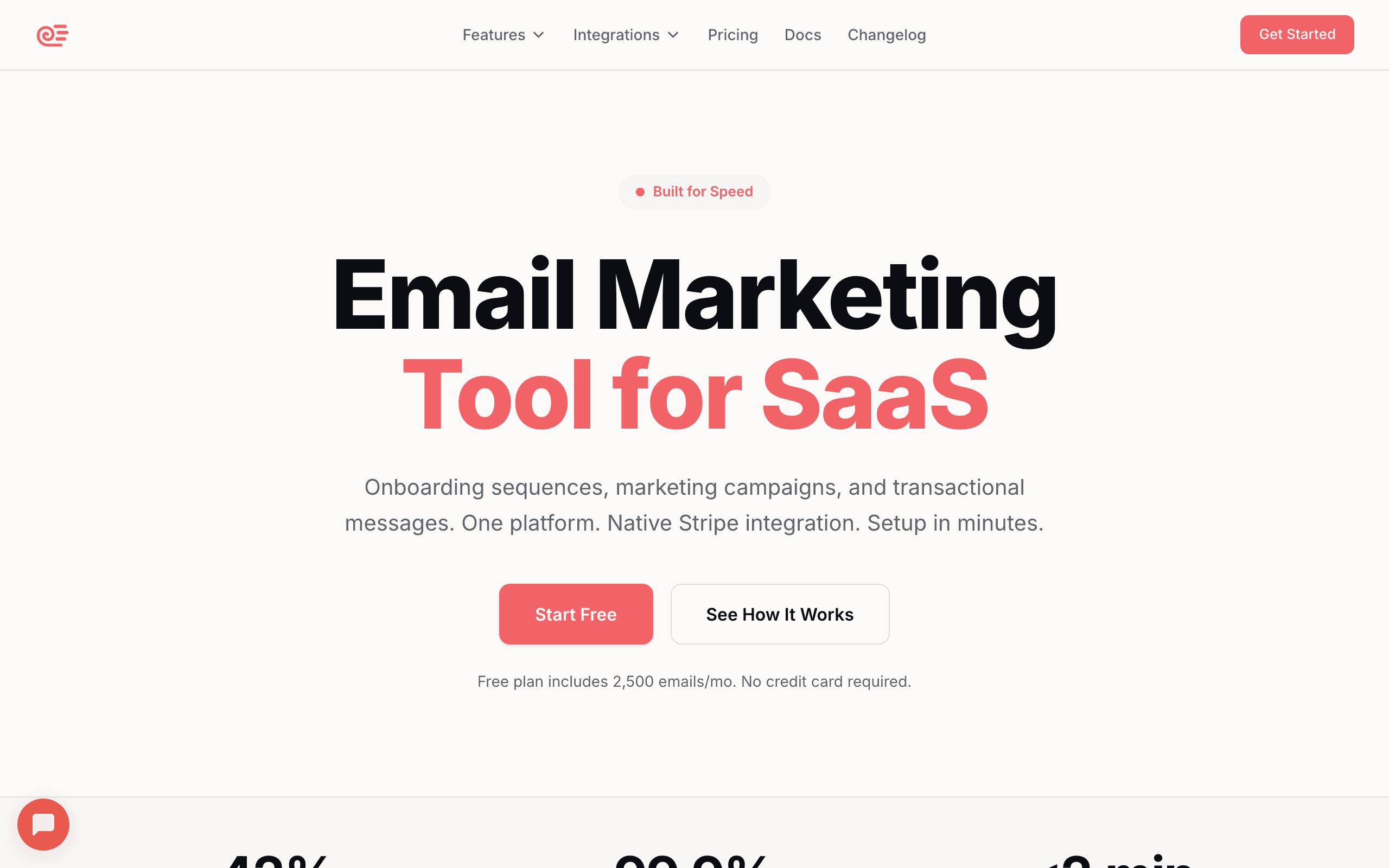
Best for: SaaS founders wanting PostHog events to drive lifecycle email
Sequenzy's event API accepts the same kinds of events PostHog tracks. The integration pattern is straightforward: track events to both PostHog (for analytics) and Sequenzy (for email automation) from your application code. When a user completes onboarding, hits a usage milestone, or triggers a billing event, Sequenzy starts the right email sequence.
The overlap between PostHog users and Sequenzy users is natural. Both tools target developers building SaaS products. Both are event-driven. And Sequenzy's Stripe integration handles payment events automatically, so you only need to manually track product usage events.
What makes Sequenzy particularly well-suited for PostHog users is the shared philosophy of simplicity. PostHog users chose PostHog because it's straightforward and developer-friendly. Sequenzy follows the same approach with email: send events, trigger sequences, done. No enterprise onboarding, no mandatory sales calls, no complex workflow builder to learn.
The practical setup takes about 30 minutes: add Sequenzy's event tracking alongside your PostHog calls, map a few key events to sequences, and you have lifecycle email running. For SaaS companies, the pre-built lifecycle patterns (trial conversion, dunning, onboarding) mean you're not starting from a blank canvas.
- PostHog integration: Shared event tracking from application code, or PostHog webhook to Sequenzy API
- Pricing: Free up to 2,500 emails/month, paid plans from $19/month
- Key strength: AI integration
- Pros: Event-driven like PostHog, SaaS lifecycle focus, Stripe handles payment events automatically, simple API, fast setup
- Cons: No native PostHog CDP destination yet, newer platform, smaller template library
2. Customer.io
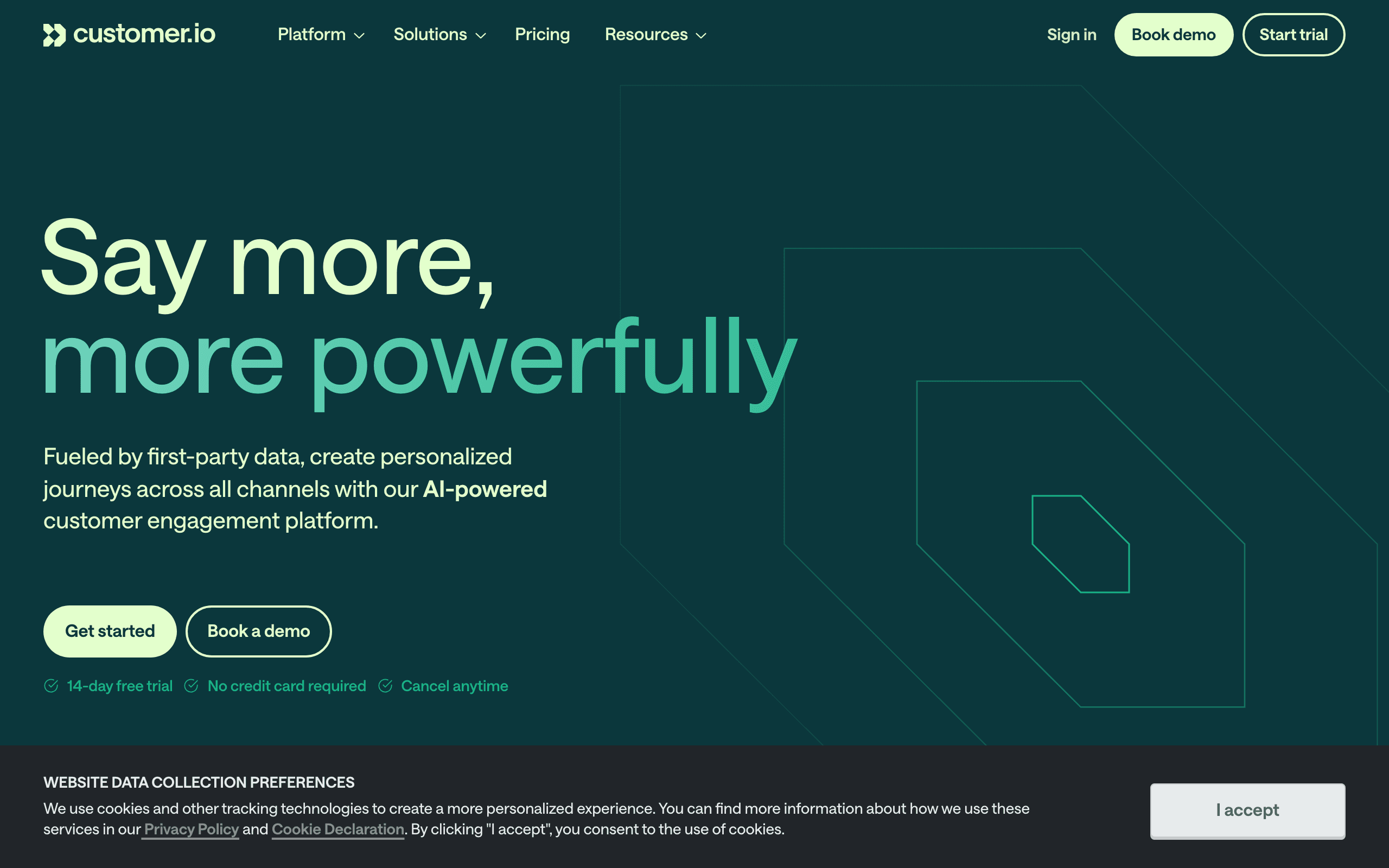
Best for: Technical teams wanting the deepest event-driven email automation
Customer.io is the most event-driven email platform on the market, which makes it a natural pairing with PostHog. You can route PostHog events to Customer.io via the PostHog CDP, webhooks, or shared application-level tracking.
Once events arrive in Customer.io, the automation possibilities are extensive. Trigger campaigns based on event combinations, use event properties for personalization, build complex branching workflows. If PostHog is your analytics brain, Customer.io can be your email brain.
The combination is powerful for teams that want to build sophisticated, data-driven email programs. For example, you can use PostHog to identify that users who complete three specific actions within their first week have 4x higher retention. Then you can build a Customer.io workflow that monitors those actions and sends targeted encouragement to users who've completed one or two but not all three.
Customer.io also supports webhook-based integrations natively, which pairs well with PostHog's webhook feature. You can set up PostHog Actions for specific behavioral patterns and have them trigger Customer.io campaigns directly.
The downside is the combined cost and complexity. Customer.io starts at $100/month, and the setup requires engineering time to configure event routing, build workflows, and maintain the integration. For well-resourced teams, this investment pays off. For lean startups, simpler options might be more appropriate.
- PostHog integration: PostHog CDP destination, webhooks, or shared event tracking
- Pricing: From $100/month
- Key strength: Most flexible automation engine
- Pros: Deep event handling, visual workflow builder, API-first, powerful segmentation, multi-channel (email + push + in-app)
- Cons: Expensive, steep learning curve, can be overengineered for simple needs, requires engineering time to maintain
3. Loops
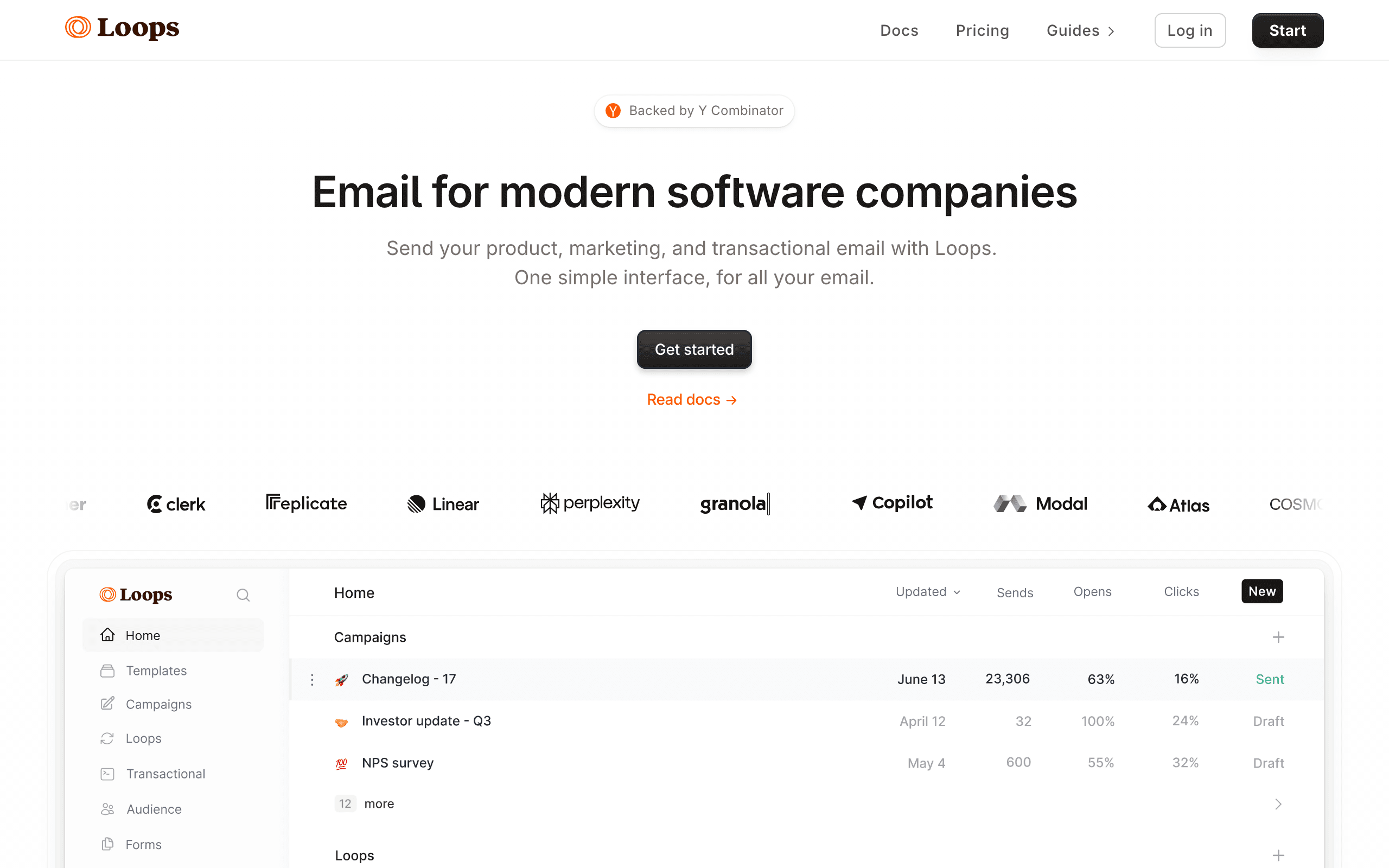
Best for: Early-stage SaaS wanting simple event-to-email automation
Loops is built for the same audience that loves PostHog: developers building SaaS products. The integration works through shared event tracking. Track events to PostHog for analytics and to Loops for email triggers. Loops' event model is simple and maps well to PostHog events.
The simplicity is the selling point. Where Customer.io gives you a visual workflow builder with dozens of options, Loops gives you event-triggered sequences that just work. For a startup that wants "when user does X, send email Y" without building a complex automation engine, Loops delivers.
Loops and PostHog share a design philosophy: do fewer things, but do them well. PostHog doesn't try to be an email tool. Loops doesn't try to be an analytics platform. The combination respects the boundaries of each tool and keeps your stack lean.
The trade-off is that you'll outgrow Loops faster than you'll outgrow PostHog. PostHog's analytics capabilities scale to large, complex products. Loops' email capabilities are designed for simpler use cases. When you need conditional branching, multi-step workflows with A/B testing, or cohort-based campaigns, you'll need to migrate to a more capable email tool.
- PostHog integration: Shared event tracking from application code
- Pricing: Free for 1,000 contacts, from $49/month
- Key strength: Simplicity and developer experience
- Pros: Clean modern interface, good free tier, event-driven model, fast setup, developer-friendly API
- Cons: Basic automations, limited segmentation, no direct PostHog CDP destination, fewer lifecycle patterns out of the box
4. Resend
Best for: Developers wanting PostHog analytics with clean transactional email
Resend handles transactional email (welcome emails, password resets, notifications) with the best developer experience available. Combined with PostHog, you get analytics on user behavior plus reliable email delivery for the messages that matter most.
The integration is at the application level: your app tracks events to PostHog and sends emails via Resend in the same request handlers. Resend doesn't have automations or sequences, so it's purely for transactional email. You'd need a separate tool for marketing and lifecycle emails.
Resend's appeal to PostHog users is the developer experience. React Email templates, TypeScript SDKs, clean REST API, and documentation that developers actually enjoy reading. If your team builds with React and TypeScript (common in PostHog's user base), the email templating workflow feels native.
For early-stage startups, Resend + PostHog can be enough. You send welcome emails, password resets, and basic notifications via Resend. You track everything in PostHog. As your email needs grow beyond transactional messages, you add a marketing email tool (Sequenzy, Loops, or Customer.io) to handle sequences and campaigns.
- PostHog integration: Application-level (both called from your code)
- Pricing: Free for 100 emails/day, from $20/month
- Key strength: Developer experience for transactional email
- Pros: Best DX in the category, React Email components, TypeScript-first, fast delivery, clean API
- Cons: No automations, no marketing email, transactional only, requires additional tool for lifecycle email
5. Brevo (formerly Sendinblue)
Best for: Teams wanting an affordable all-in-one alongside PostHog
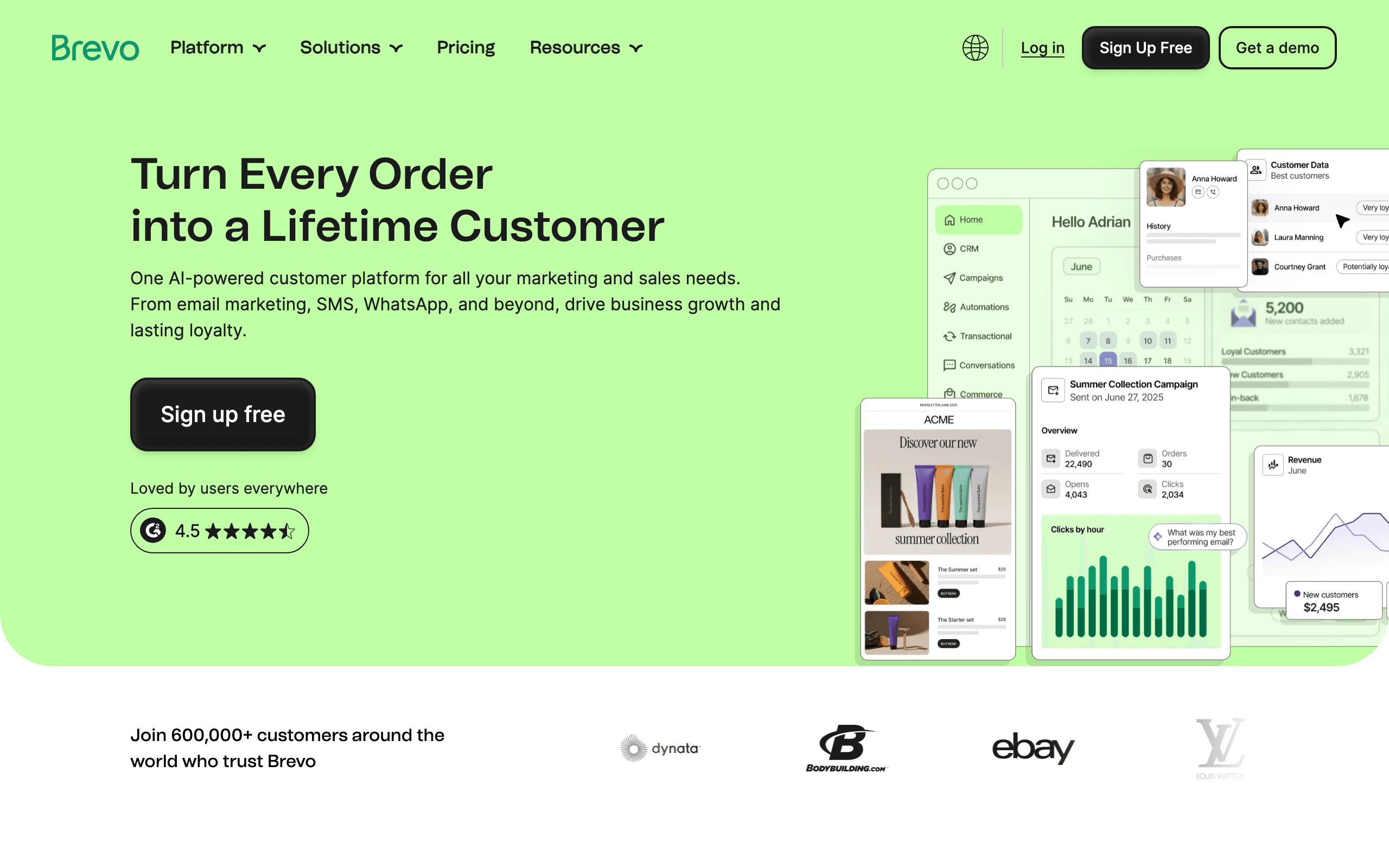
Brevo offers email, SMS, and basic automation at a lower price point than most competitors. You can route PostHog events to Brevo via webhooks or application-level tracking. Brevo's automation workflows can trigger on custom events, though the event handling isn't as sophisticated as Customer.io.
The value proposition is breadth at a low price. If you need email marketing, transactional email, and SMS alongside PostHog analytics, Brevo covers all three without enterprise pricing.
Brevo isn't the most polished option on this list, and its automation capabilities are middle-of-the-road. But for teams that want to consolidate email sending (transactional + marketing) into one affordable tool while keeping PostHog for analytics, it delivers good value. The generous free tier (300 emails/day) lets you validate the setup before committing.
- PostHog integration: Webhooks or shared event tracking
- Pricing: Free for 300 emails/day, from $9/month
- Key strength: Affordability and breadth
- Pros: Affordable, transactional + marketing, SMS included, generous free tier, multi-channel
- Cons: Less polished than focused tools, automation depth limited, UI can feel clunky, not developer-first
6. Mailgun
Best for: Developers wanting PostHog analytics with reliable email infrastructure
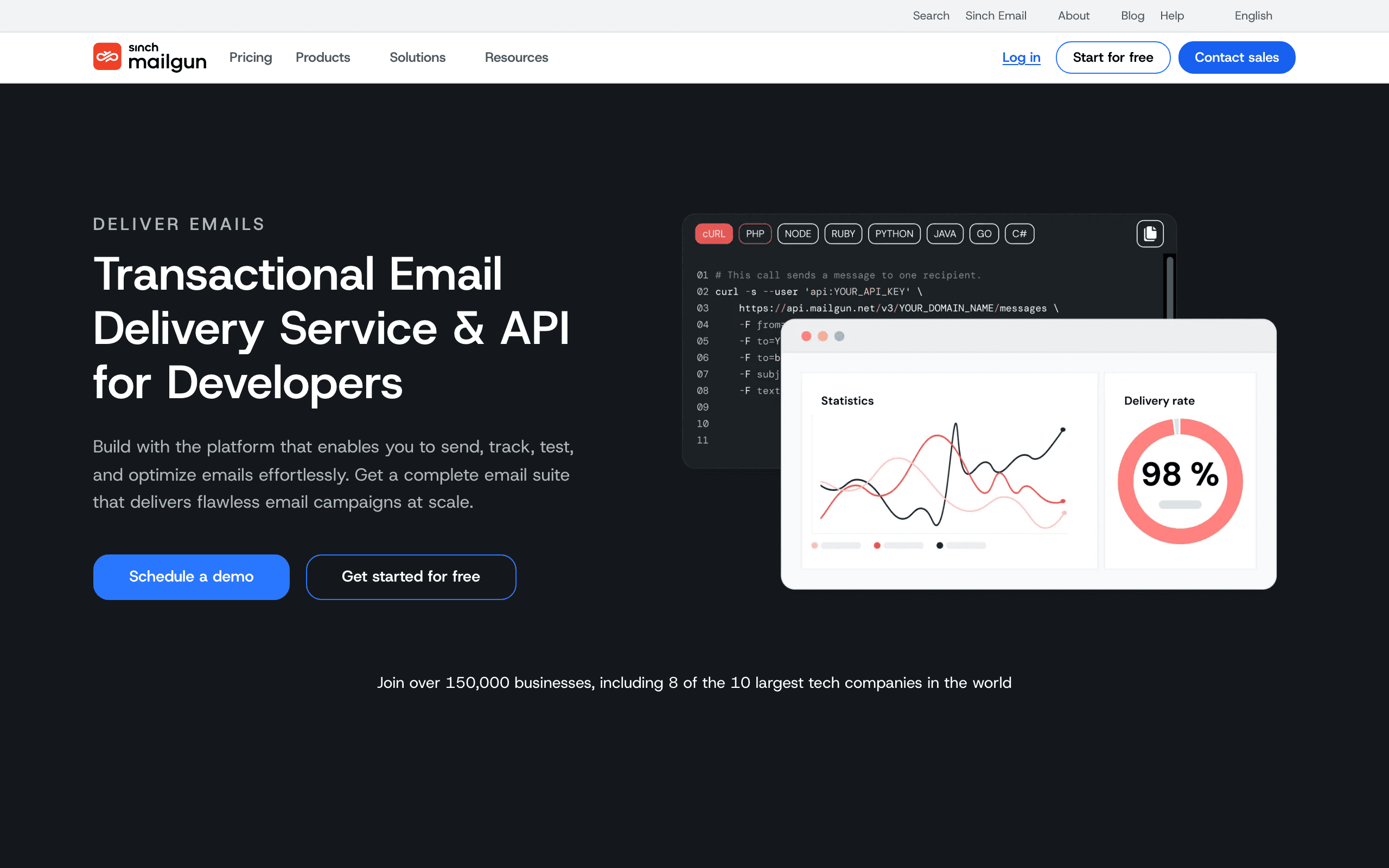
Mailgun provides email infrastructure (sending APIs, deliverability tools, inbound processing) that pairs with PostHog as a pure analytics layer. Your app uses PostHog to understand user behavior and Mailgun to send the resulting emails.
Mailgun is infrastructure, not a marketing platform. There are no visual editors, no drag-and-drop automations, no campaign builders. You build everything in code. For developers who prefer that approach, the PostHog + Mailgun combination gives you analytics and email without any marketing platform overhead.
This is the most hands-on option on the list. You write all the automation logic yourself. You build the email templates in code. You manage the sending logic. The advantage is complete control. The disadvantage is that every email workflow requires engineering time.
Mailgun makes sense for teams with specific deliverability requirements (custom IP pools, dedicated IPs, advanced DNS configuration) or teams that want to build their own email automation layer on top of reliable sending infrastructure. If your thinking leans more toward "build vs. buy" for email, Mailgun gives you the infrastructure to build on.
- PostHog integration: Application-level (both called from your code)
- Pricing: Free for 100 emails/day, from $15/month (Flex plan)
- Key strength: Reliable infrastructure with full control
- Pros: Developer-focused, reliable infrastructure, good APIs, inbound email processing, full control
- Cons: No marketing features, everything built in code, no automations, requires engineering for every workflow
7. Userlist
Best for: B2B SaaS needing account-level data alongside PostHog events
Userlist is built specifically for SaaS and supports both user-level and company-level data. You ingest PostHog events via shared application-level tracking or Userlist's API, and the platform's segmentation can reason about both individual users and the accounts they belong to.
For B2B SaaS where multiple users share a paying subscription, this matters. PostHog can show you that three users at the same company hit a feature limit; Userlist can email the admin and the power users with different messages. Most consumer-shaped tools collapse everything onto an individual contact and lose the account context.
The automation builder is straightforward and covers the standard SaaS lifecycle (onboarding, trial conversion, dunning) without forcing you into a complex workflow editor. The trade-off is starting price: $149/month is steep for a hobby project, but reasonable once you have paying B2B customers.
- PostHog integration: API + shared event tracking from application code
- Pricing: From $149/month
- Key strength: Account-level data for B2B SaaS
- Pros: Built for SaaS, user + company entities, clean lifecycle segmentation, opinionated workflows
- Cons: Higher starting price, no native PostHog connector, smaller community, limited templates
8. Encharge
Best for: Non-technical teams wanting visual PostHog-driven flows
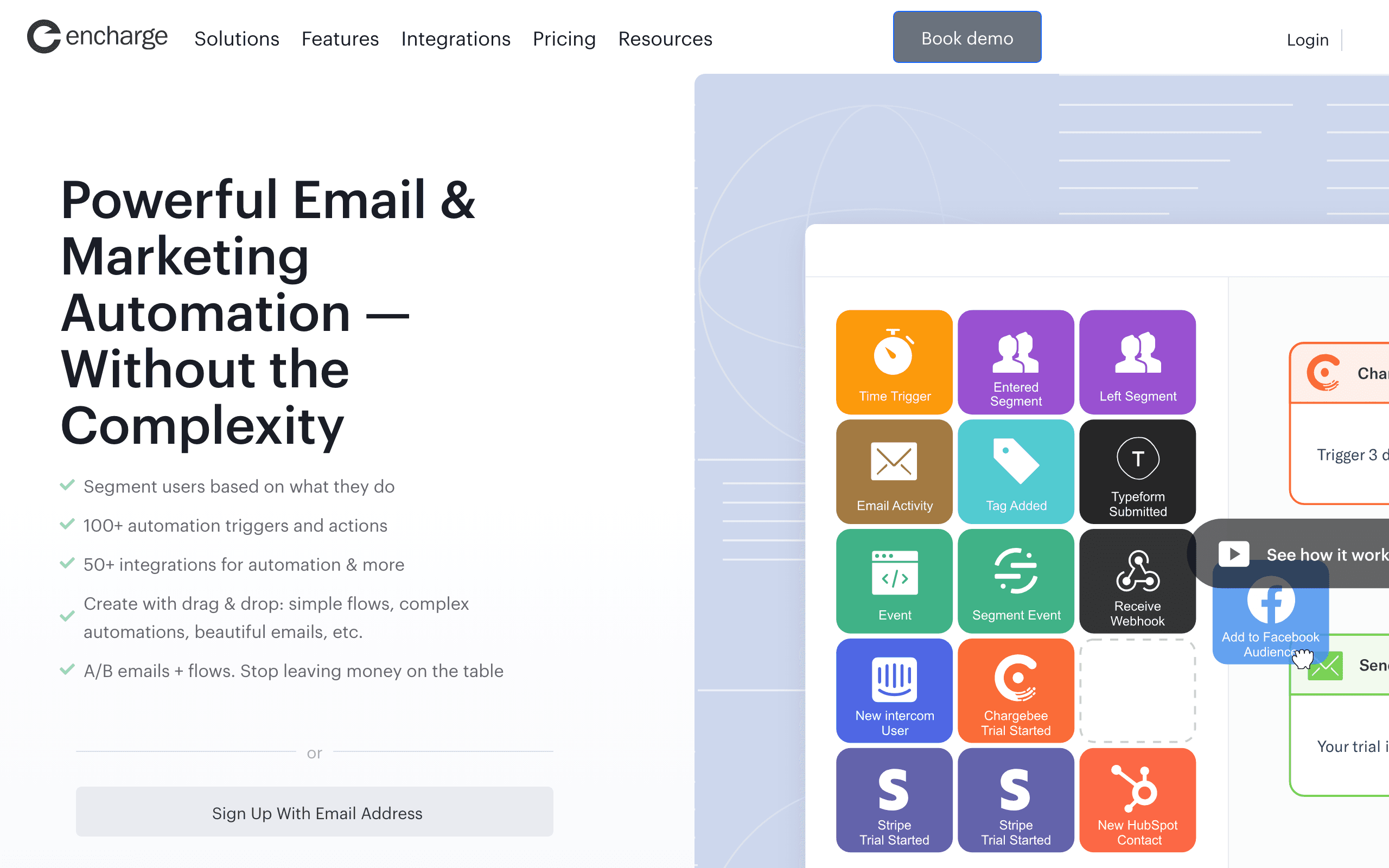
Encharge is a visual flow builder that's friendly to non-engineers. There's no native PostHog destination, but you can ingest PostHog events through Zapier, HTTP-triggered webhooks, or by calling Encharge's API from your own server.
Once events are flowing, the visual builder makes it easy to express "if user did X but not Y in 7 days, send email Z." For founders who want to see their automation logic on a canvas instead of reading code or configuration files, this is a real strength.
The downside is that the visual abstraction has limits. Truly sophisticated logic gets messy on a canvas, and the editor can feel cluttered once a flow grows. For early to mid-stage SaaS with mainstream lifecycle needs, Encharge is comfortable. For deeply custom event logic, a code-first tool fits better.
- PostHog integration: Webhooks via Zapier or HTTP triggers, plus API ingestion
- Pricing: From $79/month
- Key strength: Visual flow builder
- Pros: Approachable for non-technical users, visual branching, decent templates, common SaaS patterns supported
- Cons: No native PostHog app, complex flows get messy, mid-range pricing, smaller ecosystem
9. Bento
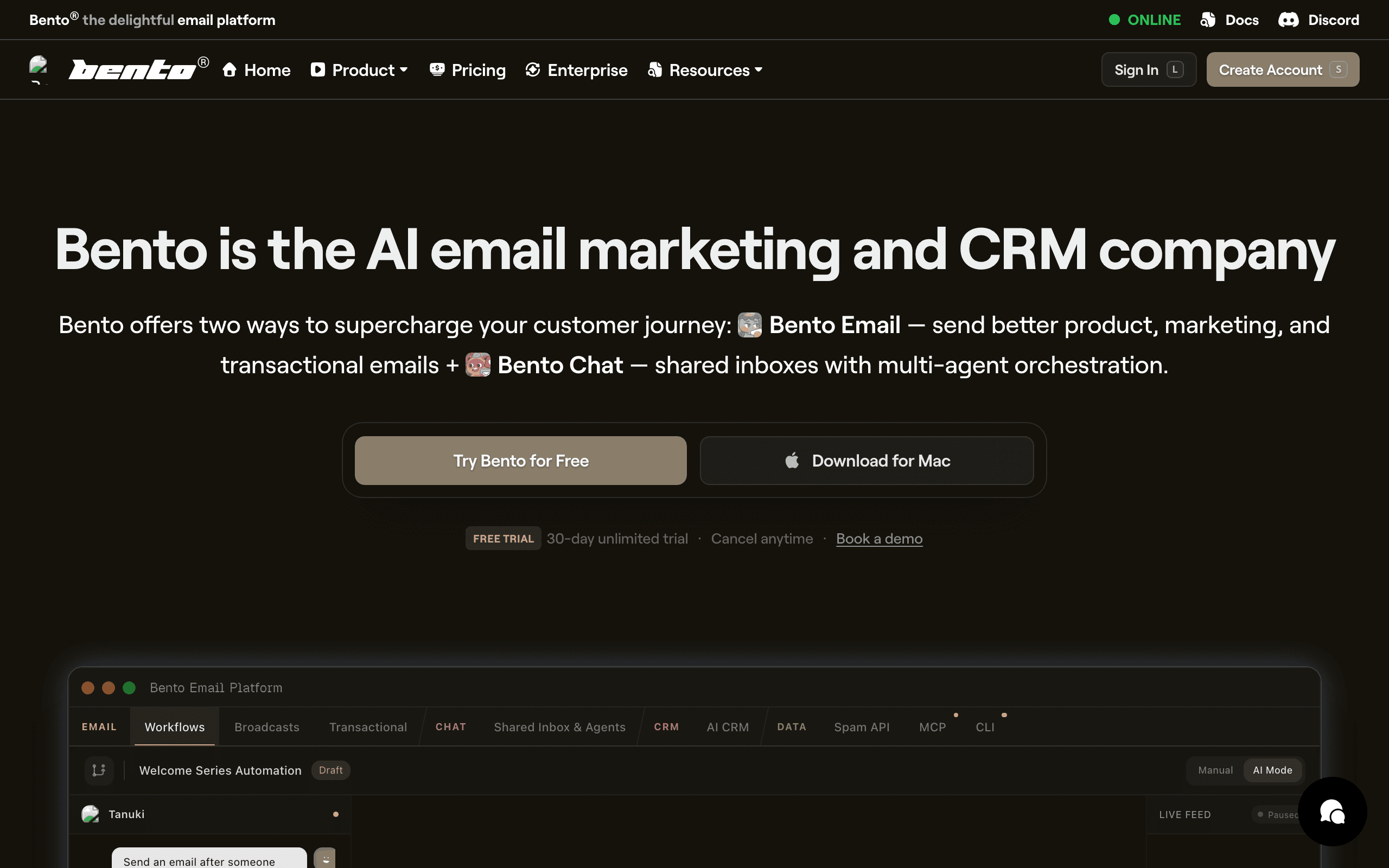
Best for: Indie SaaS wanting events and email in one tool
Bento markets itself to indie hackers as a behavior-driven email platform. The event model is first-class: every action your app sends to Bento becomes an event you can trigger flows on or use in segments. PostHog integration works through shared event tracking from your application code.
For a small team that wants PostHog for analytics and a single event-driven email tool for everything else (transactional + lifecycle + broadcasts), Bento is a strong fit at indie-friendly pricing. The Stripe integration is also native, which complements the PostHog setup if you're a SaaS.
The honest catch is polish. The UI is busy, the docs have gaps, and some workflows take more clicks than they should. The underlying capability is real; the experience is less refined than dedicated competitors.
- PostHog integration: Native event API and shared application-level tracking
- Pricing: From $30/month
- Key strength: Event-driven model at indie pricing
- Pros: Real event model, Stripe + product events in one place, generous attribute sync, deliverability tooling included
- Cons: UI feels cluttered, documentation gaps, smaller ecosystem, fewer pre-built templates
10. Vero
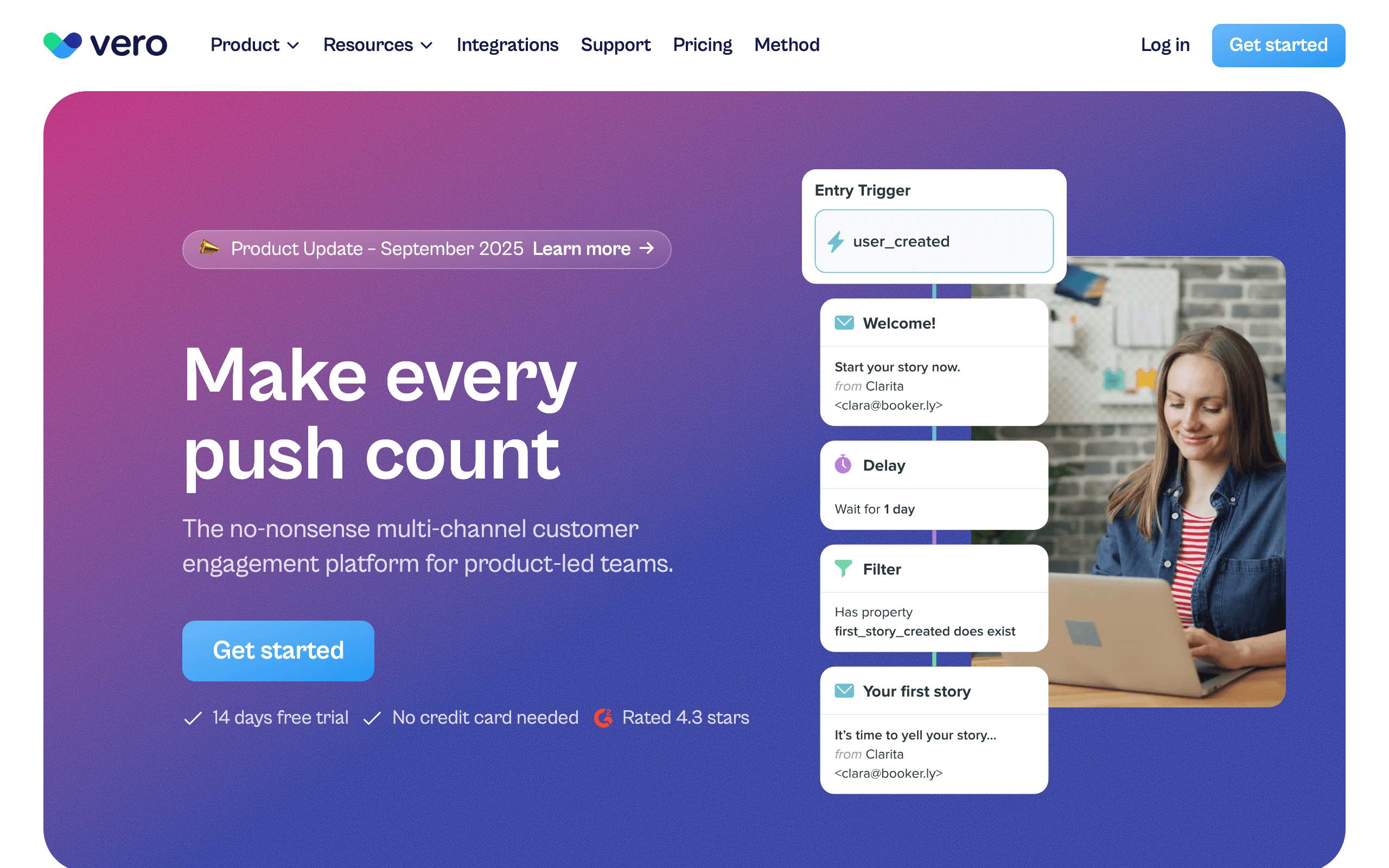
Best for: Product teams wanting event-based messaging with PostHog context
Vero has been doing event-based messaging for over a decade. There's no one-click PostHog connector, but Vero's event API and Segment integration make ingestion straightforward. Forward PostHog events through your app or via Segment, and they become Vero events you can use to trigger workflows.
The workflow engine is the strength: branching, delays, condition checks against subscriber attributes, and multi-channel delivery (email + push) all in one place. For teams that want Customer.io-style flexibility at a slightly lower price point, Vero is worth evaluating.
The trade-off is that Vero is no longer the trendiest tool in the category. The UI shows its age in places, and the ecosystem is smaller than the bigger players. For teams who care more about workflow capability than aesthetics, that's a fine deal.
- PostHog integration: Shared event tracking or Segment routing
- Pricing: From $99/month
- Key strength: Mature workflow engine
- Pros: Strong workflow logic, multi-channel (email + push), good segmentation, predictable pricing
- Cons: No native PostHog app, dated UI in places, smaller ecosystem, fewer templates
11. ActiveCampaign
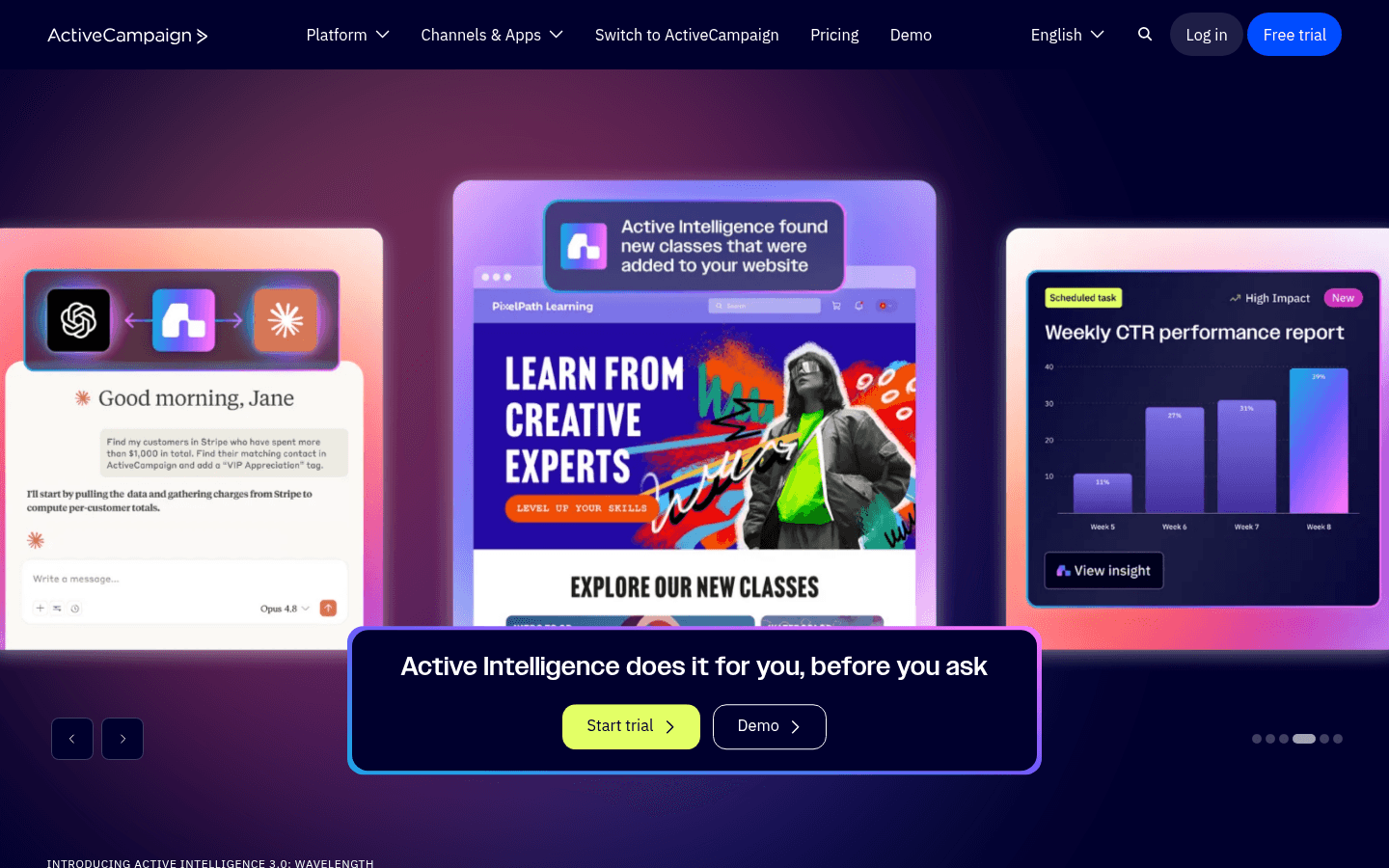
Best for: Sales-led SaaS wanting CRM + email with PostHog data
ActiveCampaign is an email + CRM platform. There's no native PostHog connector, so you'll route events via Zapier, custom webhook handlers, or by pushing PostHog data into ActiveCampaign's API directly. Once events arrive, the automation builder is mature and capable.
For sales-led SaaS where deal data and email engagement need to live in the same platform, this can be the right call. The CRM gives your sales team context, and PostHog product analytics can flow in as event triggers for email and pipeline updates.
The catches: pricing escalates fast as your contact list and feature needs grow, the platform isn't shaped specifically for SaaS lifecycle (you'll be translating concepts), and the Zapier dependency adds latency for time-sensitive flows.
- PostHog integration: Webhooks via Zapier or custom HTTP, no native PostHog app
- Pricing: From $29/month (Lite plan)
- Key strength: CRM + email in one platform
- Pros: Built-in CRM, mature automation builder, large integration ecosystem, good deliverability
- Cons: No native PostHog connector, Zapier latency, pricing scales aggressively, complex interface
12. HubSpot
Best for: Companies already standardized on HubSpot CRM
HubSpot has no native PostHog destination, but you can route PostHog events into HubSpot via webhooks, the HubSpot API, or PostHog's CDP with a custom HTTP destination. Events become contact properties or timeline activities you can use in workflows and lists.
For companies already on HubSpot, this means PostHog product activity can drive both marketing automation and CRM updates. A power-user signal from PostHog can update a deal stage and trigger an account-management email at the same time.
The honest caveats: HubSpot's automation pricing scales hard, the integration takes engineering time to wire up cleanly, and the workflows feel CRM-shaped rather than product-shaped. Best when HubSpot is already non-negotiable.
- PostHog integration: Webhooks or PostHog CDP via custom HTTP destination
- Pricing: Free CRM, Marketing Hub from $20/month
- Key strength: Unified with CRM and pipelines
- Pros: Strong CRM integration, good reporting, large ecosystem, mature support
- Cons: Pricing escalates fast, no native PostHog app, CRM-shaped workflows, complex permissions
13. Klaviyo
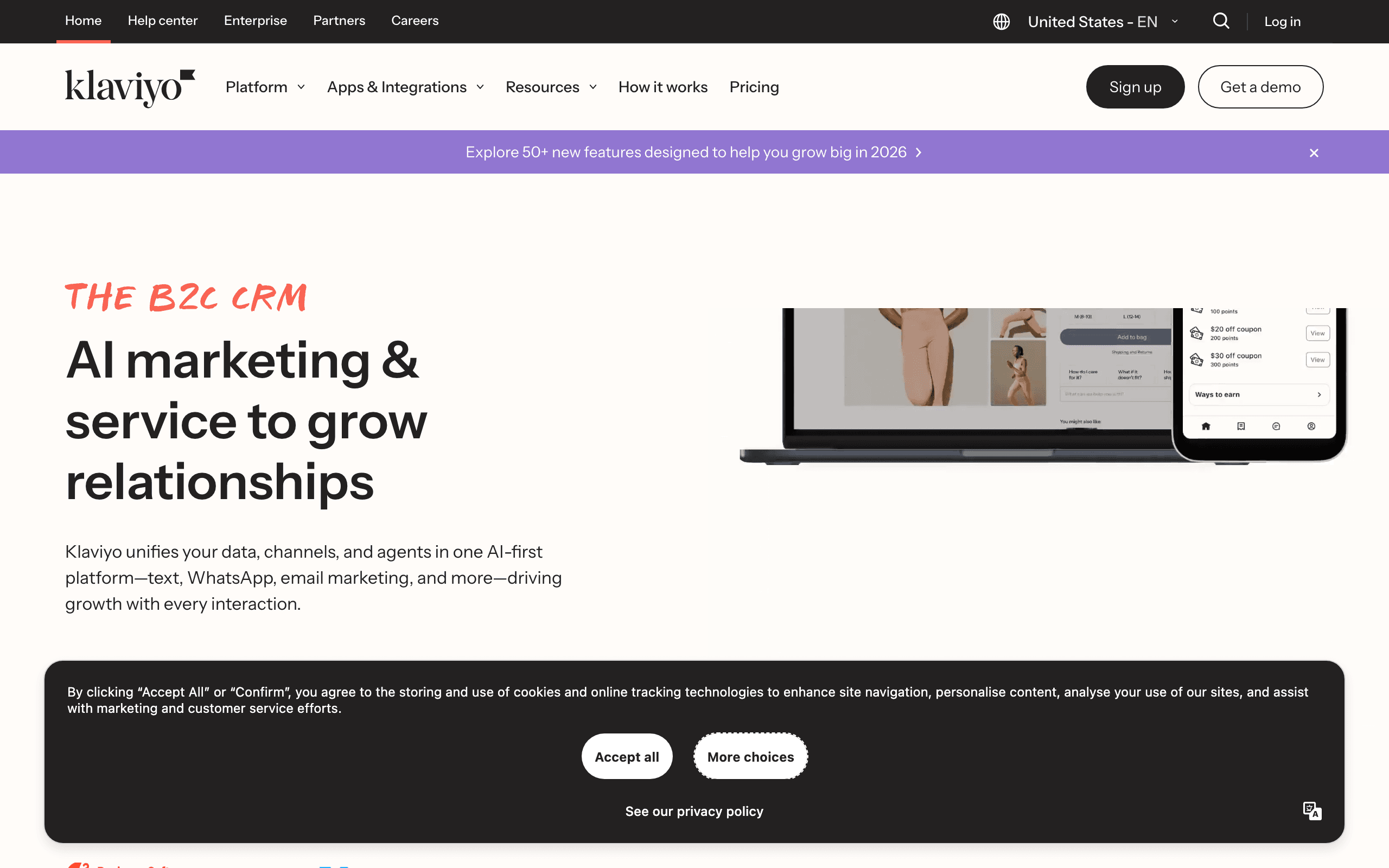
Best for: Hybrid e-commerce + SaaS businesses
Klaviyo is best known for e-commerce but supports custom event ingestion via webhooks and their Track API, which is enough to bring PostHog events into customer profiles. Klaviyo's segmentation engine is excellent and can blend e-commerce data with PostHog product events in a single profile.
For businesses with both an e-commerce surface and a SaaS layer, Klaviyo is one of the few tools that can reason about both worlds together. PostHog tells Klaviyo what users do in the product; Shopify tells Klaviyo what they buy. Segments and flows can use either signal.
The trade-off: every concept in Klaviyo is shaped like e-commerce (flows, terminology, dashboards). You can absolutely use it for SaaS, but you'll be translating "trial expiring" into the platform's order-shaped mental model the entire time.
- PostHog integration: Webhooks or shared event tracking via Track API
- Pricing: Free up to 250 contacts, from $45/month
- Key strength: Best-in-class segmentation
- Pros: Powerful segmentation, blends e-commerce + SaaS data, strong analytics, many templates
- Cons: E-commerce mental model, no native PostHog app, pricing scales with contacts, can feel heavy
14. MailerLite
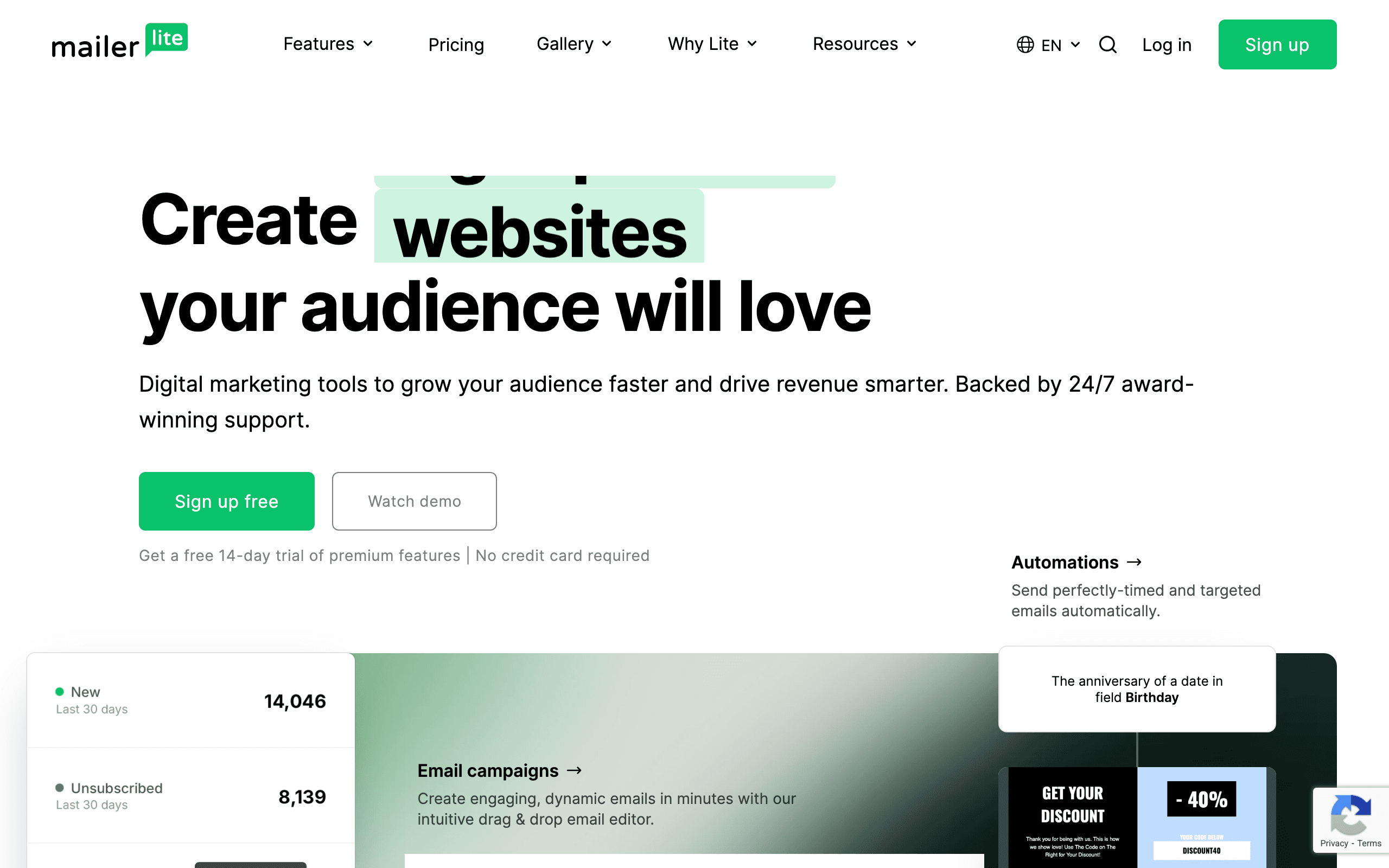
Best for: Solo founders wanting simple lists with light PostHog triggers
MailerLite is a clean, affordable email platform with a generous free tier. There's no native PostHog integration, but you can wire events through Zapier or push them into MailerLite's API from your own webhook handler.
The platform itself is pleasant: a good editor, clear segmentation, and one of the better free tiers in the space. For a solo founder shipping a small SaaS who wants PostHog for product analytics and MailerLite for newsletters and basic lifecycle email, the combination works.
What you don't get is sophisticated automation. The trigger options and conditional logic are limited compared to Customer.io or Vero. Once your sequences need real branching or multi-step logic, you'll outgrow it.
- PostHog integration: Zapier or webhooks via API
- Pricing: Free up to 1,000 subscribers, from $10/month
- Key strength: Simplicity and free tier
- Pros: Pleasant editor, generous free tier, simple pricing, low learning curve
- Cons: No native PostHog connector, basic segmentation, limited automation depth, fewer integrations
15. ConvertKit (Kit)
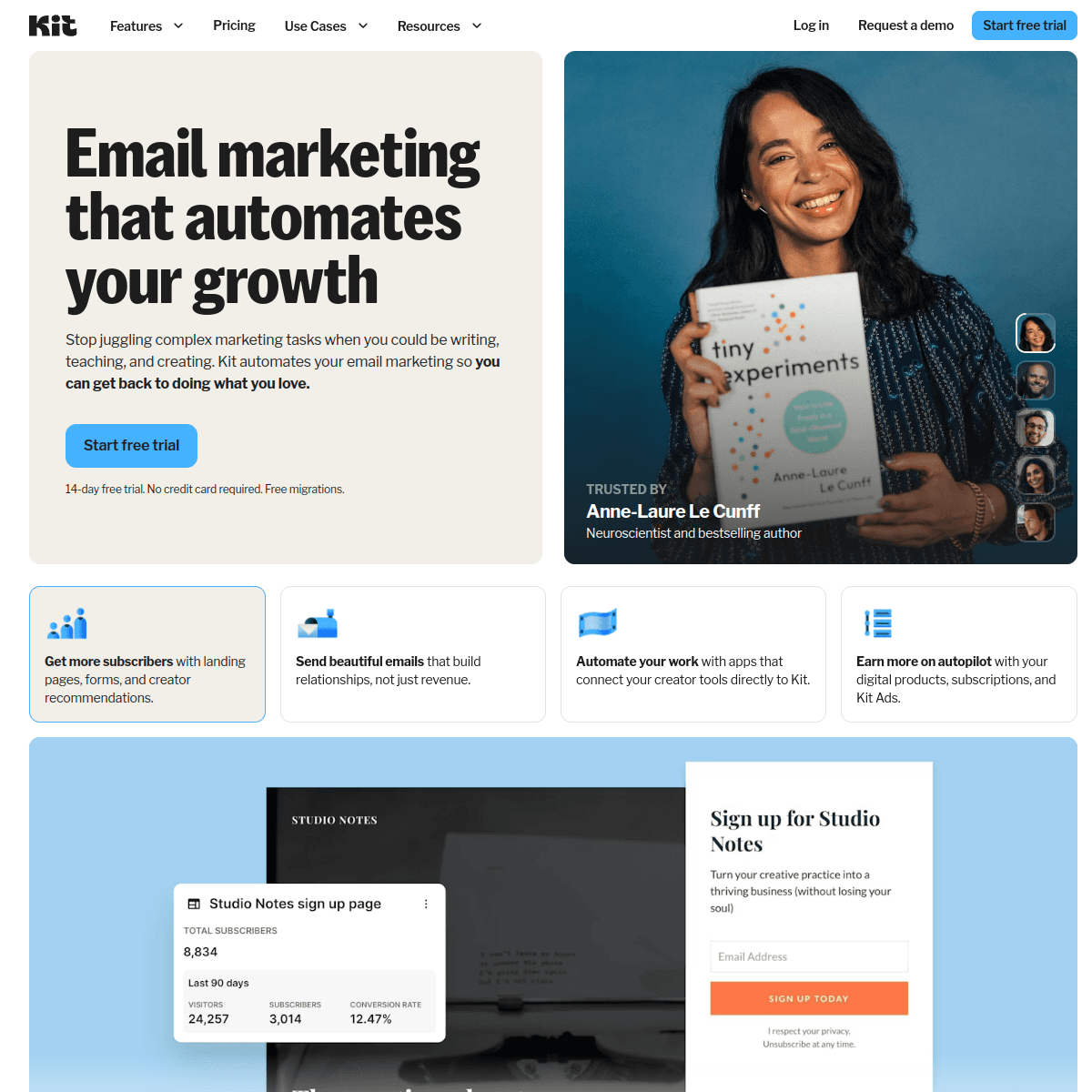
Best for: Creator-style SaaS with PostHog product analytics
ConvertKit (now branded "Kit") is built around creators selling content, courses, and products. PostHog integration goes through Zapier or webhook automations into Kit's API. Tags and custom fields can hold the PostHog event data, and visual automations can trigger from those tags.
For a creator running a hybrid business (newsletter + small SaaS + paid products), Kit can be a single email tool while PostHog handles product analytics. The tagging system is clean and the editor is solid.
For pure SaaS with deep lifecycle needs, Kit falls short. The automation builder is approachable but not deep, and the platform shape is creator-first. Most growing SaaS will outgrow it on the lifecycle side even if the broadcast features stay useful.
- PostHog integration: Zapier or webhook automations into Kit API
- Pricing: Free up to 10,000 subscribers, from $29/month
- Key strength: Clean tagging-based segmentation
- Pros: Creator-friendly, generous free tier, good editor, simple tagging
- Cons: Creator-shaped not SaaS-shaped, automation isn't deep, no native PostHog app, reporting is limited
16. Beehiiv
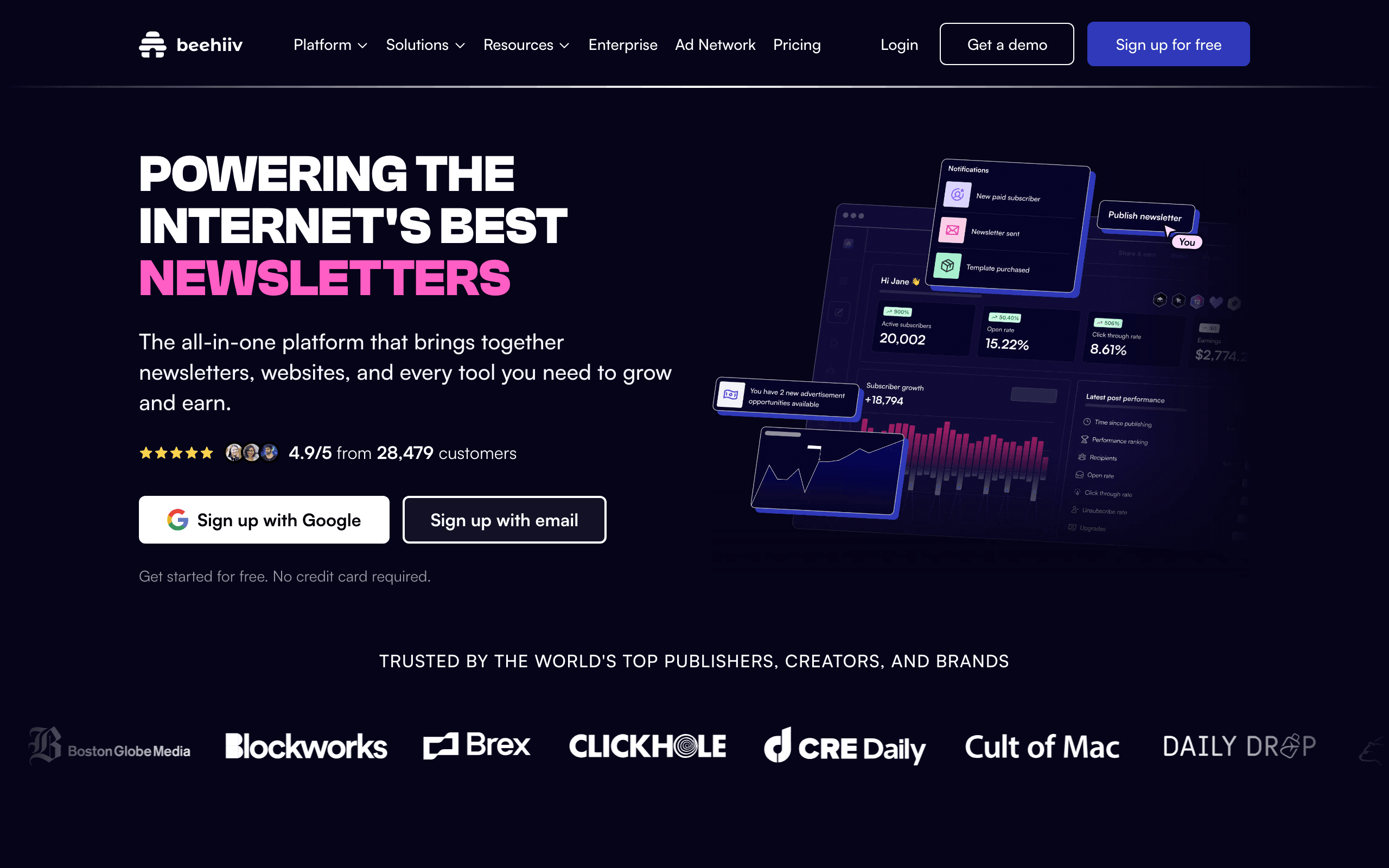
Best for: Newsletter-led SaaS that also wants product analytics
Beehiiv is a newsletter platform with strong audience growth tools. It's the wrong choice for general SaaS lifecycle email, but for content-led businesses that also ship a small product surface, you can ingest PostHog events through Zapier or by calling Beehiiv's API from your own services.
The strengths are newsletter-shaped: paid subscriptions via Stripe Connect, referral programs, recommendation networks, and a polished editor. PostHog can tell Beehiiv when readers also engage with the product, but the trigger and automation surface is limited compared to dedicated lifecycle tools.
If your "SaaS" is mostly a paid newsletter with a side of product, this combination works. If you're a real app with billing, dunning, and trial flows, look elsewhere on this list.
- PostHog integration: Zapier or API events
- Pricing: Free up to 2,500 subscribers, from $39/month
- Key strength: Audience growth tooling
- Pros: Polished editor, paid subscription tools, referral programs, good analytics for content
- Cons: Newsletter-shaped not SaaS-shaped, limited automation, no native PostHog app, weak transactional
17. Postmark
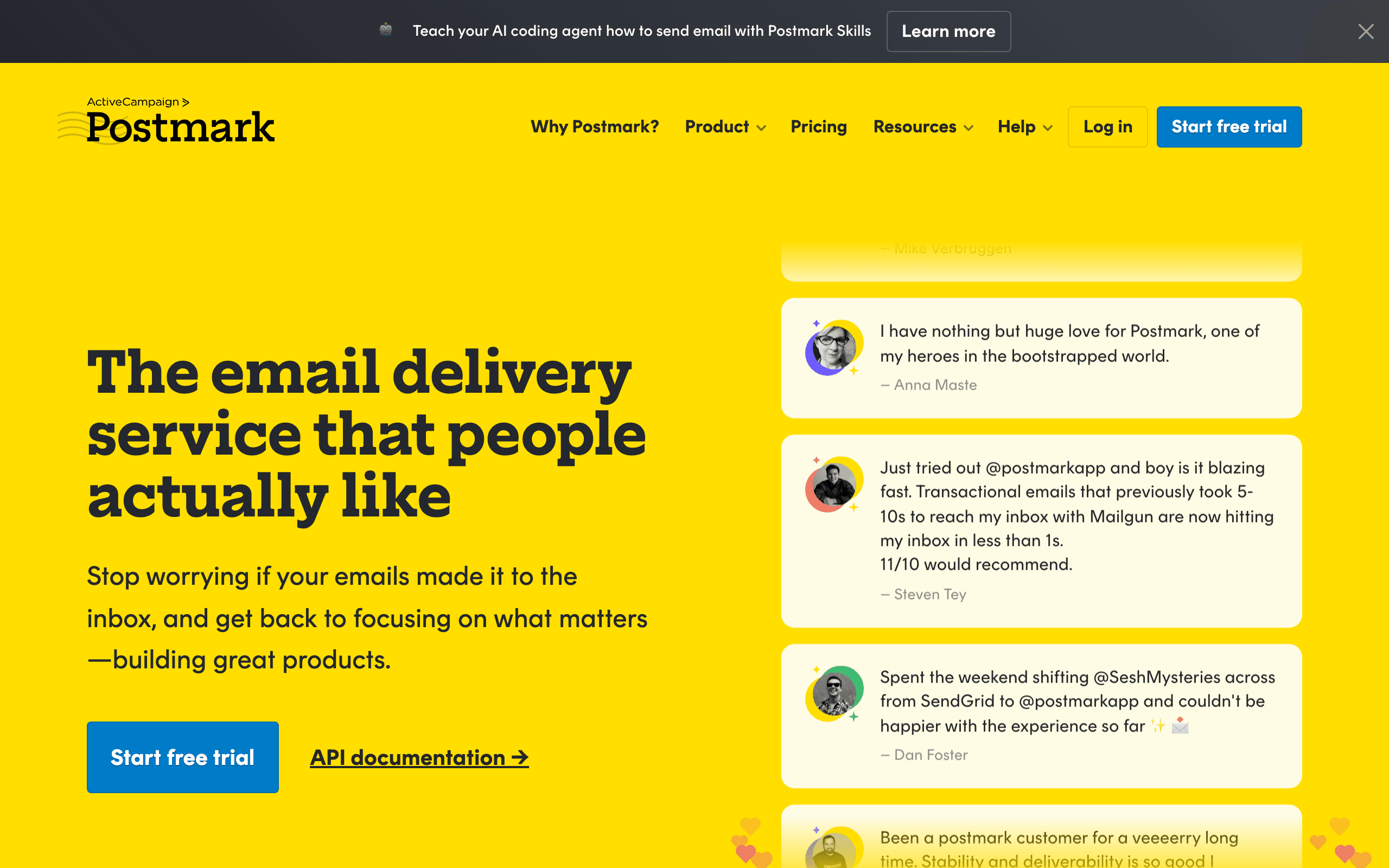
Best for: Developers sending transactional email triggered by PostHog events
Postmark is a transactional-only email service with exceptional deliverability. There's no marketing automation layer. You'd use it alongside PostHog by tracking product events to PostHog and calling Postmark from your app to send any resulting transactional emails (receipts, notifications, security alerts).
If your stack already separates transactional and marketing email, Postmark handles the transactional side as well as anyone. Pair it with a marketing platform from this list (Sequenzy, Customer.io, Loops) for sequences and broadcasts.
What you don't get from Postmark alone is any kind of automation engine. Every email Postmark sends is one your code asked it to send.
- PostHog integration: Application-level (both called from your code)
- Pricing: From $15/month for 10,000 emails
- Key strength: Transactional deliverability
- Pros: Best-in-class transactional delivery, fast, clean API, excellent docs
- Cons: No marketing email, no automation, requires separate tool for lifecycle, all logic in code
18. SendGrid
Best for: High-volume transactional email triggered by PostHog events
SendGrid (Twilio SendGrid) is one of the original email APIs and still heavily used for high-volume transactional. The integration with PostHog is the same shape as Postmark or Resend: PostHog handles analytics, your app calls SendGrid's API to send the right template when an event fires.
The Marketing Campaigns product on top of SendGrid exists but is widely seen as the weakest part of the platform. Most teams using SendGrid pair it with a marketing tool from this list and treat SendGrid purely as transactional infrastructure that scales.
If you need to send millions of transactional emails per month and want a mature platform with established deliverability tooling, SendGrid earns its spot. Just don't use it as your lifecycle automation engine.
- PostHog integration: Application-level (both called from your code)
- Pricing: Free up to 100 emails/day, from $20/month
- Key strength: High-volume transactional infrastructure
- Pros: Scales to high volume, mature deliverability tooling, large ecosystem, strong API
- Cons: Marketing Campaigns is weak, no PostHog-aware automation, support has mixed reputation, requires engineering
19. Iterable
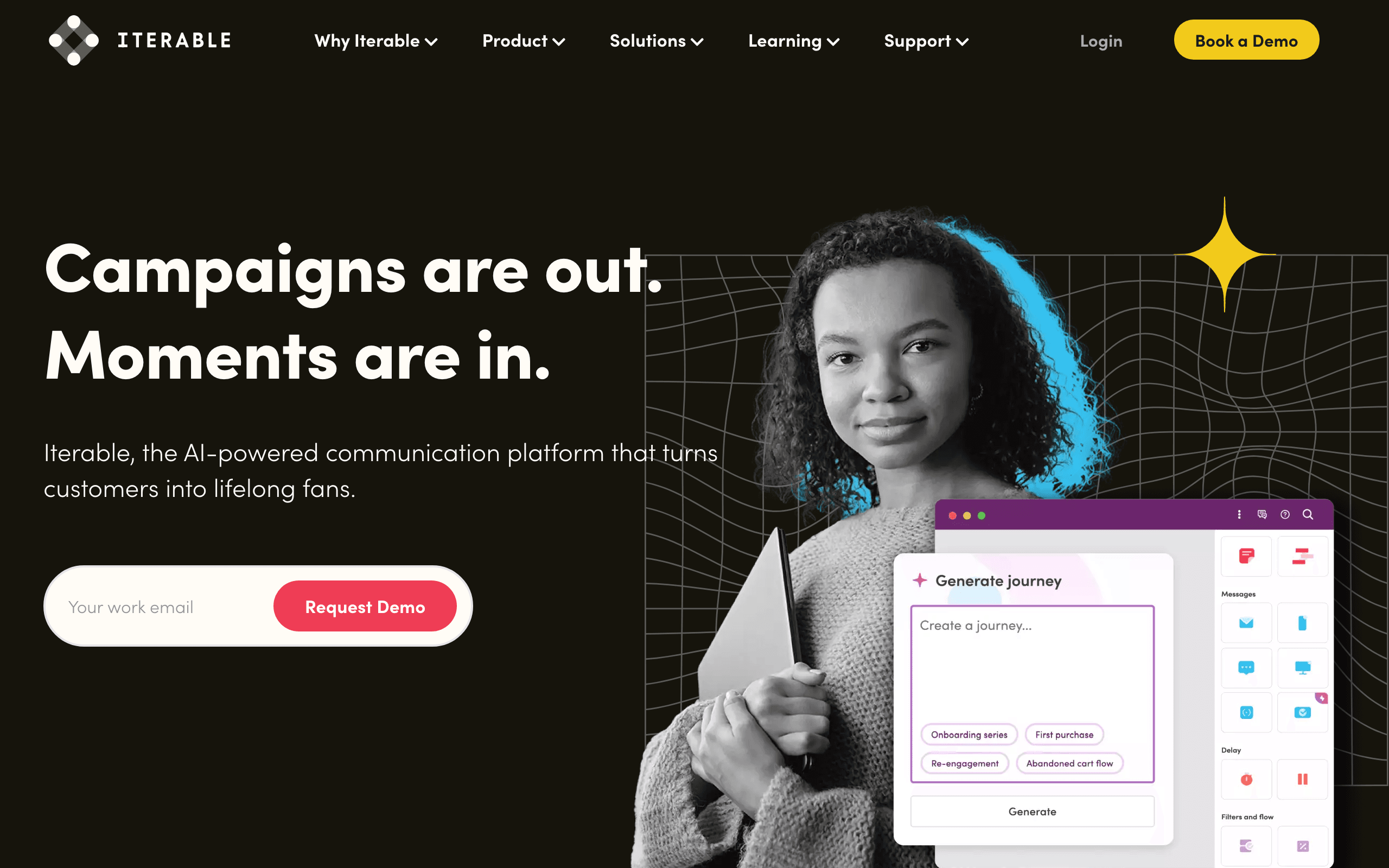
Best for: Enterprise SaaS with complex multi-channel lifecycle programs
Iterable is an enterprise messaging platform used by large SaaS for cross-channel lifecycle (email, SMS, push, in-app). There's no point-and-click PostHog connector. Iterable expects events to arrive via a CDP (Segment), a data warehouse (Snowflake, BigQuery), or your own webhook ingestion. PostHog data flows in through one of those paths.
Once events are flowing, Iterable's strengths are real: sophisticated journey orchestration, robust experimentation, and cross-channel programs at scale. PostHog provides the product analytics; Iterable orchestrates how marketing reacts.
For early or mid-stage SaaS, Iterable is overkill. The licensing alone usually rules it out, and the time-to-value on a custom integration is significant compared to the plug-and-play options above.
- PostHog integration: Via CDP (Segment), data warehouse, or webhook ingestion; no native connector
- Pricing: Custom enterprise pricing, typically $500+/month and up significantly with volume
- Key strength: Enterprise-grade orchestration
- Pros: True cross-channel lifecycle, strong experimentation, scales to billions of messages, mature platform
- Cons: Expensive, custom integration work required, overkill for small/mid SaaS, long implementation timelines
20. Ortto (formerly Autopilot)
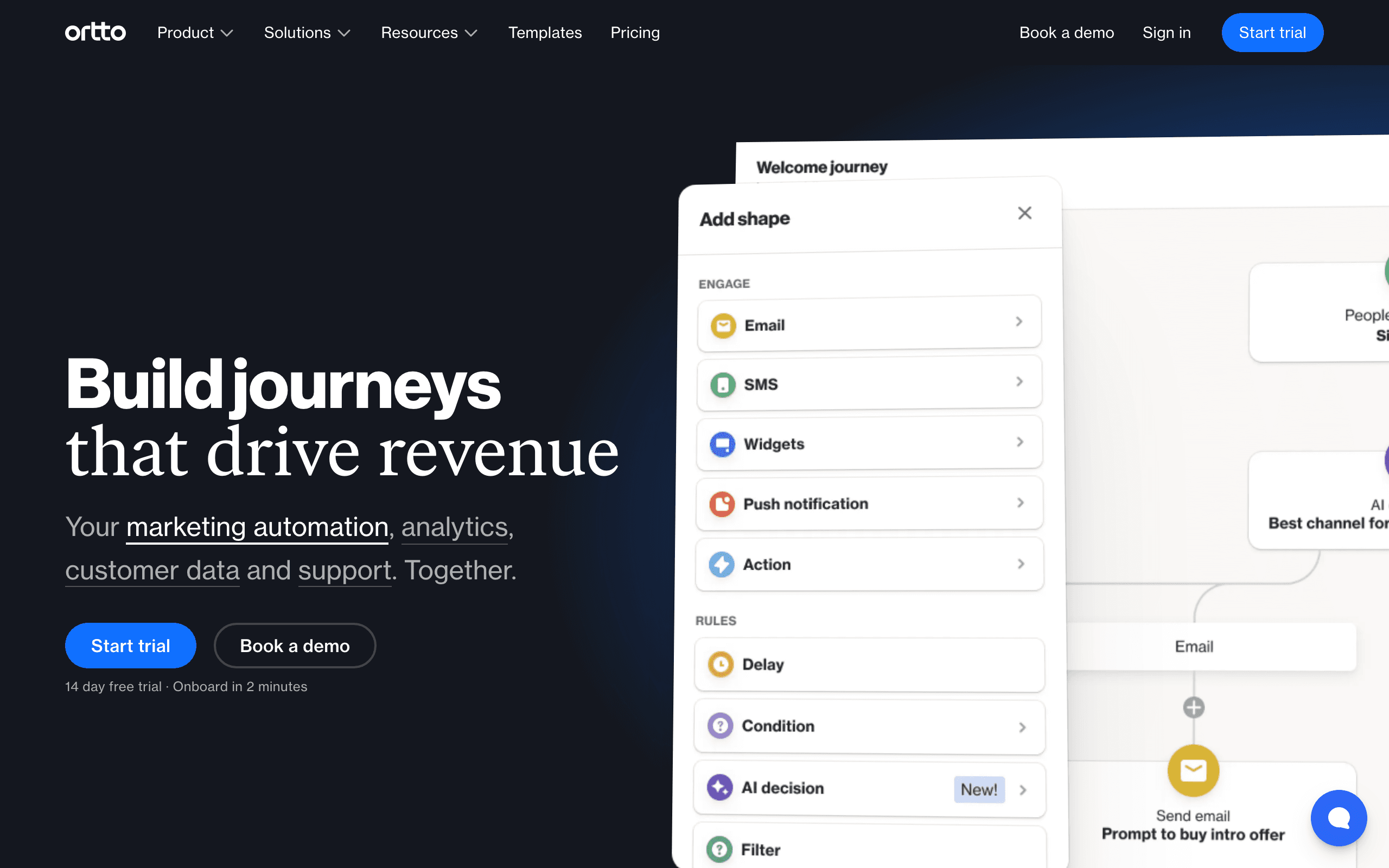
Best for: Marketing teams wanting PostHog data inside a journey builder
Ortto rebuilt Autopilot into an analytics-heavy marketing automation platform. There's no native PostHog destination, but Ortto can ingest custom activities through webhooks and its API, and its CDP-style activity feed can hold PostHog events alongside other data sources.
Once data is in, the journey builder can trigger campaigns from PostHog activity and segment audiences using product behavior. The editor is polished and multi-channel (email, SMS, push, in-app) is supported on higher tiers.
The catch is pricing. Ortto's lower tiers don't include the data ingestion or capacity you'd actually need to make PostHog-driven journeys work, so realistically you're looking at the higher plans before this combination becomes useful.
- PostHog integration: Webhooks and custom activity ingestion via API
- Pricing: From $599/month for the tier where event-driven journeys are usable
- Key strength: Polished journey builder
- Pros: Strong journey builder, multi-channel, integrated analytics, polished UI
- Cons: Expensive, complex, no native PostHog connector, contracts can be rigid
21. Drip
Best for: E-commerce-led SaaS hybrids
Drip positions itself as ECRM (e-commerce CRM) and competes with Klaviyo. There's no native PostHog integration; you'll connect via Zapier, custom webhook handlers, or Drip's events API.
Once events are flowing, the workflow builder is capable and segmentation is solid. For a business that's primarily e-commerce with a SaaS layer attached, Drip can carry both sides while PostHog handles product analytics.
For a SaaS-first business, the lack of a first-party event tooling story (when set against Customer.io, Loops, or Sequenzy) makes Drip feel out of step with where the category has moved. Better-fit tools exist higher on this list.
- PostHog integration: Zapier or events API
- Pricing: From $39/month for 2,500 contacts
- Key strength: E-commerce-aware segmentation
- Pros: Capable workflow builder, e-commerce segmentation, decent editor
- Cons: No native PostHog app, Zapier latency and cost, e-commerce mindset, less SaaS focus
Integration Patterns
Pattern 1: Shared Event Tracking (Most Common)
Your application code tracks events to both PostHog and your email tool:
User action -> Your app -> PostHog (analytics) + Email tool (automation)
This is the most reliable approach. You control exactly what data goes where, and there's no dependency between the two services. If PostHog goes down, your email tool still receives events (and vice versa).
When to use: Always a safe choice. Especially good when you want full control over which events go to each system.
Implementation tip: Create a wrapper function in your application code that sends events to both services. This keeps the dual-tracking logic in one place:
function trackEvent(name, properties, user) {
  posthog.capture(name, properties)
  emailTool.trackEvent(user.email, name, properties)
}
Pattern 2: PostHog CDP Routing
PostHog's CDP routes events to your email tool as a destination:
User action -> PostHog -> CDP -> Email tool
Cleaner instrumentation (one tracking call instead of two), but adds a dependency on PostHog's CDP infrastructure. Works well for Customer.io and other tools with CDP support.
When to use: When you want single-point instrumentation and don't mind the dependency on PostHog's CDP infrastructure. Good for teams already using PostHog's CDP for other destinations.
Pattern 3: PostHog Webhooks
PostHog fires webhooks when specific Actions trigger:
User action -> PostHog -> Action triggers -> Webhook -> Email tool API
Good for specific, high-value events (trial started, subscription cancelled) rather than high-volume event streaming. PostHog's webhook delivery is reliable but not designed for streaming every page view.
When to use: When you only need a few specific events to trigger emails. Good for getting started quickly without setting up full event routing.
Choosing the Right Pattern
- Starting out? Use shared event tracking. It's the simplest and most reliable.
- Already using PostHog CDP? Add your email tool as a CDP destination.
- Need just a few specific triggers? Use PostHog webhooks for those specific events.
- Doing all three? That's overkill. Pick one primary pattern and stick with it.
How to Choose
You're a SaaS founder wanting lifecycle email: Sequenzy. Track product events to both PostHog and Sequenzy. Let Stripe handle payment events automatically. Best for SaaS lifecycle marketing without over-engineering.
You need complex event-driven automations: Customer.io or Vero. The deepest automation engines paired with PostHog's analytics give you full control. Best for technical teams with sophisticated workflow requirements.
You want simple and fast: Loops or Bento. Event-driven email without the complexity. Best for early-stage startups that want to set up email in an afternoon.
You only need transactional email: Resend, Postmark, or SendGrid. Best DX (Resend), best deliverability (Postmark), highest scale (SendGrid). Pair with a marketing tool for sequences.
You want everything cheap: Brevo or MailerLite. Email and basic automation at the lowest price points.
You want pure infrastructure: Mailgun. APIs for sending, PostHog for analytics, everything in code.
You're B2B with account-level data: Userlist. Company + user entities matter when multiple users share a paying account.
You're enterprise: Iterable or Ortto. Real cross-channel orchestration at real prices.
Best PostHog Email Tool by Use Case
Best PostHog email tool for product-led SaaS
Sequenzy is the cleanest fit when PostHog events should drive onboarding, activation, feature adoption, and churn-prevention email. PostHog can show what users did; Sequenzy can turn those signals into lifecycle sequences. Use PostHog integration, product-led growth email strategies, and user activation templates as the build path.
Best PostHog email tool for complex event automation
Customer.io, Vero, and Encharge are stronger when the automation graph depends on many event types, branches, and conditions. Technical teams should compare the workflow depth before choosing a simpler tool. Start with Customer.io comparison, Encharge comparison, and best event-based email automation tools.
Best PostHog email tool for transactional events
Resend, Postmark, and SendGrid make sense when PostHog is only informing system emails or alerts, not marketing sequences. The tradeoff is that these tools will not manage full lifecycle campaigns by themselves. Compare Resend, Postmark, and transactional email templates.
Best PostHog email tool for sales-led SaaS
ActiveCampaign, HubSpot, and Userlist are better fits when PostHog product events need to influence sales follow-up or account-level nurture. That setup should connect usage signals to pipeline context. Review sales-led SaaS email tools, HubSpot alternatives, and sales email sequences.
FAQ
Can PostHog send emails directly? No. PostHog is explicitly a product analytics tool and has stated they won't build email sending. You need a separate email platform. This isn't a limitation; it's a design choice. PostHog focuses on analytics, and dedicated email tools focus on email. The combination is better than either tool trying to do both.
Should I track events twice (PostHog + email tool)? For most teams, yes. It's the simplest, most reliable approach. The alternative is routing events through PostHog's CDP, which works but adds complexity and a dependency. Tracking events twice sounds wasteful, but the overhead is minimal (two API calls instead of one) and the independence is valuable.
Can I use PostHog cohorts for email targeting? You can export PostHog cohorts and import them into your email platform as segments. This works for campaign-based targeting but isn't real-time. For real-time triggers, use event-based automations. PostHog cohorts are particularly useful for re-engagement campaigns targeting users who match specific behavioral patterns over time.
What events should I send to my email tool? Only events that trigger emails or update contact profiles. Your email tool doesn't need page views, button clicks, or session data. Focus on: account created, trial started, onboarding step completed, feature first used, subscription changed, and similar high-value events. A good rule of thumb: if you can't imagine sending an email in response to this event, don't send it to your email tool.
How do I handle PostHog's anonymous users in my email tool? PostHog tracks anonymous users before they sign up. Your email tool can't email anonymous users (no email address). The integration only matters after the user is identified. In your shared event tracking code, only send events to the email tool when you have an email address. PostHog will track both anonymous and identified users, but the email tool only receives identified ones.
Can I use PostHog feature flags to control email content? Not directly, but you can use PostHog feature flag assignments as event properties. When tracking an event to your email tool, include the user's feature flag state as a property. Your email tool can then use those properties for conditional content or branching logic. This is useful for coordinating in-product experiments with email messaging.
What's the best PostHog + email stack for a solo founder? PostHog (free tier) + Sequenzy (free up to 2,500 emails/month) or PostHog (free tier) + Loops (free tier). Both combinations give you product analytics and email automation for under $30/month at the bottom of the curve. Start with the free tiers, and upgrade as you grow. Add Resend (free tier) if you need transactional email separately.
How do I measure whether my email integration with PostHog is working? Track conversion events in PostHog for the actions your emails are trying to drive. If you send an onboarding email about Feature X, track whether recipients actually use Feature X within 48 hours. Compare conversion rates for users who received the email vs. those who didn't. PostHog's funnel analysis makes this comparison straightforward. Tracking the right email marketing KPIs matters more than sophisticated tooling.