
21 Best Email Tools With Intercom Integration (2026)

Intercom already sends email. Onboarding sequences, in-app messages, product tours, support conversations. So why would you use a separate email tool alongside it?
Because Intercom's email is limited. The template editor is basic. Deliverability can be inconsistent for marketing campaigns. Pricing is expensive for large lists. And Intercom is fundamentally a customer messaging platform, not an email marketing platform. It's great for targeted, behavioral messaging to active users. It's not great for newsletters, large campaigns, or sophisticated email automation.
Most SaaS teams end up using Intercom for in-app messaging and support, plus a dedicated email tool for marketing campaigns and lifecycle sequences. The question is how to coordinate between them.
Best Intercom Email Tool by Use Case
Best Intercom email tool for SaaS lifecycle email: Sequenzy
Use Sequenzy when Intercom owns chat and in-app messaging, but your inbox workflows need more structure. Sequenzy is better for onboarding sequences, dunning, reactivation, and newsletters that should keep running even when users are not inside the product. Start with the automate onboarding guide, SaaS onboarding templates, and the Intercom comparison if you are deciding whether Intercom should keep any email ownership.
Best Intercom email tool for complex event messaging: Customer.io
Customer.io is the stronger choice when Intercom data needs to combine with granular product events, Segment routing, and branching journeys. It is expensive next to leaner SaaS tools, but it is built for complex product-led messaging. Compare it with Sequenzy on the Customer.io comparison and the behavioral trigger tools list.
Best Intercom email tool for simple newsletters: Mailchimp or MailerLite
If Intercom already handles onboarding and support, and you only need a newsletter tool, a simple campaign platform can be enough. Mailchimp has the more familiar ecosystem; MailerLite is usually cleaner and cheaper. Read the Mailchimp comparison if you are trying to avoid paying Intercom prices for basic broadcasts.
Best Intercom email tool for sales-assisted teams: HubSpot or ActiveCampaign
When Intercom conversations feed a sales motion, CRM context matters more than pure email features. HubSpot is stronger if the CRM is the center of the business; ActiveCampaign is a lighter automation-first option. Use the HubSpot comparison and ActiveCampaign comparison before choosing an inbox-only tool.
Quick Comparison Table
| Tool | Best For | Starting Price | Free Tier | Integration Type |
|---|---|---|---|---|
| Sequenzy | SaaS teams wanting lifecycle email Intercom can't do well | From $19/mo | Yes, up to 2.5k emails/mo | Shared event tracking from app code |
| Customer.io | Technical teams replacing Intercom's email entirely | From $100/mo | No | Shared event tracking / Segment |
| Mailchimp | Teams wanting simple newsletters alongside Intercom | From $13/mo | Yes, 500 contacts | Native Intercom marketplace app |
| Loops | Startups finding Intercom email too limited | From $49/mo | Yes, 1k contacts | Shared event tracking |
| ActiveCampaign | Teams wanting CRM + automation alongside Intercom | From $29/mo | No | Marketplace / Zapier |
| Resend | Developers wanting transactional separate from Intercom | From $20/mo | Yes, 100 emails/day | Application-level (API) |
| HubSpot | Companies on HubSpot CRM coordinating with Intercom | From $20/mo | Yes, free CRM | Native marketplace app |
| Klaviyo | E-commerce + SaaS hybrids using Intercom for support | From $45/mo | Yes, 250 contacts | Native integration |
| Brevo | Budget teams adding email + SMS to Intercom | From $9/mo | Yes, 300 emails/day | Via Zapier or webhooks |
| MailerLite | Solo founders running simple lists alongside Intercom | From $10/mo | Yes, 1k subscribers | Via Zapier |
| ConvertKit (Kit) | Creators using Intercom for support, Kit for audience | From $29/mo | Yes, 10k subscribers | Via Zapier |
| Drip | E-commerce-led teams using Intercom for support | From $39/mo | No | Via Zapier |
| Encharge | Non-technical teams wanting visual flows alongside Intercom | From $79/mo | No | Native Intercom trigger |
| Userlist | B2B SaaS wanting account-level data + Intercom support | From $149/mo | No | Shared event tracking |
| Bento | Indie SaaS wanting events + email alongside Intercom | From $30/mo | No | Shared event tracking |
| Vero | Product teams wanting event-based messaging | From $99/mo | No | Via webhooks / Segment |
| Ortto | Marketing teams wanting Stripe + Intercom in journeys | From $599/mo | No | Native Intercom data source |
| Postmark | Developers needing transactional alongside Intercom | From $15/mo | No | Webhook-driven (DIY) |
| SendGrid | Teams sending transactional from Intercom workflows | From $20/mo | Yes, 100 emails/day | Webhook-driven (DIY) |
| Iterable | Enterprise SaaS coordinating Intercom + email at scale | Custom (~$500+/mo) | No | Via CDP / data warehouse |
| Beehiiv | Newsletter-led businesses using Intercom for support | From $39/mo | Yes, 2.5k subscribers | Via Zapier |
The Coordination Challenge
The risk of using Intercom plus a separate email tool is over-messaging. A user gets an in-app message from Intercom about a new feature AND a marketing email about the same feature from your email platform. Or worse, they get an Intercom onboarding email and a separate onboarding sequence from your email tool.
Good integration means:
- Shared contact data: Both tools know who the user is and what they've done
- Coordinated messaging: If Intercom sends a message, your email tool knows about it (or vice versa)
- Clear ownership: Intercom handles X, email tool handles Y, with minimal overlap
This coordination challenge is why choosing the right email platform matters so much when you're already invested in Intercom. The wrong choice creates more problems than it solves.
Common Coordination Mistakes
Before diving into tools, here are the most common mistakes teams make when running Intercom alongside an email tool:
-
Duplicating onboarding. Both Intercom and your email tool send welcome sequences. The user gets double the messages, and neither system knows what the other sent. Pick one owner for onboarding email. Intercom can handle in-app onboarding while your email tool handles inbox-based sequences.
-
Ignoring suppression. When a user is in an active Intercom conversation (support ticket, sales chat), you probably don't want to blast them with a marketing email. Set up suppression rules that pause marketing sends when users are in active support threads.
-
Tracking events twice. If you send the same event to both Intercom and your email tool, both might trigger an automation for the same action. Define which events go where, or use event properties to control which system acts.
-
Not aligning unsubscribes. A user unsubscribes from marketing email in your email tool, but Intercom keeps sending promotional in-app messages. Sync unsubscribe preferences across both systems.
The 21 Best Options
1. Sequenzy
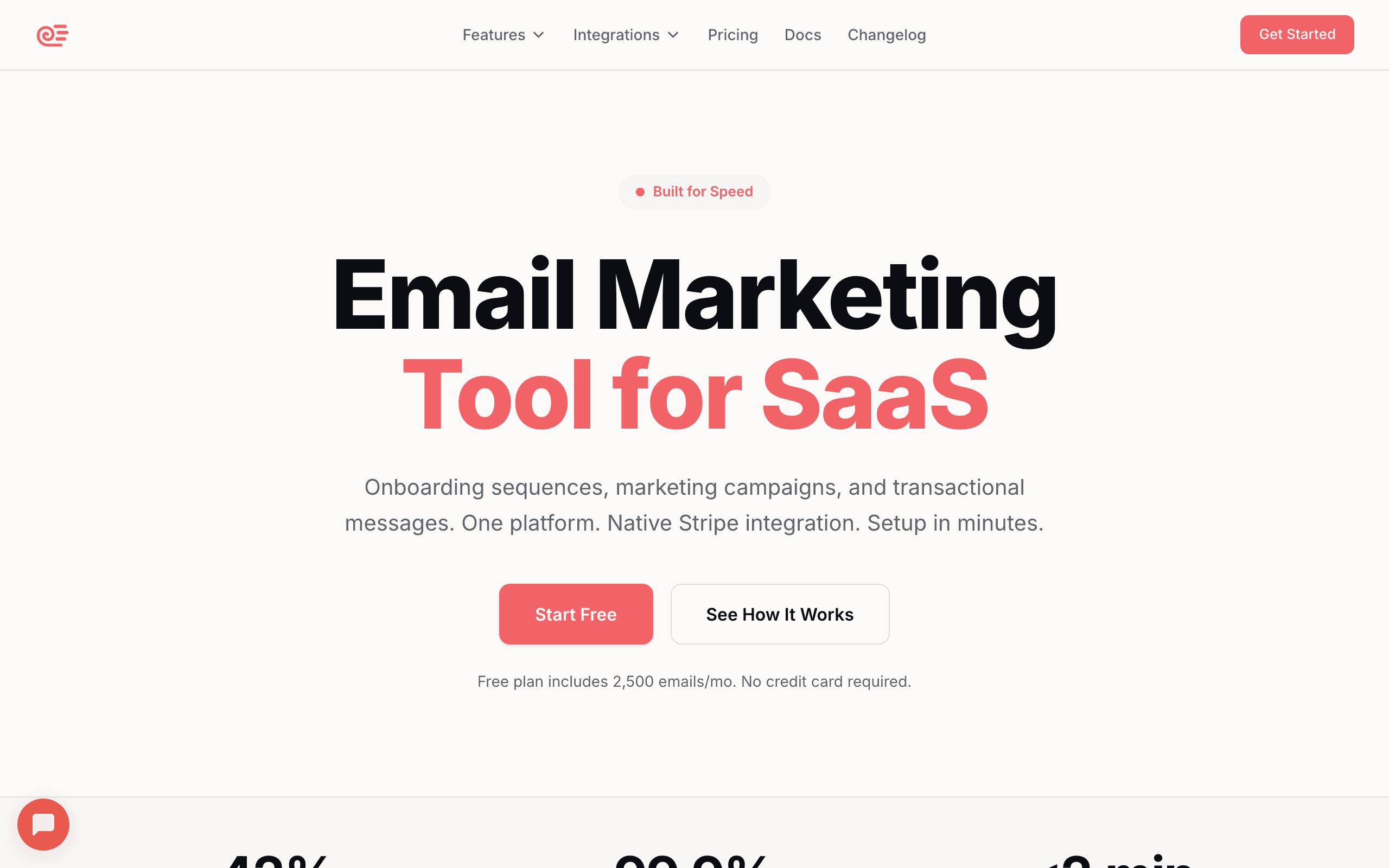
Best for: SaaS teams wanting lifecycle email that Intercom can't do well
Sequenzy handles the email workflows that Intercom struggles with: long-term lifecycle sequences, dunning emails, re-engagement campaigns, and marketing newsletters. Use Intercom for what it's best at (in-app messaging, live chat, product tours) and Sequenzy for everything that hits the inbox.
The division is clean. Intercom owns the in-product experience. Sequenzy owns the inbox. Events from your app trigger automations in both tools independently. Sequenzy's Stripe integration handles payment-related emails automatically, which is something Intercom doesn't do natively. Dunning sequences, upgrade confirmations, and billing notifications all flow through Sequenzy without touching Intercom.
For SaaS companies specifically, the Sequenzy + Intercom combination covers the full customer communication spectrum. Intercom handles the moments when users are active in your product. Sequenzy handles the moments when they're not, which is often where the most important lifecycle email happens (re-engagement, churn prevention, renewal reminders).
The practical setup looks like this: your application code sends product events to both Intercom (for in-app messaging) and Sequenzy (for email). Stripe events go directly to Sequenzy. You define which tool owns which message type, and both operate independently without stepping on each other.
- Intercom integration: Shared event tracking from application code; clean inbox vs. in-app split
- Key Strength: AI integration
- Pricing: Free up to 2,500 emails/month, paid plans from $19/month
- Pros: SaaS lifecycle focus, native Stripe integration, simpler than Intercom email, transactional + marketing in one platform, affordable
- Cons: No native one-click Intercom connector, requires you to send events to both tools, smaller template library than incumbents
2. Customer.io
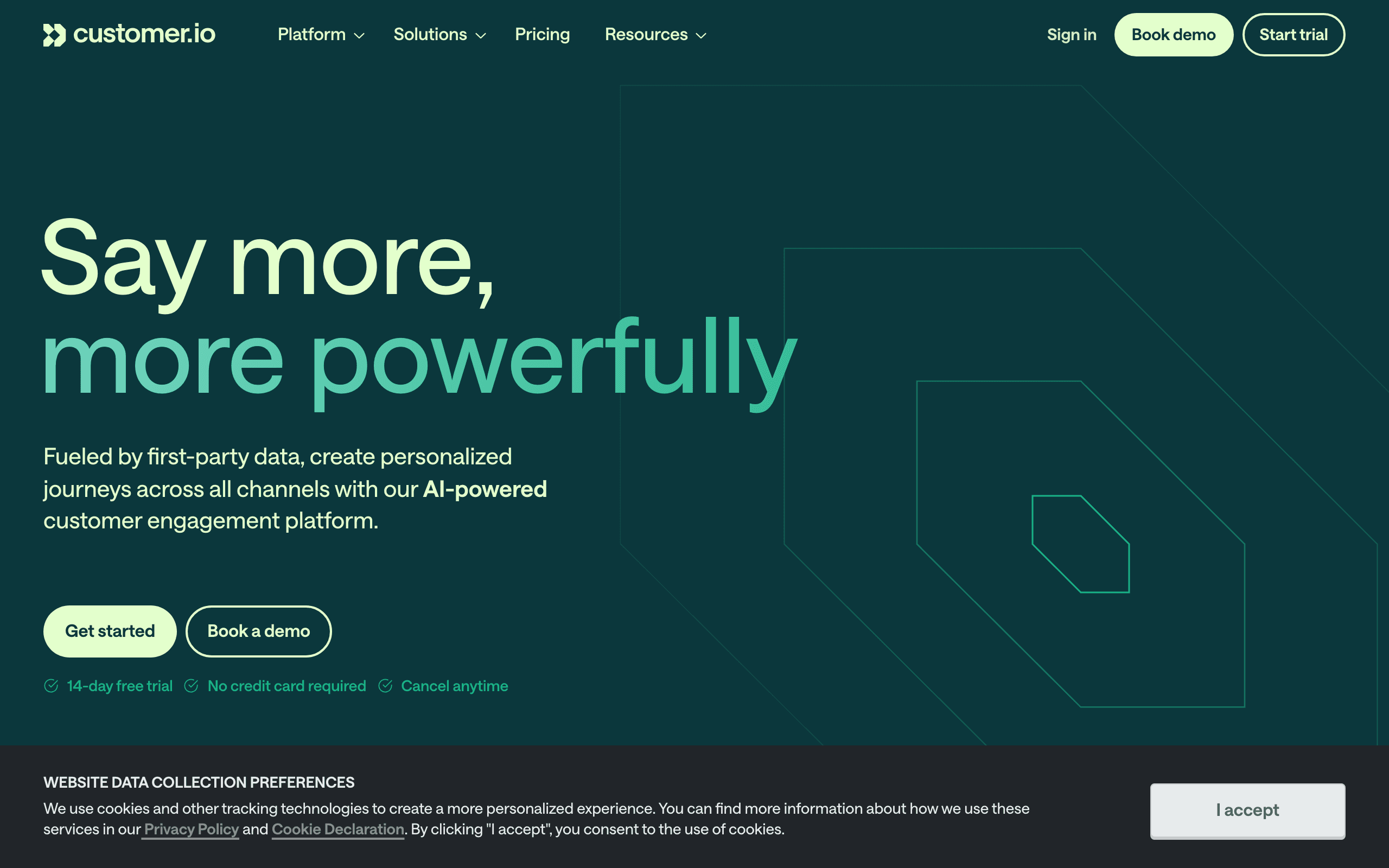
Best for: Technical teams wanting to replace Intercom's email entirely
Customer.io can handle everything Intercom does on the email side, with more power and flexibility. Many teams use Intercom purely for live chat and in-app messaging while running all email through Customer.io.
The integration works through shared event tracking. Your app sends events to both platforms, or you use a CDP like Segment to route events. Customer.io handles all email automations (onboarding sequences, lifecycle campaigns, newsletters) while Intercom handles in-app messaging and support.
Customer.io's automation builder is significantly more powerful than Intercom's Series feature. You get conditional branching, A/B testing within workflows, time-based delays, event-based triggers, and multi-channel orchestration. For teams that found Intercom's email automations too rigid, Customer.io opens up possibilities.
The catch is cost and complexity. Running Customer.io ($100+/month) alongside Intercom (which isn't cheap either) adds up. And you need engineering resources to set up the event routing, define the data model, and maintain the integration. For well-funded teams with a dedicated growth engineer, it's the most capable option. For lean startups, it might be overkill.
- Intercom integration: Shared event tracking, CDP, or Zapier
- Pricing: From $100/month
- Pros: Replaces Intercom email entirely, deep automations, event-driven, flexible, multi-channel
- Cons: Expensive combined with Intercom, complex setup, steep learning curve, requires engineering
3. Mailchimp
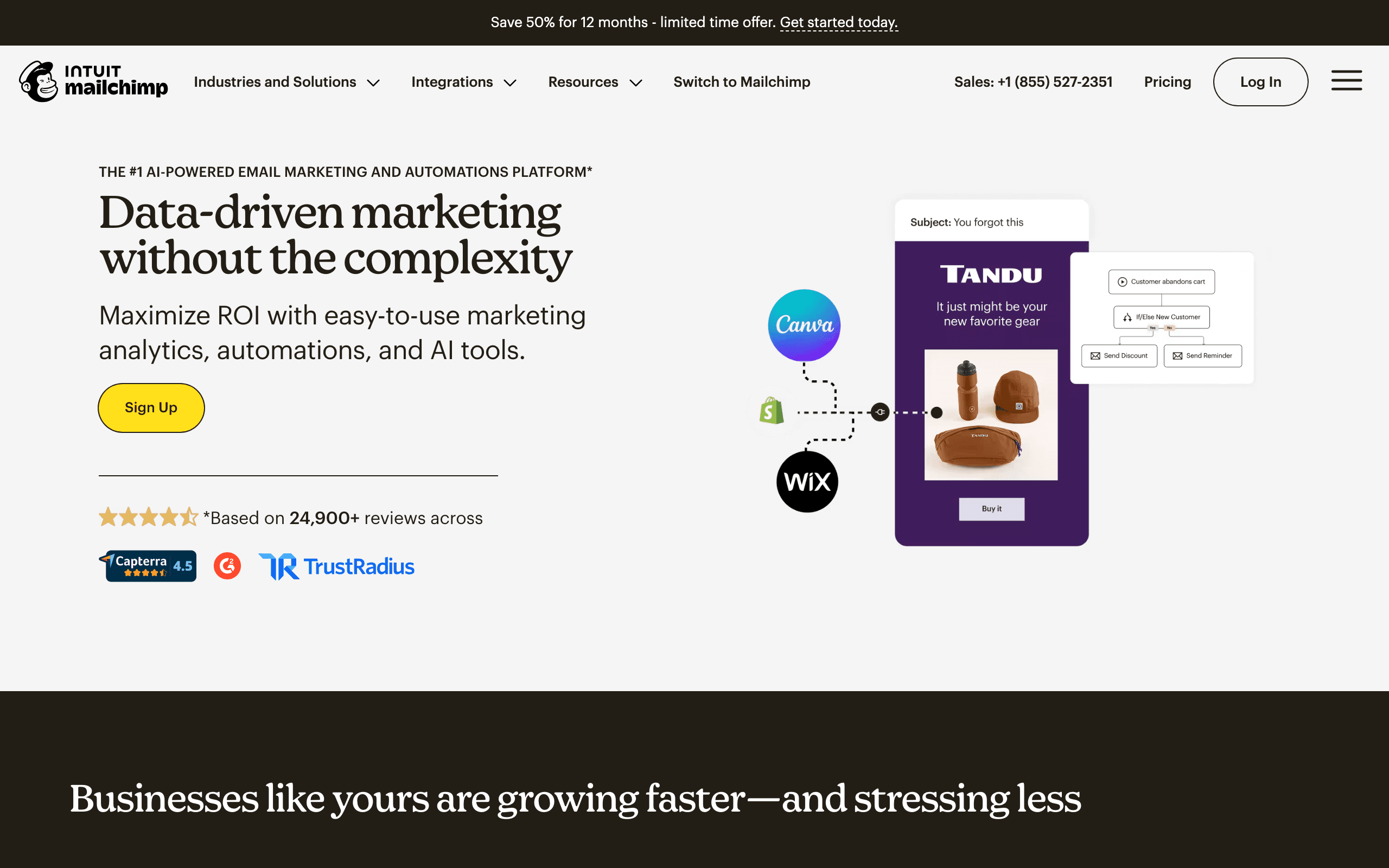
Best for: Teams wanting Intercom for product messaging and Mailchimp for newsletters
Mailchimp has a native Intercom integration that syncs contacts and lets you manage email campaigns alongside Intercom's messaging. The integration imports Intercom contacts into Mailchimp audiences, including tags and custom attributes.
This pairing works well for teams that want Intercom for product-related messaging (onboarding, support, feature announcements) and Mailchimp for broader marketing (newsletters, promotions, content digests). The integration is simple to set up, though it doesn't support complex bidirectional syncing.
The limitation is automation depth. Mailchimp's automations are basic compared to what Customer.io or even Sequenzy offer. If you need behavioral triggers that respond to product usage patterns, Mailchimp won't cut it. But for teams whose email needs are primarily campaign-based (send this newsletter to this audience), the simplicity is a feature.
One advantage of Mailchimp is that most team members already know how to use it. The learning curve is essentially zero, which matters when your marketing person needs to send a campaign without engineering support.
- Intercom integration: Native Intercom marketplace app
- Pricing: Free up to 500 contacts, from $13/month
- Pros: Native integration, simple setup, good for newsletters, familiar interface, low learning curve
- Cons: Basic automation, limited Intercom data sync, pricing increases at scale, not event-driven
4. Loops
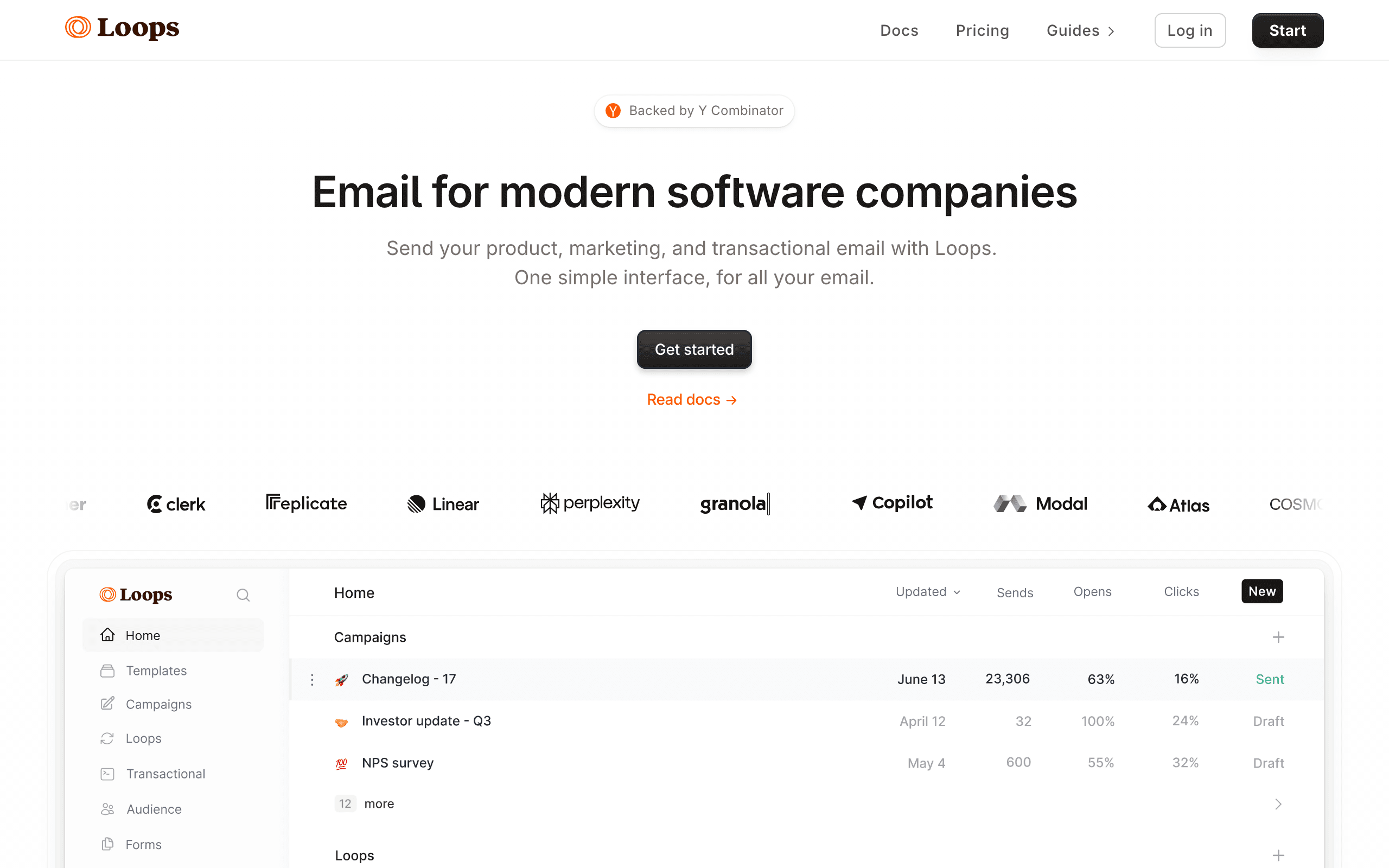
Best for: Startups that find Intercom's email too limited but want to stay simple
Loops and Intercom serve the same audience (SaaS startups) but do different things. Intercom handles in-app messaging and support. Loops handles email marketing and automated sequences. The two can run side by side with shared event tracking from your application.
Loops is simpler than Intercom's email features in some ways, but more focused. You get clean event-triggered sequences without Intercom's overhead. For a startup that finds Intercom's email builder frustrating but loves its chat and messaging, Loops fills the gap.
The developer experience is a selling point. Loops has a clean API, good documentation, and an event model that developers understand intuitively. If your team is technical and used to working with product analytics tools like PostHog or Mixpanel, Loops' approach to email will feel familiar.
The trade-off is feature depth. Loops doesn't have the complex branching, conditional logic, or multi-step workflows that Customer.io offers. It's designed for straightforward event-triggered sequences: when X happens, send email Y. For early-stage startups, that's usually enough. As your email needs grow more sophisticated, you might outgrow Loops.
- Intercom integration: Shared event tracking from application code
- Pricing: Free for 1,000 contacts, from $49/month
- Pros: Simple, focused on email, good free tier, developer-friendly, clean API
- Cons: No native Intercom integration, basic automations, limited features, may outgrow quickly
5. ActiveCampaign
Best for: Teams wanting Intercom messaging with full marketing automation
ActiveCampaign integrates with Intercom through its marketplace and Zapier. Intercom events (new conversation, tag added, user qualified) can trigger ActiveCampaign automations. Contact data syncs between platforms.
The combination gives you Intercom's conversational experience plus ActiveCampaign's marketing automation depth. Deal stage changes in ActiveCampaign's CRM can inform Intercom messaging, and Intercom conversations can trigger email follow-ups in ActiveCampaign.
ActiveCampaign brings features that neither Intercom nor simpler email tools offer: lead scoring, predictive sending, site tracking, and a built-in CRM. If you need a full marketing automation suite alongside Intercom's messaging, ActiveCampaign covers more ground than any other option on this list.
The complexity is the trade-off. ActiveCampaign plus Intercom means two sophisticated platforms with overlapping features, connected through Zapier (which adds its own cost and maintenance). It works well for mid-size teams with a dedicated marketing operations person. For lean startups, it's usually too much tooling.
- Intercom integration: Marketplace integration plus Zapier
- Pricing: From $29/month
- Pros: Powerful automations, CRM included, can trigger on Intercom events, lead scoring, predictive features
- Cons: Complex setup, Zapier adds cost, can feel bloated alongside Intercom, overlapping features
6. Resend
Best for: Developers wanting transactional email separate from Intercom
Resend handles the transactional emails that need to be fast and reliable: password resets, payment receipts, security alerts. These don't belong in Intercom (which is optimized for engagement messaging, not transactional delivery). Resend ensures these critical emails get delivered quickly.
Use Intercom for product messaging and support, Resend for transactional email, and optionally a third tool for marketing campaigns. This three-tool approach sounds complex, but each tool does one thing well.
Resend's developer experience is unmatched. React Email templates, TypeScript SDKs, clean REST API, and excellent documentation. If your team is already building with React, the email templating workflow feels natural. You write email templates in JSX, preview them locally, and deploy them as part of your application code.
For teams that need both transactional and marketing email alongside Intercom, pairing Resend (transactional) with Loops or Sequenzy (marketing) gives you comprehensive coverage without Intercom touching any email.
- Intercom integration: Application-level (API calls); no native connector
- Pricing: Free for 100 emails/day, from $20/month
- Pros: Best transactional delivery, React Email, TypeScript-first, fast, clean developer experience
- Cons: Transactional only, no marketing features, no Intercom integration, requires additional tool for marketing
7. HubSpot
Best for: Companies on HubSpot CRM coordinating with Intercom for support
HubSpot has a native Intercom integration in their marketplace. Intercom conversations and contact data sync into HubSpot, where you can use them to trigger workflows, score leads, or update deal stages. Email then flows out of HubSpot's marketing or sales hubs.
For organizations already standardized on HubSpot, this gets your support conversations from Intercom into the same place as your CRM, deals, and marketing email. Sales reps can see Intercom history alongside email engagement. Marketing can build segments that include Intercom conversation status.
The honest caveats: HubSpot's marketing automation isn't as event-rich as a dedicated SaaS tool, the Intercom sync is one-way leaning, and pricing escalates aggressively as you turn on more hubs and features. If you're not already on HubSpot, it's not the right reason to adopt it.
- Intercom integration: Native marketplace app, syncs conversations and contacts
- Pricing: Free CRM; Marketing Hub from $20/month, automation gated by tier
- Pros: Unified with CRM and pipelines, mature reporting, large ecosystem, good support
- Cons: Marketing automation is CRM-shaped not SaaS-shaped, pricing scales hard, sync depth is limited, complex permissions
8. Klaviyo
Best for: E-commerce + SaaS hybrids using Intercom for support
Klaviyo offers a native Intercom integration that syncs Intercom contacts and conversation events into Klaviyo profiles. You can build segments that combine Intercom conversation status with purchase behavior, which is useful for hybrid businesses.
For e-commerce stores using Intercom for live chat support, Klaviyo lets you trigger flows based on Intercom events: "if a customer opened a support ticket about shipping, suppress the upsell flow for 7 days." That kind of suppression rule is hard to build cleanly in tools without first-party Intercom data.
For pure SaaS, Klaviyo's e-commerce mental model gets in the way. Flows, dashboards, and segmentation are built around order behavior. You can shoehorn SaaS lifecycle email in, but the friction is real.
- Intercom integration: Native, syncs contacts and conversation events to profiles
- Pricing: Free up to 250 contacts, from $45/month
- Pros: Best-in-class segmentation, blends Intercom + commerce data, strong analytics
- Cons: Mental model is e-commerce, pricing scales aggressively, heavy for small teams, SaaS lifecycle is awkward
9. Brevo (formerly Sendinblue)
Best for: Budget-conscious teams adding email + SMS alongside Intercom
Brevo is one of the cheapest credible email platforms, and it bundles email, SMS, and a basic CRM. There's no first-party Intercom integration, so you'll bridge them with Zapier, n8n, or your own webhook handler.
Once events are in Brevo, the automation builder is workable. It handles standard sequences and segmentation, just without the polish of dedicated SaaS tools. Combined with Intercom for in-app messaging, Brevo can cover most outbound email needs at a fraction of the price of incumbents.
If you're early enough that price is the primary constraint and you can stomach building the Intercom bridge yourself, Brevo will carry you for a long time.
- Intercom integration: Via Zapier, n8n, or custom webhooks
- Pricing: Free up to 300 emails/day; paid plans from $9/month
- Pros: Very affordable, includes SMS, decent deliverability, generous free tier
- Cons: No native Intercom connector, generic automation, fewer SaaS patterns, support quality varies
10. MailerLite
Best for: Solo founders running simple lists alongside Intercom
MailerLite is a clean, simple email platform with a generous free tier. There's no native Intercom integration, so you'd connect via Zapier to push Intercom contacts and tags into MailerLite groups.
For a solo founder using Intercom for chat and support and MailerLite for the occasional newsletter or onboarding sequence, this pairing is lightweight. The MailerLite editor is one of the more pleasant in the category, and the pricing is hard to beat.
The trade-off is automation depth. If you need conditional branching, Intercom-event-driven flows, or sophisticated segmentation, MailerLite isn't where you'll find it. It's a sender, not a lifecycle automation engine.
- Intercom integration: Via Zapier
- Pricing: Free up to 1,000 subscribers and 12,000 emails/month; from $10/month
- Pros: Pleasant editor, generous free tier, simple pricing, easy for non-technical founders
- Cons: No native Intercom connector, basic automation, limited segmentation, fewer integrations
11. ConvertKit (Kit)
Best for: Creators using Intercom for support and Kit for audience
ConvertKit (now branded "Kit") is the default for creator-style businesses. There's no native Intercom integration, so the connection runs through Zapier or your own event pipeline. New Intercom contacts can land in Kit and pick up tags based on conversation activity.
For creators who run a small SaaS or course business, using Intercom for support and Kit for the broader audience is a sensible split. Intercom handles the high-touch conversations; Kit handles the broadcast and nurture email.
For pure SaaS lifecycle work (dunning, trial conversion, account-level segmentation), Kit isn't the right tool. The platform is shaped around creator workflows and tagging, not subscription state.
- Intercom integration: Via Zapier
- Pricing: Free up to 10,000 subscribers; paid from $29/month
- Pros: Strong creator features, generous free tier, clean tag-based segmentation, good editor
- Cons: Creator-shaped, no native Intercom connector, dunning is DIY, reporting is limited
12. Drip
Best for: E-commerce-led teams using Intercom for support
Drip is positioned as ECRM and competes with Klaviyo. There's no first-party Intercom connector; you'll bridge via Zapier or by piping events through Drip's API. Once events are flowing, the workflow builder is capable.
For an e-commerce business already on Drip that uses Intercom for live chat, this works fine. You can suppress flows based on open conversations, or trigger follow-ups when a support ticket closes.
For SaaS, Drip is a less obvious fit. The mental model is store-shaped, and the lack of a native Intercom integration means more glue code than necessary.
- Intercom integration: Via Zapier or custom webhooks
- Pricing: From $39/month for 2,500 contacts
- Pros: Strong workflow builder, e-commerce-aware segmentation, decent editor
- Cons: No native Intercom integration, e-commerce mindset, less SaaS focus, Zapier latency
13. Encharge
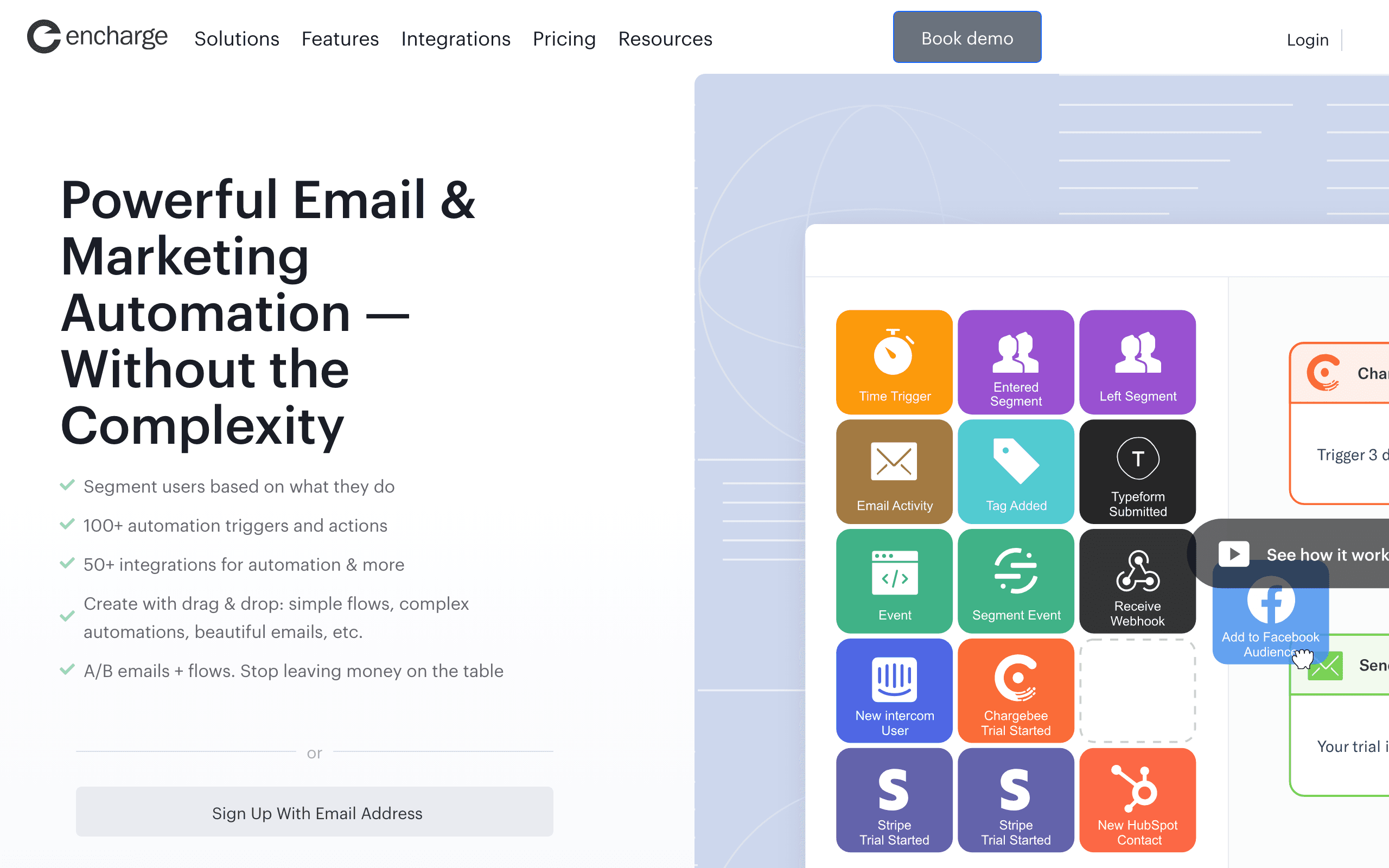
Best for: Non-technical teams wanting visual flows alongside Intercom
Encharge has a native Intercom integration with one of the more usable visual flow builders in the category. Intercom conversations, tags, and segments can act as triggers in Encharge automations, and the visual canvas makes branching logic legible.
For non-technical founders who want to see their automation logic on a canvas (and explain it to teammates without engineering background), Encharge is an underrated choice. It also combines Intercom triggers with other data sources cleanly.
The downside is that Encharge sits in the middle of the market: more expensive than entry tools, less powerful than Customer.io. The visual builder is great until your flows get genuinely complex, at which point it can become hard to navigate.
- Intercom integration: Native Intercom trigger source with one-click connection
- Pricing: From $79/month
- Pros: Visual builder, native Intercom triggers, approachable for non-technical users, supports common SaaS patterns
- Cons: Mid-range pricing, visual builder gets complex at scale, smaller user base, basic email editor
14. Userlist
Best for: B2B SaaS wanting account-level data alongside Intercom support
Userlist is built for B2B SaaS and supports company-level data alongside user-level data. There's no native one-click Intercom connector, so you'd ingest Intercom events via shared event tracking or via Userlist's API.
The differentiator is the company model. If your customers are accounts with multiple users, Userlist lets you build automations that target the admin differently from the power users, both of whom may show up in Intercom conversations.
For B2C or pure individual-user SaaS, Userlist's account model is overhead you don't need. For B2B with real account dynamics, it's one of the cleanest fits in the category.
- Intercom integration: Shared event tracking; no native one-click connector
- Pricing: From $149/month
- Pros: Built for B2B SaaS, company + user model, clean lifecycle segmentation, founder-friendly support
- Cons: Higher starting price, no one-click Intercom integration, smaller community, limited templates
15. Bento
Best for: Indie SaaS wanting events + email alongside Intercom
Bento is a behavior-driven email platform aimed at indie hackers and small SaaS teams. There's no native Intercom connector, but Bento's event API makes ingesting Intercom events straightforward if you're sending them from your app anyway.
The platform leans heavily on events, which fits well with how Intercom thinks about users (event-based). You can build segments and triggers off Intercom-derived events alongside Stripe and product events without leaving Bento.
The rough edges are real: the UI is busy, the docs are uneven, and some flows take more clicks than they should. The price-to-capability ratio is good if you can look past the polish.
- Intercom integration: Shared event tracking via Bento's events API
- Pricing: From $30/month
- Pros: Event-driven model at indie pricing, generous attribute sync, includes deliverability tooling
- Cons: Cluttered UI, documentation gaps, smaller ecosystem, fewer pre-built templates
16. Vero
Best for: Product teams wanting event-based messaging with Intercom context
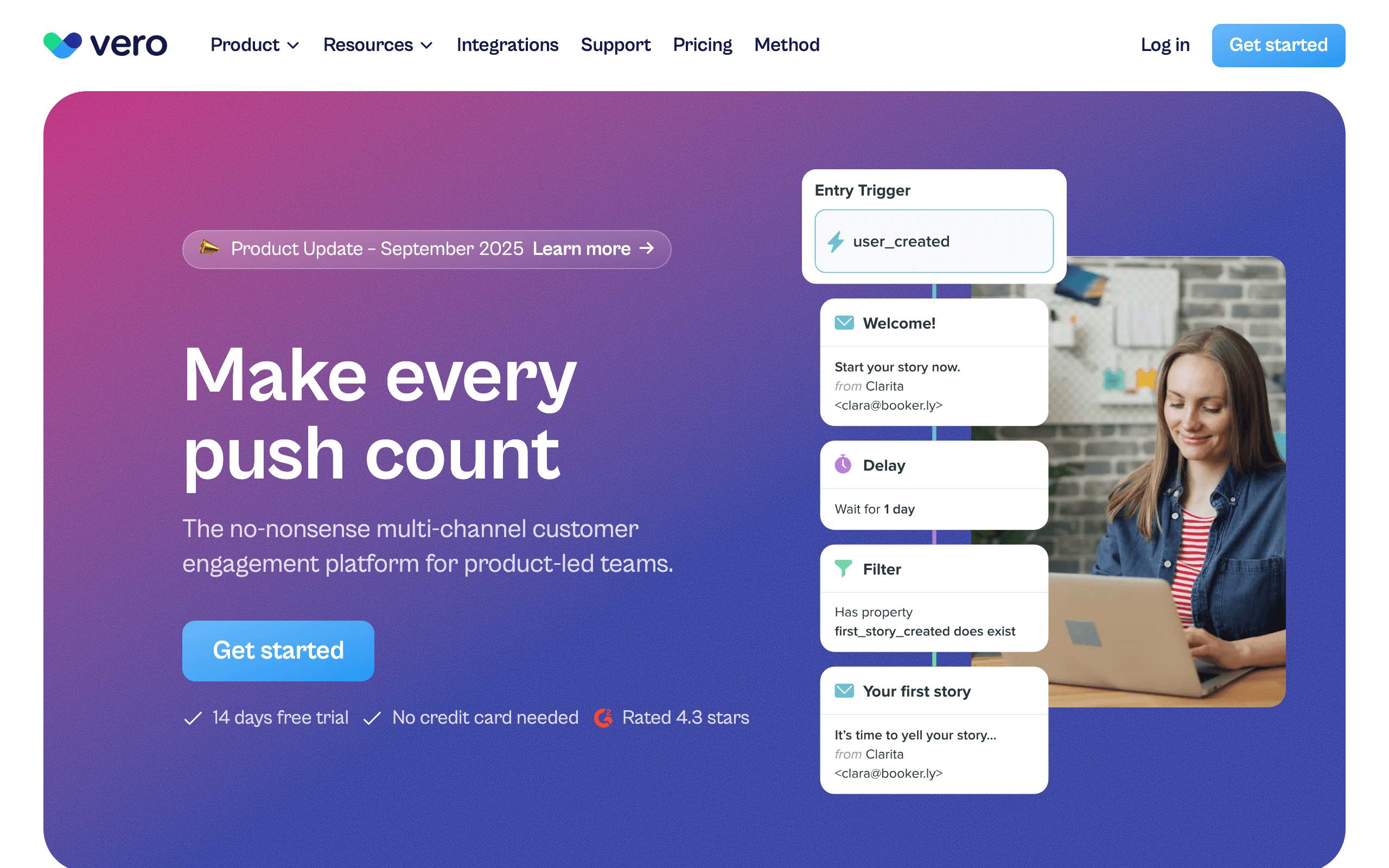
Vero is an event-based messaging platform that's been around longer than most names on this list. There's no native Intercom connector; you forward events via your app or Segment. Once events arrive, Vero's workflow engine is one of the best at expressing complex conditional logic.
For teams who want Customer.io-style flexibility but at a lower price point, Vero is worth a look. The platform supports email and push from the same workflows, which is useful when Intercom owns chat and you want a separate engine for outbound messaging.
The UI feels dated compared to newer entrants, and the ecosystem is smaller. But the underlying engine is mature.
- Intercom integration: Via webhooks or Segment
- Pricing: From $99/month
- Pros: Mature workflow engine, multi-channel (email + push), strong segmentation, predictable pricing
- Cons: No one-click Intercom app, dated UI, fewer integrations than competitors, smaller ecosystem
17. Ortto (formerly Autopilot)
Best for: Marketing teams wanting Intercom data inside a journey builder
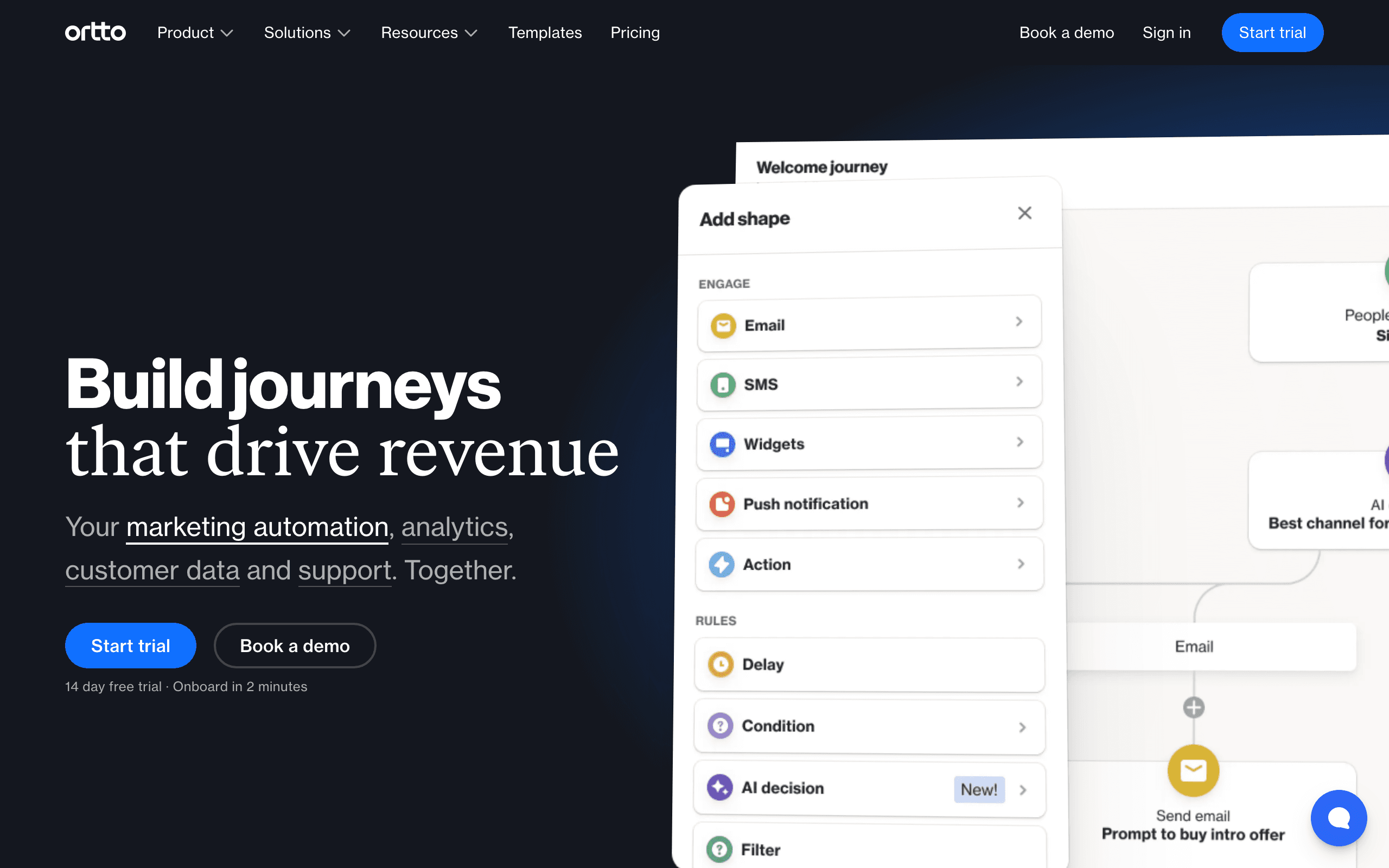
Ortto is a marketing automation platform with a CDP-style activity feed. Intercom is a native data source: connect it and Ortto pulls conversations and contact data into journeys, dashboards, and segments.
For marketing teams who want Intercom data alongside Stripe, product analytics, and other sources in a single journey builder, Ortto is a strong fit. The journey builder is polished and the analytics are deeper than most competitors.
The catch is pricing. The lower tiers don't include the data sources you actually need; realistically you're looking at the higher plans before Intercom-driven journeys become usable.
- Intercom integration: Native data source feeding journeys, audiences, and dashboards
- Pricing: From $599/month for the tier where Intercom data is genuinely usable
- Pros: Strong journey builder, Intercom data integrated with analytics, multi-channel, polished UI
- Cons: Expensive once you need Intercom + automation, complex to learn, overkill for small teams
18. Postmark
Best for: Developers needing transactional email alongside Intercom
Postmark is a transactional email service with exceptional deliverability. There's no Intercom integration in the dashboard sense; you use Postmark to send transactional email (receipts, password resets, security alerts) from your app, while Intercom handles in-app and support messaging.
The split is clean: Intercom for engagement and support conversations, Postmark for the time-sensitive transactional emails that need to land in seconds. For a fuller stack, pair Postmark with a marketing tool (Sequenzy, Customer.io) for lifecycle sequences.
What you don't get is automation. Postmark sends what you tell it to send. Multi-step sequences live elsewhere.
- Intercom integration: Webhook-driven from your app; no native connector
- Pricing: From $15/month for 10,000 emails
- Pros: Best-in-class transactional deliverability, fast delivery, clean API, great docs
- Cons: No marketing email, no automation, no Intercom connector, requires development work
19. SendGrid
Best for: Teams sending transactional from Intercom workflows
SendGrid (Twilio SendGrid) is one of the original transactional email APIs and is still heavily used for receipts and webhook-triggered email. There's no native Intercom integration; you'd call SendGrid's API from your own webhook handler when Intercom events fire.
The Marketing Campaigns product on top of SendGrid exists but is widely considered the weakest part of the platform. Most SaaS teams using SendGrid pair it with a marketing tool from this list and treat SendGrid as transactional infrastructure.
For high-volume transactional email alongside Intercom, SendGrid earns a spot. Just don't expect it to be your lifecycle automation engine.
- Intercom integration: Webhook-driven from your app; no native connector
- Pricing: Free up to 100 emails/day; paid plans from $20/month
- Pros: Mature transactional infrastructure, scales to high volume, established deliverability tooling
- Cons: Marketing Campaigns is weak, no Intercom-aware automation, support has mixed reputation
20. Iterable
Best for: Enterprise SaaS coordinating Intercom + email at scale
Iterable is an enterprise messaging platform used by larger SaaS companies for cross-channel lifecycle programs. There's no point-and-click Intercom connector; events flow through a CDP, data warehouse, or your own services. Intercom events typically arrive via Segment or your event pipeline.
Once data is flowing, Iterable's strengths are real: sophisticated journey orchestration, robust experimentation, and true cross-channel programs across email, SMS, push, and in-app. For a Series B+ SaaS with a real growth team and Intercom in the support stack, this scales.
For early or mid-stage SaaS, Iterable is overkill. Licensing alone usually rules it out.
- Intercom integration: Via CDP (Segment), data warehouse, or webhook ingestion
- Pricing: Custom enterprise pricing, typically $500+/month and up
- Pros: Enterprise-grade orchestration, true cross-channel lifecycle, strong experimentation
- Cons: Expensive, custom integration work required, overkill for small/mid SaaS, long implementations
21. Beehiiv
Best for: Newsletter-led businesses using Intercom for support
Beehiiv is a newsletter platform that has invested in audience growth and paid subscriptions. There's no native Intercom integration, so the connection runs through Zapier or your own webhook setup. Intercom contacts can land in Beehiiv as subscribers, but the relationship is shallow.
For content-led businesses where Intercom handles support questions and Beehiiv handles the newsletter, this division is fine. Beehiiv's strengths (referrals, recommendations network, monetization) don't really overlap with Intercom's, so they coexist without stepping on each other.
For traditional SaaS lifecycle email, Beehiiv is the wrong tool. There's no general-purpose event-to-automation pipeline like Sequenzy or Customer.io offer.
- Intercom integration: Via Zapier
- Pricing: Free up to 2,500 subscribers; paid plans from $39/month
- Pros: Strong audience growth tools, polished editor, good analytics, native paid subscriptions
- Cons: Newsletter-shaped not SaaS-shaped, no general automation engine, weak transactional, no native Intercom
Dividing Email Responsibilities
The cleanest way to run Intercom alongside an email tool:
Intercom handles:
- In-app messages and product tours
- Live chat and support conversations
- Targeted messages to active users (based on page views, actions)
- Short, contextual nudges
- Feedback surveys triggered in-product
Email tool handles:
- Onboarding email sequences
- Lifecycle marketing (trial conversion, upgrade, retention)
- Newsletters and content campaigns
- Dunning and payment-related emails
- Re-engagement campaigns (for users who aren't in your app)
- Transactional email (receipts, password resets)
- Announcement emails to your full subscriber base
The key principle: Intercom reaches users who are in your product. Your email tool reaches users who aren't. There's some overlap (onboarding uses both), but the general division holds.
Handling the Overlap: Onboarding
Onboarding is where Intercom and email tools overlap the most. Here's a practical approach:
- Day 0-3: Both systems are active. Intercom handles in-app guidance (tooltips, product tours, contextual help). Email tool sends welcome emails and setup instructions.
- Day 4-14: If the user is active in-product, Intercom takes the lead with in-app messaging. If they've gone quiet, email takes the lead with re-engagement.
- Day 14+: Email owns the relationship. Most users won't be in your app daily, so inbox-based communication becomes primary.
Use event tracking to coordinate. When Intercom delivers a message successfully (user seen in-app), your email tool can skip the equivalent email. When a user hasn't been active for 48 hours, Intercom should step back and email should step forward.
How to Choose
You want to fully replace Intercom's email features: Customer.io. The most powerful alternative for event-driven email automation. Best for technical teams with engineering resources.
You're SaaS and need lifecycle email alongside Intercom: Sequenzy. Purpose-built for the email workflows Intercom can't handle well. Best for SaaS teams that want clean separation between in-app and inbox messaging.
You want simple newsletters alongside Intercom messaging: Mailchimp. Native integration, familiar tool. Best for teams with basic campaign needs.
You want focused simplicity: Loops. Email sequences without the complexity. Best for early-stage startups with straightforward email needs.
You need full marketing automation: ActiveCampaign. The most feature-rich option alongside Intercom. Best for mid-size teams with dedicated marketing operations.
You need reliable transactional delivery: Resend or Postmark. Fast, developer-friendly transactional email. Best for engineering teams that want the cleanest possible transactional setup.
You're already on HubSpot: HubSpot's Intercom app keeps everything in one place even if it's not the most SaaS-native option.
You're enterprise: Iterable or Ortto handle real cross-channel complexity at real prices.
FAQ
Can I turn off Intercom's email and use another tool entirely? Yes. You can disable Intercom's outbound email and only use it for in-app messaging and live chat. Many teams do this to avoid deliverability issues and to use a more capable email tool. Just make sure your replacement handles the onboarding sequences that Intercom was running. Audit your Intercom Series before disabling email to ensure nothing falls through the cracks.
Will I over-message users with two tools? Only if you don't coordinate. Define clear ownership: Intercom handles in-app, email tool handles inbox. Avoid having both tools send email about the same events. Some teams use suppression lists or event flags to prevent overlap. The simplest approach is to never have both tools send email. Intercom sends in-app messages only, your email tool sends email only.
Is Intercom's email deliverability good enough? For in-app triggered messages to engaged users, it's fine. For large marketing campaigns, it's inconsistent. Intercom shares sending infrastructure across all customers, which means your deliverability is affected by others on the platform. Dedicated email tools give you better control over sender reputation, authentication, and inbox placement.
Should I use Intercom Series or a separate email tool for onboarding? If your onboarding is primarily in-app (tooltips, product tours, in-app messages), use Intercom Series. If onboarding involves substantial email (multi-day sequences, educational content), use a dedicated email tool. Most teams use both: Intercom for in-app guidance, email tool for inbox-based onboarding. See the "Handling the Overlap" section above for a practical approach.
How do I track performance across both tools? This is genuinely difficult. Neither Intercom nor most email tools give you a unified view of messaging performance across both channels. The practical approach is to track conversion events in your product analytics tool (PostHog, Mixpanel, Amplitude) and attribute them to the messaging channel that preceded them. This gives you a clearer picture than trying to merge reports from two separate messaging platforms.
What if my team grows and needs more from email? Start simple. If you're early-stage, Intercom + Loops or Intercom + Sequenzy covers most needs. As you grow, you can migrate to a more powerful email platform (Customer.io, ActiveCampaign) without changing your Intercom setup. The key is to keep Intercom focused on in-app messaging so your email tool choice can evolve independently.
Can I use a CDP to coordinate between Intercom and my email tool? Yes. A CDP like Segment can route events to both Intercom and your email tool from a single tracking call. This simplifies instrumentation and gives you a central place to manage event routing. It's the cleanest approach but adds another tool (and cost) to your stack.
How much does running Intercom plus a separate email tool cost? Intercom starts around $74/month for small teams and scales into hundreds for larger ones. Add an email tool ($19-100/month) and potentially Zapier ($20-50/month for the connection), and you're looking at $120-400+/month for the full stack. Compare this against Intercom alone (with its email limitations) or a dedicated email platform alone (without in-app messaging) to decide if the combination is worth it for your stage.