
21 Best Email Tools With High Deliverability (2026)

Deliverability is the metric that makes every other email metric possible. A 50% open rate means nothing if only 60% of your emails reach the inbox. The other 40% landed in spam, bounced, or disappeared into the void.
Email deliverability depends on three things: your sender reputation, your authentication setup, and the infrastructure your email tool provides. You control the first two. Your email platform controls the third. Choosing a platform with strong deliverability infrastructure gives you a foundation to build on.
Here's which platforms consistently deliver emails to the inbox.
What Determines Email Deliverability
Sender reputation: Built over time based on engagement rates, complaint rates, bounce rates, and sending patterns. Good reputation means inbox placement. Bad reputation means spam folder. Your reputation is tied to your sending domain and IP address, and it takes weeks to build but can be damaged in a single day of poor sending.
Authentication: SPF, DKIM, and DMARC records that prove your emails are legitimately from you. Without these, email providers are suspicious. Authentication is table stakes in 2026. Gmail and Yahoo both enforce authentication requirements, and emails without proper SPF, DKIM, and DMARC alignment are increasingly rejected outright.
Infrastructure: IP reputation, sending volume management, bounce handling, and feedback loop processing. This is what your email platform provides. The quality of the shared IP pool, the speed of bounce processing, and the sophistication of the sending algorithms all affect whether your emails reach the inbox.
Content: Spam filters evaluate content for red flags (excessive caps, spam trigger words, misleading subject lines). But infrastructure and reputation matter more than content. A sender with a strong reputation can send almost anything and reach the inbox. A sender with a weak reputation will struggle even with perfect content.
Engagement: Major email providers (especially Gmail) use recipient engagement as a deliverability signal. If recipients open, click, and reply to your emails, future emails are more likely to reach the inbox. If recipients ignore, delete, or mark as spam, future emails are more likely to be filtered. Your email tool can help by providing engagement data and tools to suppress unengaged contacts.
Quick Comparison
| Tool | Best For | Starting Price | Free Tier | Deliverability Features |
|---|---|---|---|---|
| Sequenzy | SaaS email deliverability with sender separation | From $19/mo | Yes, up to 2.5k emails/mo | Sender separation, guided auth, reputation monitoring |
| Postmark | Highest consistent deliverability in the industry | From $15/mo | No | Strict AUP, clean IP pools, message streams |
| Amazon SES | High deliverability at scale with full control | $0.10 per 1k emails | No | Virtual Deliverability Manager, dedicated IPs |
| Resend | Developer-friendly email with strong deliverability defaults | From $20/mo | Yes, 100 emails/day | Managed IPs, authentication guidance, strict AUP |
| SendGrid | Deliverability tools and expertise at scale | From $20/mo | Yes, 100 emails/day | Dedicated IPs, validation API, expert consulting |
| Mailgun | Deliverability infrastructure with email validation | From $15/mo | No | Email validation, inbox placement testing, dedicated IPs |
| ActiveCampaign | Marketing email deliverability with engagement-based sending | From $29/mo | No | Engagement-based optimization, list hygiene tools |
| Brevo | Budget deliverability with EU data processing | From $9/mo | Yes, 300 emails/day | EU infrastructure, GDPR-compliant, shared IP management |
| SparkPost | Enterprise deliverability analytics and predictive insights | Custom pricing | No (500 emails/mo trial) | Predictive analytics, auto IP warm-up, Signals product |
| MailerSend | SMBs wanting visual + API workflows with good delivery | From $28/mo | Yes, 3k emails/mo | Sender vetting, delivery monitoring, bounce handling |
| SocketLabs | Teams managing deliverability proactively | From $40/mo | Yes, 2k emails/mo | StreamScore monitoring, dedicated IPs, real-time alerts |
| Mailtrap | Dev teams that need testing + sending | From $10/mo | Yes, 1k emails/mo | Email testing sandbox, spam checking, delivery monitoring |
| Elastic Email | Volume senders on a tight budget | $0.09 per 1k emails | No | Email verification included, pay-per-email pricing |
| SMTP2GO | Legacy apps needing SMTP relay | From $10/mo | Yes, 1k emails/mo | Easy SMTP relay, 24/7 support, delivery reporting |
| Mailjet | European businesses with GDPR needs | From $17/mo | Yes, 200 emails/day | EU data processing, shared IP management |
| Loops | Modern SaaS sending product updates | From $49/mo | Yes, limited sends | Event-based sending, authentication, delivery monitoring |
| Plunk | Indie hackers shipping fast | From $19/mo | Yes, 1k emails/mo | Basic shared IP infrastructure, authentication |
| Mailpace | Privacy-focused, no-tracking sending | From $3.25/mo | No | Standard auth, bounce handling, privacy-first monitoring |
| Pepipost | High volume senders in APAC | From $25/mo | Yes, generous free tier | APAC-focused IPs, volume-optimized infrastructure |
| Omnisend | Ecommerce brands needing transactional + marketing | From $16/mo | Yes, 500 emails/mo | Ecommerce-aware segmentation, basic list hygiene |
| Klaviyo | Ecommerce with behavioral triggers | From $20/mo | Yes, 250 emails/mo | Behavioral segmentation, engagement-based optimization |
Best High-Deliverability Email Tool by Use Case
Best high-deliverability email tool for SaaS transactional and lifecycle email
Sequenzy is the better fit when deliverability needs to cover both product-critical messages and lifecycle sequences. The deliverability feature, SPF/DKIM/DMARC setup guide, and transactional email templates are the most relevant supporting pages.
Best high-deliverability email tool for critical transactional email
Postmark is the safest choice when password resets, verification emails, receipts, and notifications must reach the inbox quickly. The Postmark comparison is the best next step if marketing automation is secondary.
Best high-deliverability email tool for AWS-native high volume
Amazon SES is the right infrastructure choice when your team already understands email operations and wants low cost at scale. It is powerful, but it shifts more authentication, monitoring, and reputation work onto your team.
Best high-deliverability email tool for developer teams that still want a polished API
Resend is a good middle path for developers who want clean APIs and managed deliverability defaults. Compare it against Sequenzy in the Resend comparison if you also need marketing automation.
Detailed Reviews
1. Sequenzy
Best for: SaaS email deliverability with sender separation
Sequenzy provides deliverability infrastructure designed for SaaS email. The platform handles authentication setup (SPF, DKIM, DMARC guidance), manages sending reputation, and separates transactional and marketing sending. This separation prevents marketing email complaints from affecting transactional delivery.
For SaaS companies sending a mix of transactional and marketing email, having built-in sender separation protects the emails that matter most. A marketing campaign that generates a few spam complaints won't affect the delivery of your password reset emails or payment receipts.
Sequenzy's authentication setup is guided. When you add a sending domain, the platform provides the exact DNS records to configure and verifies them once they're in place. For founders who aren't email infrastructure experts, this guided approach prevents the common authentication mistakes that tank deliverability from day one.
The platform also monitors engagement metrics and provides visibility into delivery rates, bounce rates, and complaint rates. For SaaS companies where email is critical to the user experience (onboarding sequences, payment notifications, product updates), this monitoring helps catch deliverability issues before they affect users.
Deliverability approach: Sender separation, guided authentication, reputation management, engagement monitoring Best for: SaaS companies needing reliable delivery for transactional + marketing Pricing: Free up to 2,500 emails/month, paid plans from $19/month Pros: Sender separation built in, authentication setup guidance, SaaS-focused, unified platform Cons: Newer platform, smaller sending infrastructure than established providers
2. Postmark
Best for: The highest consistent deliverability in the industry
Postmark has built its entire brand around deliverability. The platform maintains strict sending policies, rejects spammers aggressively, and focuses exclusively on legitimate email. This keeps their IP reputation exceptionally clean.
Postmark publishes its delivery rates publicly (consistently 99%+ for transactional email). The platform separates transactional and marketing email into different "message streams" so marketing complaints never affect transactional delivery. Bounce handling is automatic and aggressive.
What makes Postmark's deliverability exceptional is the strict acceptable use policy. Postmark actively monitors what's being sent through its platform and removes senders who violate its policies. This means the shared IP pool stays clean. When your email shares an IP with only legitimate senders, your deliverability benefits.
The trade-off is that Postmark's strict policies can reject borderline senders. If your email practices aren't squeaky clean (old lists, high bounce rates, aggressive sending frequency), Postmark may not accept you. This strictness is a feature for deliverability, but it means Postmark isn't for everyone.
Postmark's delivery speed is also notable. Transactional emails typically arrive within seconds. For password resets, verification emails, and real-time notifications, this speed matters. Users notice when a verification email takes 30 seconds versus 5 minutes.
Deliverability approach: Strict sender policies, clean IP pools, separate message streams, public metrics, fast delivery Best for: Transactional email where every message must reach the inbox Pricing: From $15/month Pros: Best deliverability reputation, public metrics, strict quality, fast delivery, message streams Cons: Marketing features limited, strict policies may reject borderline senders, primarily transactional
3. Amazon SES
Best for: High deliverability at scale with full control
Amazon SES provides the infrastructure for excellent deliverability, but requires you to manage it. You get dedicated IPs (at volume), authentication setup, and sending reputation management. SES also provides a Virtual Deliverability Manager that monitors and optimizes sending in real-time.
The deliverability advantage is control. You manage your own sending reputation, IP warming, and list hygiene. For teams with email operations expertise, this control produces better deliverability than shared infrastructure. You're not affected by other senders on shared IPs, and you can optimize every aspect of your sending for maximum inbox placement.
SES's Virtual Deliverability Manager is a relatively recent addition that brings managed deliverability features to the self-service platform. It monitors your sending metrics, provides recommendations, and automatically adjusts sending patterns to optimize delivery. For teams that want SES's control and pricing but don't have deep email expertise, the VDM bridges the gap.
The learning curve is real though. SES requires you to understand and manage: IP warming schedules, bounce handling configuration, complaint processing, suppression list management, and sending rate optimization. Getting this wrong can damage your deliverability rather than improve it. SES provides the tools but not the expertise.
Deliverability approach: Customer-managed reputation, dedicated IPs available, Virtual Deliverability Manager, sending optimization Best for: Teams with email expertise wanting maximum control Pricing: $0.10 per 1,000 emails Pros: Full control, dedicated IPs, Virtual Deliverability Manager, scalable, cheapest at volume Cons: Requires expertise, no hand-holding, you own the reputation management
4. Resend
Best for: Developer-friendly email with strong deliverability defaults
Resend focuses on transactional email with good deliverability baked into the defaults. The platform handles authentication setup, manages IP reputation, and monitors delivery metrics. For developers who want reliable delivery without becoming email experts, Resend provides a good foundation.
The delivery monitoring dashboard shows real-time delivery status, bounce rates, and complaint rates. Resend's relatively strict acceptable use policy helps maintain clean shared IP pools.
Resend's approach to deliverability is "good defaults, minimal management." You configure your domain, Resend provides the DNS records, and the platform handles the rest. There's no IP warming to manage, no suppression lists to maintain, no sending rate to optimize. The platform handles these behind the scenes.
For developer-friendly email tools, this managed approach to deliverability is ideal. Developers want to send emails reliably without becoming email infrastructure experts. Resend delivers on this promise for transactional email at reasonable volumes.
Deliverability approach: Managed IPs, authentication guidance, strict AUP, monitoring dashboard, automatic optimization Best for: Developers wanting reliable delivery with minimal management Pricing: Free for 100 emails/day, from $20/month Pros: Good defaults, delivery monitoring, developer-friendly, clean IP pools, minimal management Cons: Shared IPs (no dedicated option on lower tiers), newer platform, transactional focus
5. SendGrid
Best for: Deliverability tools and expertise at scale
SendGrid processes billions of emails and has extensive deliverability infrastructure. The platform offers dedicated IPs, IP warming tools, authentication management, and deliverability consulting (on higher plans). The Email Validation API helps prevent sending to invalid addresses.
SendGrid's expertise is in managing deliverability at scale. The platform provides tools for IP reputation management, suppression list management, and engagement-based sending. For high-volume senders, these tools prevent the deliverability problems that come with scale.
The Email Validation API deserves special mention. It checks email addresses before you send, catching typos, invalid domains, and known spam traps. Sending to invalid addresses is one of the fastest ways to damage reputation, and validating before sending prevents this entirely. The API adds cost, but for high-volume senders, the deliverability improvement justifies it.
SendGrid also offers Expert Insights on higher plans, which provides deliverability coaching and monitoring from SendGrid's internal team. For companies sending millions of emails where deliverability directly impacts revenue, this human expertise complements the platform's automated tools.
Deliverability approach: Dedicated IPs, IP warming, validation API, suppression management, expert consulting Best for: High-volume senders needing deliverability management tools Pricing: From $20/month, dedicated IPs on Pro plan Pros: Battle-tested at scale, dedicated IPs, validation API, expert support available Cons: Shared IP quality varies, deliverability tools on higher tiers, requires management
6. Mailgun
Best for: Deliverability infrastructure with email validation
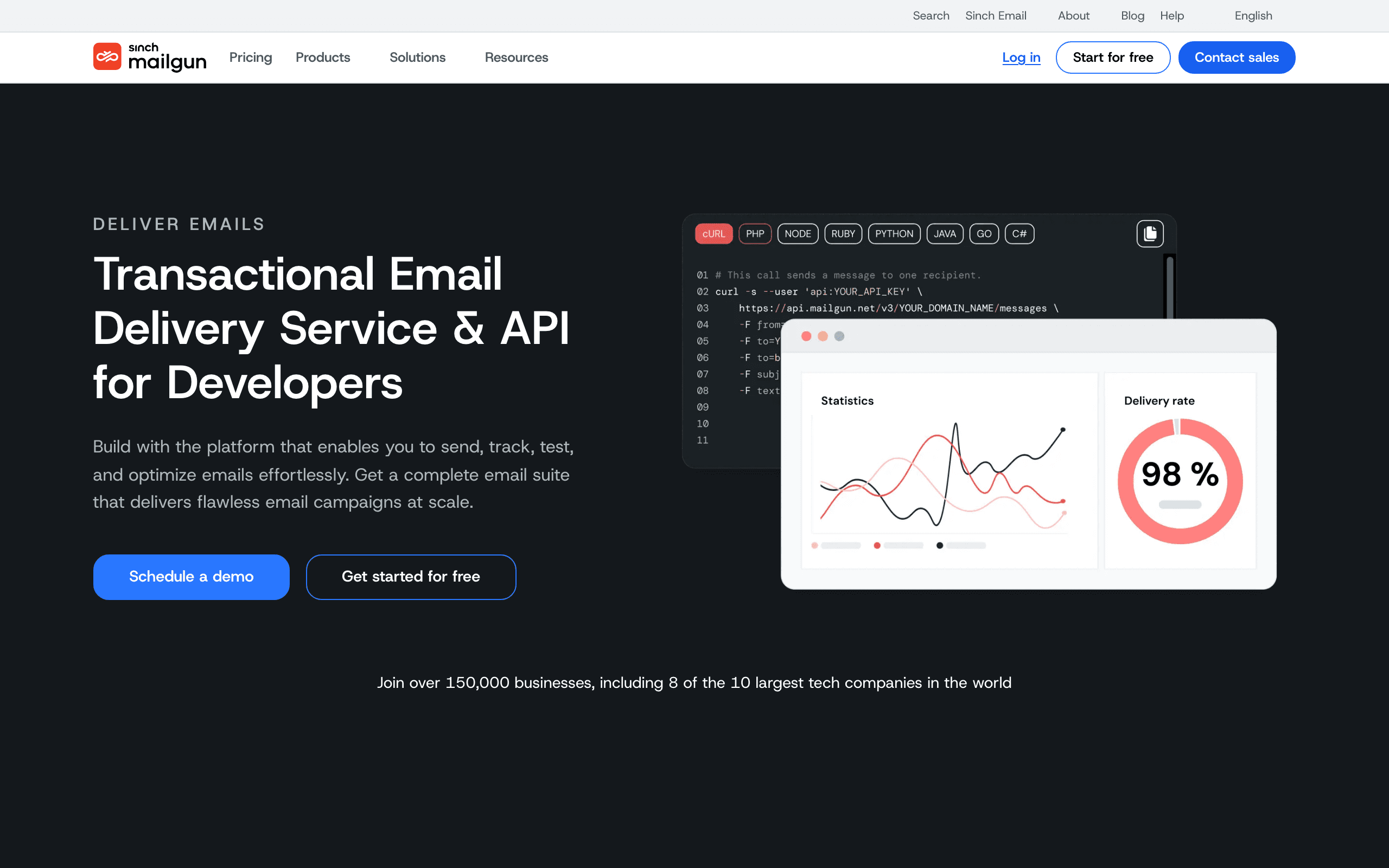
Mailgun provides comprehensive deliverability tools: dedicated IPs, IP warming, email validation (check addresses before sending), and deliverability analytics. The platform's email validation API reduces bounces by catching invalid addresses before you send.
Mailgun's Inbox Placement feature tests where your emails land (inbox, spam, or missing) across major email providers. This proactive monitoring lets you catch deliverability problems before they affect your campaigns.
The Inbox Placement testing is Mailgun's differentiator. Instead of guessing where your emails land, you can test before sending to your full list. Send a test to seed accounts at Gmail, Outlook, Yahoo, and others, and see exactly where the email lands. If it's going to spam at Gmail, you know before your campaign goes out.
Mailgun also provides detailed deliverability analytics that break down performance by email provider. If your emails are landing in the inbox at Outlook but going to spam at Gmail, Mailgun shows this split. This granularity helps you diagnose provider-specific issues rather than working with aggregate numbers.
Deliverability approach: Dedicated IPs, email validation, inbox placement testing, provider-specific analytics Best for: Teams wanting proactive deliverability management Pricing: From $15/month, validation API priced separately Pros: Email validation API, inbox placement testing, dedicated IPs, comprehensive tools, provider-specific analytics Cons: Infrastructure-focused (no marketing features), requires setup, validation adds cost
7. ActiveCampaign

Best for: Marketing email deliverability with engagement-based sending
ActiveCampaign maintains deliverability through engagement-based sending, list hygiene tools, and authentication management. The platform automatically handles bounces, processes complaints, and provides deliverability reporting.
ActiveCampaign's advantage for marketing email is the engagement-based approach. The platform helps you identify and suppress unengaged contacts, which directly improves sending reputation. For marketing campaigns where engagement rates drive deliverability, this proactive approach works well.
The engagement-based approach is important because Gmail and other providers heavily weight engagement signals. If 30% of your list never opens your emails, those ignored emails signal to Gmail that your content might not be wanted. ActiveCampaign's tools help you identify and suppress those unengaged contacts, improving the engagement rate of the contacts you do email and boosting inbox placement.
ActiveCampaign also provides deliverability reporting that shows inbox placement trends over time. You can see whether your deliverability is improving or declining and correlate changes with specific campaigns or list changes.
Deliverability approach: Engagement-based optimization, list hygiene, bounce handling, authentication, deliverability reporting Best for: Marketing email where engagement management drives deliverability Pricing: From $29/month Pros: Engagement-based deliverability, list hygiene tools, automatic bounce handling, reporting Cons: Shared IPs (dedicated on enterprise), less control than infrastructure platforms
8. Brevo (formerly Sendinblue)
Best for: Budget deliverability with EU data processing
Brevo offers decent deliverability at prices that are hard to beat. The platform handles authentication, manages shared IP reputation, and provides basic deliverability tools. For budget-conscious teams, Brevo provides acceptable inbox placement without the enterprise price tag.
The free plan is one of the most usable in the market - 300 emails/day works out to roughly 9,000/month, which is enough to actually run a small product on. This is dramatically more generous than SendGrid's free tier and more useful than trial-only models.
European founders should pay attention to Brevo. They're a French company with EU data processing by default, GDPR-first design, and good support for multilingual sending. For anyone navigating European data sovereignty rules, this is a meaningful advantage over US-headquartered providers.
The trade-offs are quality. Deliverability is acceptable but not best-in-class - if you're competing with Postmark or Sequenzy on inbox placement, you'll feel the gap. The shared IP pools can be variable, and support is slower on free and starter plans.
Deliverability approach: Shared IP management, authentication handling, basic monitoring, EU-focused infrastructure Best for: Budget-conscious teams and European businesses Pricing: Free for 300 emails/day, from $9/month Pros: Very affordable, usable free plan, marketing + transactional in one, GDPR-ready, EU data processing Cons: Deliverability not best-in-class, variable shared IP quality, Brevo branding on free plan, slow support on cheaper tiers
9. SparkPost
Best for: Enterprise deliverability analytics and predictive insights
SparkPost sends roughly 40% of the world's commercial email. Their predictive deliverability analytics (Signals) use machine learning to predict inbox placement before you hit send. For enterprise teams where deliverability is critical, SparkPost is the gold standard for understanding what's actually happening to your mail.
The Signals product is genuinely differentiated. Most providers tell you about delivery problems after they happen; Signals tries to predict them based on engagement patterns, complaint trends, and ISP-level signals. For a team running a 10M+ email program where a deliverability dip costs real revenue, this is worth paying for.
Automatic IP warm-up is another underrated feature. New dedicated IPs need careful warm-up to build reputation, and SparkPost handles the gradual ramp automatically based on volume targets. Most providers leave this to you.
The downsides are exactly what you'd expect from an enterprise product. Pricing is custom (no transparent tiers), the dashboard has a real learning curve, the docs are dense, and the free tier is tiny (500 emails/mo). If you're not at the volume where Signals justifies enterprise pricing, you're better off elsewhere.
Deliverability approach: Predictive analytics, adaptive email network, dedicated IPs with auto warm-up, enterprise infrastructure Best for: Enterprise teams with complex deliverability needs Pricing: Custom enterprise pricing Pros: Best deliverability analytics, handles massive scale, predictive scoring, automatic IP warm-up, enterprise infrastructure Cons: Custom pricing only, enterprise-focused, dashboard has a learning curve, dense docs, tiny free tier
10. MailerSend
Best for: SMBs wanting visual + API workflows with good delivery
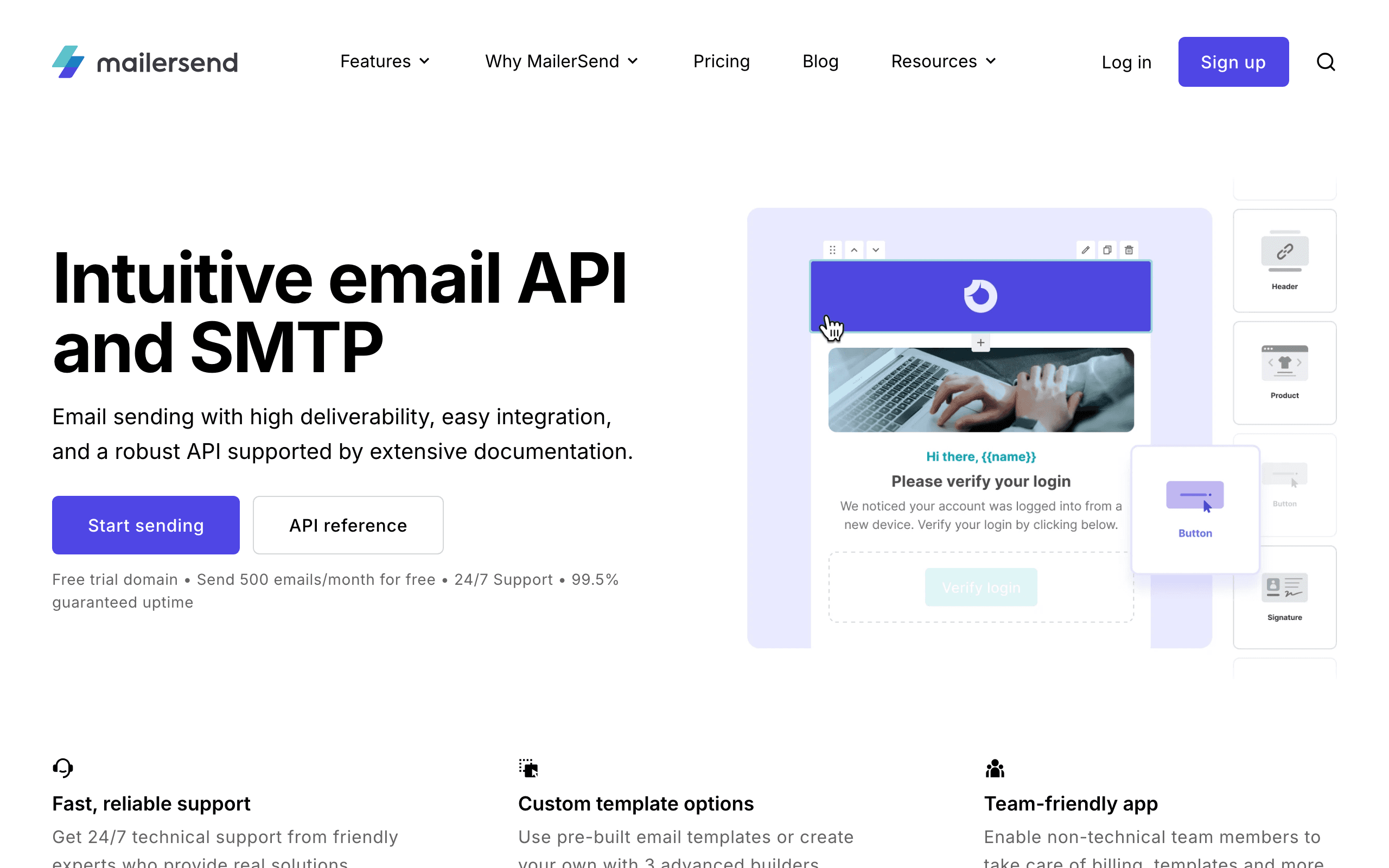
MailerSend is from the team behind MailerLite, built specifically for transactional email with modern deliverability infrastructure. The platform manages shared IP reputation carefully, provides authentication setup, and offers solid delivery monitoring.
The platform combines a developer-friendly API with visual tools that non-developers can use. This dual approach makes it great for teams with mixed technical skills - developers can integrate via API while marketing teams can manage templates visually.
MailerSend maintains decent shared IP pools through careful sender vetting and volume management. The platform provides delivery rate monitoring, bounce handling, and basic deliverability analytics. For SMBs that don't need enterprise-scale tools, this is sufficient.
The trade-off is enterprise readiness. MailerSend hasn't been proven at the same scale as SendGrid or SES, and deeper enterprise features (advanced analytics, dedicated IP options on lower plans) aren't there. For SMBs and growing startups this isn't a problem; for enterprise sending it's a real gap.
Deliverability approach: Shared IP management, authentication, delivery monitoring, bounce handling, sender vetting Best for: SMBs and growing teams Pricing: Free for 3,000 emails/month, from $28/month Pros: Modern API, visual template builder, good free plan, decent deliverability, SMB-friendly Cons: Less proven at enterprise scale, basic advanced analytics, no dedicated IP on lower plans, newer platform
11. SocketLabs
Best for: Teams managing deliverability proactively
SocketLabs provides unique deliverability management through their StreamScore system, which gives you a real-time score of your sending health. Their platform helps you identify and fix deliverability issues before they become problems.
StreamScore is the core differentiator. It synthesizes your bounce rates, complaint rates, engagement metrics, and ISP signals into a single 0-100 score per sending stream, with proactive alerts when the score drops. For teams that have been burned by deliverability problems they didn't see coming, this kind of leading indicator is genuinely valuable.
The dedicated IP options are well-implemented. SocketLabs handles warm-up automatically, isolates streams properly, and gives you clear visibility into IP-level reputation. For teams scaling past the point where shared IPs make sense, the operational support here is better than most providers offer.
The trade-offs are price and polish. SocketLabs costs more than most competitors at the same volume ($40/mo for 40k emails vs $15/mo for SendGrid Essentials), the API is adequate but not cutting-edge, and the dashboard could use a refresh. You're paying for the deliverability tooling, not the developer experience.
Deliverability approach: StreamScore monitoring, dedicated IPs with auto warm-up, real-time alerts, reputation management Best for: Teams that need proactive deliverability monitoring Pricing: Free for 2,000 emails/month, from $40/month Pros: Unique StreamScore system, proactive deliverability tools, issue notifications, dedicated IP options, decent free plan Cons: Higher pricing than competitors, adequate but not modern API, dated dashboard, smaller community, limited templates
12. Mailtrap
Best for: Dev teams that need testing + sending
Mailtrap started as an email testing tool and expanded into production sending. This combination is unique - you can test your emails in a safe environment, then flip a switch to send them for real with the same SDK and templates.
The Email Testing Sandbox is legendary among developers. Point your dev or staging environment at Mailtrap and every email your app generates gets captured for inspection - you can preview HTML, check spam scores, validate links, and verify rendering across email clients without actually sending anything.
The production sending side is newer and decent but not best-in-class. Deliverability is fine for low-to-mid volumes but Mailtrap doesn't have the deliverability reputation of Postmark or the scale of SES. For dev teams who want one tool spanning testing and production, the trade-off is worth it.
The CI/CD integration is well thought out. You can write tests that assert on email content (subject, links, recipient) by querying the sandbox API, which catches a lot of regressions before they ship. For teams that treat email delivery as a critical system component, this testing capability is invaluable.
Deliverability approach: Production sending with shared IPs, authentication, spam checking, delivery monitoring Best for: Development teams that want integrated testing + sending Pricing: Free for 1,000 emails/month sending + 100 test emails/month, from $10/month Pros: Best-in-class testing sandbox, seamless test-to-production workflow, great for CI/CD, spam checking, affordable Cons: Smaller sending infrastructure, less proven at high volume, limited marketing features, basic templates
13. Elastic Email
Best for: Volume senders on a tight budget
Elastic Email offers some of the lowest per-email pricing in the market. Their pay-as-you-go model ($0.09 per 1,000 emails) is perfect for apps with variable sending volumes - you only pay for what you use, with no monthly commitment.
The pay-per-email pricing is genuinely useful for apps with spiky volumes. If you send 10k one month and 500k the next, you're not paying for capacity you don't use. Most providers force you into monthly tiers that punish irregular sending patterns.
Bundled email verification is a nice touch. Before you import a list or send to a new cohort, you can validate addresses through Elastic Email's API at no extra cost. This catches obvious bounces before they hurt your reputation.
The trade-offs are quality and polish. Deliverability is inconsistent - sometimes great, sometimes mediocre - and the support quality varies. The dashboard feels dated, the docs need work, and automation features are basic. For apps that just need cheap sending with a usable UI, this is fine. For anything where deliverability is critical, look at Postmark or SES with proper setup.
Deliverability approach: Shared IP pools, email verification, authentication, basic monitoring Best for: Budget-conscious senders with variable volume Pricing: Pay-as-you-go at $0.09 per 1,000 emails, from $29/month Pros: Very affordable, flexible volume, transactional and marketing, email verification included, easy SMTP setup Cons: Inconsistent deliverability, variable support, dated dashboard, limited automation, docs need work
14. SMTP2GO
Best for: Legacy apps needing SMTP relay
SMTP2GO focuses on making SMTP relay as simple as possible. If your application already sends email via SMTP and you just need a reliable relay service, SMTP2GO gets you set up in minutes. Their reporting and deliverability tools are solid additions.
The SMTP setup experience is the cleanest in the market. You sign up, verify your domain, get credentials, and point your existing SMTP-using app at their server. There's no API to learn, no SDK to integrate, no template system to migrate to - it just works as a drop-in replacement for your current SMTP setup.
Deliverability is solid through careful shared IP management. SMTP2GO maintains decent IP reputation through sender vetting and volume controls. The platform provides delivery reporting, bounce handling, and basic deliverability analytics.
24/7 support on every plan, including the free tier, is unusually generous. Most providers reserve real support for paid plans only. For a small team or solo developer who hits a deliverability issue at 2am, this matters.
Deliverability approach: Shared IP management, SMTP relay optimization, delivery reporting, authentication Best for: Applications requiring simple SMTP relay Pricing: Free for 1,000 emails/month, from $10/month Pros: Easiest SMTP setup, 24/7 support on all plans, good deliverability, archiving included, free plan Cons: Less polished API, basic templates, no marketing features, dated dashboard, limited webhooks
15. Mailjet
Best for: European businesses needing GDPR compliance
Mailjet is a European email service (now owned by Sinch) that offers both transactional and marketing email. Their GDPR-first approach and EU data processing make them a natural choice for European businesses concerned about data sovereignty.
EU data processing is the headline feature. Your subscriber data and sending logs stay in EU data centers, with proper GDPR-compliant data handling baked into the product rather than bolted on. For European agencies handling client data, this is often a hard requirement.
Deliverability is middle-of-the-pack. Mailjet maintains acceptable shared IP pools and provides standard authentication setup, but nothing stands out. The Sinch acquisition has slowed product development, and Mailjet feels like it's mostly maintaining rather than improving. For European GDPR-driven use cases this is fine; for everything else, there are stronger alternatives.
Deliverability approach: Shared IP management, EU-based infrastructure, authentication, standard monitoring Best for: European businesses with GDPR requirements Pricing: Free for 200 emails/day, from $17/month Pros: GDPR-first, EU data processing, real-time collaboration, good free plan, affordable Cons: Variable deliverability, average API docs, basic templates, limited automation, slow product evolution
16. Loops
Best for: Modern SaaS sending product updates
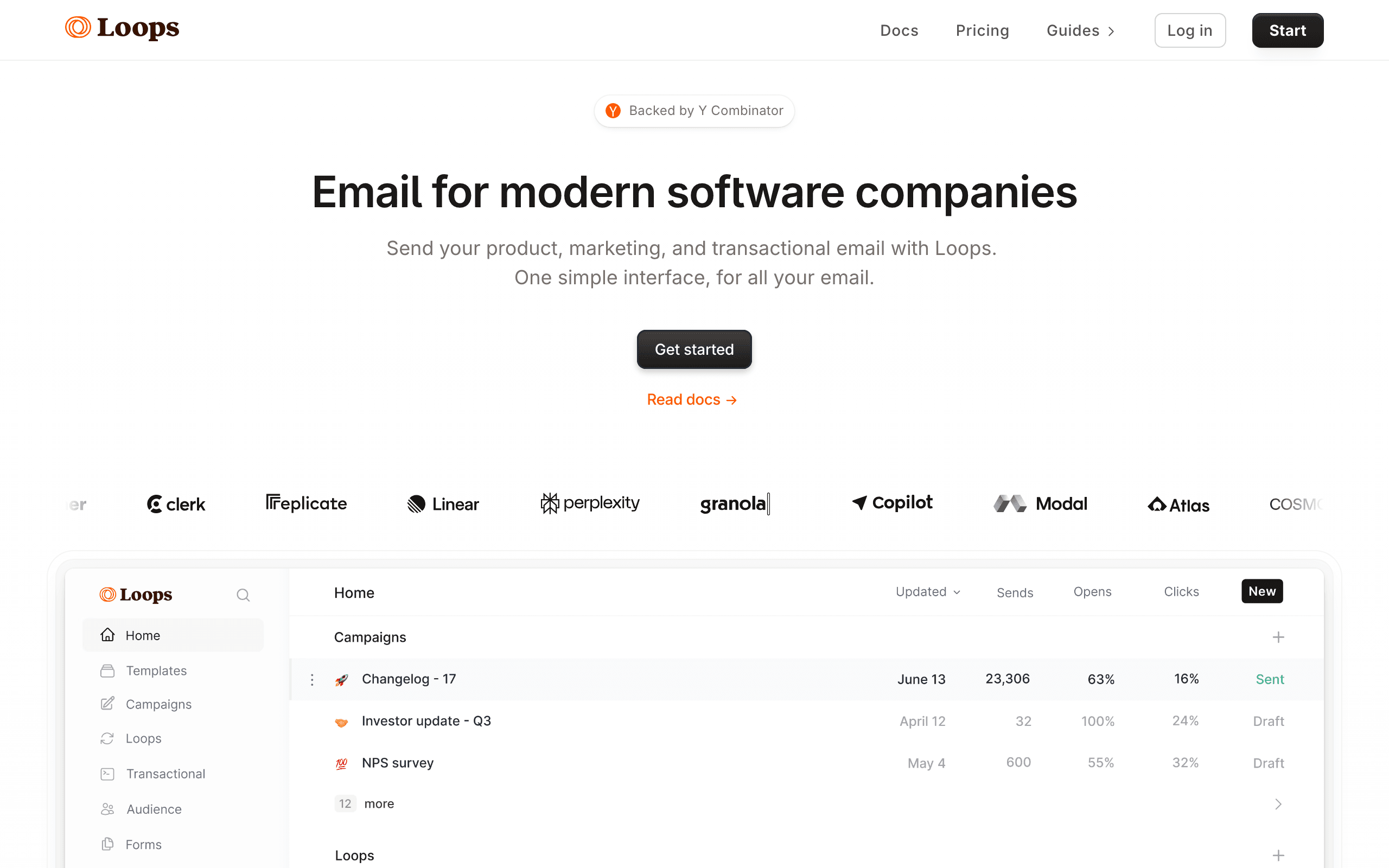
Loops is a newer email platform built specifically for SaaS companies. It handles both transactional and marketing email with a simple, modern interface and decent deliverability infrastructure.
The interface is genuinely the cleanest in this category. If you've been using marketing email tools that bury everything in five layers of menus, Loops is a relief. The information architecture is opinionated and the defaults are sensible, which makes the tool fast to learn and fast to use day-to-day.
Event-based transactional sending is well done. You define events in your code, hook them up to Loops, and design email triggers around them. It's similar to Customer.io's model but much simpler, making it a good fit for SaaS teams who want behavioral triggers without enterprise complexity.
The trade-offs are depth and price. Loops' feature set is intentionally narrower than Sequenzy or Customer.io - if you need advanced segmentation, complex automation logic, or deep integrations, you'll hit limits. And the pricing model is contact-based rather than send-based, which gets expensive faster as your audience grows.
Deliverability approach: Shared IP infrastructure, authentication, delivery monitoring, event-based sending Best for: Modern SaaS teams wanting simplicity Pricing: Free plan with limited sends, from $49/month Pros: Beautiful modern interface, built for SaaS, simple event-based transactional, easy to start, clean defaults Cons: Still early stage, limited automation, no SMTP relay, smaller community, contact-based pricing scales aggressively
17. Plunk
Best for: Indie hackers shipping fast
Plunk is a lightweight transactional email service designed for developers who want to get emails sending in minutes, not hours. Their API is minimal by design - just the essentials, nothing more.
The API surface is intentionally tiny. There are essentially three endpoints: send a transactional email, manage contacts, and trigger an event. For indie hackers shipping an MVP, this is exactly enough - you can integrate Plunk in 15 minutes and never think about email again until you scale.
The open-source option is genuinely useful. Plunk is available as both a hosted SaaS and a self-hostable open-source project, so you can prototype on the hosted version and migrate to self-hosted if you outgrow the pricing or want full control.
Deliverability is basic but functional. Plunk maintains shared IP pools and handles authentication, but this isn't a platform you choose for advanced deliverability features. You choose it for speed and simplicity, not for enterprise-grade reputation management.
Deliverability approach: Basic shared IP infrastructure, authentication, simple monitoring Best for: Early-stage startups wanting minimal setup Pricing: Free for 1,000 emails/month, from $19/month Pros: Extremely simple setup, clean minimal API, affordable, open source available, great for prototyping Cons: Very limited features, small team and community, no SMTP relay, basic analytics, not for high volume
18. Mailpace
Best for: Privacy-focused, no-tracking sending
Mailpace is a privacy-first transactional email service. They don't track opens or clicks by default (you can opt in), and they're transparent about their data handling. For apps where privacy is a selling point, Mailpace aligns with your values.
The no-tracking-by-default stance is genuinely differentiated. Most providers ship with tracking pixels and click-redirects on by default, and you have to actively opt out. Mailpace flips this: tracking is opt-in, your transactional emails don't get tracking pixels by default, and your privacy-conscious users notice the difference.
Deliverability is straightforward. Mailpace provides standard authentication setup (SPF, DKIM), handles bounces and complaints properly, and maintains decent shared IP reputation. This isn't a platform with advanced deliverability tooling - it's a simple, honest sending service.
The pricing is also remarkably honest. $3.25/mo for 500 emails is the kind of pricing that feels designed for actual use rather than to extract maximum revenue per customer. For low-volume privacy-focused apps, the math is hard to beat.
Deliverability approach: Standard shared IP infrastructure, authentication, bounce handling, privacy-first monitoring Best for: Privacy-focused applications Pricing: From $3.25/month for 500 emails Pros: Privacy-first approach, very affordable, no tracking by default, simple and focused, good for GDPR Cons: Very small company, no template editor, intentionally limited analytics, no free plan, minimal features
19. Pepipost
Best for: High volume senders, particularly in APAC markets
Pepipost (now part of Netcore Cloud) offers aggressive volume-based pricing that's particularly competitive in Indian and Southeast Asian markets. For high-volume senders in those regions, the local infrastructure and pricing structure can be more attractive than US-based providers.
The volume pricing is the main draw. At $25/mo for 150,000 emails, the per-email cost is significantly lower than mid-tier US providers like Postmark or SendGrid Essentials. For apps sending hundreds of thousands of emails per month where the absolute cost adds up, this matters.
The APAC focus shows up in the infrastructure. Sending from Pepipost's IPs into Indian and SEA inbox providers tends to deliver well, partly because the IP pools have strong reputation with those ISPs. For apps with primarily APAC audiences, this is a meaningful deliverability advantage.
Deliverability into US/EU inboxes can be more variable than into APAC. The Netcore acquisition has shifted product focus toward enterprise marketing automation, with Pepipost feeling more like a maintained product than an actively-improved one.
Deliverability approach: Volume-optimized shared IPs, APAC-focused infrastructure, authentication, basic monitoring Best for: High volume senders in APAC markets Pricing: From $25/month for 150,000 emails Pros: Excellent volume pricing, strong APAC deliverability, generous free tier, decent API, dedicated IP options Cons: Dated dashboard, less modern API, variable US/EU deliverability, slowed development under Netcore
20. Omnisend

Best for: Ecommerce brands needing transactional + marketing
Omnisend focuses on ecommerce email with decent deliverability infrastructure designed for online stores. The platform separates transactional and marketing sending, provides authentication setup, and offers ecommerce-specific deliverability tools.
The ecommerce integrations are the differentiator. Omnisend connects with Shopify, WooCommerce, and other ecommerce platforms to pull in order data, customer behavior, and purchase history. This context helps improve email relevance, which directly impacts engagement and deliverability.
Deliverability is acceptable but not best-in-class. Omnisend maintains shared IP pools and handles standard authentication, but you're not getting Postmark-level inbox placement here. For ecommerce brands where email is one channel among many (alongside SMS, push, etc.), this trade-off is acceptable.
The platform also provides basic list hygiene tools and engagement reporting. For ecommerce teams that want one platform handling email, SMS, and automation without paying for enterprise-grade deliverability, Omnisend hits the right price point.
Deliverability approach: Shared IP management, ecommerce-aware segmentation, authentication, basic list hygiene Best for: Ecommerce brands with omnichannel needs Pricing: Free for 500 emails/month, from $16/month Pros: Ecommerce integrations, omnichannel (email + SMS), affordable, automation workflows, good for small stores Cons: Deliverability not best-in-class, limited advanced features, shared IPs only, basic reporting
21. Klaviyo
Best for: Ecommerce with behavioral triggers and revenue tracking
Klaviyo is built for ecommerce email with decent deliverability infrastructure. The platform manages shared IP reputation, provides authentication setup, and offers engagement-based deliverability optimization specifically tuned for ecommerce sends.
The behavioral triggering is Klaviyo's strength. You can trigger emails based on browsing behavior, cart abandonment, purchase history, and revenue thresholds. This relevance drives engagement, and engagement drives deliverability. For ecommerce brands, this behavioral focus means better inbox placement than generic email tools.
Revenue tracking is genuinely useful. Klaviyo tracks not just opens and clicks, but actual revenue generated per email and per subscriber. This lets you optimize for revenue rather than vanity metrics, and the platform's deliverability algorithms are tuned accordingly.
Deliverability is good for marketing email but Klaviyo isn't a transactional specialist. For password resets and order confirmations, you'll want a dedicated transactional provider. For marketing emails, newsletters, and behavioral campaigns, Klaviyo's deliverability is solid.
Deliverability approach: Behavioral segmentation, engagement-based optimization, ecommerce-tuned IP pools, revenue-aware sending Best for: Ecommerce brands focused on revenue optimization Pricing: Free for 250 emails/month, from $20/month Pros: Best ecommerce behavioral triggers, revenue tracking, strong segmentation, good integrations, marketing-focused Cons: Not ideal for pure transactional, pricing scales with contacts, can get expensive, learning curve for advanced features
Deliverability Best Practices (Regardless of Platform)
For a comprehensive guide, see our email deliverability guide for 2026. Here are the essentials.
Authentication
Set up SPF, DKIM, and DMARC before sending any email. This is non-negotiable. Without authentication, your emails are more likely to be flagged as suspicious. Every platform provides guidance for this.
In 2026, DMARC enforcement is stricter than ever. Gmail and Yahoo require DMARC alignment for bulk senders. If you're sending more than 5,000 emails per day to Gmail addresses, your DMARC policy must be published and your emails must pass alignment checks. Platforms that guide you through this setup (Sequenzy, Postmark, Resend) save you from configuration mistakes.
List Hygiene
Remove subscribers who consistently don't engage. Sending to unengaged contacts degrades your reputation. Remove hard bounces immediately. Consider removing contacts with no opens in 90-180 days.
Regular list cleaning is one of the highest-impact things you can do for deliverability. A smaller, engaged list outperforms a larger, disengaged list every time. This also means your email metrics become more meaningful when they reflect an engaged audience rather than a bloated one.
Warm Up New Sending Infrastructure
Start with low volume and increase gradually when using a new domain, IP, or email platform. Sudden high-volume sending from an unknown sender triggers spam filters.
A typical warm-up schedule for a new dedicated IP:
- Week 1: 100-500 emails/day to your most engaged contacts
- Week 2: 500-1,000 emails/day
- Week 3: 1,000-5,000 emails/day
- Week 4+: Gradually increase to full volume
Shared IPs from reputable providers (Postmark, Resend) are pre-warmed and don't require this process. This is one advantage of shared infrastructure for smaller senders.
Monitor Complaint Rates
Keep spam complaint rates below 0.1%. Above 0.3% is a red flag that will damage your reputation. Major email providers (Gmail, Yahoo) will throttle or block senders with high complaint rates.
Google's Postmaster Tools provides complaint rate data for Gmail specifically. Set this up regardless of which email platform you use. If your Gmail complaint rate is rising, you need to address it immediately.
Consistent Sending Patterns
Send regular volumes on a consistent schedule. Large spikes in sending volume look suspicious to email providers. Gradual, predictable sending patterns build trust.
If you normally send 5,000 emails per week and suddenly send 50,000, email providers will notice and may throttle your delivery. Plan for volume spikes (product launches, holiday campaigns) by gradually increasing volume in the days before the spike.
Separate Transactional and Marketing Streams
Your transactional emails (password resets, receipts, notifications) should be protected from the reputation impact of marketing emails. If a marketing campaign generates complaints, those complaints shouldn't affect your transactional delivery. Use a platform that supports stream separation (Sequenzy, Postmark) or use separate sending domains for each type.
How to Choose Based on Your Situation
You're a SaaS company sending transactional + marketing email: Sequenzy or Postmark. Both separate streams and protect transactional delivery. Sequenzy is better if you need marketing automation alongside. Postmark is better if transactional delivery is your primary concern.
You're a developer building email infrastructure: Resend for simplicity, SES for control. Resend handles deliverability for you. SES gives you full control but requires expertise.
You're sending high volume (100K+ emails/month): SendGrid or SES. Both offer dedicated IPs and the tools to manage deliverability at scale.
You need proactive deliverability monitoring: Mailgun or SocketLabs. Inbox placement testing and StreamScore monitoring catch problems before they affect your campaigns.
You're focused on marketing email engagement: ActiveCampaign. Engagement-based sending optimization and list hygiene tools improve marketing deliverability.
You're a European business with GDPR requirements: Brevo or Mailjet. Both offer EU data processing and GDPR-first design.
You're an ecommerce brand: Klaviyo or Omnisend. Both offer ecommerce-specific behavioral triggers and revenue-aware deliverability.
You need testing + sending in one tool: Mailtrap. Best-in-class sandbox integrated with production sending.
You're on a tight budget: Elastic Email or SES. Lowest cost per email, though SES requires more setup.
FAQ
What's a good inbox placement rate? For transactional email: 99%+. For marketing email: 95%+ is excellent, 90%+ is acceptable. Below 85% indicates infrastructure or reputation problems. If you're below 90% for marketing email, check your authentication, list hygiene, and complaint rates before blaming your platform.
Does my email platform's deliverability matter more than my sending practices? Your sending practices matter more. The best infrastructure can't save a sender with a dirty list and high complaint rates. But good infrastructure provides a stronger foundation and better tools for maintaining deliverability. Think of it this way: the platform sets your ceiling, and your practices determine how close to that ceiling you get.
Should I use a dedicated IP? At volumes above 50,000 emails/month with consistent sending patterns, a dedicated IP gives you full control over your reputation. Below that, shared IPs from reputable providers are usually fine. The exception is if your shared IP pool includes low-quality senders. Check with your provider about their shared IP management practices.
How long does it take to build sender reputation? 4-8 weeks of consistent, engaged sending. Start with your most engaged subscribers and gradually increase volume. Attempting to send to your full list immediately on a new infrastructure is the fastest way to damage reputation.
Can I fix a damaged sender reputation? Yes, but it takes time. Stop sending to unengaged contacts immediately. Clean your list aggressively. Send only to your most engaged subscribers for 4-6 weeks. Monitor complaint rates and bounce rates. Gradually increase volume as metrics improve. A badly damaged reputation can take 2-3 months to recover.
Do Gmail and Outlook treat deliverability differently? Yes. Gmail weighs engagement signals heavily. If recipients don't open your emails, Gmail moves future emails to spam. Outlook weighs authentication and content signals more. Yahoo has similar requirements to Gmail. Each provider has different thresholds and priorities, which is why provider-specific deliverability analytics (available from Mailgun, SendGrid) are valuable.
Should I use a subdomain for marketing email? Yes. Sending marketing email from a subdomain (e.g., mail.yourdomain.com) rather than your root domain (yourdomain.com) protects your root domain's reputation. If marketing email generates complaints, the reputation damage is isolated to the subdomain. Your transactional email (sent from another subdomain or the root domain) remains unaffected.
How does email segmentation affect deliverability? Significantly. Sending relevant emails to targeted segments produces higher engagement rates than sending the same email to your entire list. Higher engagement means better reputation, which means better deliverability. Segmentation is a deliverability strategy, not just a marketing strategy.
What's the difference between transactional and marketing email deliverability? Transactional email (password resets, receipts) has higher engagement by nature - users are actively waiting for these messages. This means transactional can achieve 99%+ inbox placement even with decent infrastructure. Marketing email competes for attention in a crowded inbox, so engagement-driven deliverability matters much more. Marketing requires better list hygiene, segmentation, and content optimization to reach the same inbox rates.